





© ROOT-NATION.com - Use of content is permitted with a backlink.
The release of mobile GPUs based on the Blackwell architecture coincides with the widespread adoption of 100 W Power Delivery charging in laptops. I’ve been interested in hardware power-optimization for many years, but only now have all the pieces finally aligned. To explore this topic, we’ll use the Lenovo Legion Pro 7 16IAX10H equipped with an NVIDIA GeForce RTX 5070 Ti as a reference point.
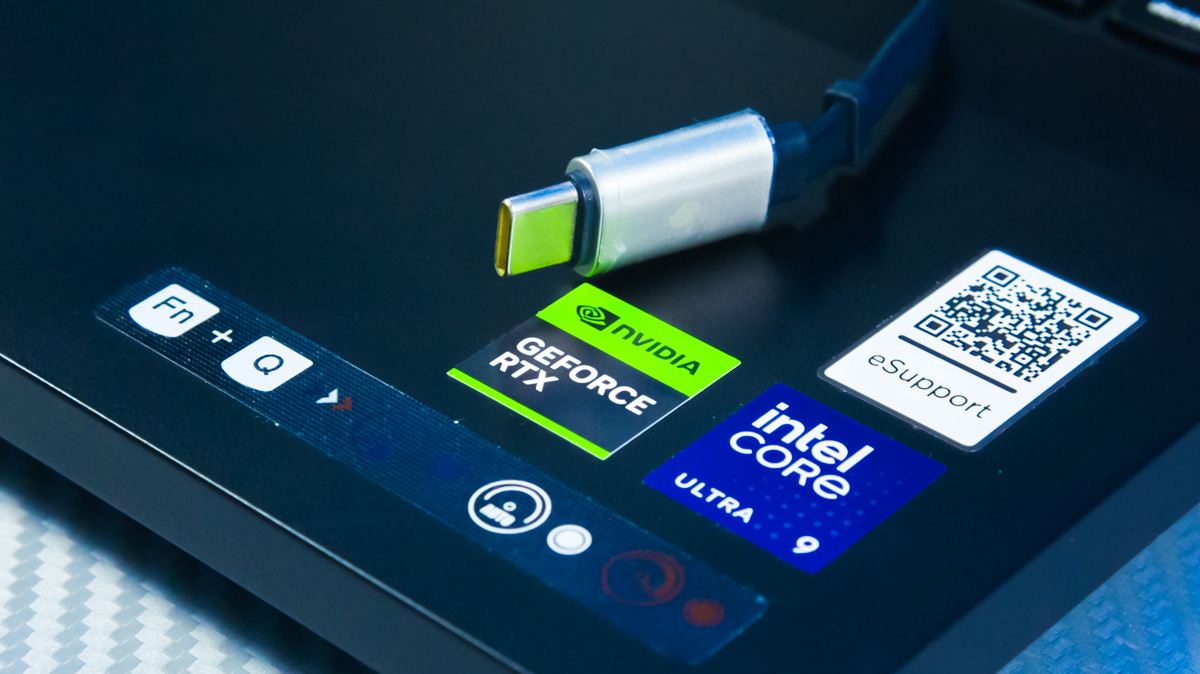
TABLE OF CONTENTS:
Advantages of the traditional power method
At first glance, you might wonder whether USB Type-C charging deserves any attention at all. Many users already rely on a standard power strip or a charging station with plenty of outlets. In addition, most laptops using Power Delivery are limited to 100 W. Only a small number support 140 W, and as of this writing, the Framework 16 is the sole model capable of drawing 240 W.
It’s also worth clarifying what a TGP/TDP performance limit actually means. For example, the NVIDIA GeForce RTX 5070 Ti 12GB in the Lenovo Legion Pro 7 16IAX10H, which can draw up to 160 W from its standard power adapter, will at best receive only around 65 W when using USB-C PD. This is because the system also needs to supply power to the CPU, display, and other components.
Advantages of Type-C
This brings us to why Blackwell is particularly effective even at lower power levels.
All the architectural features I’m aware of – from DLSS 4 MFG to Blueprints and multi-threaded codecs – still function when the GPU is powered via Type-C. Any efficiency losses are minimal or entirely absent.
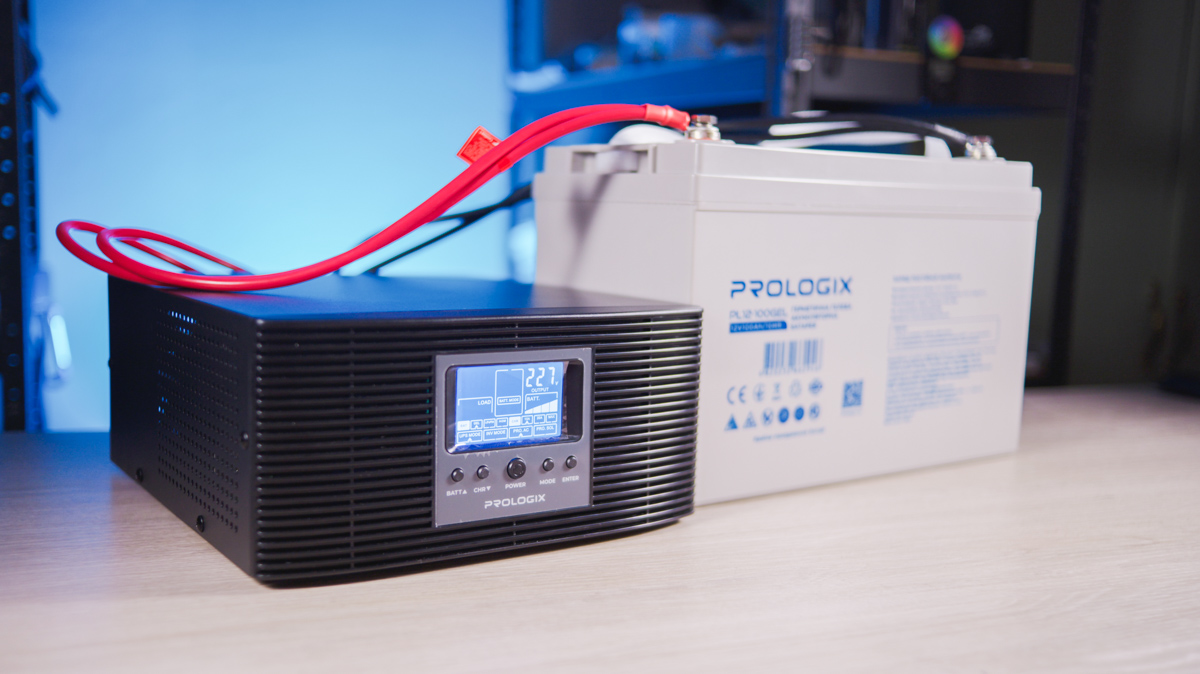
When powering a laptop via a standard AC adapter, the charging station must convert the internal 12 V from the battery to the adapter’s output voltage – typically 220 V. This conversion generates heat and consumes extra energy. That’s why the fans on a Lenovo Legion Pro 7 16IAX10H often activate when charging via AC, but remain silent when charging over Type-C.
It’s also worth noting that most modern devices, including gaming laptops, handle battery operation quite efficiently.
I’m using gaming devices as an example because they allow for decent FPS gaming, typing, and video editing with much greater comfort than was possible just 3–4 years ago. In fact, the Lenovo Legion Pro 7 16IAX10H running on battery approaches the performance of my older laptop with an RTX 3080 16GB when that machine was connected to mains power.
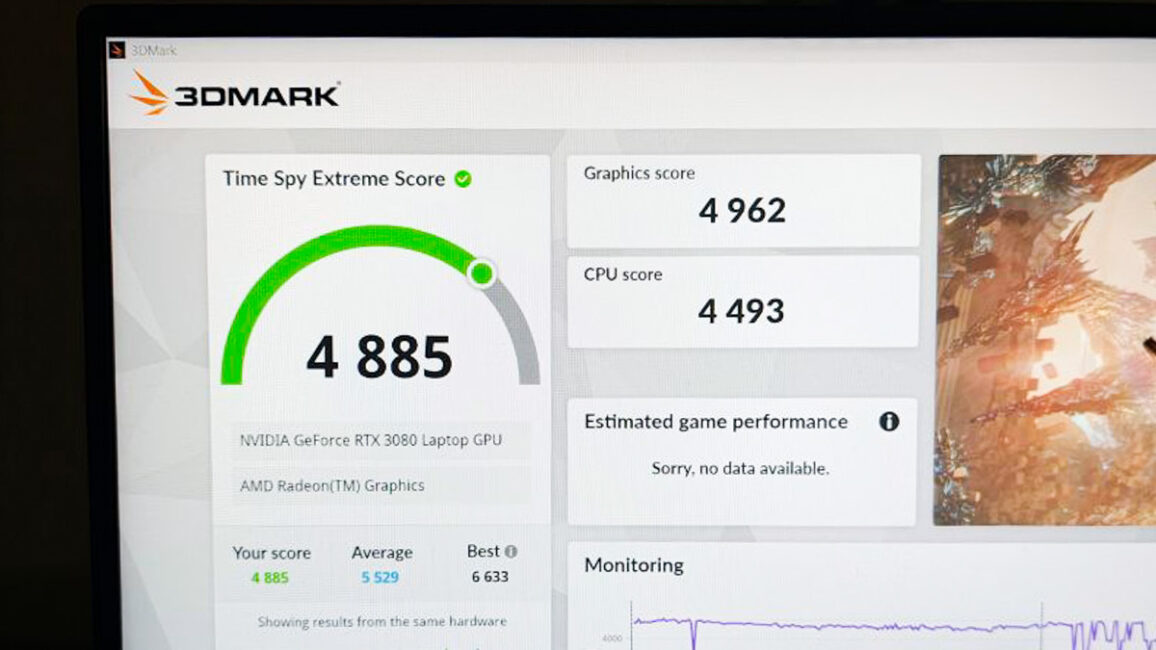
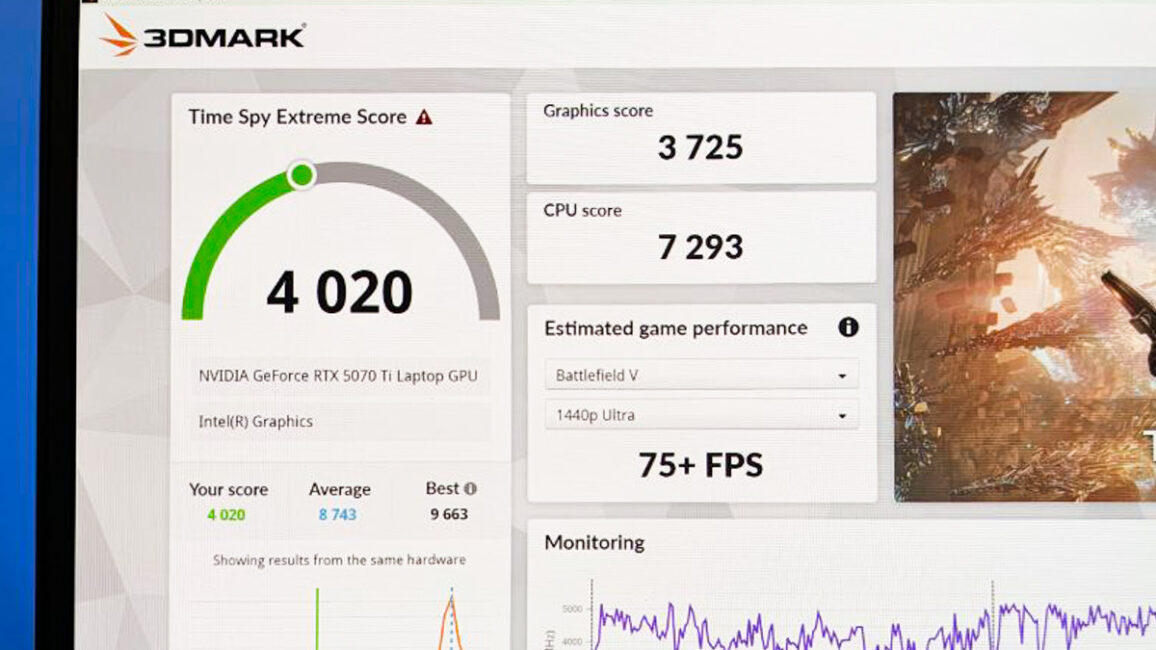
Yes, office and design laptops without a dedicated GPU may not notice the absence of external power at all. Similarly, some modern gaming laptops might not register much difference when connected to a 100 W USB-C charger – performance in games or applications may not increase. What changes instead is how long the laptop can run. This can actually be an advantage, as switching performance modes can sometimes cause instability, potentially interrupting tasks such as video rendering.
And of course, Type-C power is compact. We’ve previously reviewed Baseus devices capable of powering a laptop via Type-C, and they are small enough to fit easily in a bag – or, in some cases, even a pocket.
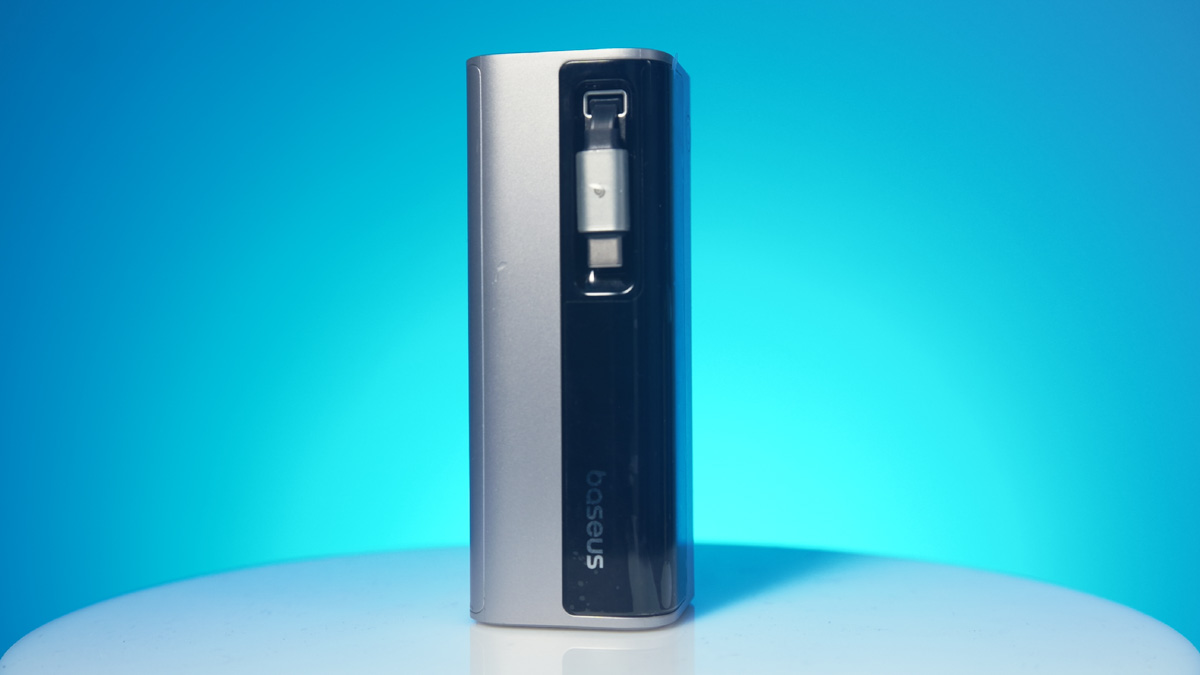
And I can assure you – no pocket in the world can fit a full charging station. As for cables, a 2–3 meter Type-C cable is much easier to find than a proprietary rectangular Lenovo charger plug, which also won’t work properly with a Type-C adapter.
Additionally, devices like the EcoFlow River 3 Max come with an extra EcoFlow EB300 battery, which itself has a 100 W Type-C port. This means you don’t even need to use the main EcoFlow unit for your laptop – you can reserve it for other household devices.
Advantages of the NVIDIA GeForce RTX 5070 Ti
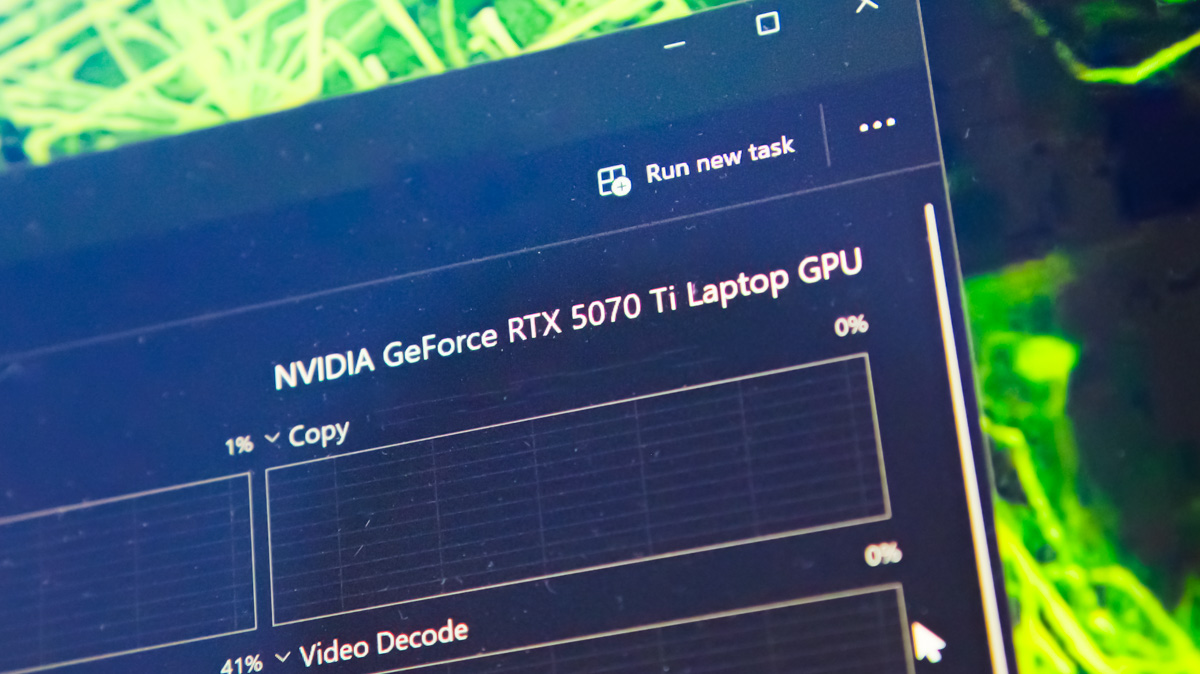
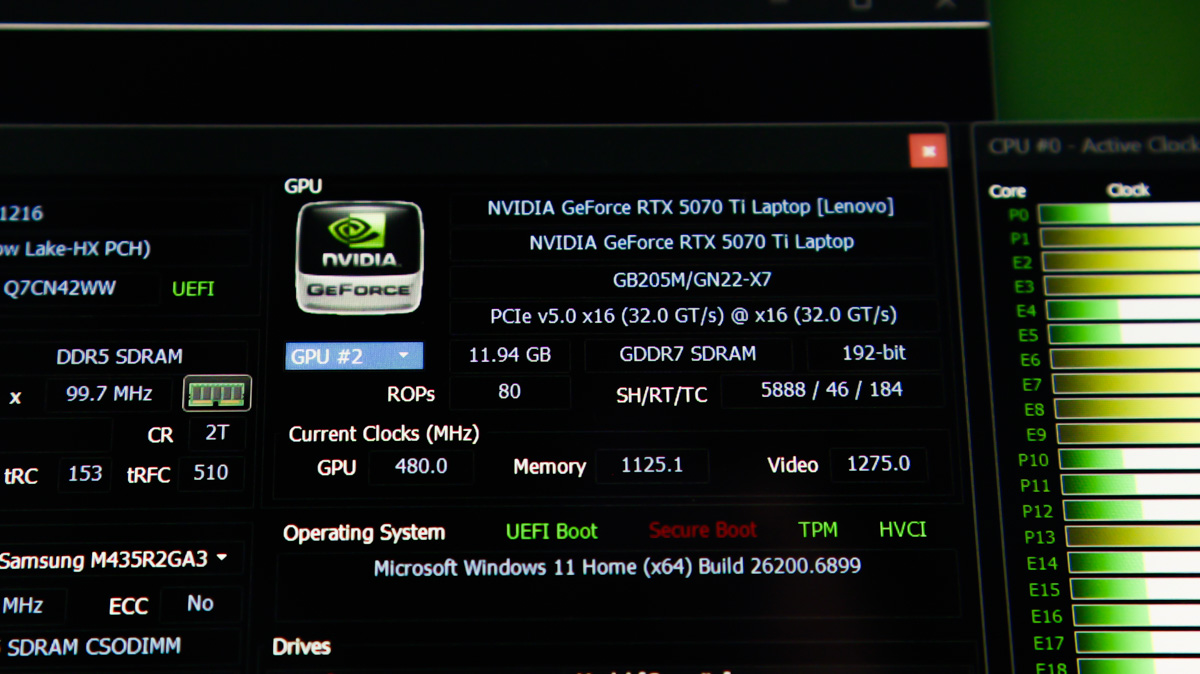
As mentioned earlier, modern devices are far more convenient to use with Type-C power than they were 3–4 years ago. I consider the NVIDIA Blackwell generation a key reason for this improvement, as it allows laptops to operate efficiently even at low power levels. For reference, we can again look at the Lenovo Legion Pro 7 16IAX10H equipped with the NVIDIA GeForce RTX 5070 Ti.
Overall Energy Efficiency
Blackwell doesn’t just deliver strong performance per watt – these GPUs also perform efficiently during idle or light workloads, from video playback to editing short clips for YouTube. The performance of the codecs, tensor cores, and CUDA modules enables more work to be completed in less time, which in turn helps preserve the battery or external power capacity.
DLSS 4 з Multi Frame Generation
We’ve covered this before, but briefly on DLSS: using artificial intelligence, the GPU predicts the next frame to increase FPS. DLSS 4 is currently the most advanced version, minimizing visual artifacts. Multi-Frame Generation further enhances frame output, allowing multipliers of 2×, 3×, or even 4×.
It’s important to note, however, that these technologies require a sufficiently high base FPS to avoid input lag in fast-paced games. Achieving this may necessitate lowering graphics settings to maintain at least 60 FPS.

After that, even MFG 2× can make a gaming session over 100 W Type-C power feel almost perfectly smooth – comfortably playable. MFG 4× takes this even further. For less demanding games, casual titles, or strategy games, input lag is far less critical. As I’ve always said: if the eyes see beauty, the hands are more forgiving of minor delays. Besides, you won’t get the maximum performance instantly anyway.
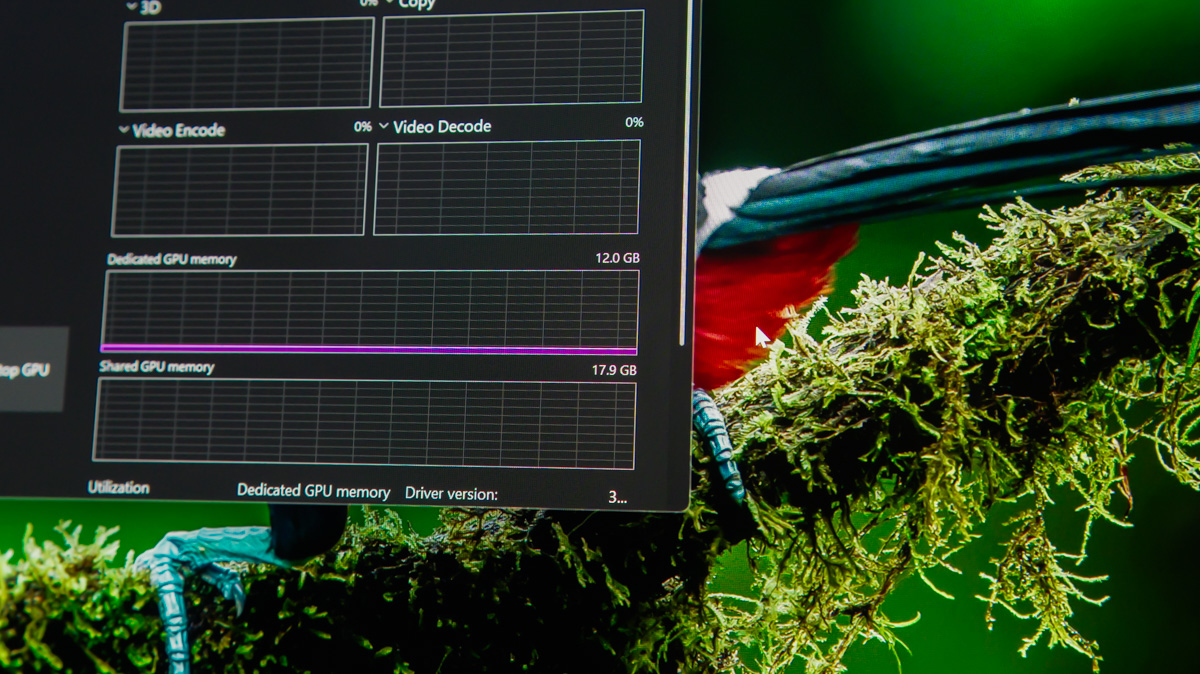
Looking beyond gaming, modern NVIDIA GeForce RTX GPUs are among the most capable for professional work in the company’s history. The VRAM in these new models is larger than ever. Laptops with the RTX 5070 Ti now come with 12 GB of video memory, which is the baseline needed for professional editing in DaVinci Resolve. As for the RTX 5090, it has 24 GB – a capacity that consumer laptops have never seen, even with SLI or NVLink configurations.
Blackwell Optimized for Work
The current generation of CUDA cores handles 3D rendering efficiently, while multi-threaded codecs accelerate video processing quickly and effectively. Additionally, NVIDIA provides different driver types – Game Ready and Studio – optimized for gaming and professional workloads, respectively.

It’s also important to note that these GPUs use GDDR7 memory, which offers higher bandwidth and speed while consuming less power and generating less heat. This allows more energy to be directed to the GPU core itself, resulting in higher overall graphics performance.
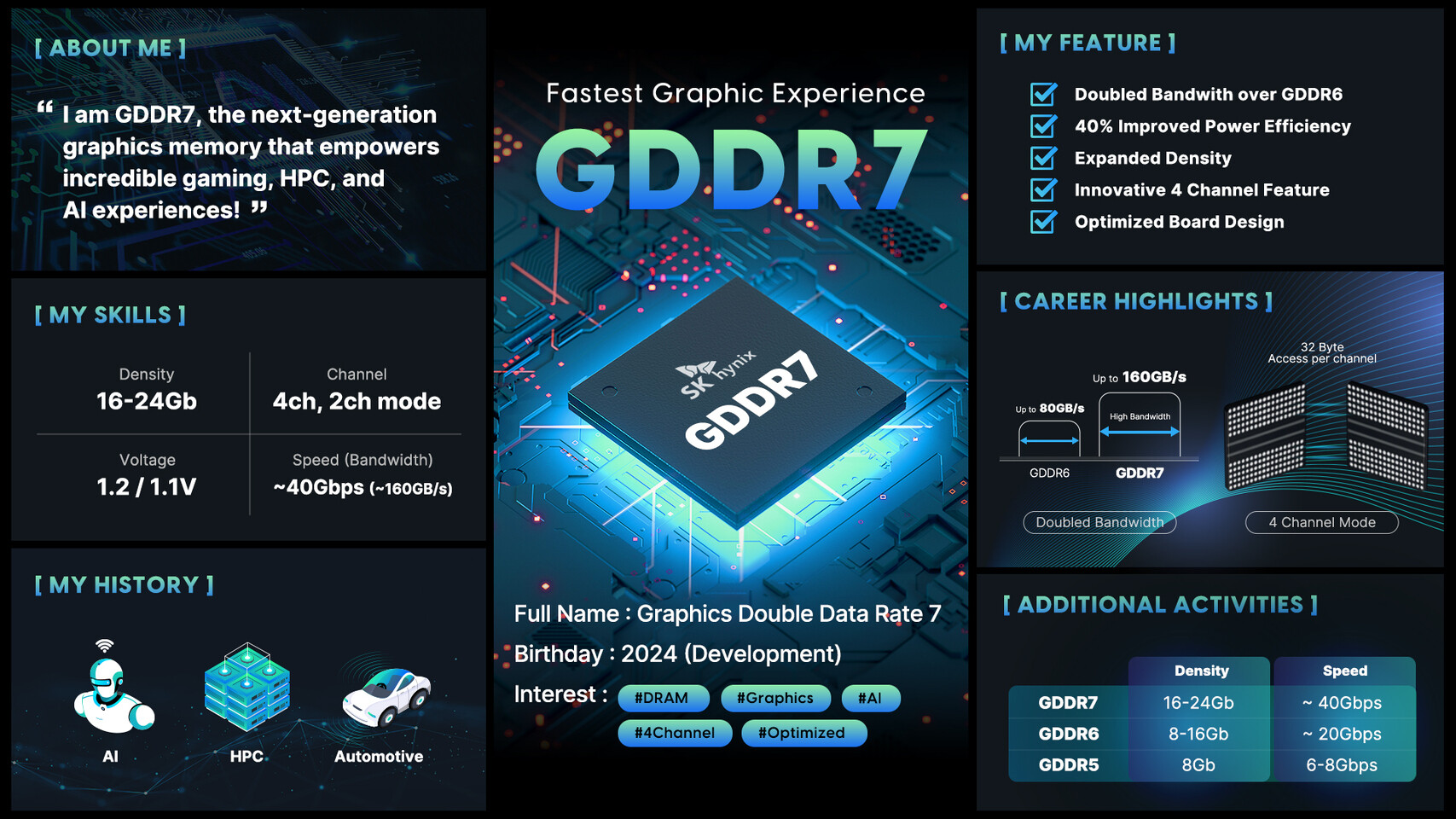
This is particularly noticeable with the RTX 5050 – mobile versions are, for the first time, more powerful than their desktop counterparts, thanks to GDDR7 memory. The difference is apparent both in gaming and in AI workloads. AI performance is further supported by FP4 in the lower-end Blackwell models and FP8 in the higher-end ones.
Blueprints
And don’t forget about Blueprints! This node-based system simplifies AI module development by visualizing structures in a style similar to DaVinci Resolve or Unreal Engine, but it’s designed to accelerate the creation of 3D models – for example, in Blender or ComfyUI. Simplifying development always means saving time: more work completed per minute translates to more output per watt-hour.

Max-Q
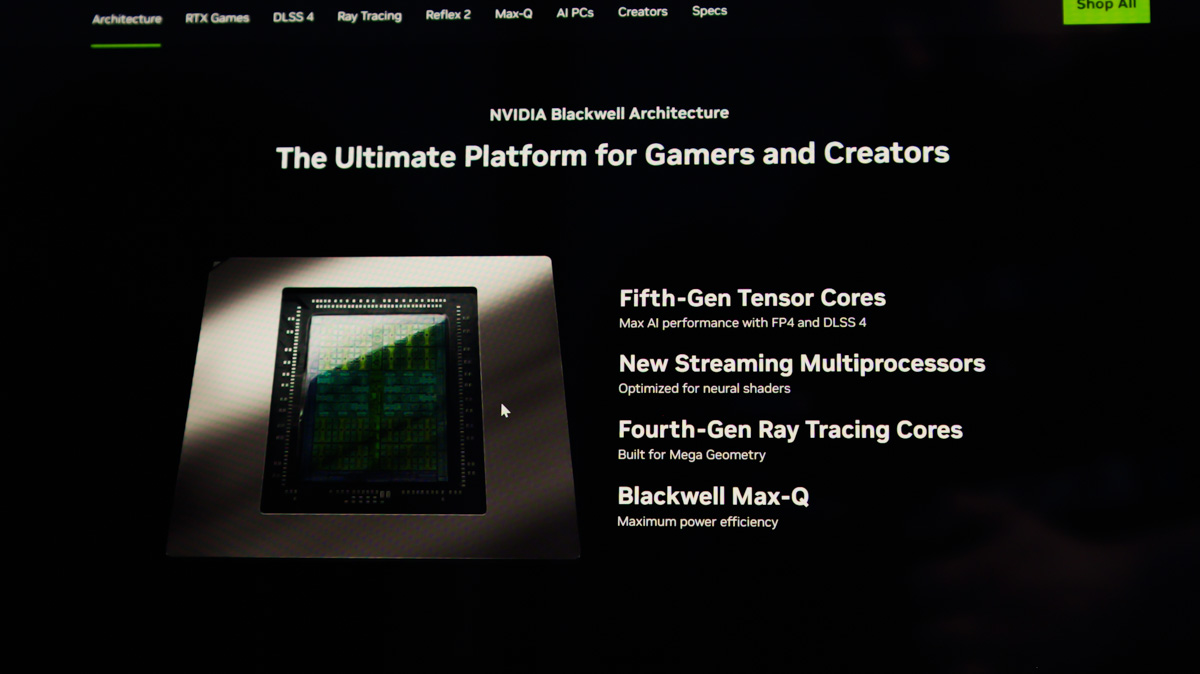
Finally, a note on Max-Q. I mention it last because the test sample I’m using doesn’t include it, but it’s important to understand. Today, Max-Q is no longer just a lower-power version of a laptop GPU – it’s an indicator that the GPU is designed primarily for energy efficiency.
Optimization focuses on quiet operation and minimal heat generation. This is achieved not only through technologies like Advanced Optimus for switching GPU cores but also via CPU Optimizer, which can adjust the processor’s clock speeds to match the task. This approach is particularly useful when power is limited, allowing the system to maintain efficiency without sacrificing stability.
Proper Hardware and Configuration
It’s worth noting that running laptops with discrete GPUs over 100 W Type-C is not typically a priority for manufacturers. While NVIDIA Blackwell GPUs are capable of operating efficiently at lower power, if other components aren’t optimized for the same, whether by design or by chance, 100 W may not be enough to provide a comfortable experience.
Since 99% of modern workloads don’t require a high-performance CPU but do rely on a powerful GPU, it’s important to ensure that power is directed where it’s needed most. Choose a device that, when running on battery or USB-C PD, prioritizes the GPU over the CPU.
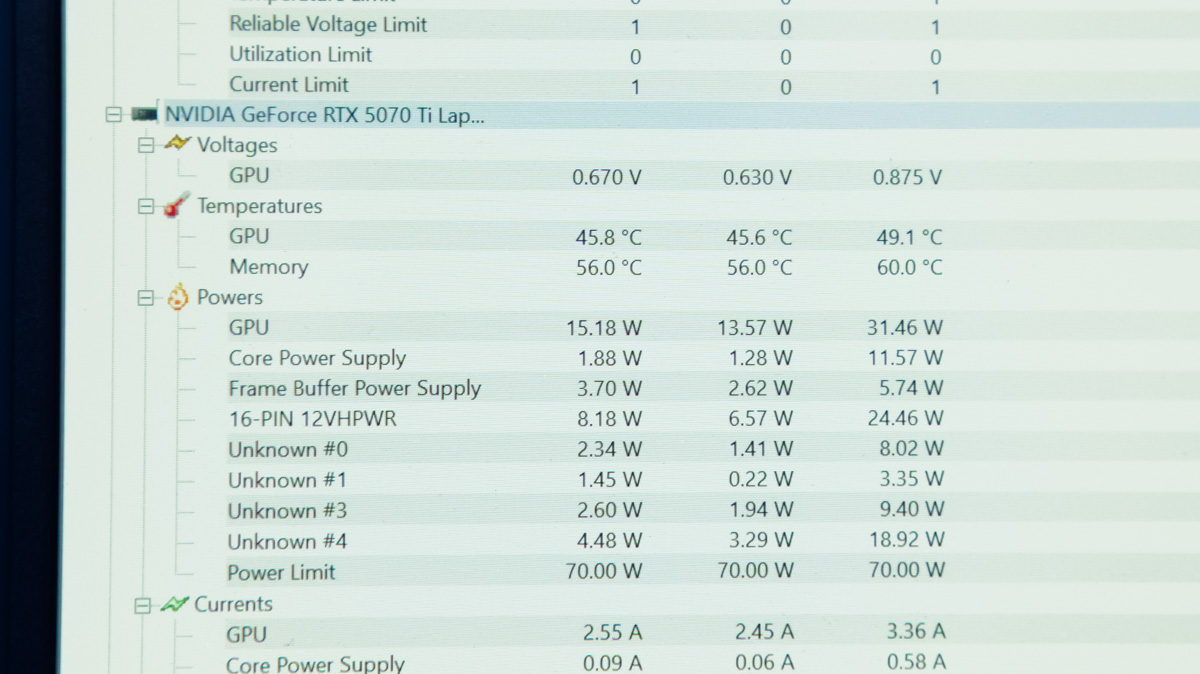
Install software that lets you reduce CPU power when running on USB-C and explore undervolting and underclocking tools, both official and custom from GitHub. Lenovo offers Legion Space, and ASUS has G-Helper.
For CPUs, Intel XTU allows you to directly adjust power limits in watts, even on non-overclocked processors. Don’t worry – reducing power won’t damage your laptop. The worst-case scenario is a BSOD if the CPU receives too little power, but this can be managed with experience and careful adjustment.
Conclusions
It’s hard to argue with the fact that NVIDIA GeForce RTX mobile GPUs, including the RTX 5070 Ti in the Lenovo Legion Pro 7 16IAX10H, are among the best suited for USB-C power and efficient operation. For the first time, a single laptop can handle so many tasks while drawing just 100 W – a significant achievement.
Of course, for energy-efficient workflows, it’s worth considering Max-Q models, choosing the right power bank, and applying proper software optimization. All of this is achievable without major difficulties.
Read also:
- Everything You Need to Know About NVIDIA DLSS 4.0 and Reflex 2: What They Offer and Why They Matter
- What are the best non-gaming uses for the GeForce RTX 5070 Ti OC?
- How useful the RTX 5070 Ti REALLY is?

