




© ROOT-NATION.com - Use of content is permitted with a backlink.
Lost access to your Google or Gmail account, or suspect it has been hacked? Here’s a guide on how to address the issue.
TABLE OF CONTENTS:
About the problem of restoring access
Losing access to your Google account or Gmail password isn’t just an inconvenience – it can also pose a serious risk. Gmail often serves not only as an email service but also as a central hub for managing other digital services, from cloud storage to payment tools.
The situation becomes even more critical if your account is hacked. In such cases, you risk losing access not only to personal data but also to control over your entire online identity. This makes regaining access not just a technical issue, but a matter of strategic importance.

Google provides several methods for account recovery, ranging from standard identity verification to more advanced checks designed to detect potential fraud. Being familiar with these tools and preparing in advance can help reduce the impact of a lost password or a hacked account.
Below, we outline the main approaches and steps that every user should be aware of.
Read also: Made by Google 2025: Look at the Most Notable Announcements from the Event
How to recover your Google account if you’ve forgotten your email address
If you remember your password but have forgotten your email address, Google offers a recovery process. This involves several steps that help verify your identity and regain access to the correct account.
- Go to the “Find My Email”page
The first step is to visit Google’s dedicated “Find My Email” page to search for your forgotten address. This is where the identity verification process begins.
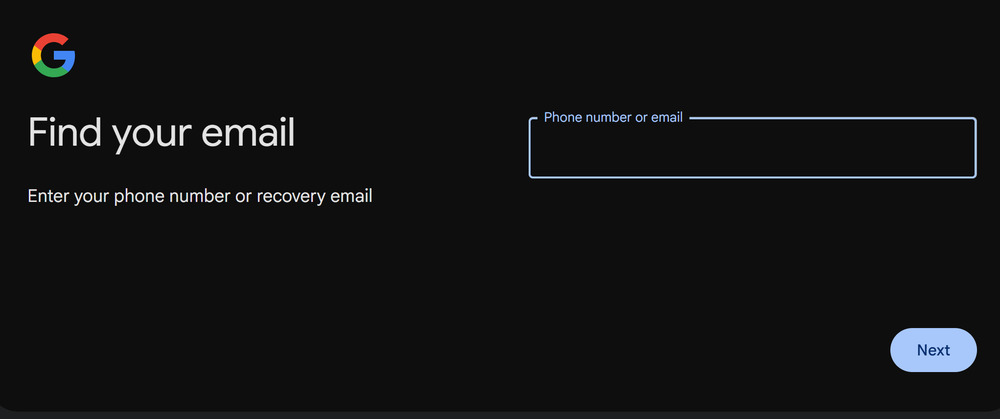 2. Enter recovery contact information
At this stage, you need to provide your registered phone number or a backup email address. This information serves as the basis for verifying your identity.
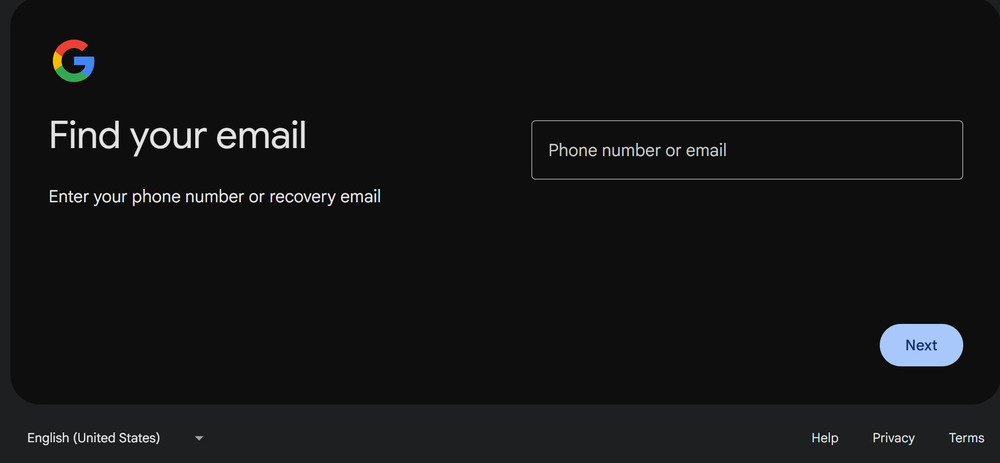
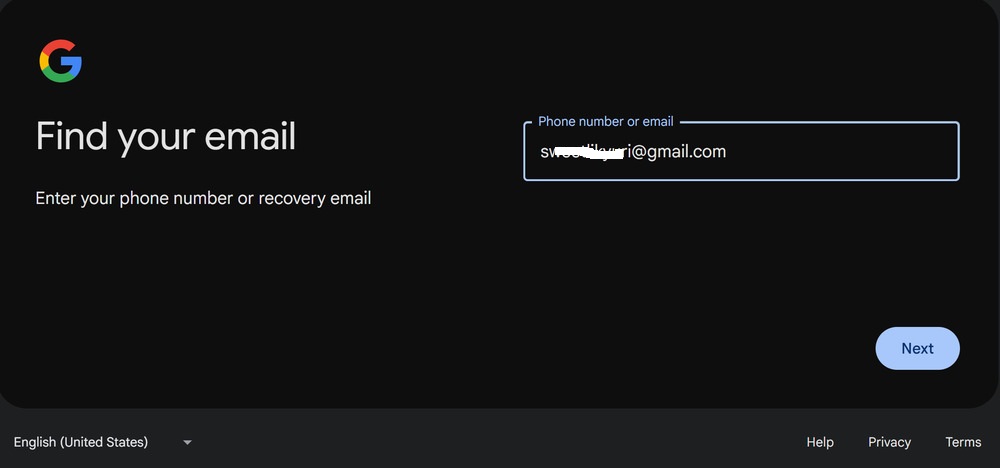 3. Verify your identity with your name
Google will ask for the first and last name used when the account was created. This adds an extra layer of verification to help filter out accidental or fraudulent access attempts.
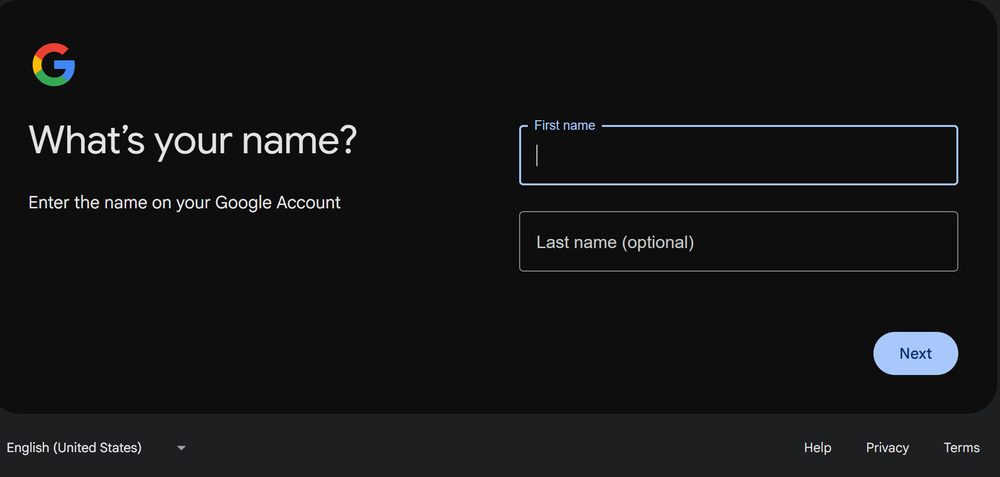
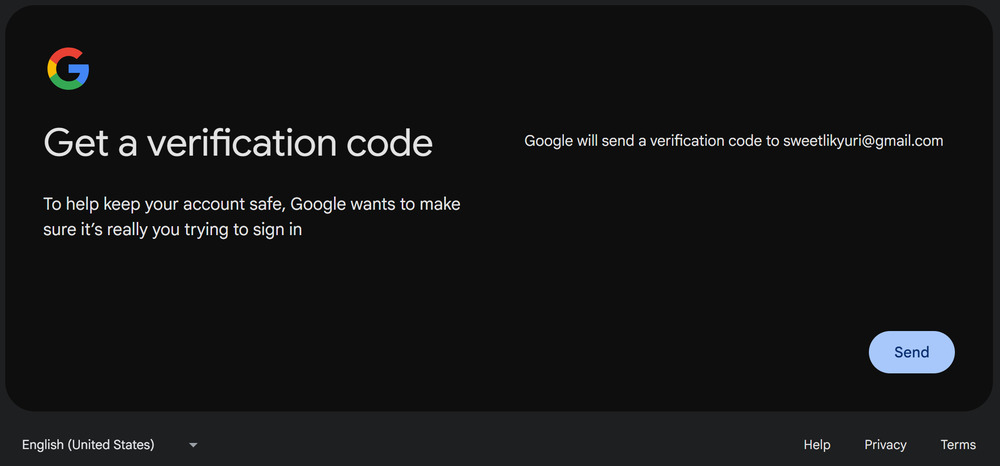
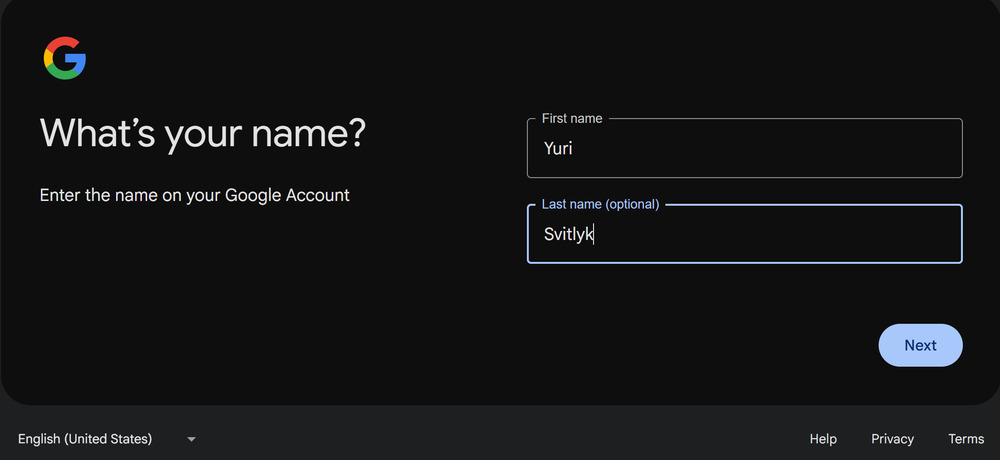 4. Send a verification code
A one-time code is sent to the provided email address or phone number. This code serves as an authentication tool, confirming that the account owner has access to the backup contact method.
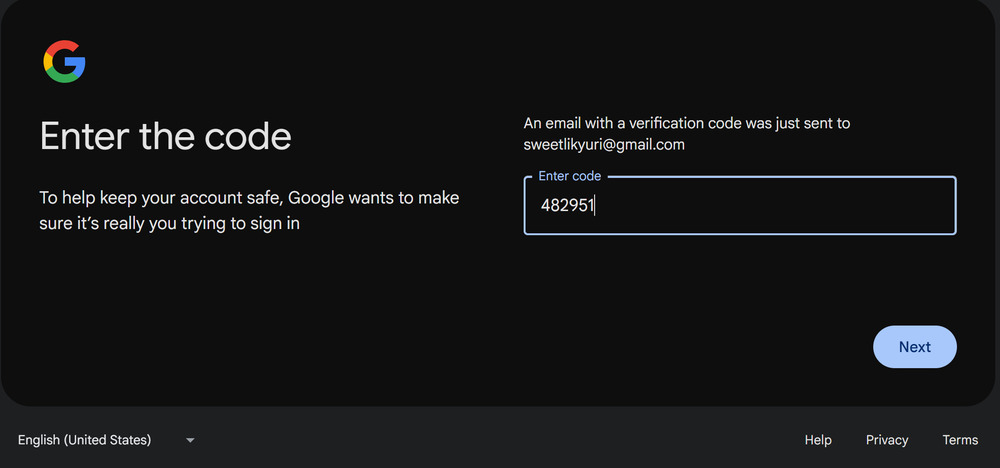
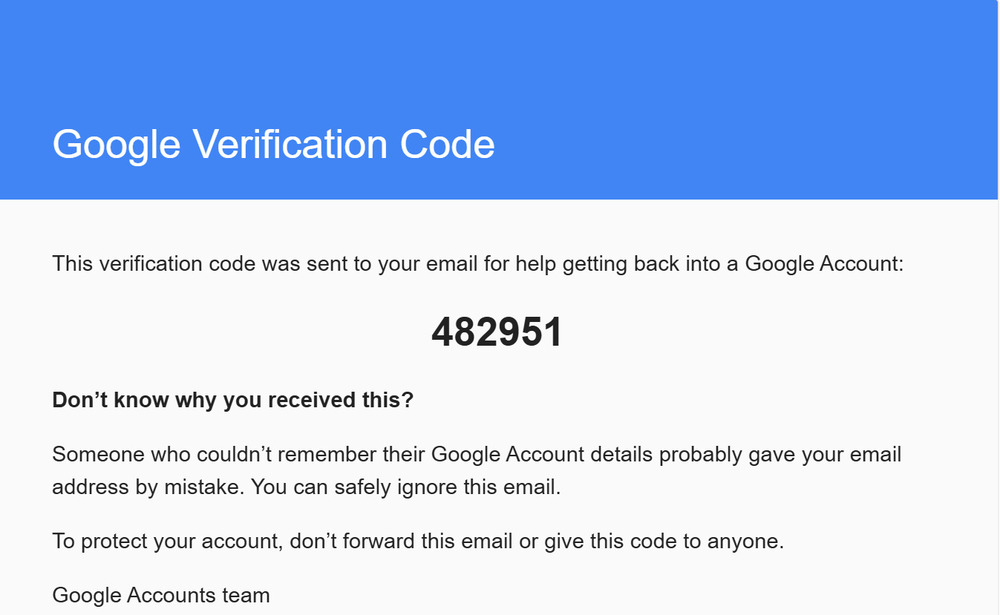 5. Enter the verification code
You need to input the received code into the designated field. This step is crucial, as Google will only allow you to select the correct account after the code is verified.
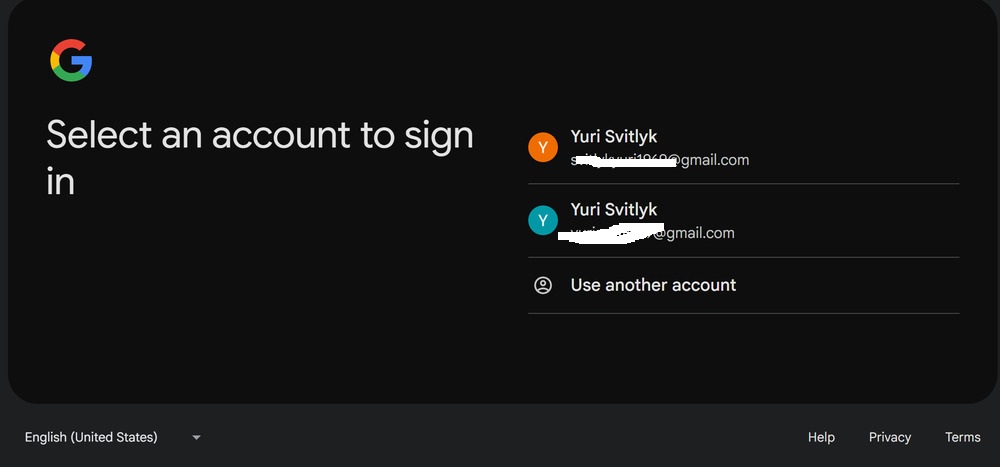
 6. Select the account
If multiple accounts are linked to the same phone number or backup email, Google will display a list. You need to choose the correct account to continue the recovery process.
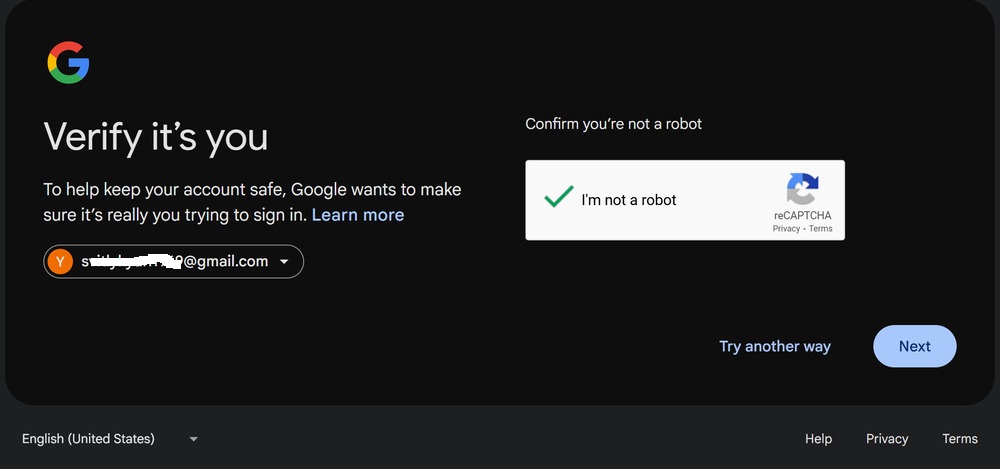 7. Enter a known password
The final step is to confirm access using a password you remember. If two-factor authentication is enabled, you will need to complete an additional verification step.
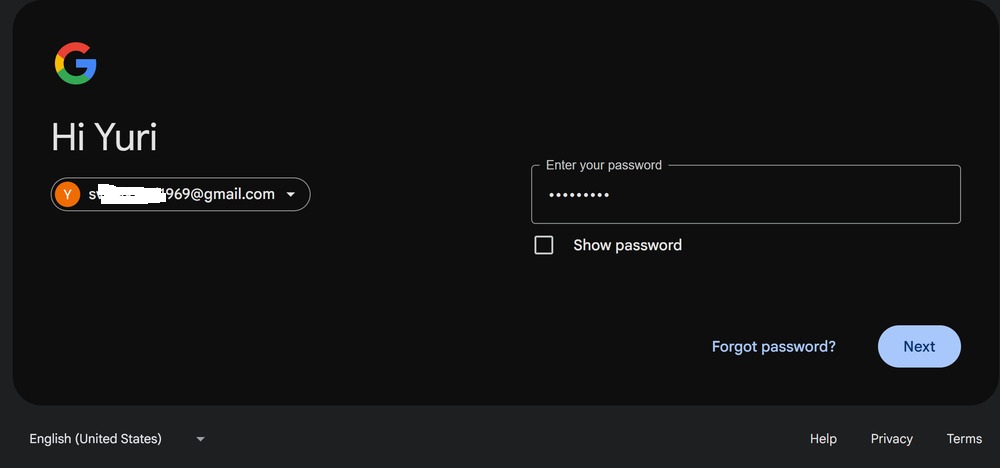
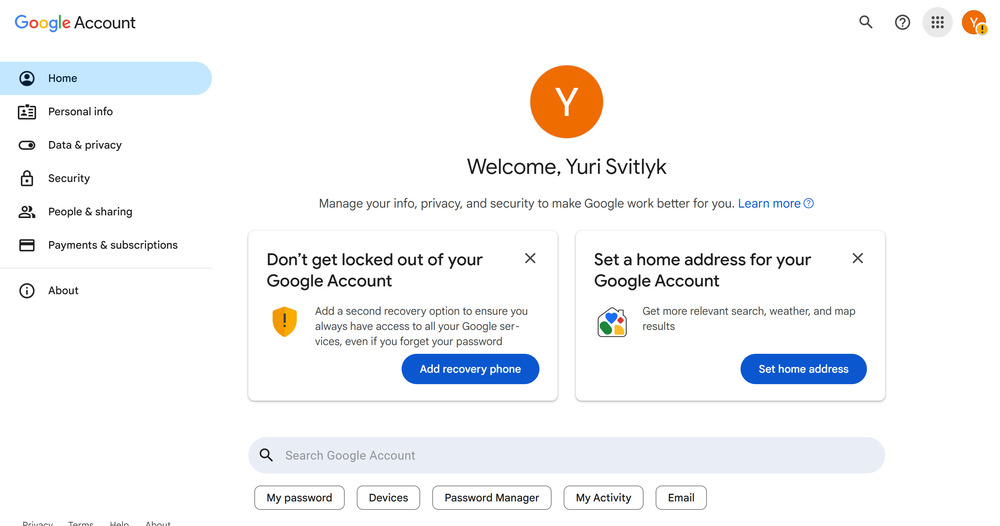
In this way, even if you’ve forgotten your email address but still remember your password, Google provides a structured, multi-step recovery process designed to prioritize data security.
Read also: 10 Mistakes That Simplify the Work of Hackers
How to recover your Google account if you’ve forgotten your password
Sometimes you may remember your email address but not your password. In this case, Google offers several account recovery options. It’s important to note that knowing your Gmail address is essential, as it serves as the starting point for the recovery process.
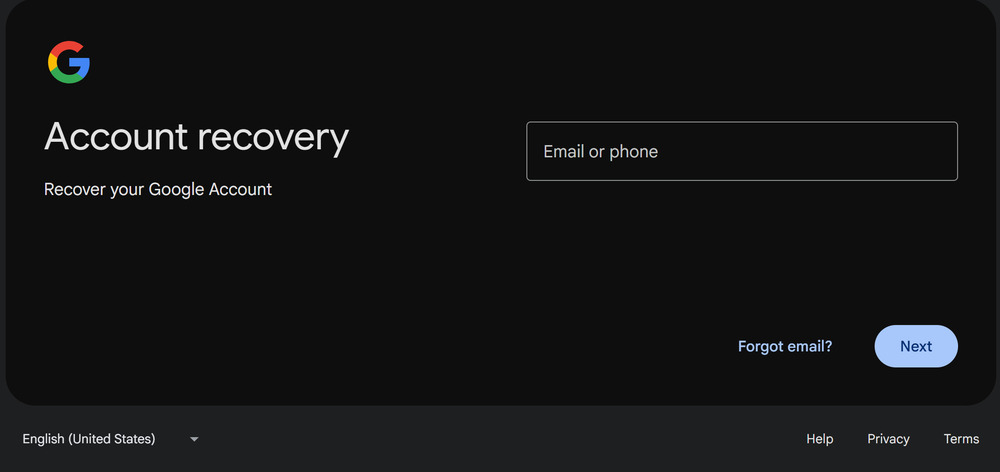
- Go to the account recovery page
The first step is to open the recovery page in a browser. This page serves as the central tool for managing the entire recovery process.
 2. Enter your email address
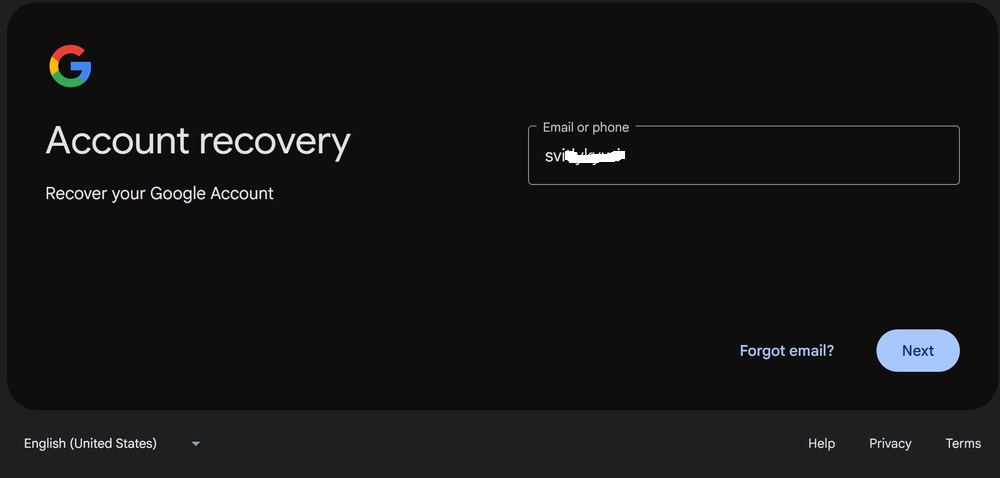
You need to enter the Gmail address associated with your account and click “Next.” At this stage, having access to the linked email is important, as a recovery link may be sent there.
 3. Use your most recent known password
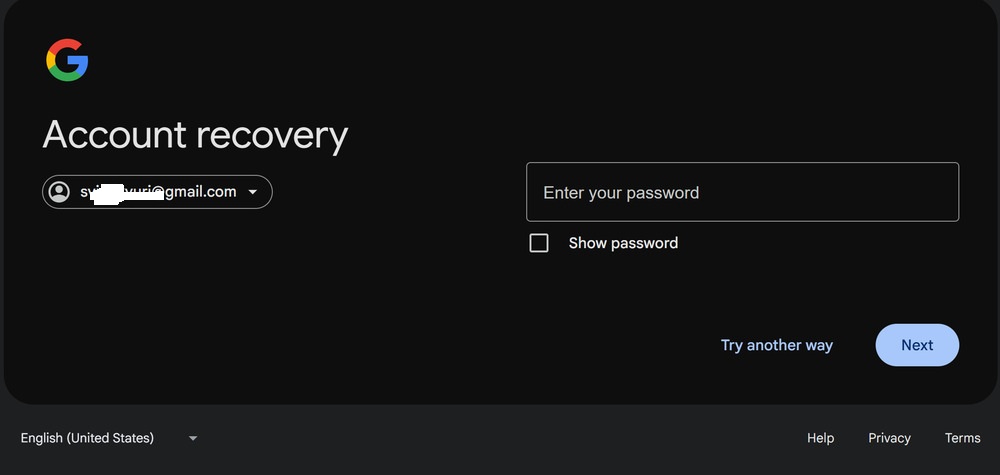
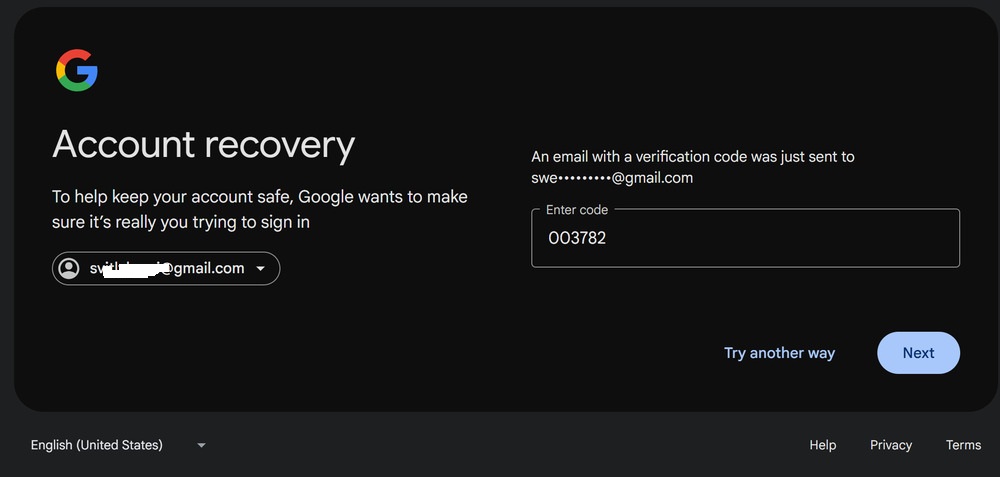
Google will prompt you to enter the last password you remember. This helps the system verify ownership. If the password is correct, identity confirmation occurs through a registered device, which receives a prompt to approve the action. After this, a password reset link is sent within six hours.
4. Use alternative methods
If you don’t remember your previous password, select the “Try another way” option. Google will then send an identity verification request directly to your phone. Once approved (“Yes, it’s me”), the system will send a password reset link within six hours.
5. Verify with a code sent to your phone
If SMS verification is enabled for the account, you can request a confirmation code to be sent to your registered phone number. Enter the received code in the designated field. After this, the process continues as before: Google will send a password reset link within six hours.

6. Advanced identity verification
If you don’t have access to your registered device or phone number, Google offers a final option: a multi-step identity verification process. This can take up to 72 hours, after which you’ll receive a notification with the verification result and, if successful, a link to create a new password.
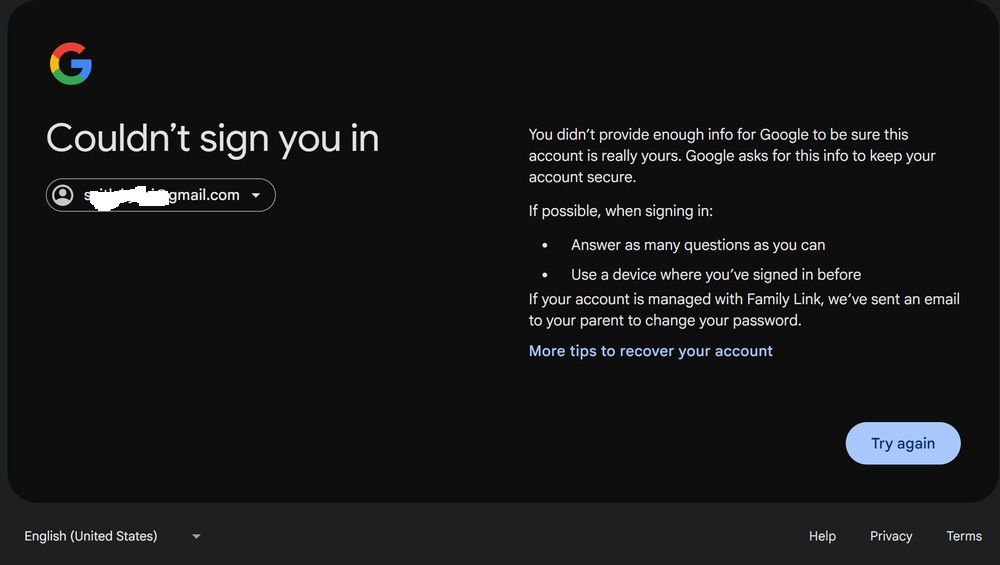
In this way, Google follows a structured authentication model, starting with the quickest and most convenient methods and progressing to more complex, time-intensive procedures. This approach balances user convenience with account security.
Read also: How to Check if Your Data Has Been Compromised on the Dark Web Using Google
How to recover your Google account if your account has been hacked
In cases where accessing a Google account becomes impossible – such as when the password has been changed by someone else, the recovery phone number has been updated, the account has been deleted, or even if the user accidentally caused the issue themselves – the primary tool for regaining access remains Google’s account recovery page.
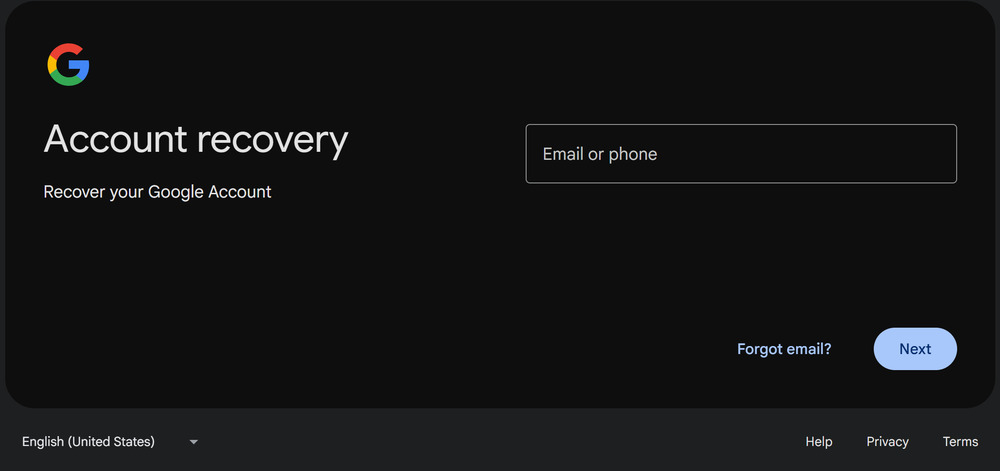
The main recommendation is to answer the system’s questions as accurately and consistently as possible, since Google’s algorithms evaluate the credibility of the information provided. The more your answers match the records Google has on file, the higher the chances of successfully recovering your account.
If standard recovery methods fail – for example, if you’ve lost access to your registered phone, encounter issues with two-factor authentication, or cannot verify your identity via an SMS code – Google provides additional options. In such cases, you can use the Help section for sign-in and account recovery, which offers personalized instructions and, if necessary, initiates a more thorough identity verification process.
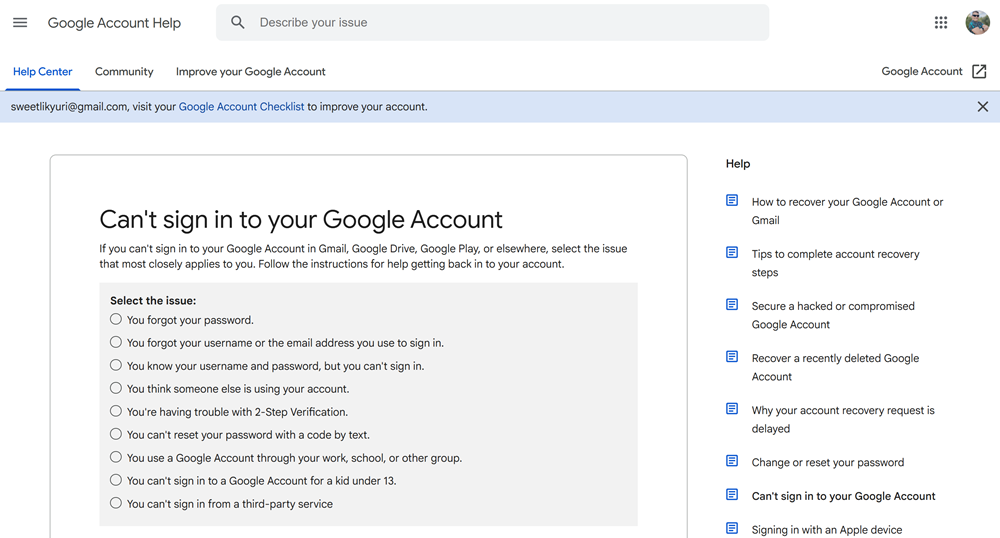
Overall, the recovery process follows a multi-layered authentication approach, ranging from simple checks, like passwords and verification codes, to more complex procedures that take additional time. This allows Google to maintain account security while still enabling users to regain access even in critical situations.
Read also: Online Safety: How to Protect Your Data – Even When You Let Your Guard Down
How to prevent account hacking?
A key element in protecting an account from hacking is a multi-layered security system. First, using unique and complex passwords significantly reduces the risk of guessing or data leaks. Second, two-factor authentication adds an extra layer of protection, ensuring that even if a password is compromised, an attacker cannot gain full access. Monitoring account activity is also important, as timely detection of suspicious logins or changes in settings allows for a quick response.

Finally, regularly updating your devices and software addresses known vulnerabilities, which are often exploited as entry points for attacks. Keeping systems up to date helps prevent account breaches and can save both time and stress.
Також цікаво:
- All About the New Windows 11 25H2: Not a Revolution, but Stability?
- Microsoft Ends Windows 10 Support: Is There Life After the End?
- Windows 11 Open Source: Myth or Reality?
- Cryptography: What It Is and How It Works


Free fire has taken away my account from wmail
Akaut choʻktirib qoyfim
Pubg accauntimni emailim bilan olib qoʻydi