
© ROOT-NATION.com - Use of content is permitted with a backlink.
I finally had the chance to test the portable 75% keyboard that has created quite a buzz among gamers – the Razer Joro. The manufacturer claims it’s suitable not only for gaming but also for work. This keyboard is ultra-thin, lightweight, and extremely compact, making it easy to take anywhere. It also promises impressive battery life. The question is: has Razer delivered on these promises? Let’s find out.
Read also: Gaming Keyboard Reviews
TABLE OF CONTENTS:
Specifications
- Format: 75%
- Dimensions, mm: 298.0×112.0×16.5
- Weight, g: 374Body material: upper part made of 5052 aluminium alloy, lower part made of impact-resistant ABS plastic
- Connection: Bluetooth 5.0/USB Type-C
- Switches: ultra-low-profile scissor switches
- Backlighting: Razer Chroma RGB
- Control software: Razer Synapse
- Power source: battery
- Battery life: up to 1800 hours in energy-saving mode
- Compatibility: Android, iOS, macOS, Linux, Windows
Price and package contents
At the time of this review, the keyboard is priced at $165. For a stylish, wireless, gaming-friendly, and versatile keyboard, the price is reasonable – though a slightly lower cost would have been welcome.
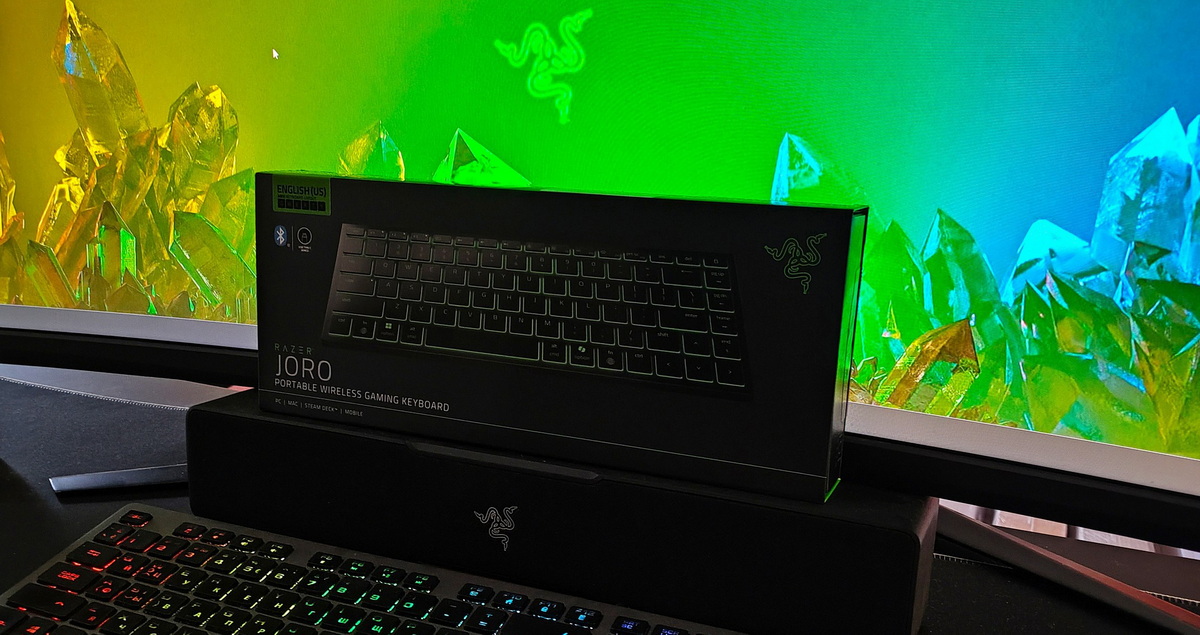
The keyboard arrived in Razer’s signature black-and-green packaging: a matte black box featuring the logo in one corner and an image of the device itself. It’s minimalism at its finest.
Inside, the keyboard immediately fills the entire packaging space. Beneath it, you’ll find a small case containing a branded USB Type-C cable, a user manual, official stickers, and a warranty card.

Appearance of the Razer Joro
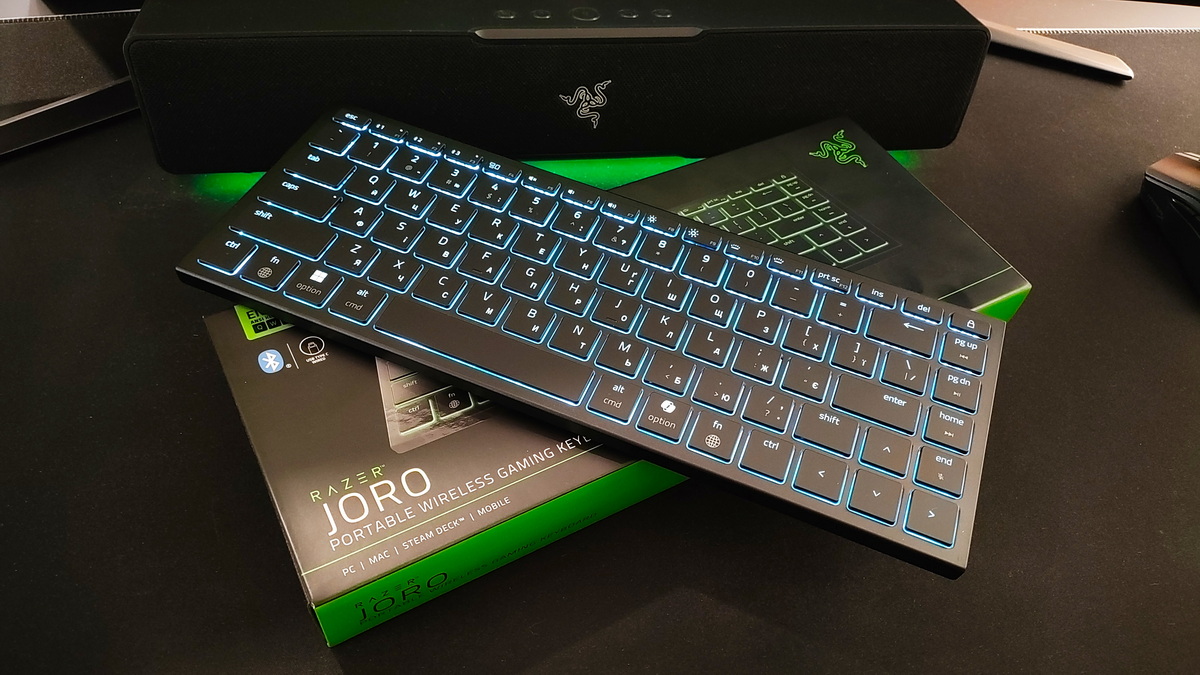
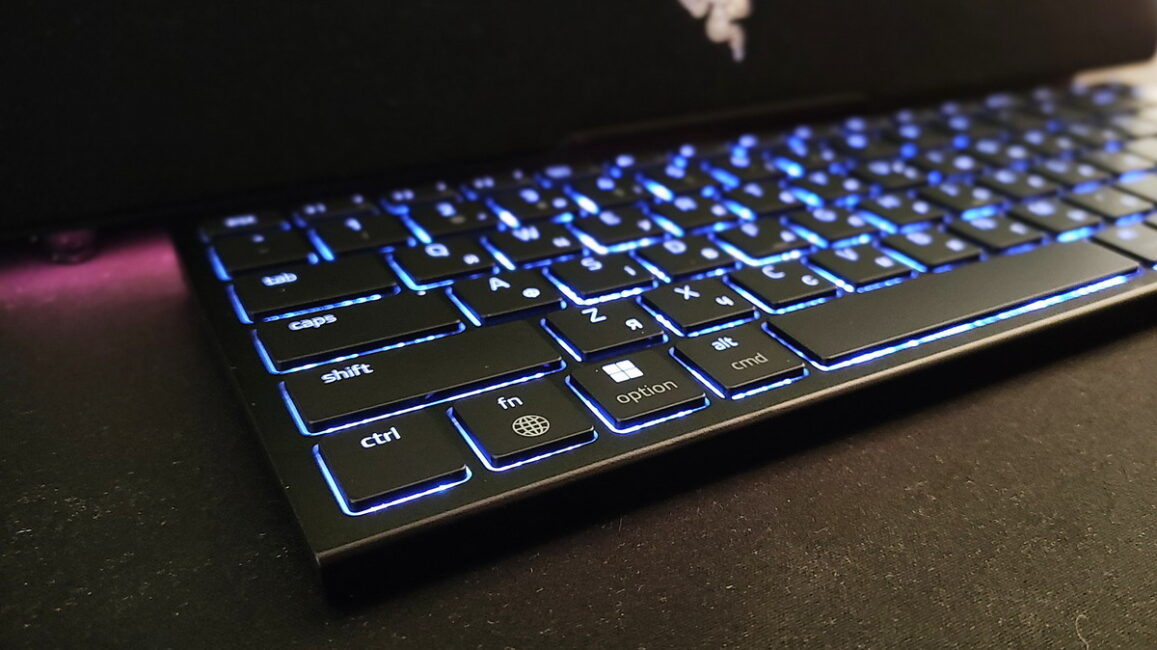
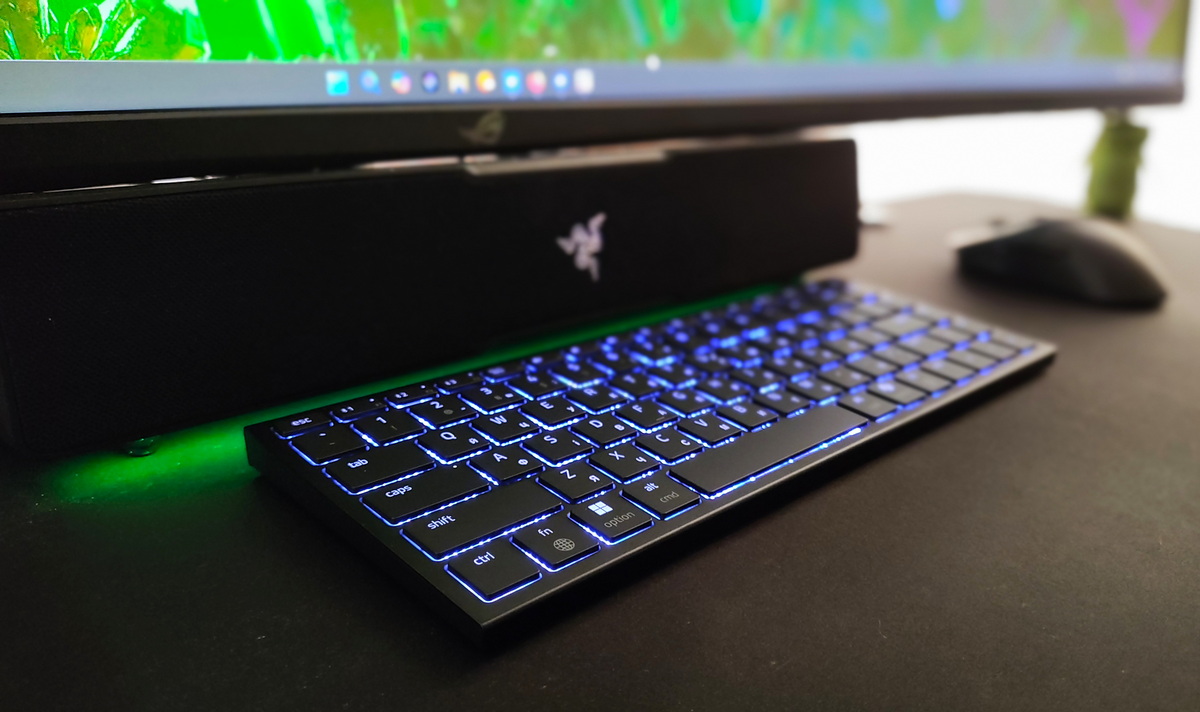
The keyboard has an ultra-minimalist look, free of any visual clutter. It features a matte black, fairly slim chassis – just 16.5 mm thick. Sure, it picks up some fingerprints, but let’s be honest – that’s hardly a dealbreaker. It follows the 75% form factor.
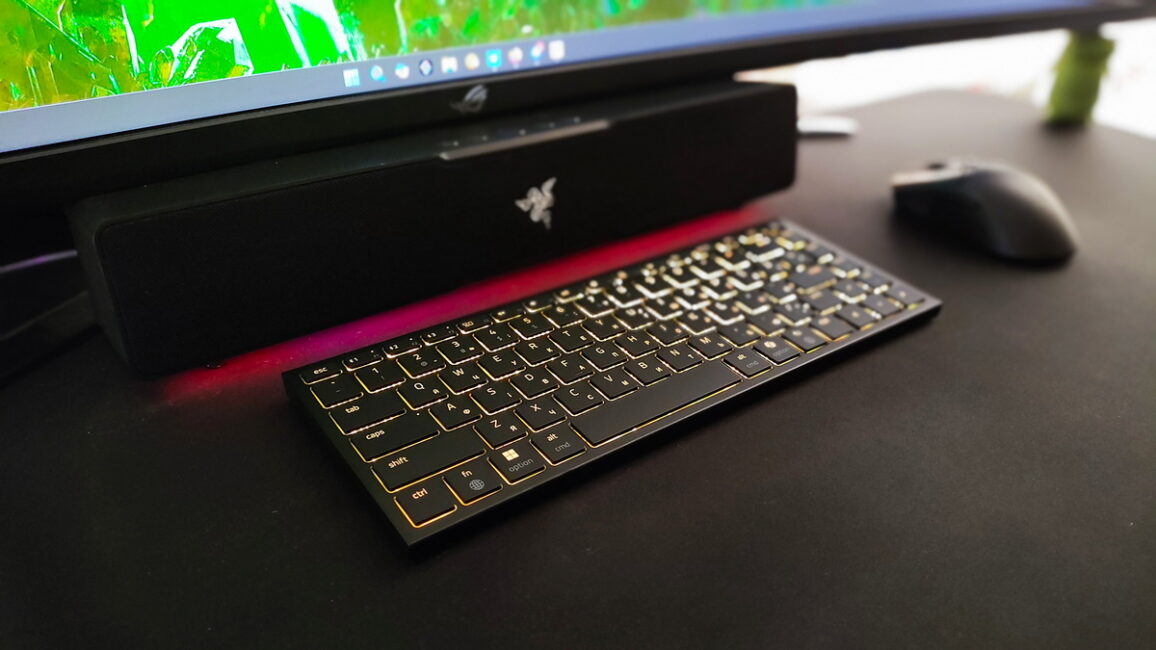
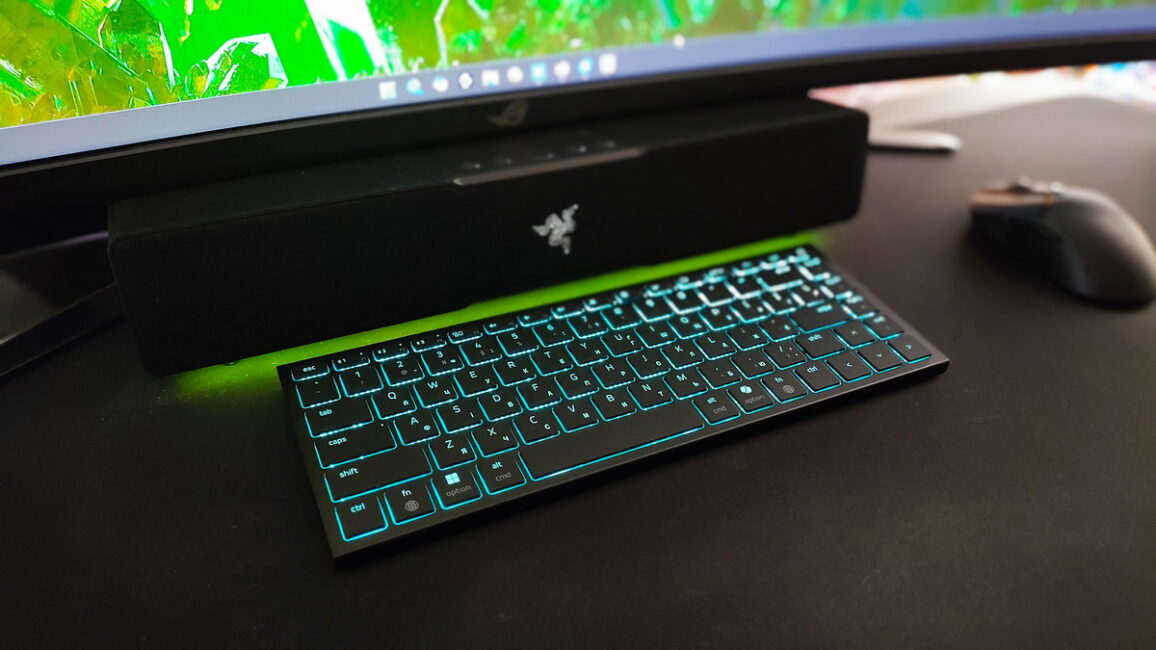
The build quality is top-notch – nothing wobbles, the keyboard feels solid, and the keys stay firmly in place. There’s really nothing to complain about here! By the way, the keyboard is incredibly lightweight, tipping the scales at just 374 grams.
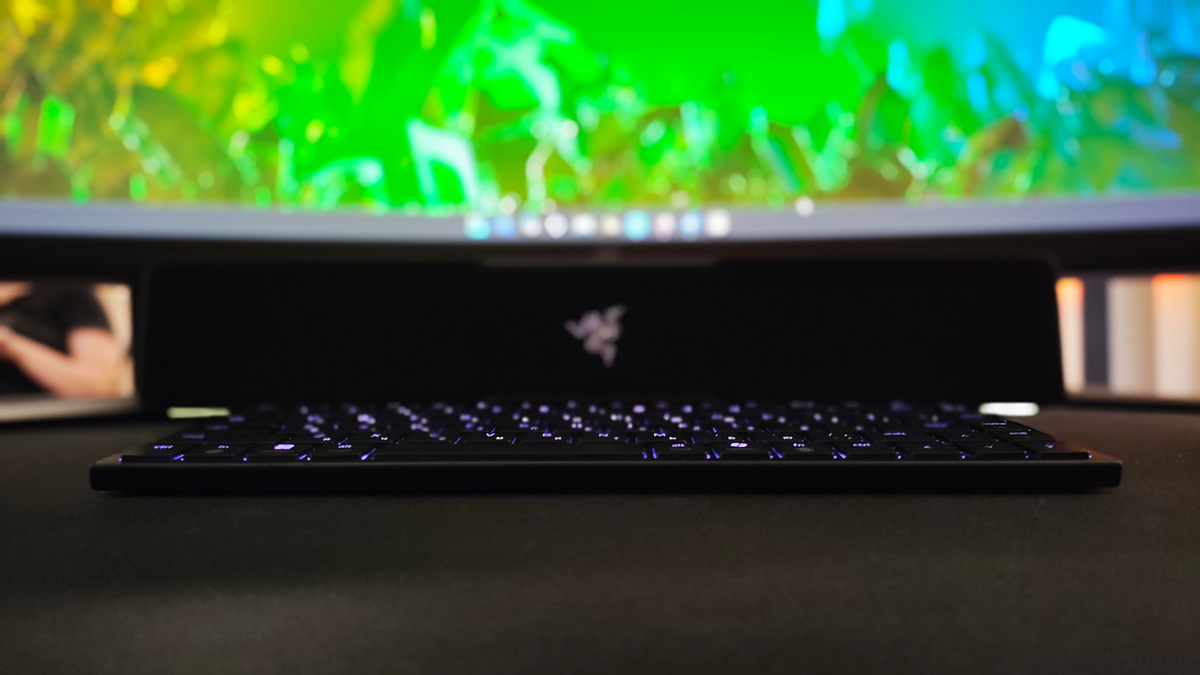
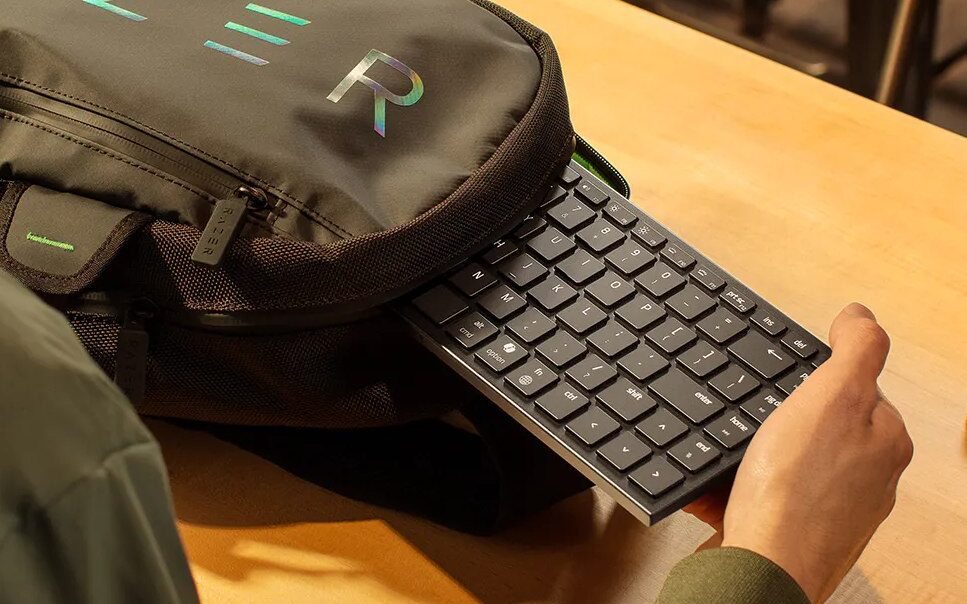
All in all, the Joro was clearly designed with portability in mind. It won’t take up much space in your bag or backpack, making it easy to carry around without any hassle. Whether you’re gaming or working, you can do it anytime, anywhere.
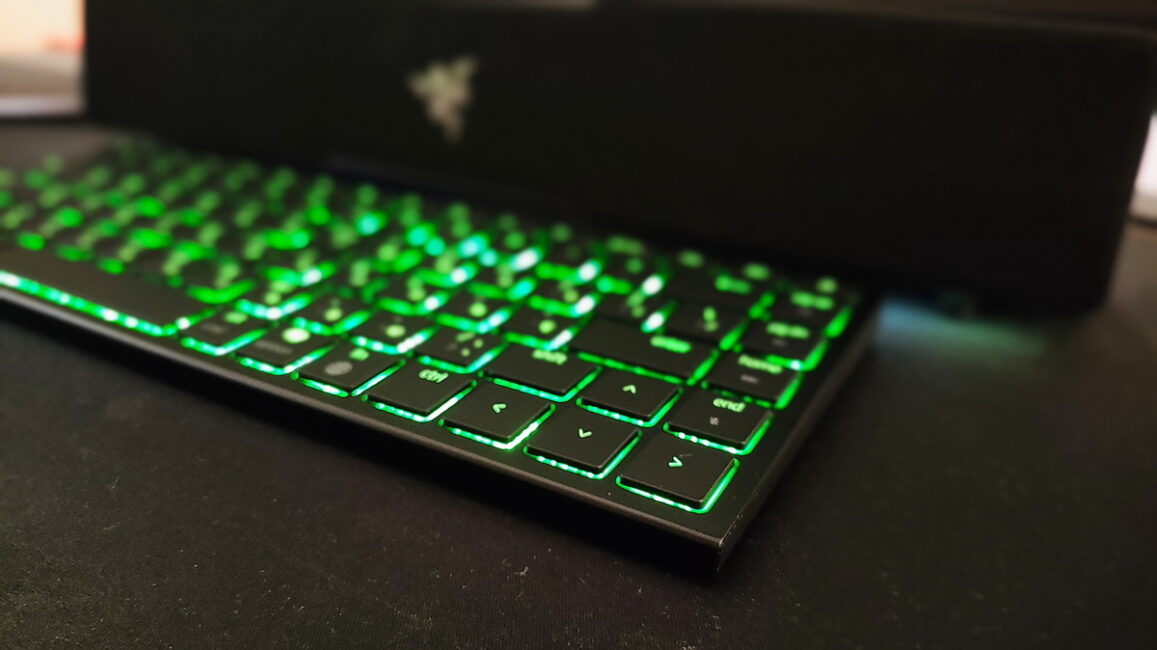
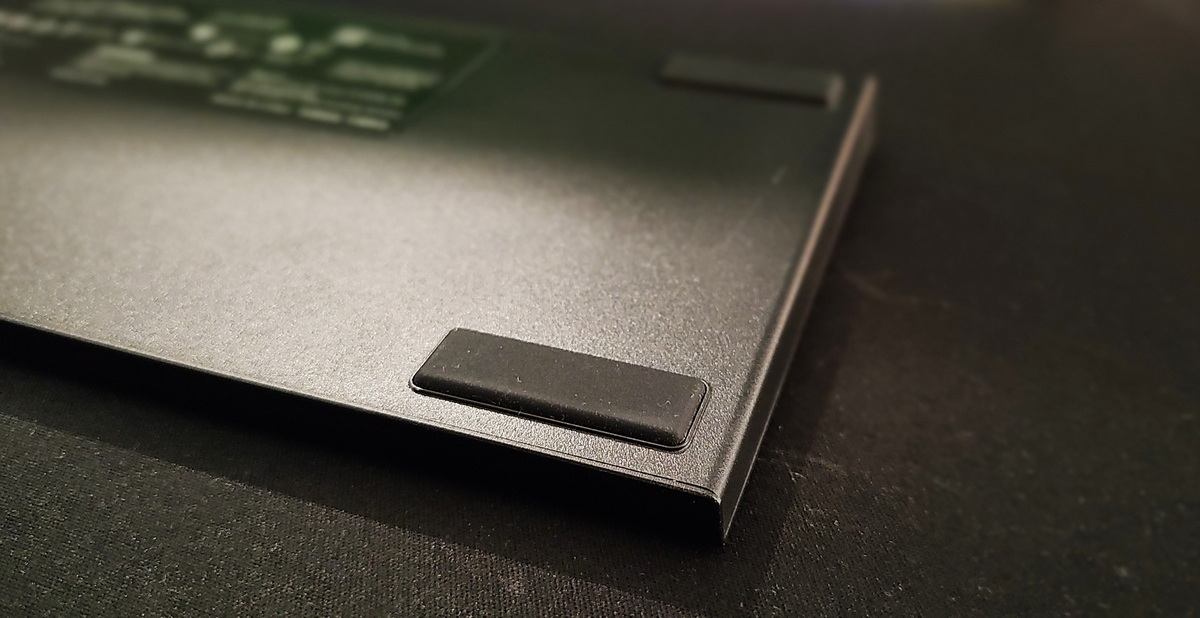
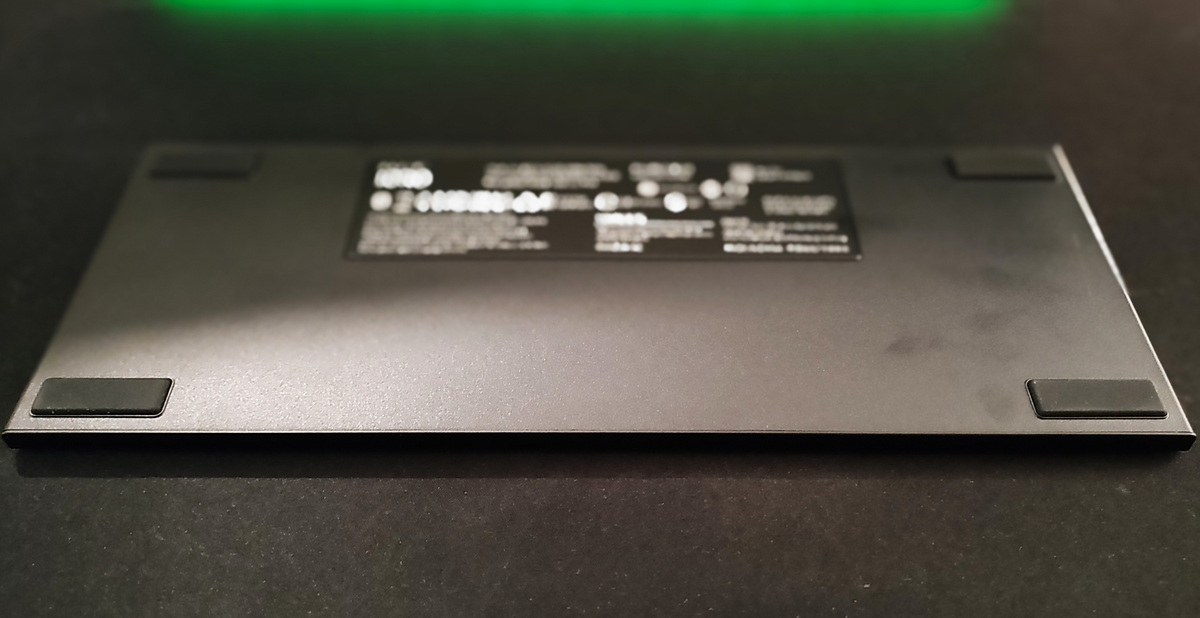
On the underside, you’ll find four rubberized feet, though there’s no option to adjust the typing angle. That said, this shouldn’t be an issue – the keyboard already has a slight incline that feels just right. However, if adjustable feet are a must-have for you, keep this in mind.
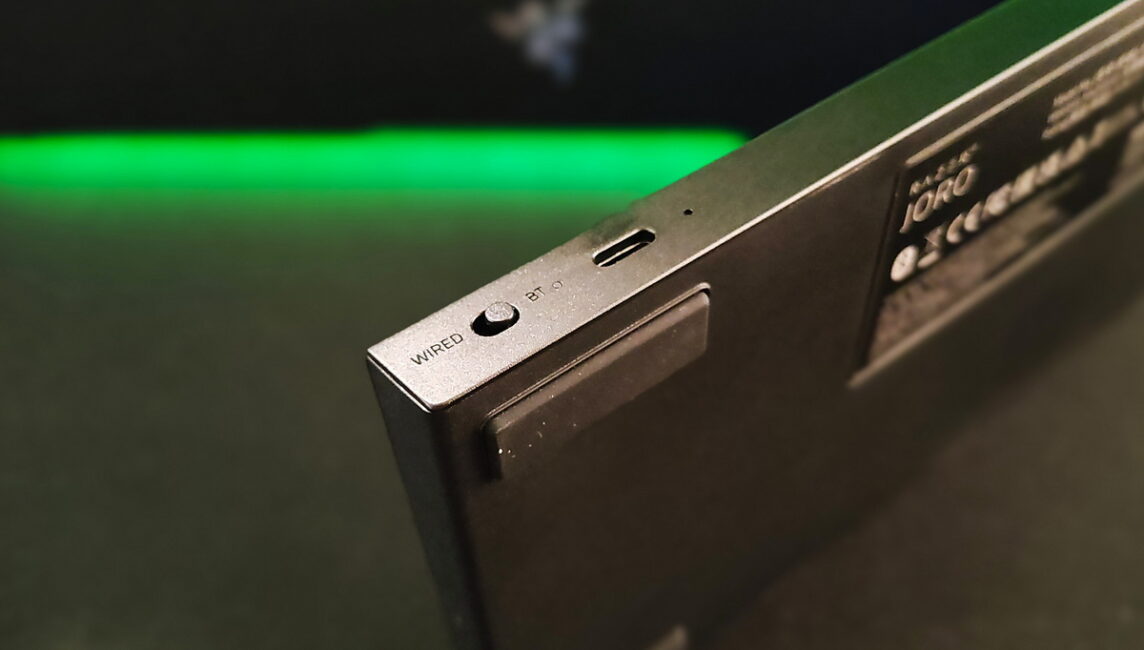
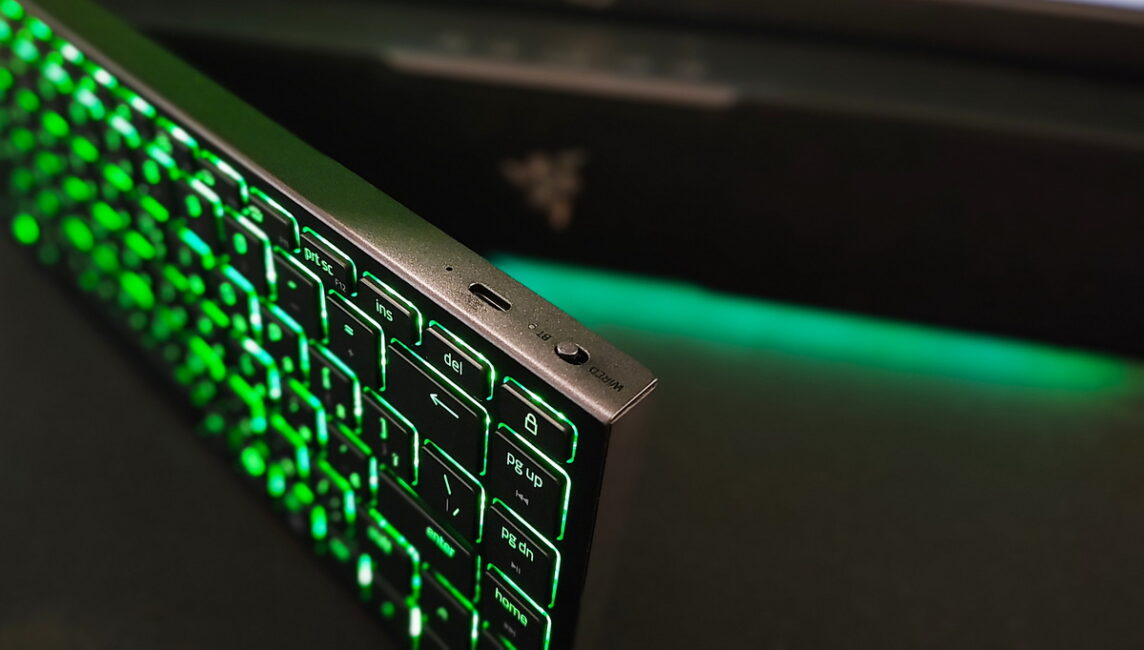
On the side edge, there’s a switch that lets you toggle between Bluetooth mode and a wired USB-C connection.
Keys
Let’s talk about the Razer Joro’s key switches. The keyboard uses ultra-low-profile switches, similar to those found in laptops. The key travel is short – around 1.6 mm – and the keys sit nearly flush with the body. They feel soft to the touch, with a crisp return. The overall typing experience is quiet – especially when compared to traditional mechanical keyboards.
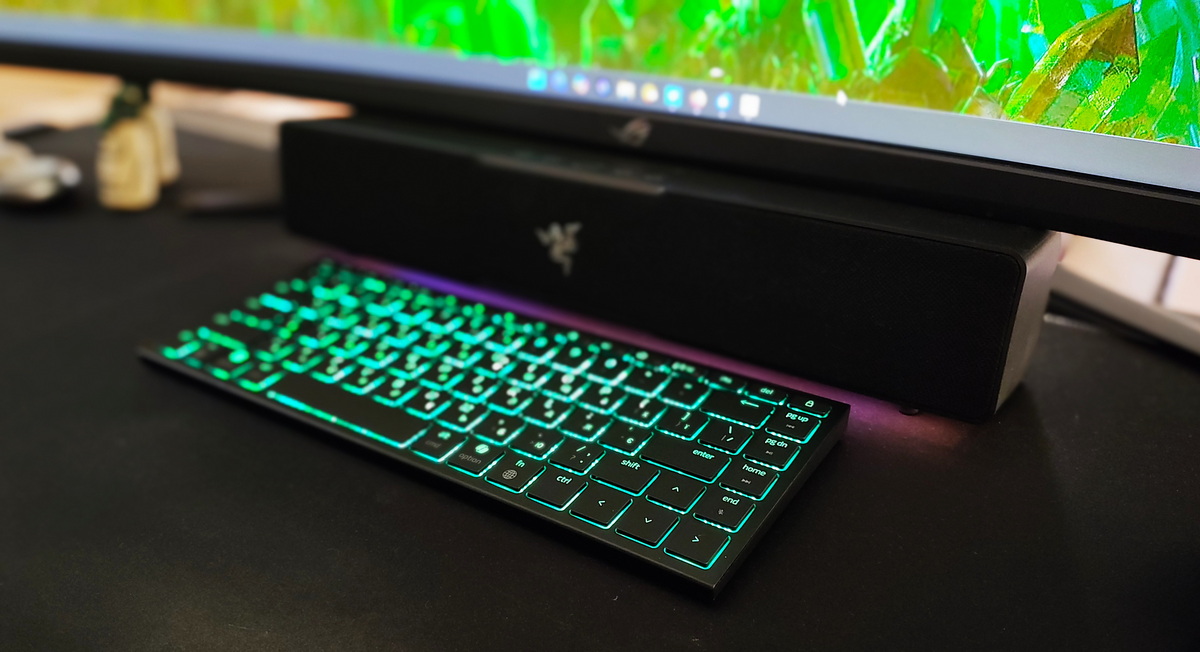
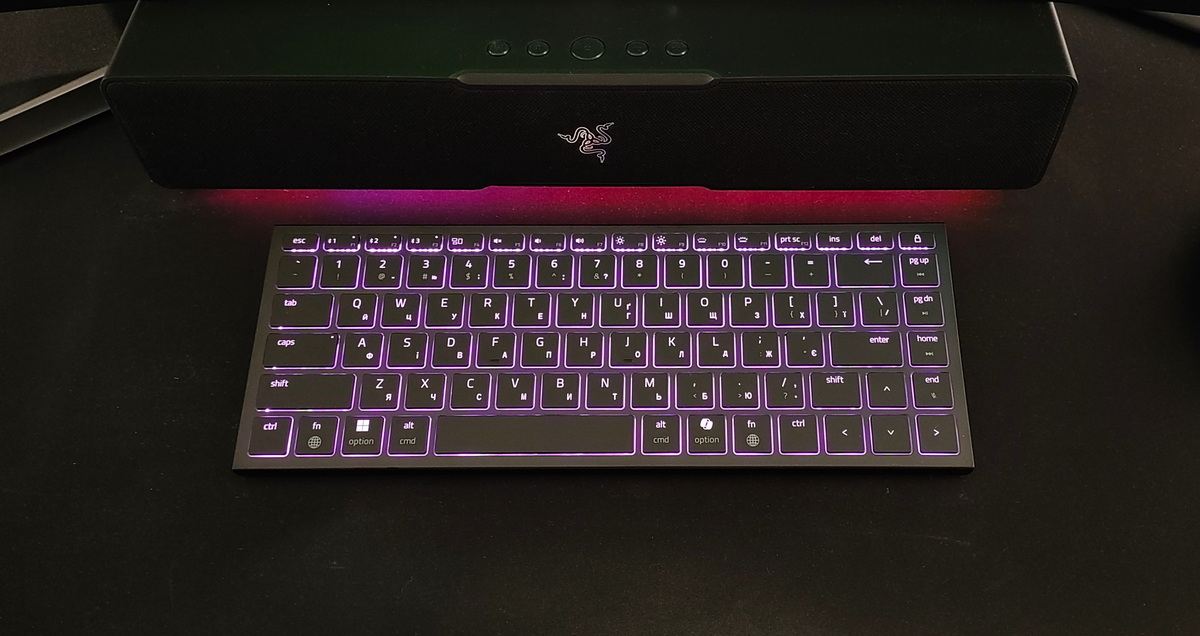
The layout is a standard ANSI. The keycaps are made of ABS plastic with laser-etched legends and a UV coating. They feel pleasant to the touch, and your fingers don’t slip while typing.
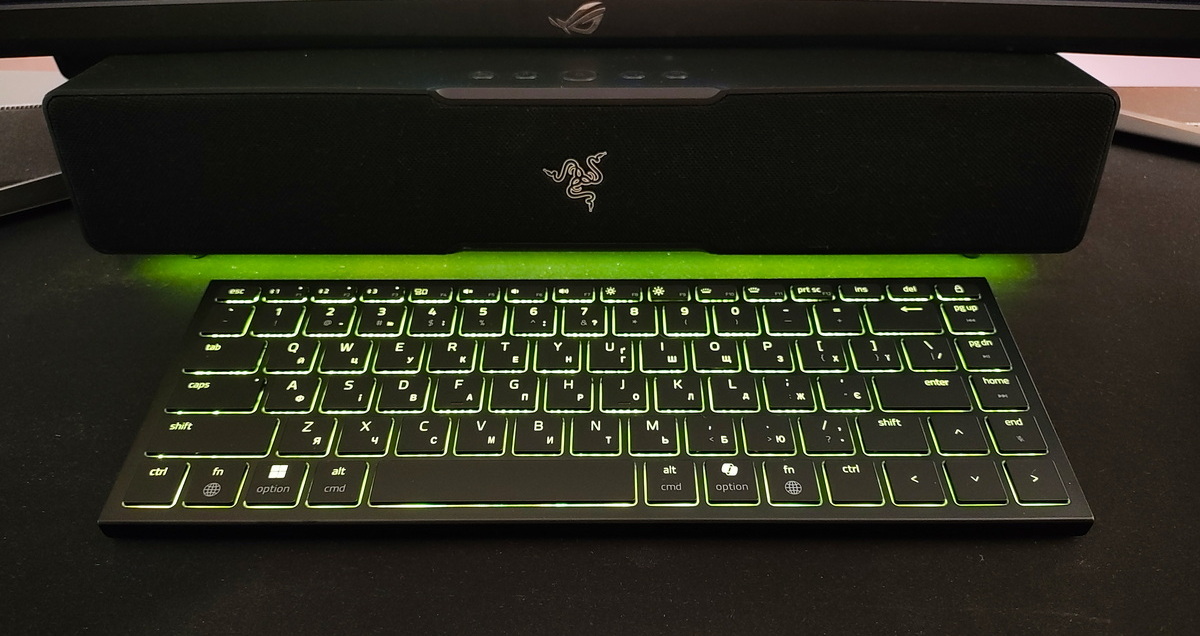
Additionally, the keyboard comes equipped with the following features:
- N-Key Rollover – ensures that every keypress, even when multiple keys are pressed simultaneously, is accurately registered.
- Snap Tap – a feature especially important for gamers. It enables quick directional changes without delay and without the need to fully release the previously pressed keys.
The F-row gives you access to all essential functions: volume control, backlight brightness, media playback, and more.
One particularly noteworthy feature is the keyboard’s cross-platform compatibility. The Razer Joro is equally convenient for both Microsoft Windows and Apple users. You can easily switch between layouts using the FN + Tab combination. At first glance, this might not seem like a major function, but trust me – users who frequently switch between operating systems often find it frustrating to adjust. Razer has fully addressed this with the Joro, making it a seamless and enjoyable experience across platforms.
Backlighting
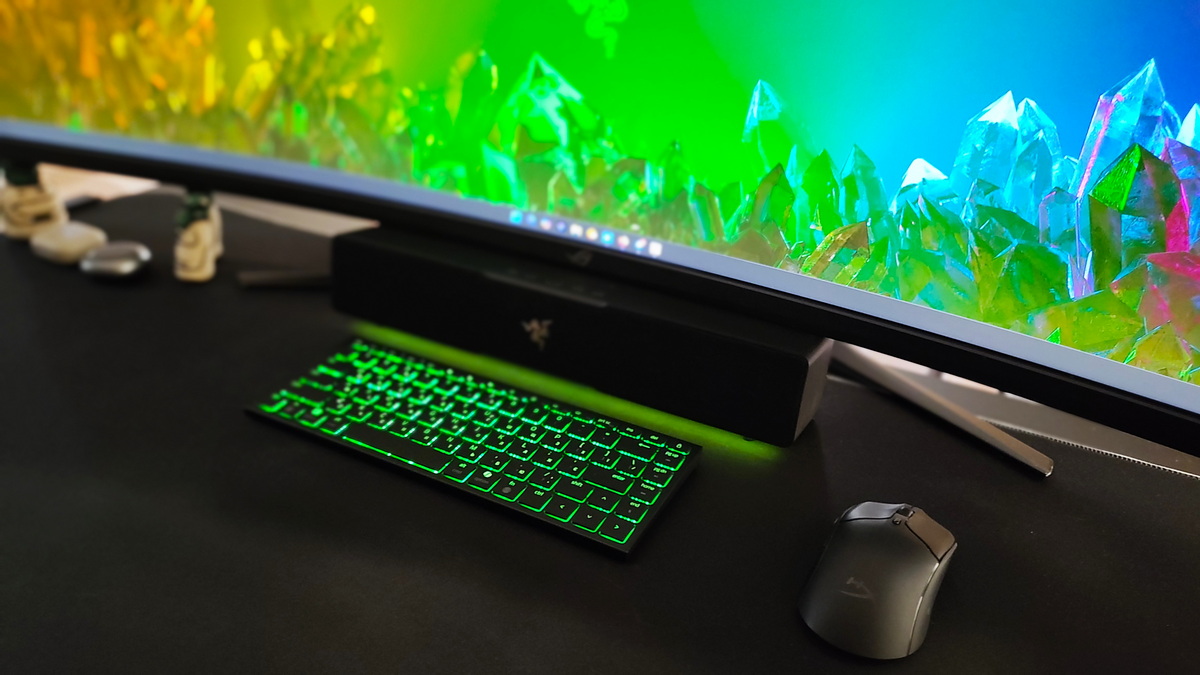
This is Razer, after all – so naturally, Chroma RGB lighting is part of the package. The keyboard features single-zone backlighting, and it’s implemented quite well. You can choose your favorite colors and customize lighting effects through Razer Synapse. Personalize the keyboard to your liking and enjoy the experience to the fullest.
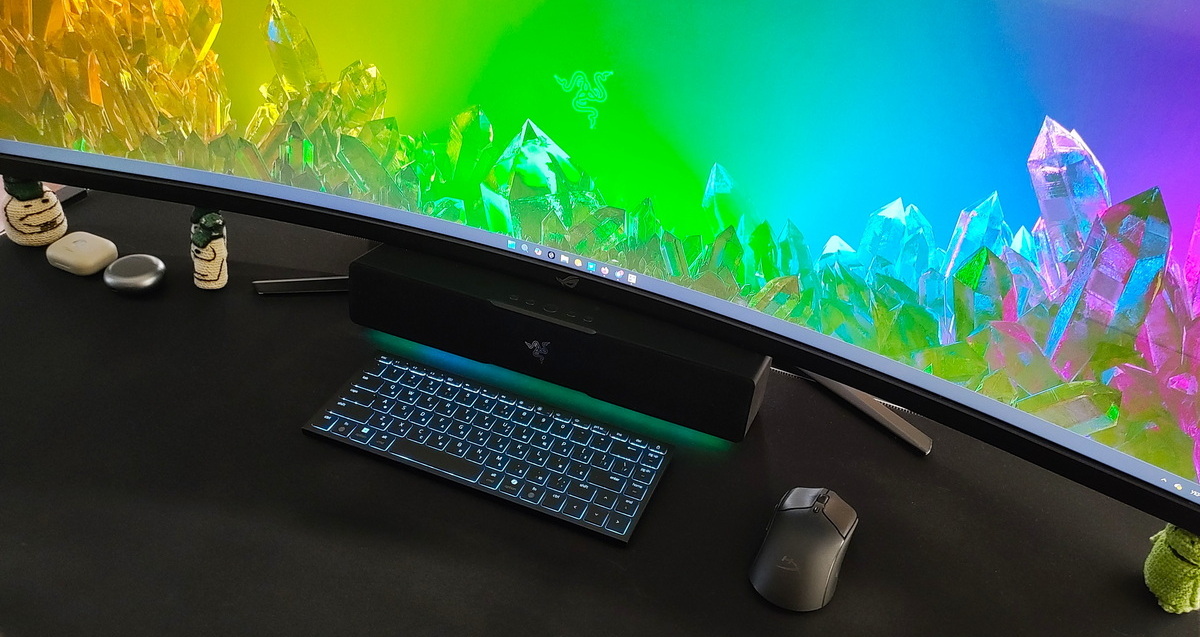
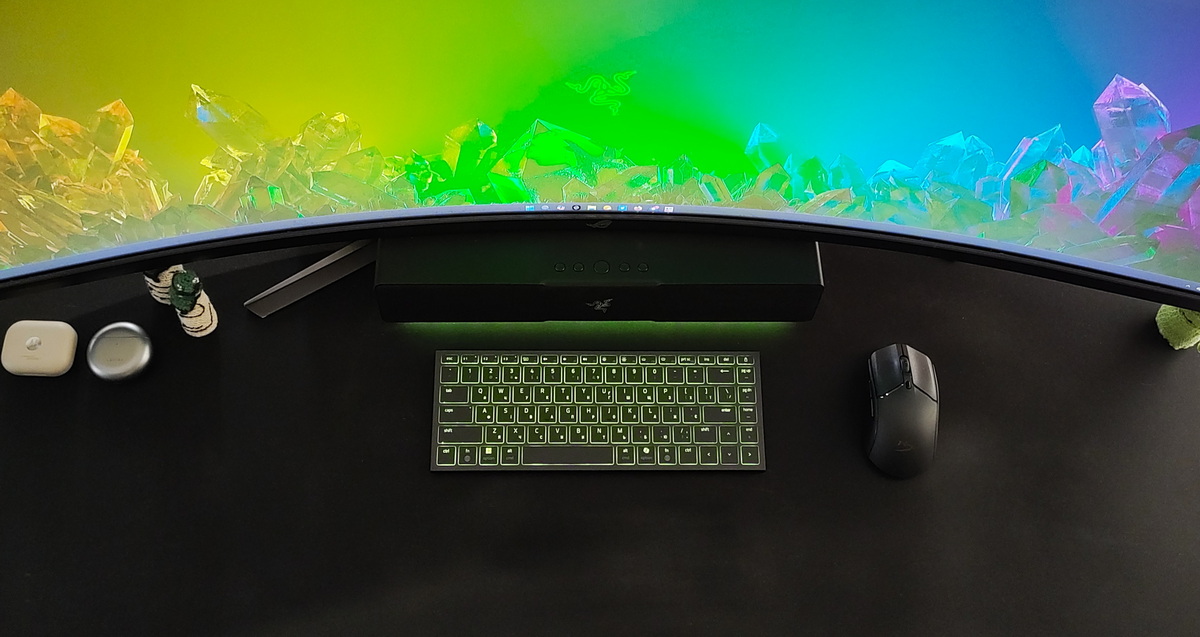
One nice feature is the ability to save up to five user profiles with quick switching between them. This is a handy function that will likely appeal even to users who operate the keyboard solo.
On the other hand, there’s a somewhat odd limitation: when connected via Bluetooth, backlight customization is restricted to the basic Chroma Effect mode, meaning lighting settings can only be adjusted within the keyboard profile in Razer Synapse. However, when connected through USB-C, the keyboard supports Chroma Studio, allowing you to edit lighting profiles across all connected Razer devices simultaneously. This inconsistency was a bit confusing. That said, a recent firmware update introduced support for Hyperspeed Wireless mode, enabling connection via a 2.4 GHz dongle.
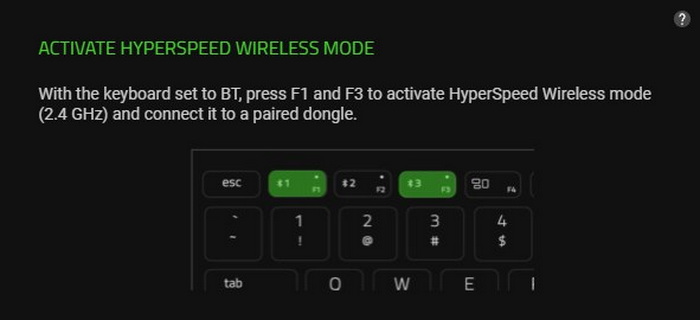
На жаль, перевірити це в мене можливості не було, тому якщо у вас є потрібний донгл – напишіть в коментарях, чи доступна Chroma Studio в цьому режимі.
Connecting, configuring and controlling the keyboard
There’s not much to say about connectivity – it works just like any other Bluetooth device. If needed, you can also connect the keyboard directly via the USB-C cable.
The Razer Joro also offers the convenience of saving up to three Bluetooth connections. To pair with a device, simply hold down F1, F2, or F3 briefly. The keyboard remembers these pairings, allowing you to quickly switch between your laptop, PC, smartphone, and more. No hassle or digging through manuals – just connect and use.
The function row covers all the basics you’ll need for everyday use. But if you want to dive deeper into customization, just install Razer Synapse and explore the full range of peripheral controls.
And if you own other Razer devices, installing this software becomes practically essential. The interface is intuitive and user-friendly, with straightforward navigation – you’ll get the hang of it in no time.
Razer Joro battery life
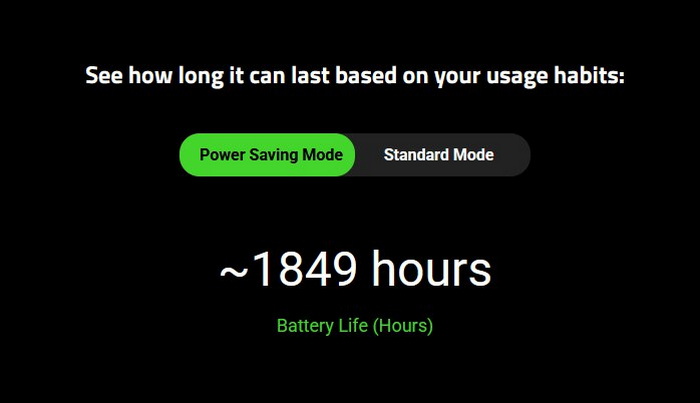
It might sound like something out of science fiction, but Razer claims the keyboard can last up to 1,849 hours on a single charge in power-saving mode.
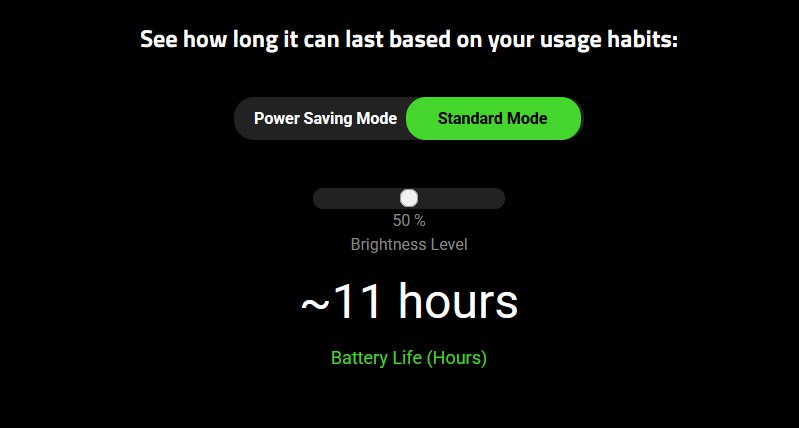
In continuous use with the backlight set to 50% brightness, the battery life approaches around 11 hours.
In reality, if you turn off the backlighting and connect the keyboard via Bluetooth, you could easily forget when you last charged it. But with the RGB lighting on, it’s a different story. In my experience, the Razer Joro’s battery drained within a week, even with moderate use.
Conclusions
Overall, Razer has managed to create a highly portable keyboard that meets the needs of both gamers and users looking for a quality device for work and everyday tasks. It’s incredibly compact and performs its functions well. What more could you ask for?
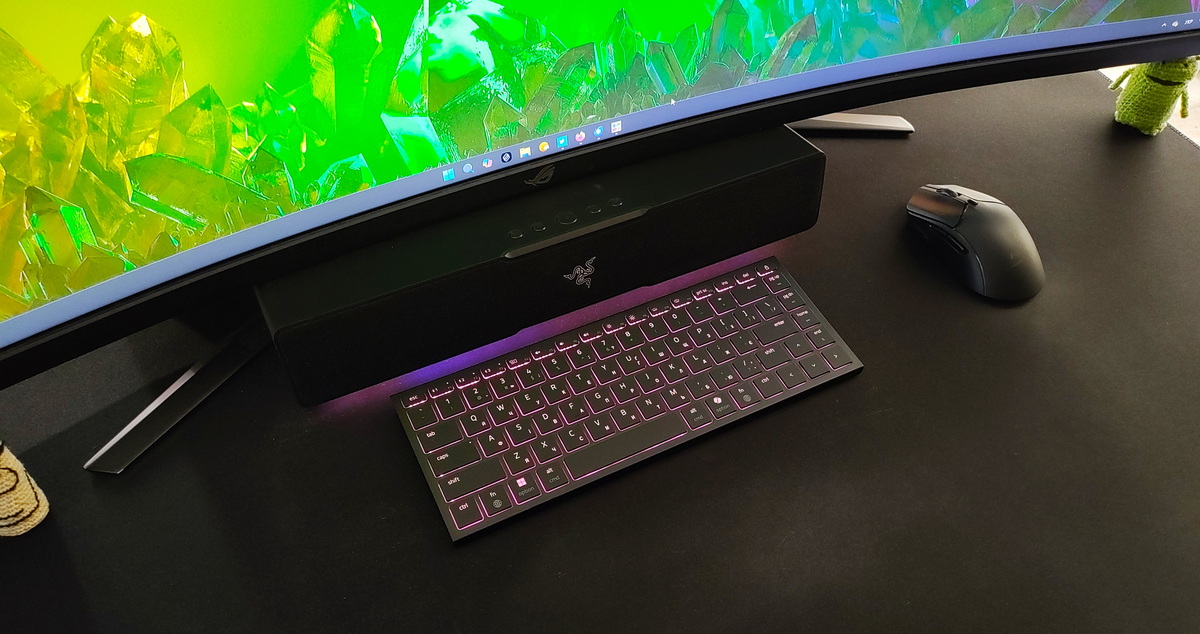
I know this question is probably on your mind: “How suitable is this keyboard for gamers?” It really depends on your preferences, but it’s important to note that the lack of mechanical tactile feedback might be a downside for some. This isn’t a tournament-grade keyboard – it’s more of a solid, comfortable option for gaming at home or on the go.