




© ROOT-NATION.com - Use of content is permitted with a backlink.

Key Takeaways:
- Email is a critical trust channel in e-commerce, guiding customers through confirmations, receipts, and updates.
- Failed delivery or spoofed messages can erode loyalty, reduce sales, and expose customers to fraud.
- DMARC helps e-commerce businesses authenticate outgoing messages and prevent domain spoofing.
- Using a domain analyzer alongside DMARC offers visibility into vulnerabilities and enhances email security.
- Strong email authentication improves deliverability, brand credibility, and customer confidence.
E-commerce trust hinges on reliable email communication. Automated emails like order confirmations and shipping updates are crucial for the customer experience, building credibility and loyalty. However, if these emails fail to deliver or are spoofed, it harms both the customer experience and brand reputation. DMARC helps by enforcing strict email authentication to prevent spoofing and phishing. Using DMARC with a domain analyzer allows e-commerce businesses to find vulnerabilities, monitor email performance, and keep critical communications secure.
TABLE OF CONTENTS:
The E-commerce Email Security Minefield
E-commerce stores operate a complex email ecosystem, which makes them uniquely vulnerable. The challenges go far beyond a simple newsletter.
The Chain of Transactional Emails
A single customer order involves multiple senders. For example, Shopify sends the initial confirmation, PayPal sends a receipt, and then ShipStation sends tracking updates. If one of these fails, the whole customer experience might fail.
Brand Impersonation & Order Spoofing
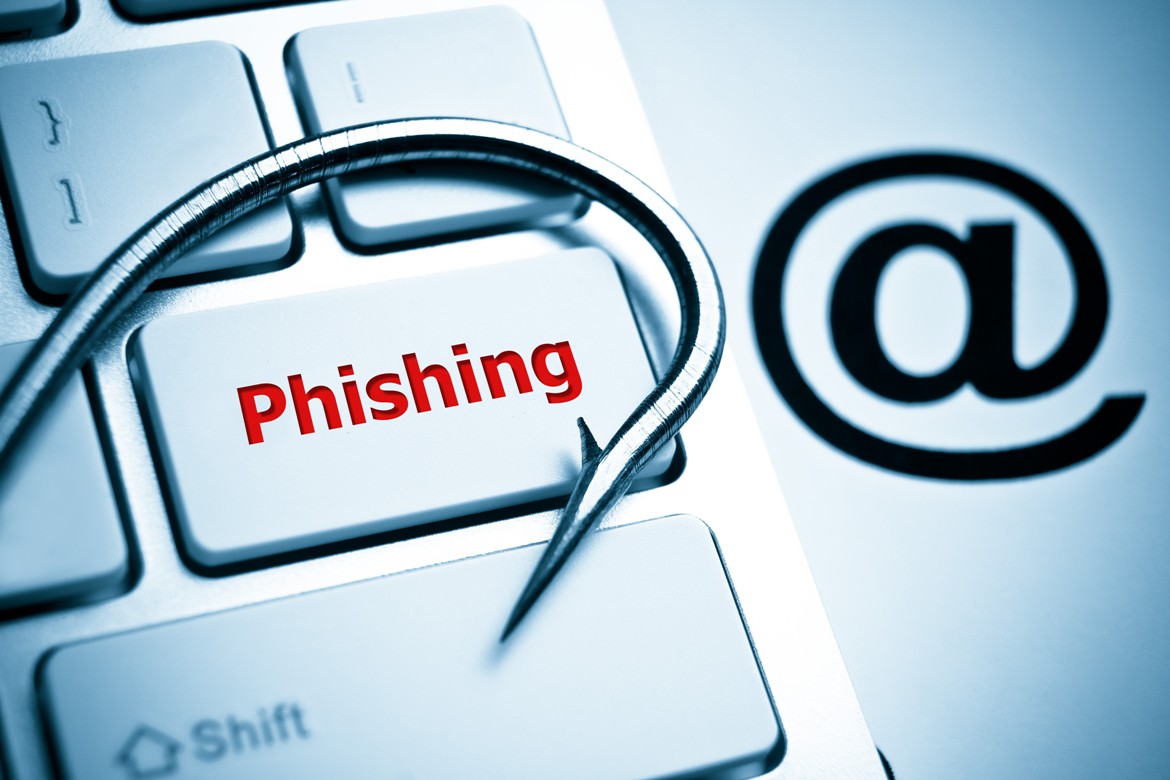
Hackers know your customers expect emails from you, so they exploit the anticipation and trust. They send sophisticated spoofs of your domain. These may include fake order confirmations with malicious links or fraudulent “delivery issue” alerts. All these can help them steal your login credentials and payment details.
Third-Party Service Complexity
You’re likely using more than one third-party service. For example, your tech stack may include:
- An e-commerce platform (e.g., Shopify, WooCommerce, Magento)
- Your email marketing service (Klaviyo, Mailchimp, Omnisend)
- Your customer support desk (Zendesk, Gorgias)
- Your review platform (Yotpo, Trustpilot)
Each of these services sends emails on your behalf. This means each needs to be properly authenticated, so receiving email servers will trust and accept it.
Lost Revenue from Poor Deliverability
It’s not just about security. When your perfectly crafted promotional newsletters or time-sensitive “Back in Stock” alerts land in the spam folder, your marketing ROI plummets, and you lose out on direct revenue.
Real-World Examples of E-Commerce Spoofing
There are numerous examples of spoofing that have targeted trusted e-commerce platforms.
Shopify “Your Shop is Frozen” Phishing Scam (May 2020)
In May 2020, a phishing campaign targeted Shopify sellers. Emails titled “URGENT – Your shop is frozen and has been temporarily deactivated” used official Shopify branding to tell recipients that their account was deactivated because of a failed payment. The email directed merchants to a fake login page to “update billing information.” This created a great pathway for hackers to access and steal email, password, and credit card details. The scam was timed to exploit the increase in online shopping during the COVID-19 pandemic.
Amazon “Phone Number Harvesting” Scam (October 2021)
In October 2021, an Amazon phishing attack combined email spoofing with “vishing” (voice phishing). Scammers sent fake Amazon order confirmations for expensive items. The emails looked quite legitimate and even contained real Amazon links. However, they included a fake customer service number to “cancel the order.” When a user called this number, the scammer would ask for their credit card details and a CVV to “process the cancellation.” This was an easy way to steal the victims’ financial information through a trusted e-commerce platform.
What is DMARC and How Does it Protect Your Store?

DMARC is the industry standard for email authentication. Think of it as a security guard for your domain that verifies that all incoming emails are legitimate.
It works with two existing authentication methods:
SPF
This is like a guest list for your domain. Your SPF record lists all the approved IP addresses that have the right to send emails on your behalf.
DKIM
DKIM is another important email authentication protocol. It adds a unique digital signature to every email․ Receiving servers then check this signature to see if the email is really from you and hasn’t been manipulated during transit.
DMARC unites these two. It allows the domain owner to create a DMARC. When you set up DMARC and choose a policy, the email providers (e.g., Gmail, Outlook, and Yahoo) will know how to deal with emails that do not pass SPF or DKIM checks.
Your policy can be:
p=none
This is the monitor mode. Emails are delivered, but you receive detailed reports on who is sending from your domain (both legitimate and fraudulent).
p=quarantine
This is the filter mode. Emails that fail the checks are sent to the recipient’s spam folder.
p=reject
This is the block mode. Emails that fail the checks are blocked completely and never delivered.
The Tangible Benefits of DMARC for Your Store
Implementing DMARC is one of the highest-ROI activities you can undertake for your e-commerce business.
Boost Inbox Placement & Revenues
Inbox providers favor authenticated emails. This means your marketing campaigns, abandoned cart reminders, and transactional cross-sells will be more likely to reach your customers.
Protect Your Brand Reputation
DMARC is the most effective way to stop hackers from spoofing your domain. It prevents the brand damage that comes from phishing attacks launched in your name.
Enhance the Customer Experience
Say goodbye to “I never received my order confirmation!” support tickets. Reliable email delivery means a smoother post-purchase experience. This will lead to happier customers and better reviews.
Gain Full Visibility
DMARC reports show you every single service sending email on your behalf. You might discover old apps or forgotten trial services that need to be de-authorized. This will help tighten your security posture.
Your 4-Step DMARC Implementation Plan
A gradual, data-led approach is crucial for a successful DMARC rollout without disrupting your business operations.
1. Begin with Visibility (p=none)
Your first step is to publish a DMARC record in “monitor mode.” The raw XML reports generated are notoriously difficult to read, which is why a service like the PowerDMARC DMARC Analyzer is essential.
2. Audit and Authenticate Your Senders
Using the insights from your reports, create a list of all your legitimate senders. Now, you must configure SPF and DKIM for each one. The PowerDMARC platform helps manage this complexity and guides you through the setup for each service.
3. Move to p=quarantine
Once your reports show that all your legitimate services are passing DMARC checks consistently, it’s time to update your policy to p=quarantine. It starts protecting your customers by filtering suspicious emails to spam while you monitor the reports.
4. Achieve Full Enforcement with p=reject
After a period of monitoring in quarantine with no issues, you can confidently move to p=reject. This is the ultimate goal. At this stage, any email sent from your domain that fails authentication is rejected outright.
Summing Up
In e-commerce, email is important not just for communications; it’s essential for your business success. When you have proper email authentication in place, you’re likely to see revenues grow, customers return, and marketing efforts finally pay off. Don’t let hackers exploit the trust your customers have in you and your business. Act proactively, leverage DMARC, and see your email communications transform into sales and success.
Frequently Asked Questions
What are the risks of no DMARC?
Expect high spam, low email deliverability, increased risk of spoofing and phishing, data breaches, loss of money, and reputational damage.
Is DMARC mandatory?
DMARC isn’t a legal requirement. However, major email providers like Google, Yahoo, and Microsoft recently made DMARC mandatory for bulk senders (i.e., those who send 5,000+ emails per day). If you don’t comply with this requirement, expect your emails to be sent to spam or get rejected altogether.
How to configure DMARC in Salesforce?
Salesforce doesn’t host the DMARC record itself. You should therefore create a DMARC TXT record with your domain’s DNS provider. Then, you need to configure it to align with your Salesforce email-sending domain. Salesforce recommends using a third-party DMARC vendor for monitoring and reporting.
What is the best setting for DMARC?
While p=reject is the safest setting for DMARC, it’s recommended you start with p=none to monitor email traffic without impacting deliverability. Move to p=qurantine or p=reject only when you have done the necessary monitoring and analysis.
What does PCI compliance require?
PCI DSS outlines 12 security requirements. These include building and maintaining a secure network, protecting cardholder data, maintaining a vulnerability management program, implementing strong access control, monitoring and testing networks, and maintaining an information security policy.

