





© ROOT-NATION.com - Use of content is permitted with a backlink.
The most accurate way to describe the Motorola Razr Fold is that it effectively gives you three devices in one. Not in terms of features, but in terms of size. When folded, it feels about 95% like a conventional Motorola smartphone. Unfolded, however, it transforms into a flagship-class tablet. While I found the Razr 70 Ultra interesting, it never truly won me over. The Fold, on the other hand, is a different story. Its form factor goes beyond being merely practical for everyday use – it provides enough screen space to support genuinely productive work.
Read also: Foldable smartphone reviews
TABLE OF CONTENTS:
Motorola Razr Fold Specifications
- Dimensions when unfolded: 160.05 × 144.47 × 4.55 mm
- Dimensions when folded: 160.05 × 73.60 × 9.89 mm
- Weight: 243 g
- Dust and water resistance: IP48/IP49
- Main screen: 8.09″ LTPO pOLED, resolution 2484×2232 pixels, 120 Hz refresh rate, HDR10+ support
- Peak brightness of the main screen: up to 6,200 nits
- External screen: 6.56″ LTPO pOLED, 2,520 × 1,080 pixels, 21:9 aspect ratio, refresh rate up to 165 Hz in gaming mode
- Peak brightness of the external screen: 6,000 nits
- External screen protection: Corning Gorilla Glass Ceramic 3
- Processor: Octa-core Qualcomm Snapdragon 8 Gen 5
- Graphics processor: Adreno 829
- RAM: 16 GB LPDDR5X (with virtual expansion capability)
- Storage: 512 GB UFS 4.1
- Wide-angle camera: 50 MP, ƒ/1.6 aperture, 1/1.28″ sensor size, PDAF, OIS
- Ultra-wide-angle camera: 50 MP, ƒ/2.0 aperture, 122.1° field of view, macro photography support
- Telephoto: 50 MP, ƒ/2.4 aperture, 3x optical zoom
- Battery: 6,000 mAh, silicon-carbon
- Wired charging: up to 80 W
- Wireless charging: up to 50 W
Motorola Razr Fold video review
Positioning and Price
Motorola itself has not yet had the opportunity to introduce any truly groundbreaking – or even fully refined – features to this device, as it represents the company’s first entry into this form factor. That makes its price particularly notable: the standard model starts at over $2,000, while the FIFA World Cup 2026 Edition is priced at approximately $2,200.

Technically, this is the most expensive smartphone I have ever reviewed. It is also, by a considerable margin, the most expensive device I have tested with a 16 GB / 512 GB memory configuration.
Package contents
The Motorola Razr Fold comes with a rather interesting retail package. In addition to the charging cable, it includes a stylus housed in a dedicated charging case. The stylus does not store inside the phone itself, but I actually prefer Motorola’s approach here. I’ll cover that in more detail later in the review.

It is worth noting that the package does not include a charging adapter, despite the box itself being unusually large. Whatever the amount of recycled paper used in the packaging, it is difficult to view the omission as an environmental decision. In practice, it is far more likely to be a cost-saving measure than a sustainability initiative.
Design and Build
The Motorola Razr Fold looks significantly different from the Razr 70 Ultra. Gone is the perfectly symmetrical appearance when unfolded – and, in my view, that is a positive change. The Fold looks and feels much more like a conventional smartphone. In fact, if you took the Motorola Edge 50 Ultra, split it lengthwise so that the display and the rear panel became two separate halves, and connected them with a hinge along one edge, the result would be remarkably close to the Razr Fold.

The camera layout remains familiar, as does the Motorola logo. The main display retains its tall aspect ratio with a centered punch-hole selfie camera. On the opposite side, there is a full-size outer display that spans nearly the entire width of the device and also features a punch-hole camera. The frame is made of titanium, while the body itself uses aerospace-grade aluminum. The device is rated IP48/IP49 for dust and water resistance.

The outer display is protected by Corning Gorilla Glass Ceramic 3, while the inner folding display has no rigid protective glass layer – the factory-installed protective film is an integral part of the display and should not be considered equivalent. At 243 g, the Razr Fold is only slightly heavier than a typical flagship smartphone.
Ergonomics
The Razr Fold avoids unnecessary design experiments, at least by Motorola’s standards. The power button and volume rocker are positioned on the right side, with the fingerprint sensor integrated into the power button. On the left edge, there is a dedicated AI assistant button. While it can be disabled, it cannot be reassigned to another function, which limits its flexibility.

Another advantage of the full-size outer display is that, when folded, the Razr Fold feels remarkably similar to a conventional smartphone. This brings me back to my earlier point: in practical terms, the device delivers the experience of three smartphones in one – at least if you judge it by available screen area, which effectively doubles once the device is unfolded.

The increased thickness when folded has little impact on day-to-day usability or comfort. If anything, I found the device easier to hold than a conventional flagship smartphone, particularly thanks to its slightly smaller outer display, which makes one-handed use feel more natural.
Motorola Razr Fold Displays
The Motorola Razr Fold features two displays. The primary inner panel measures 8.1 inches, offers a resolution of 2484 × 2232 pixels, supports a 120 Hz refresh rate, and has an 8:7.2 aspect ratio, making it close to square. While this format is not particularly well suited for watching movies, it is exceptionally effective for productivity tasks, where the additional vertical and horizontal workspace is a clear advantage.


The benefits of this design become clear when you look at the outer display, which is almost exactly half the size of the inner panel while, in some respects, offering even better specifications. It measures 6.56 inches, has a resolution of 2520 × 1080 pixels, supports a 165 Hz refresh rate, and uses a 21:9 aspect ratio. In other words, it is a tall, comfortable smartphone display with no obvious compromises. If you already find it productive to work on, simply imagine two of these displays placed side by side – that is effectively what the inner screen provides, and it works remarkably well.

Both displays are LTPO pOLED panels with a typical brightness of around 500 nits and a peak brightness of approximately 6,000 nits. Unlike the display used in the Motorola Edge 50 Ultra, both panels support an always-on display, software-based flicker reduction, and 10-bit color reproduction.

Overall, I have no meaningful criticisms of either display. They are among the very few smartphone panels I would confidently rate a perfect 10/10. The only feature I would have liked to see is under-display cameras, but given the physical constraints of a foldable design and the device’s thickness, that simply is not a realistic expectation.
Performance
One of the first things I did after unboxing the Motorola Razr Fold – right after completing the battery test – was to run a thermal stress test. The reason was simple: I expected the Fold to exhibit behavior similar to the Razr 70 Ultra, which tended to heat up under sustained load. Perhaps not to the same extent as the Razr 60 Ultra, but still quickly enough to raise concerns.


Imagine my surprise when the SoC not only maintained stable performance under load, but actually proved more consistent than many flagship smartphones with a conventional form factor. The reason is fairly straightforward. First, the chipset has considerably more internal space available, allowing Motorola to implement a much more capable cooling solution. In fact, it is arguably even more effective, as the thermal system is far less constrained by the battery layout.

The second factor is the chipset itself. The Razr Fold is powered by the Qualcomm Snapdragon 8 Gen 5 rather than the Snapdragon 8 Elite. That raises an interesting question: why equip a smartphone with limited thermal headroom with the more powerful processor, while a $2,000 foldable tablet receives the slightly less powerful flagship-tier alternative, whose peak clock speed is roughly 800 MHz lower?

The explanation is actually quite straightforward. The Razr 70 Ultra would likely have encountered thermal limitations even with the less powerful chipset, but it would also have lost the advantage of higher short-term boost frequencies. The situation is similar to Intel’s Turbo Boost technology: brief, bursty workloads benefit from maximum clock speeds, while sustained heavy workloads are not the primary design target for the device. The Razr Fold, by contrast, is better equipped to maintain consistent performance over extended periods thanks to its more capable thermal design.

This difference becomes particularly evident in AnTuTu. The Motorola Razr 70 Ultra scores 2,873,682 points – roughly 2.87 million. The Razr Fold, despite using the less powerful processor, achieves 2.72 million points. The gap is surprisingly small, especially considering that both devices share the same 16 GB of LPDDR5X memory and a 512 GB UFS 4.1 storage configuration.
Connectivity and Audio
The Razr Fold features a stereo speaker system with Dolby Atmos support. There is no 3.5 mm headphone jack, and the device is equipped with three microphones. A sample of the speaker and microphone performance can be found in the video review above.

The connectivity options are equally comprehensive, including Wi-Fi 7, Ultra Wideband (UWB), and Bluetooth 6.0. The latter is particularly surprising, considering that the Razr 70 Ultra, despite featuring a more powerful chipset, is limited to Bluetooth 5.4. As for SIM support, the physical SIM tray is larger than I expected. However, despite the available space, it still does not support microSD expansion.

If you need more storage, there is unfortunately no 1 TB version of the Motorola Razr Fold available in Ukraine. On a more positive note, the device features a USB-C port compliant with the USB 3.2 Gen 1 standard, offering data transfer speeds of up to 5 Gbps and support for DisplayPort 1.2 Alt Mode.

This means full support, including for the Motorola Ready For desktop mode, which we reviewed – see the link here.
Cameras
The Razr Fold is equipped with an unusually large number of cameras, and I have little doubt that this is one of the factors contributing to its premium price. In total, the device features three rear camera modules, one front-facing camera for use when the phone is folded, and a second front-facing camera positioned in the upper-right corner of the inner display for use when the device is unfolded.

The inner front-facing camera features a 20 MP sensor with an f/2.4 aperture, a 90° field of view, and an effective pixel size of 1.22 μm after pixel binning. The outer selfie camera uses a 32 MP sensor with the same f/2.4 aperture, an 88.5° field of view, and 1.28 μm effective pixels after binning. Both cameras deliver solid image quality and are perfectly adequate for everyday use. They support 4K video recording at up to 60 fps, although neither is equipped with autofocus.
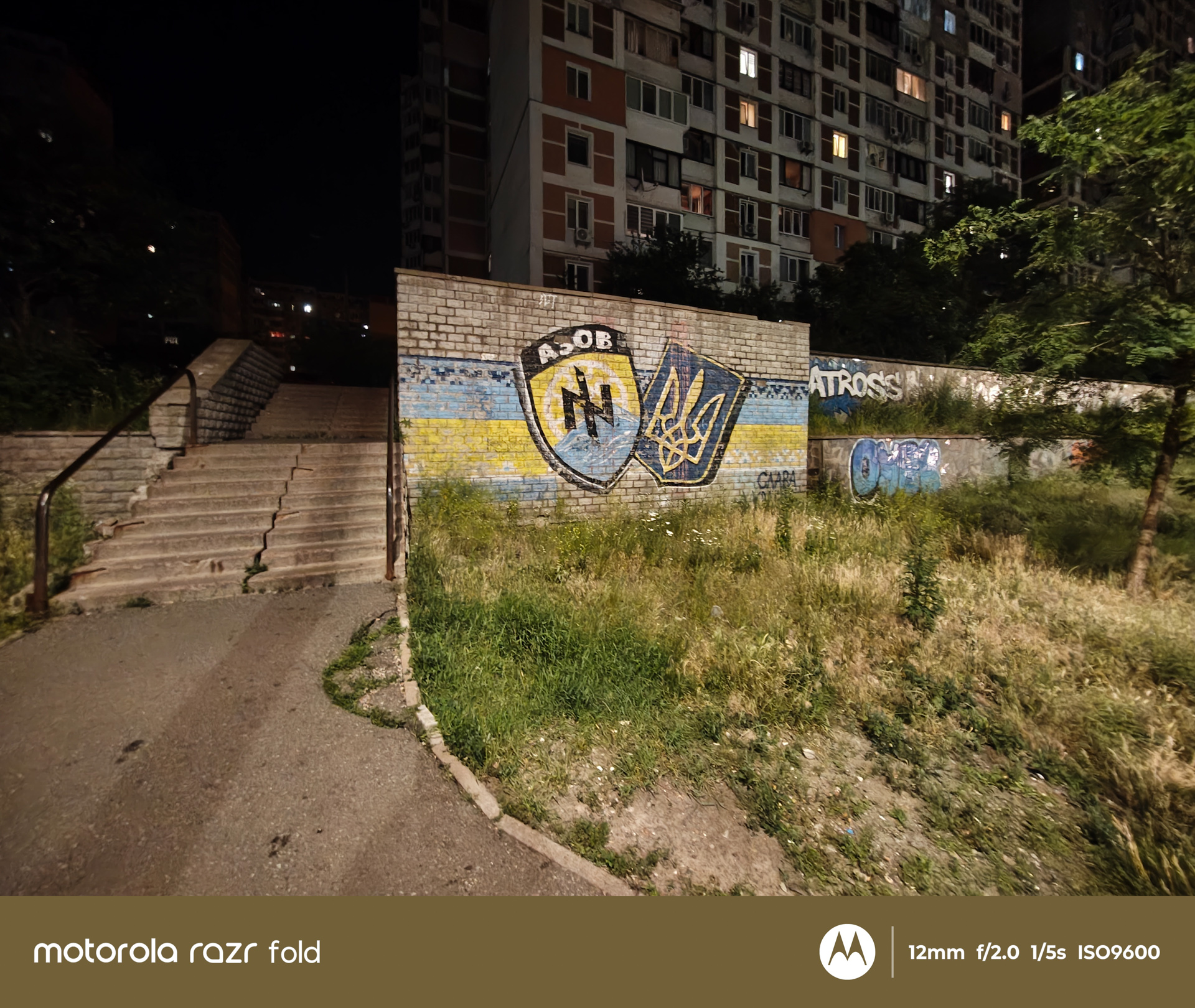

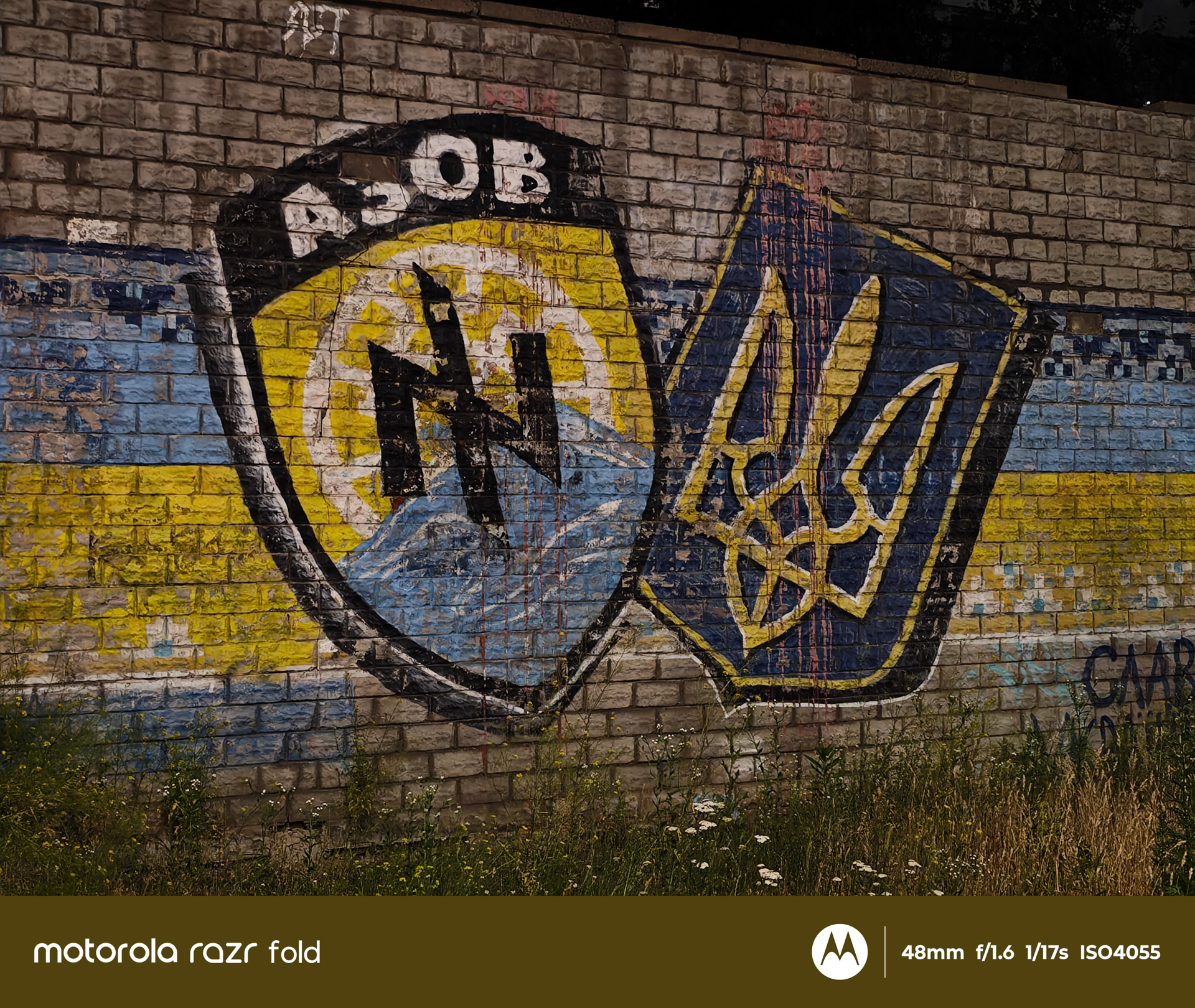
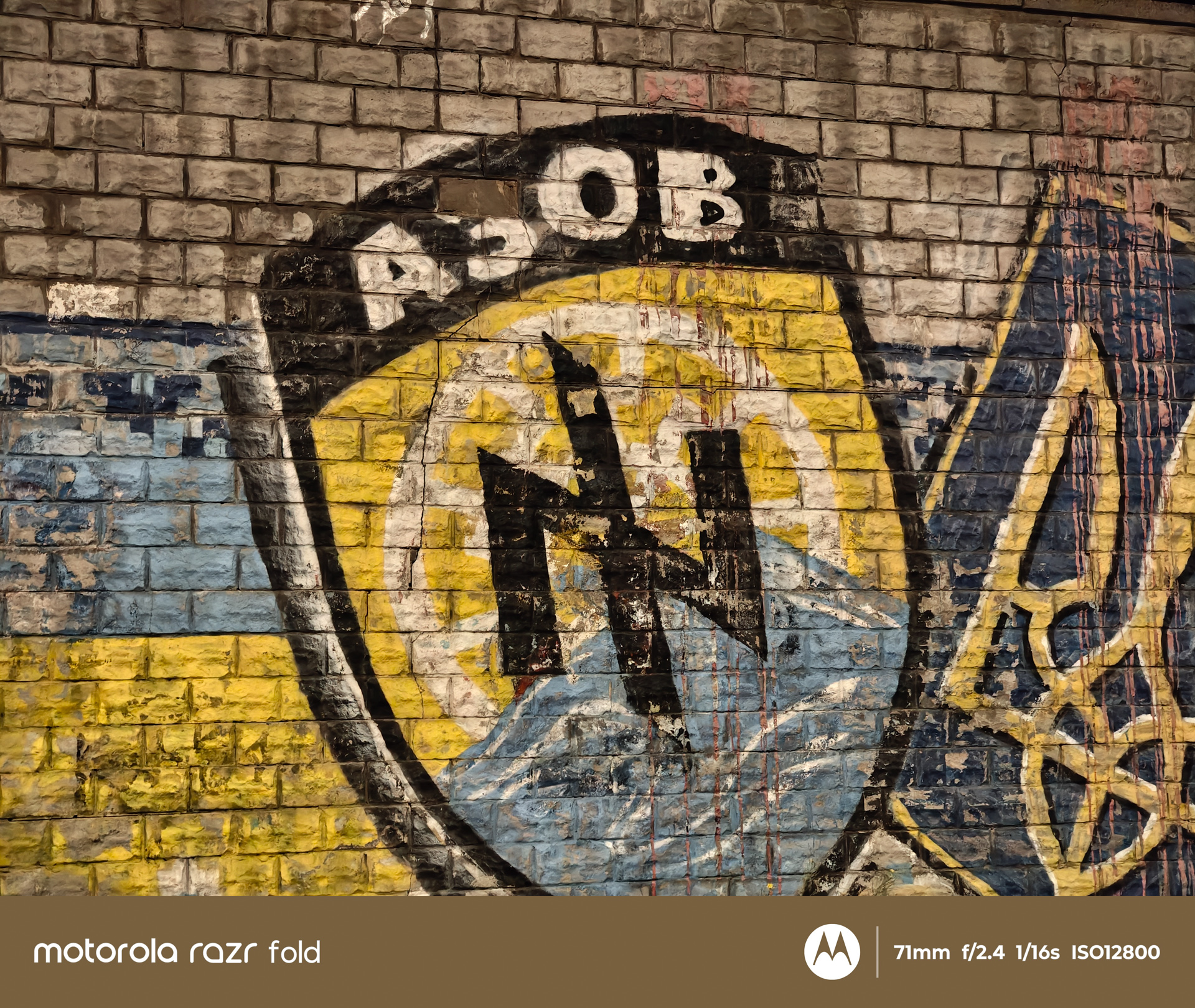
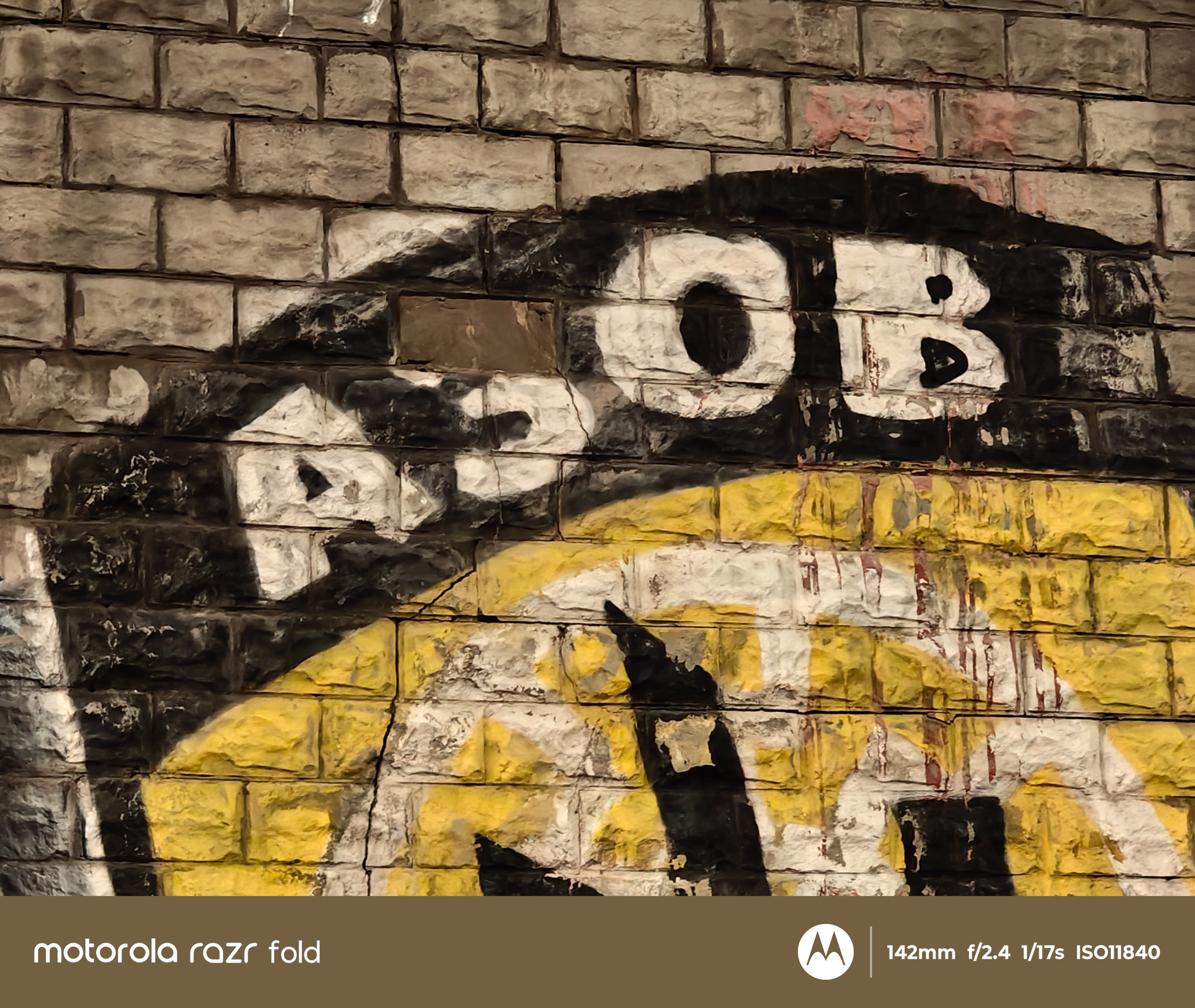


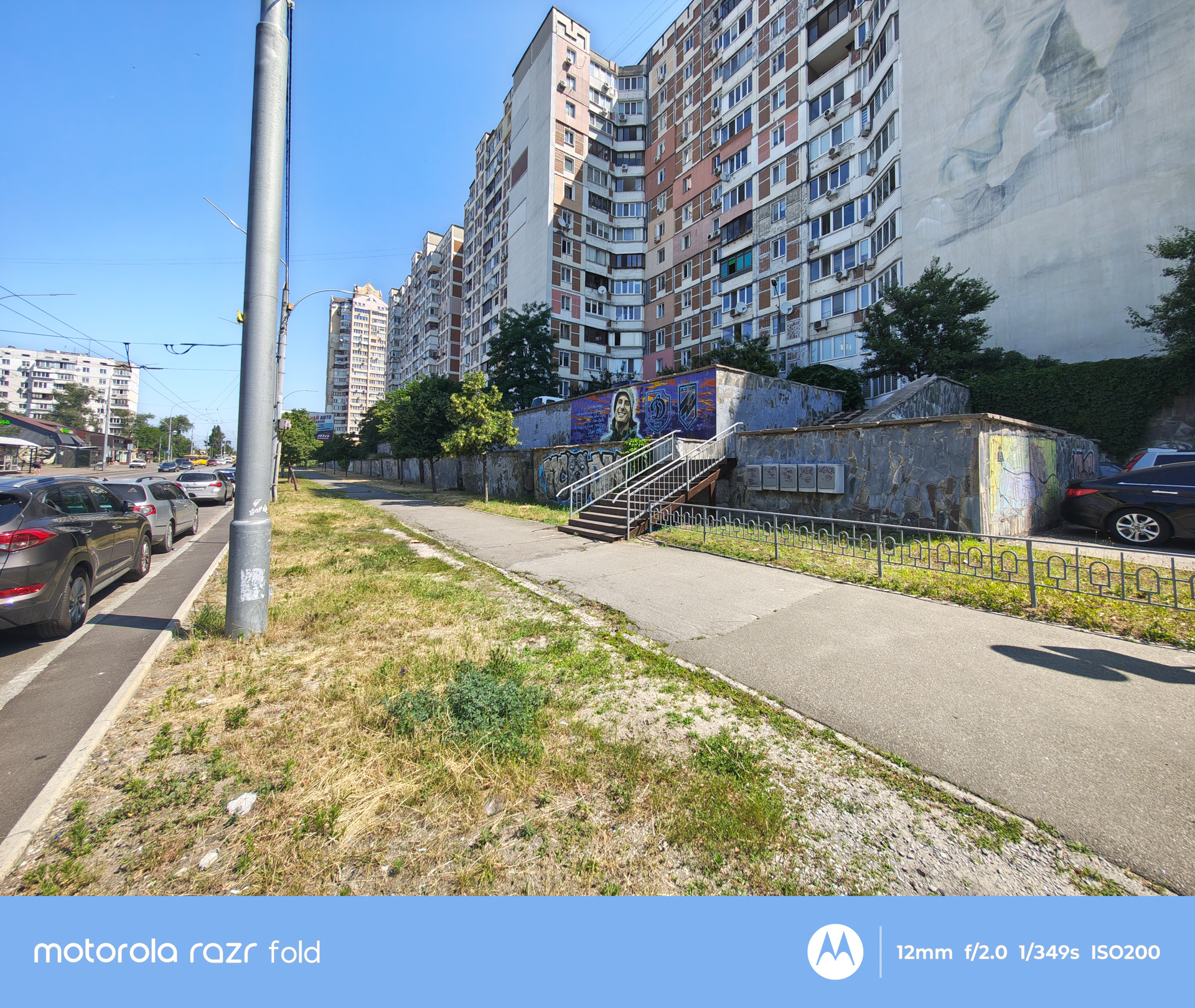
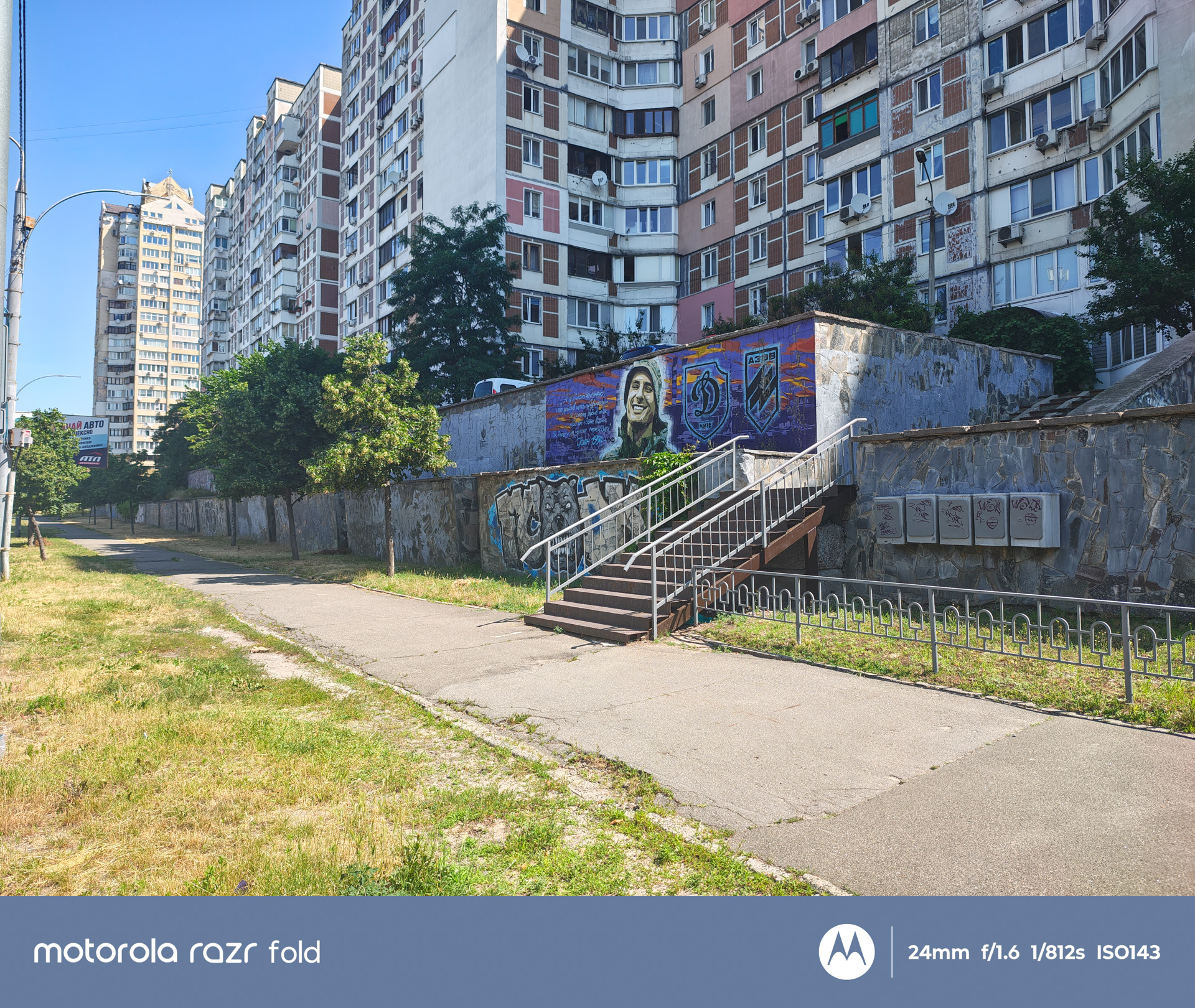



The primary camera system begins with a standard wide-angle module featuring a 50 MP sensor, an f/1.6 aperture, and an 84.7° field of view (23 mm equivalent). It uses a large 1/1.28-inch sensor, with an effective pixel size of 2.44 μm after pixel binning. The camera includes both optical image stabilization (OIS) and autofocus, and its color reproduction is Pantone Validated.
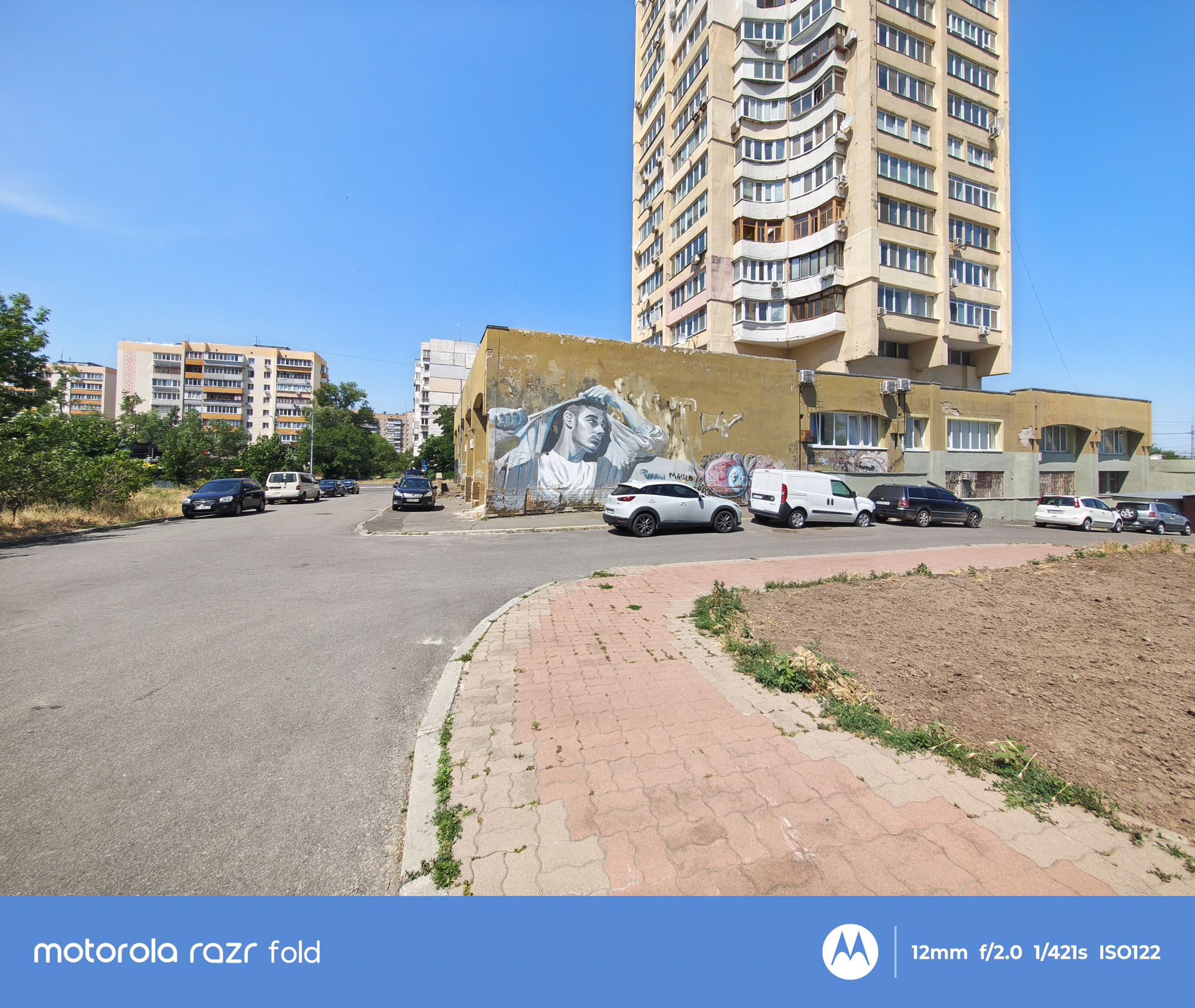




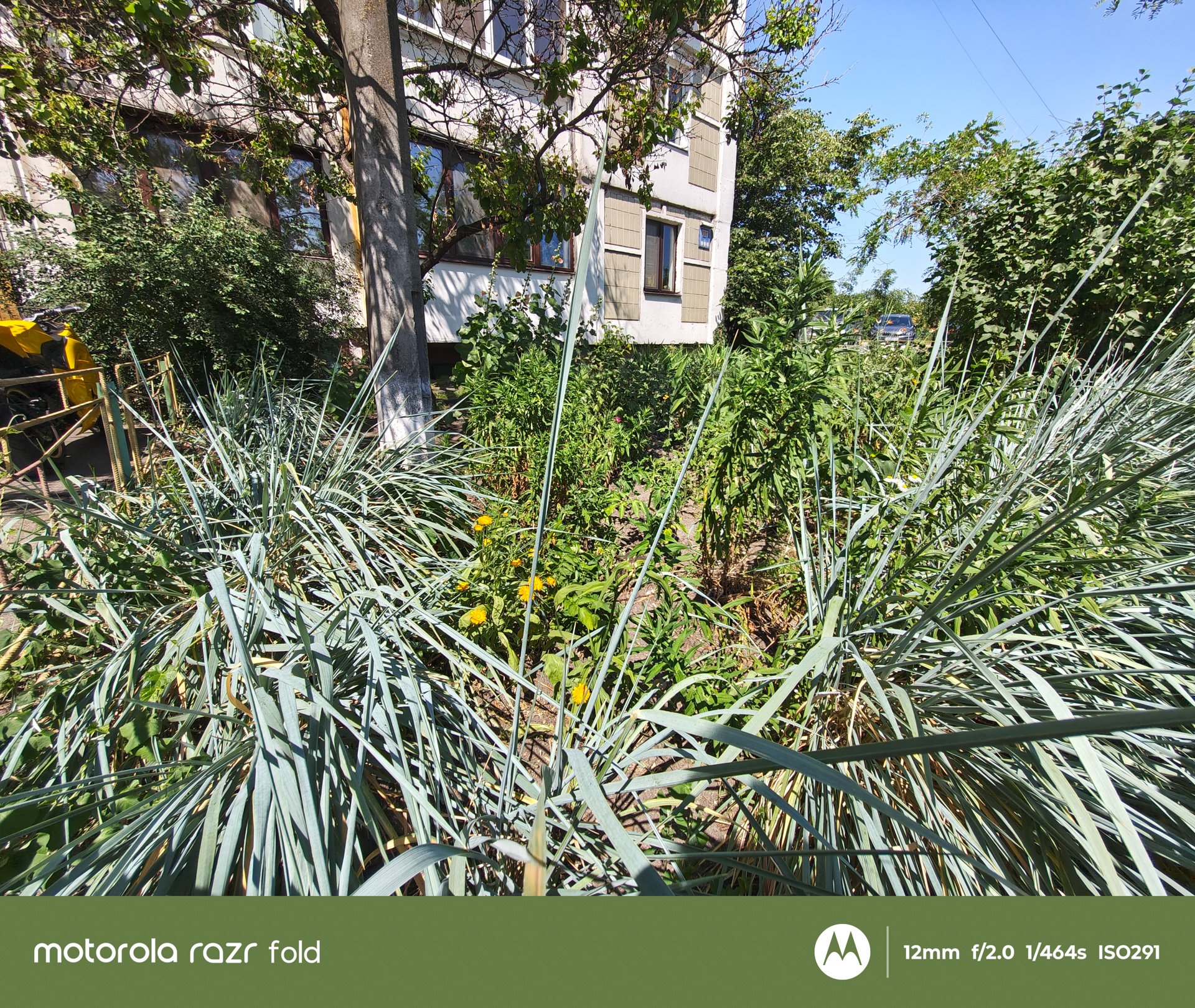
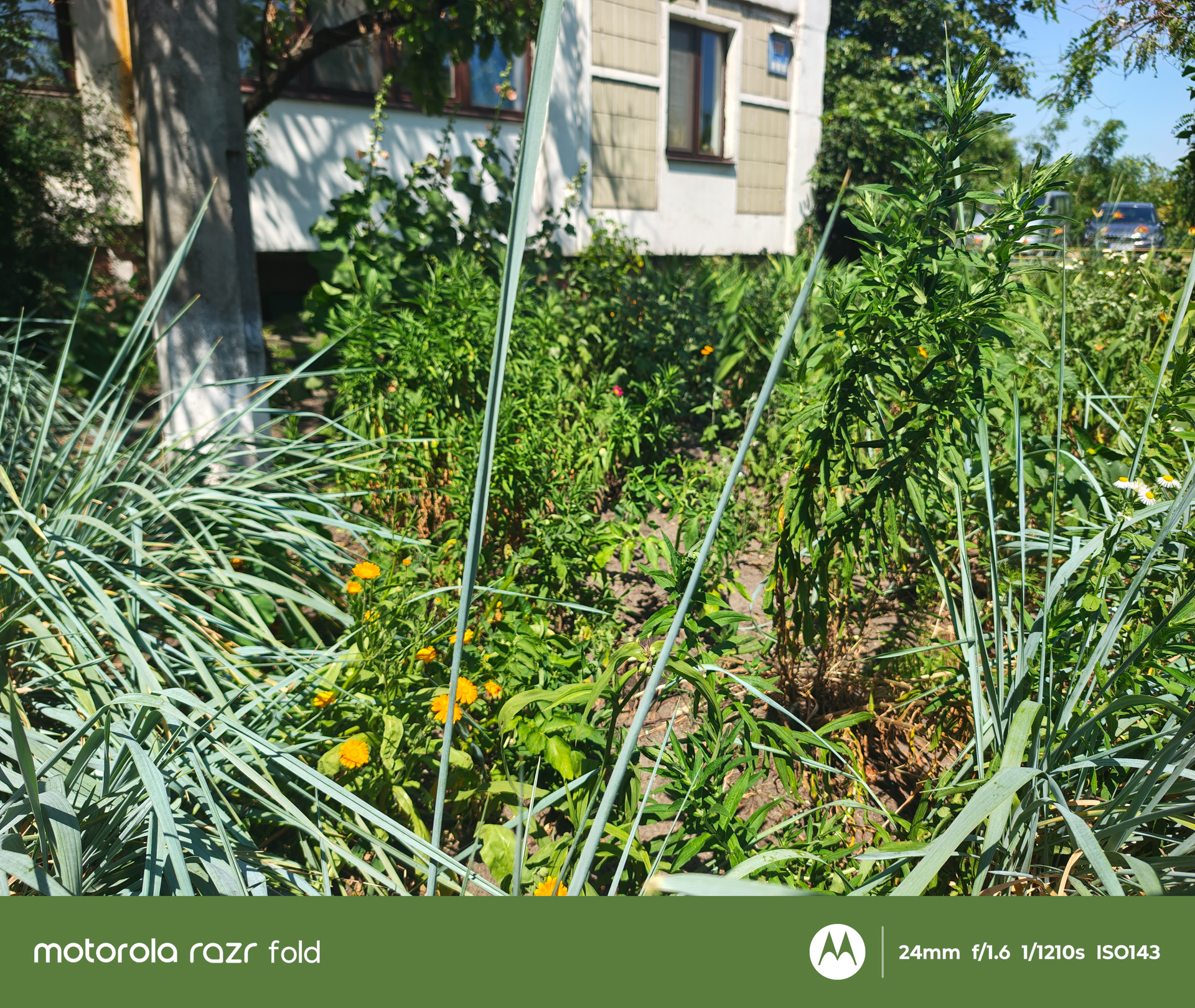
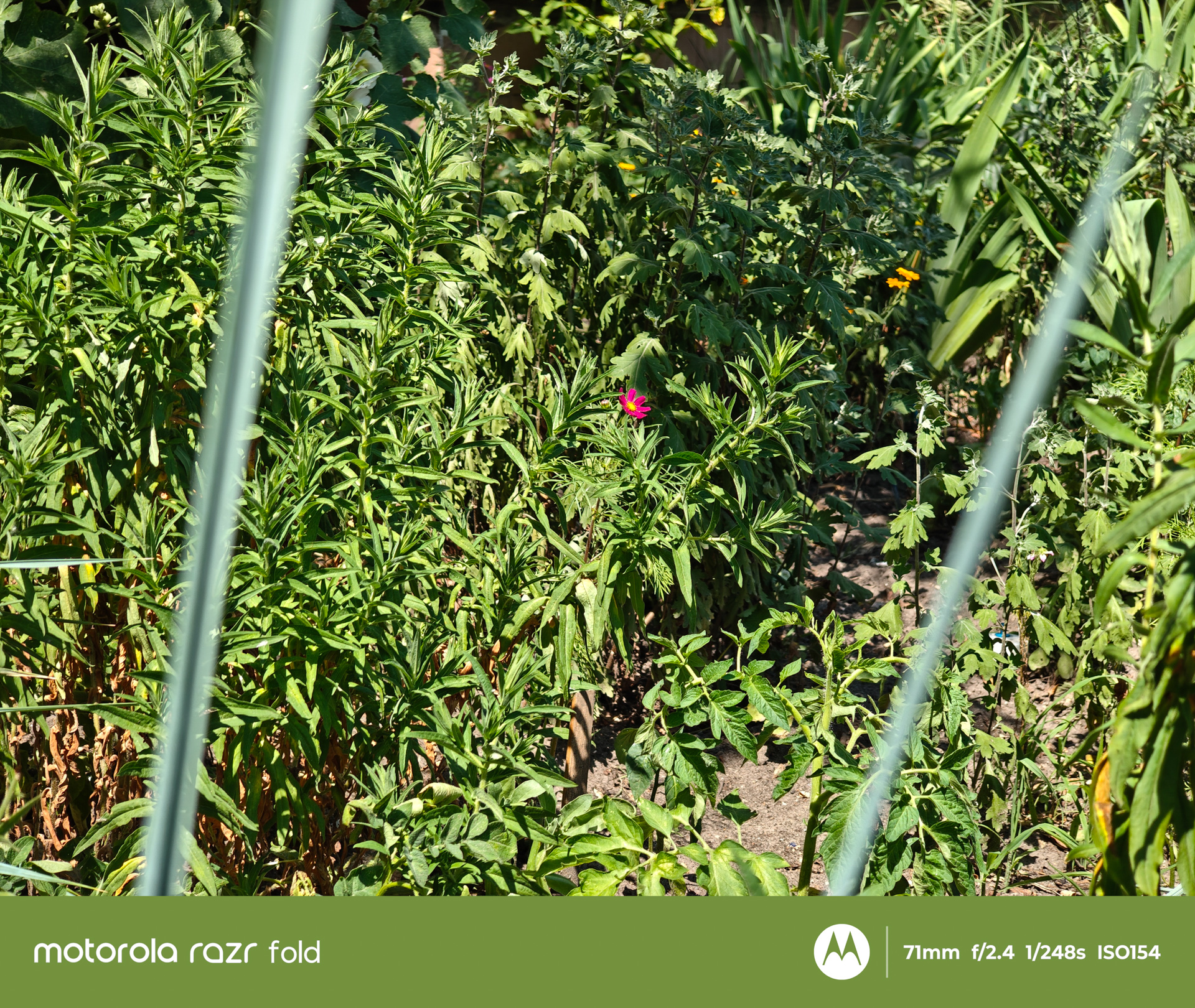
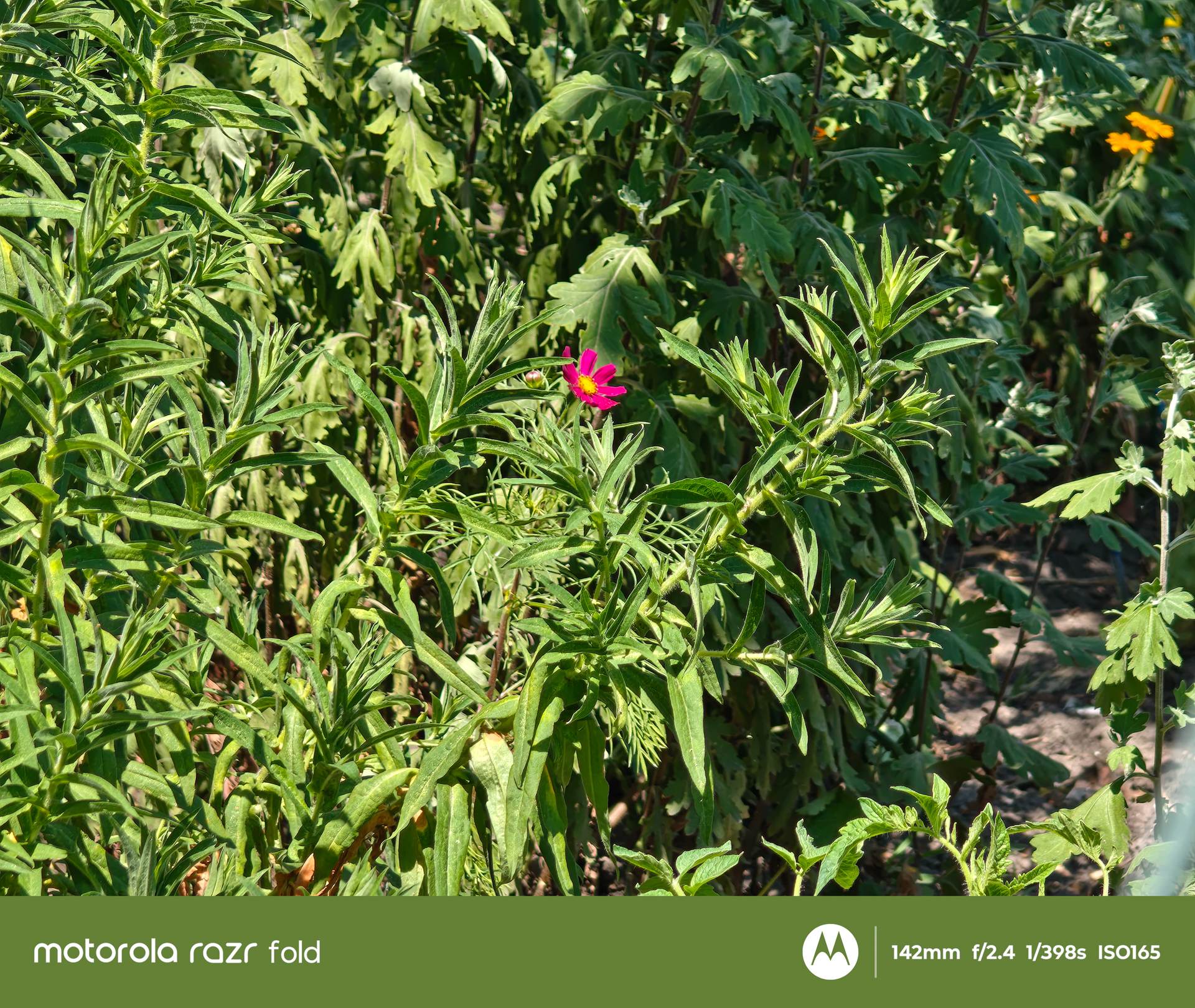
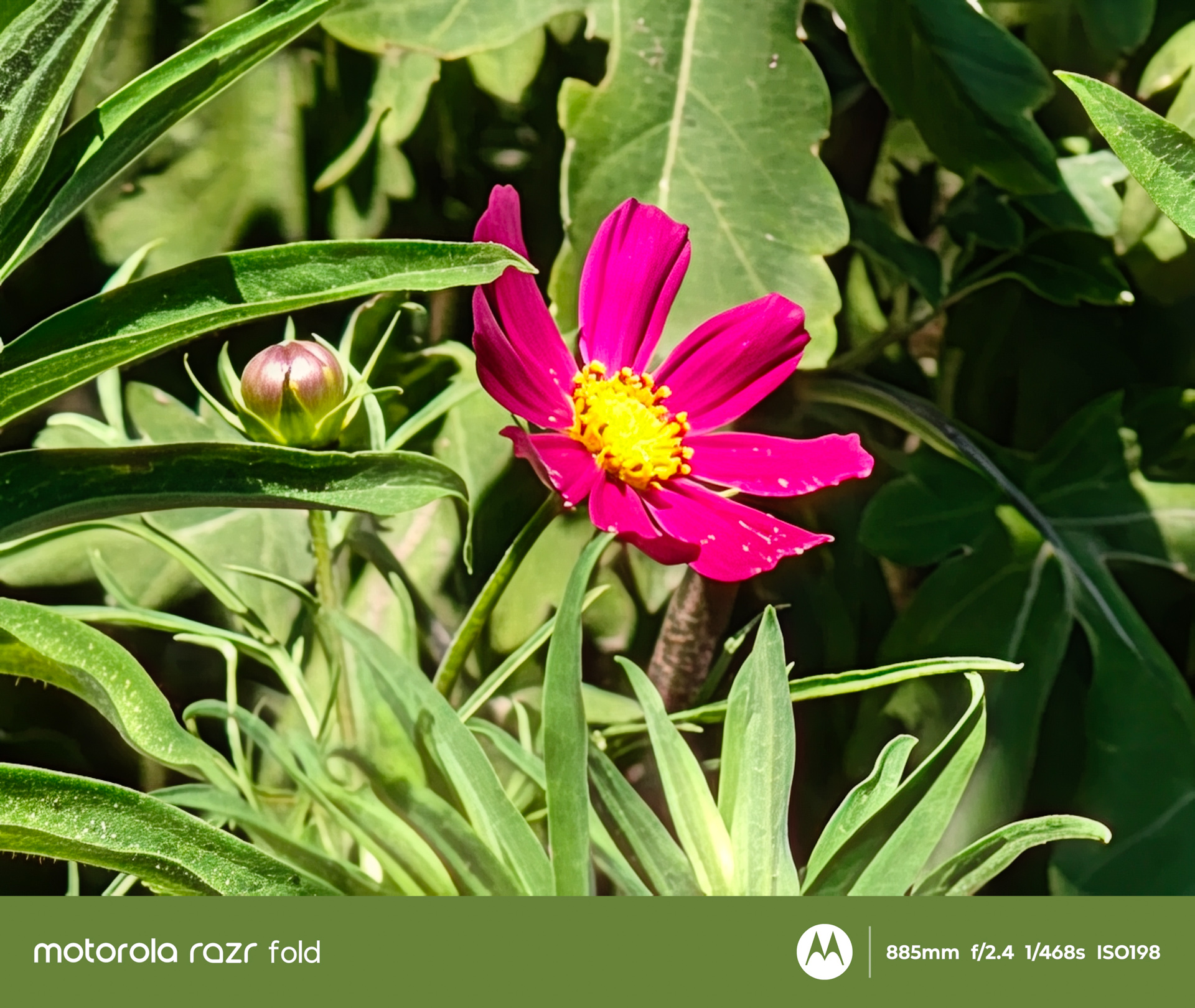
The ultra-wide camera also uses a 50 MP sensor, paired with an f/2.0 aperture and a 122.1° field of view (12 mm equivalent). It features a 1/2.76-inch sensor with an effective pixel size of 1.28 μm after pixel binning. Autofocus is supported, although optical image stabilization is not. The telephoto camera is based on a 50 MP periscope module with an f/2.4 aperture and a 33.7° field of view (71 mm equivalent). It includes autofocus and optical image stabilization. The sensor measures 1/1.95 inches, providing a larger imaging area than is typically found in periscope cameras.


Video capabilities are equally impressive. The Razr Fold supports recording at up to 8K30 with Dolby Vision, as well as 4K120, although these modes are not available on every camera module. Even so, this is a noticeable improvement over the Razr 70 Ultra, whose front-facing camera was limited to Full HD recording. It is worth remembering that the Fold uses the less powerful chipset. However, both devices rely on a broadly similar image signal processor (ISP), and Motorola continues to lean heavily on computational photography. In other words, whatever optical detail the periscope lens cannot capture, AI processing is expected to compensate for.


As expected, a dedicated professional video recording mode is still absent.
PHOTOS AND VIDEOS IN FULL RESOLUTION – HERE
Software and Stylus
The Razr Fold runs Android 16 with Motorola’s Hello UI. More accurately, however, Hello UI applies primarily when the device is folded. Once unfolded, the experience shifts to what is effectively a tablet interface with its own layout and behavior. It may still carry the Hello UI branding, but the differences are substantial enough that it feels like a distinct user interface designed specifically for the larger display.
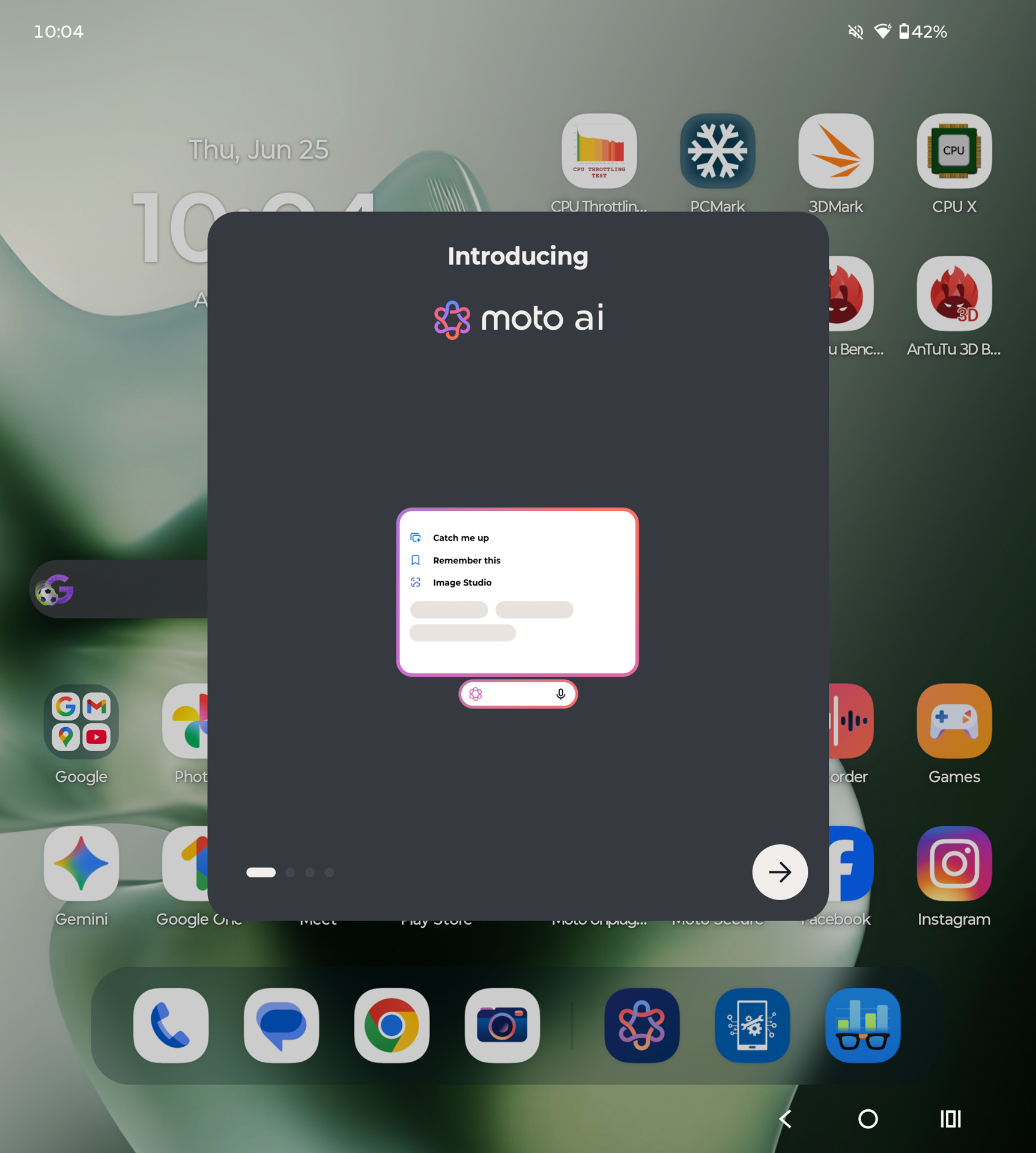
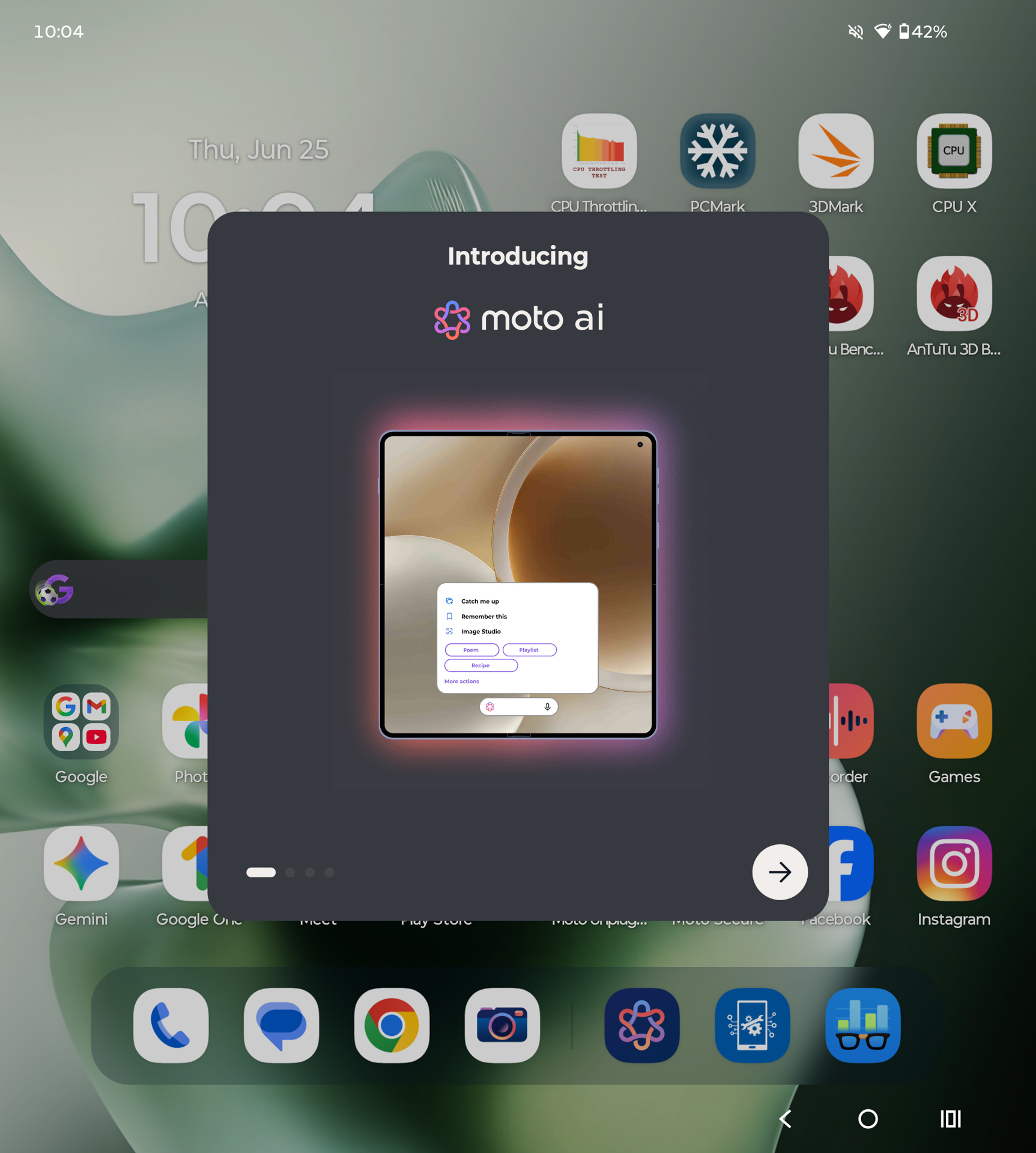
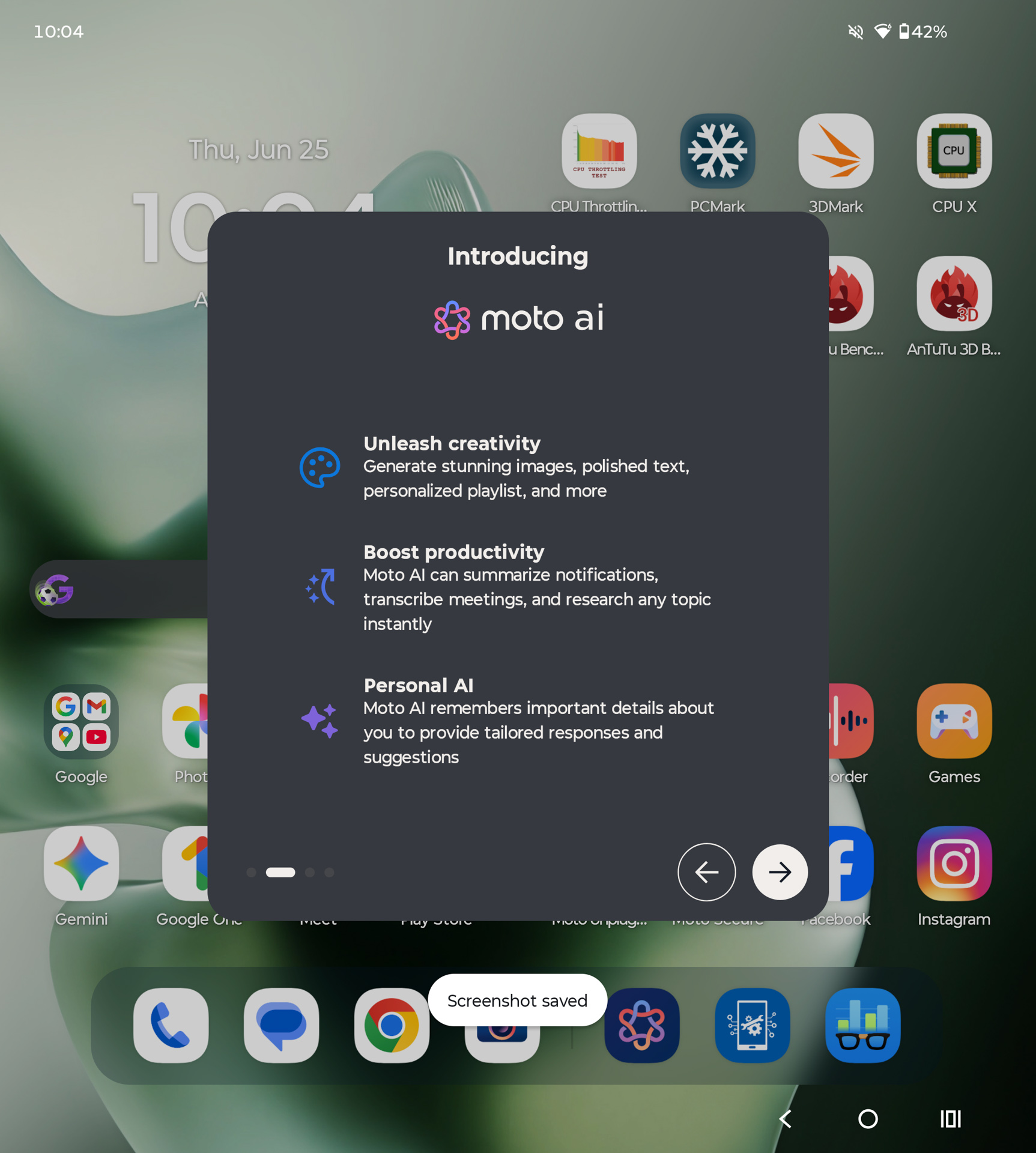
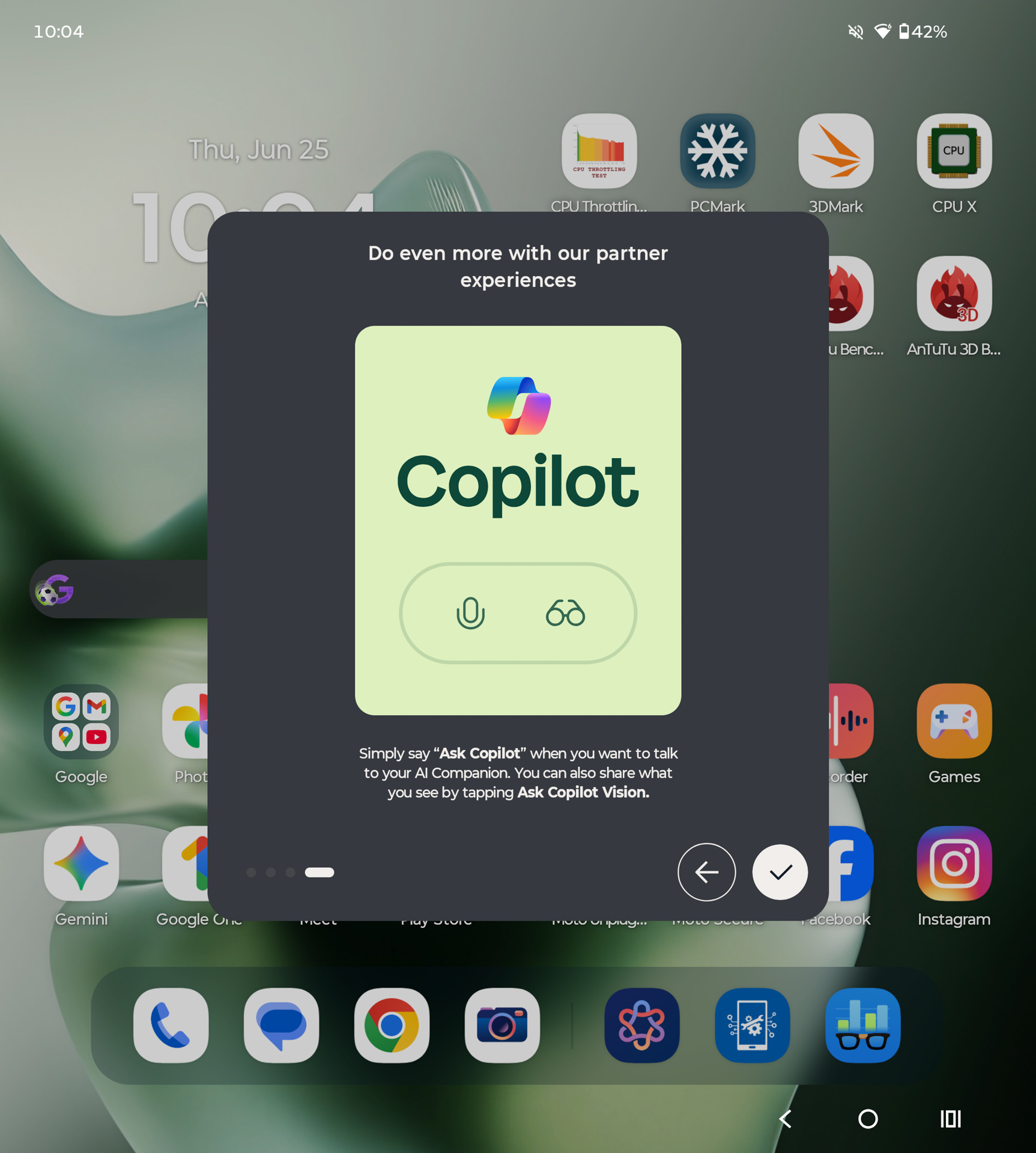
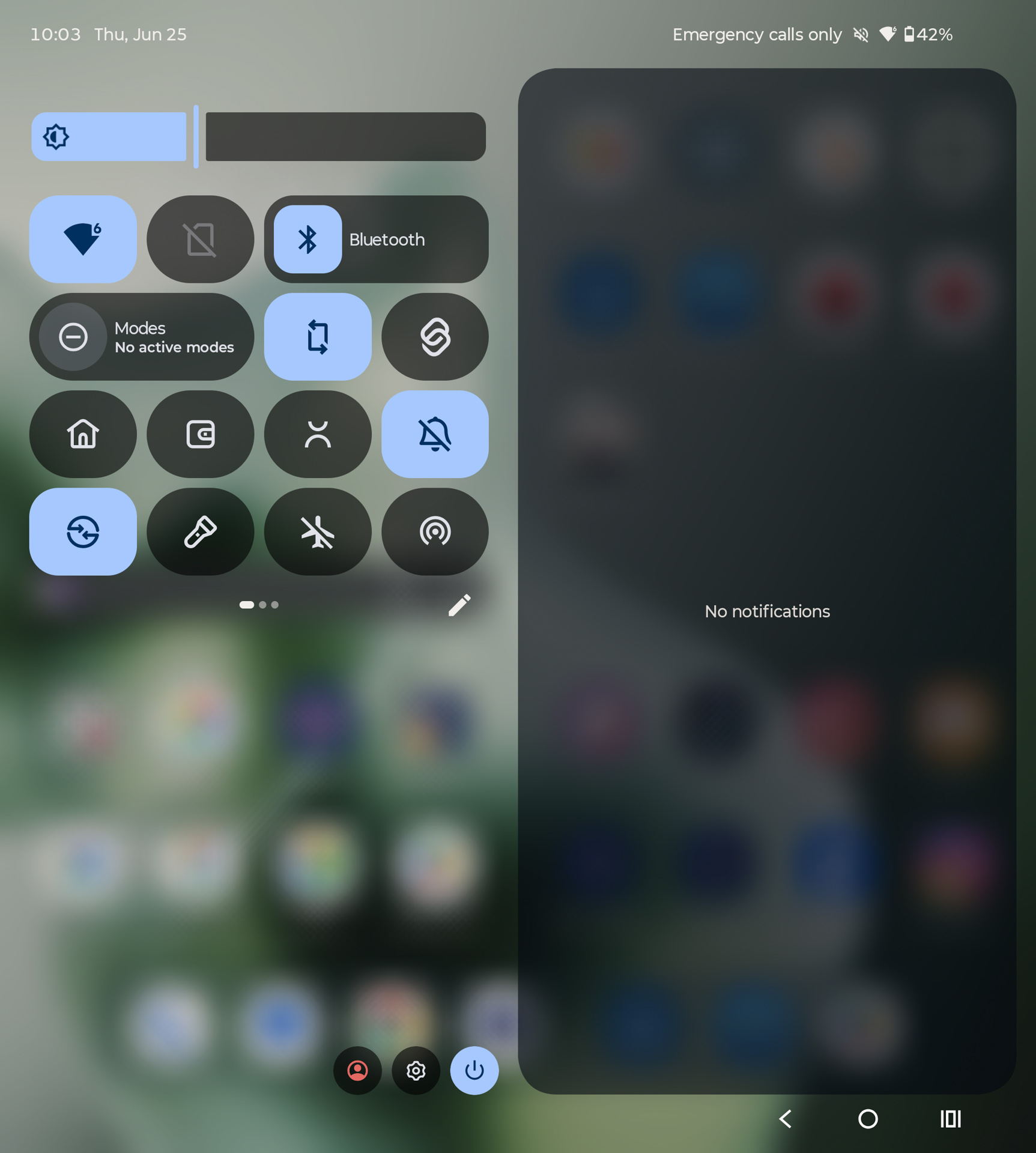
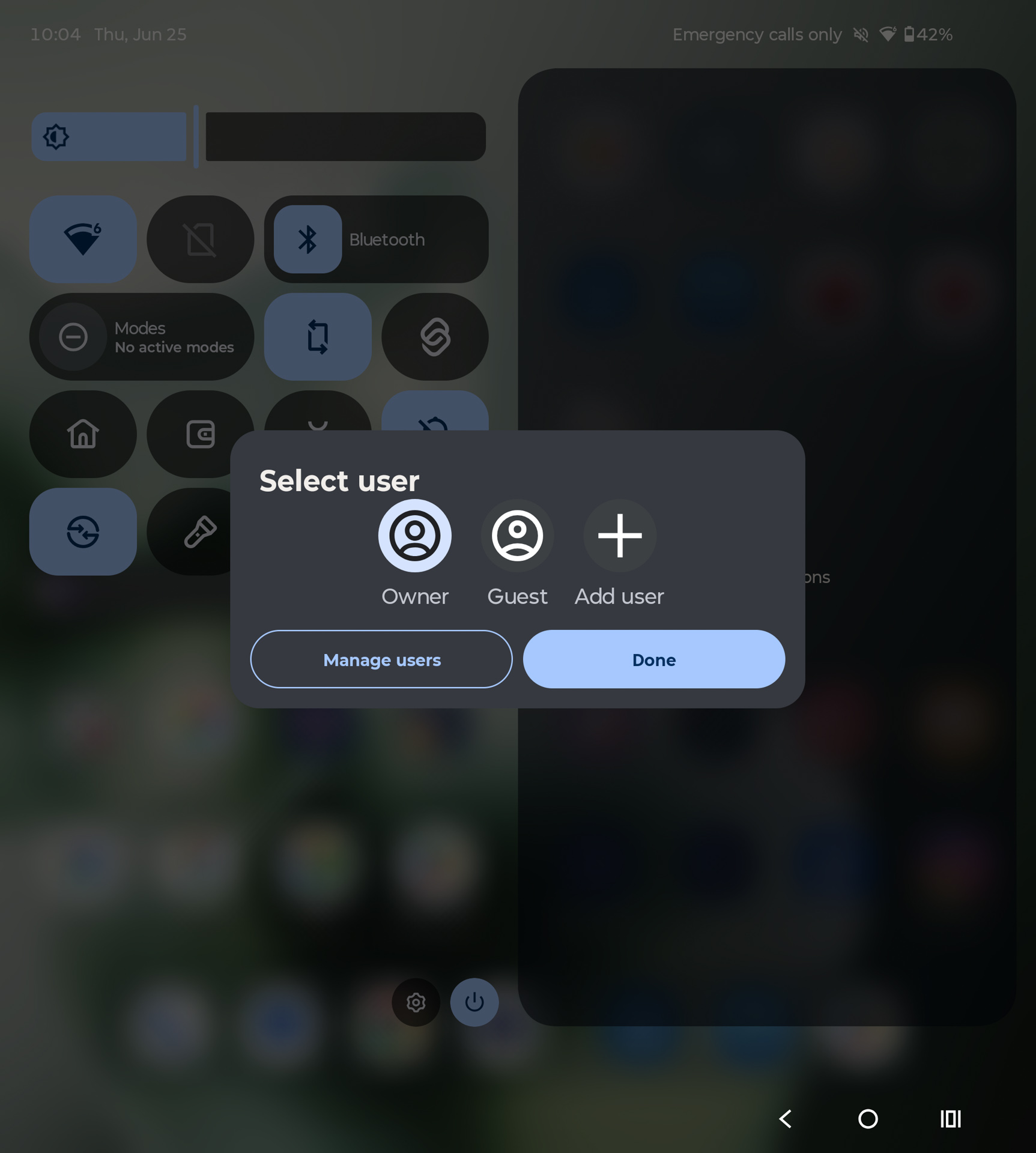
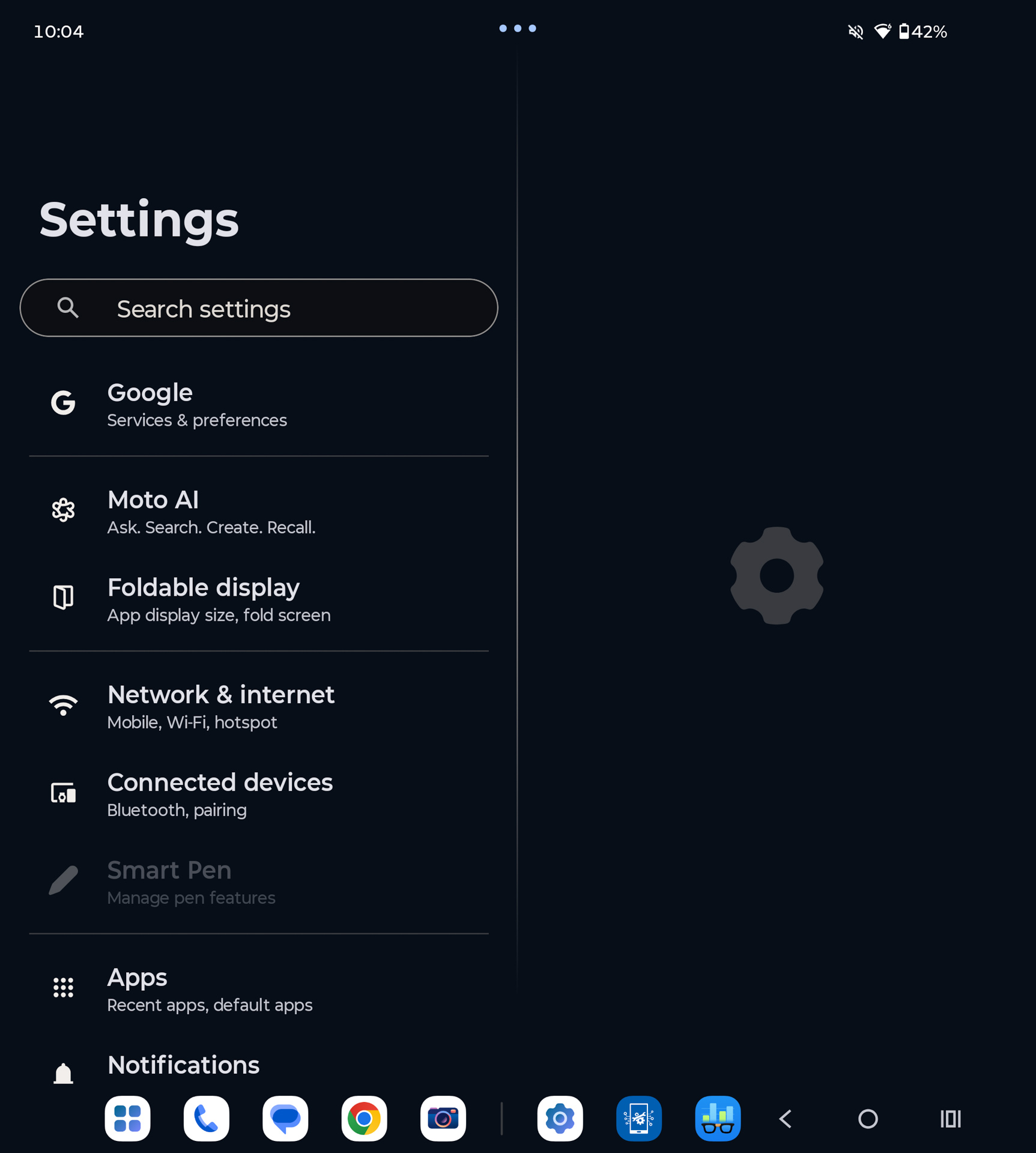
This may disappoint those who still remember the countless glitches and software quirks of early book-style foldables, particularly issues with switching between portrait and landscape orientations. Those problems are essentially gone. To understand what the Razr Fold offers when unfolded, simply spend five to ten minutes using any premium Android tablet priced above $500. The experience is remarkably similar: once opened, the device behaves like a fully capable tablet rather than an oversized smartphone.

If you see real value in a larger display, improved multitasking, and having more information visible at once, then the Motorola Razr Fold is likely to suit your needs. After all, you cannot fit a tablet into your pocket – but you can fit the Razr Fold.
On top of that, the device includes Motorola’s familiar Hello UI features, including Lenovo’s security suite and many of the company’s signature gestures. At the same time, there are relatively few software features designed specifically for foldables. That is hardly surprising, as most of the core foldable interface functionality now comes directly from Google as part of Android, leaving manufacturers with relatively little to add on top.
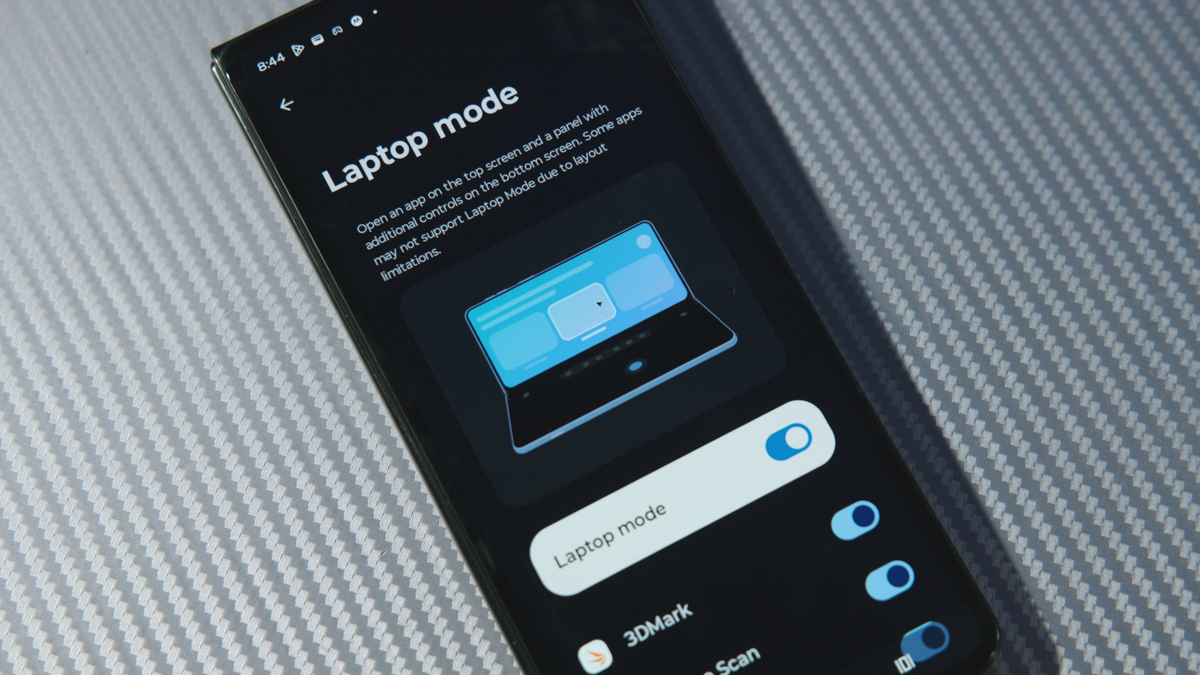
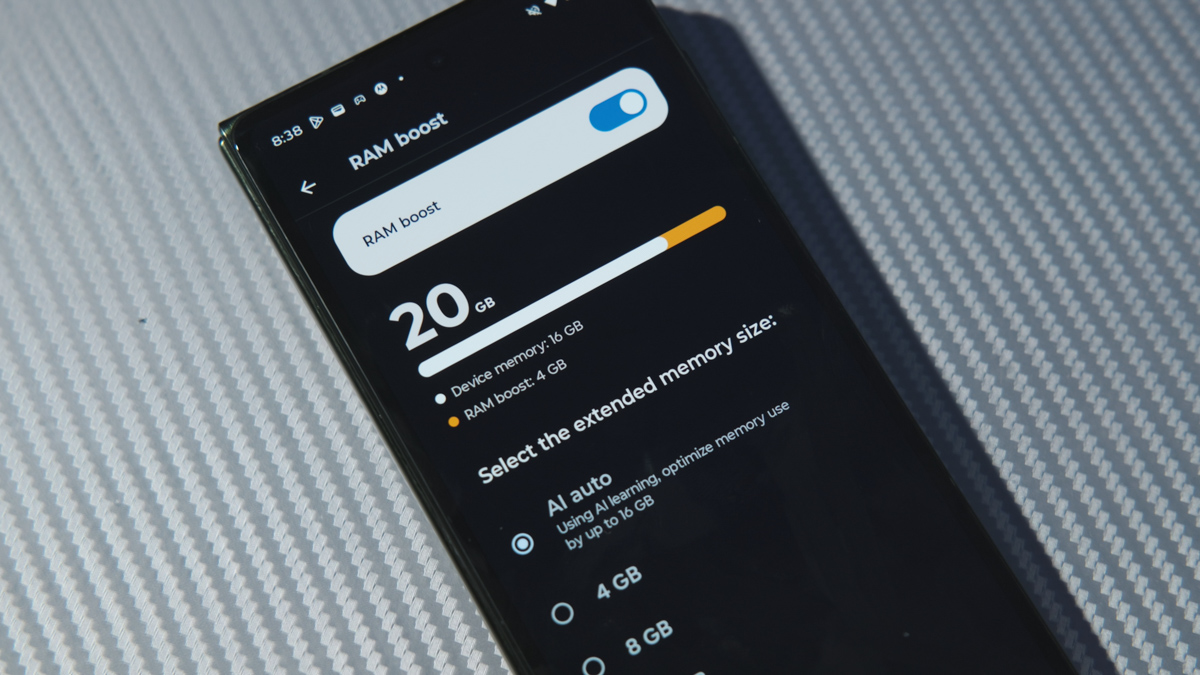
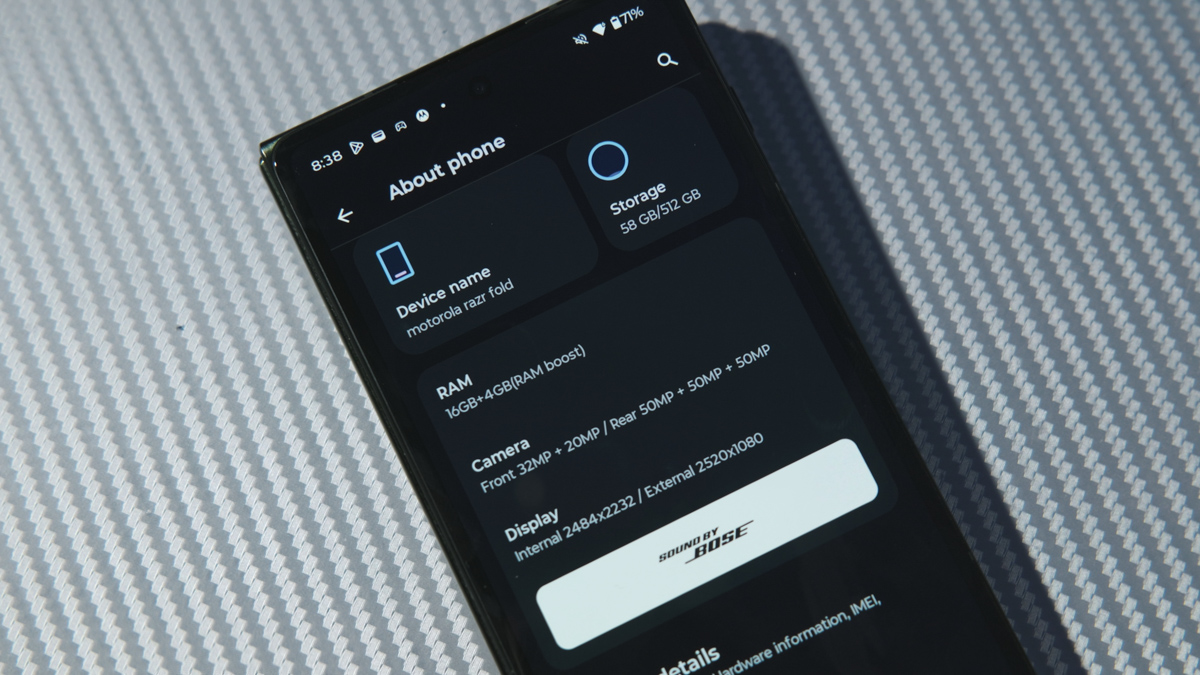
Another noteworthy addition is the Moto Pen Ultra stylus. I have chosen to discuss it as part of the software experience rather than the hardware, since it is an external accessory whose value depends primarily on software integration rather than the device’s physical design.

In practice, the stylus performs very well. It is responsive and accurate, and drawing on the unfolded display is significantly more comfortable than on a conventional smartphone simply because there is much more screen space available. That said, I find display refresh rate to have an even greater impact on the overall drawing experience. Personally, I enjoy sketching on a 165 Hz panel more than on a 120 Hz one, as the additional smoothness makes pen input feel more immediate.

The stylus’ main drawback is the same one shared by most mobile styluses: its size. In general, the thicker the stylus – and the closer it is to the dimensions of a standard ballpoint pen – the more comfortable it is to use over extended periods. For example, I found the stylus included with the Bigme B751CS e-reader significantly more comfortable than those supplied with either the Samsung Galaxy Note20 Ultra or the Motorola Razr Fold.

On the other hand, I have very positive things to say about Motorola’s approach to the stylus case. There is obviously no room to store the pen inside the phone itself, and the lack of an included protective case for the Razr Fold raises a few questions. Instead, Motorola has focused on the stylus accessory – and the result is genuinely well executed.
The carrying case features a fabric exterior, is thick enough to provide meaningful protection against accidental damage, and is large enough that it is difficult to misplace. Retrieving the stylus also feels surprisingly satisfying, adding a small but noticeable touch of refinement to the overall experience. It is an excellent accessory in its own right, made even better by the fact that it is also available as a standalone purchase:
Battery Life
The Motorola Razr Fold is powered by a 6,000 mAh silicon-carbon battery. Motorola claims a full charge takes approximately one hour, with the battery reaching up to 30% in just 10 minutes. Unfortunately, I was only able to evaluate battery life using the inner display. As a result, the endurance figures presented here reflect that usage scenario rather than the device’s overall behavior across both screens.
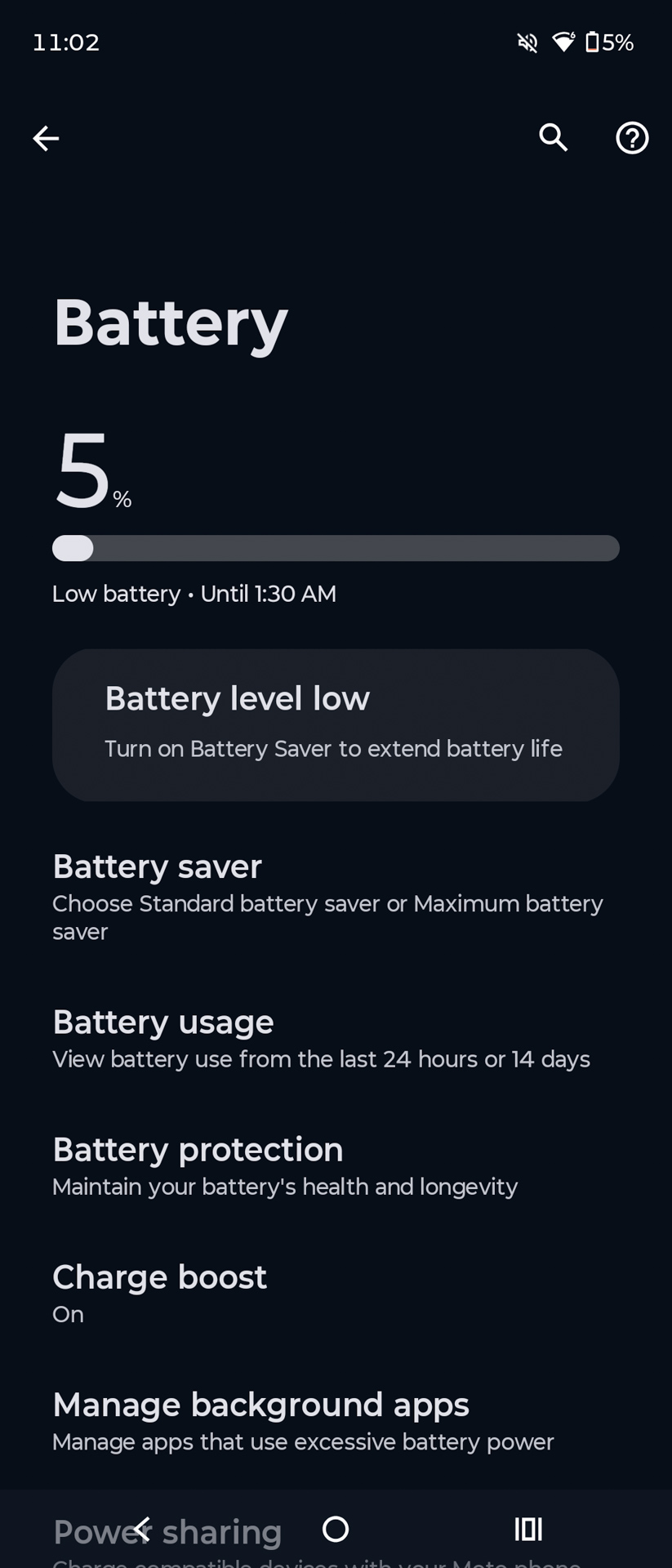
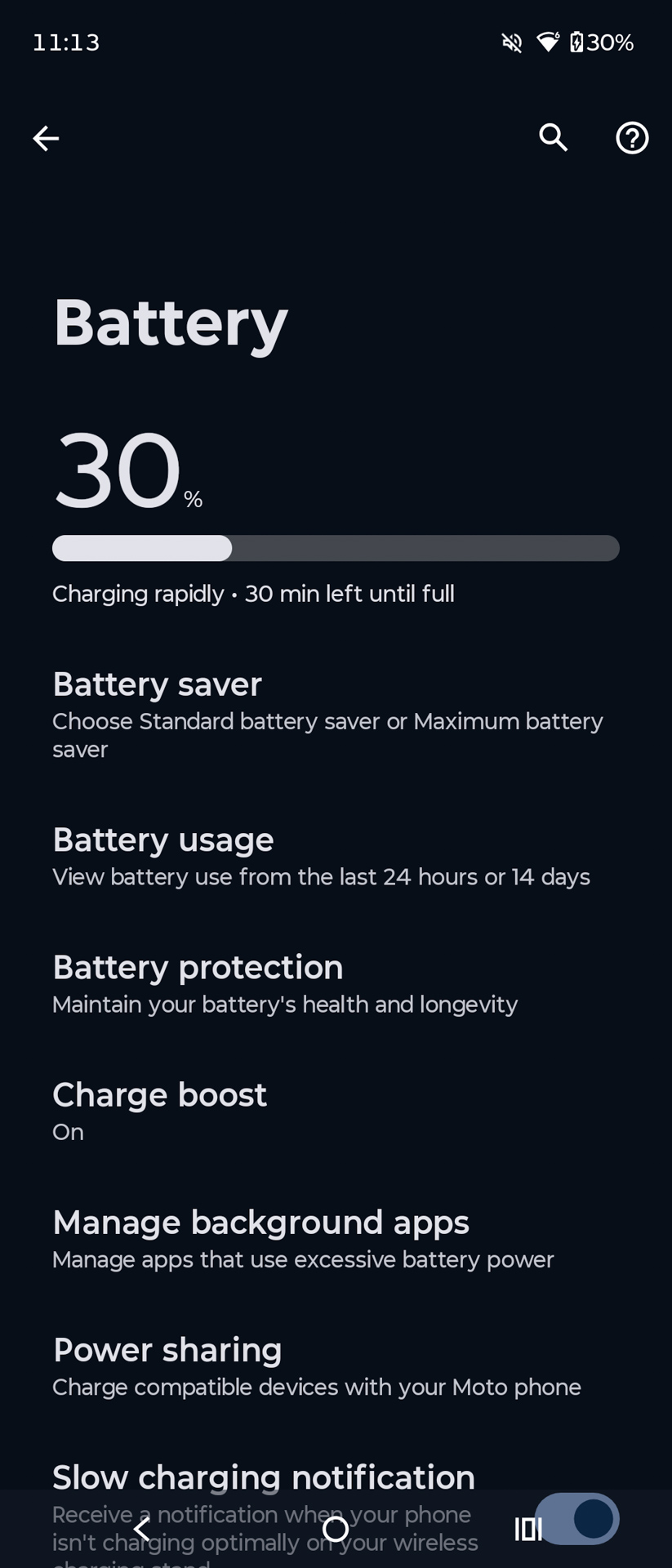
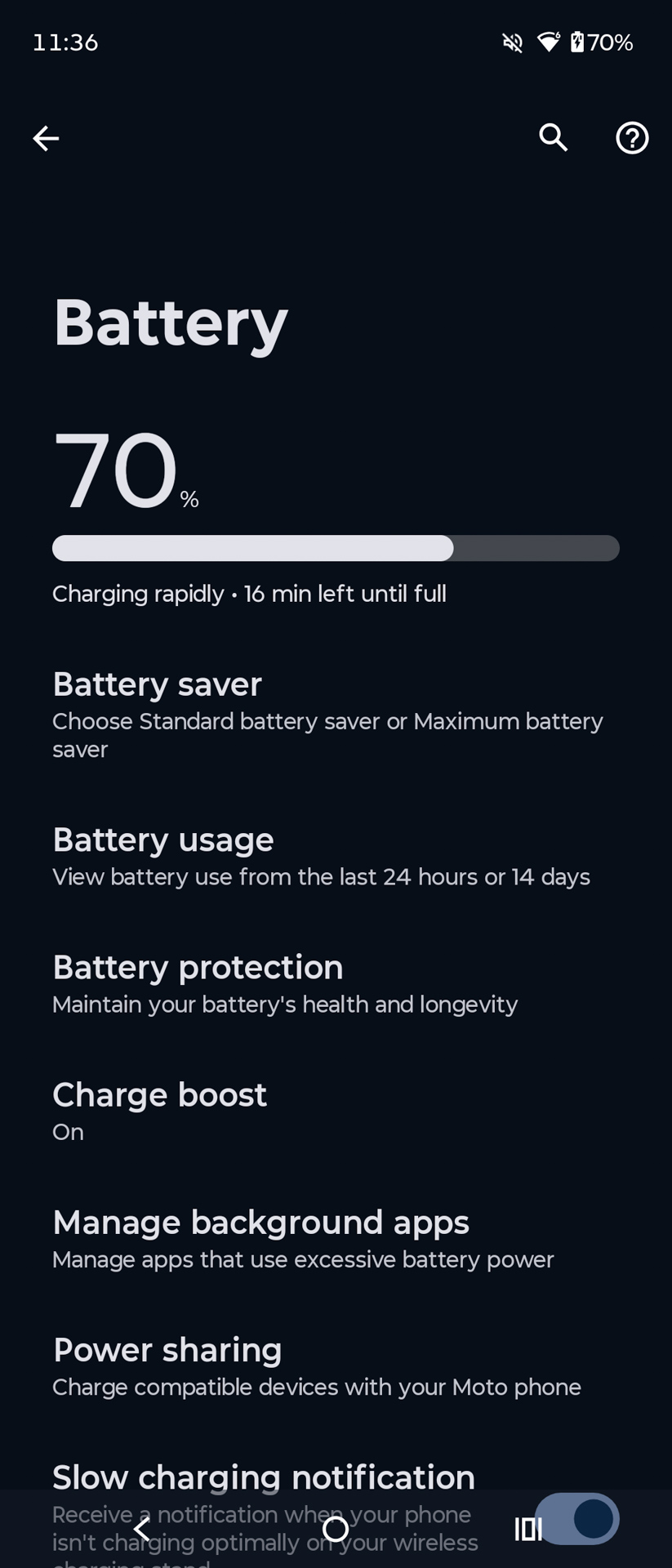
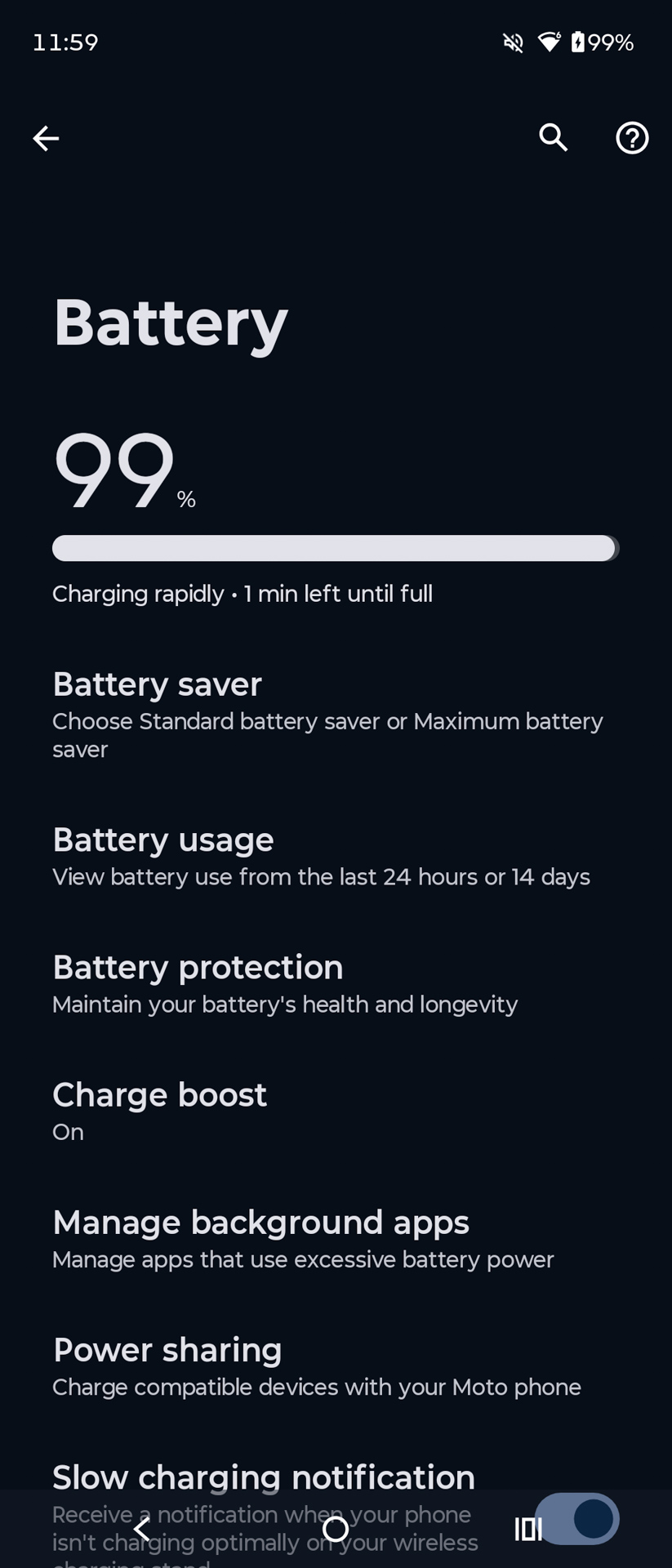
In this configuration, with display brightness normalized, the Razr Fold lasted just over 11 hours in the PCMark Battery Test. For a device that effectively combines a smartphone and a tablet, this is a respectable result. What I became even more curious about afterwards, however, was battery life when using only the outer display. While I was not able to test that scenario directly, it seems reasonable to expect endurance to exceed that of the Razr 70 Ultra by roughly two to three hours. The Fold combines a larger battery with a more power-efficient processor, both of which should translate into longer runtime under lighter workloads.

As for charging, the Motorola Razr Fold supports up to 80 W wired charging, up to 50 W wireless charging, and 5 W reverse wireless charging. If the 50 W wireless charging specification has already caught your attention, there is one important caveat to keep in mind.

That 50 W wireless charging speed is only achievable with Motorola’s proprietary wireless charging solution, which is so difficult to find that, for most buyers, it is effectively unavailable. With standard wireless chargers, the situation is far less impressive. The Razr Fold supports only the original Qi standard, with charging speeds capped at 7.5 W. There is no support for Qi2, nor does the device include built-in magnets for magnetic alignment.
Conclusion
Is the Motorola Razr Fold a better device than the Razr 70 Ultra? For me, the answer is unquestionably yes. It offers clear advantages in virtually every area, from usability and versatility to thermal performance, camera capabilities, and connectivity. Whether those improvements justify a price premium of nearly 50%, however, depends entirely on your individual needs and priorities.

Do you actually need a tablet that fits in your pocket? Do you need stylus support for that pocket-sized tablet? And do you specifically want that experience from Motorola? Answer those three questions, and the right choice will become fairly obvious. Regardless of its premium price, I can confidently recommend the Motorola Razr Fold. It is one of the few foldable devices that feels less like a technology demonstration and more like a mature product – one that delivers tangible advantages over a conventional flagship smartphone rather than simply offering a different form factor.
Where to buy Motorola Razr Fold



50萬畫素喔?
1百萬像素(MP)等於100萬像素。因此,5000萬像素約等於5000萬像素。