





© ROOT-NATION.com - Use of content is permitted with a backlink.
The ROG Strix SLC IV 360 ARGB LCD liquid cooling system is, in a sense, an indicator of hormonal maturity. Maturity of what, exactly? The ASUS ecosystem. The key selling point of this liquid cooler is how seamlessly it integrates into a system packed with ASUS components.
Read also: Reviews of cooling systems (coolers) for PCs
TABLE OF CONTENTS:
ROG Strix SLC IV 360 ARGB LCD Video review
Positioning and price
I’ll go one step further: in this regard, this model comes across as far more appealing than its ‘big brother’ – the ROG Ryujin SLC IV – because to say that the Ryujin had compatibility issues is an understatement! That said, both systems are quite pricey. The subject of this review will set you back around $300, which is frankly not exactly budget-friendly. However, as the flagship model, the Ryujin is still even more expensive.
Package Contents, Pump, and Display
The ASUS ROG Strix SLC IV 360 may appear to have a rather modest package, but this is somewhat misleading. Thermal paste is pre-applied to the cold plate, while the mounting hardware is supplied separately. The AIO itself arrives almost fully assembled: the fan assembly is already mounted on the radiator, and the display module is secured to the pump.

Did I somehow fail to mention that there’s a display on the pump? Let me correct that: the pump features a full-fledged 5-inch display. At first glance, that may not sound particularly impressive, but 5 inches is essentially the size of a compact smartphone screen. Take a hypothetical 720p display from an iPhone, put it here – and you’ve got the Strix IV!

Of course, the Ryujin has the more impressive display – a curved AMOLED panel – but it comes with its own frustrating quirks, which we may get to later.
Fans and Pump
As I mentioned earlier, the fan module is a monolithic assembly (essentially a set of fans integrated into a 360 × 124 mm frame with a thickness of 26.5 mm). The bearing type is not specified in the documentation, but I suspect it uses a fluid dynamic bearing (FDB).

Fan specifications:
- Fan speed: 800–2500 RPM
- Maximum noise level: 36 dBA (which is noticeably loud; an audio recording will follow)
- Airflow: nearly 83 CFM
- Static pressure: 4.36 mmH₂O
- Warranty: 6 years (covering the entire system, not just the fans)
- The pump itself runs at 3400 RPM and uses ceramic components and PPS thermoplastic (everyone remembers the difference between ABS and PBT, right? You can feel the quality of the materials here.)
Ecosystem and Compatibility: A Proprietary Quirk
Why did I emphasize the ecosystem? In addition to the standard 4-pin connector and USB, one of the ways to connect the pump is via a dedicated contact group located next to the RAM slots on the motherboard. Connect it using the included adapter (which I forgot to mention at the beginning – consider it a surprise), and there are no extra cables to clutter up your cable management! On top of that, these modules use USB-C.

On the one hand, this is proprietary nonsense. I don’t like closed standards. And at a time when even motherboards with rear-mounted connectors (BTF / Stealth) are starting to become standardized, I like it even less. On the other hand, the trend continues: this is already the third ASUS AIO that raises questions about compatibility with components from other brands.

Things aren’t exactly smooth even within the native ecosystem. The tubing is only 250 mm long here, rather than the usual 400 mm (hence the SLC designation – Short Loop Cooler). Full-size versions are available, of course. The radiator is 397 mm long, so your case needs to have clearance for a 420 mm mounting position, not just 360 mm. The compatibility lists are quite specific: there are about a dozen compatible cases, while only four compatible motherboards with the corresponding pins are listed. Still, one of those motherboards has arrived for review, which will be published very soon!

As for installation, the screws have a very clear stop point when tightened. It’s practically impossible to make a mistake or leave one of the corners under-tightened – just keep turning until they stop.
Lighting and Customization of the ROG Strix SLC IV 360 ARGB LCD
There’s plenty of ARGB lighting here: it’s present on the mirrored strips along the sides and in the center of the fan assembly, while the pump features a full-fledged display. Although the display uses TFT technology, it offers a great deal of flexibility when it comes to customization.

That said, this is not done through Armoury Crate, but via a separate utility called InfoHub, which has to be downloaded from the official ASUS website.
Testing and Acoustic Performance
Testing was conducted on a new test bench assembled specifically around ASUS components:
- Motherboard: ROG Maximus Dark Hero
- CPU: AMD Ryzen 7 9800X3D (with PBO enabled)
- Case: ASUS TUF Gaming GT502
- RAM: Kingston DDR5 5200 32 GB
- PSU: be quiet! Power Zone 2 1200W
- Ambient temperature: 27 °C
In the OCCT stress test, with CPU power consumption at 130 W (fans at 1,700 RPM and the pump at 3,400 RPM), the processor’s peak temperature reached 80 °C. An excellent result.
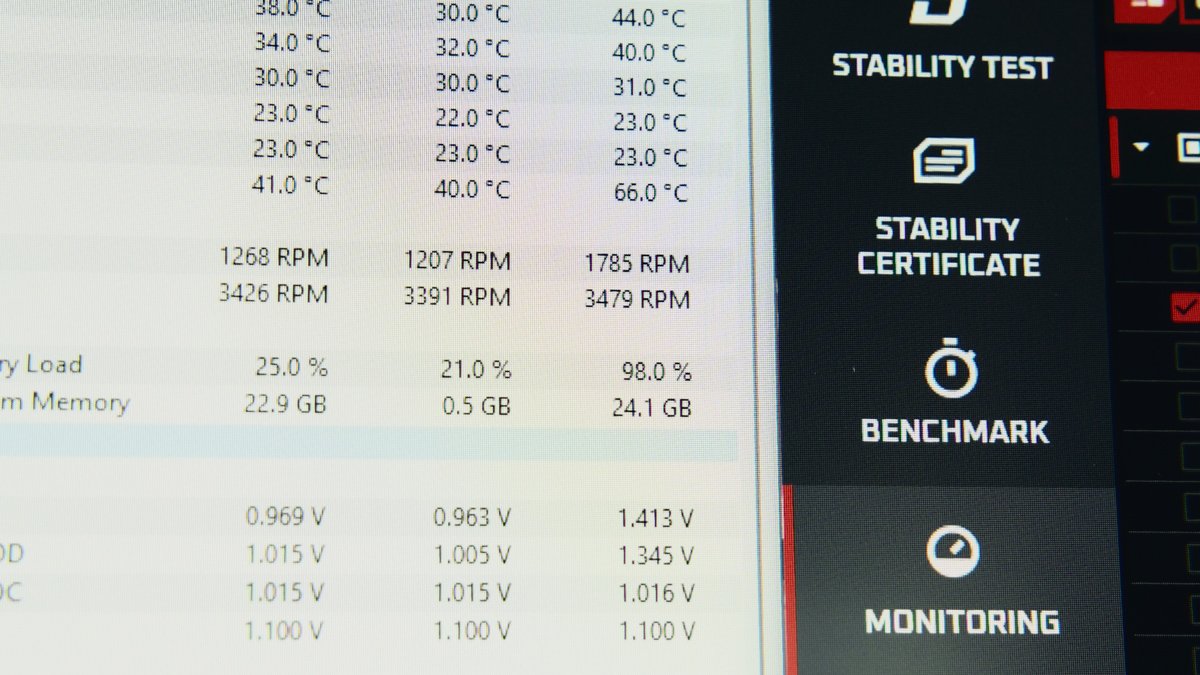
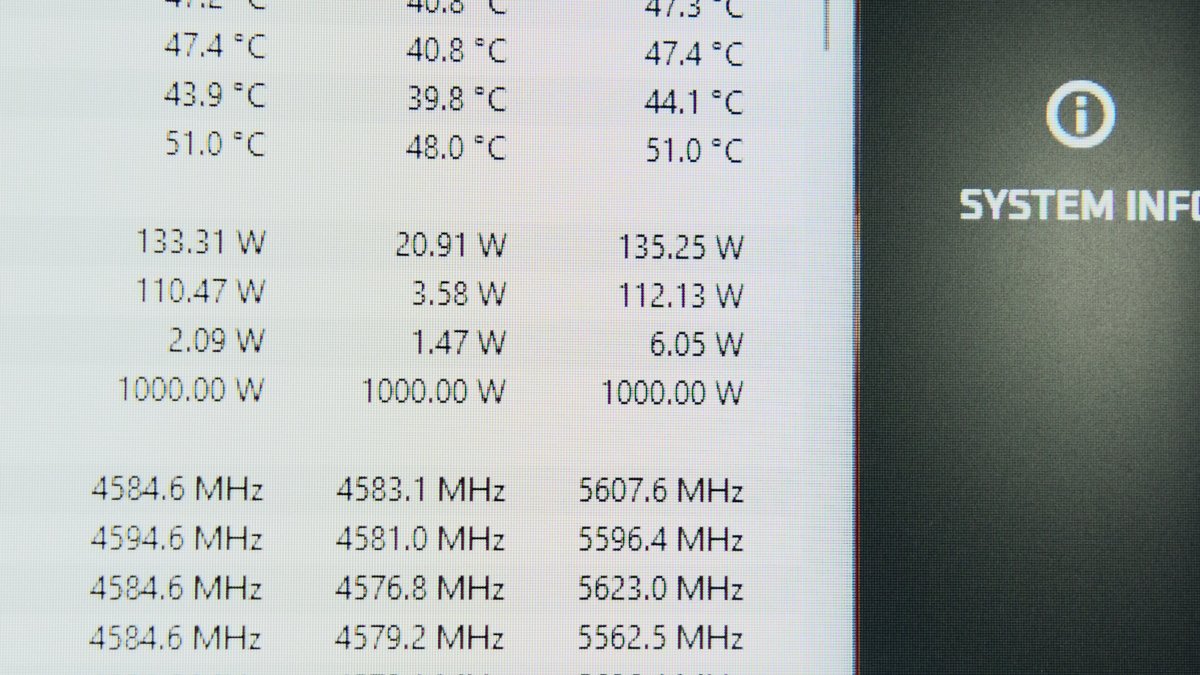
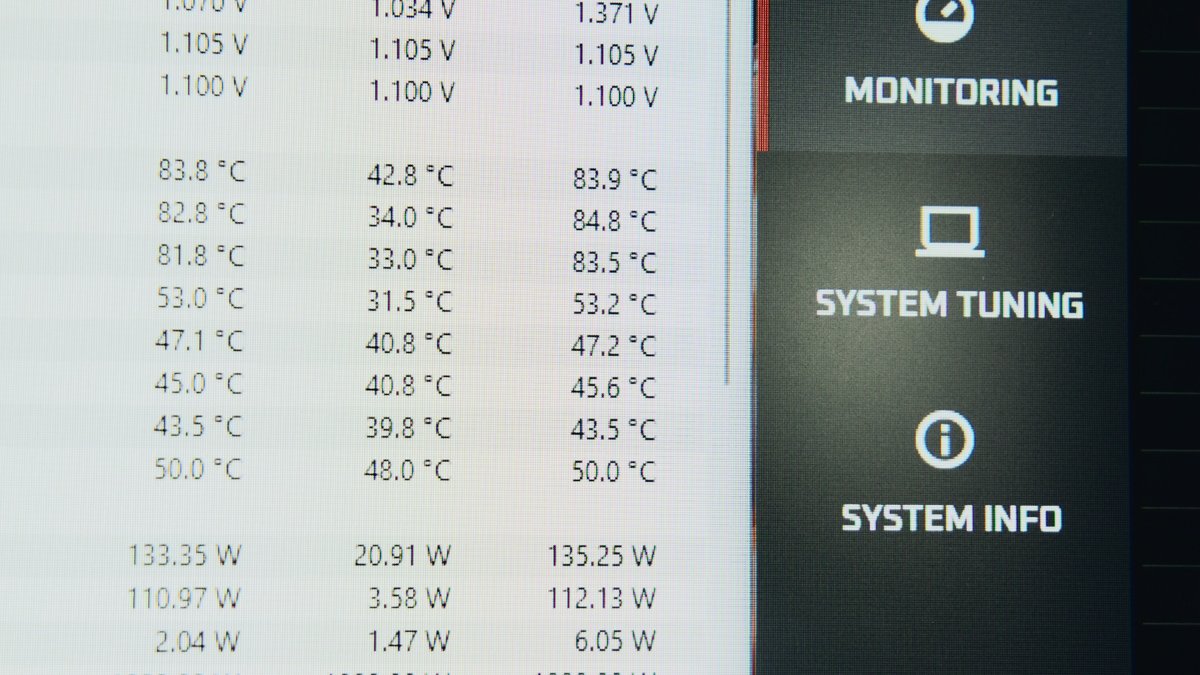
However, the noise levels are a different story. Even at 1,350 RPM (just 33% PWM), the AIO is clearly audible, even with the case closed. It only runs relatively quietly at 20% PWM (1,050 RPM). At 100% fan speed, though, as they say, “the Red Baron is taking off.” The noise level is shown in the video above.

This is where an important physical point comes into play. If you try to reduce the noise level by keeping the fans at low speeds, you can run into a problem. The coolant inside the loop also gradually heats up. If the radiator does not dissipate heat efficiently enough, the coolant will eventually approach the temperature of the CPU die and lose its effectiveness.

During testing with the fans fixed at 1,350 RPM, I was already seeing a 7 °C increase in the overall temperature after just 5 minutes! In other words, this AIO is either acoustically noticeable or ineffective. On the other hand, when running at full power, it cools with absolutely no compromise.
Conclusion
This is a premium, stylish, feature-rich, and very powerful liquid cooling system. It fits seamlessly into the ASUS ecosystem. Yes, the ASUS ROG Strix SLC IV 360 ARGB LCD is loud at high fan speeds, and it would be preferable to have display customization integrated into the unified Armoury Crate software. However, if your budget allows and you are building a PC around ASUS components, I can definitely recommend it!

