





© ROOT-NATION.com - Use of content is permitted with a backlink.

Browsing through generic invitation templates, swapping the same six fonts, and settling for a stock floral border that half the internet has already used – it’s a familiar kind of disappointment when you’re planning something that’s supposed to feel personal. An AI image generator flips that entire experience, letting you design an invitation that actually looks like it was made for your event, not pulled from a template library.
Dreamina, powered by its most advanced image generation model, Seedream 5.0 Pro, is especially good at this kind of personalized design work, blending custom illustration, color, and legible text into a single cohesive piece. Whether it’s a wedding, a birthday, or a baby shower, here’s how to design something genuinely one-of-a-kind.
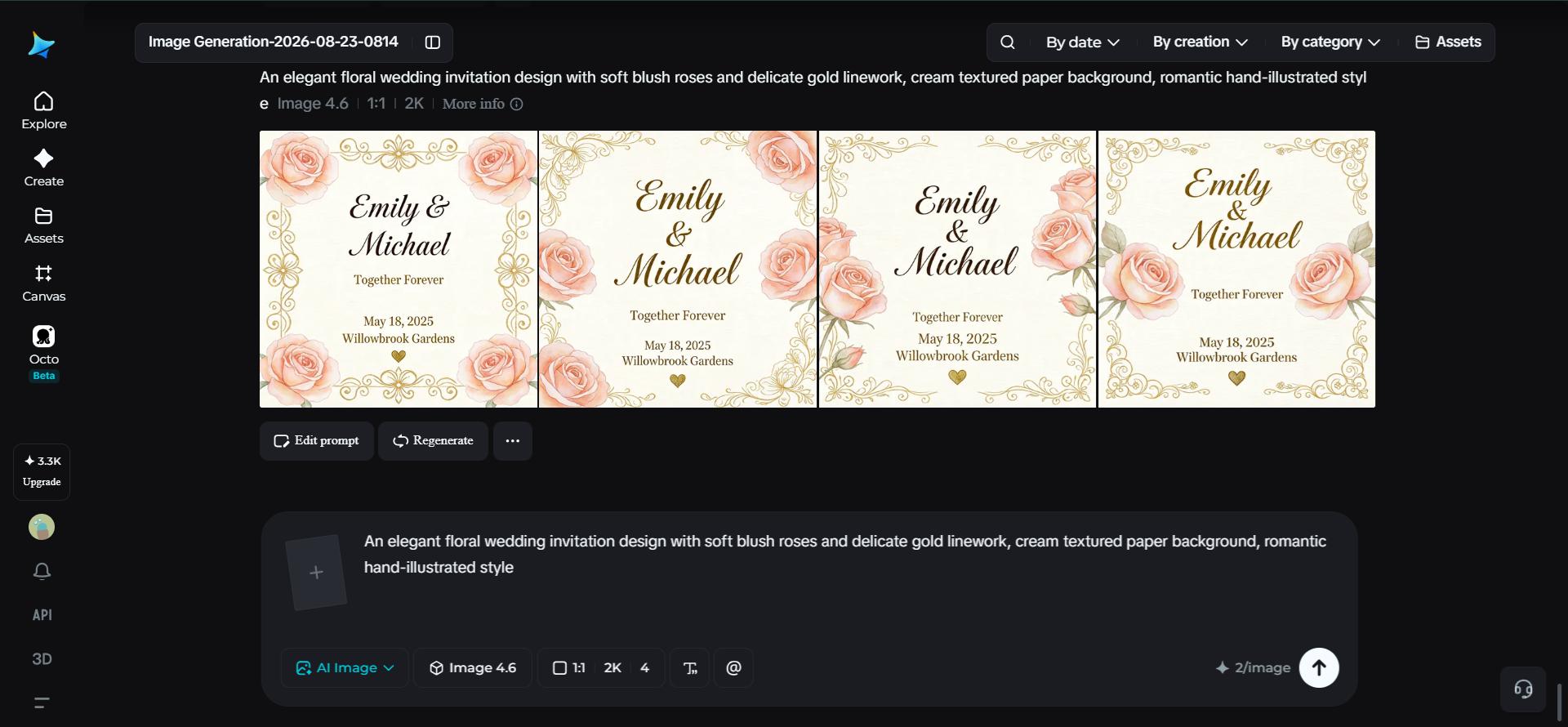
TABLE OF CONTENTS:
Start with the feeling, not the theme
-It’s tempting to jump straight to “floral” or “modern minimalist” as a starting point, but the strongest invitations actually start with a feeling. Do you want guests to feel like they’re stepping into something elegant and formal, or warm and playful, or a little unexpected and bold? Naming that emotional target first makes every other design decision- color, illustration style, layout, much easier to settle on.
Matching your invitation’s style to your event
Different occasions tend to call for genuinely different visual languages, and it’s worth picking one deliberately rather than defaulting to whatever feels safest:
- Elegant florals and soft gold accents for weddings and formal events
- Bright, playful illustration for kids’ birthdays
- Minimalist typography and clean geometric shapes for modern, understated events
- Whimsical, hand-drawn charm for baby showers and casual gatherings
Choosing your lane early keeps the whole design cohesive instead of blending mismatched styles together.
Building your invitation’s color story
Color carries an enormous amount of emotional weight before a guest reads a single word. Soft pastels and muted tones tend to read as romantic or gentle, while bold jewel tones feel more dramatic and celebratory.
A tight, two- or three-color palette almost always looks more intentional than an invitation trying to incorporate every color at once. Deciding this palette before you write your prompt keeps the final design feeling curated rather than accidental.

What information actually needs to fit
Before generating anything, it helps to know exactly what your invitation needs to communicate, since that shapes how much open space your design requires:
- Event name or couple’s/honoree’s name
- Date, time, and location
- A short line of additional detail, like a dress code or RSVP note
Planning this out in advance means you won’t end up with a beautifully detailed design that has nowhere left to actually place the essential information.
Your 3-step invitation design with Dreamina
With your feeling, style, and content mapped out, here’s exactly how to bring the invitation to life.
Step 1: Write a text prompt and/or add a reference image
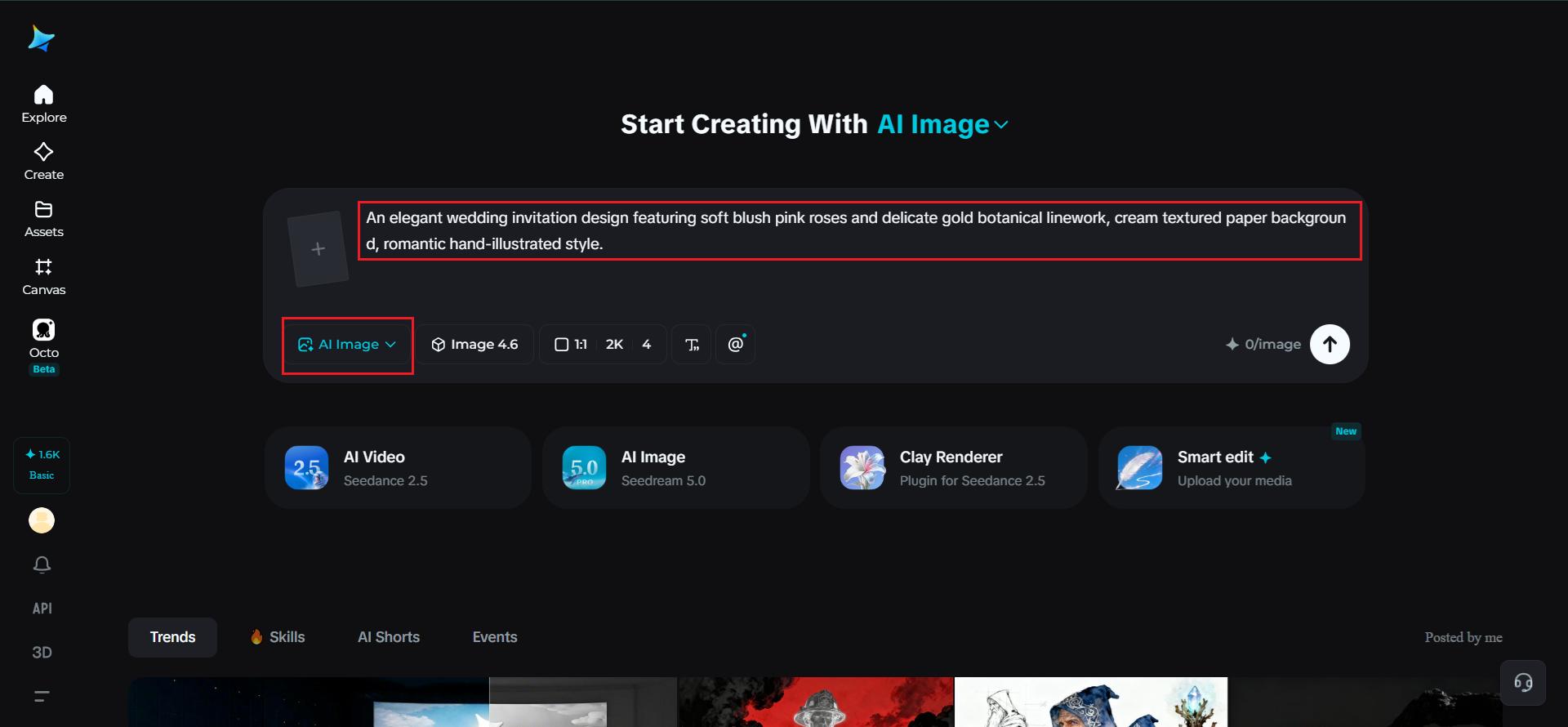
Navigate to Dreamina and write a detailed text prompt describing a person dressed appropriately for the event’s theme if your design calls for one, along with the illustration style, color palette, and mood you’ve settled on. If you have a reference image capturing a similar invitation aesthetic you admire, upload it to guide the design further.
A strong sample prompt might read: An elegant wedding invitation design featuring soft blush pink roses and delicate gold botanical linework, cream textured paper background, romantic hand-illustrated style.
Such a detailed prompt ensures your design leaves room for the actual event details.
Step 2: Adjust parameters and generate
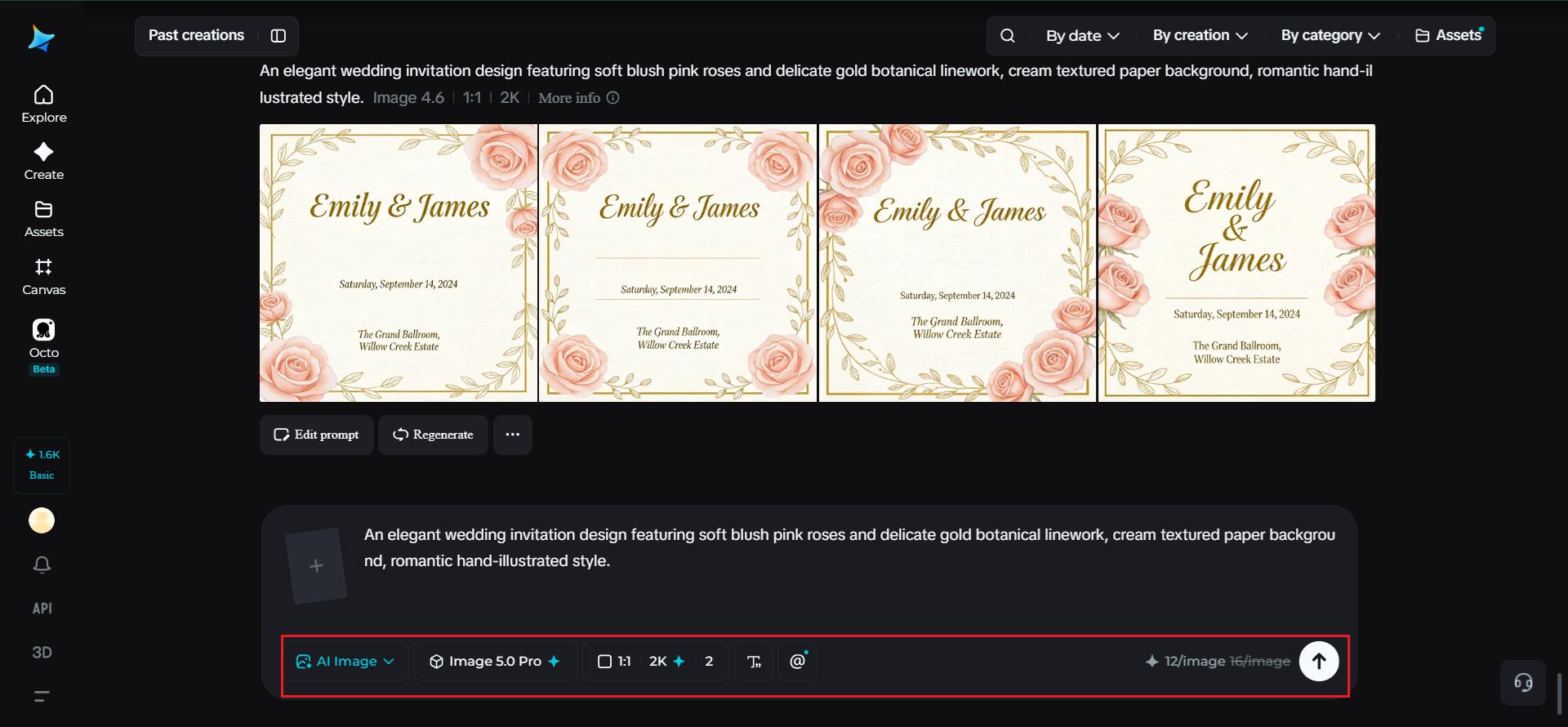
Before generating, set your parameters for the invitation format you need. Choose Image 5.0 Pro, powered by Seedream 5.0 Pro, as your model, then select your aspect ratio, image size, and resolution, using a standard portrait ratio for traditional printed invitations and 2K resolution to keep fine linework and detail crisp when printed. Click Dreamina’s generate icon to produce your design.
Step 3: Customize and download
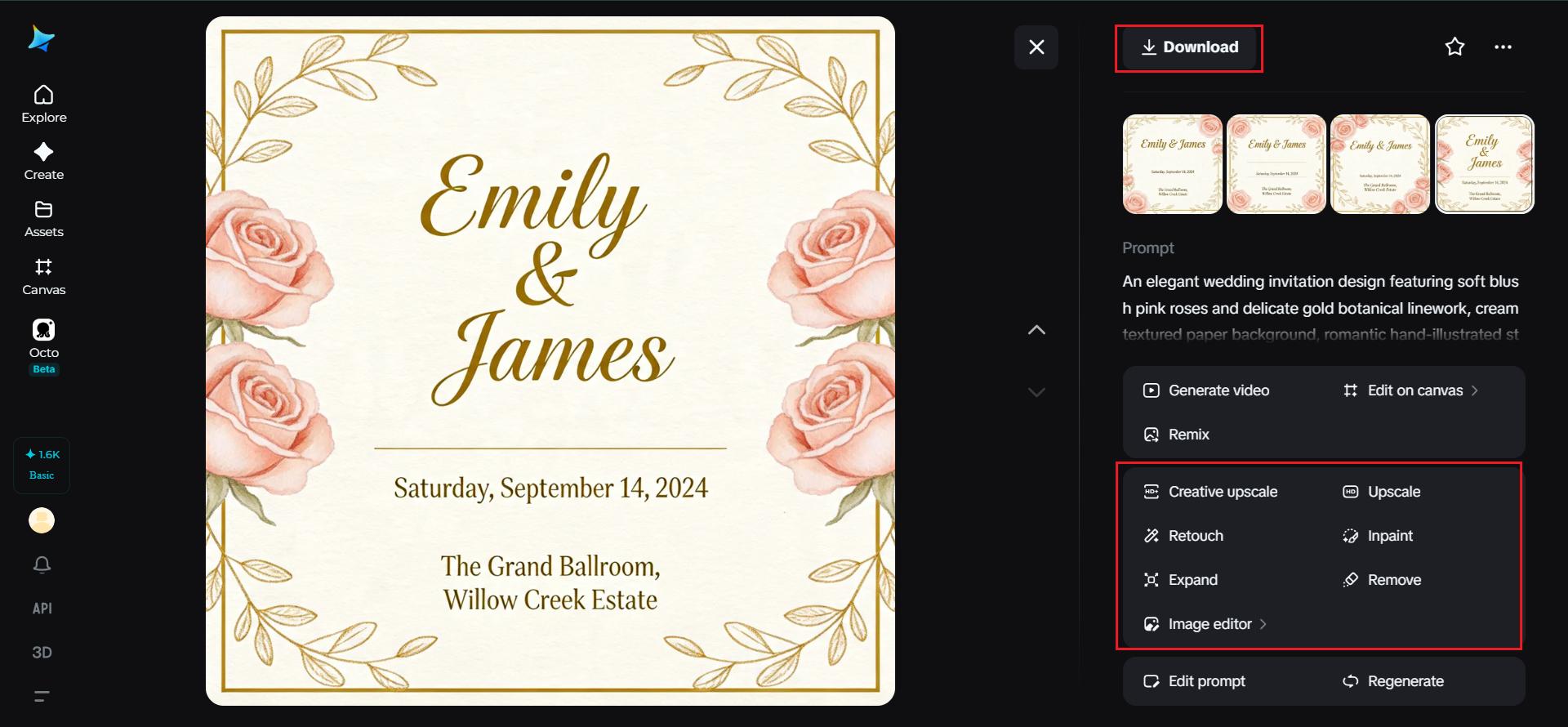
Once your invitation generates, refine it using Dreamina’s AI customization tools – inpaint to adjust specific decorative elements, expand to open up additional space for text, remove to clean up anything cluttered, and retouch to sharpen overall detail and color balance. When the design feels ready to send, click the Download icon to save your finished invitation.
Why Seedream 5.0 Pro handles invitation design well
Invitation design draws on several Seedream 5.0 Pro’s specific strengths at once. Its native text generation across 14 languages means event details can eventually be rendered directly and legibly within the design, which matters for a format built entirely around communicating specific information clearly.
The multi-layer visual control separates decorative elements, background, and text into independent components, making it simple to adjust a border or swap a color palette without disturbing the rest of the layout.
Pinpoint precision editing, with point selection, lasso, sketch guidance, and regional controls, gives you the accuracy to fine-tune small decorative details, and the 2K output quality keeps delicate linework and texture looking polished rather than blurry once printed.
Designing a matching set, not just one piece
Most events need more than a single invitation, think save-the-dates, thank-you cards, or day-of signage. Reusing the exact same style language, color palette, and illustration description across each piece keeps the whole set feeling like a cohesive collection rather than a mismatched pile of separately designed items.
Conclusion
A genuinely custom invitation doesn’t require hiring a designer or settling for a template that a hundred other events have already used – just a clear sense of feeling and style, paired with the right AI image generator to bring it together.
With Dreamina and its advanced Seedream 5.0 Pro model, that vision comes together as a polished, cohesive design built specifically around your event.
Start with the feeling you want guests to have, and let Dreamina design the rest around it!

