





© ROOT-NATION.com - Use of content is permitted with a backlink.
Here’s a little secret – you can consider this text a gateway into another perspective. Very few people look at gaming laptops through the lens of three distinct user groups at once. For example, I’ll be referencing the Lenovo Legion Pro 7 16IAX10H with an NVIDIA GeForce RTX 5070 Ti, but the ranking itself is broadly applicable. Of course, you may not agree with it entirely, but it should still offer an interesting viewpoint.
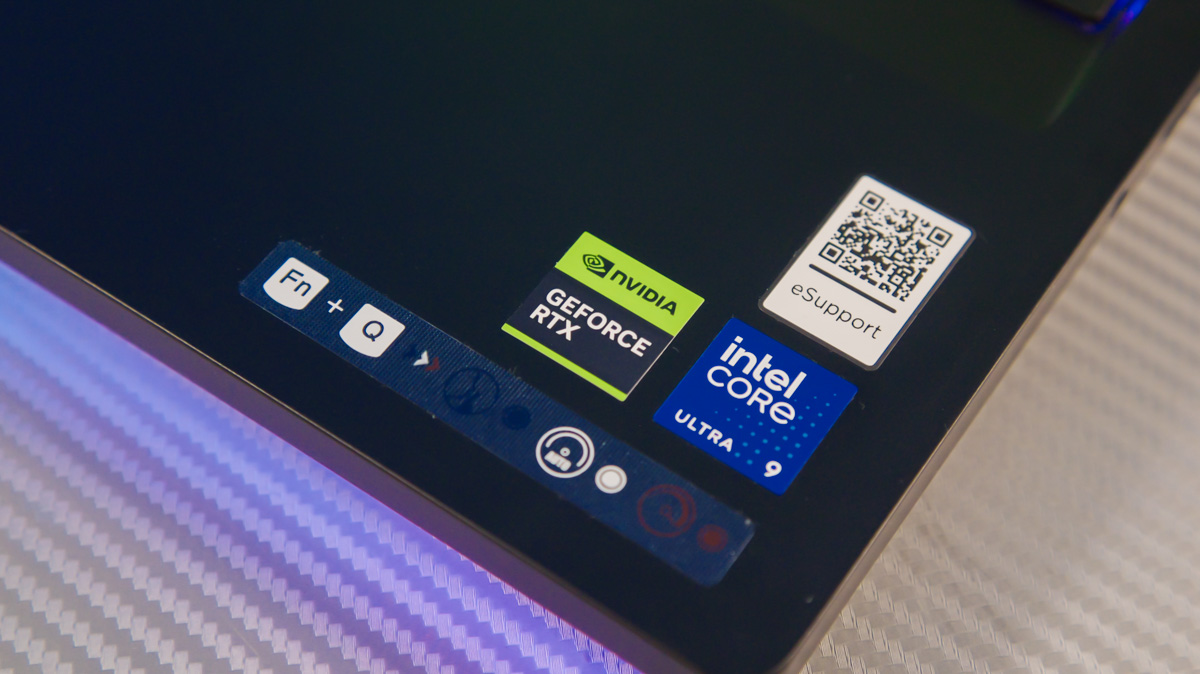
Gamers, naturally, tend to prioritize higher frame rates and comfort during extended sessions. Professionals working in video editing, AI, or 3D modeling have different priorities, ranging from storage capacity to portability. However, arguably the most interesting group is reviewers.
Reviewers tend to notice subtle details that could affect the user experience weeks, months, or even years later. They often evaluate devices based on criteria that may seem unusual at first. I will attempt to explain some of these considerations, which might offer a different perspective and help reassess the factors you consider when choosing a high-performance laptop.
Read also: USB-C 100W PD Power for Gaming Laptops: Why NVIDIA Blackwell Makes It Possible
TABLE OF CONTENTS:
For gamers
Performance (and Image Quality)
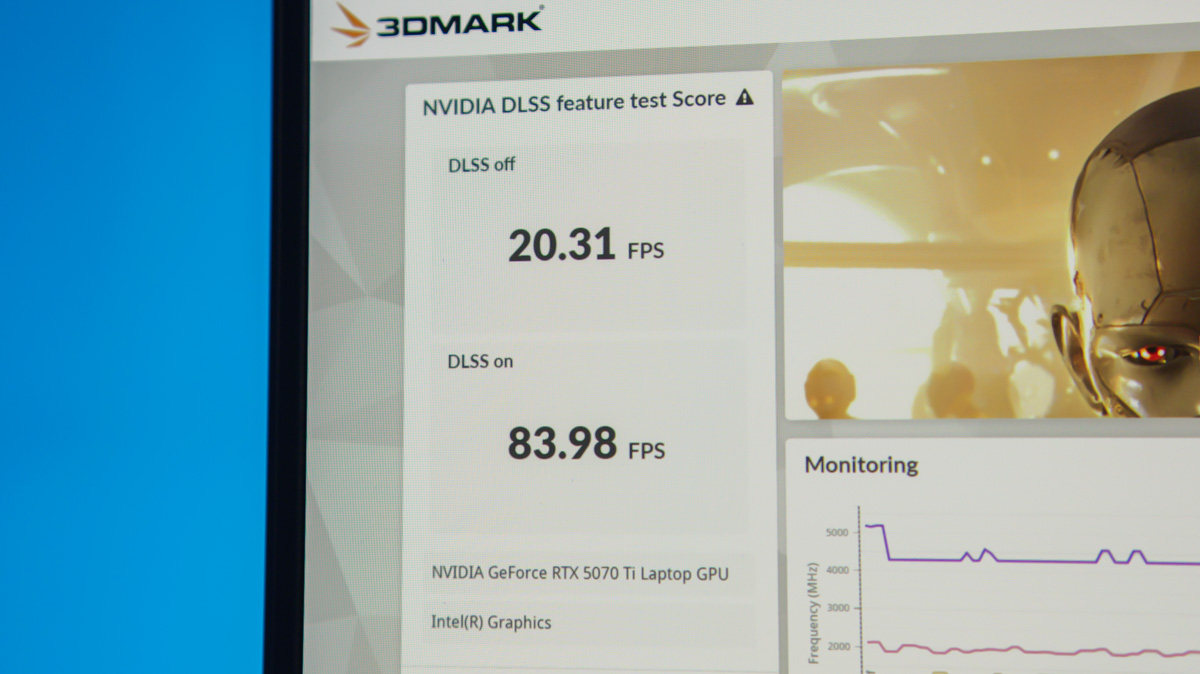
Even the obvious points need to be addressed. The higher the FPS a gaming laptop can deliver, the smoother the experience will be for the user. Naturally, newer generations of graphics cards and processors generally provide higher FPS. This discussion isn’t limited to raw raster performance; in the case of NVIDIA’s Blackwell generation, it also includes features like DLSS 4 and, correspondingly, Multi Frame Generation from version 3× to 4×.

Yes, this is essentially a pure FPS multiplier – a “magic button” for users who prioritize frame rates. It’s NVIDIA’s main advantage over competitors. While it works adequately even on the GeForce RTX 5050, its full potential is realized on higher-end models like the GeForce RTX 5070 Ti.
For those unfamiliar, DLSS is a set of technologies whose primary (though not sole) function is to generate AI-assisted frames between raster frames. Multi Frame Generation is a variation of this, enhanced by the capabilities of RTX Blackwell, and it can increase FPS by up to four times in optimal conditions.
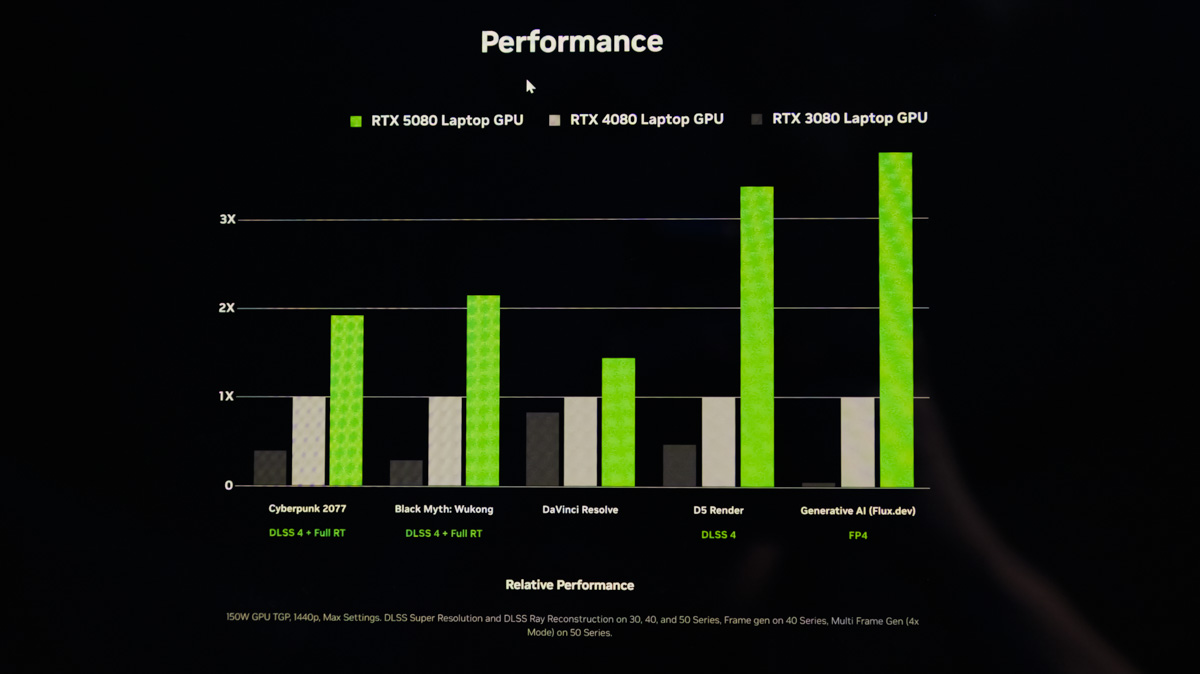
This, in turn, allows graphics to reach a higher level of realism, approaching photorealism, thanks to RTX ray tracing and related technologies such as RTX Hair.
Cooling
It may not be immediately obvious, but it’s important: many gamers using laptops do not use an external keyboard or, at most, an external mouse. If the cooling system isn’t properly configured, users may end up resting their hands on overheated keys.
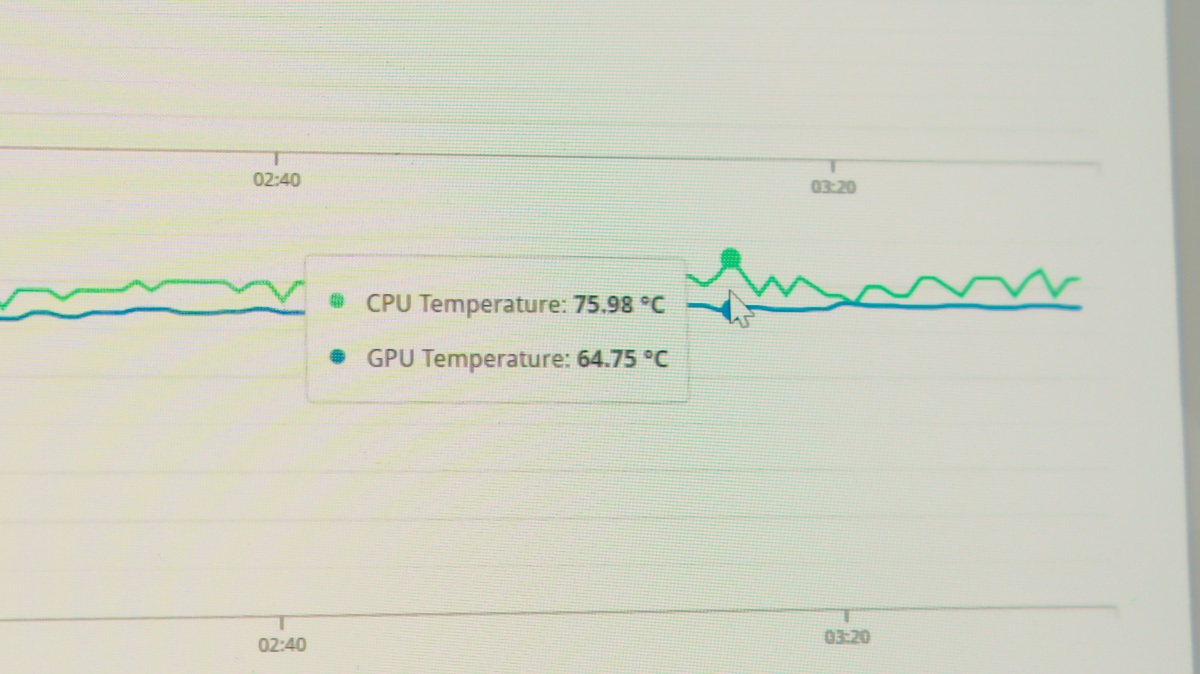
If the components overheat, high FPS won’t be sustained for long. Fortunately, in most cases – even among mid-range laptops like the Lenovo Legion Pro 7 16IAX10H – manufacturers have addressed cooling in advance. Graphics cards such as the NVIDIA GeForce RTX 5070 Ti are highly energy-efficient and can perform well even when powered via a 100 W Type-C connection.
Display Refresh Rate
It’s rare to find a gamer satisfied with a 60 Hz screen on a gaming monitor or laptop. Refresh rates of 120 Hz, 144 Hz, 165 Hz, 240 Hz, and even 300 Hz are common, and anything lower is increasingly uncommon. Generally, the more expensive the laptop, the higher-quality the display panel.
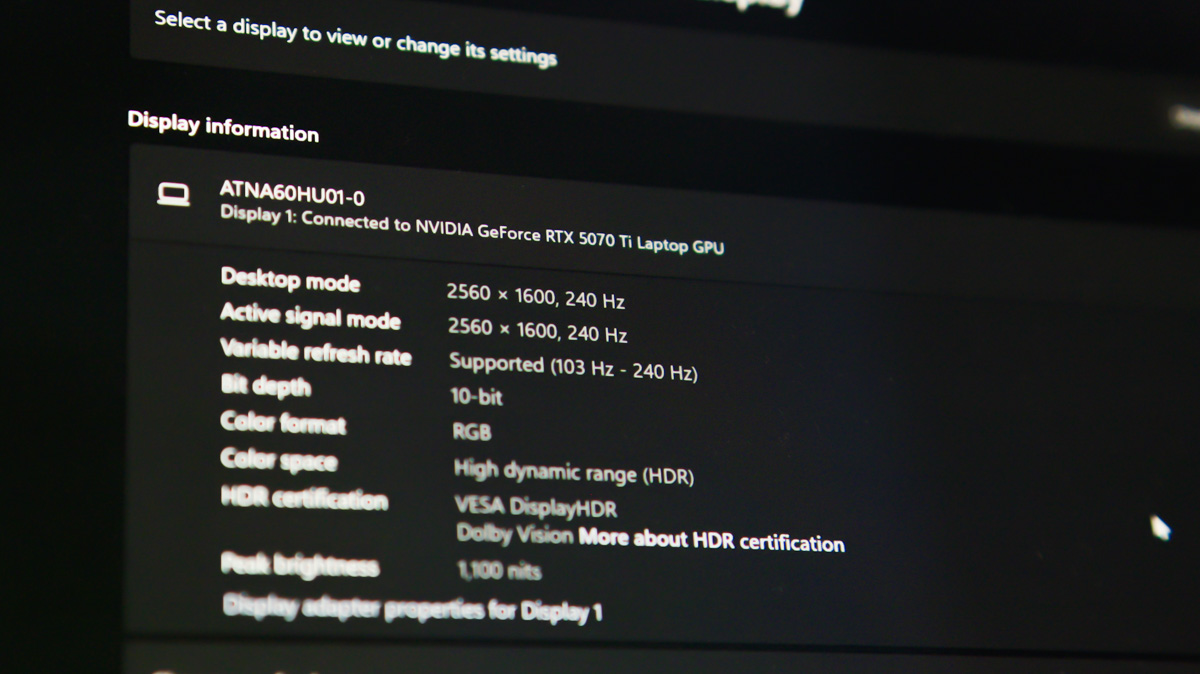
OLED panels deliver high contrast, while MiniLED provides exceptional brightness for full HDR support. NVIDIA technologies – from Optimus and G-Sync to Reflex – manage frame synchronization and reduce input lag.
The latter is particularly important for gamers, especially in multiplayer, and reducing latency is one of Reflex’s main functions. Additionally, a high refresh rate allows DLSS with Multi Frame Generation to be fully utilized. After all, high frame rates in a game are meaningless if they aren’t visible on the display.
Peripherals
As mentioned, not all gamers prefer external keyboards – but many do. Some store games on external SSDs, use Bluetooth headsets for streaming to friends, or play over Wi-Fi.
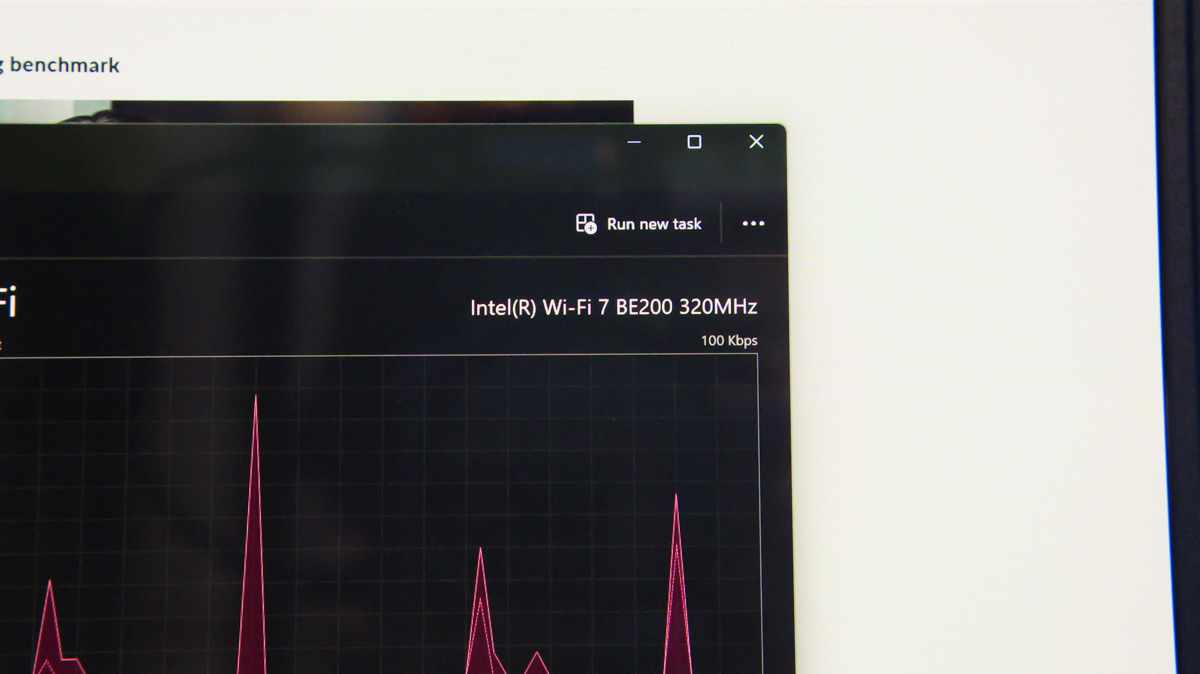
For these scenarios, gaming laptops need reliable network modules, ideally supporting Bluetooth 5.3 and Wi-Fi 6E, as well as multiple USB ports for peripherals, preferably on both sides of the chassis. A webcam is also important. Fortunately, with an NVIDIA GeForce RTX GPU, features like RTX Broadcast and RTX Voice are available to enhance video quality and microphone audio.
Design
This is straightforward – an aggressive design and quality RGB lighting distinguish a gaming laptop from a work-oriented one. The only exception is keyboard backlighting: in most professional laptops, it’s usually limited to white, whereas gaming laptops offer full-color RGB, directly under the user’s fingers.
For professionals
Storage Capacity
Note that this refers to the total storage, not just a single drive. Large work files require substantial SSD space. Opening 3D projects or running multiple applications simultaneously demands significant RAM, while video processing or AI modules rely heavily on VRAM.
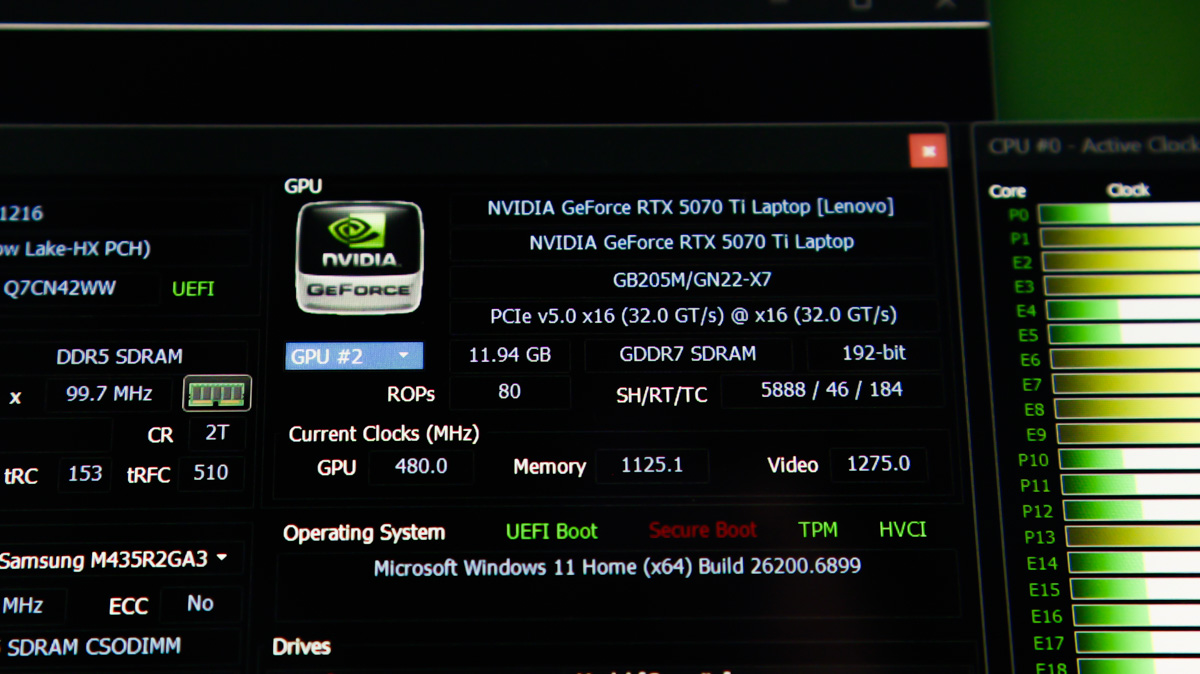
Choosing the latter is particularly important, as almost everything else can usually be upgraded later. Fortunately, the RTX Blackwell generation offers more VRAM than any previous consumer GPUs. The RTX 5070 Ti, for example, comes with 12 GB of high-speed, energy-efficient GDDR7 memory.
Portability
A smaller chassis makes a laptop easier to hold for extended periods, simpler to transport, and allows more units to fit on a given surface, such as a mounting rack. Once again, no previous NVIDIA generation enabled laptops to be as compact as Blackwell. Flagship ASUS models with the RTX 5090 can be ultrabook-sized while still offering all the benefits of a high-performance GPU.
Modern Technologies
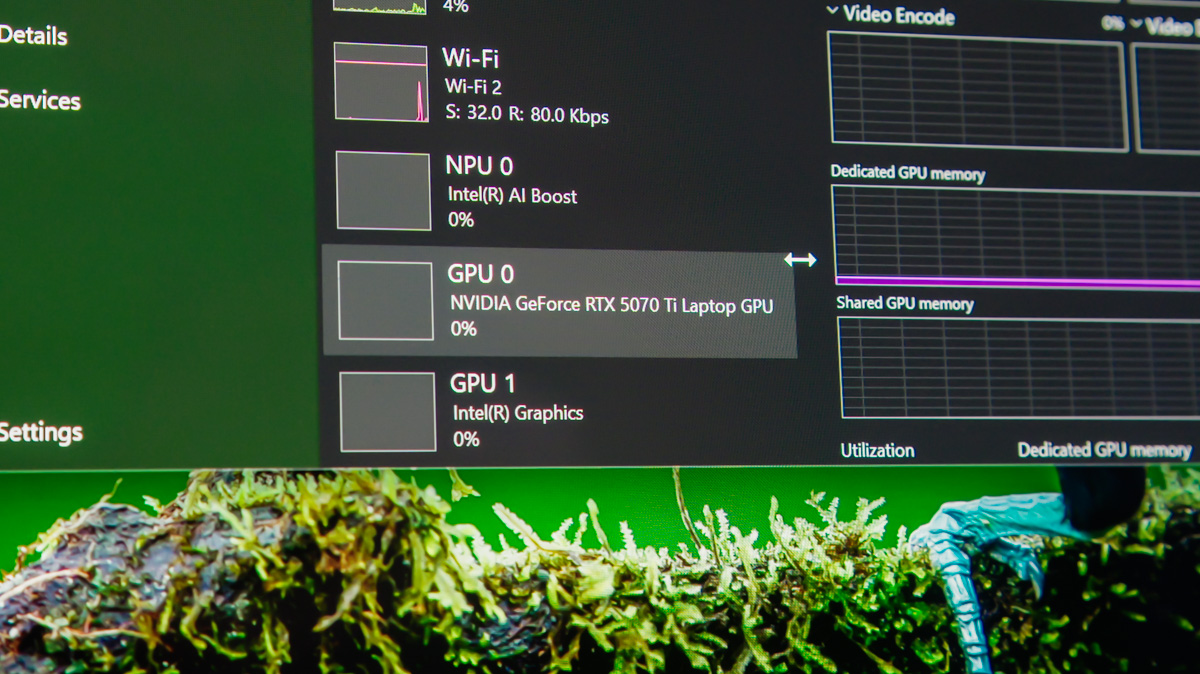
This also falls under the advantages of the GPU. For gamers, the current NVIDIA generation offers DLSS 4 with Multi Frame Generation. For professionals – from video editors to AI engineers – there are new media engines with multi-channel processing, FP8 support in advanced models, and even Blueprints modules, which can be used to create 3D objects in Blender, enhance their detail, and perform various other tasks.
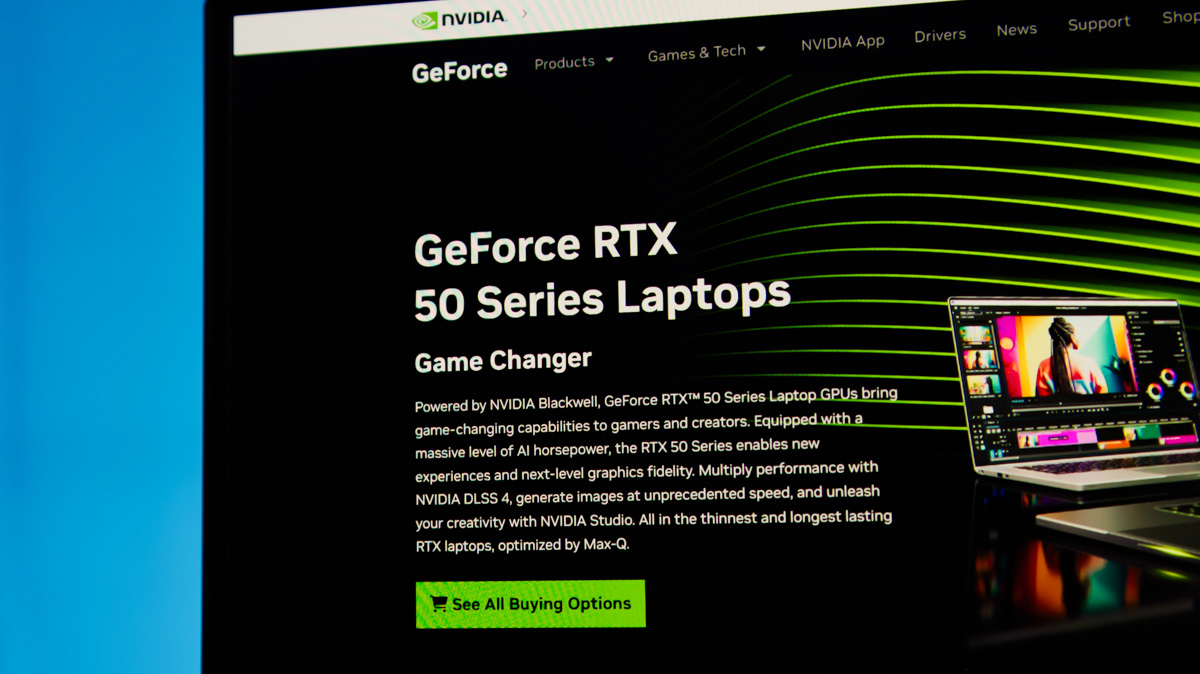
Even casual users can benefit from technologies like RTX Super Resolution, which can upscale low-resolution video directly in the browser. Stable drivers are also worth noting, as they should consistently provide high-quality performance.
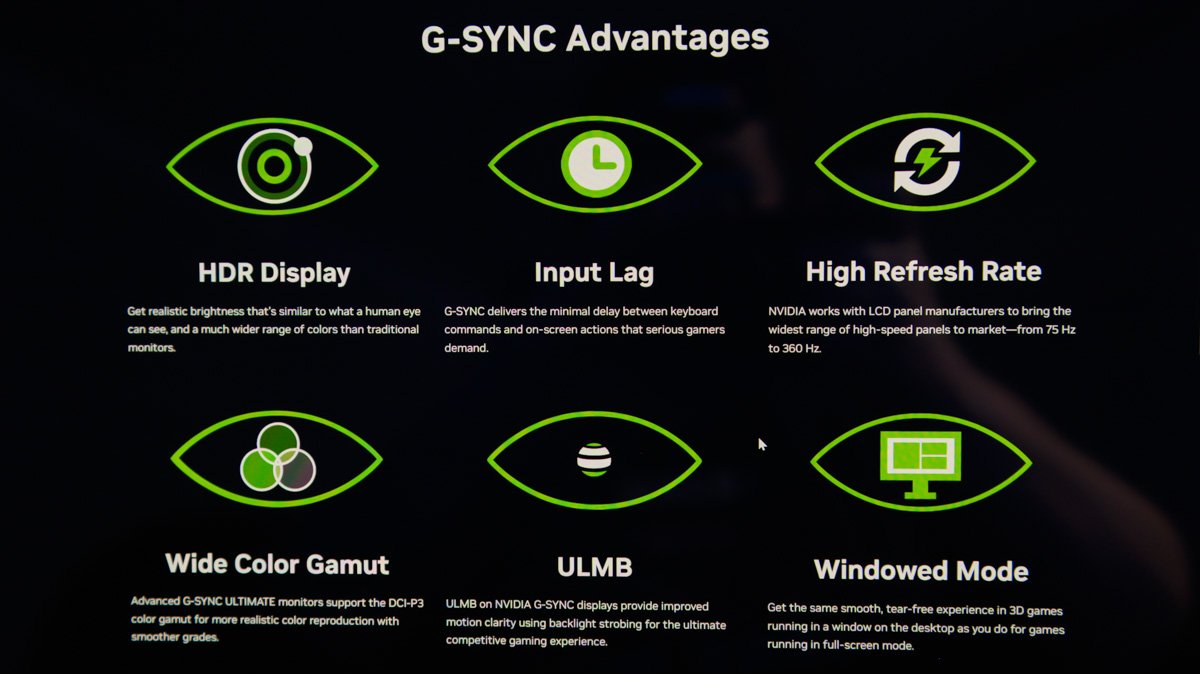
NVIDIA is required to maintain consistent quality not only for Game Ready drivers but also for Studio drivers, which are optimized for both gaming and professional workloads.
Display Quality
Here, the focus is on quality, not refresh rate. It’s relatively easy to achieve 144 FPS on a screen, but protecting the eyes or preventing OLED burn-in is a different matter. Color accuracy is also critical – a good professional laptop should offer at least 100% sRGB coverage and a ΔE close to or below 2.
Energy Efficiency
In this context, a laptop’s energy efficiency essentially depends on its least efficient component. If the CPU runs too hot, the cooling system may not have enough capacity to adequately manage the GPU, and the battery may lack sufficient capacity to handle the workload. NVIDIA addresses this effectively: Blackwell is the most energy-efficient generation to date, and the efficiency of GDDR7 memory is widely recognized.
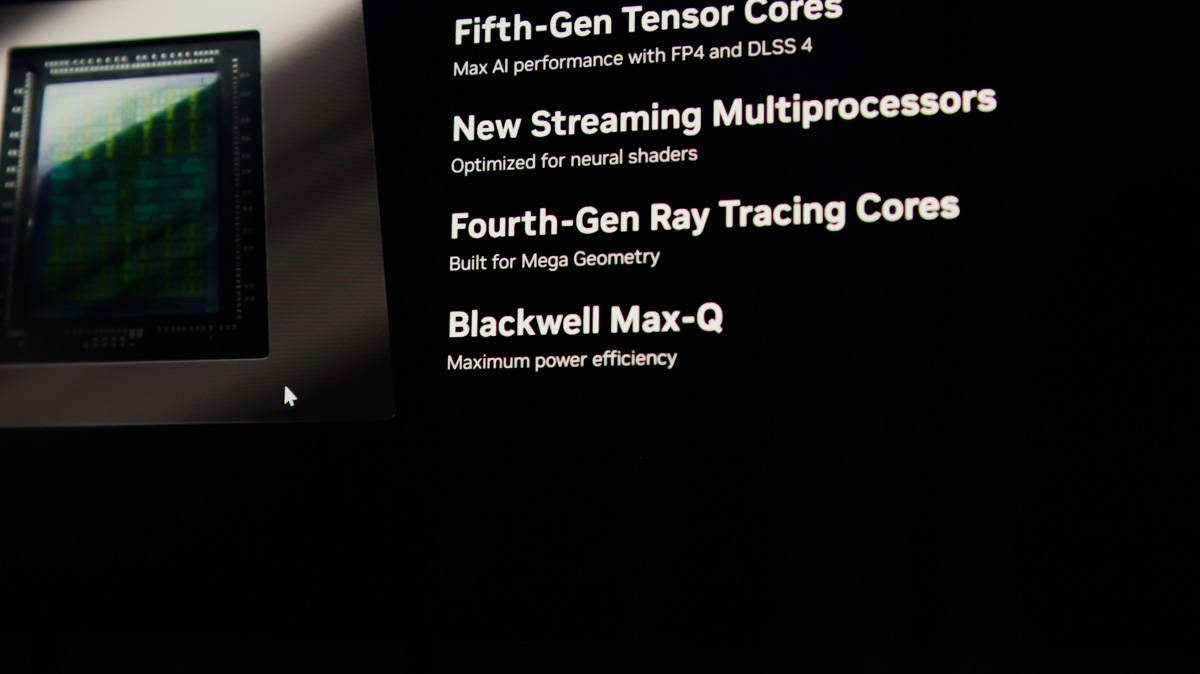
Also, it’s important to consider Max-Q. This is no longer just a more energy-efficient version of the GPU – it’s a comprehensive set of hardware and software technologies designed to minimize heat and maximize battery life.
This includes Advanced Optimus for frame synchronization, Dynamic Boost to increase performance when safe, and Optimal Playable Settings (OPS), which provide balanced, ideal configurations. Even CPU optimization profiles are part of this system.
For the reviewer – something that may be important to everyone!
Build Quality
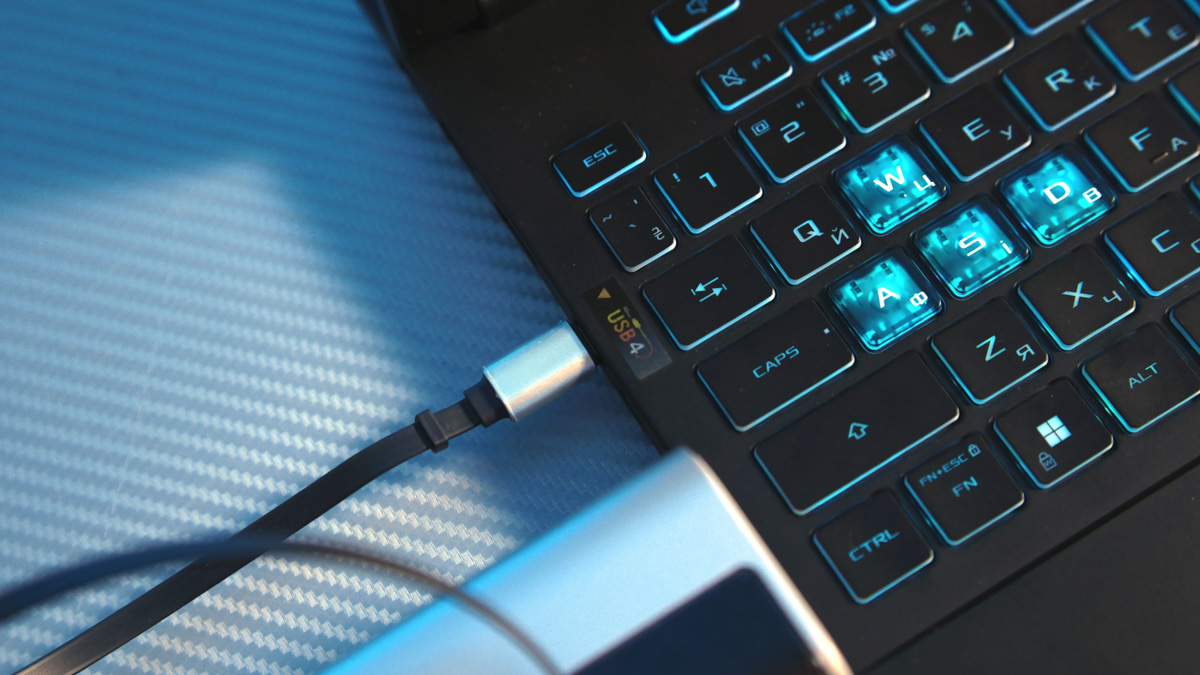
This encompasses the sturdiness of the chassis and the presence of any weak points, such as the risk of bending the lid (potentially damaging the display during transport) or flexing the keyboard panel (which can make typing unreliable and noisy). It also includes the design of the cooling system, material quality, and even peripheral selection. For example, if a USB power controller is installed on a 10 Gb/s USB port but absent on a USB4 port, it can be a significant issue that even a high-end GPU cannot fully compensate for.
Manufacturer Reputation
This largely comes from experience but requires continuous monitoring of news, as it can change year to year. For example, Max-Q GPUs no longer simply represent the most energy-efficient models based on top-quality chips – reducing the power of an RTX 5090 does not mean removing tensor cores or DLSS MFG capabilities.

They also ensure a full set of additional features mentioned earlier, which contributes to reliability and confidence in the brand.
Read also: ASUS TUF Gaming A16 2025 FA608UH Review: RTX 5050 Holds Its Own
Upgradability and Repairability
Here, the focus is on how easily the laptop can be opened, and how straightforward it is to replace RAM, an SSD, or the network card.
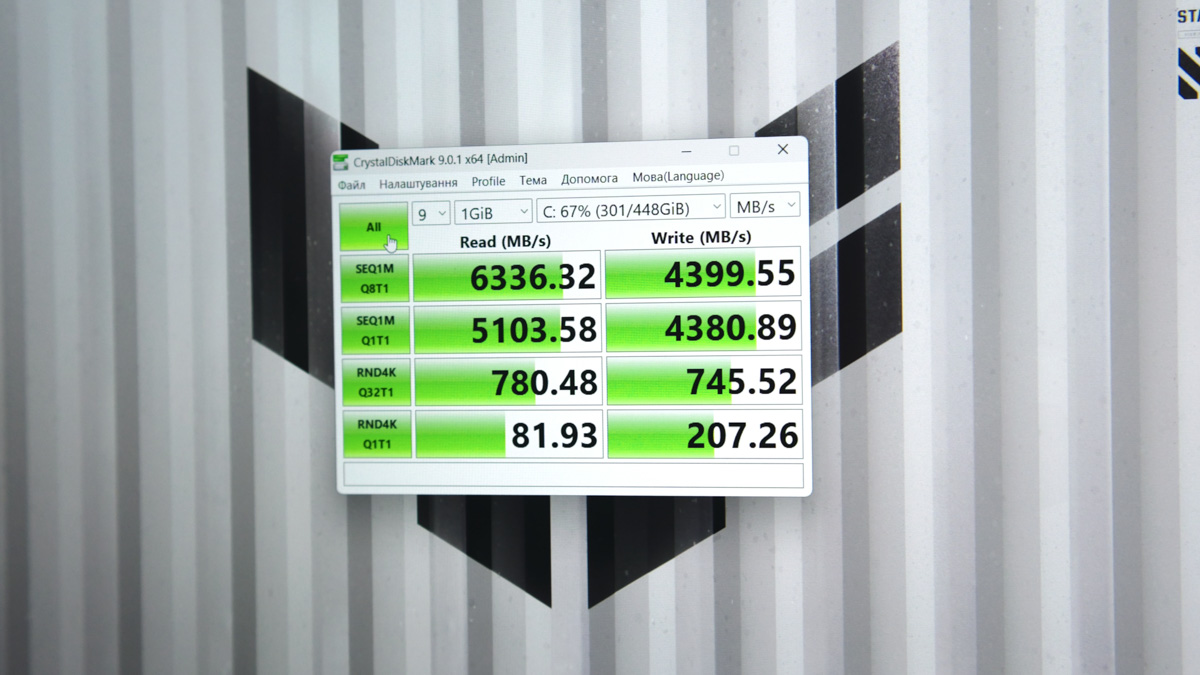
Ease of use and format support are also important. SO-DIMM modules are easier to replace than CAMM2, as CAMM2 is a relatively rare standard. The number of M.2 slots matters, and the ability to quickly swap components – such as through dedicated access panels in the chassis – is always a significant advantage.
Backlight Flicker
Anyone who has tried filming screens at less than maximum brightness knows that PWM flicker can be a significant issue. Less well known is that the same problem can occur with RGB keyboard backlighting or light strips on the chassis.

Sometimes this can be addressed by adjusting the shutter offset on a high-quality camera, such as the Panasonic Lumix S5 IIX, or corrected in DaVinci Resolve using the deflicker tool. In other cases, it can only be minimized rather than fully eliminated. One important point: NVIDIA Blackwell GPUs excel at accelerating the deflicker process – better than most would expect. This also highlights a less obvious advantage of RTX: how it handles screen recording.
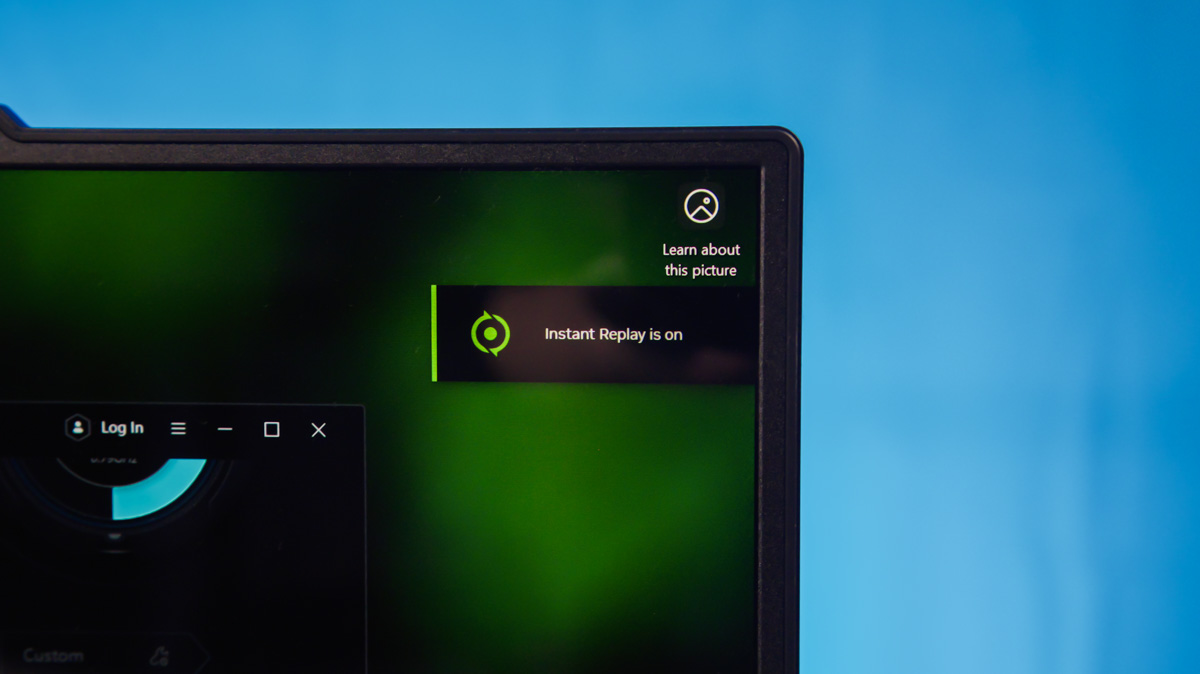
RTX Blackwell can now capture the desktop directly through ShadowPlay. Previously, this wasn’t possible, which reduced the need to record from OLED screens – and as a result, the deflicker isn’t always necessary.
Software
This is perhaps the rarest consideration, but for many users, it is the most critical. Each manufacturer essentially provides its own BIOS and proprietary software for managing components. Some software offers only basic adjustments, such as Lenovo Vantage, while others, like Legion Space, allow users to configure component power consumption.
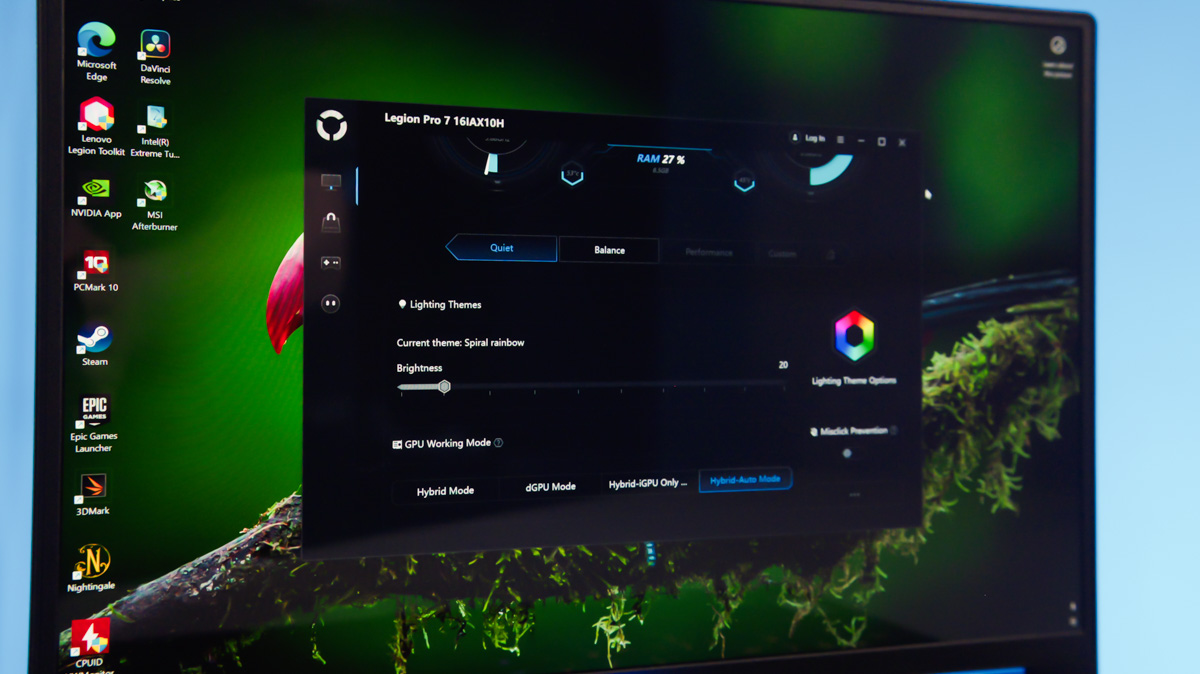
The best software in its class, such as G-Helper for ASUS laptops, provides far more control – power, voltage, and even clock speeds for both GPUs and CPUs. A capable program of this type can compensate for manufacturer shortcomings in energy efficiency or power balancing.
Specifically for NVIDIA, there’s the NVIDIA App, which finally allows driver updates without logging into an account, and NVIDIA Broadcast, which can clean up audio, apply AI-based background blur to video, and even adjust eye positioning during calls.
Conclusions
Since the main limitation of laptops is their lack of modularity (Framework being the exception, not the rule), choosing a model without compromises is nearly impossible. Whether you select the Lenovo Legion Pro 7 16IAX10H with an NVIDIA GeForce RTX 5070 Ti or another laptop, the key is to ensure that the advantages of your chosen device outweigh its drawbacks. Now, you know which factors to prioritize first.
Read also:
- Everything You Need to Know About NVIDIA DLSS 4.0 and Reflex 2: What They Offer and Why They Matter
- What are the best non-gaming uses for the GeForce RTX 5070 Ti OC?
- How useful the RTX 5070 Ti REALLY is?

