





© ROOT-NATION.com - Use of content is permitted with a backlink.
I requested the Bloody R72 Pro Duo mouse for review for one reason only: its charging dock, which powers the mouse when it’s not in use. That might not sound like a big deal, but over the past six months, I’ve gotten so used to charging docks and bases that it’s hard not to highlight their advantages.
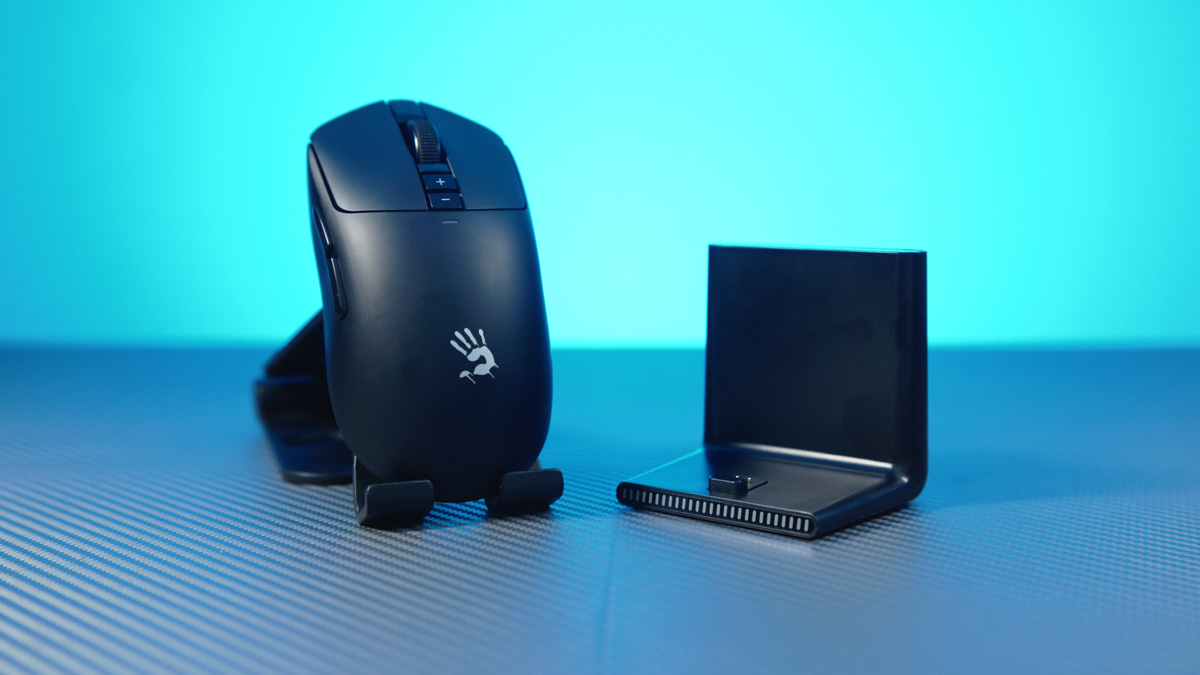
This will be a short review, mainly because we’ve already covered the R72 series in detail – including both the R72 Ultra and the R72 Pro. The Bloody R72 Pro Duo shares the exact same specifications as the R72 Pro. The only notable difference is the price, which is higher – though at least there’s a clear reason for that. Spoiler: it’s the charging dock.
TABLE OF CONTENTS:
Bloody R72 Pro Duo video review
Price and package contents
The Bloody R72 Pro Duo is priced at $63 / €55, which is $9 more than the standard R72 Pro. That said, it’s hard to compare directly – the regular Pro model is currently out of stock almost everywhere.
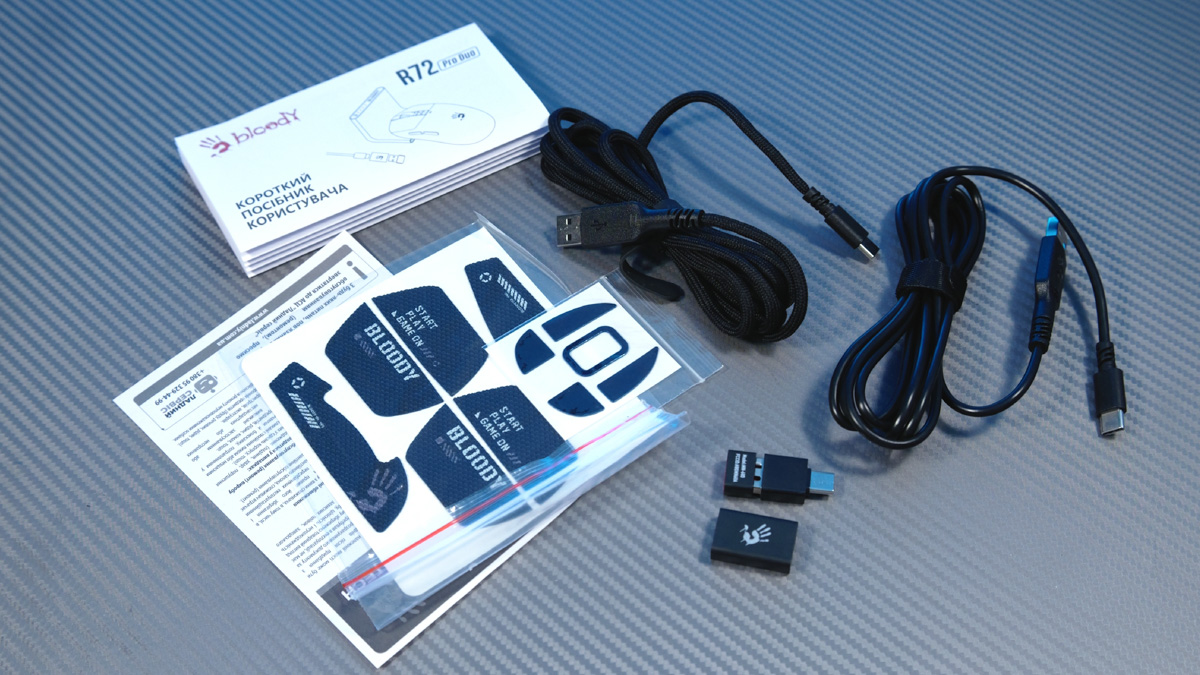
The R72 Pro Duo comes with the same accessories as the standard version, including the grip tapes I previously discussed in a separate piece. The only addition here – and the main selling point – is the charging dock.
Differences and similarities
In terms of dimensions and specifications, the Bloody R72 Pro Duo is identical to its predecessor. It measures 125 mm in length, 63 mm in width, and 40 mm in height. It features the PAW3395 sensor, 1 ms response time, and supports wireless operation up to 10 meters. The CPI range spans from 50 to 26,000, with acceleration up to 50 G and tracking speed rated at 650 IPS. The polling rate goes up to 1000 Hz. As for durability, the primary buttons are rated for 30 million clicks, while the scroll wheel is expected to withstand over 800,000 scrolls.
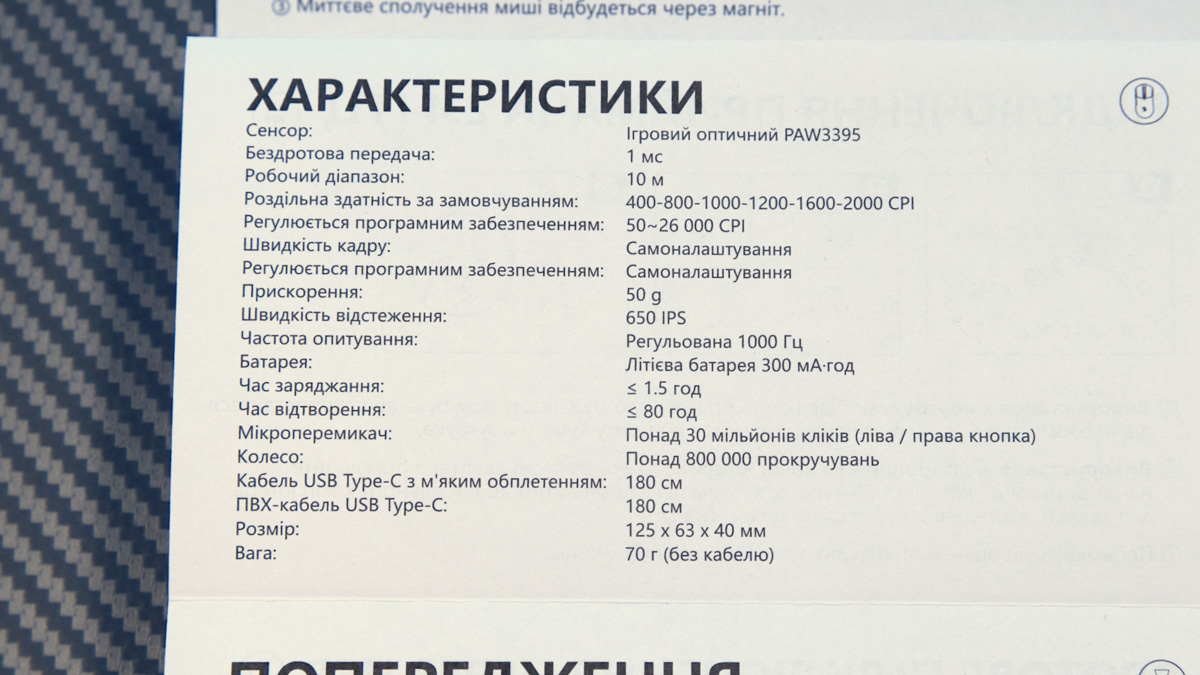
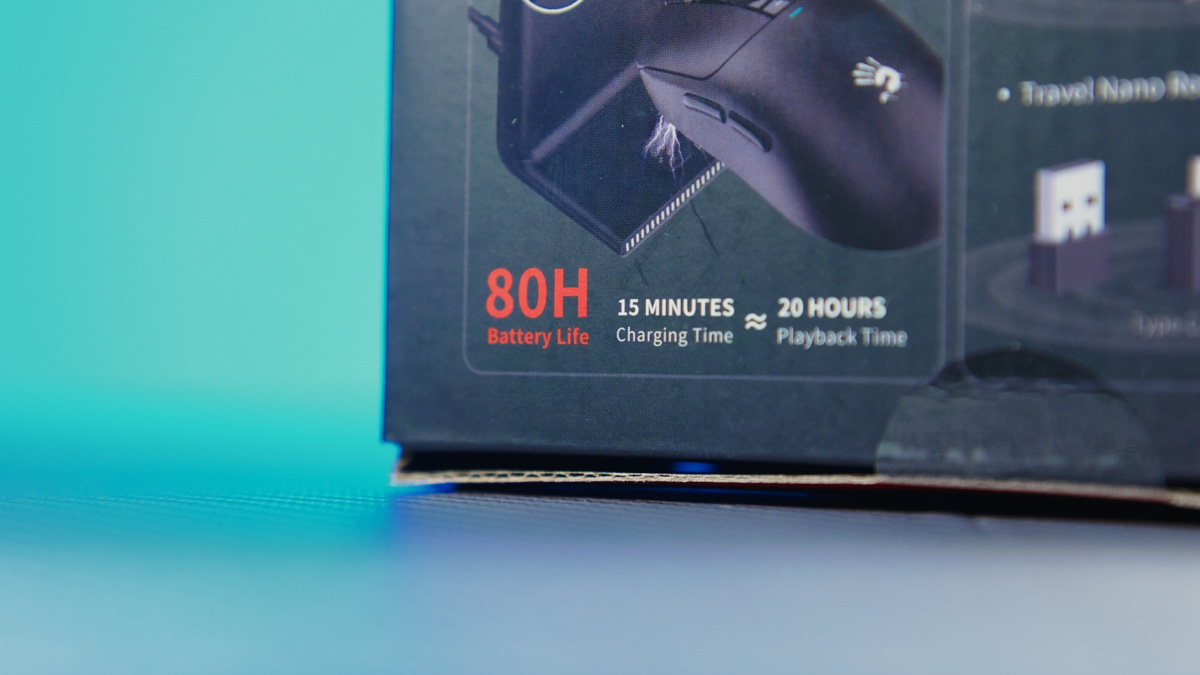
Battery life also remains unchanged. The mouse has a 300 mAh battery, charges in up to 90 minutes, and can run for up to 80 hours on a single charge. It supports both wireless and wired use, thanks to a USB Type-C port on the body. The package still includes the necessary cables and an adapter.
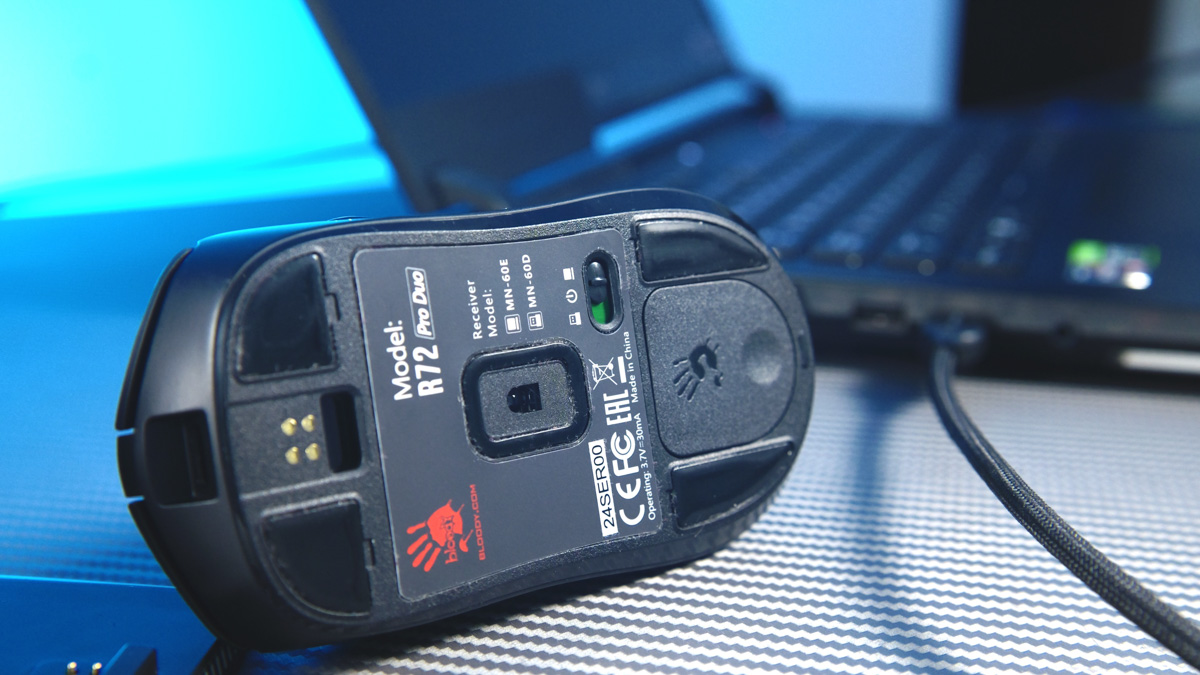
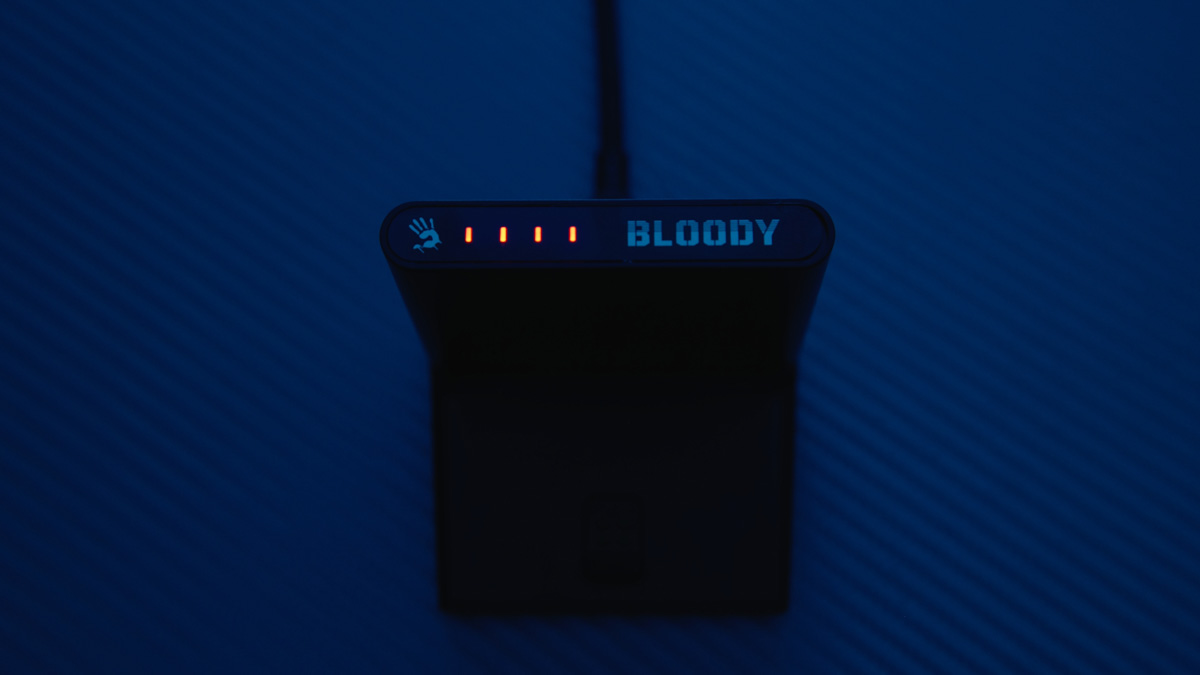
The only noticeable difference in this updated version is the set of contacts on the bottom of the mouse. These align with pins on the charging dock, allowing the mouse to charge when placed on it. The dock also features battery level indicators that show how much charge is left in the R72 Pro Duo – a genuinely useful addition. Arguably, this kind of lighting makes more sense than typical RGB effects.
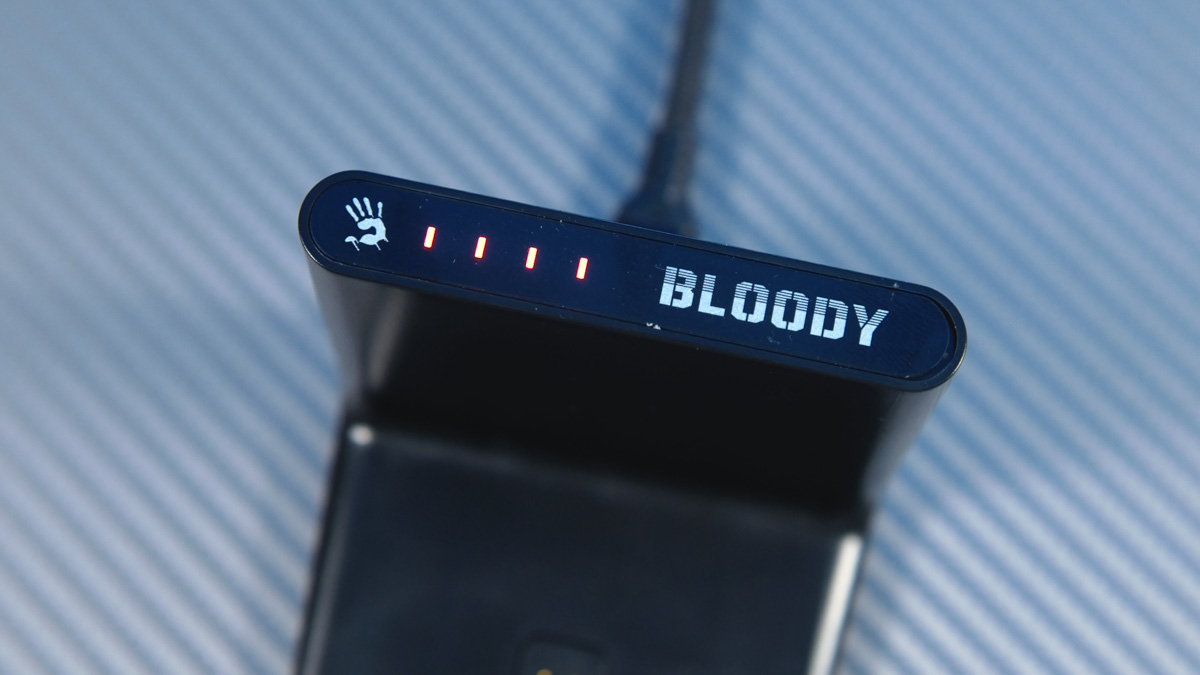
However, the battery indicator lighting only works when the charging dock is used as a USB receiver – and yes, it supports that functionality as well. Just switch the mouse to the appropriate mode, connect the dock to your laptop, place the mouse on the dock once, and you’re good to go.
Advantages
So why am I so impressed with this concept? Aside from its versatility, it’s because it encourages better habits. For context, I’ve been using the Jabra Evolve2 65 Flex headset as my main work device for quite some time. It’s an expensive, professional headset – not designed for gaming – and it also comes with a proprietary charging dock, despite having a USB Type-C port on the headset itself.
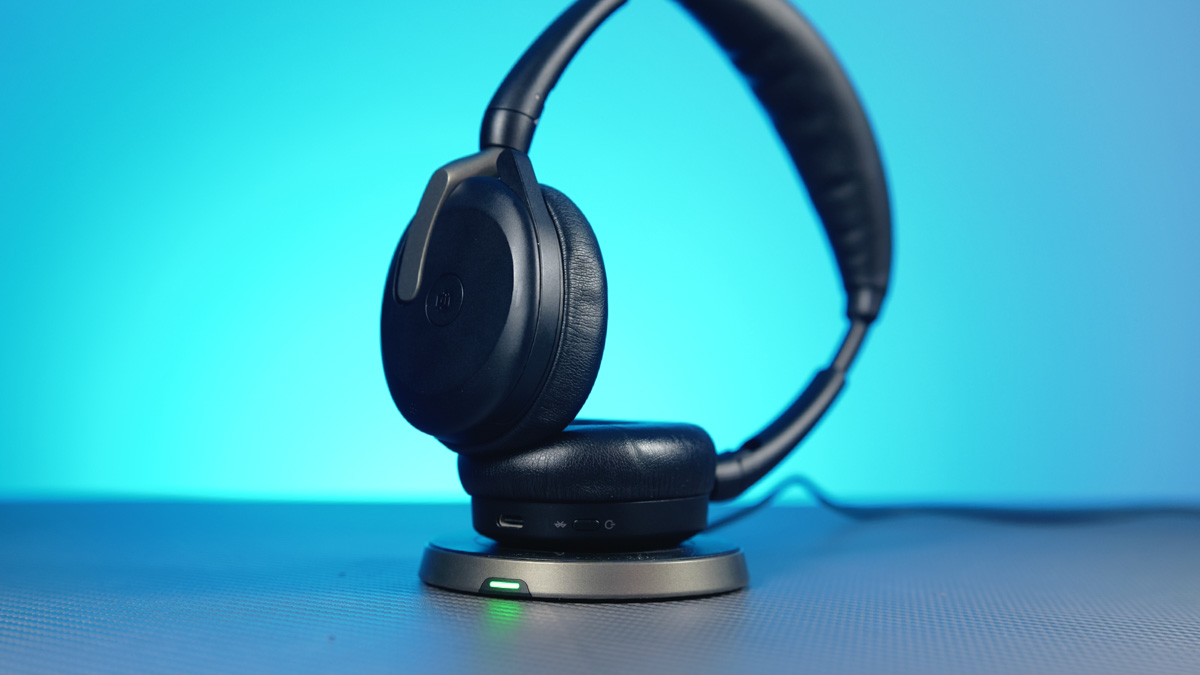
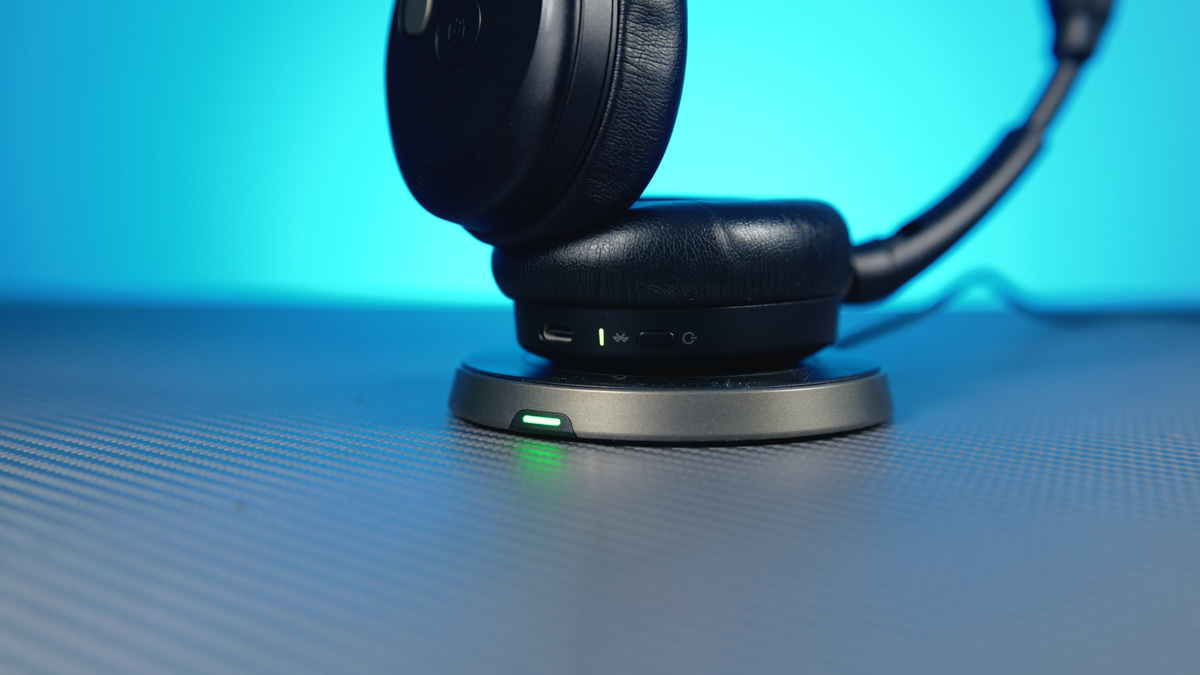
I found it surprisingly convenient and reliable to leave the headset on the charger overnight. I basically don’t take them off during the day – I work, listen to music, and use the noise cancellation to block out explosions outside. If your charging dock stays in one spot and your accessory is always there, you quickly get used to not having to search for it and knowing it’s always charged.
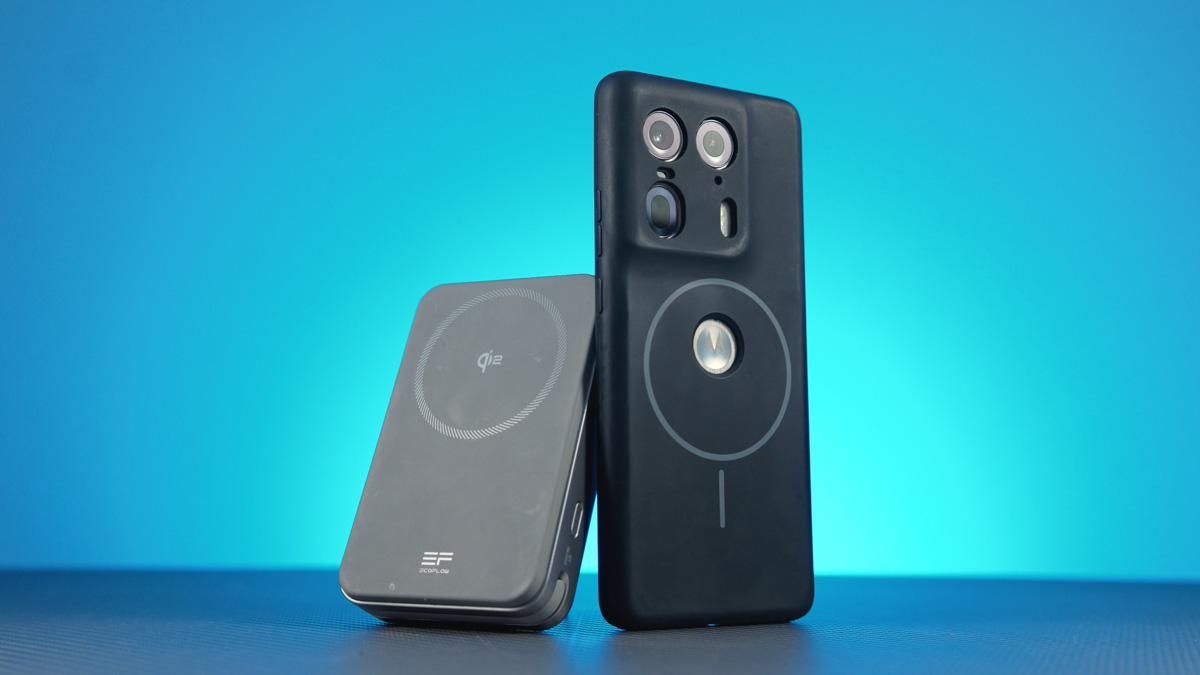
This is exactly why I bought a MagFit case for my Motorola Edge 50 Ultra, which works like a MagSafe system. Now, the phone simply sticks magnetically to my EcoFlow Rapid Magnetic power bank, staying in one place, always charged, and never getting lost.
It works the same way with the mouse. Once you get used to placing the Bloody R72 Pro Duo on its charging dock before going to bed – rather than just leaving it on the mousepad like before – you’ll likely forget you even need to charge it. You might even forget it has a USB Type-C port or that the battery can run out.
You won’t need any expensive wireless charging pads like those from Logitech, which can cost a lot and shouldn’t be bent or folded because they’ll break. Any mousepad will do – including those from Bloody. That said, the R72 Pro Duo remains a near-flagship model in the R72 lineup. There’s also the Bloody R72 Ultra Duo, which follows the same idea: it has the specs of the Ultra model but adds a charging dock.
At this point, I was worried I might have to downplay the positives – for example, by saying the charging dock is expensive or poorly made. But no, this is actually one of the most affordable branded options available.
Conclusions
I can confidently recommend the Bloody R72 Pro Duo, mainly for its exceptional convenience. There aren’t many mice on the market that can make you forget it’s wireless – as if it’s powered by air or some kind of magic dust. This one manages to do just that, which is why I recommend it.
Read also:
- Cougar Minos Neo Express Review: An Affordable Gaming Mouse That Delivers
- Logitech G Powerplay 2 Review: Gaming Mouse Pad with Wireless Charging
- ASUS ROG Harpe Ace Mini Wireless Gaming Mouse Review



donde puedo comprarlo?
May be here? https://www.aliexpress.com/item/1005010000824657.html