





© ROOT-NATION.com - Use of content is permitted with a backlink.
Recently, Logitech unveiled its new gaming headset – the Logitech G522. So, what’s notable about it? First and foremost, it’s built for gaming, which means audio quality and detail take center stage. It comes equipped with a solid microphone featuring Blue Voice technology, designed to deliver clear voice transmission during gameplay.
The headset supports multiple connection options, with the standout being LIGHTSPEED – a proprietary wireless solution that provides a fast, stable, and cable-free connection with a range of up to 30 meters. It’s compatible not just with desktop and mobile devices, but also with the PlayStation 5. There’s customizable RGB lighting on board, and the headset works with user-friendly software that offers fine-tuned control over its features.
Let’s take a closer look and see what Logitech’s latest headset actually delivers.
Read also:
- Logitech G Powerplay 2 Review: Gaming Mouse Pad with Wireless Charging
- Review of Logitech G923 Gaming Wheel
Logitech G522 specifications
- Type: full-size, closed
- Drivers: 40 mm, biocellulose
- Frequency range: 20 Hz – 20 kHz
- Impedance: 39 Ohm
- Connections: Bluetooth, LIGHTSPEED (up to 30 m), USB-C
- Battery life: up to 70 hours without backlight, up to 30 hours with backlight
- Microphone: detachable, omnidirectional, frequency response – 70 Hz-20 kHz
- Weight: 280 g
- Dimensions: 201.1×184.4×81.0 mm
- Features: PlayStation 5 compatibility, PC (G HUB) and mobile (Logitech G Mobile App) app, RGB backlighting, two colours (white and black)
TABLE OF CONTENTS:
Price and positioning
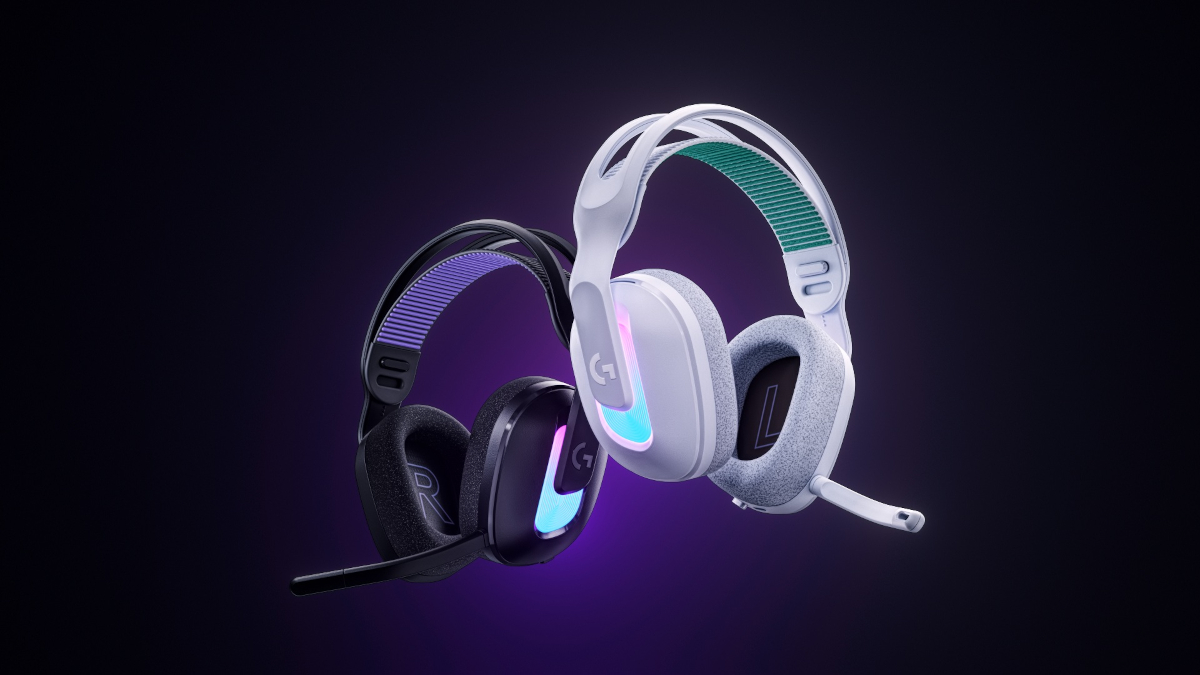
The official price of the Logitech G522 is $170 or €150. This places it in the mid-to-upper range of gaming headsets. At this price point, it offers a solid set of core features aimed at delivering a balanced experience for both gaming and everyday use. Importantly, it avoids unnecessary extras – the kind that might look flashy on paper but often go unused and inflate the overall cost. In that sense, the G522 focuses on practical value rather than feature overload.
What’s in the package

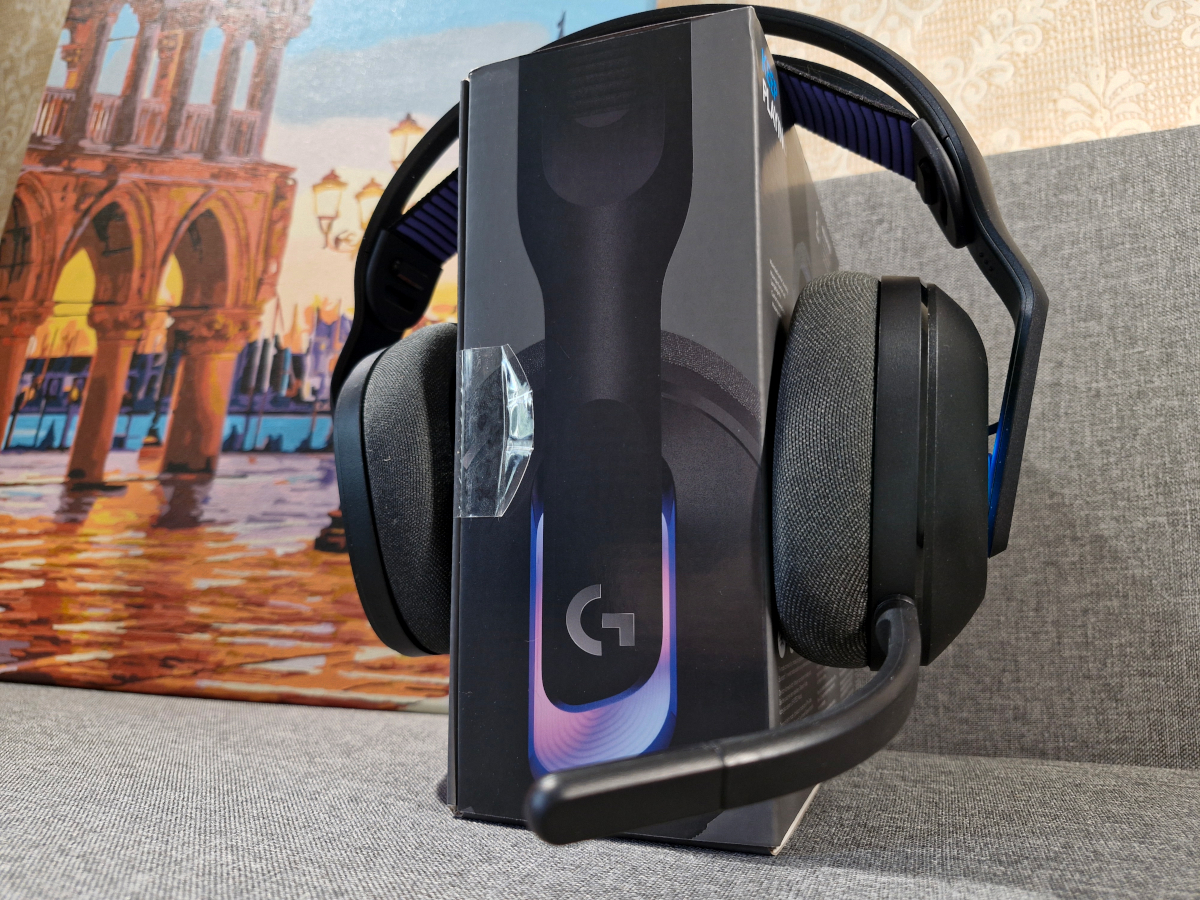
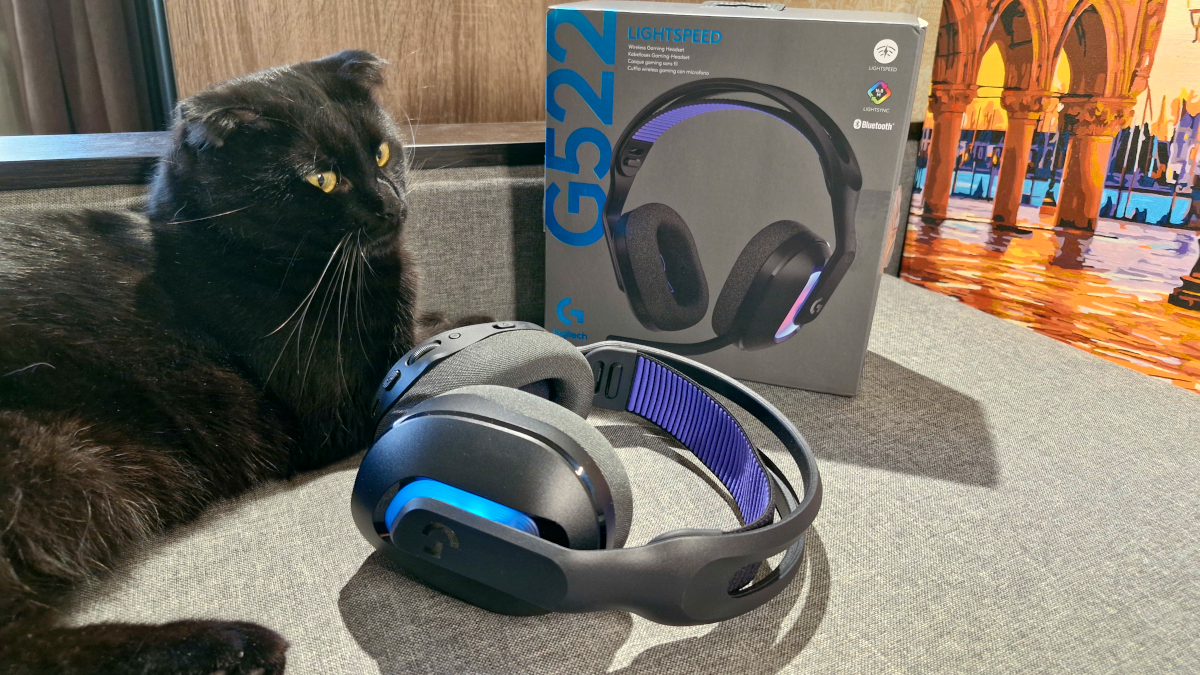
The headset arrives in a stylish branded box that highlights the key features of the model right on the packaging. Inside, there’s a simple schematic guide that covers how to connect the headset, what’s included in the box, and even a QR code for downloading the companion app to your smartphone. As for the contents, the package includes the headset itself, a detachable microphone, a LIGHTSPEED USB dongle for wireless connectivity, a USB-A to USB-C cable for both charging and wired use, and the usual documentation.
Read also:
- Logitech MX Ergo S and Ergo M575S Trackballs Review
- Logitech G ASTRO A50 X review: Almost perfect console headset
Logitech G522 design and main elements
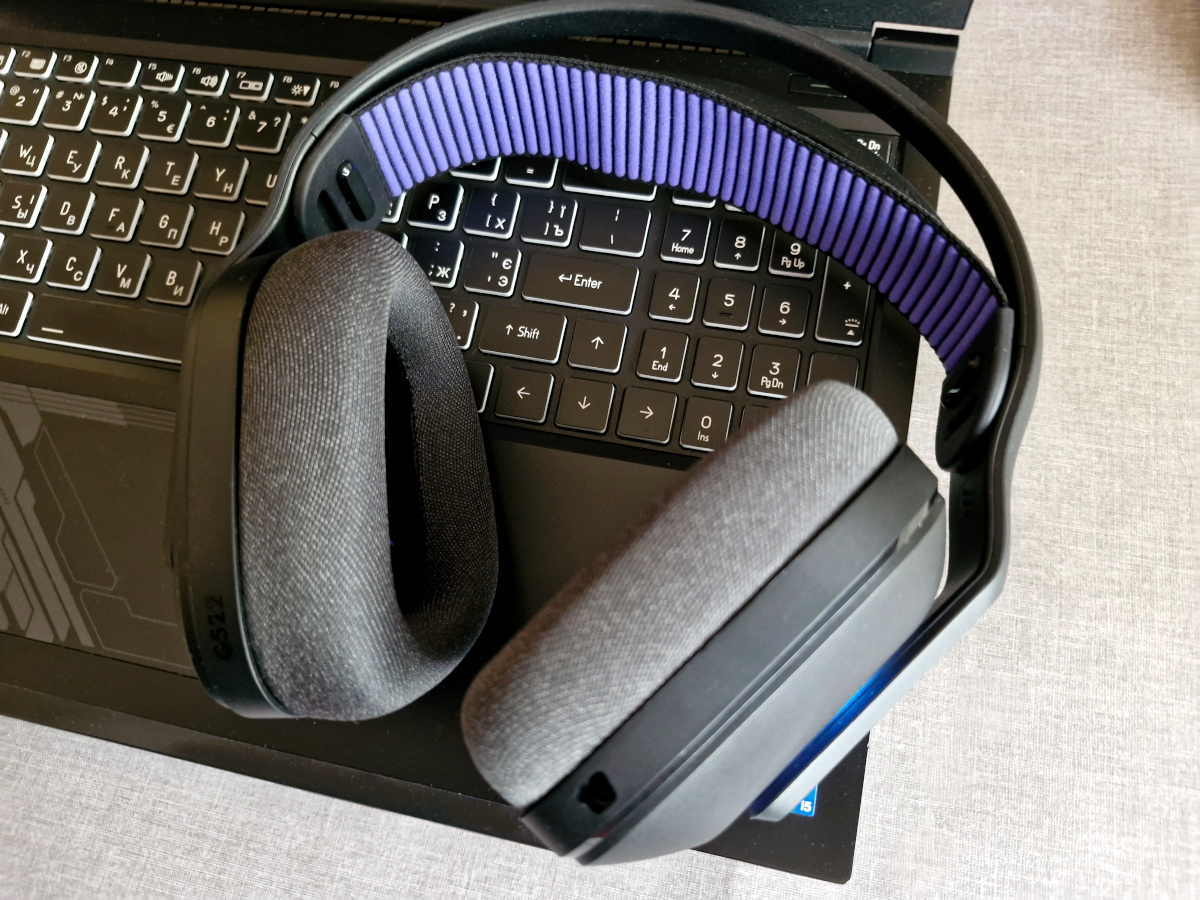
In my view, the Logitech G522 doesn’t follow the typical design language of most gaming headsets. It leans more toward a restrained and aesthetically clean look rather than the aggressive styling common in many competing models. The overall construction also takes a slightly unconventional approach.

The main components of the Logitech G522 – namely the headband and ear cups – are made from lightweight matte plastic. What sets it apart is the material’s relatively thin and highly flexible nature, which allows the headset to stretch easily sideways or diagonally without resistance.
The size adjustment mechanism also departs from convention. Instead of the usual telescopic arms, the connection between the headband and the cups uses a rail-like system, making it easy to fine-tune the fit. Additionally, the headset features a stretchable fabric insert that can be secured in two positions on each side, effectively providing three extra sizing options. Because this insert is elastic and offers a generous amount of give, the headset fits securely while maintaining comfort – striking a good balance between a stable fit and minimal pressure.
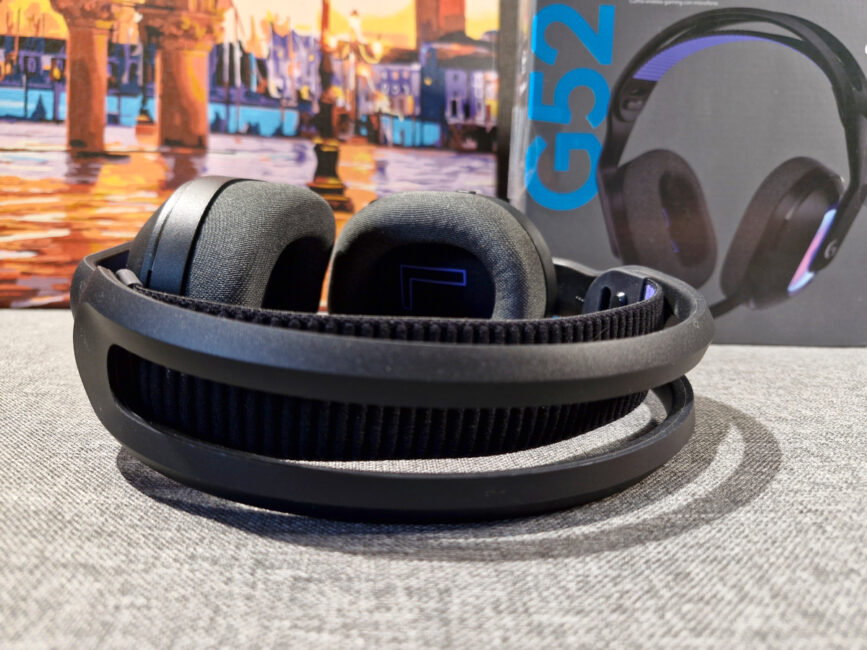
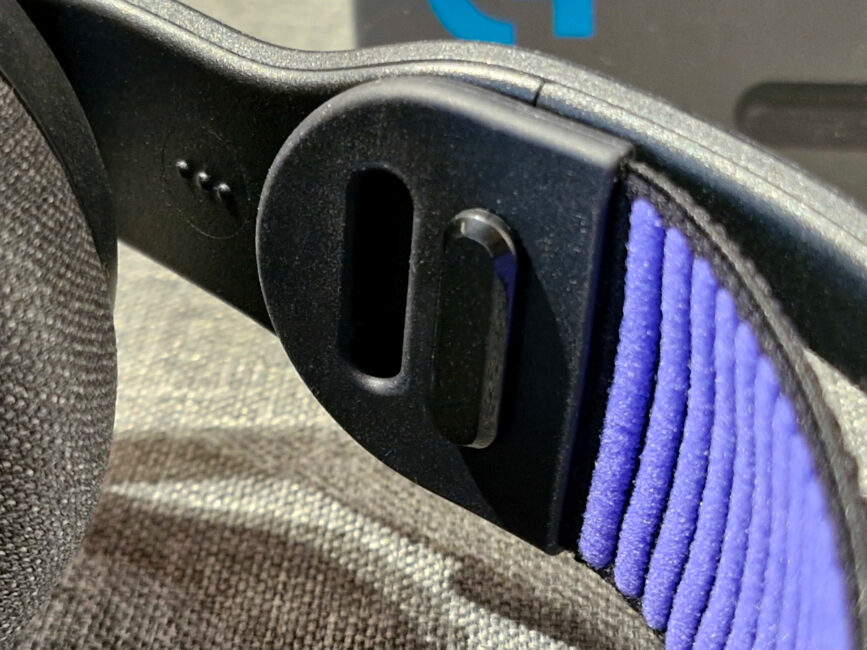
The rest of the design is fairly standard. Just below the headband-to-cup junction, there’s an elongated panel with RGB lighting, along with a minimalist brand logo on each side. The ear cushions are large, soft, and covered in a fabric material. For users who wear glasses, the headset doesn’t create any noticeable pressure or discomfort, making it a practical choice for extended sessions.

Inside the ear cups, you’ll find the usual L and R markings. Interestingly, these indicators are also repeated on the inner side of the headband, but this time using raised Braille-like lettering. It’s a thoughtful detail – not only helpful for users with visual impairments, but also practical when trying to orient the headset in low-light conditions.
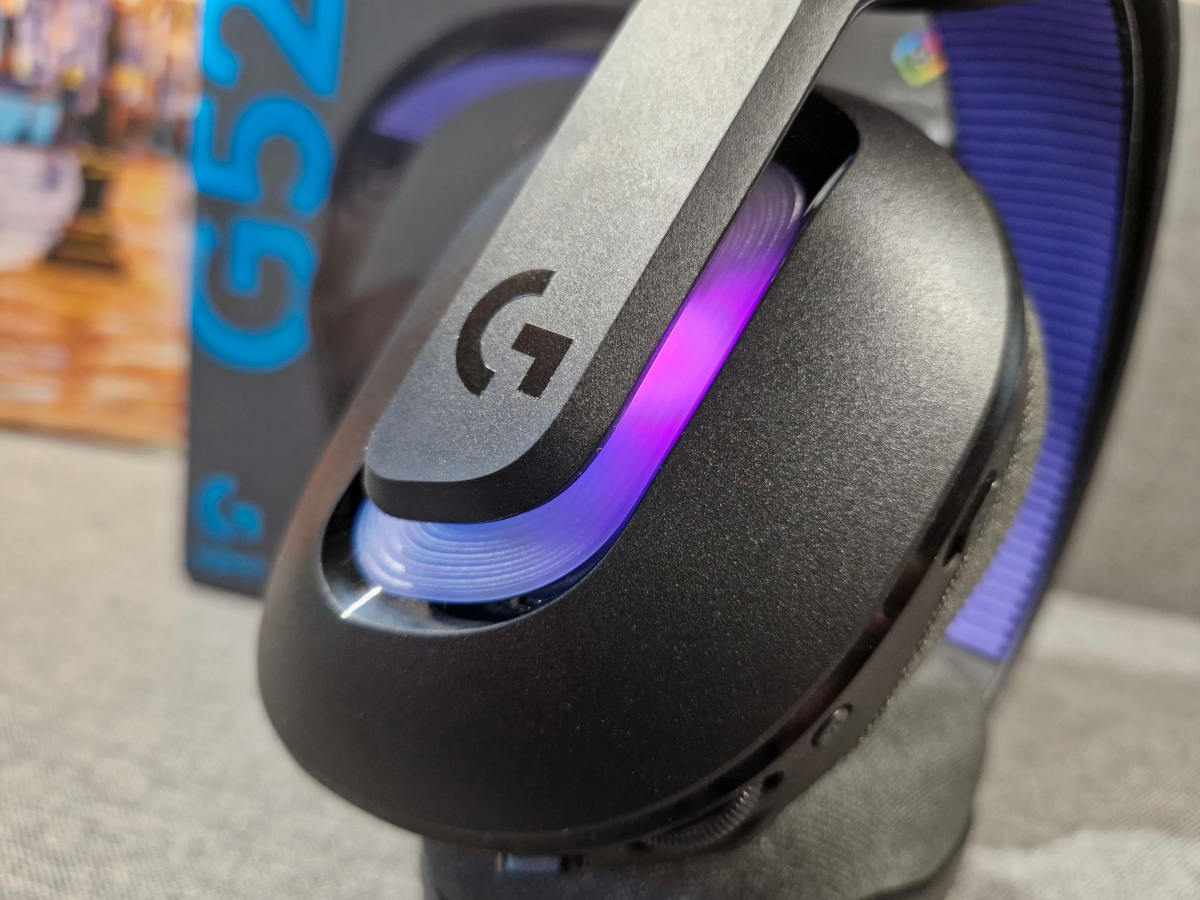
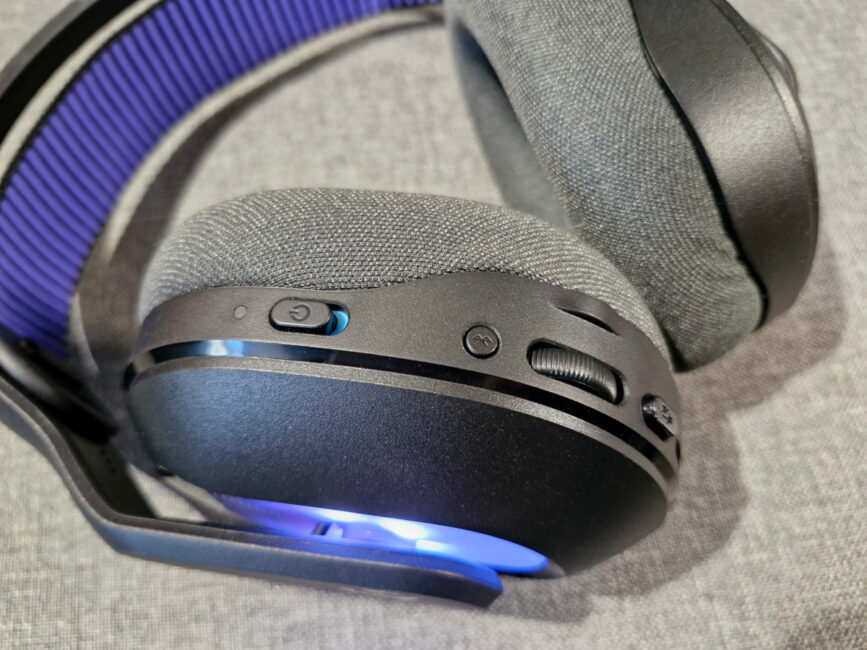
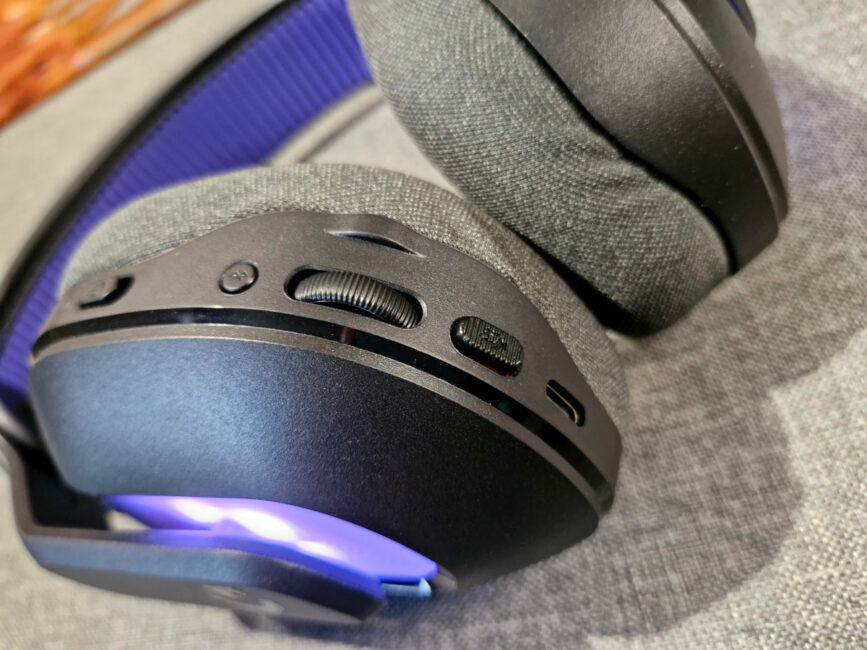
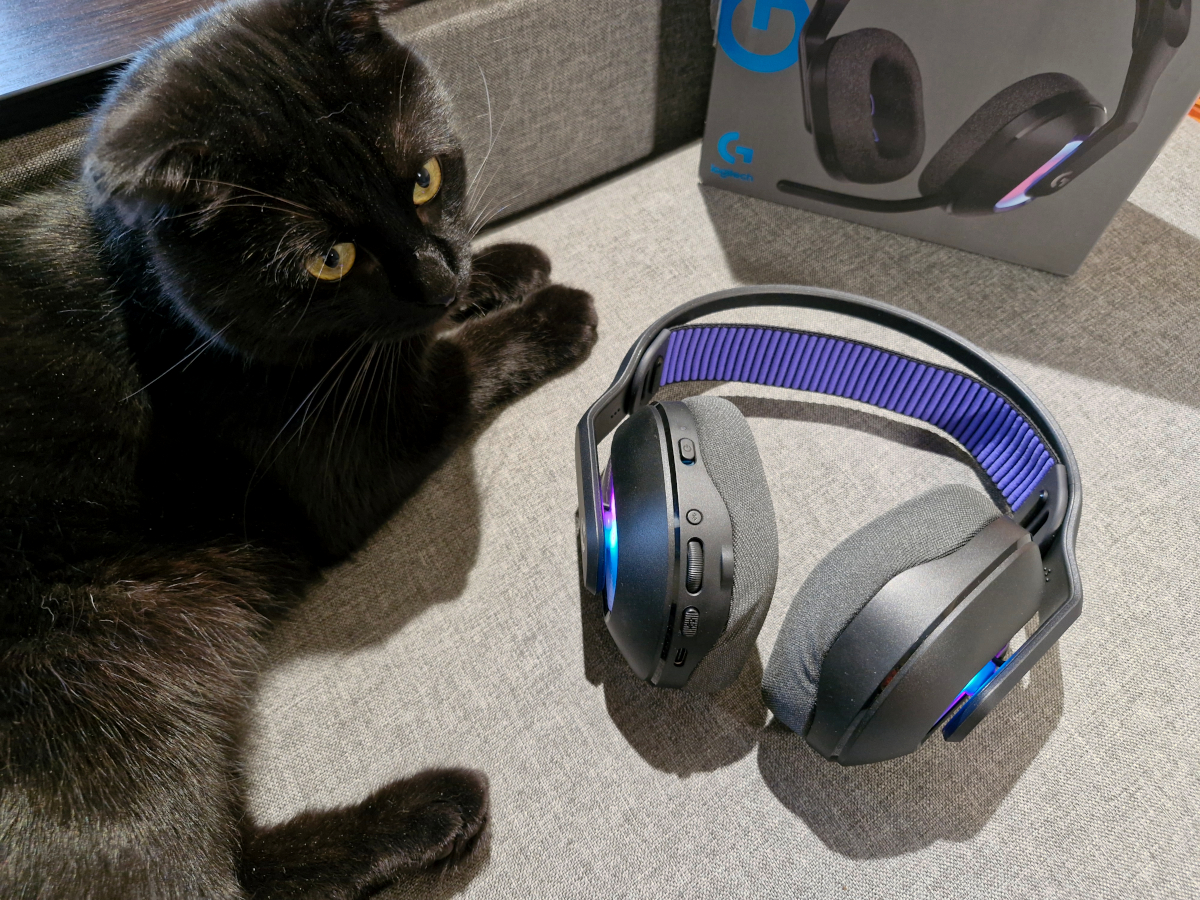
Of course, there are also controls concentrated on the left cup. Yes, we have them here:
- 3.5 mm microphone jack
- USB Type-C for charging or wired connection
- power button
- LED indicator
- volume control wheel
- switching the wireless connection mode (LIGHTSPEED and Bluetooth)
- button to turn off the microphone.
Ergonomics
The Logitech G522 is well-designed, both in terms of comfort during use and the small details that enhance convenience. The headset weighs 280 grams, which is about average for gaming headsets, but it feels significantly lighter in practice. All the contact points – the ear cushions and the headband insert – are soft, breathable, and flexible. This combination allows for comfortable wear over extended periods, whether you’re gaming, listening to music, or watching movies.
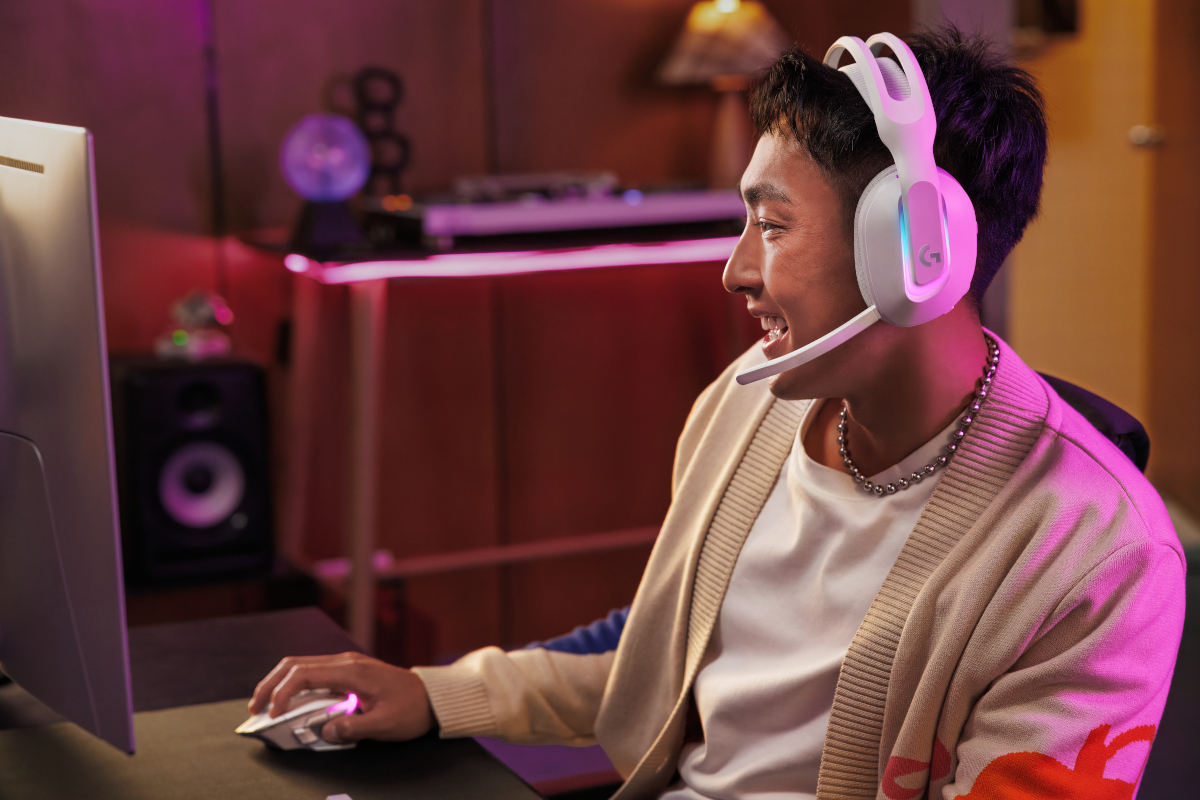
One clear advantage is the detachable microphone, which allows the headset to serve both as a gaming device and as regular headphones for everyday use. The dual size adjustment – on both the ear cups and the soft strap under the headband – helps users find an optimal fit, adding to its appeal. Additionally, support for both wired and wireless connections simplifies usage and makes the headset adaptable to different situations. Thanks to these features, the Logitech G522 can cover a wide range of needs, functioning as a versatile all-in-one headset suitable for use at home or on the go.
Read also:
- Logitech POP Icon review: Eye-Catching Design and Four Magic Buttons
- Logitech MX Keys S Combo for Mac Review
Control and indication
The controls on the Logitech G522 perform exactly as intended – there’s no need to memorize complicated button presses to achieve specific functions. That said, there are a couple of interesting details that caught my attention.

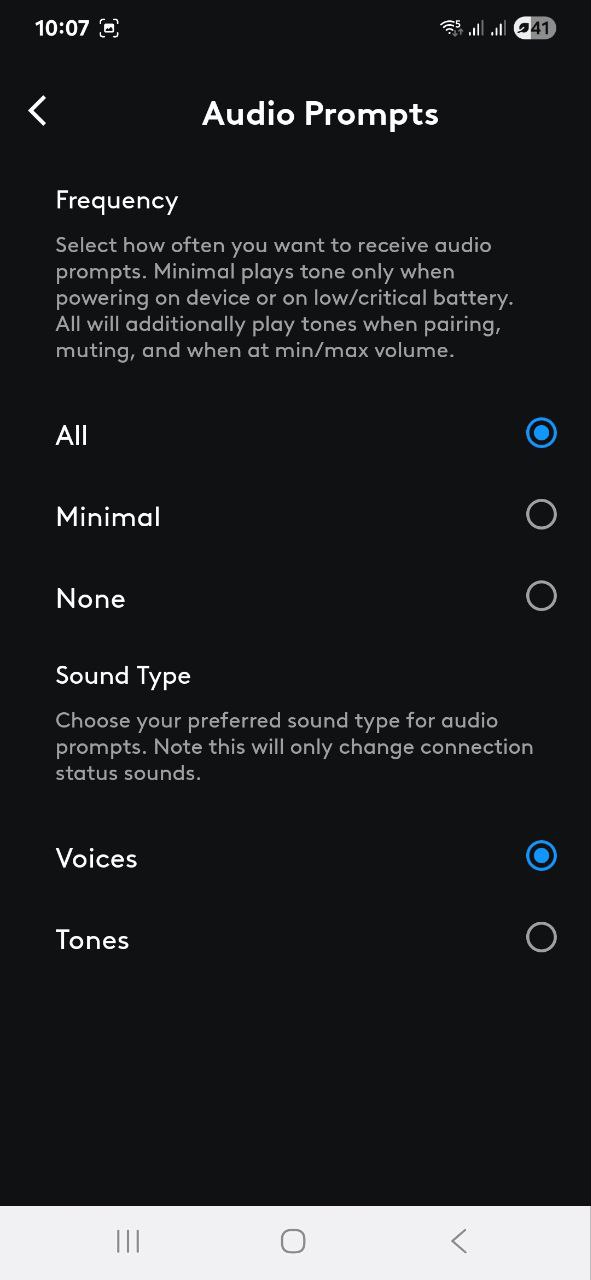
First, each button has a distinct size and texture, making it easy to identify by touch while wearing the headset. Second, every action – except for volume adjustments – is accompanied by a voice prompt or sound cue, which helps clarify what’s happening during use. There’s also visual feedback through indicator lights, with different colors representing different modes: white for LIGHTSPEED, blue for Bluetooth, and green during charging or power on. The headset also remembers the last connection mode used, so if you mainly use one mode, it will connect automatically next time. While this is a minor convenience, it does improve the overall user experience.
Software
The Logitech G522 comes with two apps: G HUB for desktop and Logitech G for mobile devices. Let’s start with the desktop app.
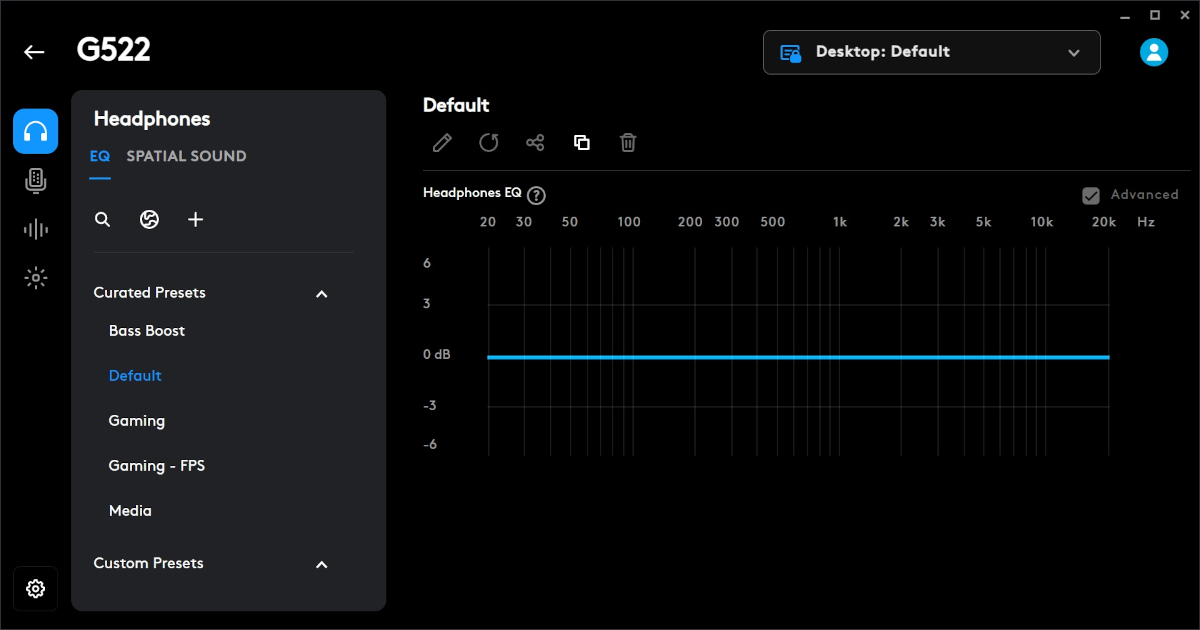
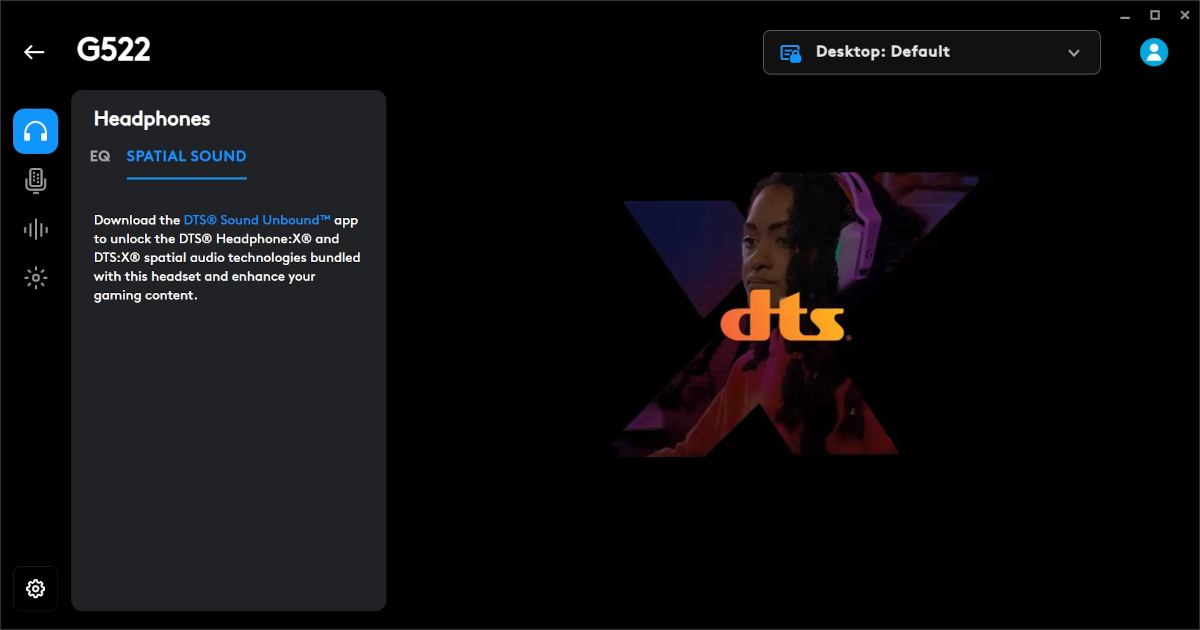
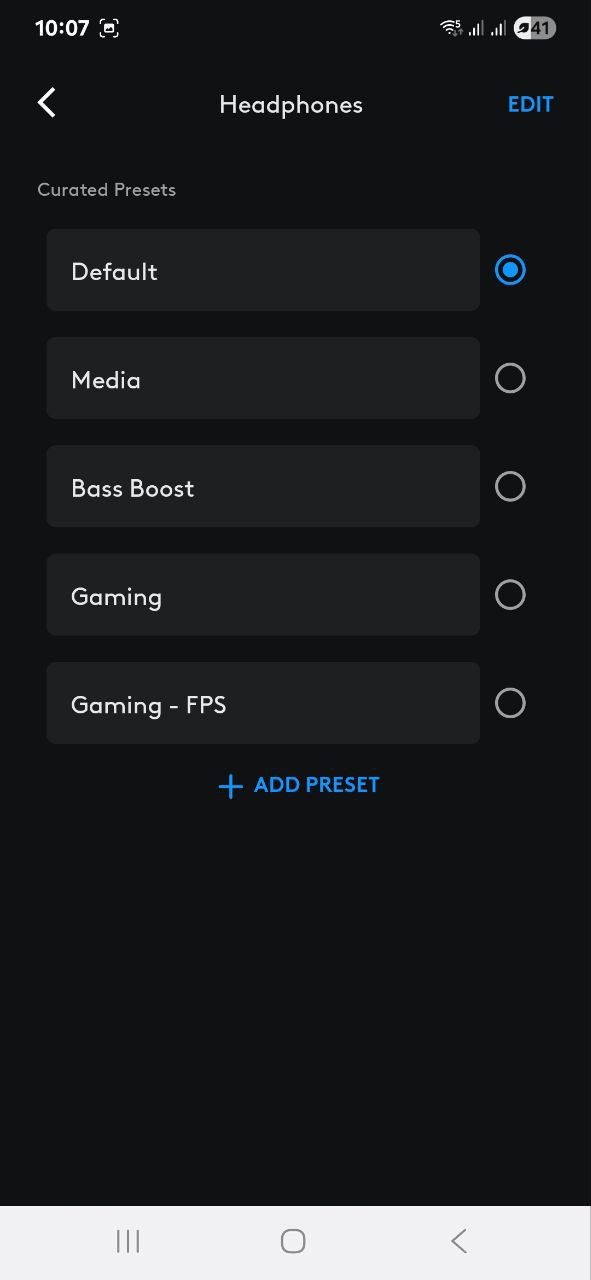
G HUB offers a wide range of features, but the most notable are the detailed headphone settings. The app has four main tabs. The first focuses on sound customization, allowing users to adjust audio to their preferences. Alongside a standard equalizer, there are preset profiles tailored for different types of content and use cases. The headset also supports spatial audio, which requires installing the DTS Sound Unbound application – a process clearly outlined within the app itself.
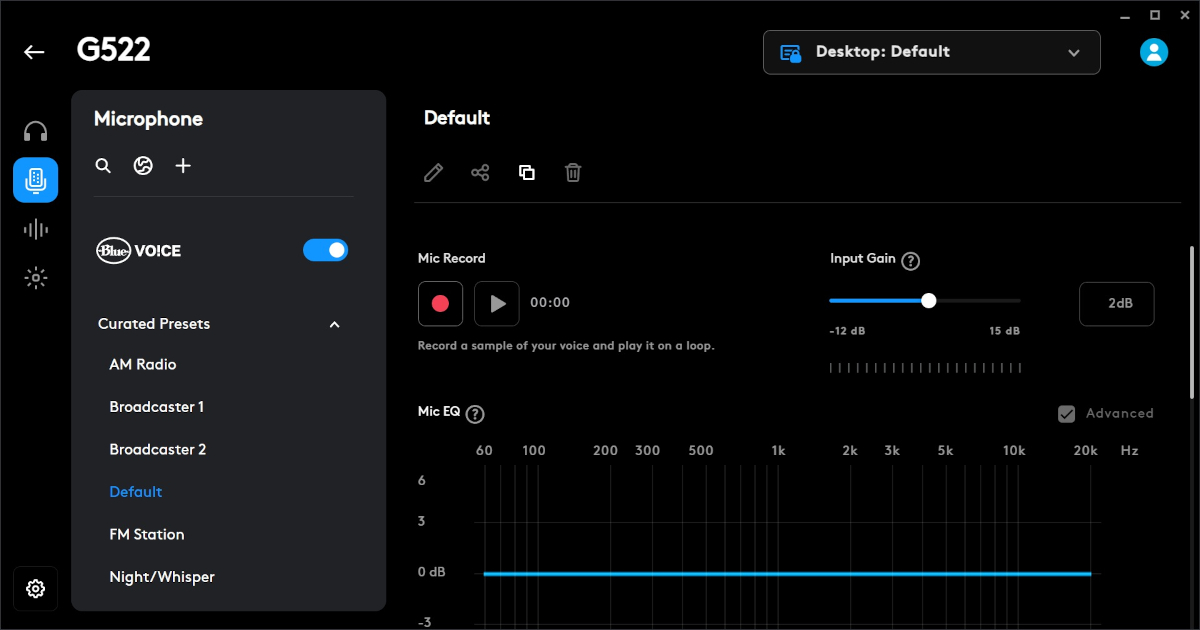
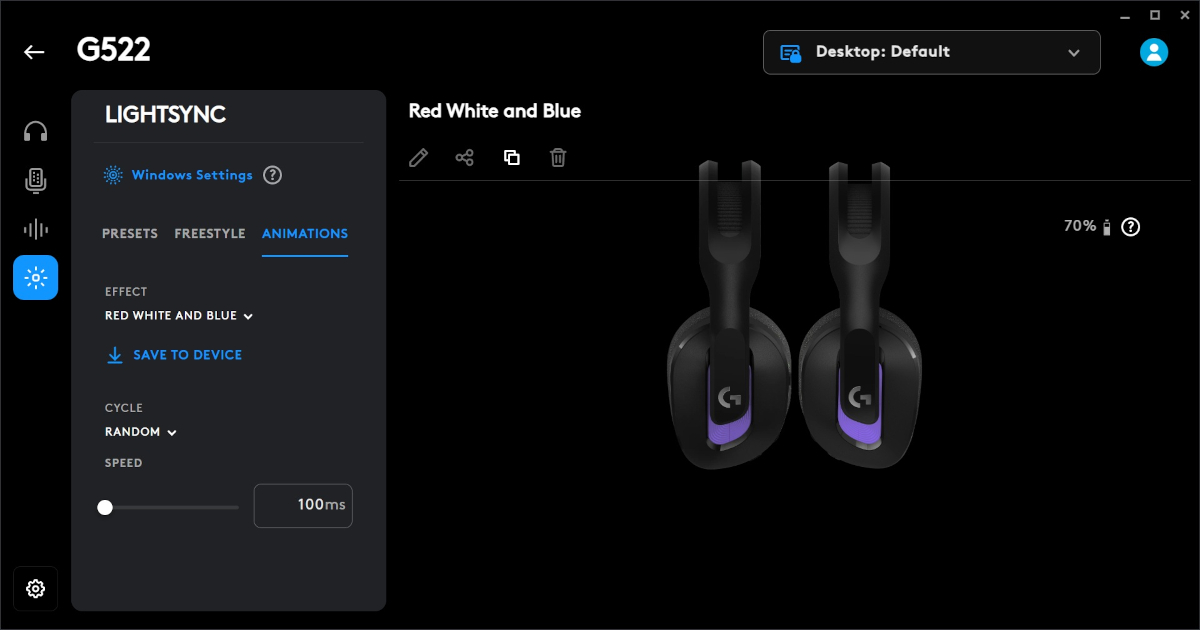
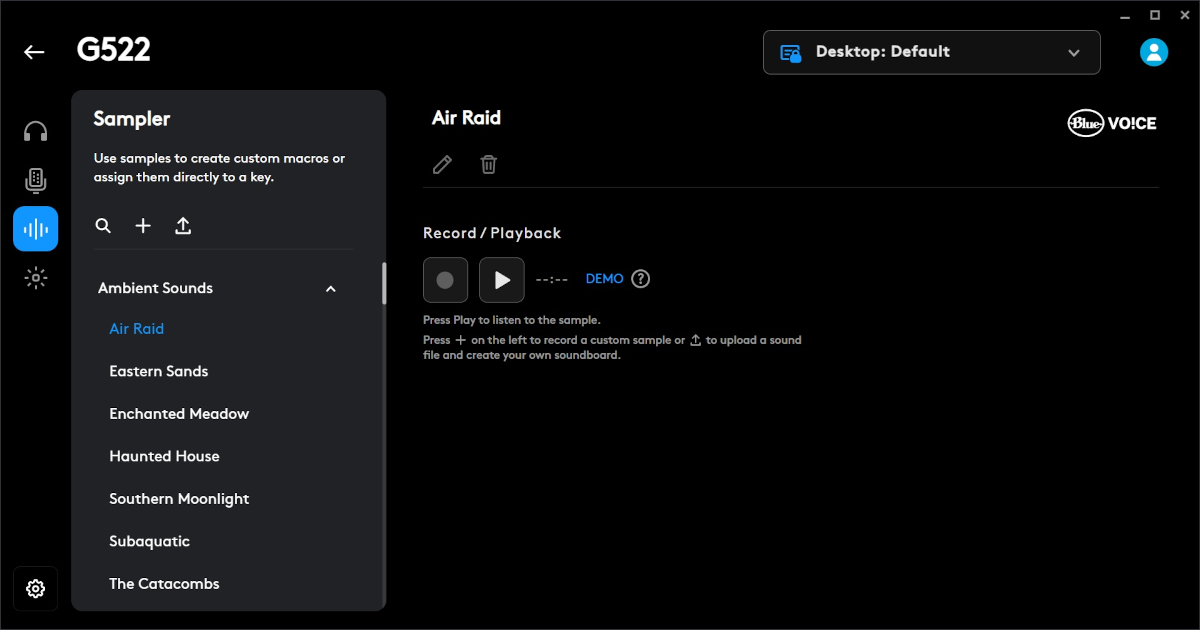
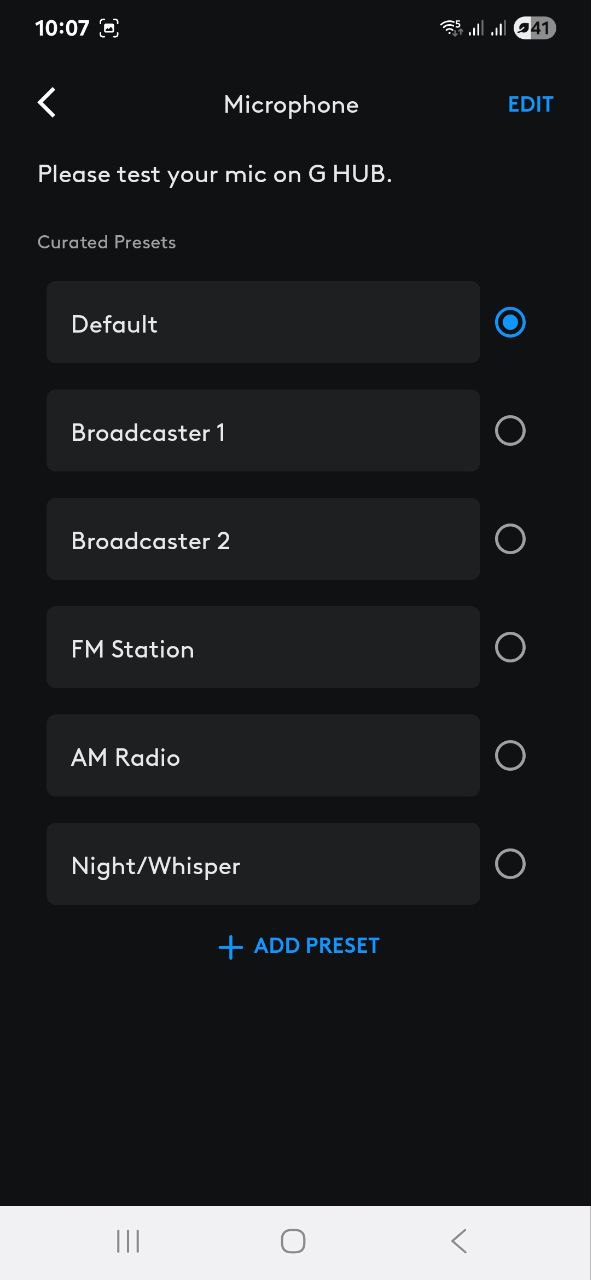
Next are the microphone settings, which include an advanced equalizer and testing tools, along with preset profiles. There’s also a feature called Blue Voice that automatically enhances vocal quality. The third tab is a macro sampler, allowing users to create and manage macros. The final tab handles lighting settings, where you can adjust effects, speed, colors, and other options.
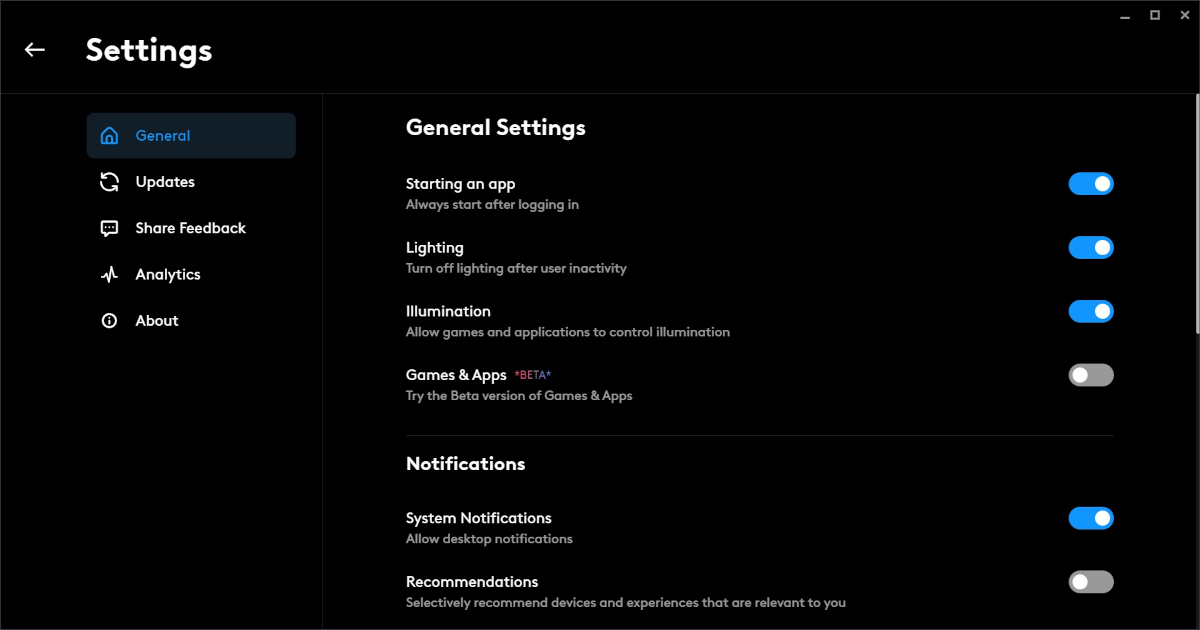
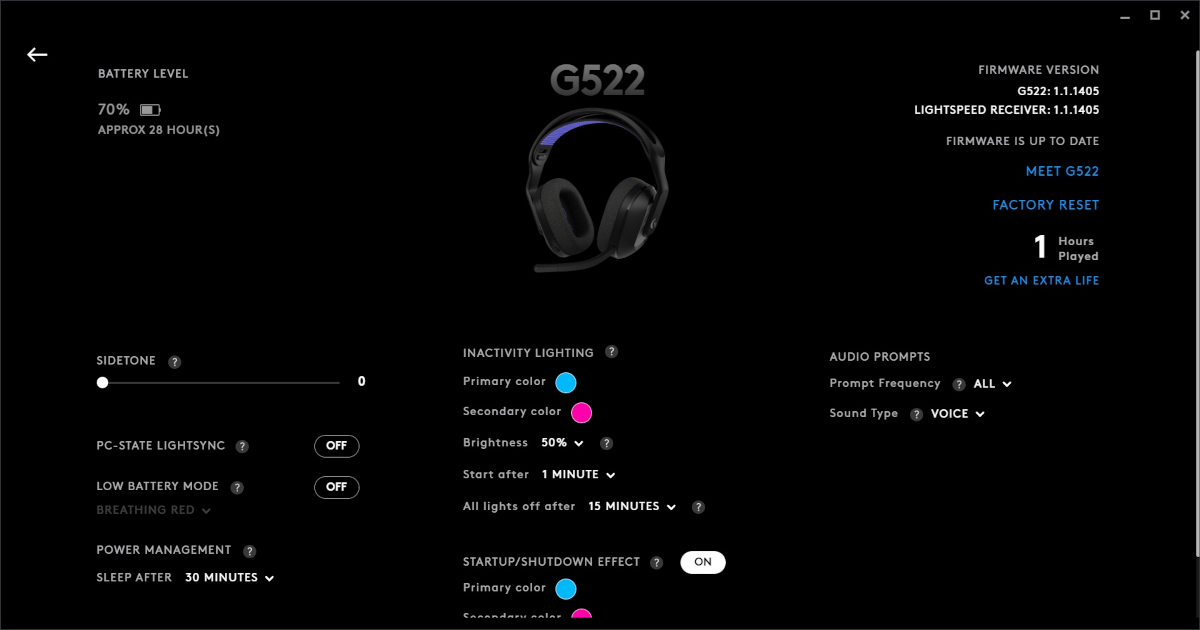
At the bottom of the app, additional settings cover power management, indicator lights, idle-mode lighting, sound prompts, and similar functions.
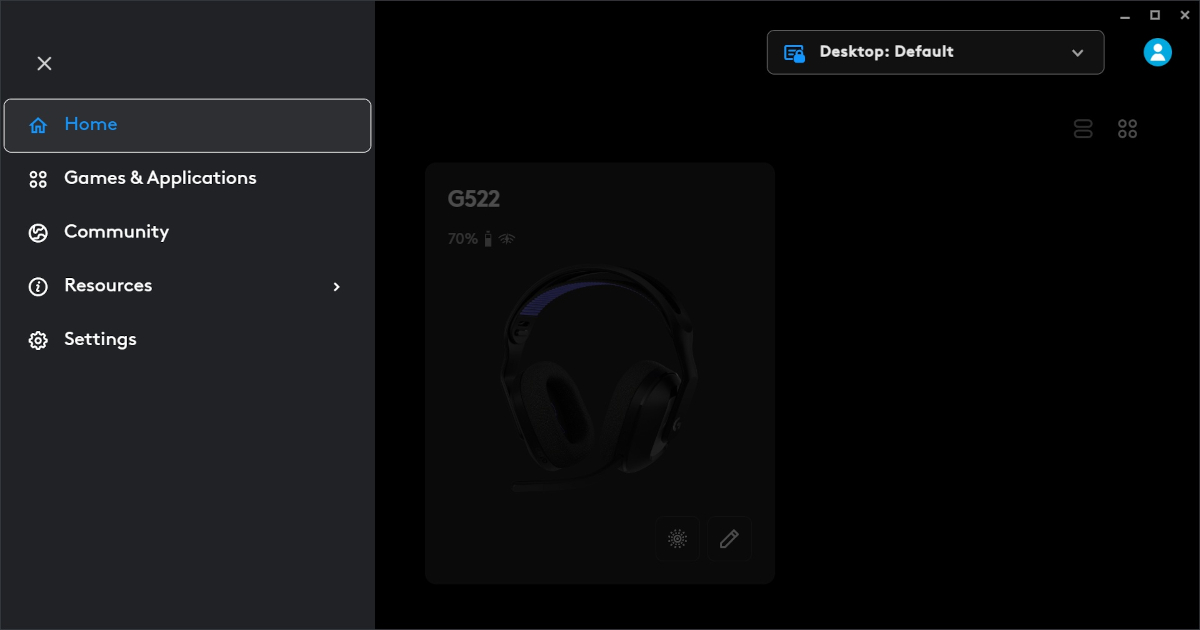
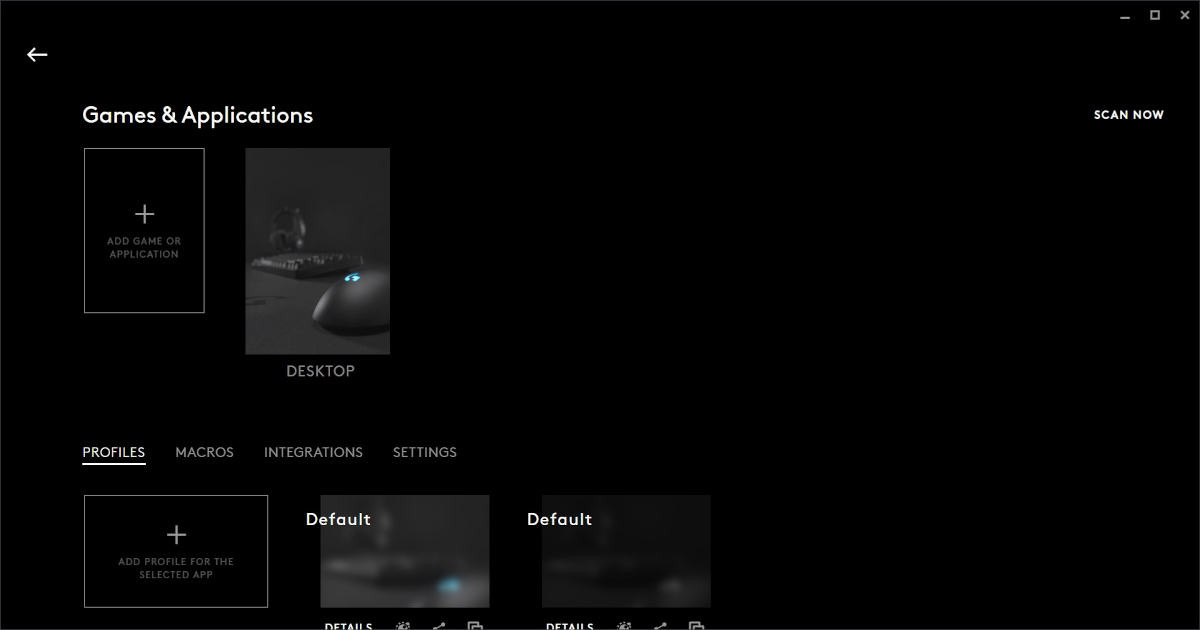
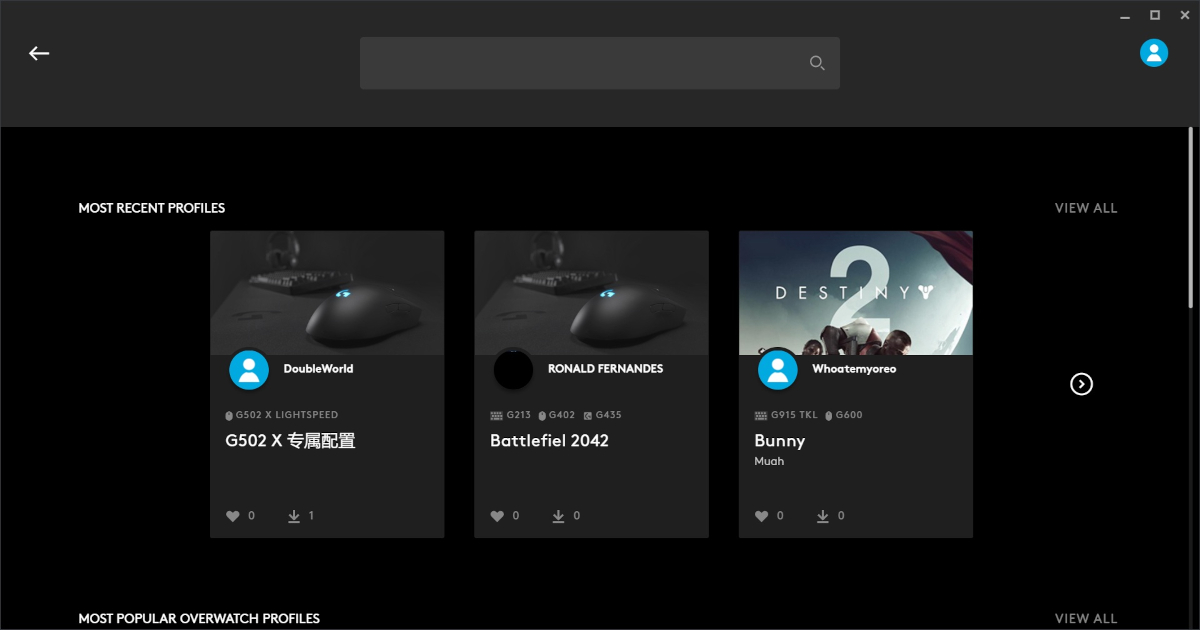
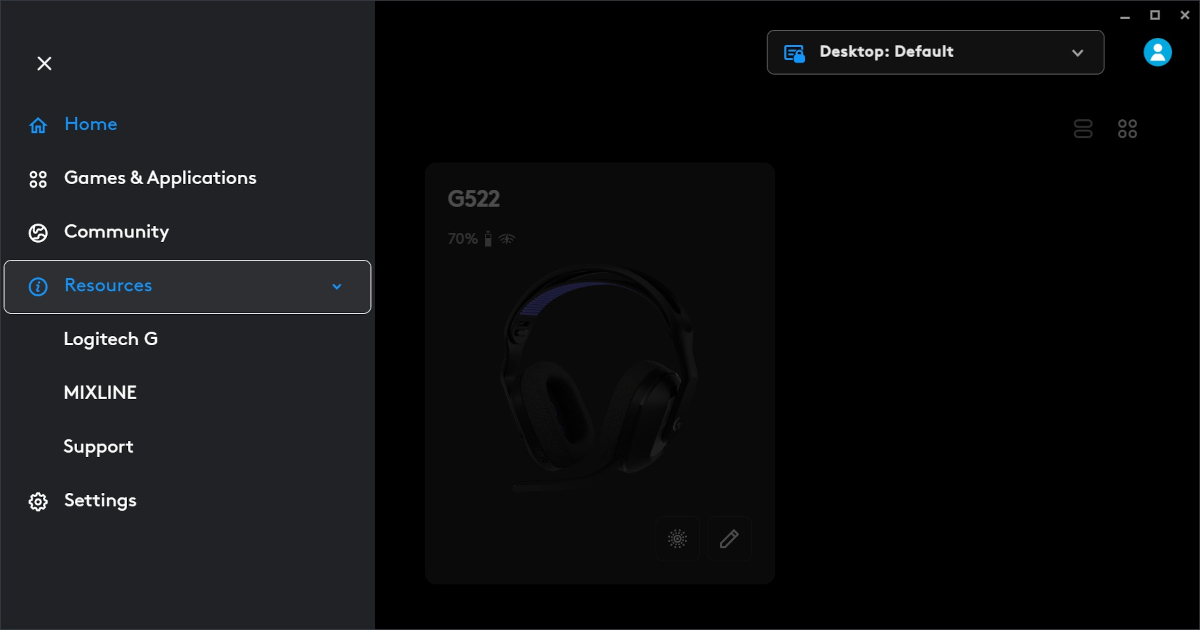
In the main menu of the app, you can also link your game titles, assign macros to each one, access the community, and find links to the official website and technical support. Additionally, the app provides usage analytics and lets you configure lighting behavior for startup and sleep modes, among other options.



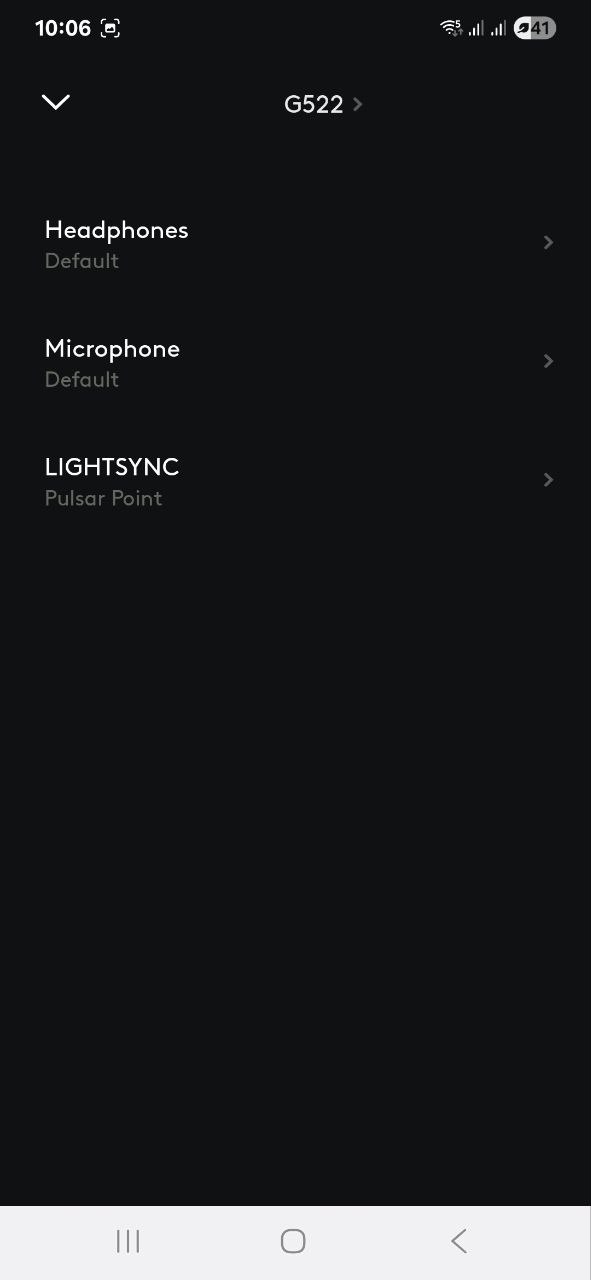
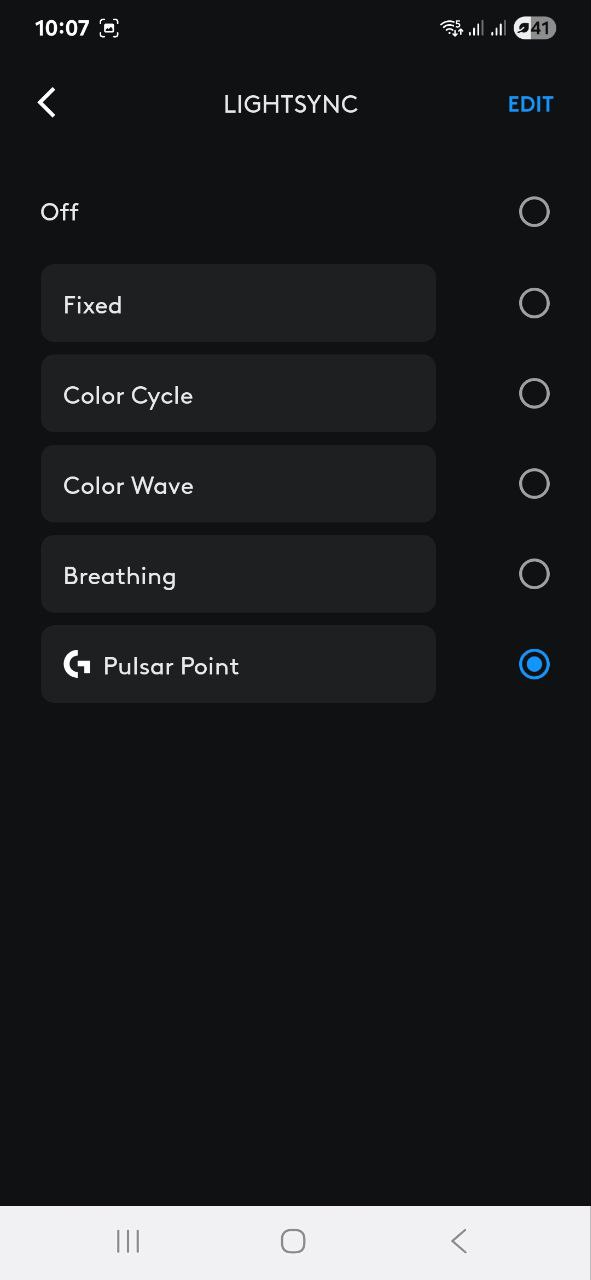
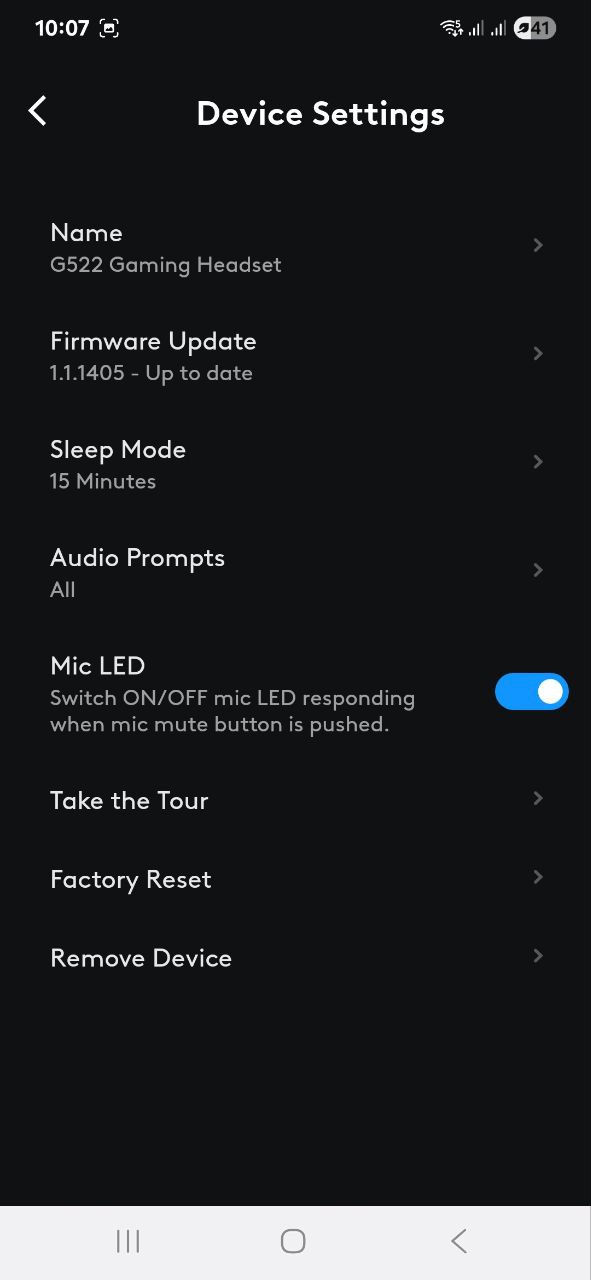
The mobile app has fewer features but includes everything essential for everyday use. In the Logitech G app, you can check the exact battery level, create and select audio and microphone presets, adjust lighting settings, manage sleep mode, perform a factory reset on the headset, and more.

Read also:
- Logitech Keys-To-Go 2 review: Miraculously thin
- Logitech G PRO X 60 LIGHTSPEED Keyboard Review: Top Choice for Esports
Logitech G522 sound
Now to the most important part – how the Logitech G522 sounds. To get it out of the way, the overall impression is positive. The headset uses 40mm Pro G drivers made from bio-cellulose, covering a frequency range from 20 Hz to 20 kHz. The drivers deliver clear detail, good clarity, and a sense of spaciousness, with a balanced response across the spectrum – from deep bass to high frequencies.
In my opinion, the Logitech G522 is a strong candidate for an all-in-one headset. In shooters, it picks up subtle sounds that help you understand the situation and react quickly to approaching enemies – an advantage in competitive play. For movies, the headphones perform well, delivering clear and immersive sound effects, music, and dialogue. When it comes to music, the headset impresses with solid volume levels and a spacious soundstage that works across genres. To tailor the sound to my preference, I used a preset that boosts the bass and enjoyed listening to my favorite tracks over Bluetooth for extended periods.
Microphone
The Logitech G522 places significant emphasis on voice transmission quality, which is crucial for gaming. The microphone is detachable, flexible, and full-range, operating at 48 kHz/16-bit. This ensures clear detail and accurate speech reproduction. Beyond solid technical specs, users can also enhance or modify their voice through software. This can be done manually by fine-tuning the sound in the app or by using the Blue Voice feature, which improves vocal clarity and reduces background noise.

Overall, the microphone performs well not only for team communication during intense gaming sessions but also serves as a reliable tool for podcast recording or professional calls, ensuring clear and audible voice transmission.
Read also:
- Logitech MX Master 3S review: Logi’s flagship is still the best mouse in 2024
- Logitech MX Mechanical Mini Keyboard For Mac review: Finally, Mechanical Keyboard Designed for Mac
Logitech G522 battery life
The headset offers up to 30 hours of battery life with lighting enabled, and up to 70 hours without it. This means you won’t need to charge the headphones frequently, even with extended use – ideal for users who prefer not to rely on constant access to power outlets.
Verdict and competitors
The Logitech G522 is a solid option for both gamers and streamers, as well as for everyday use. It delivers clear, detailed, and immersive sound. The omnidirectional microphone provides reliable voice transmission for gaming communication and recording. Thanks to LIGHTSPEED technology, the headset offers a stable wireless connection. It features understated RGB lighting, well-designed software for both PC and mobile devices, substantial battery life, and comfortable ergonomics that allow for extended use without discomfort.
Despite its strong specifications, the G522 comes with a price point that might be a barrier for some users. This is especially true for beginner gamers or those who prefer casual or adventure games, where sound serves more as background ambiance rather than a critical part of the experience.
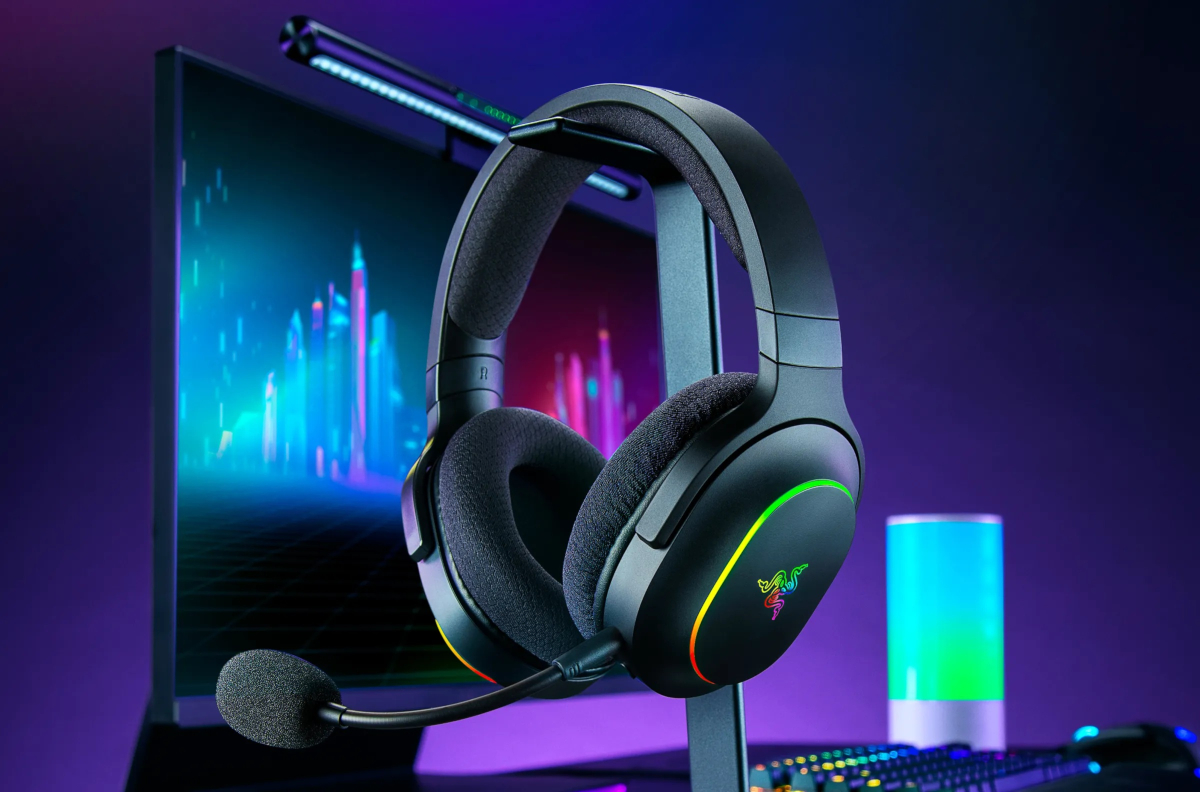
Which models could compete with the Logitech G522? For example, the Razer Barracuda X Chroma. These headphones are compatible with PlayStation 5 and Nintendo Switch, but they only offer wireless connection options and feature a more aggressive design, which might not appeal to everyone.
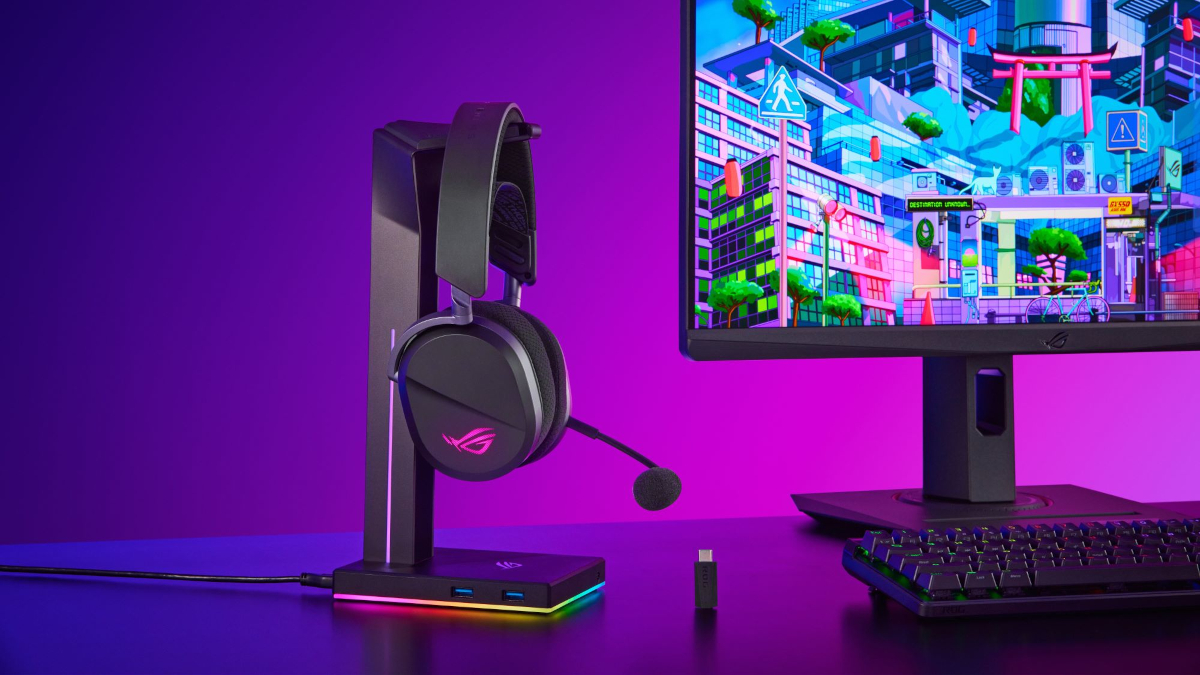
I would also consider the ASUS ROG Pelta. The headset has solid technical specifications, but the microphone is not detachable, and there is no Bluetooth connectivity, so you’ll need to use a cable with mobile devices.
Read also:


