





© ROOT-NATION.com - Use of content is permitted with a backlink.
Let me start with an important point. The Beelink EX Mate Pro is one of those laptop accessories that fits my particular needs better than anything I have used before. But that is not the interesting part. What is interesting is that the reason it perfectly matches my rather unusual and specific requirements is not even close to being the device’s main advantage. My colleagues – the people I told about the Mate Pro – simply did not believe its features were real. They thought I was joking. And honestly, it is hard to blame them. The Mate Pro is so surprisingly unique, with so few compromises, that it almost sounds too good to be true.

TABLE OF CONTENTS:
Technical specifications
- M.2 slots: 4 × M.2 PCIe 4.0 x1
- Maximum capacity: 32 TB
- Video output: HDMI 2.0 + USB4
- Power supply: 100–240 V~, 50/60 Hz, 2 A
- Dimensions: 99.0 × 99.0 × 98.3 mm (excluding rubber feet)
- Bluetooth: 6.0
- Incompatible SSDs: SanDisk SSDH3N 1TB, WD SN530/SN550/SN570/SN740/SN750
- Warranty: 36 months
Beelink EX Mate Pro Video review
The Main Feature of the Beelink EX Mate Pro
But… what exactly is the Beelink EX Mate Pro? It is a laptop hub with two USB4 ports. And that’s not true – sorry, I fooled you. The Beelink EX Mate Pro is actually a speaker with additional features. It is a desktop speaker with wireless connectivity.

The top panel also features a full set of media-player controls, along with a dedicated switch for quickly changing between wired and wireless modes. Because yes, the Beelink EX Mate Pro can be used as a Bluetooth speaker with your phone – and it even supports Bluetooth 6.0. So the connection should be excellent.

Peripherals
But that’s not all. The Beelink EX Mate Pro is also a USB4 hub. It features two USB4 ports, one of which is located on the rear – a step up from my previous USB4 hub. It also includes a 2.5Gbps LAN port, two USB-A ports (one USB 2.0 and one USB 3.0), and a full-size HDMI port – another welcome improvement.

The power supply is built in as well, which is another welcome improvement. That means you only need a single power cable to power both the hub and the laptop, since USB4 can deliver up to 96 W to the laptop, while the second USB4 port can provide up to 15 W for accessories, for example.

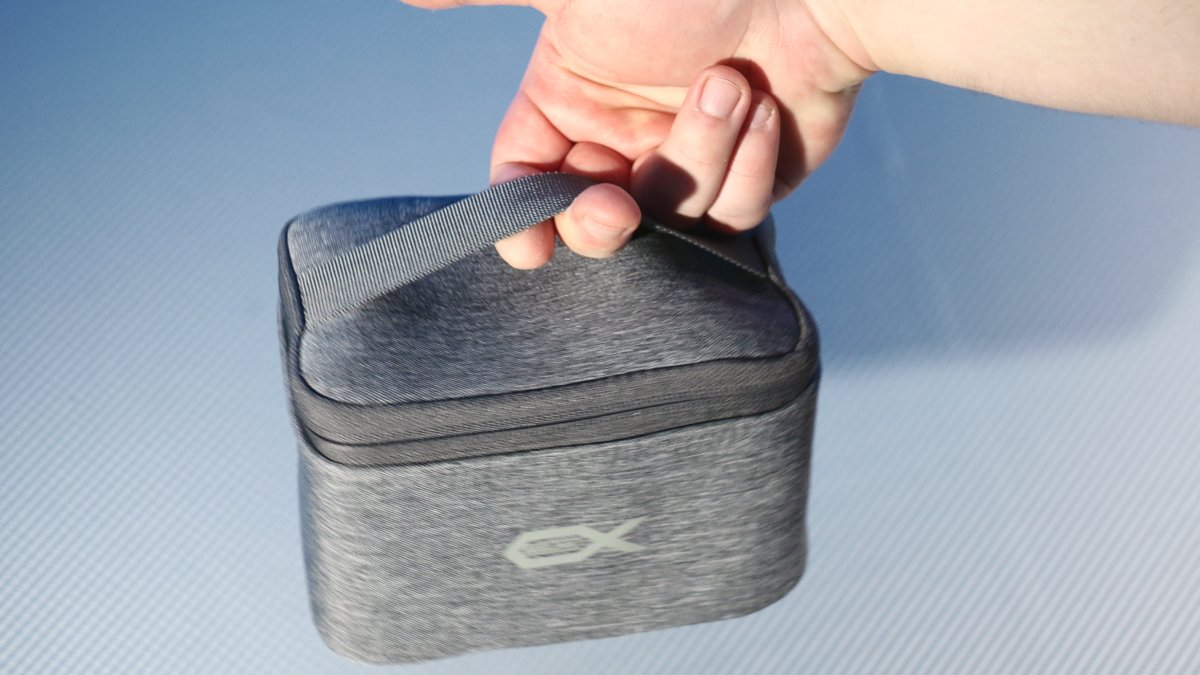
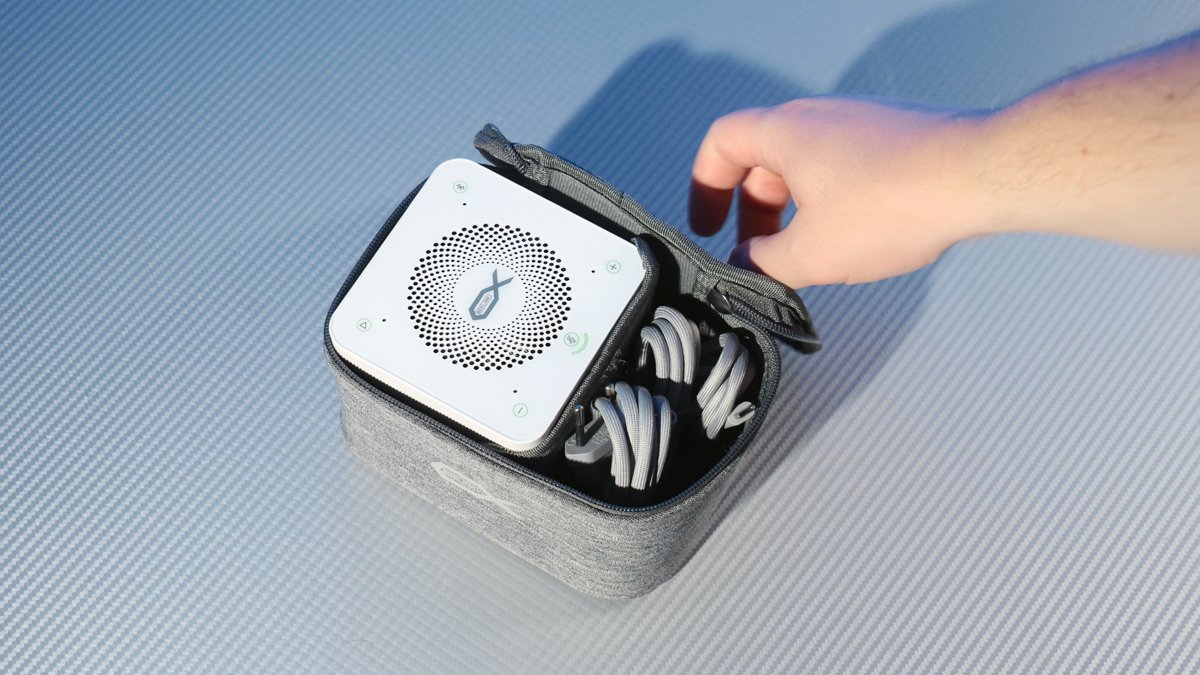
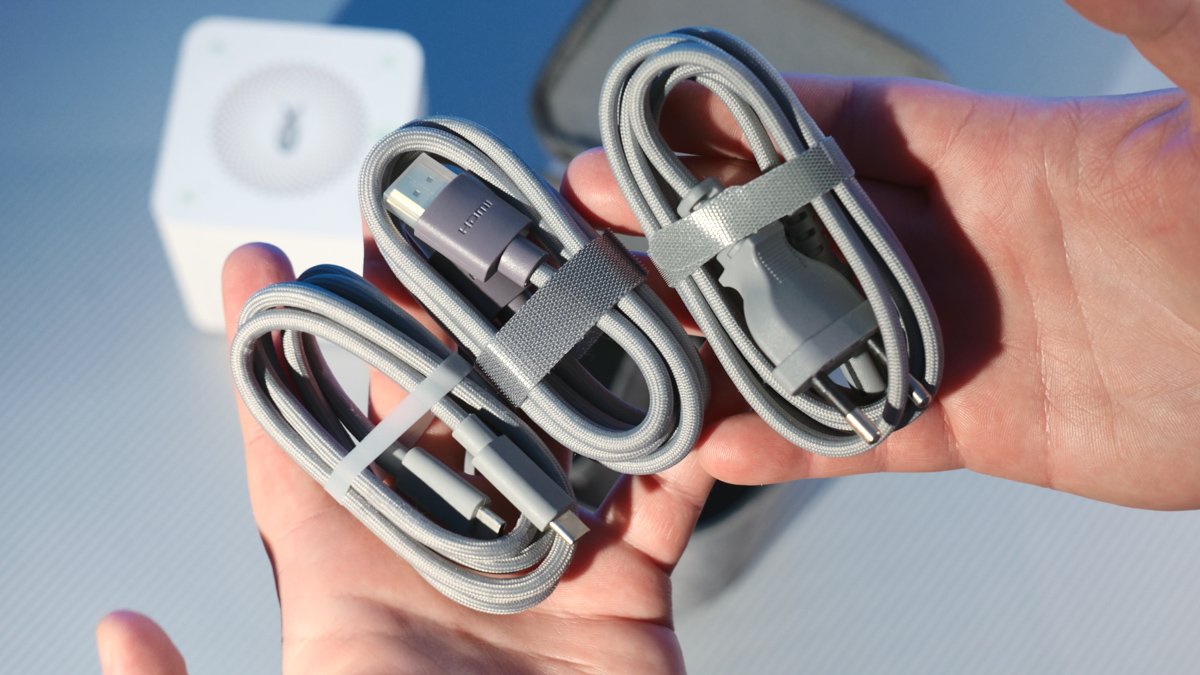
But having a single cable and no external power brick also makes the Beelink EX Mate Pro much easier to carry around. It even comes with a carrying case that has enough room for at least three cables: USB-C to USB-C, HDMI, and the power cable. All of them are braided and feel well made. The power cable uses the familiar figure-eight connector, which is so common that finding a replacement should be easy almost anywhere.
So far, all of this sounds almost too good to be true. Yes, the speaker is a strange addition, but I honestly do not care about it: I have always used headphones for work and media, and I will continue to do so. That is why I can easily imagine a new version – say, the Beelink EX Mate Pro “Wireless” – with a Qi2.2 charging pad on top instead of the audio controls and an additional cooling fan in place of the speaker.
Storage
But the current model is even better than you might think. Why? Because it supports storage expansion. And not just one slot. Not two slots. Not even three. FOUR! Four full-size PCIe 4.0 M.2 2280 slots, with support for smaller 2242 and 2230 drives as well. That means you can add up to 32 TB of SSD storage to your laptop. And the whole thing remains easy to carry around, while the enclosure itself costs just $200. Yes, you read that right: the Beelink EX Mate Pro is only two hundred dollars.

The question is: how did Beelink manage to fit four M.2 slots into a hub that supports a data transfer rate of 40 Gbps – and not a megabit more? The answer is simple, ingenious, and (possibly) going to annoy quite a few people. All four slots are PCIe 4.0 x1. In other words, they offer the bandwidth of PCIe 3.0 x2, or, as stated on the official product page, approximately 1.5 GB/s.

In reality, it is somewhat higher. However, since PCIe 4.0 x1 provides roughly 15 GB/s, while USB4 is limited to 40 Gbps, and there is also HDMI plus at least another 5.5 Gbps of USB-A bandwidth, the numbers simply do not add up if all four SSD slots are expected to operate at full speed.

But okay, even if the actual speed is only 600 MB/s, who cares? For a laptop, that is more than enough. Because, realistically, what are you going to use the Beelink EX Mate Pro for? I use it for editing in DaVinci Resolve. I don’t need 1.5 GB/s for video editing. I can barely make use of 600 MB/s.

But what I need is capacity. And the Beelink EX Mate Pro gives me a way to have a lot of it – really, a lot. I can keep expanding it, one SSD at a time. Yes, the Mate Pro does not support RAID 1, or any RAID at all for that matter. But the first and only RAID 1 array I ever created failed because of a software error. I lost 8 TB of irreplaceable video footage on both HDDs at the same time. Maybe Windows Storage Spaces would prove more useful, but still.
Drawbacks
However, there are some downsides. For example, to open up the Mate Pro and install an SSD, you will need TWO different Phillips screwdrivers. One for the external screws and another for the M.2 mounting screws. The speaker is also loud – up to 82 dB at close range, which is louder than my laptop. But the sound quality is… mediocre at best, much like a sunny day. The low frequencies are surprisingly good, but the highs are unpleasant. And it is not even stereo. There is a sound sample in the video above.

But for me, the most concerning part is the cooling system. Not because it is bad – quite the opposite. It is excellent, keeping the PCIe SSD at 47°C during a stress test. But there is a catch: the hub does not support a passive cooling mode, so the fan runs continuously.

And when I say “constantly,” I mean constantly. It does not automatically go into sleep mode. To stop the fan, you have to manually power off the EX Mate Pro. And if that fan fails, both the SSDs and the 140 W power supply will be left without active cooling.

And, of course, the fan uses a proprietary ribbon cable instead of a standard 3- or 4-pin connector.

On the other hand, if you frequently power the Beelink EX Mate Pro on and off, you will notice another drawback. When you turn the hub on, the speaker plays a startup greeting… and it is quite loud. There is no way to disable it. That is, frankly, a very poor design decision. You cannot use the EX Mate Pro quietly – for example, at night – because this thing will wake everyone in the room.

I might even try disabling the speaker manually by disconnecting its internal cable. As I said, I have no use for it. Silence, on the other hand, is something I value much more.
Conclusion
So, to sum it up: the Beelink EX Mate Pro is more than just a hub. It is a dream come true for anyone who likes to keep a lot of data on their laptop. It is not the most versatile hub, and it does have some design shortcomings, including potential cooling issues. But even so, I probably would not trade the EX Mate Pro for any other hub I know of. Four M.2 slots are simply too appealing to ignore. So yes, I recommend it!

