





© ROOT-NATION.com - Use of content is permitted with a backlink.
Logitech has been active on the Ukrainian market for over twenty years, and during this time, the company has become a true synonym for affordable quality. The Swiss brand is well known among both office workers and gamers. Today, Logitech delights us with its new wireless MK250 Wireless Combo set.
No, this isn’t a flashy flagship – it’s a “for life” set, the kind of gear that saves us every day: at home, in the office, or on your lap during a last-minute deadline. And most importantly – everything works like a Swiss watch (only with batteries).
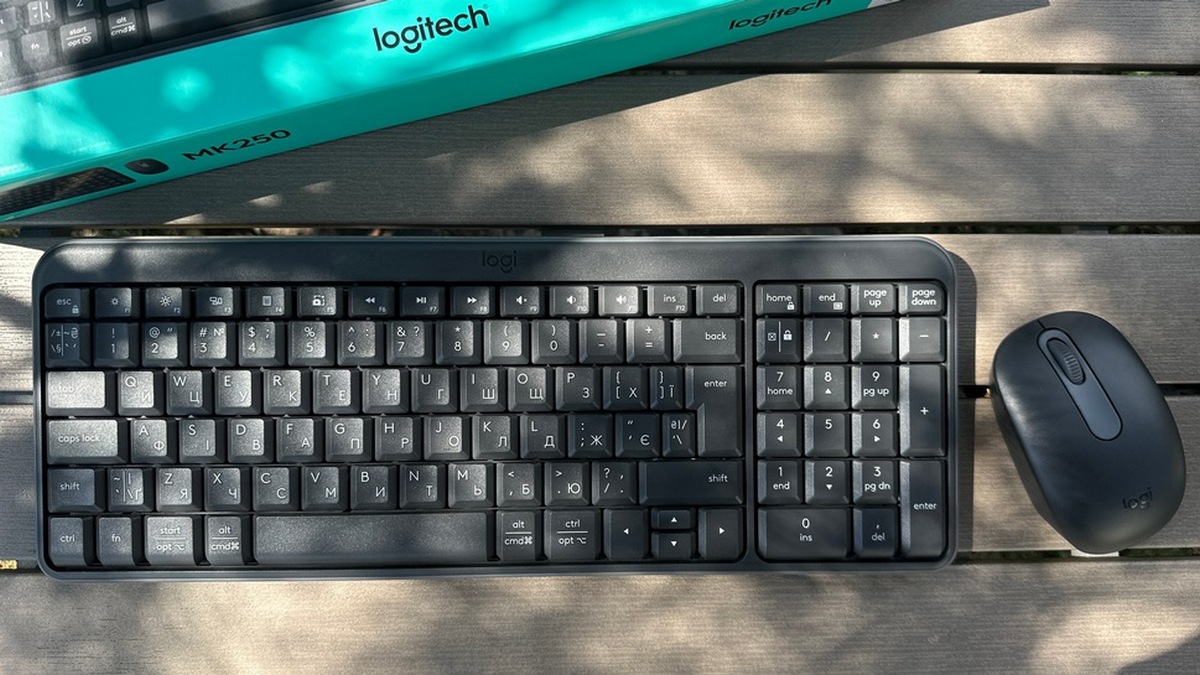
The MK250 is a keyboard and mouse that connect via Bluetooth and work reliably at distances of up to 10 metres. The keyboard has a full-size form factor, low-profile keys, pleasant tactile feedback and even protection against accidental ‘coffee disasters’.
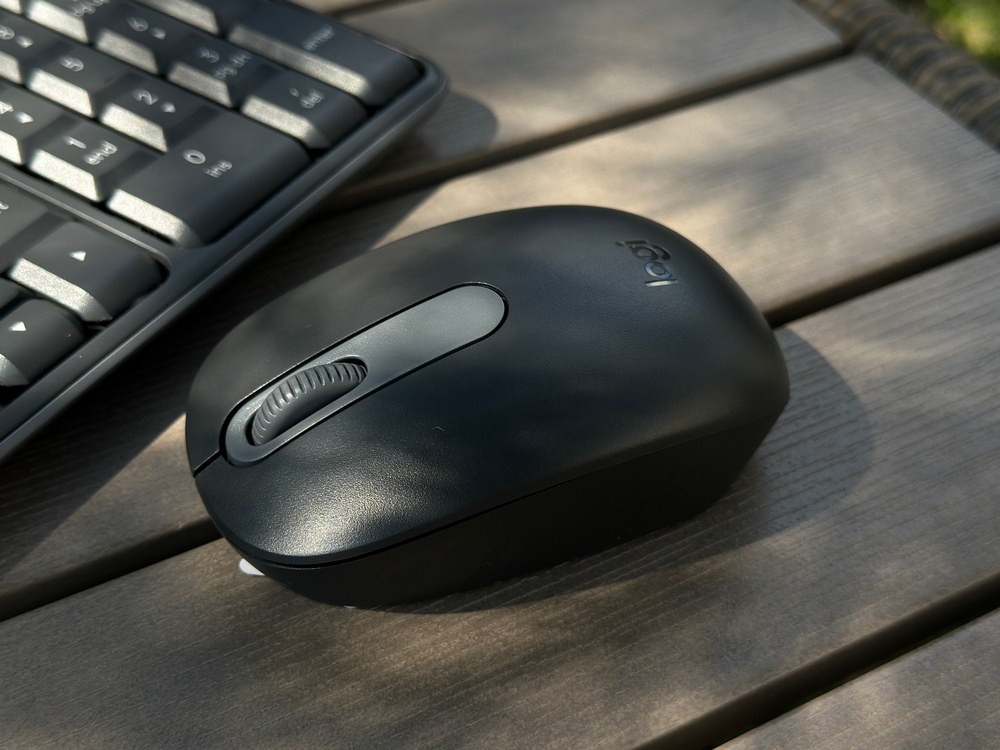
The mouse doesn’t disappoint either: it features a 1000 DPI optical sensor and an ergonomic shape designed for right-handed users. And the best part? The affordable price. So today, we’re reviewing the Logitech MK250 Wireless Combo – let’s take a closer look at what this combo has to offer, how it performs in everyday use, and whether it has what it takes to become your new go-to work companion.
Read also:
Technical specifications
Keyboard
- Type: membrane, full-size with numeric keypad, deep key profile, water-repellent design
Colour: graphite (2 colours available – Off-White and Graphite) - Layout: Ukrainian, English, 100 keys with deep profile, full-size layout with numeric keypad
- Connection type: Bluetooth LE (Low Energy) 2.4 GHz, Easy-Switch button
- Range: up to 10 m
- Power supply: 2 × AAA batteries (included), LED connection indicator
- Dimensions: 369.9 × 136.9 × 22.8 mm, weight 380 g, additionally adjustable legs (for a typing angle of 7 degrees)
- Compatibility: Windows 10, 11 or newer; macOS 12 or newer; ChromeOS
- Environmental friendliness: Made from at least 64% recycled household plastic
- Battery life: Up to 12 months
TABLE OF CONTENTS:
Mouse
- Type: standard, ergonomic shape with optical sensor, 1000 DPI
- Colour: graphite (2 colours available – Off-White and Graphite)
- Number of buttons: 3 (left/right button, scroll wheel with click function (2D mechanical, vertical scrolling))
- Connection type: Bluetooth Low Energy, Easy-Switch button
- Range: up to 10 m
- Power supply: 1 × AA battery (included), LED connection indicator
- Dimensions: 100×60×38 mm, weight 76 g
- Compatibility: Windows 10, 11 or newer; macOS 12 or newer; ChromeOS
- Additional features: shared use with Logitech MK250 keyboard to save USB ports
- Environmental friendliness: Made from at least 66% recycled plastic
- Battery life: up to 12 months
Positioning and price
The Logitech MK250 is exactly the kind of set I’d recommend to anyone looking for something simple, reliable, and free of unnecessary frills. It’s not a gaming beast or a designer’s dream – it’s a basic wireless combo built for everyday tasks, whether at home, in the office, or at university. Just plug it in – and forget about it.
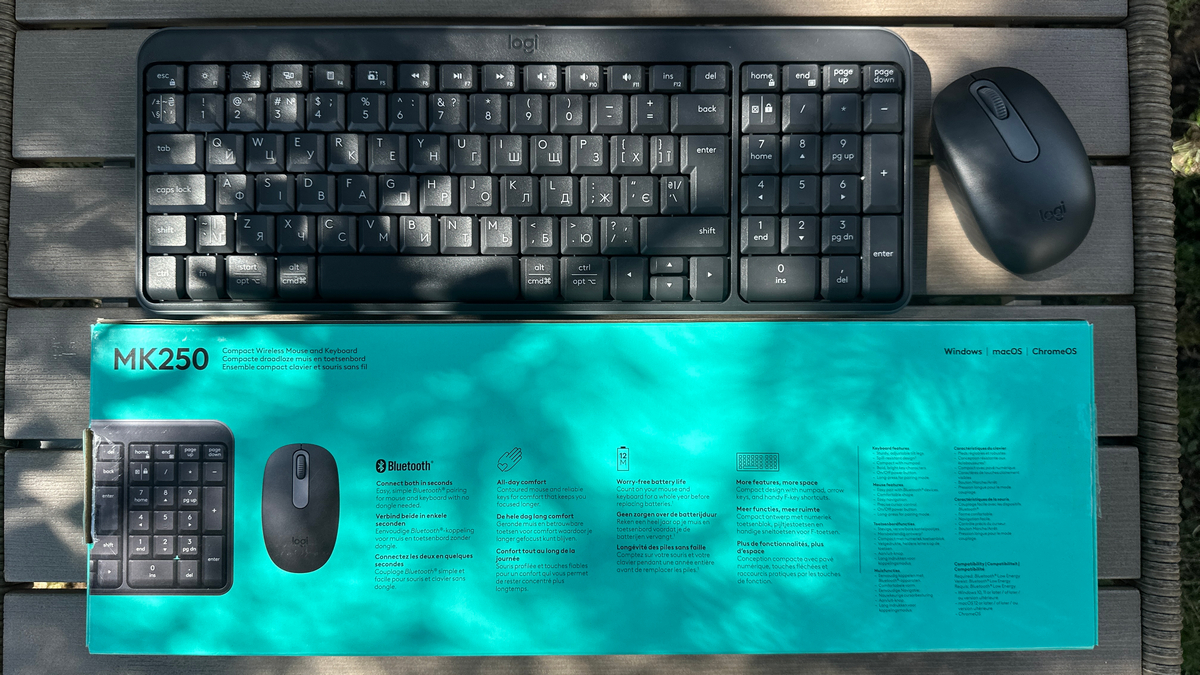
Everything works smoothly: the keyboard features a full-size layout with a numeric keypad, while the mouse is compact, comfortable, and pleasant to hold. Most importantly, it delivers the tried-and-true quality that Logitech is known for. And the price remains attractive too – ranging from $17 to $29.
Read also:Logitech G Powerplay 2 Review: Gaming Mouse Pad with Wireless Charging
Package contents
The Logitech MK250 comes with a straightforward and honest package – everything you need is in the box, with nothing unnecessary. Upon opening, you’re greeted with a full-size keyboard in graphite color, a mid-sized wireless mouse (either model M215 or M196, depending on the batch – in my case, it’s the latter), a warranty card, and a set of batteries: 2×AAA for the keyboard and 1×AA for the mouse. In other words, you can get to work right out of the box – no extra purchases required.
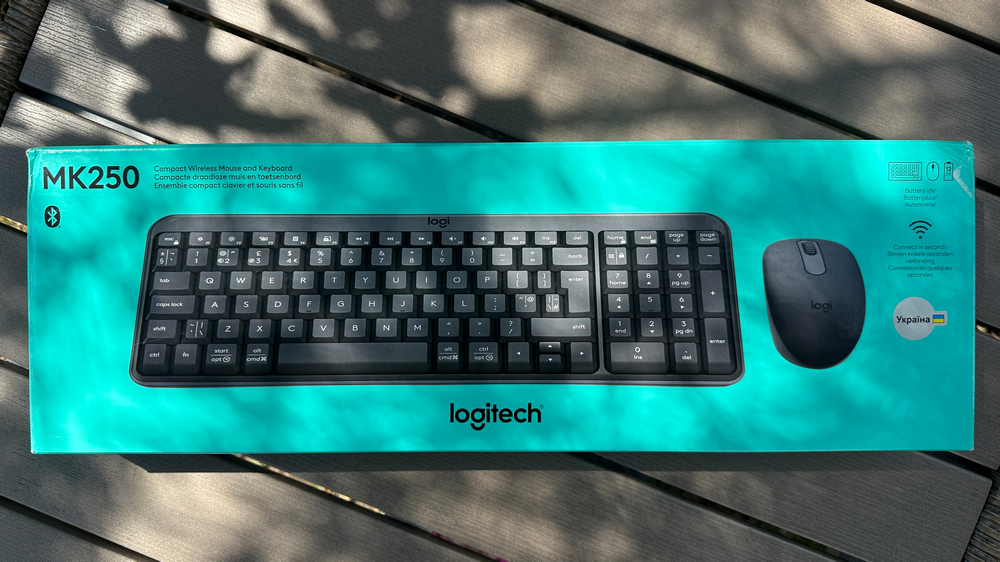
Documentation is minimal: the connection diagram is printed right inside the box, along with a warranty card. Inside the Logitech MK250 package, you’ll only find the keyboard and mouse – there’s no receiver included at all. They connect via Bluetooth in just a second. Personally, I really like this, as there are no extra wires or dongles cluttering up the space under the desk.

Perfect for those who want a clean workspace and don’t feel like crawling under the desk looking for that one receiver. Another bonus: the keyboard and mouse come pre-paired, so the connection process is completely hassle-free. For a basic set, the package is spot-on. Plus, both devices are made from at least 64% recycled materials – an added win for sustainability.
Read also:Logitech MX Ergo S and Ergo M575S Trackballs Review
Design, ergonomics, build quality
The Logitech MK250 features a compact full-size keyboard layout – meaning it includes all the essential keys, such as the number pad and arrow keys, but without any unnecessary extras. The combo is available in two color options: Graphite, a subtle dark gray that suits nearly any workspace, and Off-White, a light cream shade that adds a touch of brightness and freshness to your setup.

The Logitech MK250 features a spill-resistant design, capable of handling accidental splashes or minor spills (up to 60 ml) without issue. However, it’s best not to test this limit – larger amounts of liquid can still cause damage, so it’s wise to be cautious when sipping coffee near your keyboard.
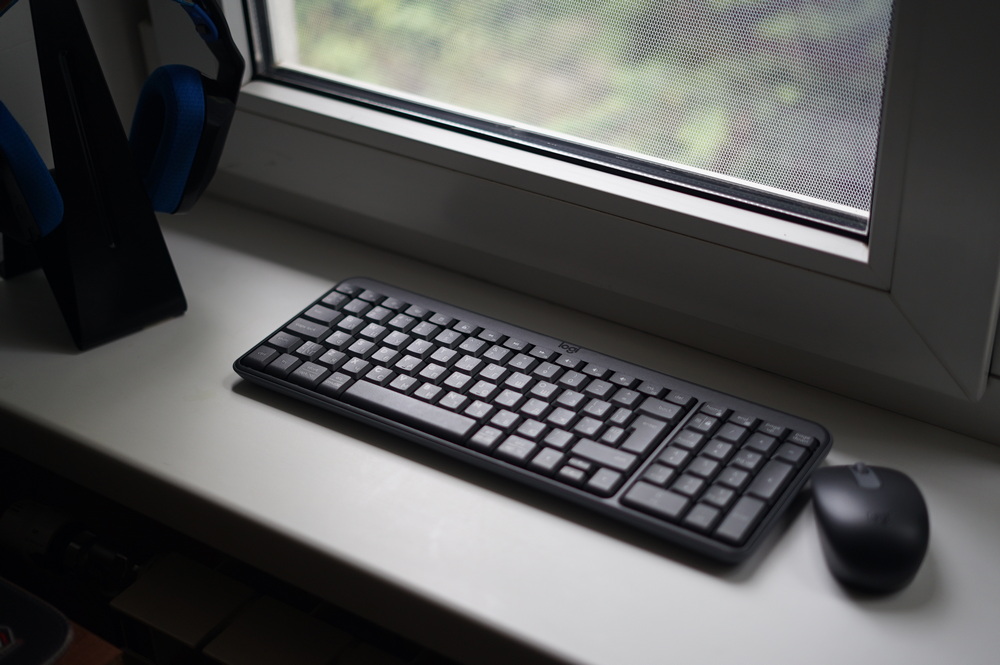
The keyboard makes a strong impression with its understated design – there’s no flashy gimmickry here, just matte plastic that feels purpose-built for those who can’t stand fingerprints or shiny surfaces that reflect more than a disco ball.

Ergonomics are also top-notch. The keys have a soft travel and provide a pleasant tactile response with every press. Plus, the keyboard features classic tilt legs that allow you to raise it to a comfortable 7-degree angle – helping to reduce hand fatigue and make work feel more effortless. Another big advantage is the pre-printed Ukrainian layout on the keys, so you can start working right away without needing extra stickers or software tweaks.

The Logitech MK250 mouse features a comfortable shape with rubberized side grips that ensure a secure hold and prevent slipping during use. However, it’s not ambidextrous – so left-handed users, take note. It’s clearly designed for right-handed use, and you’ll feel that from the very first minute – ideal for those accustomed to traditional shapes. On top of that, the mouse is pleasantly quiet, and unlike many budget models, it doesn’t creak or feel like a flimsy plastic toy.
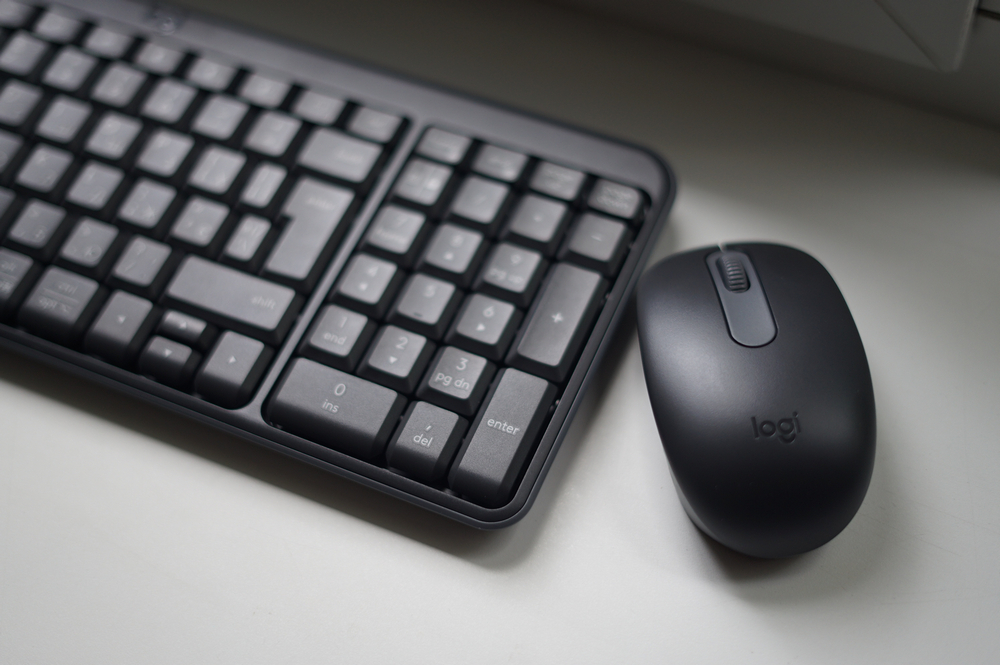
Overall, this duo is designed for comfortable use without unnecessary noise or flash. It’s understated yet reliable – an ideal choice for those who simply want to get their work done without distractions or extra frills.
Read also: Review of Logitech G923 Gaming Wheel
Connection and software
Working with the MK250 is incredibly simple: connection via Bluetooth Low Energy takes just seconds – no dongles or receivers needed. Just press the power button and confirm the pairing in the pop-up window twice – once for each device. The combo supports Windows 10 and 11 (and newer), macOS 12+, and ChromeOS, making it compatible with virtually any modern machine.
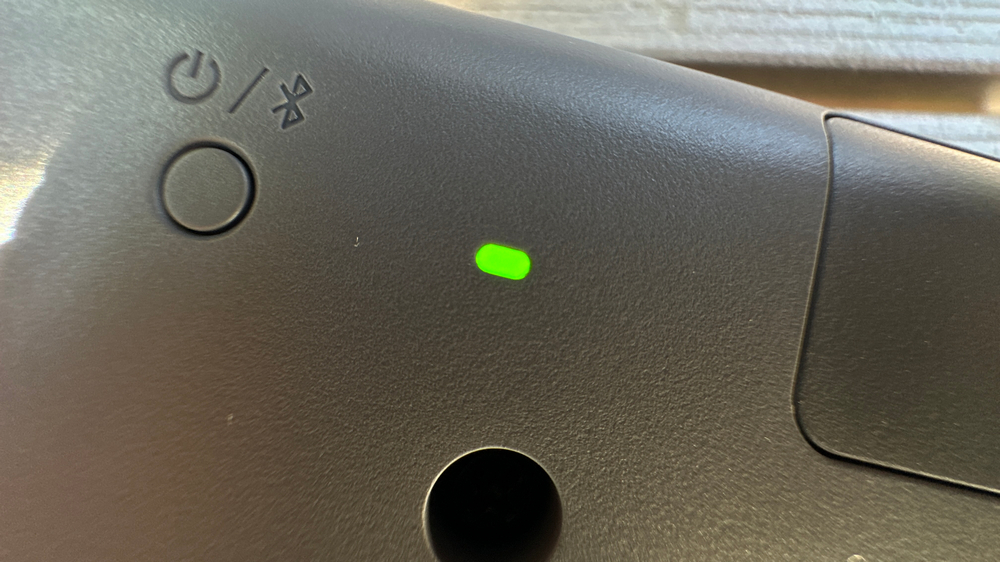
The Bluetooth connection remains stable within a range of up to 10 meters – more than enough for comfortable use at home or in the office, whether you’re working with a desktop PC, laptop, or Chromebook. Both the keyboard and mouse support the Bluetooth 5.1 standard, ensuring energy-efficient connectivity with minimal signal latency.
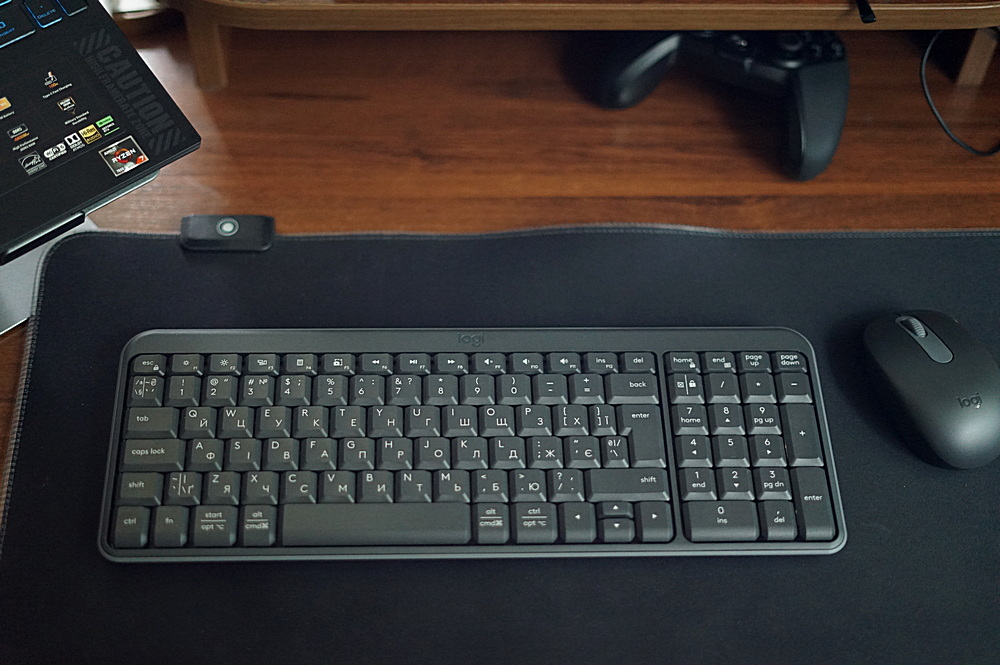
The automatic pairing system simplifies reconnecting after breaks in use, and the absence of a dongle keeps USB ports free – even when working with a device that has a limited number of available ports.
Read also: Logitech G ASTRO A50 X review: Almost perfect console headset
Switches, stabilizers
The Logitech MK250 set includes a membrane keyboard with traditional rubber domes under the keys, providing a fairly pleasant and soft typing experience – though the keystrokes are somewhat audible.
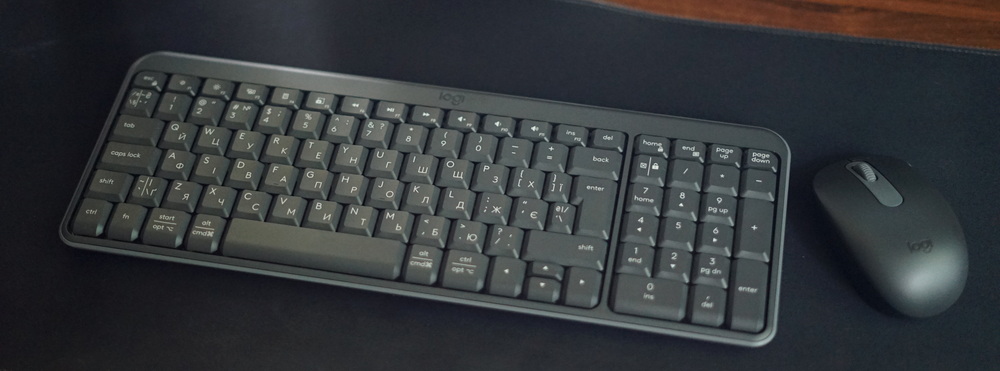
Key travel is moderate, which helps prevent accidental presses. The layout is standard, with no surprises, yet it includes a full set of multimedia and function keys. As mentioned earlier, both Ukrainian and English layouts are present.
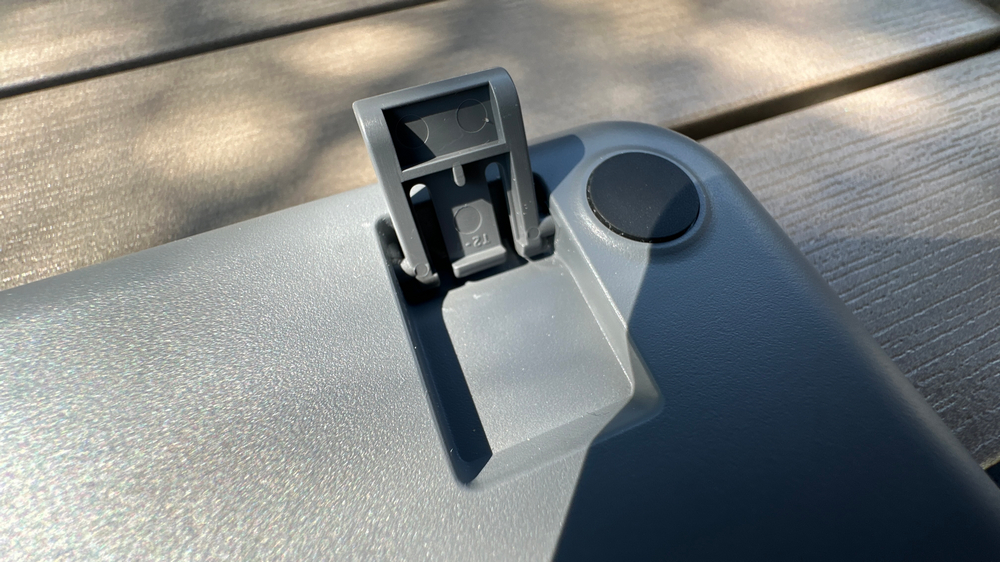
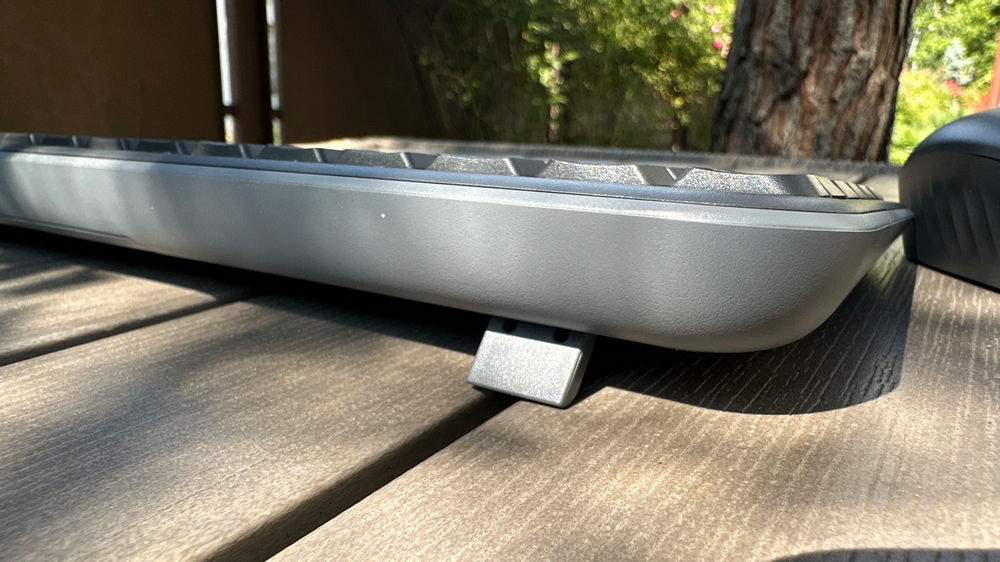
The keyboard uses simple stabilizers that effectively even out larger keys like the spacebar and Enter, ensuring consistent key presses. While it performs reliably during regular typing, it’s not designed for high-speed or heavy typing sessions. The mouse features a 1000 DPI optical sensor, which is sufficient for typical office work and web browsing. Overall, the set is built for simplicity and reliability, without any extra features or complexity.
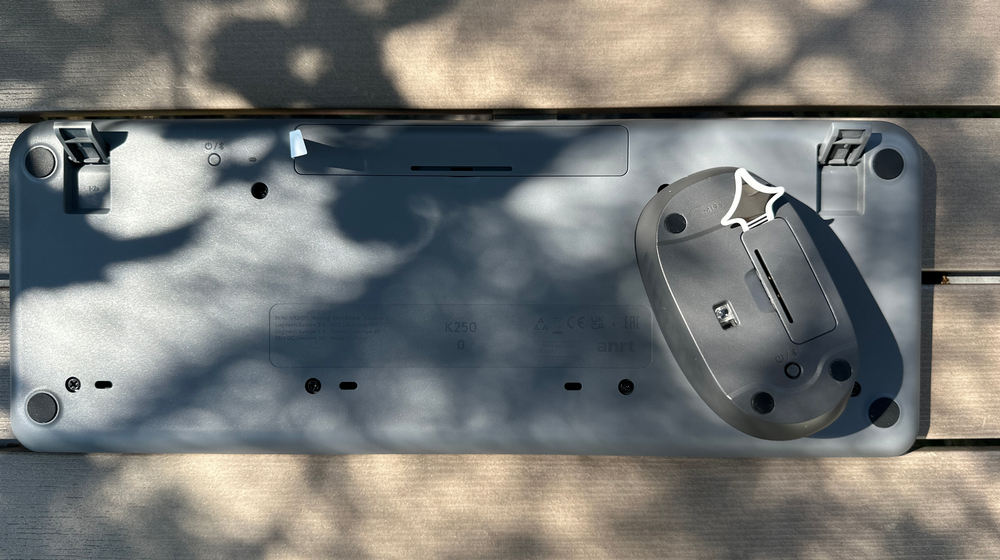
One more time, the small green indicator on the back of the keyboard flashes during pairing to confirm that the connection is established. The mouse has the same indicator functioning in the same way.
Read also:Logitech POP Icon review: Eye-Catching Design and Four Magic Buttons
Battery life
Powering the MK250 is straightforward: the keyboard uses two AAA batteries (pre-installed), and the mouse uses one AA battery. The most encouraging part is that you won’t need to replace them often. Logitech claims up to 12 months of battery life for both the keyboard and the mouse. In everyday use – assuming you’re not hammering the keys non-stop or moving the cursor like a pro gamer – the combo should easily last a long time. Of course, I haven’t had the chance to test the battery life extensively yet.
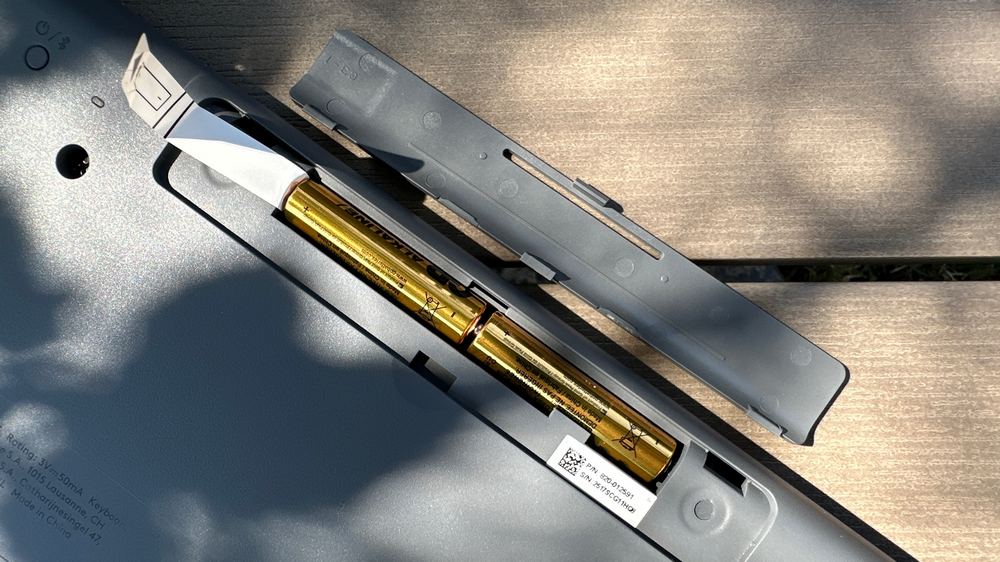
The power management here is energy-efficient: if you don’t press any keys or move the mouse, the devices automatically go to sleep. There are no separate power buttons – you just start working again, and everything wakes up. It’s simple, practical, and hassle-free. The only thing missing is the ability for the mouse to make coffee – but on the plus side, it doesn’t ask for a recharge every week either.
Read also: Logitech Keys-To-Go 2 review: Miraculously thin
Conclusions
The Logitech MK250 Wireless Combo is a reliable and affordable keyboard and mouse set that balances functionality, eco-friendliness, and ease of use. Its compact design and long battery life make it a solid choice for users seeking a simple and efficient wireless solution for everyday tasks.
If you need a wireless combo that delivers reliable performance without complicated setup or extra costs, the Logitech MK250 is a solid option.
Where to buy
Read also:
- Logitech MX Keys S Combo for Mac Review
- Logitech G PRO X 60 LIGHTSPEED Keyboard Review: Top Choice for Esports


