© ROOT-NATION.com - Use of content is permitted with a backlink.
This year, Samsung updated the flagship line of its smartwatches. And it happened just as I had finally decided, a few months ago, to switch to the Wear OS platform and bought the first-generation Galaxy Watch Ultra. So I was particularly interested in testing the Samsung Galaxy Watch Ultra2. Not simply as another new product, but in a direct comparison with the watch I use every day. Has the second generation really gotten better? Are the changes noticeable only on the spec sheet? And most importantly, does it make sense for owners of the first Galaxy Watch Ultra to upgrade to the new model? Let’s find out together.

Read also: Reviews of smartwatches and smart bands on our website
TABLE OF CONTENTS:
Specifications Comparison
| Specification | Galaxy Watch Ultra2 | Galaxy Watch Ultra |
|---|---|---|
| Case size | 47.4 × 47.1 × 10.7 mm | 47.4 × 47.1 × 12.1 mm |
| Weight | 61.5 g | 60.5 g |
| Display | 1.52″ Super AMOLED | 1.5″ Super AMOLED |
| Resolution | 498 × 498 | 480 × 480 |
| Peak brightness | 5,000 nits | 3,000 nits |
| Protective glass | Sapphire crystal | Sapphire crystal |
| Processor | Snapdragon Wear Elite, 3 nm, 5 cores | Exynos W1000, 3 nm, 5 cores |
| RAM | 2 GB | 2 GB |
| Storage | 64 GB | 32 GB in the first version / 64 GB in the 2025 version |
| Bluetooth | 6.0 | 5.3 |
| Wi-Fi | 2.4/5 GHz | 2.4/5 GHz |
| LTE | eSIM | eSIM |
| GPS | Dual-frequency L1 + L5 | Dual-frequency L1 + L5 |
| NFC | Yes | Yes |
| Water resistance | 10 ATM, IP69K | 10 ATM, IP68 |
| Durability standard | MIL-STD-810H | MIL-STD-810H |
| Diving | EN13319, up to 40 m | No EN13319 certification |
| Battery | 800 mAh | 590 mAh |
| Fast charging | Up to 40% in approximately 30 minutes | Standard wireless charging |
| OS at launch | Wear OS 7 / One UI 9 Watch | Wear OS / One UI Watch |
So, while the difference on the outside may seem relatively small, the internal upgrades are actually quite significant: a new Qualcomm platform, a larger battery, a brighter display, faster charging, updated protection standards, and a slightly more compact case.
Positioning and Price
The Samsung Galaxy Watch Ultra2 remains the uncompromising flagship of the company’s wearable lineup. It is a large, fully featured smartwatch for people who need more than simply counting steps and checking notifications. Samsung is trying to combine several roles here: a traditional smartwatch with the full Wear OS operating system, a sports tracker, a device for hiking and outdoor activities, a tool for continuous monitoring of health metrics, and, thanks to LTE, essentially a miniature standalone communicator. All of that comes at a price. At the time of writing, the official price of the Galaxy Watch Ultra2 is $750.

And in my view, the price is one of the biggest questions surrounding the positioning of the new-generation watch. That’s because the Galaxy Watch Ultra can currently be purchased for around $400-450. In other words, the $300 difference is substantial. For a new buyer, the choice will depend largely on their budget. But if you already own the first-generation Watch Ultra, you’ll have to think carefully about how much the new features actually matter to you.
Package contents
The package contents are traditionally minimalist. Inside the box, you get the Galaxy Watch Ultra2 itself, the branded Marine Band strap, a magnetic wireless charging module with USB-C, and documentation. There is no power adapter, which has become standard practice for Samsung’s mobile devices. For fast charging, any compatible USB-C power adapter is sufficient.

Read also: Samsung Galaxy Fold8 Review: Rethinking the Foldable Smartphone?
Design, Materials, and Build Quality
I wouldn’t say the new watch has undergone any revolutionary design changes. If you’re not closely familiar with Samsung’s watches and have only seen pictures of the previous model at some point, you probably wouldn’t even immediately notice what has changed.

But Samsung has long embraced Apple’s philosophy of not fixing what already works well. So the design of the Galaxy Watch Ultra2 is more of an evolution of the previous generation.

The overall shape remains unchanged: a round display is set into a substantial square case with rounded corners. Samsung calls this design the Cushion Design.

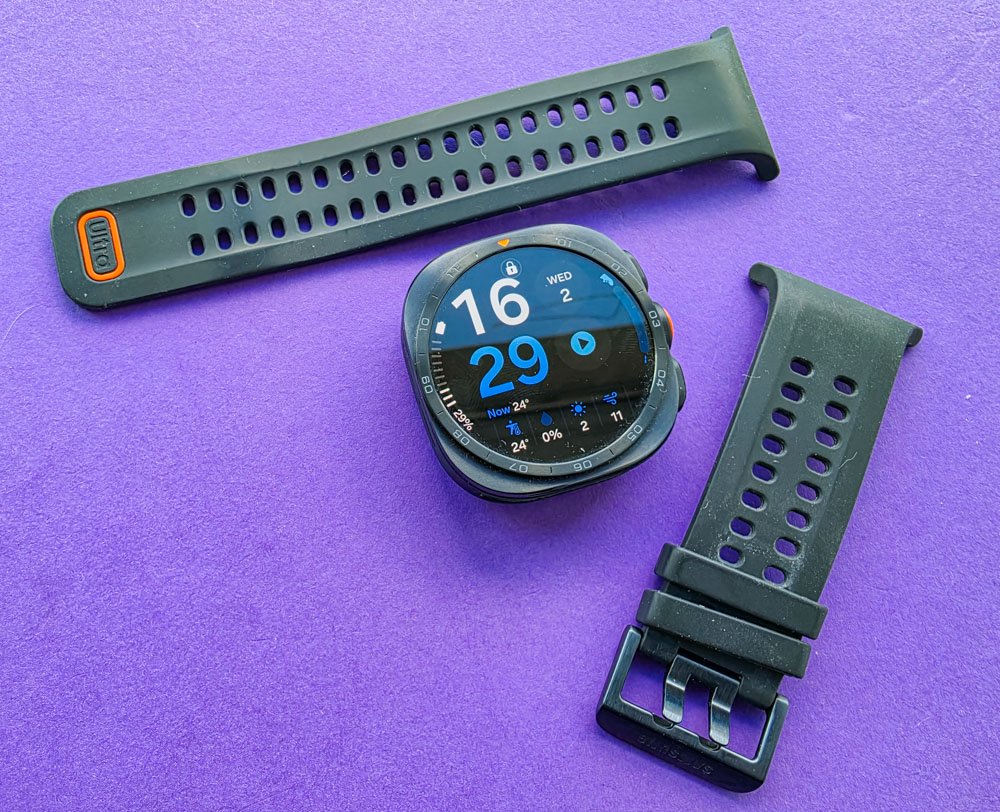
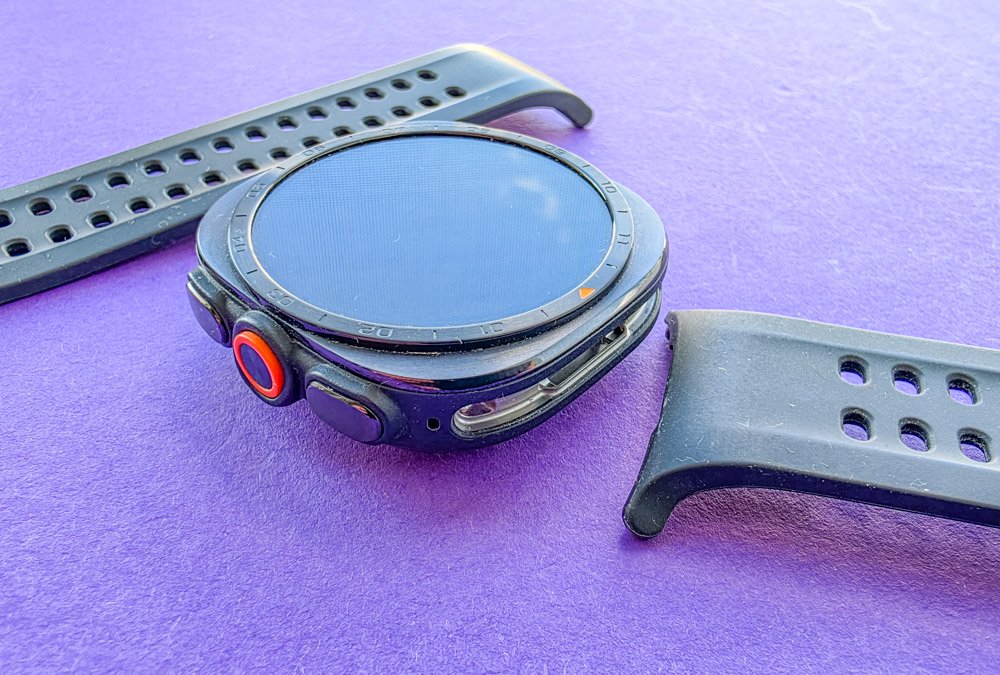
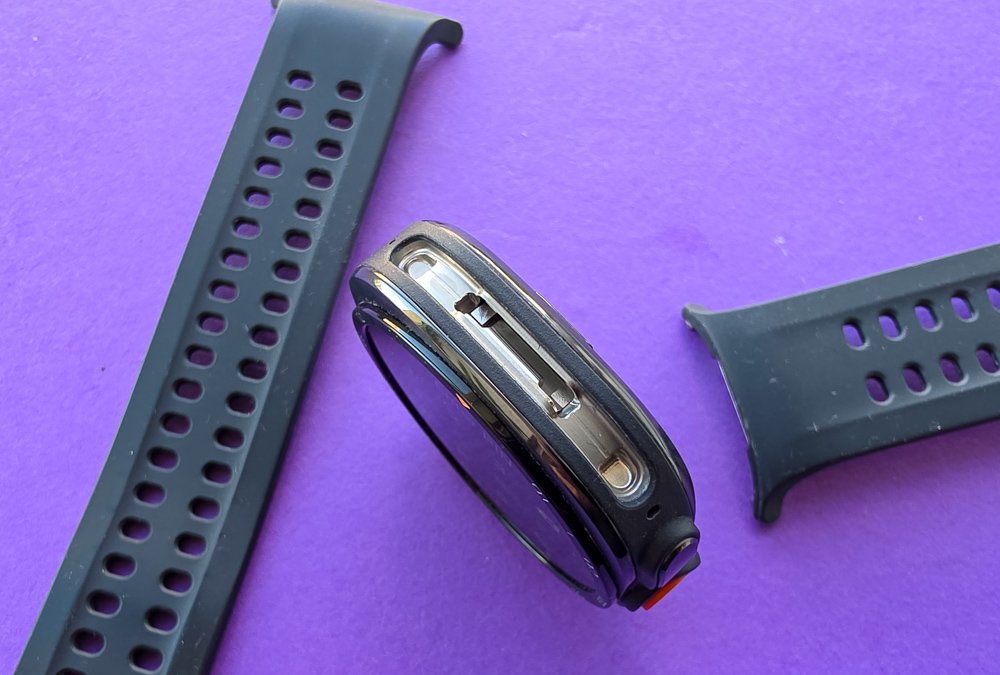
However, the differences become noticeable when you compare the two directly. Most notably, the three-button layout has been slightly redesigned. The buttons are spaced farther apart and are easier to locate by touch. The central Quick Button retains its distinctive orange accent. This is particularly useful during workouts or whenever you need to operate the watch while wearing gloves.

The case itself is noticeably thinner on paper – 10.7 mm versus 12.1 mm. Samsung says this represents a reduction in thickness of approximately 12%. Interestingly, the company managed to achieve this while simultaneously increasing the battery capacity from 590 to 800 mAh. In real-world use, however, the difference in thickness is difficult to notice without directly comparing the two models side by side.


The new color options have had a greater impact on the overall impression of the product. The dark titanium case paired with a black strap looks much more understated, while the lighter version with the green Marine Band has a more classic feel.

And I’m finding it surprisingly difficult to decide which color option I like more on the new generation – the dark or the light one. My only concern with the dark case is how the coating will hold up after a year or two of heavy use. Whether scratches and scuffs will become more noticeable over time is impossible to say at this point.
In my view, the Galaxy Watch Ultra2 looks more substantial and has moved slightly away from the overtly sporty style of the previous generation. Personally, I like the change. I wouldn’t say the first Ultra was unattractive, but the new design feels more mature.

As for the materials overall, I have no complaints. The case is made of titanium, the display is protected by sapphire crystal, and the underside houses Samsung’s BioActive Sensor module. Build quality is flawless – Samsung traditionally maintains a very high standard here.


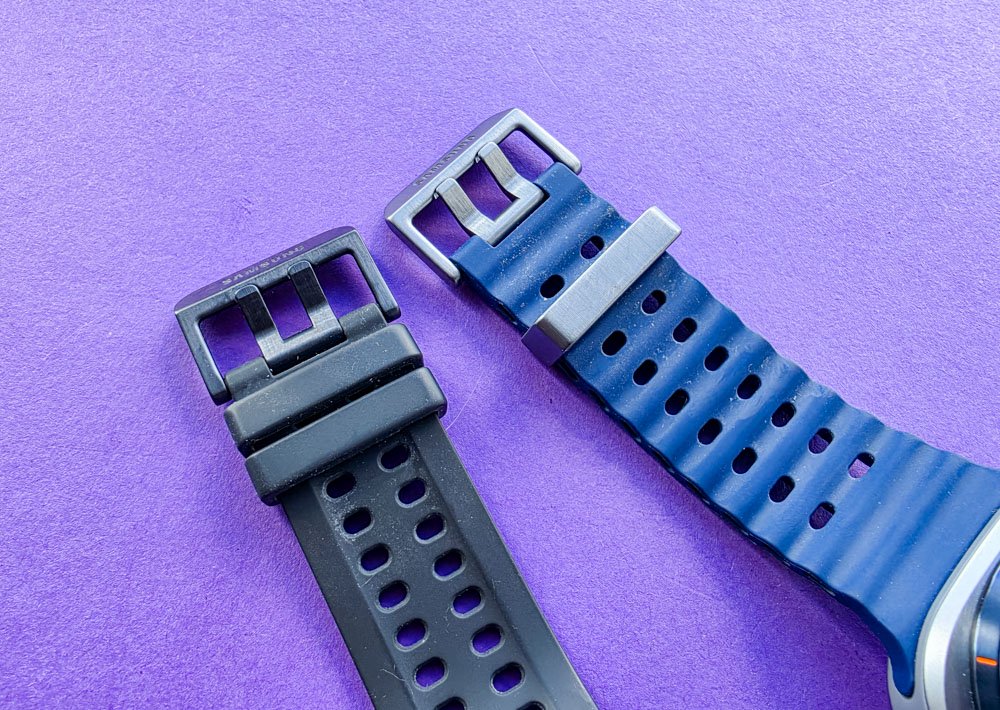
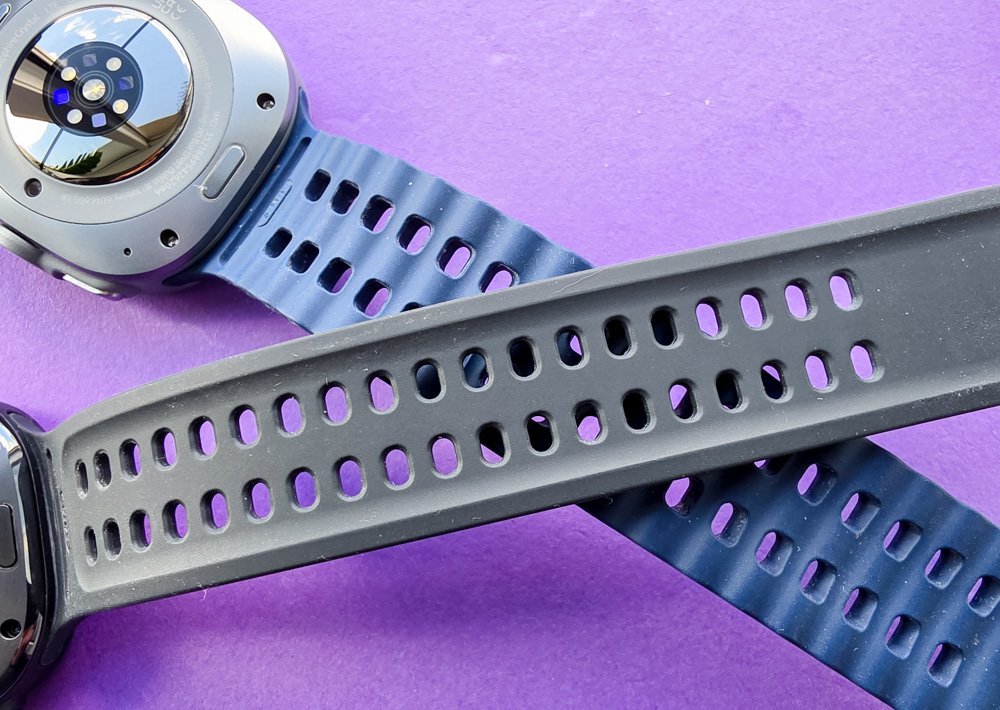
The new Marine Band strap is also very comfortable. It is thinner and lighter, while the inner surface now features an Air Pocket system with air channels that help drain water and sweat more effectively. That said, I also like the older, bulkier and more rigid strap with its segmented design.
Read also: Samsung Galaxy S26 Ultra Review: Reference Flagship Without Major Changes
Display
The Galaxy Watch Ultra2’s display is slightly larger – 1.52 inches versus 1.5 inches on the Galaxy Watch Ultra – and the resolution has increased from 480 × 480 to 498 × 498 pixels. At the same time, the bezel around the panel has become slightly thinner. In everyday use, however, the difference in size is not particularly obvious. Unless the two watches are sitting side by side, you’re unlikely to notice it.

A much more important change is the peak brightness. The first Ultra offered up to 3,000 nits, while the Galaxy Watch Ultra2 can now reach 5,000 nits.
To be fair, I had no complaints about the previous generation’s display either. It was perfectly readable even in bright sunlight. Now, there is virtually nothing to complain about. The display is extremely bright, vibrant, contrasty, and sharp. Whether you’re at the beach under direct sunlight, working out, or simply walking around outside, the information remains easy to read.
Read also: Samsung Galaxy S26 Review: Most Compact Flagship with Minimal Changes
Connectivity and the Galaxy Wearable App
Connecting the Galaxy Watch Ultra2 is especially straightforward with Samsung smartphones. Simply turn on the new watch next to your Galaxy phone, and the smartphone will automatically detect it and prompt you to begin the setup process.
If you use an Android smartphone from another manufacturer, you’ll need to install the Galaxy Wearable app. The Galaxy Watch Ultra2 is compatible with smartphones running Android 13 or later with support for Google Mobile Services.


For me, the ability to transfer settings from an older Galaxy Watch proved particularly useful. Watch faces, apps, and core settings are transferred to the new device, so you essentially get a familiar working environment after just a short setup process. That’s exactly how I tested battery life: I transferred virtually all of my settings over one-to-one.
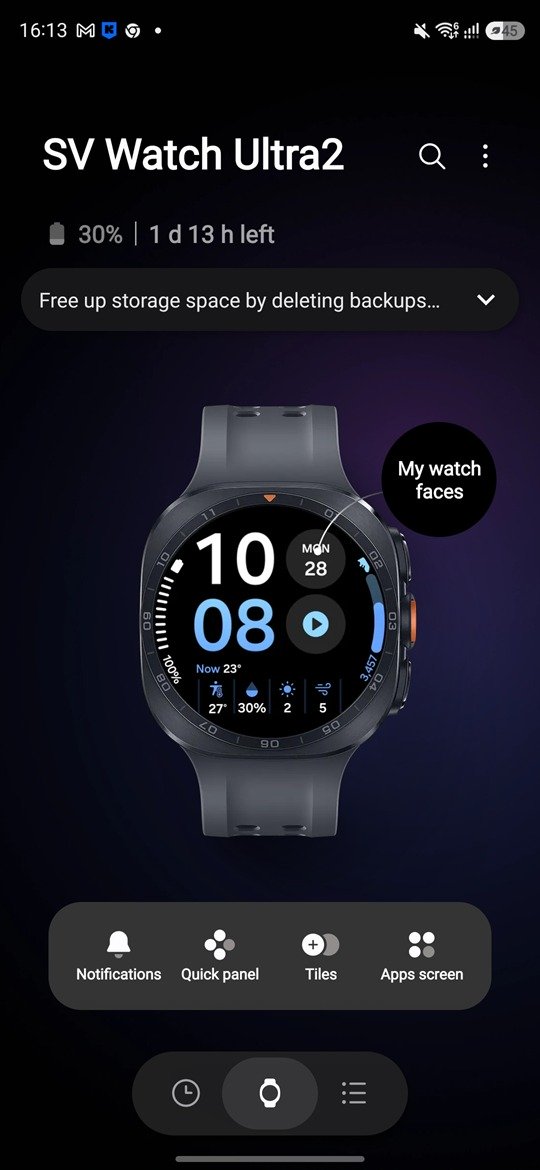
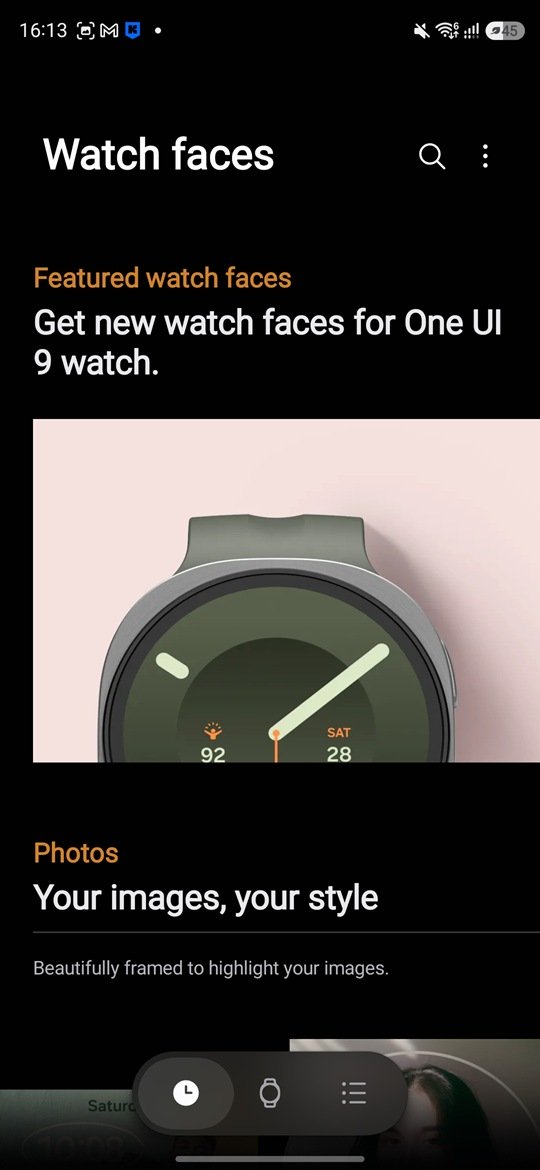
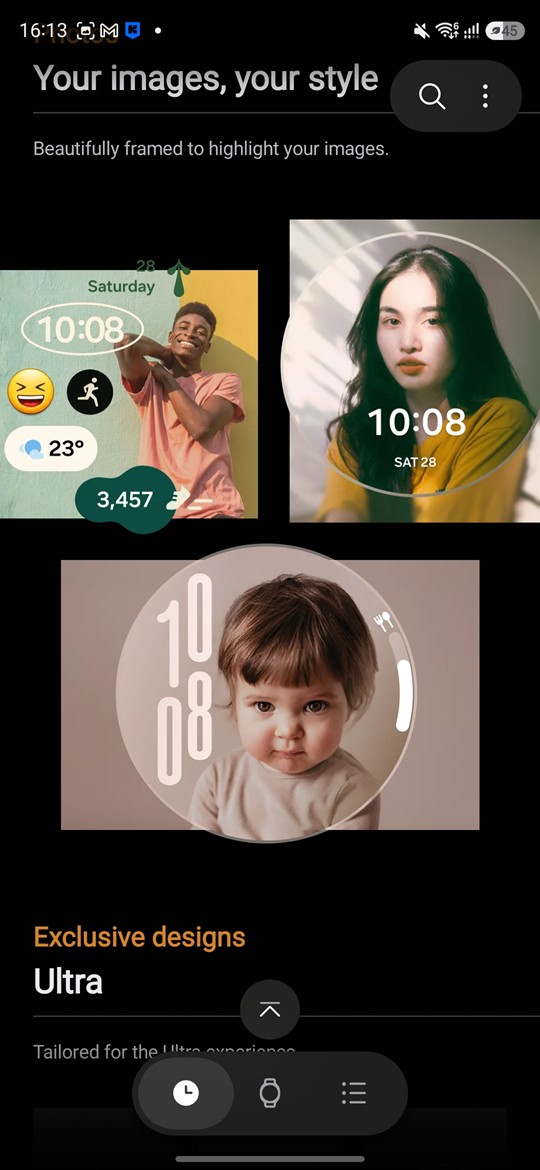
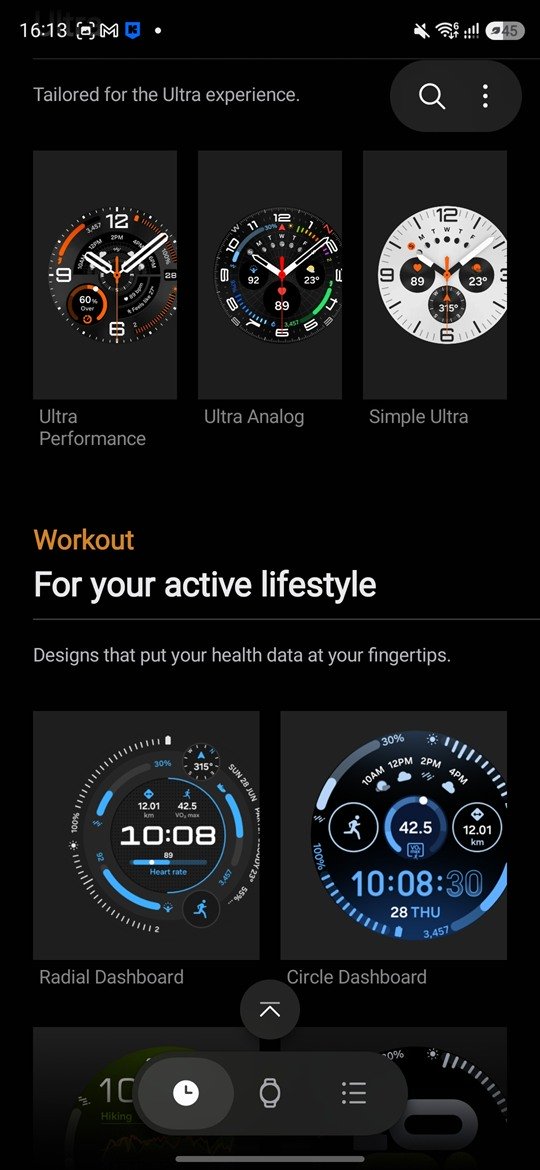
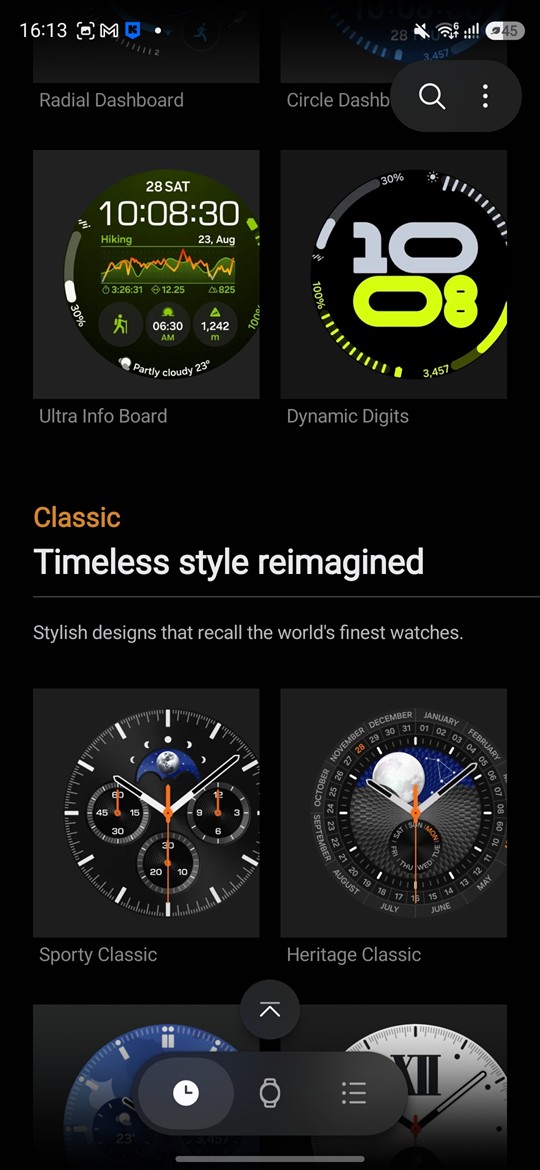
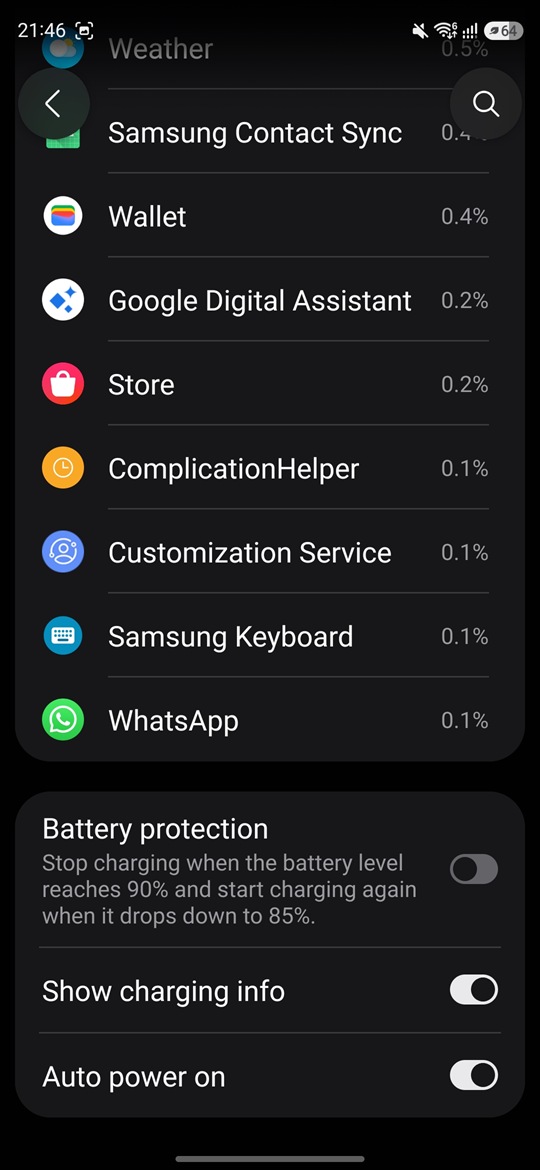
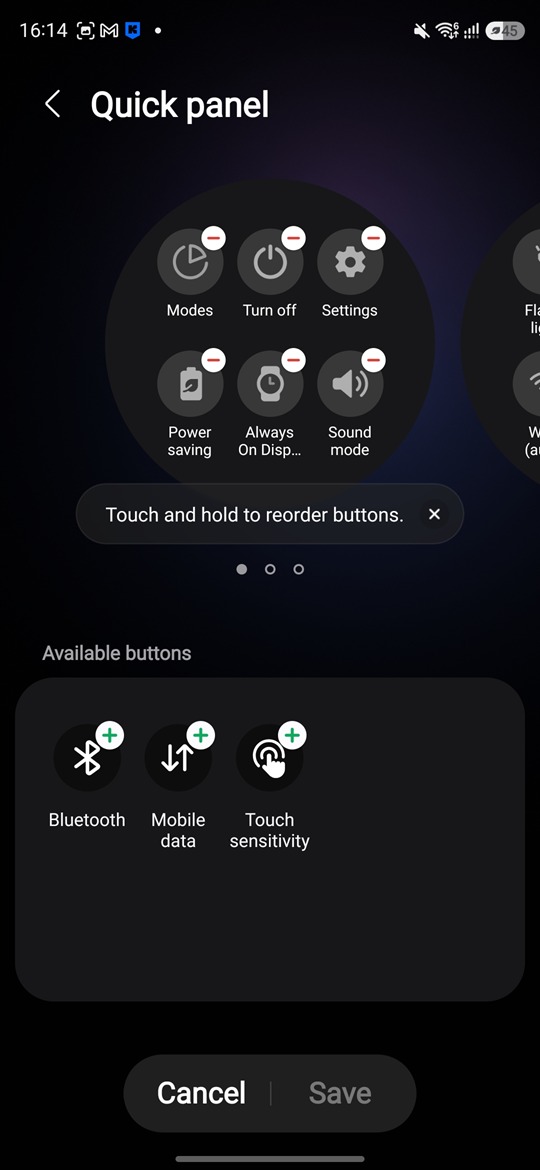
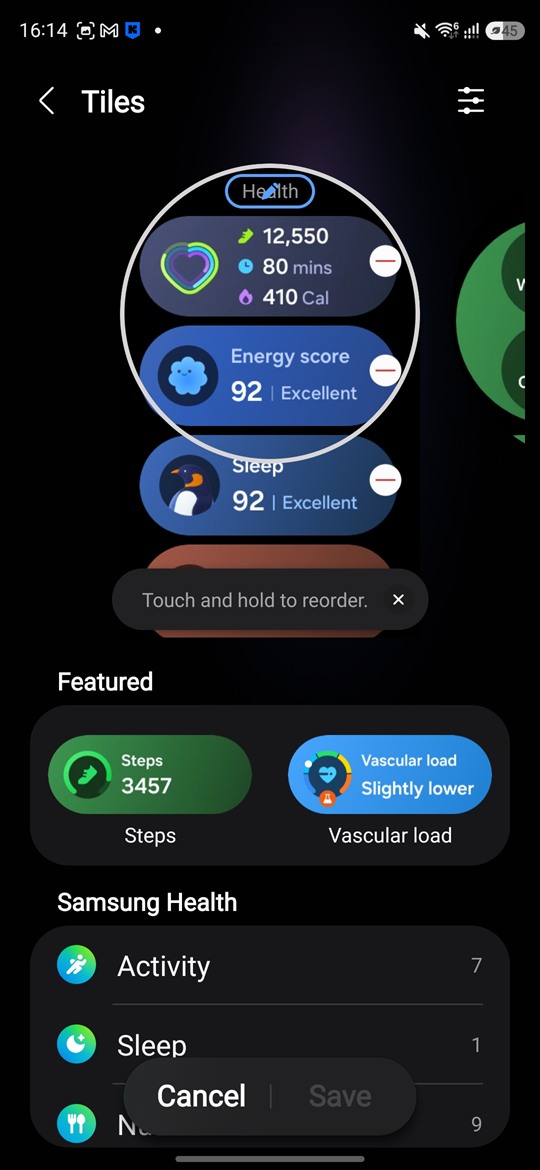
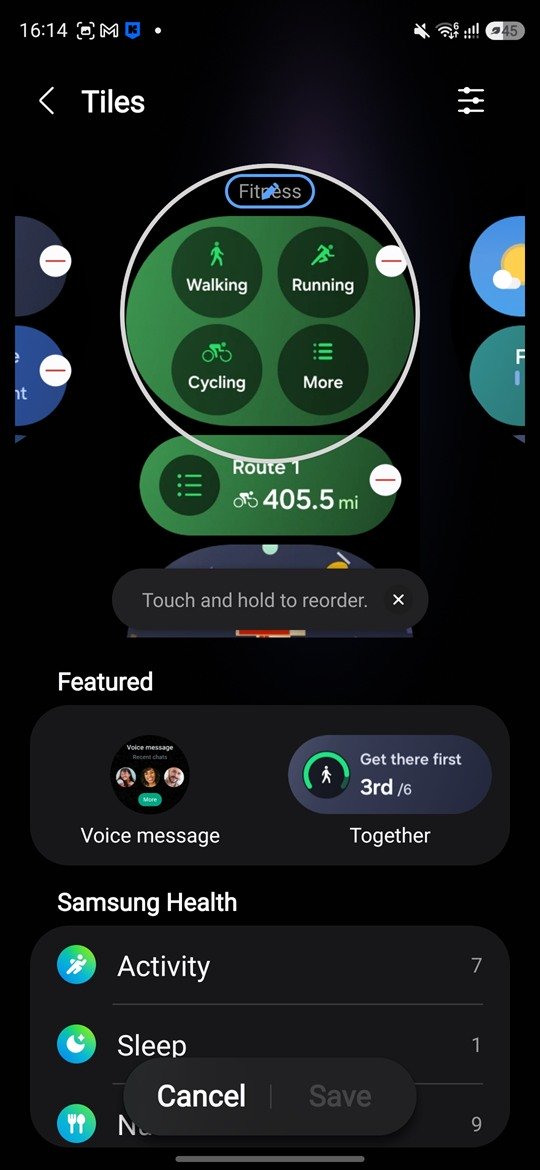
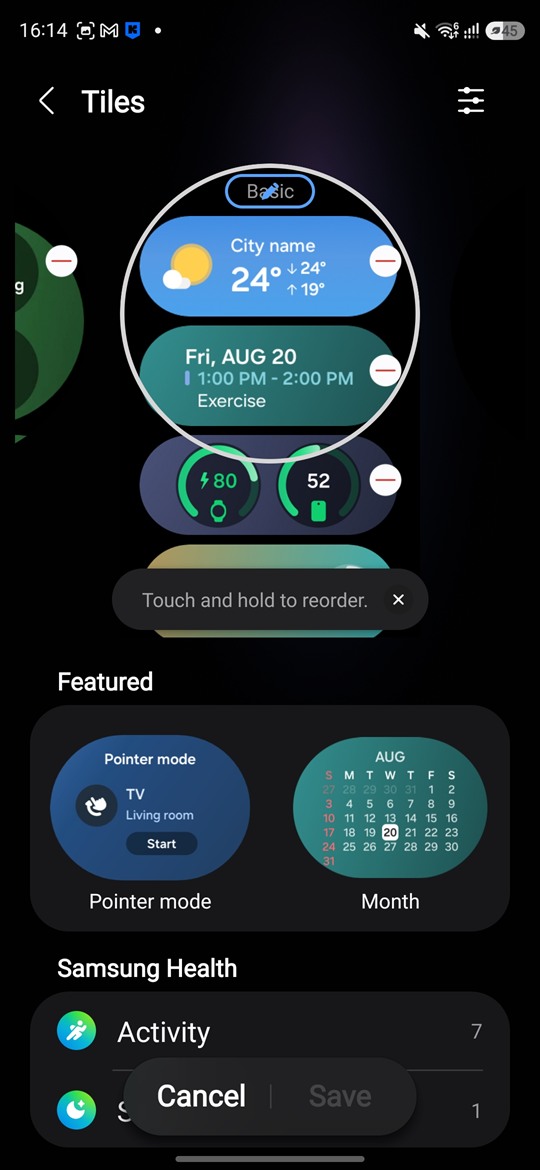
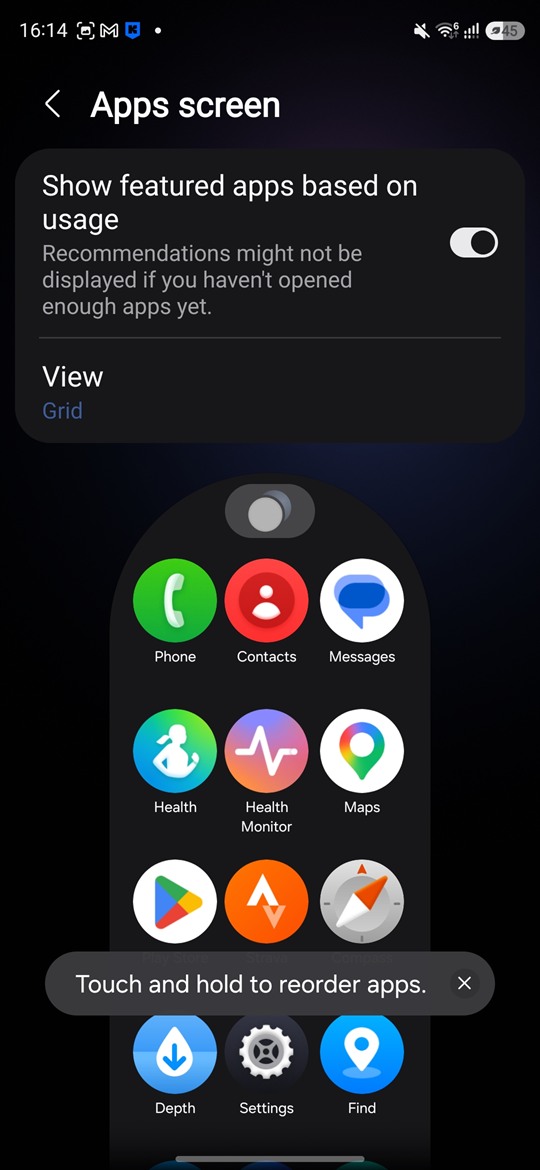
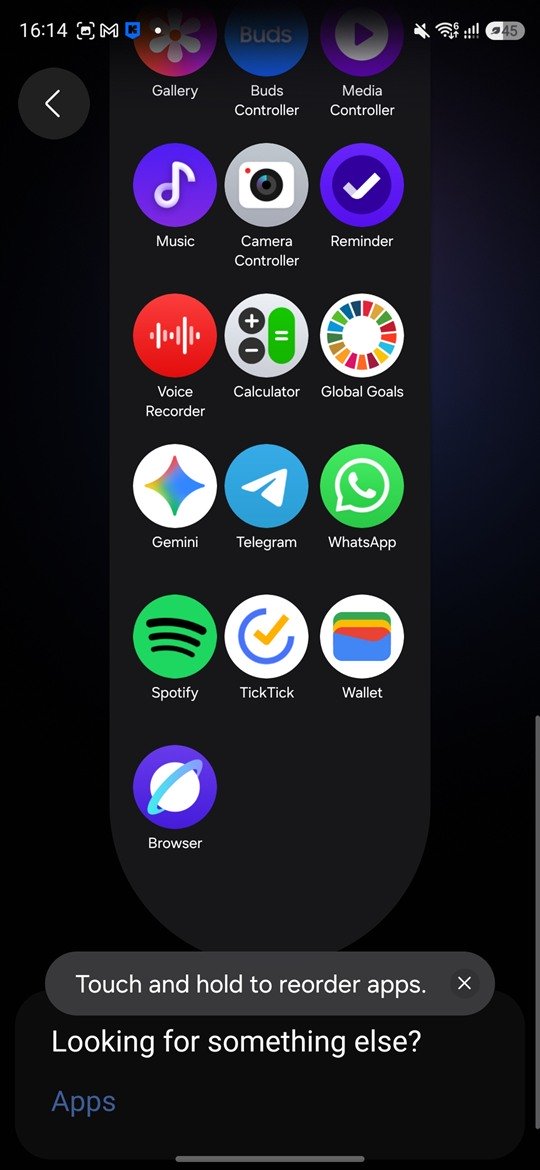
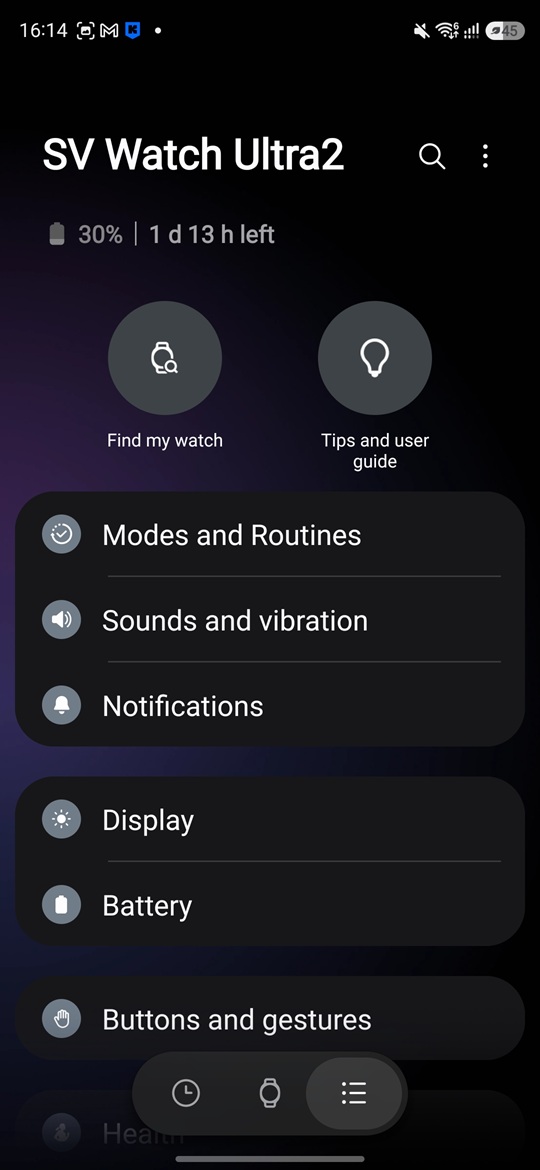
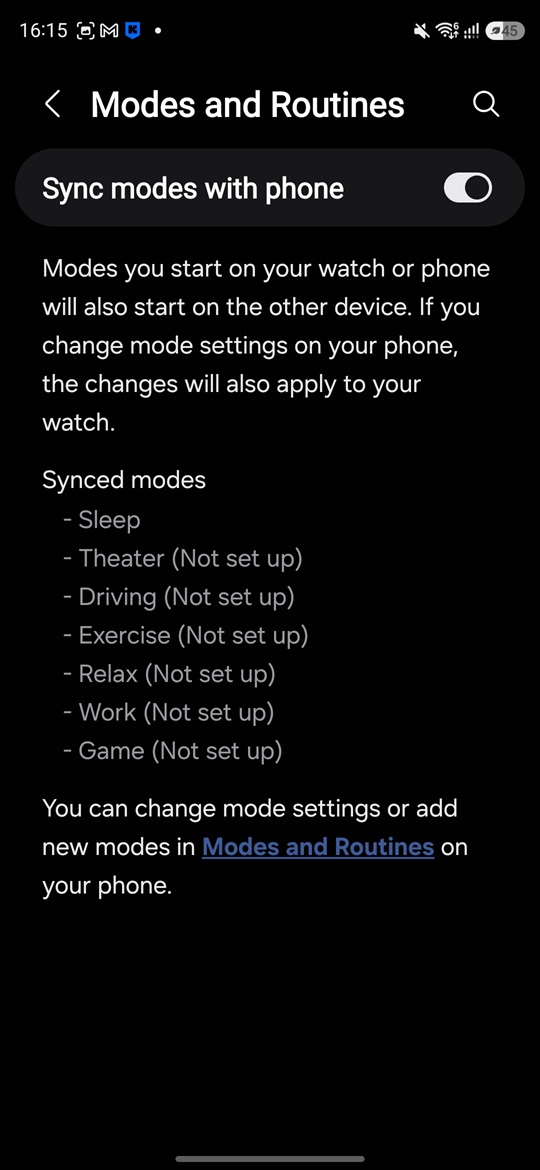
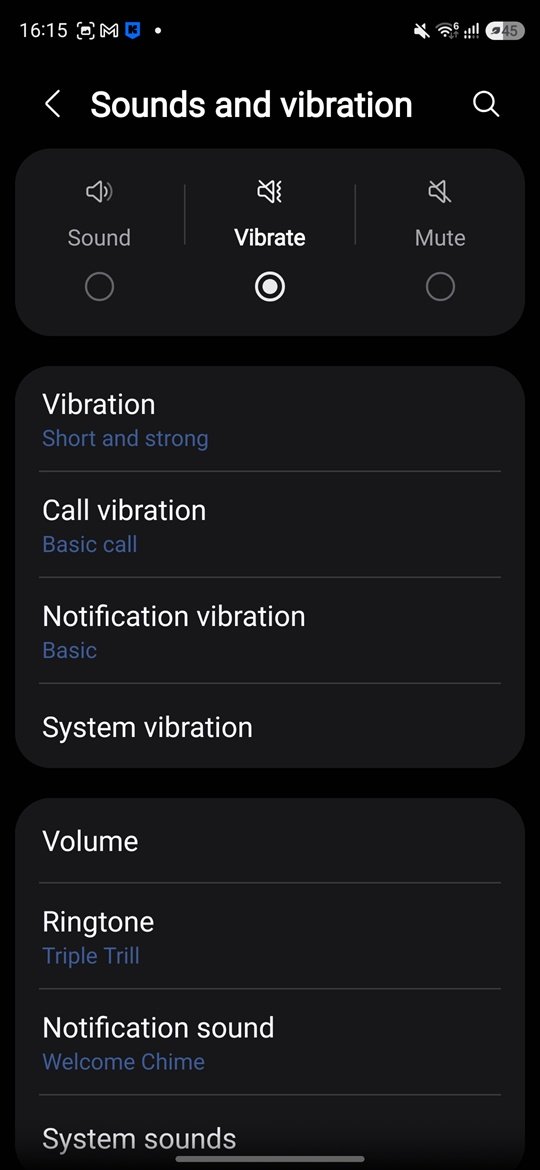
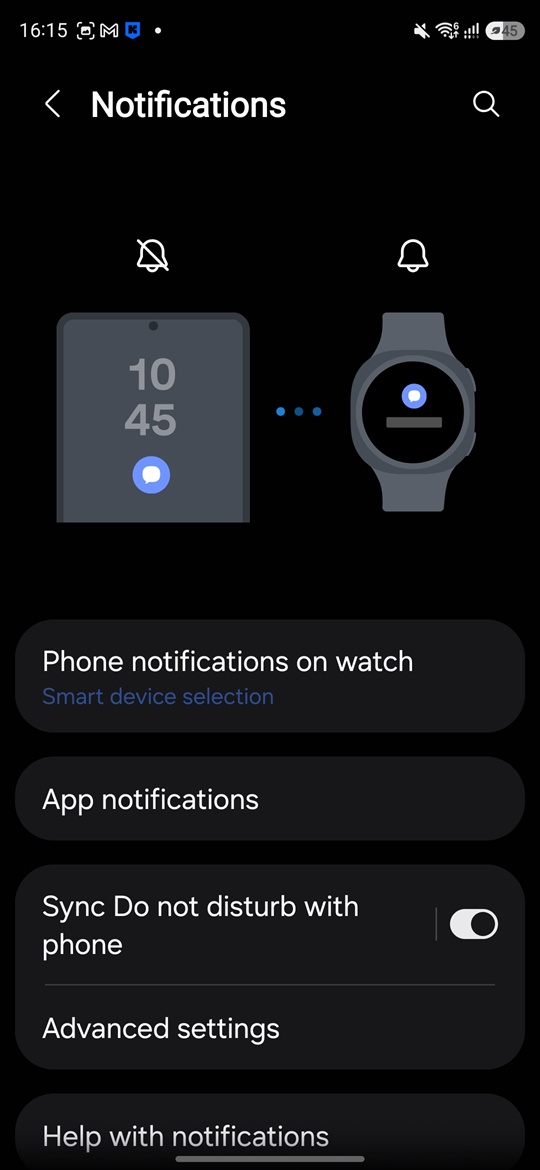
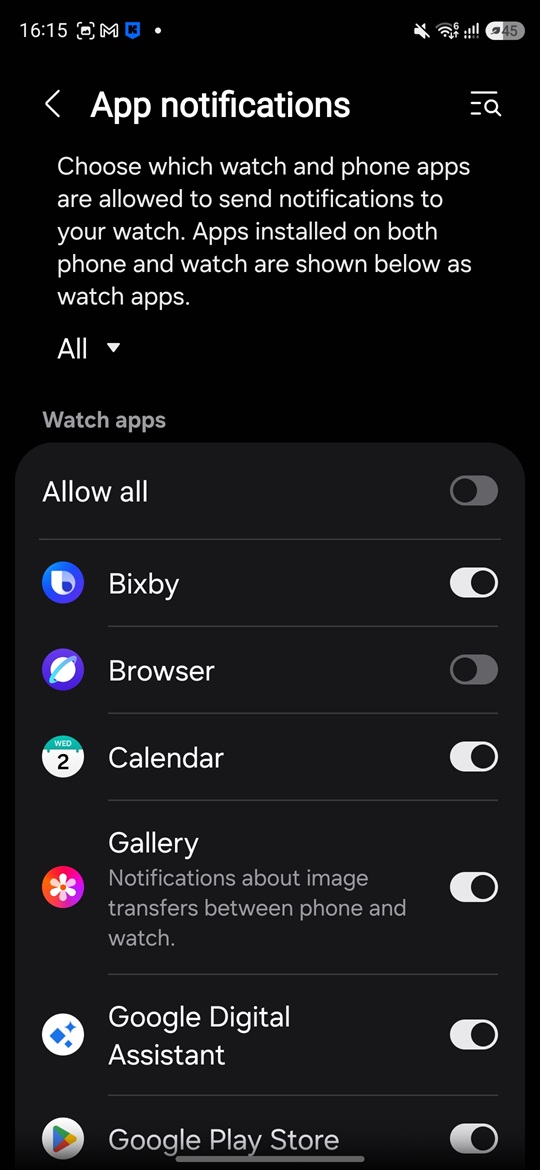
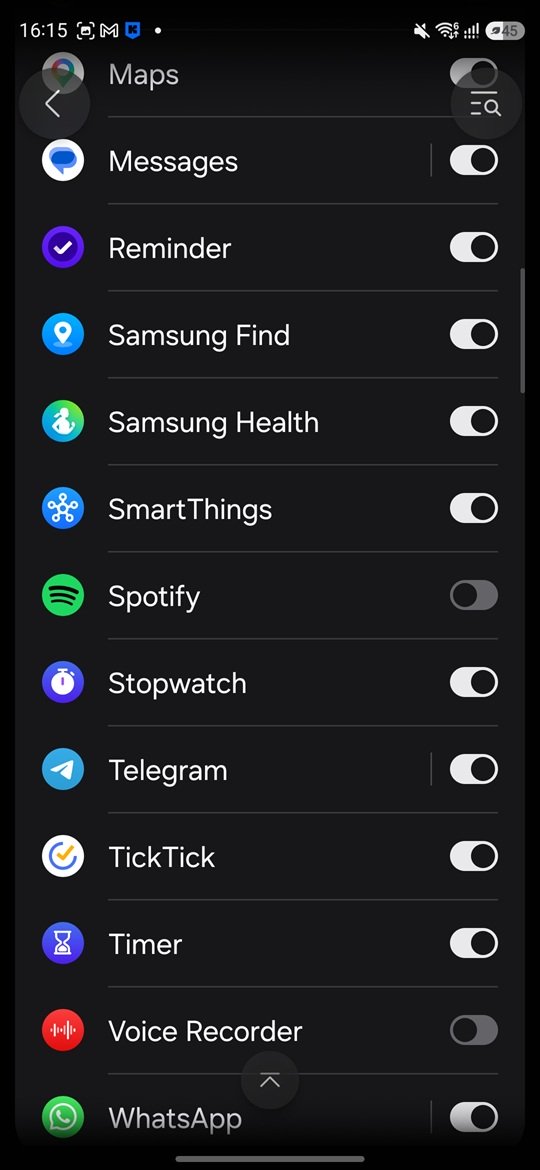
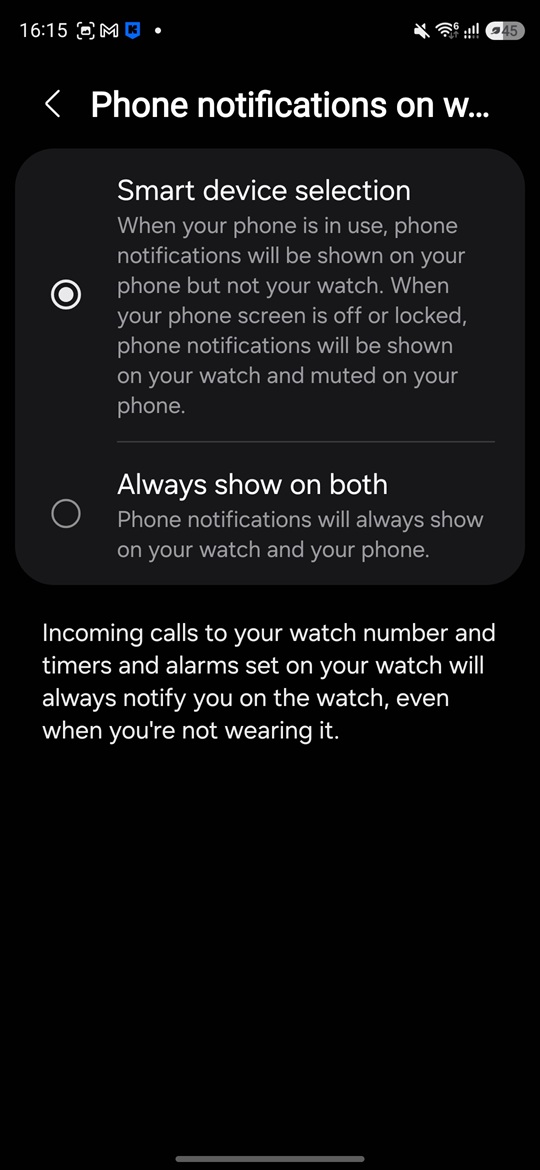
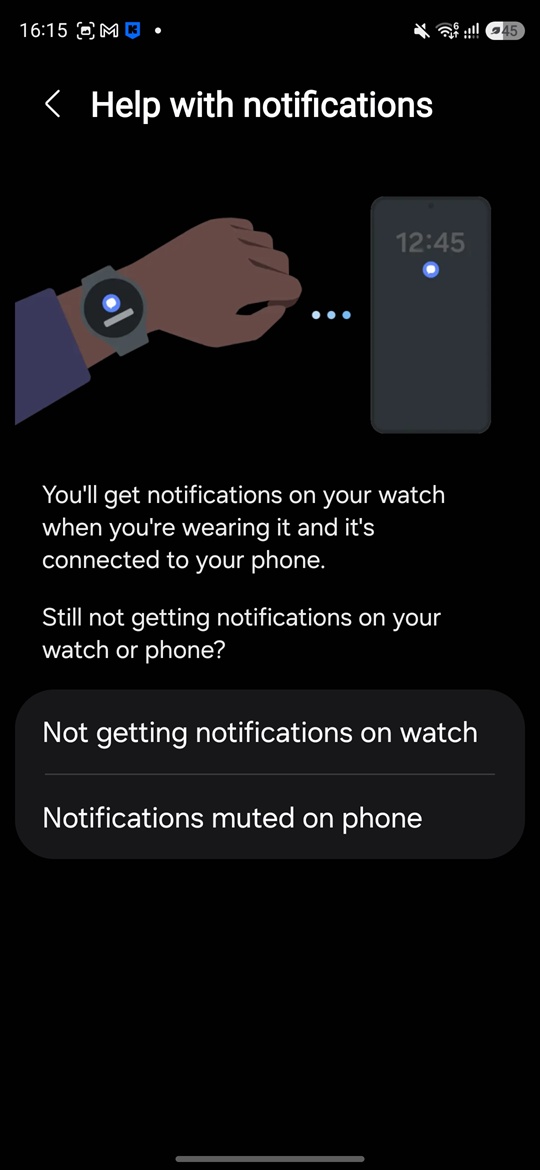
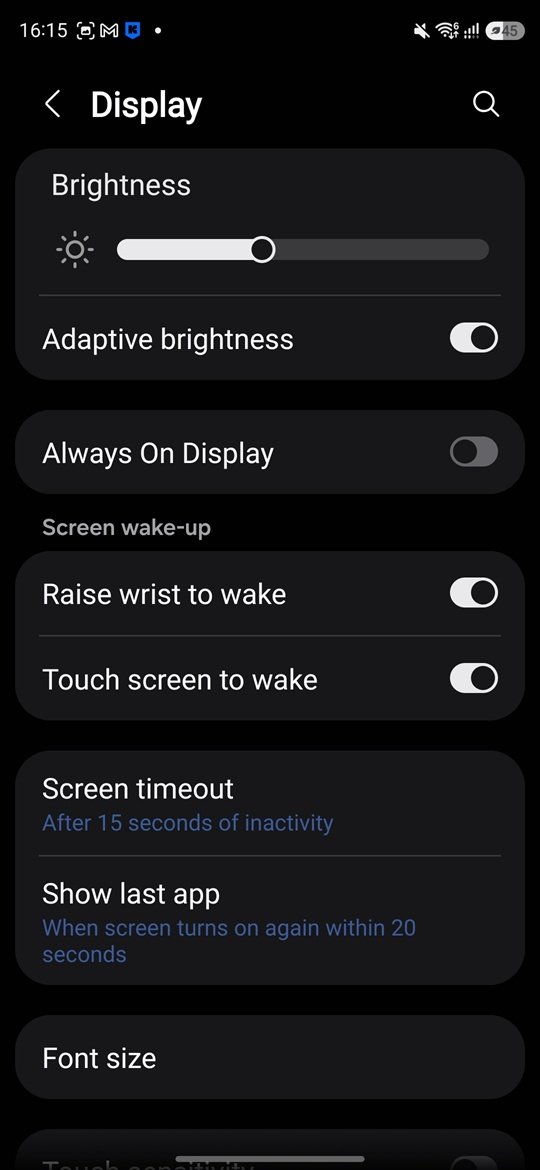
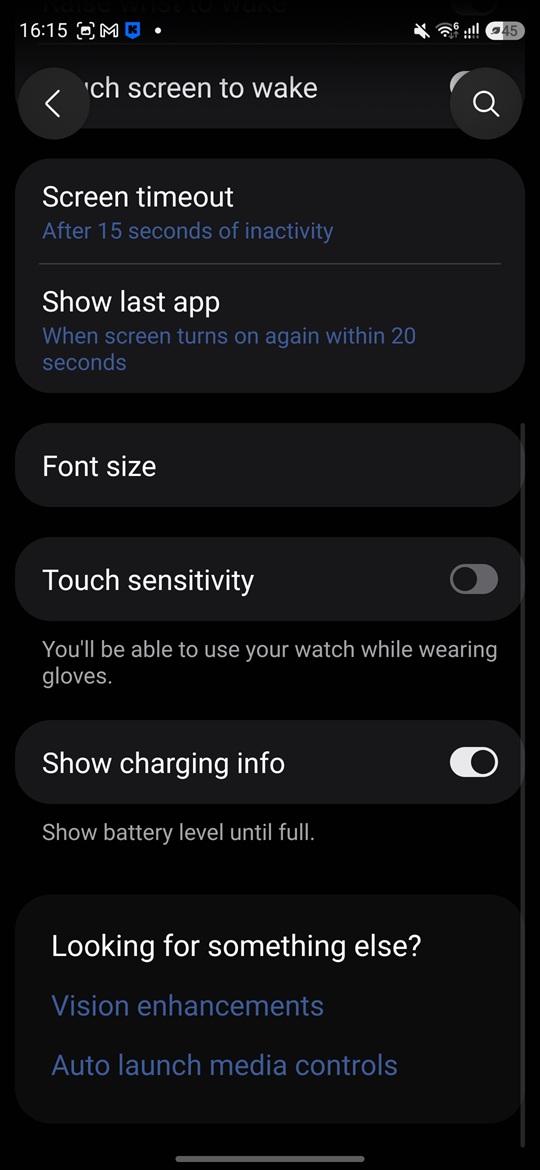
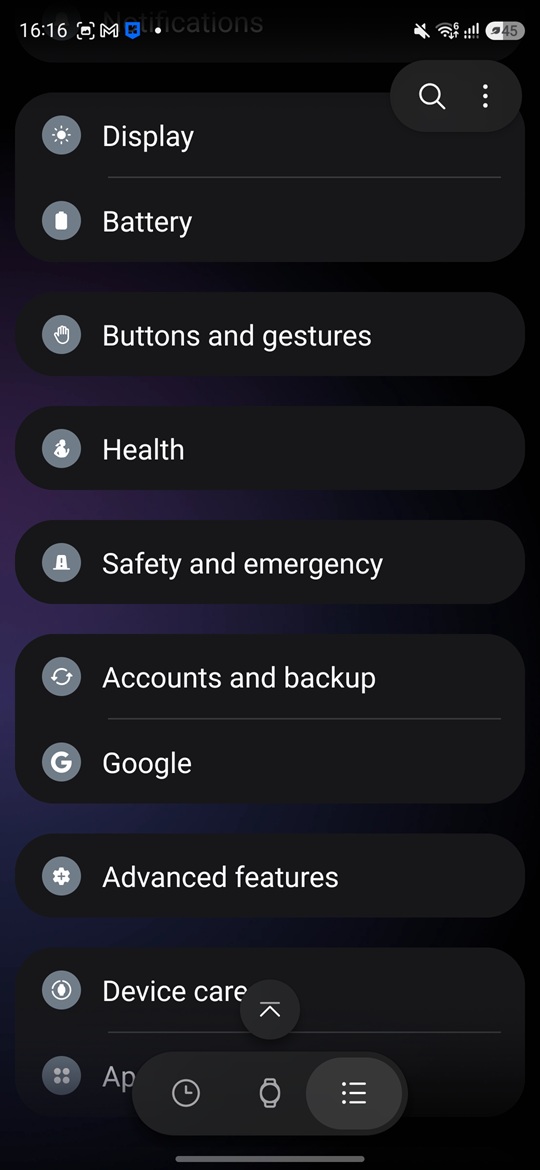
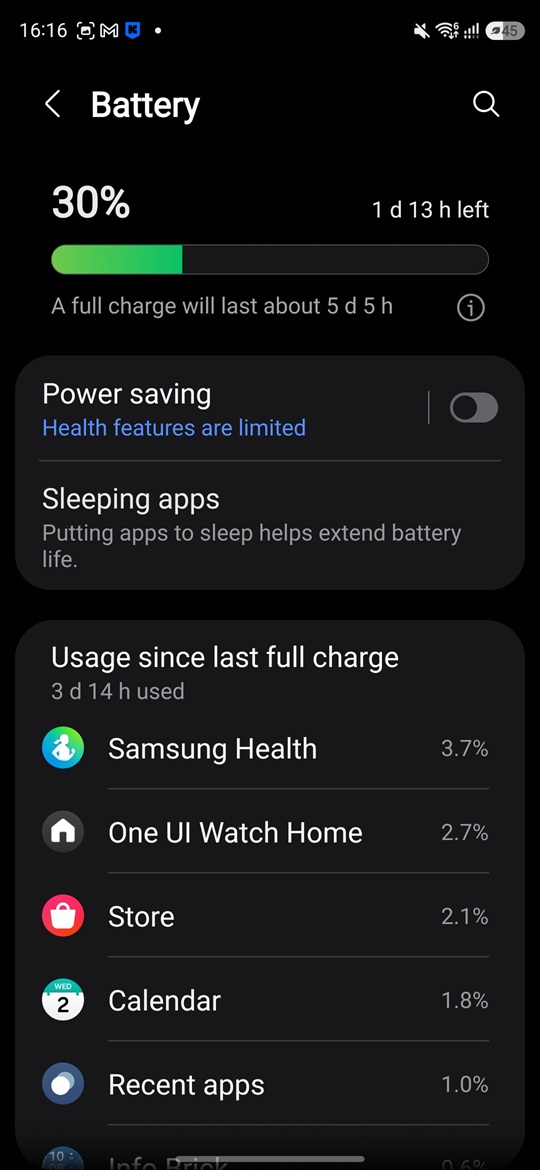
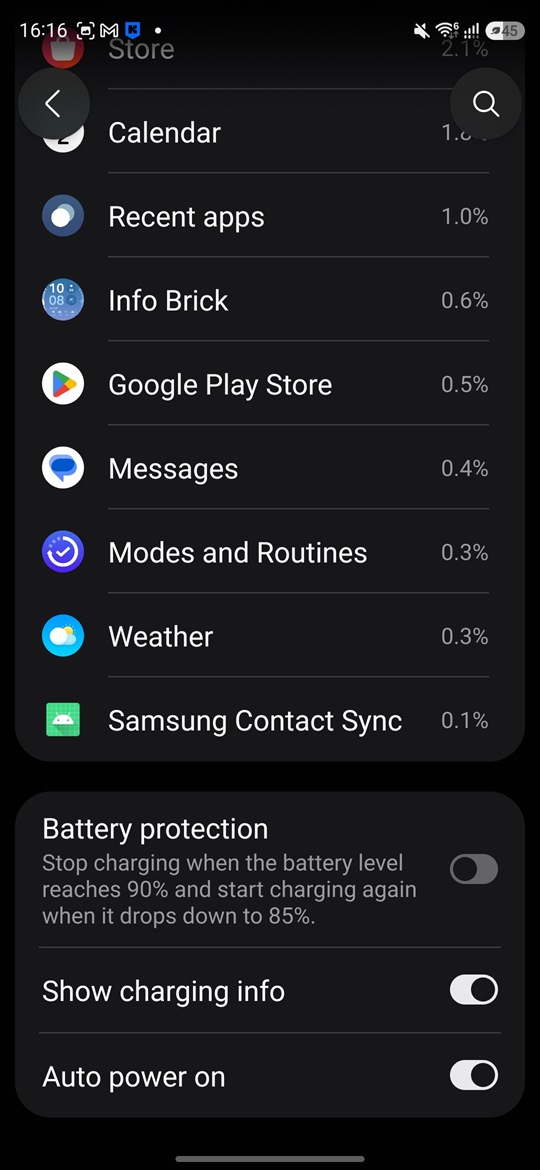
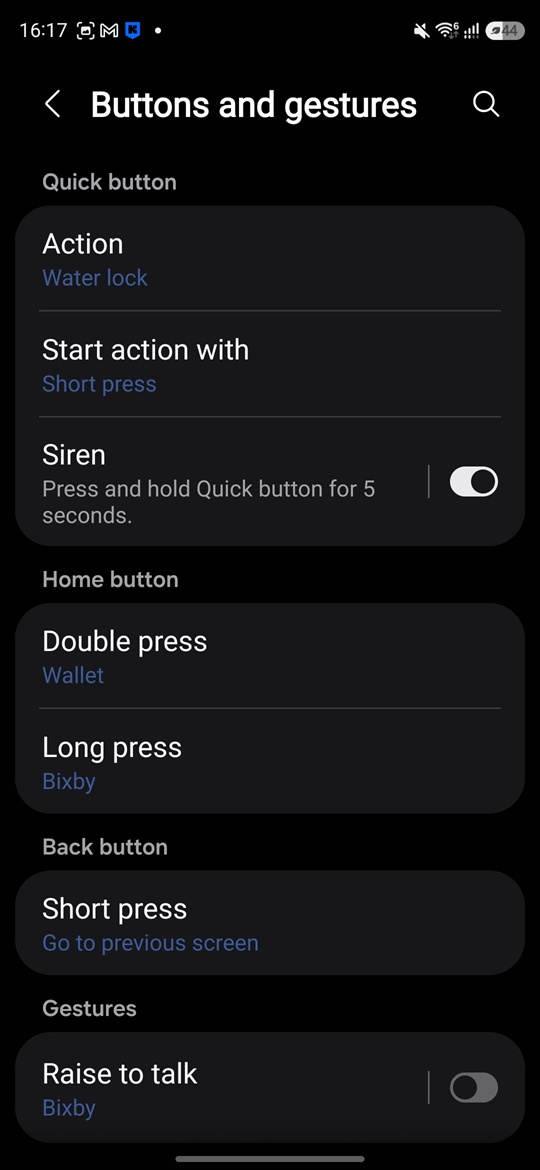
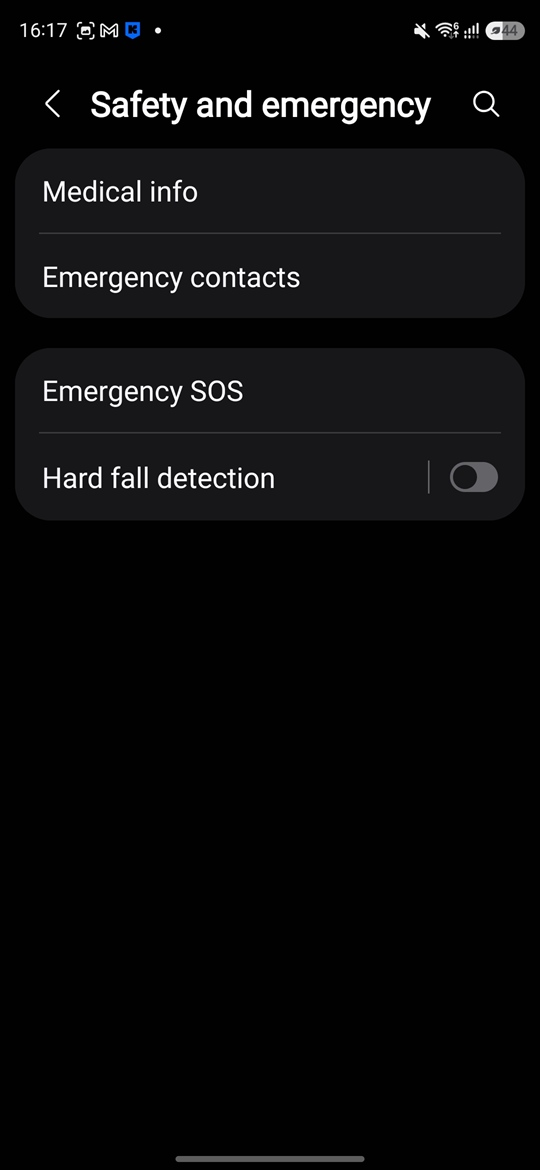
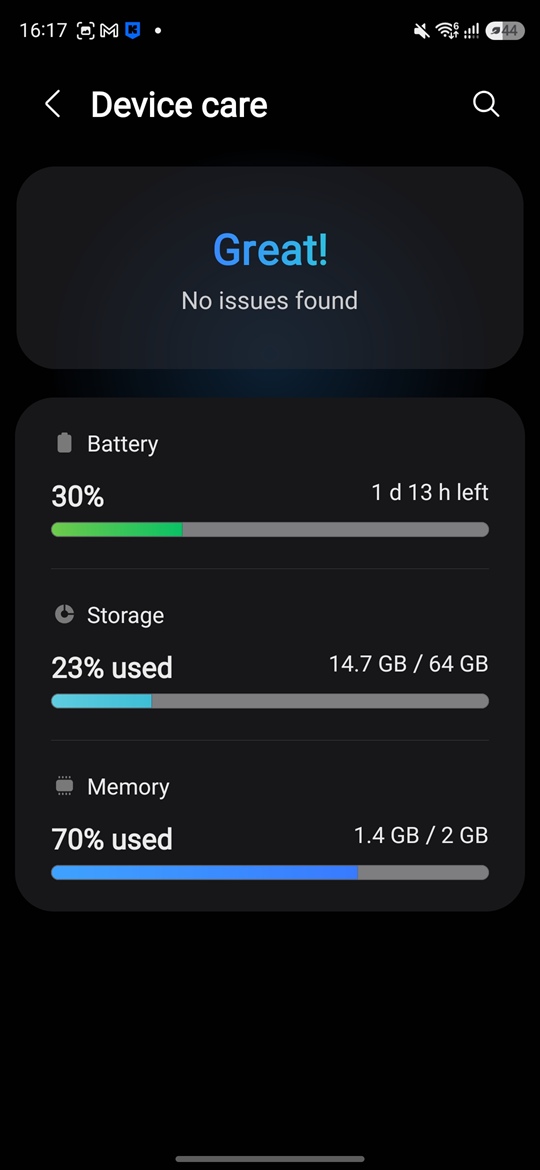
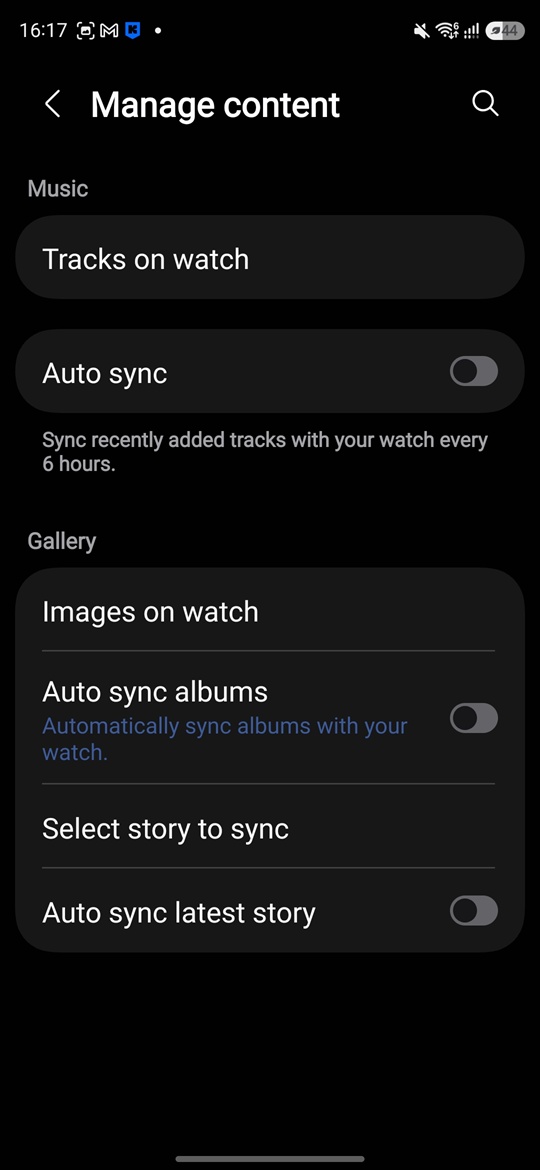
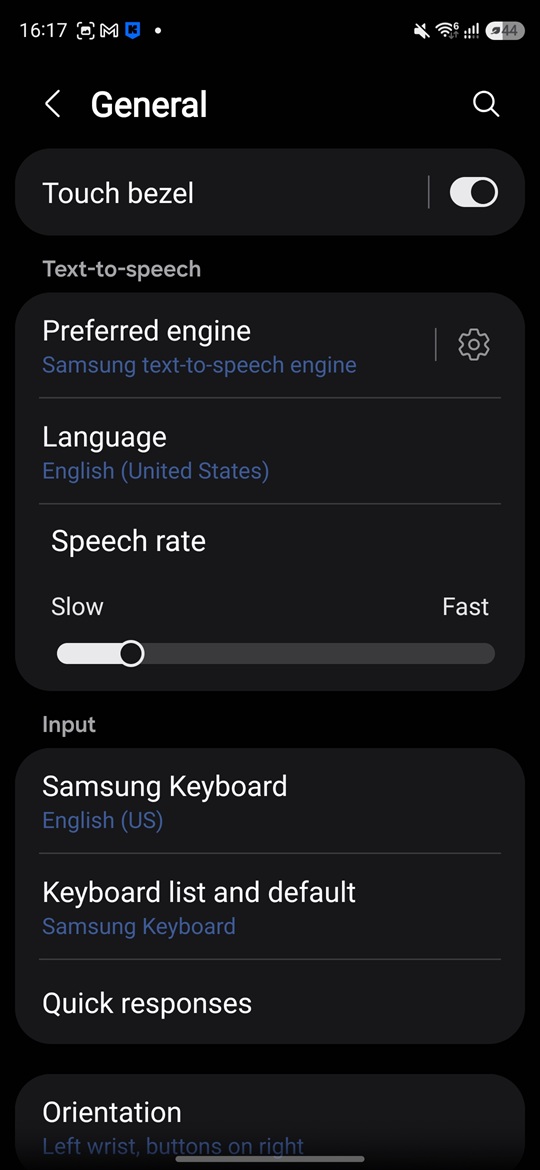
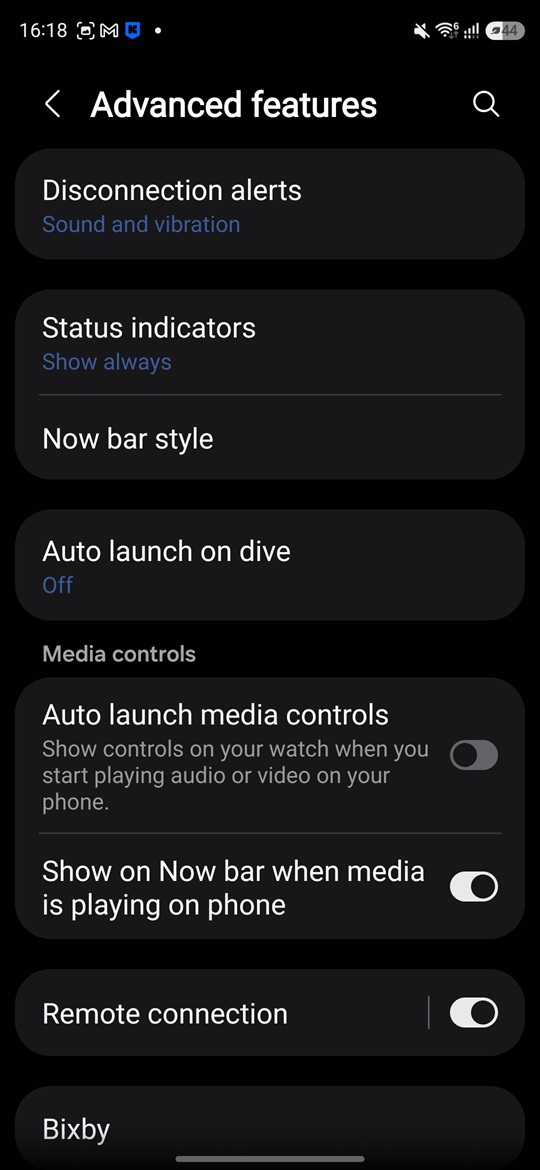
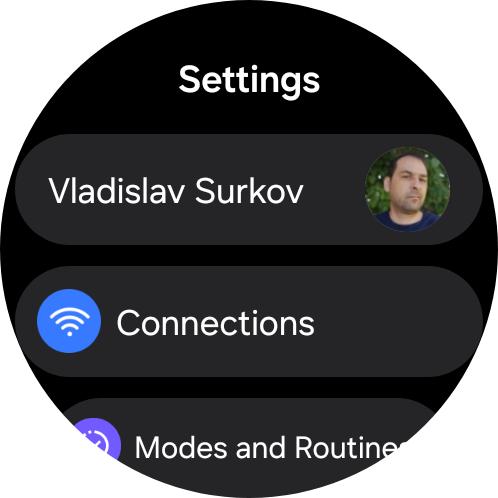
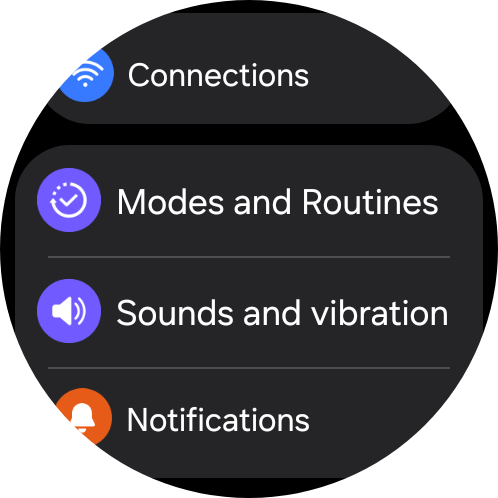
Through Galaxy Wearable, you can manage watch faces, tiles, notifications, apps, buttons, gestures, the display, sound, vibration, mobile networks, power-saving modes, and many other settings.
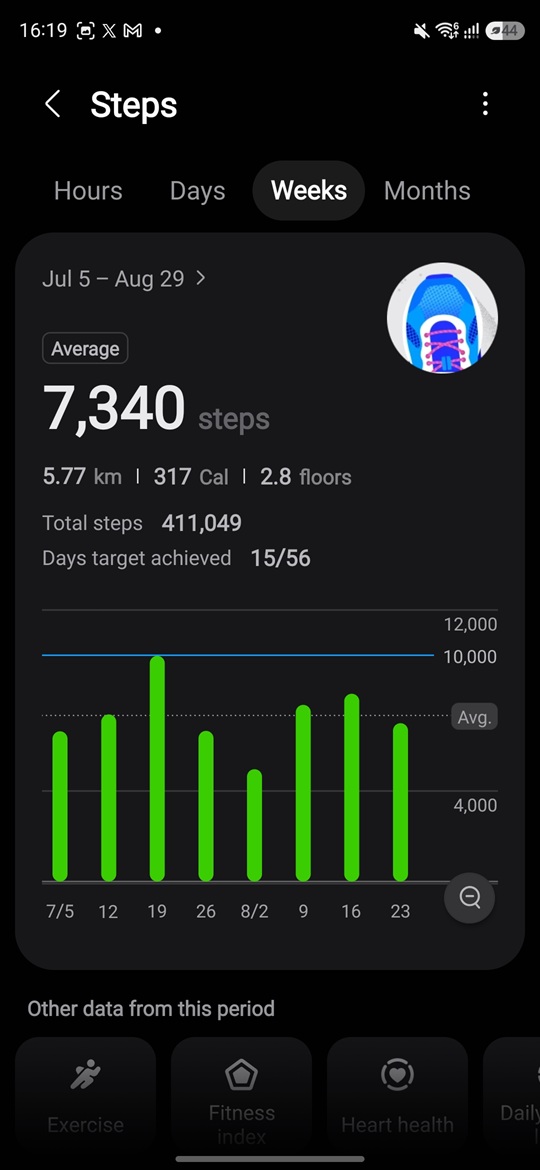
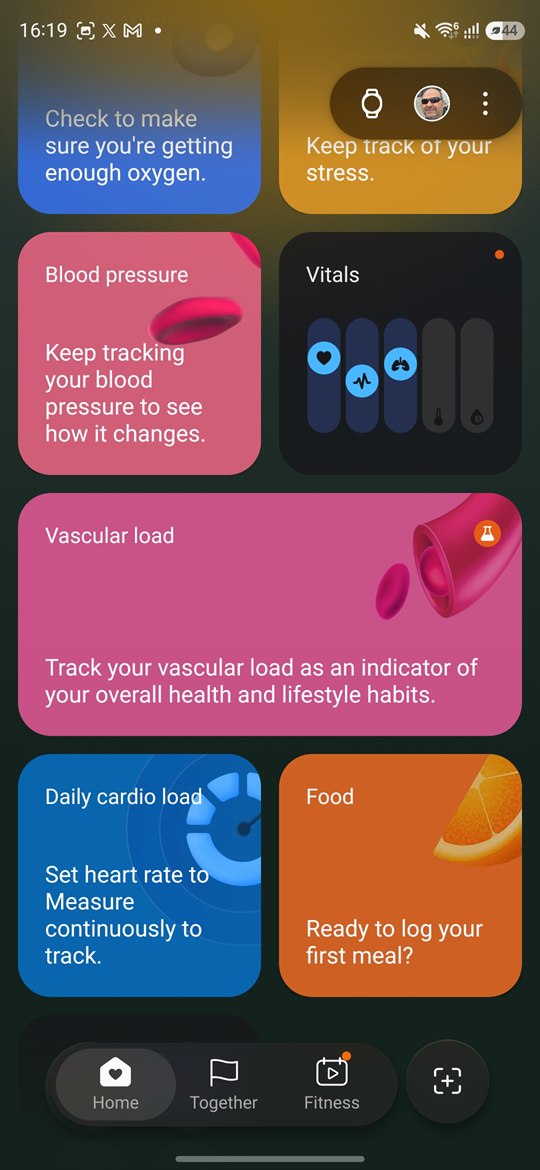
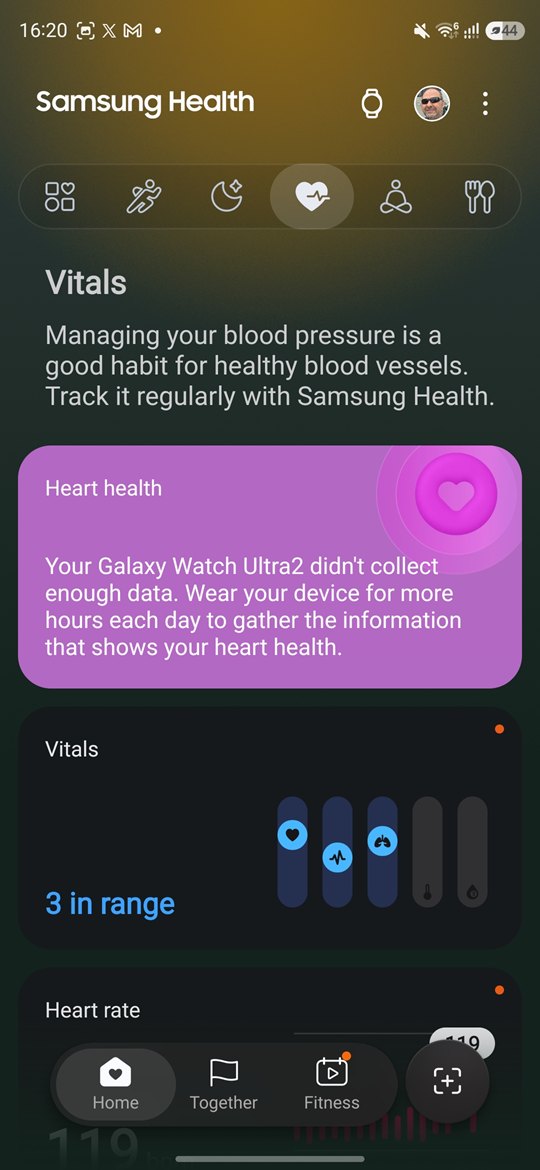
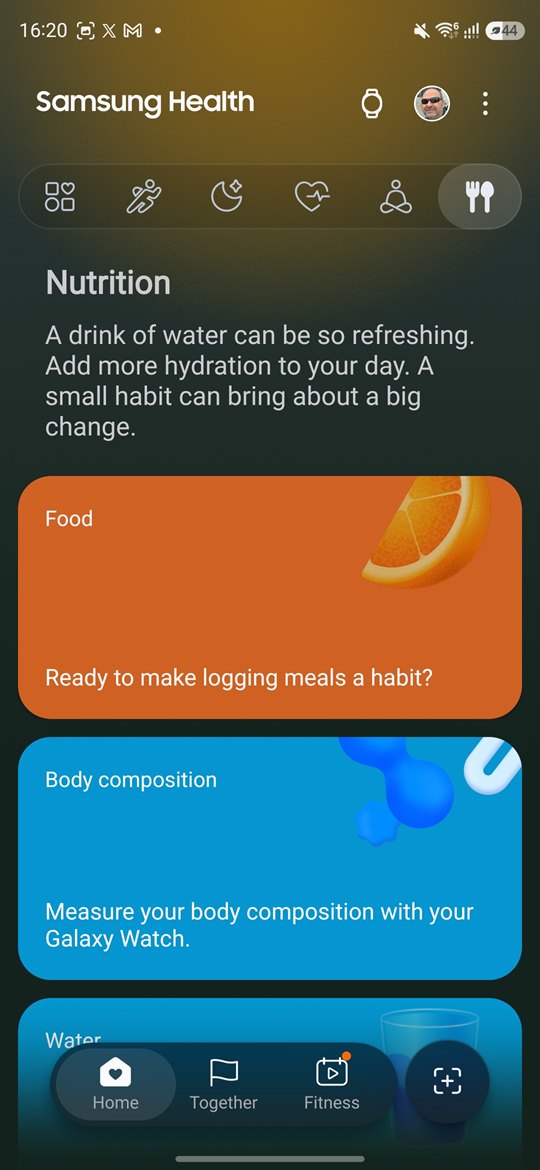
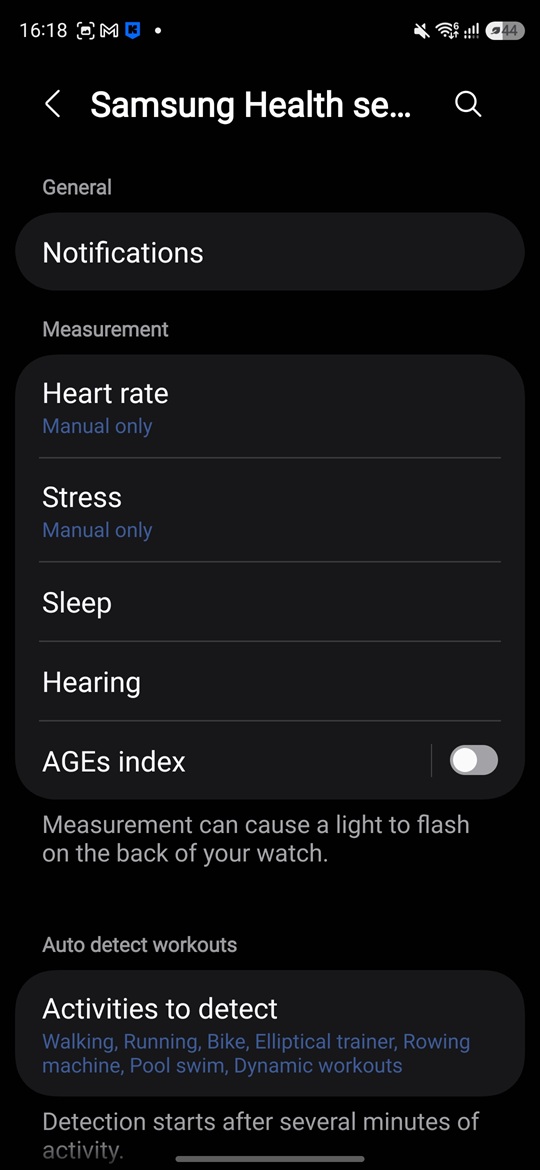
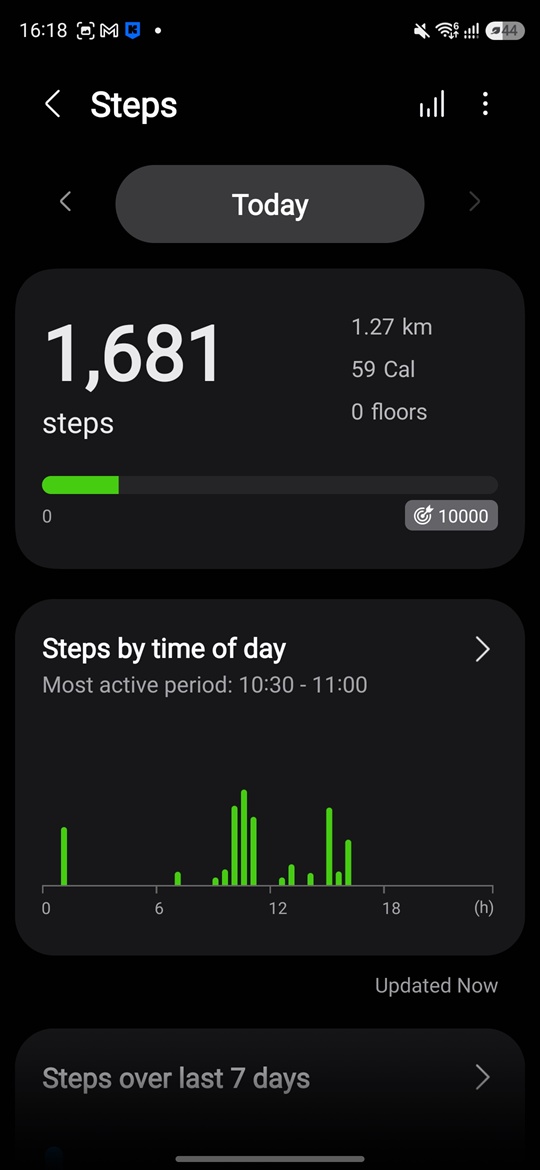
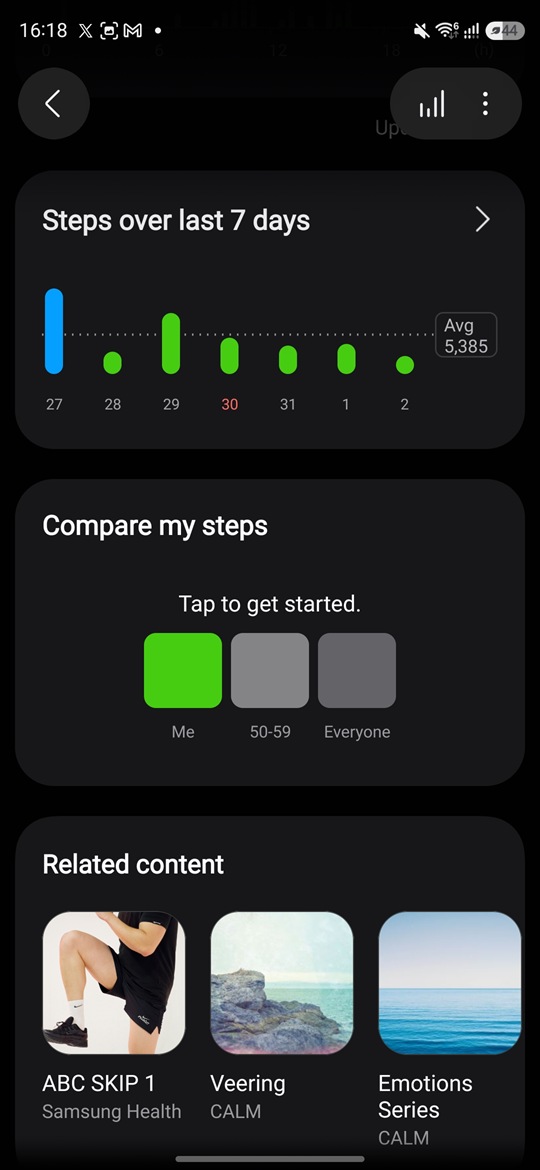
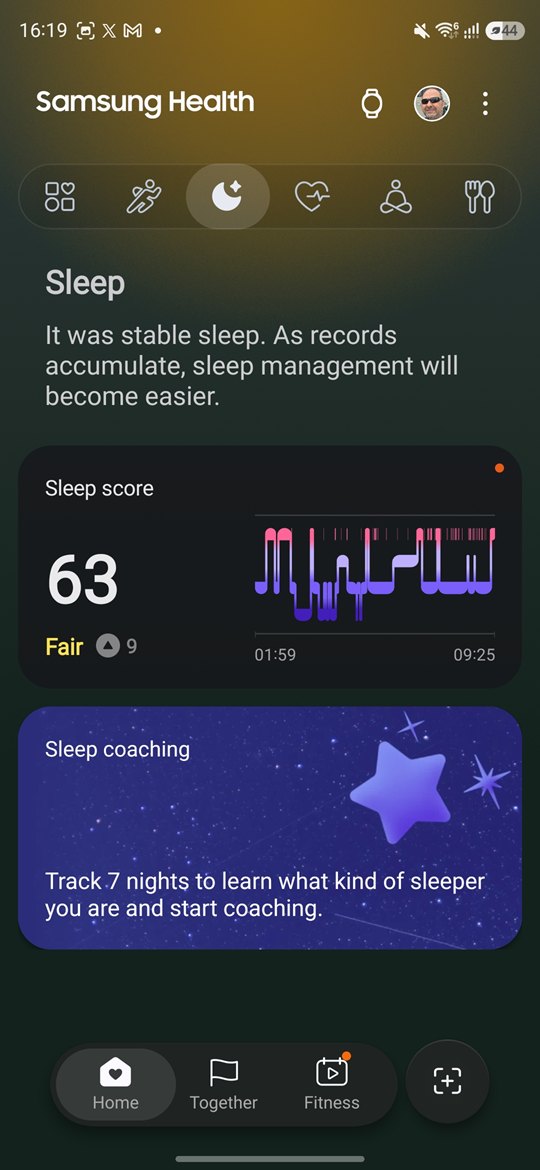
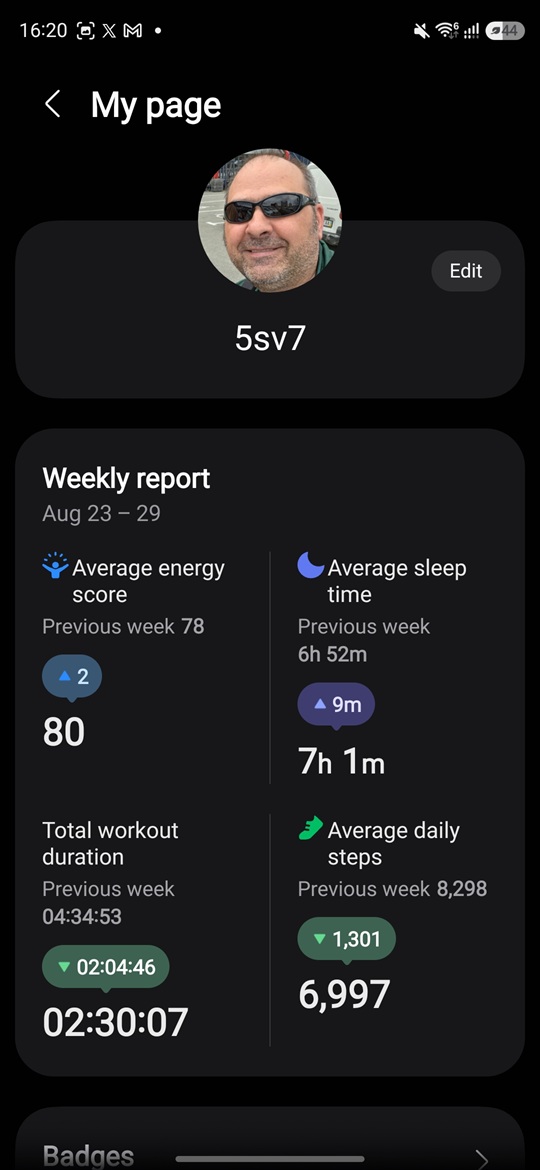
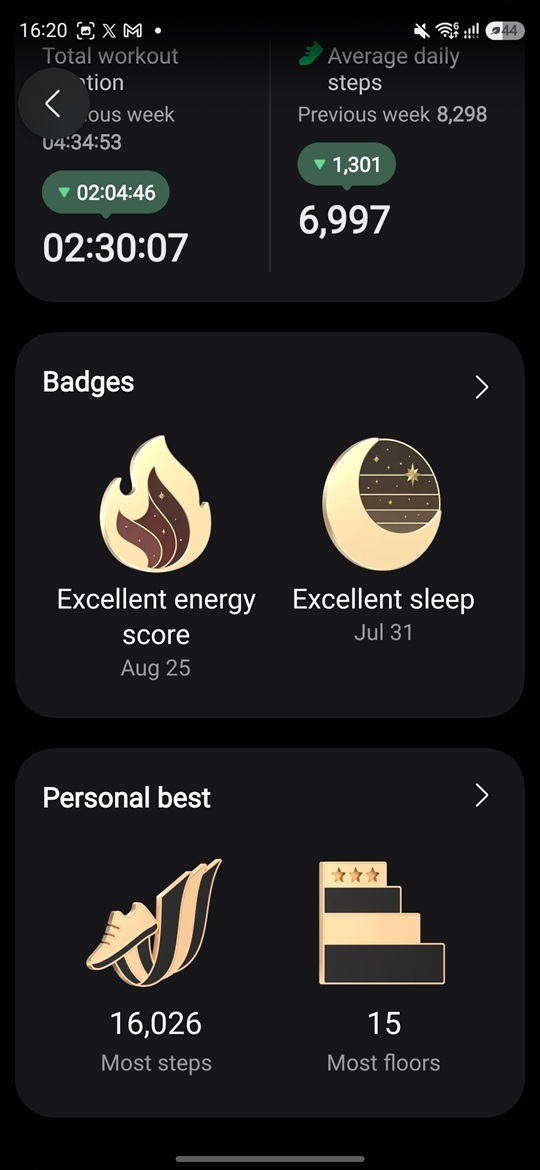
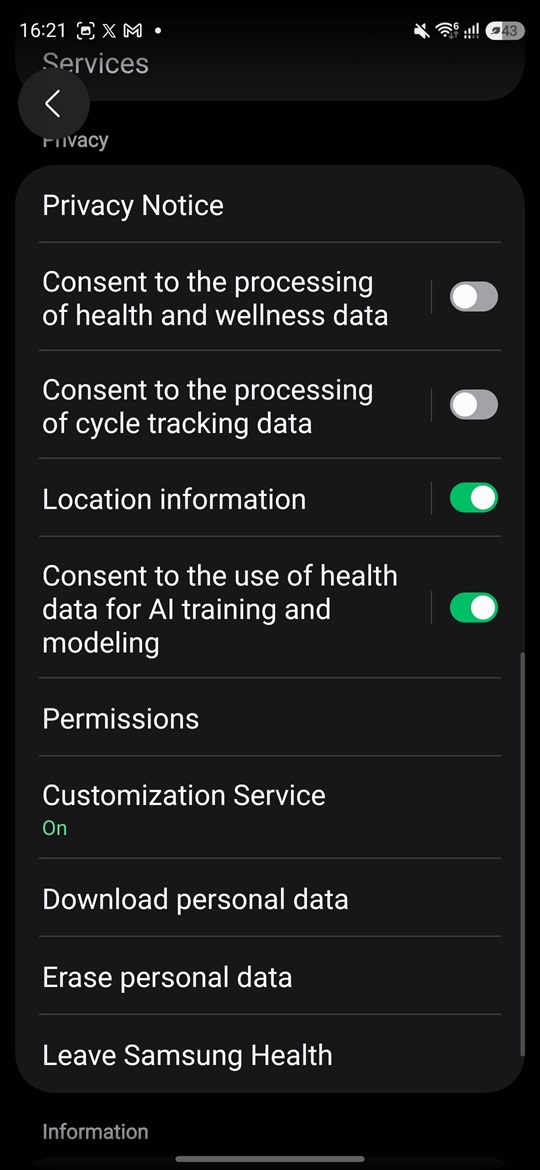
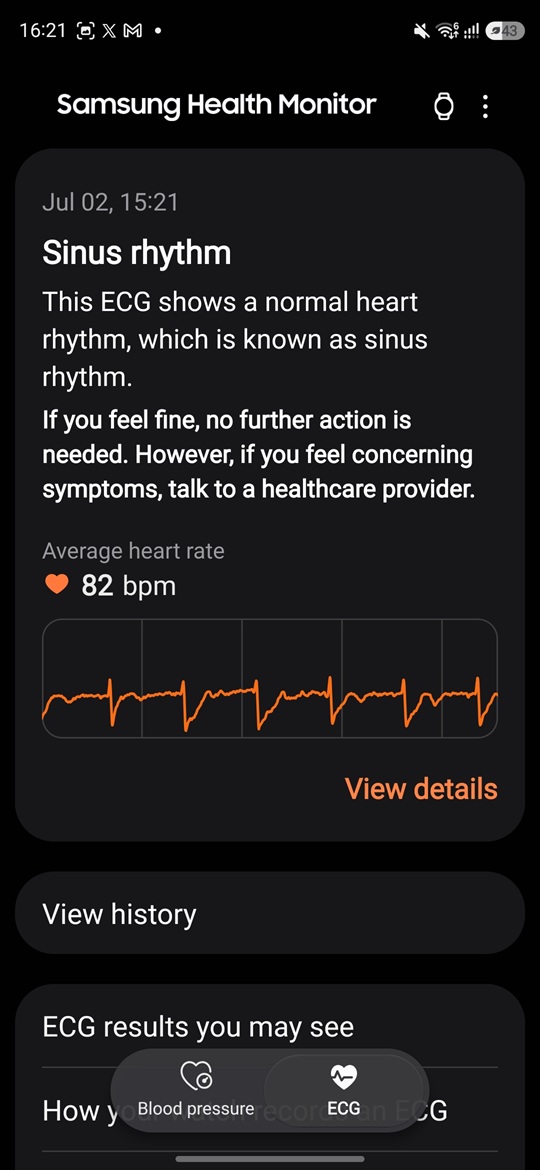
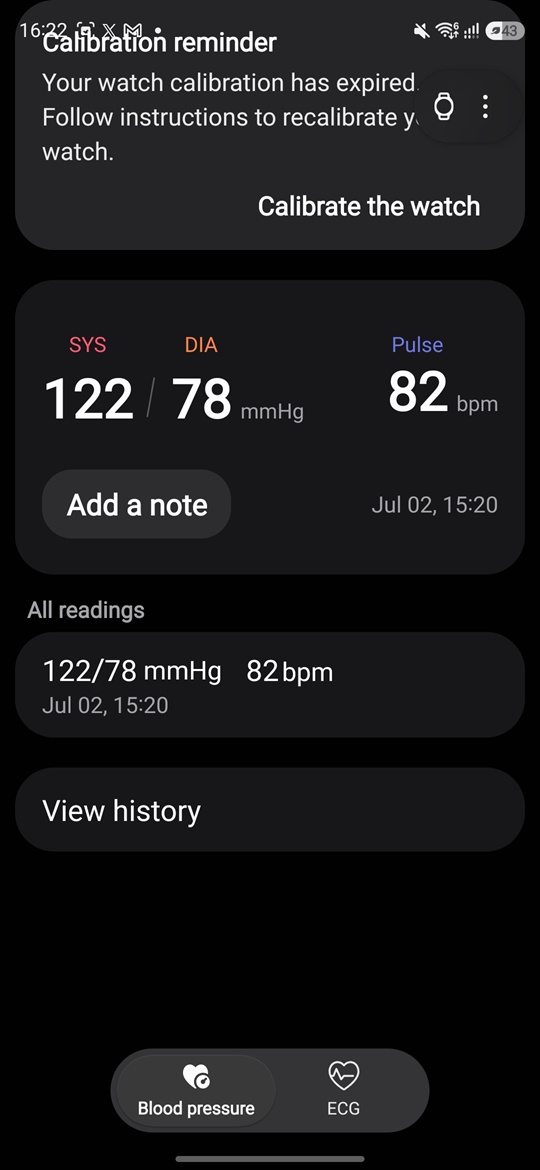
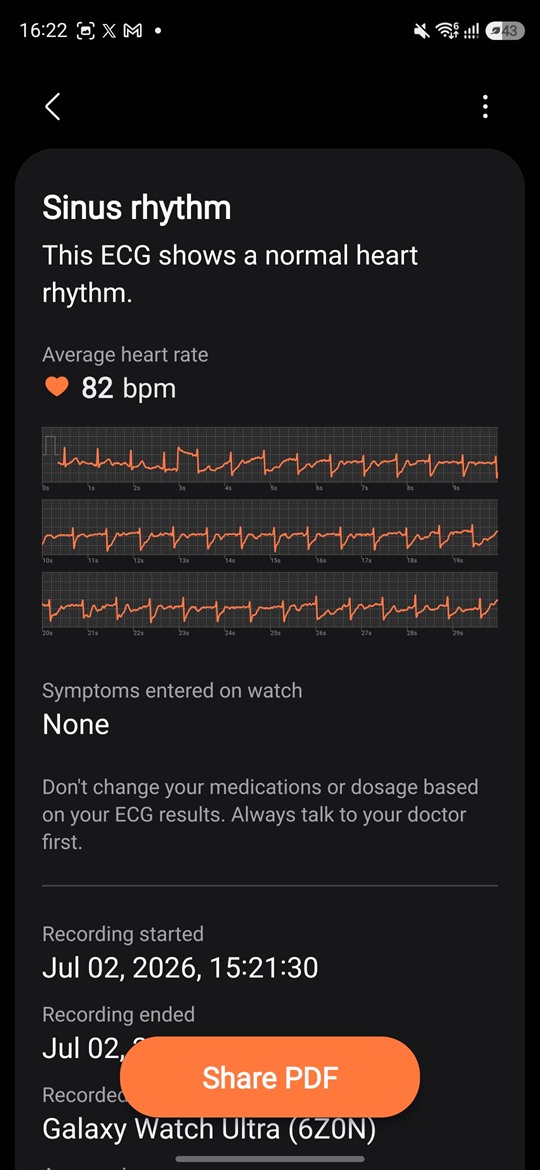
Samsung Health works as a separate app and serves as an analytics hub, bringing together workout metrics, monitoring data, and health information.
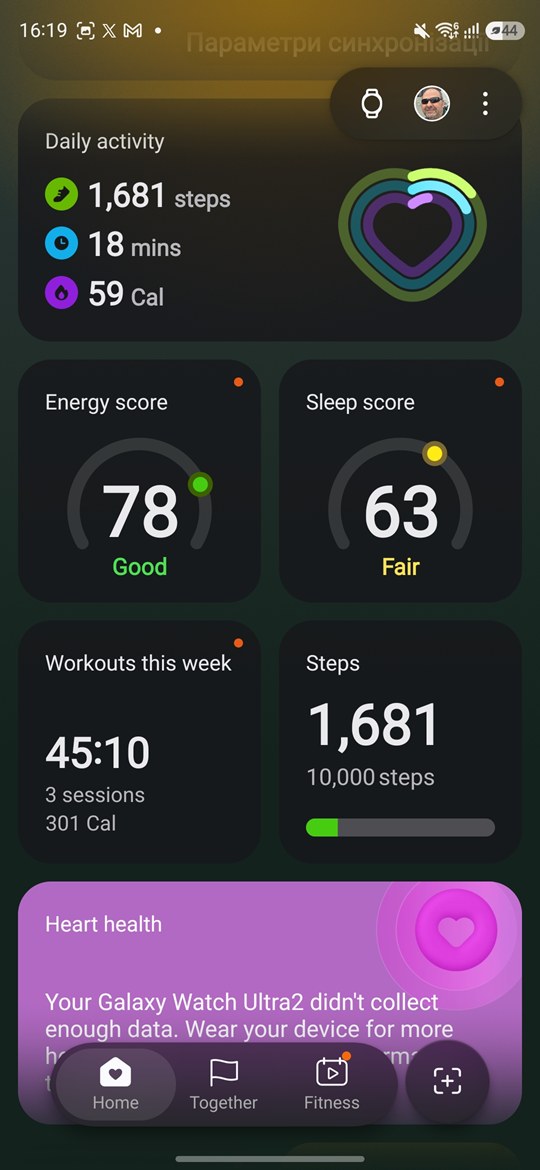
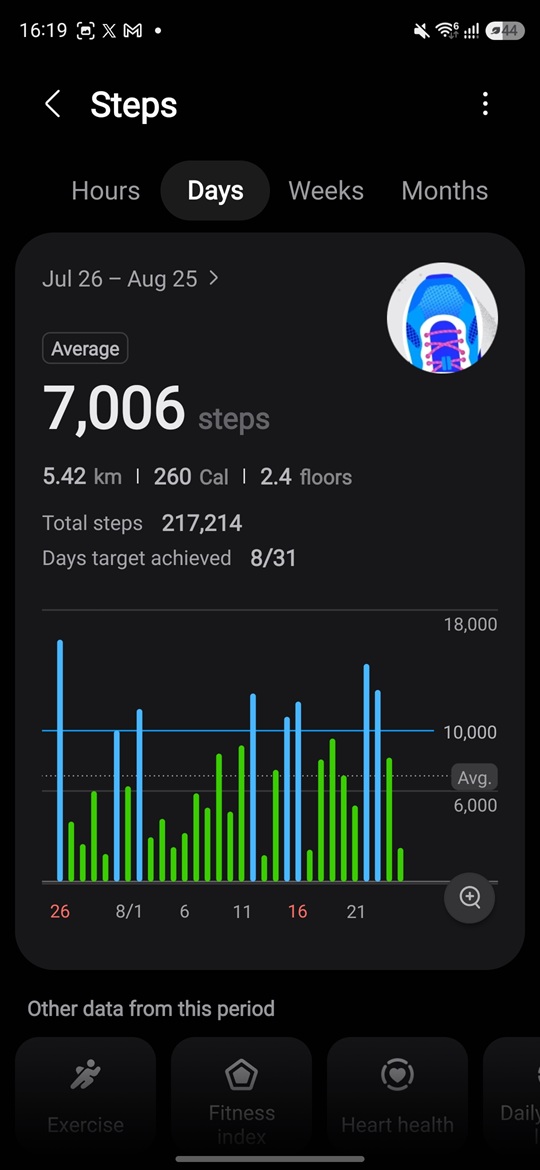
Read also: Samsung Galaxy S26 Plus Review: Is It Worth the Price?
Wear OS in One UI Form
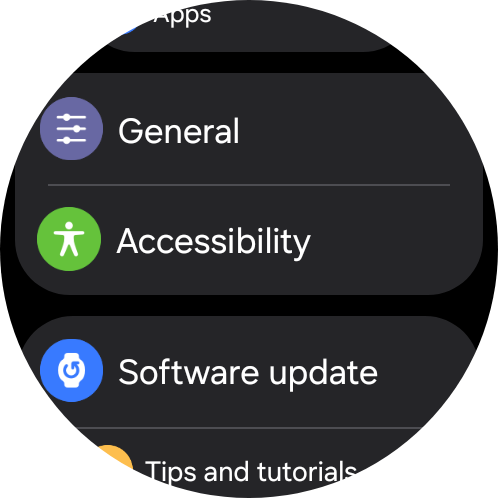
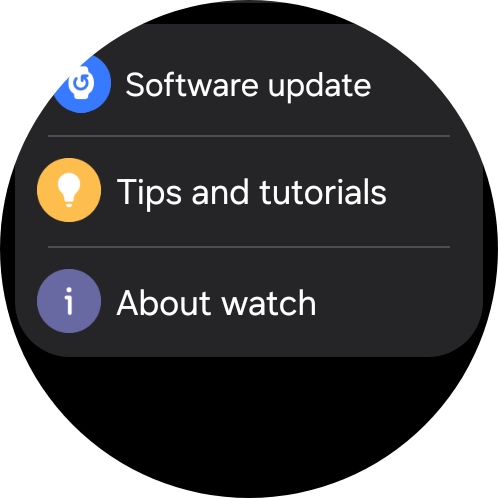
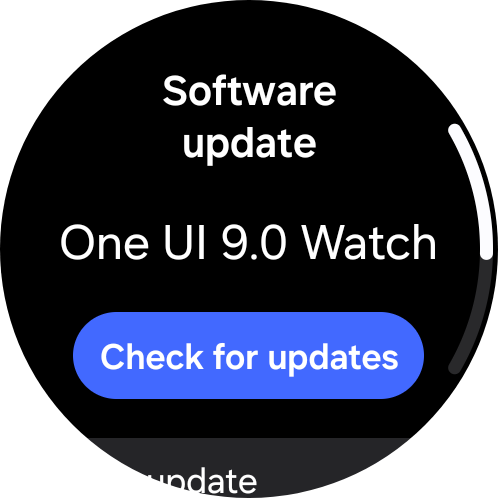
The Galaxy Watch Ultra2 runs Wear OS 7 with the One UI 9 Watch interface. And the software platform is, in my view, still one of the biggest advantages of Samsung’s smartwatches.
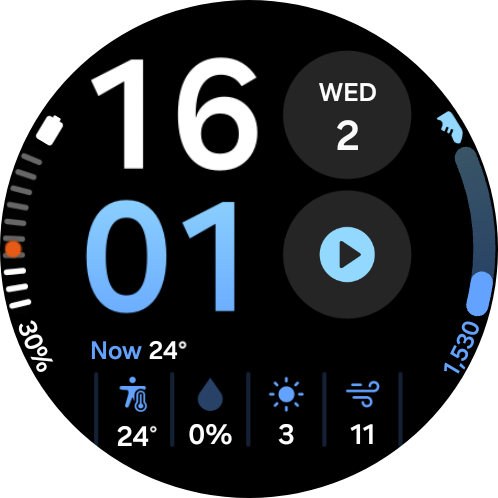
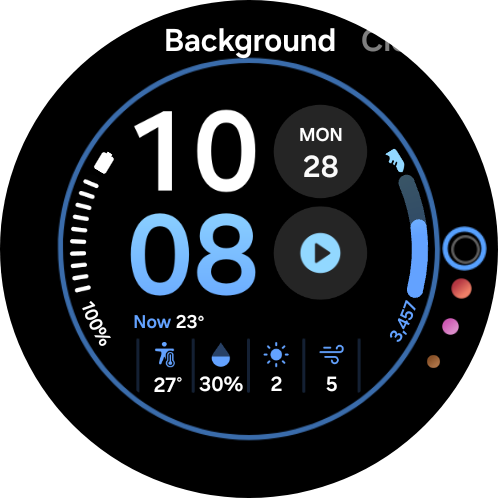
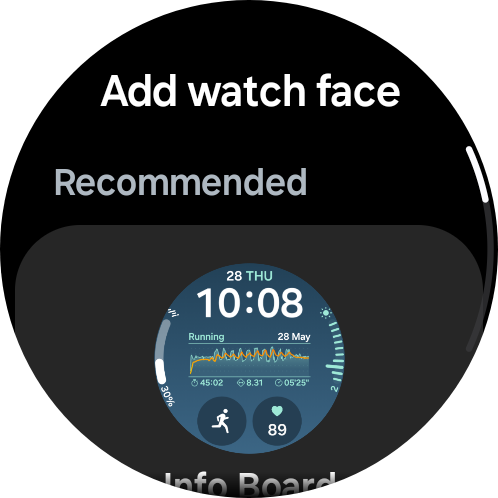
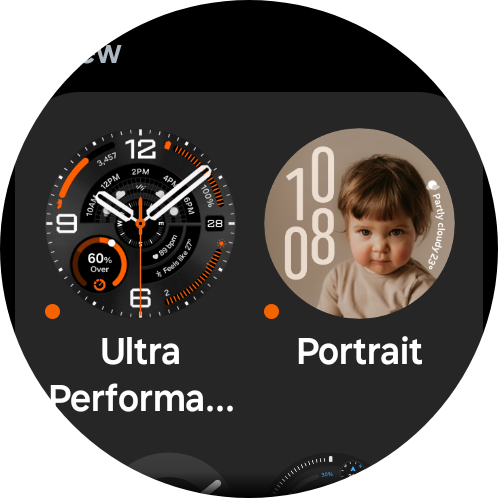
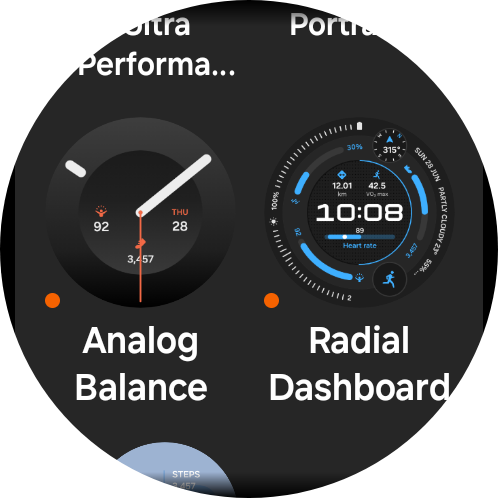
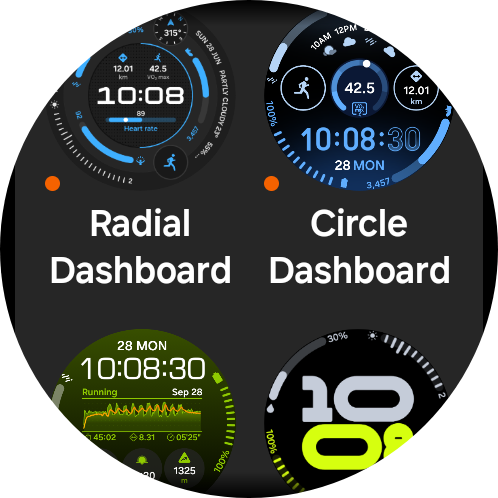
The main screen is, of course, the watch face. There is a huge selection, ranging from highly informative sports-focused designs to minimalist analog faces. Many of them also support extensive built-in customization: you can change the background and element colors, as well as control the layout and types of widgets.
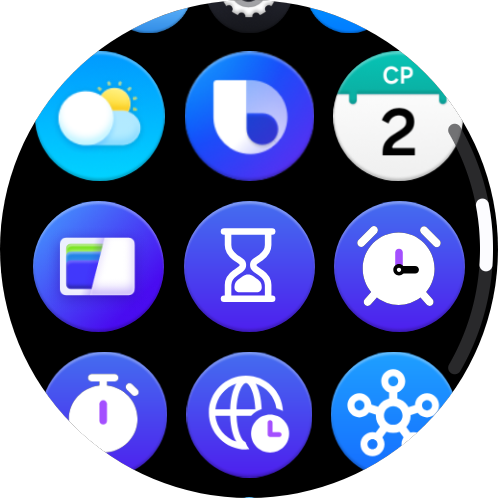
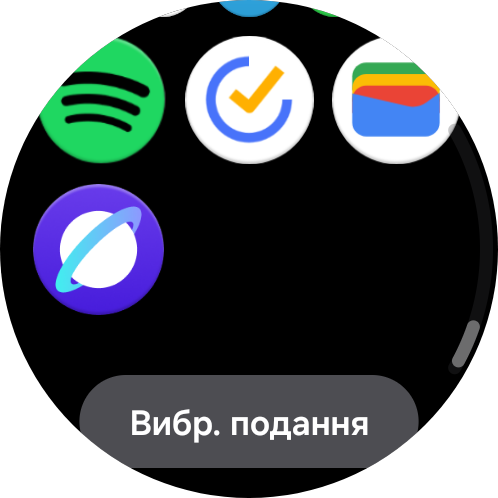
Swiping up opens the menu of installed apps. Wear OS includes Google Play, so you’re not limited to Samsung’s standard selection. You can install Google Maps, Spotify, YouTube Music, Strava, WhatsApp, Gmail, and many other apps. Swiping down brings up the quick settings panel, while smartphone notifications are integrated directly into the watch’s interface.
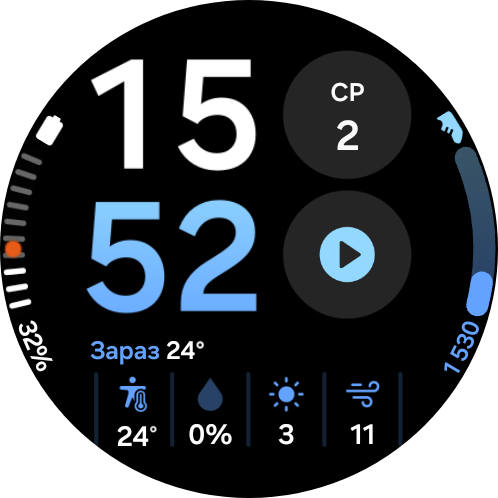
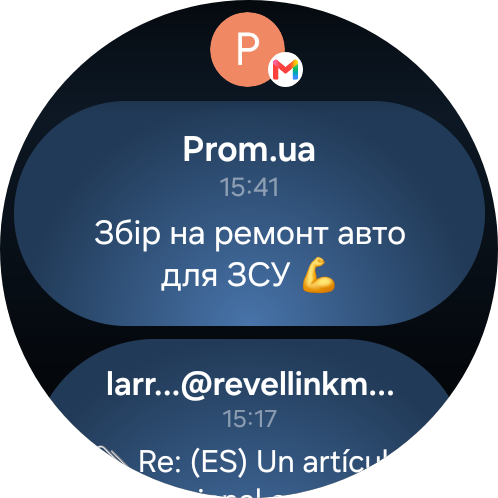
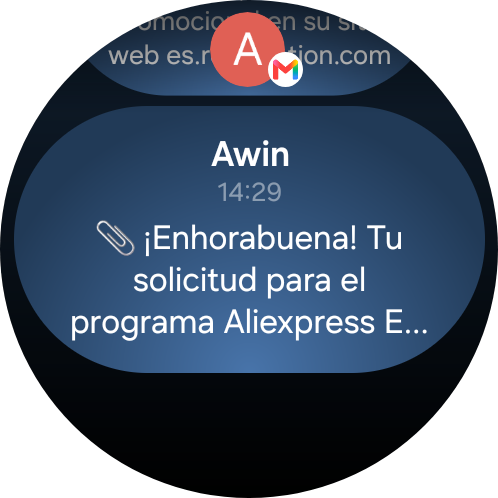
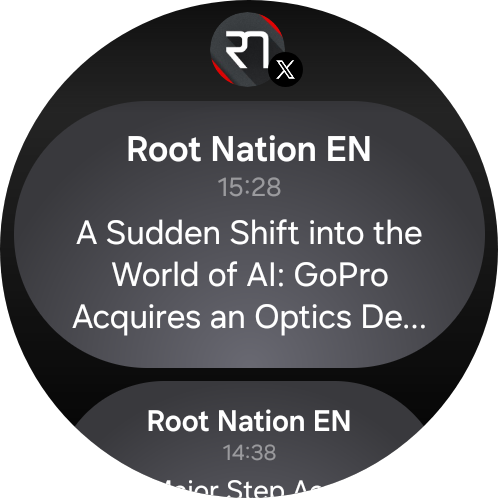
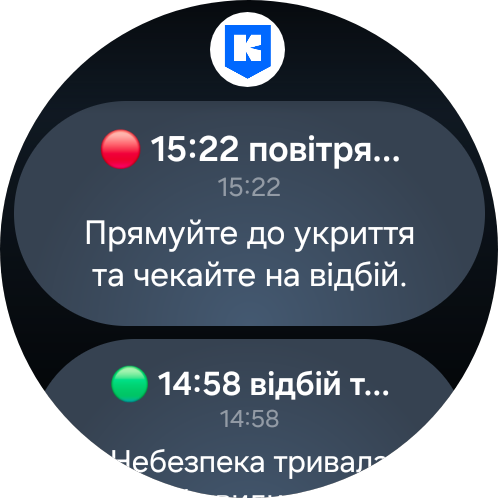
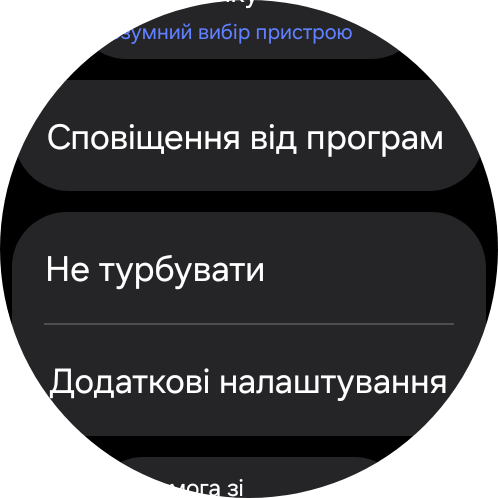
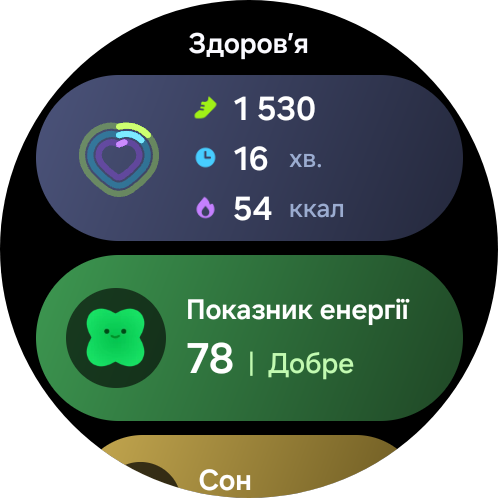
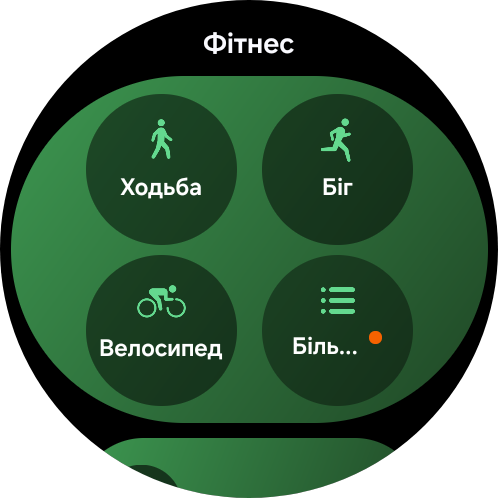
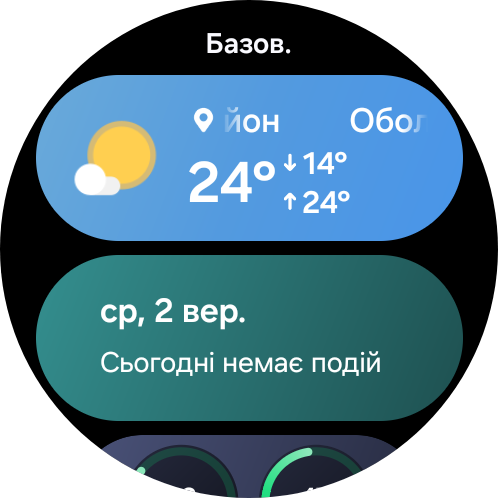

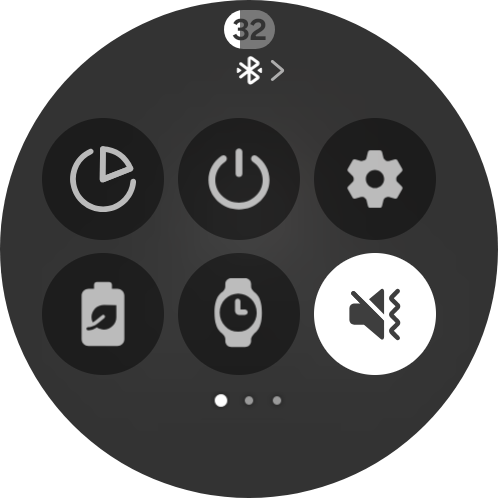
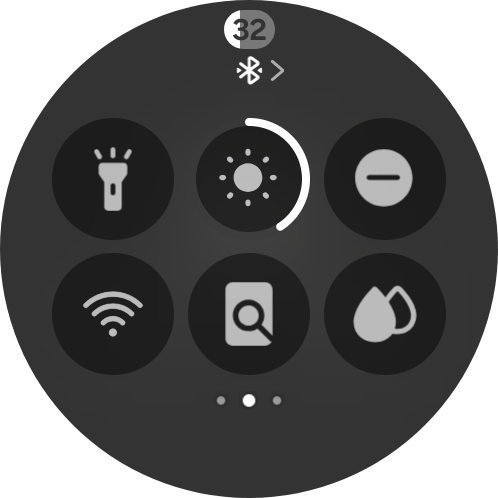
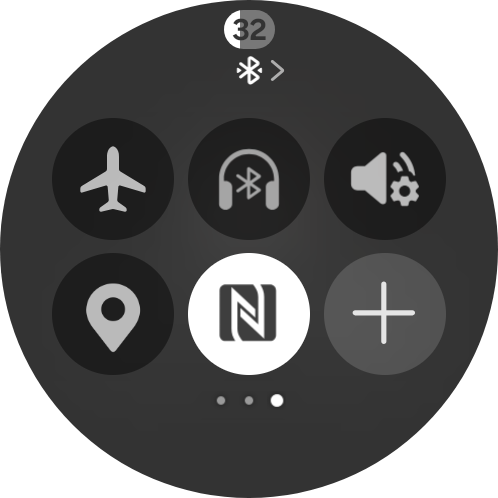
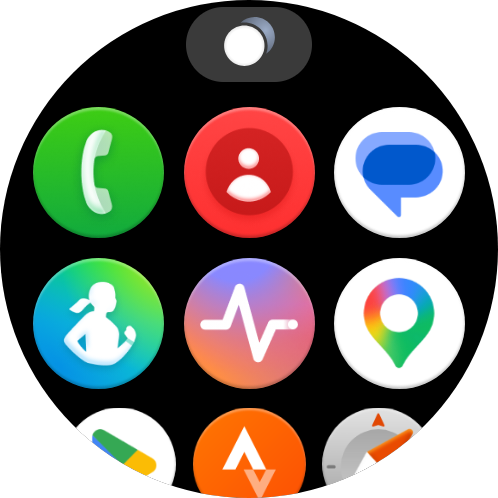
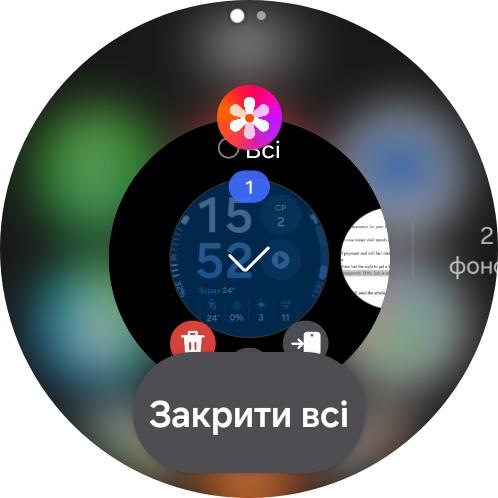
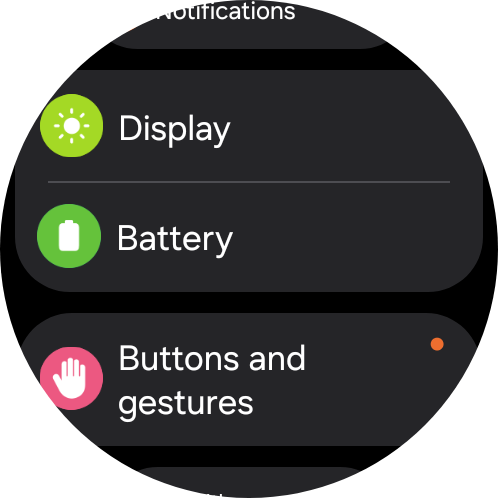
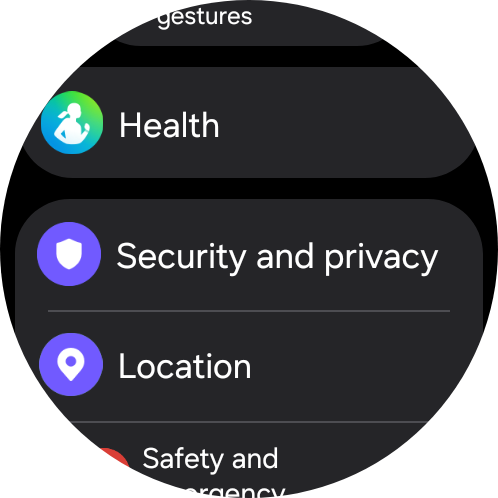
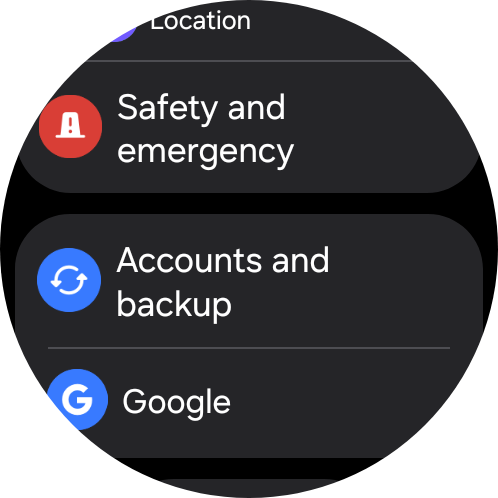
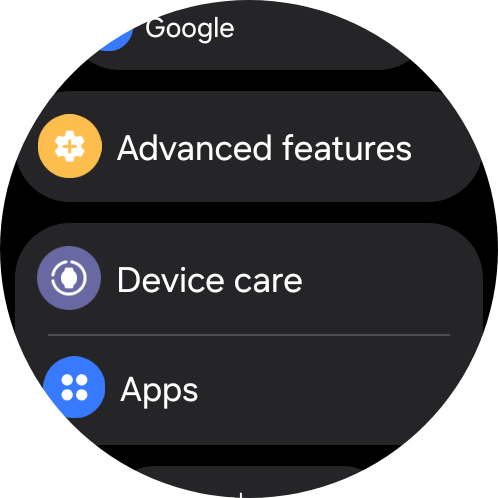
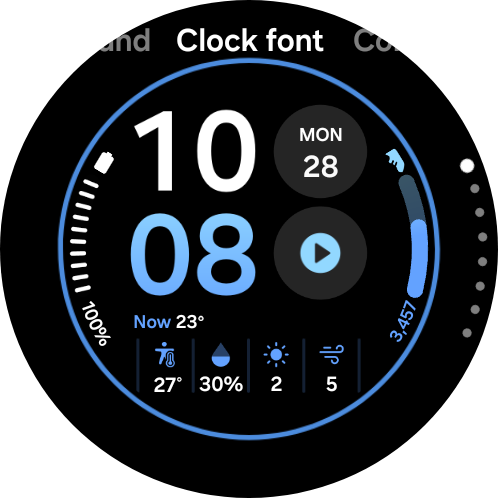
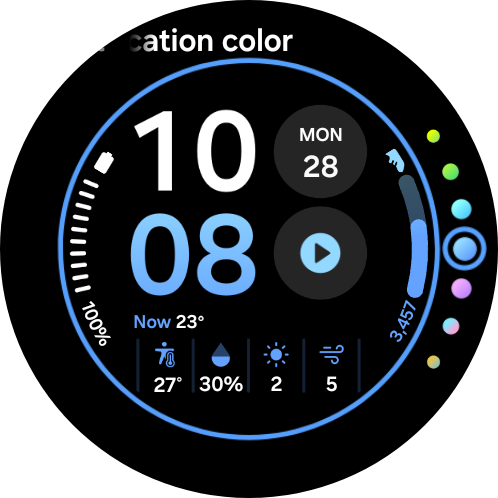
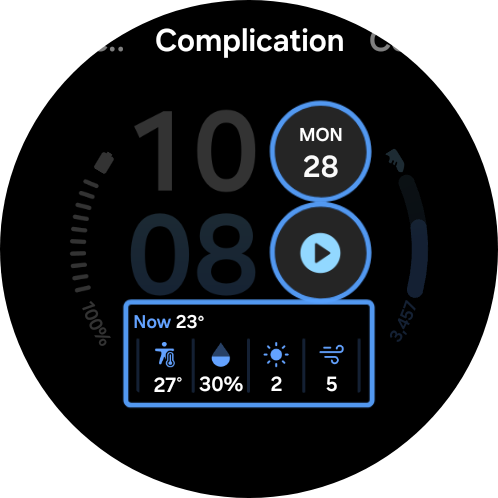
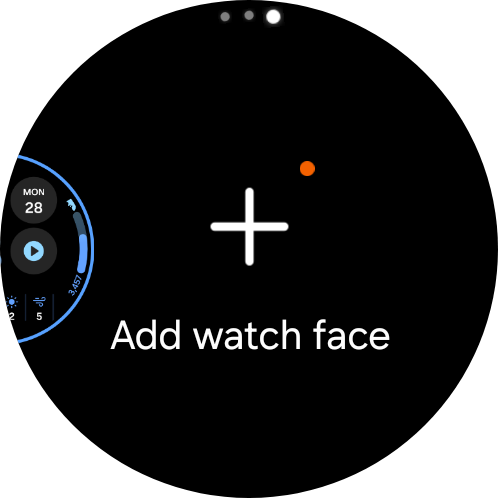
The new Snapdragon Wear Elite platform is also noticeable when navigating the interface. Everything feels fast, animations are smooth, and apps launch almost instantly. It’s not a revolutionary difference compared with the Exynos W1000 in the previous-generation Ultra, which still performs well today, but the additional performance headroom is clearly there.
Read also: Samsung Odyssey G7 G70F Review: Monitor with Dual Mode Support
Controls: Digital Bezel, Buttons, Gestures, and AoD
There is no physical rotating bezel like the one found on the Galaxy Watch Classic. Samsung has instead retained the digital bezel. Simply swipe along the edge of the display to quickly scroll through menus, lists, and tiles. The watch also produces short haptic pulses, creating a subjective sensation that is surprisingly close to using a physical mechanism. It works very well. That said, a genuine mechanical wheel or bezel is still more convenient in the rain, while wearing gloves, or during an intense workout.
The three physical buttons provide plenty of options for quick control. The Home button takes you back to the main screen, while a double press can be assigned to launch a specific app or function. A long press can be used to activate the digital assistant or open the power menu. The lower button can be configured to go back or show recently used apps. You can also assign custom actions to all three buttons.
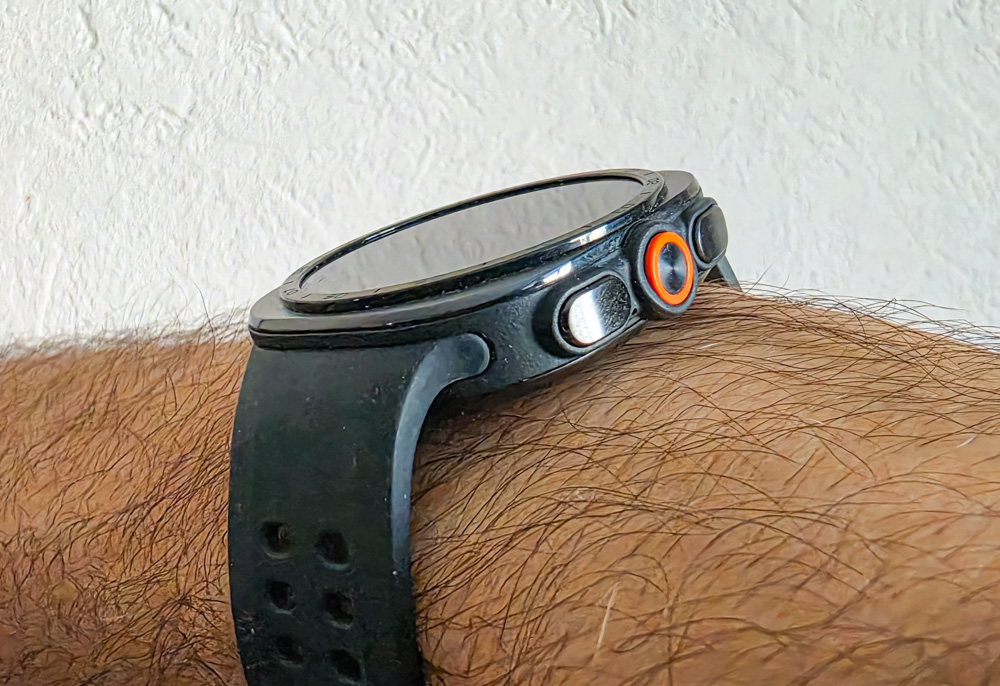

The central Quick Button is primarily designed for quickly starting a workout or launching another frequently used function. Press and hold it for five seconds, and the watch activates an emergency siren with a volume of up to 86 dB.
There is also gesture control. For example, a double-pinch gesture using your thumb and index finger can be used to answer a call, control music, or perform a context-specific action. Swiping inward from the left edge of the screen acts as a “Back” gesture. A simple wrist movement can be used to dismiss an incoming call or turn off an alarm.
The display can be activated by raising your wrist, tapping the screen, or pressing a button. And for those who want to keep the time visible at all times, there is a full-color Always-On Display (AoD).
Sports, Fitness, Hiking, and Health Tracking
When it comes to sports and fitness, the Galaxy Watch Ultra2 is already much more than a conventional fitness tracker. Samsung Health supports a wide range of workout types, including walking, running, cycling, swimming, gym workouts, strength training, hiking, and many other activities. The dual-frequency L1+L5 GPS provides fairly accurate route tracking even in challenging environments, such as dense urban areas or wooded terrain.

One of the new features is Trail Run. This dedicated trail-running mode displays elevation, elevation gain and loss, ascent progress, and supports GPX routes.
For runners, there is also Running Coach. After a 12-minute test run, the system assesses your fitness level and can create a personalized training plan for distances ranging from 5K to a full marathon.
For cyclists, the watch can connect directly to external power, speed, and cadence sensors, without requiring a smartphone as an intermediary.

Diving is another major area. The Galaxy Watch Ultra2 has received EN13319 certification, and its built-in diving mode can automatically detect a dive and record depth, time underwater, and water temperature. The watch is rated for underwater use at depths of up to 40 meters.
When it comes to health tracking, the feature set is extensive: heart rate, SpO₂, ECG, blood pressure monitoring in supported markets, BIA body composition analysis, skin temperature, stress levels, sleep tracking, sleep apnea detection, Energy Score, vascular load, Antioxidant Index, VO₂ max, and much more. Some features may vary depending on the country and the model of the connected smartphone.

There are also new features such as Daily Cardio Load, Fitness Index, and Vitals. In other words, Samsung is gradually moving beyond simply collecting numbers toward providing actionable recommendations: how much you should train, when it might be better to rest, how well your body has recovered, and whether your usual overnight metrics have changed. Of course, this is not a medical device, and you shouldn’t use watch data to make diagnoses. But for continuously monitoring trends and changes over time, there is more than enough information here.
Additional Features – Communications, Apps, and Notifications
And now for one of the main reasons I personally like LTE smartwatches running Wear OS. Imagine a typical scenario: I leave my smartphone in my hotel room or locked inside the car and head to the beach, go for a walk, a run, or a workout. The Galaxy Watch Ultra2 remains a fully functional communication device the entire time. You can make and receive calls using the built-in microphone and speaker, receive notifications, reply to SMS messages, use messaging apps, launch navigation, and stream music over LTE to connected Bluetooth headphones. There’s also Google Assistant/Gemini, Google Maps, Google Wallet, Spotify, YouTube Music, WhatsApp, and other Wear OS apps. So, in many situations, you really can leave your smartphone at home.

And this is where the difference between Wear OS and more sports-oriented smartwatches becomes particularly noticeable. Most traditional smartwatch models are much more dependent on a connected smartphone when it comes to communications and third-party apps.
Why Have LTE in a Watch, and What Happens to the SIM Card?
The Galaxy Watch Ultra2 has a built-in eSIM. Technically, there are two possible scenarios. In the first, the watch gets its own mobile number and separate cellular plan. In the second, the carrier supports a service such as Number Share or MultiSIM, where your smartphone’s primary number is shared with the watch. In that case, an incoming call can reach both your smartphone and your watch, while calls made from the watch use your primary number. Which option is available depends on the specific carrier and plan. Samsung supports eSIM activation on compatible Galaxy Watch models in Ukraine, but the terms for using a single number across multiple devices need to be confirmed with your carrier.
Battery Life and Charging
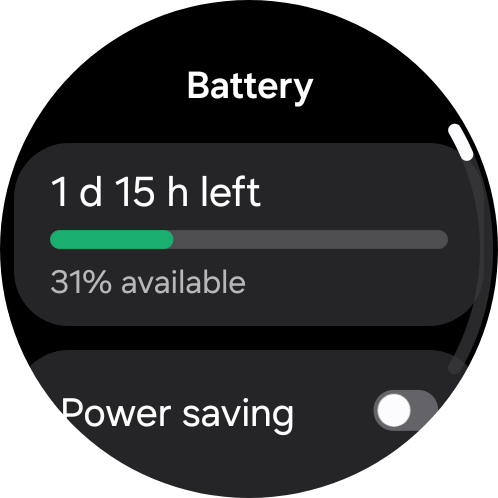
This is where, in my view, one of the Galaxy Watch Ultra2’s most important advantages lies. The first-generation Galaxy Watch Ultra has a 590 mAh battery. The new model packs 800 mAh, meaning the capacity has increased by roughly one-third. But numbers are one thing; what interested me much more was how the watch performs in real-world use.

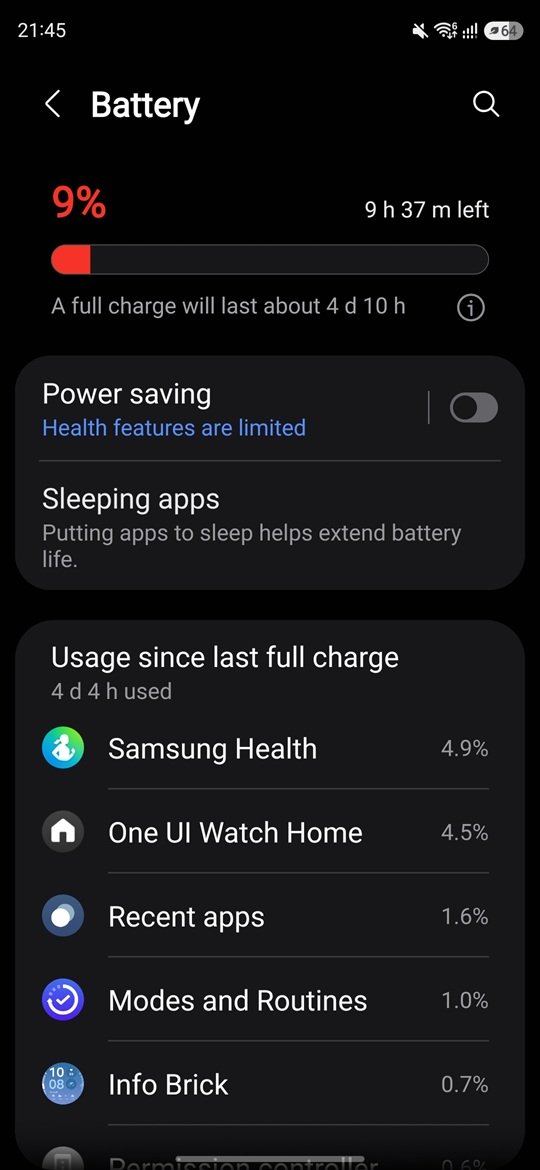
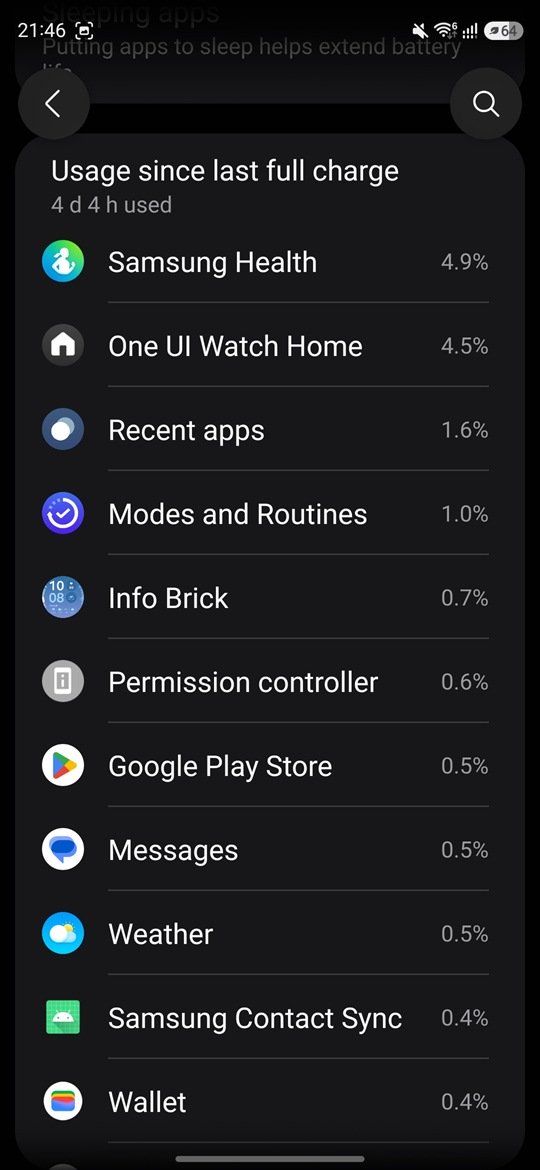
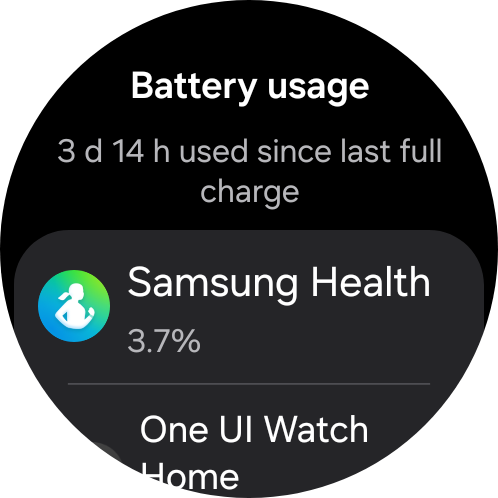
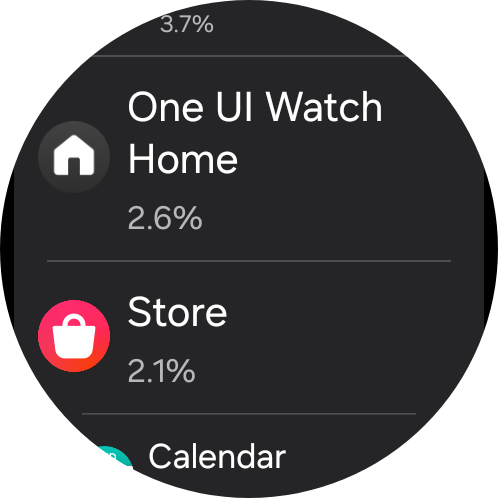
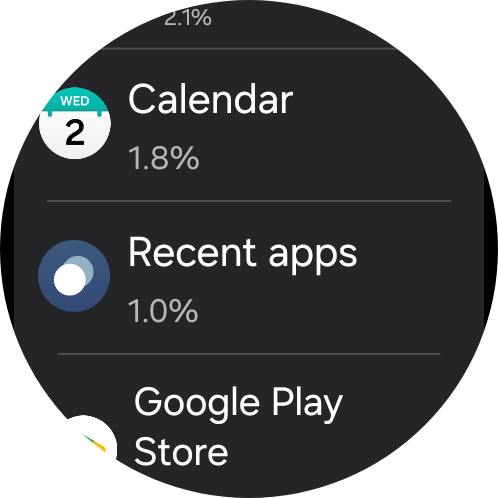
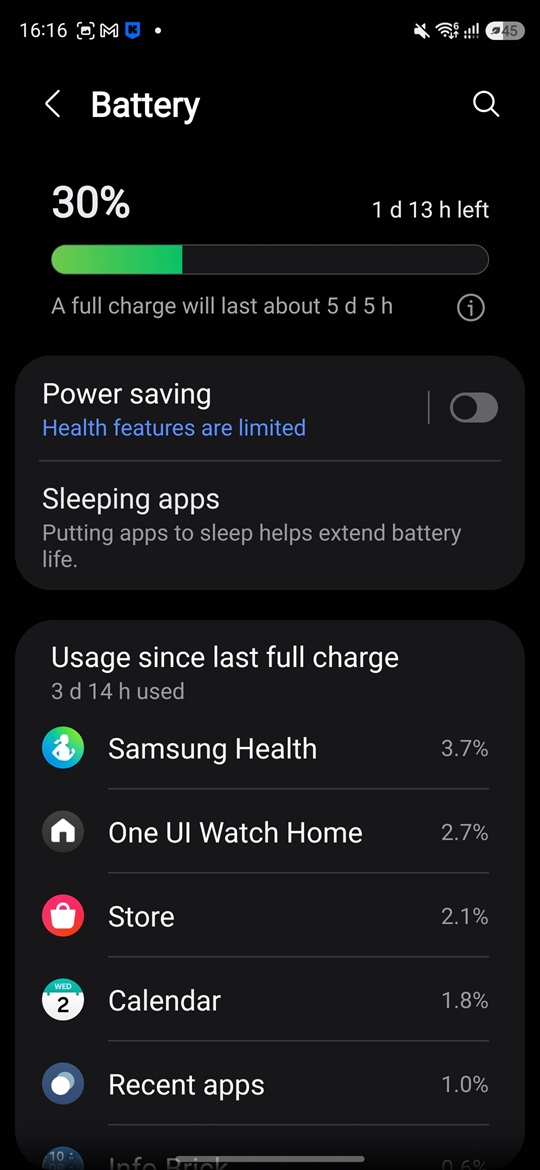
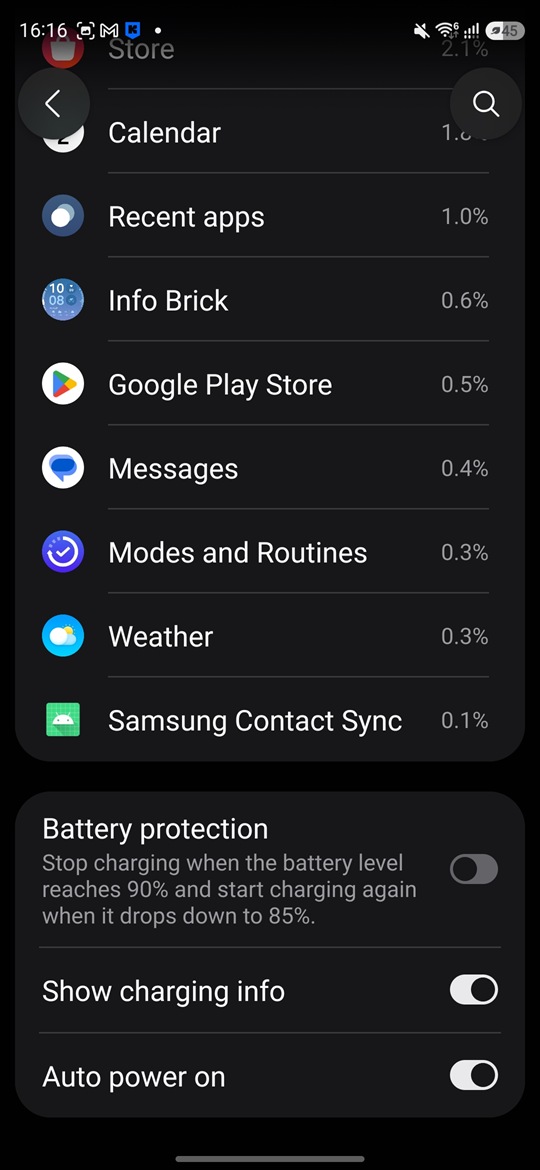
My “old” Galaxy Watch Ultra uses roughly 30–35% of its battery per day with my typical usage pattern. That includes notifications, LTE, and health monitoring, but without the Always-On Display. In practice, that gives me around two to three days of battery life. I transferred virtually the same settings to the Galaxy Watch Ultra2, one-to-one. Here, battery consumption drops to around 20–25% per day. That means I consistently get four days of use, with a small amount of battery still left at the end.
For a Wear OS smartwatch, that is an excellent result in my view. Especially considering that we’re talking about a full-fledged operating system, LTE connectivity, GPS, a large AMOLED display, and continuous background health monitoring.
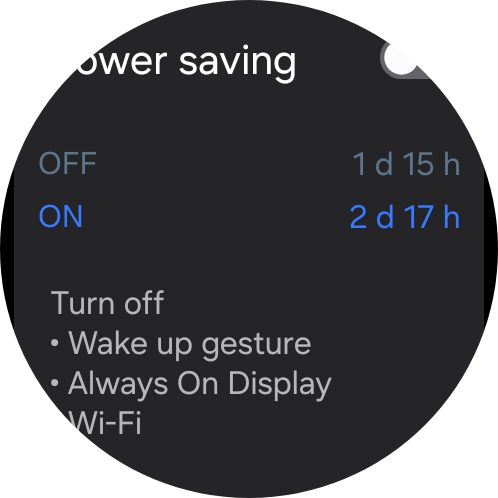
Samsung officially claims up to 80 hours of battery life with AoD turned off and up to 60 hours with it enabled. But as you can see, under certain usage scenarios, it is possible to get even more. Here are my typical battery-life figures:
And finally, the watch now supports fast charging. Around 40% of the battery can be charged in 30 minutes. For such a large 800 mAh battery, that is a very useful improvement.

So even if you forget to charge the watch in the evening, you can put it on the charger in the morning, take a shower, have breakfast – and end up with enough battery for a significant part of the day, or even a fully charged watch.
Read also: Xiaomi Watch 5 Review: Wear OS and 6 Days of Battery Life
Vibration and Sound
The Galaxy Watch Ultra2 has a built-in speaker, microphone, and a full-fledged haptic motor. Vibration strength and patterns can be adjusted separately. You can choose the vibration intensity for calls and notifications, select different patterns, and configure haptic feedback throughout the interface. The haptic function works particularly well with the digital bezel: as you swipe along the edge of the display, short pulses create a convincing simulation of mechanical rotation.
The speaker is loud enough not only for system sounds, but also for phone calls, voice guidance during workouts, and navigation. There is also an emergency siren, which is a useful additional feature for hikers and athletes.
Read also: Samsung Galaxy Buds4 Pro Review: Capable Flagship Earbuds, but Not for Everyone?
Conclusion
At first glance, the Samsung Galaxy Watch Ultra2 may seem like a very conservative upgrade. The overall shape of the device has barely changed, the button layout is familiar, and from a distance, it is not particularly easy to tell the two generations apart. But after a few days of use, it becomes clear that there are actually quite a few changes.
The design has become more understated and, in my view, more sophisticated. The case is roughly 1.4 mm thinner, despite housing a significantly larger battery. The display has grown slightly, gained a higher resolution, and its peak brightness has increased from 3,000 to 5,000 nits. The Exynos processor has been replaced by the new Snapdragon Wear Elite platform. There is also IP69K protection, EN13319 certification for diving, fast charging, and a number of new sports features.
But for me, the biggest improvement is battery life. Going from an actual two to three days of use to a consistent four – and potentially even five – is a genuine change in the user experience for a Wear OS smartwatch.

Samsung has also significantly expanded the entire software ecosystem: Wear OS 7, One UI 9 Watch, Samsung Health, along with new sports and wellness features. And it is precisely this combination of full-fledged Wear OS, LTE connectivity, and solid battery life that makes the Ultra2 one of the most versatile Android smartwatches.
But there is one major problem – the price. So if you already own the first-generation Galaxy Watch Ultra, I wouldn’t recommend rushing out to replace it with the Ultra2. The older watch is still excellent. But if you’re buying a smartwatch for the first time and your budget allows for it, the second generation is definitely the more interesting option, especially because of its battery life, fast charging, thinner case, and new display. And this is where Samsung has managed to do exactly what you want from a second-generation product: instead of reinventing everything from scratch, it has systematically improved what was already there.
Pros
- More understated and premium-looking design
- Excellent materials and build quality
- Slightly thinner case
- Larger and significantly brighter AMOLED display
- Snapdragon Wear Elite
- 64 GB of storage
- Full-fledged Wear OS with a wide selection of apps
- LTE and eSIM
- Improved IP69K protection
- EN13319 certification and dedicated diving mode
- Very extensive range of sports and health features
- Noticeably better battery life
- Fast charging
Cons
- The external changes are still fairly minor, so it doesn’t quite feel like an entirely new product
- The case remains large and heavy
- No physical rotating bezel or crown
- Some health features depend on the country and connected smartphone
- Very high launch price
- The current price gap compared with the previous-generation Galaxy Watch Ultra is too large
Where to buy Samsung Galaxy Watch Ultra2