© ROOT-NATION.com - Use of content is permitted with a backlink.
Compact wireless mice have long since evolved beyond being simply smaller versions of desktop models. Modern mobile accessories are expected to be lightweight and slim while still delivering long battery life and enough comfort for everyday work on the go. As a result, manufacturers are increasingly experimenting with design concepts in an effort to strike the right balance between portability and usability.

The Logitech Mobi Fold is one of the most intriguing new products of the year. Rather than introducing just another compact Bluetooth mouse, the company has effectively reimagined the concept of a mobile pointing device. Its foldable design significantly reduces the mouse’s dimensions during transport, while unfolding it restores a familiar ergonomic shape. Add to that a modern sensor, support for simultaneous connectivity with multiple devices, compatibility with Logi Options+ software, Quiet Click switches, and a touch-sensitive scrolling surface in place of a traditional scroll wheel, and the result is a decidedly unconventional device. After several weeks of use, the Mobi Fold left a somewhat mixed, yet largely positive, impression. It has several notable strengths, although it is not without compromises. More on that in this review.
TABLE OF CONTENTS:
Logitech Mobi Fold Specifications
- Sensor: Logitech PAW3222 optical sensor
- Resolution: 400–4000 DPI
- Connection interface: Bluetooth Low Energy
- Logi Bolt support (USB receiver sold separately)
- Simultaneous connection to up to three devices
- Easy-Switch device switching
- Number of buttons: 4
- Adaptive Touch Scroll touch panel
- Quiet Click switches
- Built-in rechargeable battery
- Battery life: up to 30 days
- USB Type-C fast charging
- 1 minute of charging – up to 22 hours of use
- Weight: approx. 79 g
- Compatibility: Windows, macOS, Linux, ChromeOS, Android, iPadOS
Read also: Logitech releases the Spotlight 2 presenter with haptic feedback for better presentations
Positioning and Price
Logitech positions the Mobi Fold as a premium solution for users who spend a significant amount of time working away from the office. It is designed for ultrabook and tablet owners, business professionals, students, and anyone who travels frequently and prefers not to carry a full-sized mouse.

In terms of pricing, the model sits between the Logitech Pebble and the MX Anywhere series, offering not so much maximum functionality as an entirely new approach to portability. In fact, its primary competitor is the legendary Microsoft Arc Mouse, which also employs a foldable design. However, Logitech’s solution feels more modern thanks to support for connecting to up to three devices, fast charging capabilities, and integration with Logi Options+. For users who frequently work on airplanes, trains, in coworking spaces, or at cafés, compactness becomes the defining advantage of this model.
Package Contents
The package is intentionally minimalistic, which has become a defining characteristic of most modern Logitech accessories. Inside the box are the Logitech Mobi Fold mouse, a USB Type-C cable, and the accompanying documentation.


The Logi Bolt USB receiver is not included in the package. If your laptop supports Bluetooth, this is unlikely to be an issue. However, for corporate environments or users who prefer a Bolt connection, the receiver will need to be purchased separately.
Read also: Logitech G512 X 75 Hybrid Keyboard Review: A Strong Evolution of Magnetic Switch Technology
Design and Materials
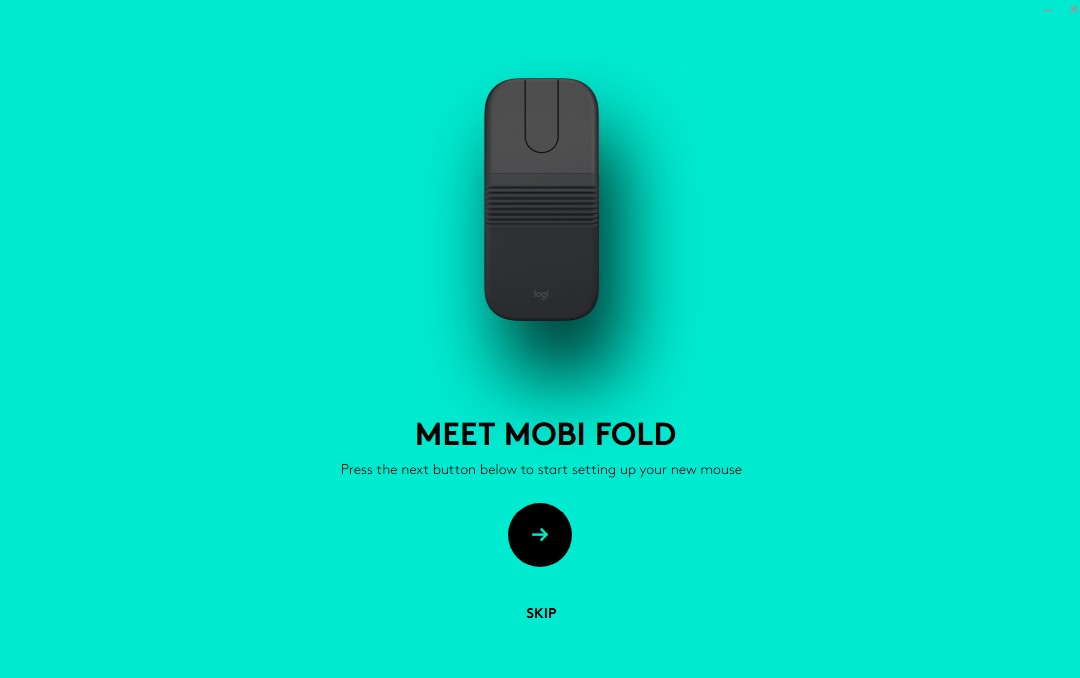
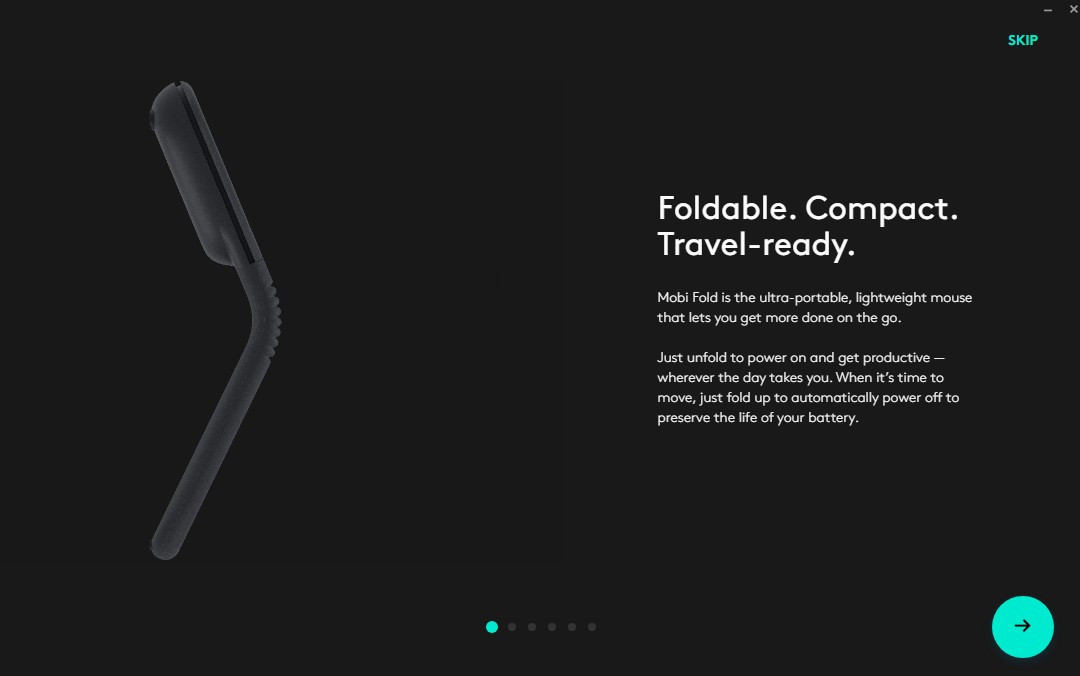
The first thing that stands out is the mouse’s rather unconventional design. When folded, the Mobi Fold resembles a clamshell mobile phone from decades past. The mouse easily fits into a pocket, a small bag, or a tablet sleeve. Once unfolded, the body automatically locks into its working position, taking on a shape that is comfortable to hold in the hand.

The folding mechanism itself feels robust and almost monolithic, with no noticeable play or creaking. It is clear that Logitech has invested considerable effort in ensuring the mechanism’s durability.

The top panel features a pleasant matte finish that is highly resistant to fingerprints. The underside is made of durable plastic and incorporates small PTFE feet, allowing the mouse to glide smoothly across virtually any surface.

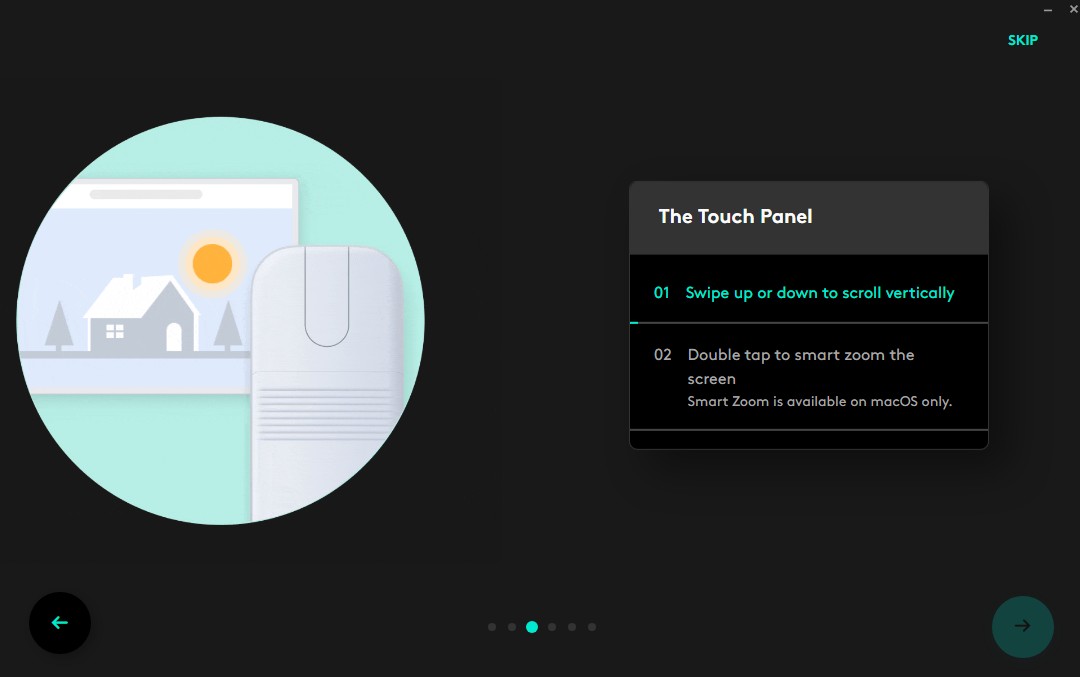
The touch-sensitive scrolling strip deserves special attention. Instead of a conventional scroll wheel, Logitech uses an Adaptive Touch Scroll surface with haptic feedback. After a few hours of use, it no longer feels unusual, although a traditional scroll wheel still offers more precise control when working with large documents.

Read also: Logitech Pro X2 Superstrike Review: Esports Mouse with Magnetic Switches
Logitech Mobi Fold Ergonomics
Ergonomics is arguably the most important consideration for any compact mouse.


When unfolded, the Mobi Fold proves to be considerably more comfortable than its photographs suggest. Thanks to its curved body, the hand rests in a more natural position than it does on most ultra-portable, nearly flat mouse designs.


Of course, it cannot fully replace the Logitech MX Master or even the MX Anywhere. Due to its compact dimensions, the palm is only partially supported, which can lead to mild fatigue during extended use. However, for a few hours of work while traveling, the level of comfort is more than adequate.

The Quiet Click switches are genuinely very quiet. The clicks remain tactile and informative, yet generate very little noise. This proves particularly useful when working in libraries, meeting rooms, or on public transportation.
The sensor performs accurately, even on most wooden surfaces without the need for a mouse pad. The maximum sensitivity of 4,000 DPI is unlikely to be necessary for the average office user, but having that extra headroom is certainly a welcome addition.
Read also: Logitech MX Master 4 Review: An update to the best professional computer mouse!
Connectivity and Compatibility
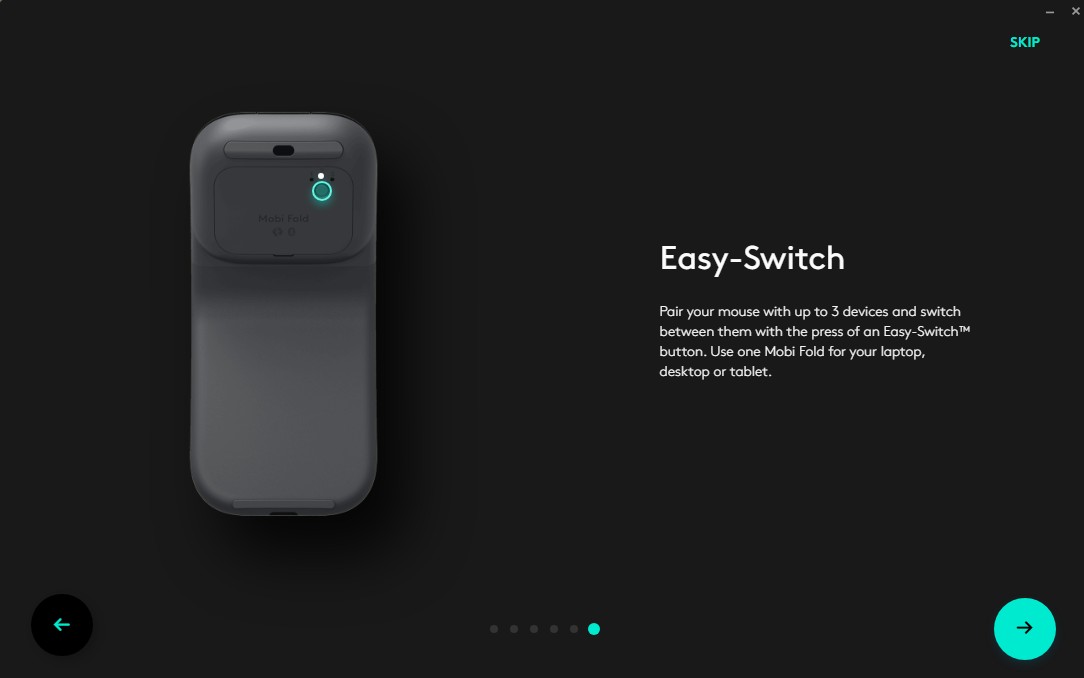
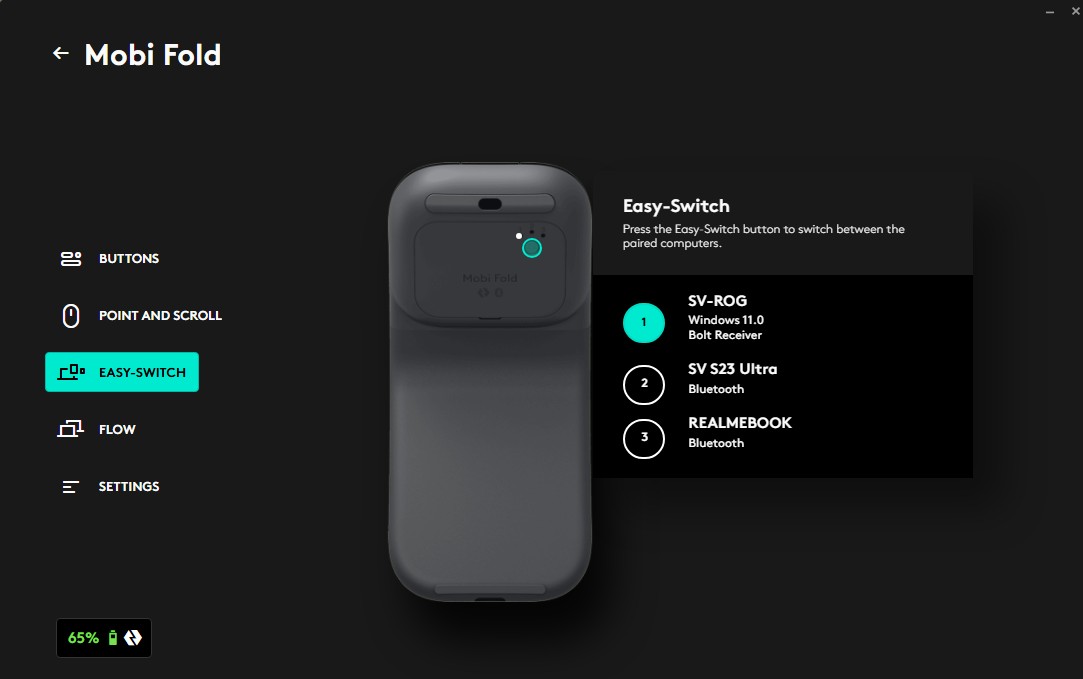
The Mobi Fold supports simultaneous connections to up to three different devices via Bluetooth, allowing users to switch between them quickly using the Easy-Switch button. For example, it is possible to work with a laptop, tablet, and smartphone at the same time, moving between them in a matter of seconds.
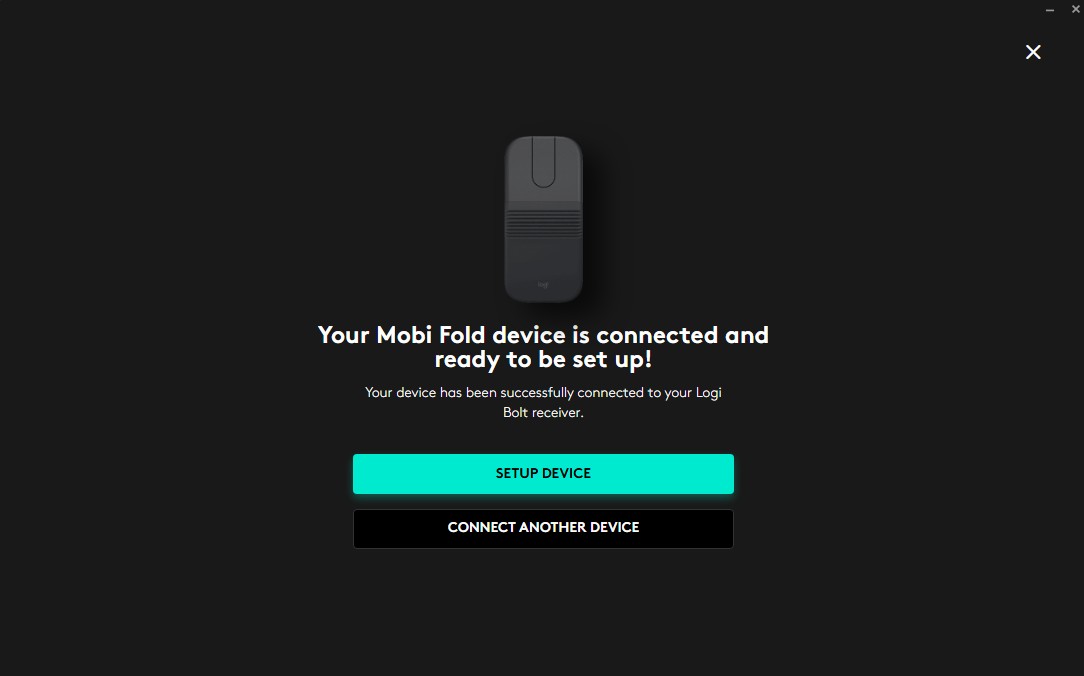
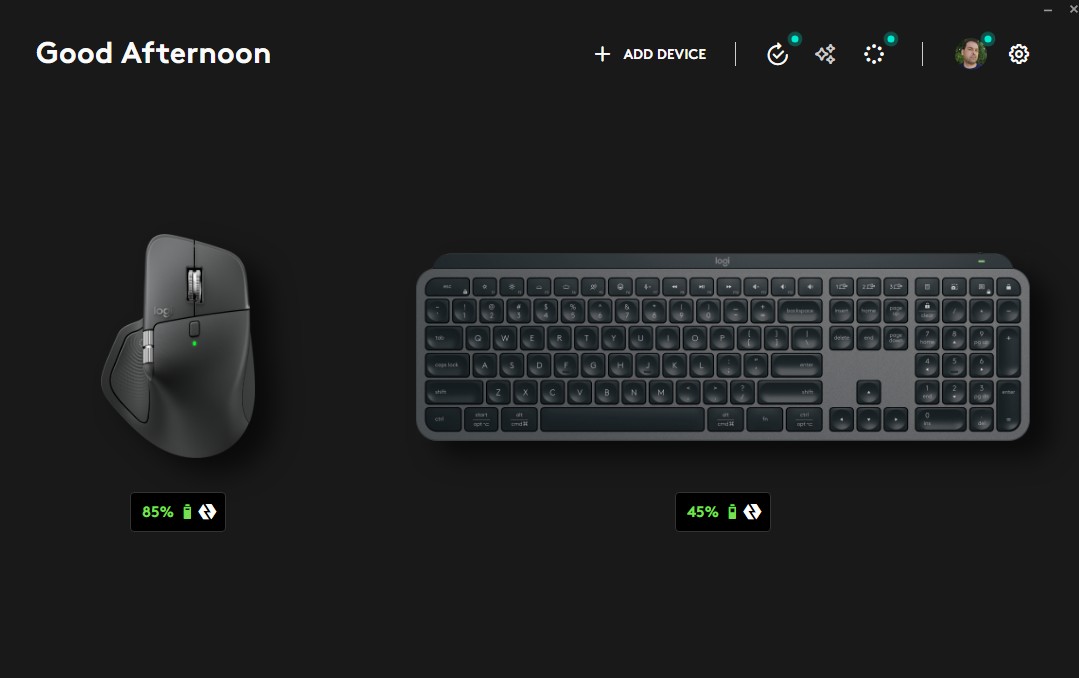
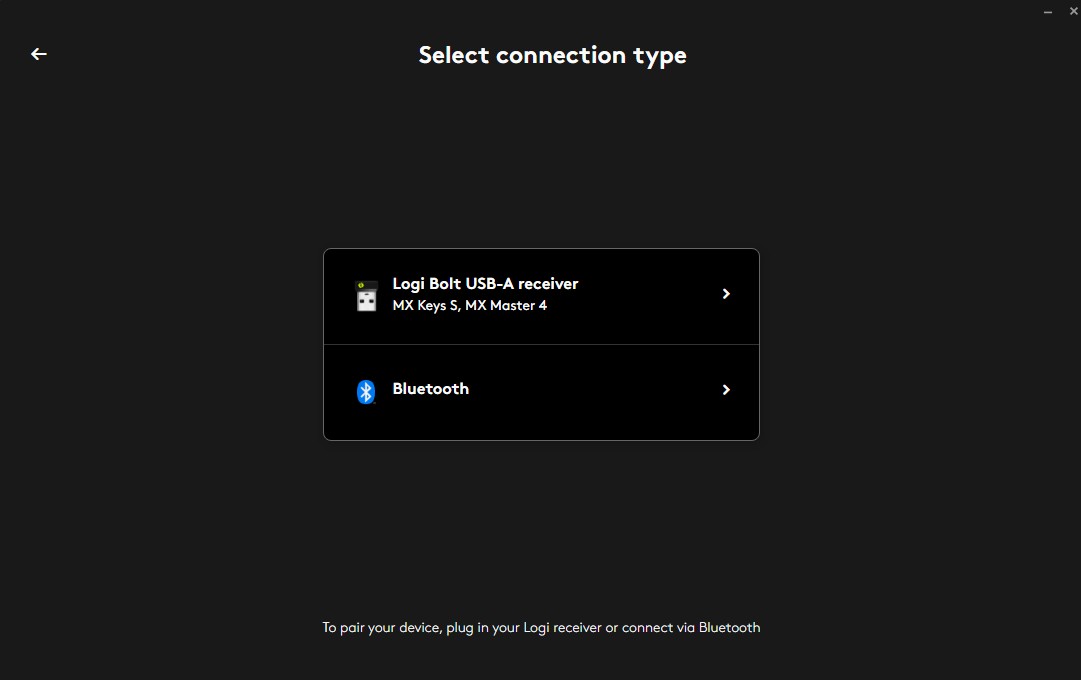
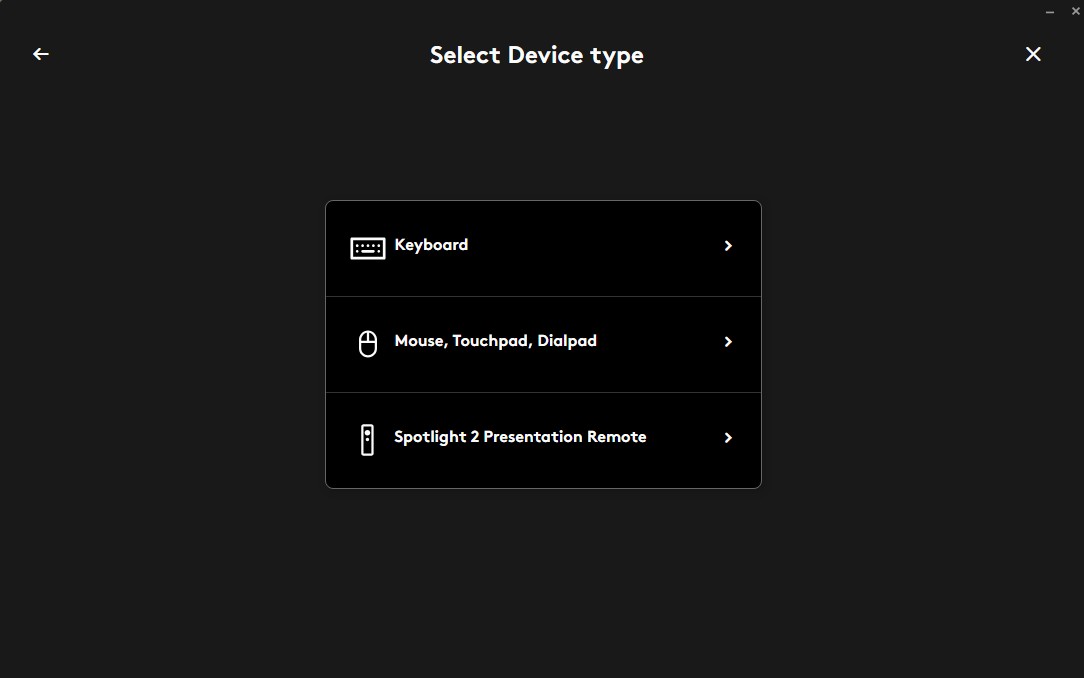
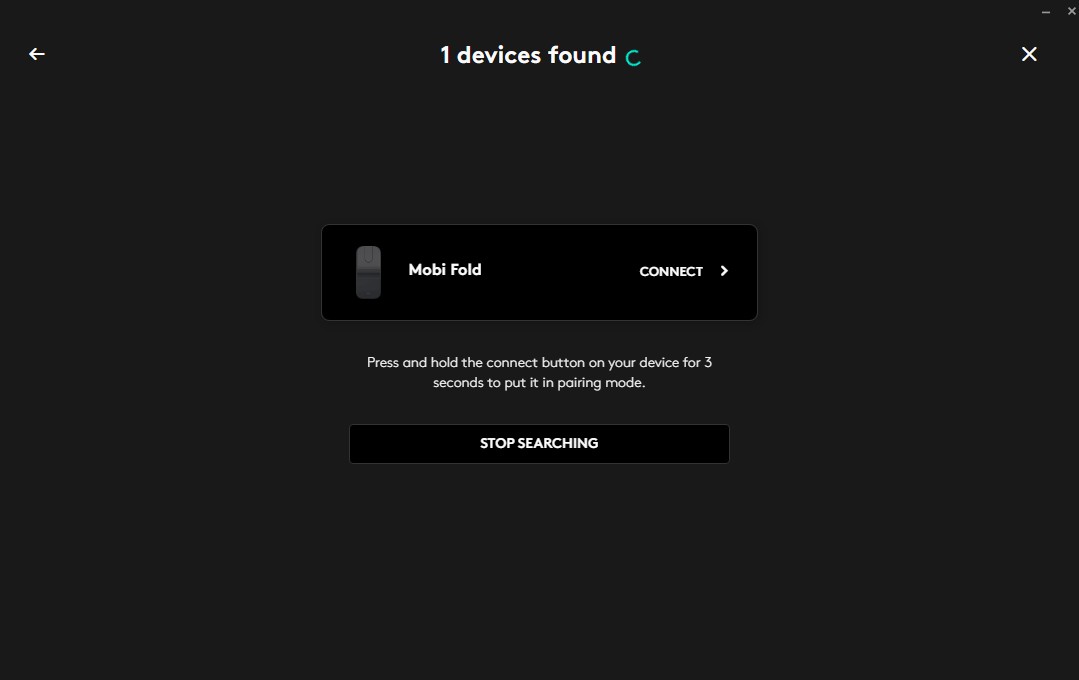
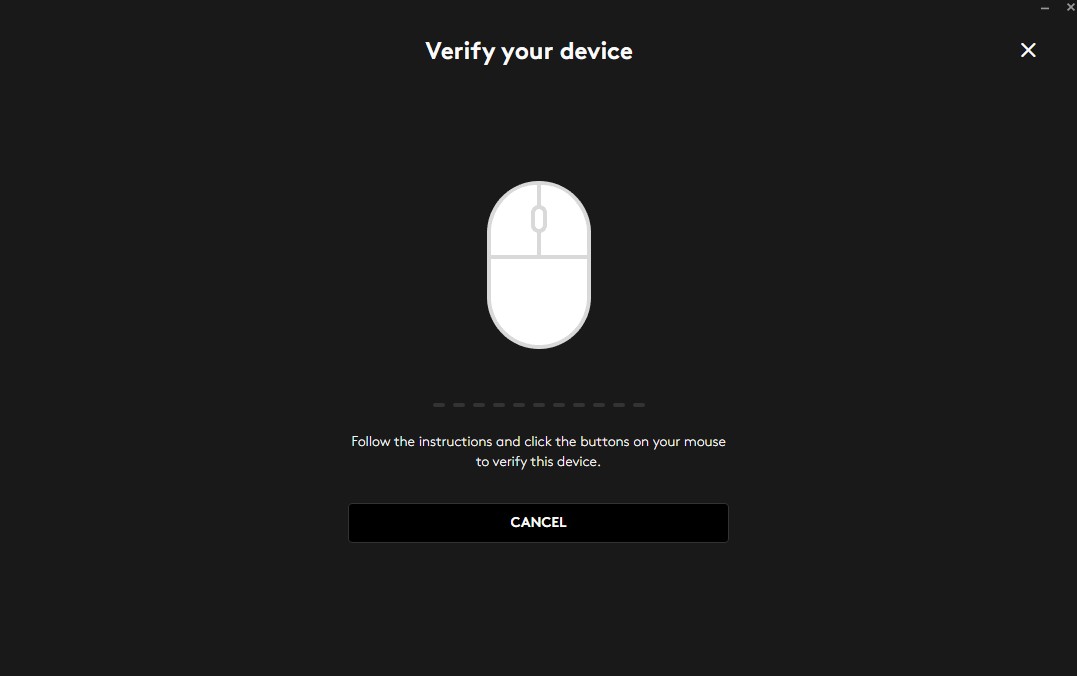
The mouse also supports connectivity via the Logi Bolt receiver, which provides a more stable wireless connection in corporate environments or locations crowded with wireless devices. The receiver itself, however, must be purchased separately. Fortunately, I already had one on hand, as I use the MX Keys S keyboard and the MX Master 4 mouse. This allowed me to test the Mobi Fold in Bolt mode as well.

Read also: Logitech G325 LIGHTSPEED Review: Balanced Headset for Gaming and Work
Software
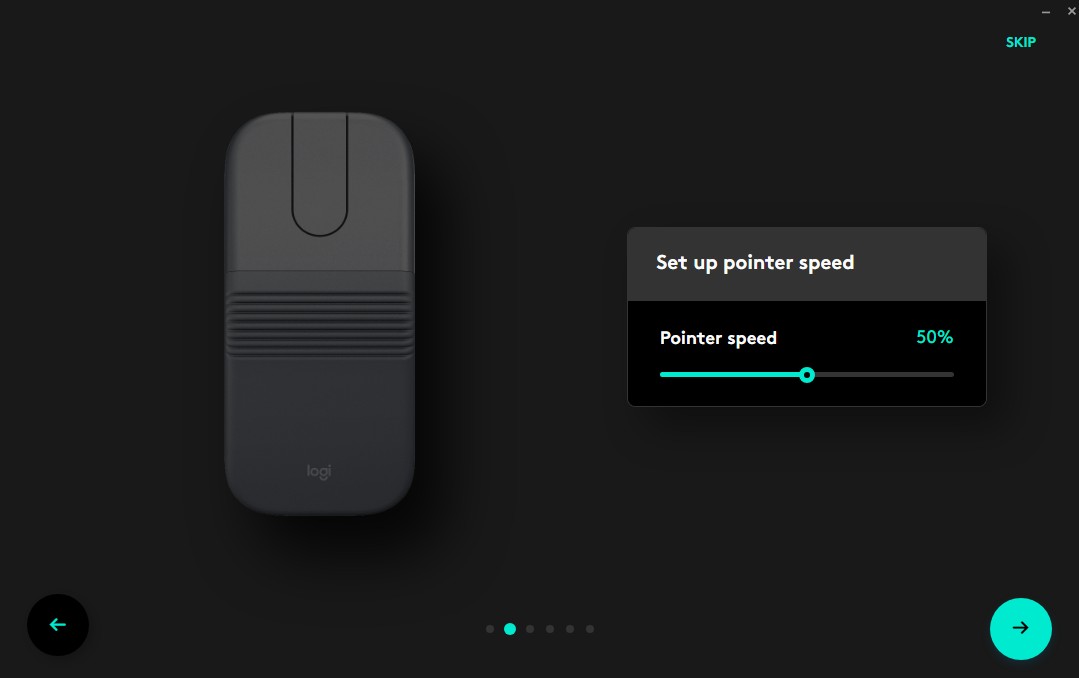
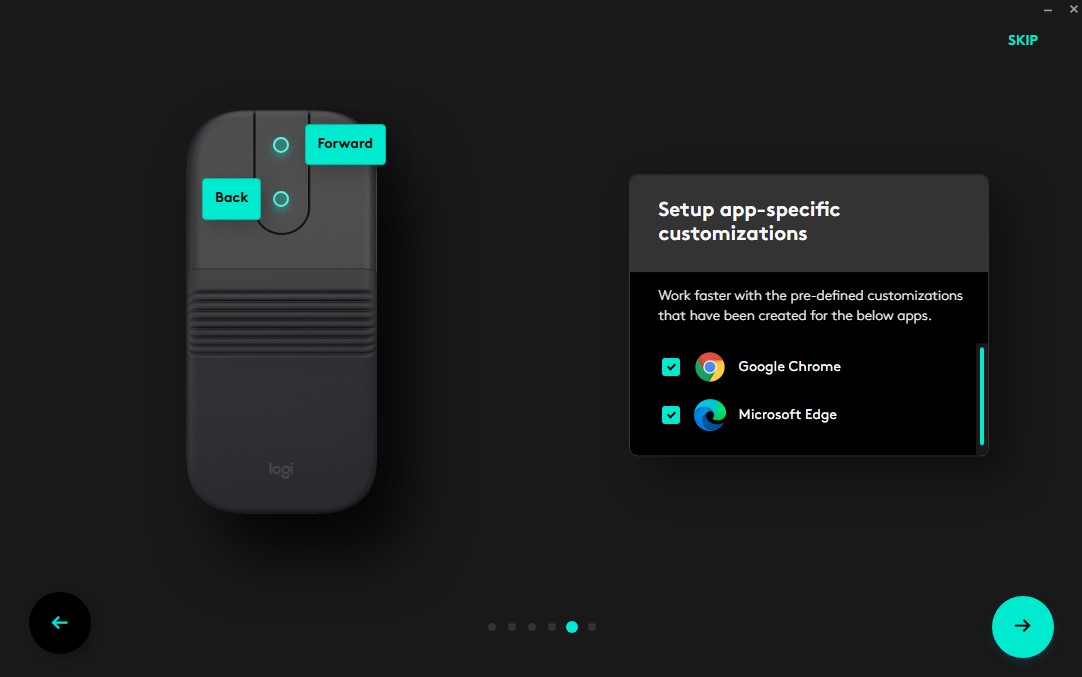
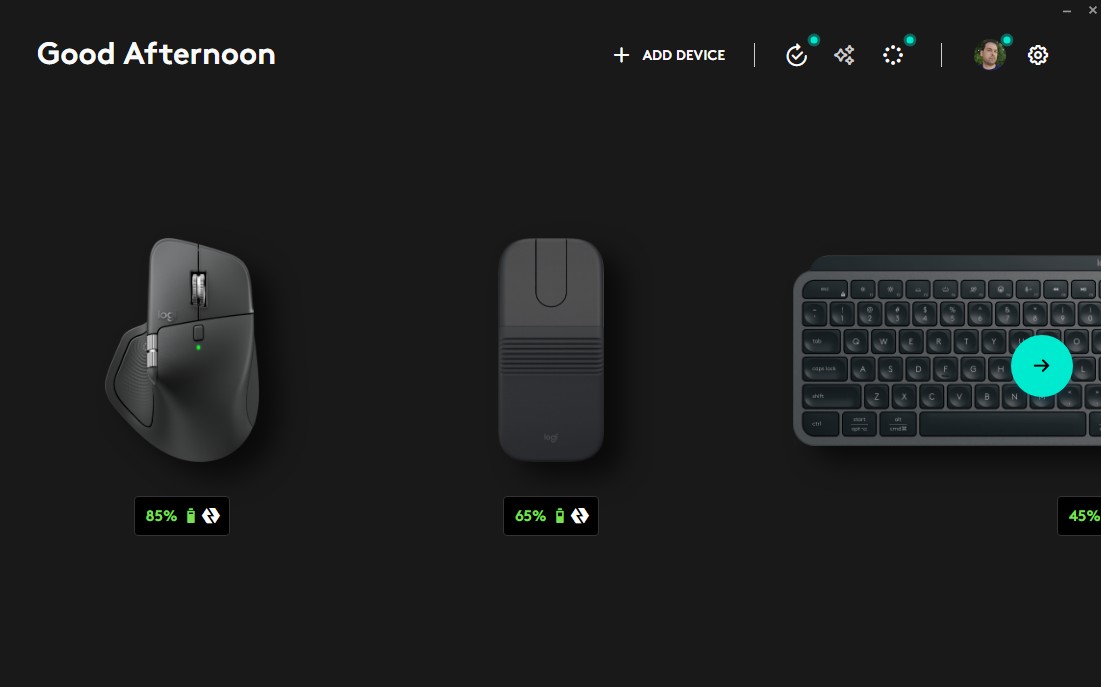
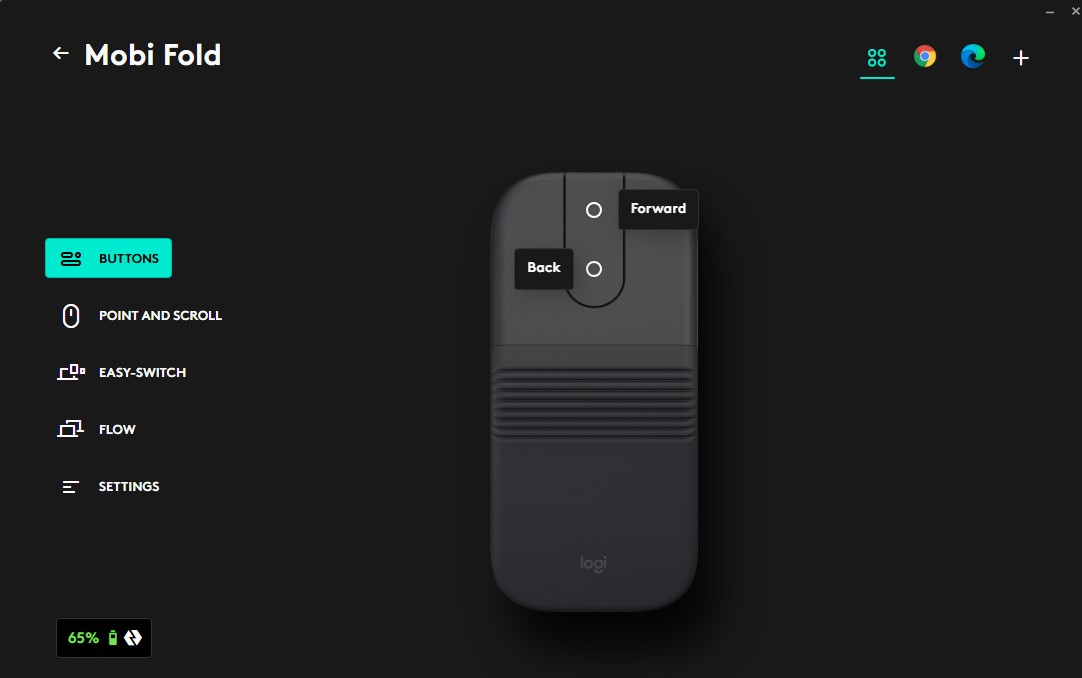
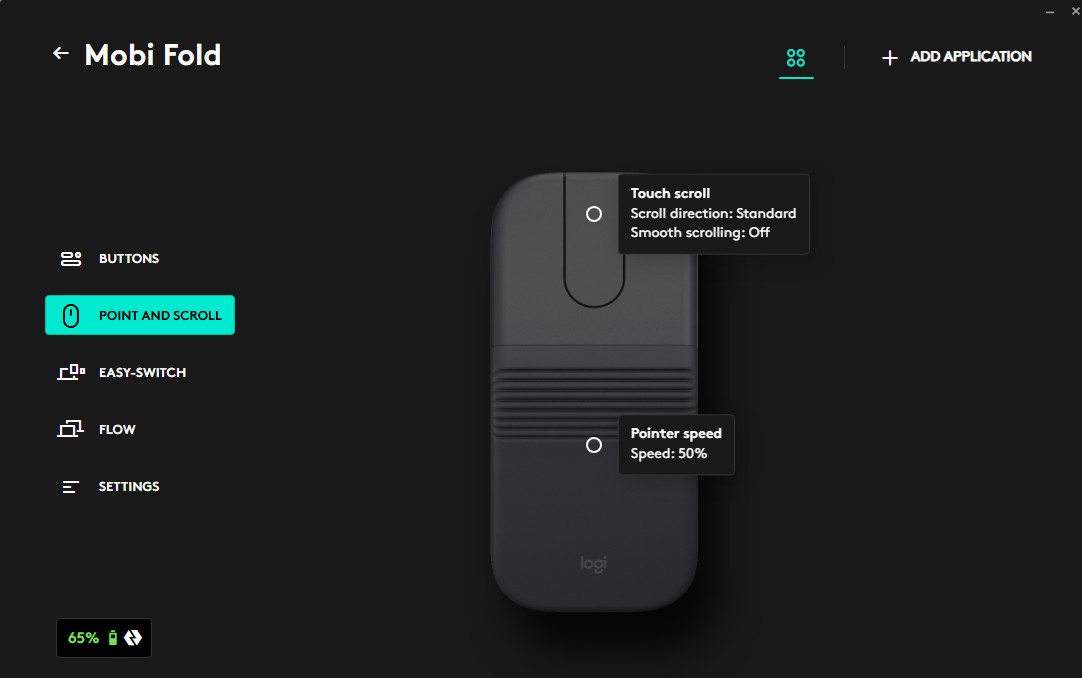
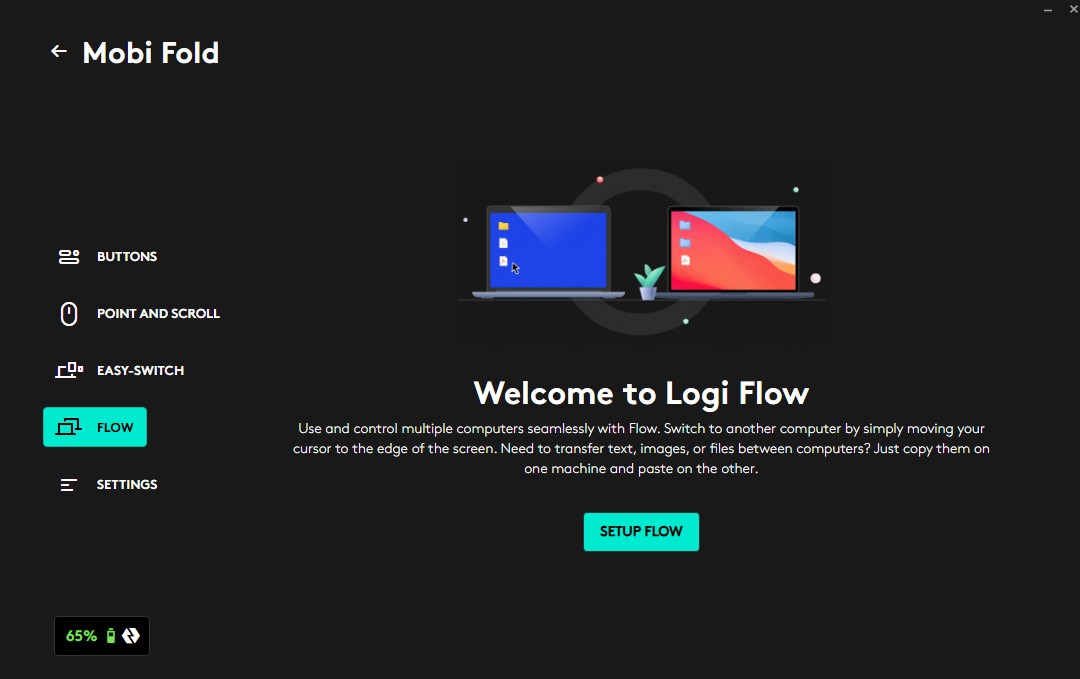
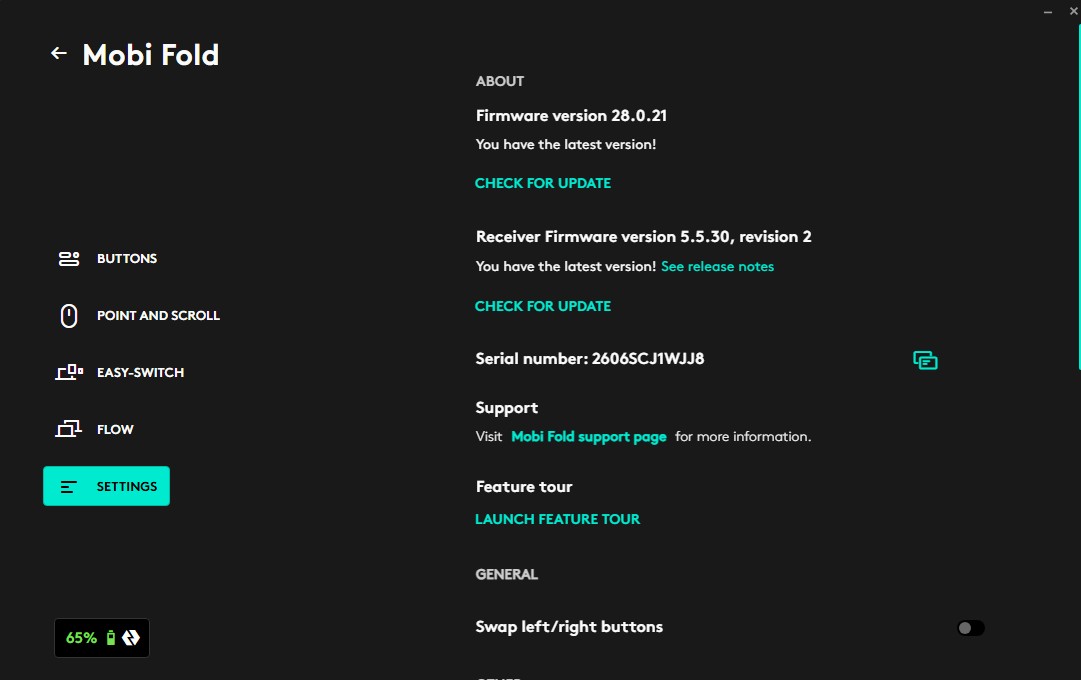
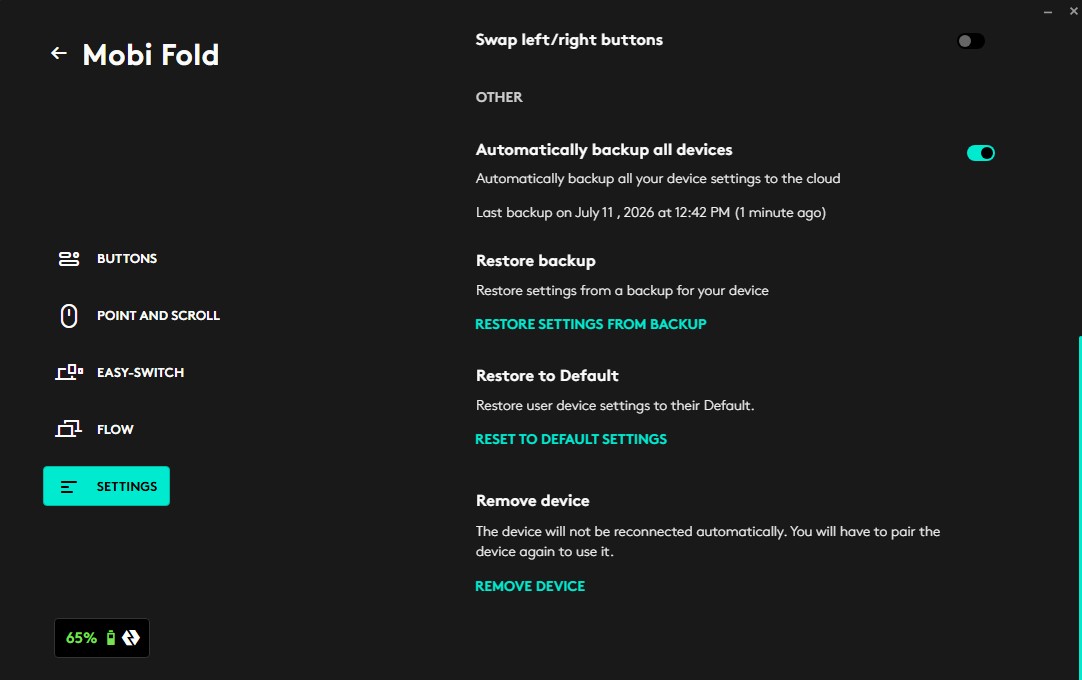
The Mobi Fold is configured through Logi Options+, a familiar application for anyone who has previously used Logitech accessories. The software offers the following features:
- Button reassignment
- Cursor speed adjustment
- Scroll speed customization
- Firmware updates
- Battery level monitoring
- Easy-Switch management
The interface remains one of the best among peripheral software suites. Everything is laid out logically, responds quickly, and avoids unnecessary complexity. The only real criticism concerns the touch-sensitive scrolling surface, which currently offers fairly limited customization options.
Read also: Logitech Signature Slim Solar+ K980 Review – a wireless keyboard that never needs charging!
Battery Life of the Logitech Mobi Fold
Battery life has traditionally been one of Logitech’s key strengths, and the Mobi Fold is no exception. The manufacturer rates the mouse for up to one month of use on a single charge. Actual endurance naturally depends on usage patterns, but even under intensive daily use, the Mobi Fold requires charging far less frequently than most modern wireless accessories.

The fast-charging functionality also deserves praise. If the battery unexpectedly runs low before a trip, just one minute of charging via USB Type-C is enough to provide approximately 22 hours of use.
Read also: Logitech G Astro A20 X Review: Gaming Headset with Simultaneous PC and Console Connectivity
Conclusions
The Logitech Mobi Fold is one of the most original computer mice introduced in recent years. Rather than attempting to replace traditional office models, it offers an exceptionally compact solution for mobile productivity. The foldable design genuinely works, and the automatic power-on feature when unfolding the mouse quickly becomes second nature. Its compact dimensions also make it easy to carry virtually anywhere – even in a pocket. At the same time, the Mobi Fold retains all the key features associated with Logitech’s office-oriented accessories, including quiet switches, support for up to three connected devices, fast charging, and a well-designed software ecosystem.

That said, the Mobi Fold is not entirely free of compromises. The touch-sensitive scrolling surface requires an adjustment period, the Logi Bolt USB receiver must be purchased separately, and the mouse’s compact dimensions make it less than ideal for extended office use – particularly for users with larger hands.

However, if you spend a lot of time working on the move, frequently carry a laptop or tablet, and value portability more than maximum ergonomic comfort, the Logitech Mobi Fold is an excellent choice. If your primary workspace is an office desk, larger models such as the MX Anywhere or MX Master series will likely be a better fit.

Advantages:
- unique foldable design
- very compact dimensions
- high-quality body materials
- comfortable ergonomics for a portable mouse
- Quiet Click switches
- support for three devices
- Logi Options+
- fast USB-C charging
- long battery life
Cons:
- The Logi Bolt receiver is not included in the package.
- The touch-sensitive scrolling surface requires an adjustment period.
- Adaptive Touch Scroll offers limited customization options.
- Users with larger hands may prefer bigger models for extended office work.
Read also: Logitech Signature Comfort Plus M850 L Review: Wireless Mouse Focused on Everyday Comfort
Where to buy Logitech Mobi Fold