© ROOT-NATION.com - Use of content is permitted with a backlink.
This review will be useful for anyone looking for a next-generation router with high, stable data transfer speeds and Wi-Fi 7 support. Until quite recently, this standard was considered a feature reserved for flagship devices, but today it is also available in more affordable router models. And I simply couldn’t pass up the opportunity to test one of these devices. Meet the ASUS RT-BE3600E, a router with Wi-Fi 7 support. That’s what we’ll be talking about today.
Read also: Wi-Fi devices and network equipment reviews

TABLE OF CONTENTS:
ASUS RT-BE3600E Specifications
- Model: RT-BE3600E
- Frequency range: 2.4 GHz and 5 GHz
- Network standards: 802.11 g/n/ac/ax/be (Wi-Fi 7)
- Protocols: L2TP, PPTP, PPPoE, IPsec, IPv6, IPv4
- Maximum data transfer rate: Wi-Fi 7 (802.11be) at 5 GHz: up to 2,882 Mbit/s; Wi-Fi 7 (802.11be) at 2.4 GHz: up to 688 Mbit/s; 802.11g: up to 54 Mbit/s; 802.11b: up to 11 Mbit/s; 802.11a: up to 54 Mbit/s
- Antennas: 4 external
- Ports: 1 x 2.5G WAN, 3 x 1G LAN
- Processor: quad-core
- Memory: 128 MB flash memory, 256 MB RAM
- Operating modes: repeater, access point, Media Bridge, AiMesh
- Mesh support: AiMesh, Primary AiMesh router, AiMesh node
- Security: VPN, WPS support, WPA/WPA2/WPA3-Personal, WPA/WPA2-Enterprise, WPS, Let’s Encrypt, DNS-over-TLS, SSH, guest network, parental controls
- Buttons: WPS, reset button
- Backlight: none
- Power supply: AC input: 100 V–240 V (50–60 Hz), DC output: 12 V with a maximum current of 1.5 A
- Dimensions and weight: 261×156×50 mm, 450 g
Positioning and Price
Looking at ASUS’s entire lineup of Wi-Fi 7 routers, it quickly becomes clear that the RT-BE3600E was not designed for tech enthusiasts chasing top-of-the-line hardware. This model sits in the mid-range price segment and is aimed more at mainstream users – specifically, those who want to optimize their internet speeds without paying extra for features they are unlikely to ever use. The manufacturer has equipped the device with virtually all the technologies that are genuinely useful at home or in the office: Wi-Fi 7 support, Multi-Link Operation, AiMesh networking, AiProtection security, and ASUS’s user-friendly ASUSWRT firmware. The latter, by the way, offers extensive configuration options, but more on that later.

Speaking from personal experience, buying the RT-BE3600E means you won’t have to replace your router in a few years. Essentially, you’re buying a device with plenty of room for future needs. Let me put it simply. Right now, internet speeds are limited by providers, with up to 1 Gbps being the maximum most of us can get. A router can’t magically “squeeze out” higher transfer speeds than your connection provides. On top of that, most smartphones, laptops, and other gadgets still use Wi-Fi 5 or Wi-Fi 6. As you upgrade your home and work devices and gain access to faster internet, you’ll already be ready to take full advantage of Wi-Fi 7. Especially considering that the ASUS RT-BE3600E currently costs $83/€72. Will similar devices get cheaper? I doubt it. So if you’re considering one, now is a good time to buy – especially at this price.
Package contents

There are no surprises here. The package is as straightforward as it gets:
- large branded box featuring an image of the router and its key specifications
- router itself
- power adapter
- RJ-45 cable
- user manual
- warranty card
Read also: ASUS ROG STRIX GS-BE18000 Review: Wi-Fi 7 for Gamers
ASUS RT-BE3600E Design and ports
Fans of minimalism will definitely appreciate the design. The ASUS RT-BE3600E looks understated and clean, without trying too hard to grab your attention. The front panel features a gold-colored logo and a status indicator. There’s no doubt that the router will fit seamlessly into virtually any interior.

The housing is made of matte plastic that doesn’t collect fingerprints, while minor scratches and dust are less noticeable on its surface. The plastic itself feels quite sturdy. The housing doesn’t flex when pressed and doesn’t give off a cheap feel.
The well-developed ventilation system also immediately catches the eye. This is a major advantage, as the router is equipped with a quad-core processor, while Wi-Fi 7 itself requires more effective cooling. So when installing the router, it’s best not to obstruct the free flow of air around it.


All ports are traditionally located on the rear panel. Here you’ll find a 2.5G WAN port, three Gigabit LAN ports, a power connector, as well as WPS and reset buttons.

The antennas are also worth mentioning separately. There are four of them, and all are adjustable on hinges, so you can easily position them according to where you install the router.


On the bottom, you’ll find a perforated surface, four rubber feet, and mounting holes for convenient wall installation.


Key Features of the ASUS RT-BE3600E Router
This is where things get really interesting, as ASUS has packed the router with some impressive technologies designed to deliver faster and more stable data transfers. Here’s what makes it possible.

The first thing worth highlighting is full support for Wi-Fi 7 (IEEE 802.11be). And it’s not just about higher theoretical speeds. The new standard introduces several important improvements, including Multi-Link Operation (MLO), 4K-QAM modulation, and channel widths of up to 160 MHz. Together, these technologies allow the network to operate more efficiently under heavy loads, reduce latency, and maintain a stable connection even with a large number of devices connected simultaneously. Of course, you’ll only be able to fully experience the potential of these technologies with compatible devices. Either way, they are clearly the future of home wireless networking.

In my opinion, one of the most interesting features of the ASUS RT-BE3600E is Multi-Link Operation (MLO). Put simply, the router no longer ties a compatible device to a single frequency band. Instead, it can intelligently use the 2.4 GHz and 5 GHz bands simultaneously or quickly switch between them depending on signal quality and current network load. What does this mean in practice? A more stable connection during gaming, video calls, and other situations where even small delays can be noticeable.

I know many users will definitely appreciate Smart AiMesh technology. If Mesh systems were once considered an excellent solution exclusively for large houses, today they are widely used even in spacious apartments with complex layouts. The RT-BE3600E can be combined with virtually any compatible ASUS router, even an older-generation model, creating a single, extensive seamless network with automatic switching between nodes.

Let’s continue. It’s also worth saying a few words about the Smart Home Master feature. Not everyone will use it, but it does have some neat tricks. Smart Home Master makes it quick and easy to segment your home network: you can create a dedicated network for smart home devices, set up a separate network for children with time and access restrictions, or configure a separate SSID that automatically routes traffic through a VPN. By the way, the ASUS RT-BE3600E supports several VPN protocols, including the latest WireGuard®, which helps maintain respectable connection speeds.

Of course, the 2.5-gigabit WAN port is also worth highlighting. It provides enough bandwidth for 4K and 8K video streaming, online gaming, and other bandwidth-intensive tasks.
Read also: ASUS RT-BE50 Review: Affordable Router with Wi‑Fi 7
Connection and Web Interface
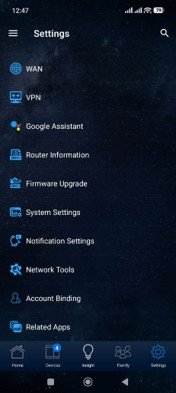
The setup process is straightforward: connect the router to a power source and plug your ISP’s cable into the WAN port. Then simply choose how you want to configure the router. For me, the quickest and most convenient option was to use the ASUS Router mobile app. I simply scanned the QR code on the back of the device. The setup took just a few minutes and caused no issues. The app is available for both Android and iOS.





The mobile app offers a wide range of settings: you can configure the necessary parameters, check the connection status, see the number of connected devices and real-time traffic, set up the Mesh system, choose the operating mode, configure parental controls, VPN, and more. Overall, feel free to experiment and tailor everything to your needs.
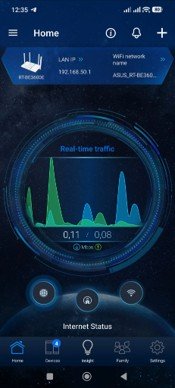
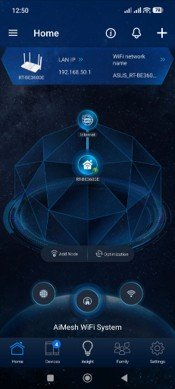
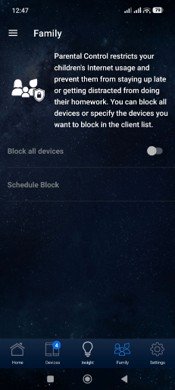
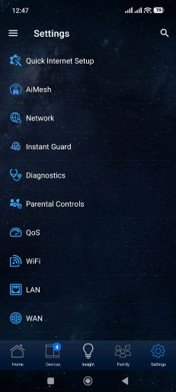
As for the web interface, it’s also very convenient and intuitive. The home page immediately displays the network status, including the Internet connection, a list of active devices, CPU and RAM usage, as well as the main wireless network settings.
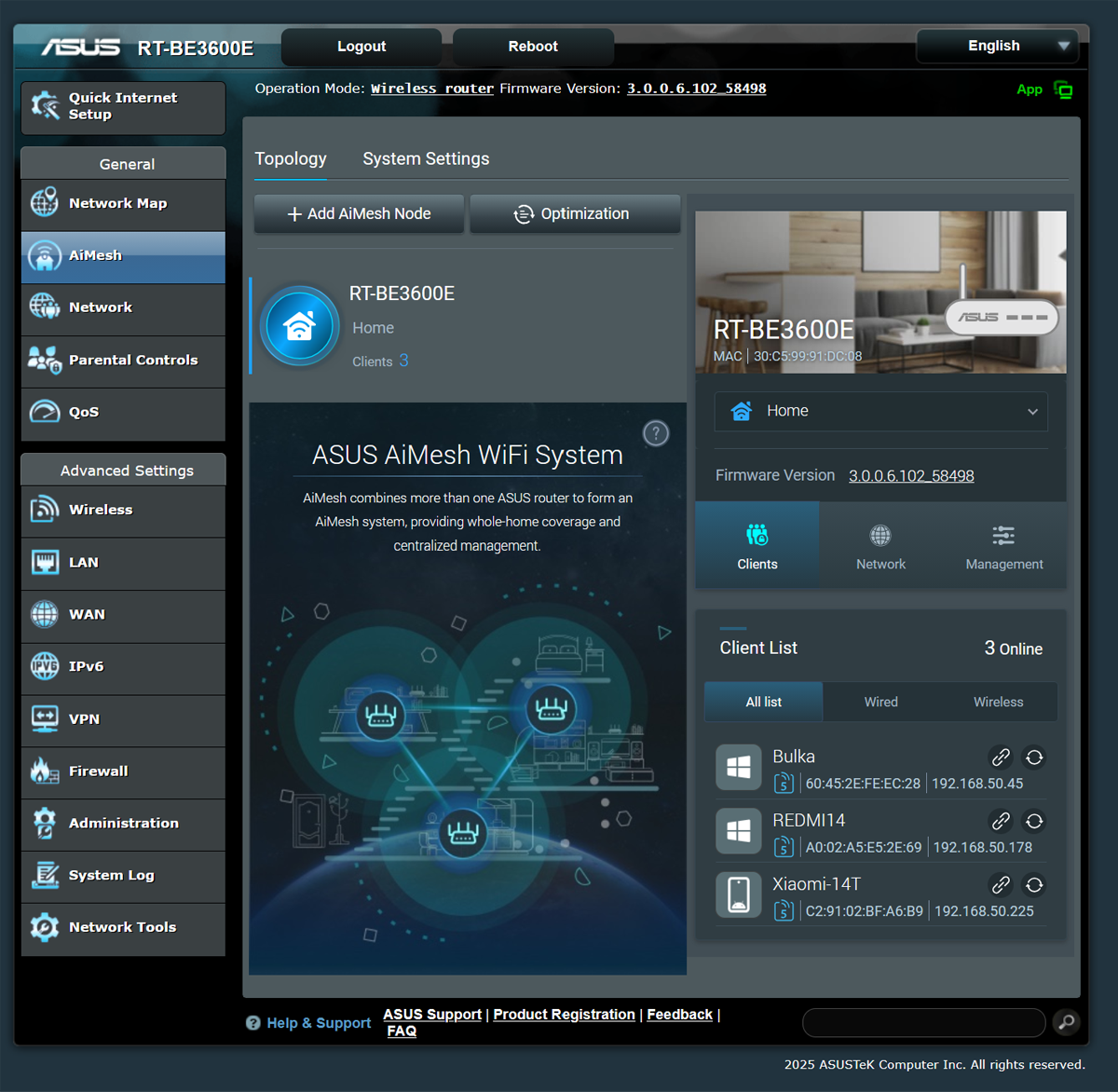
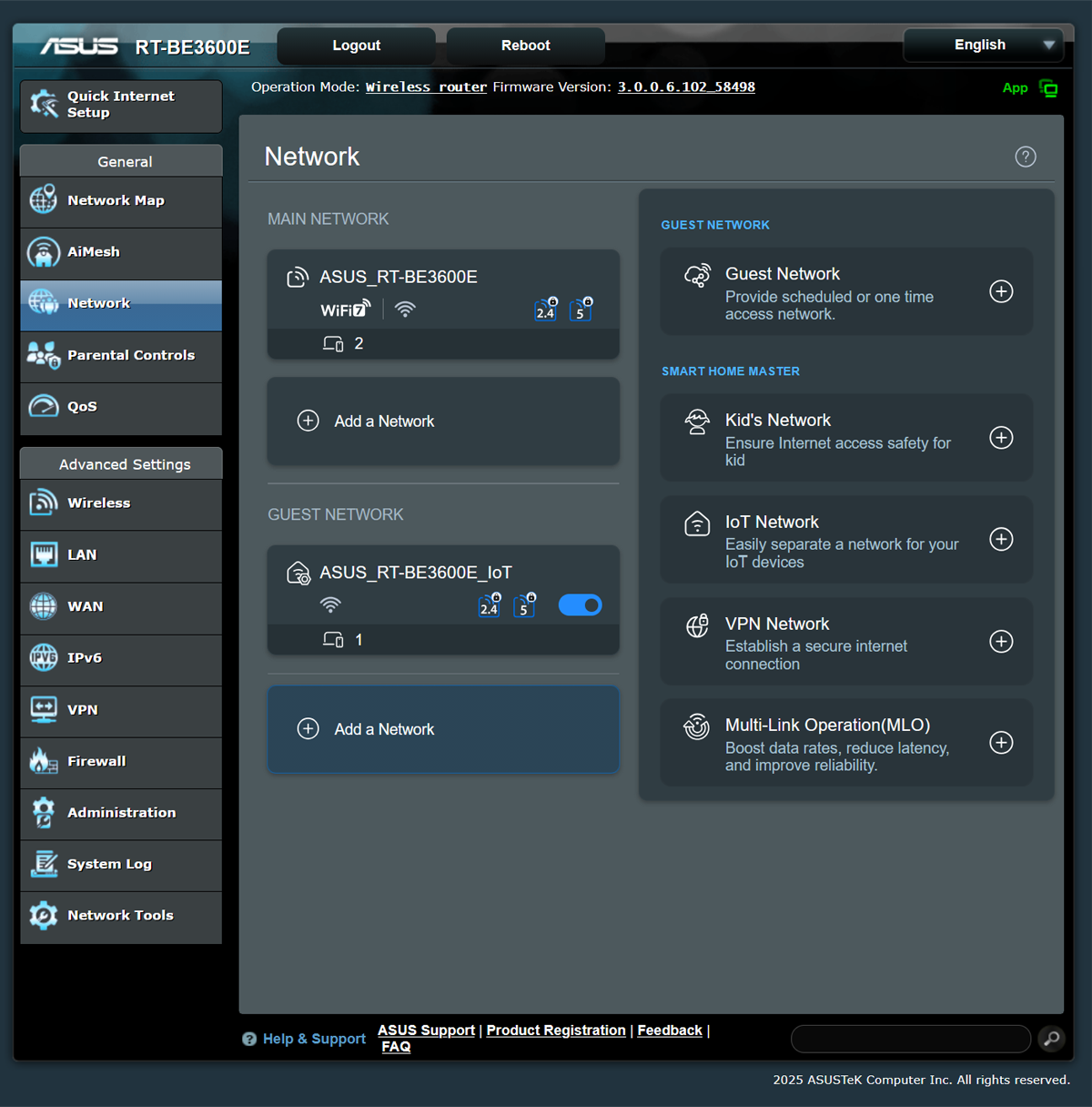
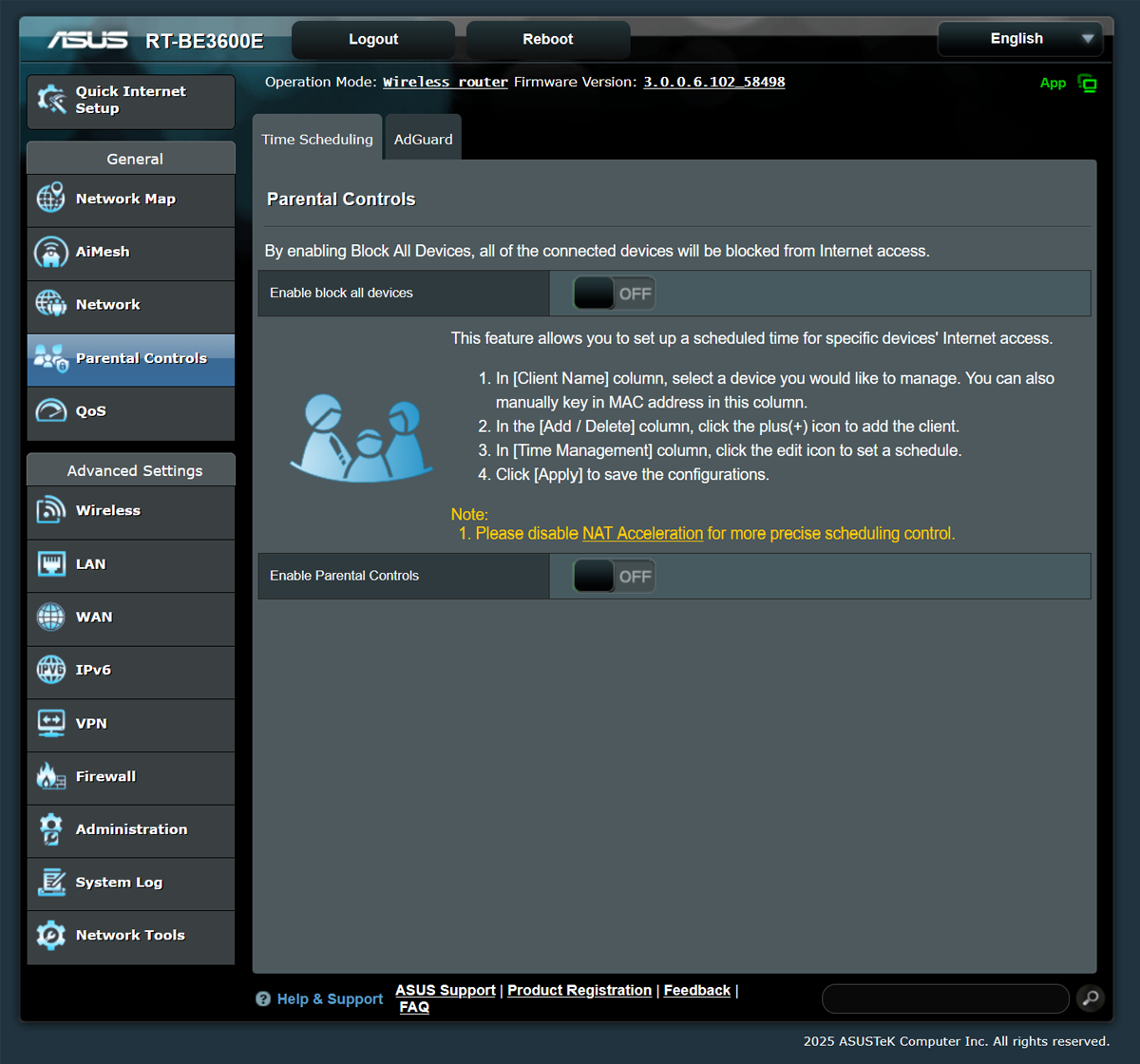
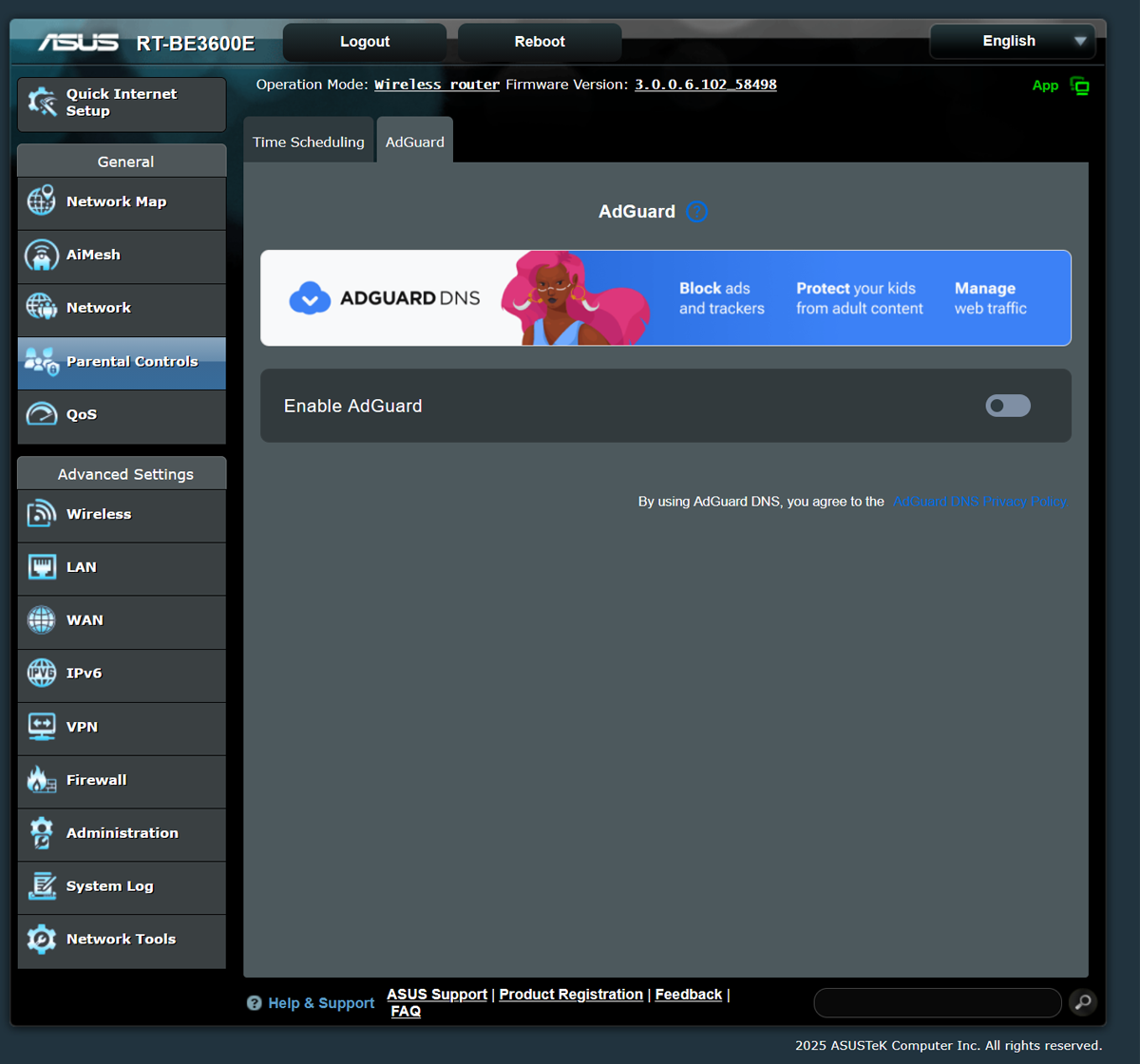
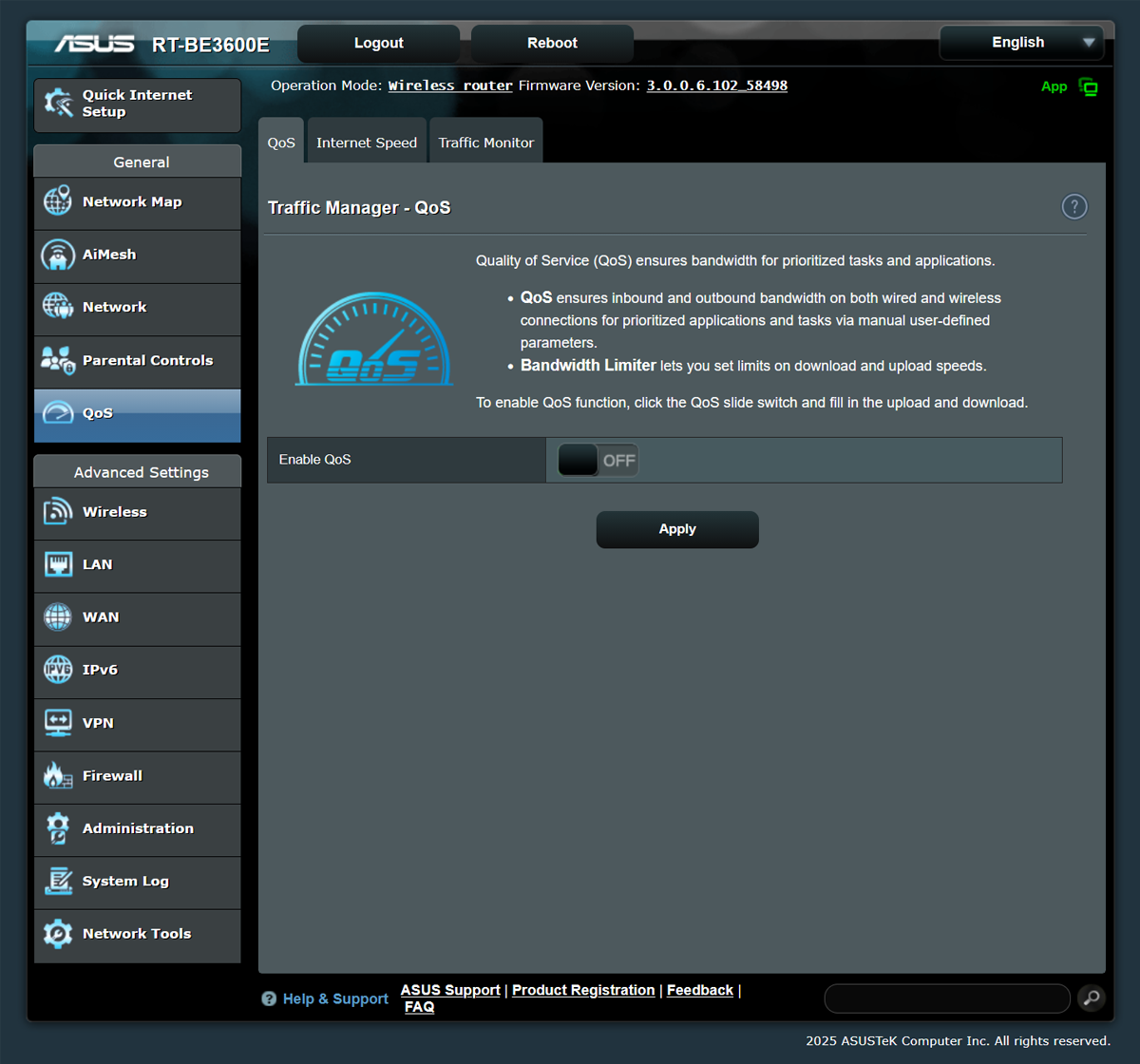
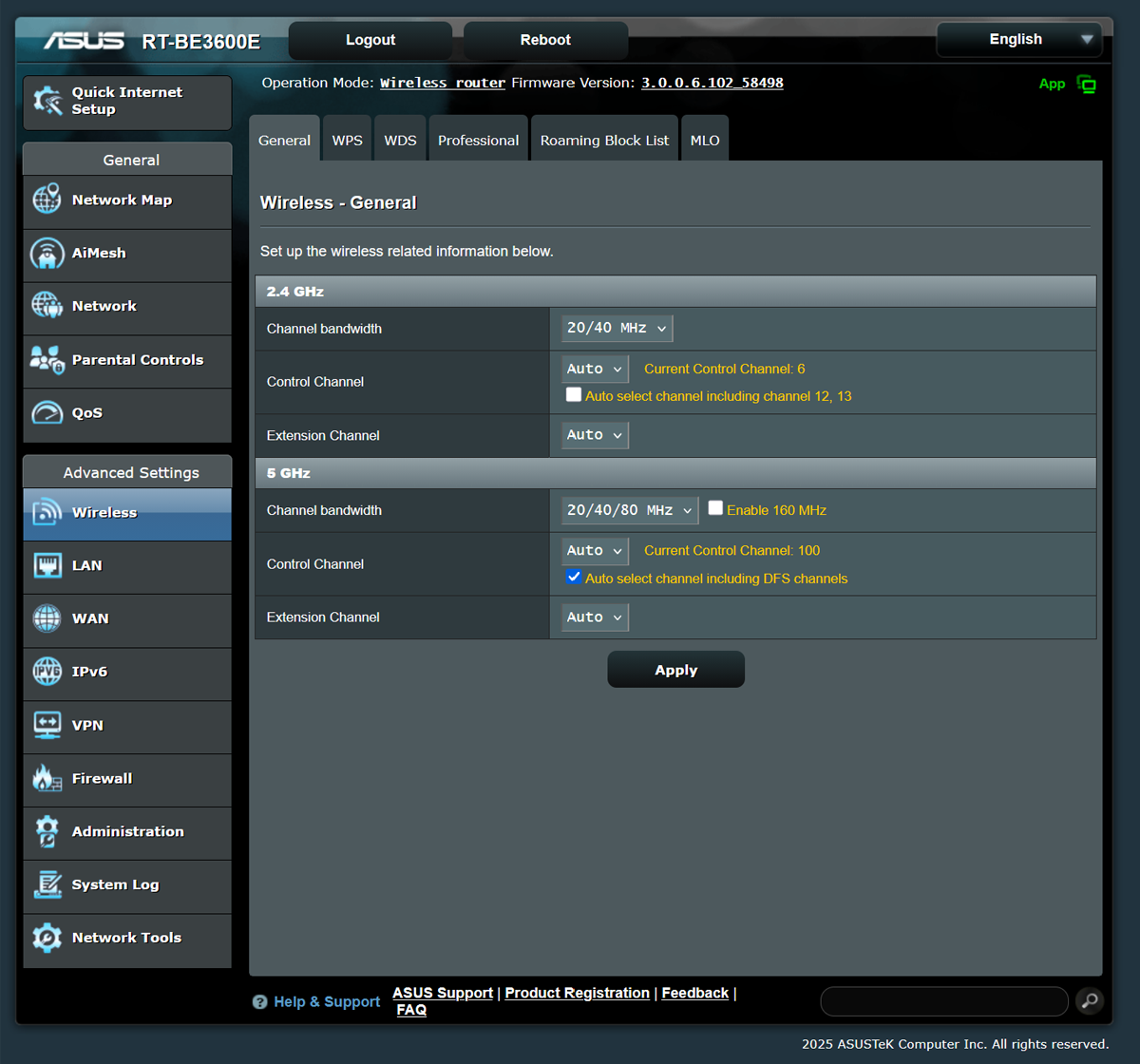
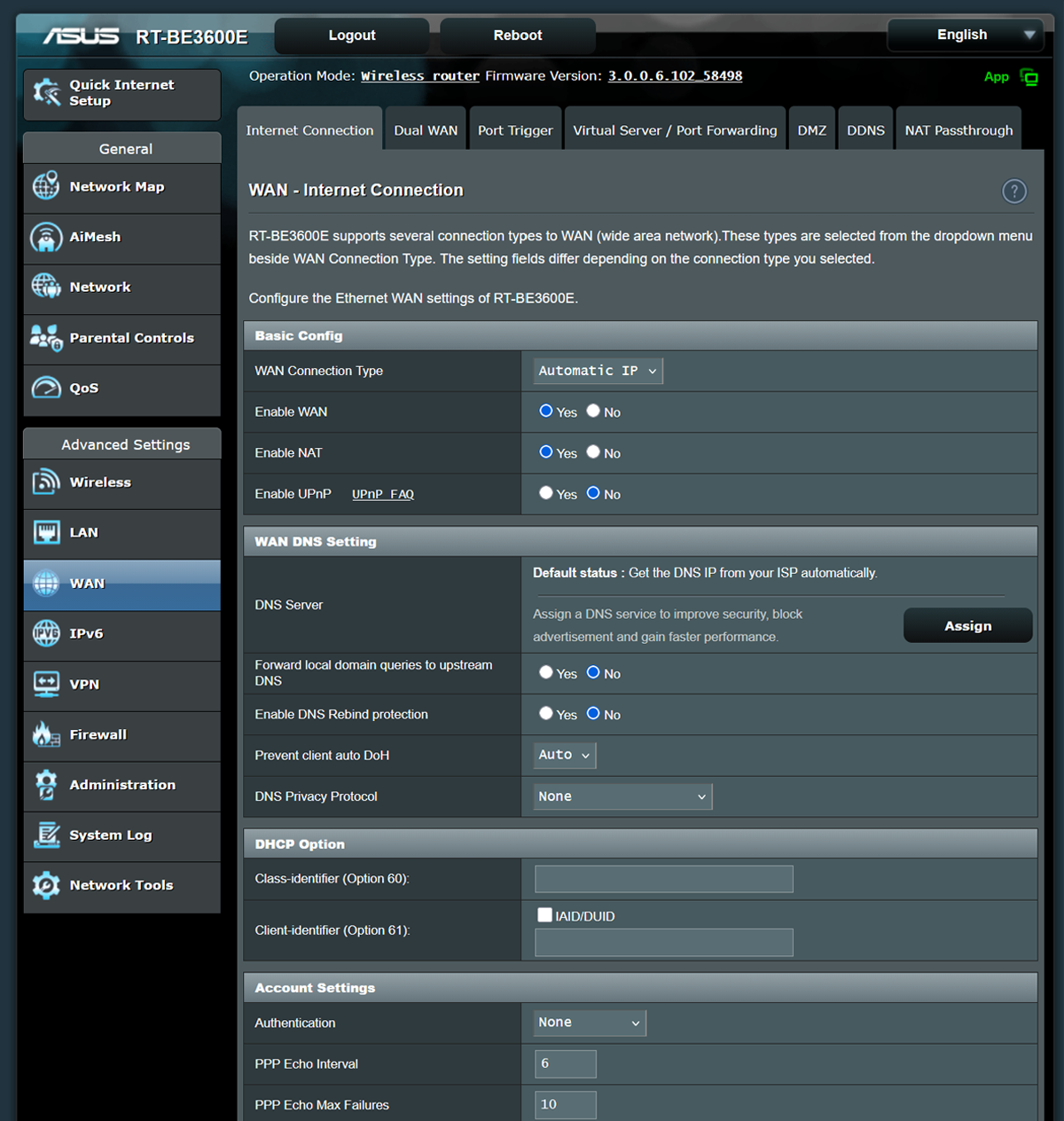
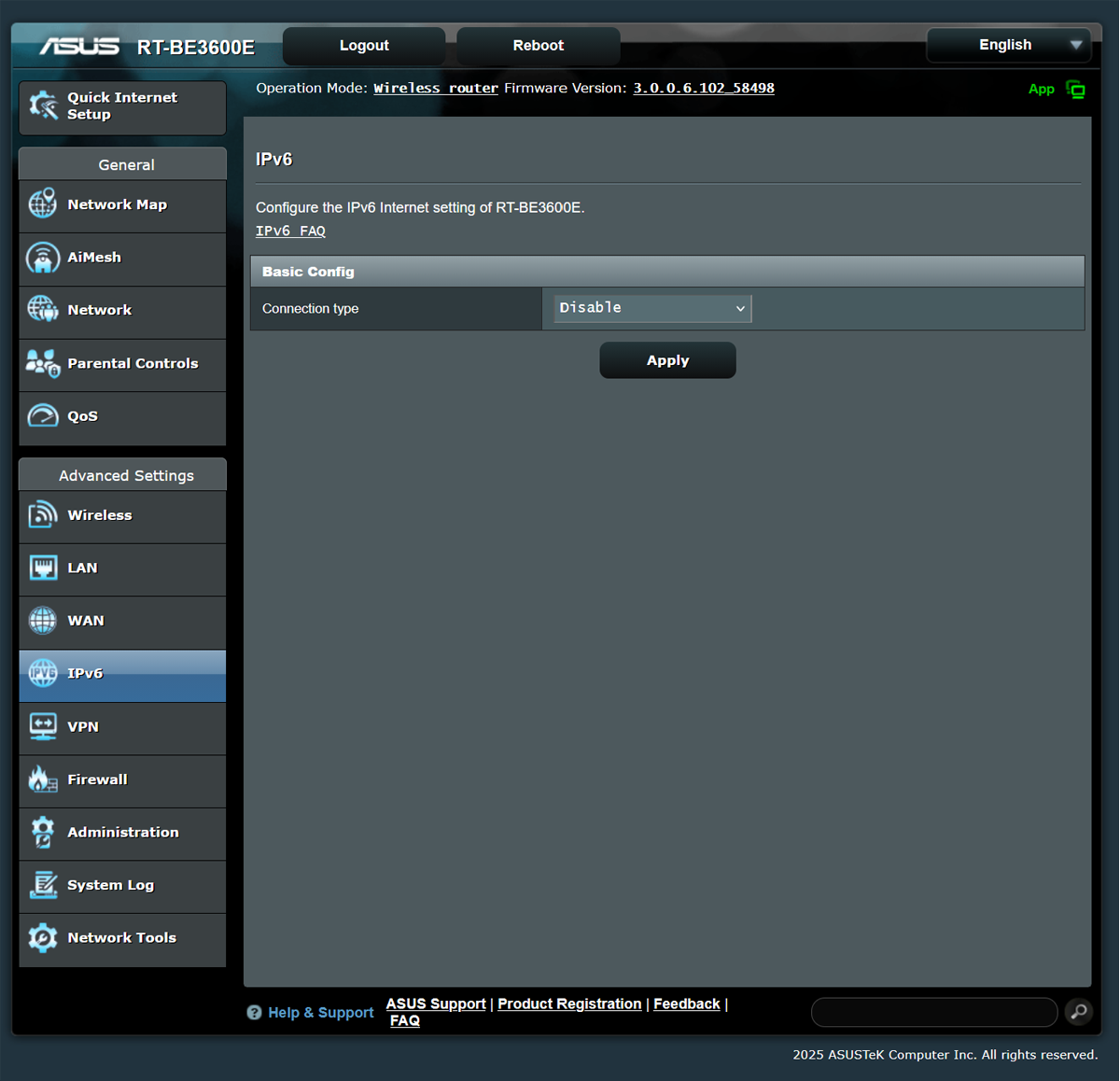
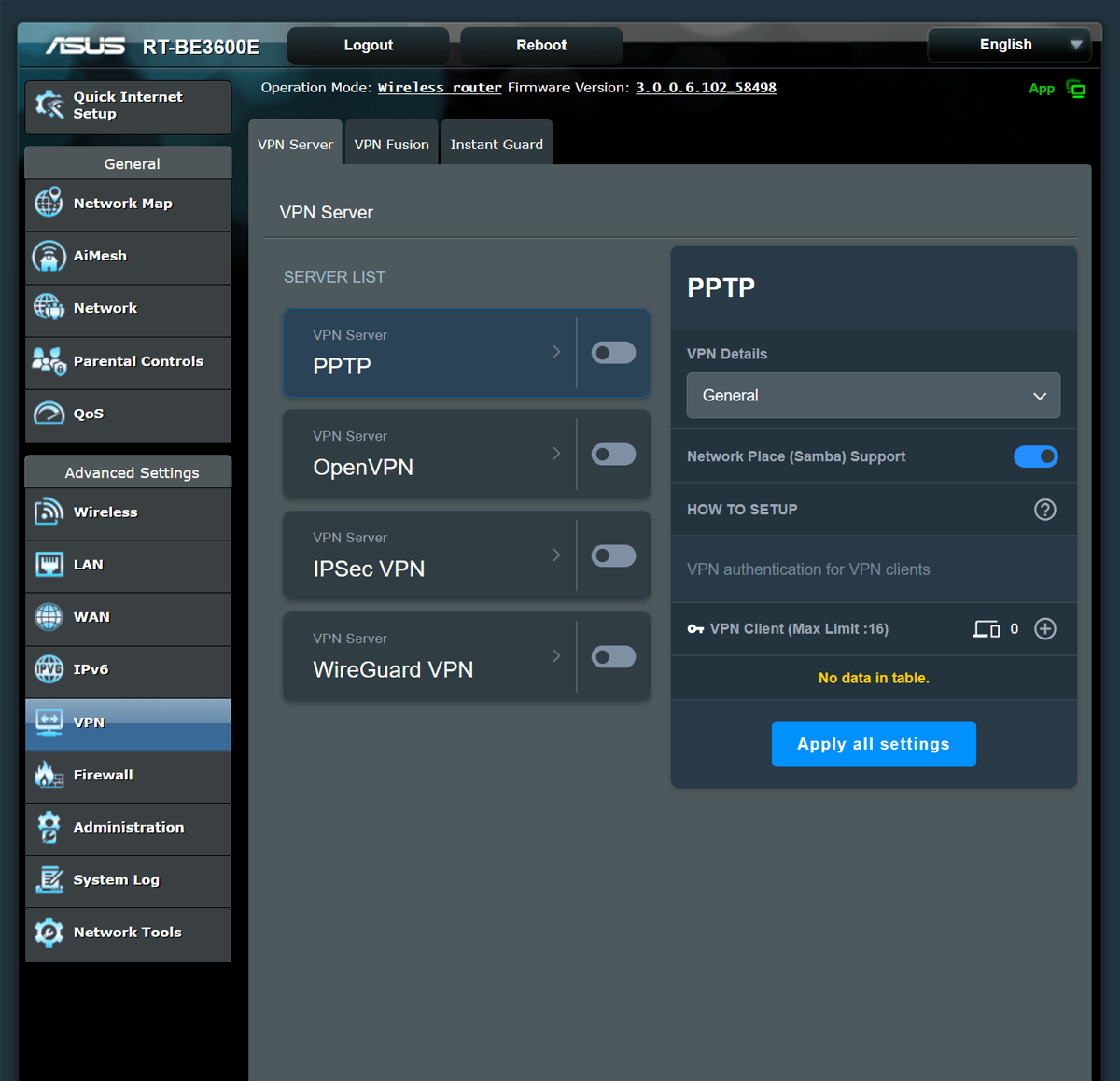
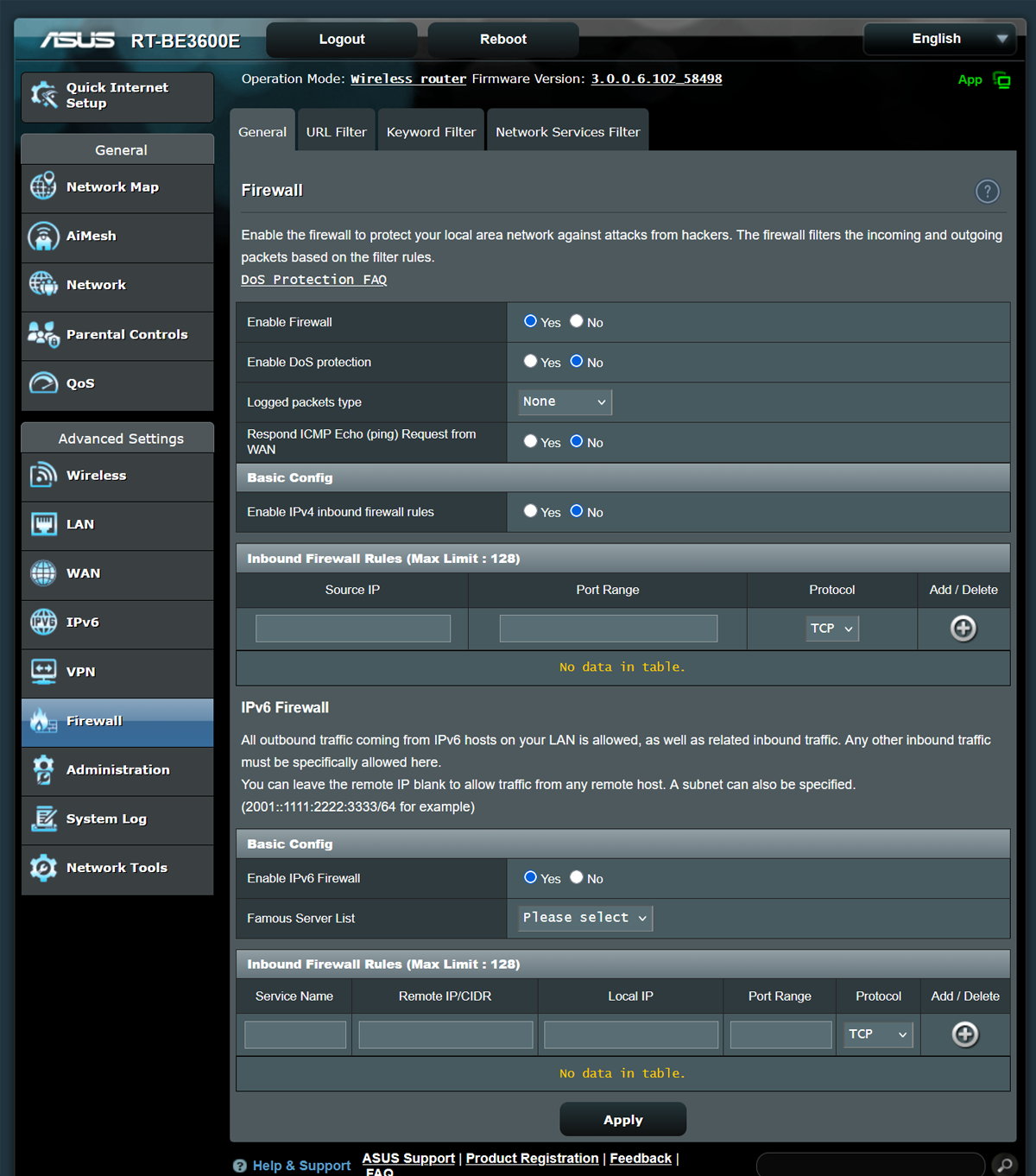
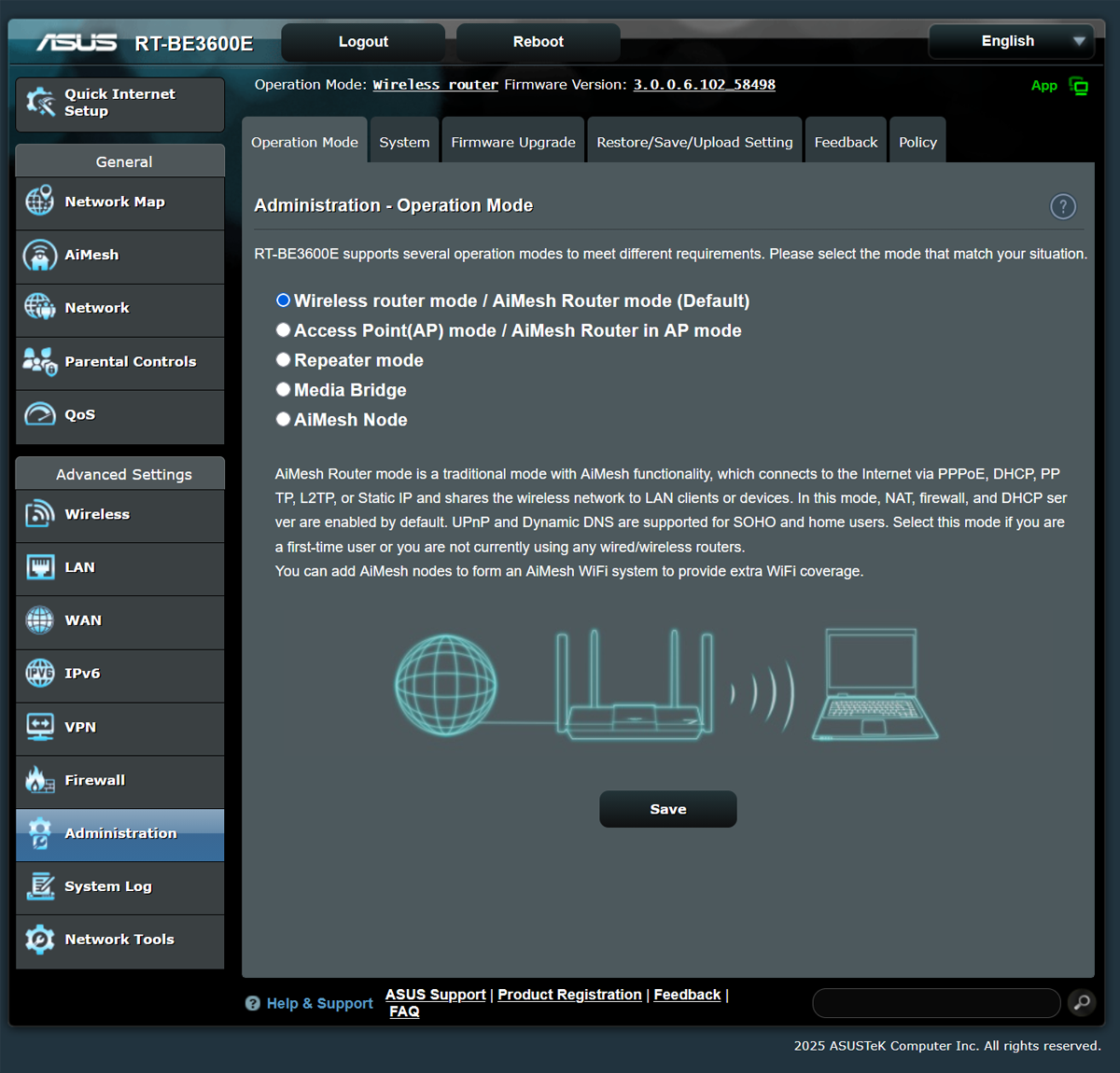
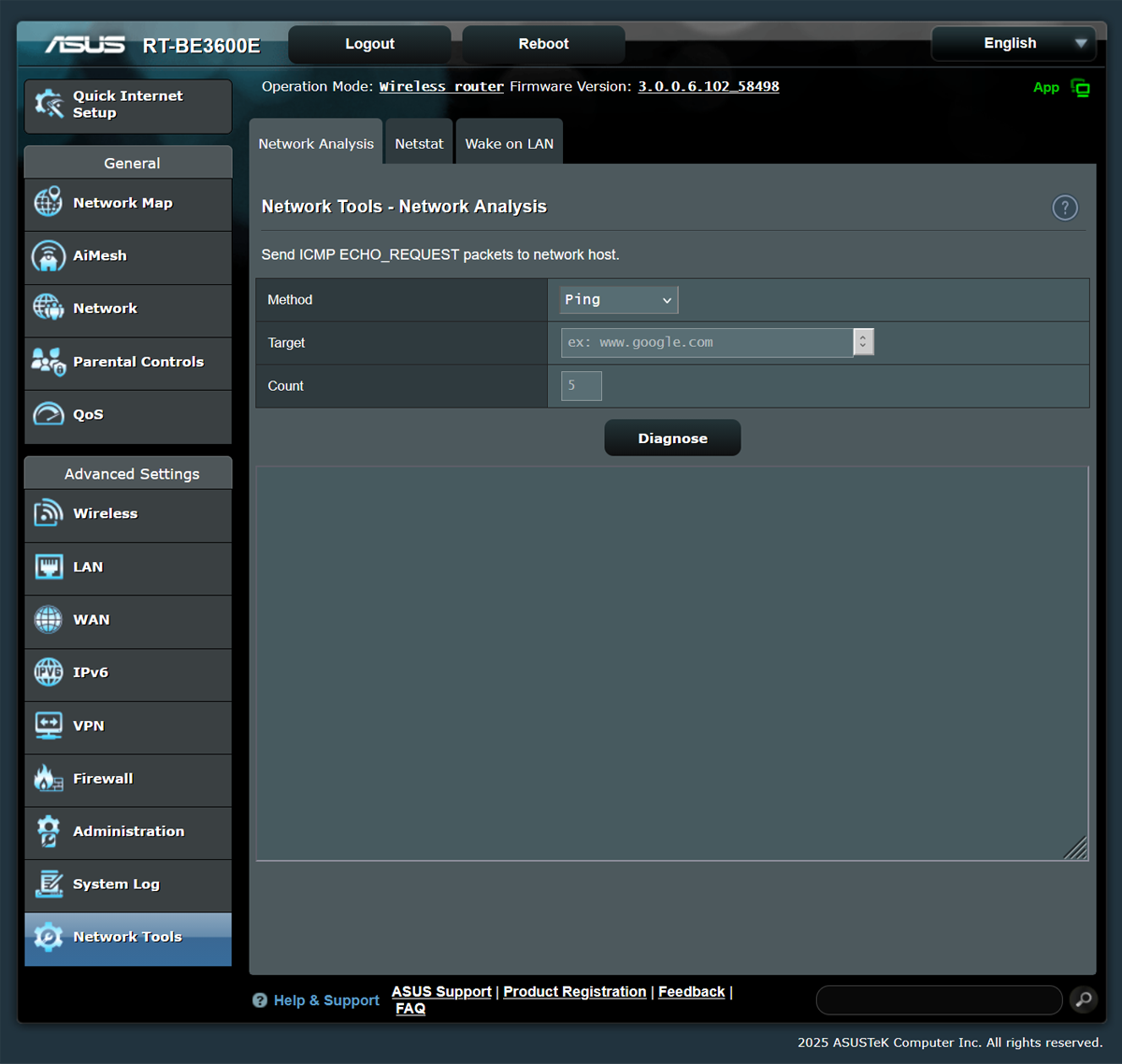
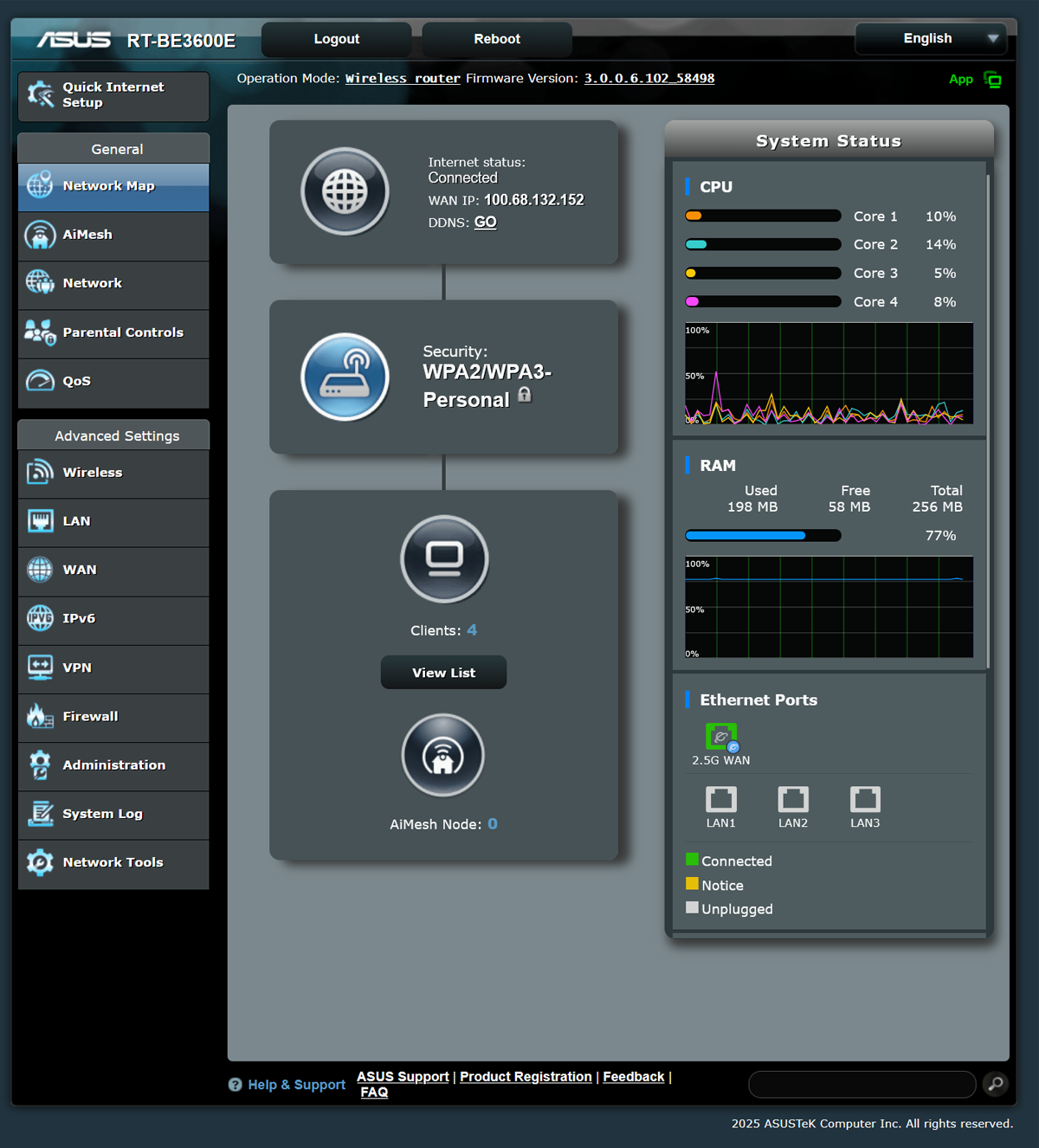
In separate tabs, you can configure the necessary router settings, as well as access more advanced options for more professional-level configuration.
Speed Test
And now for the most interesting part – how did the router actually perform? I conducted the measurements in three different locations:
- Directly next to the router, I got the following results:

- Through a load-bearing wall (4 m from the router)
:
- In the adjacent room, through a thin wall (2 m):


Once again, router performance should be evaluated based on each individual use case, taking into account a variety of factors: your home network speed, wall thickness, and the distance between the device and your PC or laptop. Overall, though, I was pleased with the results.
Conclusion
Overall, the ASUS RT-BE3600E is an excellent home router with Wi-Fi 7 support, stable coverage, a wealth of configuration options, and all the features you need for everyday use. Yes, it’s not the most powerful router in ASUS’s lineup, and we’ll only be able to fully appreciate all of its advantages once we’ve completely transitioned to Wi-Fi 7-compatible devices. But even now, I can confidently recommend it, because at this price, this router is a real winner!
Where to buy ASUS RT-BE3600E