





© ROOT-NATION.com - Use of content is permitted with a backlink.
Today I’m reviewing the ASUS RT-AX52 Pro router. This is an updated version of last year’s RT-AX52, with several upgraded features – it now supports 160 MHz bandwidth and offers double the speed in the 5 GHz band. At the same time, its price hasn’t changed much. So let’s take a closer look at this model and see how it compares with the previous version in terms of similarities and improvements.
Read also:
- ASUS Smart Home Master vs. Traditional Router: Which Is Better for a Smart Home?
- ASUS Gear Link Review: A New Way to Configure ROG Peripherals Online
TABLE OF CONTENTS:
ASUS RT-AX52 Pro Specifications
- Type: dual-band router
- Frequency bands: 2.4/5 GHz
- Device class: AX3000
- Wireless standards: 802.11a/b/g/n/ac/ax (Wi-Fi 6)
- Protocols: IPv4, IPv6
- Maximum throughput: Wi-Fi 4 (802.11n) – up to 300 Mbps, 802.11ac – up to 867 Mbps, 802.11ax (2.4 GHz) – up to 574 Mbps, 802.11ax (5 GHz) – up to 2402 Mbps
- Antennas: 4 external (2×2.4 GHz, 2×5 GHz)
- Connectors: 3 × Gigabit LAN, 1 × Gigabit WAN, power port
- Processor: 2-core, 1.3 GHz
- RAM: 256 MB
- Permanent memory: 128 MB
- Mesh support: yes (AiMesh)
- Guest network: yes
- Security: WPA/WPA2/WPA3-Personal, WPA/WPA2-Enterprise, WPS
- Connectors: 3 × Gigabit LAN, 1 × Gigabit WAN, power port
- Processor: 2-core, 1.3 GHz
- Power supply: 12 W (1 A)
- Dimensions: 192.0 × 126.3 × 47.5 mm
- Weight: 298 g
- Operating modes: access point, AiMesh, repeater, router
- Additional features: parental controls, indicator lights on the body, BSS Coloring technology, VPN, ASUS Router mobile app
Key features of the model
The ASUS RT-AX52 Pro stands out for three key reasons: first, it supports Wi-Fi 6, second, it’s dual-band, and third, it comes at a very affordable price. Thanks to its specs and supported technologies, the router can easily handle wireless connectivity for a large number of clients. This makes it appealing to a wide range of users. At the same time, the new model also offers plenty of extra features that will catch the eye of more demanding users.
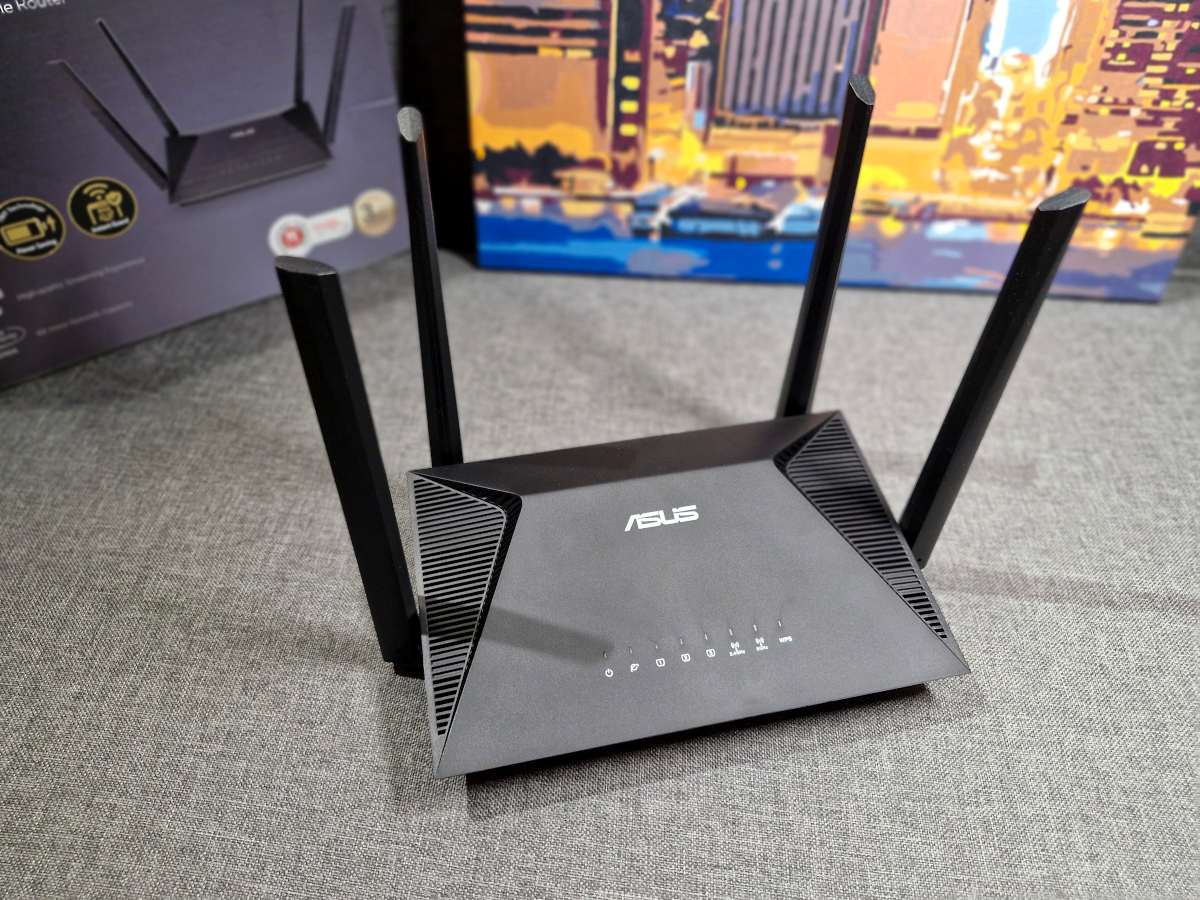
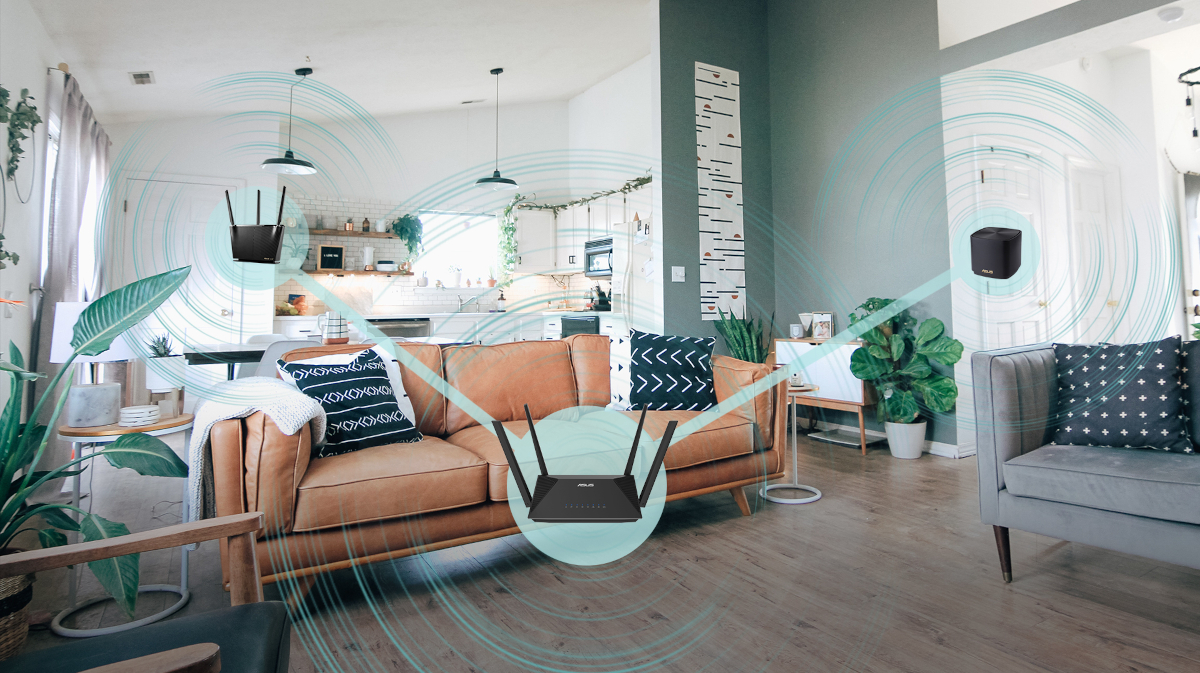
The RT-AX52 Pro is an AiMesh-compatible router, which means you can expand coverage by connecting it with other ASUS devices that support AiMesh. This feature makes it easier to set up a network with more consistent coverage in larger spaces.
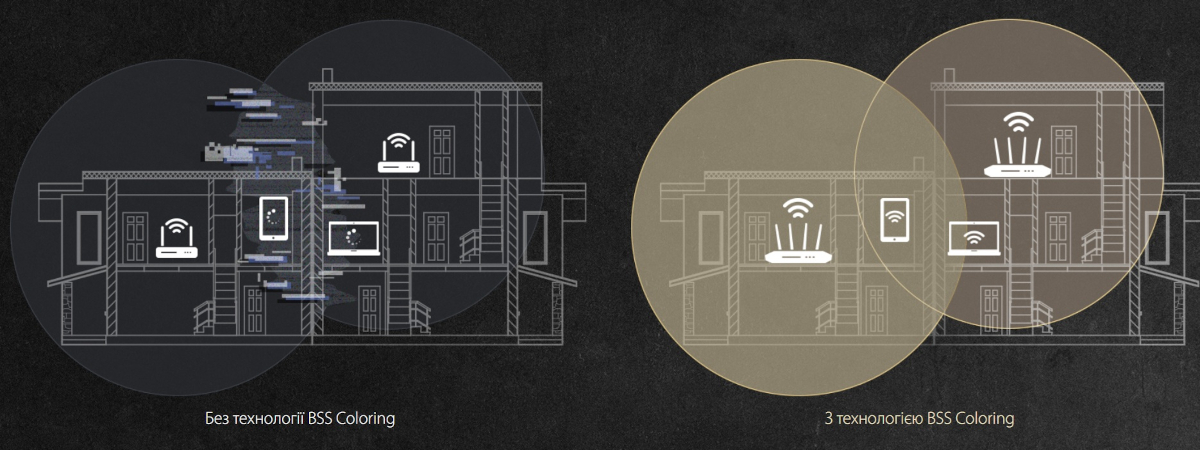
An interesting feature here is BSS Coloring, which really comes in handy when building a Mesh system. It reduces latency and makes the connection more efficient. Each router in the Mesh network “colors” its data with a unique tag that differs from others. What does this mean in practice? Two nearby routers won’t have to “wait in line” to send data to a client over a single stream. Instead, both can transmit simultaneously without interfering with each other, speeding up data delivery.
When comparing the new model with last year’s RT-AX52, the design and most specifications remain largely unchanged. The differences come down to a few points. First, the device class has been upgraded. The original RT-AX52 was an AX1800 router, supporting up to 1201 Mbps on the 5 GHz band and up to 574 Mbps on 2.4 GHz. The Pro version is classified as AX3000, offering up to 2402 Mbps on 5 GHz while keeping the same 574 Mbps on 2.4 GHz. In other words, the 5 GHz throughput has doubled. Second, there’s an update to channel bandwidth support. The previous model offered 20/40/80 MHz, while the RT-AX52 Pro adds 160 MHz, providing more flexibility and potentially higher performance for compatible devices.
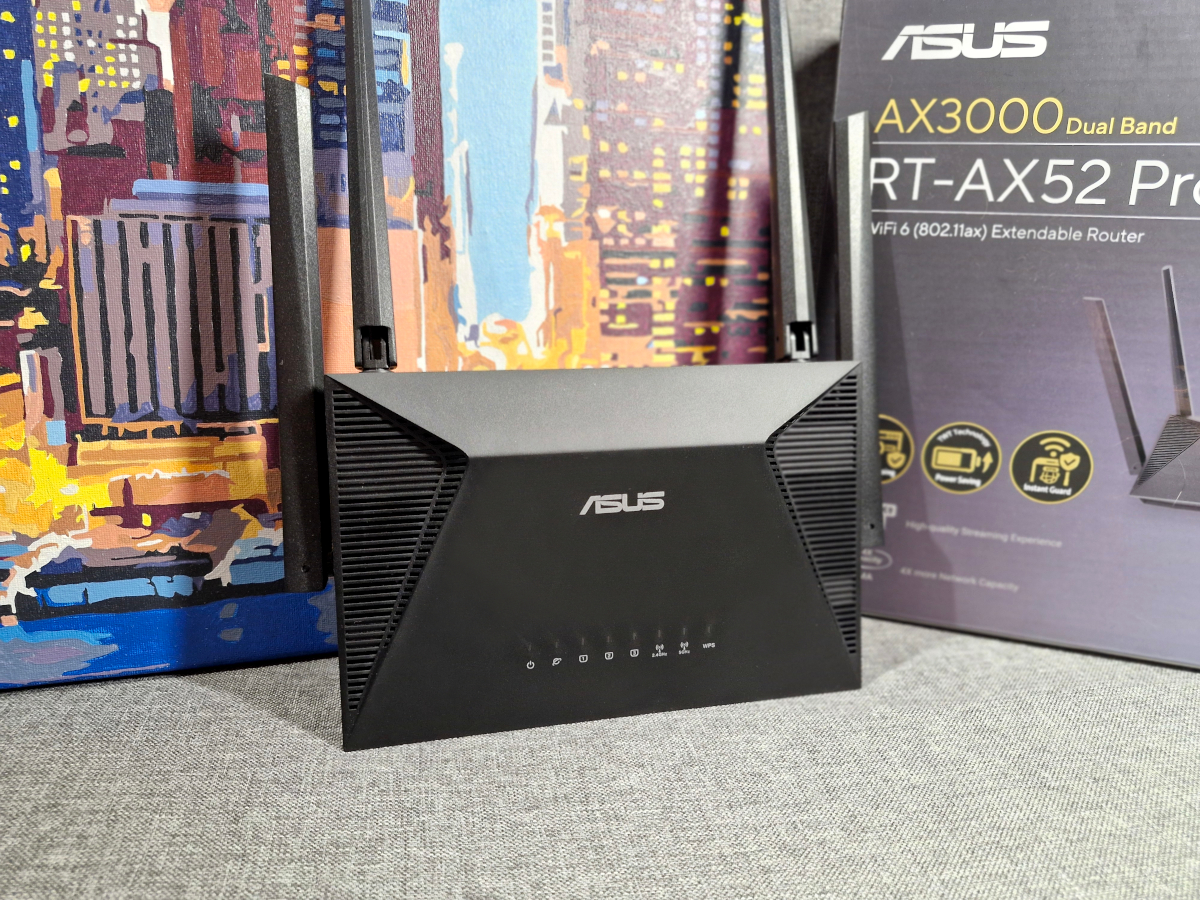
The ASUS RT-AX52 Pro positions itself as a versatile router suitable for home or small office use, covering the typical connectivity needs of most modern users.
Read also:
- ASUS TUF Gaming BE6500 Review: Cool Wi-Fi 7 Router
- Review of the ASUS RT-BE92U Router with Wi-Fi 7 Support
Positioning and price
According to ASUS’s official materials, the RT-AX52 Pro is presented as a router designed for home use, including smart home setups, as well as small office environments. The feature set reflects this positioning: adequate bandwidth, the ability to handle multiple simultaneous connections, built-in security tools, and user-friendly configuration options. At the time of writing, the router is listed at a standard price of $73/€62, but is being offered at a discounted $63/€54.
ASUS RT-AX52 Pro package contents
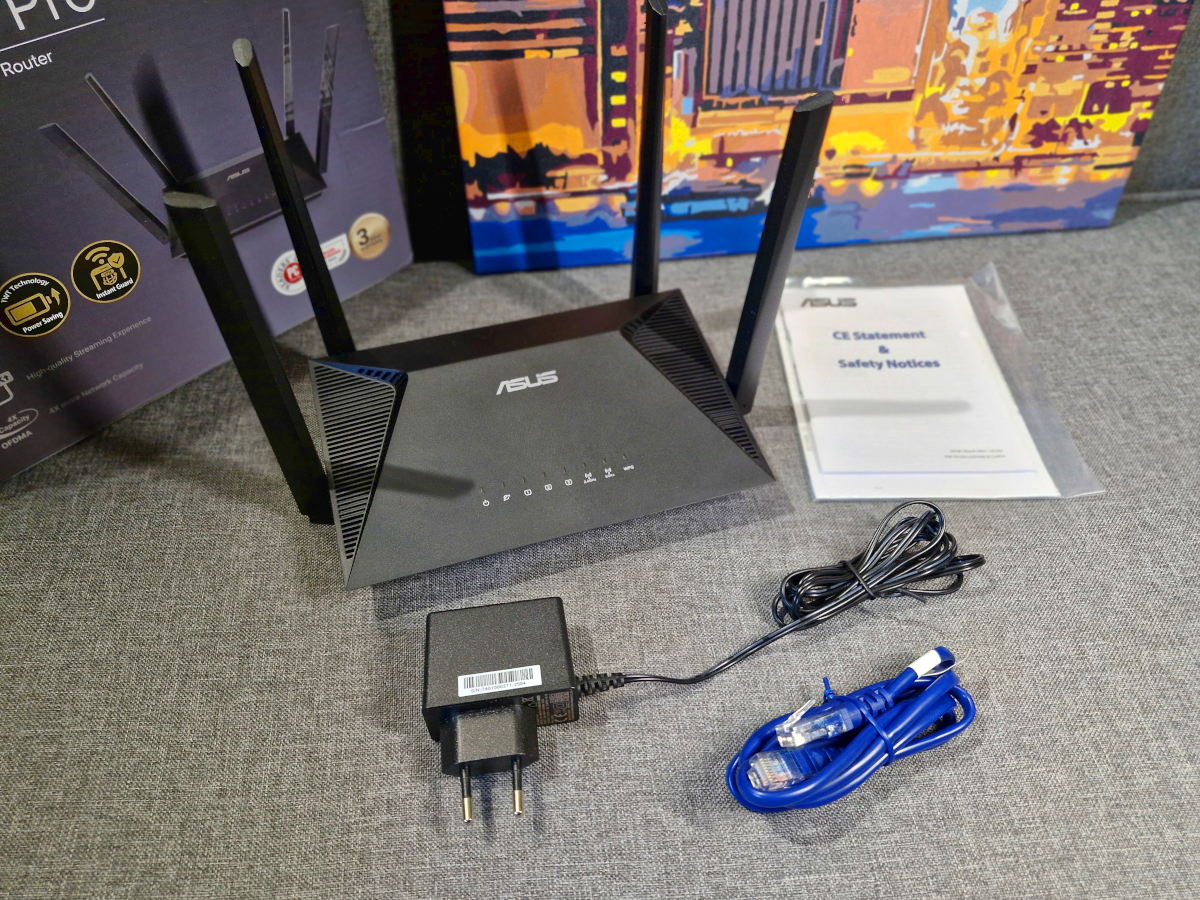
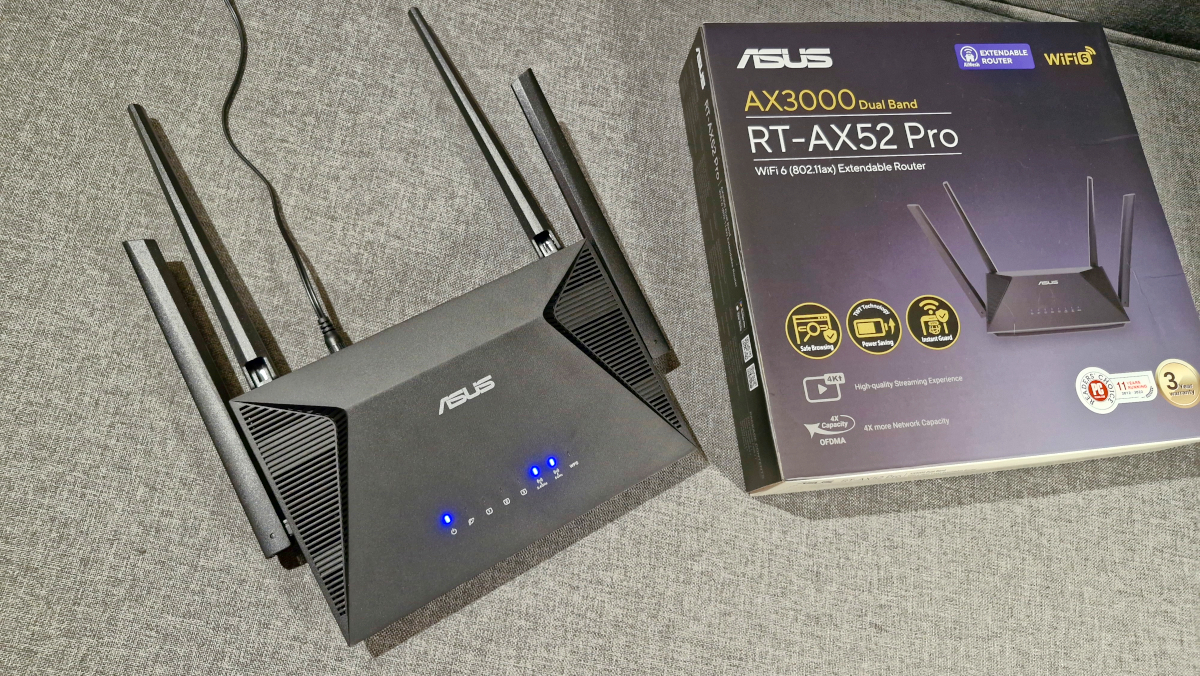
The ASUS RT-AX52 Pro arrives in a slim, branded box that highlights the router’s key features. Inside, alongside the router itself, you’ll find an Ethernet cable, a 12 W power adapter, and the accompanying documentation. The package is minimal, containing only what’s necessary to get started right away.
Design and ports
Overall, the design of the ASUS RT-AX52 Pro hasn’t changed much compared to the original RT-AX52. The weight and dimensions remain modest at 298 g and 192.0 × 126.3 × 47.5 mm. Its appearance can be described as neat and modern. Unlike ASUS’s gaming routers, the RT-AX52 Pro has a restrained, versatile look that blends into both home and office environments without drawing attention.
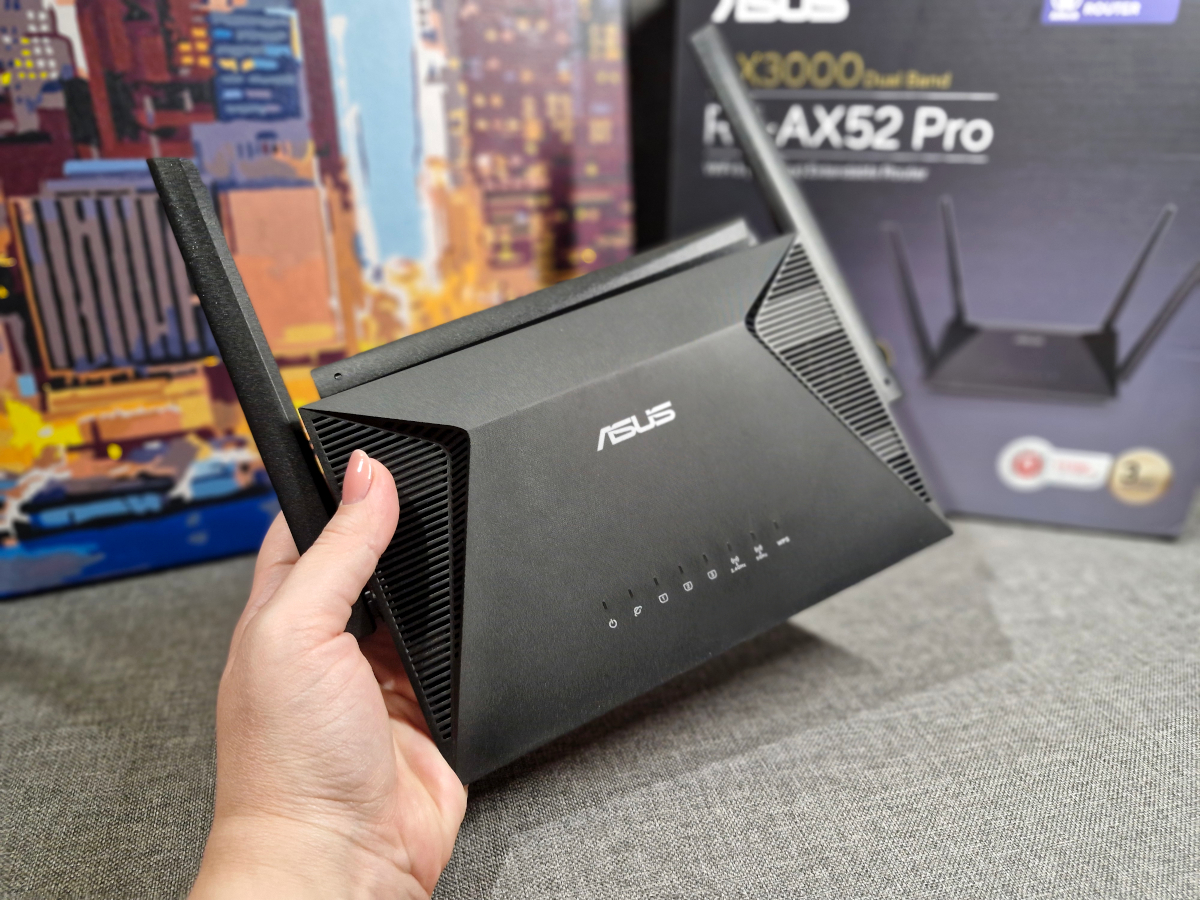
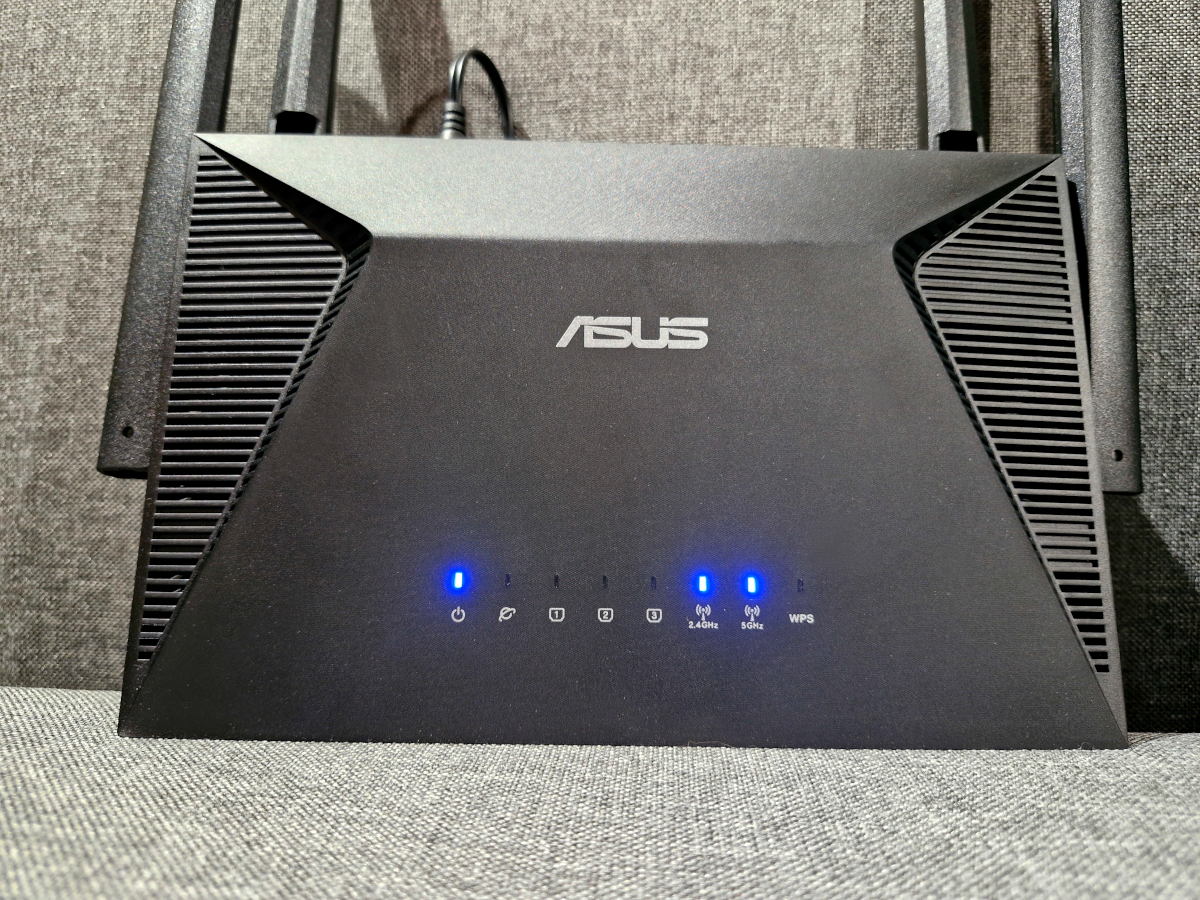
The router’s casing is made of matte black plastic, which feels solid and practical. The top cover has a slightly complex shape and features a subtle ASUS logo. On the sides, there are symmetrical vents for cooling, and the bottom houses the status indicators. These remain unchanged from the previous model: eight blue LEDs, each representing a specific operating mode.
Flipping the router reveals a fully perforated surface, a label with technical information, and four feet. The lower feet are plastic, matching the body, while the upper ones are rubberized to prevent slipping. Additionally, there are two cross-shaped slots for wall mounting. It’s convenient that the router supports both horizontal and vertical placement.
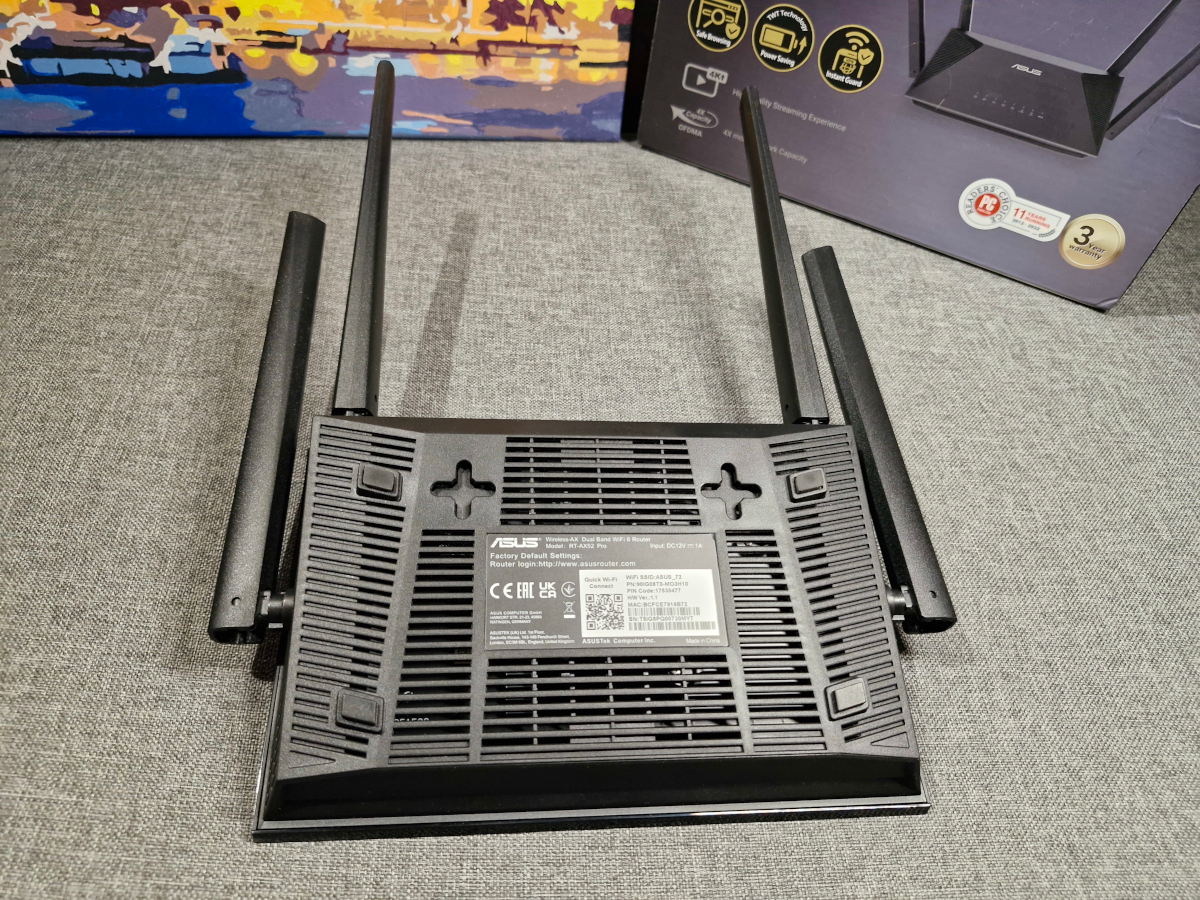
The sides are also perforated and each holds a single antenna. The antennas are fixed but hinged, allowing you to adjust their direction as needed.
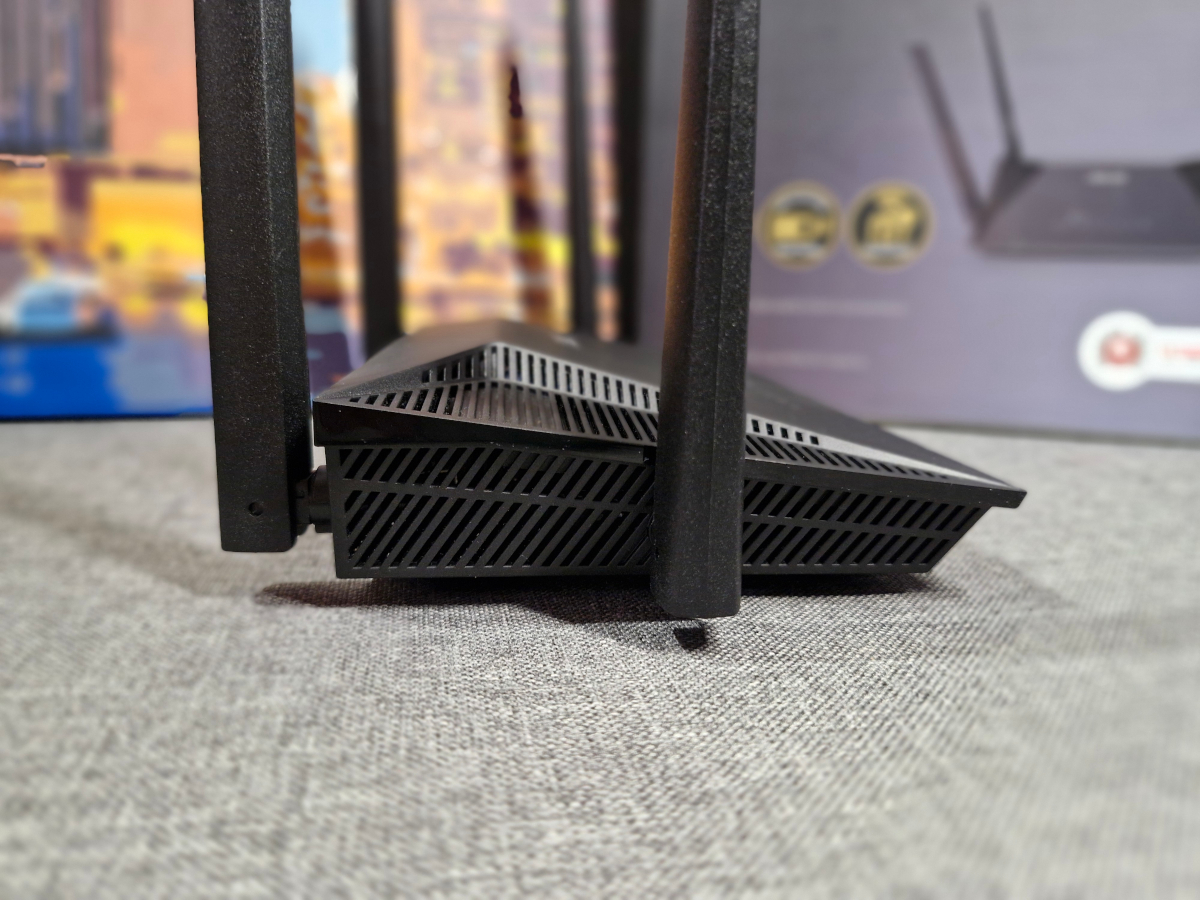
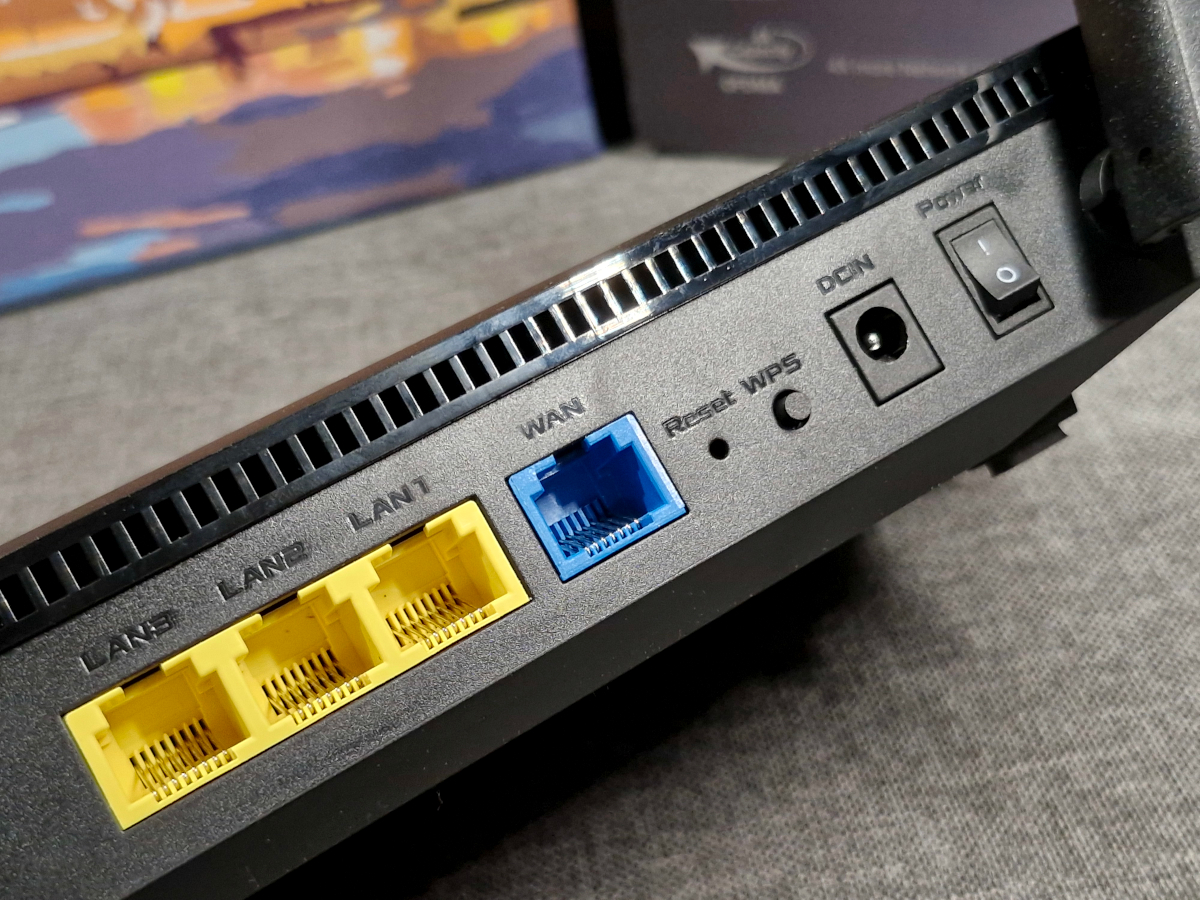
The remaining two antennas are fixed at the back, where all the ports and controls are also located: three yellow LAN ports, one blue WAN port, the power input, a power switch, a WPS button, and a small Reset hole for restoring factory settings.
Read also:
- How to Expand Your Home Network with AiMesh-Enabled Routers (Using ASUS as an Example)
- ASUS ROG Rapture GT-BE19000 Review: Tri-Band Gaming Router
Connection
Setup is straightforward. You connect the ASUS RT-AX52 Pro to power, plug your provider’s cable into the WAN port, and then choose the method for configuring the router. You can use either the web interface or the mobile app, both of which will be examined in detail later.
ASUS RT-AX52 Pro web interface
To configure the router via the web interface, you need to visit router.asus.com. This provides access to the router’s full range of settings.
The top section of the interface contains general settings, while the bottom section houses advanced options. In the general settings, you can manage the network map (connection status and connected devices), guest network, parental controls, AiMesh, and access the traffic manager.

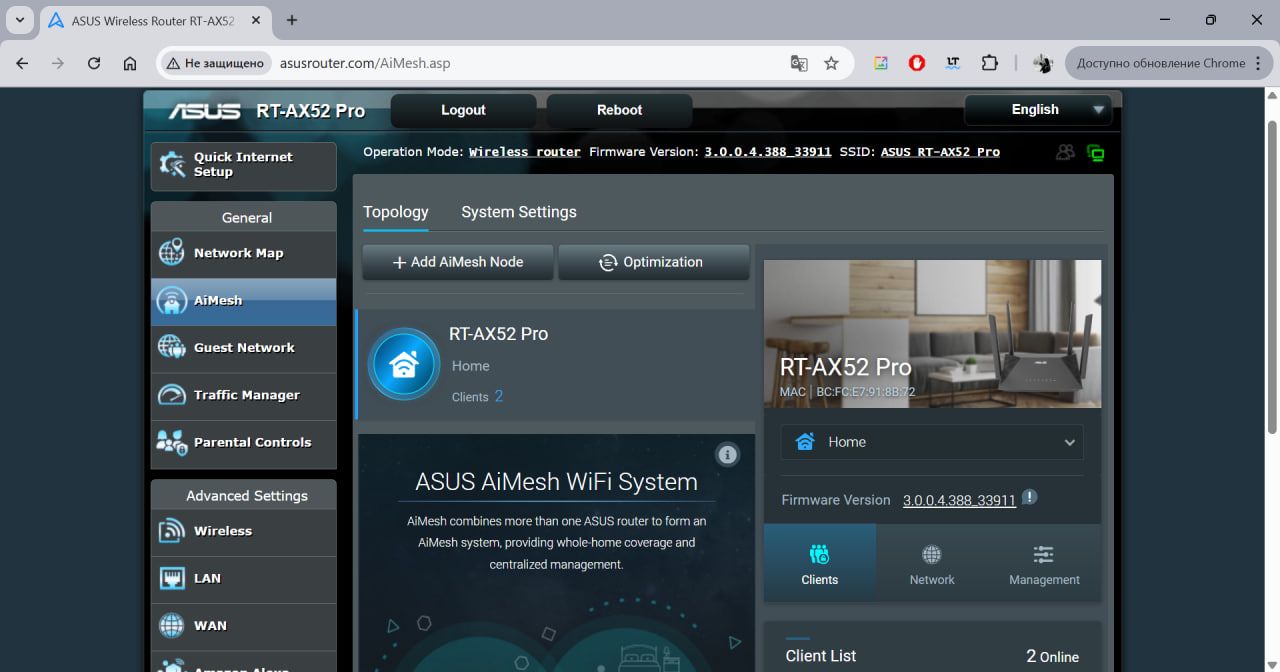
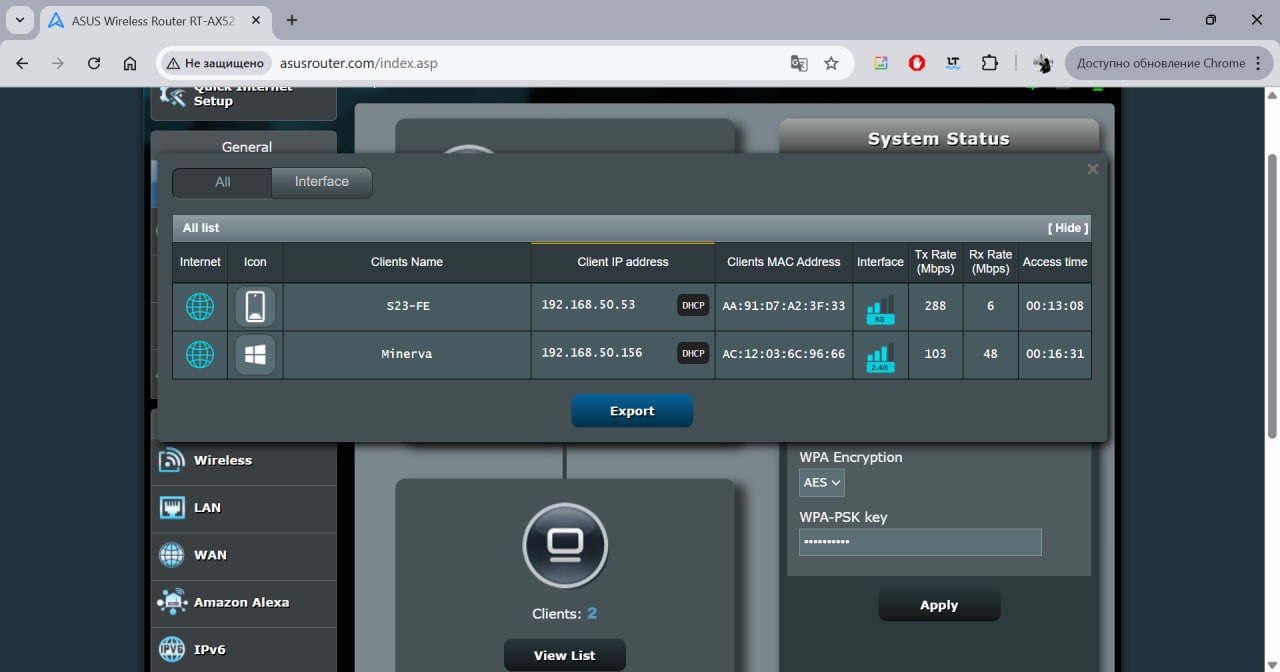
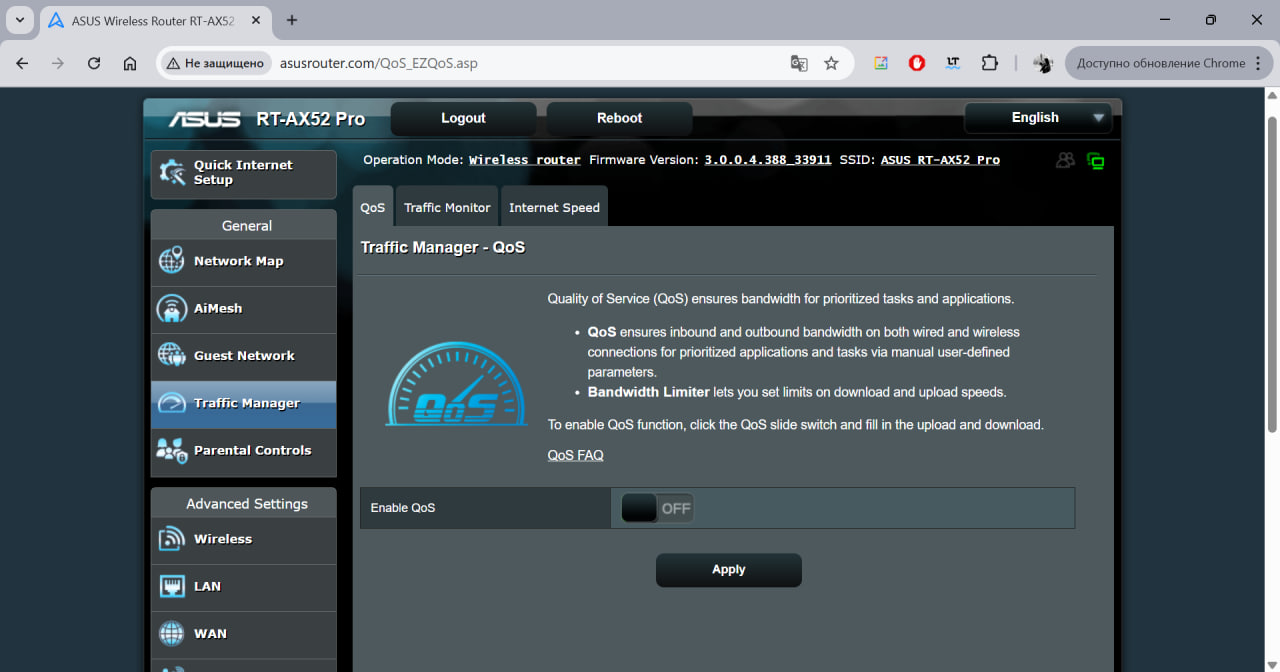
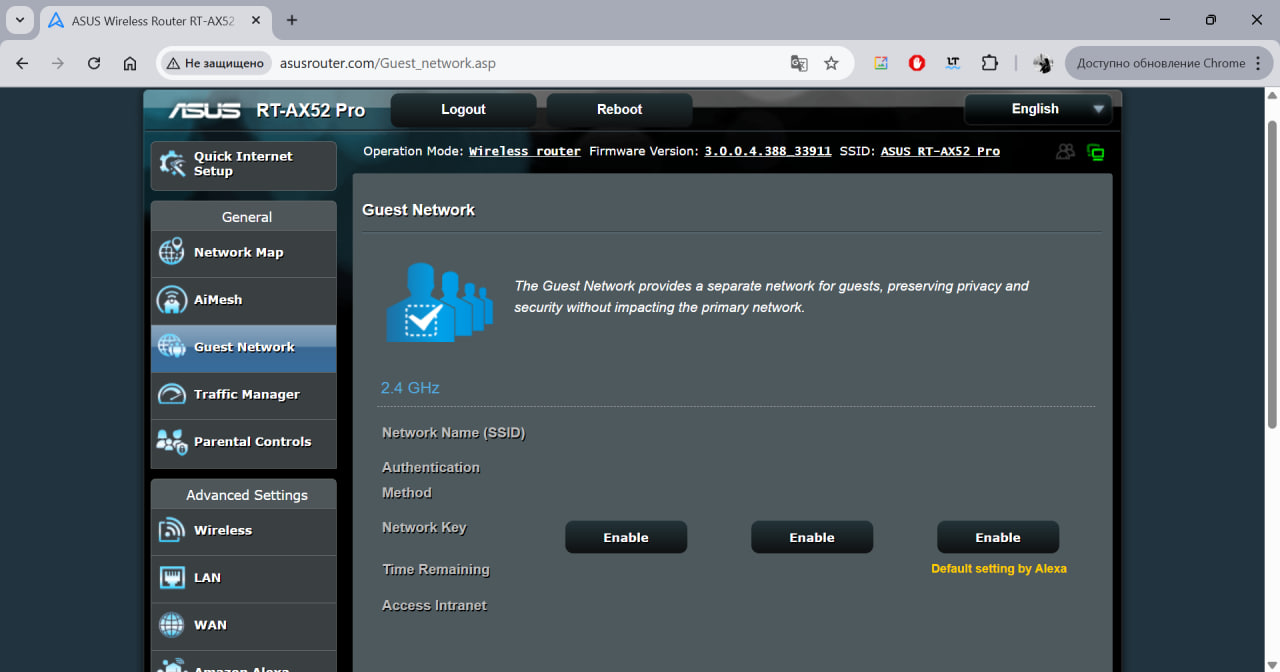
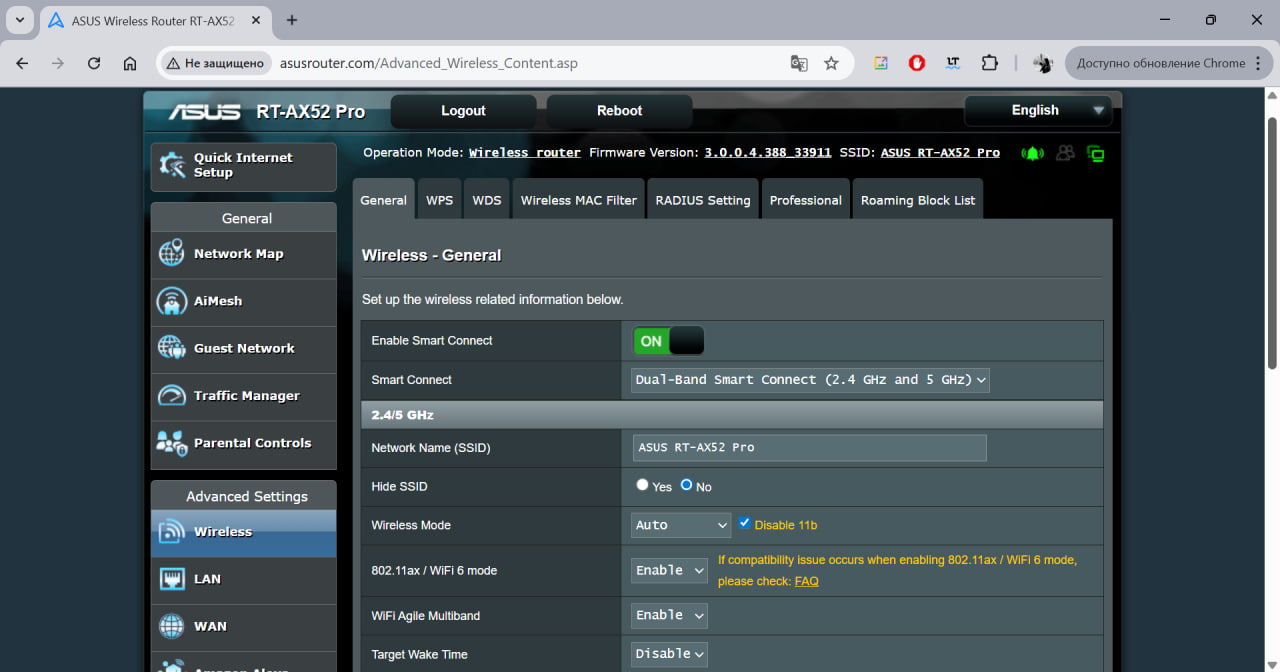
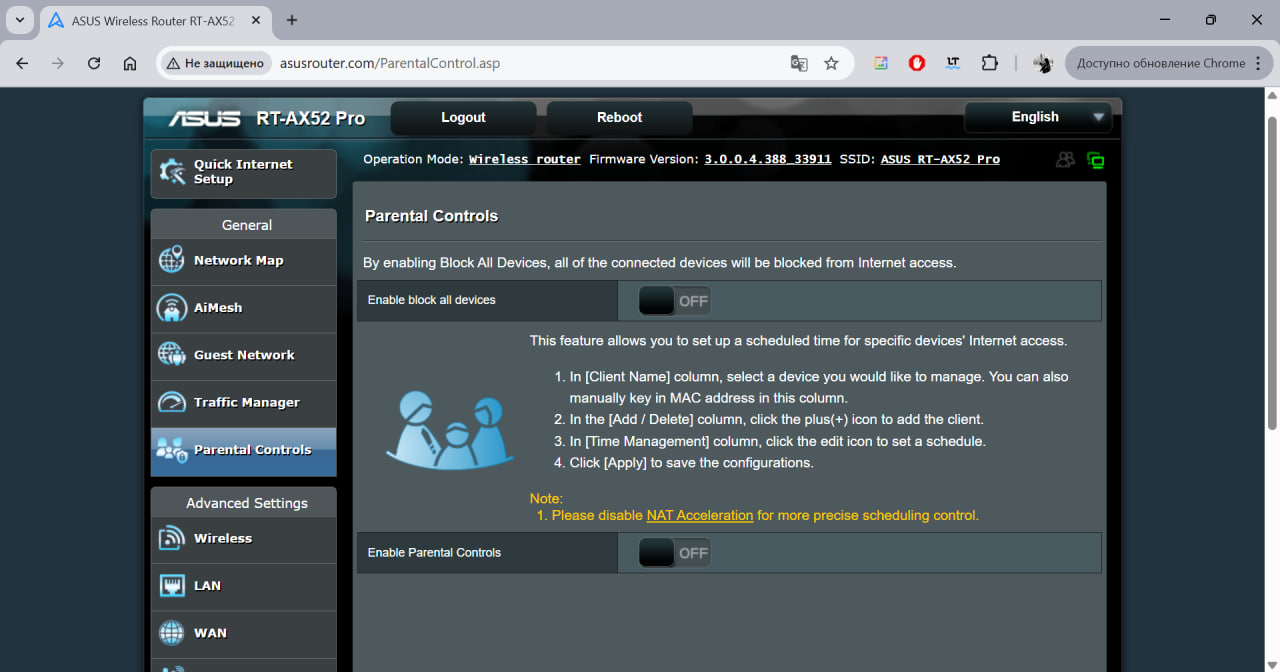
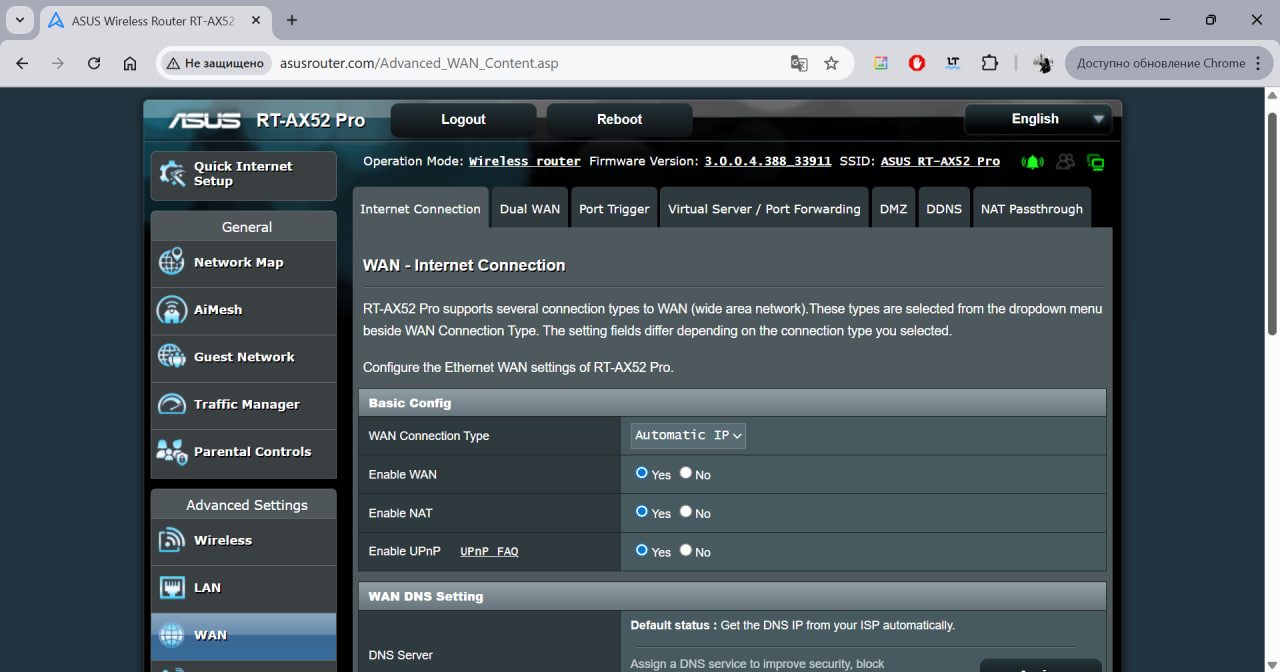
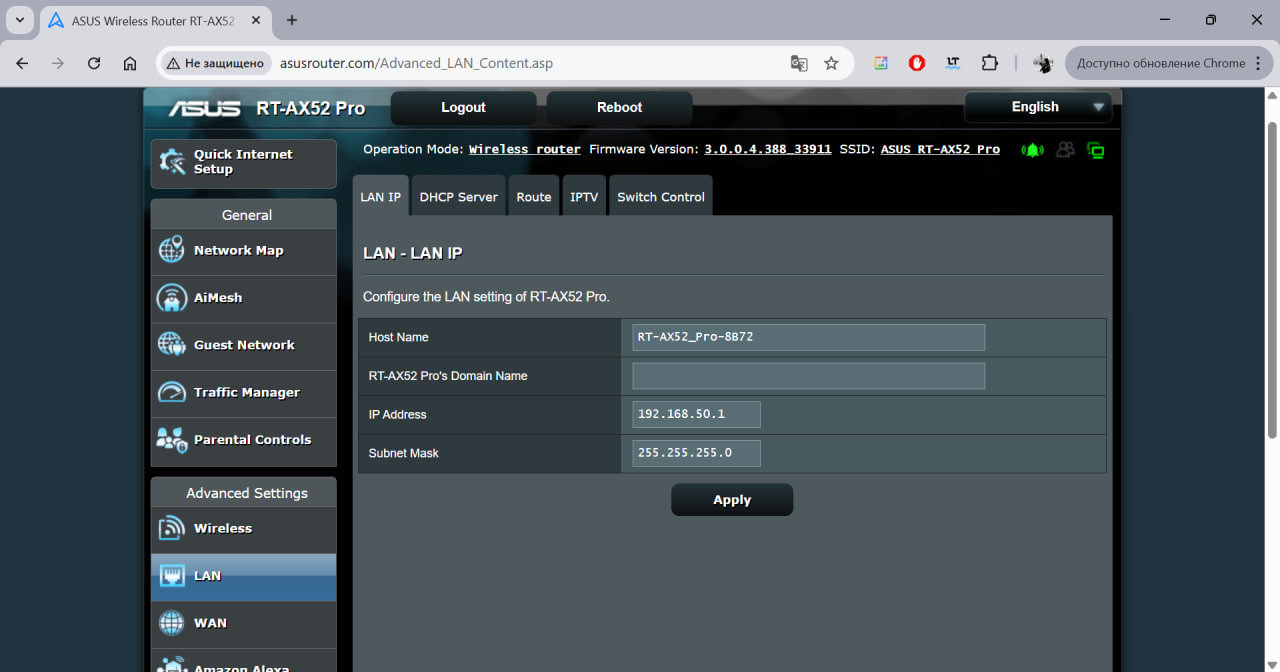
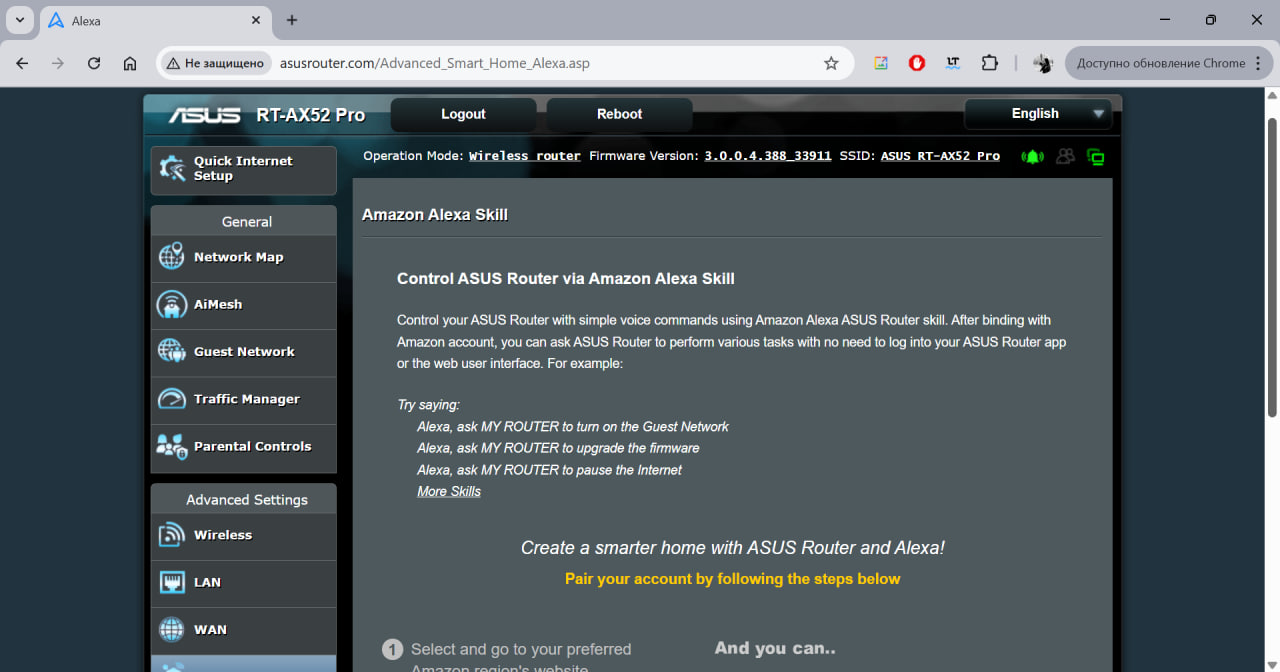
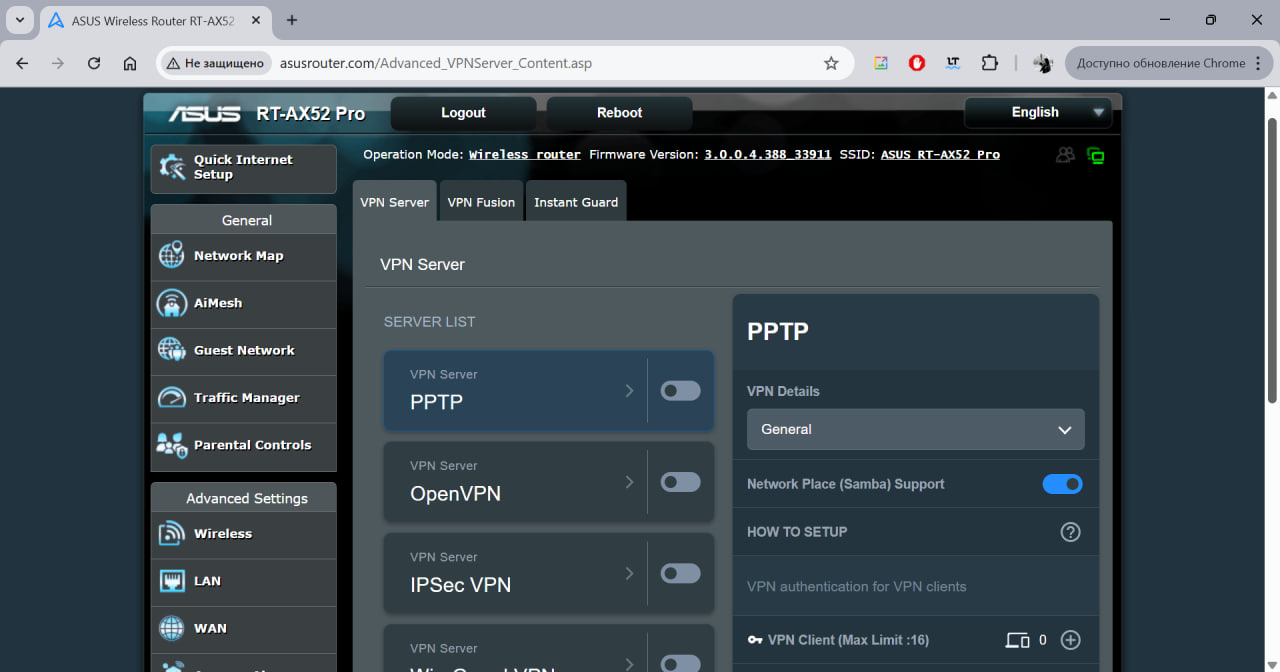
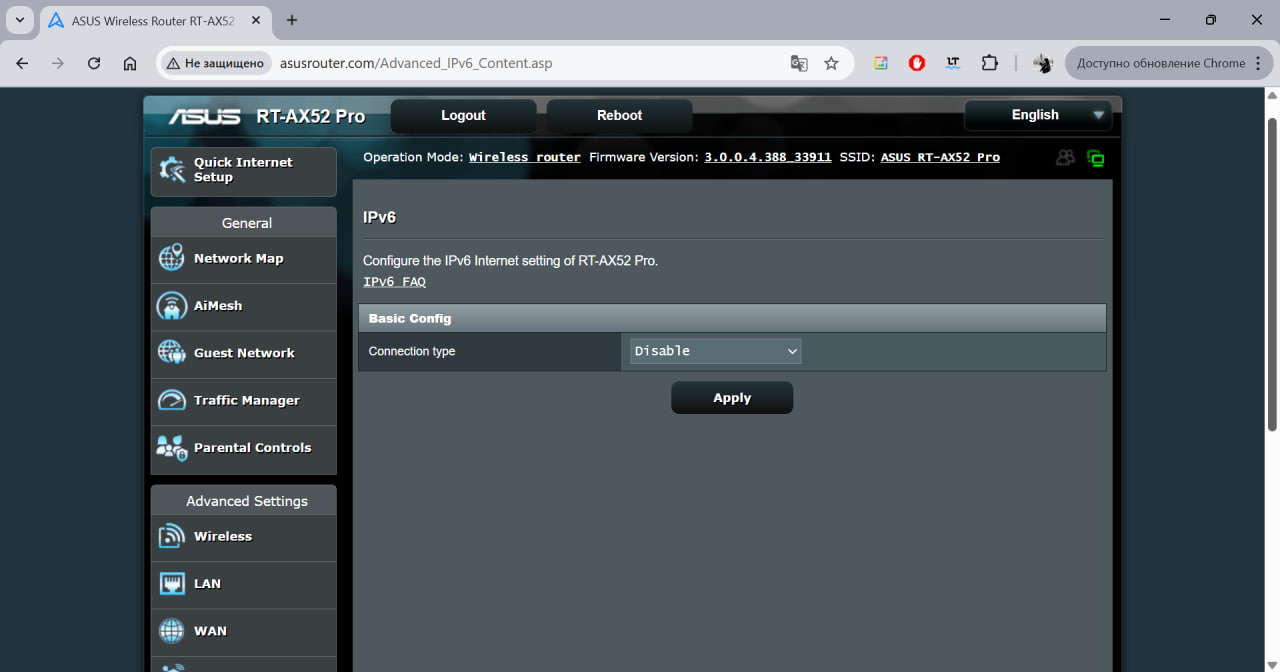
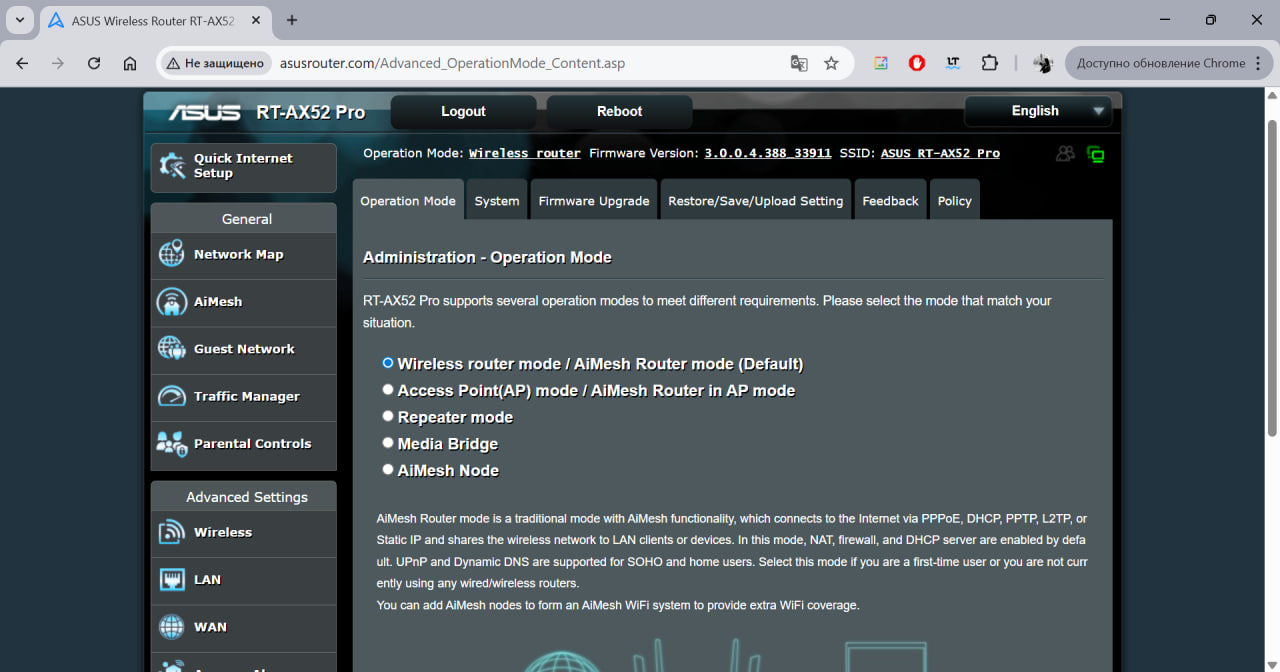
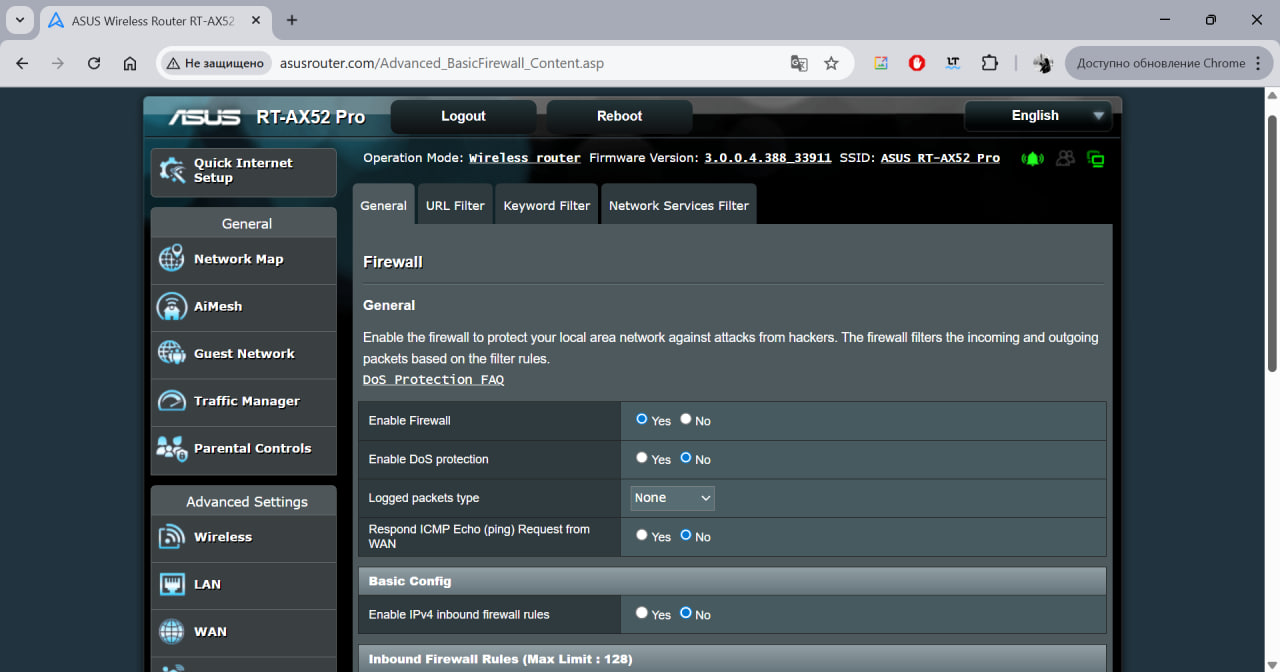
The advanced section includes settings for WAN, wireless and local networks, VPN, firewall, Alexa voice assistant, admin permissions, and many other options that allow you to fine-tune the router to your needs. Overall, the web interface is detailed, informative, and user-friendly, with support for multiple languages, including Ukrainian.
ASUS Router app
To make accessing the settings more convenient, ASUS provides the ASUS Router app, which is available for both Android and iOS devices.




Once installed and connected to the router, the app allows you to configure all router settings directly from your smartphone. Its functionality mirrors the web interface. The app is organized into five tabs: the first displays connection status and real-time traffic, the “Devices” tab shows connected devices and lets you set up a Mesh system if compatible devices are present, and the “Tips” tab provides recommendations for optimizing router performance.
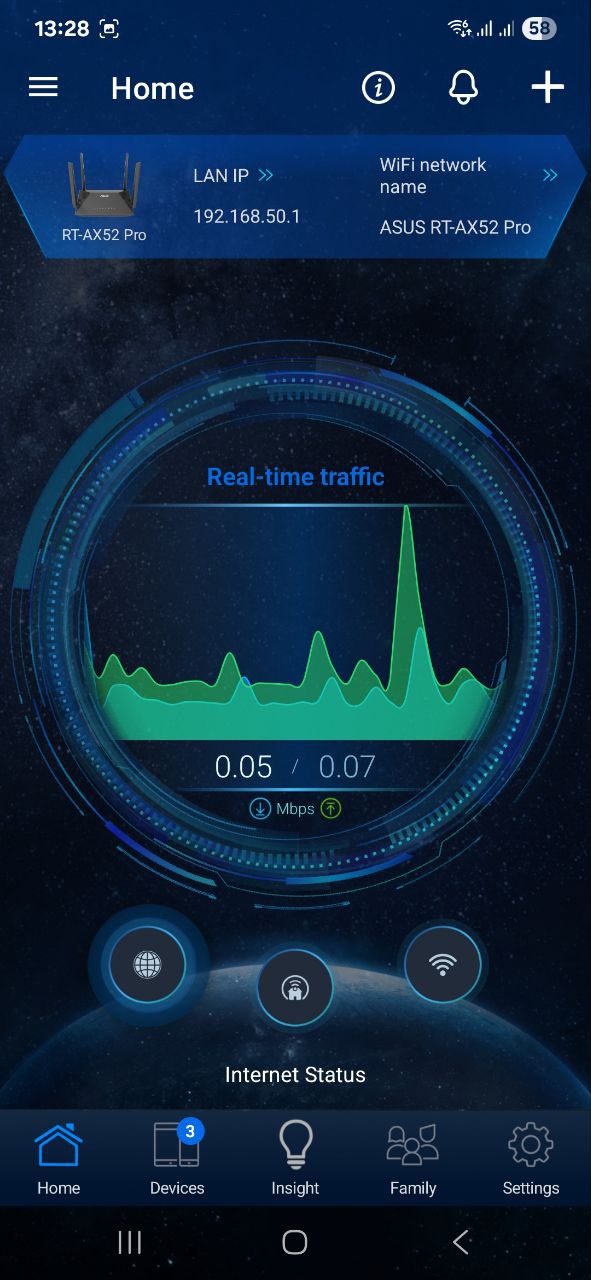
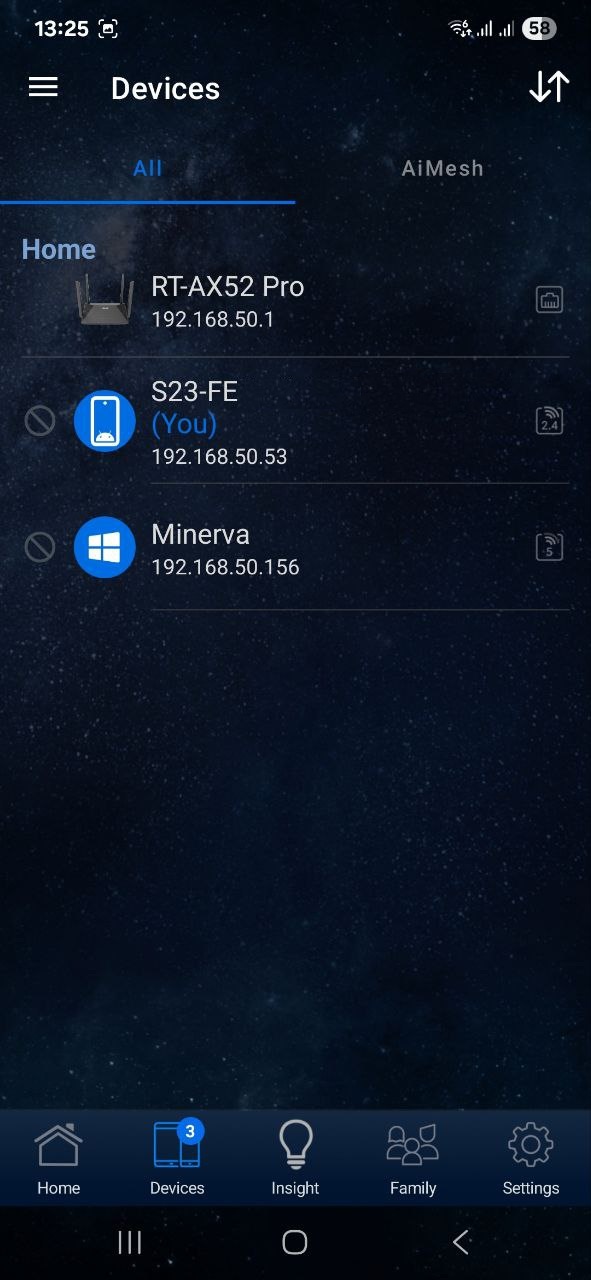
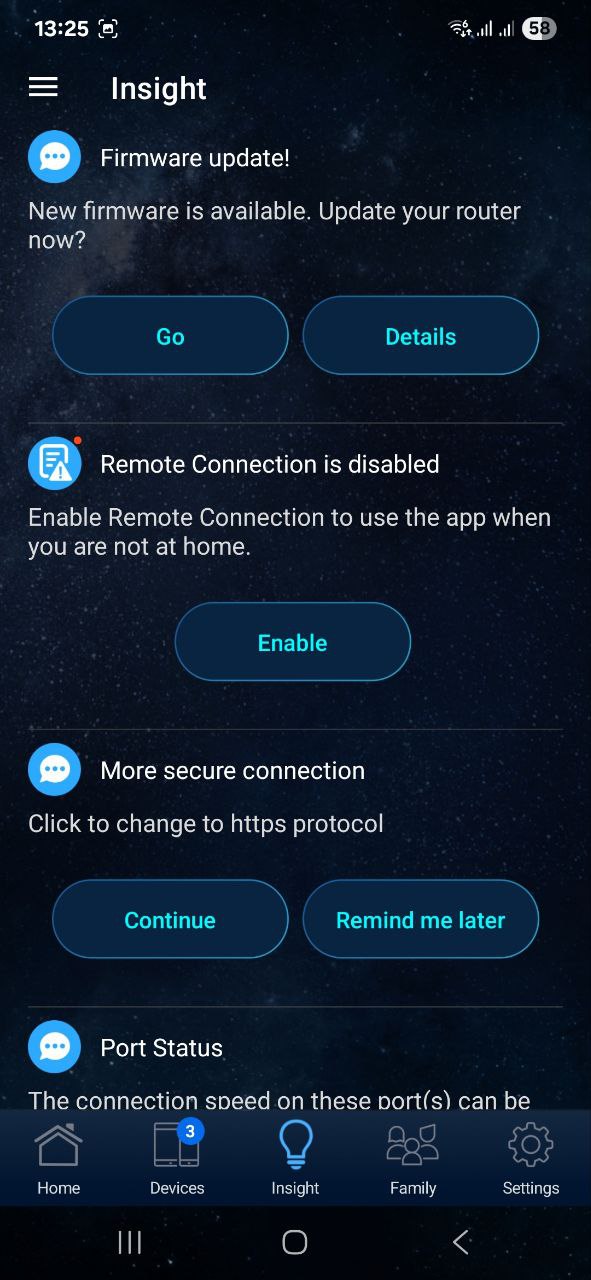
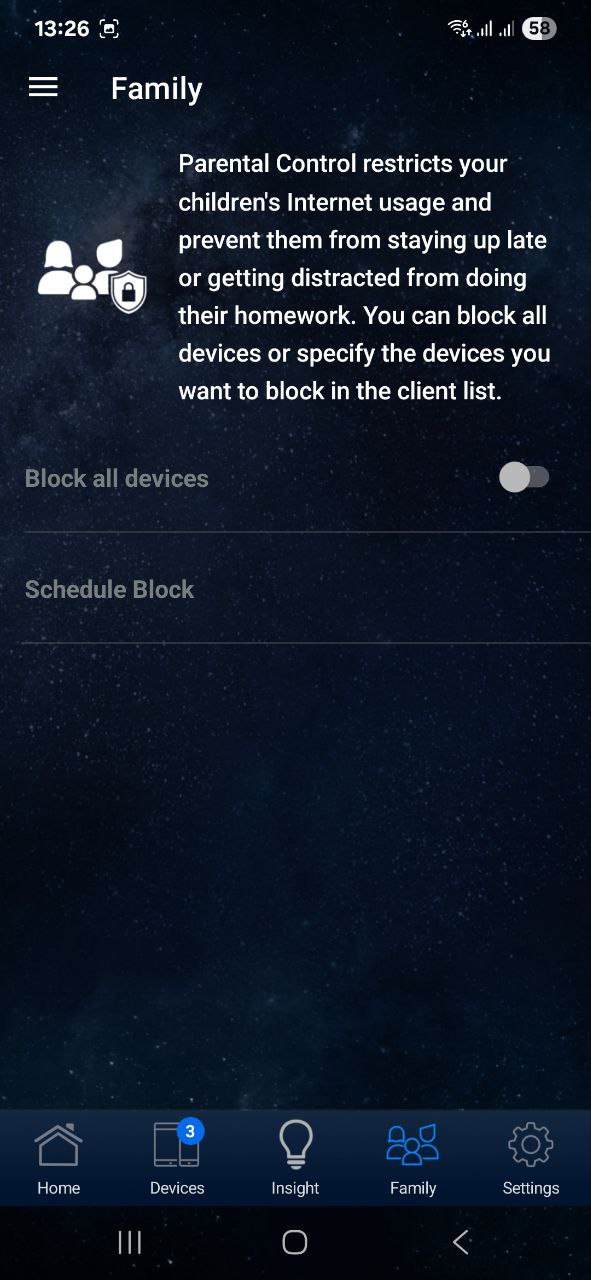
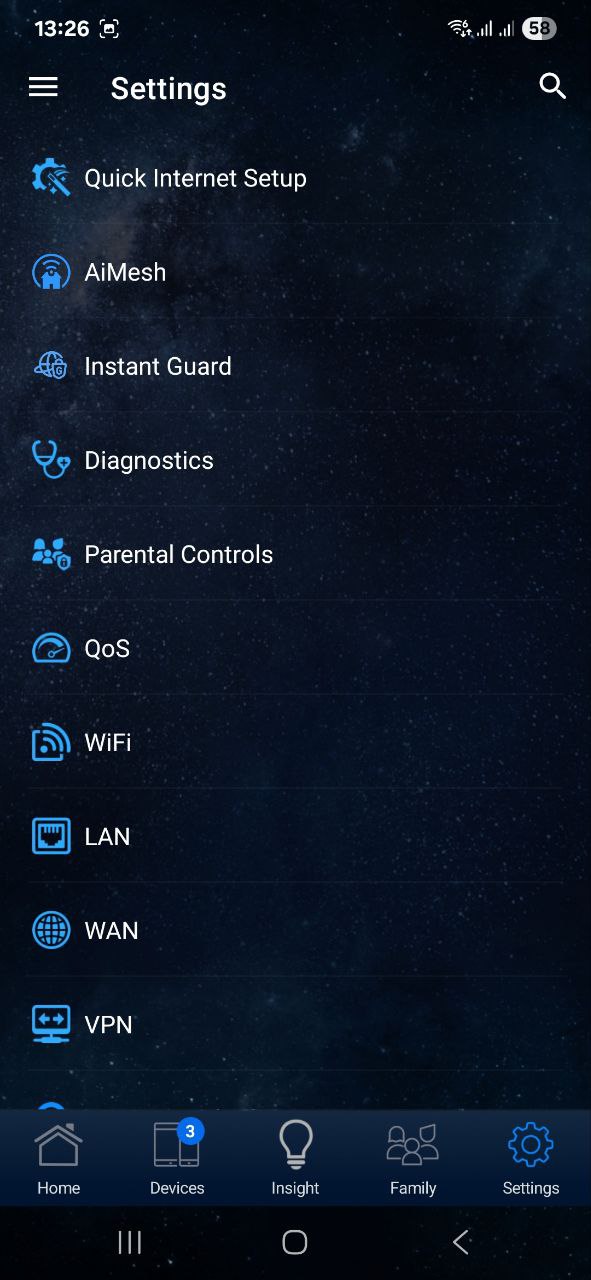
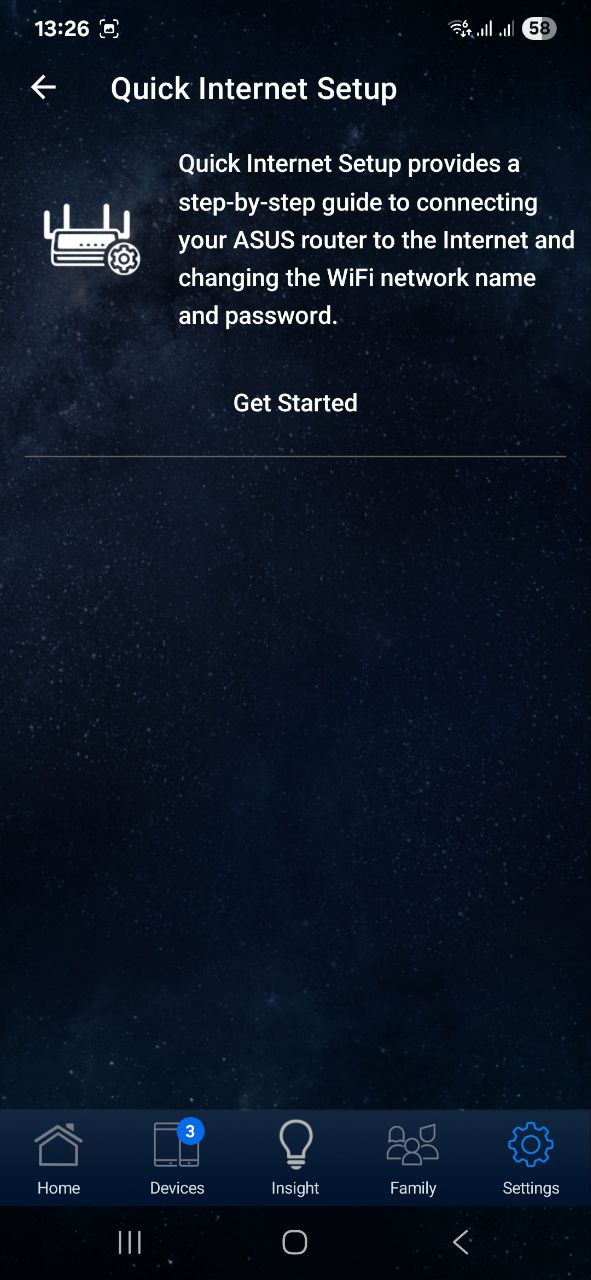
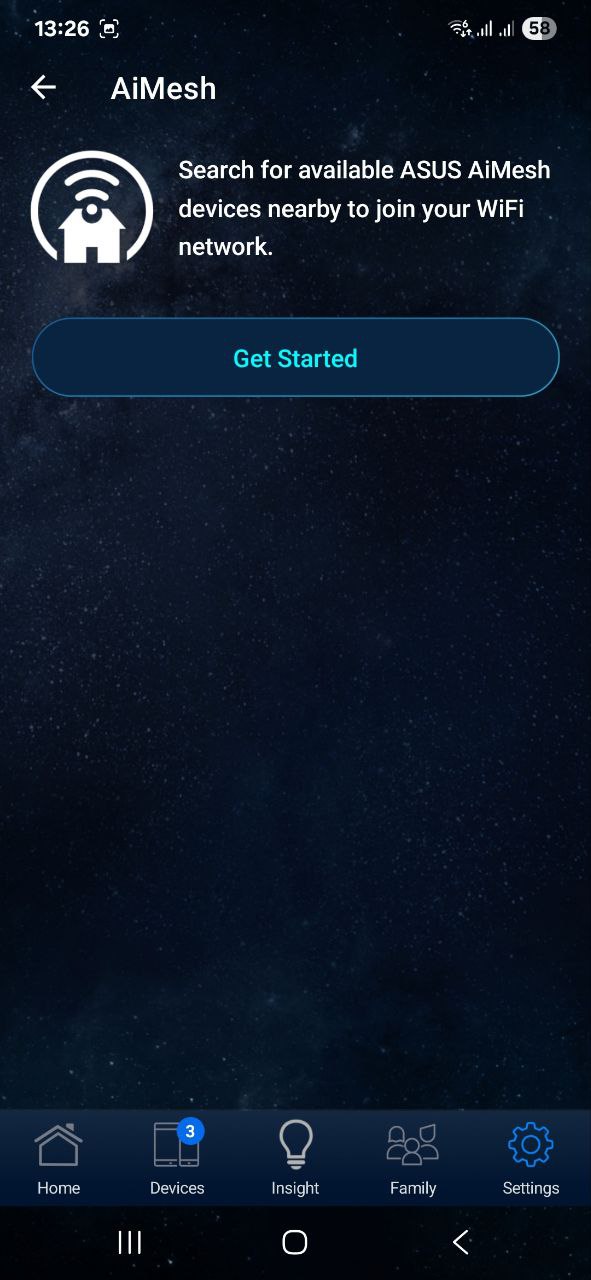
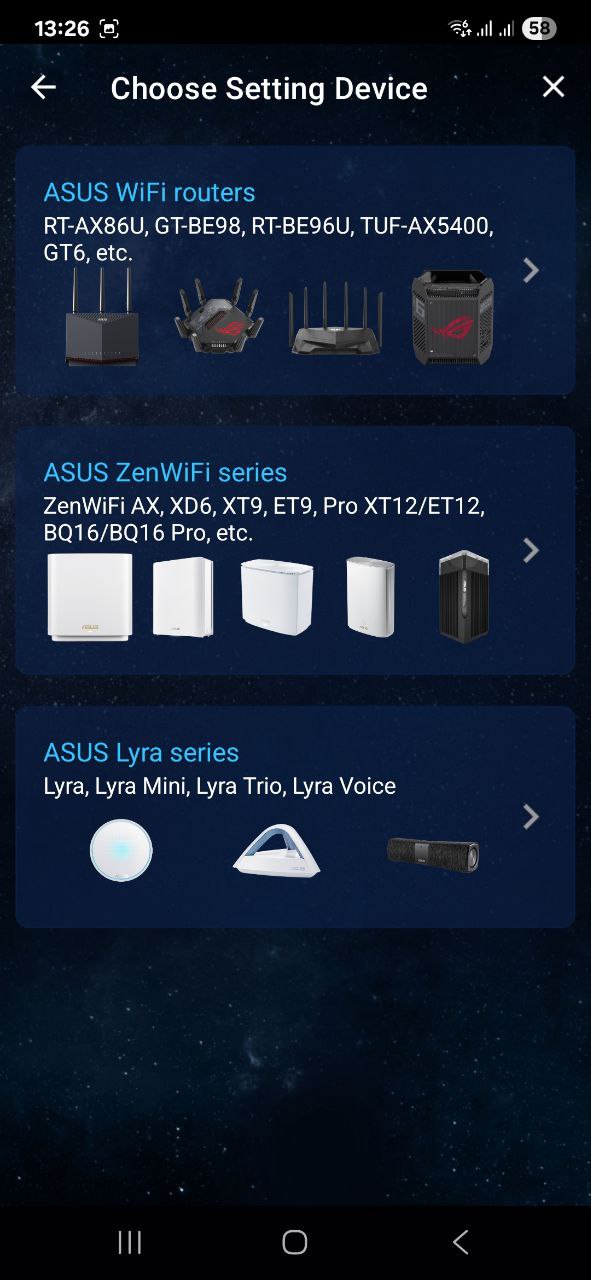
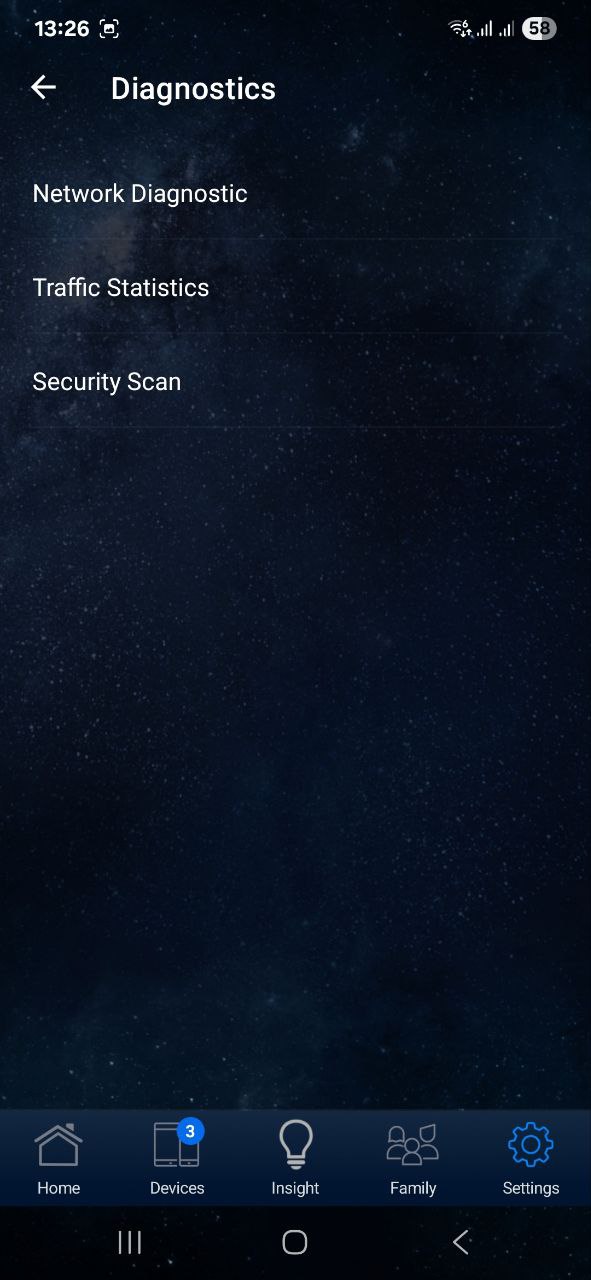
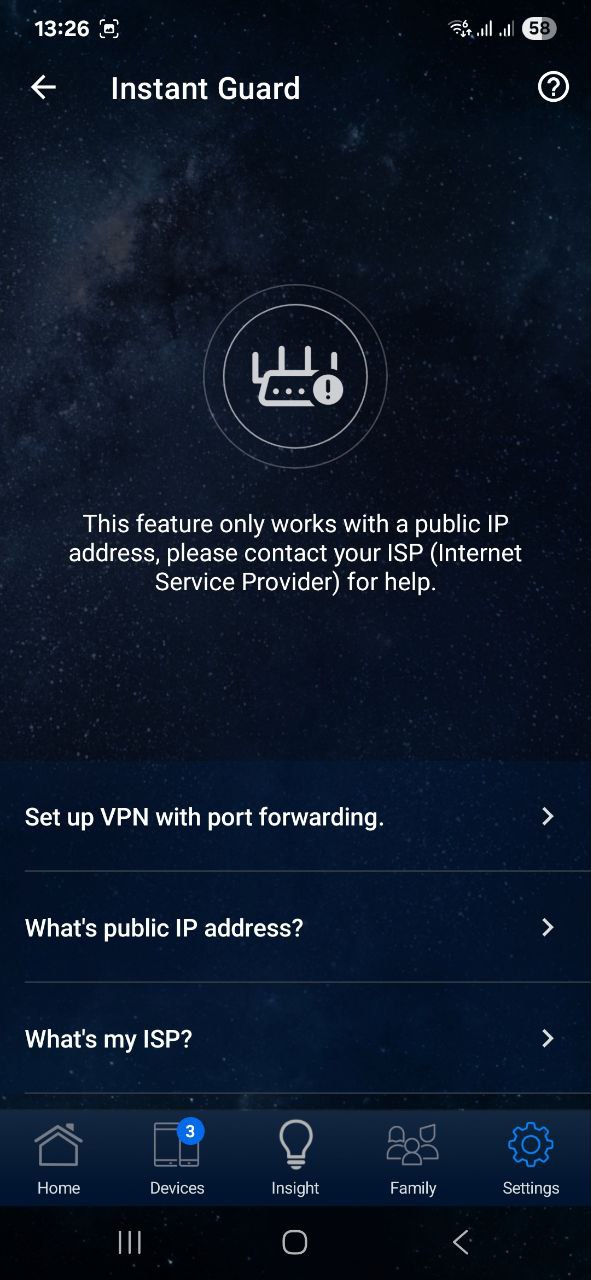
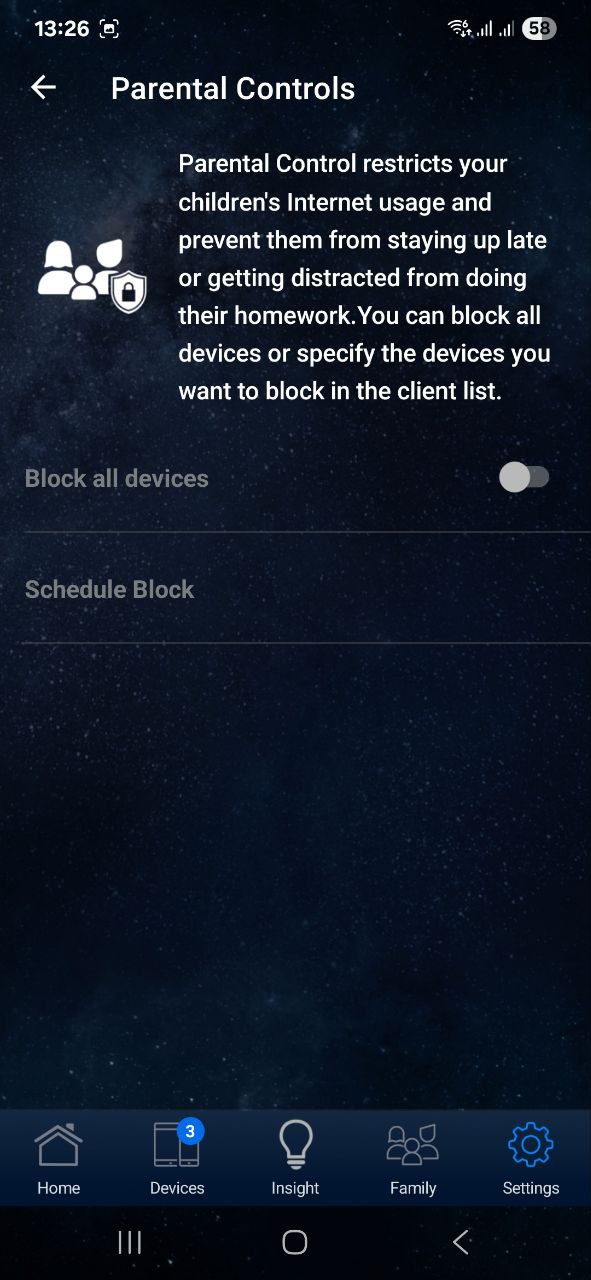
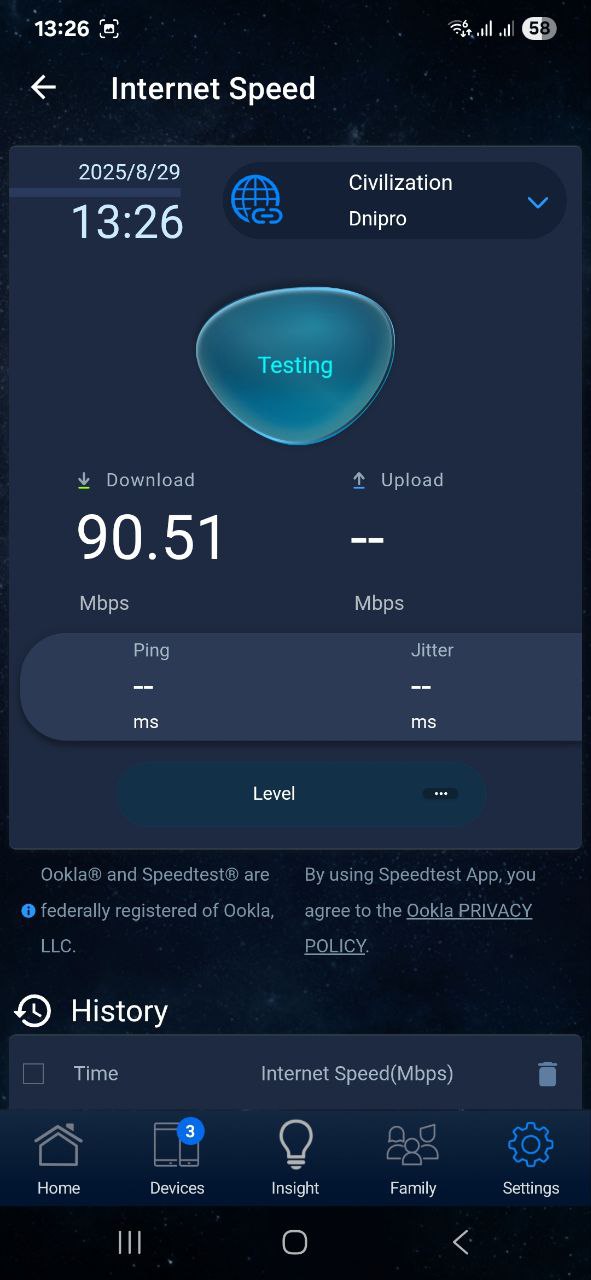
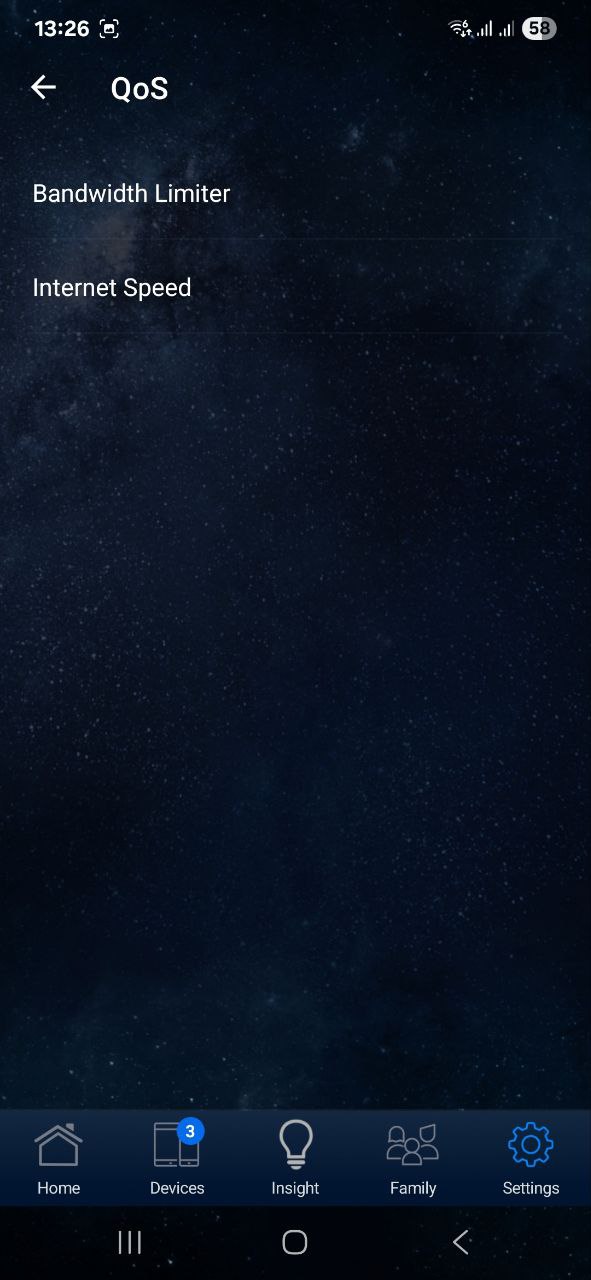
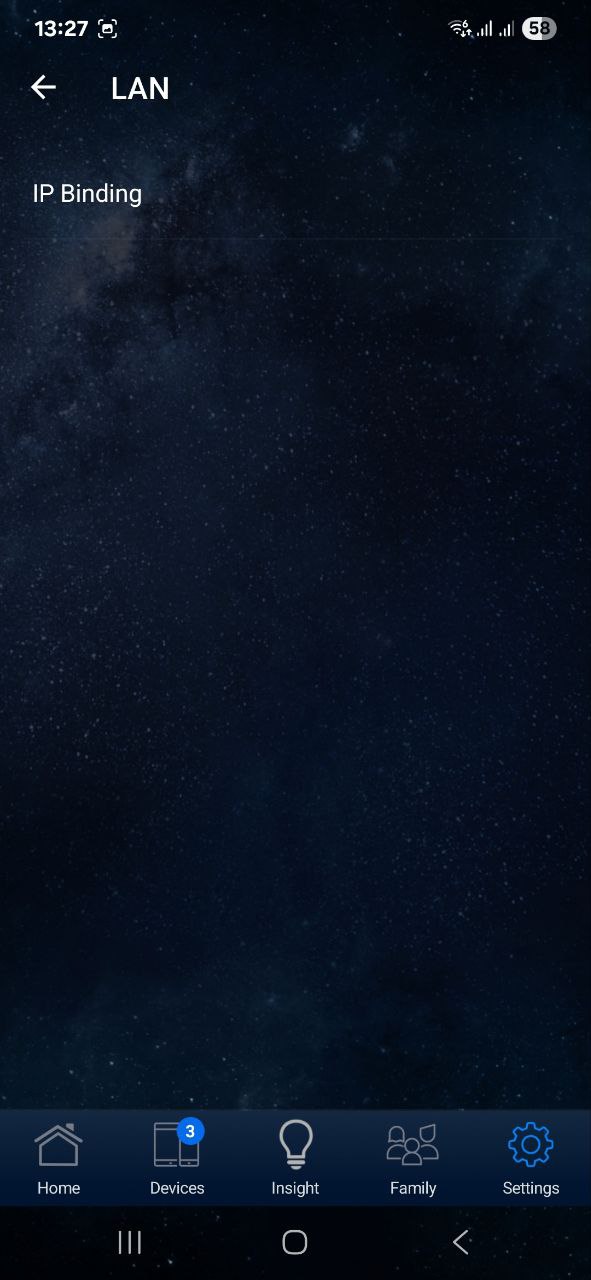
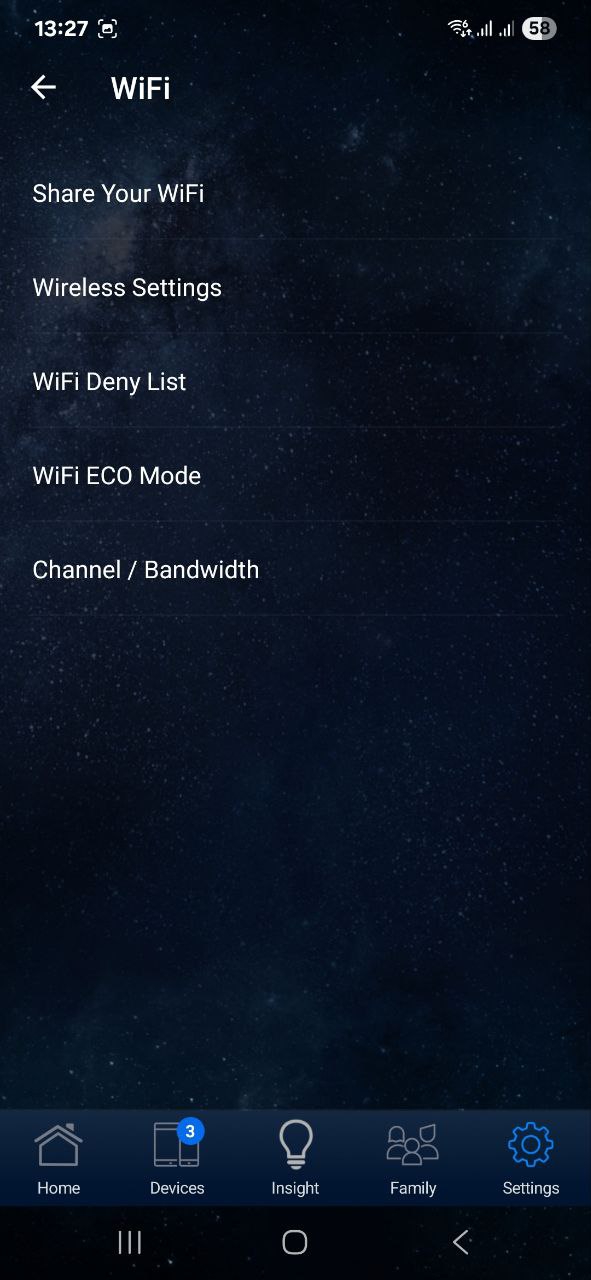
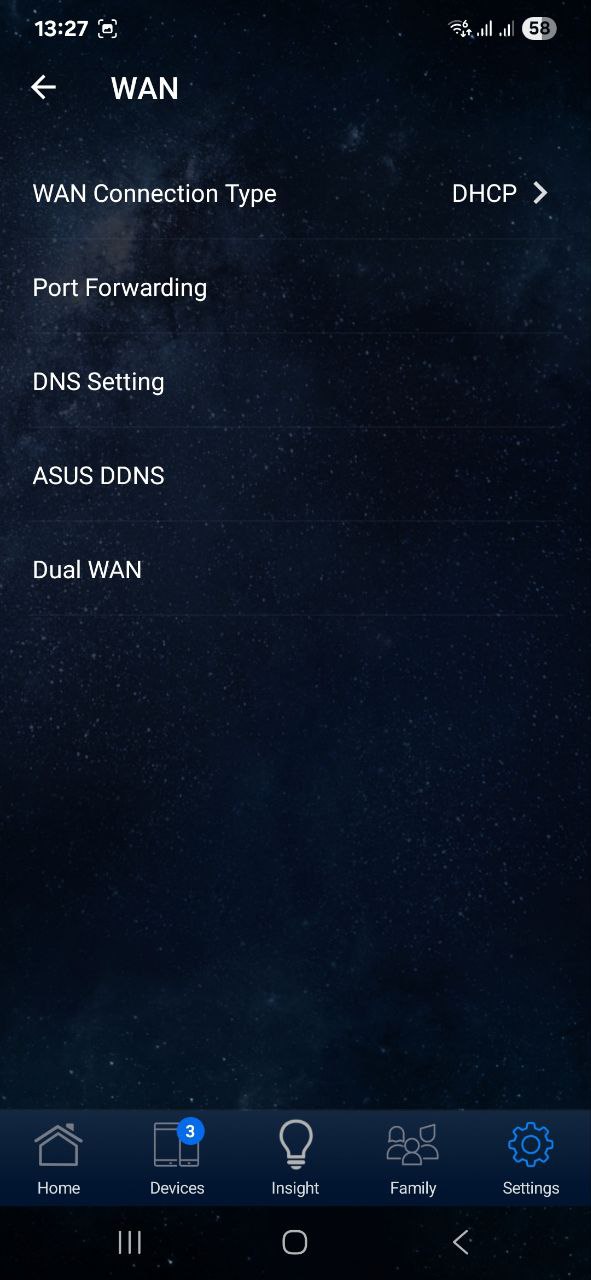
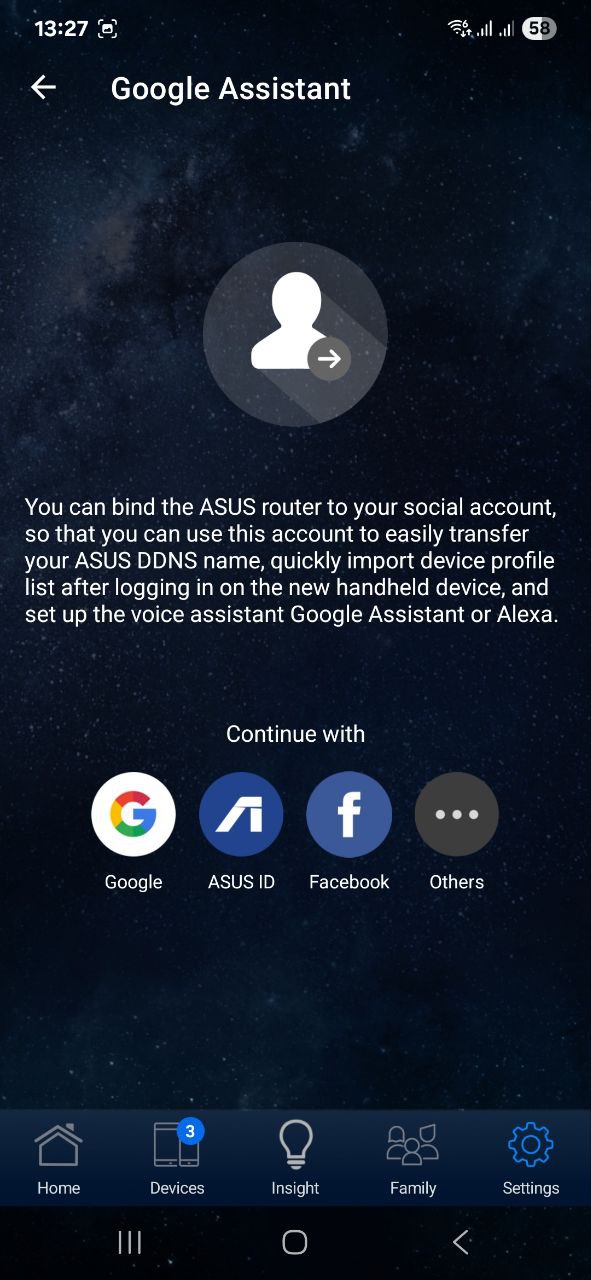
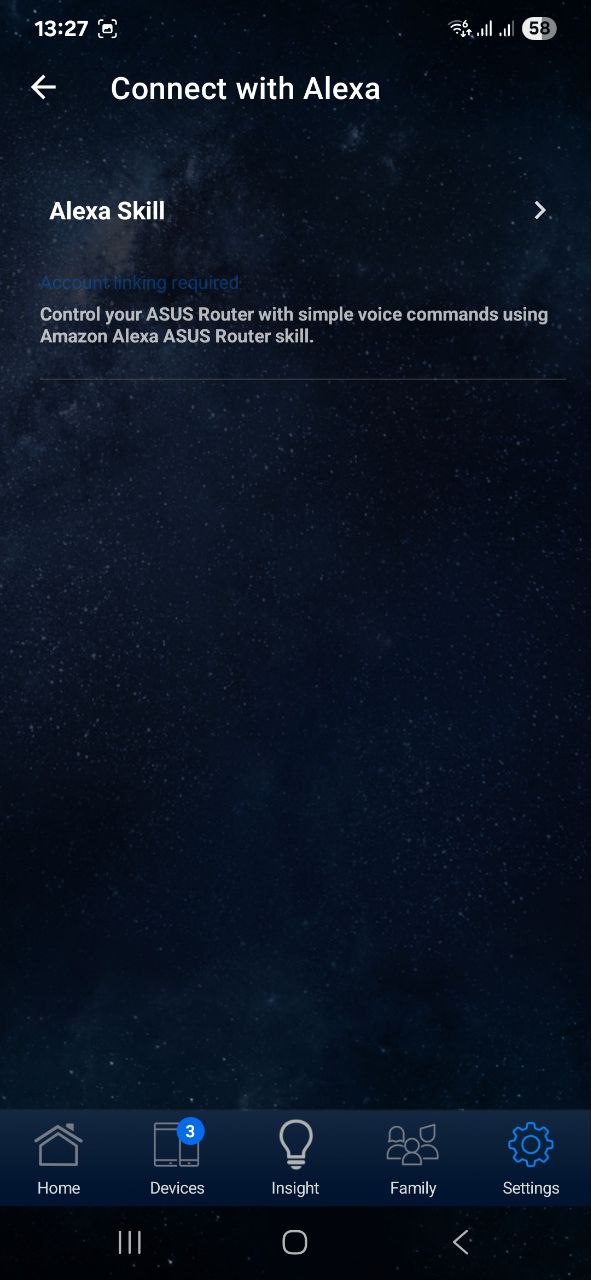
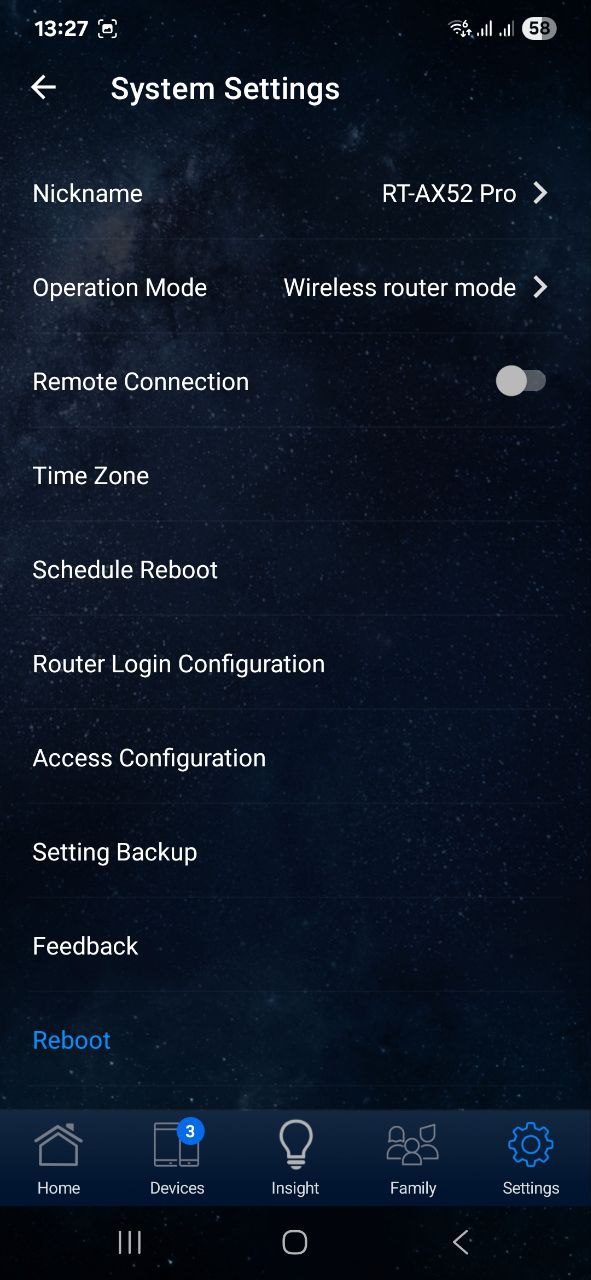
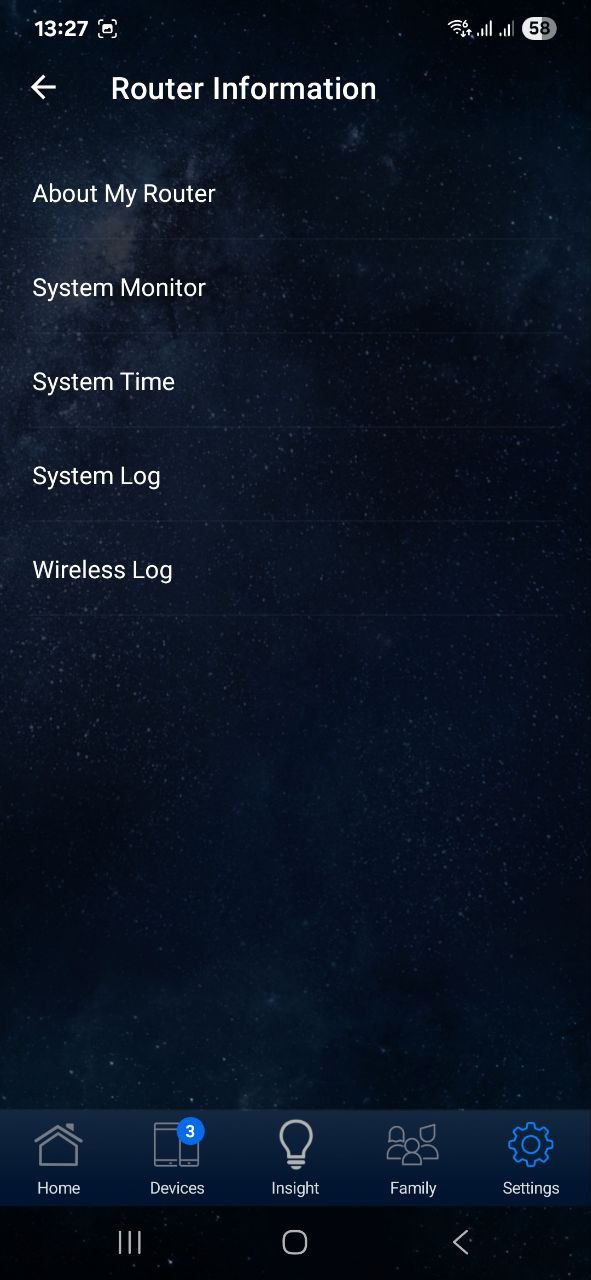
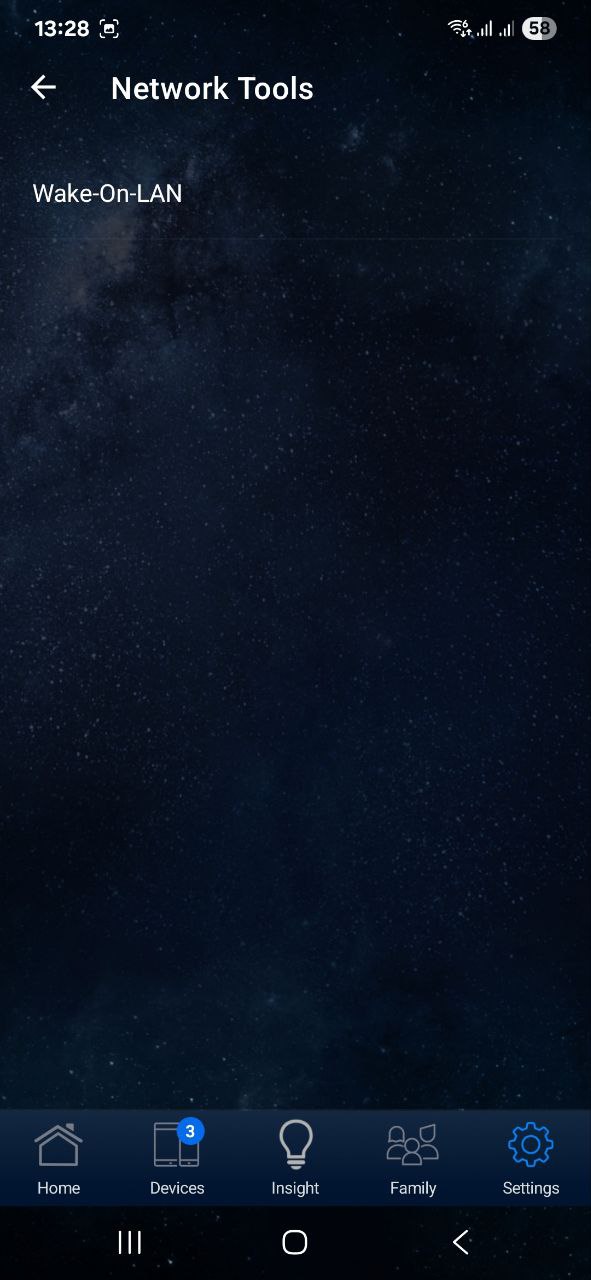
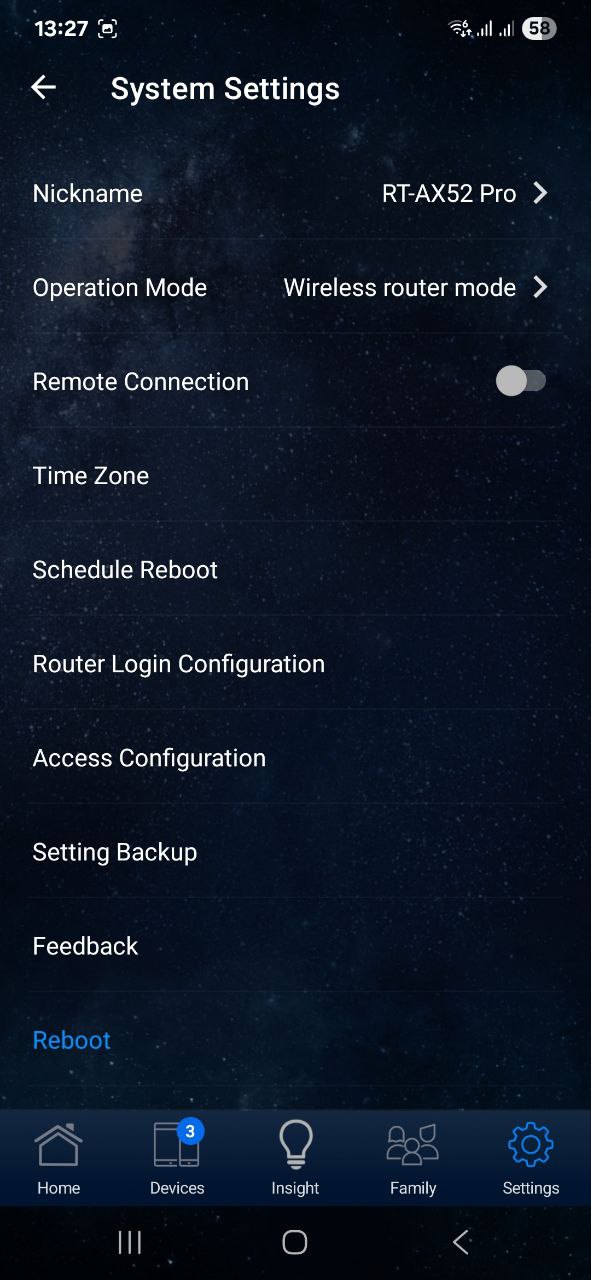
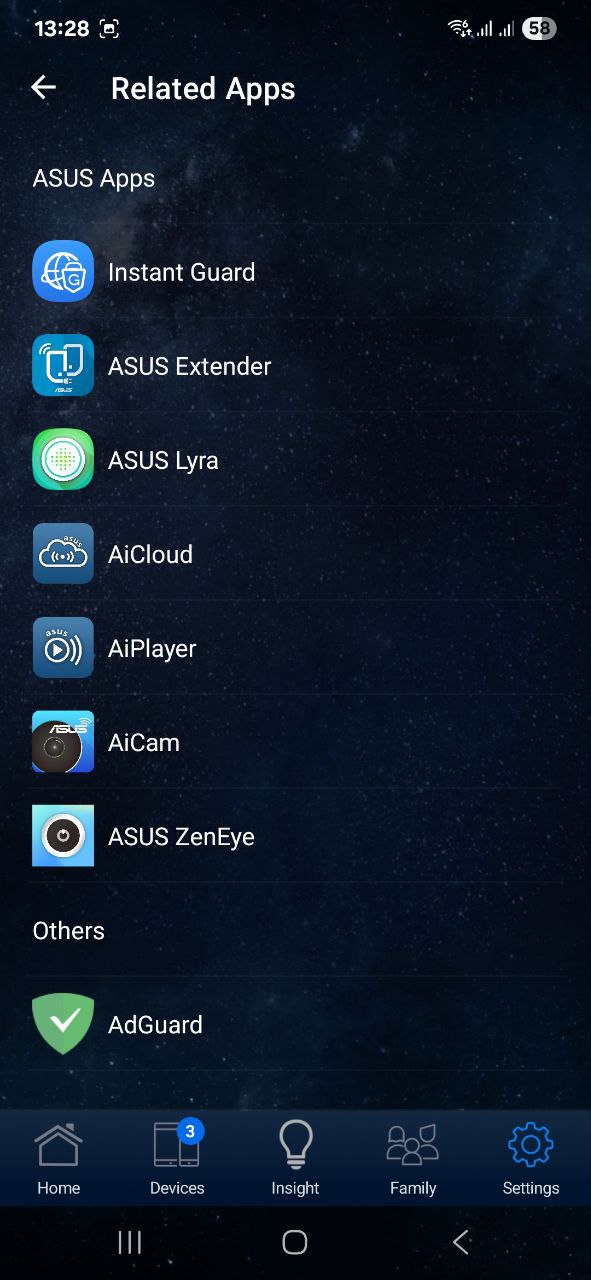
There’s a dedicated “Family” tab for managing parental controls. Most of the app’s features are found in the final tab, which includes network and security diagnostics, VPN, WAN and LAN settings, bandwidth management, Alexa integration, scheduling, Instant Guard for secure remote access, connection settings, and many other options.
Tapping the three lines in the top-left corner opens the app’s settings, where you can choose a theme, enable biometric protection, access technical support, switch to the mobile web interface, and view video tutorials on using the ASUS Router app.
The app interface is clear, intuitive, and easy to navigate. Honestly, it’s even more user-friendly than the web version.
ASUS RT-AX52 Pro in use
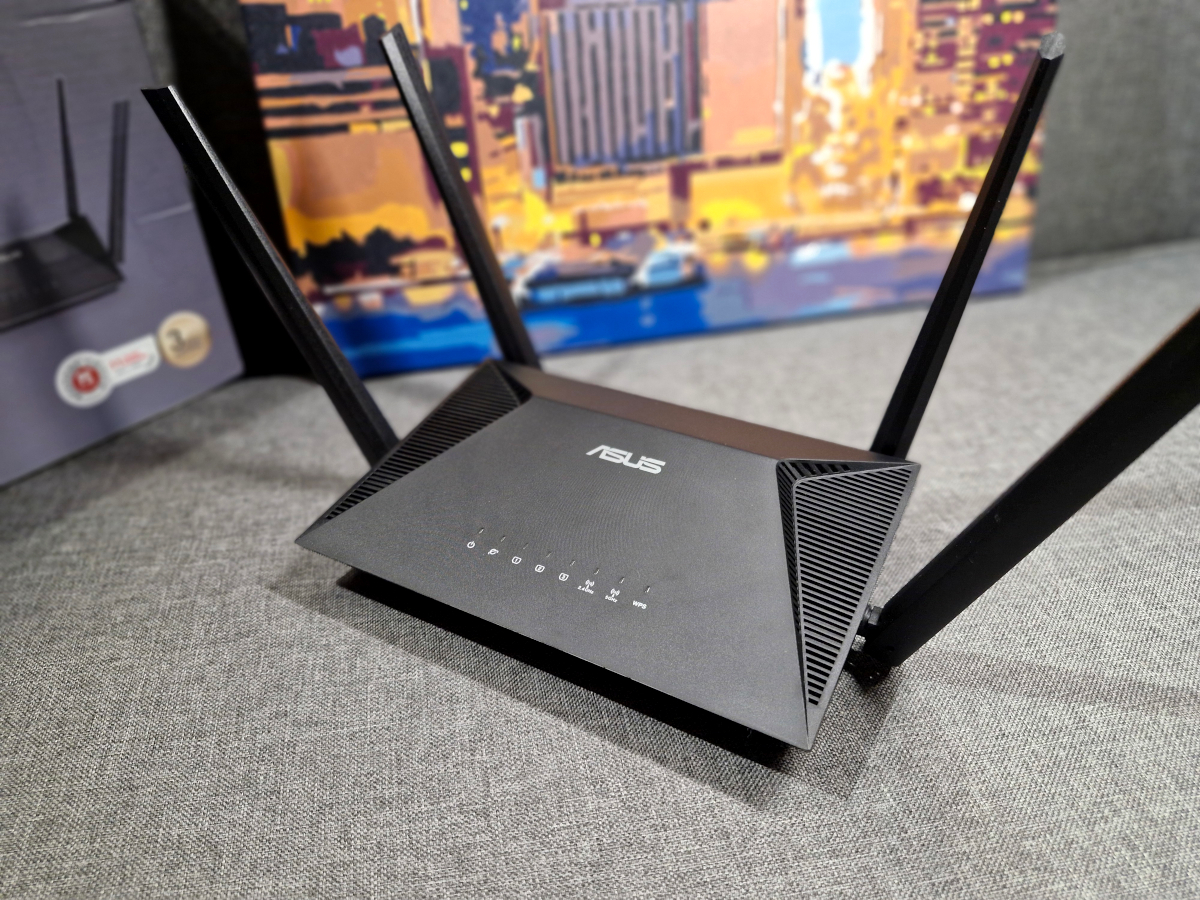
So, how does the router perform in practice? In short, the ASUS RT-AX52 Pro handles multi-story apartment layouts very well. Placed near the center of the apartment, in roughly the same location as my previous router, the signal reliably reaches all rooms, providing solid and stable coverage.
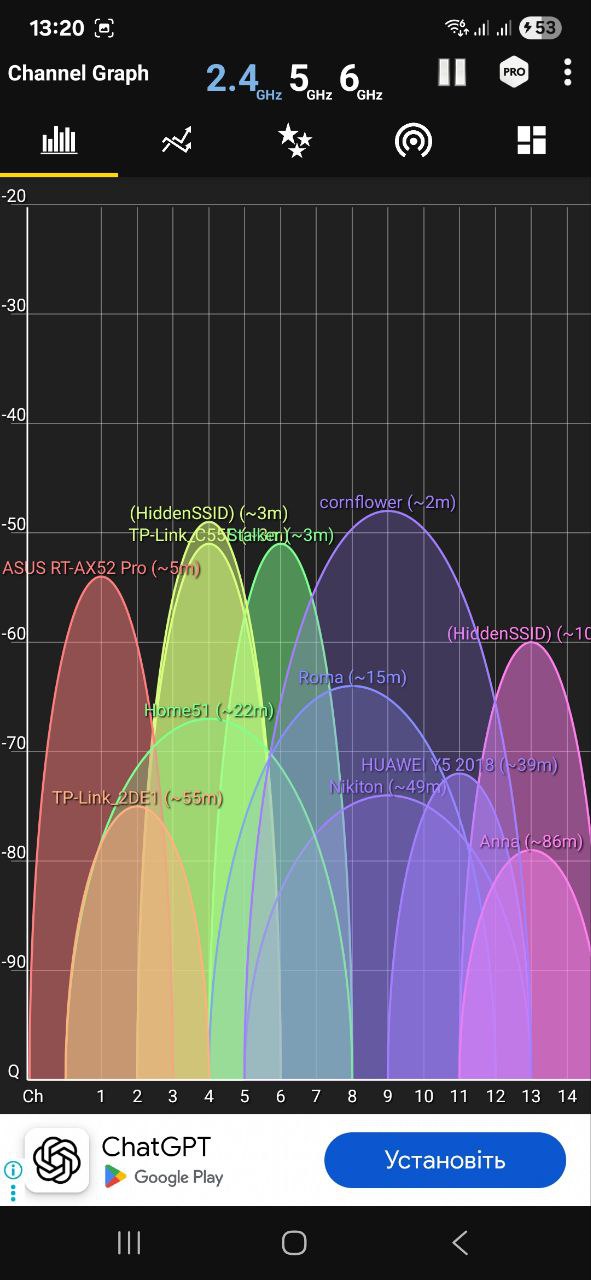
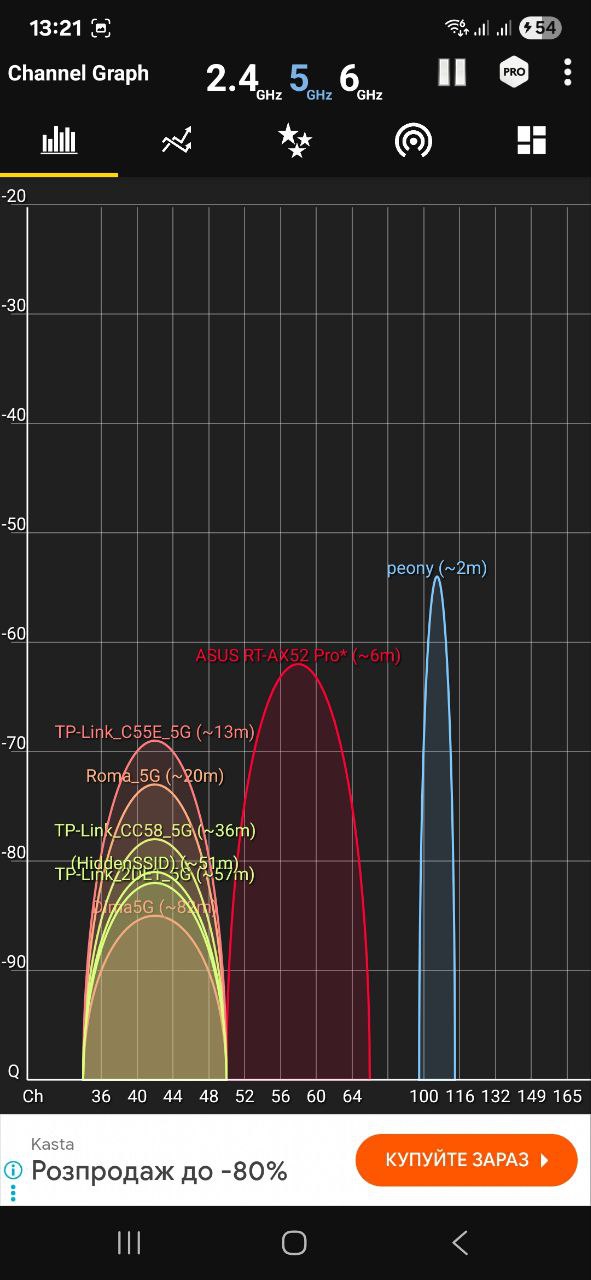
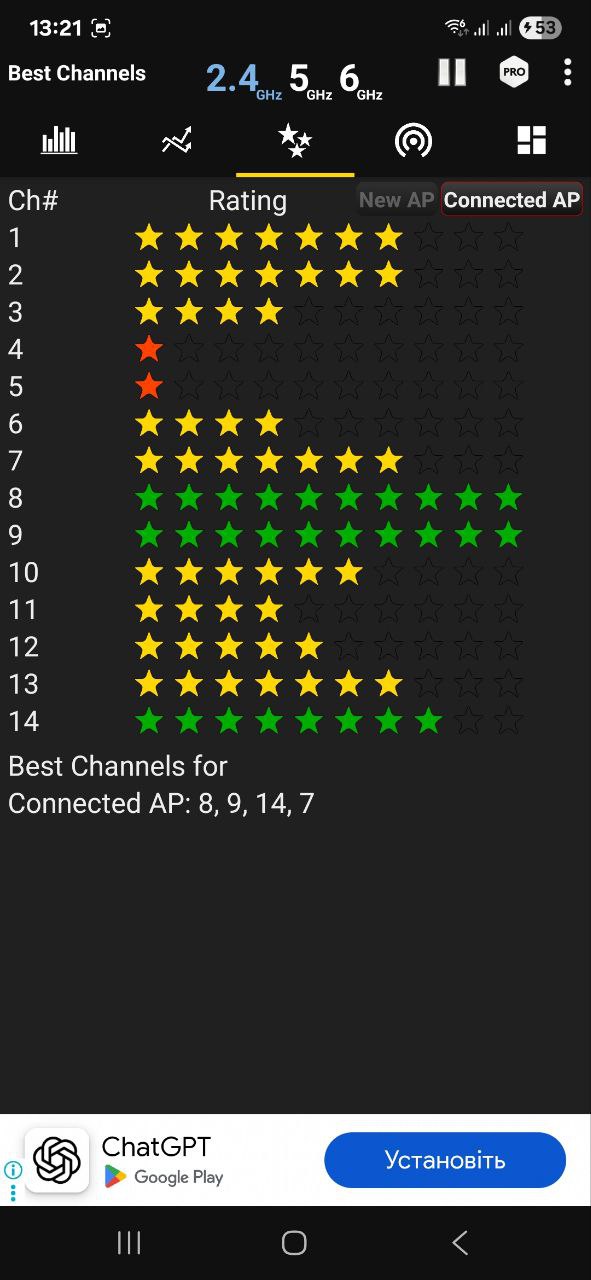
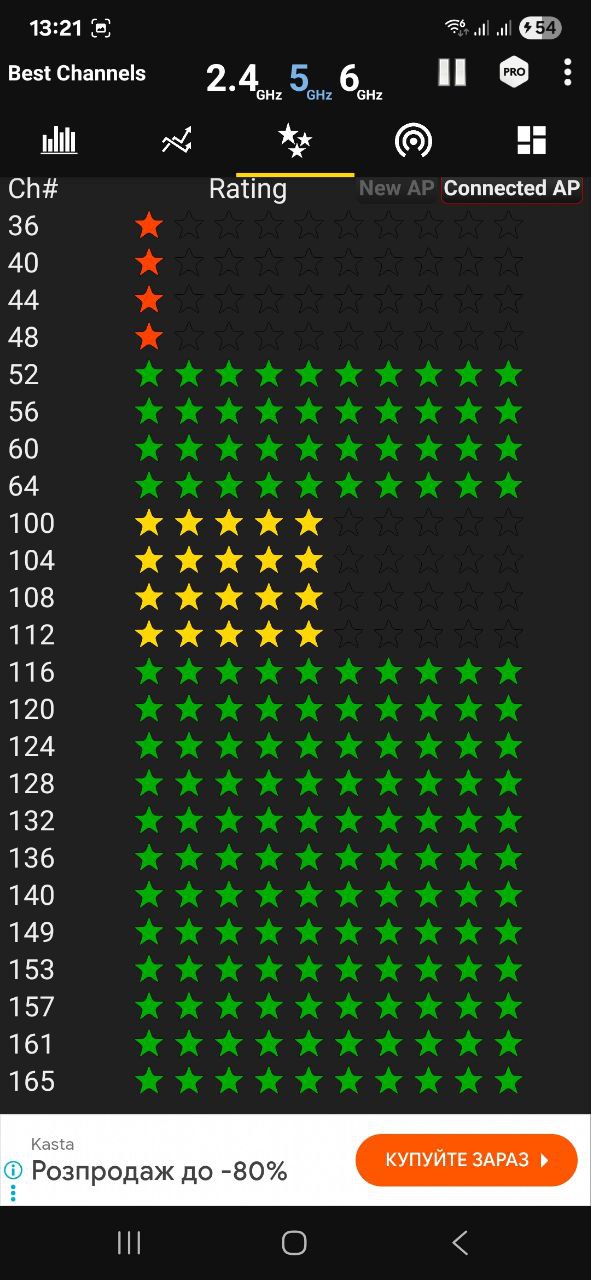
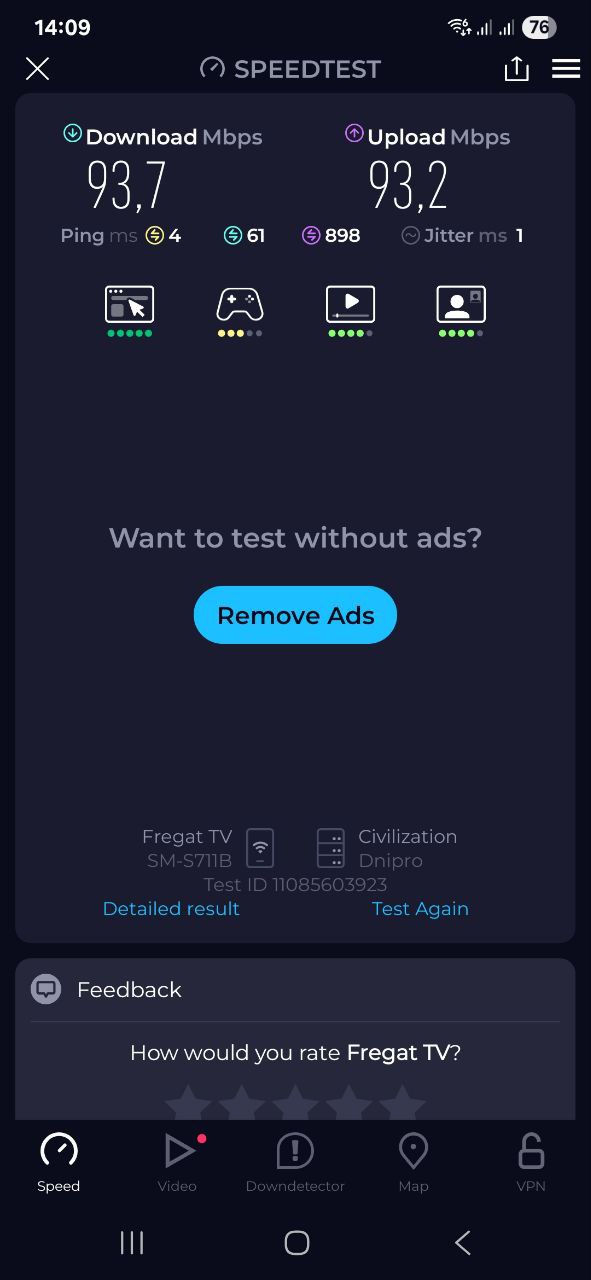
Of course, I was also curious about how well the signal handles obstacles. I tested the router under the following conditions:
- In the same room, nearby
- Behind two partition walls
- Behind two partition walls plus one load-bearing wall
- Outdoors, with the router on the first floor and over 10 meters away
Within the apartment, performance was consistent regardless of the number of walls between me and the router. However, a load-bearing wall combined with a metal door significantly reduced the speed – almost fivefold. Still, the signal reaches outdoors at a distance of over 10 meters.
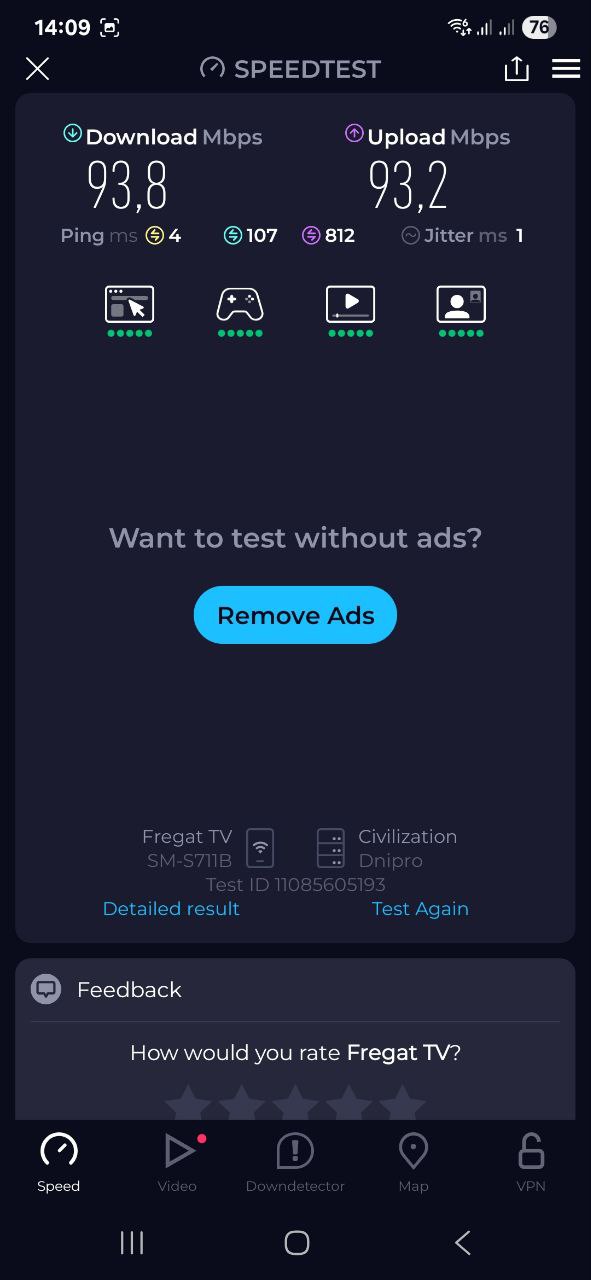
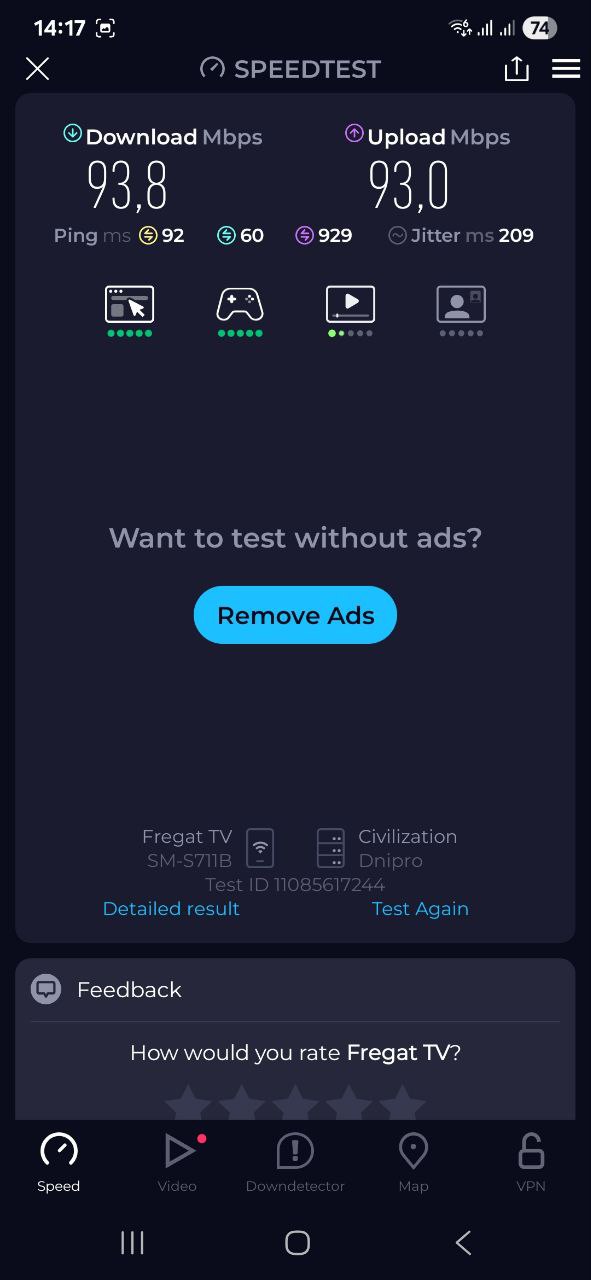
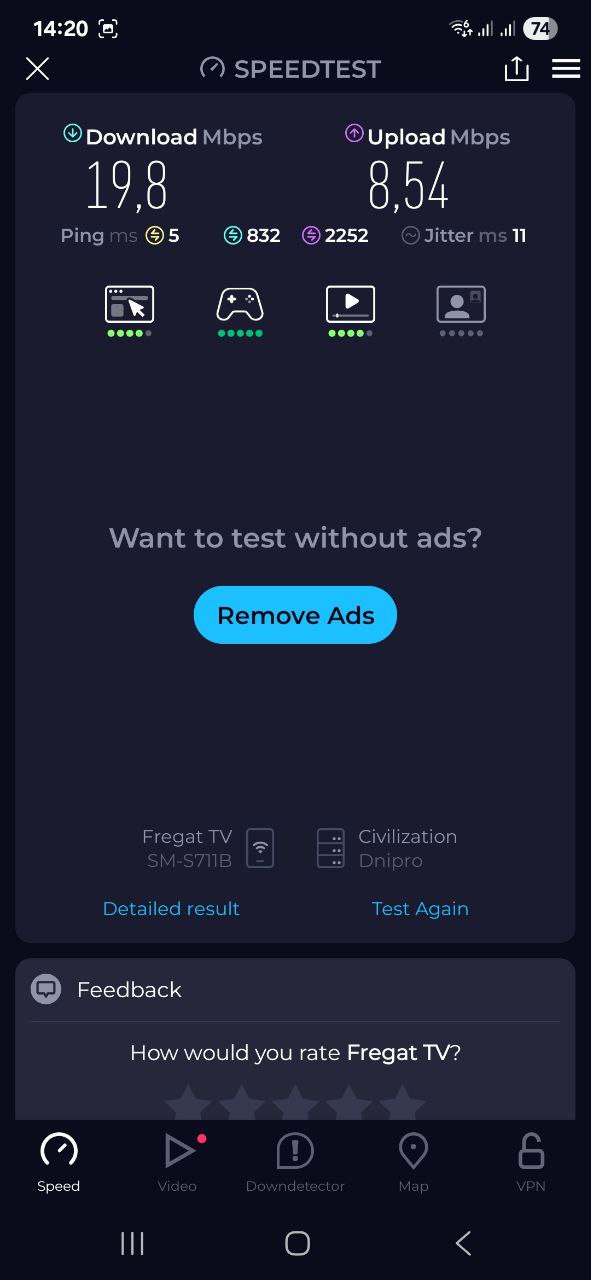
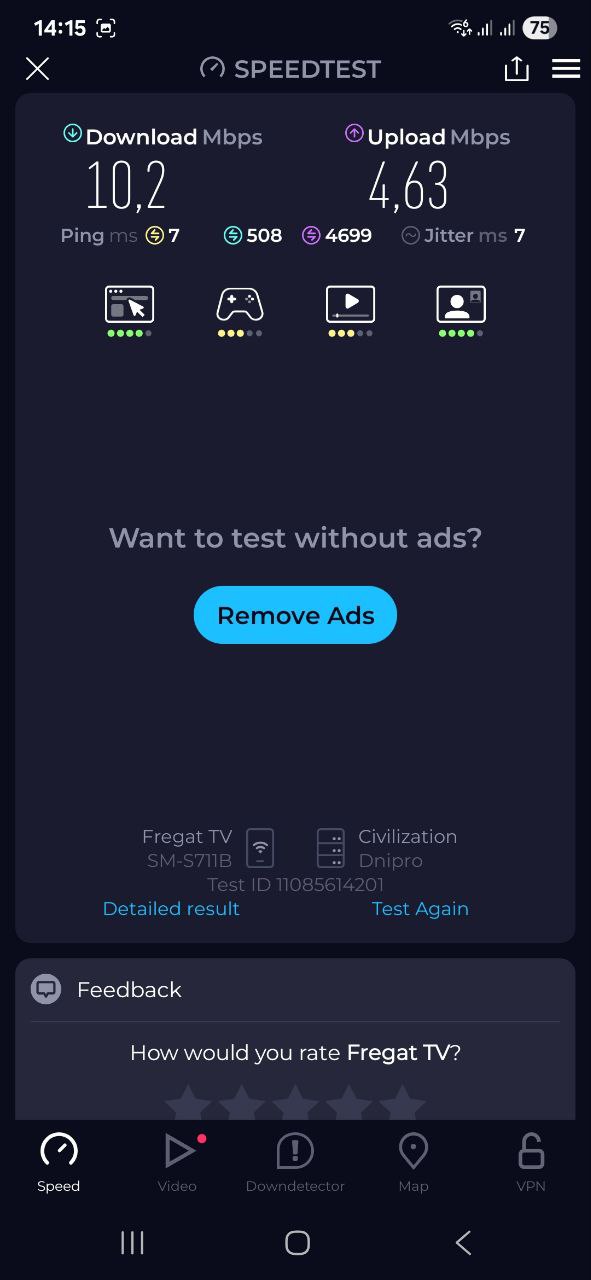
As for stability, the ASUS RT-AX52 Pro performed flawlessly. During testing, both my smartphone and work laptop were continuously connected, and I didn’t experience any disconnections. Coverage remained strong throughout the apartment. For an average apartment, the router handles its core task – providing reliable and fast connectivity – very effectively.
Summary and competitors
If you’re looking for an affordable dual-band Wi-Fi 6 router with modern features, the ASUS RT-AX52 Pro is a solid option. Priced under $65, it offers a clean, versatile design, strong performance capable of handling multiple devices, expandability via AiMesh, a well-considered security system, and user-friendly software on both web and mobile platforms. Additional features include parental controls and Alexa support. From a technical standpoint, I didn’t identify any major drawbacks, making it a competent choice in its class.
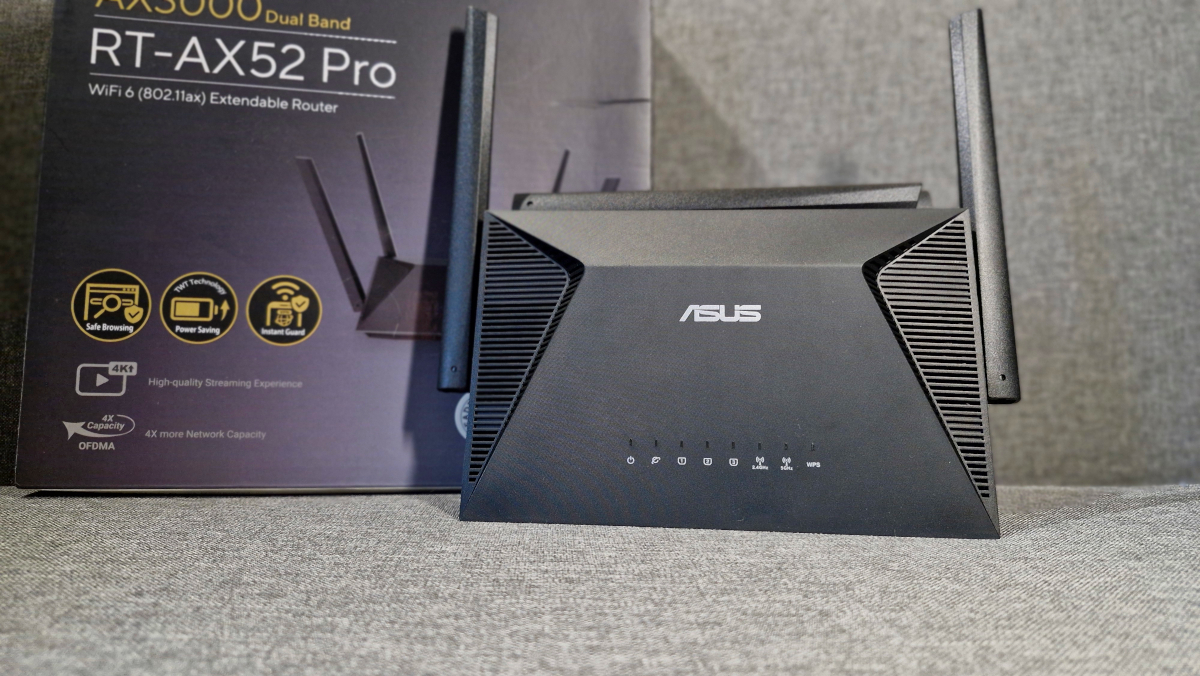
Which models will compete with the RT-AX52 Pro? For example, the TP-LINK EX520. In terms of technical parameters, it is very similar to the new ASUS model (both in terms of speed and additional features), but it has one more LAN port and a less powerful processor. There is also the Xiaomi Router AX3000T. It is a more budget-friendly model, but in terms of key parameters, it is on par with the RT-AX52 Pro.
Read also:
- SAMA SM360 Pro Cooling System Review: Strong Performance, Weak Software
- JSAUX accessories for portable consoles review, part 2: Backpack, docking station with M.2 SSD and adapters
- All About the Animated Film “K-Pop: Demon Hunters”: What’s Behind Its Strong Opening
- Motorola Moto G86 Review: Smartphone That Outclasses the Competition
Where to buy ASUS RT-AX52


