





© ROOT-NATION.com - Use of content is permitted with a backlink.
The ASUS ROG STRIX GS-BE18000 is a new gaming router from ASUS that supports the Wi-Fi 7 standard and features a compact PC-style design.
I haven’t worked with gaming routers for some time, so ASUS’s offer to test the ROG STRIX GS-BE18000 provided a good opportunity to revisit this category. Even from the specifications and listed price, it is clear that this is a high-performance Wi-Fi 7 router aimed at the premium segment and equipped with a wide range of features. However, raw numbers are one thing, while actual network performance is another. How well its capabilities translate into real-world use, whether it justifies its price, and who would benefit most from such a router are the questions addressed in this review.
Read also: All router reviews
TABLE OF CONTENTS:
What makes the ASUS ROG STRIX GS-BE18000 so interesting?
The world of gaming has long extended beyond the PC, mouse, or keyboard. A stable network connection has become a fundamental part of the gaming ecosystem, and gaming routers are now a fully integrated component.
A gaming router is not merely an accessory for enthusiasts. Primarily, it serves as a practical tool focused on stability and minimal latency. For gamers, this translates to low ping, prioritization of gaming traffic, and reduced lag during critical moments. Streamers and esports players benefit from the ability to play, broadcast, and use online services simultaneously without a drop in speed or connection quality.

Such routers also become particularly relevant in households with a large number of connected devices, ranging from PCs and consoles to smartphones and smart home systems. Enhanced hardware, support for modern communication standards, and advanced network settings help maintain stable performance even under heavy load, a situation where conventional routers may begin to lose efficiency.
The ASUS ROG STRIX GS-BE18000 represents ASUS’s attempt to bring next-generation technologies from a niche segment into the relatively accessible premium market. Built around the Wi-Fi 7 standard, the router is positioned as a versatile solution for gamers, advanced users, and modern households where dozens of devices operate simultaneously and connection speed, latency, and stability are critical.

From a technical perspective, the GS-BE18000 demonstrates what a “home” router could look like in the coming years. Multi-Link Operation (MLO) support allows multiple frequency bands to be used simultaneously for a single connection, reducing latency and improving channel reliability. The 4K-QAM technology increases throughput compared to Wi-Fi 6/6E, while the robust hardware platform is designed to handle sustained high loads – from online gaming and streaming to cloud services and smart home applications.
Importantly, the GS-BE18000 is not limited to specifications on paper. For gamers, it provides tools for traffic prioritization, lower ping, and stable performance even during peak network usage. Advanced users benefit from flexible configuration options, enhanced security features, and performance headroom for several years. For households with many connected devices, it maintains a stable connection where standard routers may begin to lose efficiency.
Read also: ASUS ROG Rapture GT-BE19000 Review: Tri-Band Gaming Router
The design is also noteworthy. True to the ROG STRIX line, the router features a distinctive gaming-oriented appearance, highlighting its positioning and setting it apart from typical “generic” network devices. In this sense, the GS-BE18000 functions not just as another piece of infrastructure, but as a central hub for the digital environment – a sort of command center for gaming, work, and entertainment.

In summary, the ASUS ROG STRIX GS-BE18000 is more than just another Wi-Fi 7 router; it signals the readiness of the mass market for next-generation technologies. It is aimed at users who require maximum performance today and prefer not to upgrade their network equipment within a year or two, as new standards become widespread.
Obviously, a router of this class cannot be cheap. However, even in this regard, the ASUS ROG STRIX GS-BE18000 looks quite competitive. The model has already appeared in electronics stores with a recommended price of $425, which makes it a relatively affordable entry into the Wi-Fi 7 segment for premium home and gaming use.
ROG STRIX GS-BE18000 Specifications
- Manufacturer: ASUS
- Model: ROG STRIX GS-BE18000
- Operating modes: wireless router, access point, media bridge, repeater, AiMesh node
- Connections: WAN Dynamic IP address, static IP address, PPPoE (with MPPE support), PPTP, L2TP, USB 3G/4G Modem
- Network standards: IEEE 802.11a/b/g/n/ac/ax/be, IPv4, IPv6
- Data transfer speeds: 802.11ax (2.4 GHz): up to 574 Mbps, 802.11ax (5 GHz): up to 4804 Mbps, 802.11ax (6 GHz): up to 4804 Mbps, 802.11be (2.4 GHz): up to 688 Mbps, 802.11be (5 GHz): up to 5764 Mbps, 802.11be (6 GHz): up to 11529 Mbps
- Antennas: internal, 8 pcs.
- Operating frequency range: 1 2.4 GHz, 1 x 5 GHz, 1 x 6 GHz
- Bandwidth: 20/40 MHz (2.4 GHz band), 20/40/80/160 MHz (5 GHz band), 20/40/80/160/320 MHz (6 GHz band)
- MIMO technology: 2×2 (2.4 GHz band), 4×4 (5 GHz and 6 GHz bands)
- Encryption: WPA/WPA2/WPA3-PSK, WPA/WPA2-Enterprise
- Inter-network screen and access control: Firewall: SPI, DDoS protection, Access control: Network service filter, URL filter, Port filter
- Cyber security features: AiProtection Pro: Router Security Assessment, Malicious site blocking, Two-Way IPS, Infected Device Prevention and Blocking, Parental control, ASUS Instant Guard, ASUS Safe Browsing
- Gaming features: Game Boost /Gear accelerator, Mobile Game Mode, OpenNAT (Game Profile)
- VPN server: PPTP, OpenVPN, IPSec, WireGuard
- VPN client: VPN Fusion (Surfshark, NordVPN, WireGuard, OpenVPN, SyberGhost, PPTP, L2TP)
- System features: MLO, UPnP, IGMP v1/v2/v3, DNS Proxy, NTP client, DDNS, Port Trigger, Port Forwarding, DMZ, Wake on LAN (WOL), SSH, system event log
- Processor: Broadcom BCM6766 2000 MHz, 4 cores
- RAM: DDR4 2048 MB, Flash: 256 MB
- Ports: 1 x RJ45 2.5G BaseT for WAN/LAN, 7 x RJ45 2.5G BaseT for LAN, 1 x USB 3.2 Gen 1 Type A
- Buttons: Power, Reset, WPS
- Additional features: AURA RGB, DUAL WAN USB Backup, AiMesh, ASUS Router app, Adaptive QoS, Bandwidth Monitor, Bandwidth limiter, Traffic Monitor, Traffic Analyzer, Website history, MU-MIMO, OFDMA, RADIUS Server, Beamforming: standard-based and universal, IGMP snooping, IPTV support, WAN Aggregation, L2TP/ PPTP/IPSec Pass-Through, Download master, Media Server, Samba Server, FTP Server, Shared Folder privileges, Amazon Alexa skills, Smart Connect
- LED indicators: 1 x Wi-Fi, 1 x LAN, 1 x WAN, 1 x power
- Power supply: 36 W (external)
- Dimensions: 225×90×225 mm
- Weight: 927.5 g
Thus, the device I reviewed is a truly modern gaming network router, emphasizing not only a powerful hardware platform but also a comprehensive set of features designed to enhance connection stability and the overall gaming experience.
Read also: ASUS ROG Rapture GT-BE98 Review: Router with Wi-Fi 7
What’s in the box?
The ASUS ROG STRIX GS-BE18000 comes in a brightly colored branded package with relatively compact dimensions.

The packaging follows the recognizable Republic of Gamers style, featuring distinctive red accents that clearly indicate the device’s gaming-oriented positioning.

At the same time, the packaging is not only visually striking but also informative: key features, a list of main technologies, and an image of the router are displayed on the sides, allowing potential users to get an idea of the product’s capabilities even before unboxing.

Inside, everything is organized neatly and logically, without unnecessary elements. The package includes the ASUS ROG STRIX GS-BE18000 router, a power adapter, a patch cable with reinforced metal connectors, and a set of paper documentation.

It is also worth noting the sticker containing information for quick connection to the preconfigured Wi-Fi network and access to the web interface – a small detail that significantly simplifies the initial setup.
The included power adapter, manufactured by ASIAN POWER DEVICES (APD), provides 36 W of power (3 A at 12 V). This capacity is sufficient not only for stable operation of the router itself but also for powering an additional device connected via the USB port, even under heavy load.
Overall, the package is typical for a modern premium-class router – nothing unexpected, but it includes everything necessary for a quick start, further configuration, and full operation.
Read also: ASUS ROG Rapture GT6 review: Mesh system for gamers
Updated Design
The ASUS ROG STRIX GS-BE18000 immediately draws attention with a design that appears unusually restrained for the ROG series. Although formally part of the esports lineup, this router avoids the aggressive “predatory” aesthetics typical of flagship Rapture models, which feature large external antennas and a spider-like shape.

Thanks to internal antennas, the body appears more streamlined and monolithic, although the overall dimensions of 225 × 90 × 225 mm and a weight of 927.5 g prevent it from being considered truly compact.

The router features eight high-performance internal antennas, each supported by a dedicated power amplifier to ensure optimal operation across individual radio frequency chains. The antennas are strategically oriented to enhance directional gain in both horizontal and vertical planes, effectively reducing dead zones, improving signal isolation, and maintaining stable, high-quality coverage in multi-level environments.

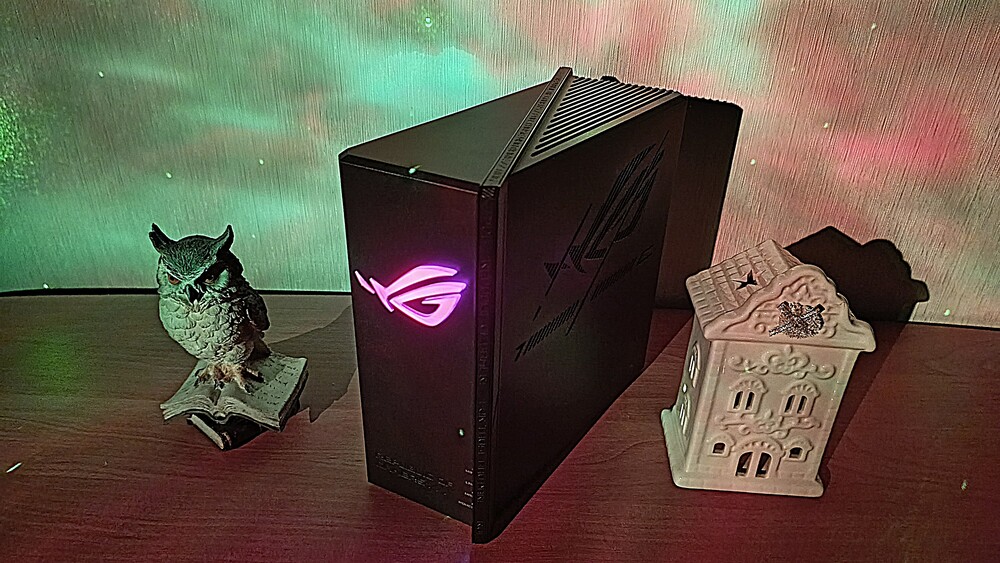
Visually, the GS-BE18000 resembles a bulky mini-PC, seemingly sliced diagonally. The shape is unusual but also practical. The router does not need to be prominently displayed on a desk – it can be easily placed on a bookshelf or in a niche. This is an important consideration for users who prefer a restrained interior without compromising performance.

Despite its relatively restrained appearance, the design is not bland. The central element of the front panel is the signature ROG logo – transparent, featuring Aura RGB lighting with a smooth, shifting effect.

Even when turned off, it functions as a decorative element, while the lighting can be fully customized or disabled, giving the device a more “professional” appearance.

Additional logos, technical markings, and ventilation openings on the side panels emphasize the device’s gaming origin without overwhelming the overall design.

The materials of the chassis reflect its premium positioning. High-quality matte plastic resists fingerprints, while a significant portion of the top and bottom surfaces is designed as a ventilation grille. This “open” design is intentional, directly related to one of the GS-BE18000’s key engineering features.

Particular attention is drawn to the slanted “leaf-like” edge of the chassis. It not only creates a recognizable silhouette but also conceals the status indicators, which softly signal the device’s operation without distracting the user with excessive light.
Although the design suggests that the router could be positioned either vertically or horizontally, in practice, the manufacturer clearly recommends vertical installation.

In this orientation, the rubber feet are positioned correctly, and, most importantly, the passive cooling system operates optimally, requiring proper airflow.

The real standout of this router is hidden inside. ASUS has integrated an advanced passive cooling system using aluminum heatsinks and copper heat pipes. The result is a completely fanless design.
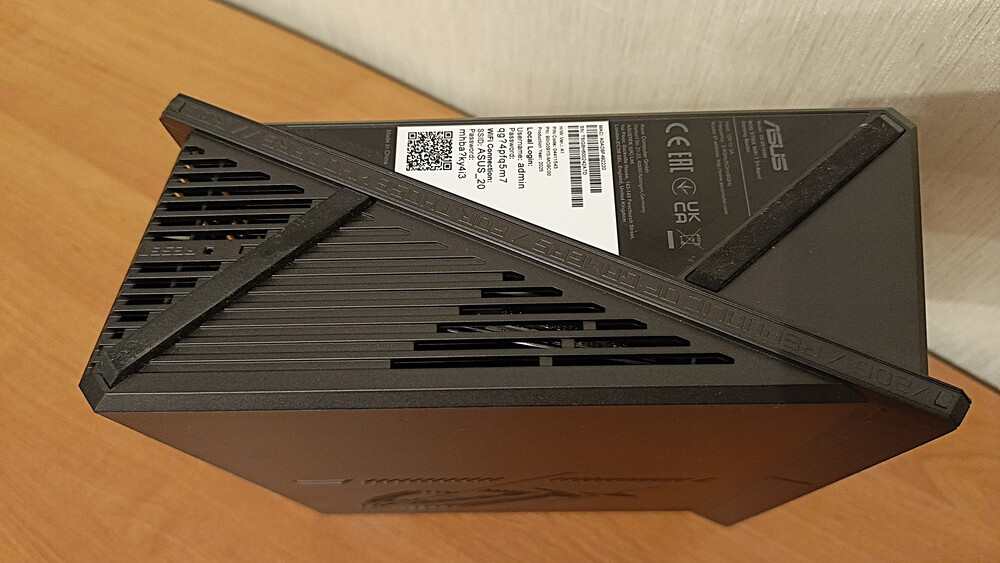
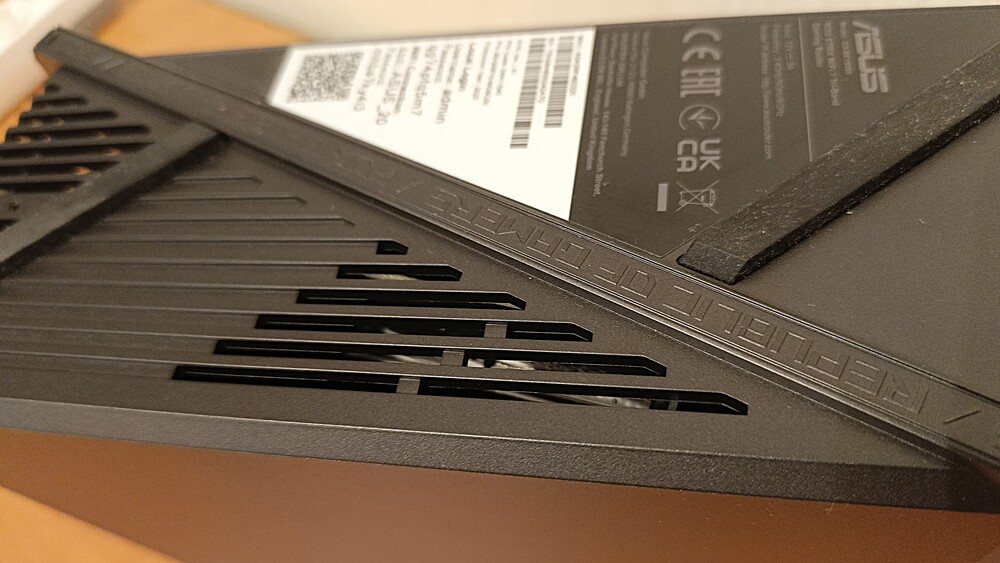
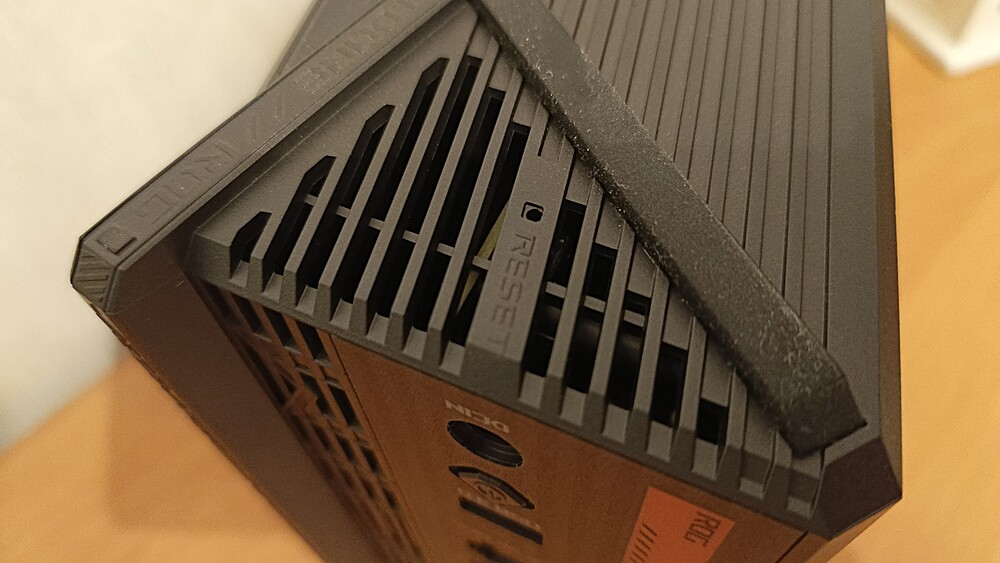
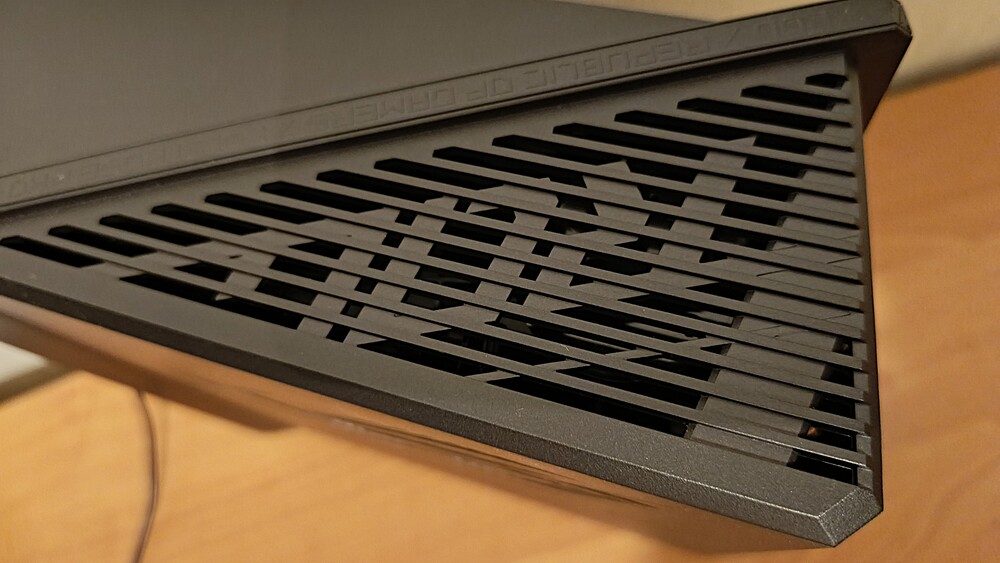
During weeks of active use, even under heavy load with multi-gigabit data transfer and dozens of connected devices, the router remained completely silent. This represents a significant advantage over many competitors, particularly models with 10G ports, which often require active cooling and generate constant background noise.

Functionally, the front panel combines the ROG logo with Aura RGB lighting and all status LED indicators.

The right side panel features the ROG logo and a stylized “7,” directly indicating Wi-Fi 7 support, while also serving as a ventilation grille.

A similar grille is located on the left side, emphasizing the importance of effective cooling for this high-performance network device.

The design of the ROG STRIX GS-BE18000 exemplifies an atypical approach for ASUS’s gaming lineup, combining visual restraint with thoughtful engineering and a focus on practical, everyday use.
Read also: ASUS ZenWiFi Pro ET12 Review: Powerful Mesh System
Ports and Connectors
On the back panel of the wireless router, in addition to a WPS button for quick Wi-Fi client connections, there are eight RJ-45 network ports: seven LAN and one WAN. All of them support the 2.5G Base-T Ethernet standard, which is already quite notable for the home segment.

The fifth and sixth LAN ports, marked with the ROG logo, provide automatic prioritization of gaming traffic for connected devices, minimizing latency without the need for manual QoS configuration.

The total throughput of the wired subsystem reaches 20 Gbps – a figure that, until a few years ago, was associated exclusively with semi-professional or enterprise solutions. For a modern home network with NAS storage, gaming PCs, consoles, and streaming devices, this provides a significant performance headroom for the future.

Below the network ports, there is a USB 3.2 Gen1 Type-A port for connecting external storage or network services, a connector for the external power supply, and a power button. It is also worth noting the large number of ventilation openings on the back panel, which aligns with the passive cooling design and supports stable operation under sustained load.

The only potential drawback, especially for those planning several years ahead, is the absence of a 10 Gbps port. However, considering the widespread adoption of 2.5G infrastructure and the cost of compatible equipment, this is more a matter of specific use cases than a practical limitation at present.
Is such a high-performance router necessary for the average user? If the goal is not just to “share an internet connection” but to have a modern, up-to-date, and functionally balanced set of ports with headroom for 5–10 years, then ASUS’s new model appears to be a reasonable investment for a home network.
Read also: ASUS TUF Gaming BE6500 Review: Cool Wi-Fi 7 Router
ROG STRIX GS-BE18000 Hardware
The ASUS ROG STRIX GS-BE18000 is built around a quad-core Broadcom BCM6766 processor with a clock speed of 2.0 GHz. This processor handles system operations, traffic routing, and hardware-accelerated NAT.

This setup is noticeably more modest than the platform used in the ROG Rapture GT-BE19000, positioning the GS-BE18000 as a high-performance but not absolute flagship model in the lineup. The processor is complemented by 2 GB of DDR4 RAM and 256 MB of flash memory allocated for the system and software modules.
The router runs ASUS’s proprietary AsusWRT firmware with a ROG gaming-oriented interface. Functionally, it remains feature-rich, but in everyday use, the hardware platform operates close to its limits. Navigation between sections and opening individual menus is not as smooth as one might expect for a device of this class – the interface occasionally responds with slight delays, which contrasts with its overall premium positioning.

The wireless components are also handled by Broadcom solutions. The 2.4 GHz and 5 GHz bands use the BCM6766, while the 6 GHz module is based on a separate Broadcom BCM7263 chip. Together, this creates a tri-band configuration with Wi-Fi 7 (IEEE 802.11be) support and full backward compatibility with Wi-Fi 6/6E, Wi-Fi 5, and earlier standards.

The total theoretical throughput of the wireless subsystem reaches approximately 20 Gbps. The distribution across the bands is as follows:
2.4 GHz – the least performant but most compatible band. It operates on 20 and 40 MHz channels, delivering up to 688 Mbps in a 2×2 MU-MIMO configuration with 4096-QAM. For 1×1 clients, the speed is roughly halved. This band primarily serves as a universal channel for IoT devices and legacy clients.
5 GHz – a balanced operational band supporting 4×4 MU-MIMO, 4096-QAM, and channels up to 160 MHz wide. The maximum theoretical speed reaches 5764 Mbps. It supports both standard channels and the DFS range (over 100 channels), which is particularly useful in congested environments.
- 6 GHz – the router’s primary and most powerful band. It supports channels up to 320 MHz wide, 4096-QAM, and 4×4 MU-MIMO, delivering up to 11,529 Mbps. Operation occurs outside DFS zones, and support for PSC (Preferred Scanning Channel) speeds up connections for Wi-Fi 7 clients.
The GS-BE18000 implements the full set of Wi-Fi 7 features. MU-MIMO and OFDMA enable simultaneous servicing of multiple clients, BSS Coloring reduces mutual interference in dense environments, Target Wake Time optimizes client power consumption, and Beamforming improves connection stability and range.

A key feature to highlight is MLO (Multi-Link Operation), one of Wi-Fi 7’s defining capabilities. It allows compatible clients to operate across multiple bands simultaneously, increasing throughput and reducing latency. Adaptive Puncturing and Multi-RU functions further minimize the impact of external interference by dynamically “skipping” congested portions of the spectrum.
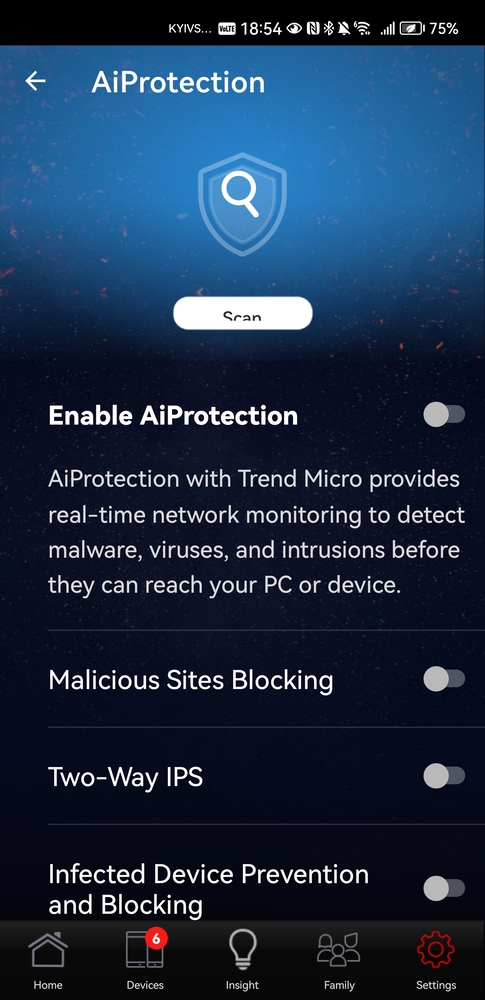
The router fully supports ASUS AiMesh, enabling the creation of a seamless mesh network with other compatible ASUS devices without losing connectivity when switching between nodes. The platform also includes AiProtection, providing a basic level of cybersecurity for the entire home network.
From a security perspective, the GS-BE18000 supports WPA3-Personal and WPA3-Enterprise, Open System, and OWE, as well as DNS-over-TLS, a built-in firewall, vulnerability scanning, and device blocking. AsusWRT complements this with advanced management features: guest portals, access scheduling, parental controls, separate segments for IoT devices, and VPN support including WireGuard, OpenVPN, IPSec, and PPTP.

For gaming scenarios, the router features an adaptive QoS system with Jumbo Frame support, as well as two dedicated gaming ports. QoS operates on multiple levels – port, packet, and acceleration – automatically prioritizing critical traffic. Additional gaming tools, such as ping monitoring for popular competitive online games, make configuration simpler and more intuitive, even for less experienced users.
Particular attention should be given to the AFC (Automated Frequency Coordination) feature, which, in my view, is a key Wi-Fi 7 technology. It is arguably more important than raw speed metrics. While it is not yet officially available in Ukraine (nor is full Wi-Fi 7), AFC represents a critical step in the evolution of wireless networks.

The 6 GHz band, introduced with Wi-Fi 6E, remained more of a promise than a practical breakthrough for years. Formally, it offered a fast and nearly uncongested spectrum, but operating in LPI mode limited its range: the signal often dropped after just one solid wall, greatly reducing its real-world usefulness.
AFC changes the game. It allows for a significant increase in transmission power in the 6 GHz band, transforming it from a “single-room solution” into a full-fledged home network with adequate coverage and penetration through obstacles. Without AFC, 320 MHz channels would have limited value, whereas with it, they become one of the main advantages of Wi-Fi 7.
In conclusion, the ROG Strix GS-BE18000 is a well-balanced Wi-Fi 7 router offering extensive wireless capabilities and a robust feature set, though it also demonstrates that software complexity is beginning to outpace the capabilities of the hardware platform.
Read also: ASUS RT-AX52 Pro Review: Solid Wi-Fi 6 Router Under $65
ROG STRIX GS-BE18000 setup and impressions
The initial setup process for the ROG Strix GS-BE18000 is largely similar to other ASUS routers. Users can choose between the ASUS Router mobile app or the traditional web interface at router.asus.com – both options are intuitive and well-implemented.

The initial steps are standard: connect the router to a power source, plug the provider’s cable into the WAN port (located at the bottom, far right, and clearly labeled), and then connect a smartphone or computer to the Wi-Fi network or one of the LAN ports on the back panel.

Lately, I have increasingly preferred using the ASUS Router mobile app – it is simple, logical, and allows basic setup to be completed in just a few minutes. The interface is intuitive, and all key steps are clearly explained, making it manageable even for an average user with no prior experience with networking equipment.

It is also worth highlighting the ability to manage frequency bands. They can either be separated for manual use or combined in Smart Band mode. Personally, I prefer the latter, as the router automatically determines the optimal band for each client. This eliminates compatibility concerns – there’s no need to consider which standard a specific device supports; everything is handled automatically.
From the very first minutes of use, it was clear that this is not just another router, but a true gaming flagship. The ROG Strix GS-BE18000 impresses with connection speed, stability, and an overall sense of performance headroom. Its distinctive design further reinforces this impression and sets the tone for a gaming experience.
Read also: Review of the ASUS RT-BE92U Router with Wi-Fi 7 Support
ASUS ROG Strix GS-BE18000 Web Interface
For advanced configuration of the ASUS ROG Strix GS-BE18000, the web interface can be accessed at 192.168.50.1 or router.asus.com.
After logging in, users are presented with a dashboard displaying the network map, resource monitoring, connected clients, and quick access to USB and Aura RGB settings. The interface follows a modern ROG style and fully exposes Wi-Fi 7 configuration options for the first time.
The menu is logically divided into basic and advanced sections. The top-level items focus on gaming features: traffic monitoring, ping tests for popular online games, adaptive QoS, ROG First integration, and Open NAT mode for quick port forwarding. AiMesh support for mesh networks is highlighted separately, along with parental controls that allow the creation of up to 64 profiles and filtering rules.
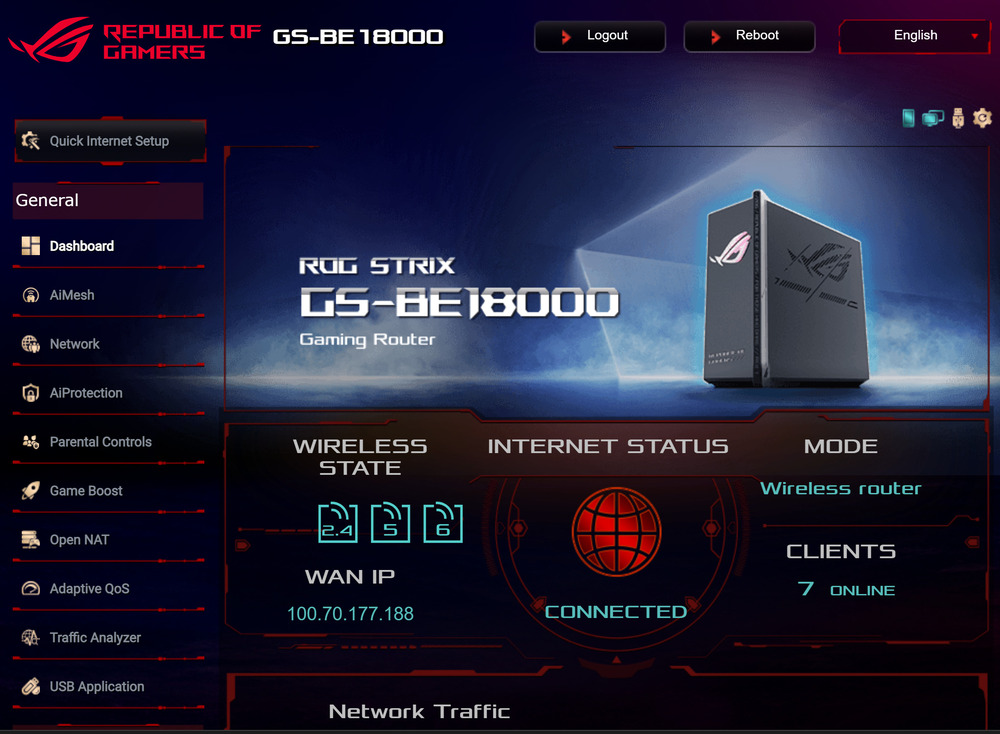
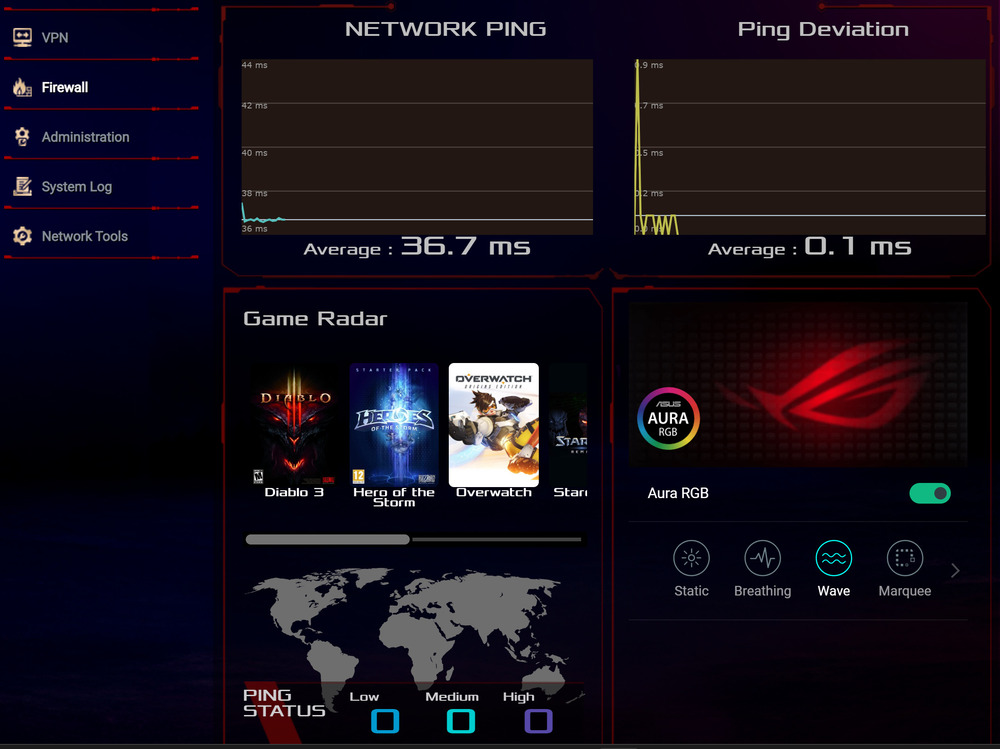
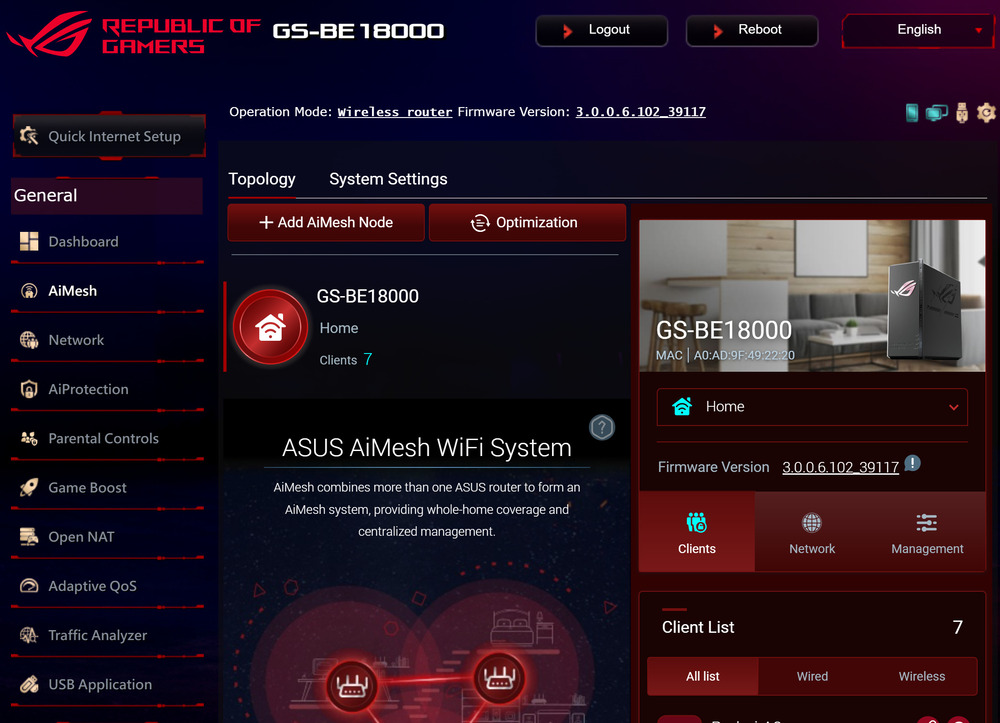
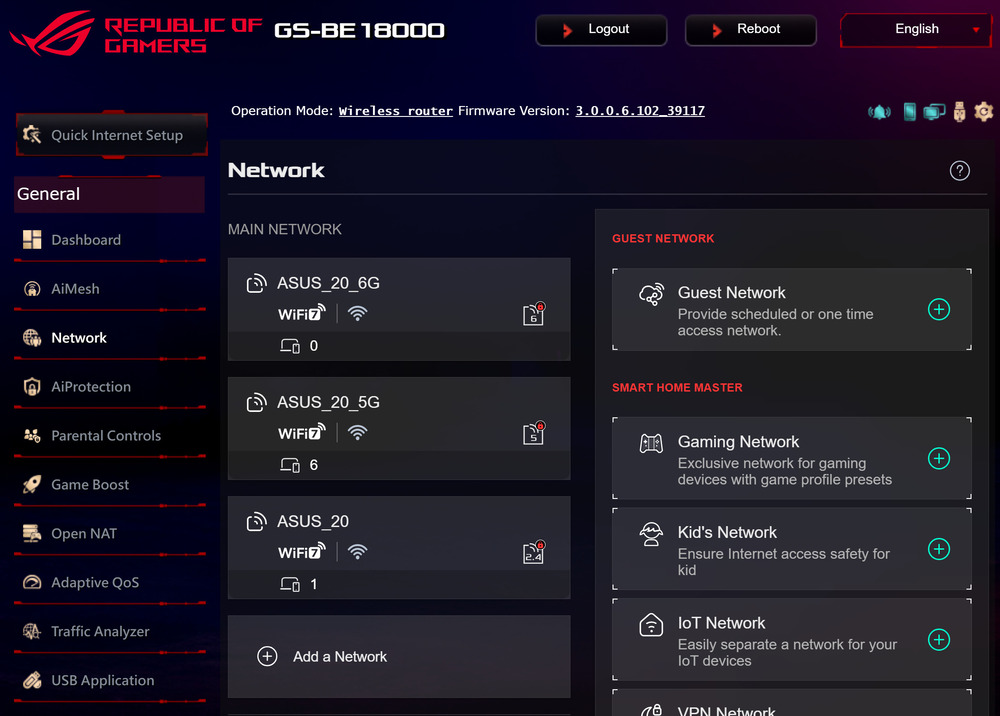
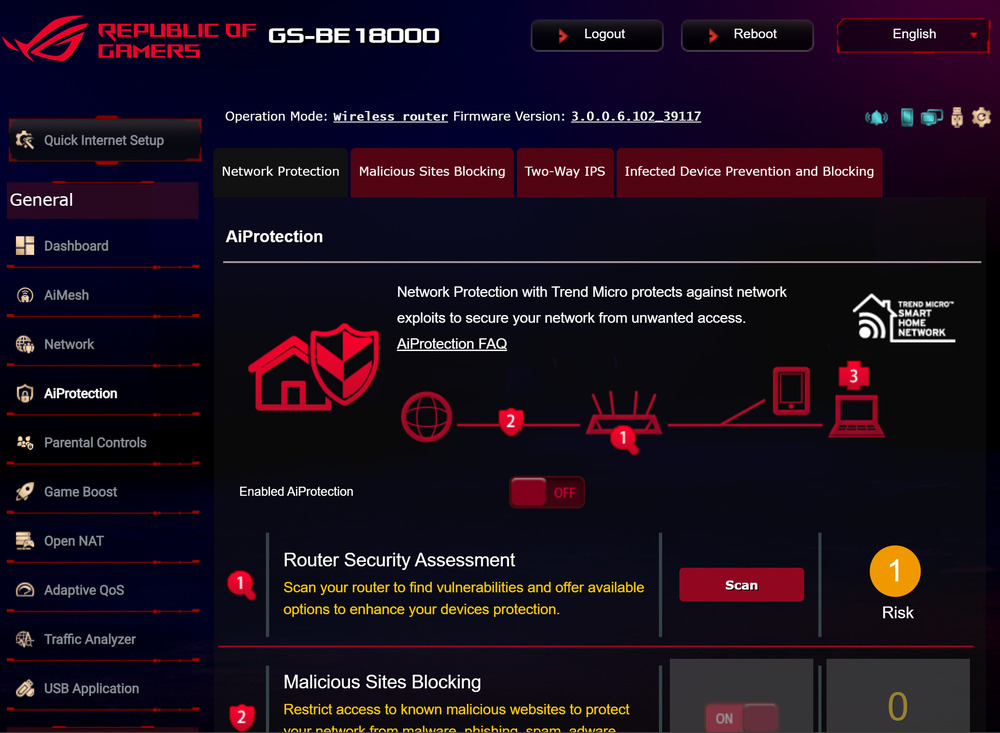
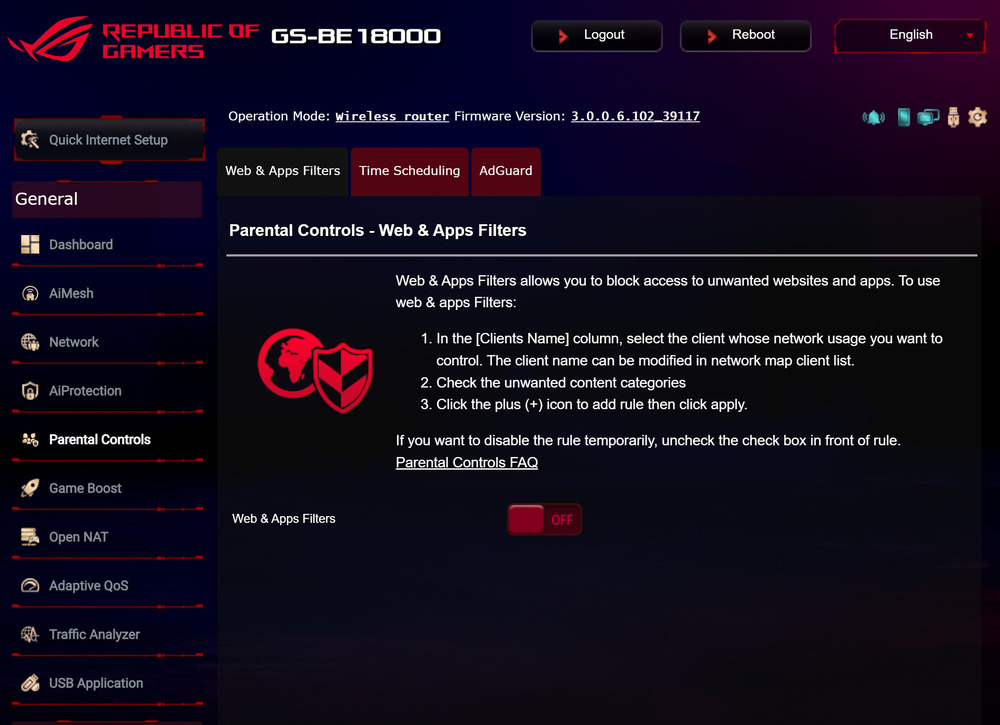

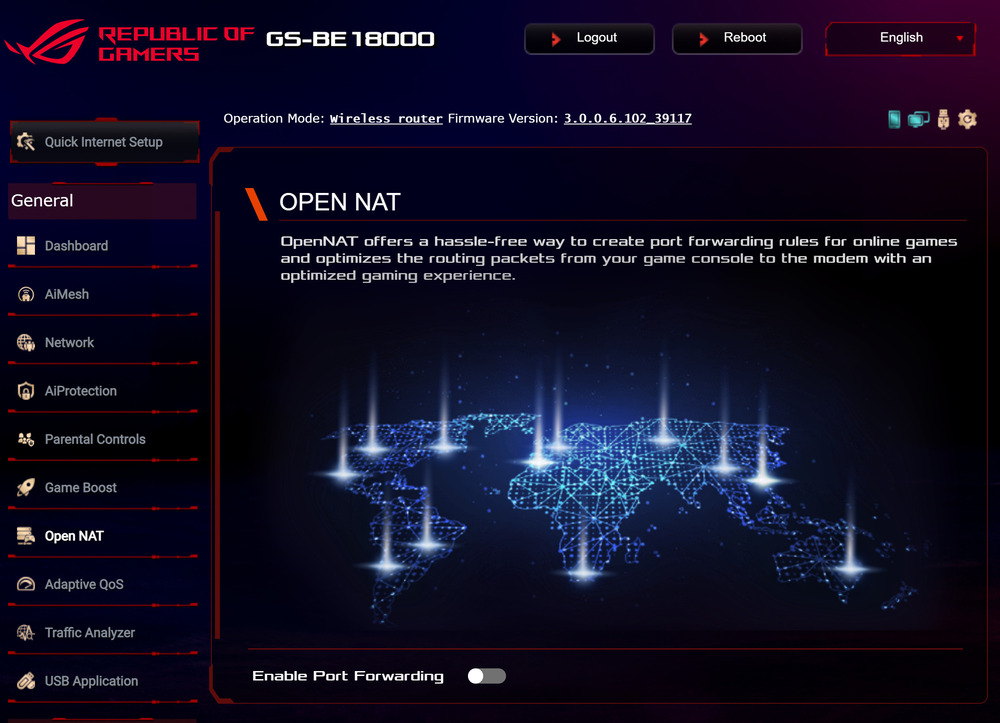
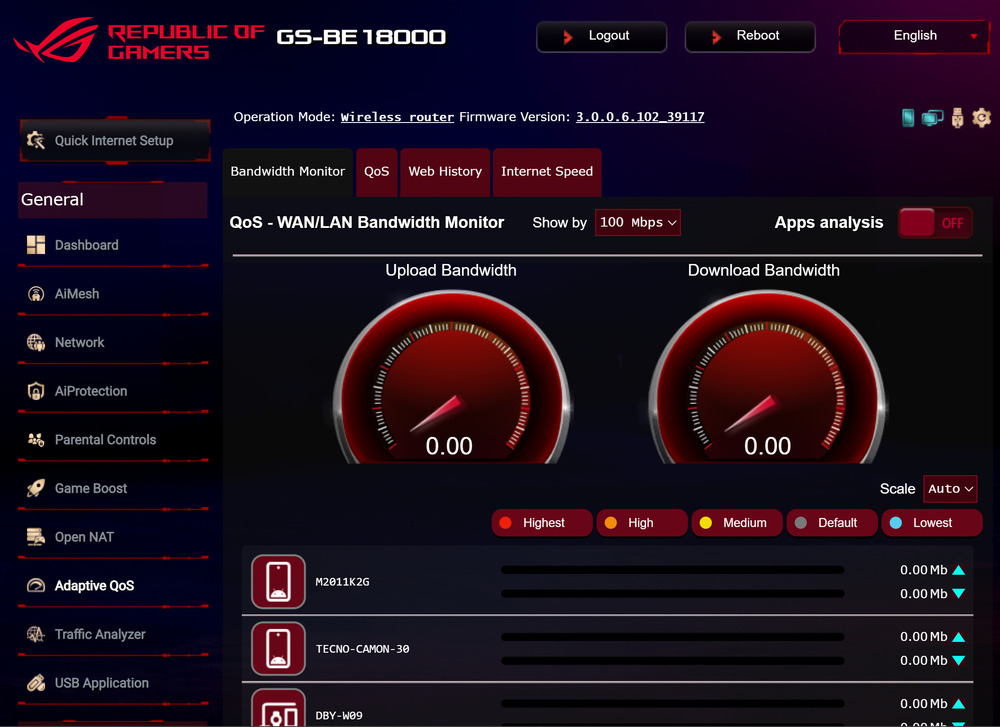
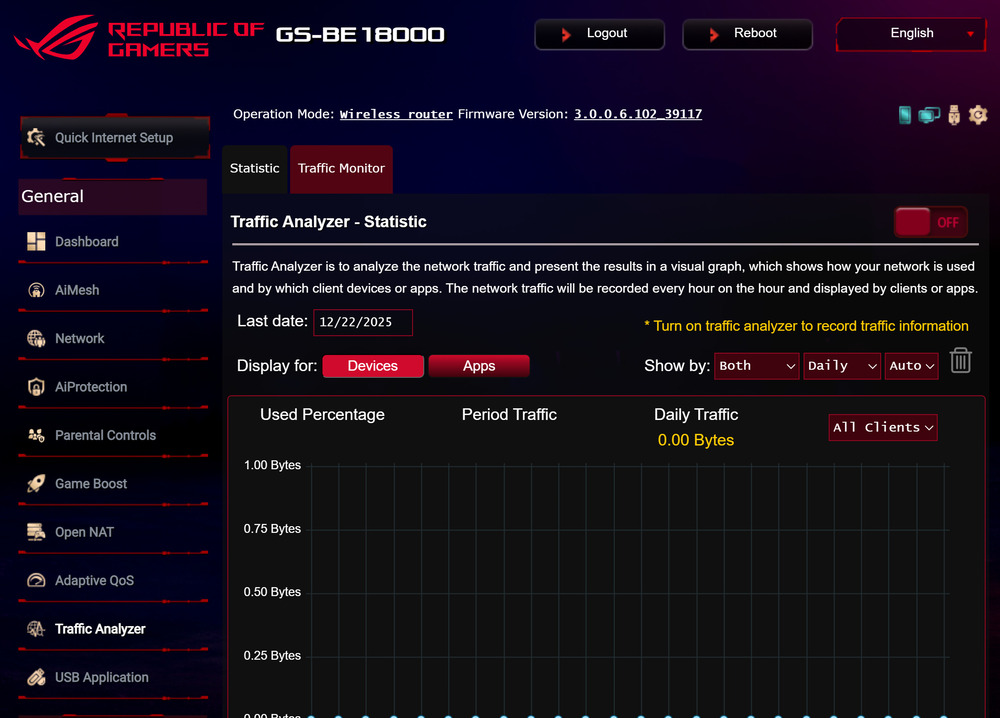
Among the advanced settings are VPN configuration in client or server mode, a traffic analyzer, and detailed wireless band management. Here, channel width, security, and throughput can be configured: 320 MHz channels for 6 GHz are disabled by default, while for optimal performance, it is recommended to manually set up to 40 MHz for 2.4 GHz and up to 160 MHz for 5 GHz.
Guest networks supporting WPA3-Personal are also available, along with LAN, DHCP, IPTV, routing, and port server configuration. The USB subsystem allows the router to function as a file server via AiDisk, with support for 3G/4G modems, Samba, FTP, and common file systems.
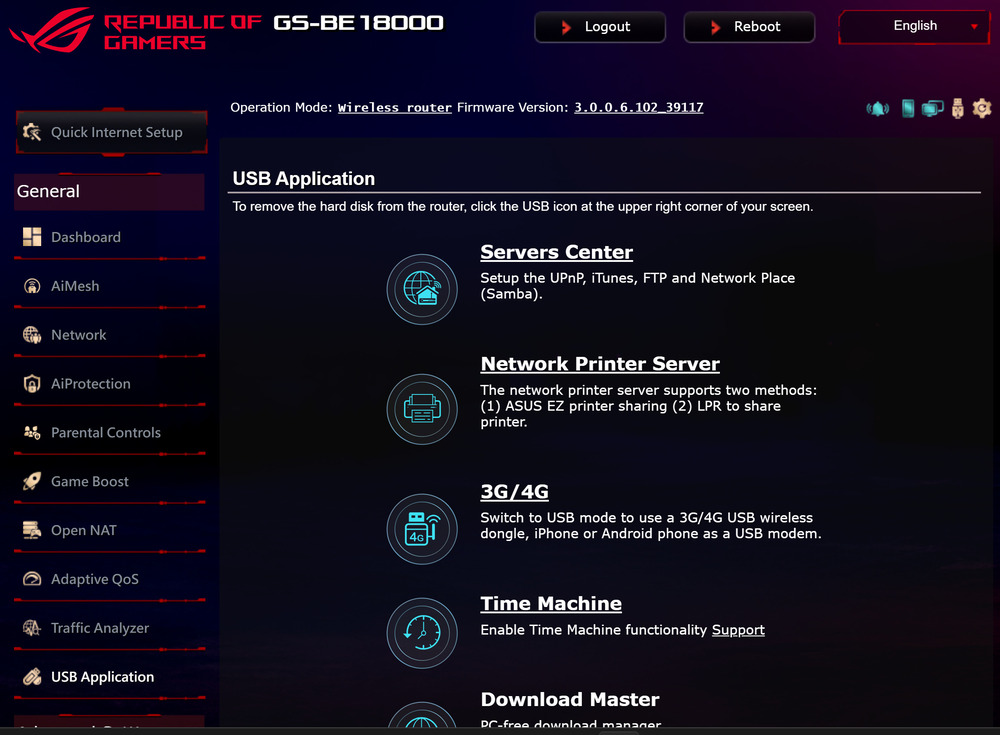
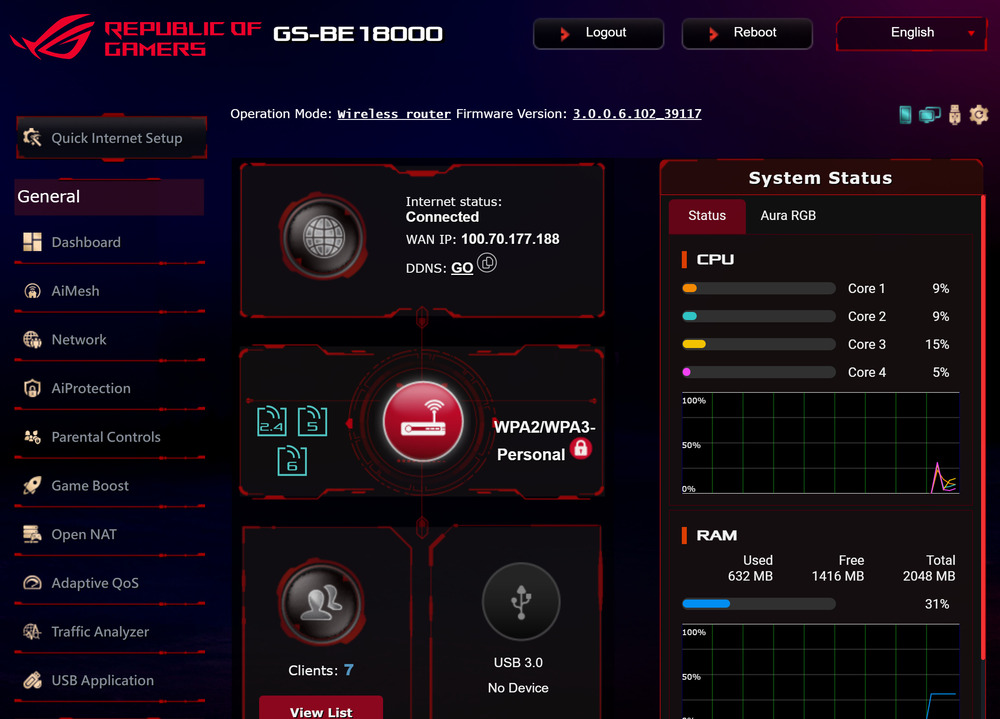
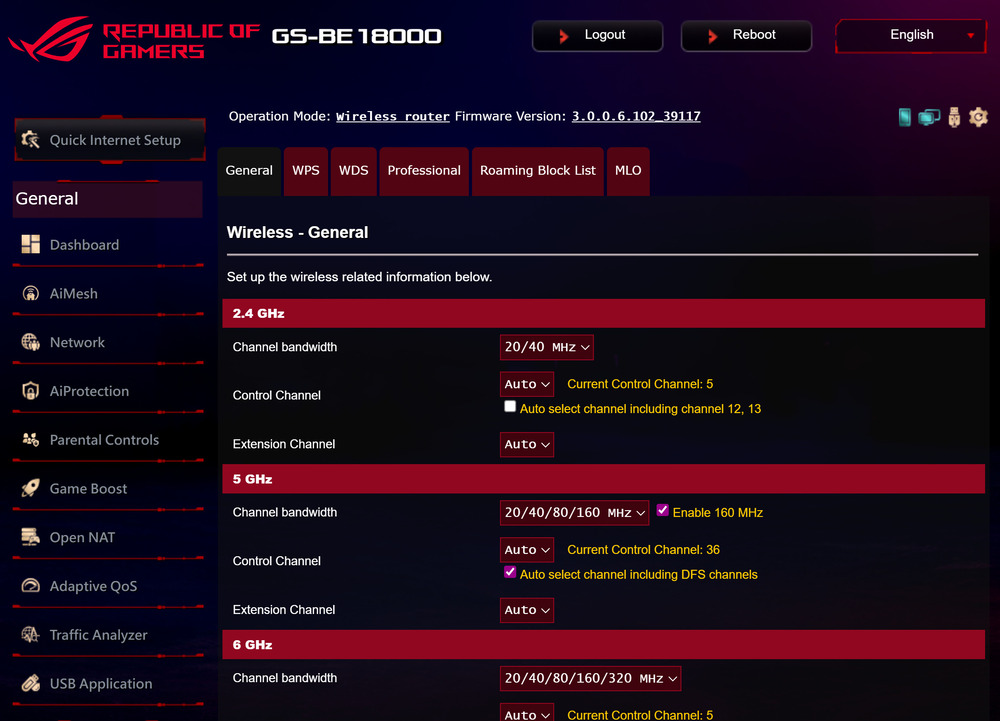
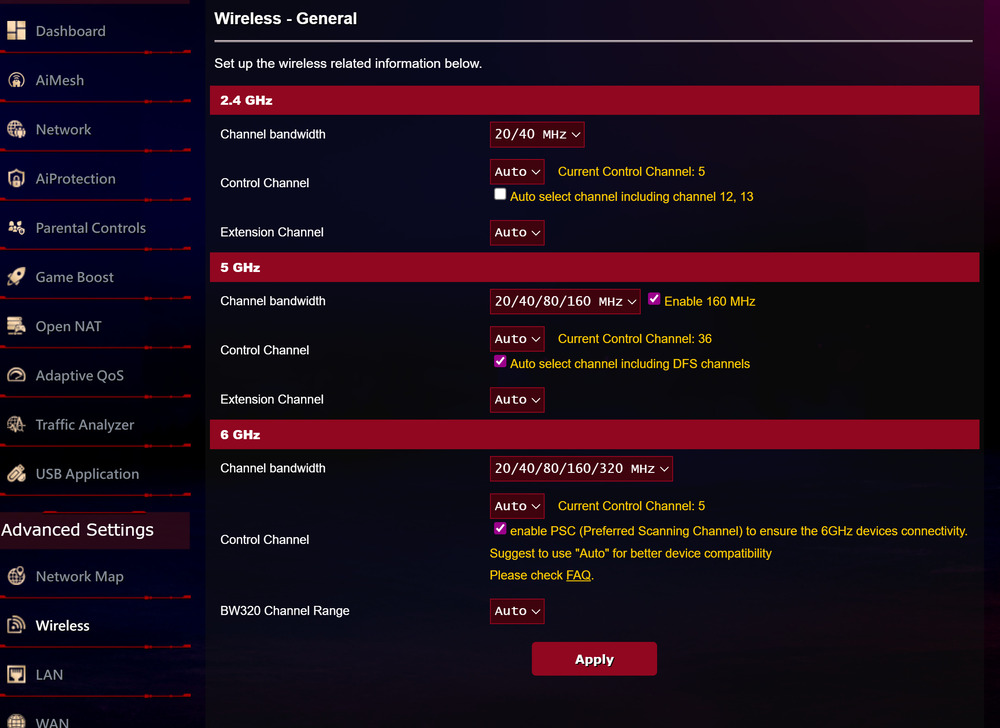
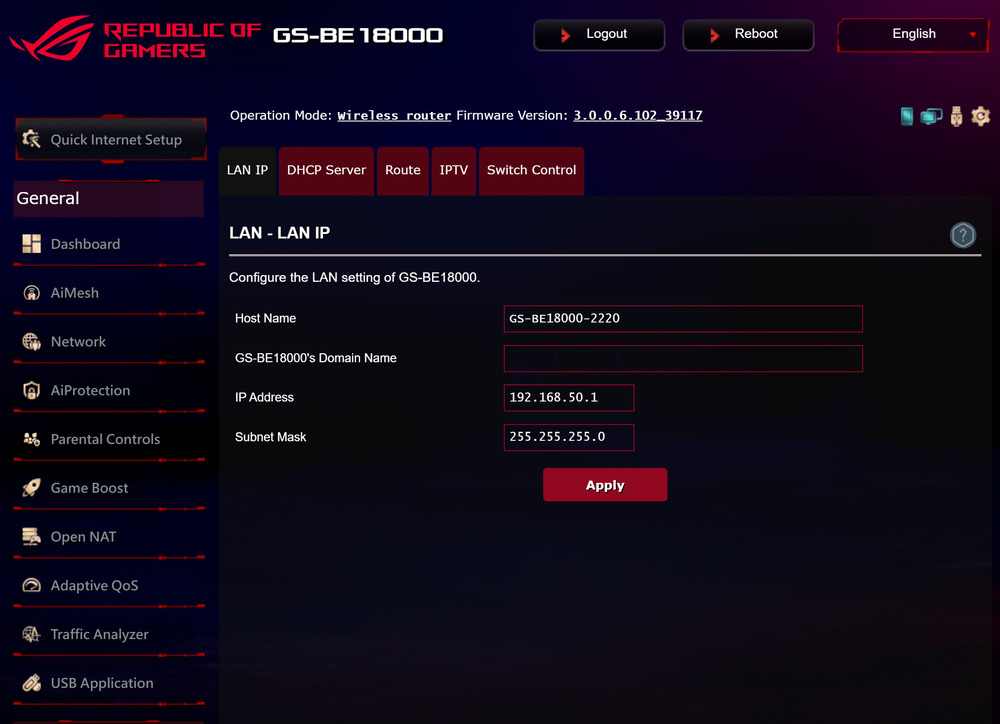
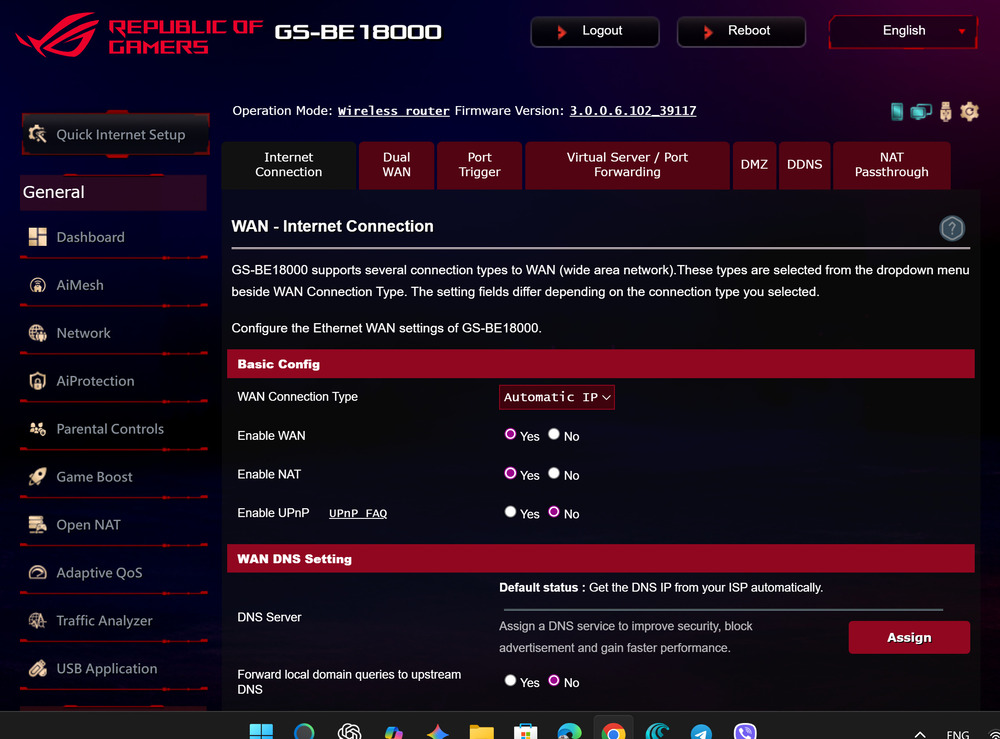
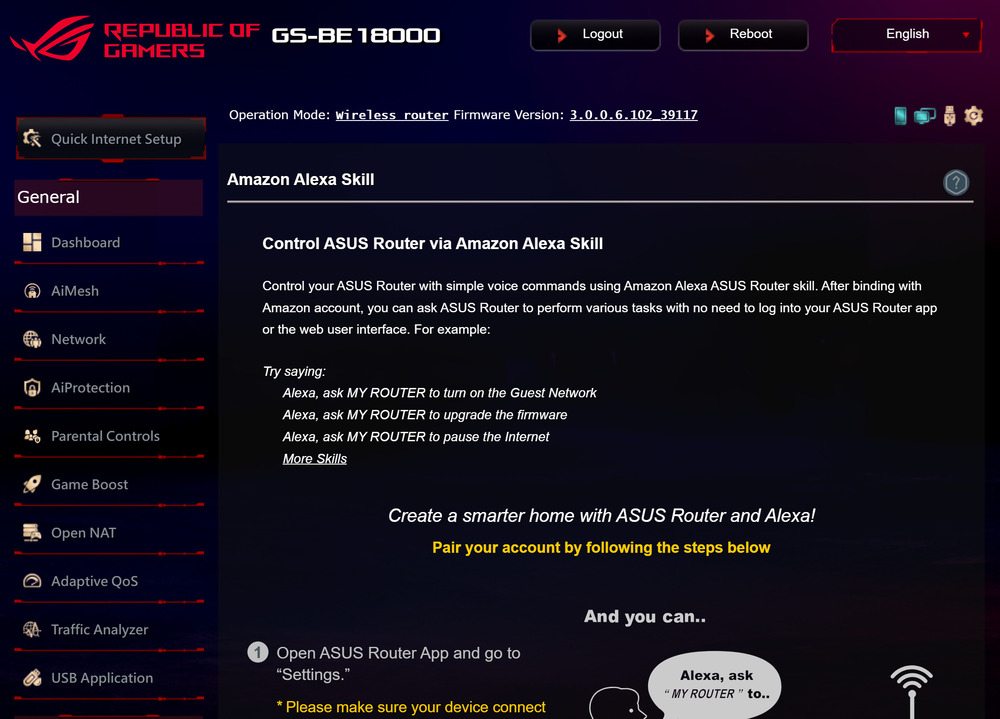
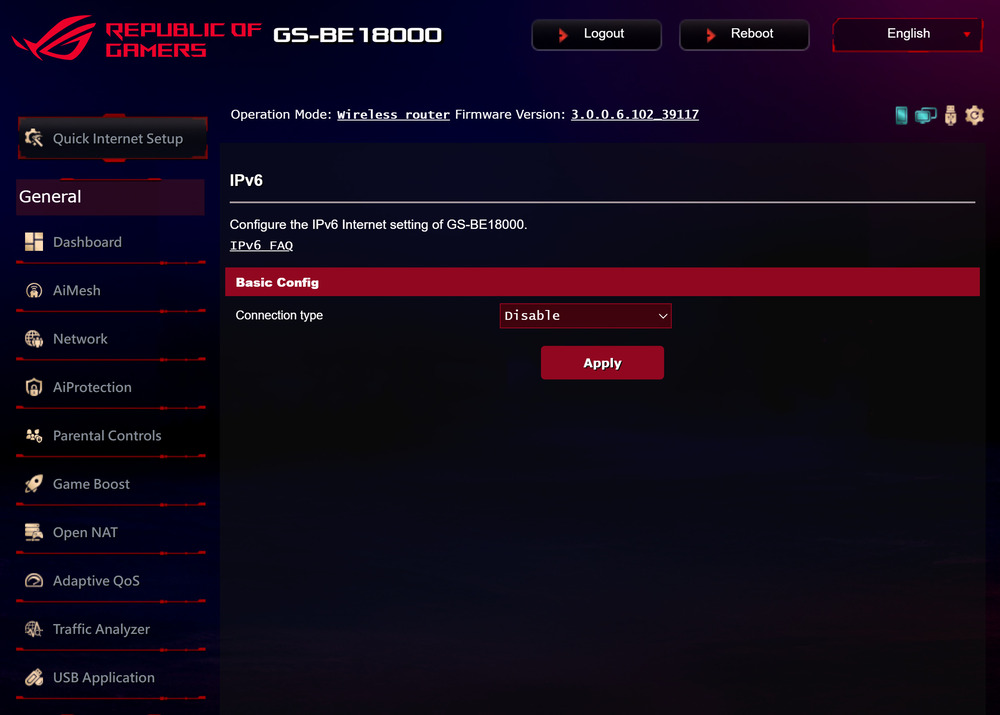
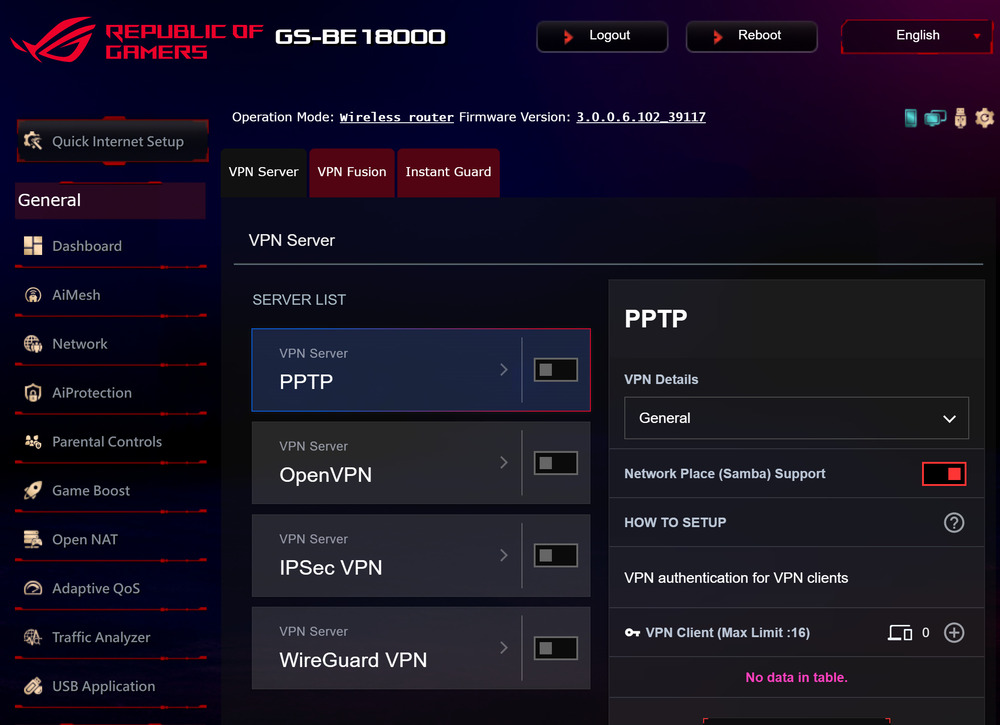
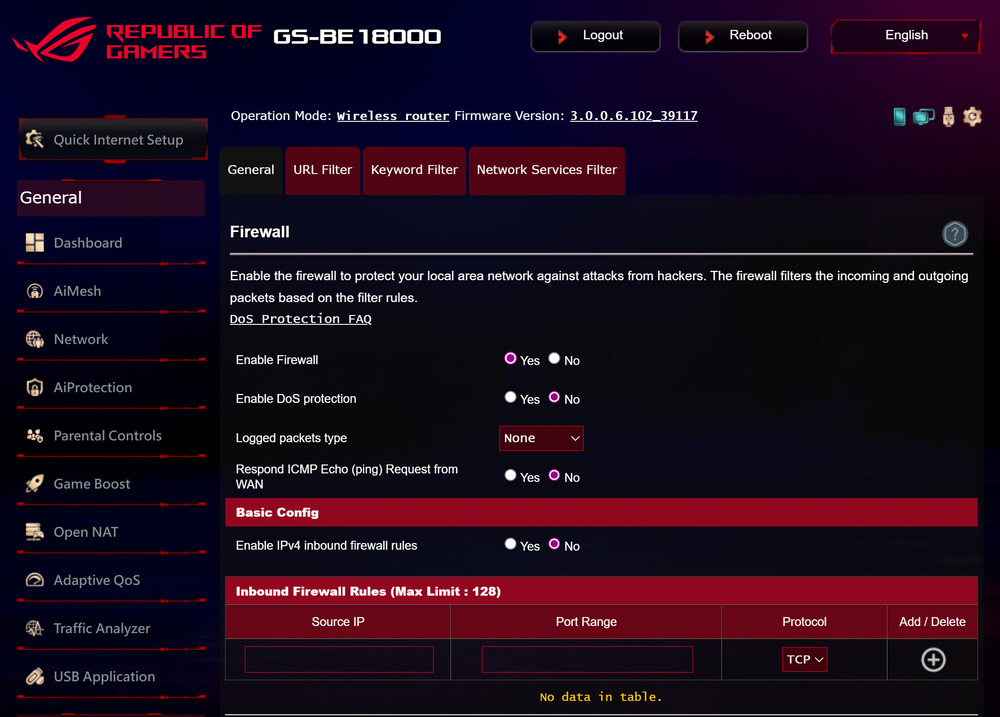
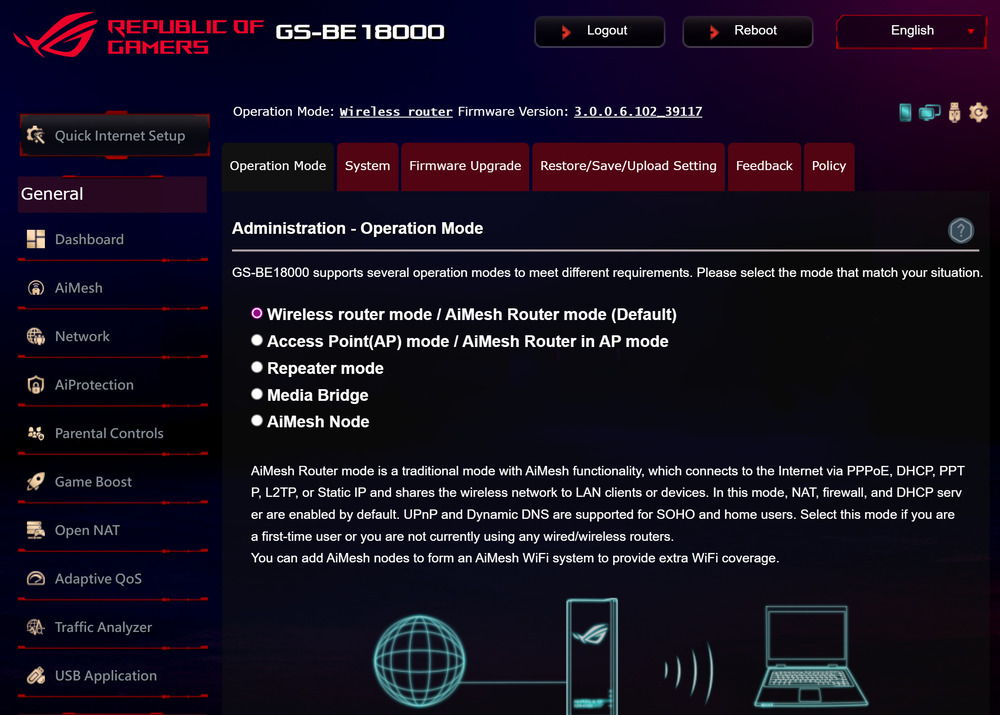
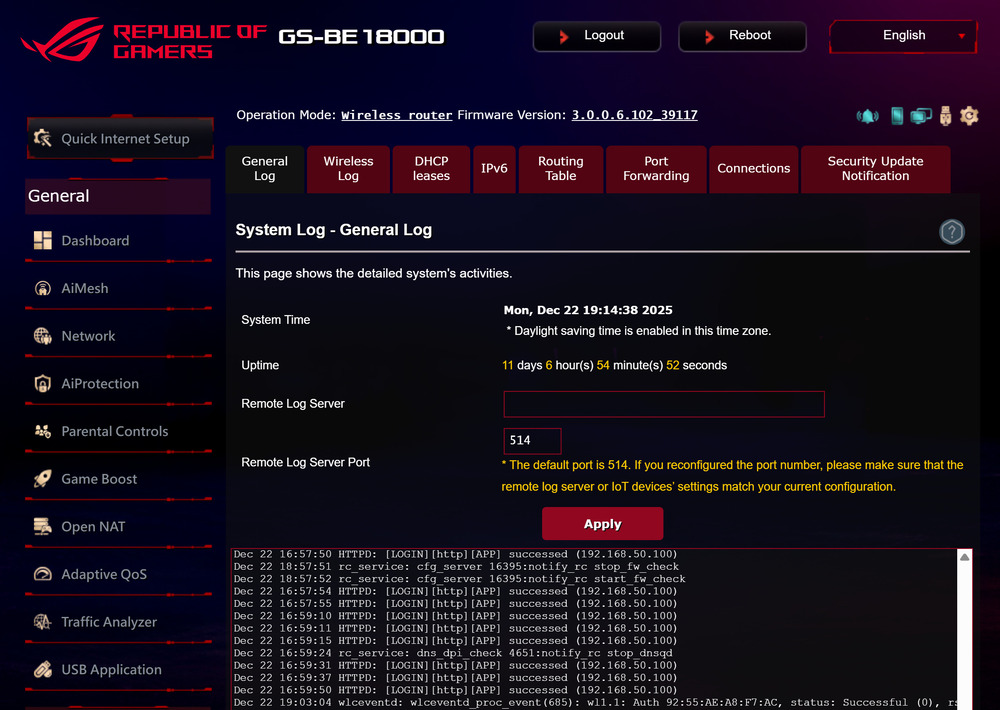
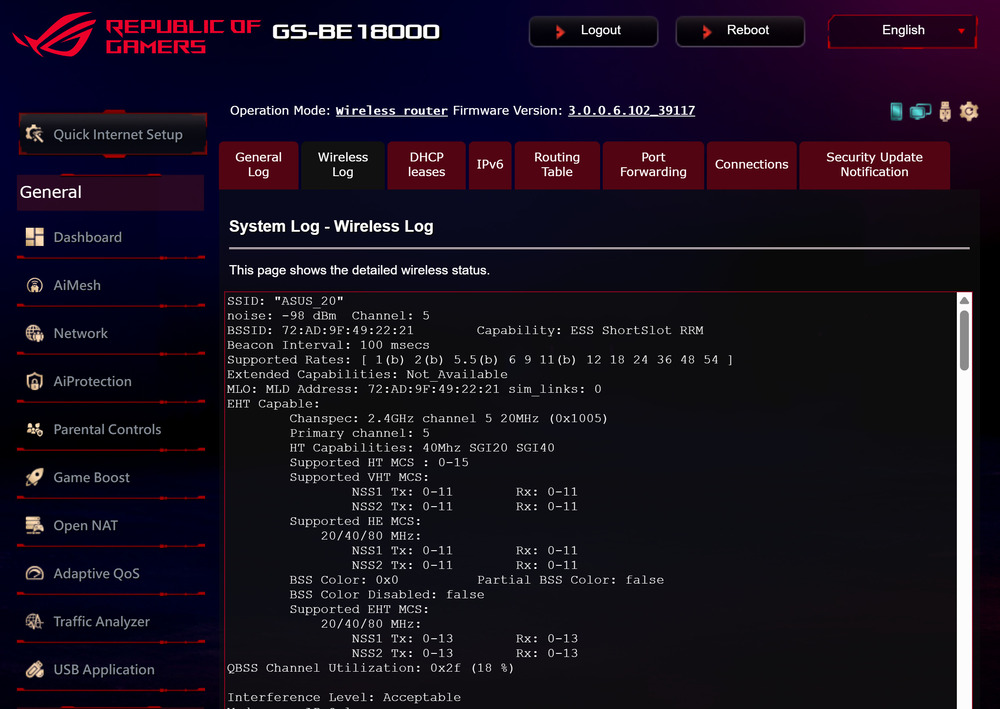
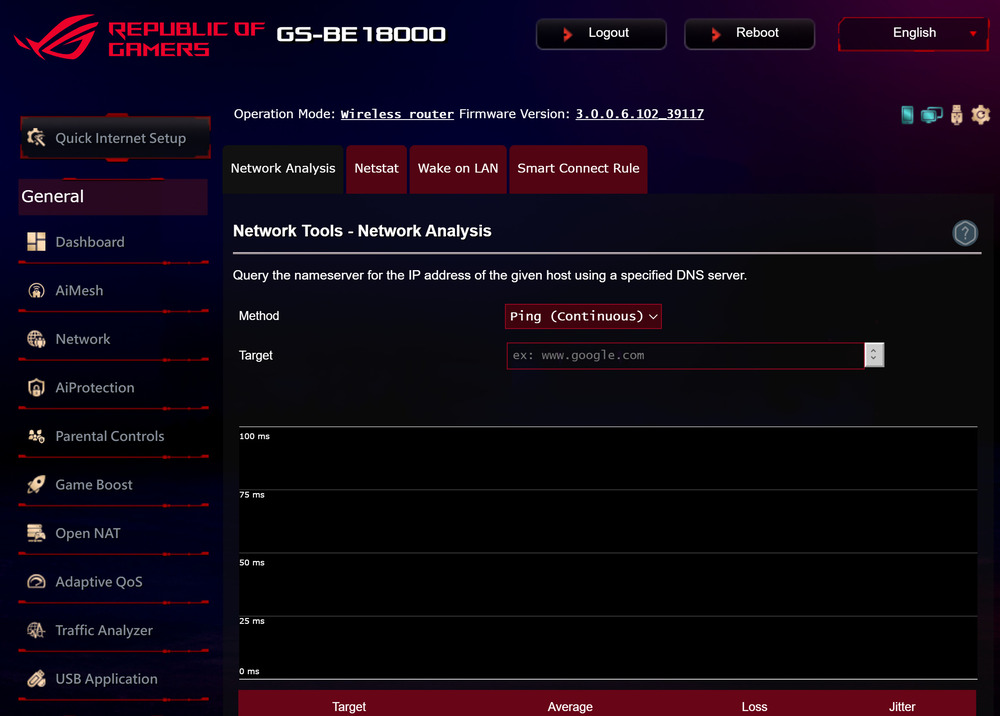
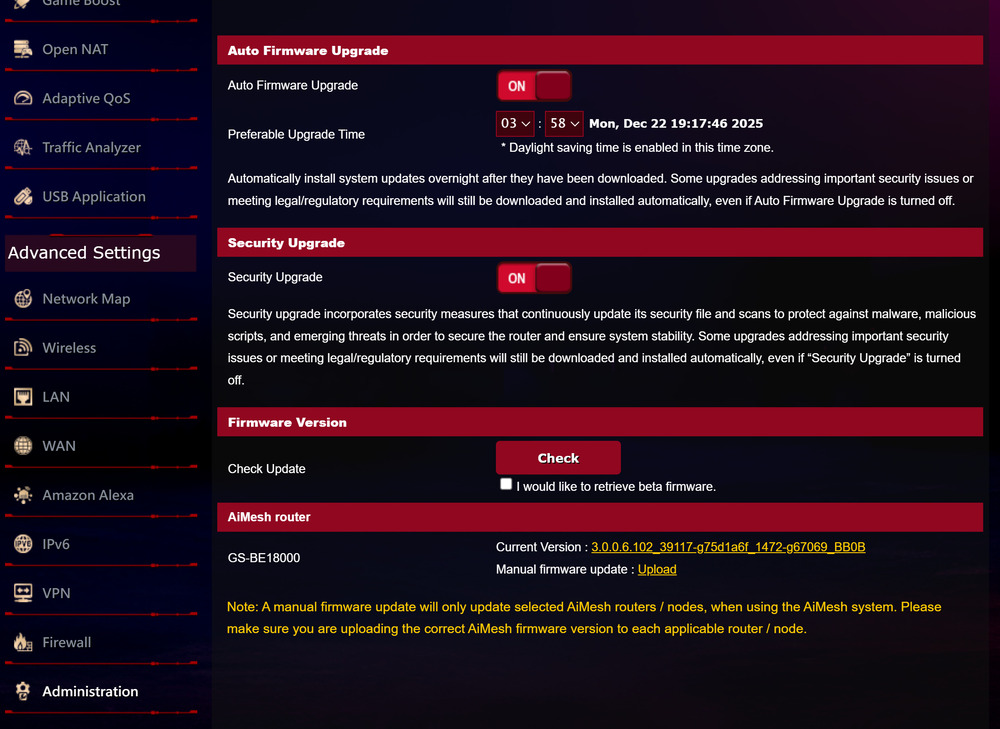
The firewall offers a comprehensive set of filtering rules, with IPv6 support and integration with Amazon Alexa. Overall, the ROG Strix GS-BE18000 web interface presents itself as a powerful tool with extensive capabilities, while remaining logical and user-friendly for everyday use.
Read also: How to Expand Your Home Network with AiMesh-Enabled Routers (Using ASUS as an Example)
ASUS Router Mobile App
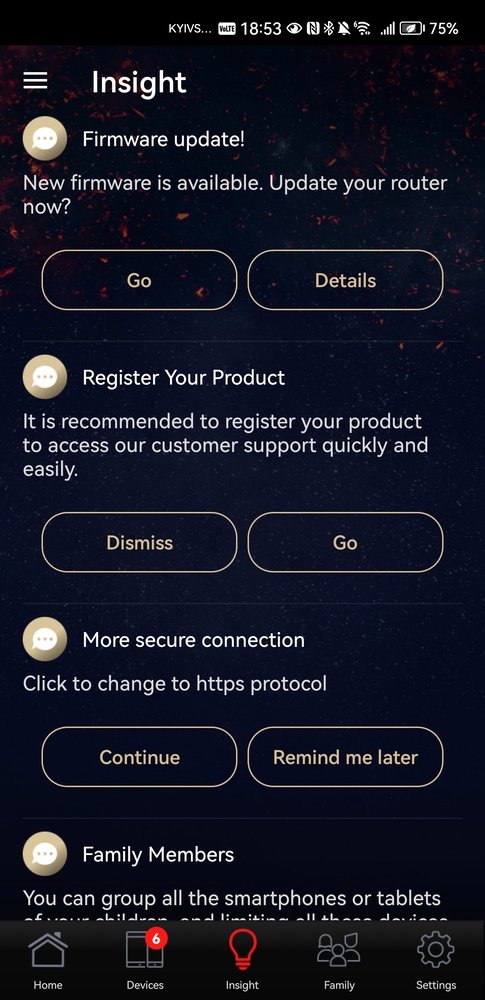
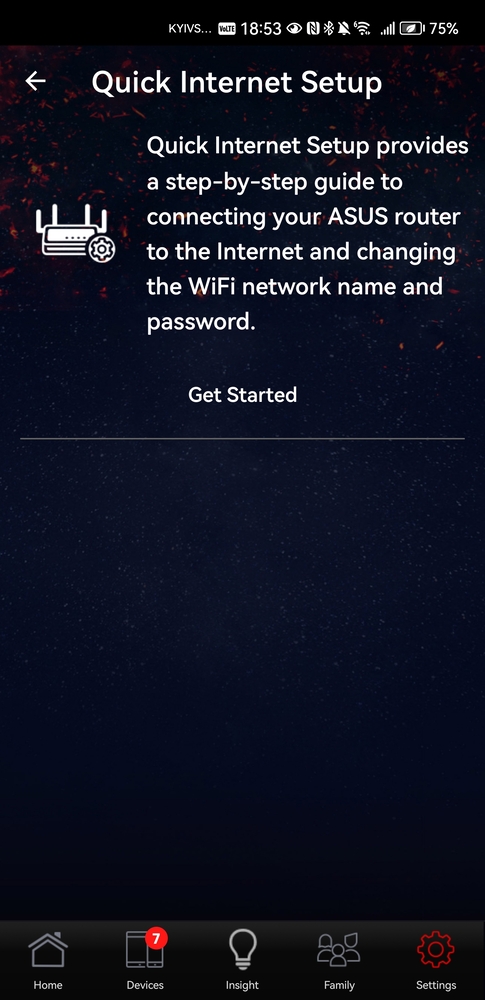
The ASUS Router mobile app is a convenient and modern tool, not only for initial setup but also for remote router management. Functionally simpler than the web interface, its main advantage is constant accessibility from a smartphone.
The app operates quickly and reliably, and it provides the easiest way to enable gaming mode, as there are no dedicated hardware buttons on the device. Key features include parental controls with user profiles and preconfigured age filters, convenient guest network management, and support for the Alexa voice assistant.
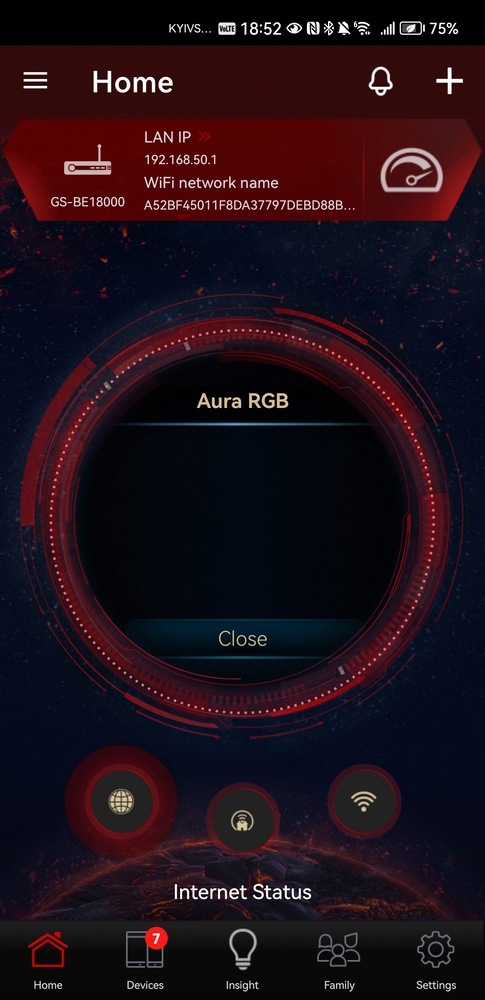
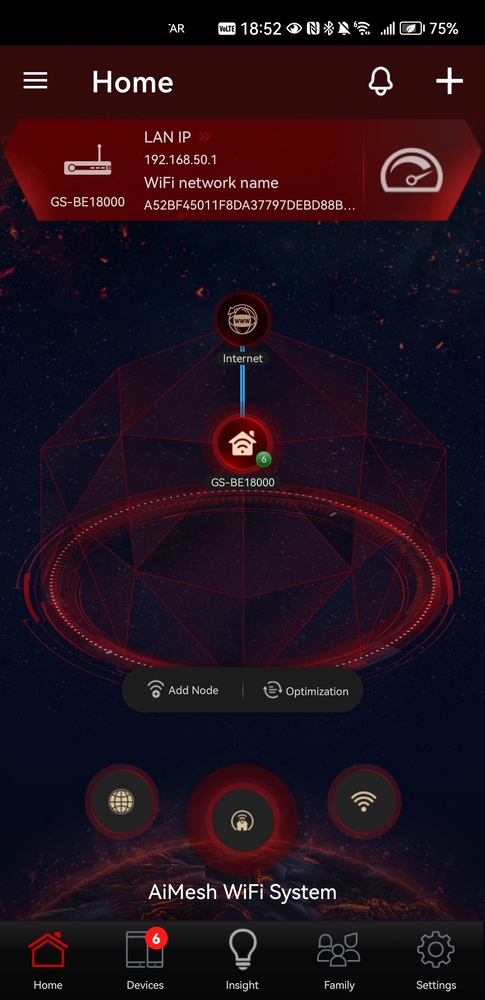
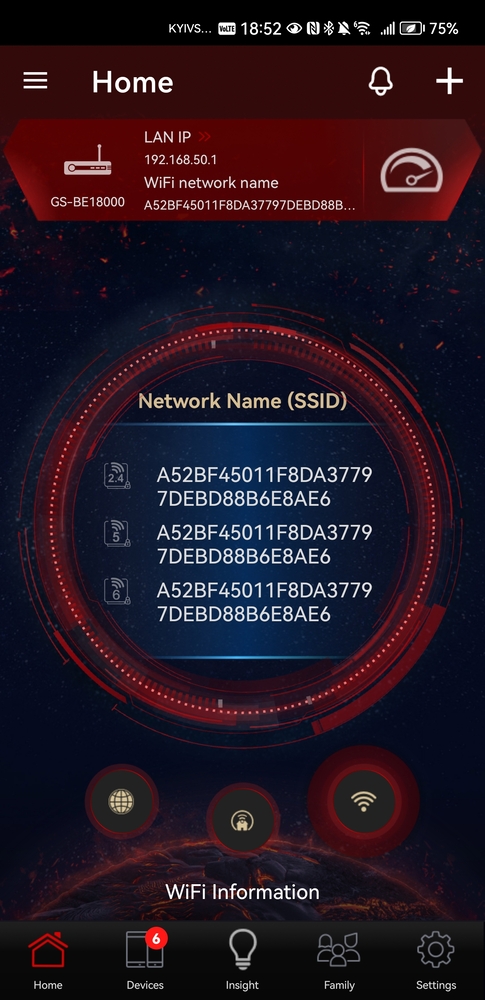
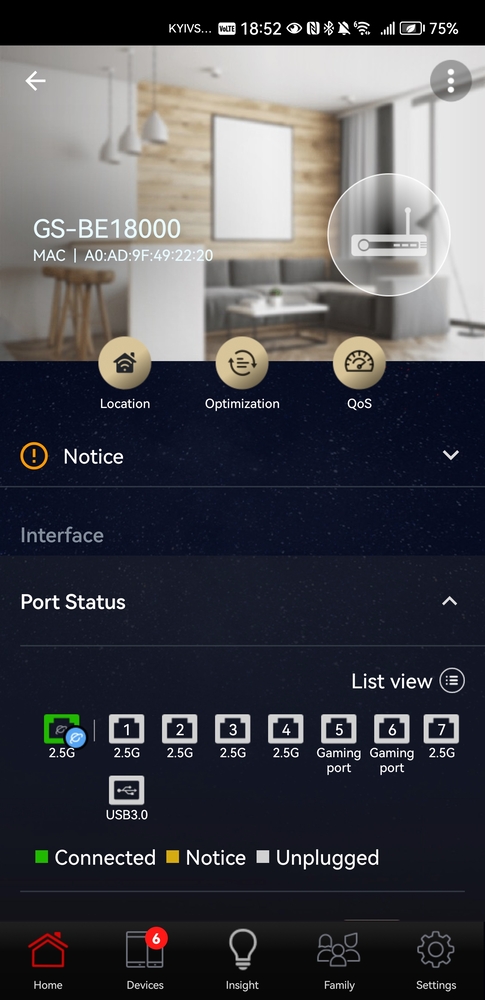
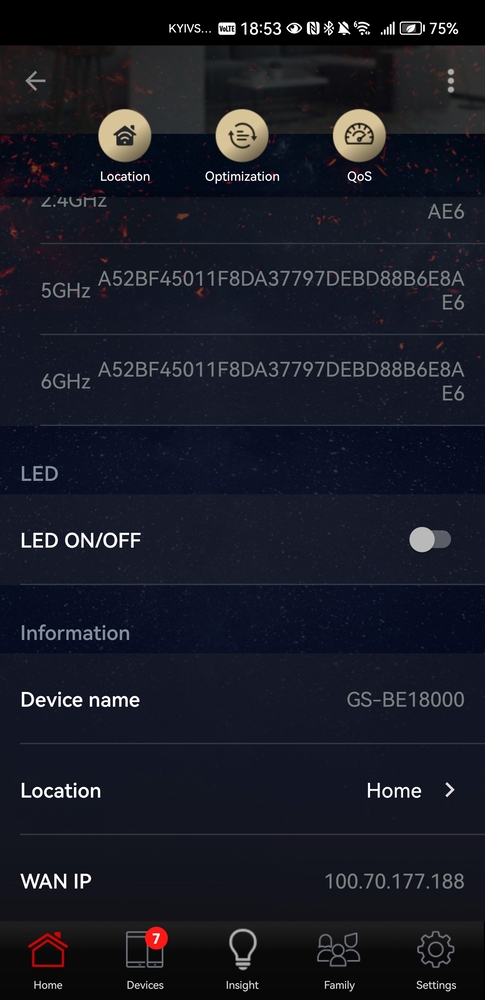
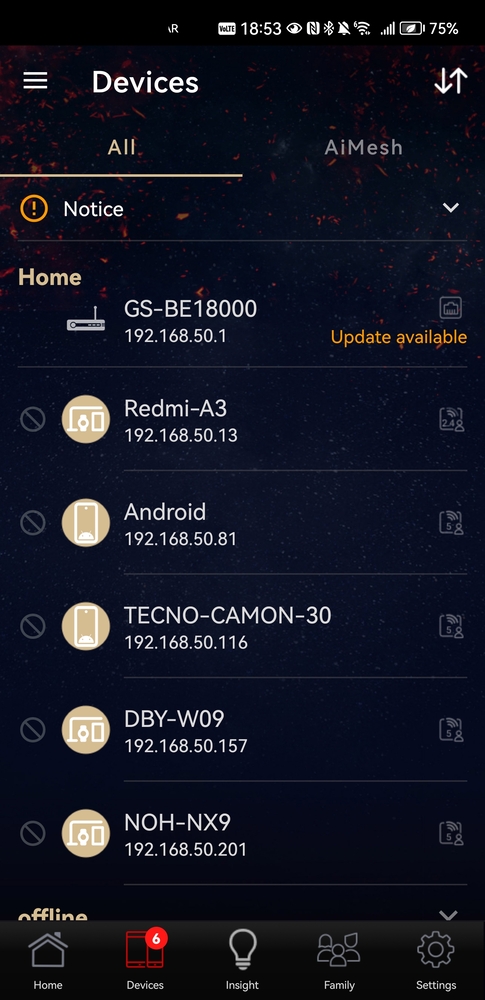
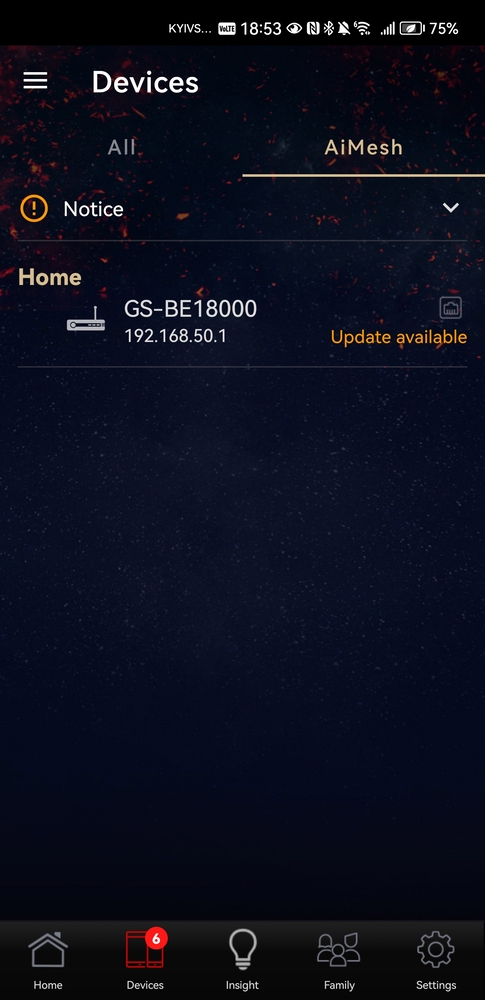
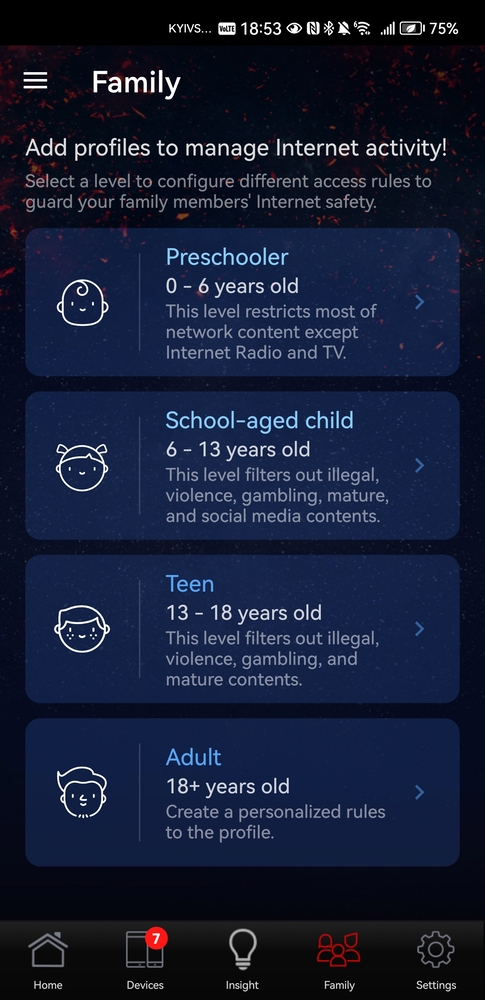
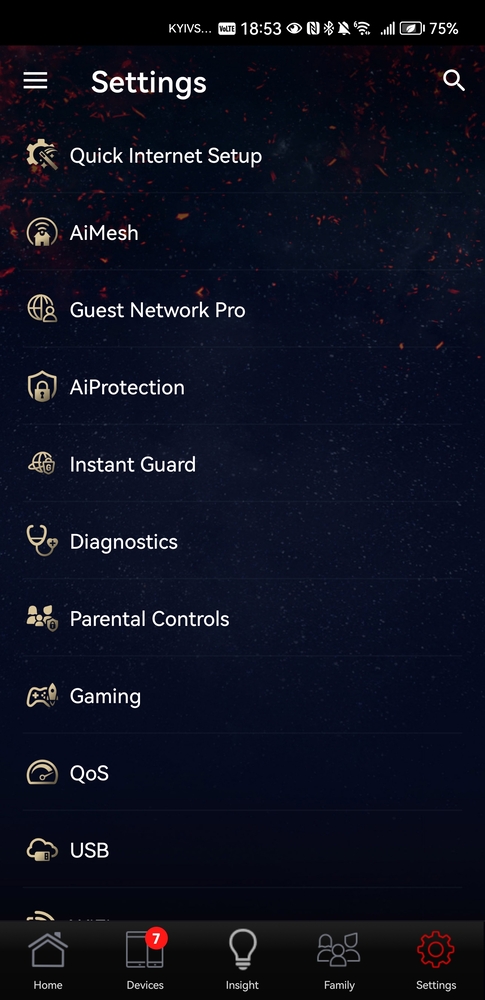
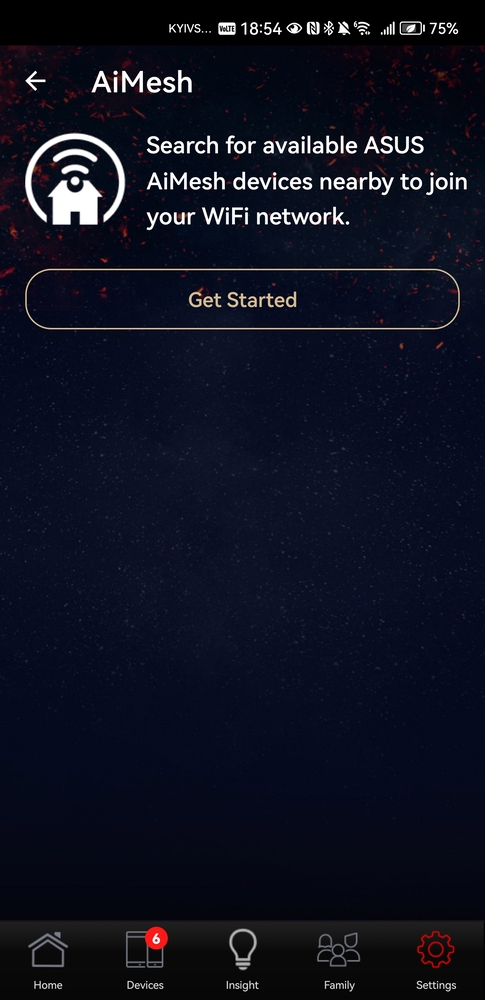
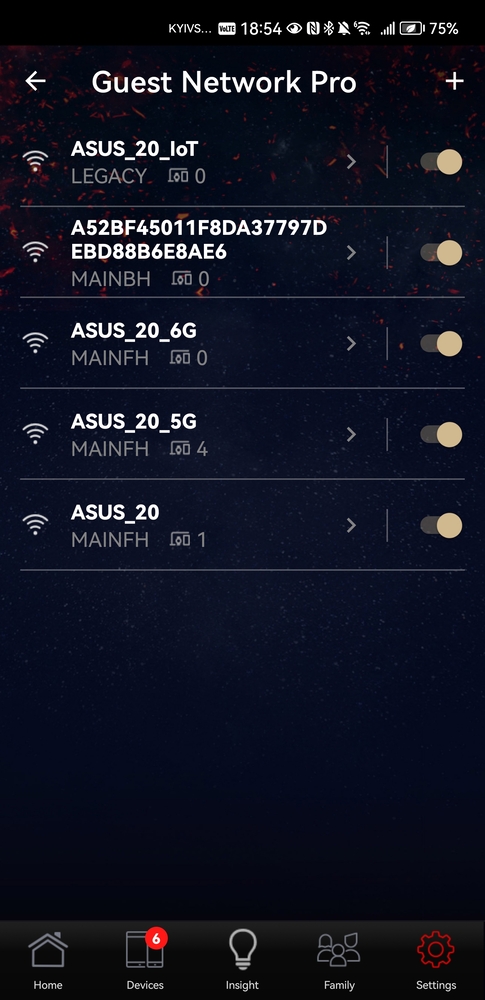
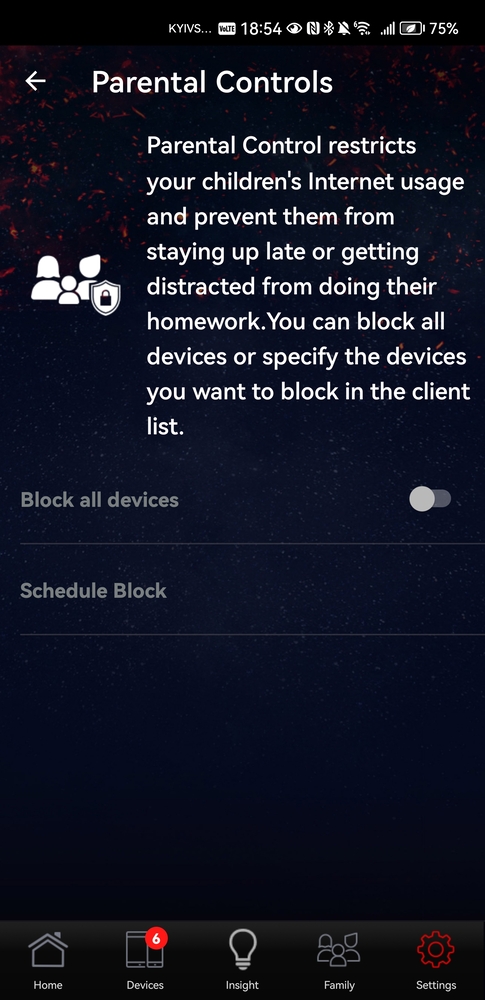
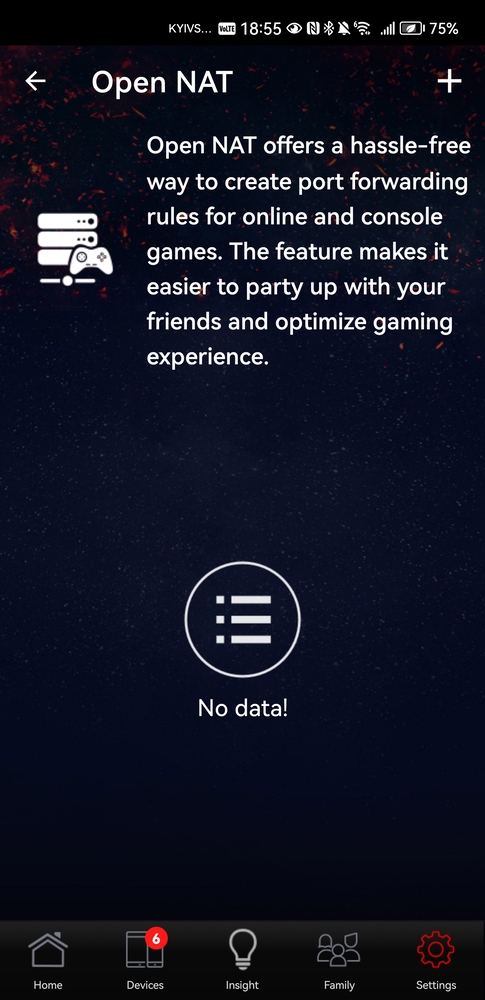
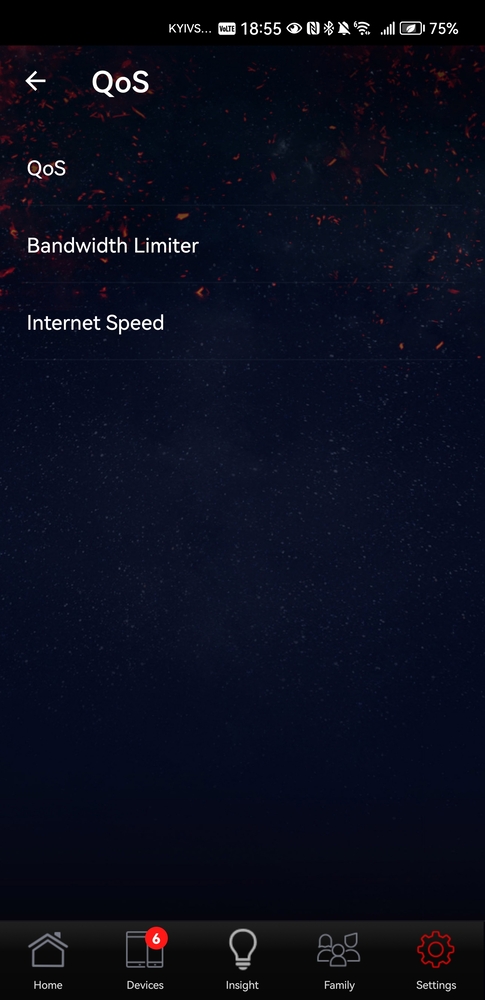
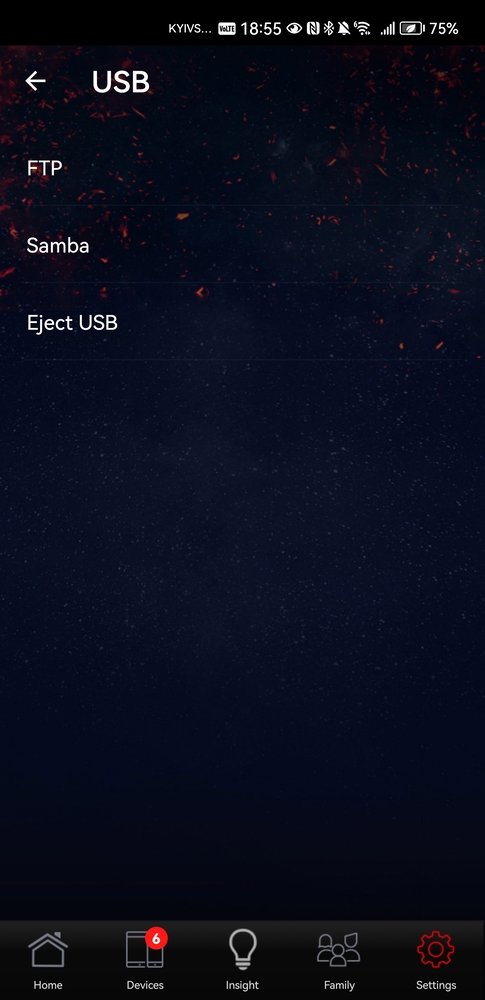
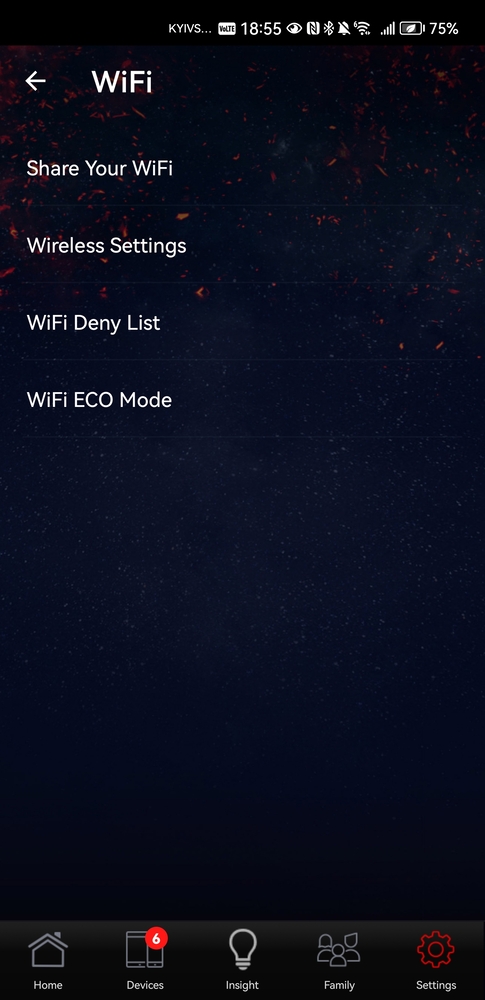
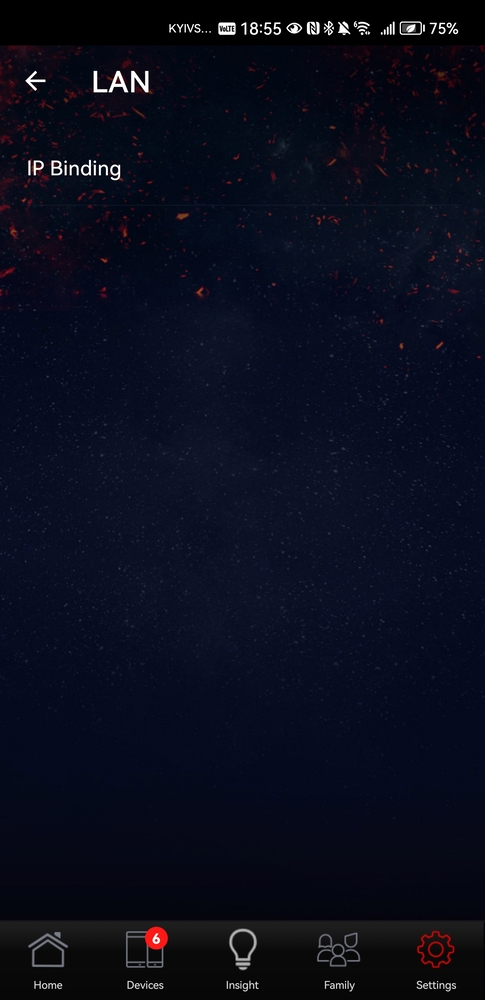
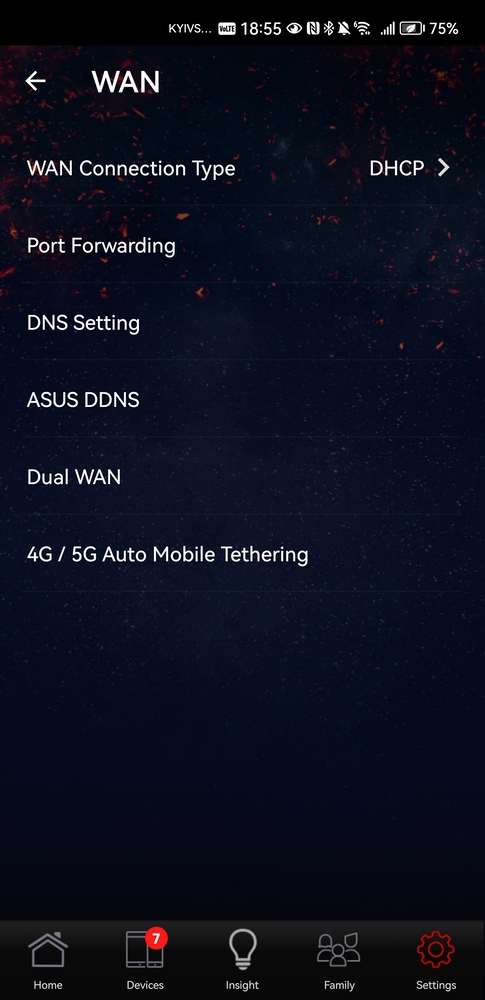
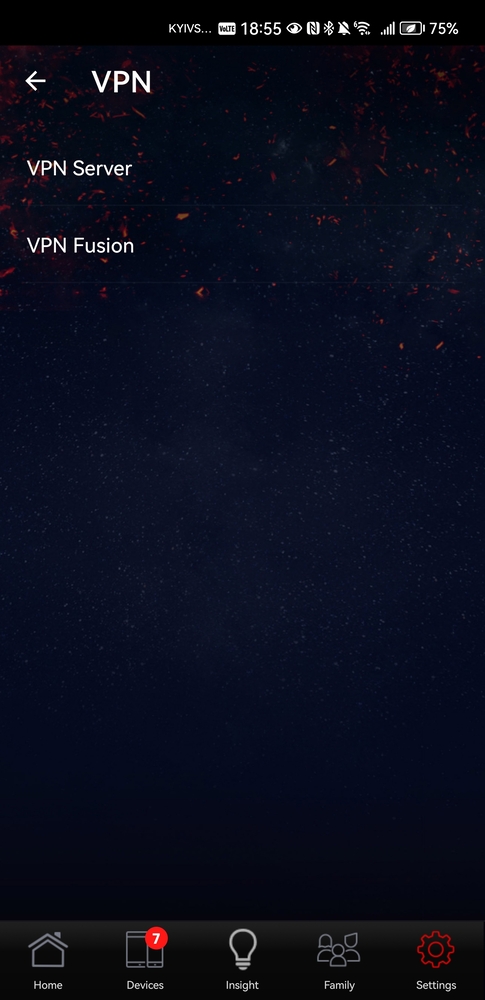
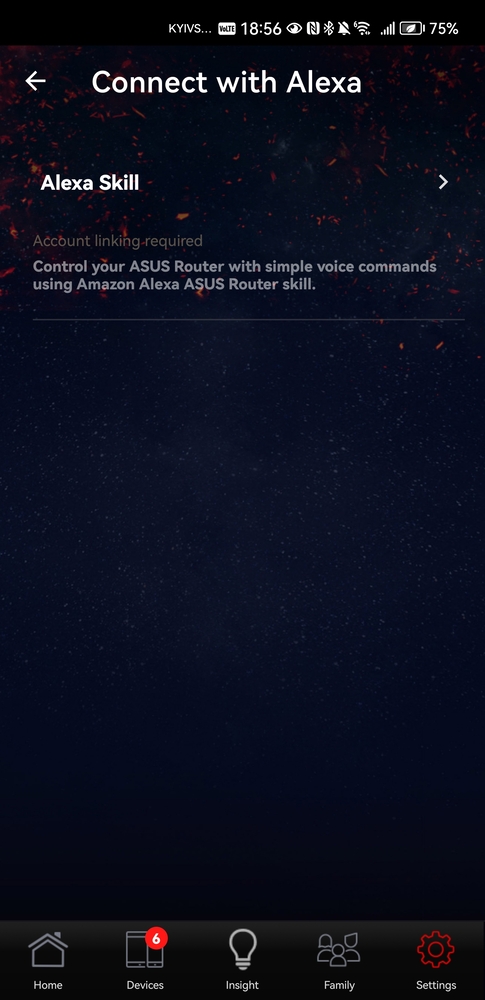
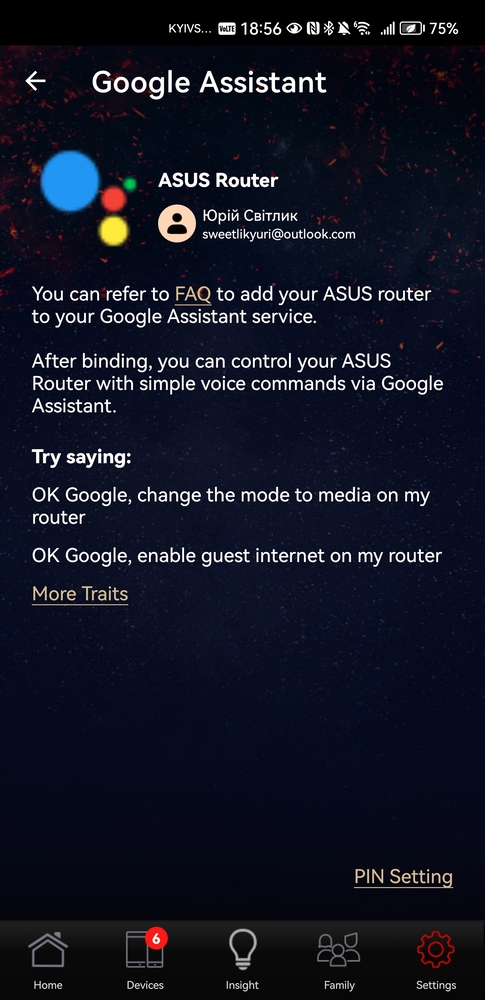
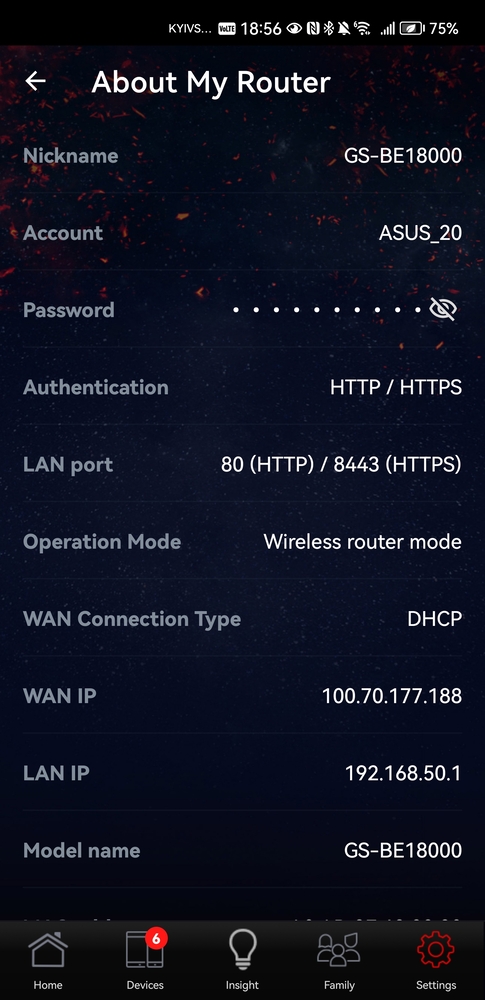
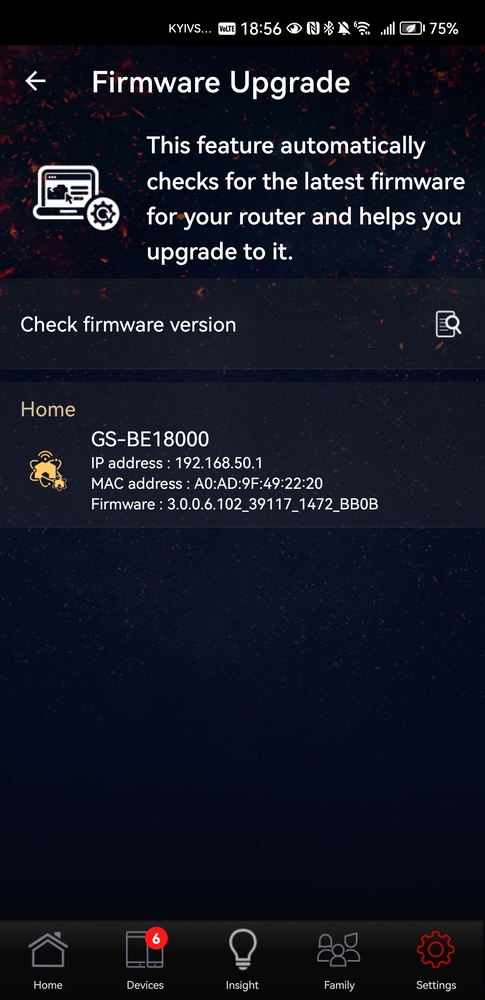
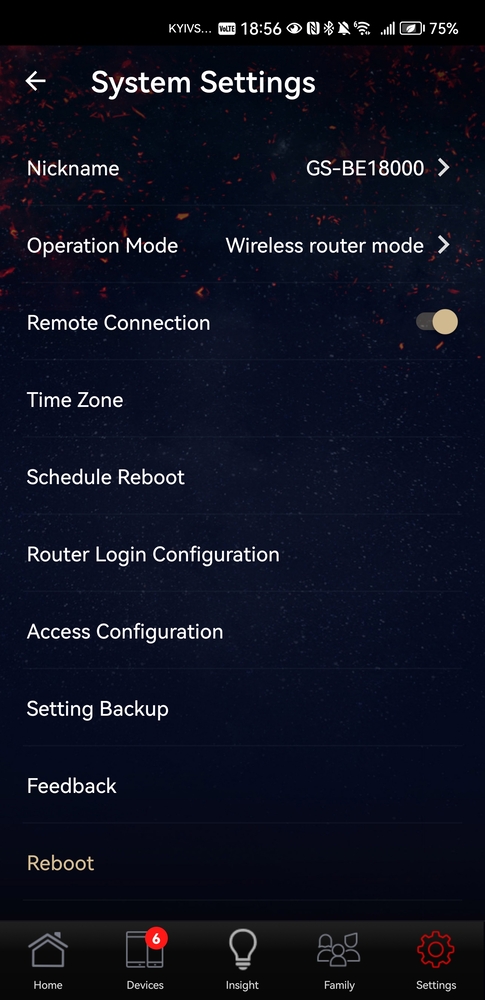
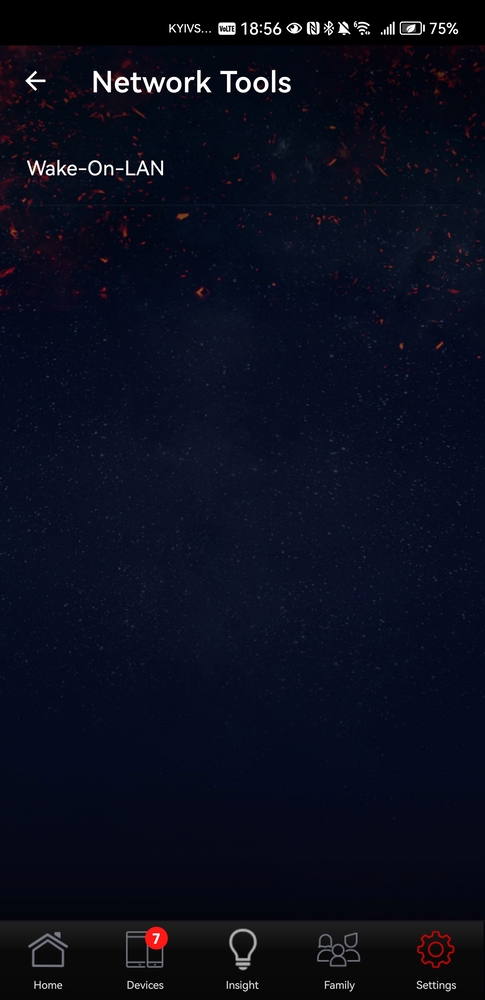
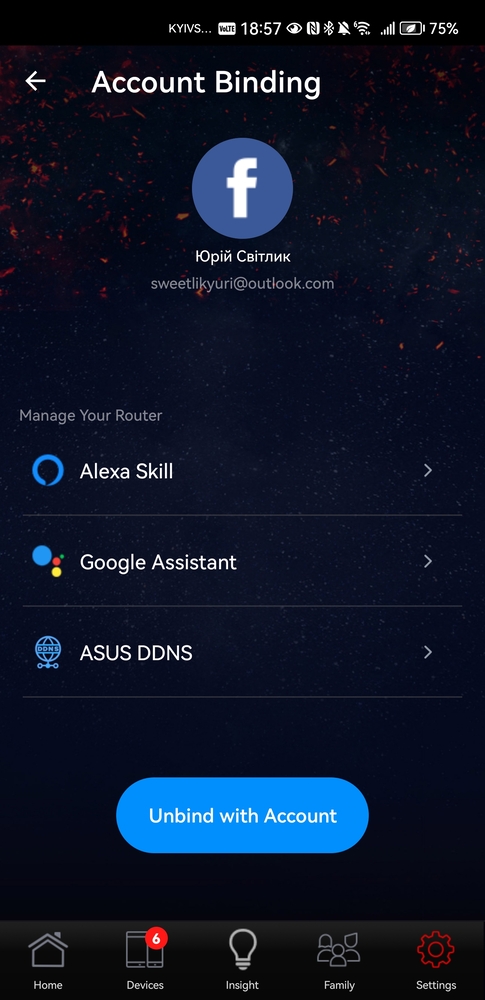
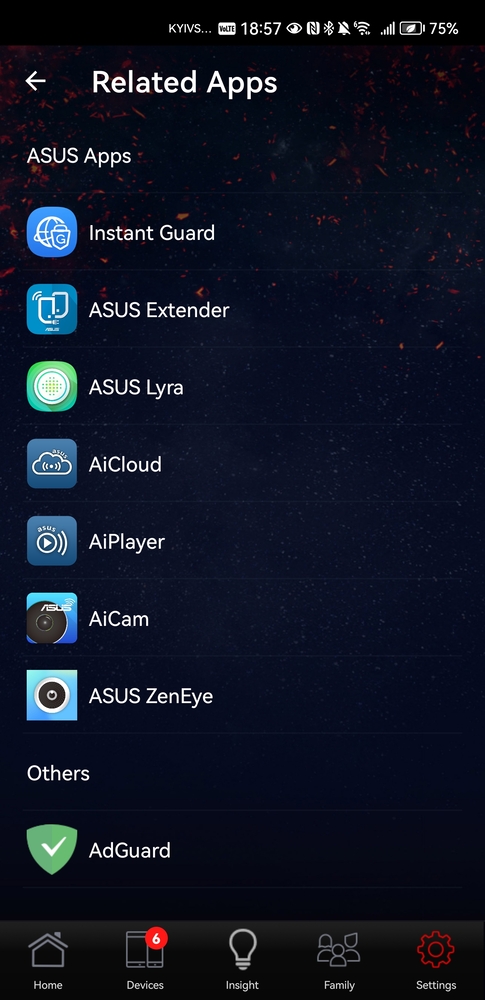
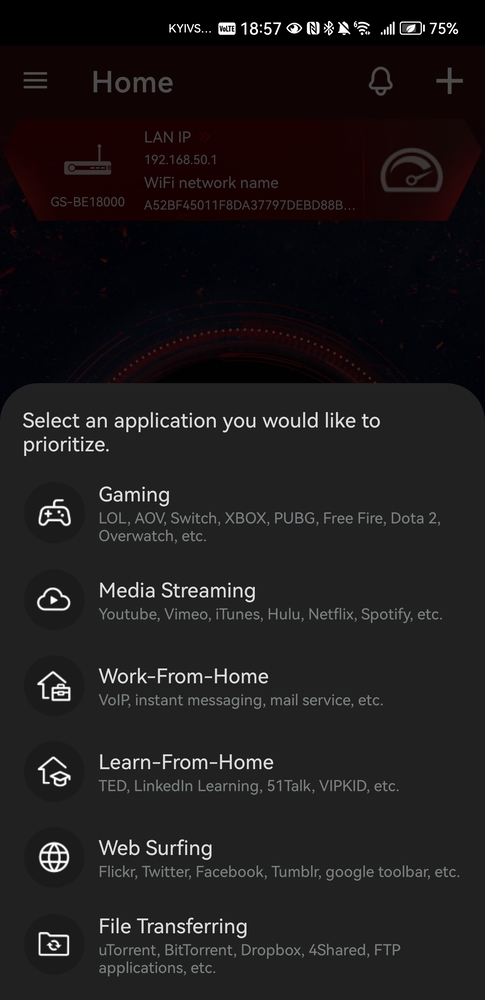
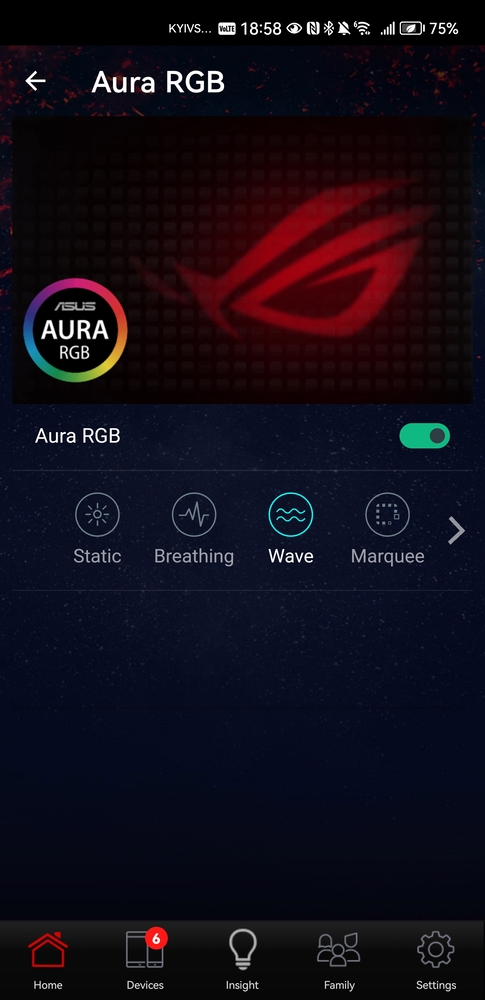
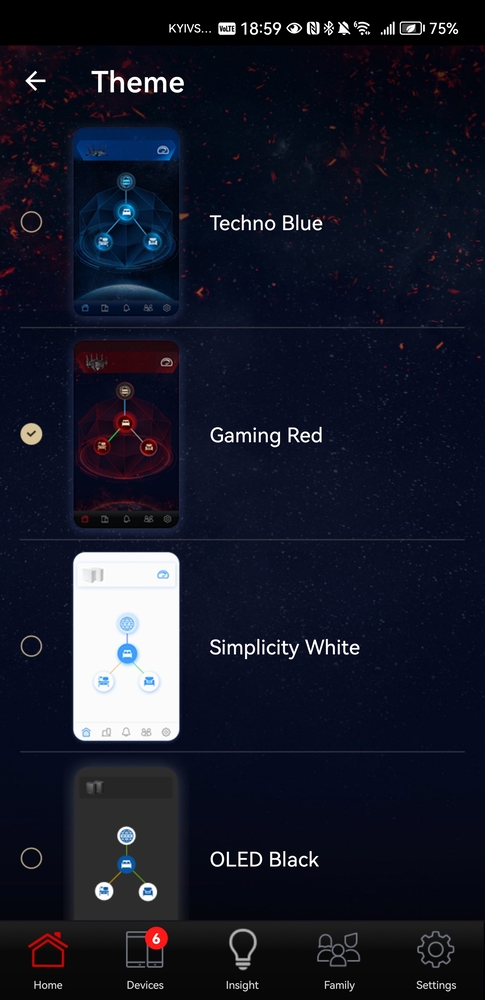
It is also worth noting the support for ASUS AiMesh, which allows users to create a mesh network directly from a smartphone, even integrating older ASUS routers. This is useful for larger spaces, although in most cases with the ROG Strix GS-BE18000, additional nodes are unnecessary.
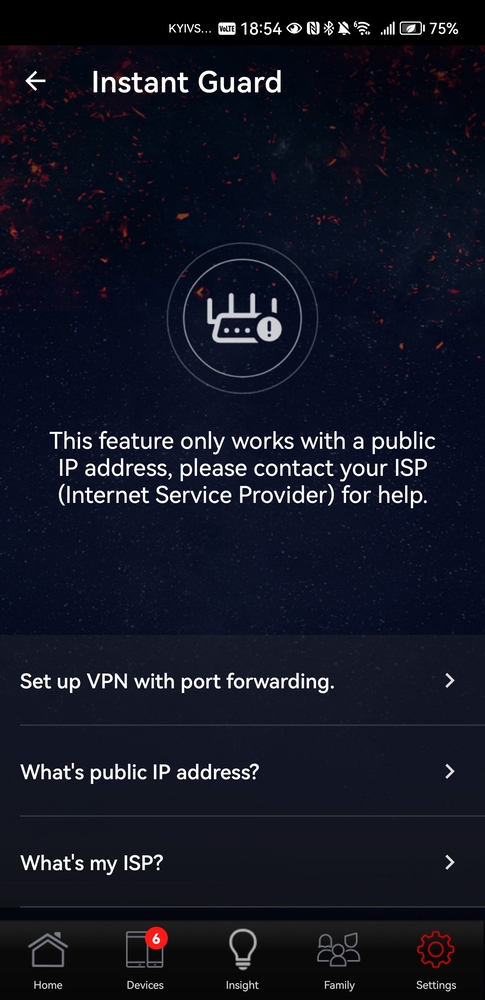
Network security is provided by AiProtection Pro, powered by Trend Micro – a full-featured protection suite with no subscription required. The app also includes Instant Guard, which enables simple VPN access to the home network from anywhere in the world, particularly useful when using public Wi-Fi.
Read also: ASUS ExpertWiFi EBR63 Review: Router For Business
Real-World Performance of the ASUS ROG Strix GS-BE18000
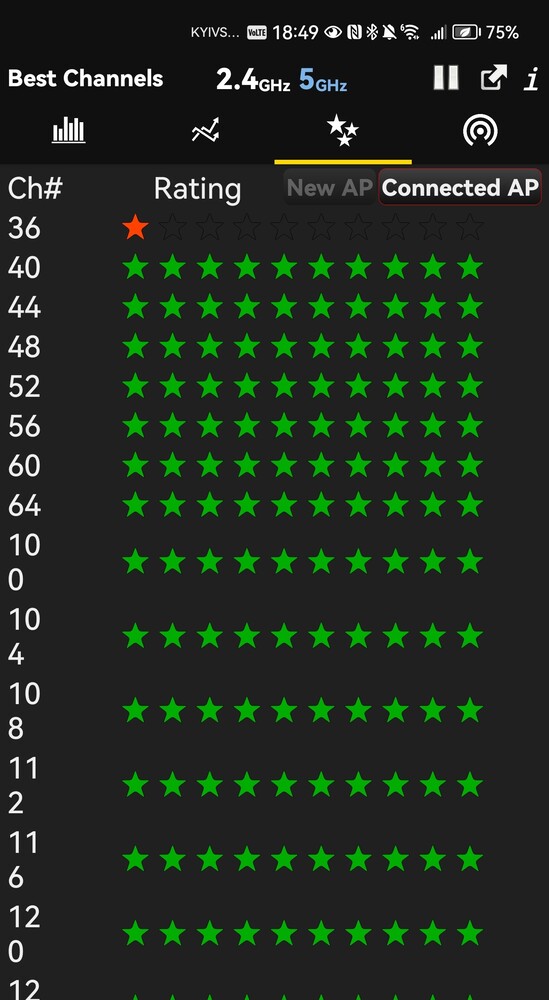
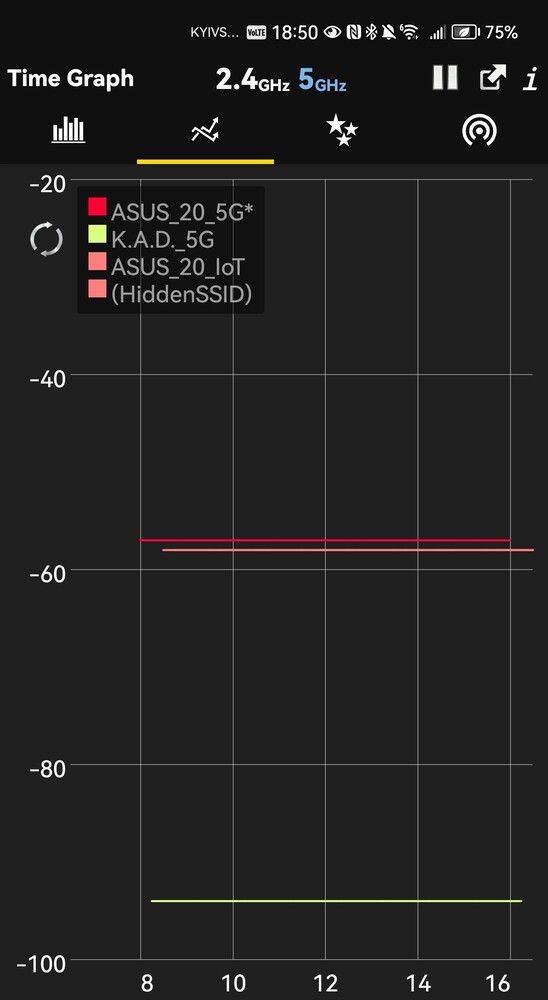
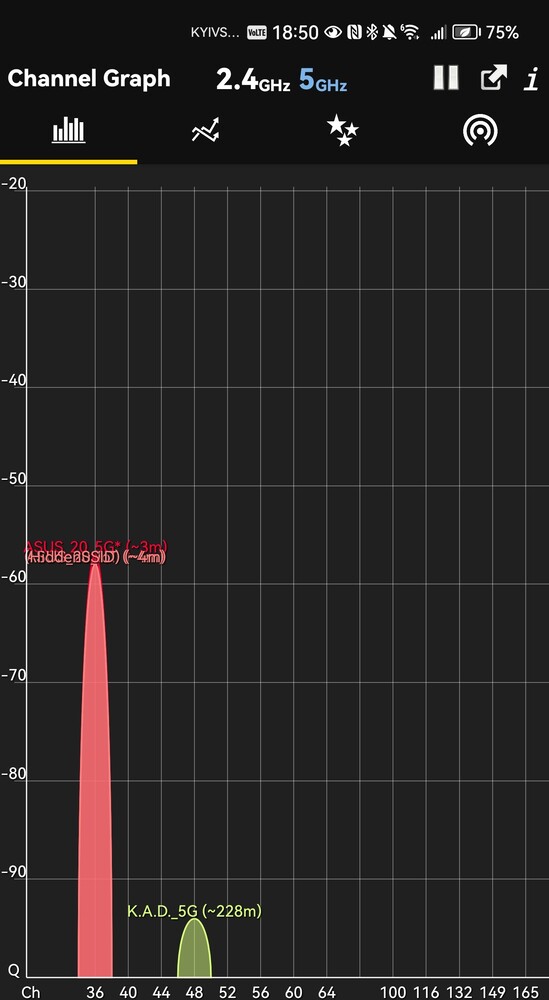
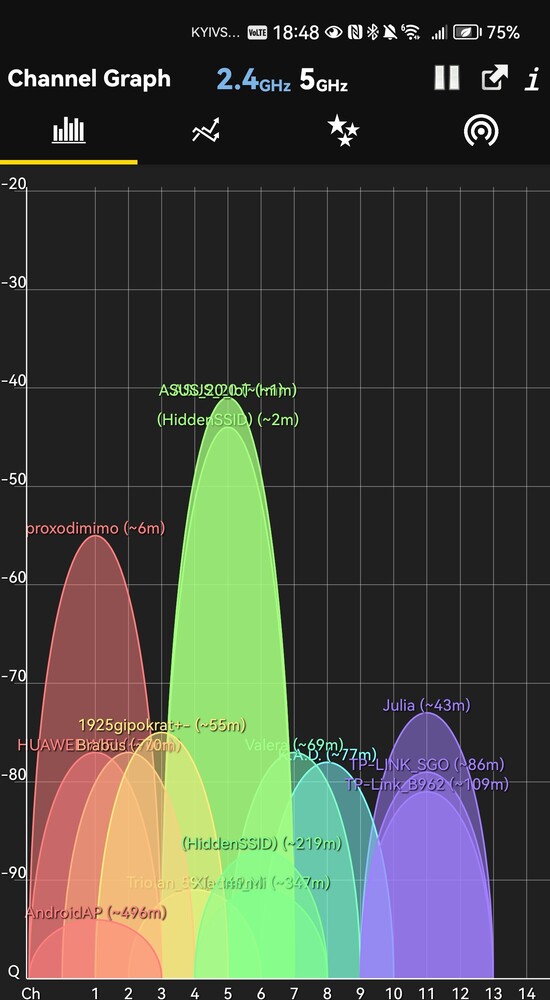
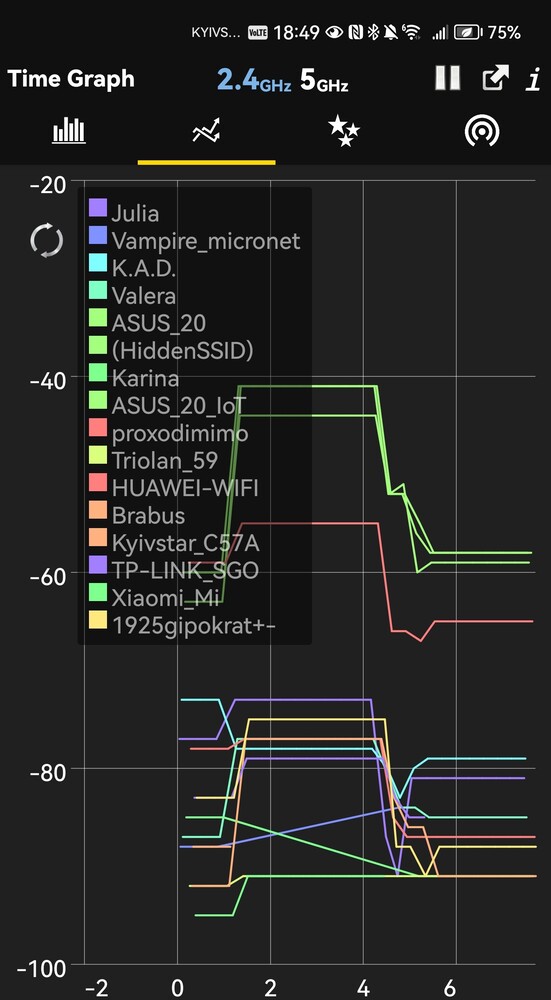
After years of testing Wi-Fi 6 and even Wi-Fi 7 routers, it’s rare to be genuinely impressed – but the ASUS ROG Strix GS-BE18000 manages to do so. From the very first minutes, it is clear that this is a truly powerful gaming router. In my Kharkiv apartment, it easily penetrated reinforced concrete walls, and the signal reached every corner reliably – at times, it felt as if multiple routers were operating simultaneously.

The so-called “dead zones” simply disappeared. Speed and signal strength remained nearly uniform throughout the apartment, on the stairwell, and even on the first floor of the building. This is a panel building with many thick walls and obstacles. Despite this, all connected devices operated reliably, without drops in speed or connection interruptions.
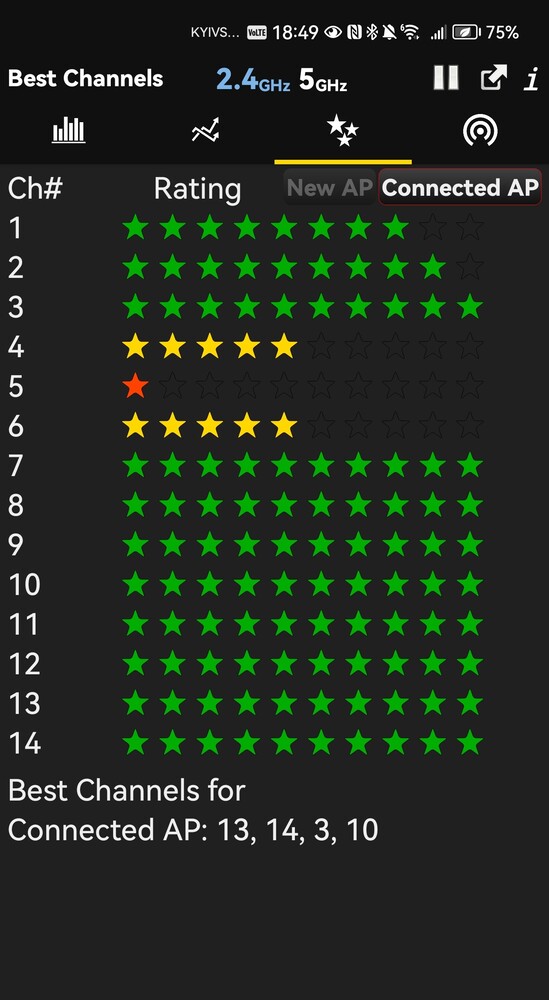
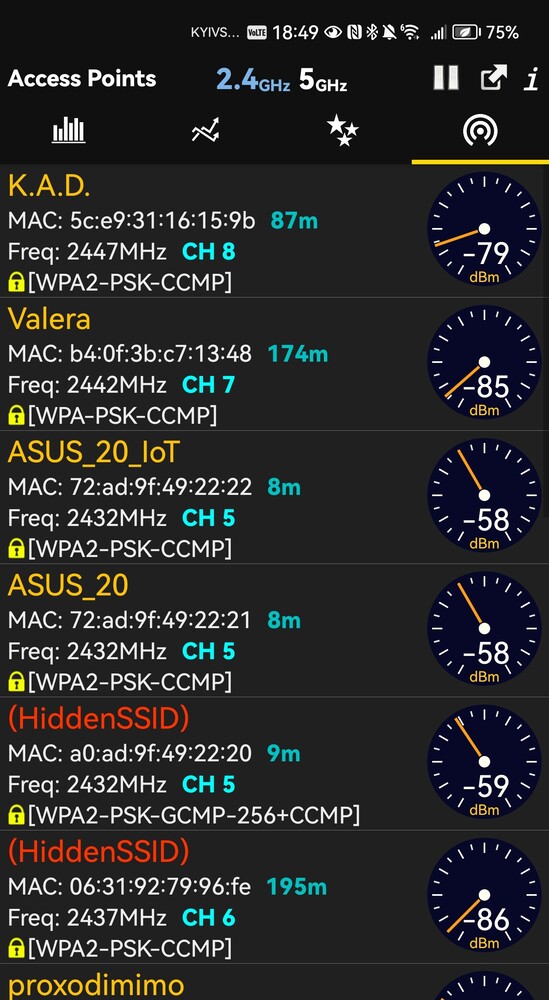
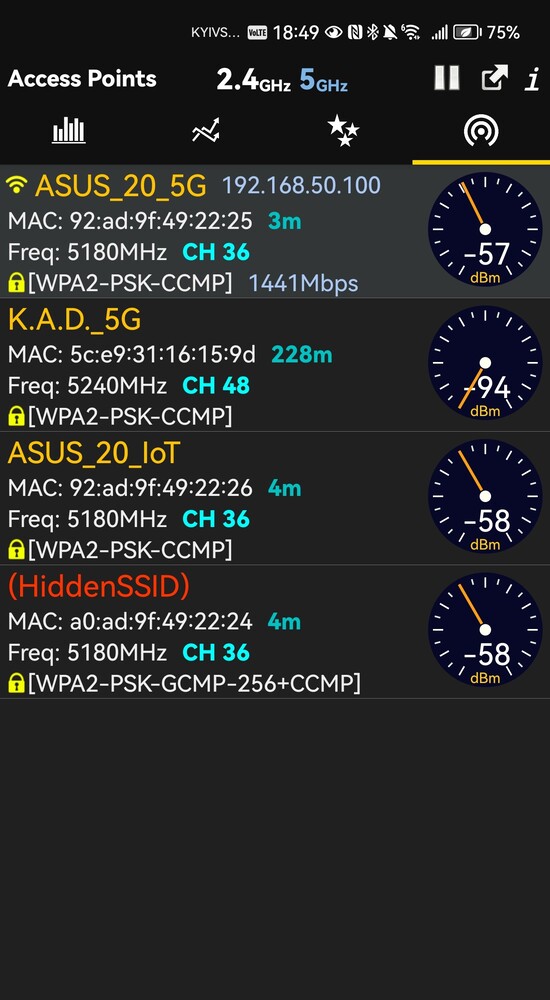
Another point worth noting is the complete silence. Even under maximum load, the router remained entirely noiseless – there is no active cooling, and the passive system handles its task exceptionally well. The chassis also did not overheat, which is particularly impressive given its size and hardware configuration.

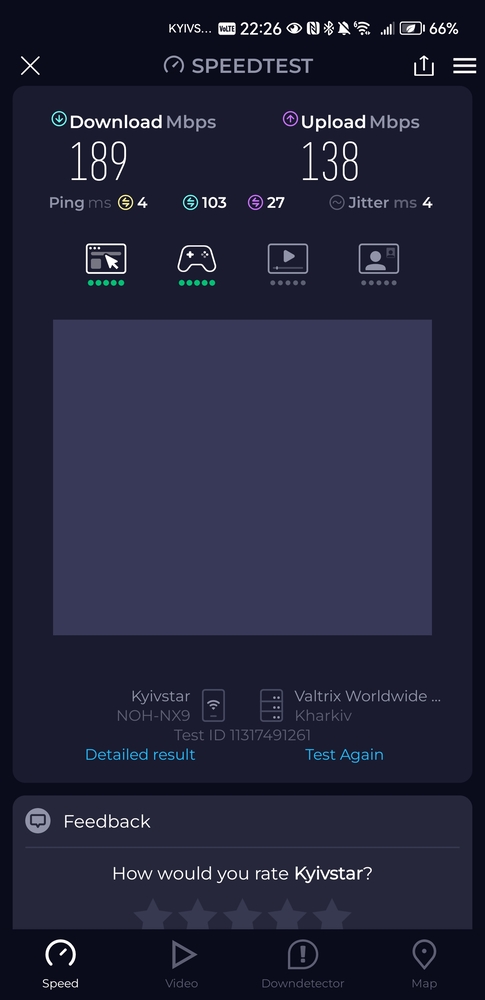
Wired connections posed no surprises: the nearly gigabit speed promised by the provider was easily achieved. With support for 2.5 Gbps ports, the GS-BE18000 also provides a significant performance headroom for future use.

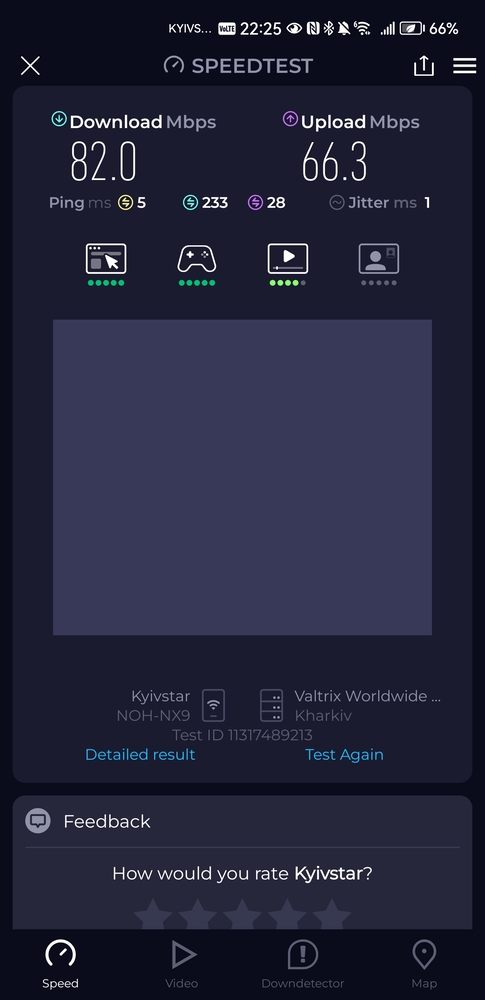
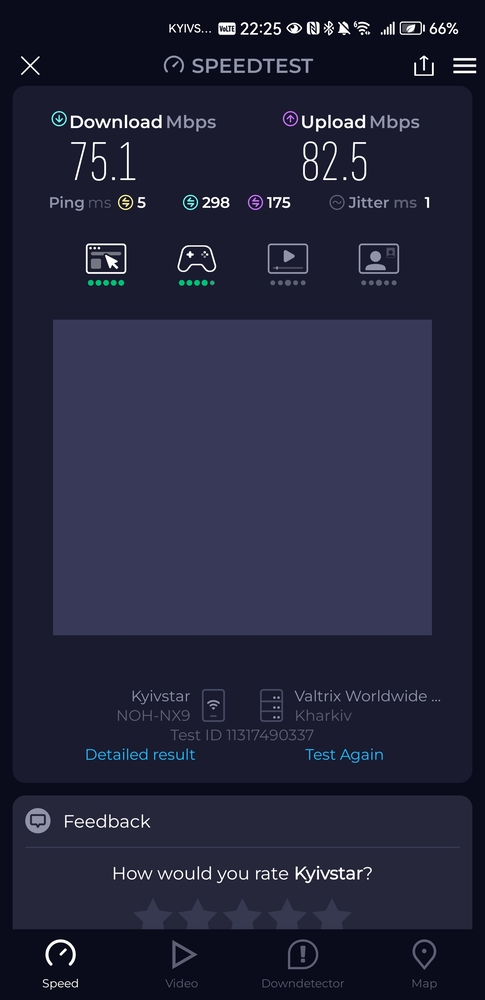
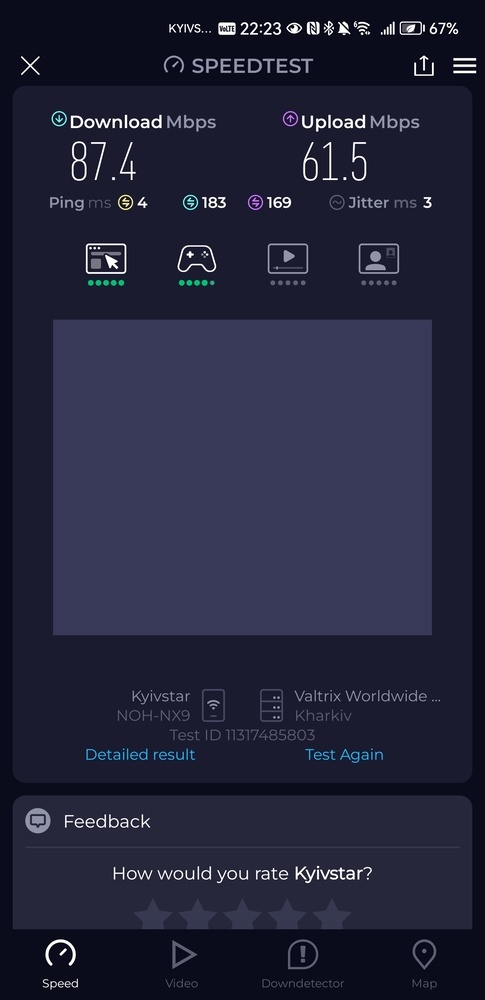
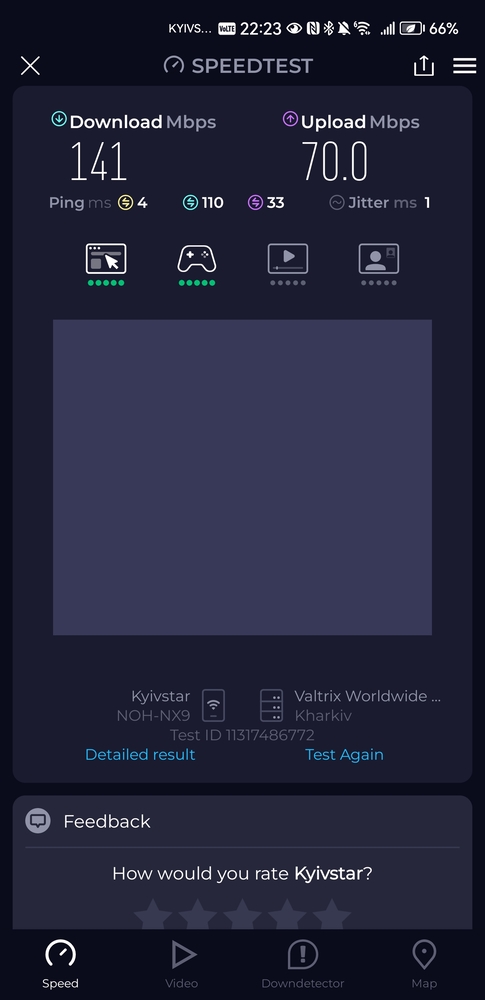
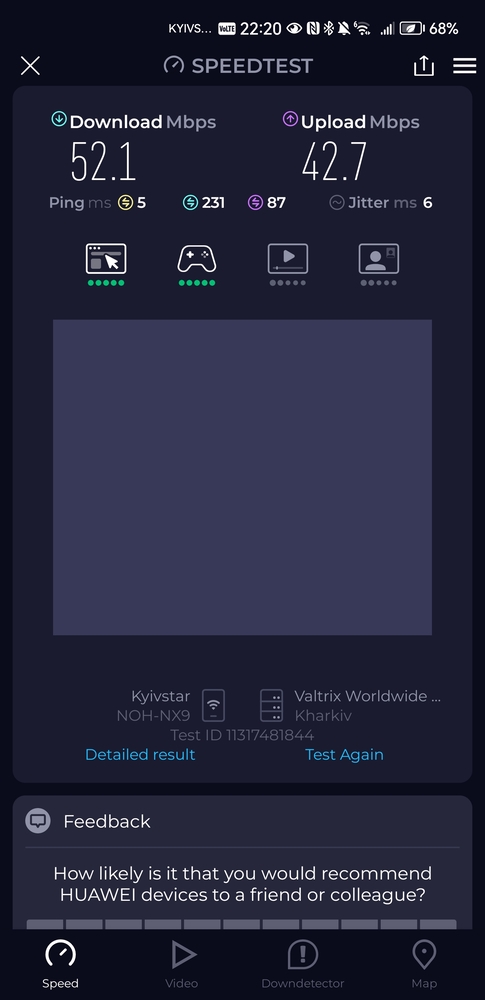
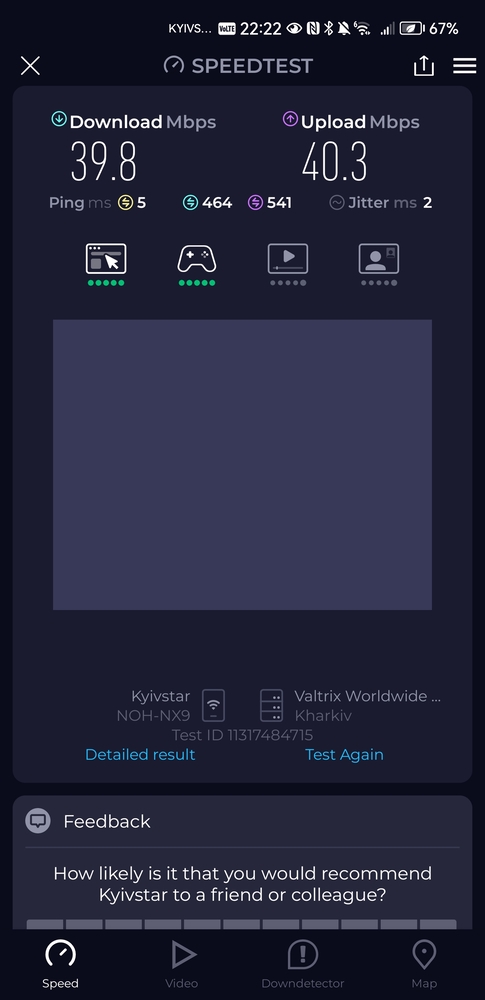
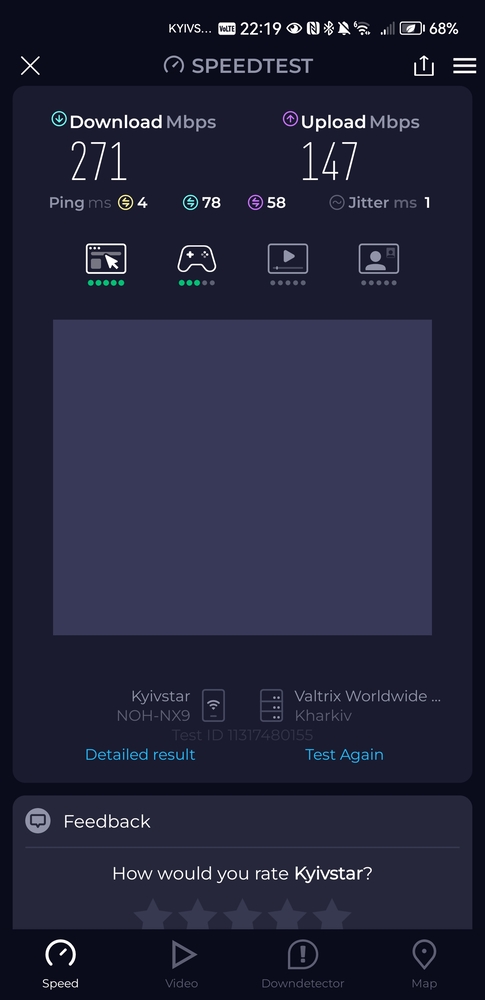
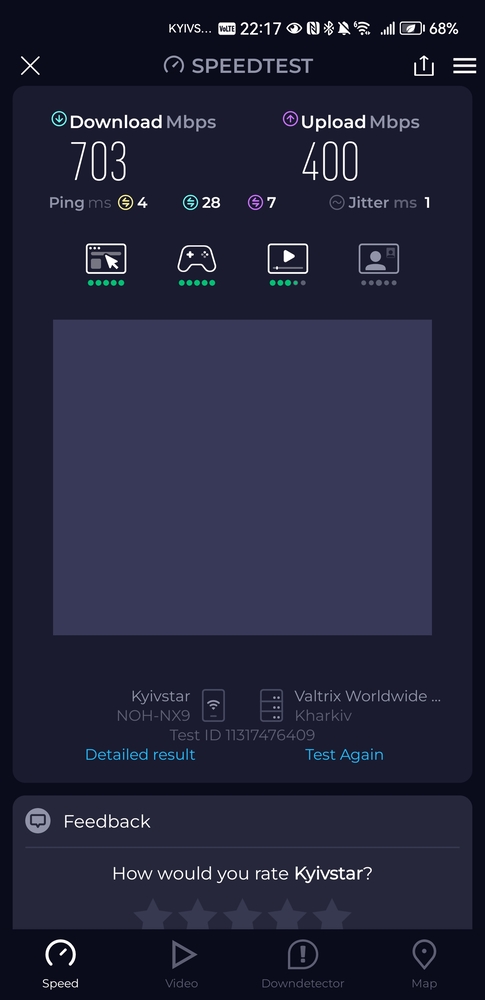
Wi-Fi testing was conducted at different times of day and on various channels, taking into account the high network density in the area. This is important, as results can vary depending on conditions. Measurements were taken at six reference points – from one meter up to approximately 35 meters, with multiple walls in between. Even at the farthest point, the signal remained stable, with no critical drops.
- 1 m from ROG Strix GS-BE18000 (in the same room)
- 3 m from ROG Strix GS-BE18000 (with 2 walls in the way)
- 10 m from ROG Strix GS-BE18000 (with 2 walls in the way)
- 15 m from ROG Strix GS-BE18000 (with 3 walls in the way)
- on a staircase 20 m from ROG Strix GS-BE18000 (with 3 walls in the way)
- first floor of a building 35 m from ROG Strix GS-BE18000 (with 10 walls in the way).
At times, it seemed as if the ROG Strix GS-BE18000 simply ignored physical obstacles. And this was before the full activation of Wi-Fi 7 features such as AFC, Multi-Link Operation, and Multi-RU Puncturing.
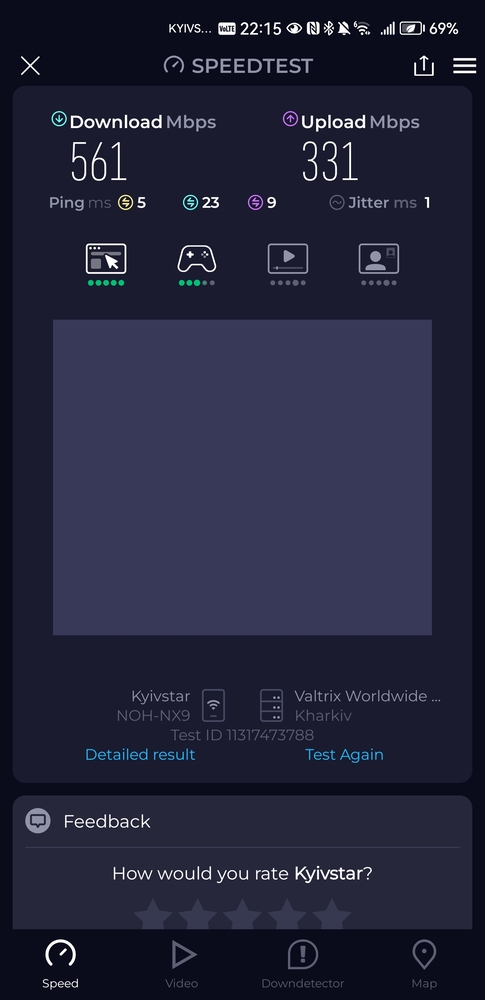
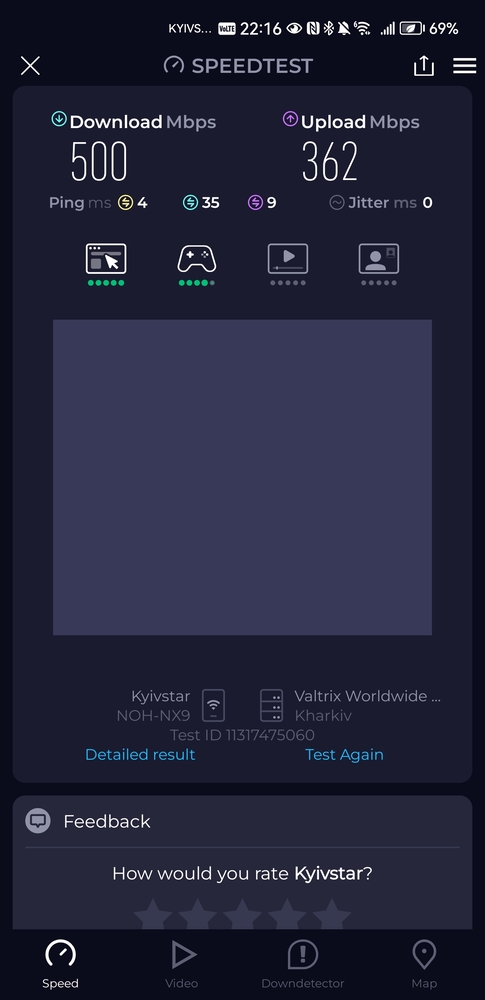
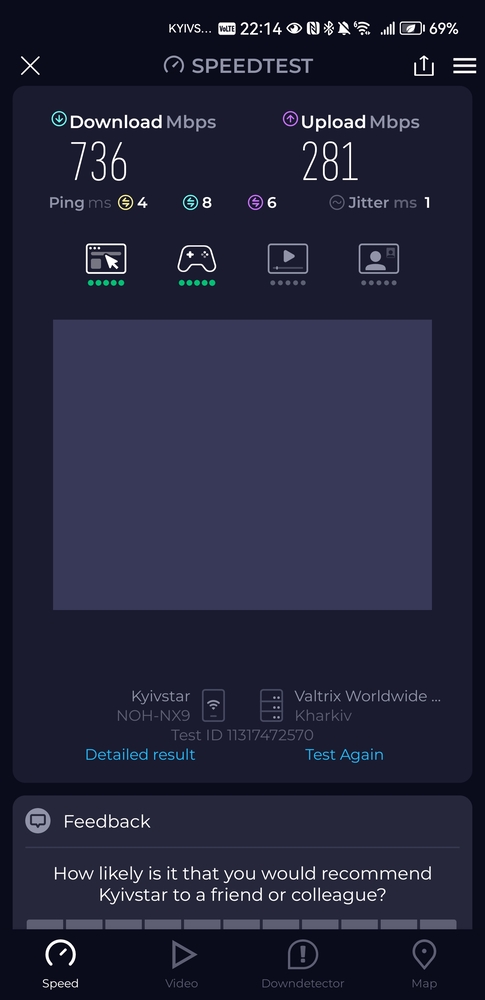
A few words about the USB ports: their performance is quite decent, providing sufficient speeds for everyday tasks and even using the router as a basic NAS. Support for 3G/4G modems is a welcome bonus, expanding usage scenarios for both gamers and regular users.
Read also: ASUS RT-AX88U Pro review: power in an attractive case
Should You Buy the ROG Strix GS-BE18000?
This is a fast, feature-rich router that suits both gamers and “regular” users with demanding home networks. Despite its extensive capabilities, the device is easy to set up at a basic level, while also allowing detailed configuration of nearly every parameter. Key features include full VPN functionality, advanced security tools, and the ability to create separate network segments, including for IoT devices.
ASUS has invested heavily in hardware. Eight built-in antennas ensure full performance across all three frequency bands, and AiMesh support allows the GS-BE18000 to be integrated into a mesh network with either wired or wireless backhaul. This makes it suitable for large apartments and homes without sacrificing stability or speed.
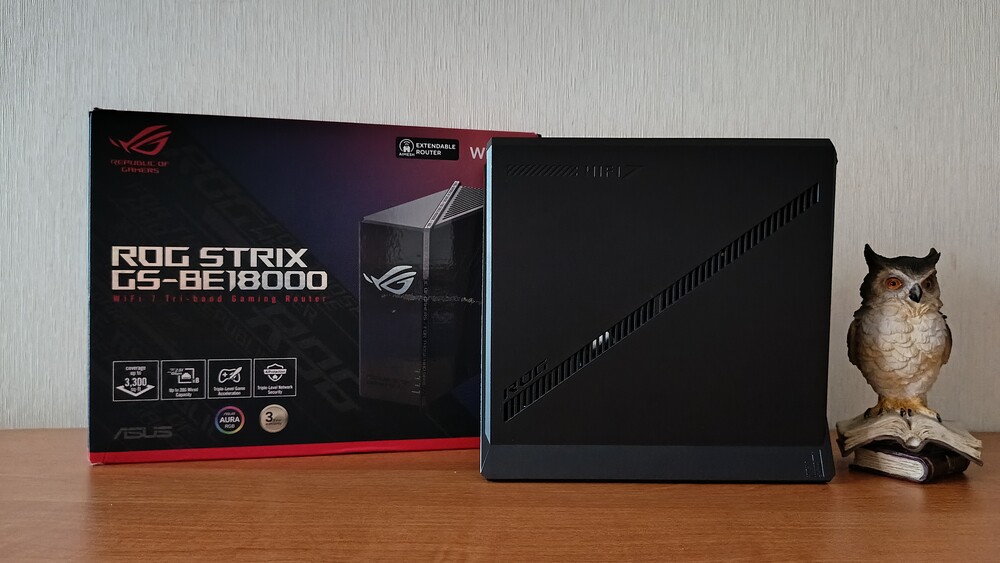

Visually, the router appears large and distinctive. Its angular chassis fits well with a gaming aesthetic, although the ROG logo with RGB lighting on the front panel is hard to ignore if the goal is to discreetly integrate the device into the interior.
In terms of capabilities, the ROG STRIX GS-BE18000 fully aligns with its stated positioning. It is an optimal choice for users with internet connections exceeding 1 Gbps and a local network containing multiple high-performance devices. The eight 2.5 Gbps Ethernet ports effectively eliminate the need for an external switch, which is a significant advantage for home setups.
Particular attention should be given to AFC support. In regions where this technology is available, it finally unlocks the potential of the 6 GHz band, combining very high speeds with adequate range. This makes Wi-Fi 7 not just “faster,” but genuinely practical for everyday use.
If 10 Gbps ports are not required, but you are looking for a powerful, stable, and well-balanced Wi-Fi 7 platform with future-proofing, the ASUS ROG STRIX GS-BE18000 stands out as one of the best options on the market today. It is especially well-suited for users who already operate a multi-gigabit network and want maximum performance without compromising stability or functionality.
Read also:
- ASUS ROG Rapture GT-AXE16000 review: router for the most demanding users
- ASUS 4G-AX56 Review: a high-quality LTE router
Advantages
- High-quality materials and reliable assembly
- Stylish and recognizable design
- Powerful performance even under maximum network load
- Smooth operation of all communication modules
- Adjustable RGB lighting with flexible settings
- Advanced security tools and effective parental controls
- Support for Wi-Fi 6E standards and readiness for Wi-Fi 7 in the future
- Convenient and functional ASUS Router mobile app
- Multifunctional, intuitive web interface
- Support for OFDMA, AFC, 320 MHz channels, and 4096-QAM technologies
- reliability and stability in all conditions.
Disadvantages
- No 10 Gb/s port
- USB 3.2 Gen 1 is slower compared to ROG Rapture models
- High cost of the device.


