





© ROOT-NATION.com - Use of content is permitted with a backlink.
Today we’re looking at the ASUS RT-BE50 router. It’s a next-generation device with Wi-Fi 7 support, offering speeds of up to 3600 Mbps. In practice, this should be enough for streaming or online gaming without noticeable delays. The dual-band setup is designed to provide stable coverage throughout a typical living space.
Read also: Wi-Fi devices and network equipment reviews
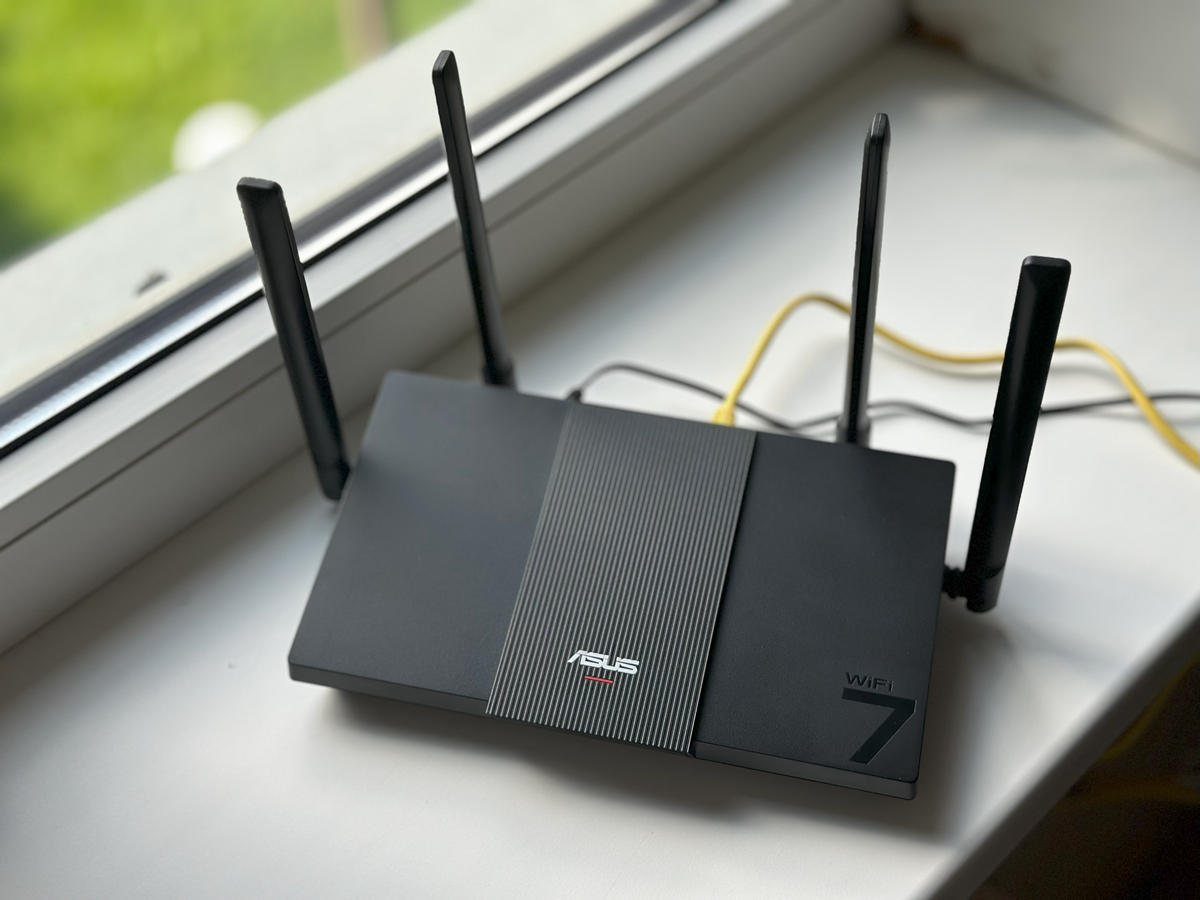
Another notable aspect is its compatibility with smart home and IoT devices. This means it can handle a large number of connected gadgets without major issues. On paper, it looks like a versatile option for both work and entertainment. The real question, though, is whether the ASUS RT-BE50 performs as well in everyday use as the specifications suggest.
TABLE OF CONTENTS:
ASUS RT-BE50 Specifications
- Type: dual-band router
- Data transfer speed: 2.4 GHz up to 688 Mbps; 5 GHz up to 2882 Mbps; total approx. 3600 Mbps (BE3600 segment)
- Supported standards: IEEE Wi-Fi a/b/g/n/ac/ax/be; IPv4, IPv6
- Processor: quad-core, 1.1 GHz
- Memory: 256 MB RAM, 128 MB ROM
- Antennas: 4 external (2×2 per band)
- Ports: 1×2.5 Gbps WAN, 3×1 Gbps LAN
- Security: WPA3, WPA2, WPA; WPS support; firewall (SPI, DoS); parental controls; URL and port filtering
- Network functions: UPnP, IGMP v1-v3, DNS Proxy, DHCP, NTP, DDNS, port triggering, port forwarding, DMZ, VPN server and client (OpenVPN, PPTP, L2TP, IPSec)
- Additional features: up to 300,000 active sessions, ASUS Green Network (up to 70% energy savings)
- Weight: 450 g, dimensions: 261×156×50 mm
Read also:ASUS RT-AX52 Pro Review: Solid Wi-Fi 6 Router Under $65
Key features of the model
One of the main advantages of this model is its Wi-Fi 7 support. Speeds reach up to 3600 Mbps, and the difference is noticeable right away. Streaming 8K video is smooth, online games respond quickly, and managing dozens of connected devices doesn’t noticeably strain the network.
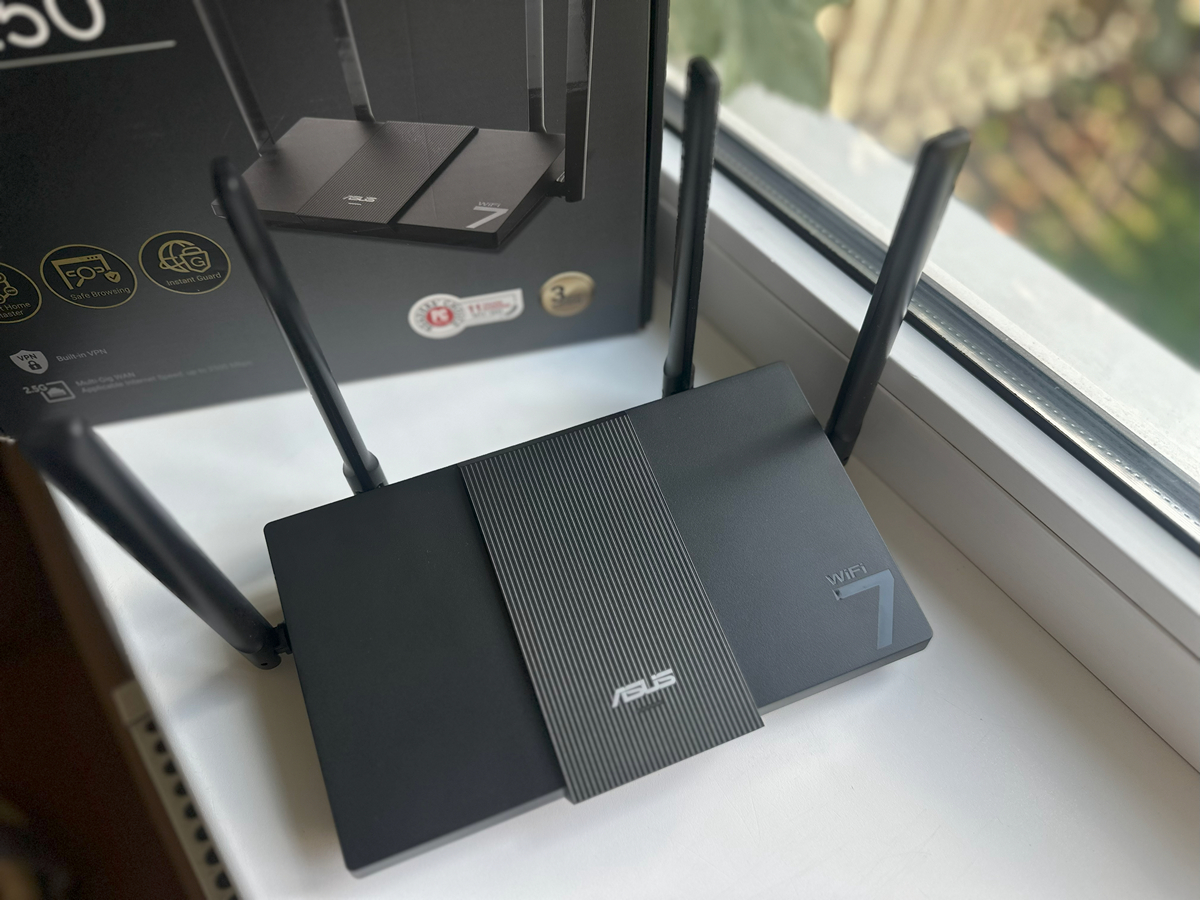
It’s also worth highlighting the Multi-Link Operation feature. In simple terms, the router maintains simultaneous connections on both the 2.4 GHz and 5 GHz bands. This helps prevent slowdowns or interruptions during peak usage. For users who play online games, stream live content, or work remotely with frequent video calls, this feature can make a noticeable difference, and in practice, it performs as expected.
Another notable feature is support for wide 160 MHz channels. Think of it like opening extra lanes on a highway: even under heavy traffic, data continues to flow smoothly. This makes tasks like downloading large files, backing up to the cloud, or streaming high-quality video less prone to slowdowns.
Read also:ASUS TUF Gaming BE6500 Review: Cool Wi-Fi 7 Router
Positioning and price
In my view, the ASUS RT-BE50 stands out among its competitors. Its current average price is around $105, which represents a reasonable balance between features and cost in the Wi-Fi 7 router segment. So, what sets it apart?
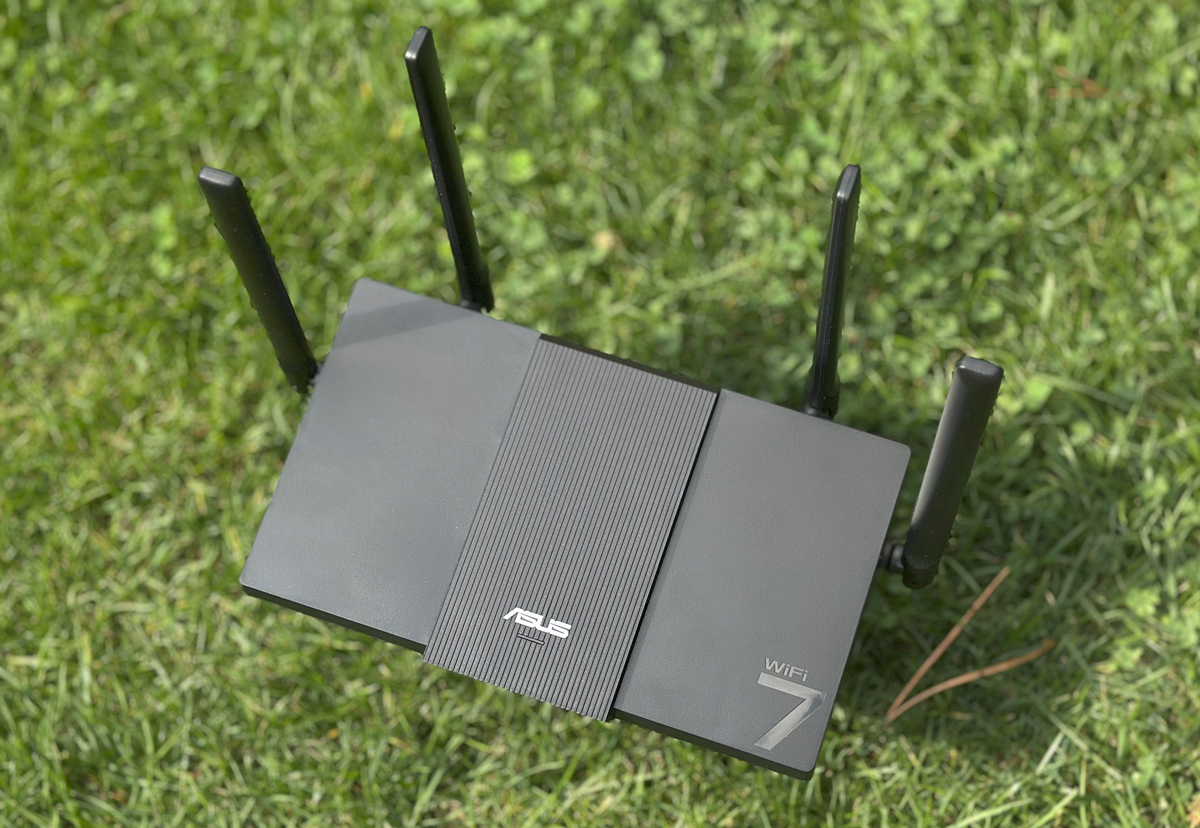
First, it features a 2.5 Gb WAN port, which is uncommon in many lower-priced models. Second, it supports MLO, 4096-QAM, and AiMesh, making it more than just a fast router – it can act as a central hub for a smart home network without the need for additional devices. For those who don’t want to invest $600–700 in a full mesh system but still want a compact, powerful, and future-proof solution, the RT-BE50 is a compelling option.

Read also: Review of the ASUS RT-BE92U Router with Wi-Fi 7 Support
Package contents
The router comes in a large black box with ASUS’s typical branding, clearly displaying the main specifications. The packaging is tidy and presentable, while also providing reliable protection during shipping. It carries FSC Mix certification and is partially made from recycled materials, making it a slightly more environmentally conscious choice.
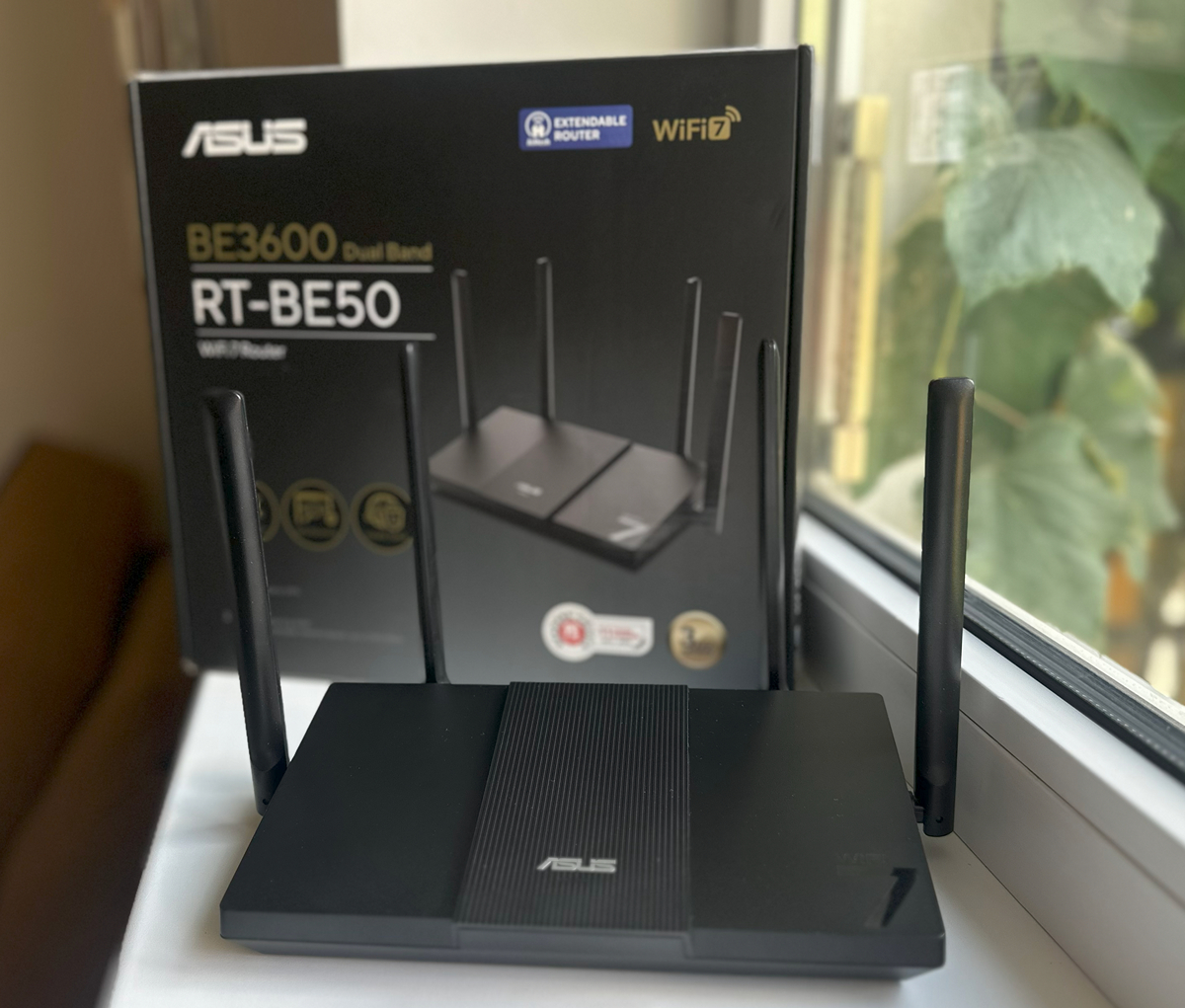
The package includes the router itself, a power adapter, an Ethernet patch cable, and basic printed documentation. Everything is thoughtfully arranged: the device and accessories are securely fixed in place, so nothing shifts during transport.
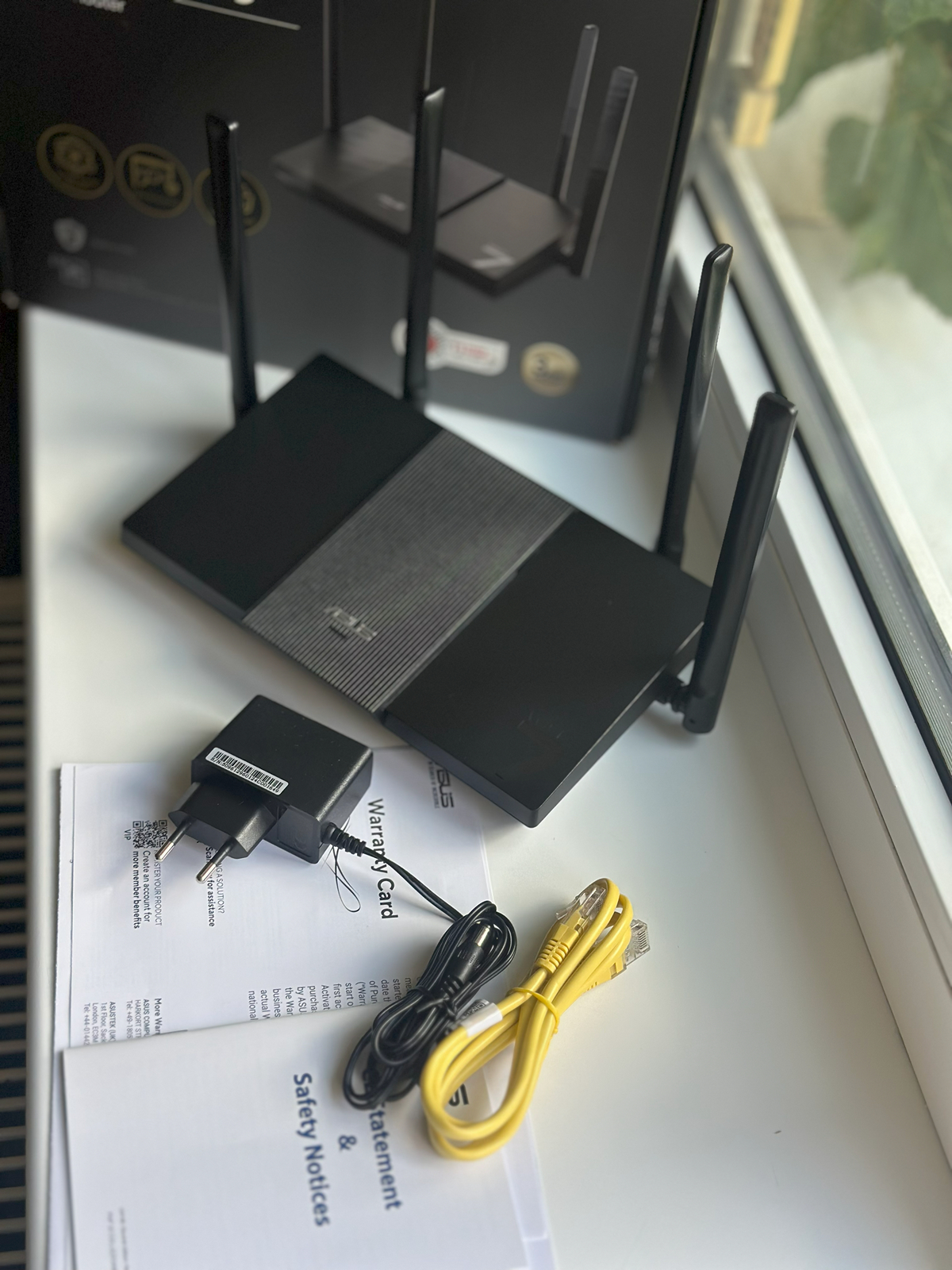
The router’s casing is made with 30% post-consumer recycled (PCR) plastic, and the documentation is neatly arranged, allowing for a quick setup. The packaging feels solid and gives an impression of quality from the moment it’s opened, making the router a presentable option if intended as a gift.
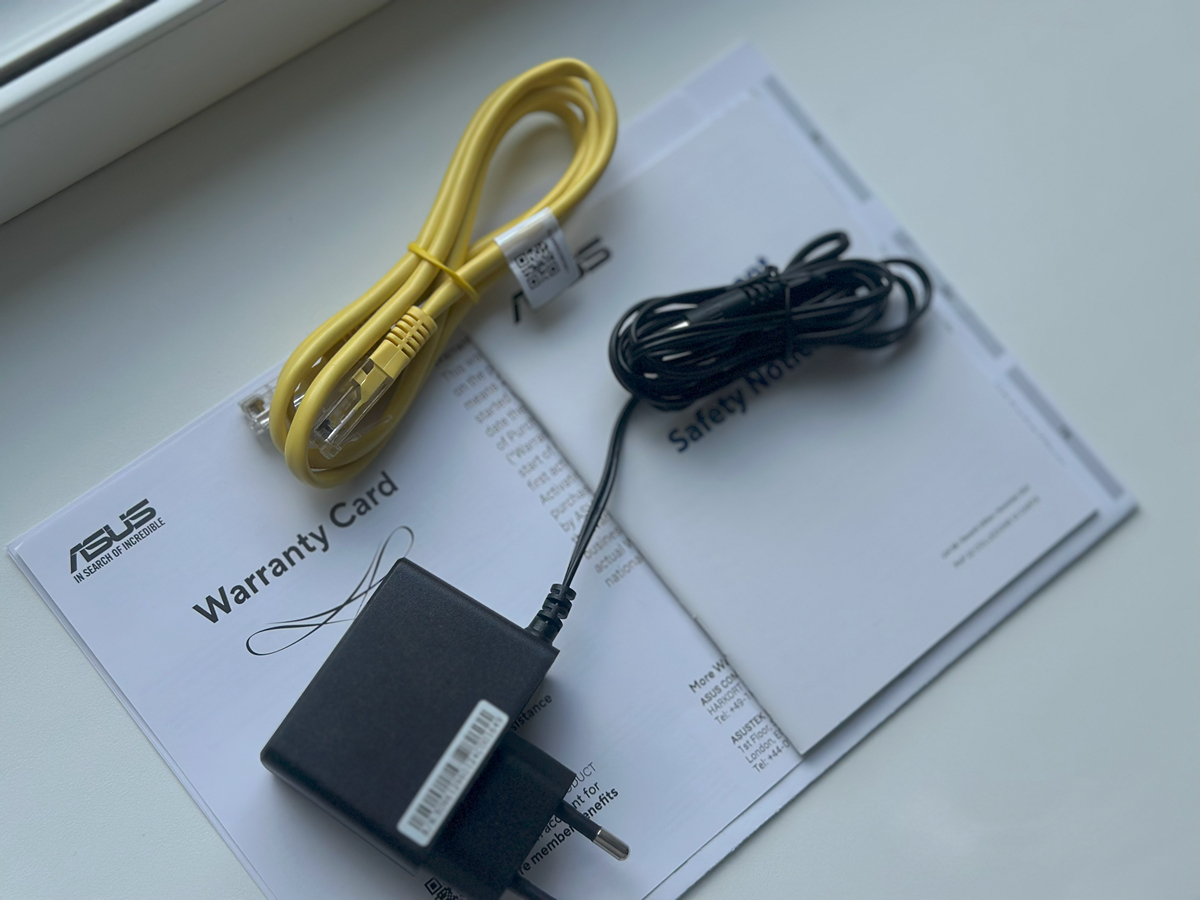
It’s worth noting that the 18W power adapter provides stable operation, and with its 12V input, the router can be powered from a power bank or a compatible uninterruptible power supply, which is useful when a standard electrical outlet isn’t available.
Read also: How to Improve Performance on AMD Ryzen Systems Using ASUS AI Cache Boost
Design and ports
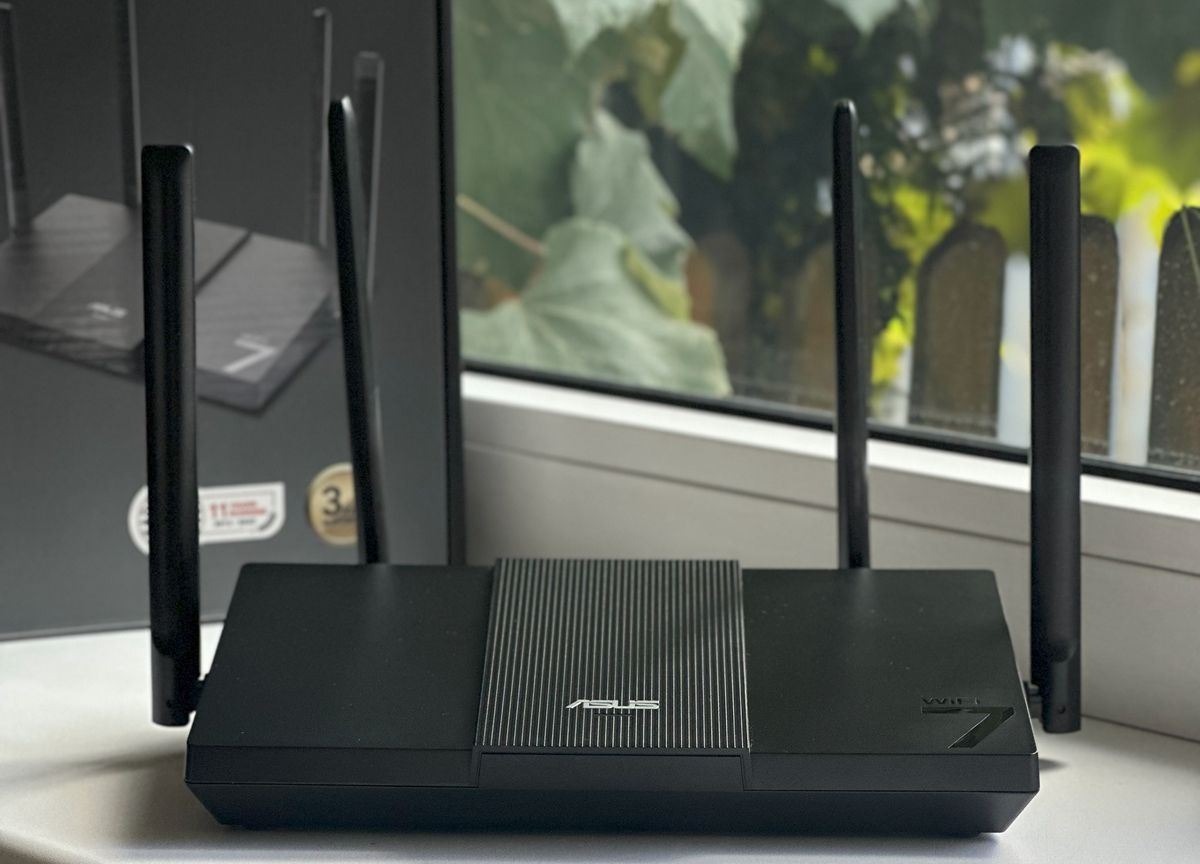
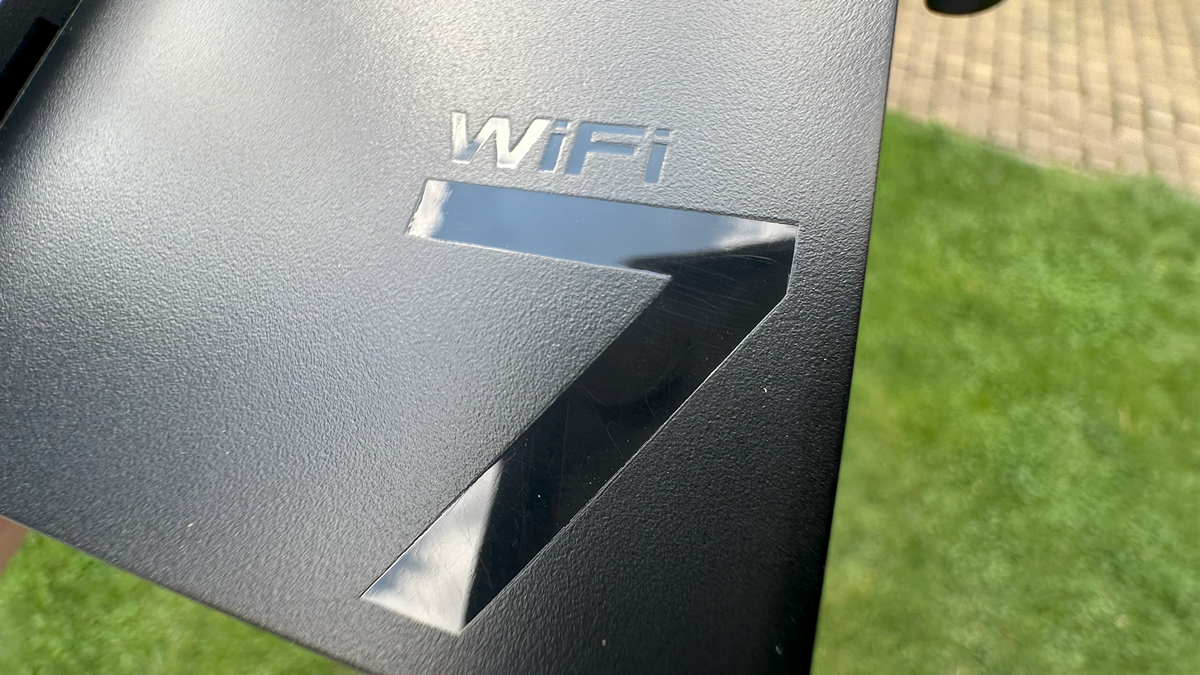
The ASUS RT-BE50 immediately stands out with its minimalist, modern design. Its body features clean lines and a matte finish, which keeps it looking neat, resists fingerprints, and gives a sense of durability.
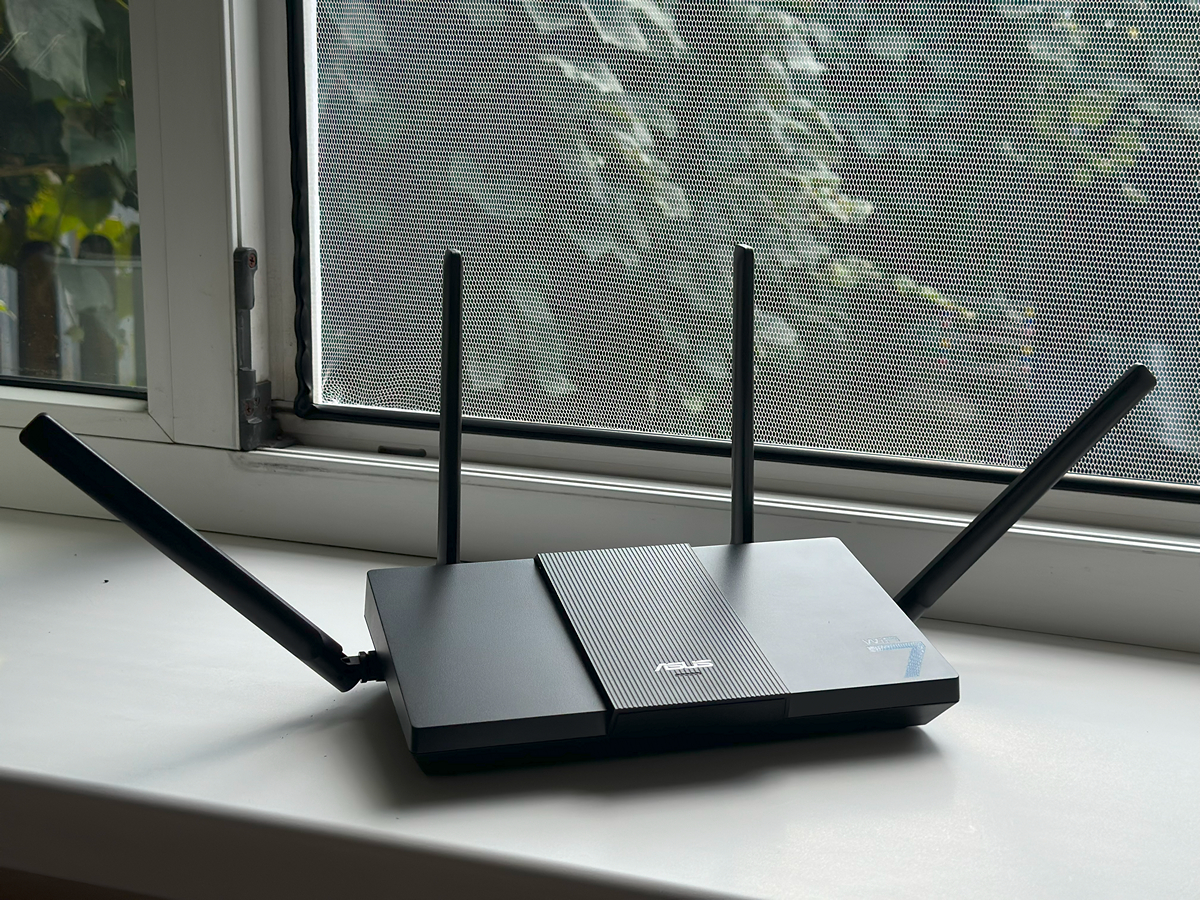
The four external antennas – two per frequency band – aren’t just a design element; they actively contribute to wide and even coverage, even in larger apartments or houses.
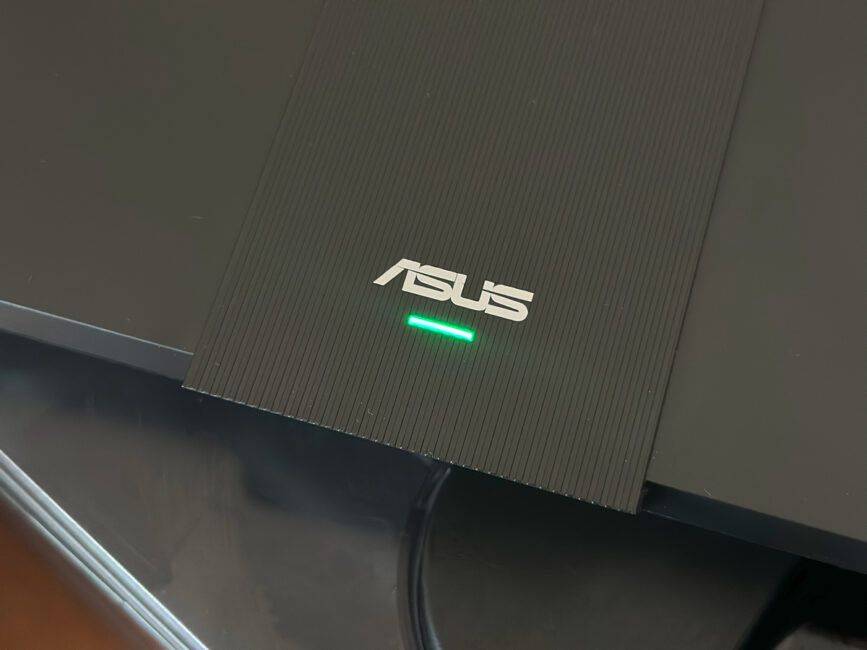
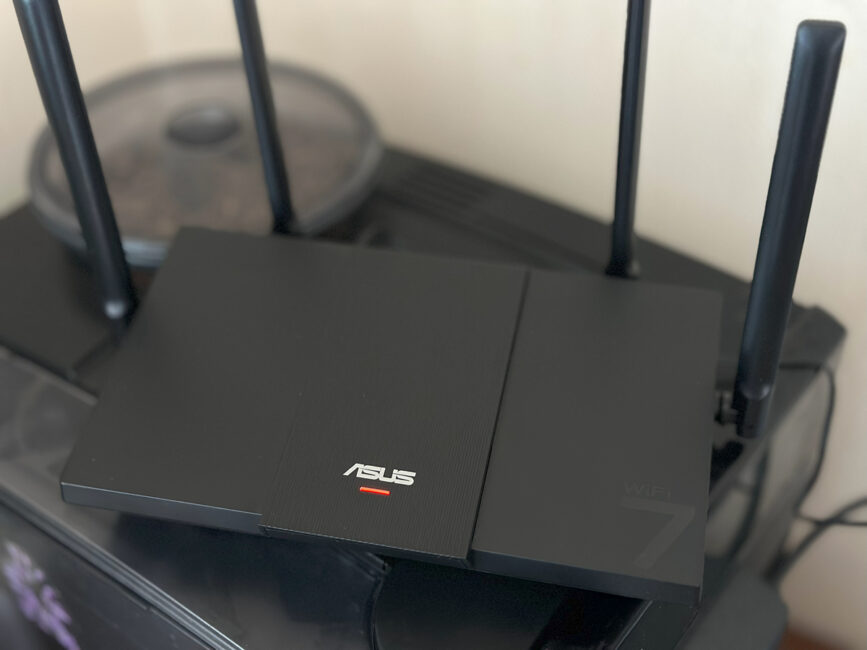
The front panel features a status indicator that shows at a glance whether devices are connected and whether the Wi-Fi is operating on the correct band. A green light indicates normal operation, while red signals an issue.
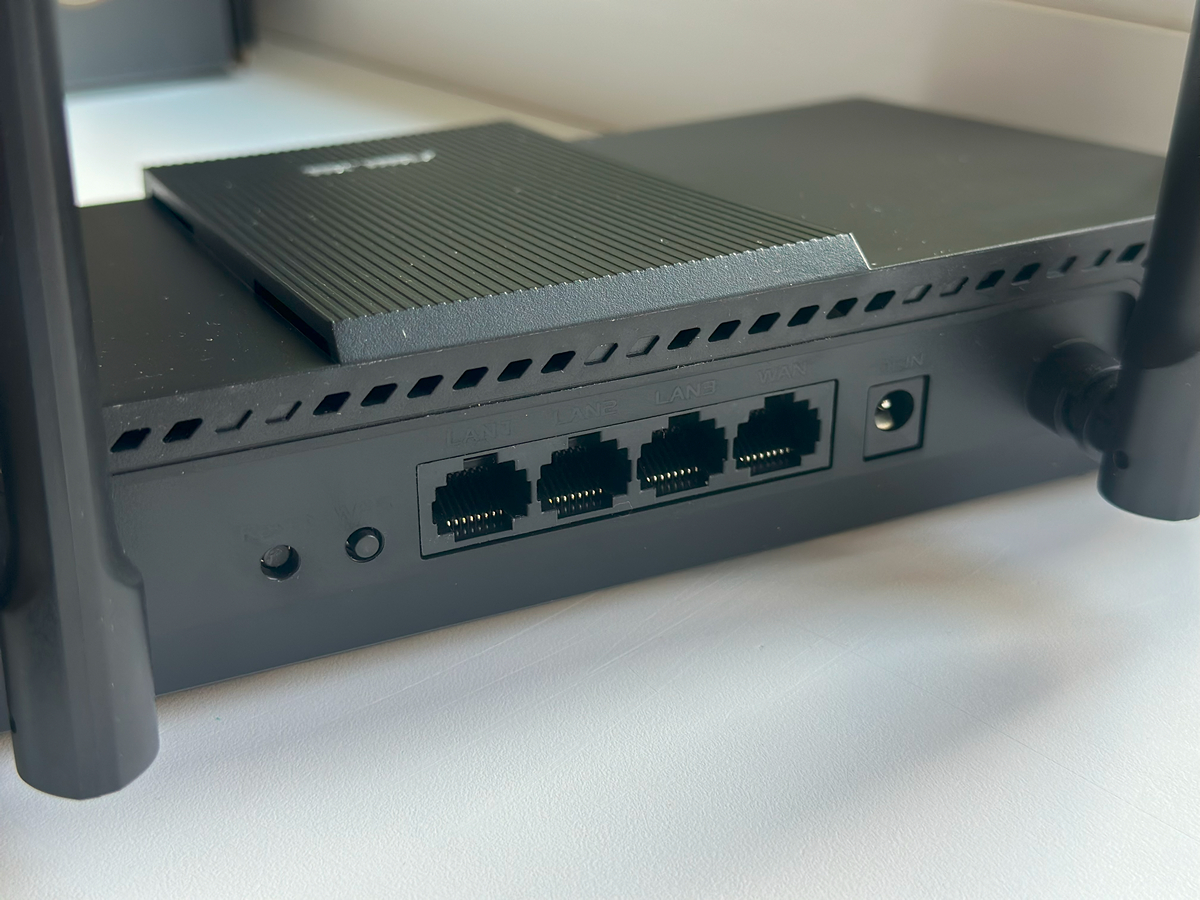
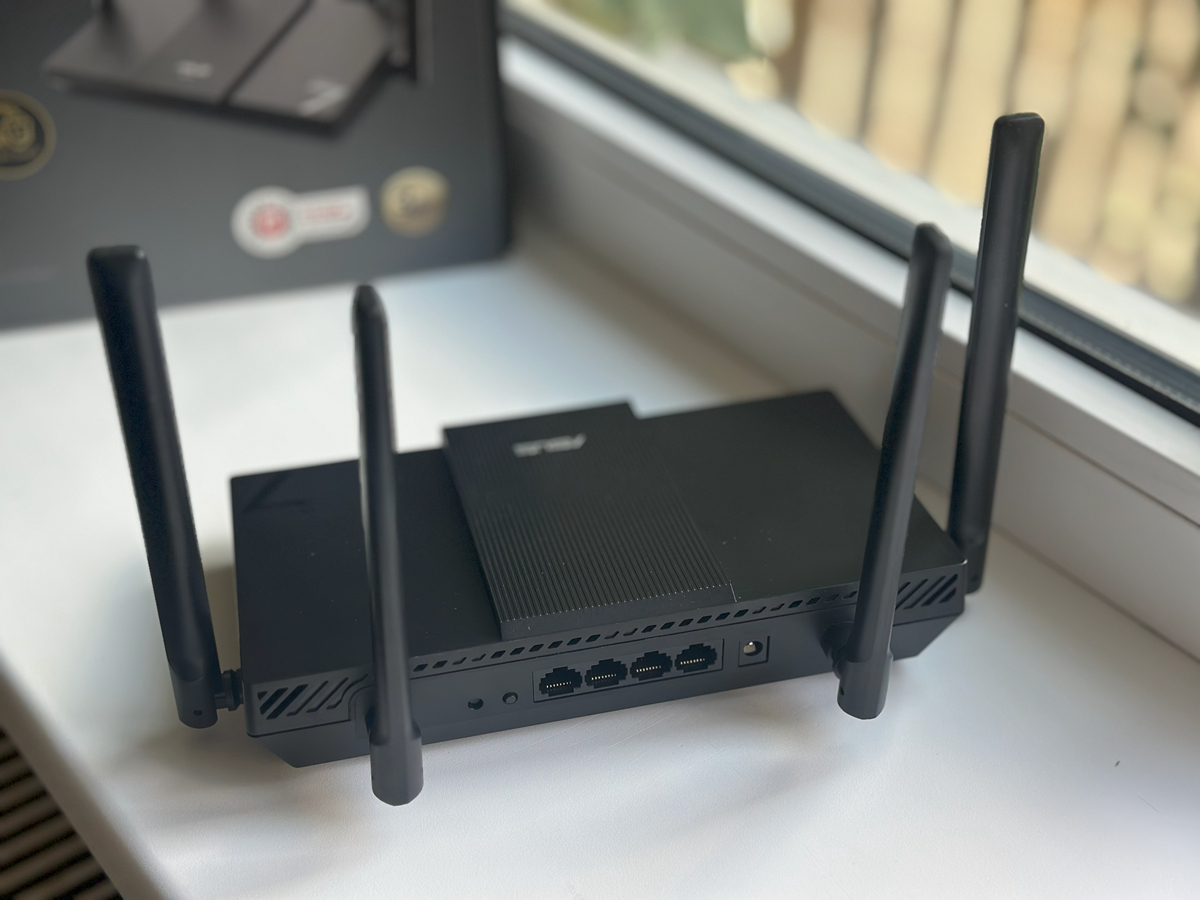
The ports are designed with flexibility in mind. There’s a single 2.5 Gb WAN port for high-speed internet and three 1 Gb LAN ports for connecting home devices. Computers, consoles, or NAS units can all enjoy stable, lag-free connections.
The sides and rear of the ASUS RT-BE50 feature ventilation openings for cooling, along with adjustable antennas that can be tilted or rotated for better coverage. All essential buttons and ports are centrally located: reset and WPS buttons, three LAN ports, a 2.5 Gb WAN port, and the power input.
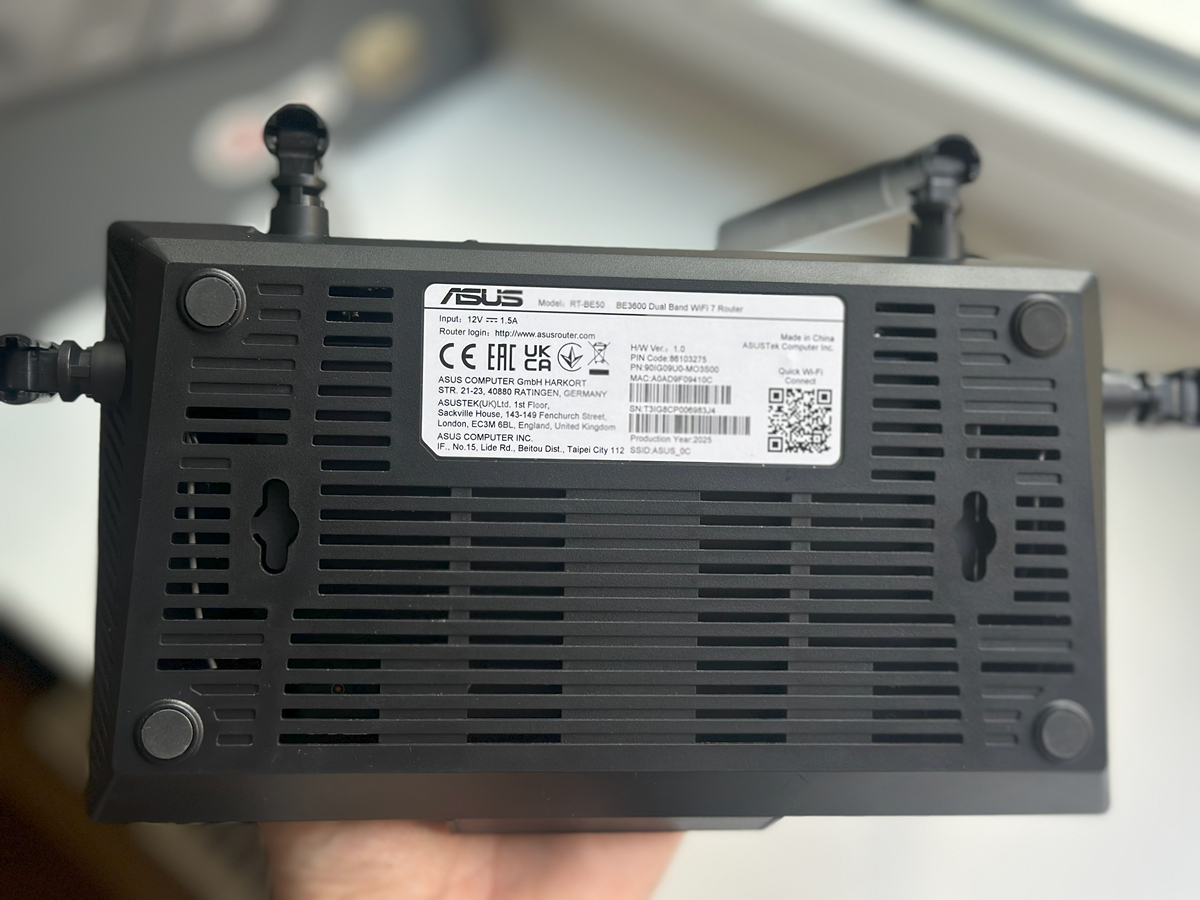
There’s no power button – the router turns on automatically when connected to power. It also lacks USB ports, highlighting its budget-oriented design.
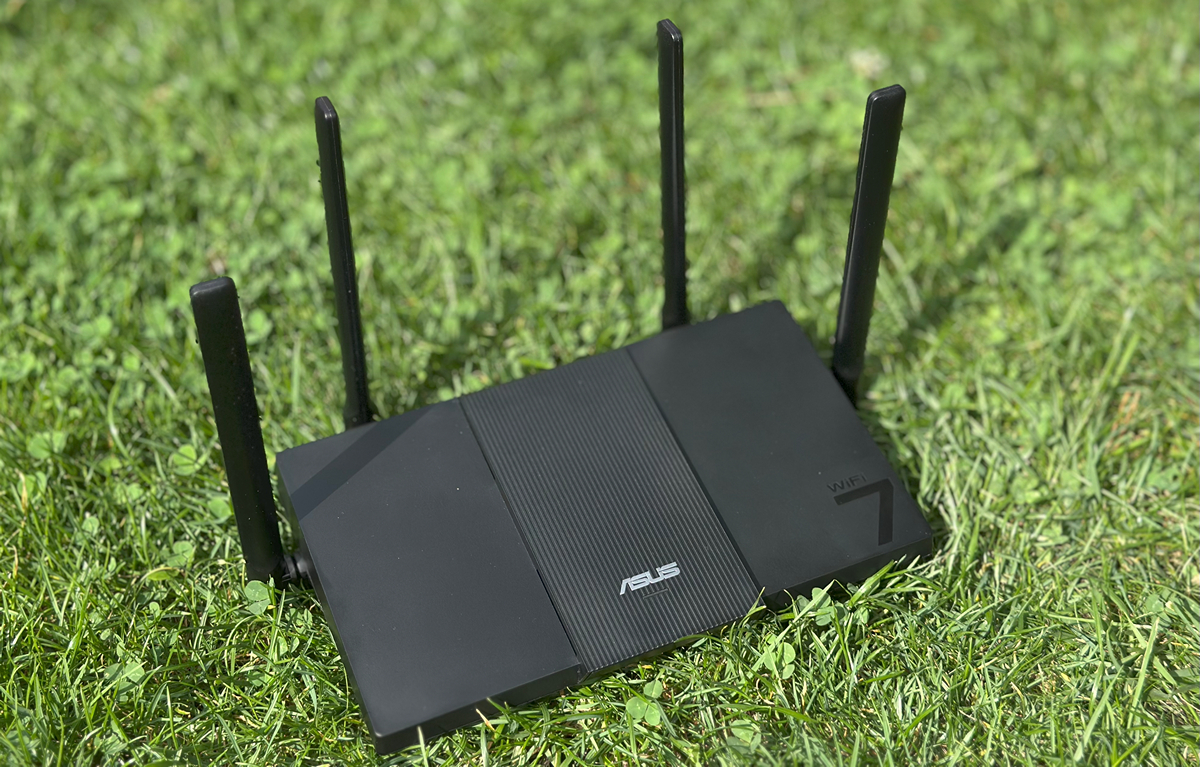
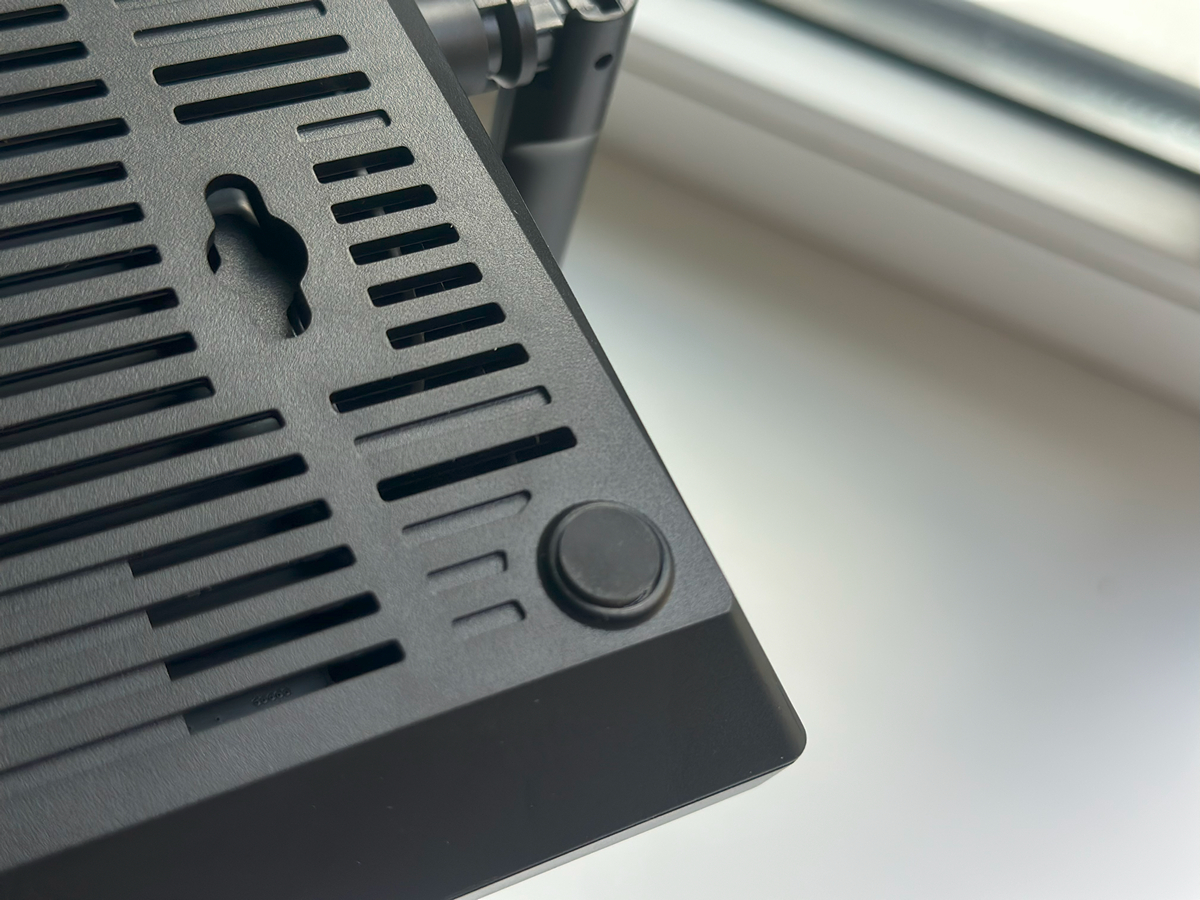
The bottom panel includes extra ventilation openings for airflow, a label with key specifications, and feet for stable placement or wall mounting. Despite its simplicity, the RT-BE50 has all the essential ports and controls needed for reliable network performance, and its design makes it easy to set up and optimize Wi-Fi coverage at home.
Read also:ASUS Gear Link Review: A New Way to Configure ROG Peripherals Online
Connection
Setting up the ASUS RT-BE50 starts simply by connecting the power adapter and plugging the internet cable into the 2.5 Gb WAN port. The router powers on immediately, with LED indicators showing network and connection status. For users who value quick setups, this straightforward approach is a clear advantage – no complicated cabling or configuration is required.




From there, you can access the web interface or use the ASUS Router mobile app. The setup process is straightforward: create a network name and password, and within a few minutes, the Wi-Fi is ready. For more advanced users, additional options are available, including Multi-Link Operation, traffic prioritization for gaming or streaming, VPN server and client modes, and access filters.
Even with many connected devices, the RT-BE50 handles them smoothly. Its quad-core processor and 256 MB of RAM support stable operation, while MLO and Beamforming help maintain a consistent signal throughout the home.
Теж цікаво: ASUS Vivobook S14 S3407QA Review: More Than Just a “Typing Machine”
ASUS RT-BE50 in use
In terms of performance, the ASUS RT-BE50 delivers consistently. In everyday use, it provides stable and predictable connectivity. Streaming 4K–8K video, online gaming, and other bandwidth-intensive activities run smoothly, and thanks to Wi-Fi 7 and Multi-Link Operation, the signal remains strong even with a dozen devices connected at once. For multi-user households, this reliability during peak network usage is a clear advantage.
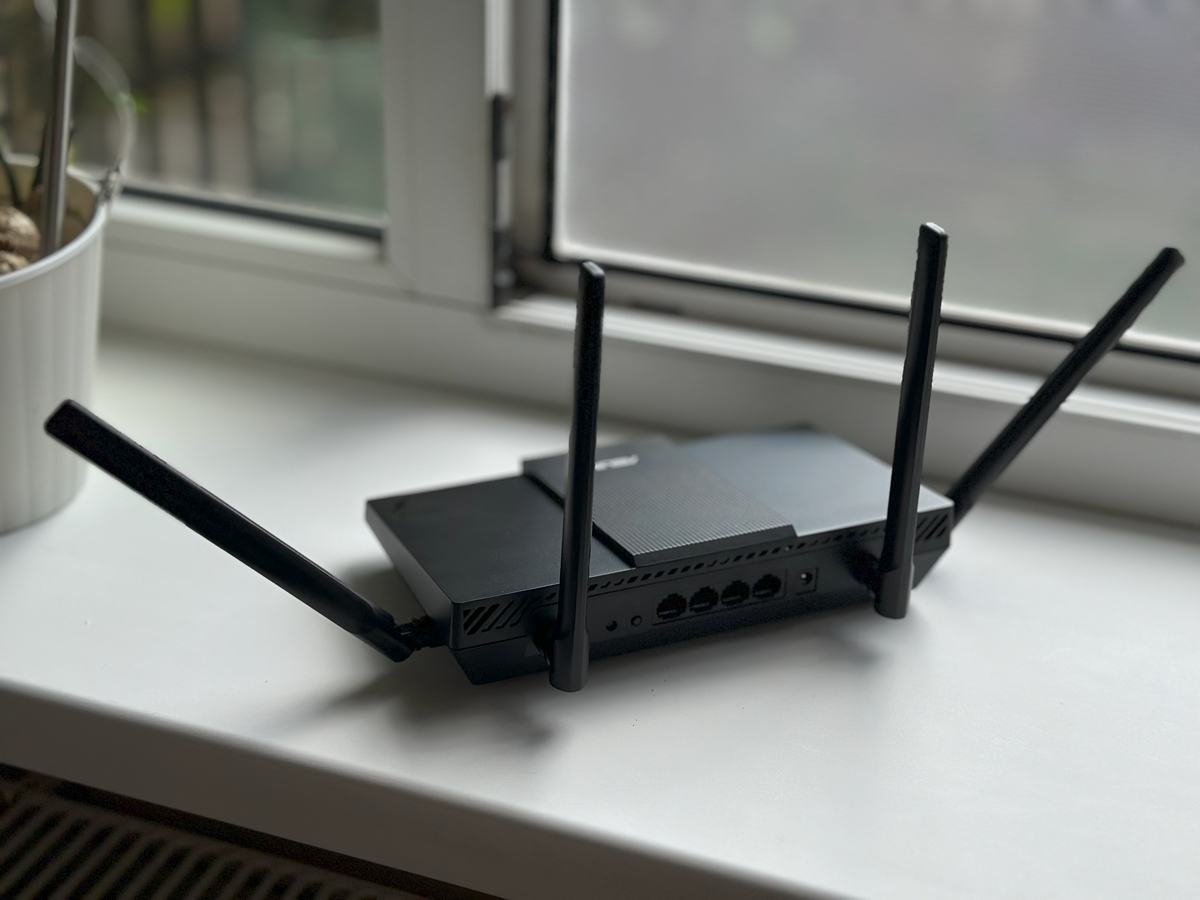
Setting up the router via the web interface or mobile app is quick and straightforward. Within a few minutes, you can create a network name, set a password, and enable basic security features. Advanced options – such as traffic prioritization via QoS, VPN, or AiMesh configuration – are available but don’t complicate the process for less experienced users.
Stability is also evident in wired connections. The 2.5 Gb WAN port and three 1 Gb LAN ports provide high-speed connectivity for PCs, consoles, or NAS devices. While the model lacks USB ports, this isn’t a significant drawback for most users, as the router handles typical home or small office workloads effectively.
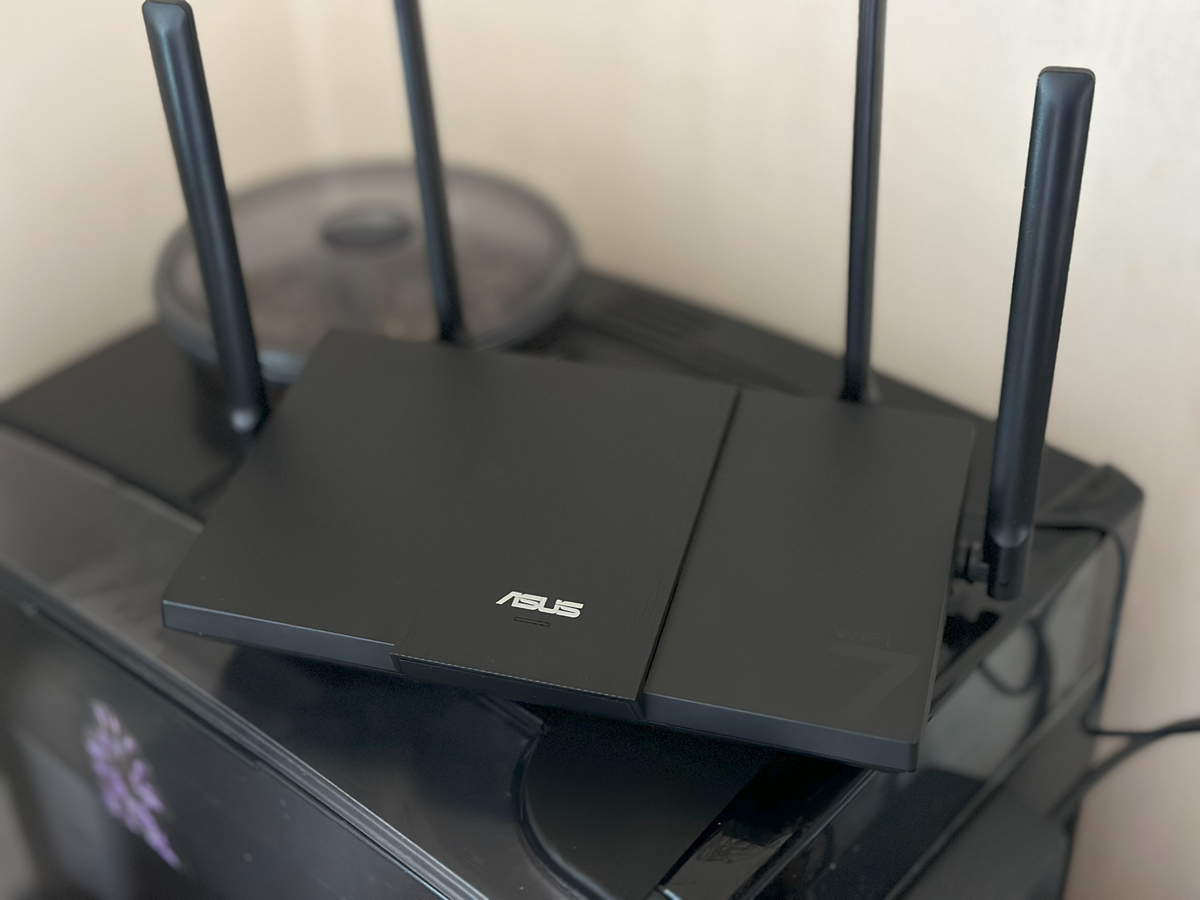
Overall, the RT-BE50 combines simplicity with modern technology. It’s compact and energy-efficient, yet powerful enough to support all connected devices in a home without interruptions.
Read also:ASUS ROG Azoth X Keyboard Review: Futuristic Design, Hot-Swap Support, and OLED Display
Target audience and usage scenarios
The ASUS RT-BE50 is primarily suited for users who want modern Wi-Fi 7 performance without a high price tag. It’s a solid choice for a multi-user household where people stream high-quality video, play online games, and use cloud services simultaneously. Connecting a dozen devices doesn’t cause issues, as MLO and Beamforming help maintain a stable signal throughout the home.
Gamers may also appreciate the RT-BE50’s features: the 2.5 Gb WAN port and three LAN ports help minimize latency for PCs and consoles, while traffic prioritization via QoS lets you give preference to online gaming or streaming. For remote workers, the router can serve as a reliable home network hub, offering VPN support and secure access to internal resources.
The RT-BE50 is also suitable for small offices or coworking spaces that require a fast, stable network without unnecessary complexity. Its simple web interface and mobile app make it easy to monitor connections and manage devices, while the compact design allows for convenient placement, even in visible areas.
Read also:ASUS ROG Keris II Origin Wireless Gaming Mouse Review: Sleek and Affordable
Conclusions
The ASUS RT-BE50 proves to be a reliable and modern Wi-Fi router in the affordable segment. It combines stable network performance, wide coverage, and support for contemporary technologies like MLO, Beamforming, and MU-MIMO, while remaining easy to set up and manage via the web interface or mobile app. Its compact design, thoughtful ventilation, and presentable packaging make it a practical and appealing choice for home or small office use.

This router is suitable for a wide range of users: families, gamers, streamers, and those working with cloud services. While it lacks USB ports and has a more modest feature set compared to higher-end models, the RT-BE50 handles all basic tasks reliably and provides fast, stable internet for all connected devices. It has a modern appearance, dependable performance, and feels like a thoughtfully designed device for everyday use.
Read also:
- ASUS Vivobook 16 X1607Q Review: Portable, Versatile, and Affordable
- 9 Key Features of ASUS TUF and ASUS ROG/ROG Thor Power Supplies
Where to buy



Great review! I’ve been waiting for an affordable Wi-Fi 7 router, and this one seems like a strong contender. The 2.5G port at this price point is impressive.
Thanks for the comment.