





© ROOT-NATION.com - Use of content is permitted with a backlink.
The APNX brand made a sudden entry into the market and quickly caught attention with a premium design reminiscent of Apple’s best hardware. Combined with solid performance and reasonable pricing, their coolers and cases have become strong contenders for boutique PC builds. The APNX V1 isn’t the company’s first case, but it’s certainly one of the most refined – modern, high-end, and ambitious. That said, it’s not without its flaws. I’ll also cover the APNX PCIe 5.0 riser kit later in the review.
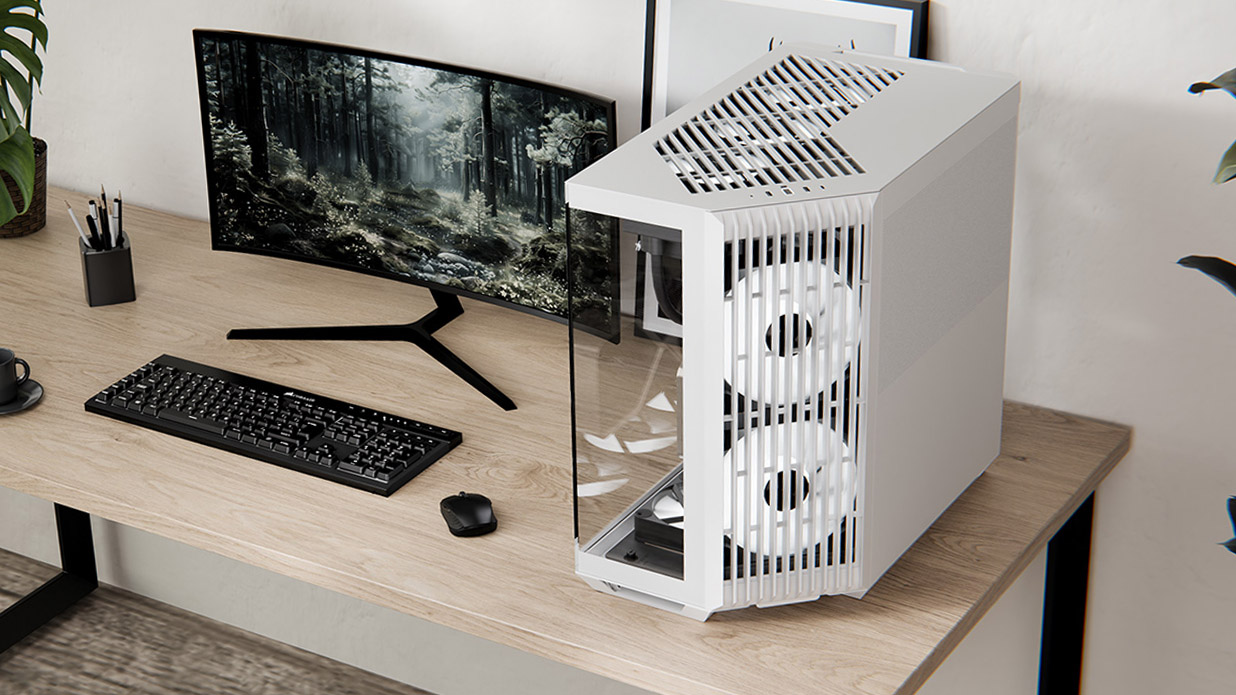
TABLE OF CONTENTS:
APNX V1 specifications
- Enclosure type: Midi Tower
- Dimensions: 290.0 × 485.5 × 500.0 mm
- Enclosure materials: SGCC/glass/ABS
- Steel thickness: 0.8 mm
- Weight: 13+ kg
- Maximum cooler height: 170 mm
- PSU location: top
- Maximum PSU length: 220 mm
- Maximum video card length: 395 mm
- Fan slots: up to 10
- PCIe slots: 7
- 3.5″ bays: 2
- 2.5″ bays: 6
- Peripherals: USB Type-C 20 Gbit, 2×USB-A 10 Gbit, hybrid audio jack
Price
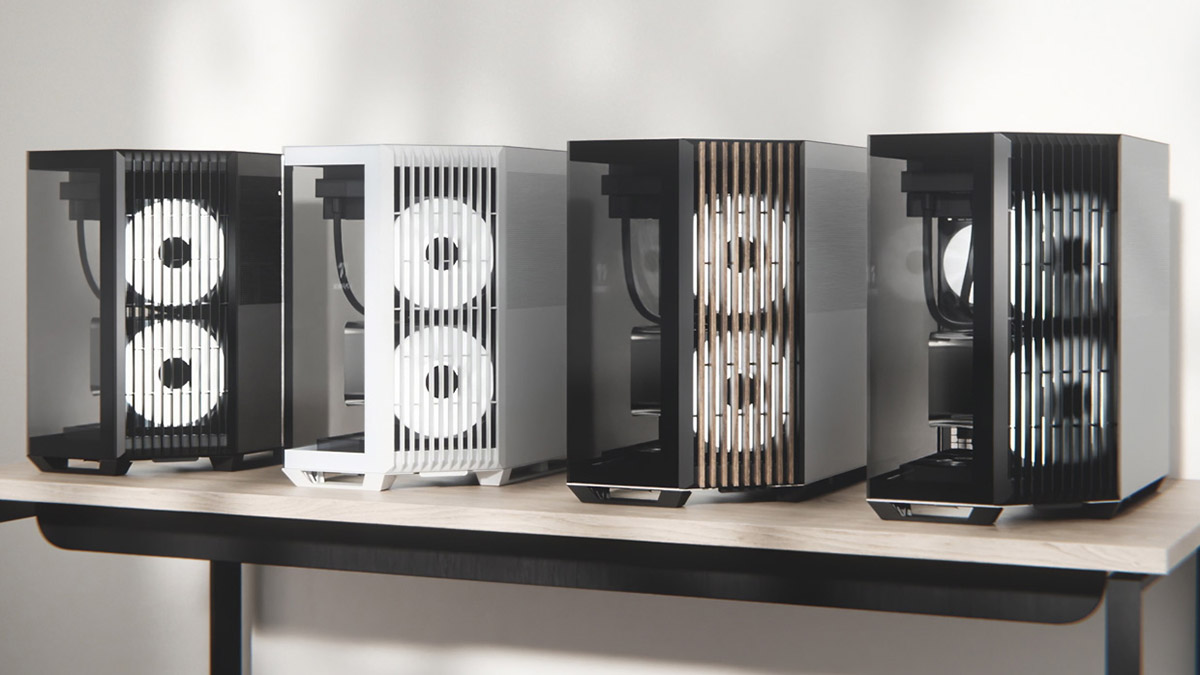
The APNX V1 unit I tested comes in white, featuring plastic heatsink-style slats, and is priced at around $160 or €135 at the current exchange rate. In total, there are six different versions of the case, including a more expensive model that swaps the plastic accents for real wood slats.
Package contents
The APNX V1 comes with a decent accessory kit that includes a user manual, cable ties, and screws – all neatly packed in a box right at the top when you open the package. The case itself is secured in expanded polypropylene foam, which I appreciate – it’s a much more protective and durable material than the usual styrofoam.
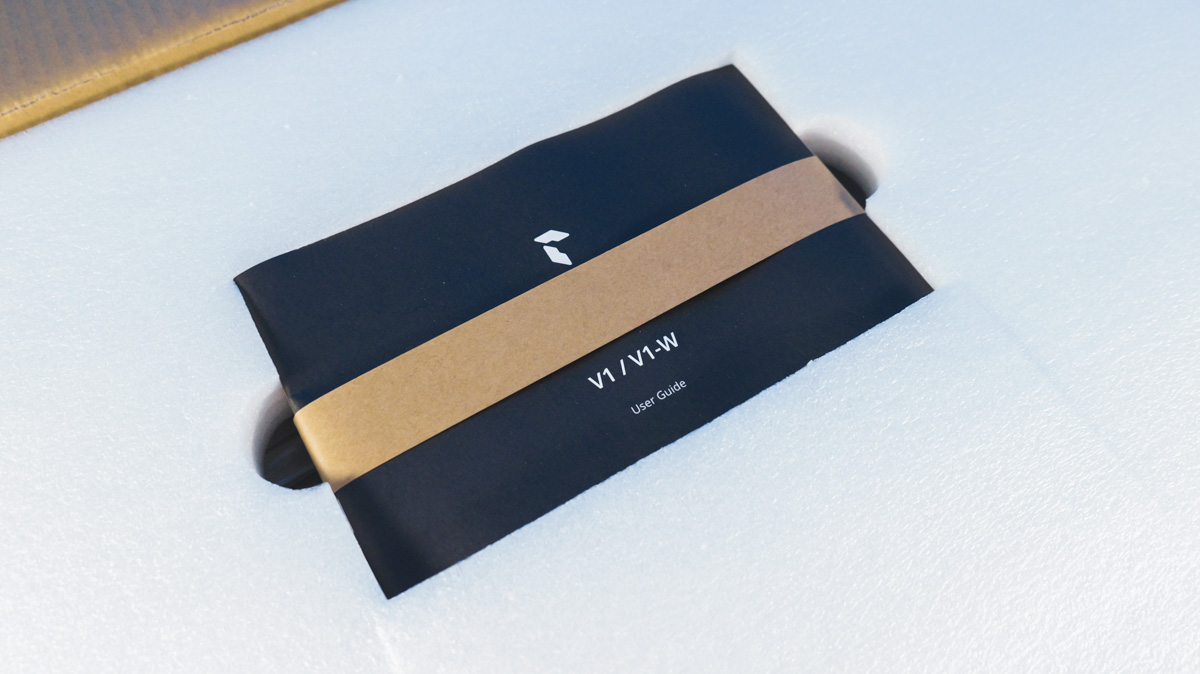
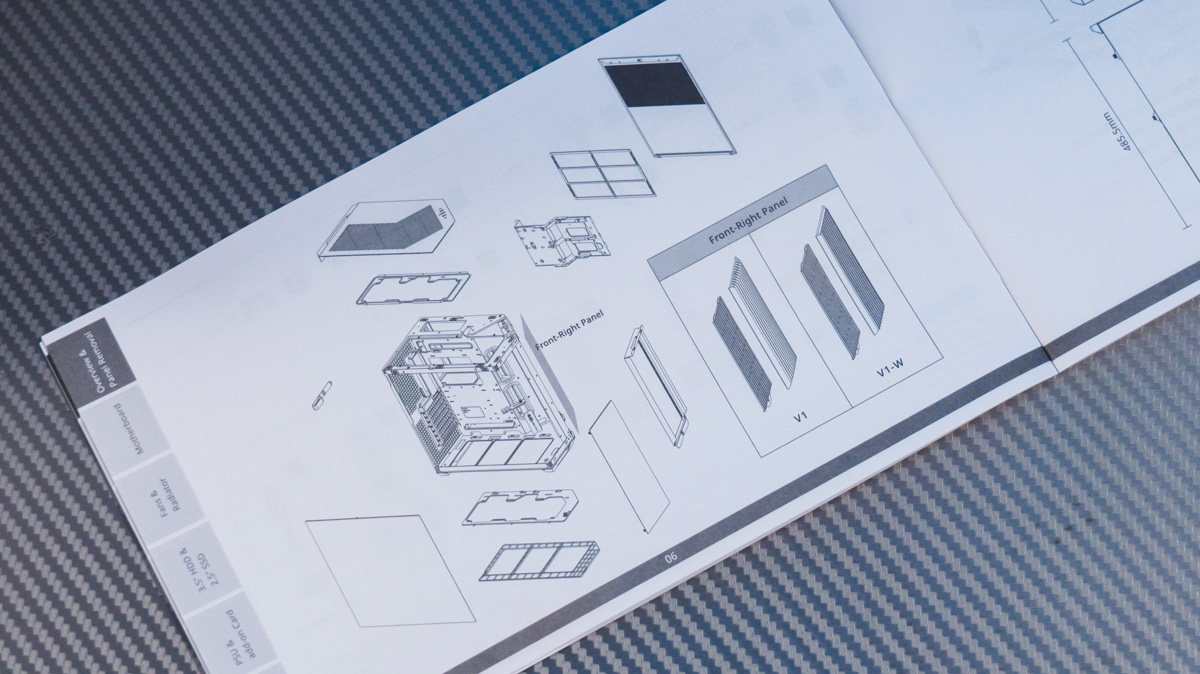
It’s definitely worth reading the manual, as the APNX V1 has a rather unconventional internal layout when it comes to assembly. Skipping it could easily lead to confusion during the build process.
APNX V1 exterior
Let’s start with the design. I’ve never seen a case quite like this – one of the front corners is cut at an angle to allow space for mounting radiators and fans. It’s a unique approach that immediately sets the APNX V1 apart from more conventional enclosures.
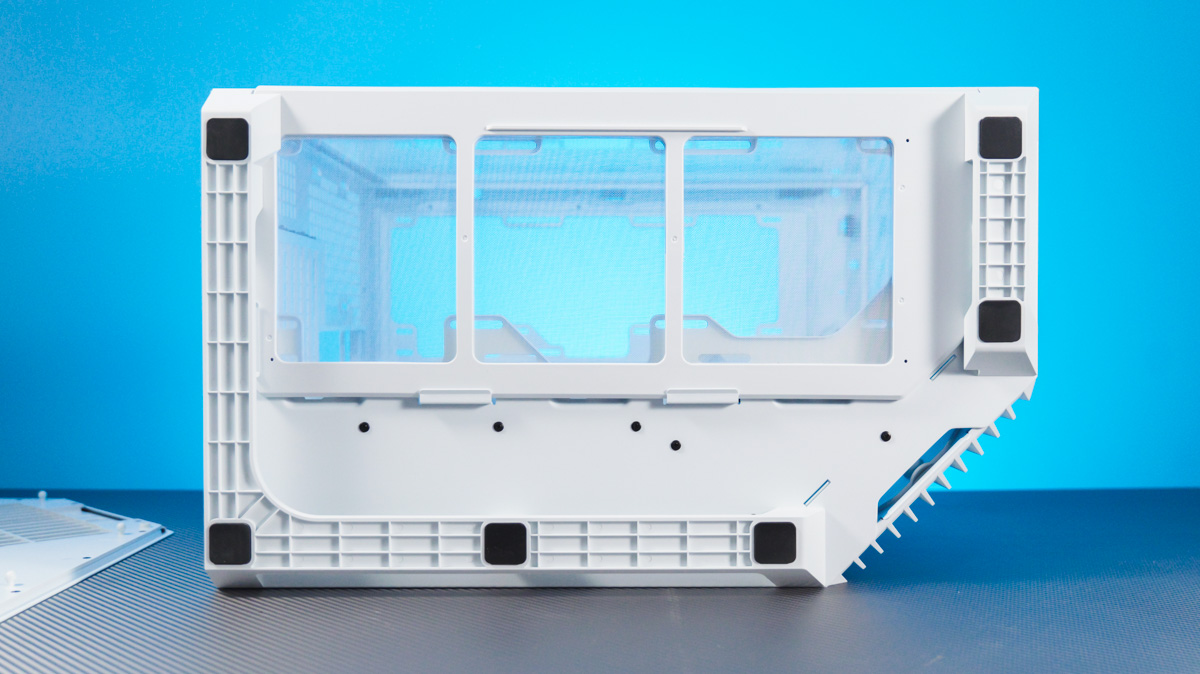
Technically, this is what you’d call a “fish tank” style case, but the angled fan placement – roughly at 45° – adds a twist. Not only does it give RGB lighting more visual presence on the internal components, but it also helps airflow stay more direct, since it doesn’t have to bounce off the glass panel first.
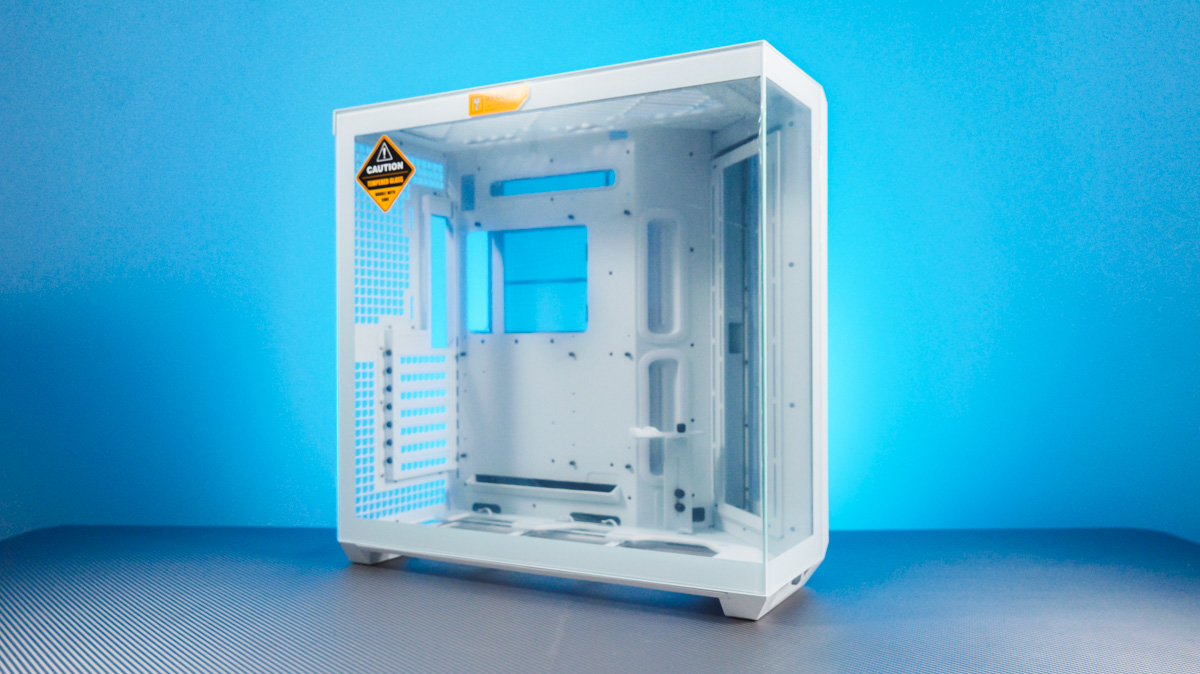
The glass panels on the APNX V1 are located on the front and left sides. They’re made of 4 mm thick tempered glass, providing a solid, premium feel while giving a clear view of the components inside.
Disassembly
However, there’s an immediate issue here. To remove either the side panel or the metal one, you have to unscrew the fasteners holding them in place.
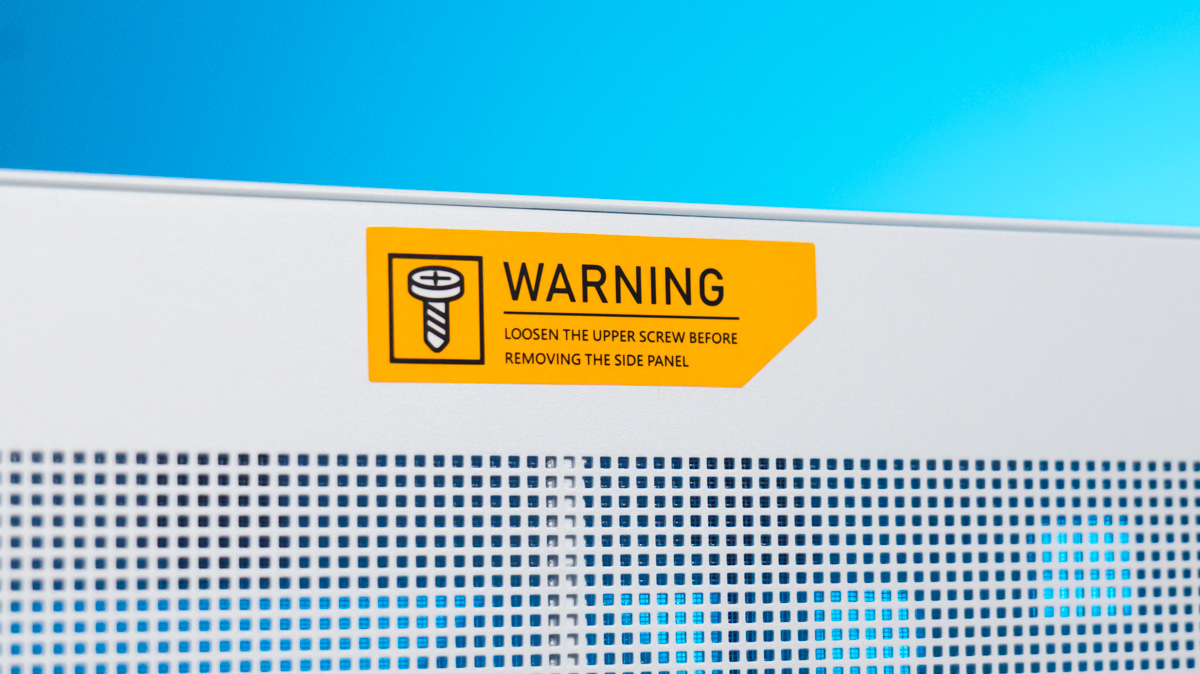
These screws are not captive, they’re not positioned on the side, and they lack plastic threaded holders that would allow for finger tightening or loosening.
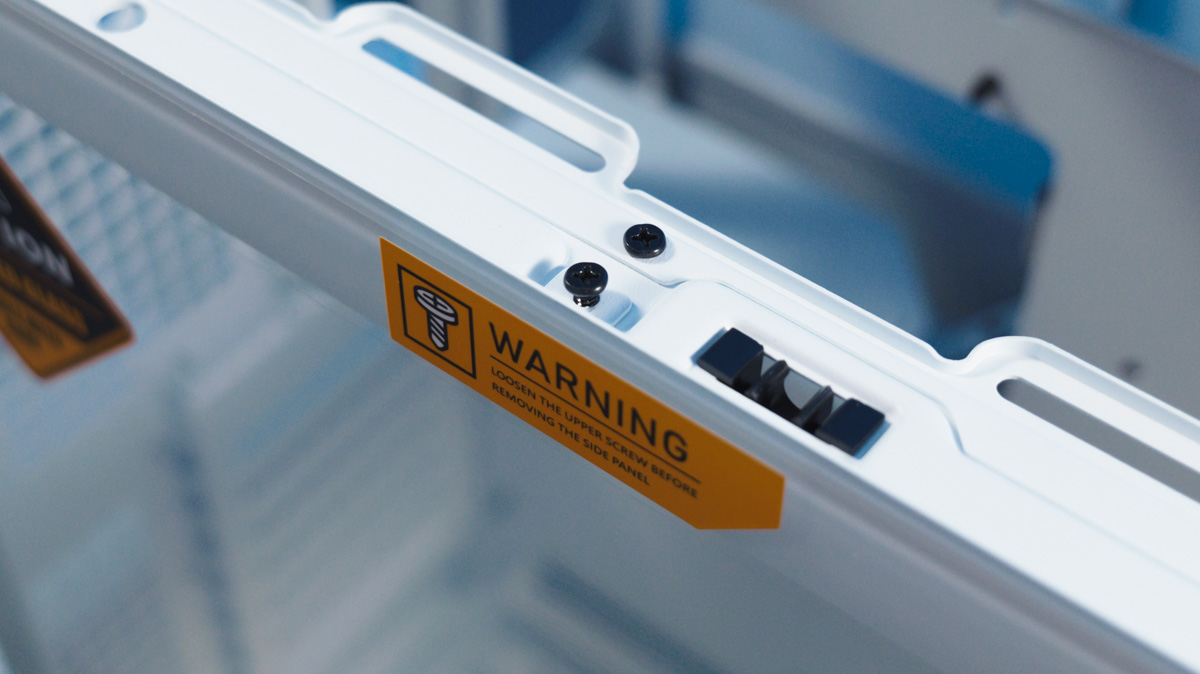
No, the screws are standard and located under the front panel. In other words, without a screwdriver, you won’t be able to disassemble the APNX V1 at all.
Of course, you still need a screwdriver to assemble the PC, install the motherboard, or mount the cooler and graphics card. However, whenever you need to reset the BIOS, replace the SSD (assuming the motherboard has hot-swappable slots), or just clean dust out of the case, you’ll have to find a screwdriver each time. This is unlike other cases where such tasks are more convenient.
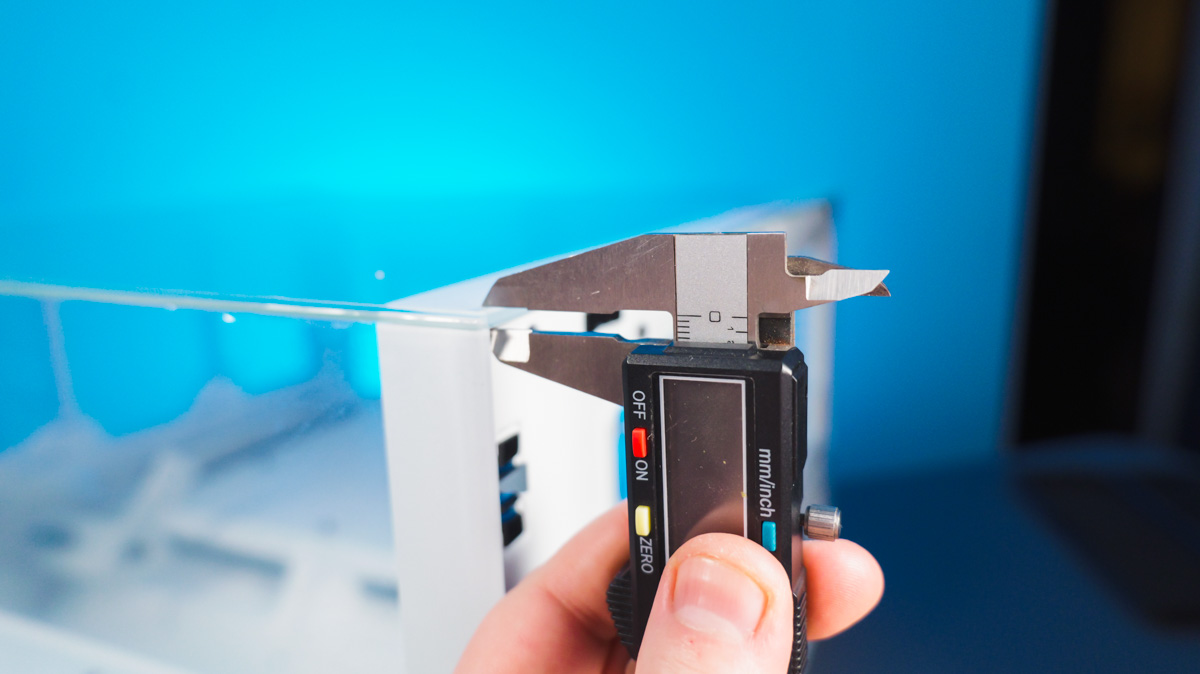
On the other hand, the glass panel alone weighs over 2 kg, and the metal used in the case is nearly 1 mm thick. Because of this, the engineers might have been concerned that magnets or clips alone wouldn’t securely hold the panel in place. The internal screw seems to be there mainly to keep the case design looking neat. Typically, screws like these tend to protrude more on other cases. So, in this design, there’s essentially a trade-off between aesthetics and ease of use.
Drives
A similar approach is used with the hard drive cage. It’s cleverly designed as an S-shaped bracket, with drives mounted on opposite sides. This bracket both swings open on hinges and can be removed without much difficulty. However, issues may arise when you try to connect all the drives to the motherboard.
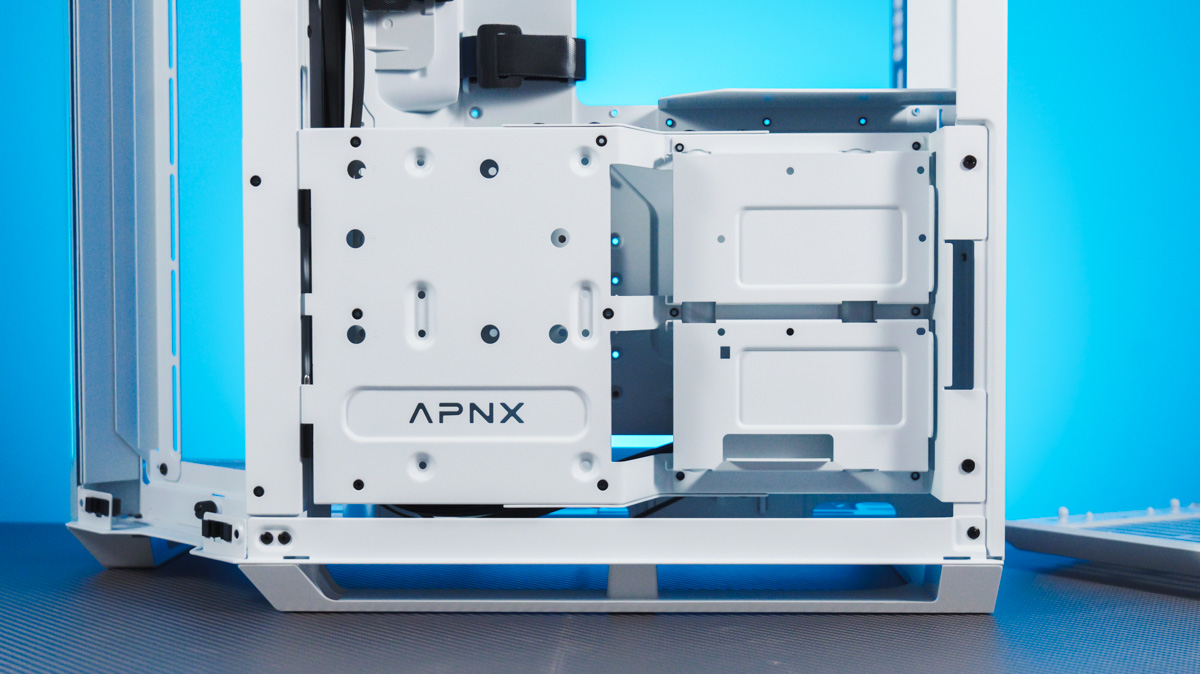
I still remember an old case I had with a huge number of HDD bays, where I ended up damaging a hard drive by accidentally snapping a SATA III connector when pulling one cable without noticing another. Because the mounting bracket in the APNX V1 is movable, a similar situation could occur, so caution is advised when connecting drives.
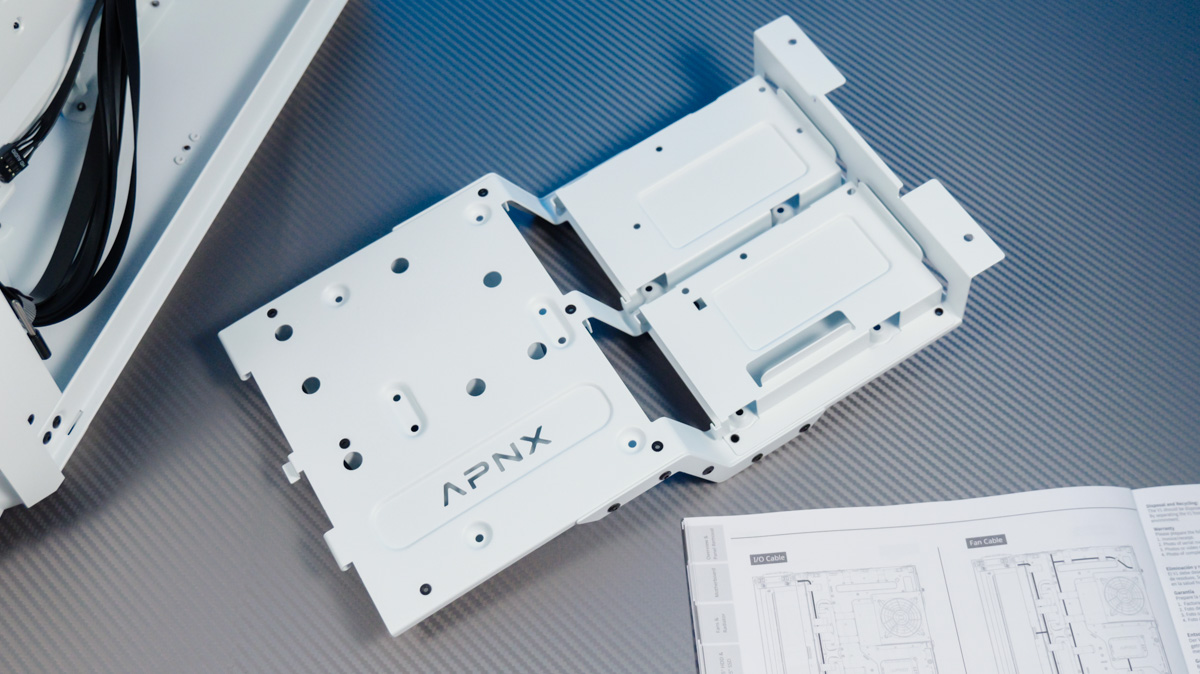
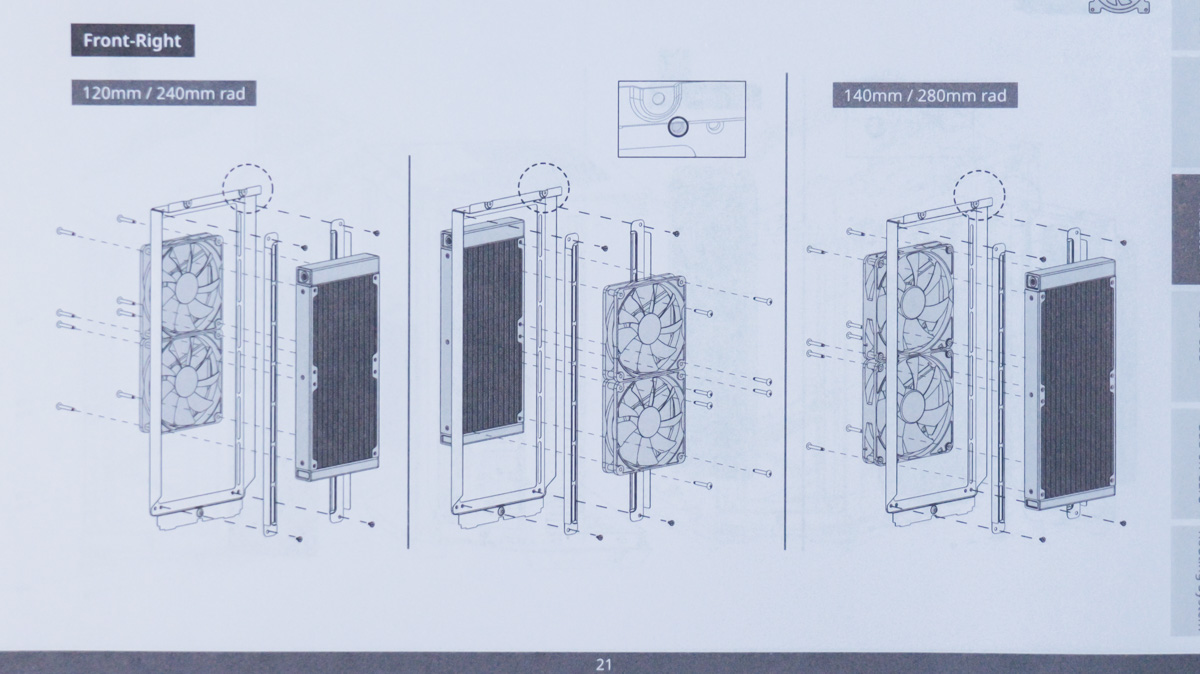
Additionally, the case supports up to two 3.5-inch drives and six 2.5-inch drives. Also, before I forget, the maximum compatibility for liquid cooling radiators is 360 mm – not 420 mm – in any of the three mounting positions.
Compatibility
This is despite the fact that the case doesn’t include any fans or an RGB hub. Although it’s classified as a Mid Tower, its weight and dimensions (290.0 × 485.5 × 500.0 mm) closely resemble those of a Full Tower, as does its compatibility with other components.
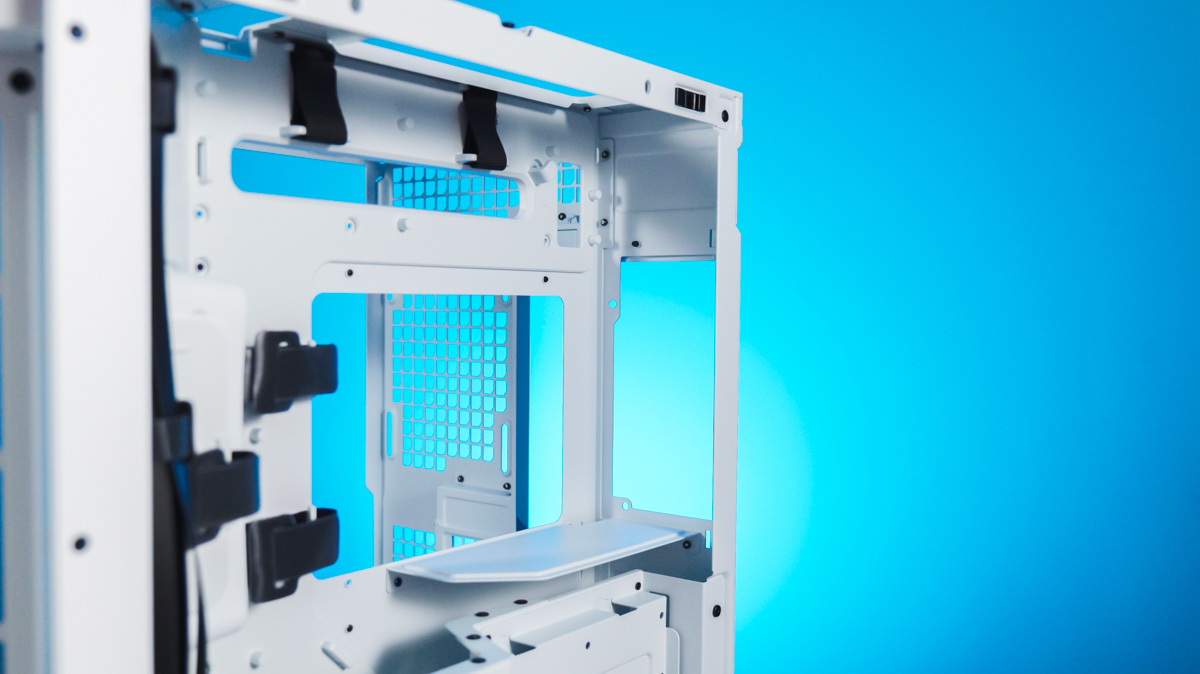
It’s worth noting that the price of the APNX V1 would likely be quite different if it included multiple fans. Typically, cases of this type have at least one exhaust fan installed to improve airflow – and to showcase the manufacturer’s product lineup. APNX does produce branded fans, and they look as impressive as you might expect.
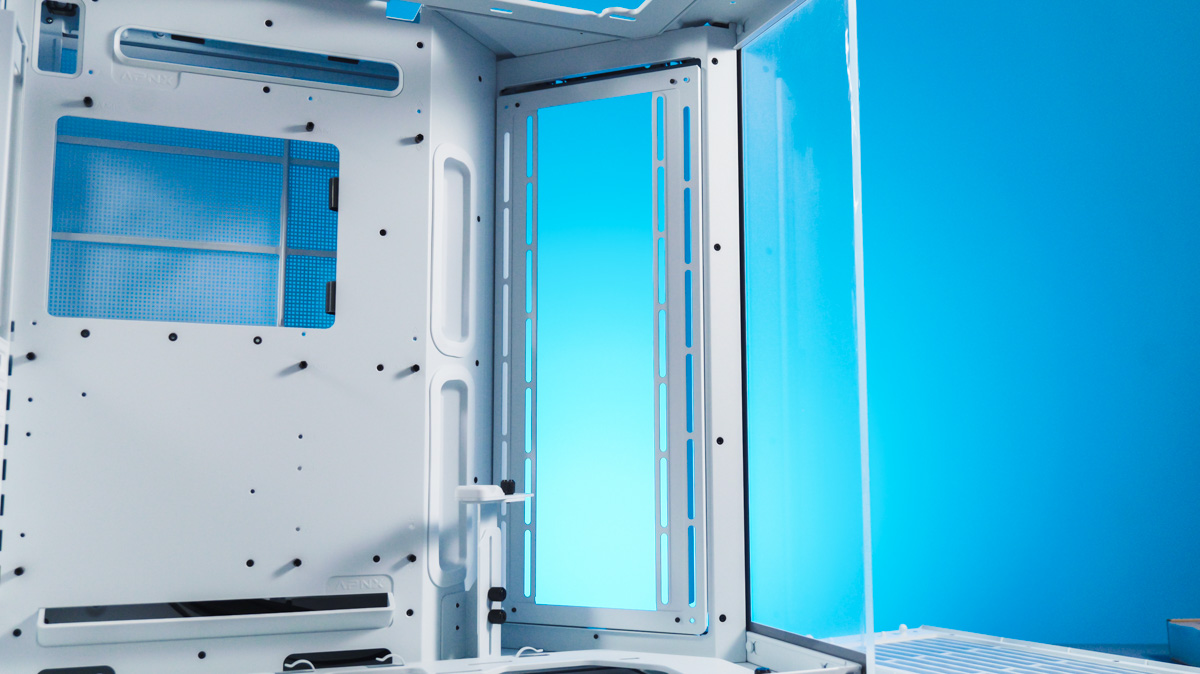
At this point, moving on to some positives: the APNX V1 supports air coolers up to 170 mm in height, and can accommodate up to 10 fans of 120 mm size in total, or six 140 mm fans plus one 120 mm fan. There are even mounting spots for 160 mm fans, which is a nice touch.
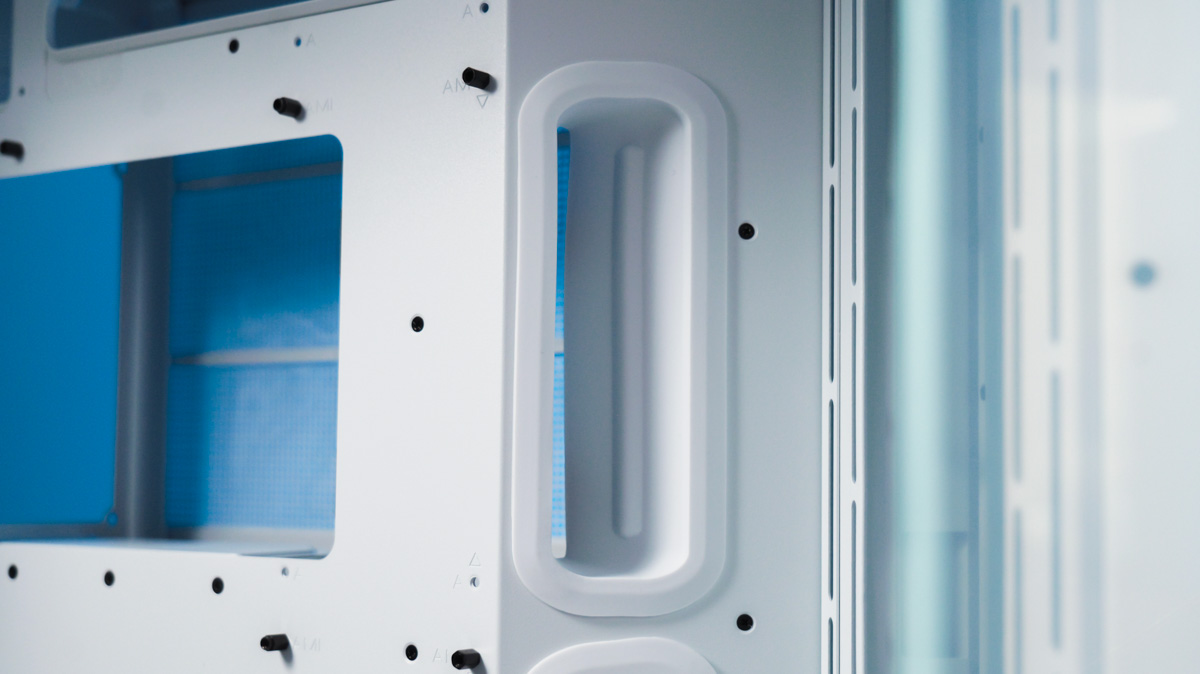
The maximum power supply length supported is 220 mm, and it’s mounted at the top rather than the bottom of the case. Cable management in the APNX V1 is quite unconventional, but thanks to 90 mm-wide gaps, you can route cables without any issues. This is partly made possible by the unusual hard drive cage design – there’s significantly more space behind it than I initially expected.
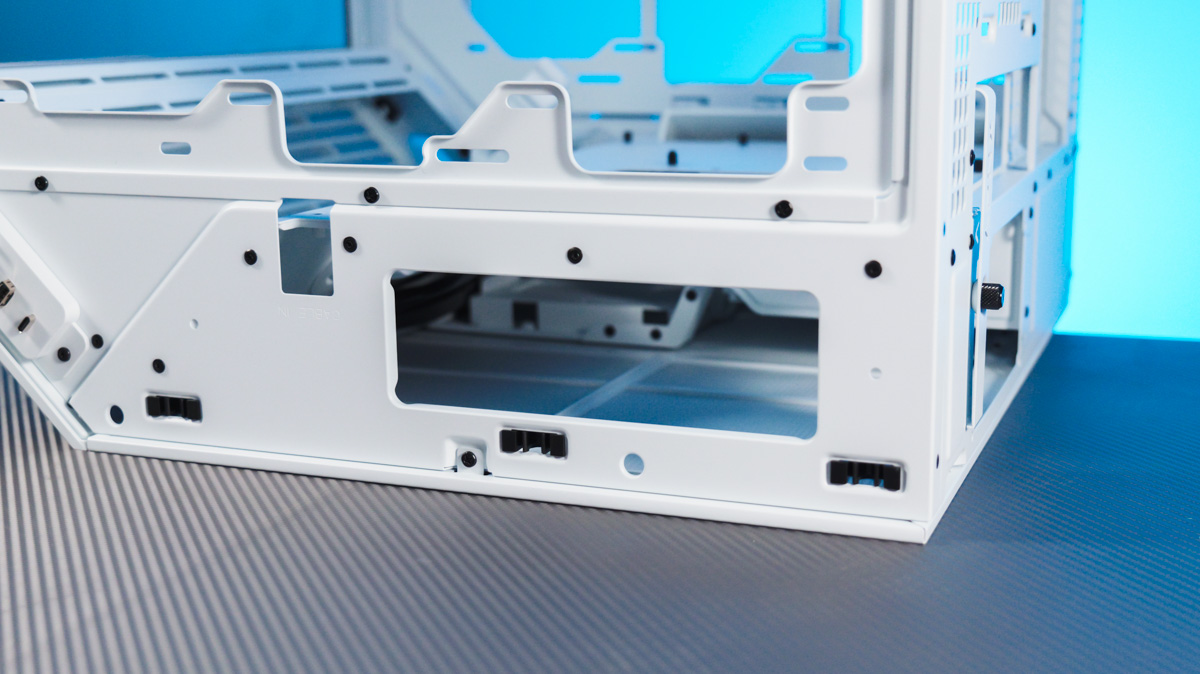
If you run into difficulties, the manual includes a guide for managing cables for the furthest components. Spoiler alert: there are more cable routing holes than you might expect. The 45-degree angled openings with silicone grommets are particularly notable.
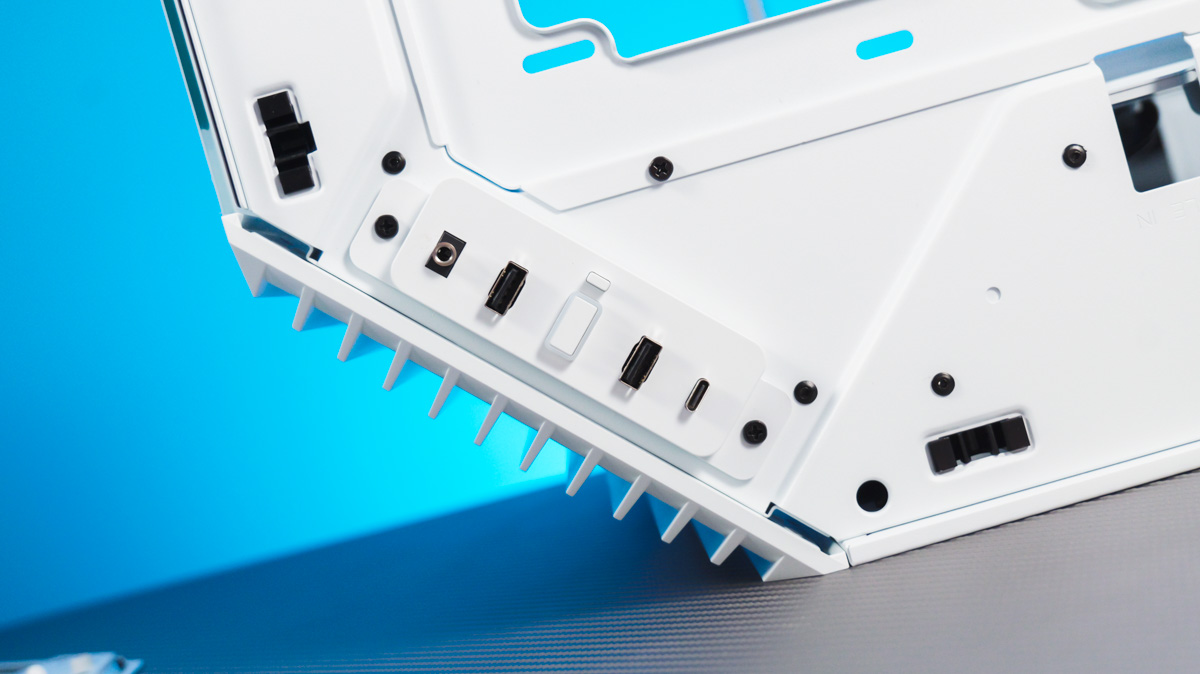
The case’s I/O options are solid as well, featuring a 20 Gbps USB-C port, two 5 Gbps Type-A ports, and a standard 3.5 mm audio jack.
APNX Kit
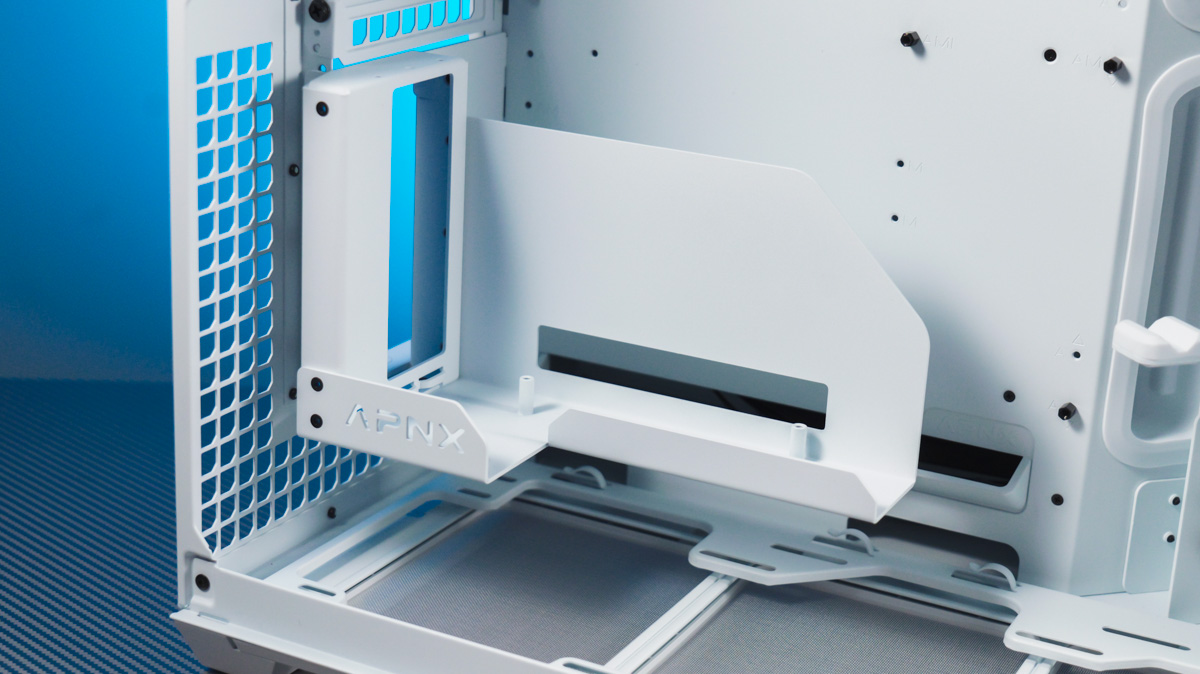
The APNX V1 has seven expansion slots, all secured with screws rather than the snap-off style found in cheaper models. It supports graphics cards up to 395 mm in length, provided there’s no radiator installed on the side. It’s also worth noting that you can install a graphics card vertically using the optional APNX Kit, which includes a riser cable and mounting bracket.
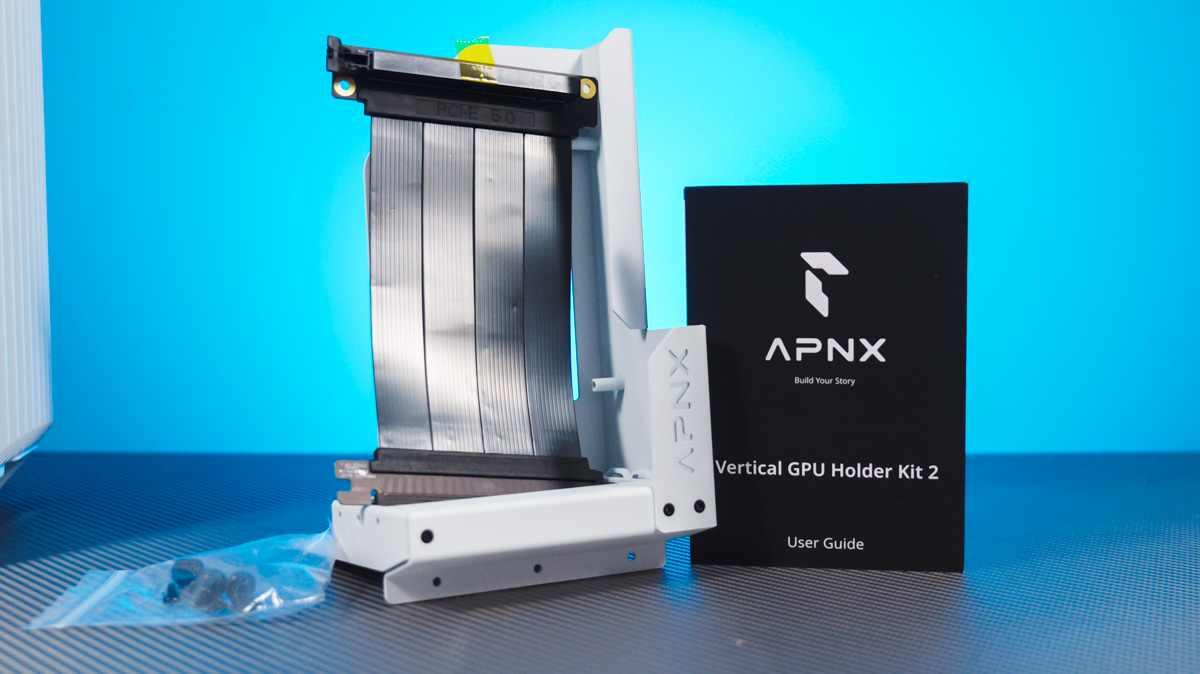
Actually, this kit – the riser cable – is what I originally intended to cover in this review, as I have quite a bit to say about risers. But I’ll save that topic for a video. The key point is that the APNX Kit costs nearly \$100, which is more expensive than some cases on their own. On the plus side, the riser supports PCIe 5.0.
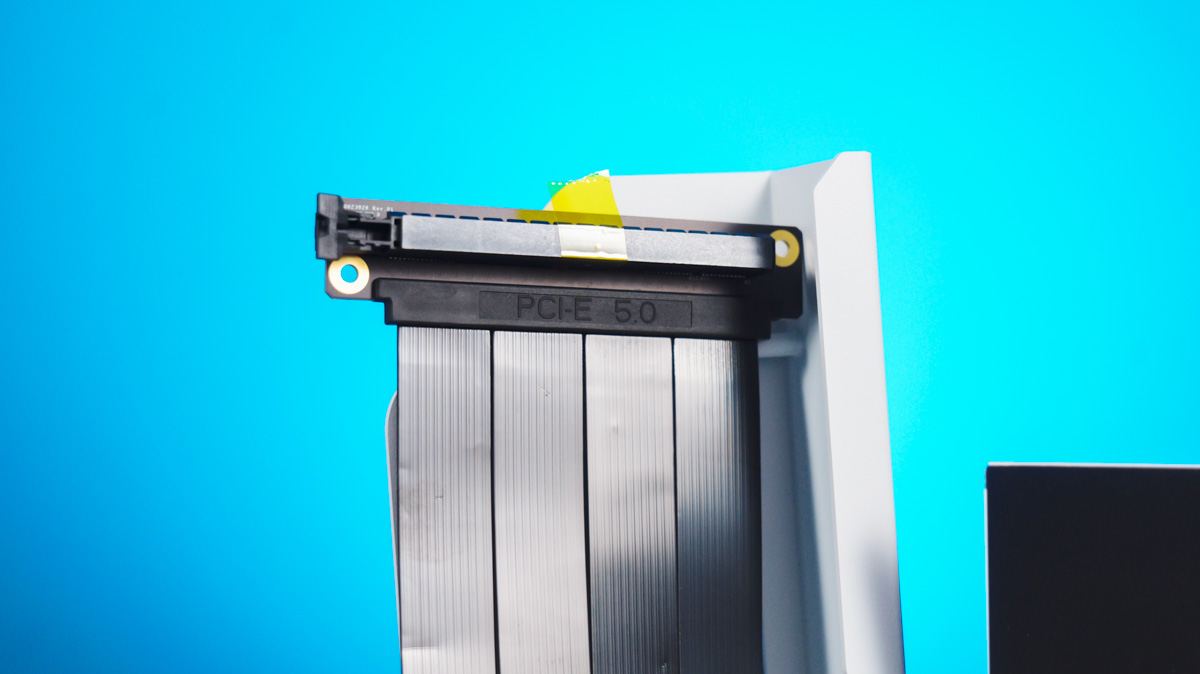
That explains the high price. It’s more important than you might think, because the faster the data transfer, the higher the chance of interference that could disrupt the graphics card’s normal operation.
Conclusions
There might be some questions regarding the assembly process with this case. But the main consideration is whether the APNX V1 appeals to you visually. Both empty and fully built, the case feels thoughtfully designed and premium, and it’s priced within a solid mid-range budget – significantly less than I expected. So yes, I would recommend this case.
Read also:
- Zalman Z10 DS Black Case Review: A Monitor as a Bonus
- ASUS ProArt PA401 Wood Edition Review: Computer Case for Connoisseurs
- Review of Cougar Airface ECO RGB Black/White case

