




© ROOT-NATION.com - Use of content is permitted with a backlink.
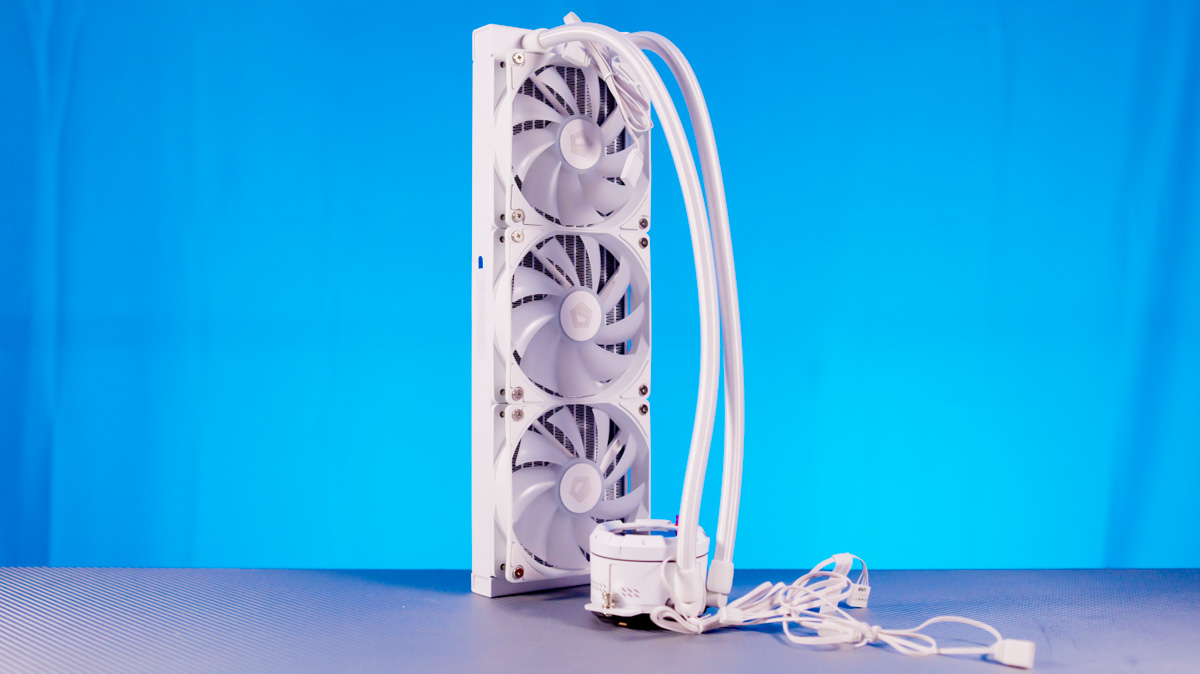
The story of the ID-Cooling Space LCD SL360 XE should be fairly straightforward. What we have here is another high-performance liquid cooling system with a display on the pump. I expected the display to be glitchy even with the accompanying software, but anticipated excellent cooling performance. How did it turn out in reality? Not the opposite, but also not exactly as I expected.
Read also: Reviews of cooling systems (coolers) for PCs
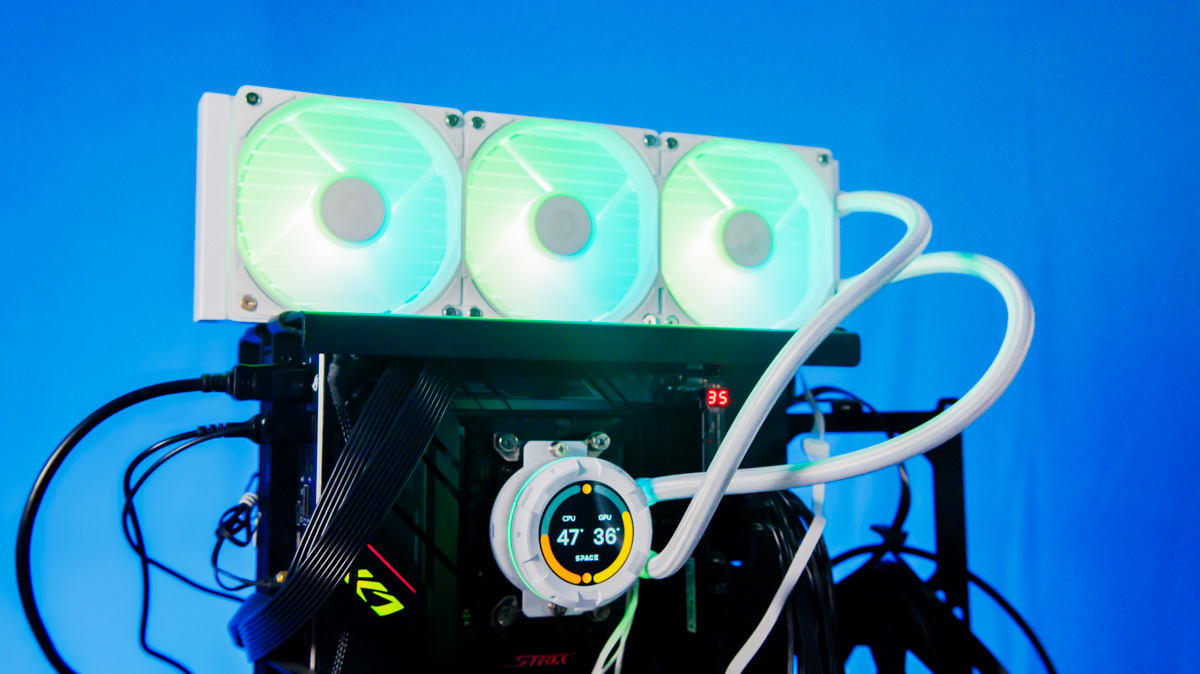
TABLE OF CONTENTS:
Specifications
- Radiator: 397×120×27 mm
- Tube length: 465 mm
- Included fans: ID-Cooling XF-120-ARGB V2
- Fan technology: hydrodynamic bearing
- Compatible sockets: LGA 1851/1700/1200/115X/20XX, AM4, AM5
- Display: 2.1 inches, 480×480 pixels, up to 600 cd
- Pump speed: up to 2900 RPM
- Pump noise level: up to 25 dBA
- Fan speed: 500 to 1800 RPM
- Fan noise level: up to 35 dBA
Positioning and price
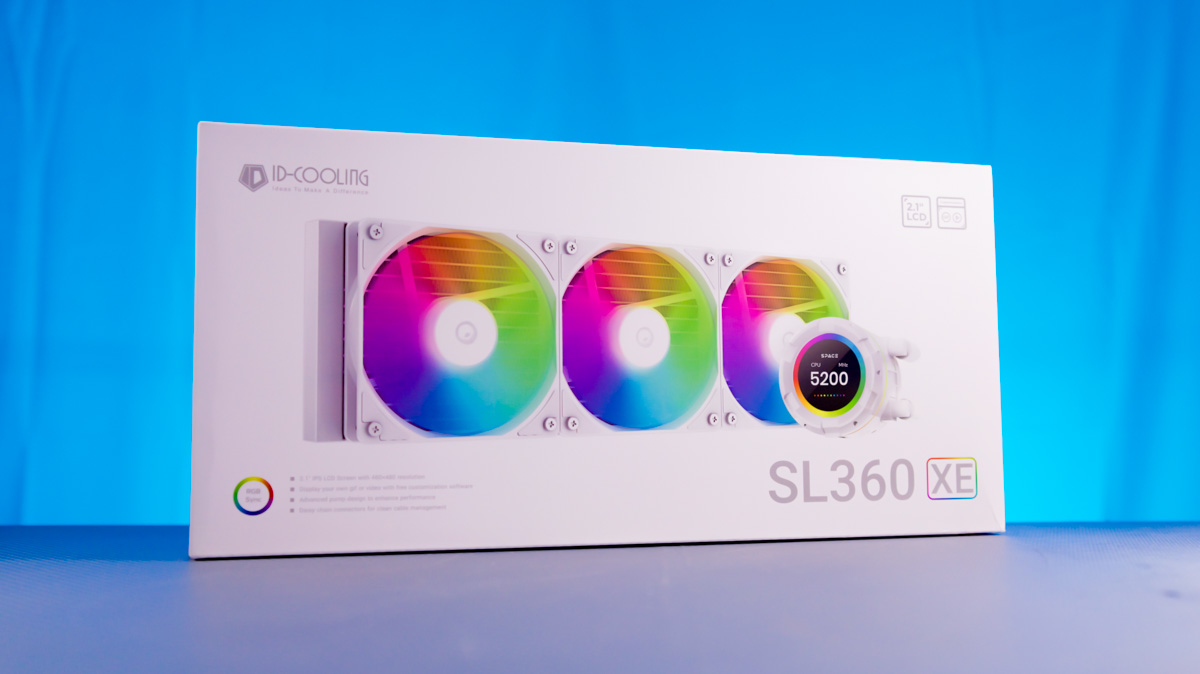
However, let’s start with the price. The ID-Cooling Space LCD SL360 XE comes in two colour options – black and white – and both versions cost roughly the same, around $120. It’s worth noting that the white model is slightly more expensive, by about $5 in the stores where I checked. And it’s this version that I’ll be showing here.
The cooler’s accessory kit is fairly standard. It includes mounting hardware for Intel sockets LGA 1851, 1700, 1200, 115X and 20XX, as well as brackets for AMD AM4 and AM5.
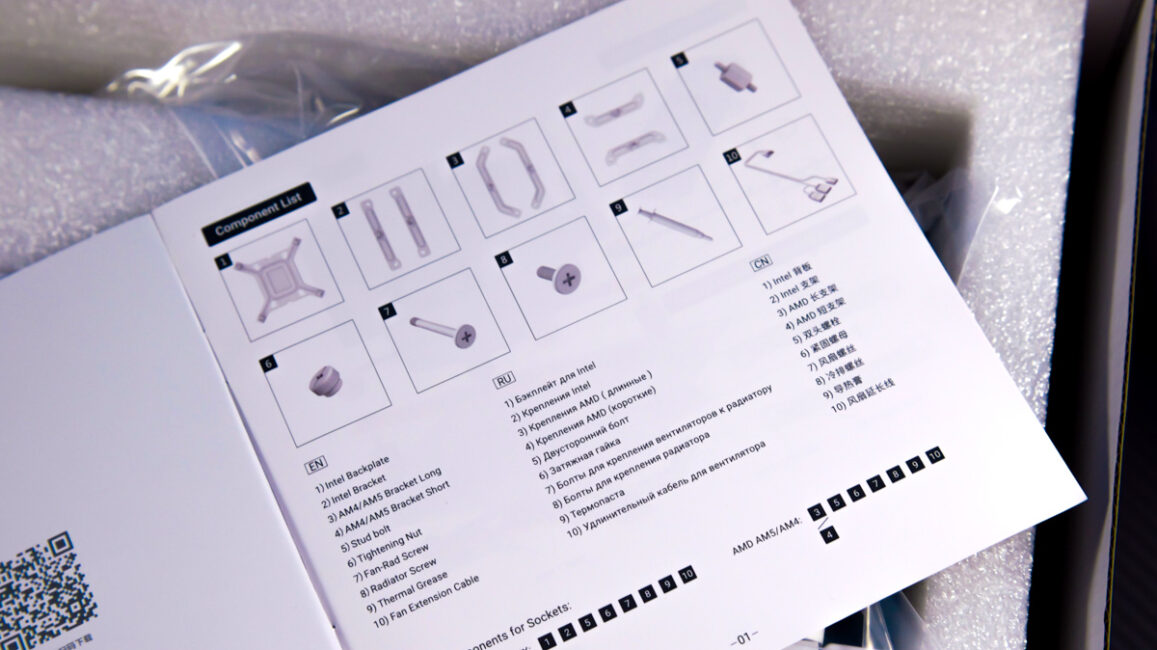
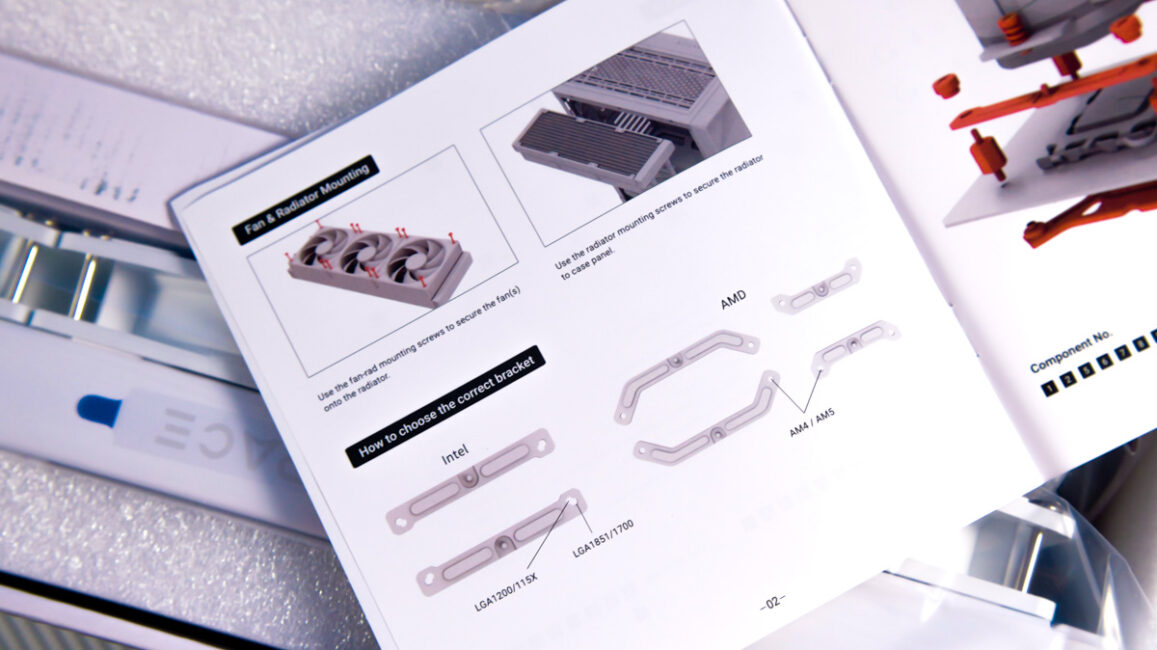
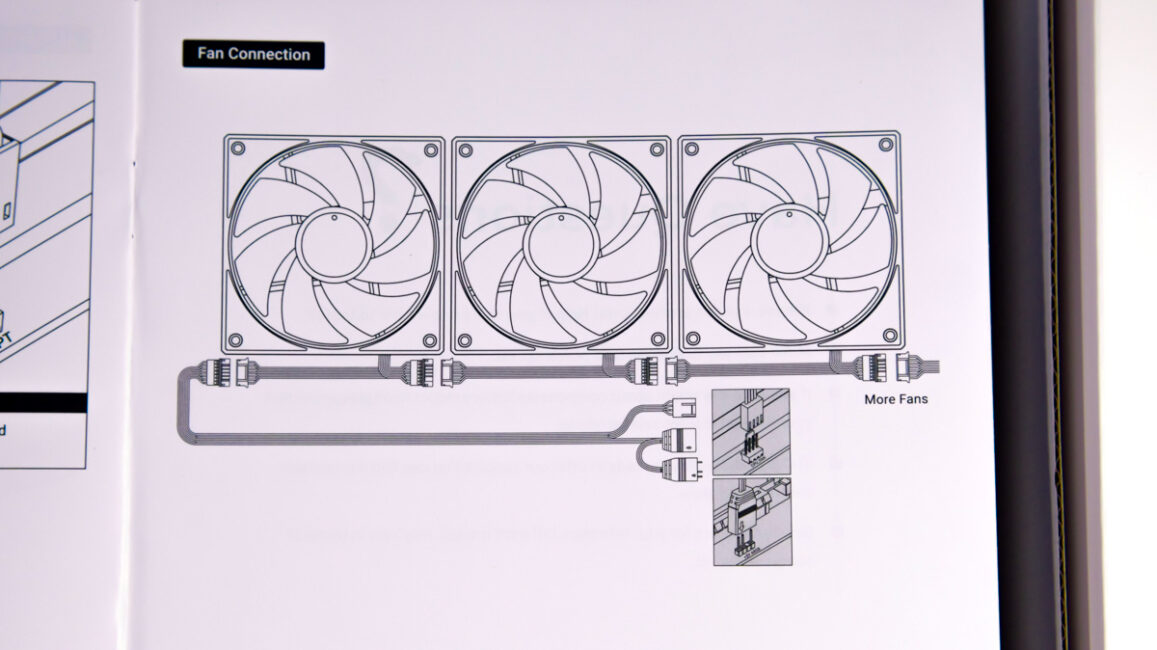
There’s also a single PWM extension cable for the fans – one is included, and there are specific reasons for that, which I’ll get to later. ID-Cooling also provides a tube of Frost X45 thermal paste with a claimed thermal conductivity of 15.2 W/m·K.
ID-Cooling Space LCD SL360 XE Design
The design of the Space LCD SL360 XE hardly differs from most other closed-loop liquid cooling systems – at least where it actually matters. The only noticeable distinction is found on the pump, where shaped plastic elements are combined with a black circular display. As usual, the display comes covered with a protective film by default.
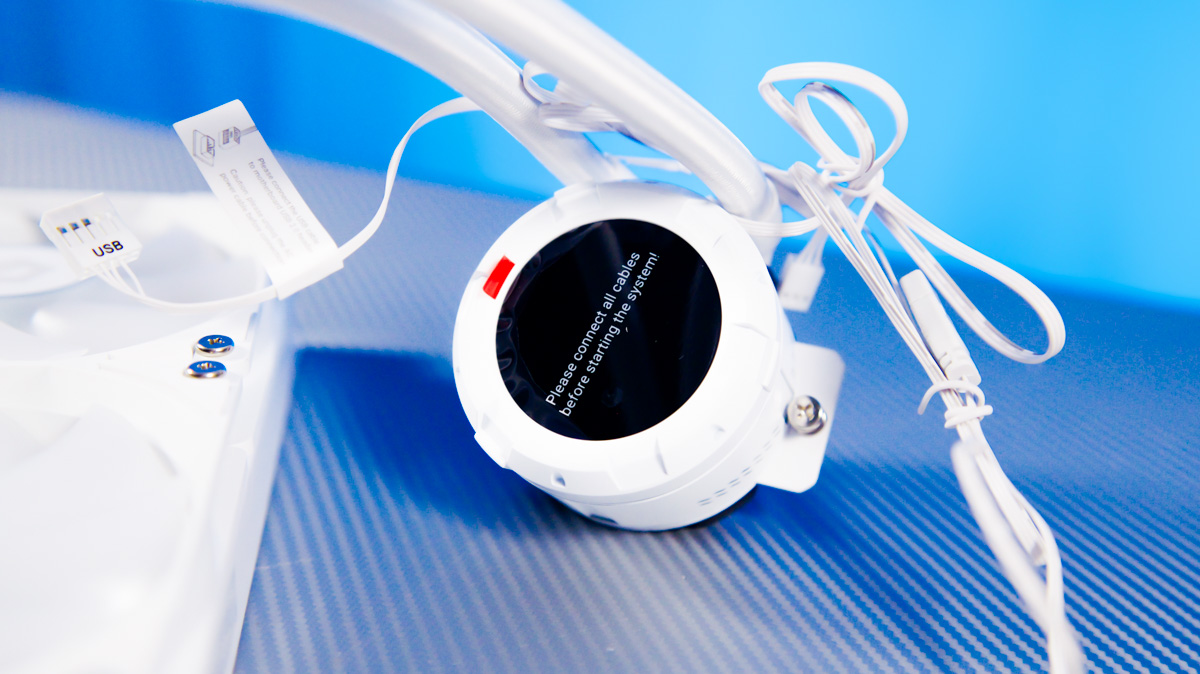
The display has a 2.1-inch diagonal, a 480×480-pixel resolution, and a peak brightness of up to 600 cd/m². The pump’s copper cold plate uses a matte, porous metal finish instead of the more common concentric polishing, which is an uncommon design choice.
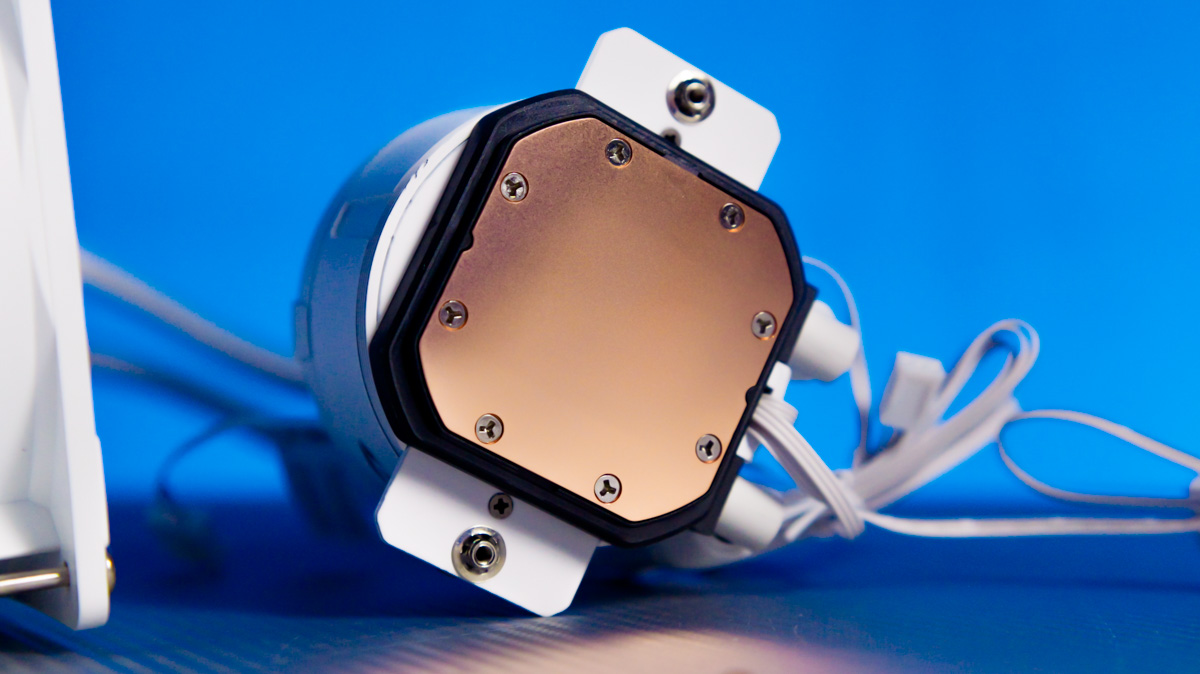
The radiator measures 397×120×27 mm, while the pump is 76 mm in diameter and 58 mm tall. The tubing length is 465 mm.
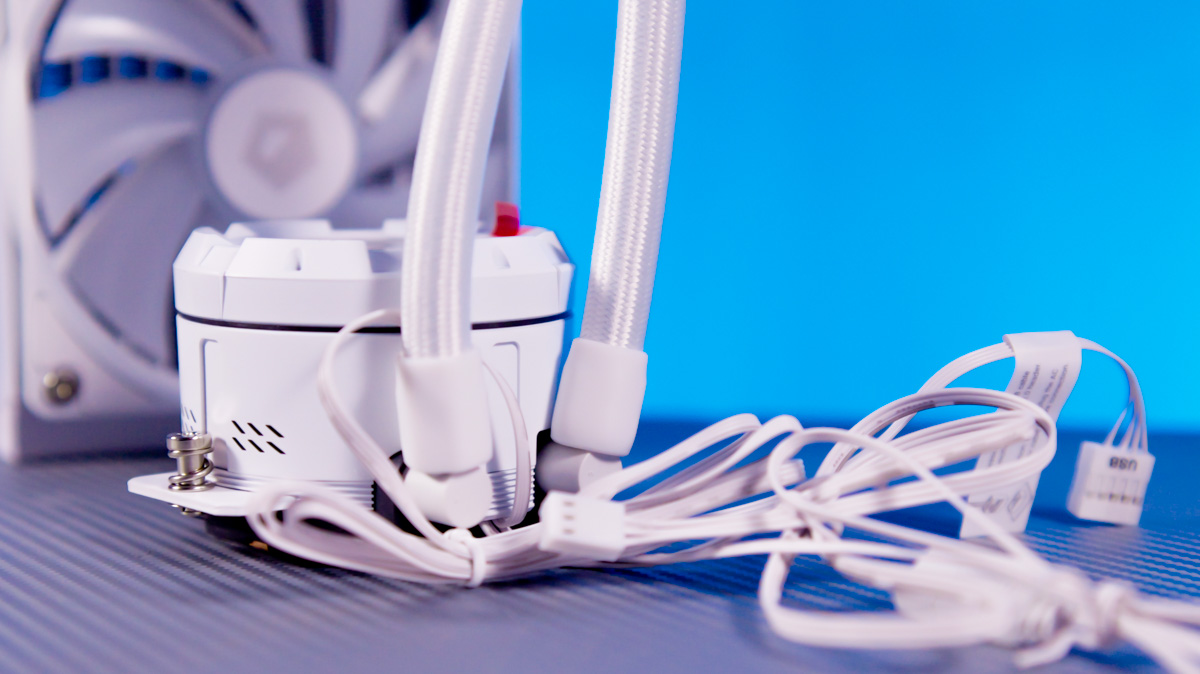
The pump operates at up to 3000 RPM (with a minimum of around 2600 RPM in my measurements) and reaches a noise level of up to 25 dBA. The included ID-Cooling XF-120-ARGB V2 fans run between 500 and 1800 RPM, with a maximum noise output of about 35 dBA.
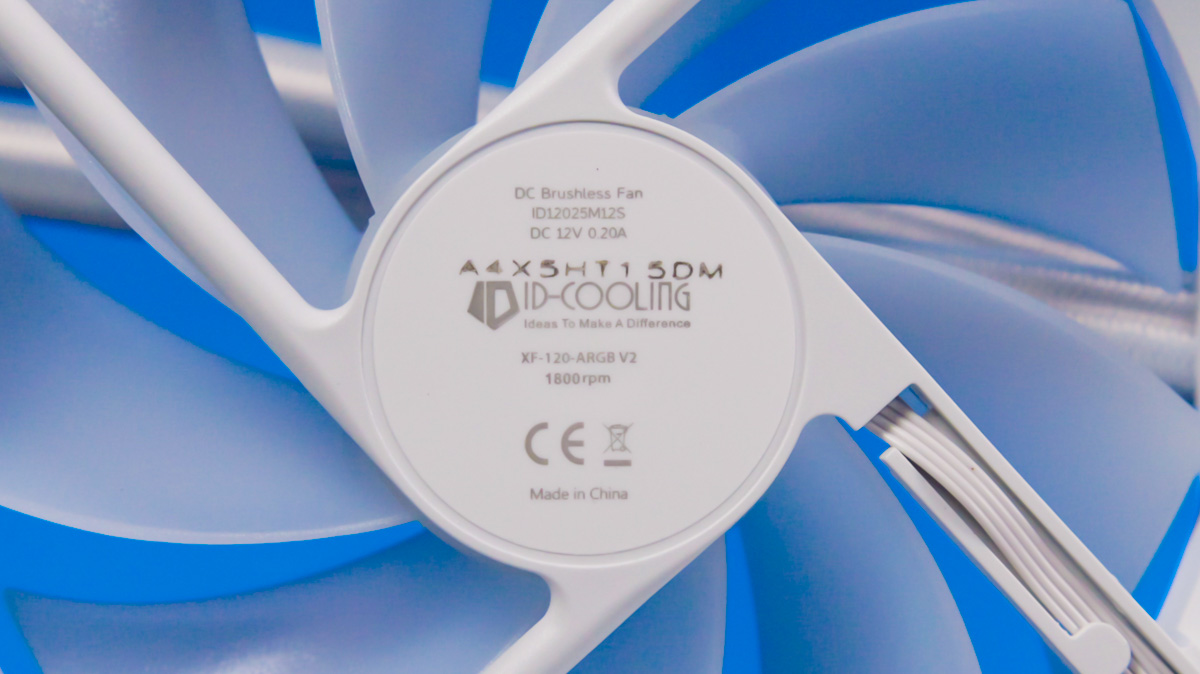
They use a hydrodynamic bearing and, at the standard 25 mm thickness, provide up to 2.16 mm H₂O of static pressure. The maximum airflow reaches 76.16 CFM.
Installation
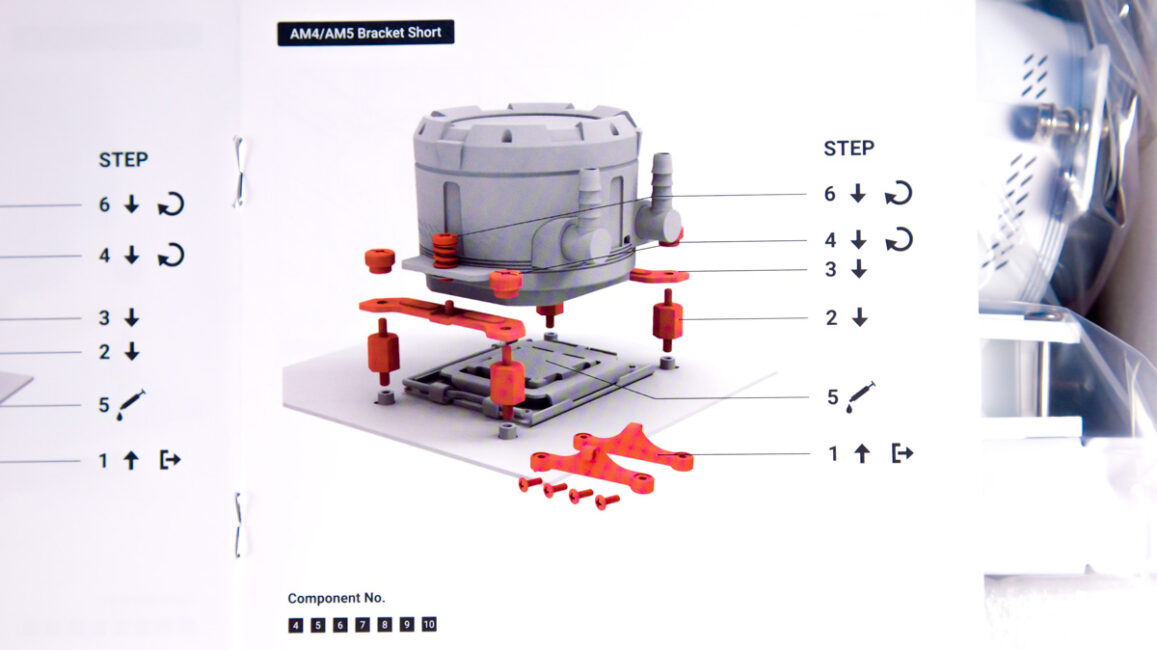
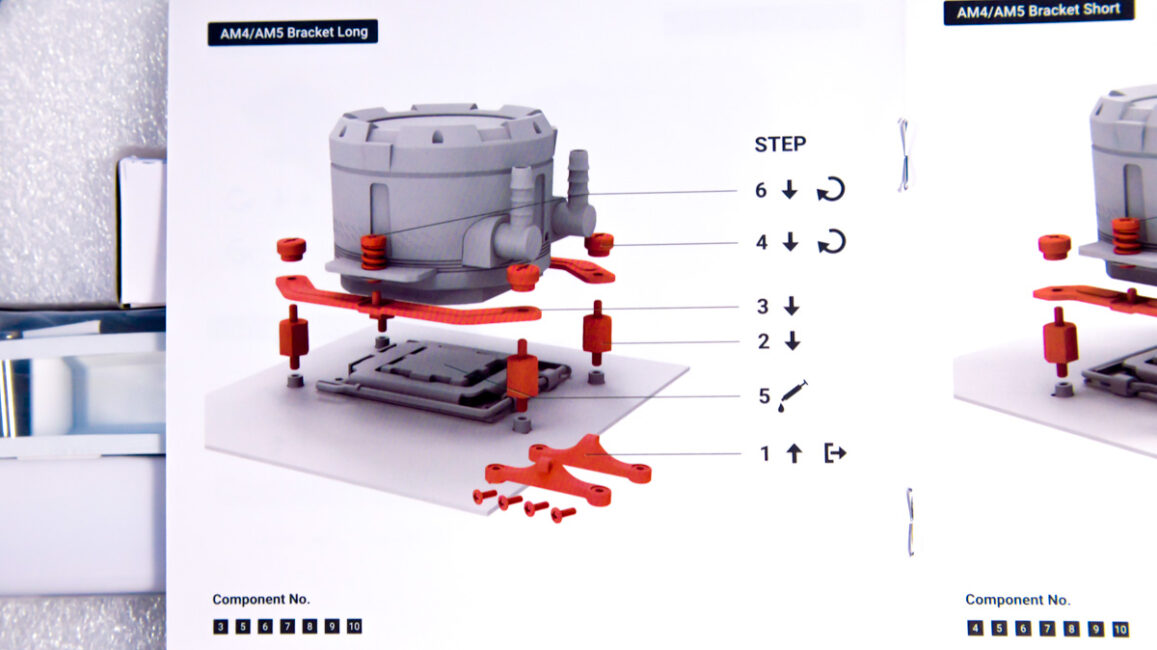
Installing the ID-Cooling Space LCD SL360 XE on an AMD AM5 platform is straightforward. I was able to complete the process without laying the Gorilla Custom X test bench flat, though in a typical PC case you will likely need to turn the system on its side. What stood out – something I hadn’t encountered before – is that the pump can be mounted with a 90-degree rotation thanks to the universal bracket design.
Since the fans are connected in a daisy-chain configuration, only the last fan needs to be plugged in. The downside is that the daisy-chain uses a relatively proprietary cable. I’ve seen similar setups from other manufacturers, but regarding ease of replacement, there’s little I can confirm.
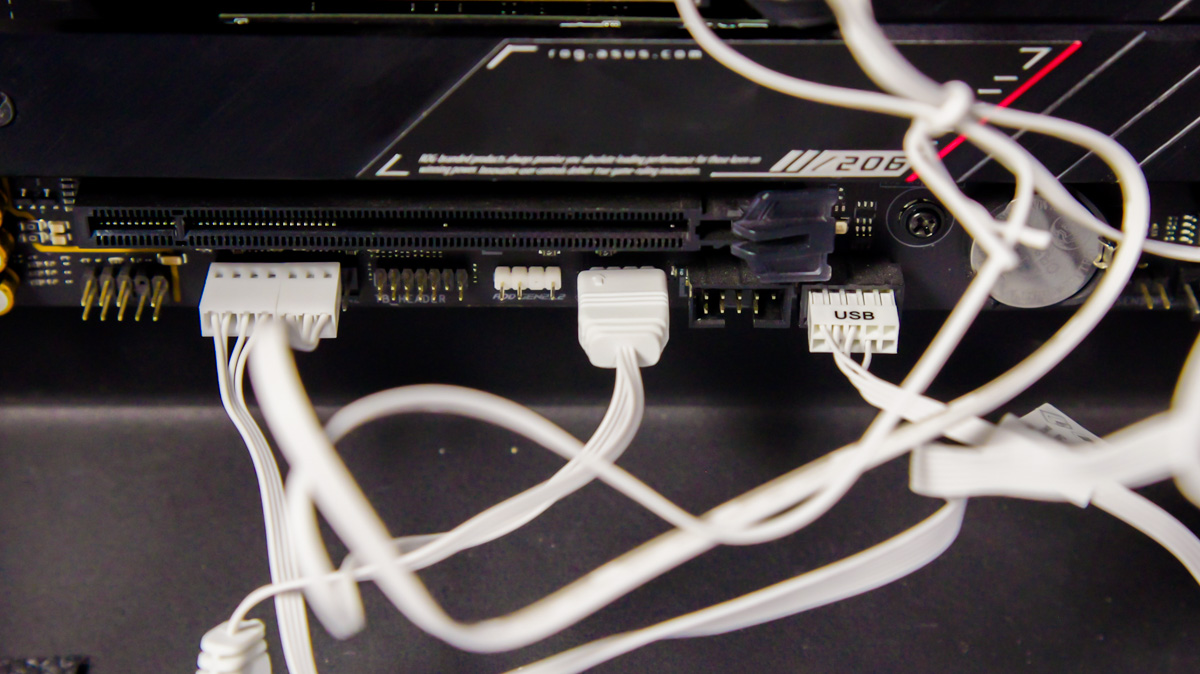
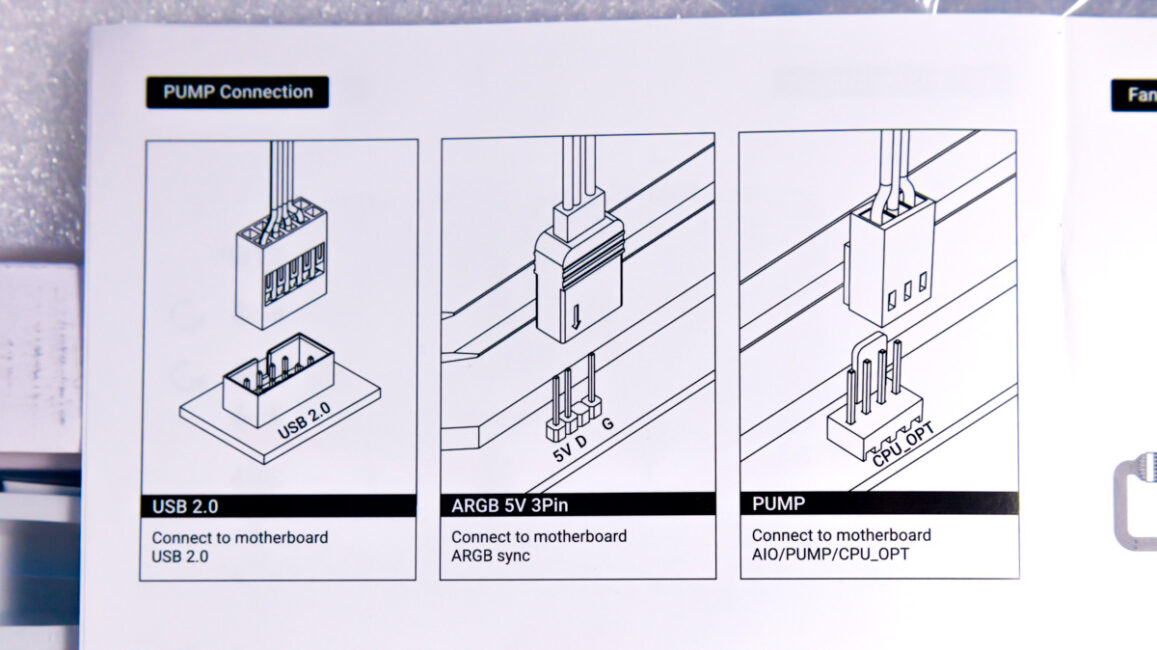
The pump, by the way, connects to the motherboard via USB 2.0.
Software
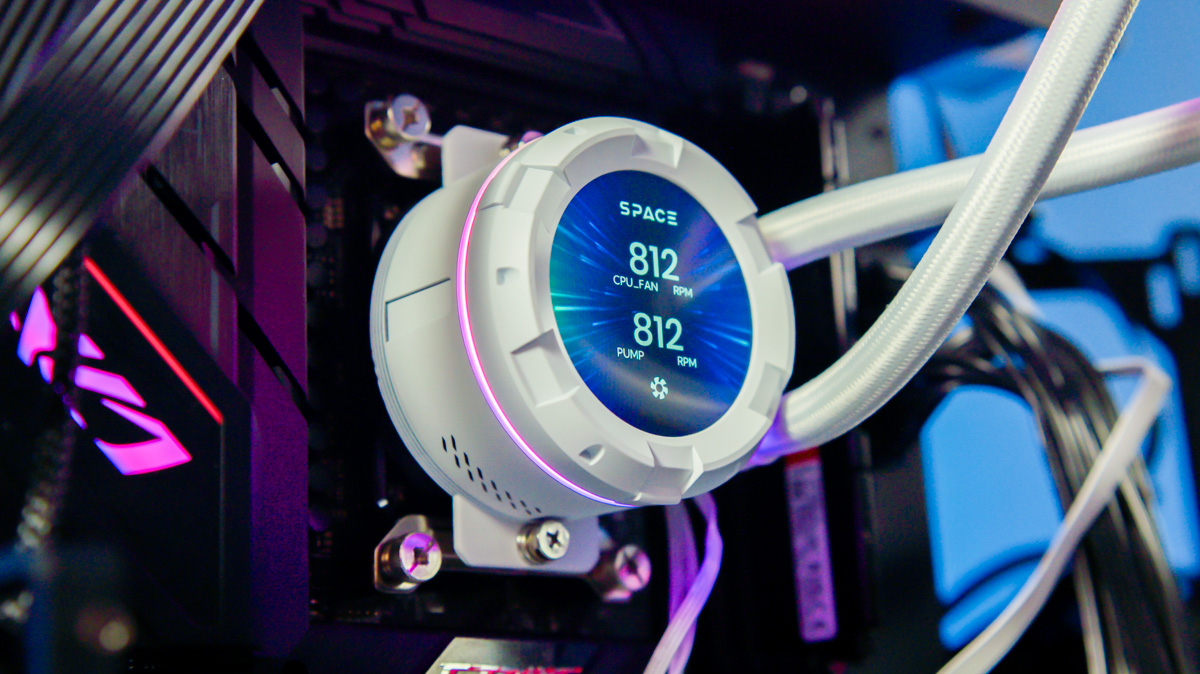
Moving on to the software: the downside is that without the official program installed, the pump’s display does not show any useful information, and it can remain disconnected from the motherboard. Additionally, the default illuminated logo cannot be rotated until the software is installed.
The positive aspect is that the Space LCD Software proved more stable than I expected. While it still does not allow control of the fan lighting (which is managed through the motherboard), the display control is adequate.
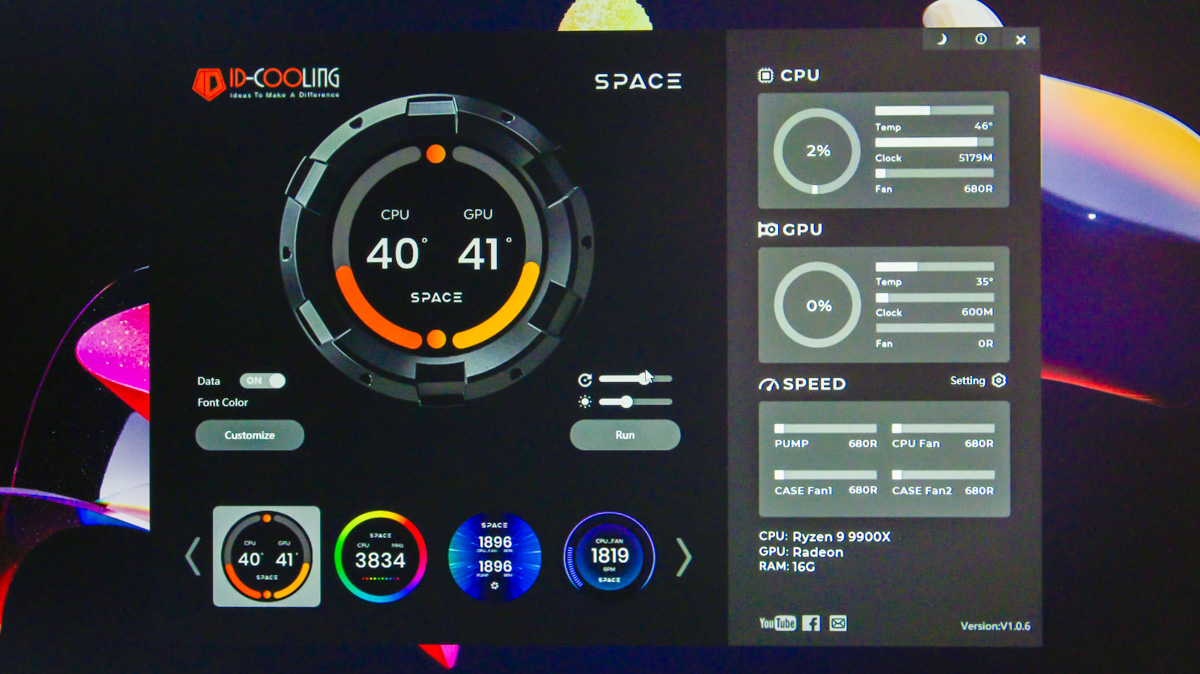

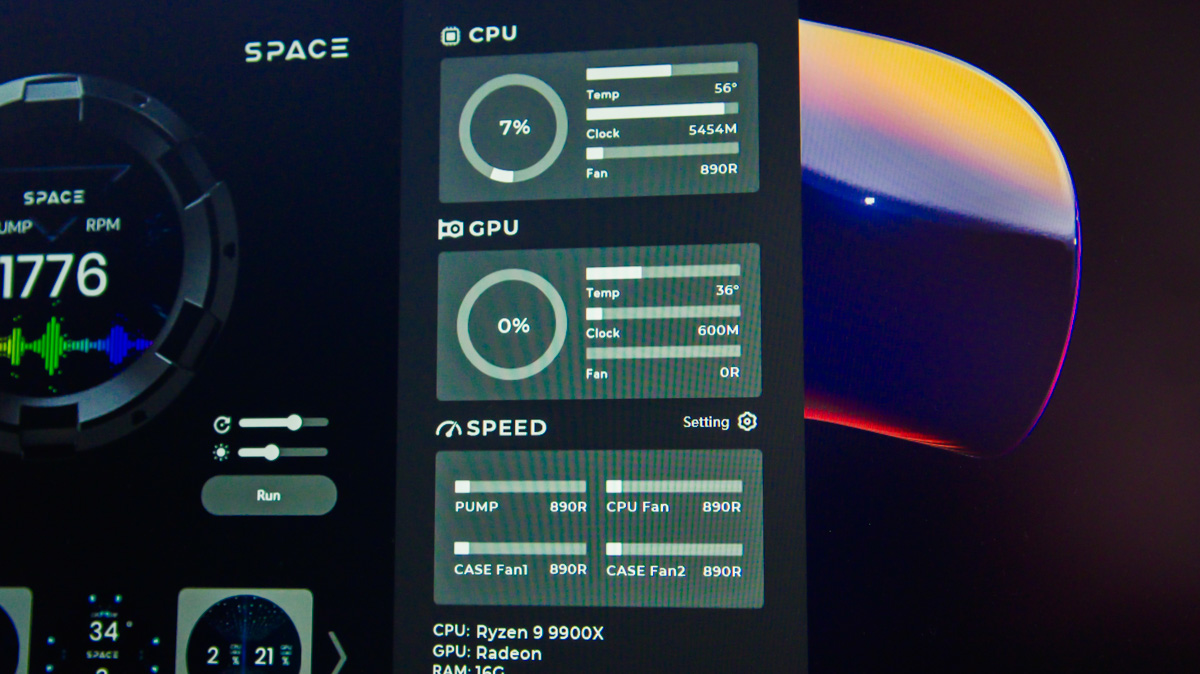
You can set different watch faces, adjust rotation and brightness, and use a customization feature. Overall, the software offers fewer functions than I’ve seen in some competing products, but in exchange for greater stability, this seems acceptable.
Test bench and test results
Processor – AMD Ryzen 9 9900X. Motherboard – ASUS ROG B650E-E Gaming WiFi. Power supply – be quiet! Power Zone 2 1000W. Case – Ukrainian-made, Gorilla Custom X. The processor operated in automatic mode at a background temperature of 21°С.
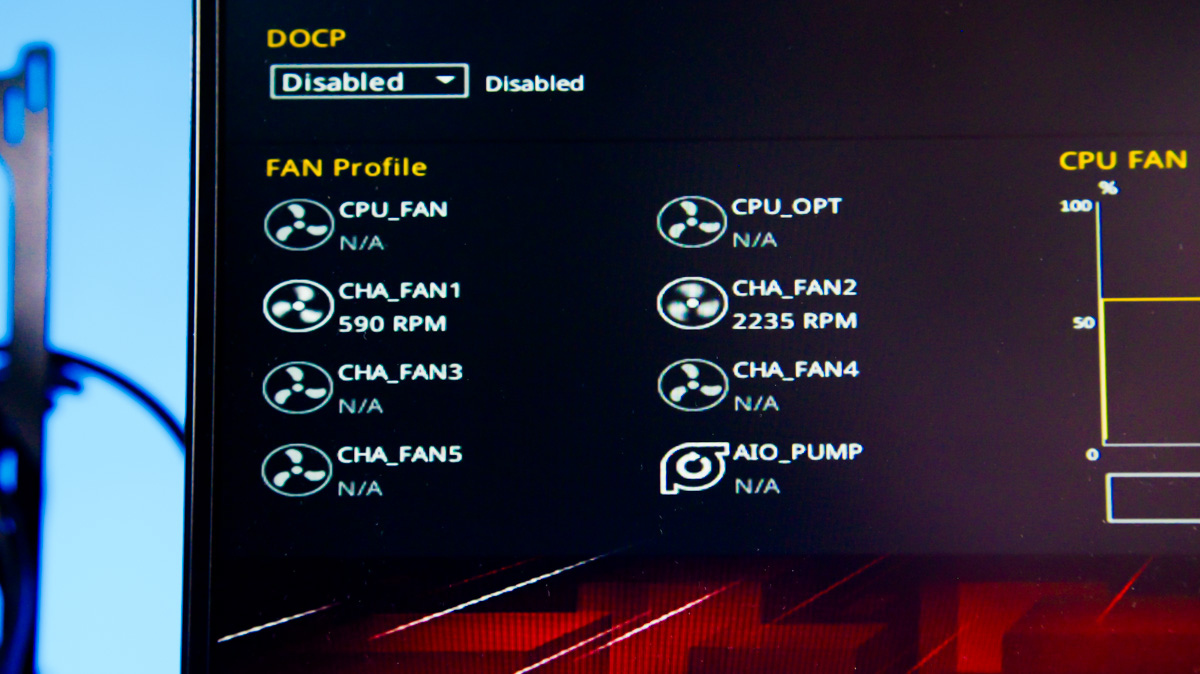
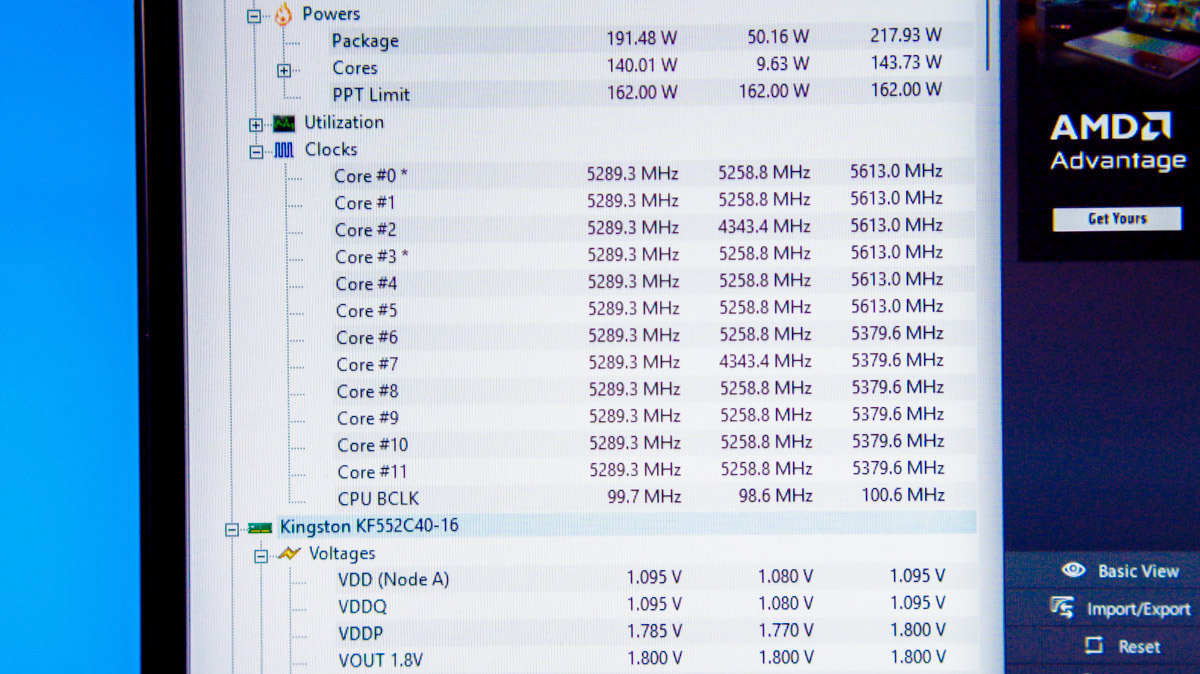
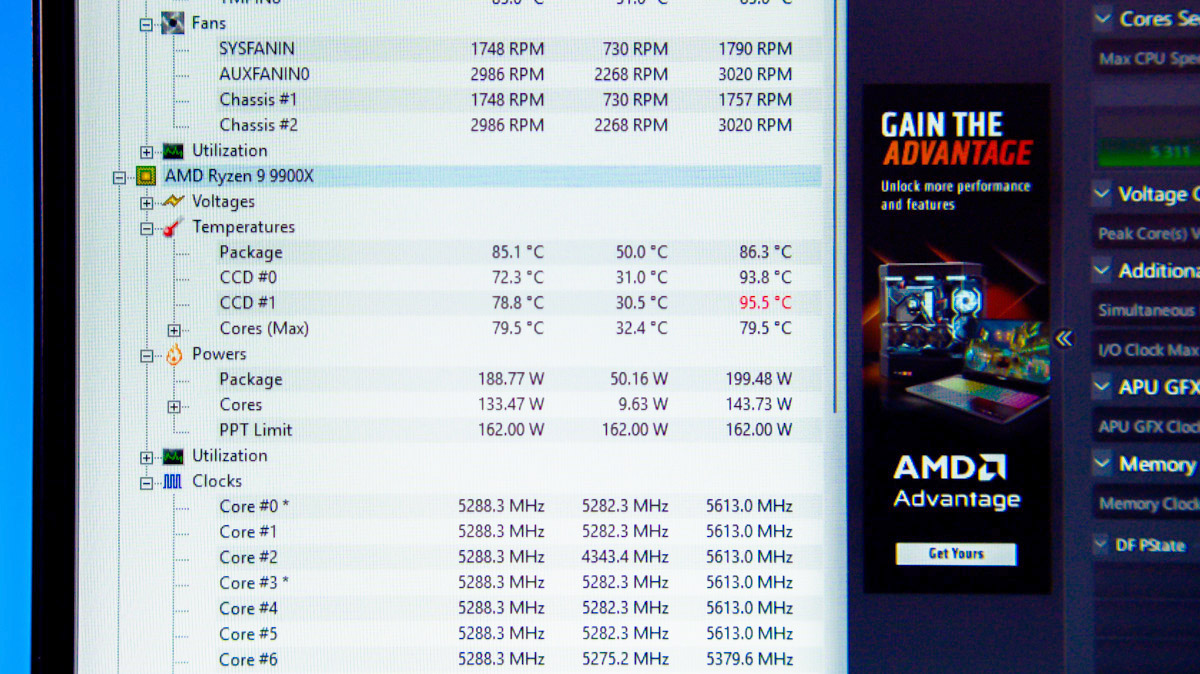
As expected, the ID-Cooling Space LCD SL360 XE was able to dissipate 200 W of heat from the CPU without issue, maintaining package temperatures around 85 °C and individual CCD temperatures up to 95 °C. The fans ran just under 1800 RPM, as specified, while the pump operated at 2900 RPM. Noise levels were noticeable but not excessive.
Conclusions
While I anticipated that Chinese AIO liquid coolers would eventually become both effective and reliable, I did not expect to see this level of performance so soon. The ID-Cooling Space LCD SL360 XE offers a clean design, efficient heat dissipation, and sufficient configurability, making it a reasonable choice for a gaming PC build.
Read also:
- be quiet! Pure Loop 3 360 Liquid Cooler Review: Efficient and Quiet
- ID-Cooling FX280 Pro SE Review: Efficient Liquid Cooling System
- Corsair Nautilus 360 RS Review: Well-Built Liquid Cooling System
Where to buy ID-Cooling Space LCD SL360 XE


