




© ROOT-NATION.com - Use of content is permitted with a backlink.
Let’s be honest: the notch on the MacBook display is a compromise. We tolerate it because we want thinner bezels and better webcams, but nobody likes it. It’s a dead space, a black hole that our cursors get lost in. For years, developers have tried to “fix” it with apps that hide it or turn it into a black bar. But what if, instead of hiding the notch, you made it the star of the show?
That’s the audacious premise of DynamicLake Pro, a Mac utility that feels so clever and so obvious you’ll wonder why Apple didn’t build it themselves. It promises to do for the MacBook what the Dynamic Island did for the iPhone 14 Pro: turn a hardware cutout into a fluid, context-aware interface. After spending a week with it on my MacBook Pro, I’m convinced it’s one of the best ways to spend $16.90 on your Mac today.
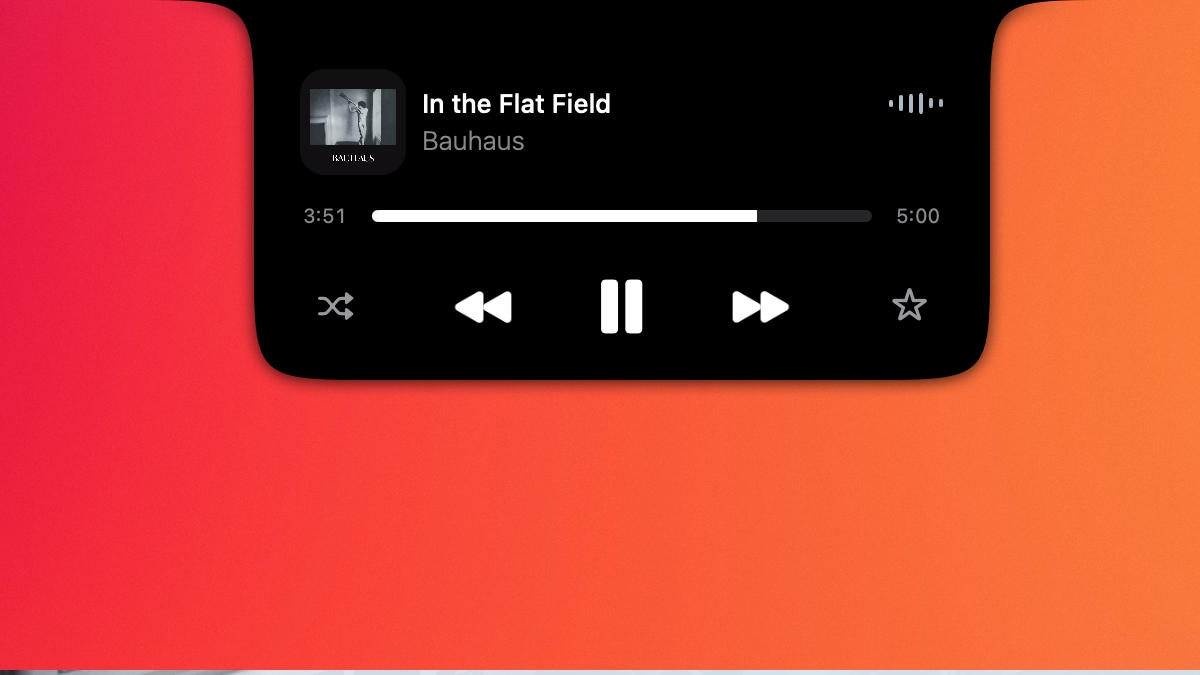
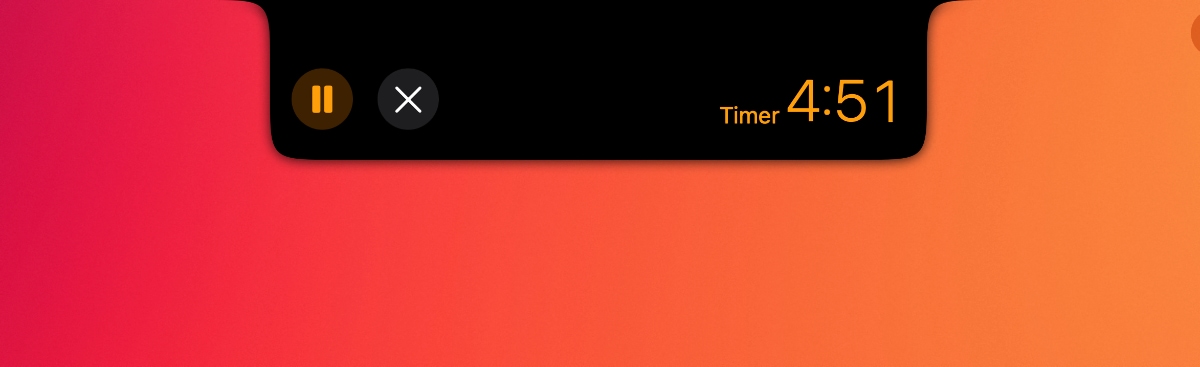
At its core, DynamicLake Pro is a supercharged notification and widget system that lives exclusively around the notch. When you start a timer, a tiny countdown elegantly wraps around the left side of the camera. Start a file transfer, and a slick progress bar grows along the top. Play a song on Apple Music, and a miniature player with album art and playback controls fades in on the right.
It’s all seamless. The animations are buttery smooth, the design is pixel-perfect, and it respects macOS’s aesthetic in a way few third-party apps do. You can interact with these little widgets, too. Hovering over the Apple Music player expands it to show track scrubbing; clicking the file transfer icon reveals the destination folder. It’s all the glanceable information of a widget, without ever leaving the app you’re in.
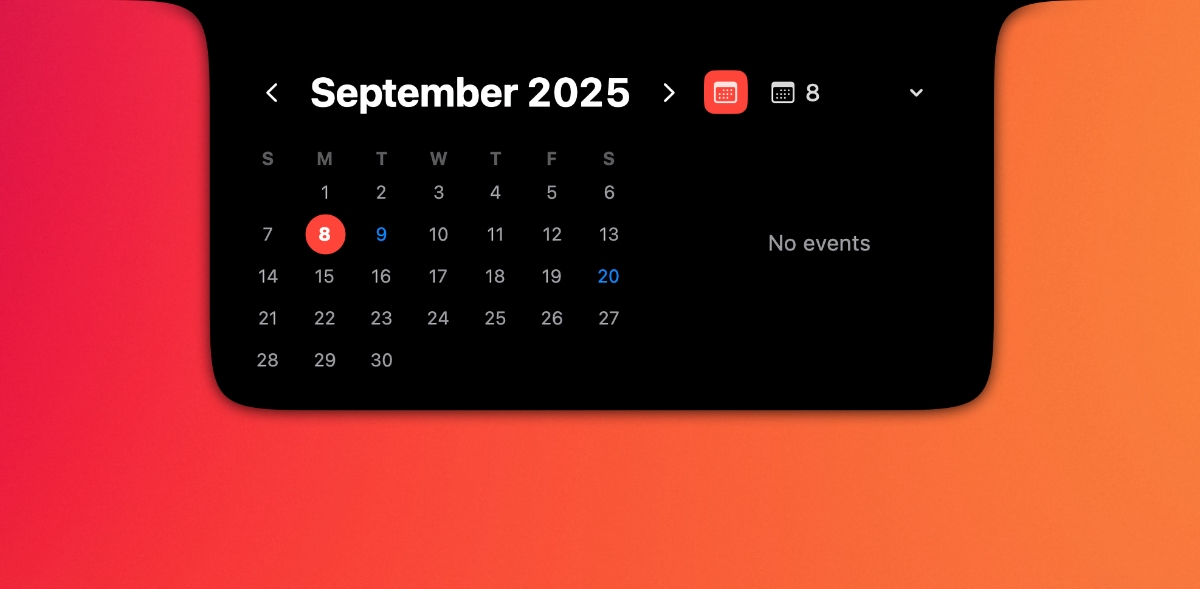
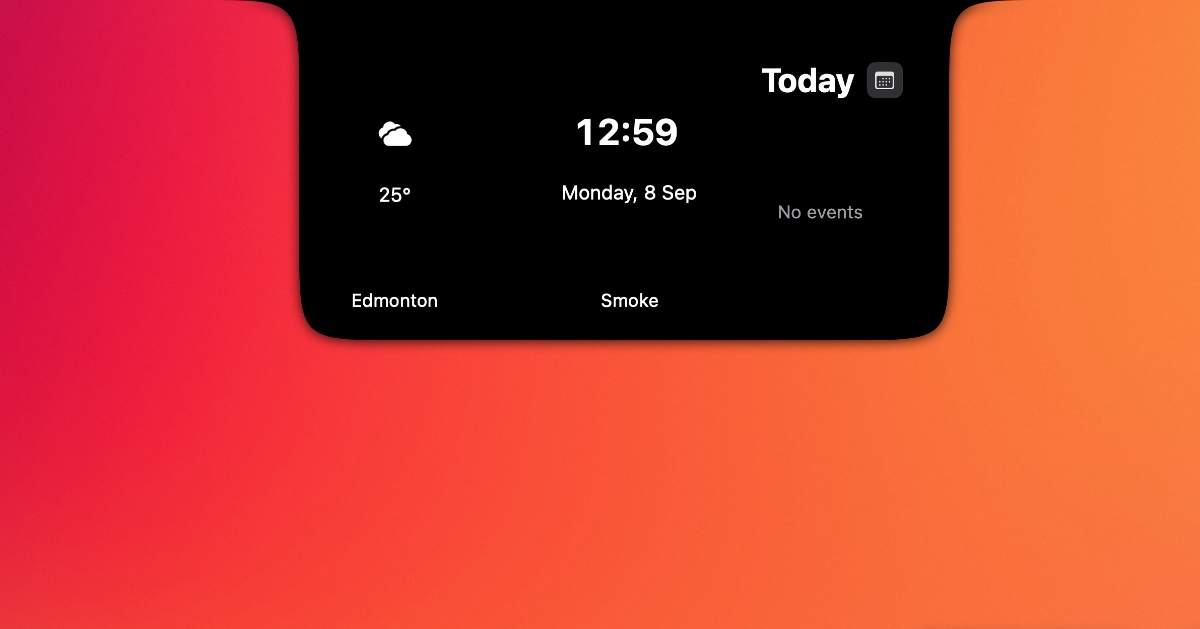
Where it earns its “Pro” name is in its deep customization and integrations. You can assign specific slots around the notch to different app functions, decide which notifications are important enough to appear there, and which should be relegated to the regular old notification center.
Read also: Migaku review – Yet Another App That Promises to Revolutionize Language Learning
This is the good stuff. It’s the kind of utility that, once you’ve used it, feels indispensable. But DynamicLake Pro is not perfect, and its biggest strength is also its biggest weakness: the notch.
There are moments when the area around the notch just gets busy. With a calendar alert, an ongoing timer, and music playing, the top of my screen started to feel like a digital Formula 1 car, plastered with tiny, competing logos. In full-screen apps, the widgets can sometimes feel more distracting than helpful, drawing your eye away from the content you’re trying to focus on. While you can create rules to disable it in certain apps, the default behavior can be a bit much.
There’s also the question of app support. So far, there are few reasons to worry: the app has been getting regular updates for a while now.
Read also: Wunderbar app review: Learning languages, whether you feel like it or not
Verdict
Fundamentally, it is a brilliant idea executed beautifully. DynamicLake Pro doesn’t just make you forget the notch is there. It makes you glad it’s there. It takes a divisive design choice and imbues it with purpose and personality. It’s a powerful, customizable tool that feels less like a utility and more like a native extension of macOS. If you like that sort of thing.

