





© ROOT-NATION.com - Use of content is permitted with a backlink.
For years, I’ve been stuck in a love-hate relationship with the macOS Finder. It’s familiar, it’s simple, and it’s… fine. But for anyone whose work involves moving more than a handful of files a day, “fine” starts to feel like a productivity tax. The Finder has remained largely unchanged since the dawn of Mac OS X, and its limitations can be maddening for demanding users. I’ve tried the usual suspects but they always felt like band-aids on a fundamentally old model, never the full-scale replacement I craved.
Then I found Bloom. It’s a relatively new app that makes a bold claim: to be a “refined Finder experience, reimagined for productivity”. Skeptical but hopeful, I gave it a try. I can now say it’s not just an improvement; it’s a complete re-imagining of what file management on a Mac should be, injecting a level of power that I can no longer live without.

TABLE OF CONTENTS:
My Workflow, Revolutionized
The feature that immediately sold me was the multi-pane layout. Unlike the Finder, which forces you into opening a clumsy collection of separate windows, Bloom lets you create a single command center with two, three, or even four panes in one window. This is elevated by Workspaces, a feature that lets you save these custom layouts for different projects.
Beyond fixing my biggest layout frustrations, Bloom is packed with an arsenal of thoughtful features that have eliminated entire steps from my daily tasks. First among these is a search function that is a revelation. It doesn’t rely on Spotlight’s sometimes-unreliable index; it searches the actual files on your disk and does so with blazing speed. When I needed a specific configuration snippet buried on my NAS, Bloom found it in seconds. The in-panel search is just as powerful for quickly filtering a folder with hundreds of assets.
Read also: Comet AI Browser by Perplexity review: Is It Time to Switch?
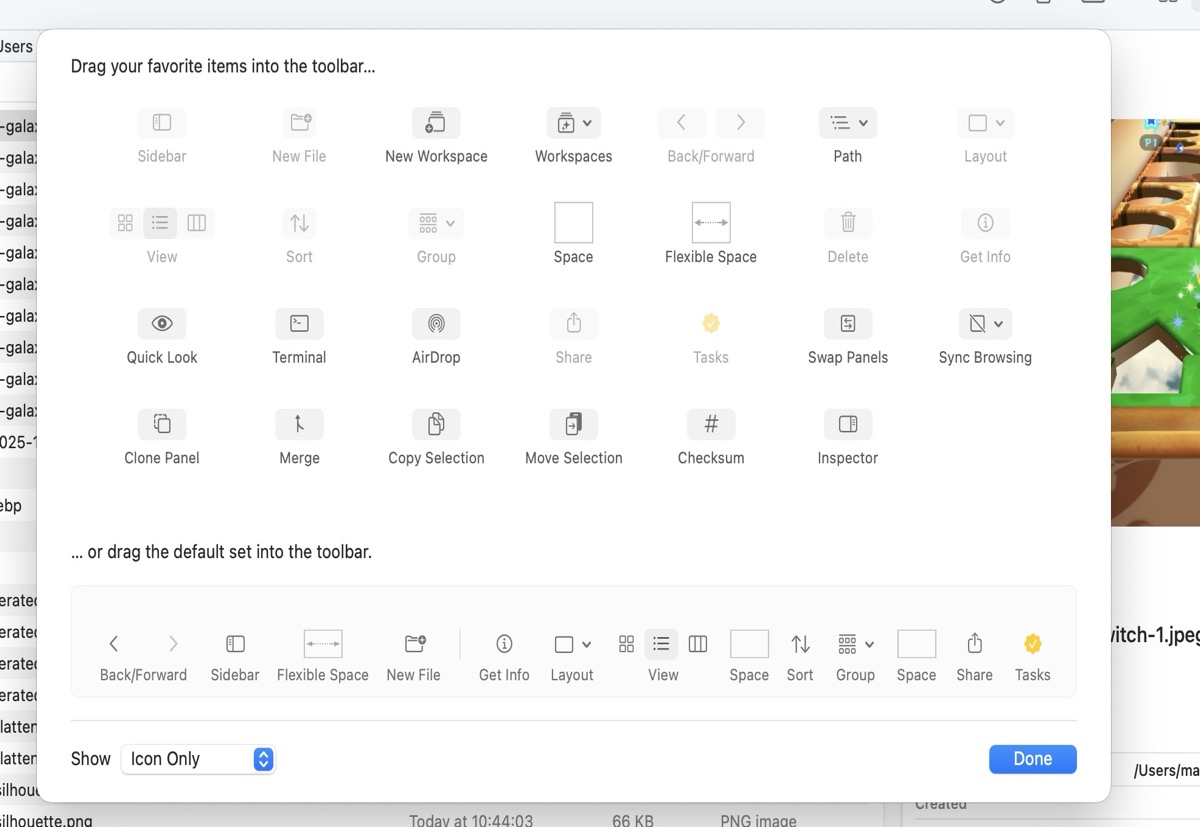
Another feature, Portal, is interesting Portal is a compact, floating Bloom window that you can pin to stay on top of everything else. When I’m gathering images for an article, I pop open a Portal and just drag assets into it from various folders. It becomes a temporary staging area before I batch process them, keeping my main window clean.
As a true file organizer, Bloom’s Advanced Batch Rename tool is a dream. It supports multi-step workflows and full regex, allowing for complex renaming tasks that would otherwise be a manual nightmare. I can take a batch of photos from my camera and instantly rename them all to a clean, SEO-friendly format
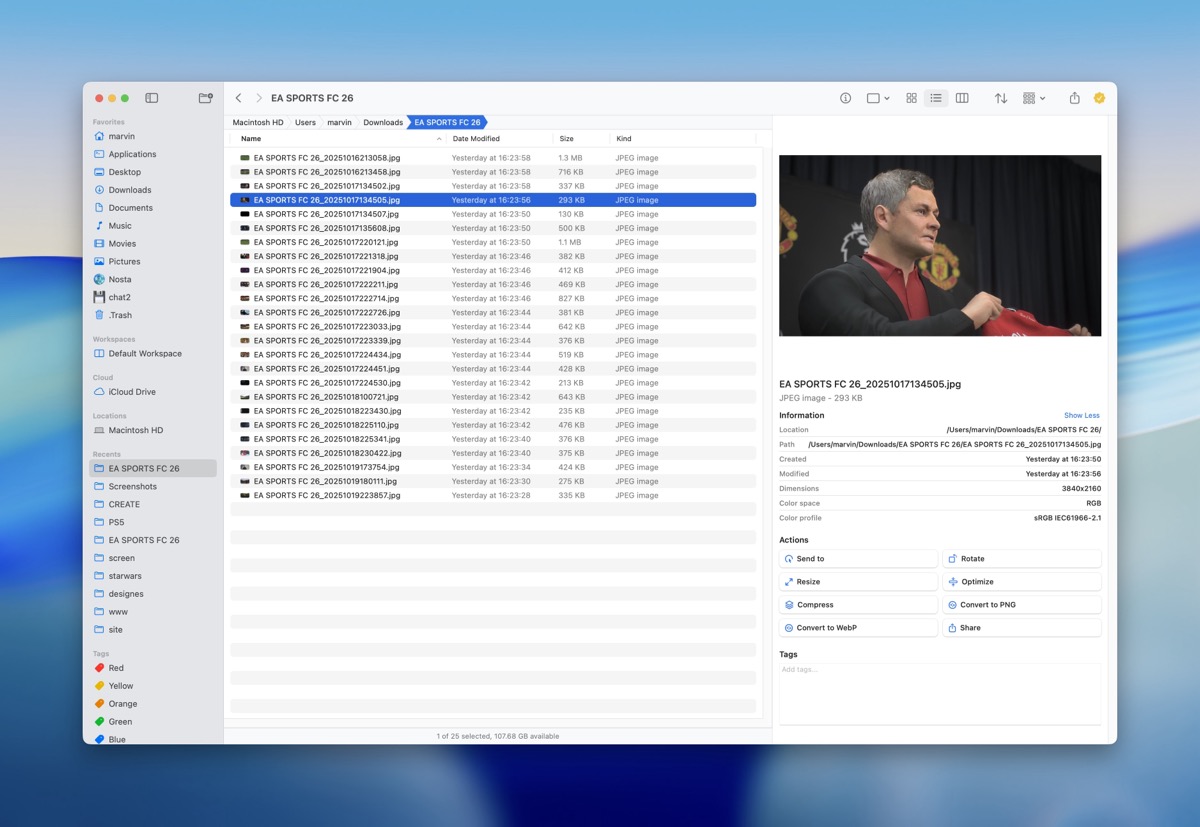
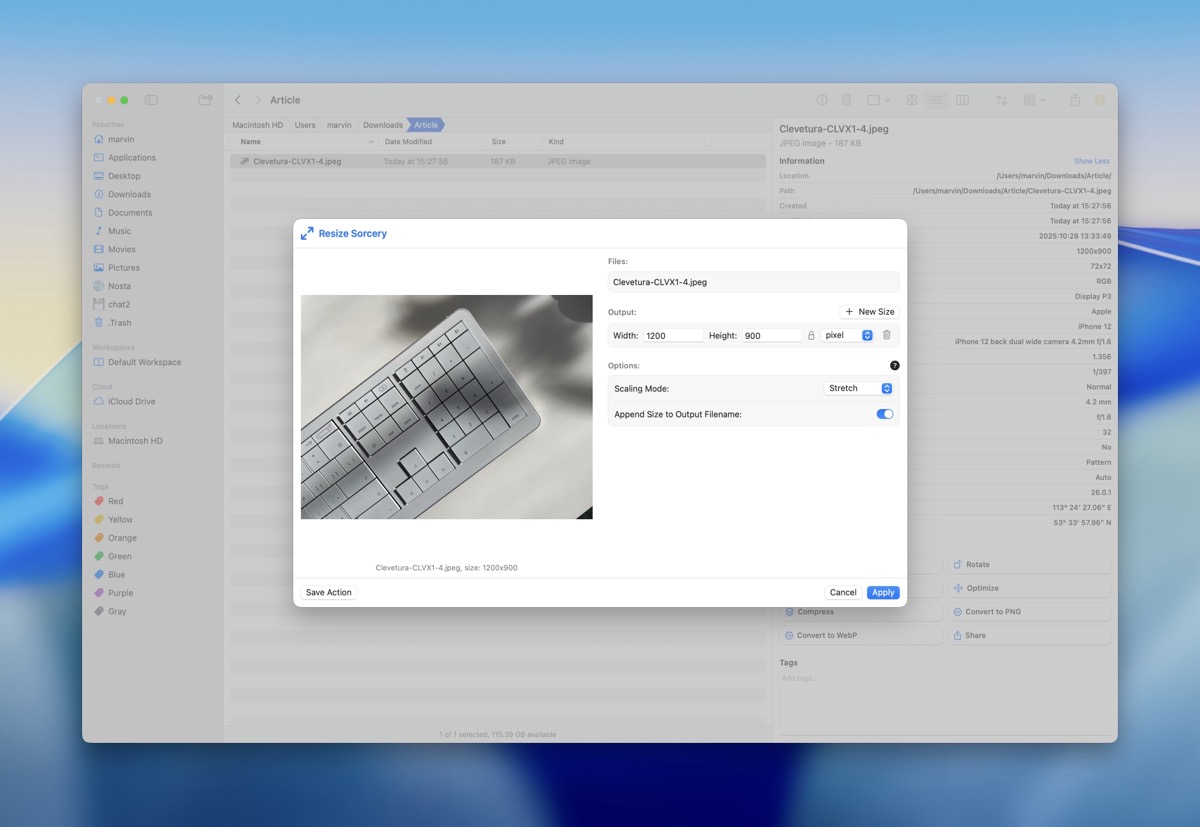
The app’s utility for web work is further enhanced by its built-in file conversion. I frequently convert images to WebP format to save space, and with Bloom, I just select a group of PNGs or JPEGs, right-click, and convert them instantly without ever opening a separate app. Finally, its archive browsing capability saves immense time and frustration. If you’ve ever had to check a single log file inside a multi-gigabyte .zip backup, you know the pain of having to extract the entire thing first. With Bloom, you just select the archive, and its file structure appears in the inspector, ready to be browsed and even previewed with Quick Look.
Read also: DynamicLake Pro review: giving the MacBook notch a reason to exist
The Thoughtful Details
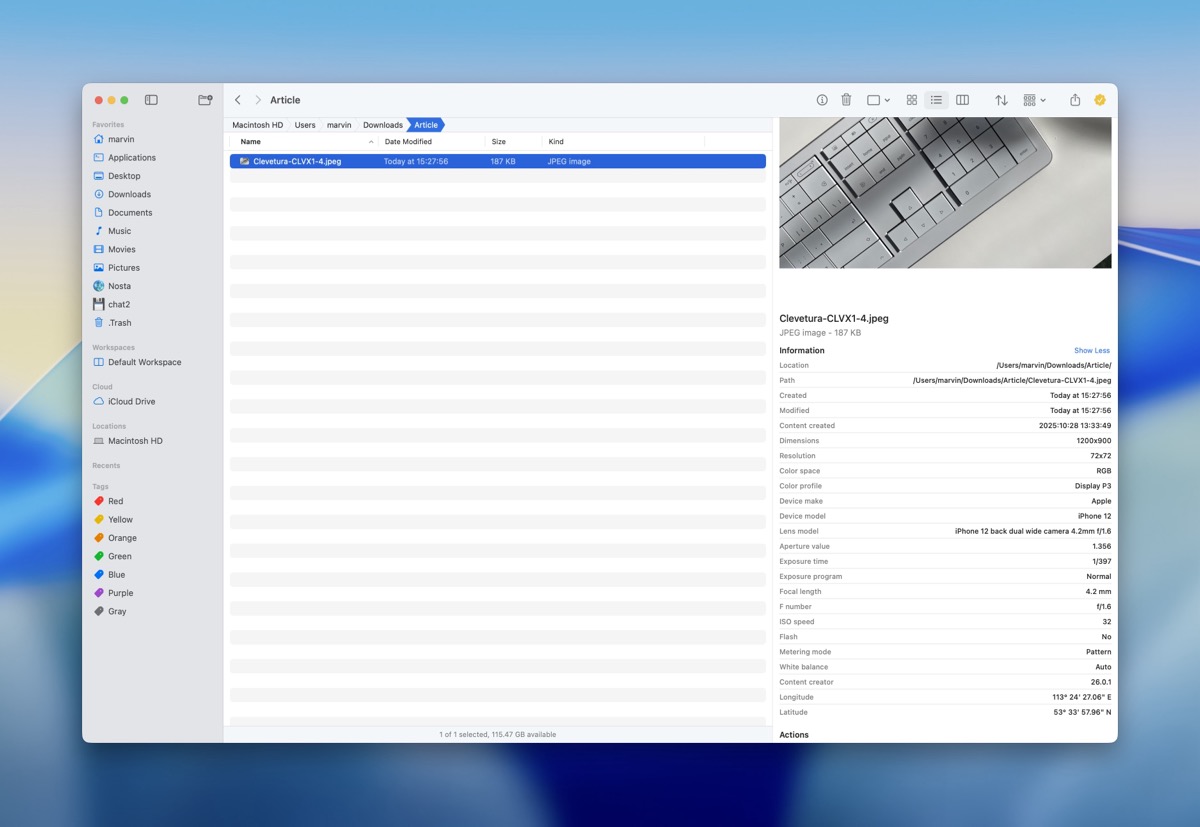
What truly sets Bloom apart are the small, intelligent details that show a deep understanding of user frustration. The constant, annoying manual column resizing in Finder is gone, thanks to intelligent column resizing that automatically fits the longest filename. Then there’s Footprints, a revolutionary safety net that records every file operation, allowing you to undo or revert any change, from a single deletion to a massive batch rename. It completely eliminates the anxiety of making an irreversible mistake.
For all this power, the app remains blazingly fast and light on memory. It’s a one-time purchase of $16 for use on up to three Macs, a fair price for a tool this transformative, and there’s a 7-day trial to see if it’s right for you.
Of course, no app is perfect. I find myself agreeing with other users who wish for better local network discovery in the sidebar and the ability to assign a specific color to a saved Workspace. But the worst part is the name. Good luck finding the app even when you know the name; there are like 5 other apps that sound similar.
Verdict
Bloom has successfully replaced a bunch of other software for me and fundamentally improved my relationship with my Mac’s file system. It’s more than a Finder alternative; it’s a meticulously crafted power tool that delivers on its promise of refined productivity. Apple should take notes.

