





© ROOT-NATION.com - Use of content is permitted with a backlink.

Making progress in Pokémon GO is getting harder day by day. Catching rare Pokémon seems quite challenging. Smart players keep asking about the best Pokémon GO spoofers for Android phones. In this article, we will review three of the best Pokémon GO spoofers, including our exclusive recommendation.
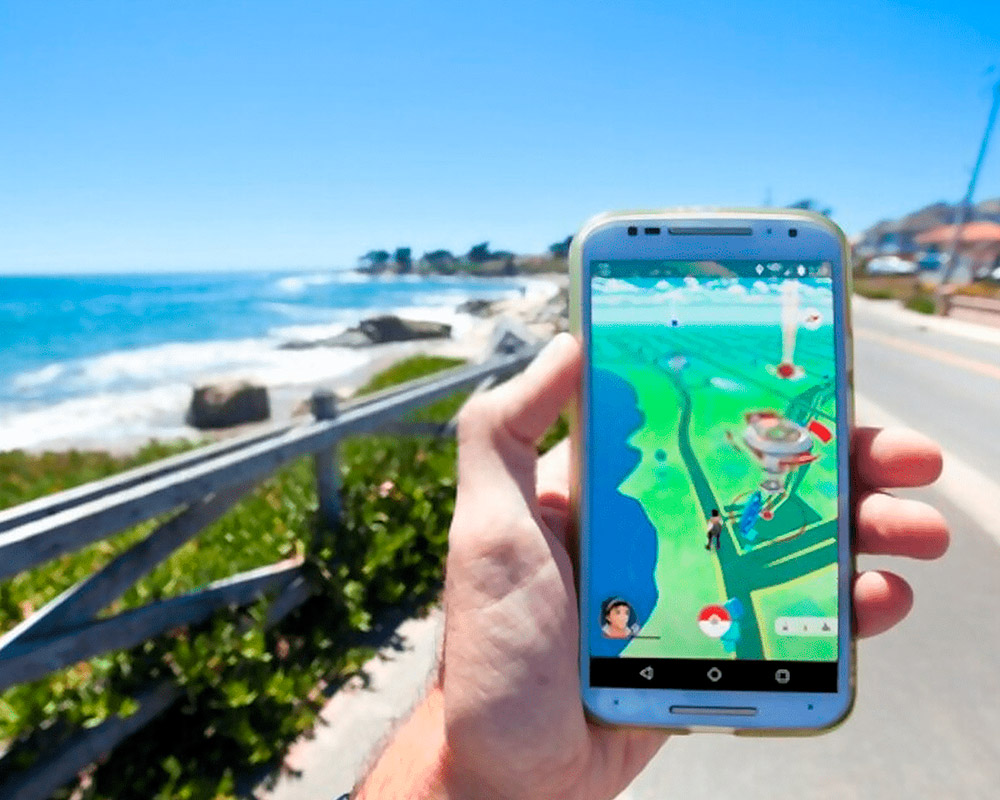
TABLE OF CONTENTS:
Important Tips Before You Spoof Pokémon GO on Android
Game developers keep adding security features to prevent the use of spoofing apps. Even with the safest Pokémon GO spoofer for Android, we highly recommend following safe spoofing practices. A little attention to the safe use of the spoofer can save you from potential bans or restrictions.
Risk of Ban: Spoofing locations too often and too fast can trigger a soft or permanent ban. Our recommended spoofer reduces the risk, yet you should be careful.
Choose a Reliable Spoofing App: Don’t try random spoofing apps for your Pokémon GO account. The system can easily detect these apps, resulting in a permanent ban. Only use our recommended apps.
Spoof Responsibly: Certain actions must be avoided even with spoofing apps, including sudden and frequent location changes or ignoring cooldown timers.
Stay Informed: If there are new security updates, make sure to follow the new instructions. Always use a second account with spoofing apps, not your primary Pokémon GO account.
3 Best Pokémon GO Spoofing Tools for Android
These top three Pokémon GO spoofing tools have some unique and useful features, making them better and more efficient than the rest. If you are new to Pokémon GO spoofing for Android, let’s start with the best option for you.
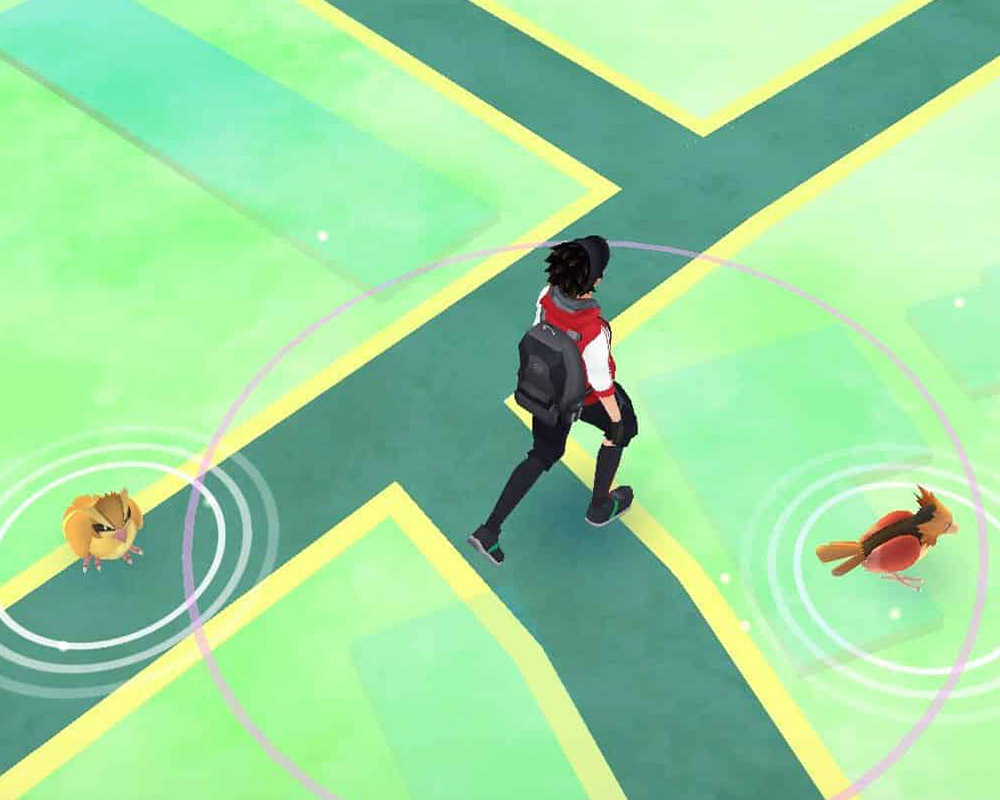
1st Pokémon GO spoofer: PoGoskill for Android
PoGoskill is one of the most popular fake GPS spoofing tools. It is not just an Android app – PoGoskill offers a complete range of solutions for Windows, Mac, iOS, and Android devices.
It means you always have access to the best spoofing apps for all of your devices. In this article, we will explore the use of PoGoskill for Android.
How to Spoof Pokémon GO on Android Without Root or a Computer [Step-by-Step Guide]
What’s the best thing about PoGoskill for Android? It is a standalone application for Android. What does it mean? For Android users, they don’t need any computer or additional hardware to install and use PoGoskill for Android. Simply follow these steps to install and use PoGoskill to change your location on Android.
Step 1: Install PoGoskill for Android
Installing PoGoskill for Android is easy. This app is available for download on the official Play Store for Android users.
- Go to the Play Store and search for “PoGoskill.”
- Install the app and allow permissions.
- Follow the on-screen instructions and set PoGoskill as the “Mock Location App.”
- Your PoGoskill for Android application is installed and ready for use.
Step 2: How to Change Location
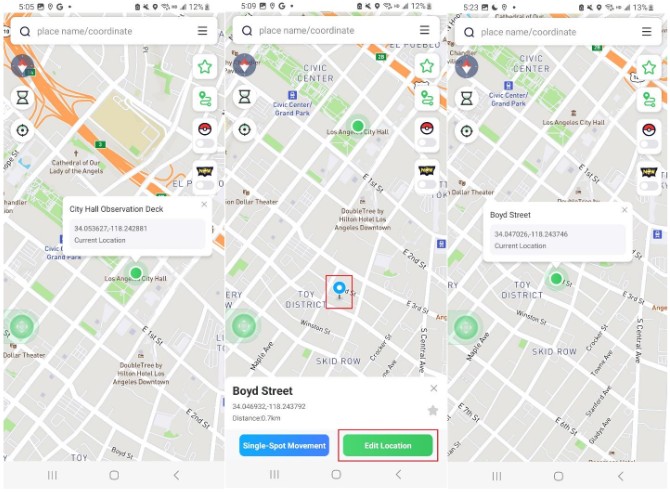
Once the PoGoskill Android spoofer is installed, open it, and you will see a map with different controls on the sides.
- Select a pin location on the map or use the address bar to search for your destination.
- Once the pin is on the destination, tap the “Edit Location” button at the bottom.
- Your current location will be changed instantly to the new location.
Pros and Cons of PoGoskill
Pros:
- Accurate and precise movement of the avatar in the game
- New Bluetooth mode to enjoy official games on iPhone
- Simulate real routes in Pokémon GO
- No need to reset or root your device with PoGoskill
- Works smoothly without any computer required; standalone app
Cons:
- The trial version is valid for a limited time and features only
- Unrestricted gameplay might get you addicted, so track your screen time wisely
2nd Pokémon GO spoofer for iOS and Android: iPoGo
Some users don’t value the integrity or privacy of their devices and want to try any random tool. iPoGo mainly works best on jailbroken iPhone devices, but it can technically be installed on non-jailbroken iPhones through sideloading or third-party signing tools. However, this method is unstable and requires frequent reinstallation due to certificate expiration. For Android users, iPoGo has nothing to offer.
If you are a new user, it is a blind buy because iPoGo does not offer a trial version. Installation is also complicated, so if you are not a tech-savvy user, installing and using iPoGo might be a challenge.
Pros:
- Supports up to 5 iOS devices
- One of the oldest spoofing apps on the market
Cons:
- Works best on jailbroken devices; sideloading on non-jailbroken devices is unstable
- The installation process is complicated and may require third-party signing tools
- Expensive with no free trial
- Not available for Android users
3rd Pokémon GO spoofer for Android: PGSharp
PGSharp offers a free version with basic features and a premium option for more advanced tools. It supports both rooted and non-rooted Android devices and is distributed primarily through its official website as an APK file, rather than via the Google Play Store. Many users consider PGSharp suitable for casual spoofing needs, although some report occasional bugs or compatibility issues depending on device and system version.
Like any third-party spoofing app, PGSharp does carry a risk of warnings or bans if used improperly. The actual risk level depends largely on how carefully players follow cooldown rules, avoid unnatural movement, and stay updated with the latest version.
Pros:
- Supports both rooted and non-rooted Android devices
- Free version available with basic functionality
- Includes essential spoofing features (e.g., teleport, joystick, routes)
Cons:
- Not available on official app stores; requires manual APK installation
- Risk of account warnings or bans exists if used unsafely
- Occasional glitches or compatibility issues reported by users
Comparison of Pokémon GO Spoofers for Android
| Feature | iPoGo | PGSharp | PoGoskill |
| Root Required | Best with Jailbreak | No | No |
| Installation Method | Complex, 3rd party download | APK download from official site | Official Play Store Download |
| Installation Difficulty | High | Moderate | Easy to install |
| Ban Risk | High risk | Medium risk if misused | Low risk with careful spoofing |
| Beginner-Friendly | No | Moderate | Easy to use |
| Teleport / Joystick / Auto-Walk | Limited features | Teleport & joystick (limited) | All features are available |
| Free Version Available | No | Yes | Limited trial version |
| Premium Required for Full Features | Yes | Yes | Yes |
| Cooldown Timer Reminder | Yes | No | Yes |
| Compatible with the Latest Game Version | No | No (updates may lag) | Yes |
Final Words
When choosing the best Pokémon GO spoofer for Android, make sure your game account is protected and the application works without a computer.
PoGoskill is not only an Android app but a complete package for all your devices. Even for the latest Android version, PoGoskill for Android works smoothly. Try PoGoskill now, start spoofing in Pokémon GO, and enjoy enhanced gameplay.


writer obviously doesnt know their stuff, incorrect information