




© ROOT-NATION.com - Use of content is permitted with a backlink.
Today, let’s talk about how to keep your data secure online – even if your guard slips. In the digital age, cybersecurity is no longer a luxury but a necessity in our everyday lives.
Scammers don’t wait for you to be alert – they rely on the moments when you’re not. One rushed login, an open “work” email on public transport, or casually scrolling through social media in a tram – any of these small lapses can be enough to make you a target.
That’s why simply knowing about online threats isn’t enough. Yes, understanding the basics of cybersecurity is important – but having ongoing, passive protection is even more critical. You need digital tools that work quietly in the background, without requiring constant input. Think of them like an automatic braking system in a car – reacting to danger before you even notice it’s there.
In a world where a single careless click can lead to lost data, damaged reputation, or financial loss, it’s crucial to have protection that stays with you – day and night, online and offline. And that’s exactly the kind of solutions we’re going to explore next.
Read also: When AI Nudges Toward Death: The Illusion of a Safe ChatGPT
TABLE OF CONTENTS:
Why we are increasingly becoming victims of cyber fraud
Online threats are becoming more numerous – and more sophisticated. Today’s cybercriminals don’t just rely on tricks; they use full-scale toolkits: phishing attacks, fake invoices, malware that locks your files, and even deepfake technology capable of producing convincing fake video and audio. As more people go online, the digital space isn’t just growing – it’s becoming increasingly vulnerable. The number of fraud attempts climbs every single day.
And the biggest ally of cybercriminals? Human error. Haste, fatigue, stress, and multitasking create the perfect conditions for mistakes. One careless action – like clicking a suspicious link or entering login credentials on a fake website that looks nearly identical to the real one – can be all it takes to lose control of your data in an instant.
Add to this the constant flood of information we face every day – messages, notifications, emails, banners, ads – and it becomes clear that our brains simply can’t filter every incoming signal. In this overwhelming stream, it’s easy to mistake fake for real, or confuse what’s important with what’s dangerous. Even a strong password – whether for your email or banking app – is no longer enough to ensure security. It’s simply not sufficient.
Today, real protection requires a system-wide approach. Not just personal caution, but automated tools that don’t get tired, don’t rush, and don’t get distracted. Cyberattacks don’t keep office hours – they can strike at any time.
Read also: How to Disable Location Tracking in Windows 11 – and Why You Might Want To
What are the most common threats on the Internet and why it is important to know about them
Cybercriminals are constantly refining their methods, coming up with new ways to steal personal data, extort money, and infiltrate the digital lives of everyday users. Their weapons aren’t just technical skills – they also rely on psychological tricks that prey on emotion, urgency, and trust.
That’s why the first step toward protecting yourself is awareness. Understanding how the most common types of attacks work gives you a much better chance of spotting them early. Even basic cybersecurity knowledge significantly lowers the risk of falling into a trap. It’s a bit like recognizing danger on the road – it doesn’t guarantee safety, but it gives you a chance to steer clear of a collision.
So what should you be aware of first? What are the most common online threats lurking in our inboxes, messaging apps, banking platforms, and even social media – day in and day out?
Let’s break it down – no fearmongering, just a clear look at what really matters.
Phishing is the most insidious weapon of online fraudsters
Phishing remains one of the most widespread and dangerous forms of cyberthreats. It’s not just spam – it’s a targeted psychological attack. Criminals disguise themselves as trusted sources: banks, delivery services, government agencies, or even your own employer.
They send emails, SMS messages, or social media DMs that look official and convincing. The goal is always the same: to trick you into clicking a malicious link or handing over sensitive information.
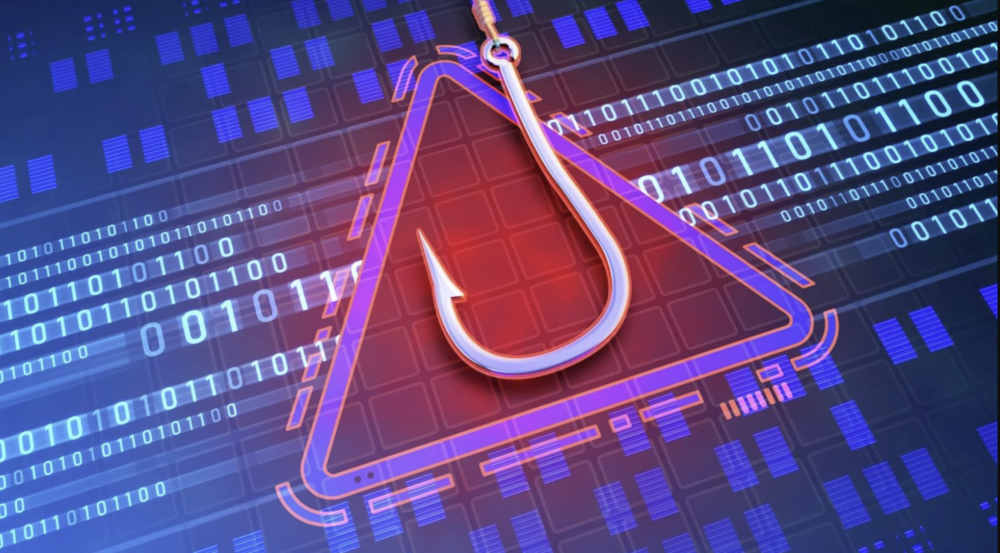
A favorite tactic is to create a sense of urgency, pressure, or fear. Common phrases sound alarming: “Your account has been locked,” “Final warning,” “Pay the delivery fee immediately.” In moments of stress, we often don’t think clearly – and that’s exactly what scammers rely on.
Once you click, you’re redirected to a fake website that looks almost identical to the real one. Every word you type, every code or password you enter, goes straight to the attackers. Bank details, credit card information, email logins – everything can be compromised within seconds.
Vigilance is your best friend. Always pay attention to the details:
- Strange or overly generic addresses (‘Dear User’)
- grammatical or stylistic errors
- Suspicious sender’s address (even if the name looks familiar)
- unexpected calls for immediate action.
These are all red flags. If something feels off, it’s always better to double-check ten times than to regret it once.
Malware – malicious software that operates without your knowledge
Malware is an invisible enemy lurking on your device. Under this broad term – short for malicious software – lies a whole arsenal of digital weapons cybercriminals use to infiltrate your life. This can include viruses that damage your system, trojans that open remote access to your files, spyware that secretly monitors your activity, or ransomware that locks everything down and demands payment to unlock it.
There are many entry points for such attacks. Most commonly, they come from fake email attachments, infected programs downloaded from questionable websites, “free” utilities, pirated software, or just suspicious links. Everything seems harmless – until it’s too late.
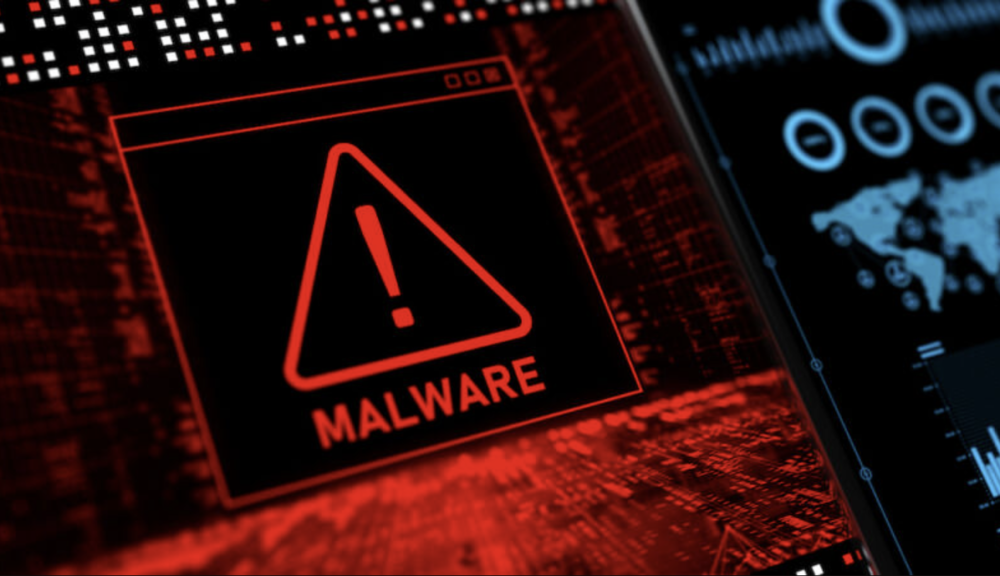
Once a device is infected, a silent phase begins. The attacker can gain full control: stealing logins and passwords, reading payment card data, monitoring your activity history, or even activating your microphone or camera without your knowledge. You might continue using your computer or phone, completely unaware that someone is watching.
So, what should you do? Don’t ignore warning signs. Be cautious with files from unknown sources, avoid clicking suspicious links, and keep your software regularly updated. Most importantly, use modern security tools that detect threats before they cause damage. In the digital world, attacks don’t happen over minutes – they happen in seconds.
Ransomware – data blocking and ransomware
Among all types of malware, ransomware is one of the most dangerous and ruthless. It doesn’t just cause damage – it exploits our vulnerability. Once infected, ransomware quickly encrypts all your important files: documents, photos, databases, work projects. Then it demands a ransom, often in cryptocurrency, sometimes with a ticking countdown timer.
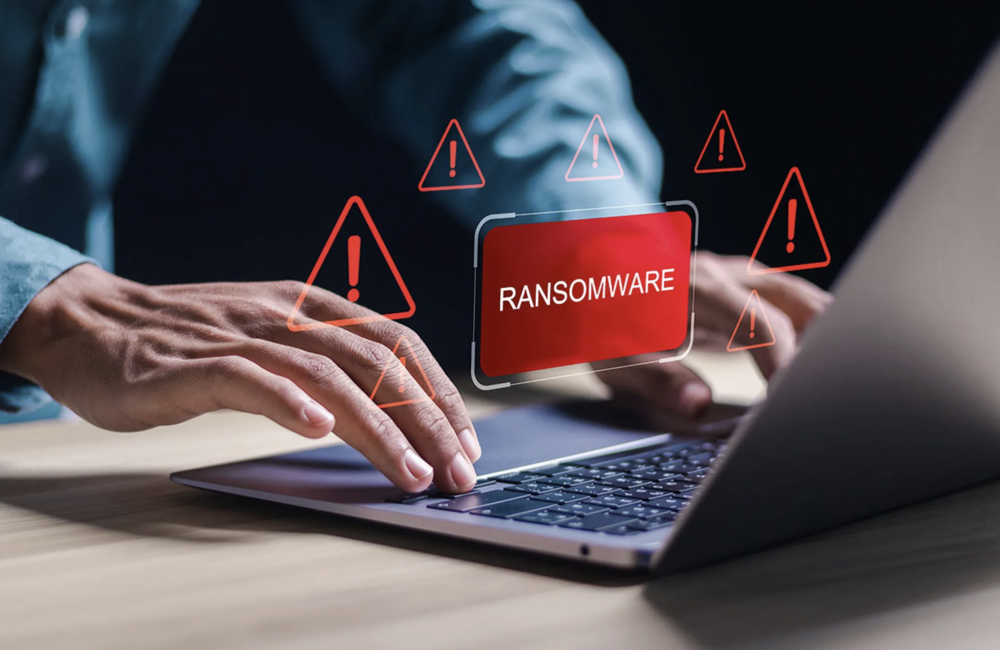
This is no longer just an attack – it’s digital extortion. The worst part is that paying the ransom offers no guarantee your data will be restored. You could lose everything – permanently. Every year, thousands of companies and users worldwide fall victim to ransomware, suffering losses that go beyond money to include precious memories, customer databases, and critical information.
What really works against ransomware? Passive hope isn’t enough. You need a clear digital immune system:
- Modern antivirus software that can detect and block these threats before they even start;
- Regular system and software updates – because outdated vulnerabilities are like wide-open doors for ransomware;
- Backups – not just “somewhere in the cloud,” but stored separately on isolated devices that aren’t constantly connected to your system.
Remember: the most reliable way to recover your files isn’t negotiating with extortionists, but having your own backup that they cannot access. In a world where data is the new gold, backups are your digital insurance.
Read also:
- Protecting Your Smart Home: The Role of Breach and Attack Simulation in Consumer Cybersecurity
- Antivirus Software Built into Routers: Which One Is the Best?
Fraud in a fake shop or online auction
Another common and dangerous scam involves fake online stores or counterfeit auction sites that look indistinguishable from legitimate ones. Their main weapon is a sense of “legitimacy”: professional design, fake logos, social media pages, and sometimes even paid ads that appear directly in your feed. They offer branded products at unbelievably low prices, promise fast shipping, big sales, or “last chance” deals.
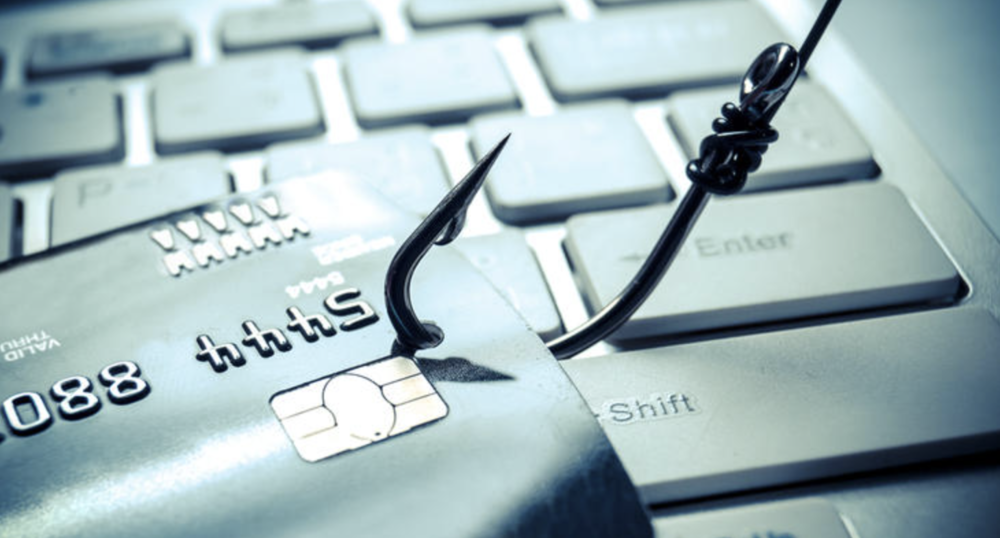
This is where psychology comes into play. People see a familiar logo and a “special offer,” then act on impulse – clicking, entering their information, making a payment. After that, silence. No product, no money, and often no trace to track down the scammers.
These schemes thrive on social media and messaging apps, where trust in ads tends to be higher and scrutiny lower. Criminals create the illusion of a legitimate store, and that alone is enough to deceive many users.
How can you protect yourself from these scams? The key rule is healthy skepticism. If a price seems “too good to be true,” that’s a clear reason to pause. Always:
Check the domain name carefully – scammers often use addresses that look similar to real ones but contain small mistakes.
- Read genuine reviews on independent platforms.
Verify that the seller has clear return policies and contact information that actually works.
And remember: scammers don’t look like scammers anymore. They play the game professionally – but you can stay one step ahead by being cautious.
Fraud with dipsticks
Deepfakes aren’t just simple edits – they are a high-tech form of digital manipulation using artificial intelligence and machine learning to create incredibly realistic video and audio recordings. At first glance, they look completely genuine: a familiar face speaking in a familiar voice – confidently and without glitches. The problem is, those words were never actually spoken, and the events never really happened.
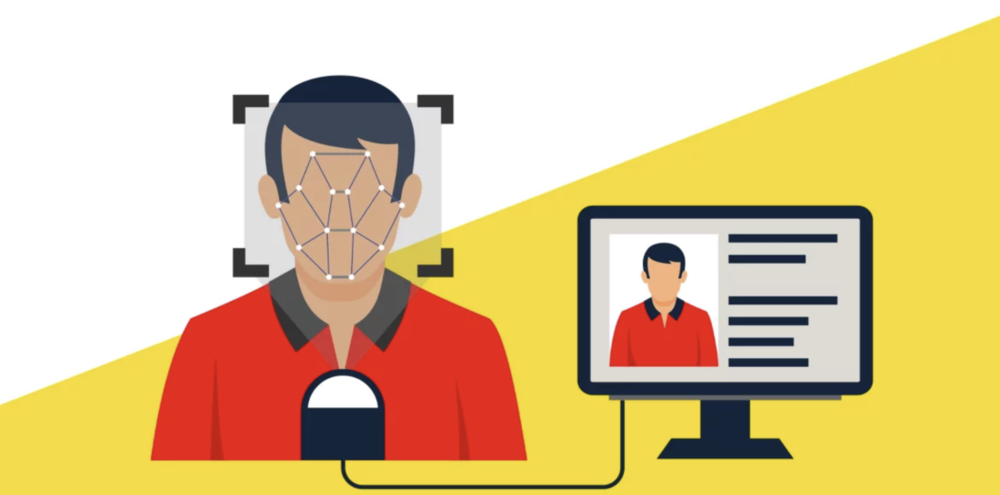
These fakes can appear as messages from politicians, company executives, your boss, or even a family member. It’s this very realism that makes the technology particularly dangerous.
Cybercriminals are already actively using dipsticks to:
- spreading disinformation
- extortion of money (for example, creating ‘intimate compromising material’)
- manipulating financial markets
- attacking the reputation of individuals or entire companies.
In a world where you can no longer fully trust your eyes and ears, trust itself becomes the most valuable – and vulnerable – currency.
So, be cautious with any sensational content, especially those that trigger strong emotions like fear, anger, or excitement. Even if the video shows a familiar face, that’s no guarantee it’s real. Use verification tools – such as reverse video search and content authentication services – and most importantly, avoid sharing questionable material until you’re certain of its authenticity.
In the digital age, reality itself is at risk of being forged. Critical thinking has become our most important line of defense.
Impersonating friends and fake messages on social media
One of the most common yet subtle tactics used by cybercriminals is account takeover or creating fake profiles that mimic your friends. At first glance, everything seems normal: a familiar name, profile picture, even the usual way of communicating. You receive a message – apparently from a friend or colleague – with a request to click a link, download a file, or “lend money for an urgent situation.”
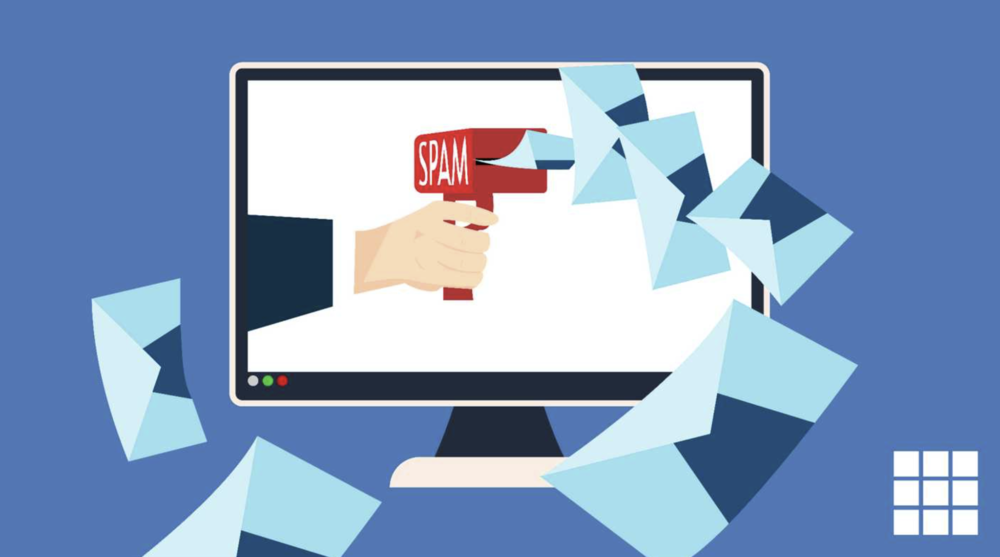
This is the core danger: attackers don’t target technology – they target trust. When the victim doesn’t question a message from someone close, they become an easy target. The result can be malware installation or the attacker gaining access to even more accounts through a chain reaction.
What is the goal of fraudsters? First and foremost:
- installing viruses for further surveillance or data theft
- luring money – directly or through ‘emotional’ stories
- gathering information for future attacks.
How can you protect yourself from this kind of threat? The rule is simple: even if the message comes from someone you know, don’t turn off your critical thinking. If a message seems even slightly unusual, verify it. Call or message them through a channel you’re sure is genuine. Ask something only the two of you would know the answer to.
And remember:
- true friends are not offended if you ask again
- scammers are only offended when they are exposed.
Leakage of personal data and passwords from online services
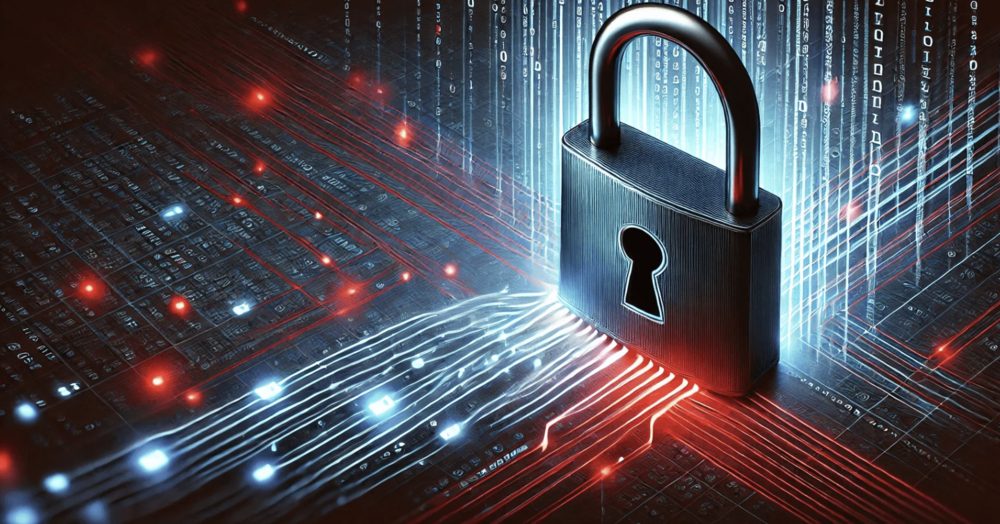
No online service – even the largest and most secure – is completely immune to breaches. Cyberattacks on major companies happen regularly, and the outcome is often the same: millions of usernames, passwords, email addresses, and other personal data get leaked.
The problem becomes critical when these stolen credentials are used to access your other accounts. This happens more often than we’d like to admit, largely because many people still reuse the same – or very similar – passwords across multiple platforms. One data leak can put your entire digital ecosystem at risk.
What can you do about it?
First and foremost: never reuse passwords, even if a site seems “trustworthy.” Create unique, complex combinations for each account. Also, remember to change your passwords regularly – especially after news of major data breaches.
The next layer of protection involves using breach monitoring services. These tools scan known leaked databases and alert you if your information has appeared online. This allows you to act quickly – changing your password before attackers can exploit it.
In today’s world, stealthy attacks are not exceptions but a daily reality. Only a systematic approach to security can provide you with reliable protection.
Read also: End-to-End Encryption: What It Is and How It Works
Knowing the threats helps, but does not always protect
Knowledge and awareness are powerful tools. But let’s be honest: even experienced users make mistakes. One careless click on a phishing link, leaving an account open in a public place, or automatically opening a file – and your digital life could fall into the wrong hands.

That’s why knowledge is only the first step. True resilience comes from a comprehensive, multi-layered security strategy that protects you regardless of how focused you are at any given moment. This is your digital safety net.
Read also: Everything You Need to Know About Dolby Atmos FlexConnect Wireless Technology
What you should have to protect yourself even when you’re not perfect
Two-factor authentication (2FA)
Even if your password is leaked, an attacker won’t be able to access your account without the second verification code. It’s also a good idea to use authenticator apps like Google Authenticator or Authy. Avoid relying on SMS-based codes – they can be intercepted relatively easily.
Password manager – and no more ‘123456’
A strong, unique password is essential for your online security. It’s important to create complex and distinct passwords for each service you use. To manage this effectively, consider using popular password managers like 1Password, Bitwarden, or KeePass. These tools generate, store, and autofill your passwords securely.
Updates are your digital armour
Vulnerabilities are patched daily, but these fixes only work if your system is up to date. Make sure to enable automatic updates for your operating system, browsers, apps, and antivirus software to stay protected.
Minimise access – give us only what we need
Don’t grant full permissions where limited access will do. Using role-based accounts can help manage this effectively. Also, enable automatic logout after periods of inactivity on websites and online stores to reduce the risk of unauthorized access.
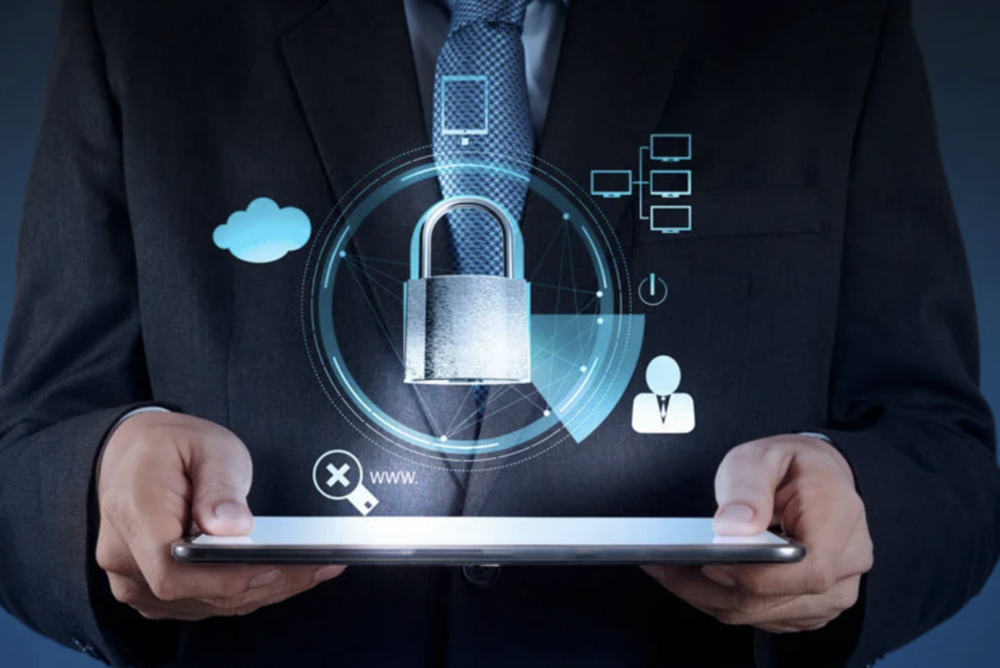
Encryption is the last barrier
If the data falls into the wrong hands, encrypted files will be nothing but noise. Therefore:
- use full disc encryption (BitLocker, FileVault);
- encrypt backups and cloud storage.
VPN is a must in public Wi-Fi
Open networks are a prime environment for attacks. A VPN encrypts all your internet traffic, making it much harder for attackers to intercept your data. Using a reliable VPN is essential when connecting from places like cafes, airports, or hotels.
Minimise your digital footprint
Your browser shares a lot of information about you every day. Make it a habit to disable third-party cookies. Additionally, install privacy-focused extensions like uBlock Origin, Privacy Badger, and DuckDuckGo Privacy Essentials. These tools not only help block annoying ads but also protect your privacy online.
Backups – without them, everything can disappear
Ransomware or a system failure can erase everything in seconds, often resulting in total data loss. That’s why setting up automatic backups is essential. Additionally, store these backups in encrypted form and separately from your main system for added security.
Action plan in case of hacking
Don’t fool yourself – security incidents can happen. What matters is that they don’t turn into disasters. It’s important to have a plan in place:
- Keep a list of all services linked to your email.
- Know how to change passwords, revoke access, and monitor account activity.
Most importantly, security isn’t about perfection. It’s about smart habits that protect you even when you’re tired, distracted, or on the go. Like wearing a seatbelt in a car – you don’t plan to crash, but you buckle up every time.
Cybersecurity is your digital survival habit. It’s better to build it now than regret not doing so later.
Read also:
- Seven Annoying Windows 11 Features – and How to Fix Them
- Everything About New Android 16: Changes, Improvements, and More Gemini Integration

