




© ROOT-NATION.com - Use of content is permitted with a backlink.
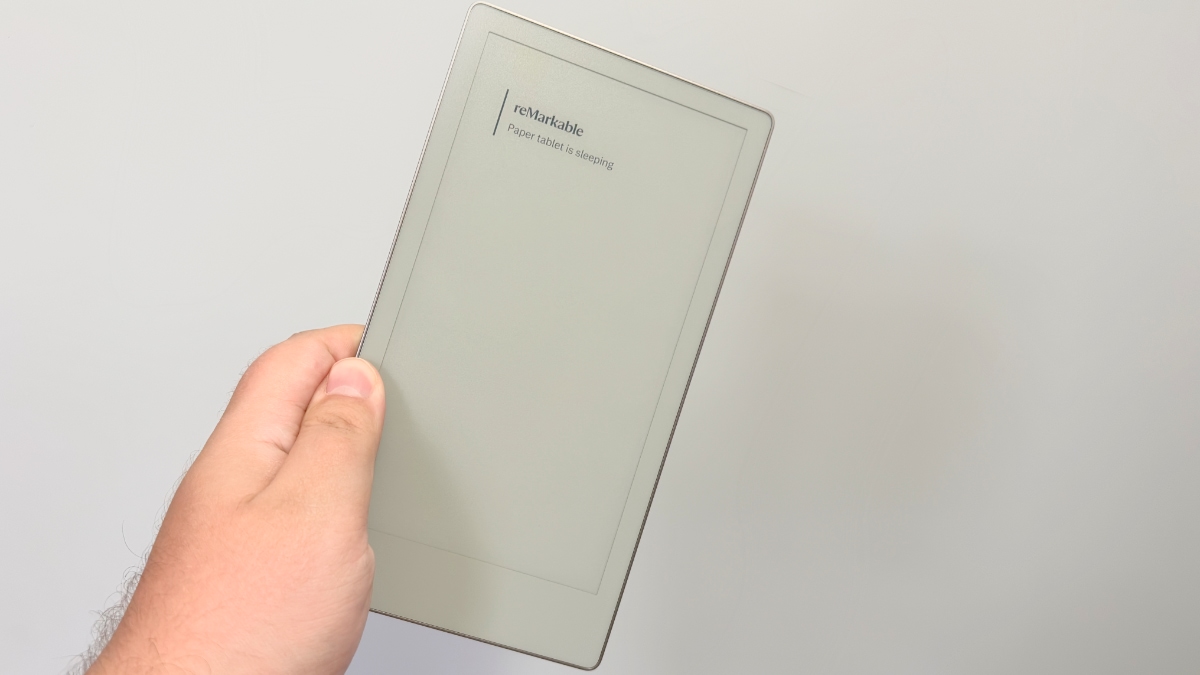
reMarkable likes to talk about “paper with superpowers,” and the Paper Pro Move is the purest version of that slogan yet. It shrinks the company’s color Paper Pro into something closer to a premium pocket notebook than a miniature iPad, then quietly removes anything that might look like an app store.
The pitch is simple and slightly audacious: a 7.3‑inch Canvas Color e‑ink screen, a Marker in the box, around two weeks of battery life, and an operating system that insists you focus on writing and sketching instead of everything else your brain is begging to check. It is absolutely not the only computer anyone needs, but it is designed to be the only notebook you carry.

TABLE OF CONTENTS:
Positioning and Comparison
On paper, the Move is just a smaller Paper Pro: same Canvas Color display tech, same textured glass for that “pen on paper” feel, same note‑taking software, only shrunk to 7.3 inches and 230 g. It keeps the front light, the color annotations, the fast 12 ms pen latency, and 64 GB of storage, so you are not buying a cut‑down toy so much as a different form factor.
Compared with the older reMarkable 2, the Move is strictly more modern: you get color instead of monochrome and a built‑in reading light instead of relying on whatever lamp happens to be nearby. Against the Android‑based e‑ink crowd (Onyx Boox, Kobo’s tablets, and similar), it looks almost ascetic – no third‑party apps, no browser worth talking about, and none of the Swiss‑army‑knife versatility those devices brag about. In return, you avoid the usual rabbit holes, because the Move simply cannot turn into a half‑awake Kindle, a bad YouTube viewer, or a laggy email machine.
Read also: reMarkable 2 review – Proudly Limited

Design
The Move’s hardware leans into the fantasy that you are not holding a gadget at all. At roughly 195.6 x 107.8 x 6.5 mm and about 230 g, it is closer to a slim reporter’s notebook than to a tablet, narrow enough to slip into a jacket pocket or small bag without rearranging everything else you carry. The anodized aluminum chassis and textured glass give it the same calm, stationery‑desk vibe as the larger Paper Pro, just in a “throw it in a sling bag and forget about it” size.
The 7.3‑inch Canvas Color display runs at 1696 x 954 (264 ppi), which is sharp enough that handwriting looks clean and templates do not fall apart, even when you write small. Colors are muted, as with any color e‑ink, but handy for highlighting, calendars, and diagrams. There is an adjustable front light that stays on the warmer, softer side of the spectrum, so the screen feels more like a page under a lamp than a backlit tablet, and you can still see everything perfectly in direct sunlight thanks to the matte, glare‑free finish.
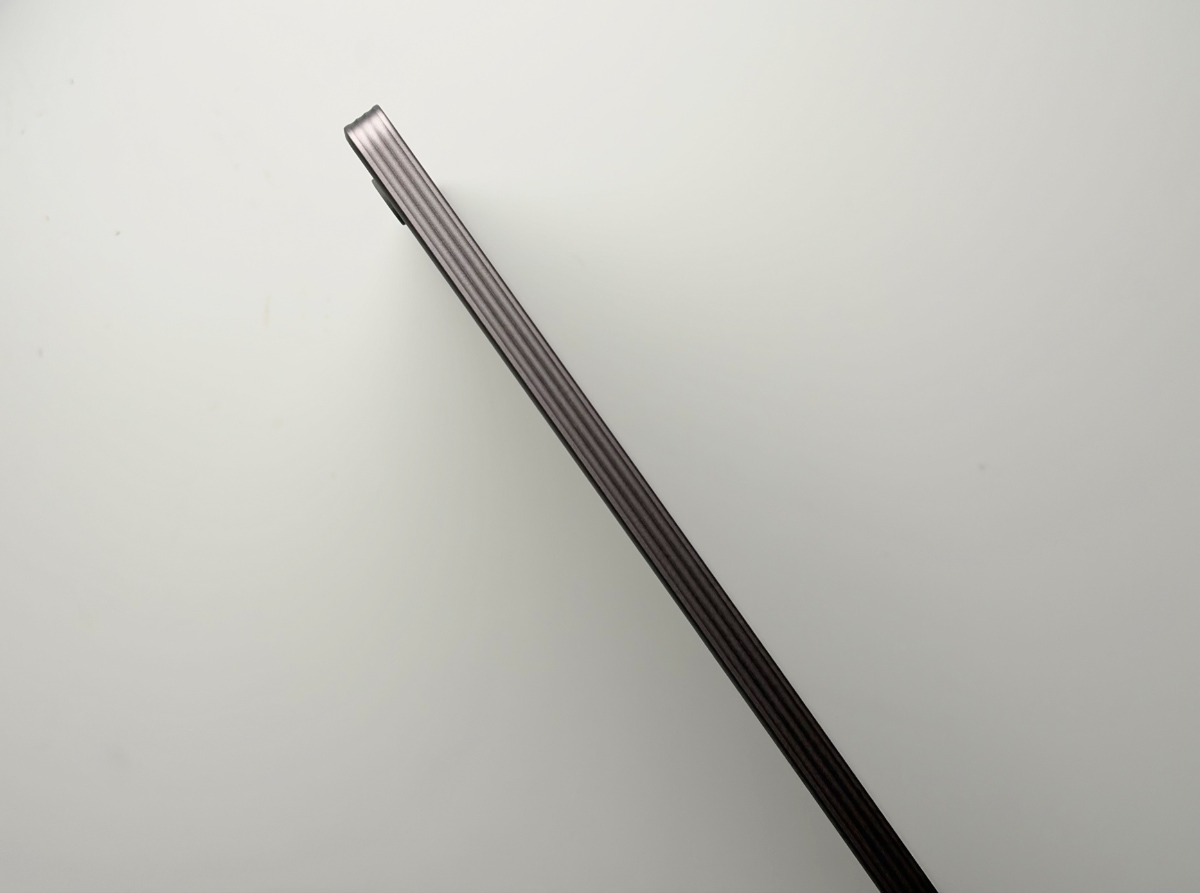
The good news: a Marker actually comes in the box this time, along with a USB‑C cable and spare tips, no separate upsell required. The Marker Plus version brings the familiar built‑in eraser and magnetic attachment, and combined with the textured glass it still ranks among the most convincing “real pen on real paper” experiences in this category. Battery life is rated at up to roughly two weeks, with fast charging that takes the Move from empty to 90% in under 45 minutes, so topping up before a trip is basically an afterthought.

UI
If the hardware tries to disappear into the idea of a notebook, the software tries to disappear entirely. The interface is intentionally spare: a home view of notebooks and documents, folders, tags, search, and a note editor that gives you nine writing tools (ballpoint, marker, pencil, highlighter, and so on), each with a handful of sizes and colors. Templates do a lot of heavy lifting – lined paper, dot grid, planners, checklists, storyboards – so the device feels like many different notebooks hiding in one metal cover.
Under the hood, a dual‑core NXP i.MX93 at 1.7 GHz with 2 GB of LPDDR4x RAM is not remotely impressive by tablet standards, but it is more than enough for a lean Linux‑based OS tuned for inking. Pen latency is quoted at around 12 ms, and in practice strokes appear quickly enough that you stop thinking about them at all, which is the real magic trick for a writing device. Handwriting‑to‑text is a tap away, and you can sprinkle typed headings or bullets using the on‑screen keyboard, though the screen size and lack of hardware keyboard clearly nudge you back toward handwriting for anything substantial.
Read also: reMarkable Paper Pro review: Color Me Surprised
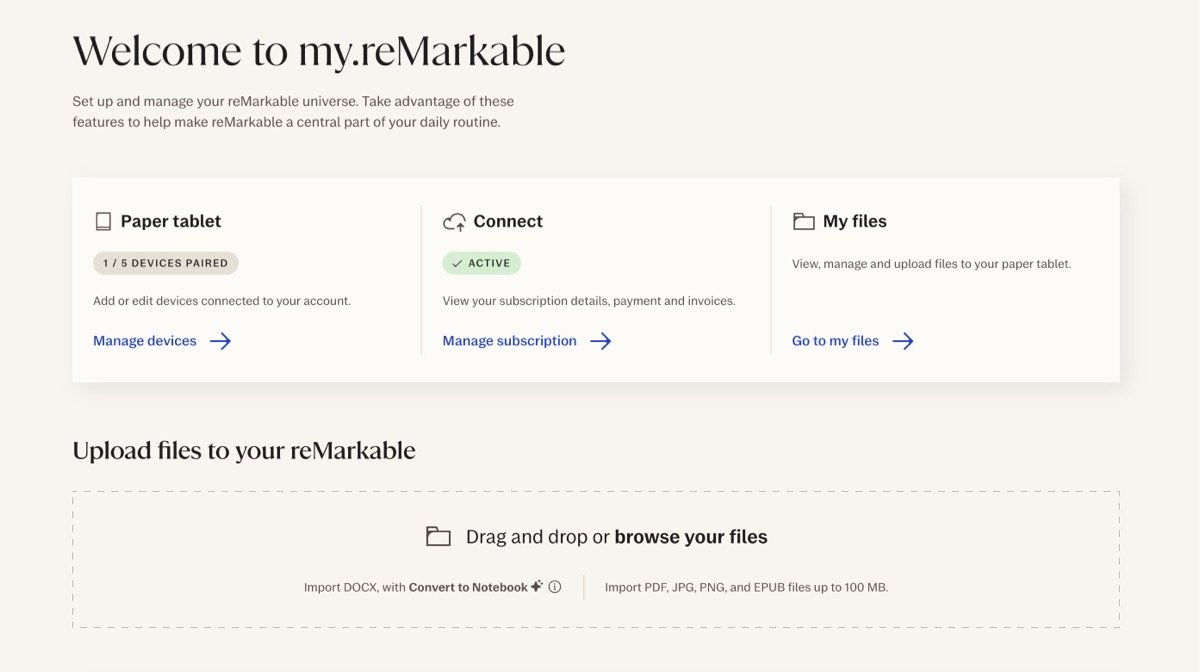
The Move is not meant to live alone: it expects you to use reMarkable’s web and app ecosystem, with cloud sync sitting right at the center. Through the web portal and desktop/mobile apps, you can push PDFs and ePubs to the device, organize notebooks, convert and export notes, and keep everything in step across laptop and phone.
The catch is reMarkable’s Connect subscription. Paying for Connect unlocks unlimited cloud storage, note‑taking directly in the desktop and mobile apps, expanded integrations like Slack, better search across handwriting, and a multi‑year extended protection plan, all bundled into a single monthly fee. Without it, your synced files in the cloud are capped to activity from roughly the last 50 days, and you are mostly limited to viewing and organizing from other devices rather than fully editing. On the plus side, there is a 50‑day Connect trial and a separate 50‑day satisfaction guarantee on the hardware, which is a generous window to decide if this ecosystem and recurring cost make sense.
General Impressions
As a daily companion, the Move fits into moments where a full‑size tablet feels overkill and a phone feels like a black hole for attention. Because there is no parade of apps begging for a tap, it lends itself to meeting notes, quick sketches, outlining articles, or planning a week without the urge to “just check one thing” and vanishing into email. The small, narrow body makes it natural to hold one‑handed while writing with the other, something even many 8‑inch tablets fumble due to their width and weight.

Its limits show up just as clearly. Long‑form reading on a 7.3‑inch, tall‑ish screen is perfectly possible but less relaxing than on a larger e‑ink reader, especially once margins, headers, and UI chrome nibble away at usable space. Annotating PDFs feels great when you are marking up pages or signing documents, but dense academic layouts or A4‑oriented material quickly remind you that this is a shrunken Paper Pro, not a magical shrink ray for every PDF you own. And if a workflow depends on installing niche apps, browsing the web, or juggling multiple services directly on the device, the Move simply refuses to play that game.

Verdict
The reMarkable Paper Pro Move is a confident answer to a very specific question: “What if there were a genuinely premium notebook that never buzzed, pinged, or begged for your attention?” It offers an excellent small color e‑ink display, some of the best pen‑on‑glass feel available, clever templates, strong battery life, and a pocket‑friendly form factor that makes it far more likely you will actually have it when ideas show up.
The other side of that answer is just as clear. This is not a productivity tablet, not a Kindle replacement, and not a Swiss‑army note‑taking platform; it is a stubbornly focused writing machine that becomes its best self only if you already live inside handwritten notes and do not mind paying for an ongoing cloud ecosystem. For those users, the Move can feel like a small stroke of genius; for everyone else, it will look like an expensive, beautifully made reminder that reMarkable would rather perfect one thing than try to be everything.

