





© ROOT-NATION.com - Use of content is permitted with a backlink.
Today I’ll introduce you to a brand-new device fresh off the line: the Cubot TAB KingKong Mini.. This isn’t just a tablet – it’s a true “iron companion” for anyone who values durability, battery life, and readiness for adventure. Just released, it has already drawn attention for its rugged design, powerful battery, and even a built-in camping flashlight, useful both in the mountains and at a summer house.
Read also: All reviews of rugged devices
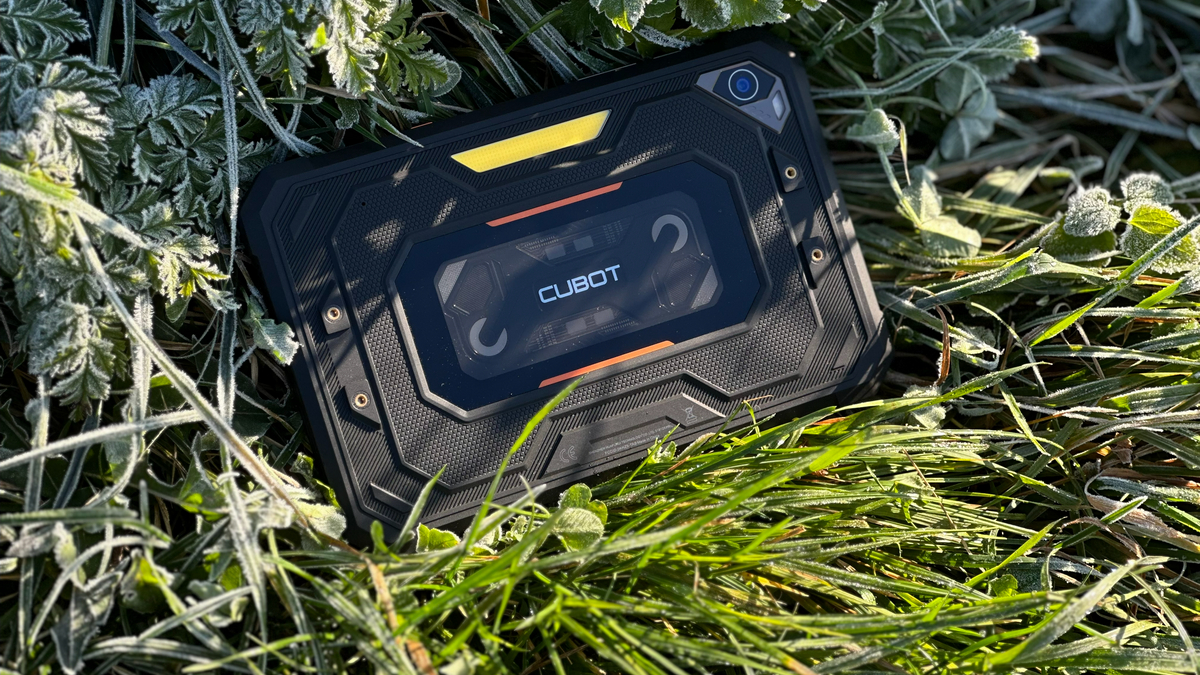
The Cubot TAB KingKong Mini is aimed at active users who work in the field, travel frequently, or simply want a device that won’t break after the first drop. It’s designed for construction workers, military personnel, anglers, hikers, and anyone who needs a reliable tablet with a large battery and genuine durability.
TABLE OF CONTENTS:
Positioning and price
In terms of pricing, Cubot continues to strike a reasonable balance between features and cost. Considering its rugged body, built-in camping flashlight, massive battery, and fast charging, the tablet is significantly cheaper than comparable models from major brands. On AliExpress, its starting price is around $200, making it one of the most cost-effective rugged Android tablets of 2025.

Among its competitors, one could mention the OUKITEL RT3 Pro, a rugged travel-oriented device priced around $189. There’s also the Ulefone Armor Pad Lite, an even more budget-friendly option at roughly $120. A third alternative, the UNIWA UTAB X819, costs approximately $165–178 for the 4 GB + 64 GB version. Personally, I find that the Cubot TAB KingKong Mini stands out for its balance: it combines a powerful battery, a convenient travel-friendly size, solid build quality, and the built-in camping flashlight, making it an ideal choice for active users.
Specifications
- Network: GSM / HSPA / LTE
- Dimensions: 217.4×142.4×14.6 mm, weight: 642 g
- Memory card slot: Nano-SIM + Nano-SIM (hybrid slot), microSDXC (shared with SIM)
- Protection: IP68/IP69K – dustproof and waterproof (immersion up to 1.5 m for 30 minutes), compliance with standard: MIL-STD-810H
- Display: IPS LCD, 90 Hz, Screen size: 8.68 inches (~69.1% of front panel area), 800×1340 pixels, 5:3 aspect ratio (~180 ppi), Screen protection: Mohs level 5
- OS: Android 15, processor: Unisoc T615 (12 nm), CPU: 8-core (2×1.8 GHz Cortex-A75 + 6×1.6 GHz Cortex-A55), GPU: Mali-G57 MP1
- Memory: 6 GB RAM + 128 GB
- Main camera: 48 MP, PDAF, LED flash, 1080p@30fps video, front camera: 16 MP, video support
- Wi-Fi: 802.11 a/b/g/n/ac, dual-band, Bluetooth: 5.0, A2DP, LE
- Navigation: GPS, GALILEO, GLONASS, BDS
- FM radio and NFC: no
- USB: Type-C, OTG
- Battery: 10200 mAh, fast charging: 33 W, battery life: 1400 cycles
- Colour: black, energy efficiency: class E, drop resistance: class A (208 drops), repairability: class C
- Additional features: powerful camping torch.
Read also: What is MIL-STD 810H: Standard Characteristics, Testing, and Usage
Package contents
When I opened the box – which, by the way, was of very good quality – I was honestly pleasantly surprised. Everything looked well thought out and solid, and the package contents were far more generous than I expected for a tablet at this price point.
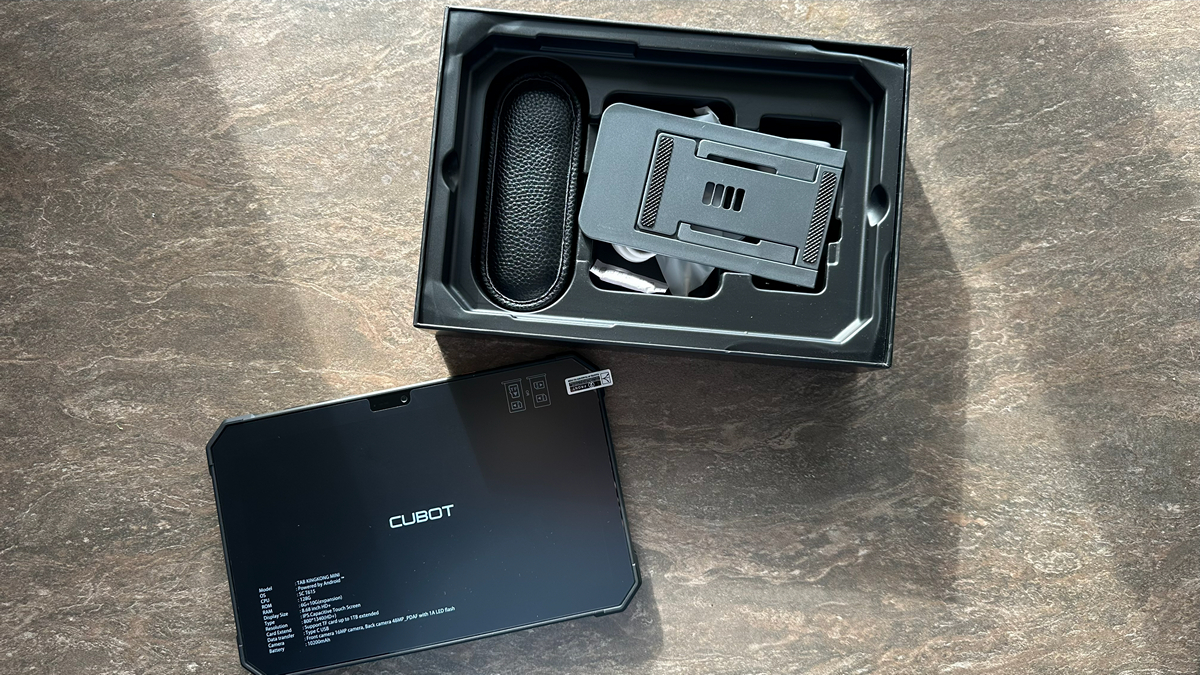
Inside the box, besides the tablet itself, you’ll find the documentation, a powerful 33 W power adapter, a USB-C cable, a factory-applied screen protector, a SIM tray ejector, and – remarkably – a metal stand, a wrist strap for carrying, two brackets, and six screws with a screwdriver. The only thing missing is a protective case, likely because the manufacturer simply ran out of space; the package is already so packed that the box barely closes.
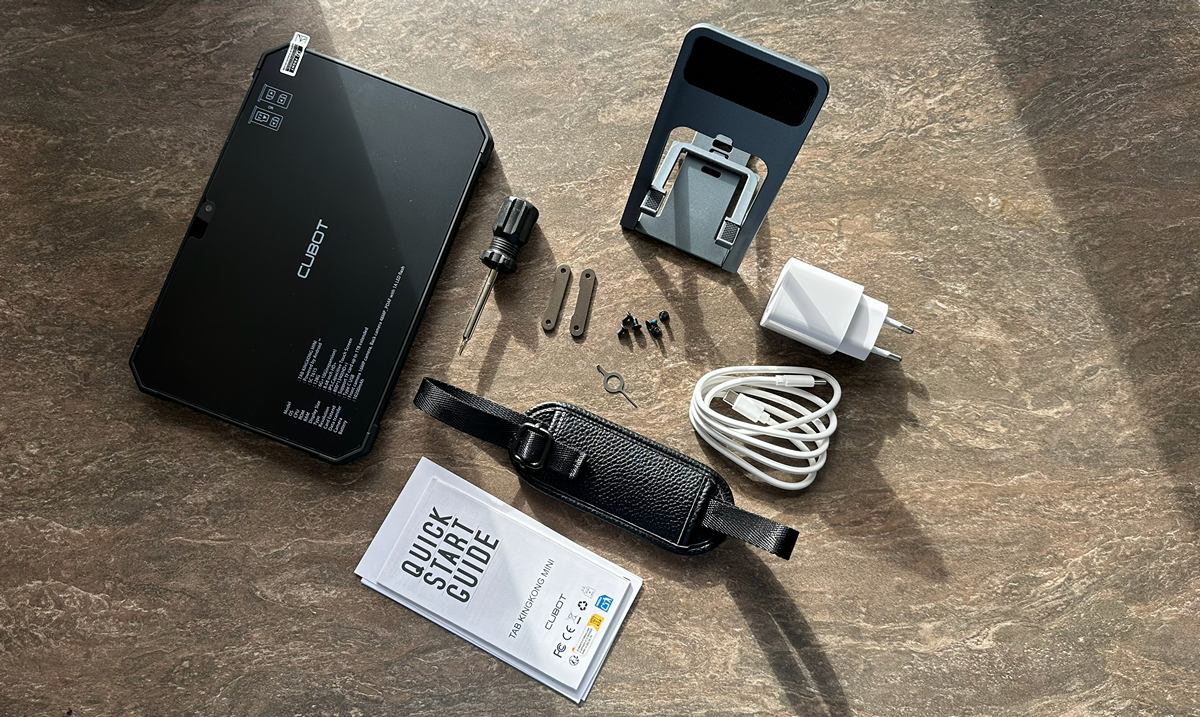
Honestly, I can’t remember the last time I saw such a complete “out-of-the-box” kit. Most budget devices come with, at most, a charger and a cable – and even that is lucky; sometimes just a tiny note saying “good luck.” Here, it feels proper: open the box, take it out, and start using it right away.
Read also: Everything You Need to Know About MIL-STD-810H in Smartphones: A Look at the Motorola Edge 50 Neo
Design and ergonomics
The Cubot TAB KingKong Mini looks exactly as a rugged tablet should: robust, confident, and with the impression that it can withstand almost anything short of a nuclear blast. The body is thick and sturdy, featuring a pleasant matte finish that doesn’t show fingerprints, even with active use. The front panel is flat and understated, framed by thick bezels that actually add convenience, making it easy to hold the tablet without accidentally touching the screen. The front-facing camera is positioned here, and, as mentioned earlier, a factory-applied protective glass covers the display.
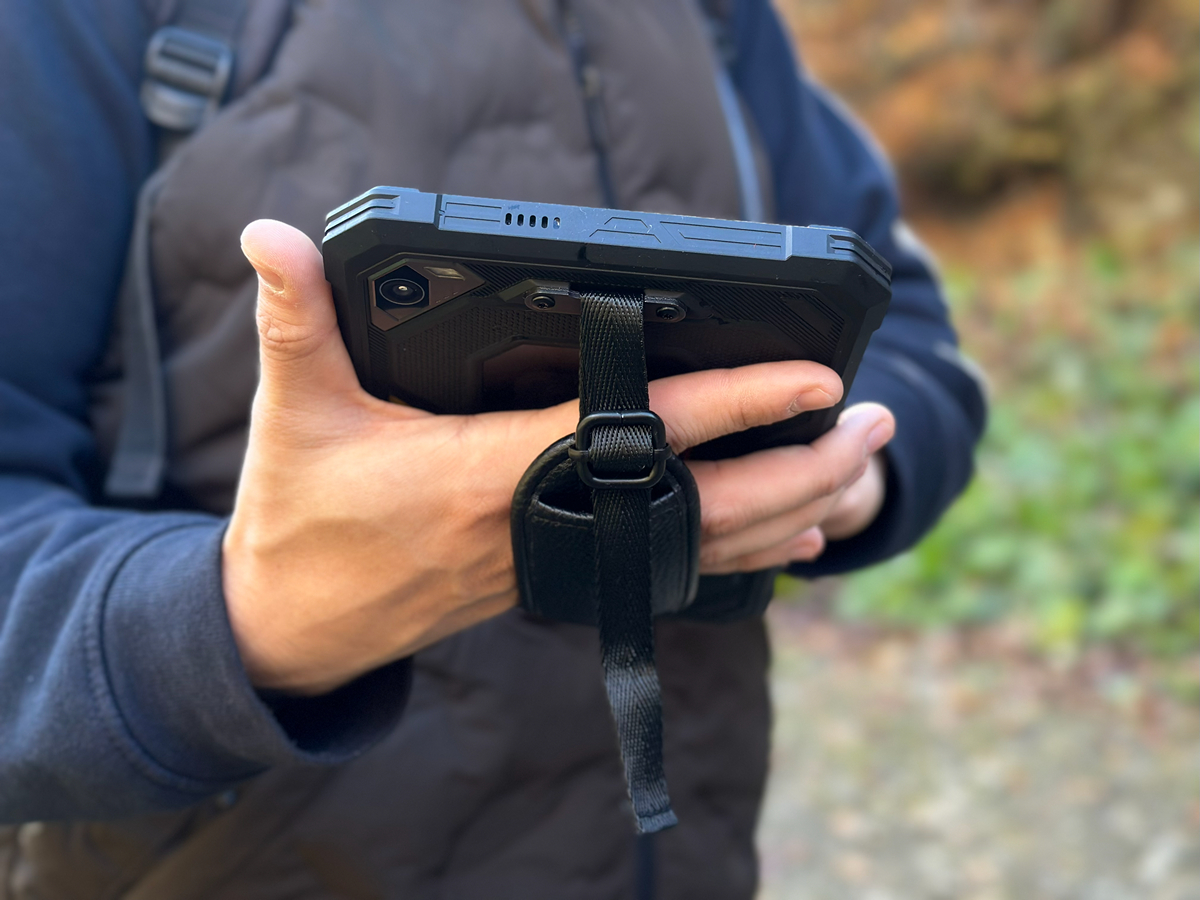
All edges are made of a rubber-metal hybrid, just what you need for a device built to survive drops. On the top edge, you’ll find the power and volume buttons – large, textured, and easy to locate by touch, even while wearing gloves. The same edge houses the slot for two SIM cards or one SIM and a memory card, along with the orange flashlight button. On the right side, there’s a USB-C port protected by a rubber flap. The left and right edges reveal the tablet’s speakers.
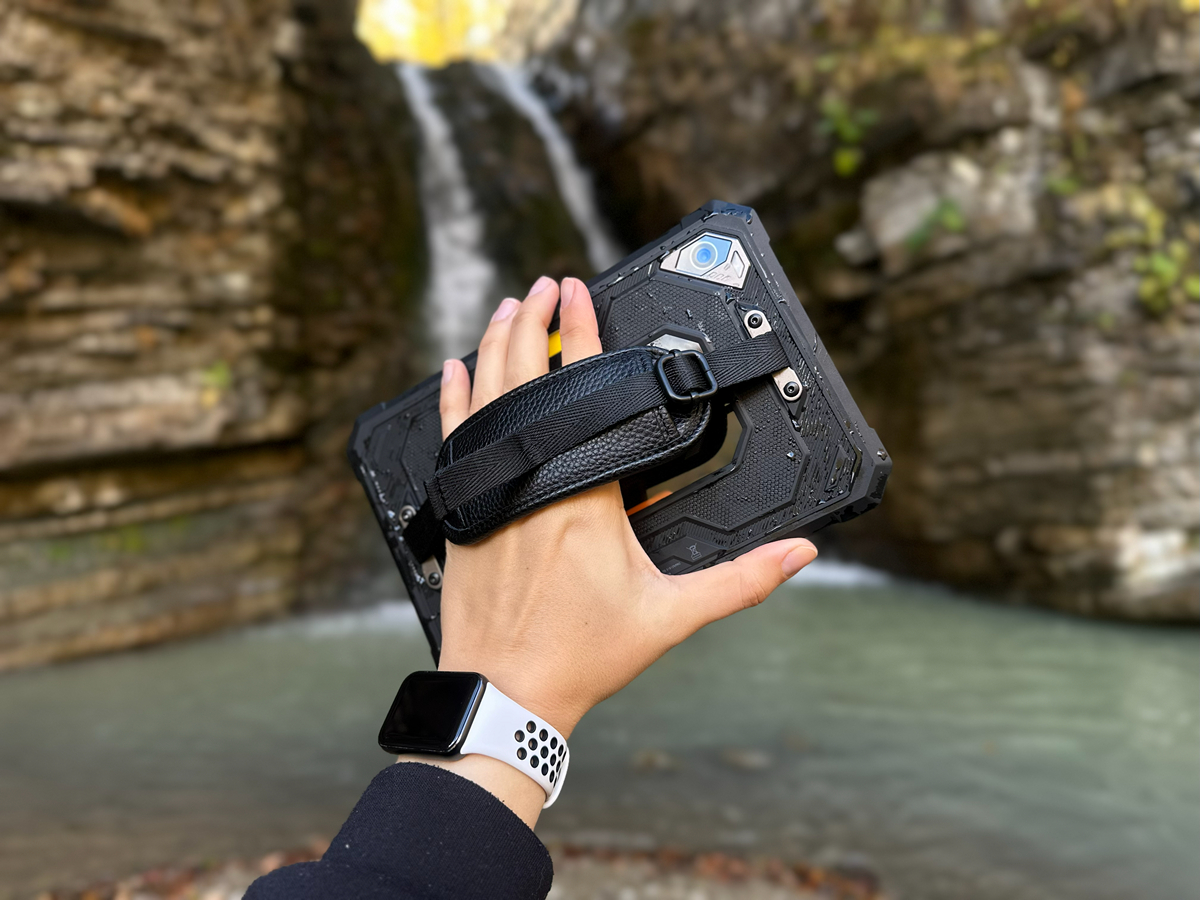
The orange flashlight button deserves a special mention. This bright accent on the body isn’t just a design feature – it’s extremely practical in the field. Press it, and the powerful light turns on immediately, no menus or swipes required, though the tablet does need to be “awake.” As I’ve mentioned before, the tablet’s built-in camping flashlight delivers 625 lumens – roughly the brightness of a medium-sized desk lamp – enough to illuminate not just a keyboard, but an entire tent or a small room in the dark.
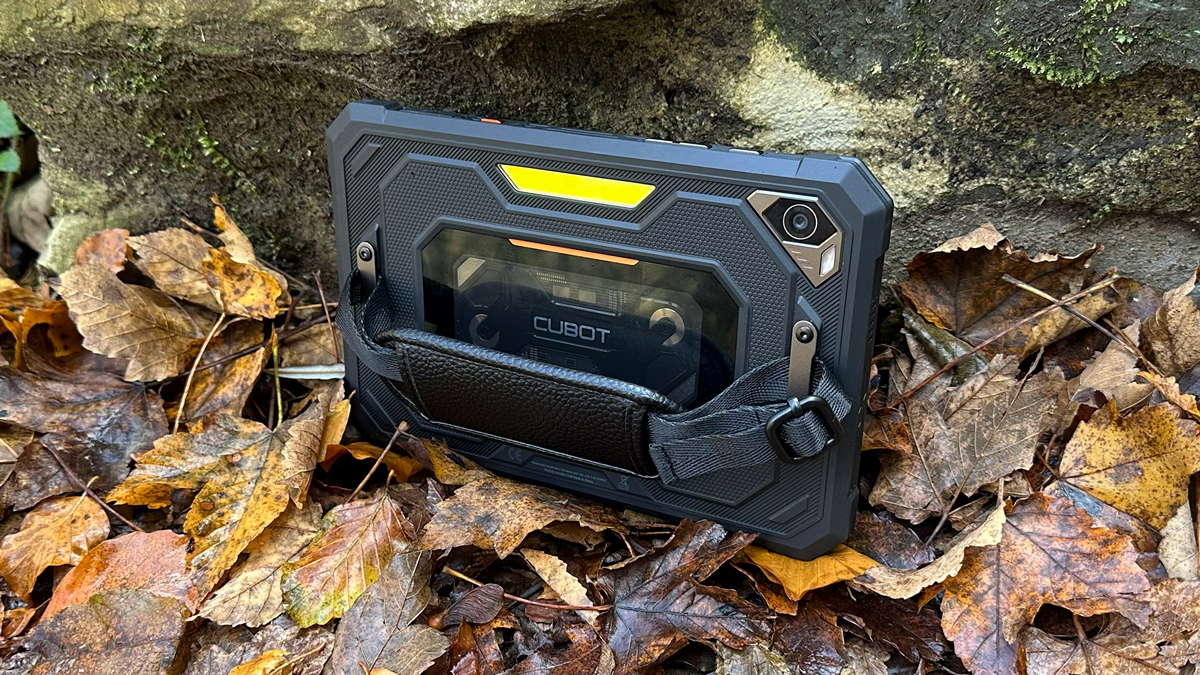
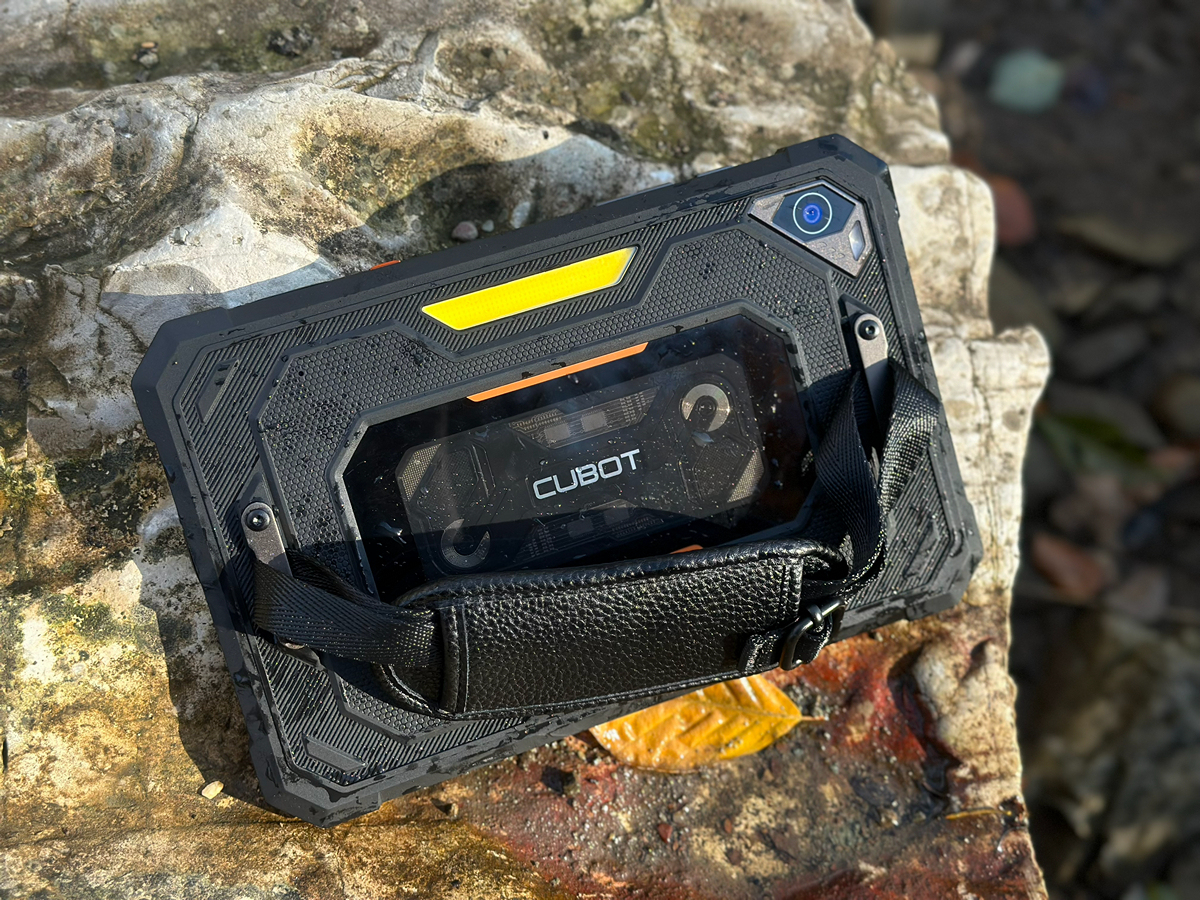
The back panel is striking: a combination of metal elements and textured plastic, accented with screws that give it an industrial charm. It houses the camera with flash, the flashlight, the Cubot logo, and a decorative element inspired by retro cassette tapes, featuring vintage gray tones and interesting textures.
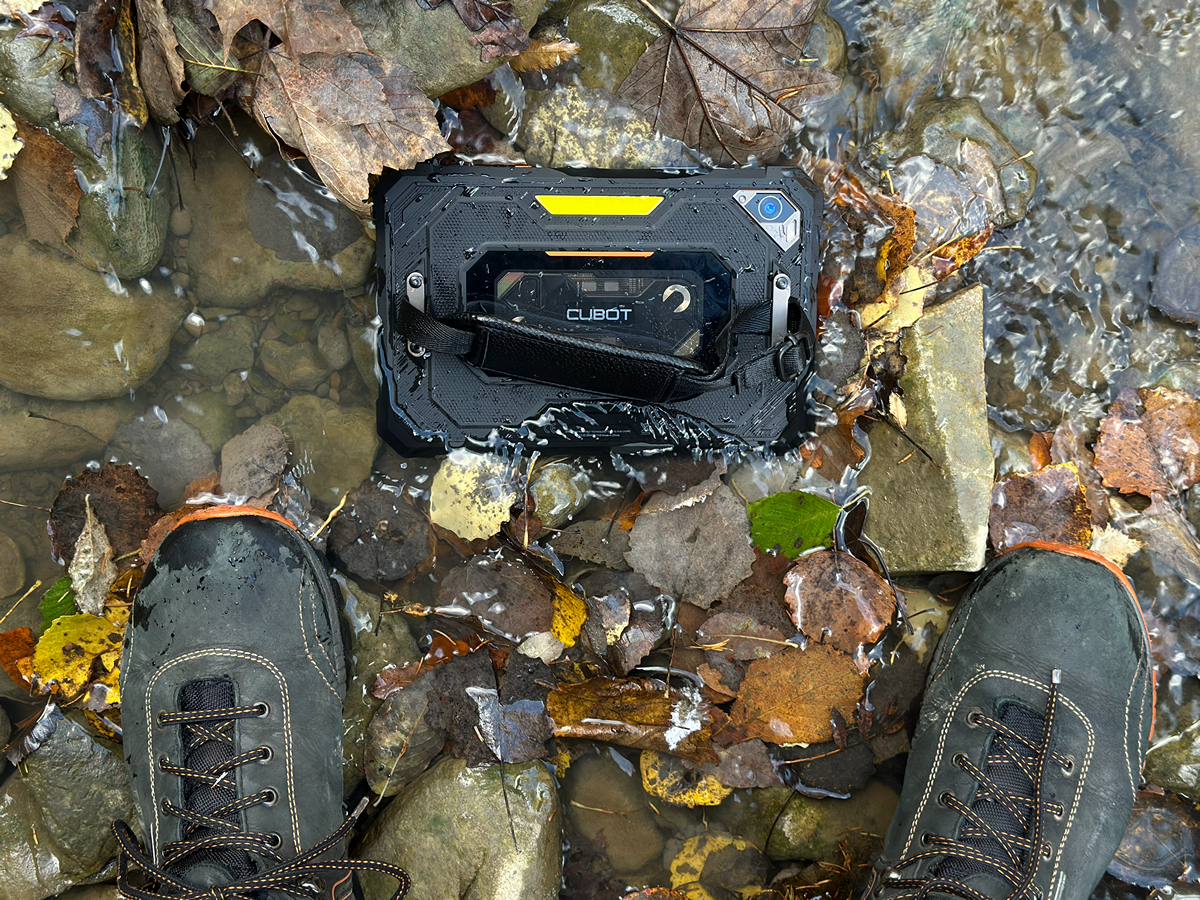
There are a few caveats: the tablet is fairly heavy, and the screen requires a noticeable amount of pressure to register touches. This is the trade-off for a large battery and a truly rugged body. Additionally, the included wrist strap is better suited for a larger hand; on a thin wrist it can feel bulky, but it holds the device securely and reliably.
Read also: Cubot KingKong Power 5 Review: Rugged, Durable, and Budget-Friendly
Cubot TAB KingKong Mini screen
The KingKong Mini features an 8.68-inch IPS display with a resolution of 800×1340 pixels and a 90 Hz refresh rate. For a budget rugged tablet, this is a solid setup: the image is sharp, colors are vivid, and scrolling and animations appear smooth.
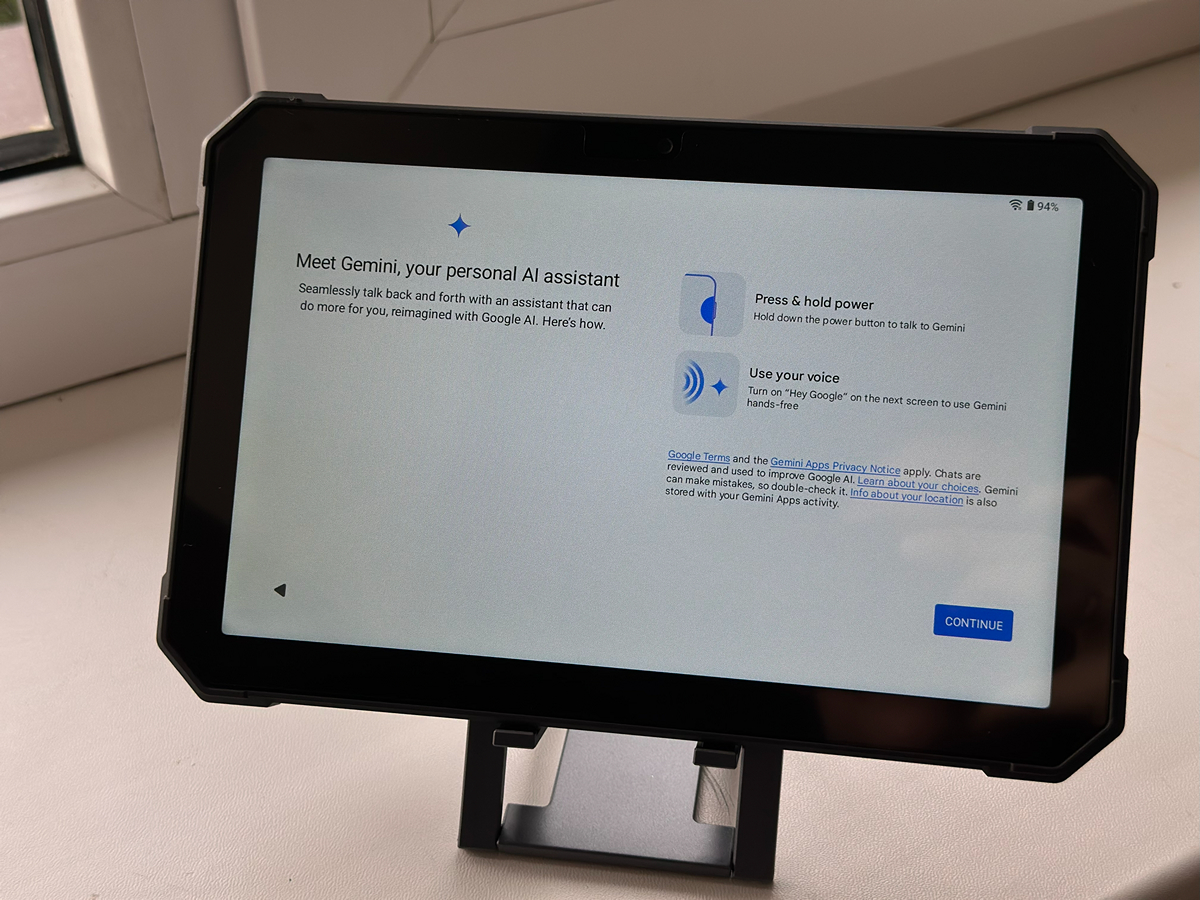
In bright sunlight, the display performs decently – reading text and viewing photos is possible without major issues, though not perfectly comfortable. In the shade or indoors, the picture looks much better: colors are rich and contrast is strong, with blacks remaining deep rather than turning gray, as often happens on low-end IPS panels.
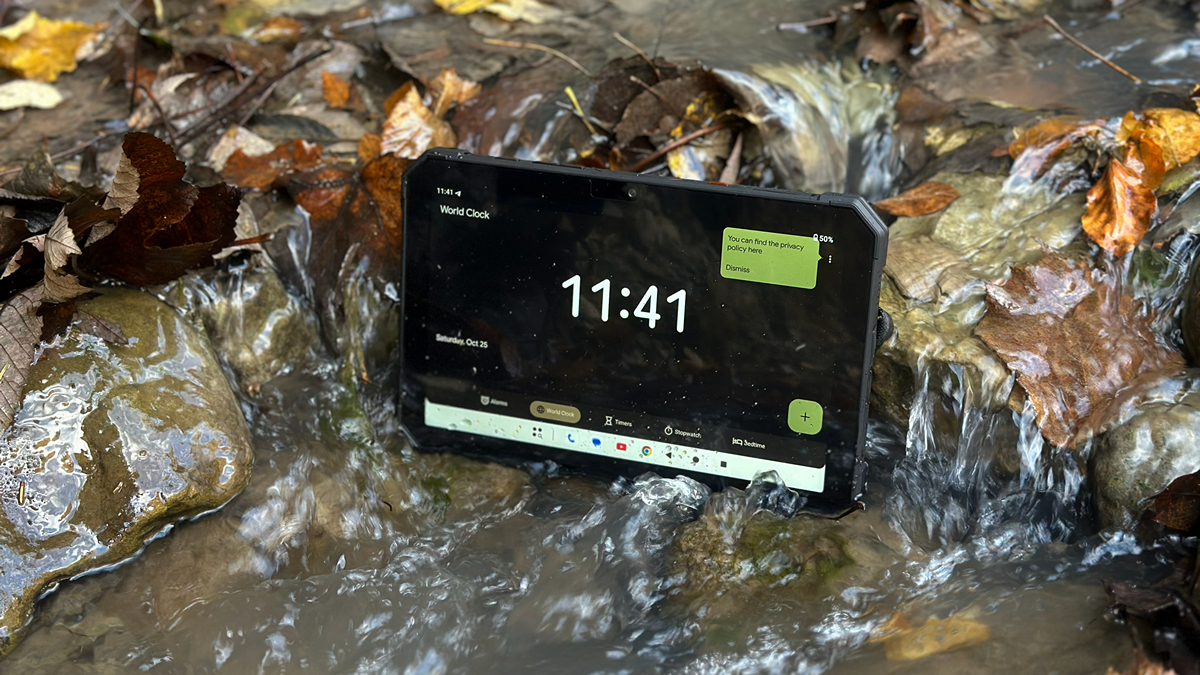
Another positive aspect is that the screen hardly attracts fingerprints, so it stays clean and visually appealing even after active use. Combined with the light and pleasant haptic feedback, this makes the tablet comfortable for both work and entertainment.
Read also: Cubot KingKong 11 Review: Rugged Smartphone with Dual Displays
Cameras
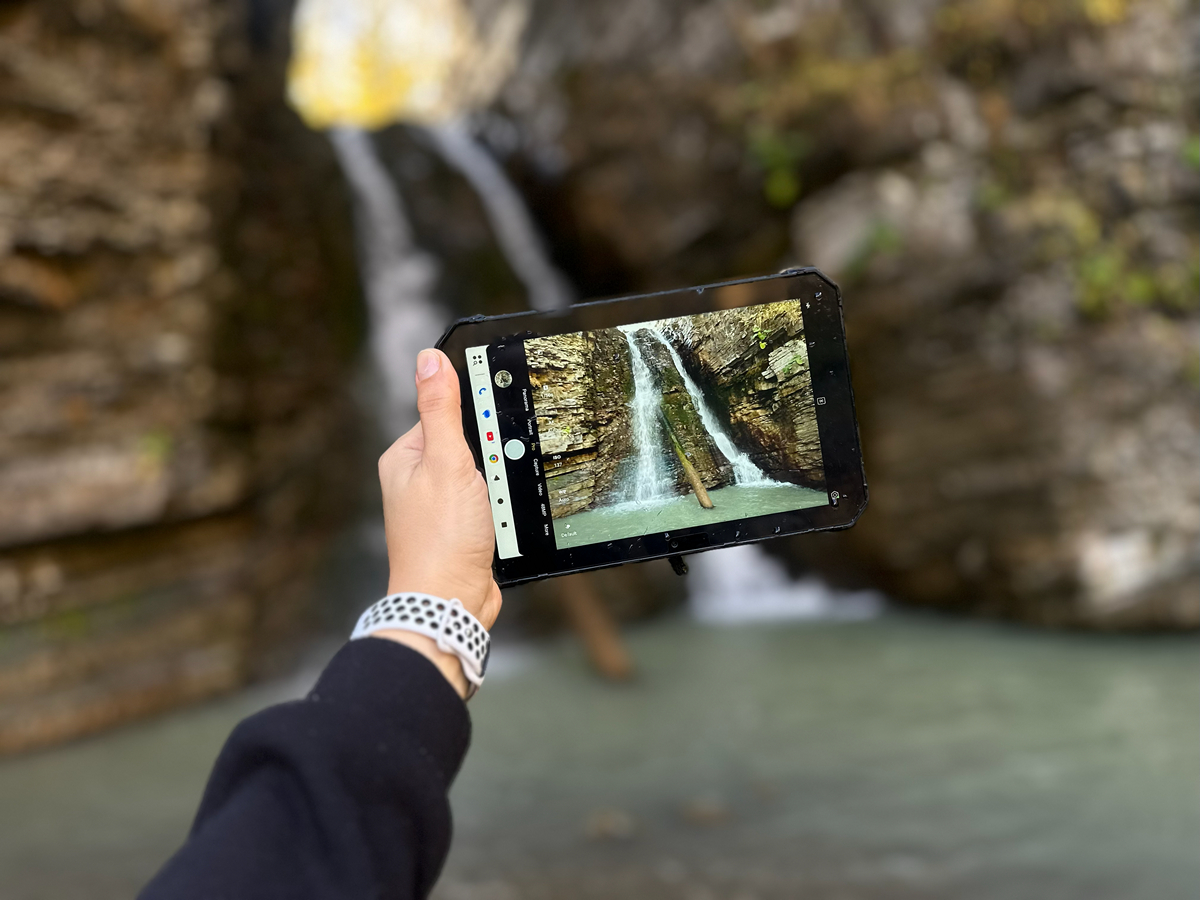
The Cubot TAB KingKong Mini is not designed as a flagship camera tablet, but it performs reasonably well for everyday tasks. Its 48 MP main camera with autofocus handles document capture, route recording, outdoor shots, or short videos without issues. In daylight, photos are sharp, with natural color reproduction and adequate detail. In low-light conditions or indoors, image quality drops, although the powerful built-in rear flashlight can partially compensate for insufficient lighting.







The front-facing camera is 16 MP, sufficient for casual selfies or documenting outdoor activities. While it doesn’t deliver advanced portrait effects, it performs reliably within its category.


Overall, the cameras on the Cubot TAB KingKong Mini aren’t meant for creative photography – they’re more of a practical tool. Honestly, for a rugged “brick” device, it actually takes better photos than you might expect.
Read also: Unihertz 8849 Tank 4 Review: Rugged Smartphone with Built-In Projector and Flashlight
Performance and user experience
The tablet runs on a Unisoc T615 chipset – not a powerhouse, but a capable “workhorse” for daily tasks. Its octa-core CPU (2×Cortex-A75 + 6×Cortex-A55), paired with 6 GB of RAM and 128 GB of storage, ensures smooth performance without lag. Android 15 runs swiftly thanks to a clean system with no bloatware. Additionally, Gemini AI, Google’s proprietary assistant, comes preinstalled.

The tablet also includes built-in parental controls, allowing you to restrict access to apps, websites, or screen time. This makes it safe to hand over to a child without worrying about them getting lost in TikTok or stumbling onto inappropriate content. Honestly, though, at over 600 g, the tablet itself acts as a sort of “physical parental control” – you can’t hold it for long, so usage time is naturally limited.
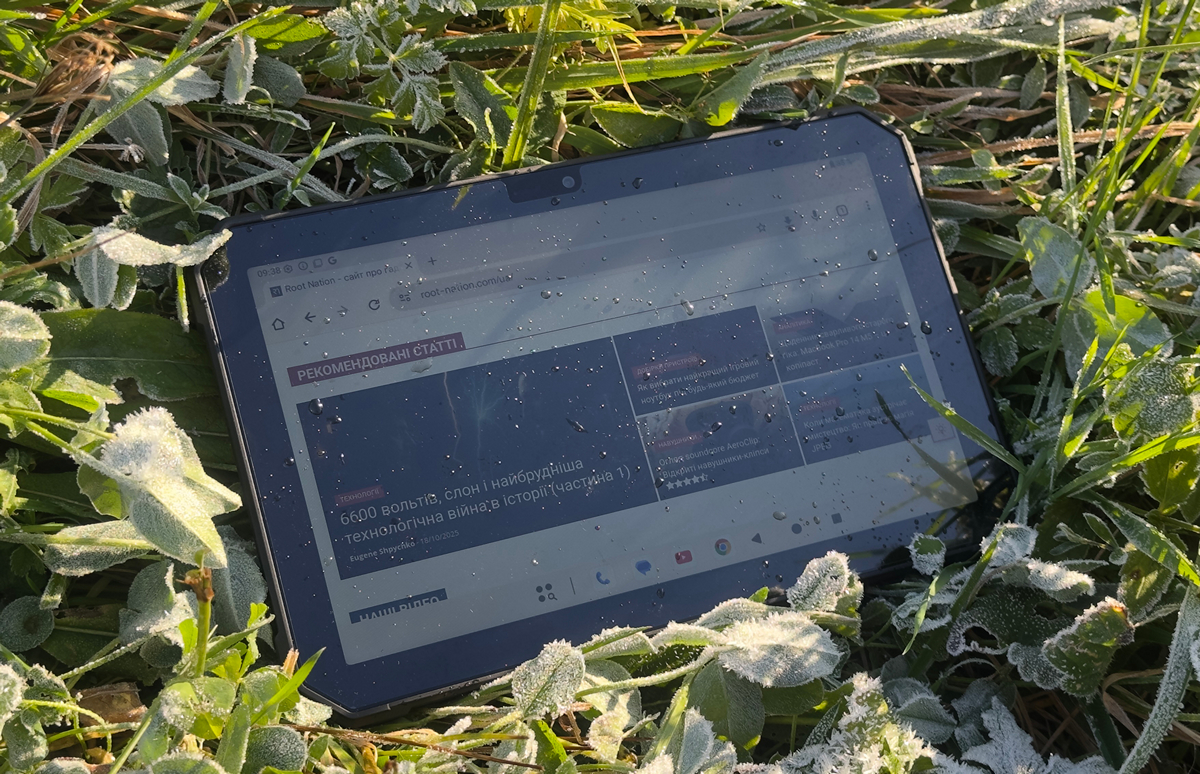
In real-world use, the Cubot TAB KingKong Mini gives the impression of a “reliable companion” that can handle a full day in the field as well as a long trip.
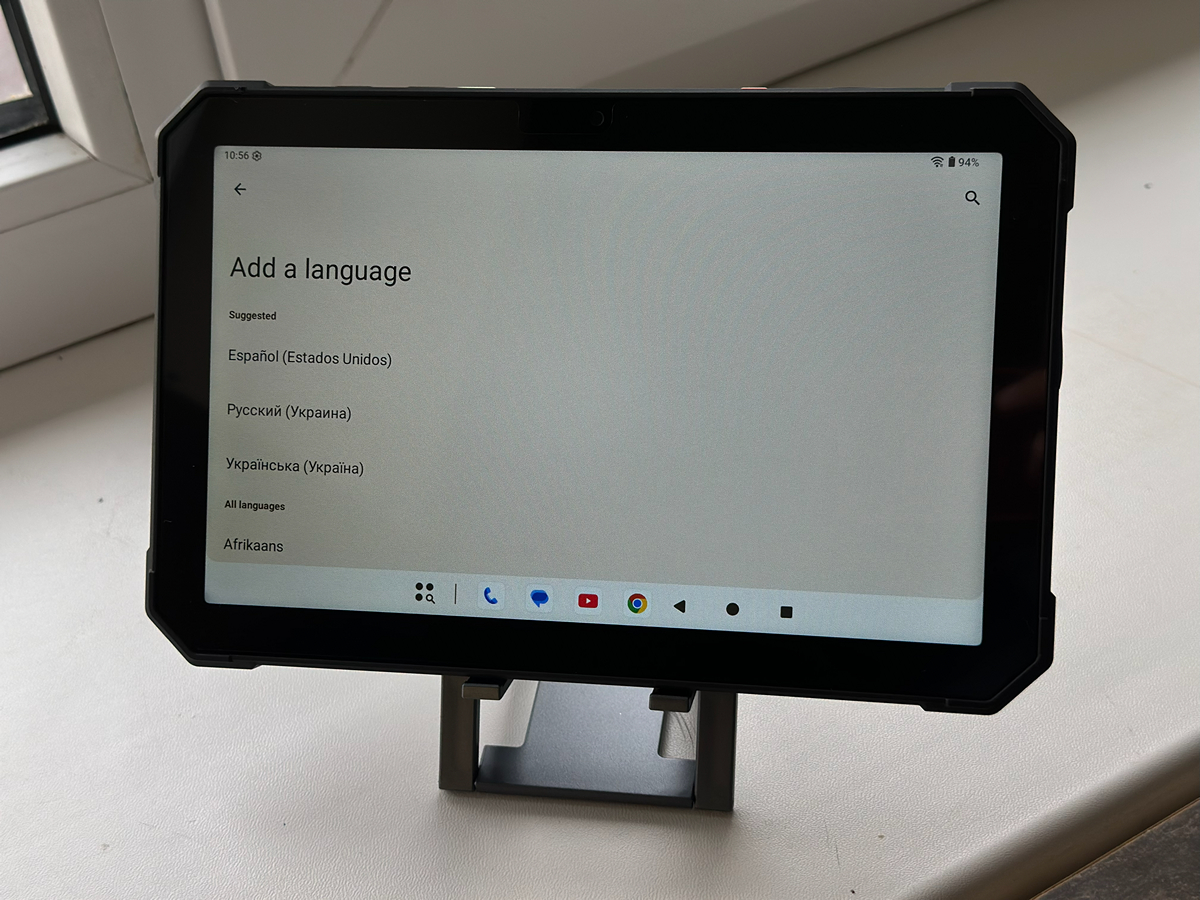
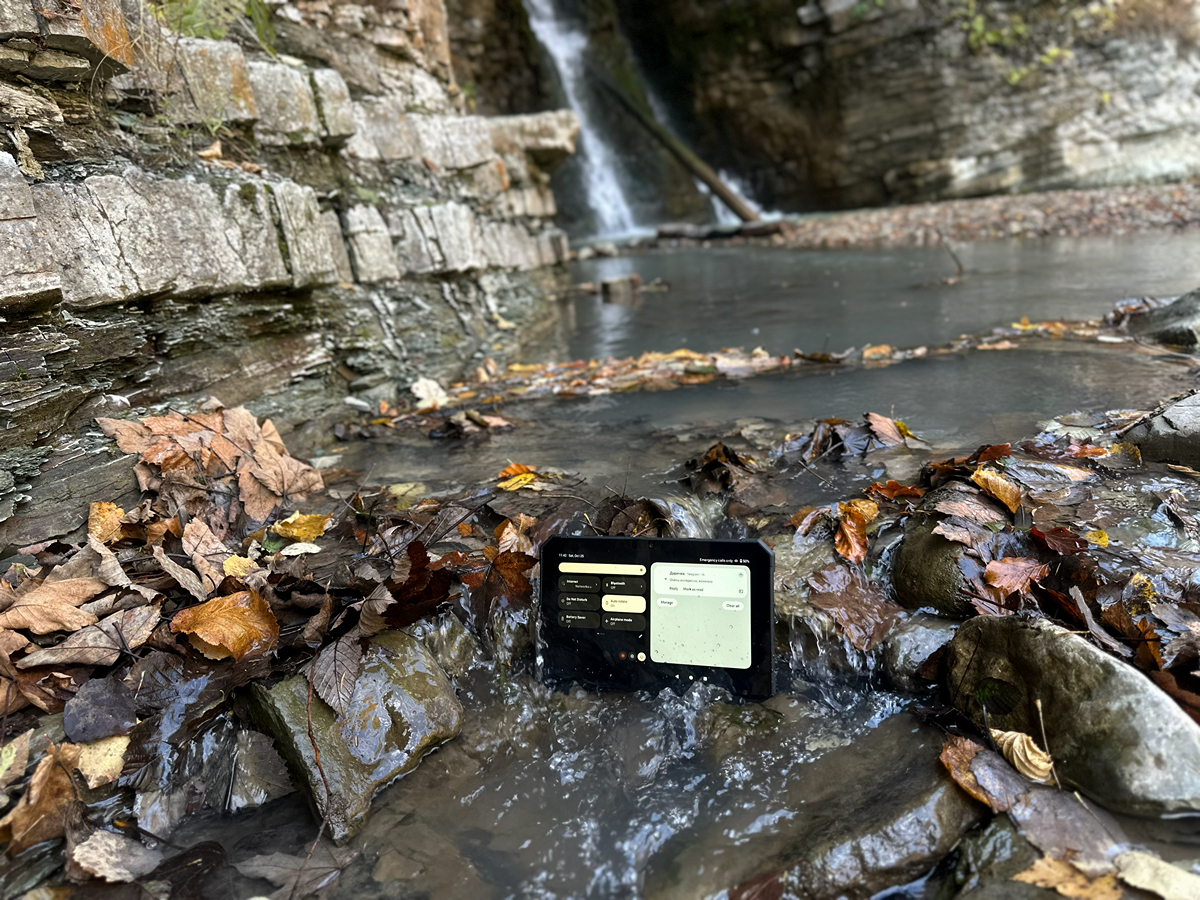
It is worth noting that the tablet is designed for extreme conditions: according to the manufacturer, it can operate between −35 °C and +75 °C and carries IP68/IP69K and MIL-STD-810H certifications.
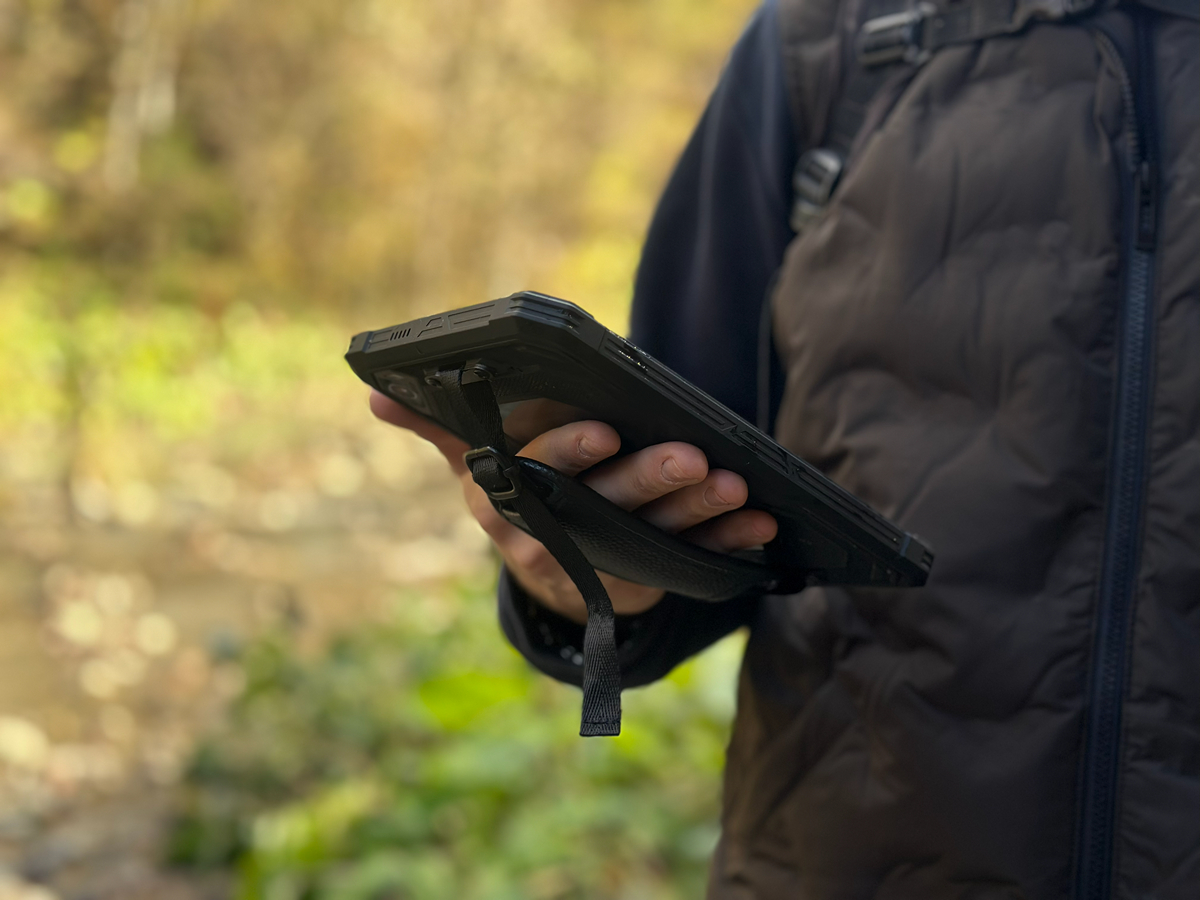
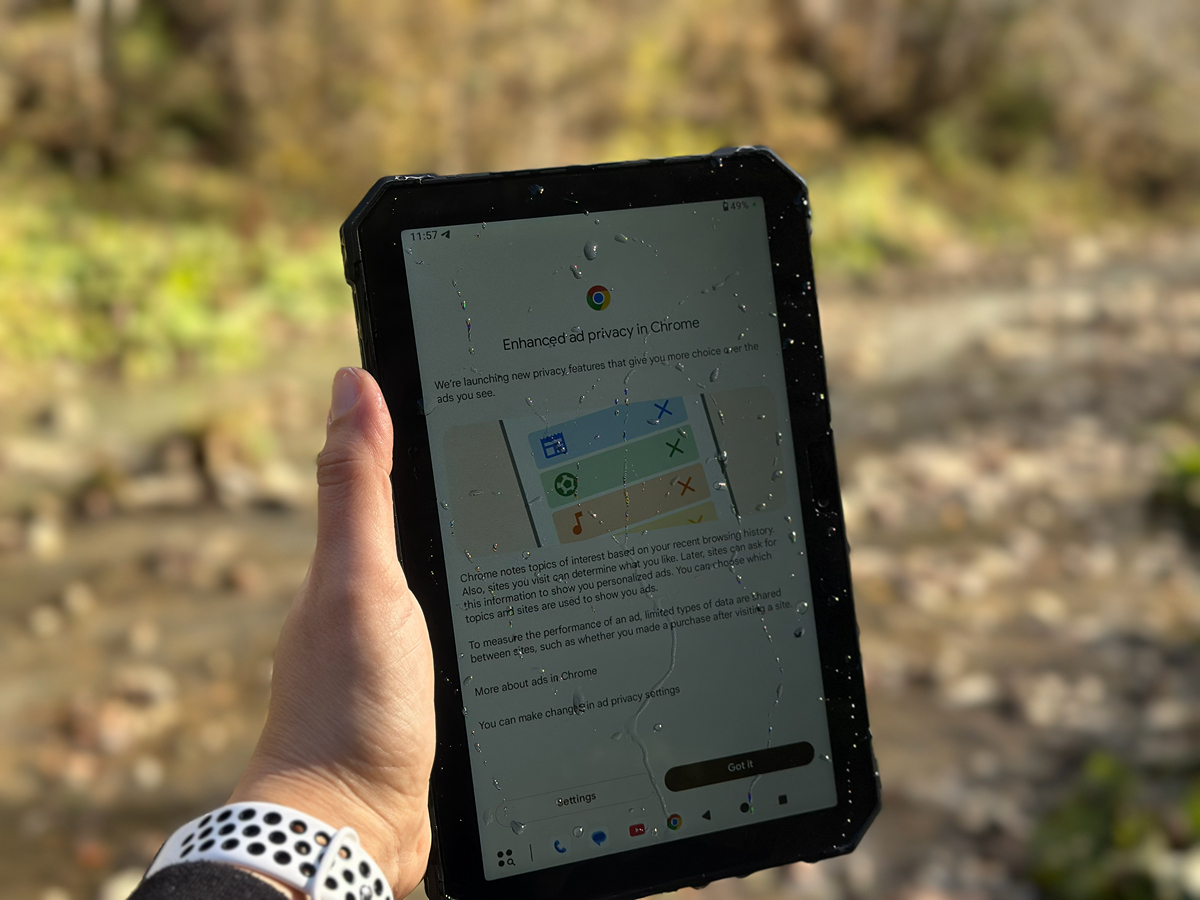
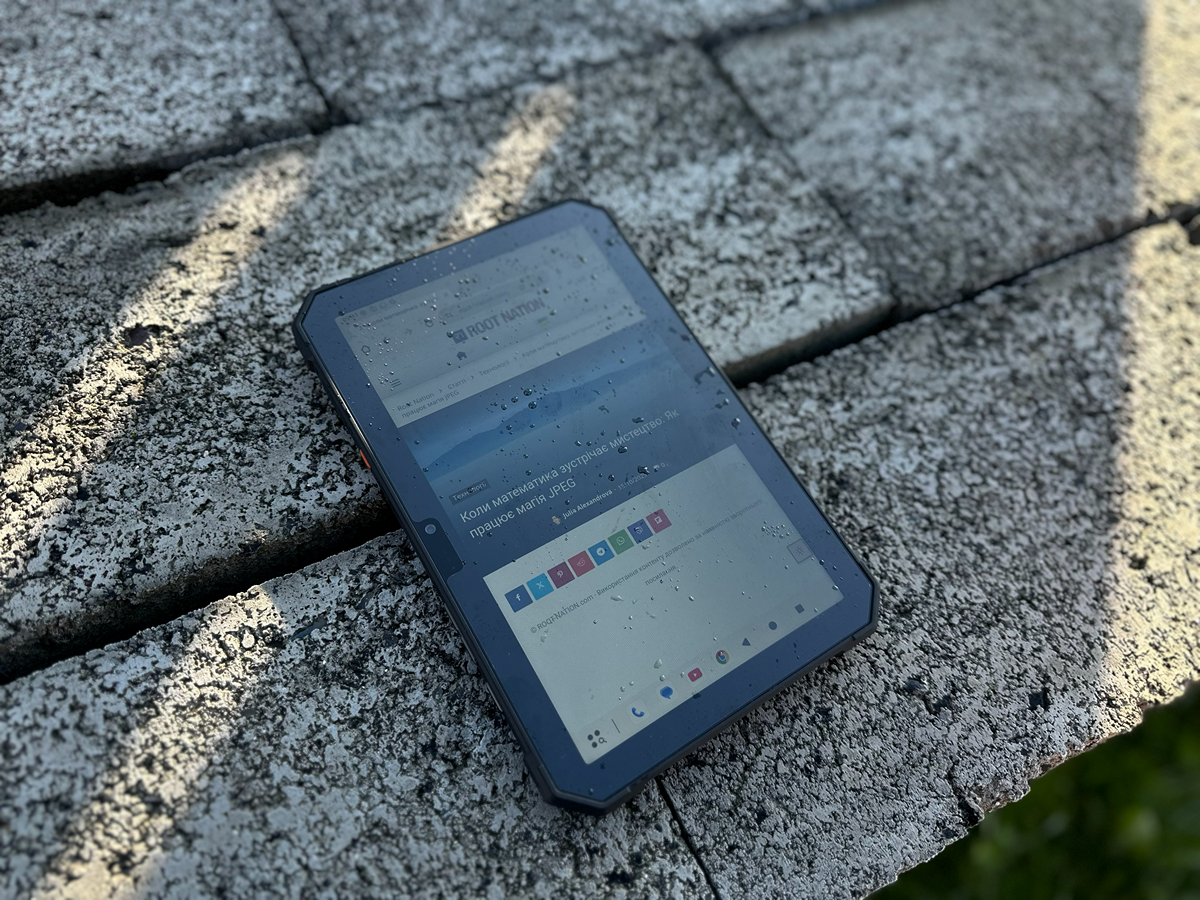
I wasn’t able to test the device at extreme temperatures, but I did rinse it thoroughly in water and left it on the ground at around -2°C. The tablet continued to function without any interruptions. The protective covers fit securely, the chassis prevents moisture ingress, and the screen responds to touch even when using gloves. It appears to be adequately resilient to various environmental conditions.
Read also: Fossibot F109 Review: Rugged Smartphone with Additional Touch Display
Sound and communication
The Cubot TAB KingKong Mini is equipped with a loudspeaker that delivers clear and detailed sound even at maximum volume. You can observe this for yourself:
The bass response is limited, but the sound quality is reasonable for a field device. Headphones can be connected via USB Type-C or Bluetooth 5.0.
Connectivity performance is also solid: 4G LTE support allows the tablet to access high-speed mobile internet even in areas without Wi-Fi. Combined with Wi-Fi 5 and navigation systems including GPS, GLONASS, Galileo, and BDS, the device provides a stable signal and reliable data speeds both in urban environments and in more remote locations.
The tablet does not include NFC or an FM radio, but given its intended use, this is not a significant drawback. It is designed more for travel, fieldwork, or camping than for everyday tasks like contactless payments at a store.
Read also: XGIMI MoGo 4 Exclusive Creative Set Projector Review: The Best Battery-Powered Projector?
Cubot TAB KingKong Mini software
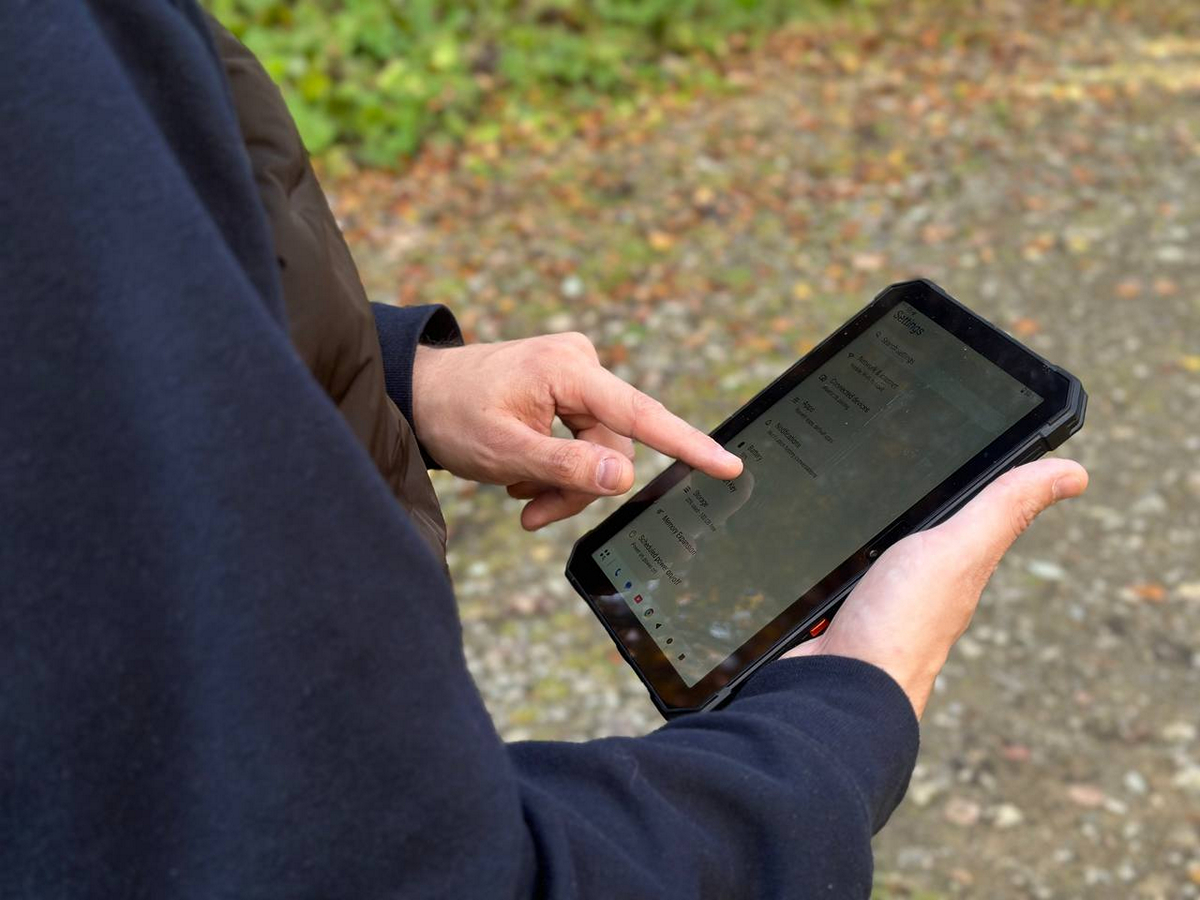
As mentioned earlier, the tablet runs a modern Android 15 operating system without additional custom skins. The interface is clean, responsive, and straightforward to use. Performance is stable, app switching is instantaneous, and the system is well optimized for the hardware.
Out of the box, the tablet includes several useful services, including the proprietary Gemini AI, which assists with search, translation, note-taking, and even voice control of the device. The interface supports dark mode, gestures, multi-window operation, and all standard Android 15 features. Overall, it provides a modern, fast, and practical software environment without unnecessary apps, offering a full set of tools for both work and entertainment.
Read also: Samsung Galaxy XR: Analytical Look at Attempt to Reboot the XR Market
Battery and operating time
The Cubot TAB KingKong Mini is equipped with a 10,200 mAh battery, allowing for several days of use without needing to recharge.
During testing, I was unable to fully drain the battery despite trying, which highlights its impressive endurance. While it is heavier than typical tablets, it provides longer usage than might be expected.
Conclusions
The Cubot TAB KingKong Mini gives the impression of a true “tool” rather than just a tablet. It combines durability, long battery life, and a broad set of features, including a built-in camping light and military-grade protection. This device is designed for users who work or travel in challenging conditions.
It is indeed heavy and does not aim for the elegance of premium models, but it offers a level of reliability that is uncommon in modern tablets.
If you need a device that can withstand drops, dust, and rain while providing long battery life, the Cubot TAB KingKong Mini represents a case where price, functionality, and real-world durability come together in a single package.

