




© ROOT-NATION.com - Use of content is permitted with a backlink.
Long before I got seriously into YouTube, I had a thing for tinkering with Android tablets. Not ones like the Lenovo Tab K11 Plus – others, far less… refined. Take the Acer Iconia B1 from 2013, for example. Back then, I even wrote a piece on how tablets could be used in ways they weren’t originally intended. One idea? Turning a tablet into a secondary monitor for a PC using an app like SpaceDesk.
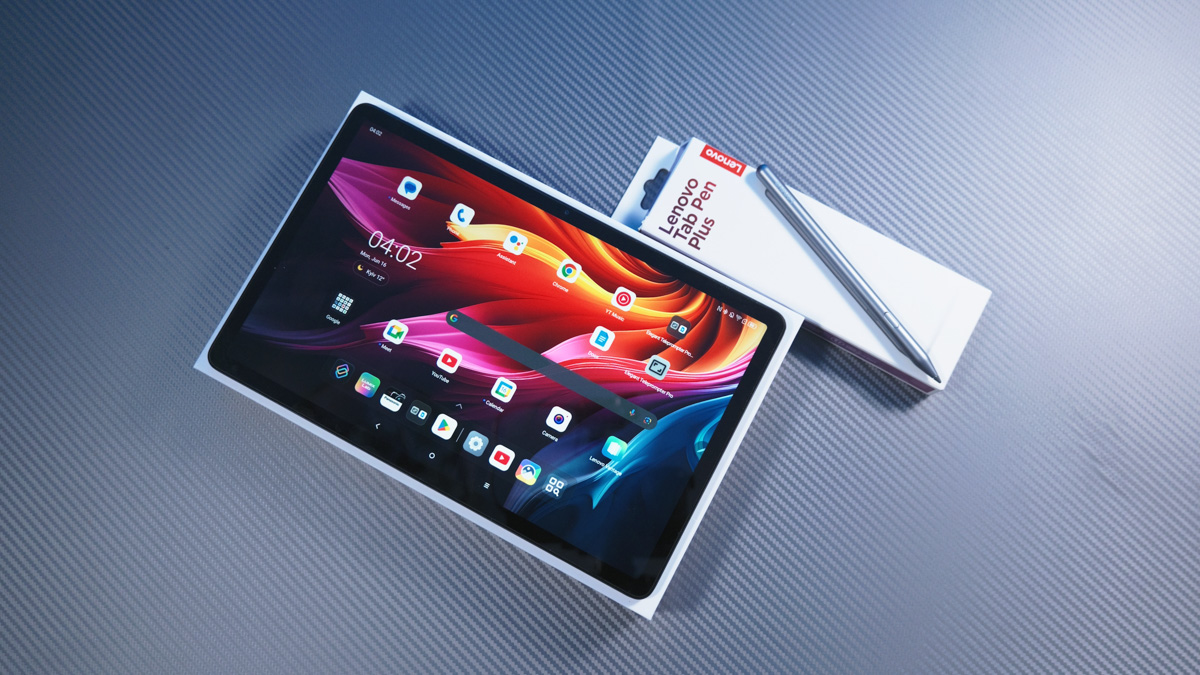
TABLE OF CONTENTS:
Lenovo Tab K11 Plus specifications
- Screen diagonal: 11.45″
- Resolution: 2000×1200
- Brightness: 400 Nit
- Processor: Qualcomm Snapdragon 680
- Memory: 8/256 GB, + microSD
- Cameras: 13/8 MP
- Acoustics: Dolby Atmos, 4×1 W
- USB Type-C: 2.0
- Data transmission: GPS, NFC, Wi-Fi 6 2×2, Bluetooth 5.3, 4G
- Battery: Li-Pol, 8600 mAh
- Charging: 20 W
- Shell: proprietary, with an update to Android 15
- Weight: 520 g
- Dimensions: 268.70 × 168.96 × 7.15 mm
Video about Lenovo Tab K11 Plus
Alternatives
It’s been 13 years, and Android tablets have evolved from basic, slow and not very convenient devices to what Lenovo Tab K11 Plus is. And we’re not just talking about this tablet, because basically any modern Android model will do.

And it’s not just Android – iPads exist too. But there’s a catch: older models are simply too outdated, and the newer ones running on Apple Silicon are significantly more expensive. Fully tapping into their performance is tough unless you’re using them for gaming, and doing that on a touchscreen isn’t exactly ideal. Plus, switching from Android to iOS can be a real headache. Don’t take my word for it – ask Linus.
Wireless screen
So for this piece, I’ll be using the Lenovo Tab K11 Plus as an example. It’s an 11.5-inch tablet I chose quite deliberately. First off, it has a solid display – a 90Hz IPS panel with a 2000×1200 resolution. Color coverage sits at 72% NTSC/DCI-P3, and brightness reaches 400 nits, with support for HDR10. It’s worth noting that there’s no option to adjust the refresh rate manually, but the 90Hz is clearly noticeable in use – and thankfully, there’s no PWM flicker.
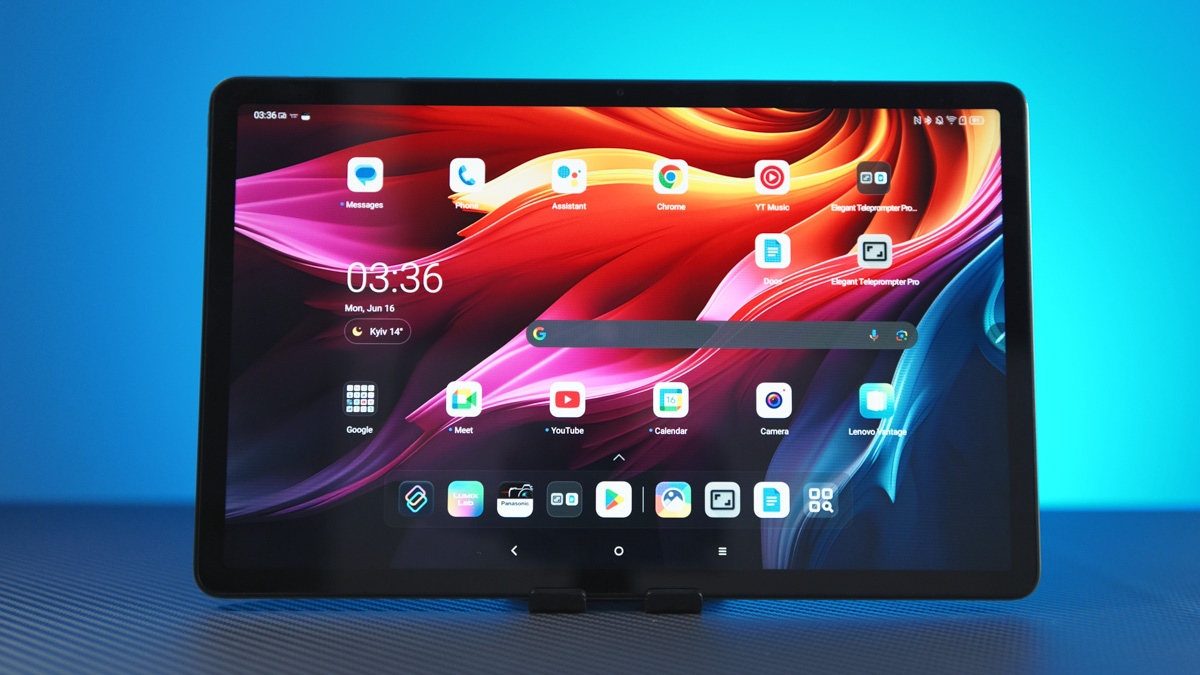
Why does that matter? Because this tablet is marketed as a family-friendly, all-purpose device – so naturally, it’s also being bought for kids. And when a device is meant for children, the screen quality needs to be up to the task. But in my case, I picked it for work – specifically because one of the main things I’ll be using the Lenovo Tab K11 Plus for is functioning as a wireless secondary monitor.
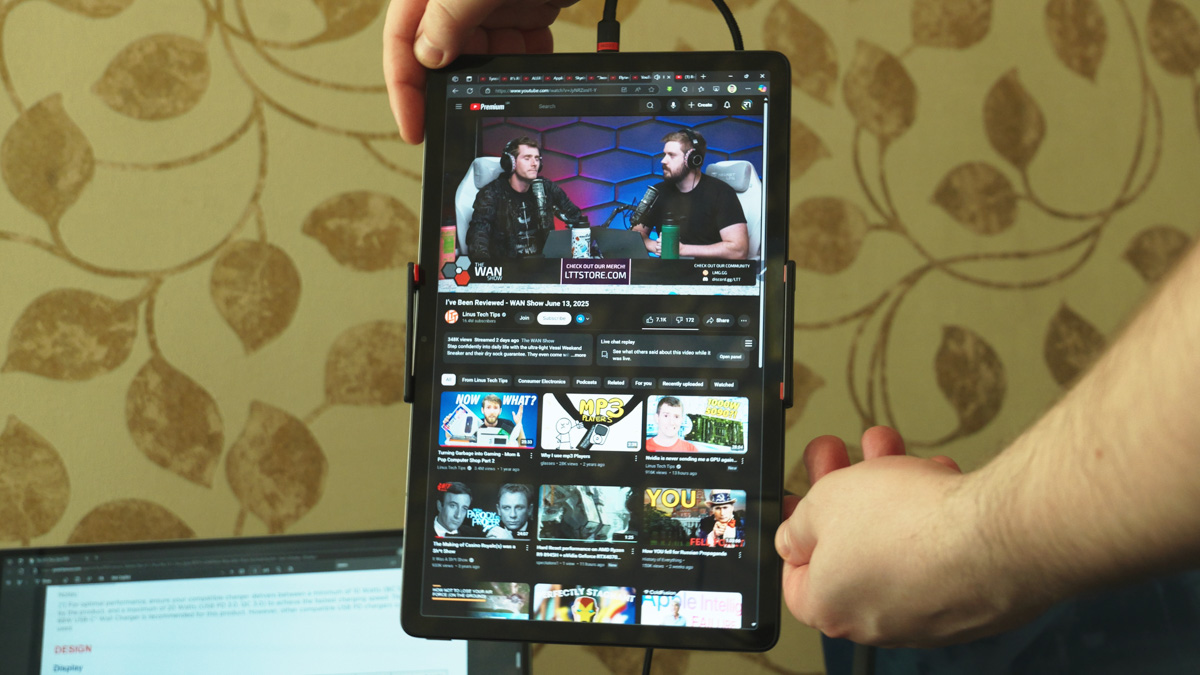
You can do this either via SpaceDesk, if you’re using a basic Android tablet. Or – and this is where Lenovo (and Motorola, to be fair) has a clear advantage – by using the Smart Connect app. Just choose the Cross Control option, then select “Extend PC Display” from the dropdown menu. That’s it. Even screen rotation on the tablet is recognized properly in Windows.
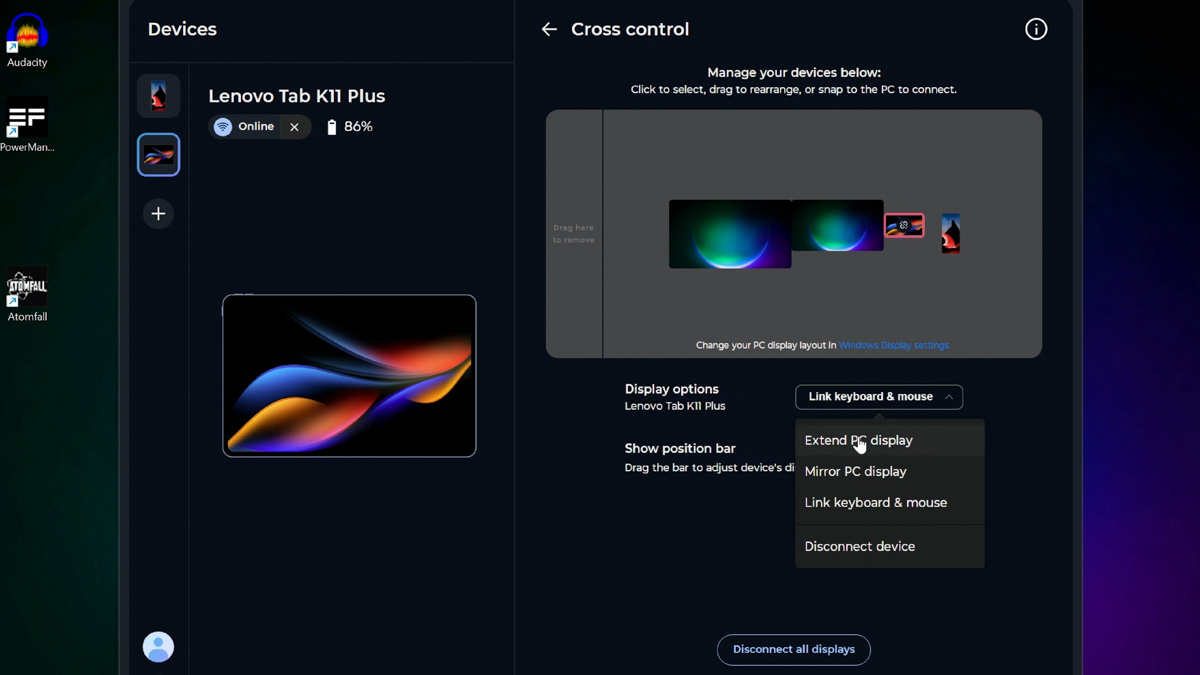
You might think screen quality doesn’t matter much if the image is going to stutter over a wireless connection – like it did 13 years ago, when Wi-Fi 5 was something only flagship devices had. But that’s not the case here. The Lenovo Tab K11 Plus doesn’t have this issue – it supports Wi-Fi 6 (802.11ax), so the connection is fast and stable.
Monitor for the camera
And that matters, because the second use case for the Lenovo Tab K11 Plus is monitoring the video feed from a Panasonic Lumix S5 IIX. I no longer have a dedicated wired monitor – I sold it along with my Blackmagic Pocket Cinema Camera 4K. These days, I usually shoot video while monitoring the image output directly on a smartphone.
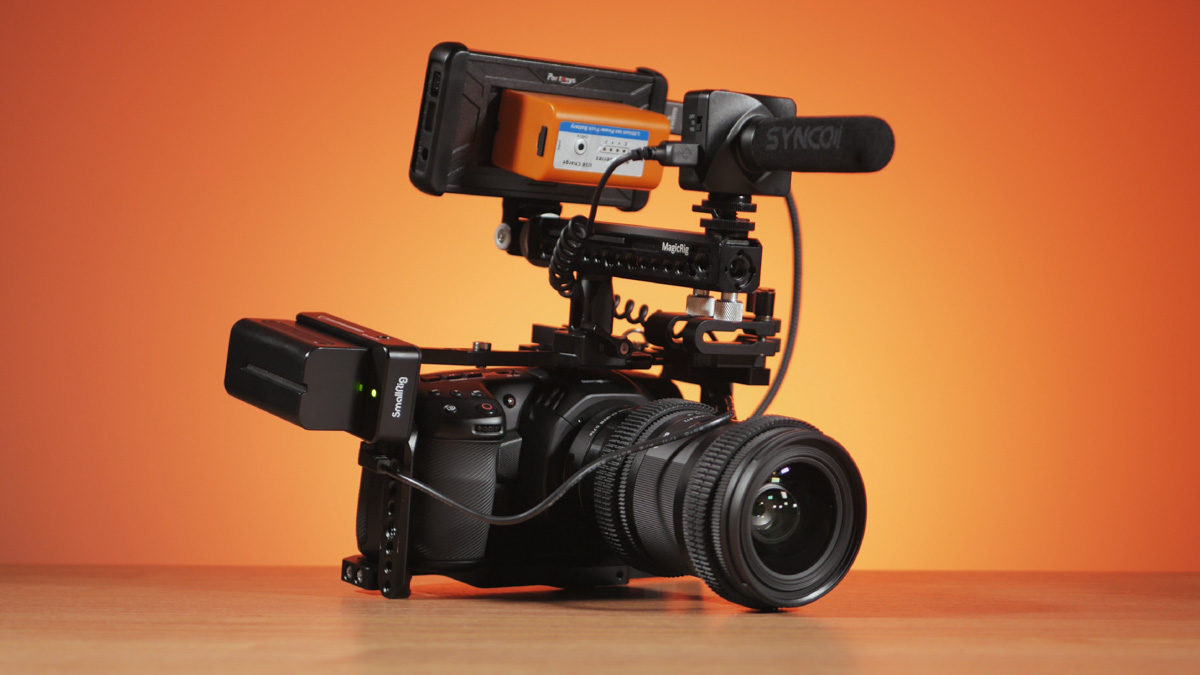
There are a few issues with this setup. First, if your smartphone screen is around 6.7 inches, you can see the overall composition, but that’s about it. You won’t be able to clearly spot things like lens distortion or fine details in a hairstyle.
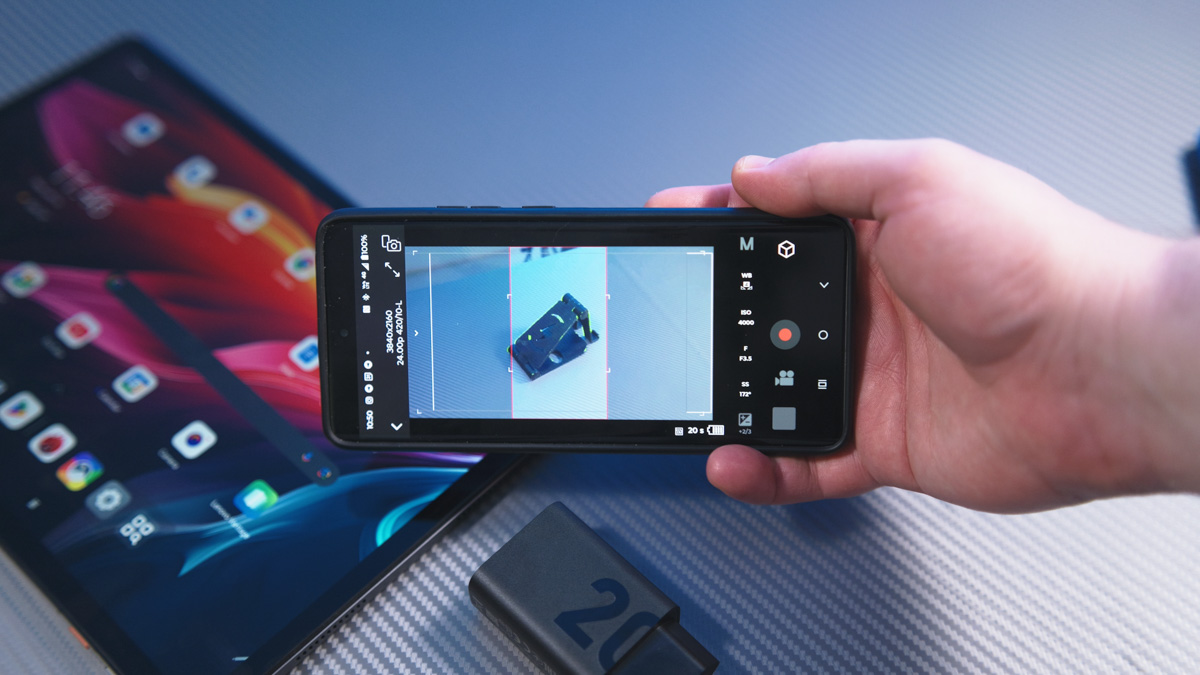
Using a tablet makes this more feasible. The only challenge is positioning the tablet on the table so that the image is clearly visible and the tablet can also function as a remote trigger. That said, I use a wired remote control, the DMW-RS1, for the Panasonic, which is also nearly 10 years old. It was extended to 5 meters by custom order. Another important point is that not all camera apps work smoothly on tablets. For example, Panasonic’s Lumix Lab app tends to freeze when you change the screen orientation, and the preview area is significantly smaller than it could be. Still, even with these issues, using a tablet is considerably better than relying on a smartphone.
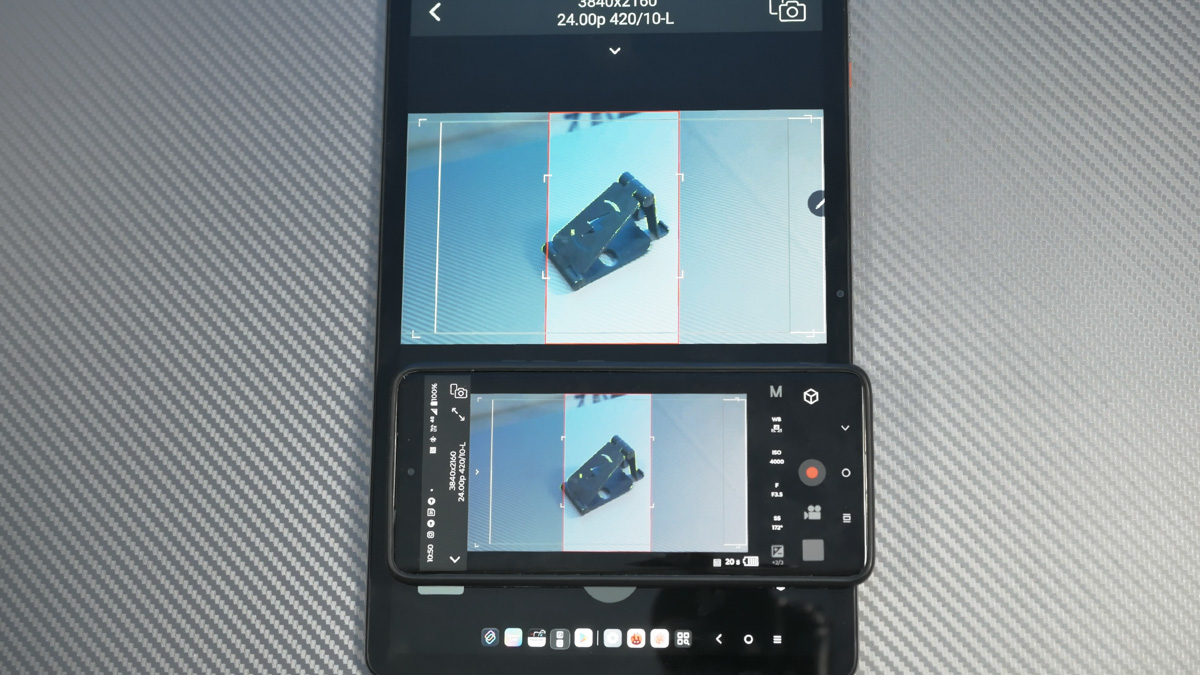
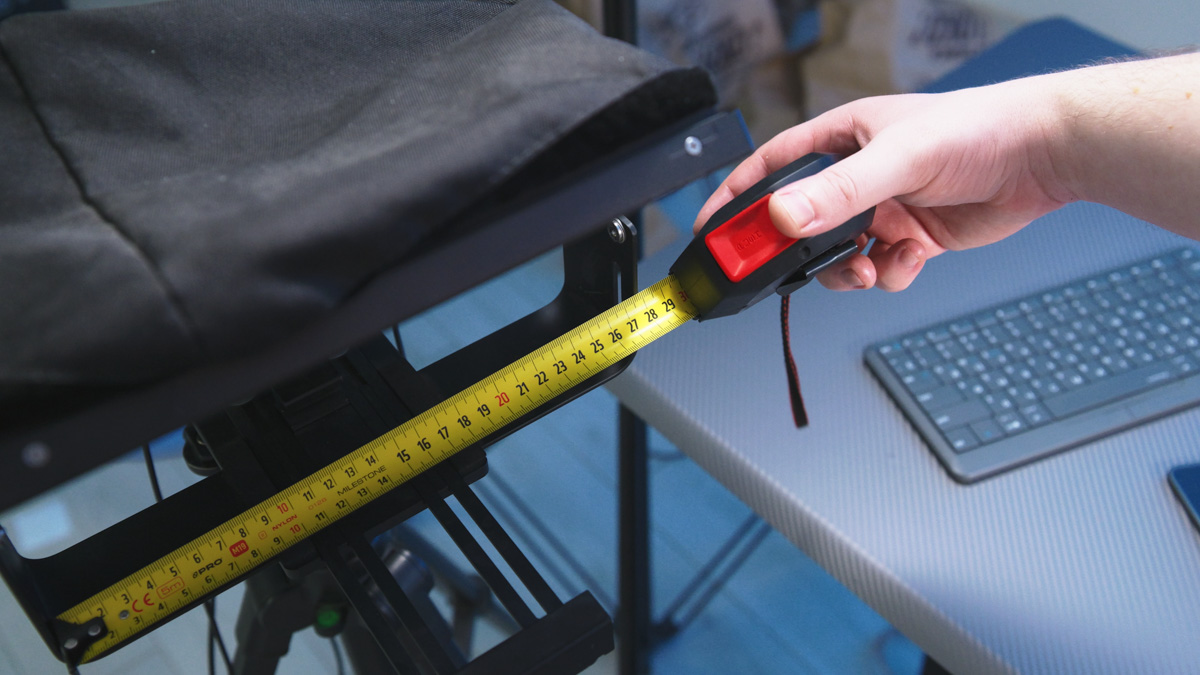
Size also matters when it comes to tablets. I’ll be using the Lenovo Tab K11 Plus not only as a monitor but, when needed, as a display for a teleprompter. The maximum compatible length for that setup is 270 mm, and the Tab K11 Plus measures 268.7 × 168.96 × 7.15 mm, which fits just within that limit.
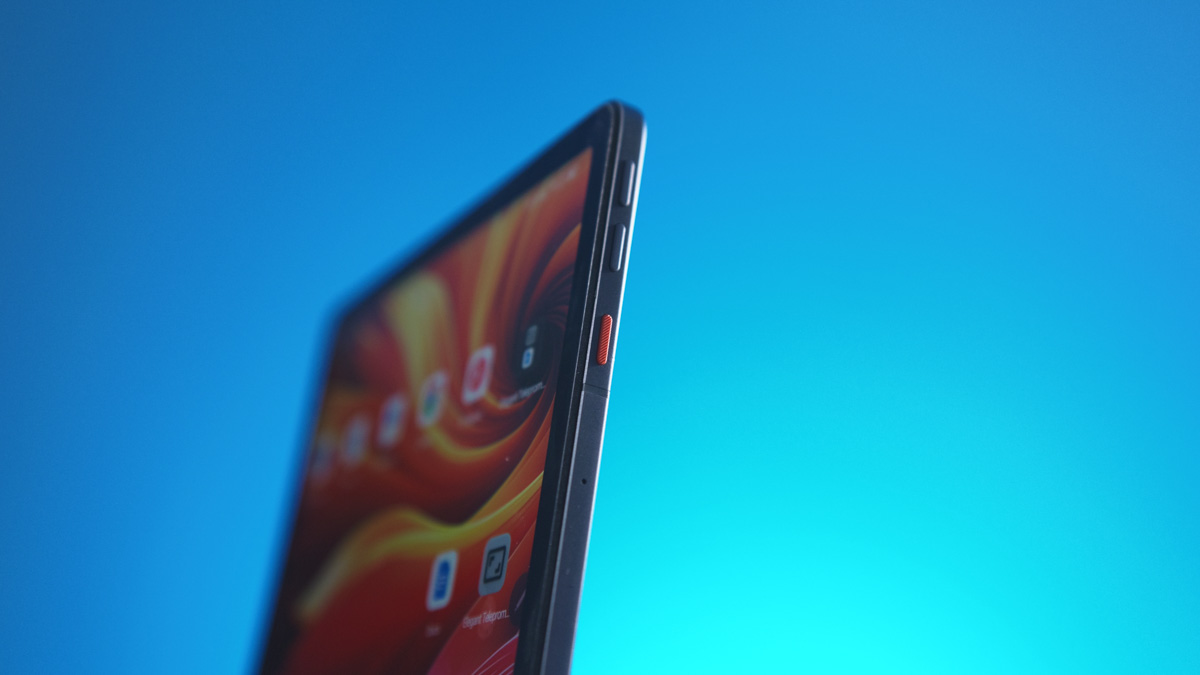
Also – something I haven’t seen on tablets before – there’s a dedicated Action key that can be customized for any function you want.
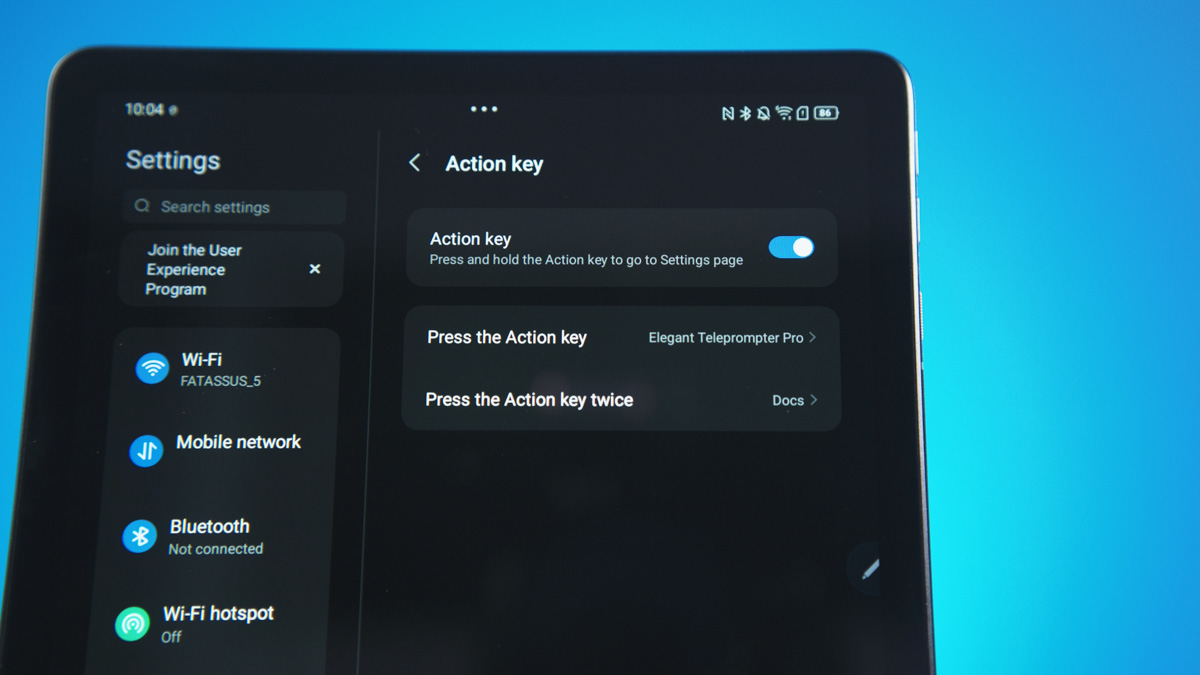
That means right after unlocking the tablet, I can launch the Lumix Lab app with a single press of the Action key – literally in a second. Or set it up so one press opens Google Docs, and a double press launches the teleprompter app.
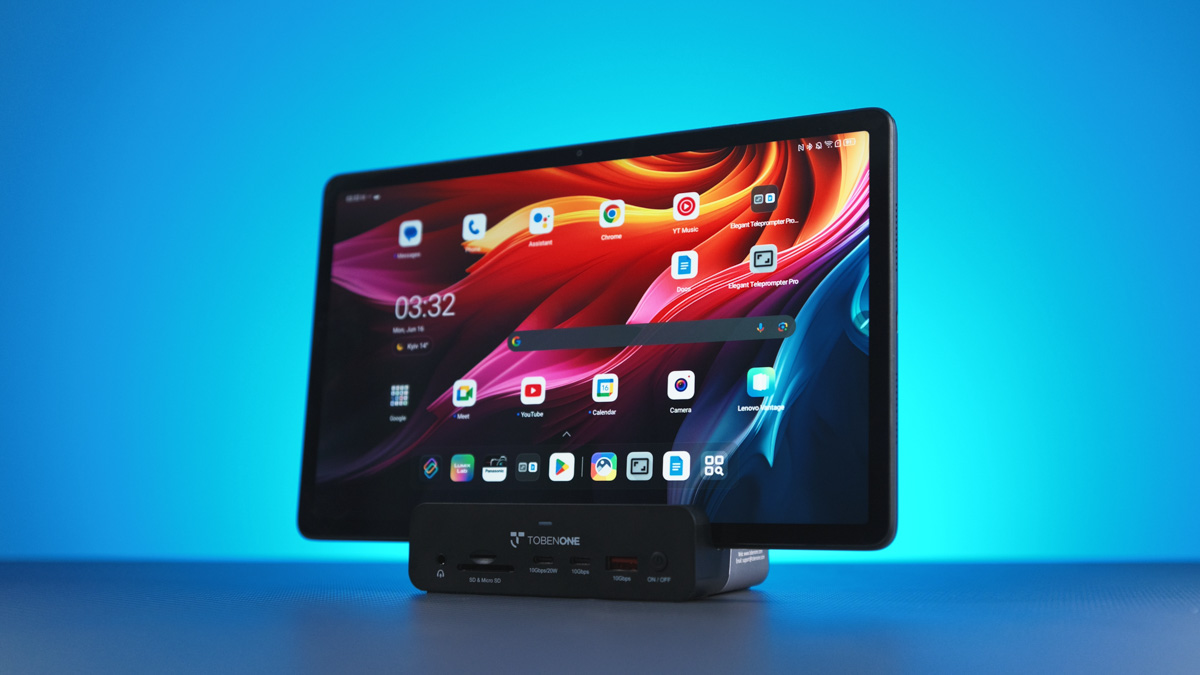
The tablet has a sleek design – it weighs just over half a kilogram, with a metal body throughout. On the bottom, there are contacts for the Lenovo Smart Charging Station 2 dock. Unfortunately, this dock is currently impossible to find, both locally and internationally.
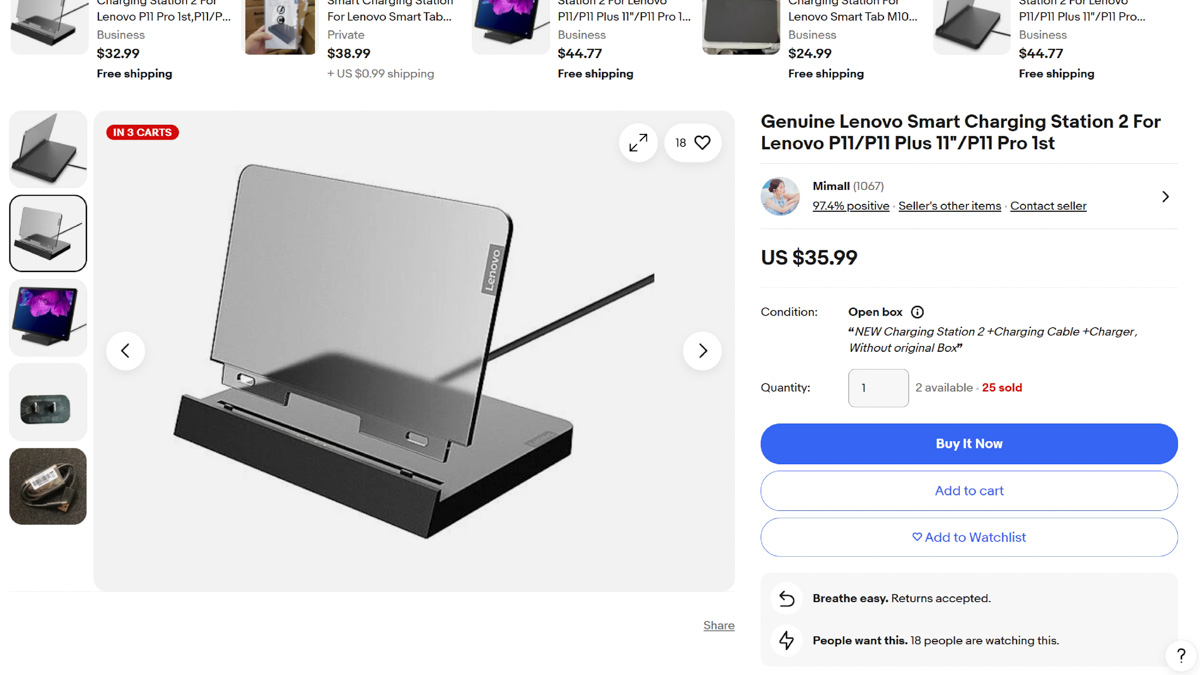
That’s not really an issue since it’s just a charging station without a hub. We’re planning to release a review of the TobenONE dock on our English channel soon, so you’ll see the difference. Actually, I might end up using the Lenovo Tab K11 Plus with that dock – who knows.
Video storyboarding tool
Now, the main – and third – key function of the Android tablet is stylus support. The Lenovo Tab K11 Plus doesn’t come with a stylus, but I chose the Lenovo Tab Pen Plus. There’s the Tab Pen Pro, which is more advanced, but even the Tab Pen Plus gets good reviews, especially considering its price – around $42 compared to the tablet’s nearly $292.

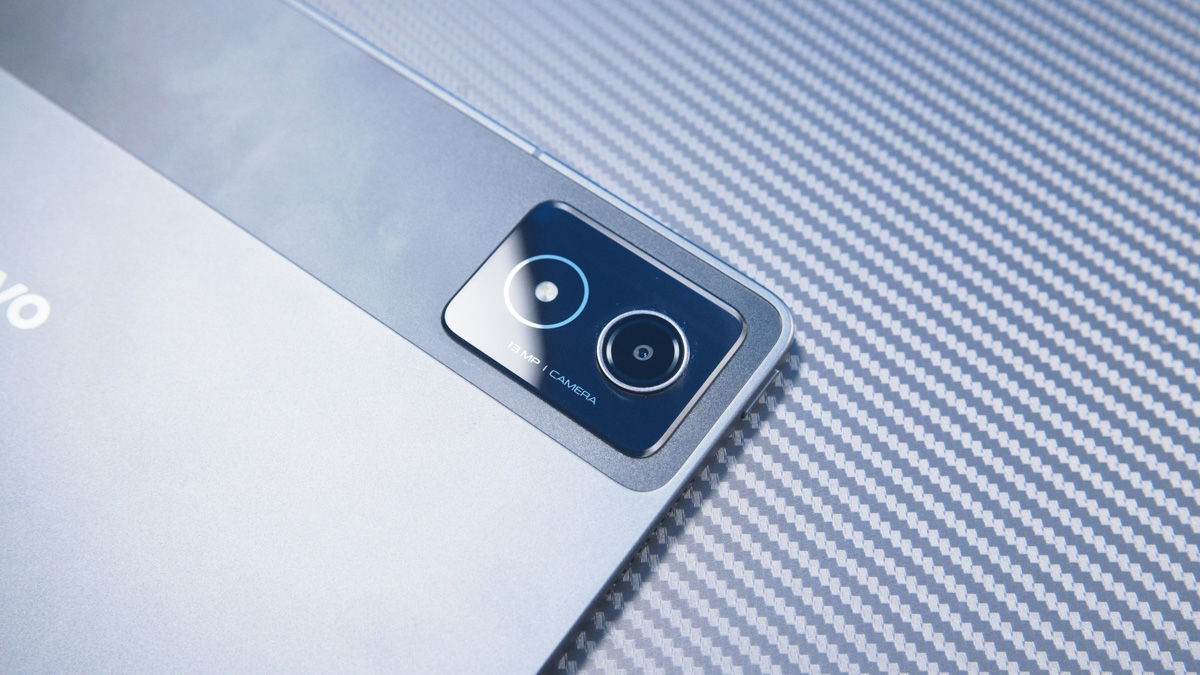
By the way, the tablet has two cameras – 13 MP and 8 MP – both with autofocus. That’s an important feature if you plan to use the Lenovo Tab K11 Plus as a secondary monitor. For comparison, my four-year-old ASUS gaming laptop doesn’t have a webcam at all, while this tablet not only has one but with autofocus as well.
To wrap up on the stylus – why do I need it? Mainly for storyboarding video. Plus, even in apps like Google Docs, I can display the video script on screen and use the stylus to cross out parts that have already been filmed in terms of shots.
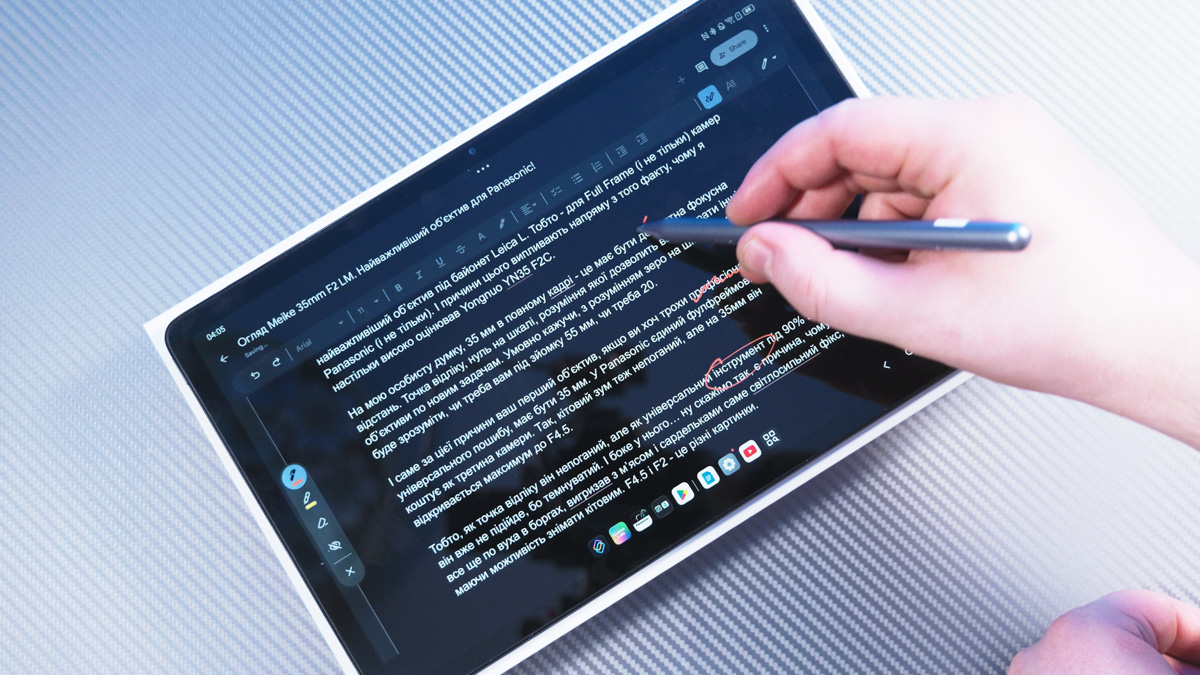
You can do this with your finger by highlighting text in Google Docs, but I’ve tried it and it’s really awkward and feels unnatural. Using a stylus makes the process much easier, more comfortable, and frankly, more enjoyable. Drawing with the Lenovo Tab Pen Plus is a good experience – it offers 4,100 levels of pressure sensitivity, charges via USB-C, and even supports remote shutter control when connected via Bluetooth.
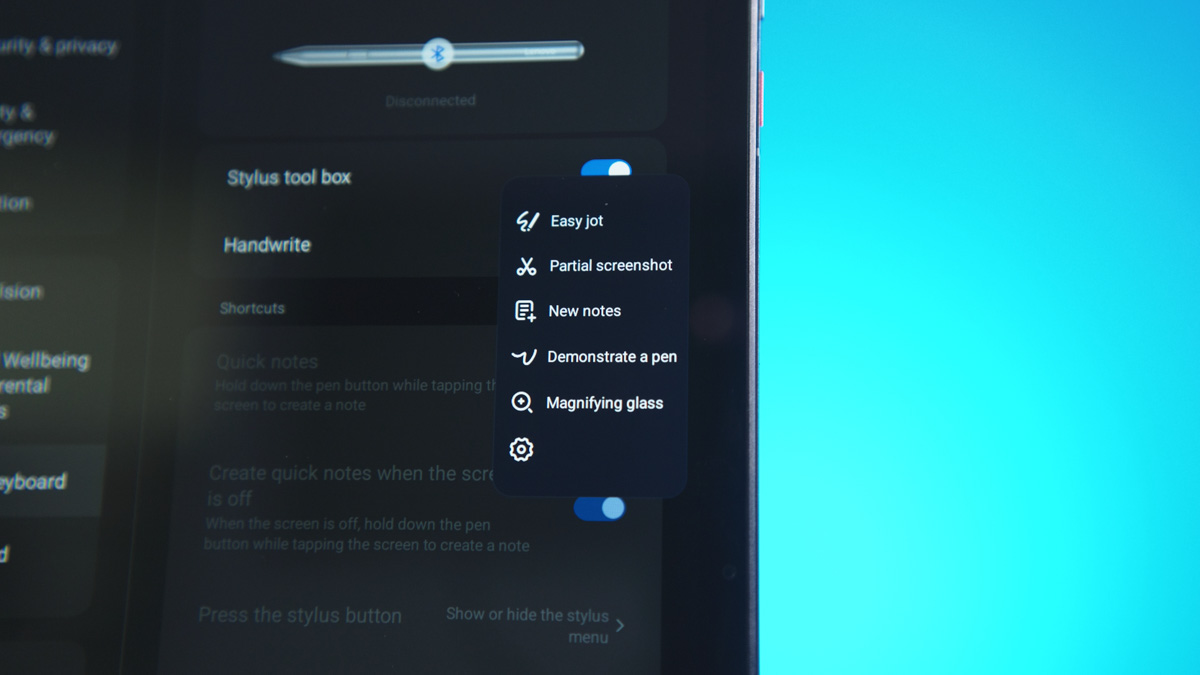
And not just that – I’ll also be tinkering with other things. For example, I’ll look for a way to carry the stylus with the tablet, since there’s no magnetic attachment on the body. As far as I understand, that means I’ll need a special case.
Conclusions
To sum up, the combination of the Lenovo Tab K11 Plus and the Lenovo Tab Pen Plus is one of the most versatile setups I’ve seen – not just for casual users, cinema fans, or media centers. For its price, it offers some of the best stylus support and display quality in its class. It also includes features highly relevant for Ukraine, like reliable data connectivity. And that’s without mentioning the four speakers, SIM and MicroSD support, a flexible user interface, a Snapdragon 680 chipset scoring around 300,000 points in AnTuTu, and 20-watt charging.
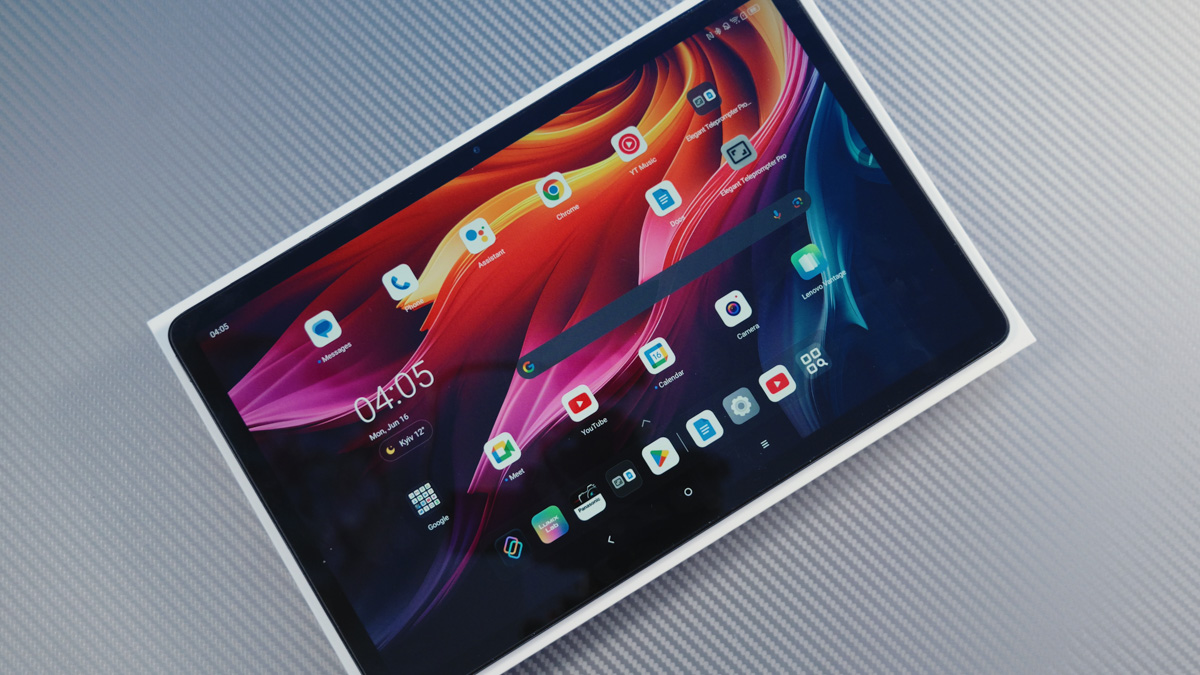
All of this is useful and impressive – even for me – but not an absolute priority. Overall, the Lenovo Tab K11 Plus isn’t the best tablet out there. Still, it offers a lot of value for the price, which is why I recommend it.
Read also:
- Logitech Flip Folio review: iPad Case with a Removable Wireless Keyboard
- Motorola Edge 60 Fusion Review: Moto AI, MIL-STD 810H and Elegant Design
- Nubia V70 vs. Nubia V70 Max: Budget Phones for the Detail-Oriented Buyer

