
© ROOT-NATION.com - Use of content is permitted with a backlink.
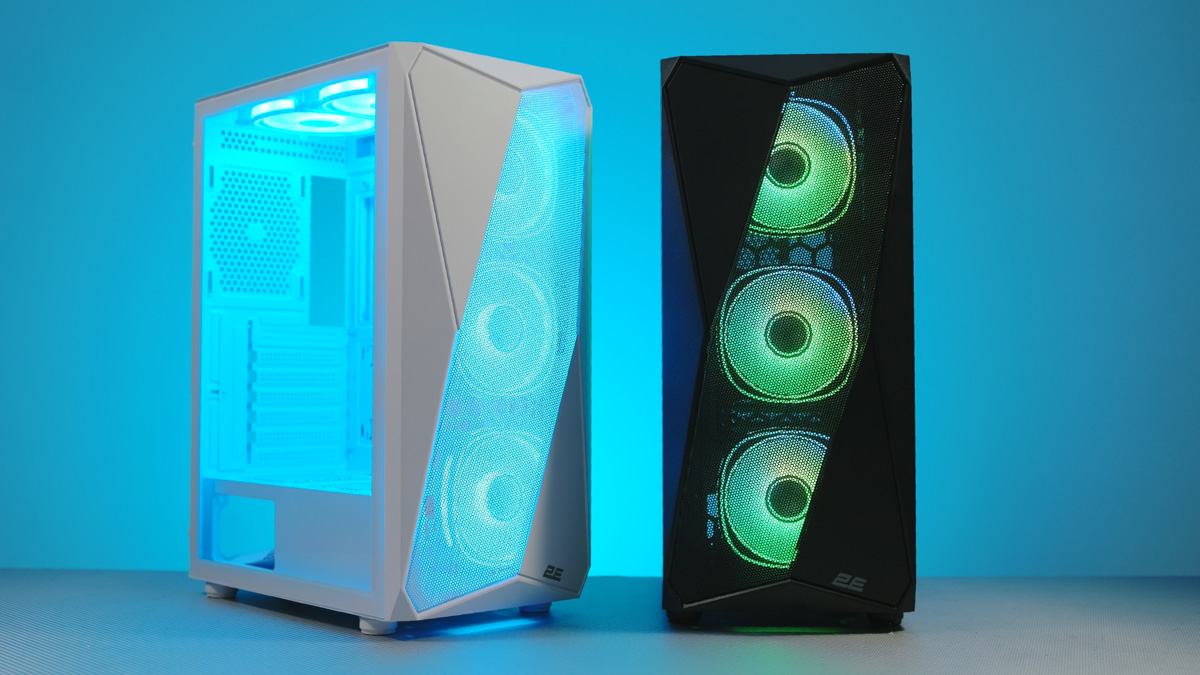
The 2E Gaming Aruba G3313, available in both black and white, is one of the most affordable cases I’ve reviewed recently. This is significant because, when looking beyond clearly premium or moderately balanced options, it’s hard to gauge what to expect if the budget drops to around $50.
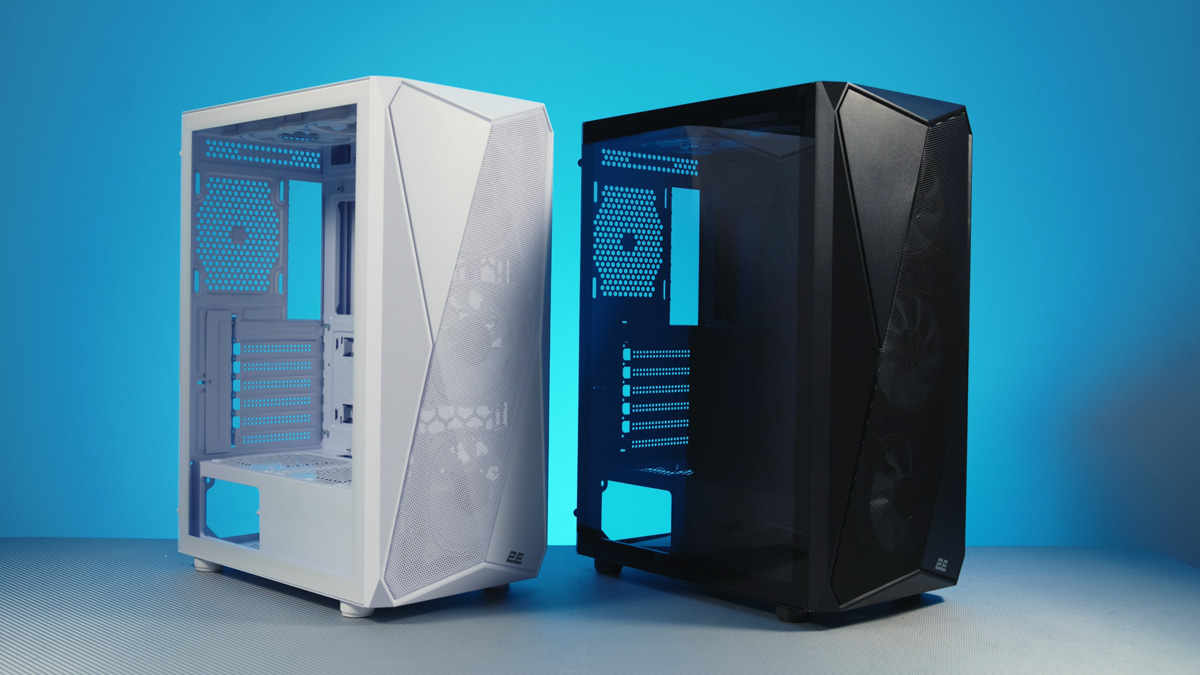
TABLE OF CONTENTS:
Video review of 2E Gaming Aruba G3313
Technical specifications
- Format: Mid-Tower
- Weight: 5.4 kg
- Height: 216×384×487 mm
- Compatibility with motherboards: ATX / mini-ITX / micro-ATX
- PCIe slots: 7
- Included fans: 5×2E-ACF120XB-ARGB
- Maximum number of fans: 8
- Radiator support: up to 360 mm
- Cooler height: up to 165 mm
- Graphics card length: up to 300 mm
Cost and configuration
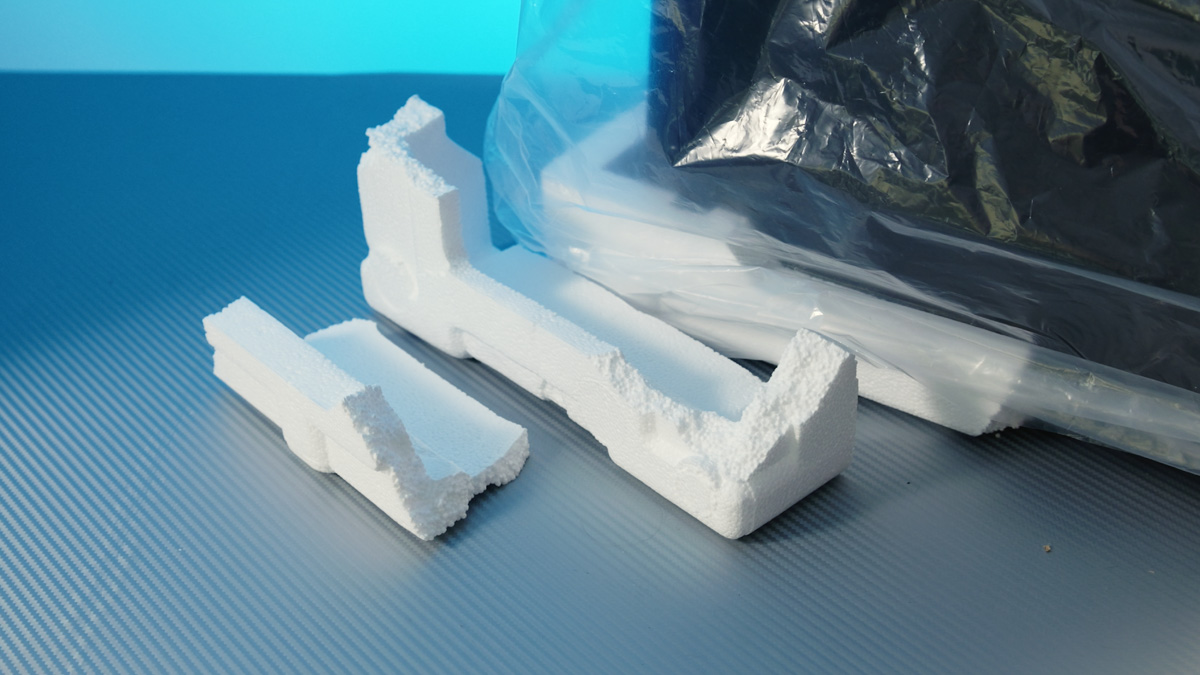
The 2E Gaming Aruba G3313 is priced around $50, positioning it as an entry-level option in the gaming PC case market. The packaging reflects this budget orientation: the case is secured in standard foam inserts, which are both thin and fragile, offering minimal protection during transit. Next is interesting.
First, the name. Aruba is a small island located near Venezuela, close to Curaçao. For many gamers, the name is familiar due to its association with GTA 3 – a connection even noted by Video Game Donkey. In this context, the case’s name is already recognizable within gaming circles.
Fans
Despite its budget orientation, the 2E Gaming Aruba G3313 comes equipped with five 120 mm 2E-ACF12XW-ARGB fans. These fans are relatively loud, as they operate at a constant 1200 RPM rather than using PWM control.
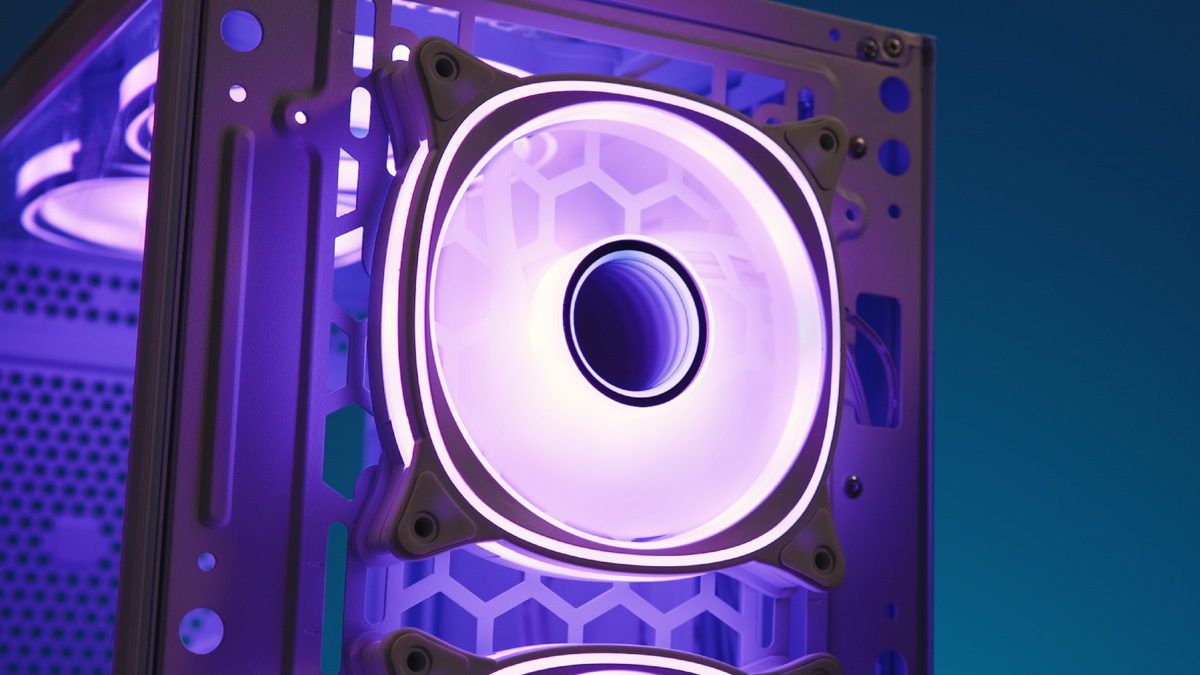
At the same time, the fans provide effective airflow, rated at 30 CFM each, and have a distinctive appearance, partly due to the Infinity Mirror effect in the center. Additionally, they feature rubber mounts and extra RGB strips along the edges for added visual detail.
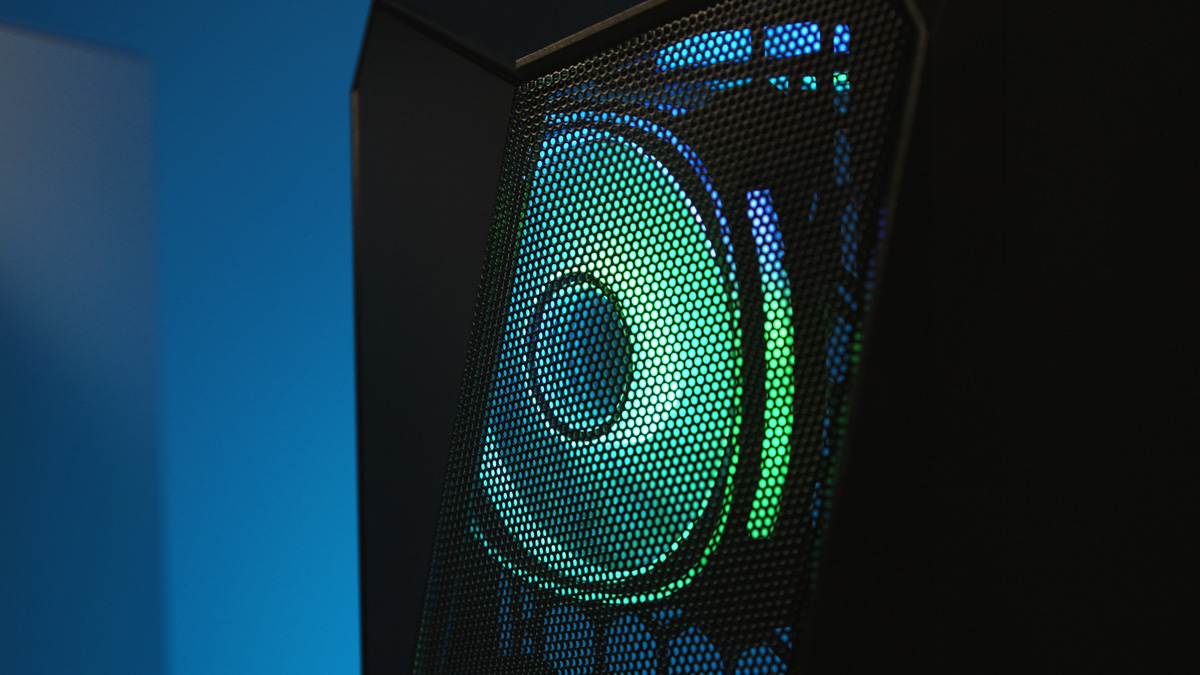
The main issue, however, is that all the fans are installed at the front and top of the case. This setup can be problematic because cool air is expelled upward rather than toward the rear, meaning it may not effectively pass over the CPU cooler. Ideally, one of the top fans should be relocated – either to the rear or bottom positions, as the PSU shroud also provides mounting points.
Compatibility
Overall, the cooling performance is adequate – and even notable considering the price. The case can accommodate up to eight fans in total, with five of them capable of being 140 mm. This is an important detail, especially compared to some higher-end cases I’ve reviewed recently that didn’t support 140 mm fans at all.
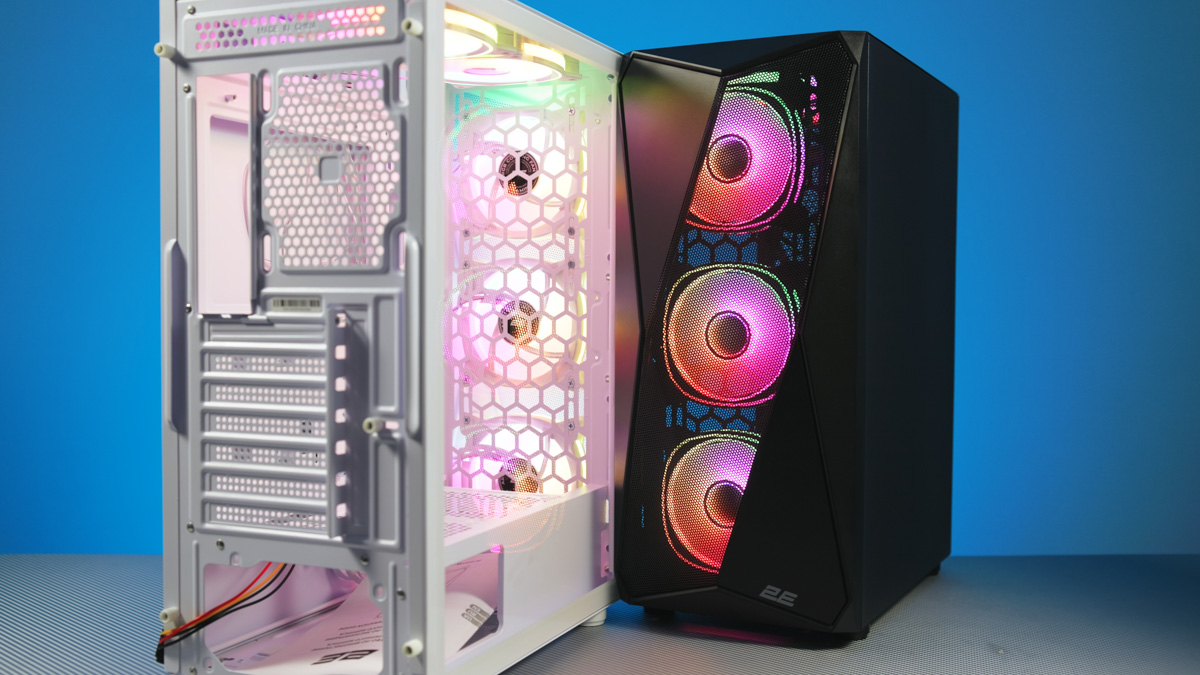
The case can be disassembled without a screwdriver, as the screws are captive but not permanently fixed. It includes channels for cable management, and the side panel is made of tempered glass.

But that’s not all. The G3313 comes not only with five fans but also includes a fan hub – a six-fan hub, to be precise.
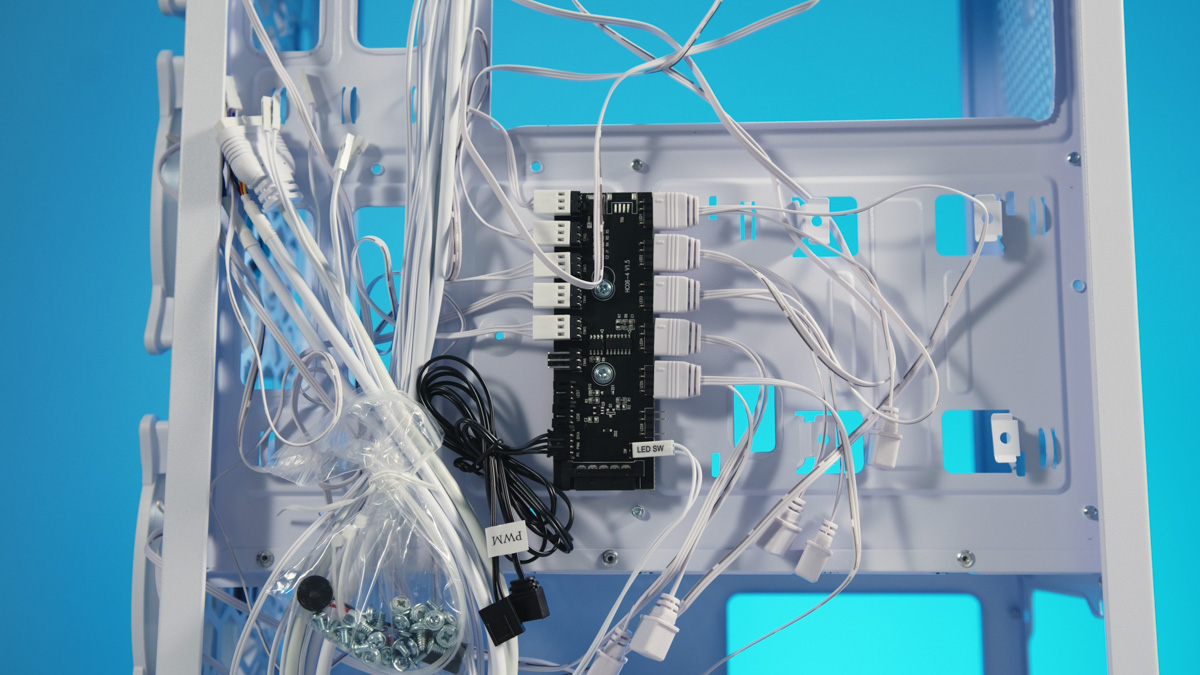
The hub handles not only power but also PWM control. The lighting, which offers a wide range of modes, can be completely turned off when not needed and is controlled via a dedicated button on the front panel.
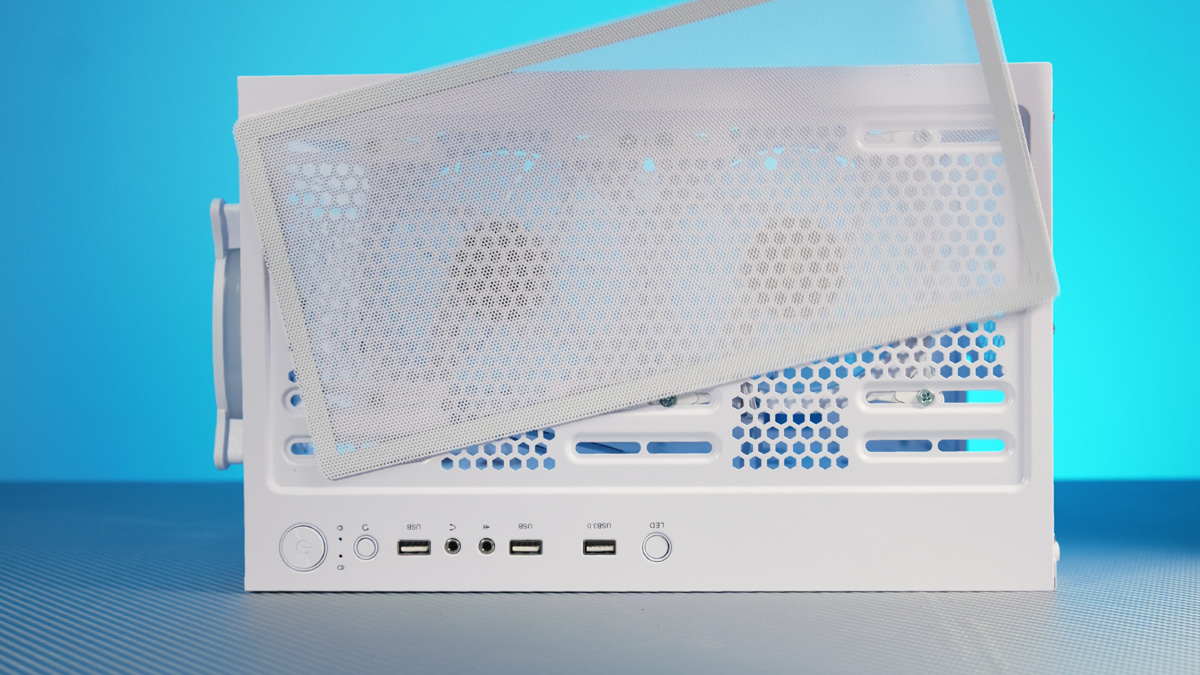
The front panel also houses separate audio jacks, power and reset buttons, and three USB-A ports, one of which supports 5 Gbps transfer speeds.
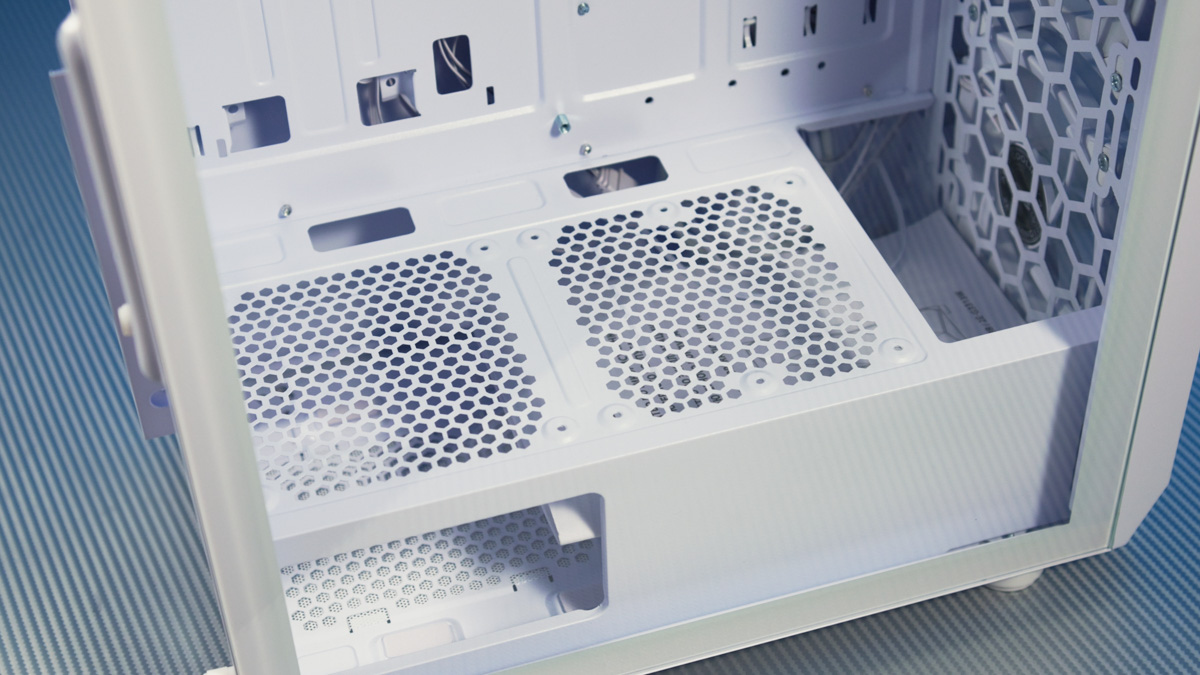
Additionally, the case includes dust filters, a prominent front intake area for airflow, tall feet, and an adjustable drive cage that can be shifted to the side to provide extra clearance for the power supply.
Disadvantages
First, while it is possible to install three 140 mm fans, a 420 mm radiator will not fit. This isn’t a major issue, as the case itself is relatively compact. Technically a mid-tower, its dimensions are 220 × 390 × 490 mm, with a weight of 5.4 kg – making it relatively short for the category.
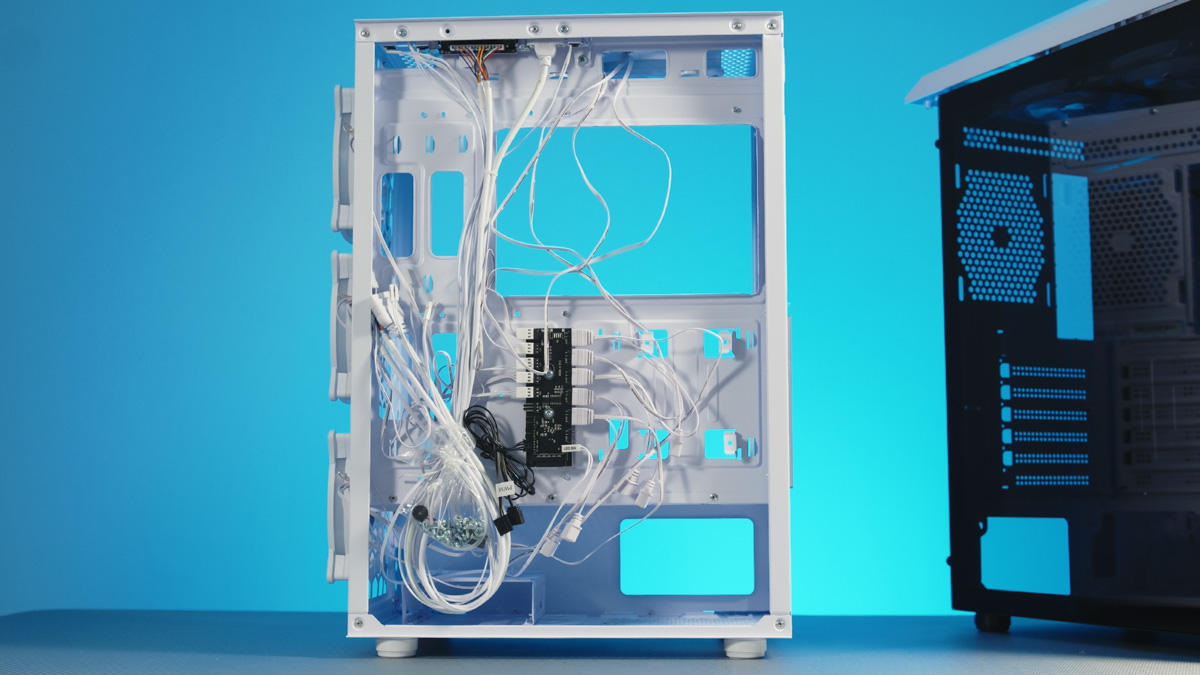
As a result, component compatibility is somewhat limited. The power supply supports a maximum length of 150 mm, although this isn’t specified in the official specs. The stated maximum GPU length is 300 mm, and CPU cooler height is up to 165 mm. The case accommodates two SSDs but only a single HDD.
Conclusions
The verdict is straightforward. The 2E Gaming Aruba G3313 stands out primarily for its included components. Even in cases that cost twice as much, it’s uncommon to find a PWM+RGB hub and five fans with well-designed lighting. Combined with its distinctive appearance and compact dimensions, the G3313 represents a notable option for budget and mid-range PC builds.
Read also:
- Unique Aquarium! Review of be quiet! Light Base 900 DX Case
- Zalman P40 Prism Case Review: One Step Away from Greatness
- Cougar OmnyX Review: An Unusual Gaming PC Case