© ROOT-NATION.com - Use of content is permitted with a backlink.
It’s clear we’ve reached a point where liquid cooling systems are not only powerful and reliable but also widely accessible. Some even come with large LED screens built into the pump. A good example is the SAMA SM360 Pro, one of the most capable cooling systems I’ve tested so far – and also one of the least stable when it comes to software.
Read also: Reviews of cooling systems (coolers) for PCs
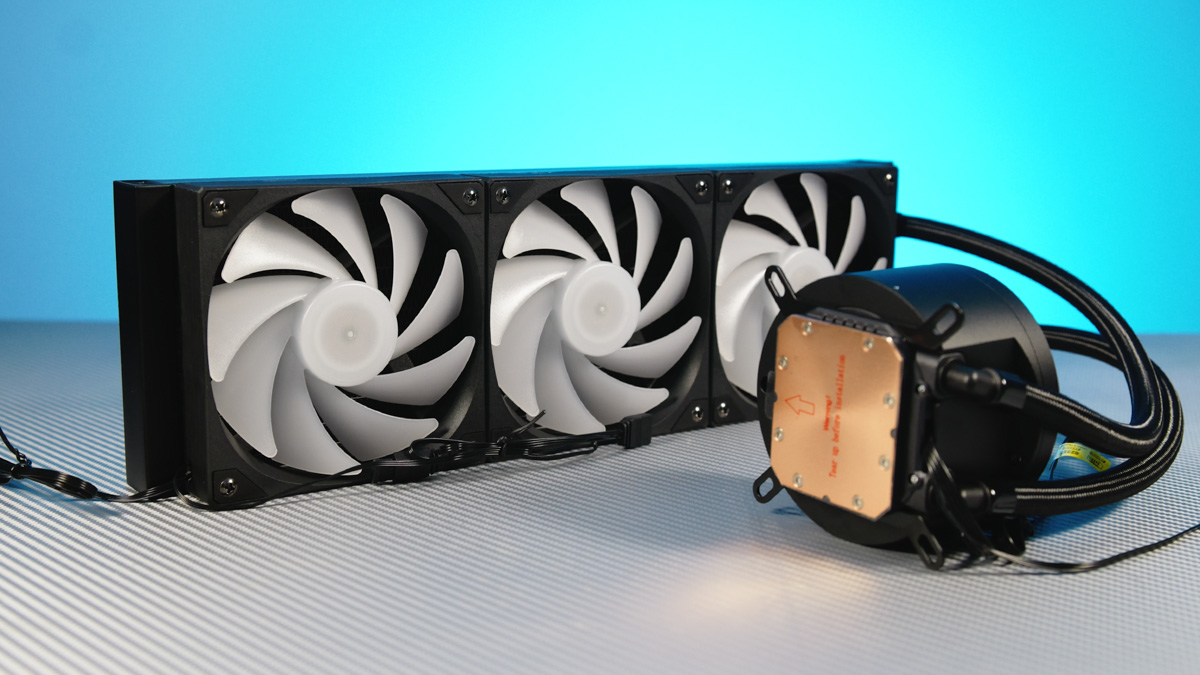
TABLE OF CONTENTS:
SAMA SM360 Pro video review
SAMA SM360 Pro Specifications
- Radiator dimensions: 397×120×27 mm
- Pump dimensions: 95×100×64 mm
- Pump speed: 2500 RPM
- Pump connectors: 3-pin + USB 2.0 to motherboard
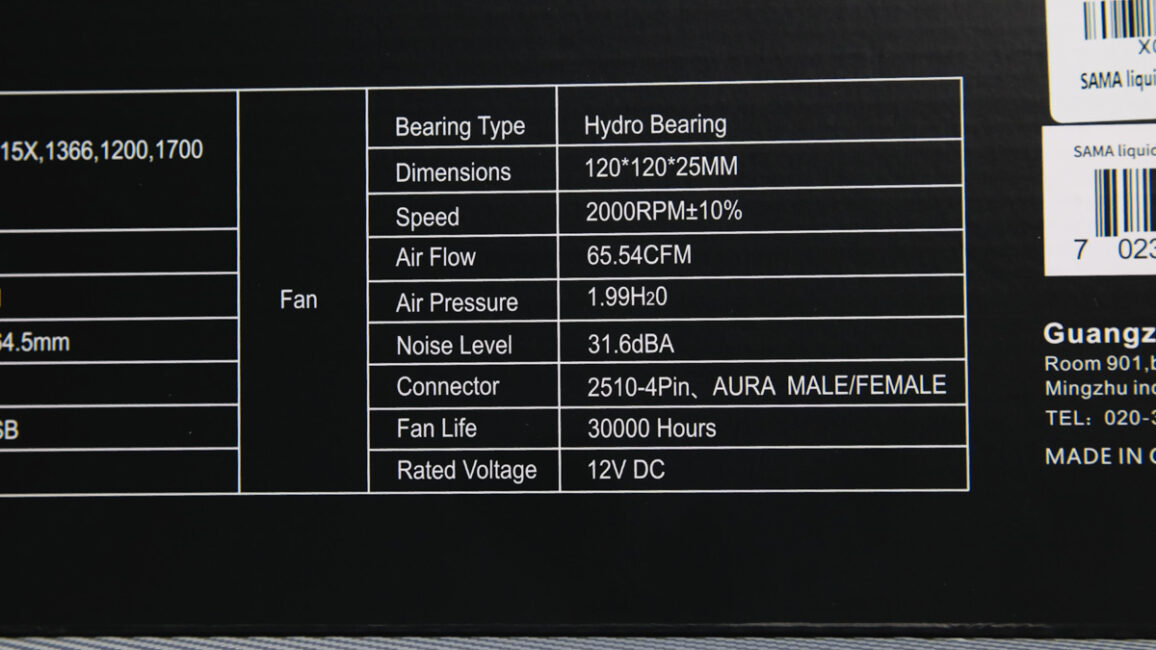
- Fans: 3× 120×120×25 mm
- Fan speed: 2000 RPM
- Bearing endurance: 30,000 RPM
- RGB support: pump + fans
About the company
Before getting into the details, it’s worth asking: who is SAMA? The company, based in China, has been operating since 2003 and provides both OEM and ODM services. In other words, it develops its own designs to sell directly while also licensing them to other brands. A relevant comparison here is FSP, especially since SAMA also produces power supplies alongside other components.
As for the SM360 Pro, this is currently the most expensive liquid cooling model from SAMA, at least officially available in Ukraine. That status may not last long, since other models are already on the way. The current price sits at around \$150 or €130.

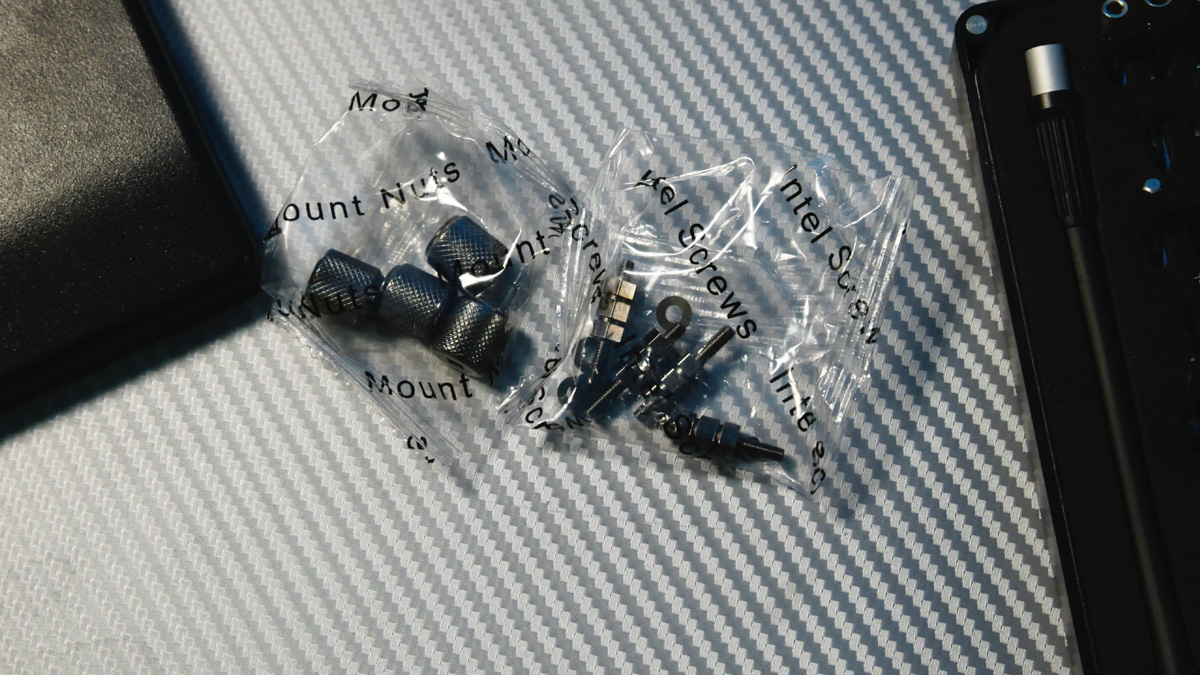
In terms of packaging, there aren’t any refined touches like molded plastic trays for storing mounts. Instead, each bag of screws and spacers is clearly labeled, so mixing them up isn’t an issue. The manual, however, raises some questions – which I’ll come back to later.
SAMA SM360 Pro technical characteristics
The SM360 Pro comes with its fans pre-installed. On the plus side, they all run off a single PWM and RGB cable, which keeps cabling simple. The downside is that the fans are soldered together. If one fails, the whole set has to be replaced. Another drawback is that the specific fan model isn’t identified, even though the box lists their general specifications.
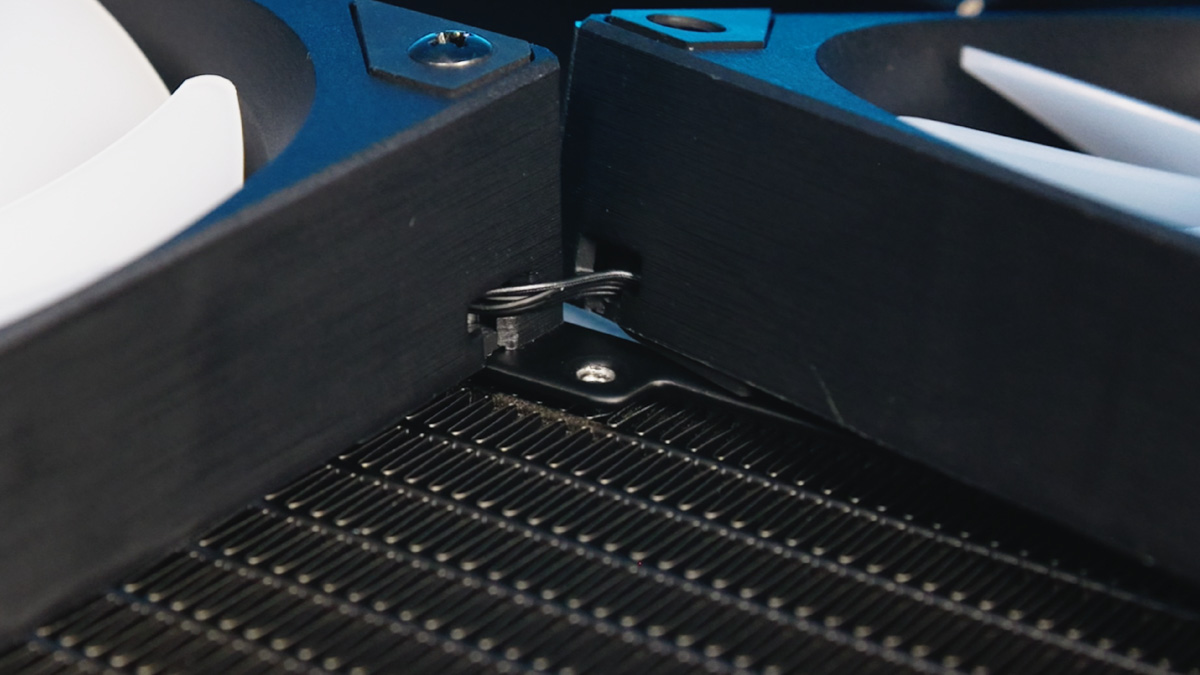
The fans use a hydrodynamic bearing and measure 120×120×25 mm. They reach speeds of up to 2000 RPM with PWM control. Airflow is rated at 65 CFM, with a static pressure of nearly 2 mm H₂O. Noise levels are listed at up to 32 dBA, and the rated lifespan is around 30,000 hours. On the positive side, they feature true RGB lighting with decent diffusion.
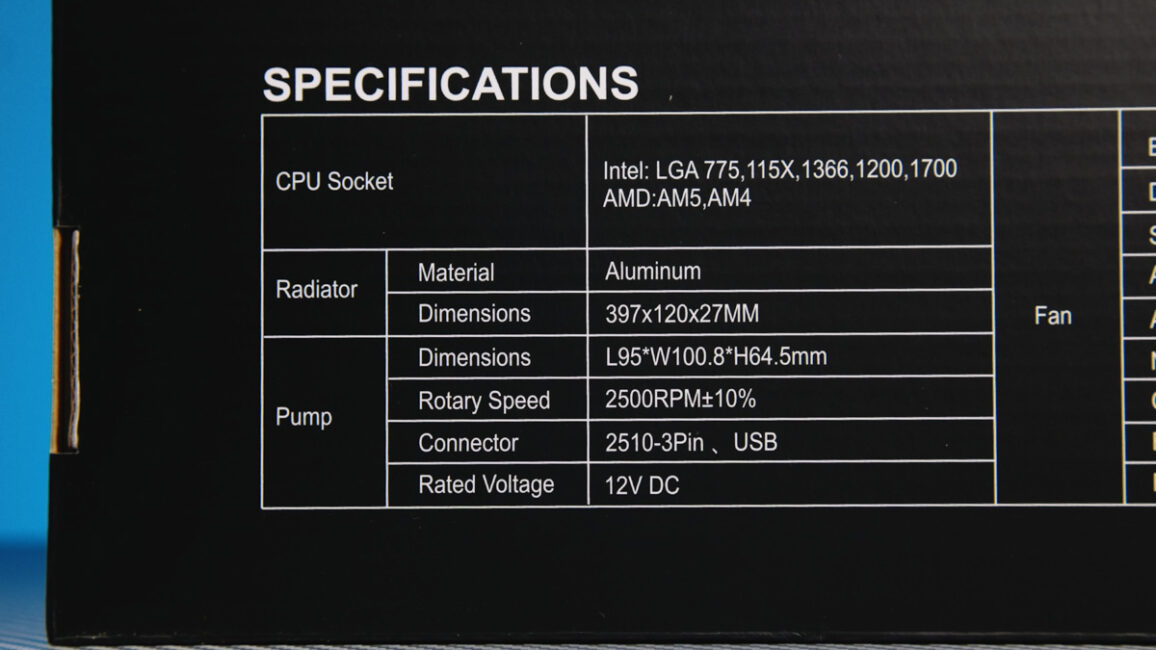
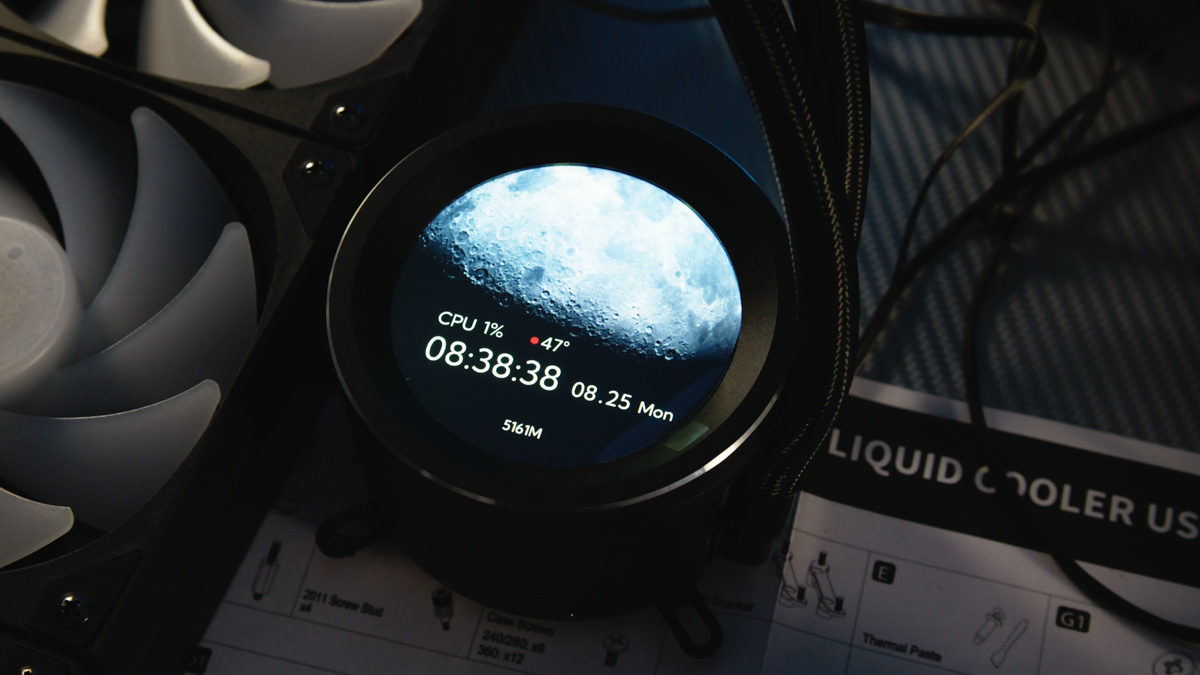
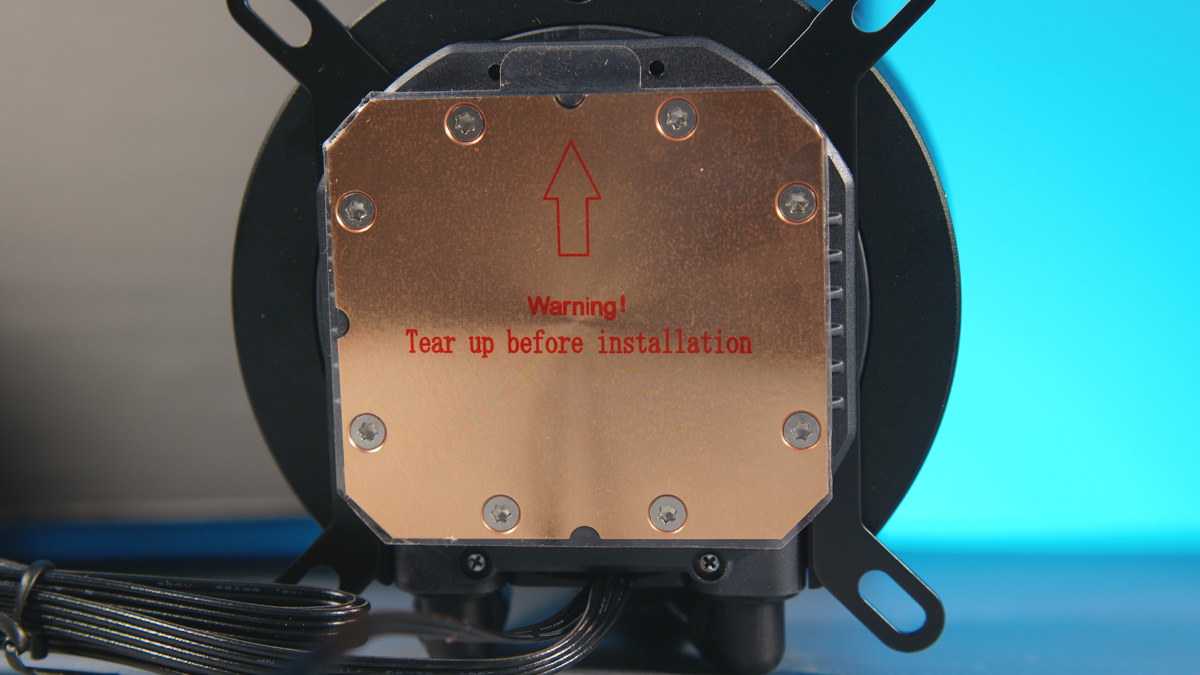
The radiator is made of aluminum and measures 397×120×27 mm. The pump comes in at 95×100×64 mm and operates at speeds of up to 2500 RPM. The cold plate is concentric-polished copper. There are two connectors in total, but power is supplied through a single 3-pin. The second connector, which goes to a USB 2.0 header on the motherboard, is required for the display. The screen’s specifications aren’t documented, but it’s clear that it isn’t OLED.
Fastening
Installation doesn’t raise many issues. By default, the pump comes with AMD mounting rather than Intel, and the socket brackets are the same type of plastic used on AM4/AM5 stock mounts instead of metal ones. That said, this isn’t necessarily a drawback – if anything, it’s worth noting that this turned out to be the most efficient cooling system I’ve tested so far.
SAMA SM360 Pro testing
Test conditions: room temperature at 23°C, AMD Ryzen 9 9900X on an ASUS B650E-E Gaming WiFi motherboard, manually overclocked to 5200 MHz across all 12 cores. Peak power draw reached 230 W under AIDA64 stress testing. The pump was set to its maximum speed of 2500 RPM, and the fans to 2000 RPM.
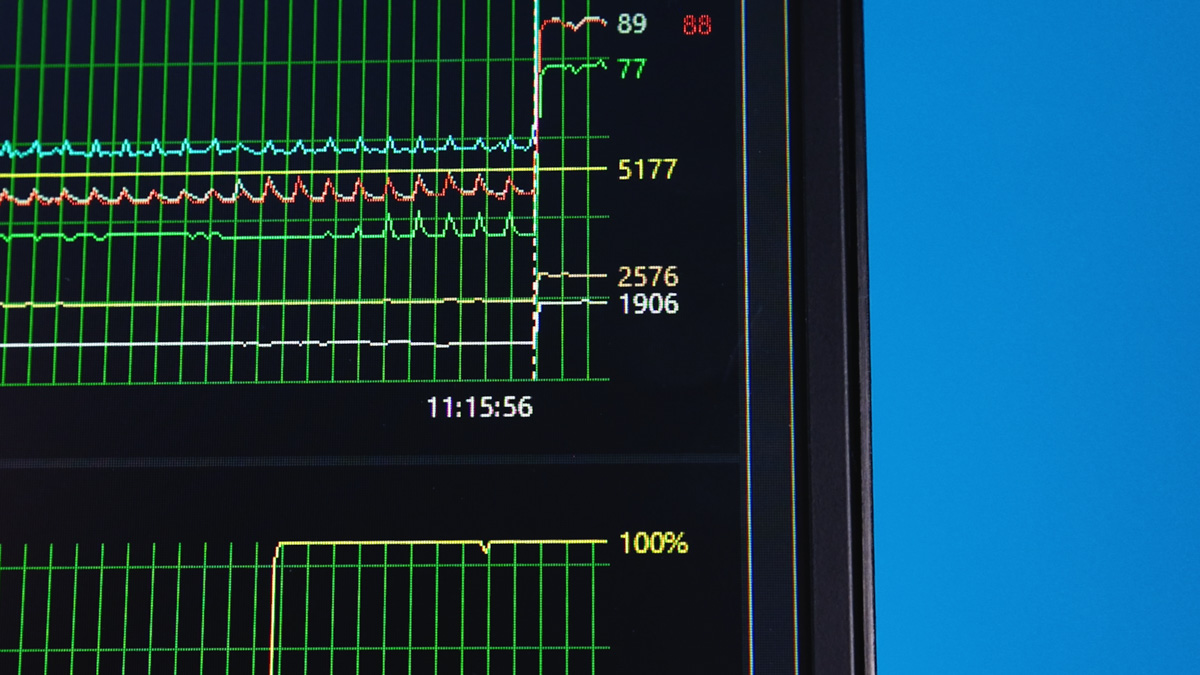
Temperature-wise, the CPU only hit critical levels briefly while the fans were ramping up – 96 °C on one CCD and 94 °C on the other. Once the fan speeds stabilized, power draw dropped to around 200 W, and both CCDs leveled off just under 90 °C.
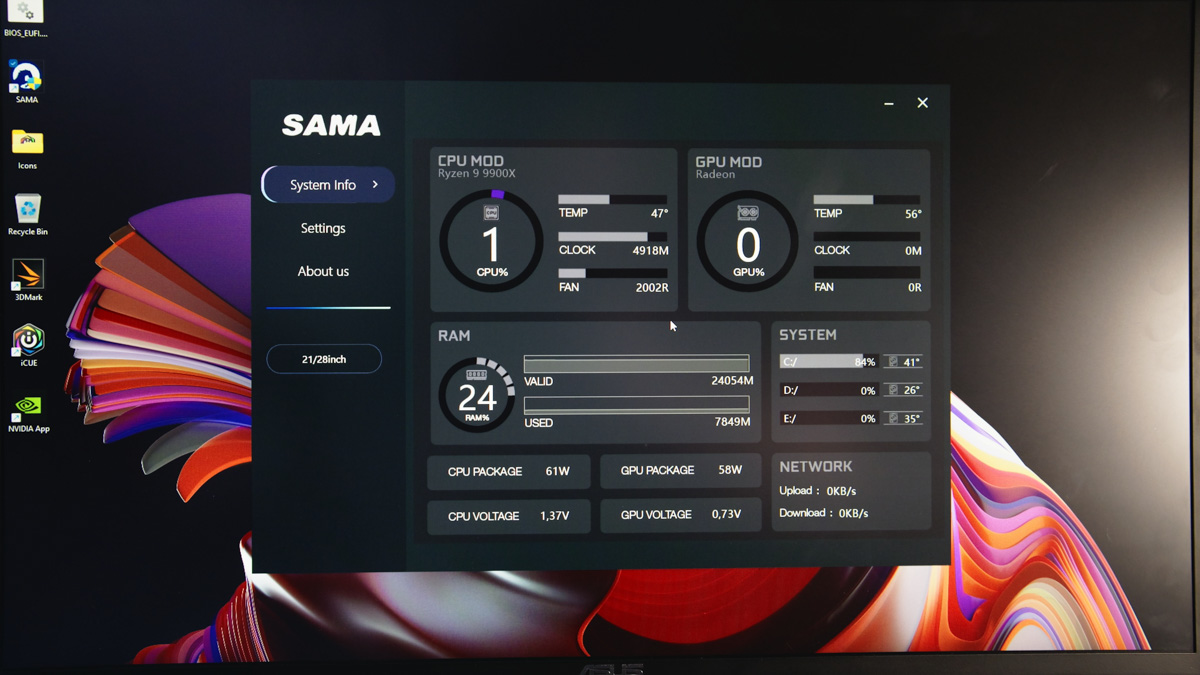
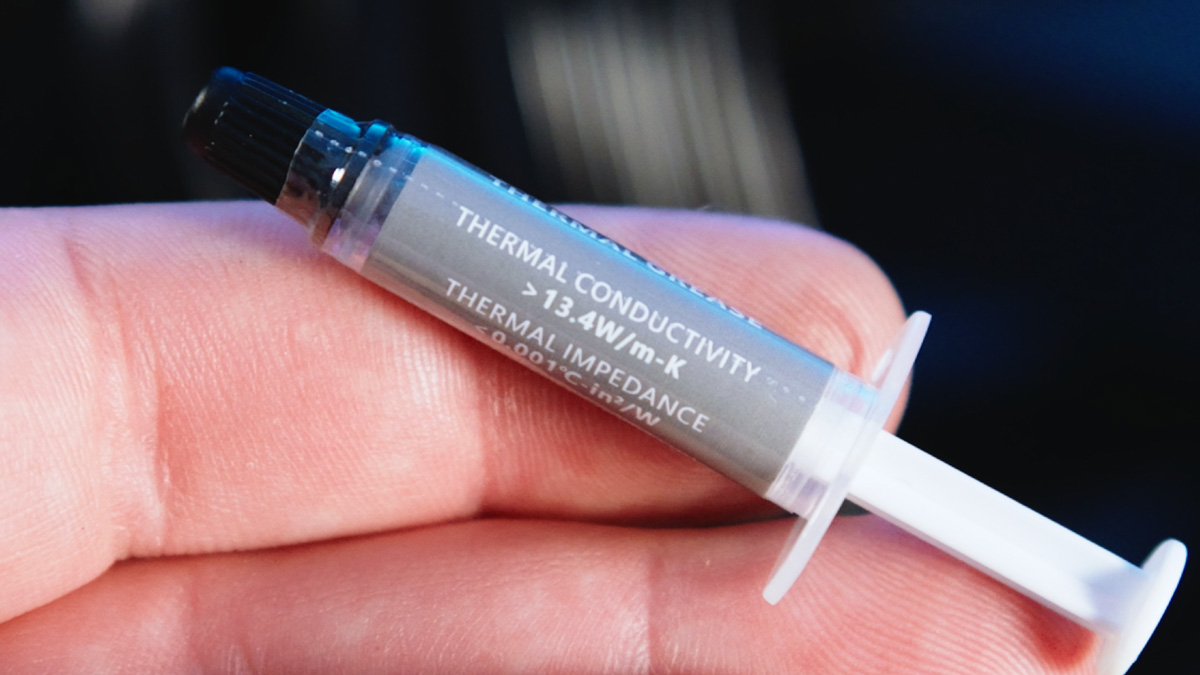
This is the best cooling result I’ve seen – essentially, period. I suspect the credit goes to the plastic brackets, which allow for a firmer, more even mounting and help distribute pressure across the CPU cold plate. I used the included thermal paste as well, which is only adequate at best.
Noise testing was also surprisingly positive. The pump is loud and doesn’t operate below 2000 RPM, but the fans themselves are fairly quiet and produce a pleasant sound profile. Full audio testing is included in the video above.
Software
Now, regarding the display and software. First, the manufacturer doesn’t host the software on their own site; instead, it’s available via Google Drive and OneDrive, as noted both in the manual and on the box. There’s also a QR code for convenience.
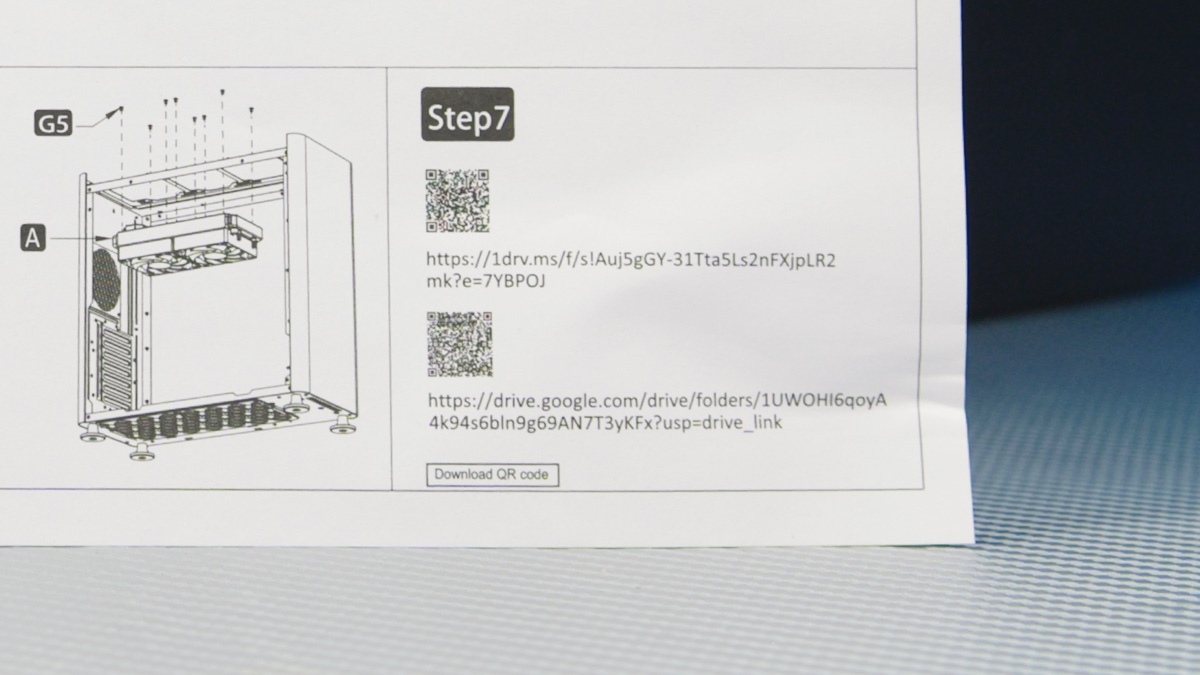
Ideally, the links should be on the manufacturer’s website – but at the time of this review, there was no official SAMA SM360 Pro page. A small update worth noting: Telemart, which exclusively distributes SAMA in Ukraine, added a direct link to the software on the product page. The link still points to Google Drive, but the manufacturer has promised to host the software on their site eventually, though no timeline was given.
But if you trust the manufacturer and download the executable from Google Drive, you’ll find the software is mostly useless. I personally expected to be able to, for example, change the display image or add custom animations – after all, that’s why the pump connects via USB. Instead, the program offers very little functionality. SAMA has another app specifically for customization, which I found referenced on Reddit, but the link is now dead.
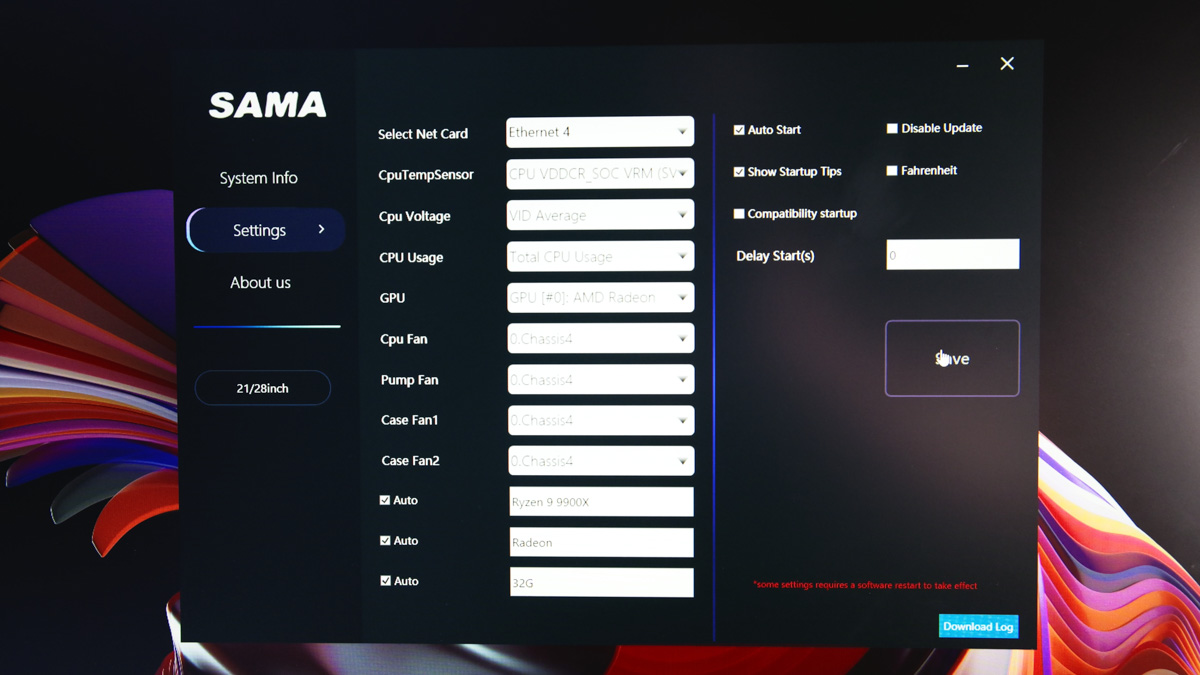
The fact that the display glitched after one of the reboots is also a negative point.
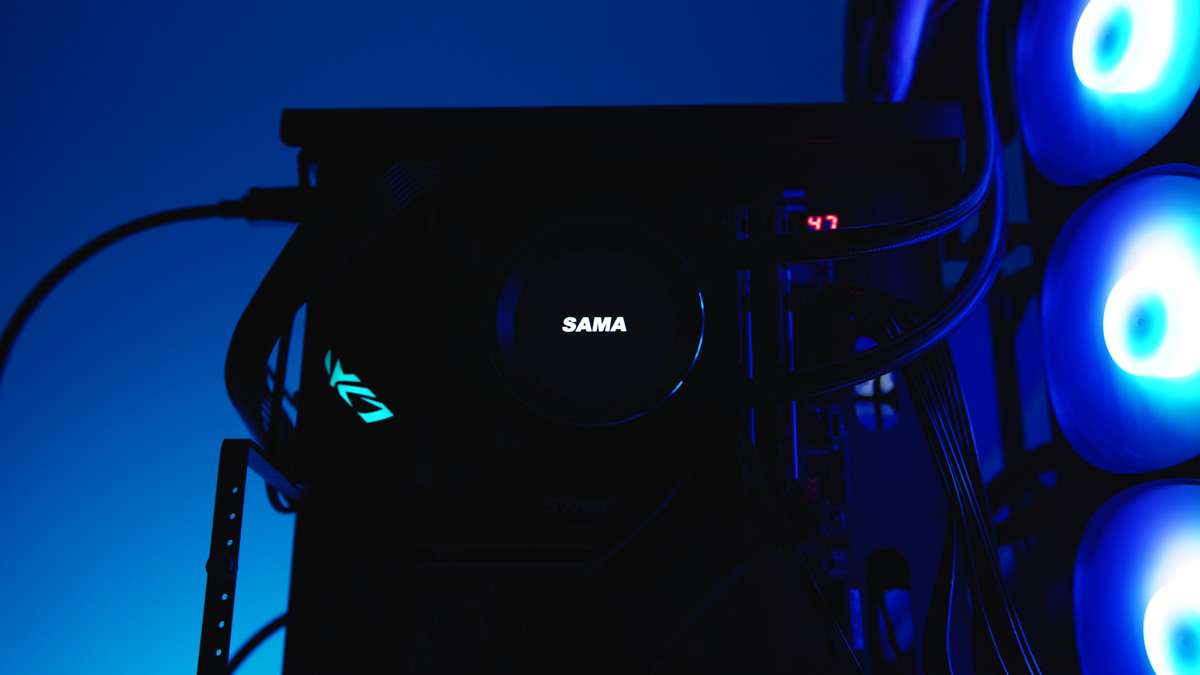
It started showing only the logo instead of any information and wouldn’t turn off, even after shutting down the PC, rebooting, or reinstalling the software.
Conclusions
Surprisingly, the SAMA SM360 Pro is the most powerful 360 mm liquid cooler I’ve tested to date. It looks impressive – provided the pump display isn’t glitching – and operates quietly, even under stress tests. The software is questionable and largely useless, but it can be ignored without affecting performance. Overall, despite the software issues, I can recommend it without hesitation.
Read also:
- ASUS TUF RTX 5080 16GB: Is the status quo finally over?
- ASUS TUF RX 7900 XT 16GB Review: 5 Key Facts and a Full Set of Benchmarks
- ID-Cooling FX280 Pro SE Review: Efficient Liquid Cooling System