




© ROOT-NATION.com - Use of content is permitted with a backlink.
Look, the world of mechanical keyboards is a deep, dark, and expensive rabbit hole. One minute you’re just tired of the mushy membrane keyboard that came with your PC, and the next you’re watching 45-minute YouTube videos about the acoustic properties of different foam inserts. For most people, there has to be a middle ground – a keyboard that offers the satisfying feel and customization of the hobbyist world without demanding a second mortgage.
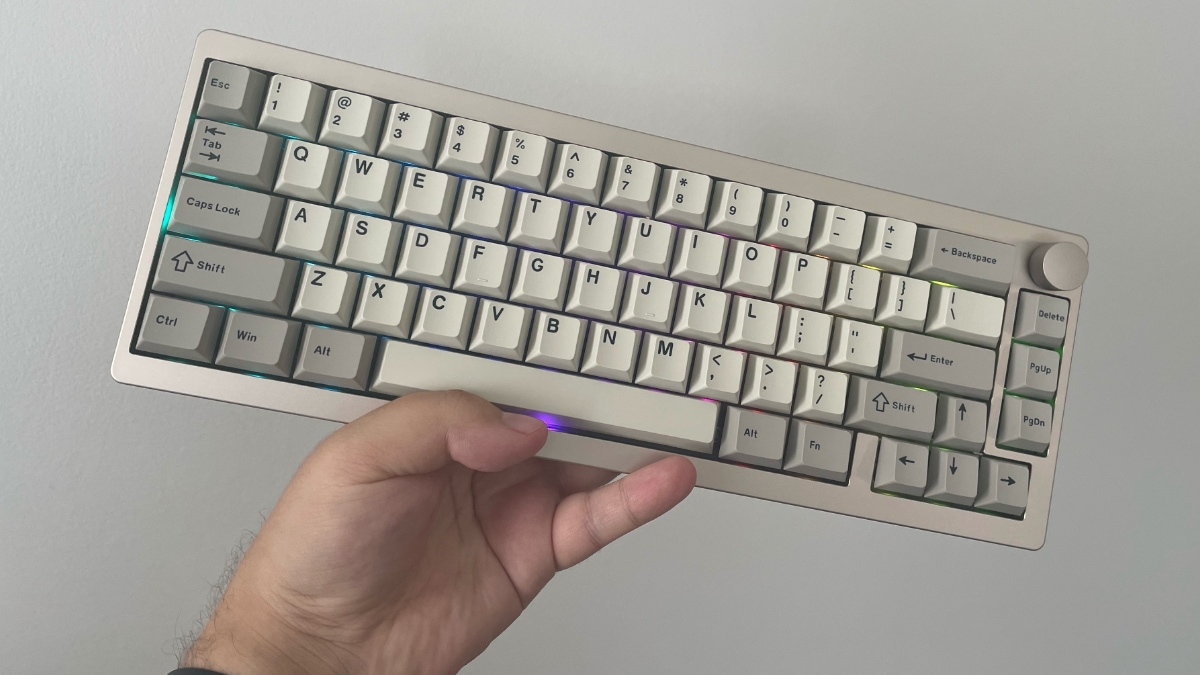
That’s the promise of the EPOMAKER P65. At a glance, it ticks all the right boxes for a modern, enthusiast-curious keyboard: a compact 65% layout, hot-swappable switches, tri-mode wireless connectivity, and a price tag that seems almost too good to be true for its materials. It’s designed to be the perfect “first real keyboard.” But in a market now flooded with surprisingly competent budget contenders, does the P65 do enough to stand out?
TABLE OF CONTENTS:
Design
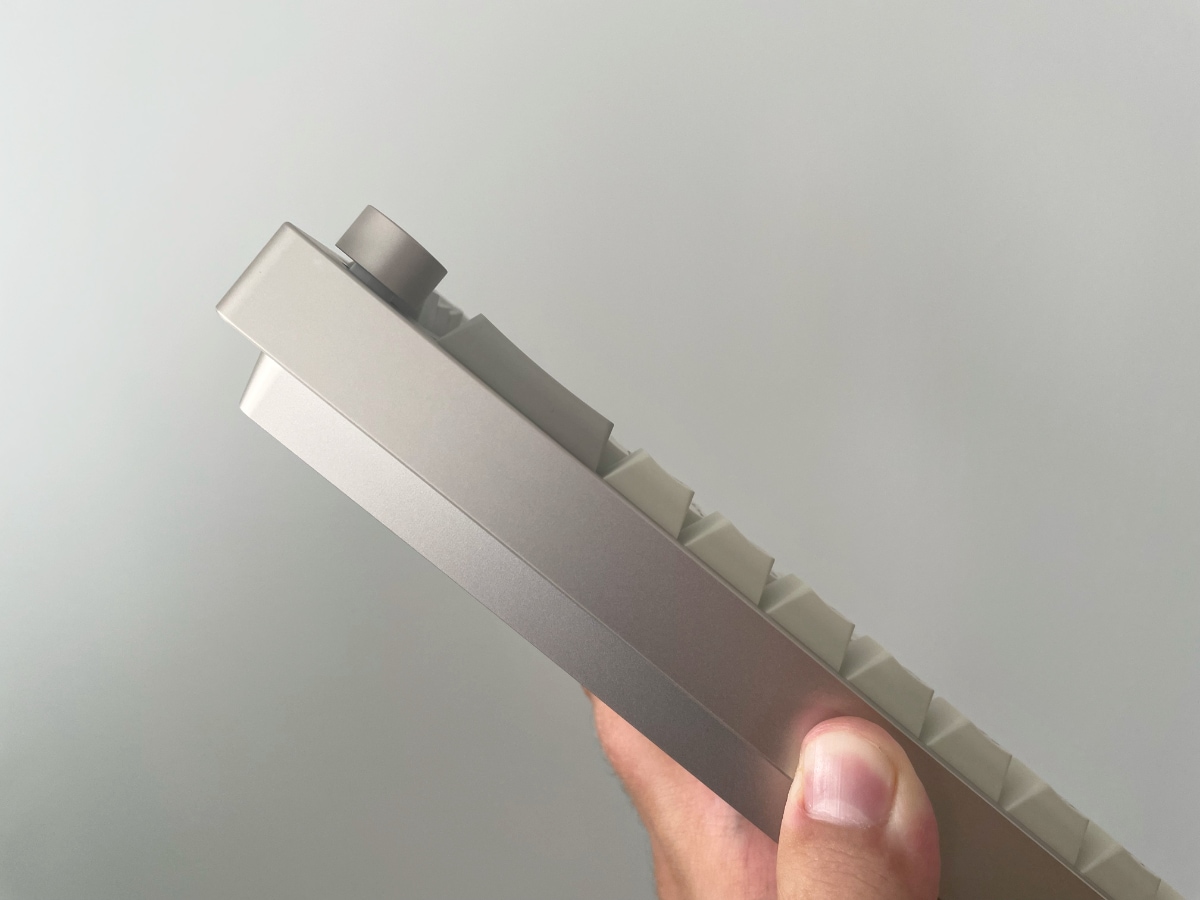
The first thing you notice about the P65 is its surprising heft. This isn’t a lightweight plastic board; it’s a solid block of CNC-milled aluminum. At around 1.3kg, it has the density and cool-to-the-touch feel you’d typically find on keyboards costing twice as much. This isn’t a keyboard you toss in a backpack; it’s a desk anchor. The construction is impeccable, with no flex or creak whatsoever. For a board in this price range, an aluminum chassis is a massive win and sets it apart from many of its plastic-shelled competitors.

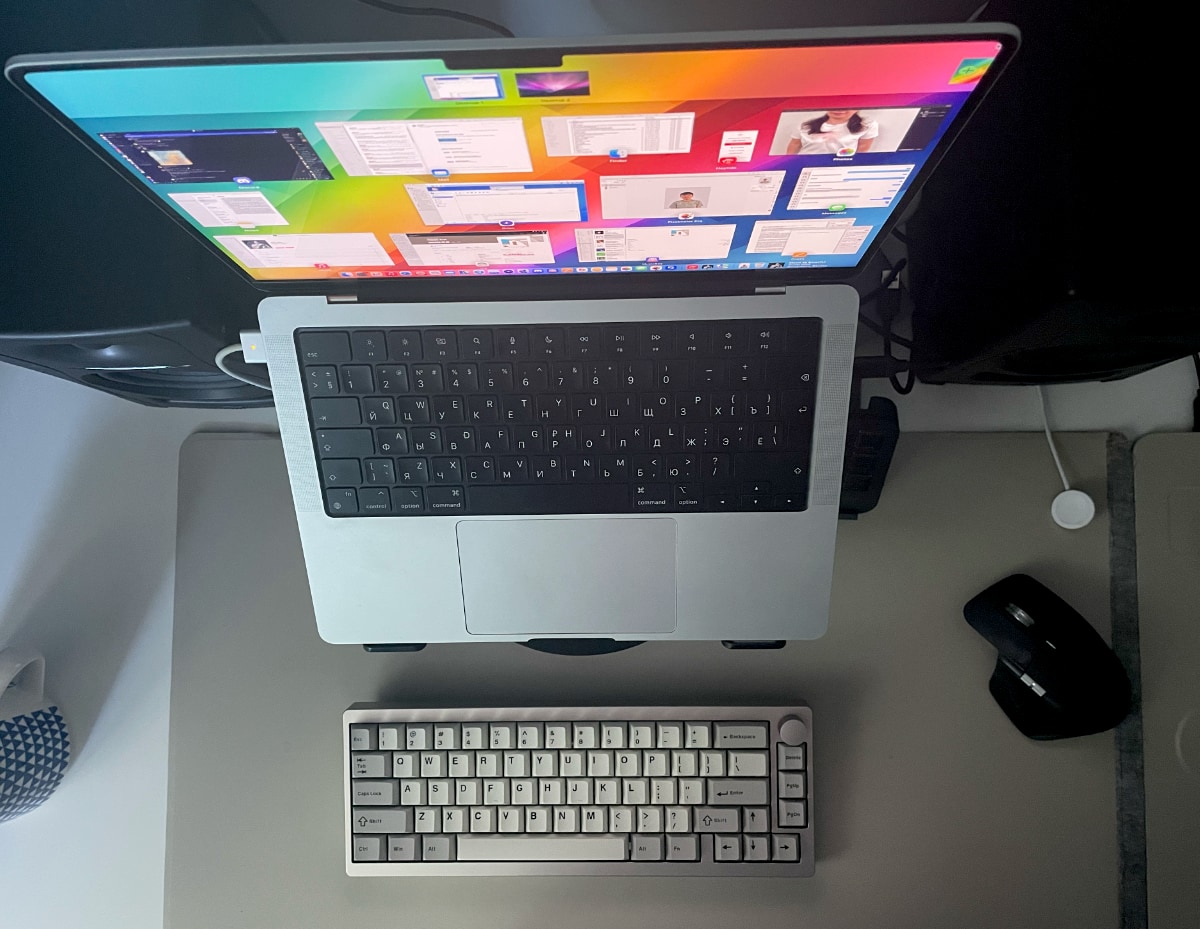
The 65% layout is, for many, the perfect compromise for productivity and gaming. You lose the number pad and the dedicated function row of a traditional keyboard, but you get to keep the all-important dedicated arrow keys, which are a godsend for navigating documents and websites. It frees up a massive amount of desk space for your mouse, but the learning curve is gentle. Most of the missing functions are accessible through an ‘Fn’ layer, which is pretty standard stuff.
Read also: Epomaker Galaxy 100 Review: The Full-Size Keyboard That Will Survive a Nuclear Blast
Feel
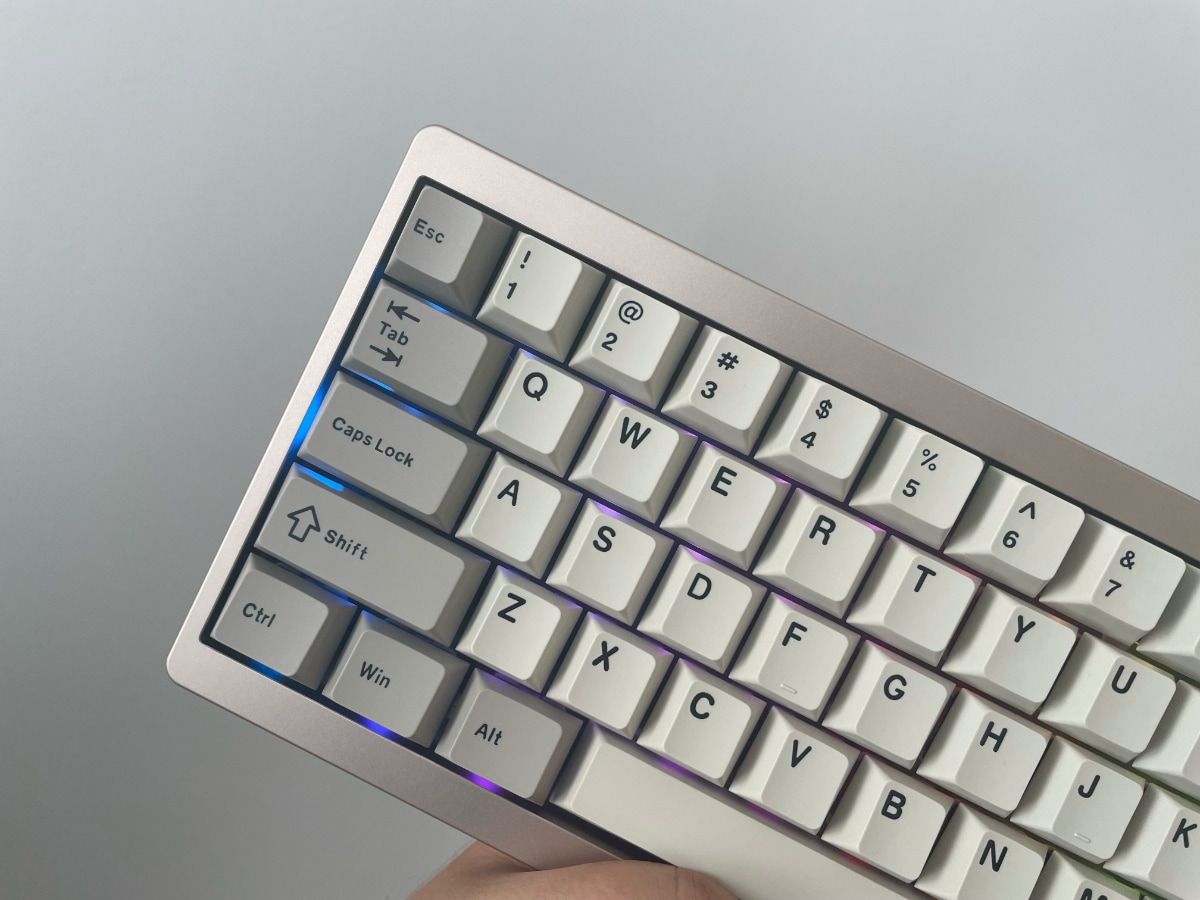
Our review unit came with Epomaker’s own Zebra linear switches, and they are excellent for a stock switch. They are pre-lubed from the factory, giving them a smooth, creamy feel with very little scratchiness. With a light 40gf actuation force, they feel quick and responsive for both typing and fast-paced gaming. The sound, housed within the aluminum case, is a clean, poppy “clack” rather than the deep, resonant “thock” that many high-end builders chase. It’s a pleasant, inoffensive sound profile that’s satisfying without being obnoxious.
The biggest potential pitfall for any budget keyboard is the stabilizers – the little supports under the larger keys like the spacebar, enter, and shift keys. Rattly, pingy stabilizers can make an otherwise great keyboard sound and feel cheap. Here, the P65 is decent, but not perfect. Out of the box, there’s some slight rattle, particularly on the spacebar. It’s not terrible, but a little bit of DIY tuning (like adding a bit of lubricant) would elevate the experience significantly.
And that’s the real magic of the P65: it’s a fantastic platform for tinkering. The board is fully hot-swappable, meaning you can pull the switches out and pop in new ones without any soldering. Don’t like the linear feel? You can try a tactile or clicky switch in minutes. This is the single most important feature for anyone who thinks they might want to explore the hobby further. It turns the keyboard from a static product into a customizable project.
Read also: SteelSeries Counter-Strike 2 Dragon Lore Mouse and Mousepad Review: Your Wallet’s New White Whale
Connectivity and software
Connectivity is another major win. You can connect via a standard USB-C cable, but it also has Bluetooth 5.0 (with support for up to three devices) and a low-latency 2.4GHz wireless dongle. The 2.4GHz connection felt rock-solid and indistinguishable from a wired connection during gaming sessions.

Another win is software. Instead of relying on a clunky, proprietary application, it is fully programmable with VIA. For the uninitiated, VIA is an open-source, powerful tool that allows you to remap any key, create complex macros, and control lighting layers in real-time, all without needing to keep a bloated piece of software running in the background. This is a genuine enthusiast-grade feature that elevates the P65 from a simple peripheral to a truly customizable tool. I am not surprised to see it here though: EPOMAKER embraced VIA a long time ago.
Read also: Epomaker Galaxy65 review: Say Goodbye to Screws
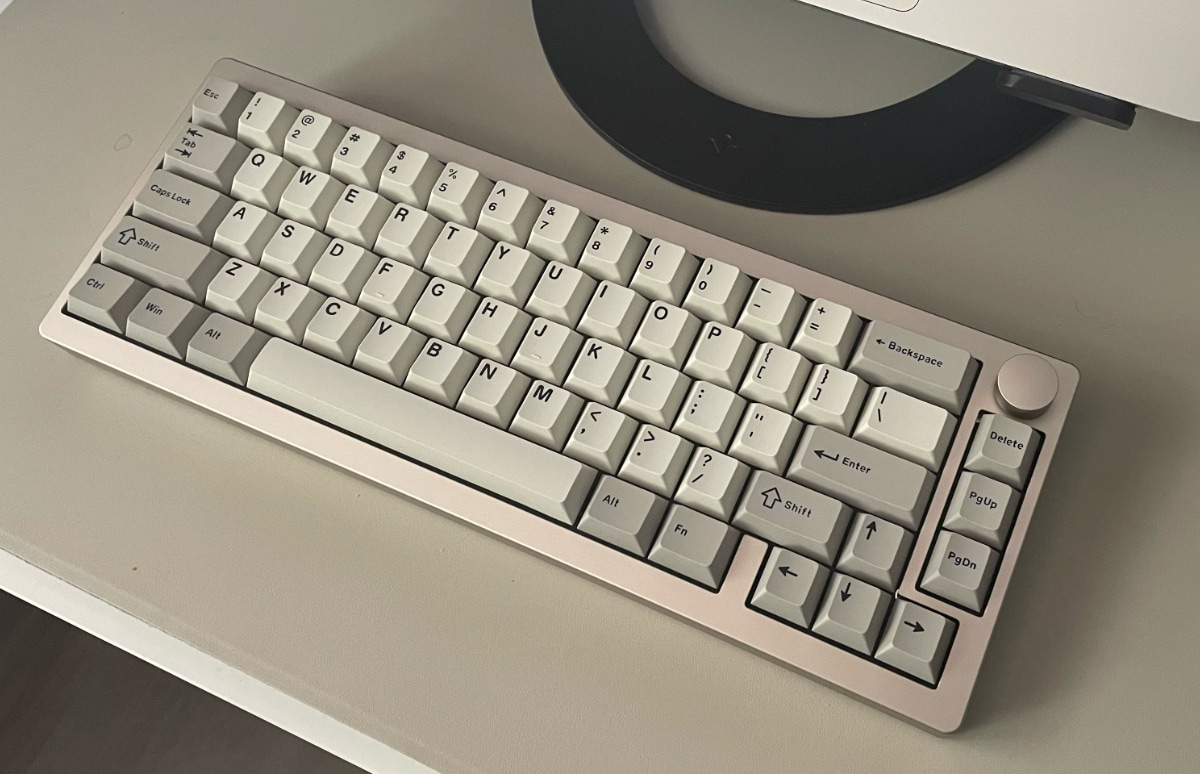
So, where does that leave us? The EPOMAKER P65 is not a “giant killer” that will outperform a $400 custom keyboard. It’s not trying to be. Instead, it’s an incredibly solid, feature-packed entry point into a world of better typing. The premium aluminum build, great stock switches, flawless connectivity, hot-swap sockets, and powerful VIA support provide an incredible amount of value.
Verdict
For around $120, you’re getting a keyboard with a build quality and feature set that punches far above its weight. It’s for the student who wants a premium-feeling keyboard for essays, the gamer who wants a sturdy, compact board, and the office worker who is ready for a serious upgrade. It’s a solid low-risk starting point that’s great out of the box and even better with a little bit of love. It’s not just another budget board; it’s a gateway drug to the world of premium keyboards.

