© ROOT-NATION.com - Use of content is permitted with a backlink.
What a coincidence – I’m actually looking for a new e-reader right now. I’ve pretty much worn my old one out, quite literally, as one of its buttons eventually fell off. Since I want my next reader to be compact, fast, equipped with a good display, offer solid battery life, and still be reasonably priced, finding the right option hasn’t been easy. Luckily, I had the chance to review not one, but two Bigme e-readers. The first is the 6-inch Bigme B6, a black-and-white version of another e-reader that we have already reviewed here on our website.
I’ve always had a soft spot for compact e-readers, so the B6’s size was an advantage for me. It’s comfortable to hold, pleasant to read on, and you can even use it to listen to audiobooks if that’s your preferred way of consuming books.
But let’s take it one step at a time.
Read also: Reviews and tests of e-readers

TABLE OF CONTENTS:
Bigme B6 Specifications
- Display: 6″ E Ink, 1072 × 1448, 300 PPI, 36 levels of frontlight adjustment (brightness and warm/cool light)
- Processor: 8-core MediaTek Helio P35 (this is the processor most commonly listed in reviews, although the manufacturer does not mention it on the official website)
- Operating system: Android 14, AI support, Google Play, and support for mobile apps
- Storage: 4/64 GB (+ microSD card slot supporting cards up to 1 TB)
- Battery: 2,100 mAh
- Connectivity: USB-C, Wi-Fi 5, Bluetooth 5.0
- Dimensions: 108.0 × 149.30 × 6.98 mm; weight: 176 g
- Supported file formats: TXT, PDF, EPUB, FB2, AZW3, DJVU, CBZ, CBR, ZIP, RTF, HTM, HTML, MOBI, DOC, DOCX, XLSX, PPT, PPTX
- Additional features: microphone and speaker, one physical power button
Positioning and Price
To me, the Bigme B6 feels like a device that was born to be an e-reader, while its parents always dreamed it would grow up to become a tablet. Alongside the E Ink display, you get BigmeGPT, which can generate black-and-white images (there’s an AI-generated black hole image a little further down), as well as a calculator, calendar, weather widget, and a browser that can even open YouTube. Whether all of this makes sense on a black-and-white E Ink display is certainly debatable. But for a device that costs $179 on the manufacturer’s website, it’s an interesting set of features to have.

Android 14 with access to Google Play lets you install various apps for reading or listening to audiobooks, if audio content is more your thing than the written word. This makes the B6 a solid competitor to e-readers of a similar size.
For example, there’s the Kobo Clara BW (around $160), which also features a 6-inch, 300 PPI display and a similar weight. However, it runs a closed operating system with no Android or support for third-party software, meaning less flexibility, but also fewer distractions. Then there’s the slightly more expensive PocketBook Verse Pro (around $189). It also runs without Android, but offers Bluetooth, audiobook support, and an IPX8 rating for dust and water protection.
Among Android-based alternatives, the Onyx Boox Palma2 is worth mentioning. It has a 6.13-inch display, Android 13, and 6 GB of RAM with 128 GB of storage, but it also comes at a significantly higher price. And even then, good luck catching one in stock on Amazon or the official website at its $269.99 starting price.
Read also: Kobo Clara Colour Review: Life is Beautiful in Color
Bigme B6: What’s in the Box
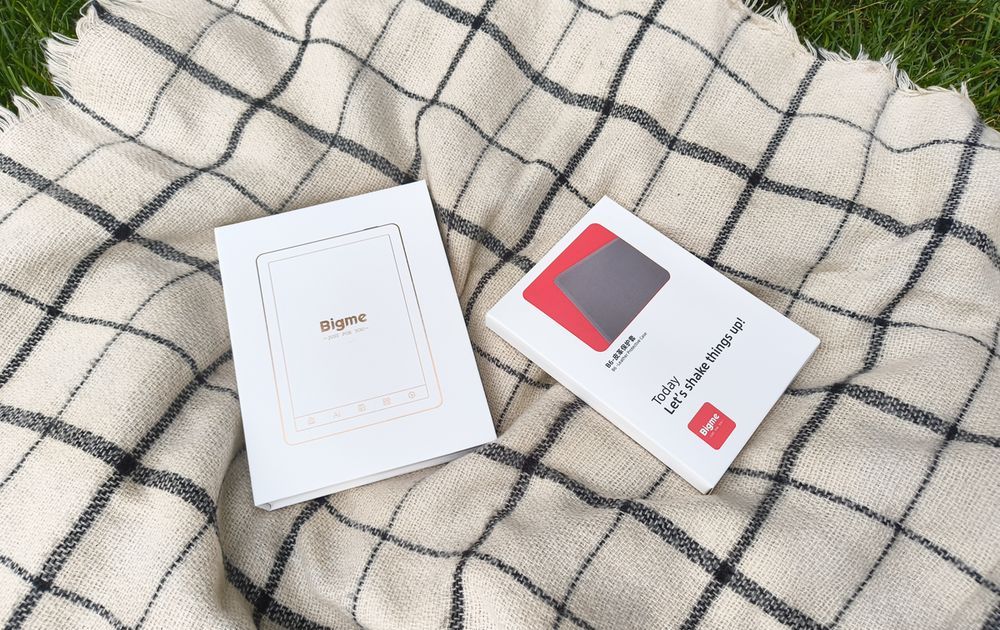
The Bigme B6 package usually includes three boxes: the e-reader itself with a quick guide, a branded protective case, and a small box containing a USB Type-C cable and a SIM-ejector-style pin. Basically, everything you need. I was especially glad to see the case included. The reader is so light and has such a delicate-looking design that I’d be a little hesitant to handle it without some sense of protection.
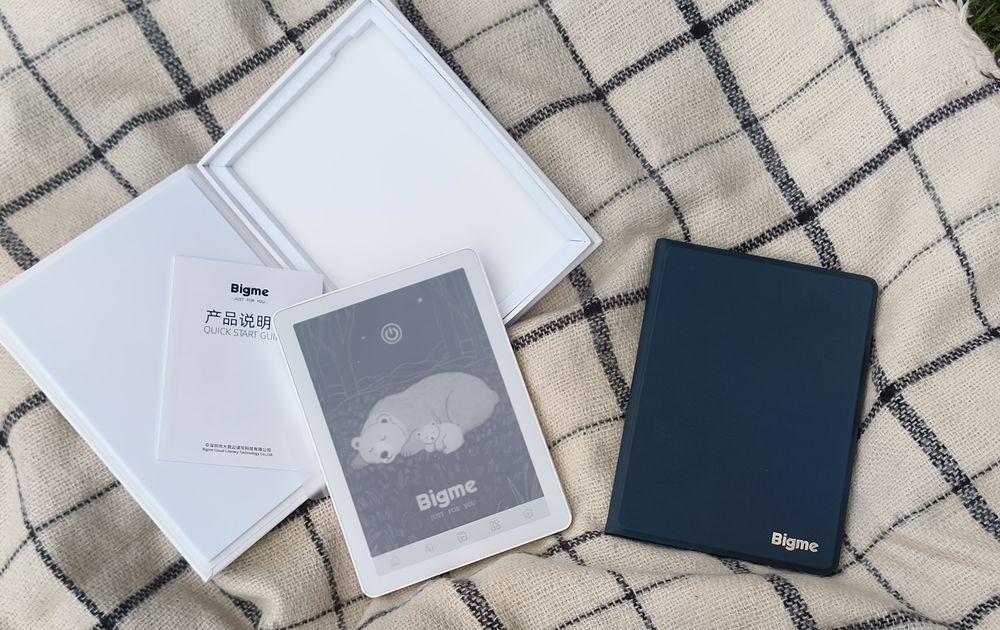
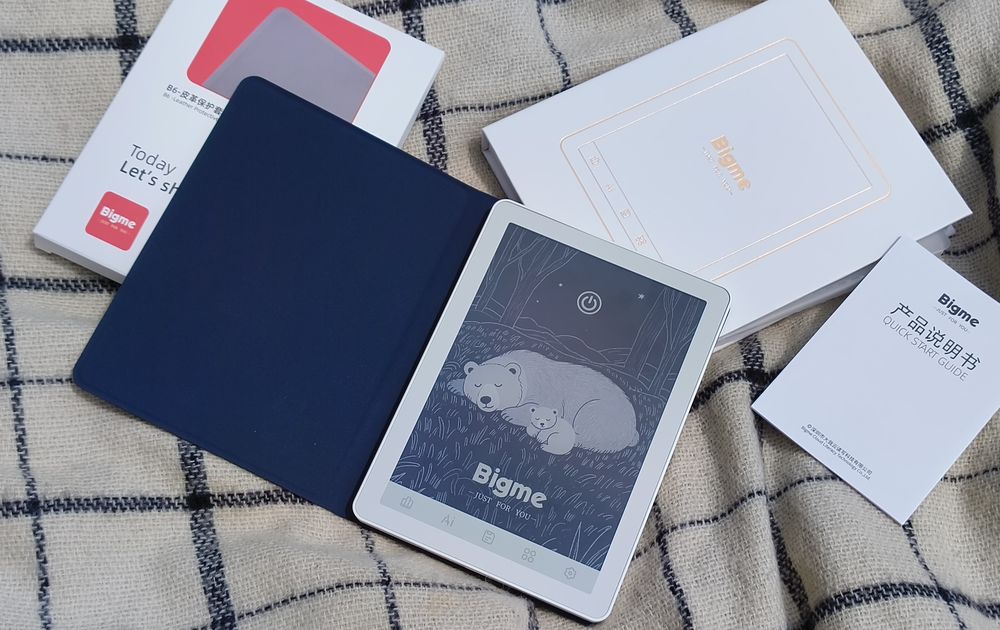
The magnetic folio case holds the device securely in place and protects the display, which is always welcome, since e-reader screens are worth taking care of. The cover itself is magnetic as well. Close it, and the reader goes to sleep; open it, and the screen wakes up. Personally, I find this quite convenient, but you can disable the feature in the settings if you prefer.
Read also: Themed book selections
Design and Ergonomics
The Bigme B6 is available only in white. But it’s not just plain white – the finish has a very fine shimmer to it, so it catches the light ever so slightly. This is where a “It’s a reader, Bella!” joke practically writes itself. The manufacturer offers more color options for the case, though, so you can pair the “basic” white body with a gray, pink, purple, green, or blue cover.


As I mentioned earlier, the reader feels great in the hand (unless you have really, really tiny hands). It’s smaller than a typical paperback book and weighs just 176 g. It’s easy to carry around and should fit into almost any bag – or even a belt bag.

Read also: Bigme HiBreak Plus Review: Affordable E Ink Smartphone-Reader with Color Display
The touch navigation buttons are located below the display, leaving the entire screen area available for text. That definitely earns an extra point from me, because on some e-readers the buttons take up part of the usable space, and, between us, that usually annoys me. Here, though, reading is very comfortable. The display panel sits flush with the device’s frame and is protected by a layer of glass, leaving moisture and dust with fewer opportunities to sneak underneath the surface.
Display
The display is probably the most important part of any e-reader, and the Bigme B6 delivers a solid experience here. The black-and-white version features a 6-inch E Ink display with a resolution of 300 PPI. That’s more than enough to produce crisp, print-like text without visible grain or blur, even when using smaller fonts.
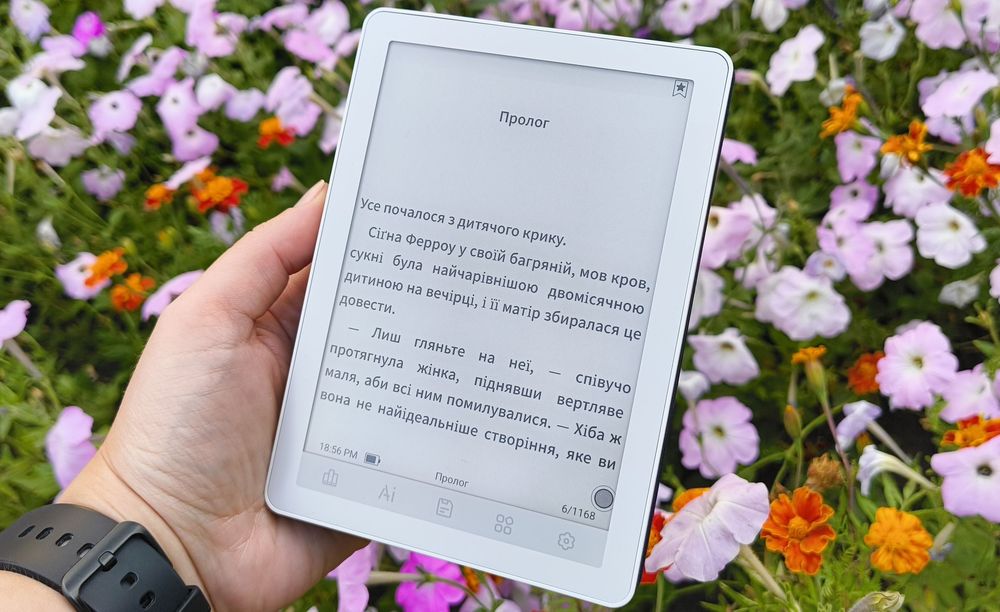
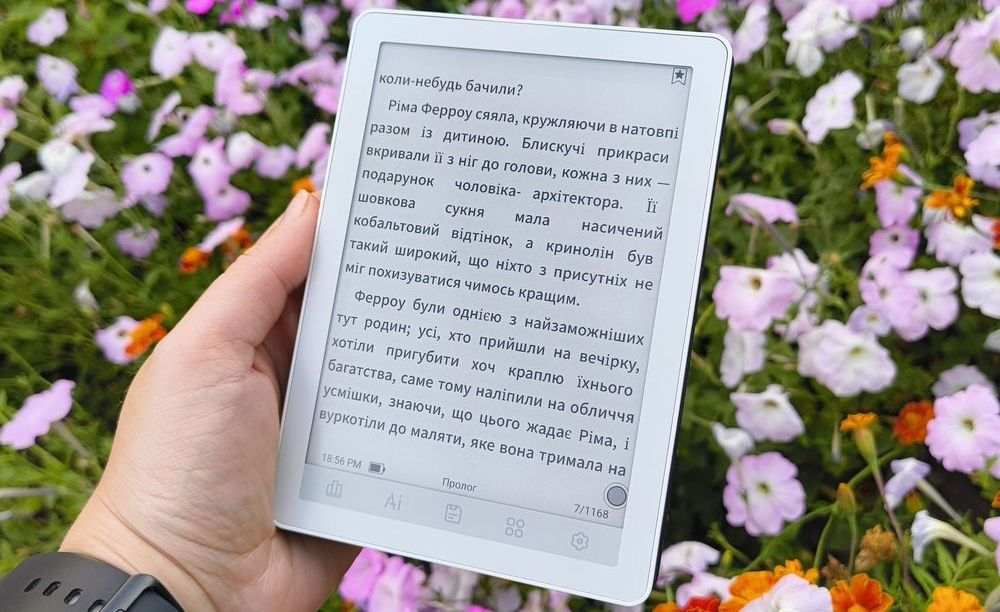
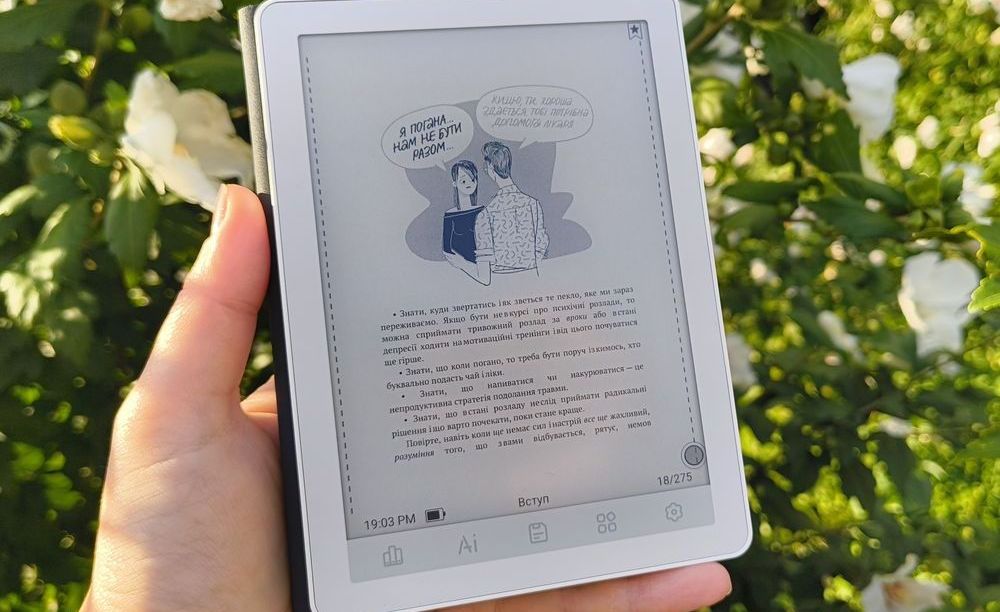
The frontlight is adjustable, with 36 brightness levels available, including the option to combine cool (white) and warm (amber) light. There are also four preset modes: Lights Off, Daytime, Night, and Under the Cover. The range of presets is quite flexible, and each mode can be adjusted further to suit your preferences.


The device also offers four screen refresh modes: Standard, Text, Comics, and Video. This lets you adjust the page refresh speed to match the type of content you’re viewing. Switching between modes takes just a few taps in the settings, under “E-Ink Center.” You can also create your own configuration there by choosing the display effect, brightness, contrast, refresh mode, and refresh rate.
Read also: Bigme B7 Pro Review: The Gold Standard for Color E Ink Readers

Overall, the Bigme B6’s display feels like a well-thought-out solution: crisp text, a convenient frontlight, and plenty of flexibility in the settings. For reading books, this is essentially exactly the kind of screen you want. Fans of comics and graphic novels, however, would be better off looking for something larger and preferably with a color display.
Performance
Under the hood, there’s an 8-core processor, 4 GB of RAM, and 64 GB of internal storage, with support for a memory card of up to 1 TB. The reader turns pages and opens apps quickly, although the initial boot-up process is noticeably slower. Android 14 with Google Play access also lets you install various apps. Again, though, this is a black-and-white e-reader, so the selection of games is fairly limited – backgammon, chess, dominoes, crosswords, or perhaps some card games.
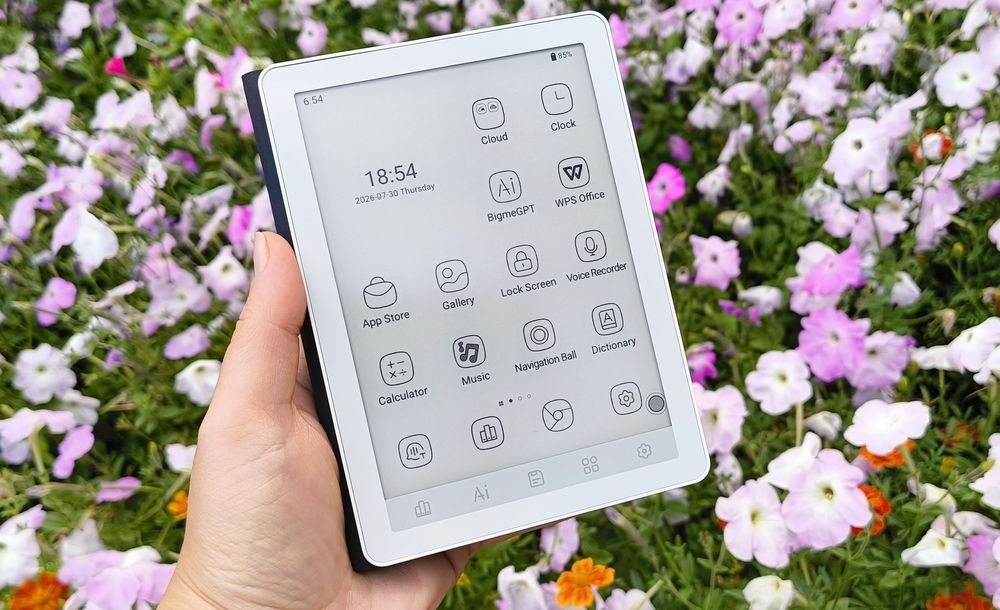
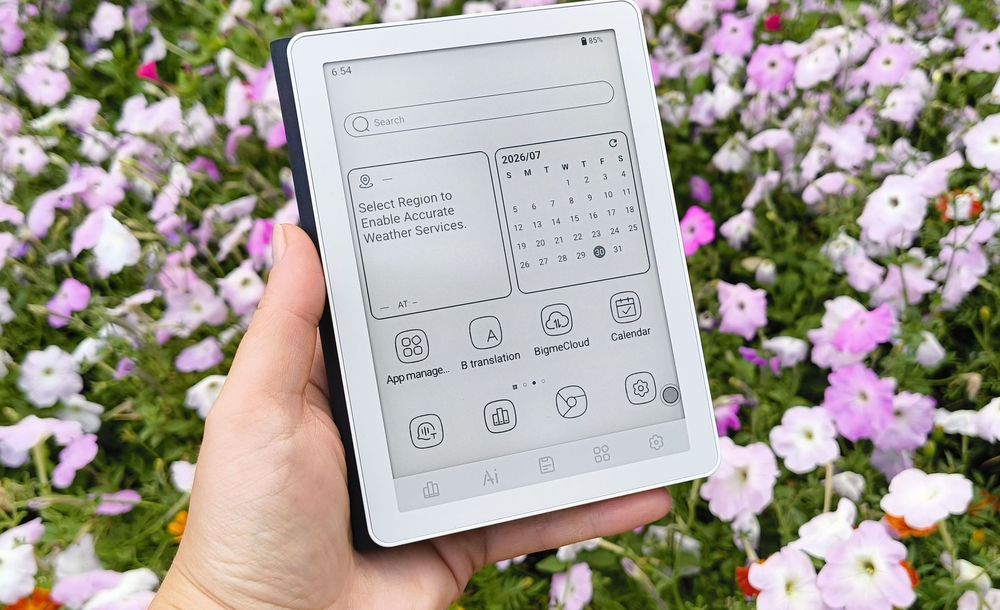
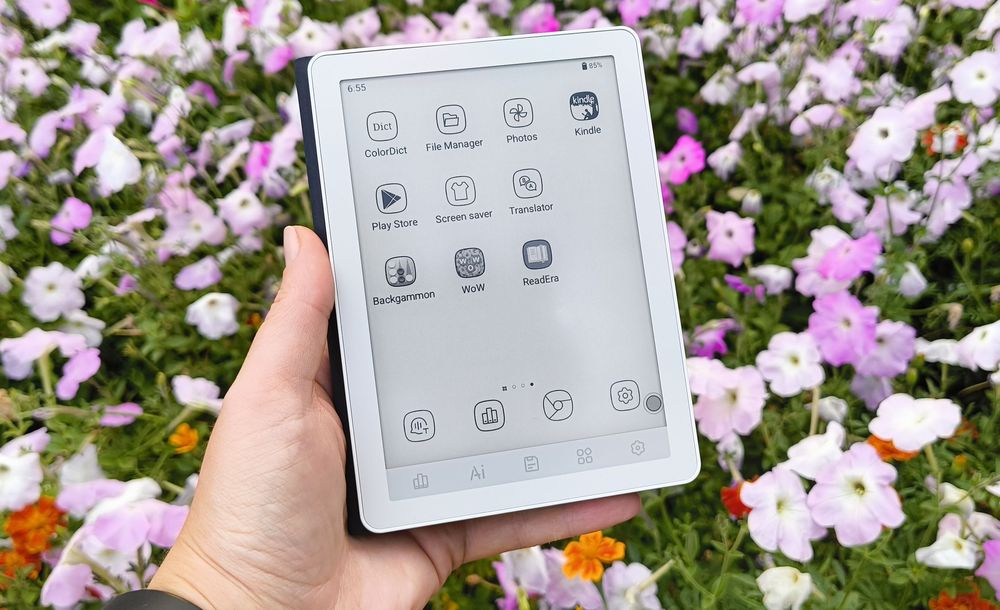
Just for fun, I installed World of Wonders. While the game itself installed without any issues, in some cases the screen left behind artifacts after the images changed. You could probably play around with the display settings and refresh rate to improve this, but honestly, it hardly seems worth the effort when you already have a smartphone.


Read also: Bigme HiBreak Pro Color Review: Smartphone with E Ink Display
Another fun, but not particularly useful feature is the ability to watch YouTube videos. It was definitely unusual to do this on a black-and-white E Ink display. The audio played without interruptions, and the e-ink “particles” refreshed reasonably well. But… well, once again, you’d need a pretty exceptional reason to actually want to watch a video on a black-and-white e-reader.


These kinds of activities drain the battery fairly quickly. Just 21 minutes of video playback at medium brightness and color-temperature settings dropped the battery level from 73% to 64%.
Battery Life
All these cool, but not particularly useful (at least in my opinion) features don’t do the battery life any favors. They all consume some of the resources of the already not particularly powerful processor. As Uncle Ben Parker once said, with great operating systems comes great responsibility. And that responsibility shows in the battery life, which feels more in line with a tablet than an e-reader.
I set both the brightness and color temperature to 18, which is roughly the middle of the available range, opened a book in the evening, and read for an hour and a half. During that time, the reader dropped from 98% to 87%, losing 11% of its charge. Based on that, you could expect around 13 hours of reading time in this setup, with Wi-Fi enabled and Bluetooth turned off. For the sake of comparison, I then spent another 1.5 hours reading at level 15, which is still fairly bright, with Wi-Fi turned off. This time, the battery dropped from 59% to 51%. At that rate, a full charge would last roughly 18 hours, give or take.
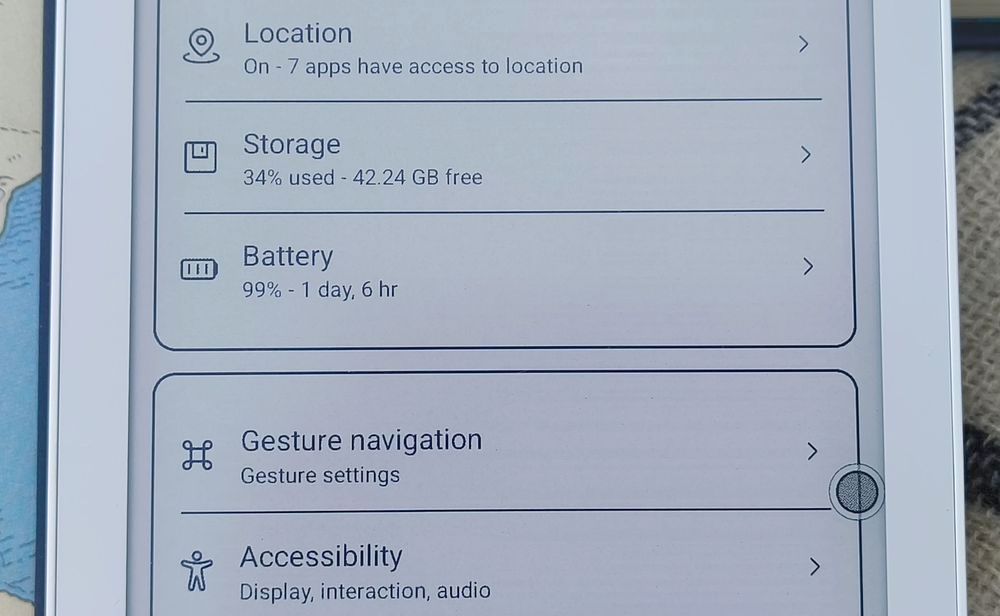
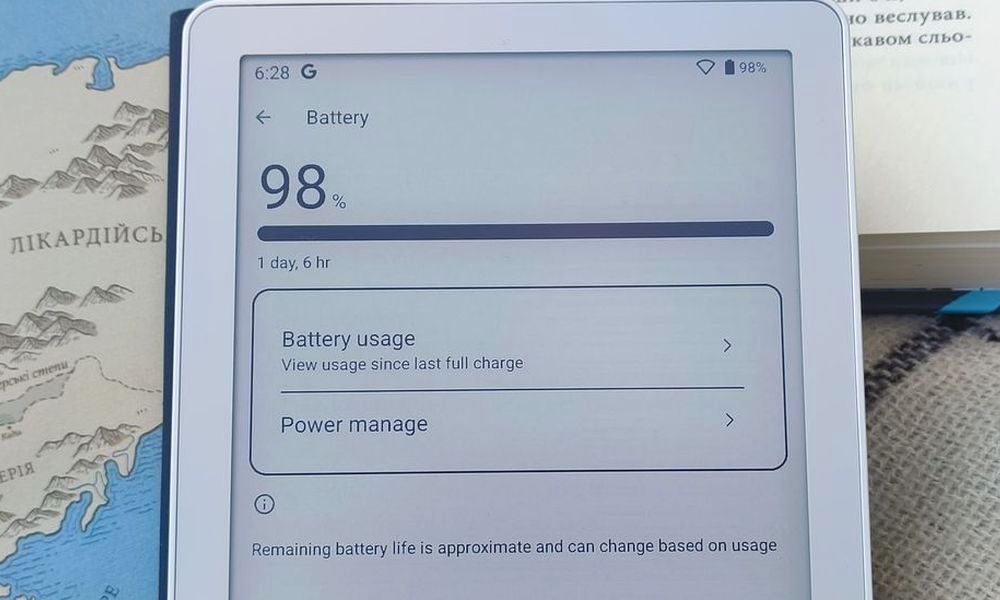
By the way, the reader’s settings also show an estimate of when its “social battery” might run out and it may no longer be ready to interact with you. The estimate is only approximate, though, as it depends on a number of factors. The settings also include an “About device” section with an “Up time” entry. As you can see, the battery life is better than on the color version (seriously, if you still haven’t checked out that review, you really should – here’s the link), but it’s still not quite as good as I would have liked.
Bigme B6 Audio
The Bigme B6 is suitable not only for e-books but also for audiobooks. First, it supports Bluetooth 5.0, so you can easily connect a pair of headphones or a speaker to the reader. Second, it has a built-in speaker located on the top rather than the bottom, so you won’t accidentally cover it when resting the reader on your stomach, knees, or a table. The sound is fairly clear, and volume control is available in the same pull-down menu that contains the display settings.
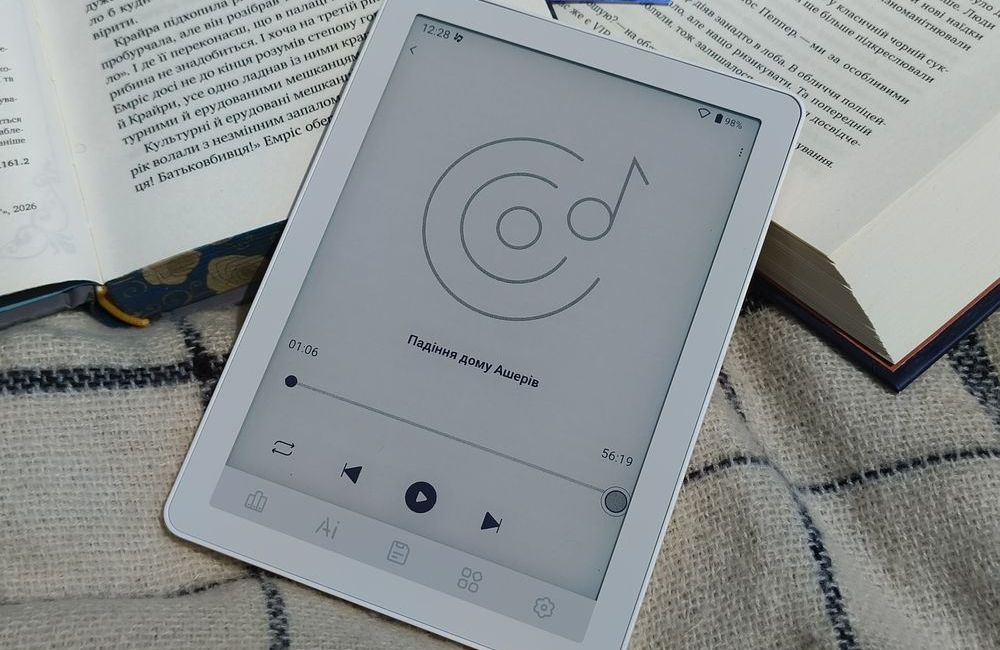
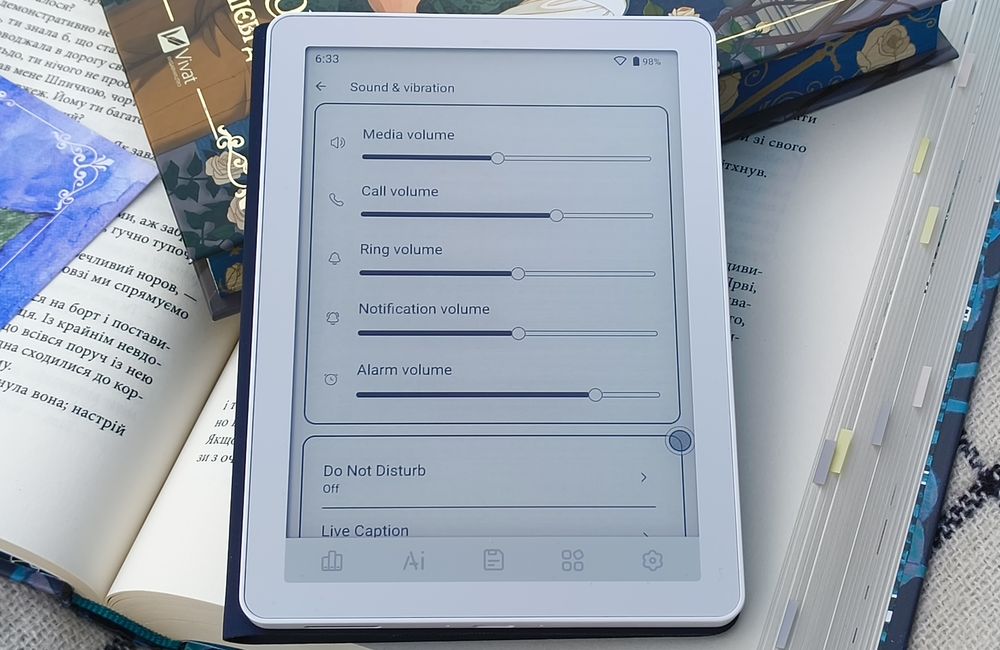
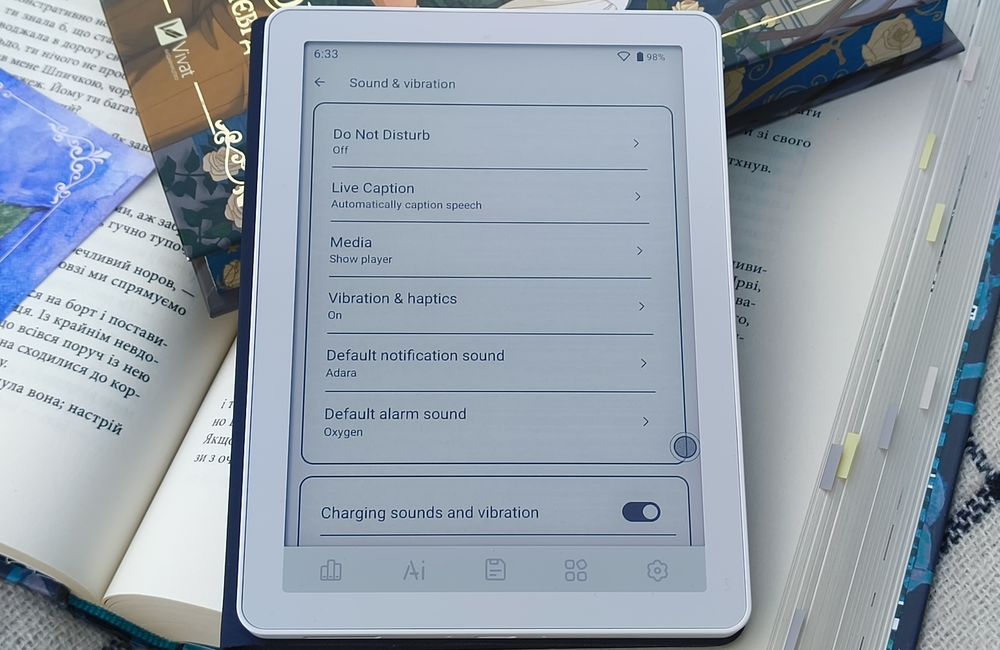
The manufacturer also says that the speaker can be used for creating voice notes. The device does an excellent job recognizing English, Spanish, and even Korean despite my terrible accent.
User Experience
Despite my criticism of some of its features, my overall experience with the Bigme B6 has been positive because the reader does the most important thing well – it works as an e-reader. As a tablet, it may not be particularly impressive, but as a reader, it delivers on all fronts. It’s comfortable to hold, pleasant to read on, offers plenty of storage (with the option to add even more), and the library is easy to navigate.
The built-in reading app doesn’t handle adding notes particularly well, but that’s a feature not everyone needs. And this is where Google Play comes in, allowing you to install whichever reading apps you prefer. On the other hand, there’s a neat auto-page-turn feature. You can set how long you want it to remain active, as well as the page-turn interval in seconds. The pages will then turn automatically until you exit the mode.

I also liked the Navigation Ball – that little floating button in the bottom-right corner. It works as a mini menu, providing quick access to up to nine apps or services. You can configure it through the corresponding app on the home screen, while the pull-down menu lets you hide or show the Navigation Ball. You can also move it to any part of the screen.


The reader doesn’t have physical page-turn or menu buttons. In the past, I would have considered that a downside, but the Bigme B6 has dedicated touch buttons instead, so I found them quite convenient.
Read also: Bigme B7 Review: When an E-Reader Tries to Be a Tablet – and Actually Pulls It Off
Conclusion
At first, I was genuinely impressed by how much this little device can do: it can play audio, stream video, run games, and even generate images. After a week of using it, though, I realized that most of these features are more about following the trend than meeting an actual need. For me, it’s enough that it has plenty of storage for e-books, a wide range of display settings, and a lightweight, compact design.

For me, battery life was the only significant downside. My previous e-reader was a simple, utilitarian device without any bells and whistles or AI (though it did have a solitaire game and a browser), and I only needed to charge it once every two to three weeks, even though I usually read in long sessions. With the Bigme B6, I have to make a compromise and charge the device more often. Other than that, everything works well, even if some of those features aren’t particularly useful.
Where to buy Bigme B6