




© ROOT-NATION.com - Use of content is permitted with a backlink.
In the world of PC components, the rule of “more is better” often applies. That’s true when it comes to SSD capacity for game storage, the number of case fans, or the size of a liquid cooling radiator. But when it comes to display resolution, things are less straightforward. There’s no single right answer – the best choice depends on your system’s specifications, the types of games you usually play, and your personal preferences. A higher resolution doesn’t automatically translate into a better overall experience.
Among gamers, two clear camps have emerged. Some prioritize maximum detail and immersion, aiming for 4K visuals. Others prefer a balance of image quality and performance, settling on 1440p. Finding a middle ground isn’t simple, as both options come with significant advantages.
Read also:MechLands Vibe99 Review: Full-Size Layout, Hot-Swap Support, and Mini Display
TABLE OF CONTENTS:
Advantages of the 4K format
A 4K resolution delivers an image of 3840×2160 pixels – over eight million in total. That’s four times the pixel count of Full HD and more than double that of 1440p. The result is a sharper picture with finer details, smoother edges, and more realistic textures. On larger monitors, this level of clarity enhances immersion significantly. Open-world titles and story-driven blockbusters such as Red Dead Redemption 2, Cyberpunk 2077, or Horizon Forbidden West particularly benefit from the added detail.
Another advantage is that larger 4K displays don’t suffer from reduced pixel density. For example, a 32-inch 4K monitor still offers a higher PPI than a 27-inch screen running at 1440p.
Another strong point for 4K is its versatility beyond gaming. Higher resolution makes working with text, editing photos and videos, or creating 3D graphics more comfortable, thanks to the extra screen space and sharper image quality. It’s also a practical choice for creative work. On top of that, 4K offers better long-term value: modern gaming consoles and high-end graphics cards are already designed with this resolution in mind.
Read also:Wi-Fi 8: What We Know About the New Wireless Standard
The main drawback of 4K
The major drawback of 4K is the heavy load it places on hardware. Rendering at this resolution demands a powerful GPU, plenty of video memory, and a fast CPU. Even capable mid-range graphics cards can struggle to maintain smooth frame rates in the most demanding titles. Upscaling technologies like NVIDIA DLSS (4th generation) or AMD FSR help alleviate this issue by rendering at a lower resolution and then upscaling to 4K with minimal quality loss. This makes 4K more practical for single-player AAA games. In competitive titles, however, the priority usually shifts toward achieving the highest possible frame rates rather than visual fidelity.
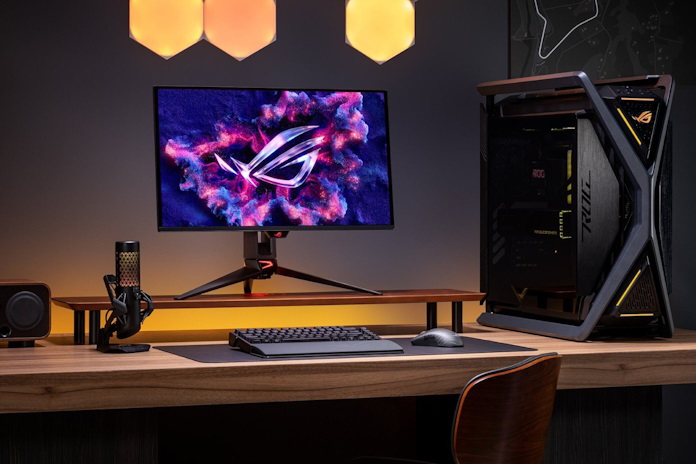
The 1440p format, with a resolution of 2560×1440 pixels, is often seen as a practical middle ground. It delivers noticeably sharper visuals than 1080p while being far less demanding on hardware than 4K. One of its key advantages is support for high-refresh-rate monitors. For instance, the ROG Swift OLED PG27AQDP (Amazon) can run at 480 Hz in 1440p mode – a critical feature for esports titles where reaction speed and every millisecond matter. These displays also pair well with a wide range of graphics cards and generally cost less than their 4K counterparts, making them a more accessible choice for gamers on a budget.
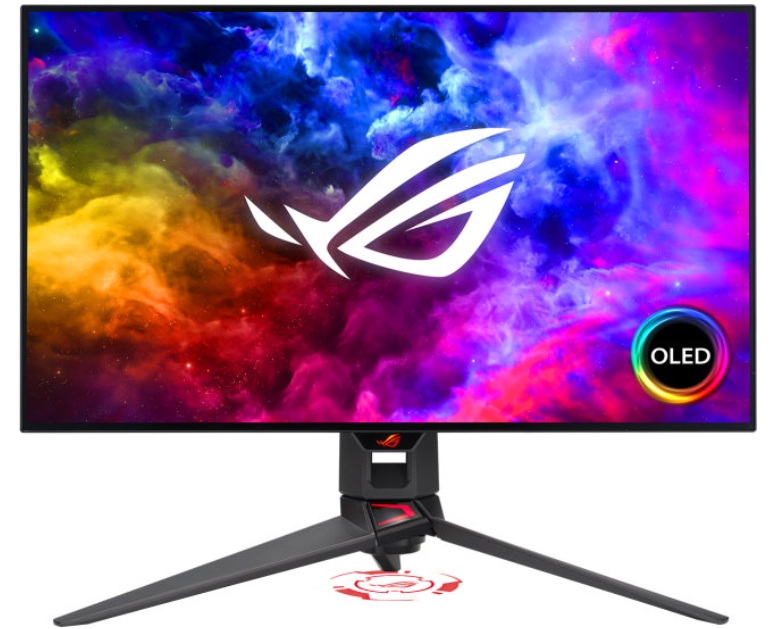
Monitors that can switch between multiple modes deserve special attention. These are designed for users who play both story-driven blockbusters and competitive shooters. For example, the ROG Swift OLED PG32UCDP offers 4K at 240 Hz in its standard mode, but thanks to a switch or Frame Rate Boost feature, it can run at 1080p with a refresh rate of 480 Hz. The monitor also allows adjusting the active display area, simulating popular esports sizes like 24.5 or 27 inches.
Read also: ASUS Gear Link Review: A New Way to Configure ROG Peripherals Online
The role of modern scaling technologies
Ultimately, the decision between 4K and 1440p depends on your needs and priorities. If you prioritize maximum sharpness and a cinematic experience, 4K is the better option. If smooth gameplay and high frame rates are more important, 1440p is more suitable. For those seeking flexibility, multi-mode monitors can provide both 4K quality and the speed required for competitive gaming resolutions.
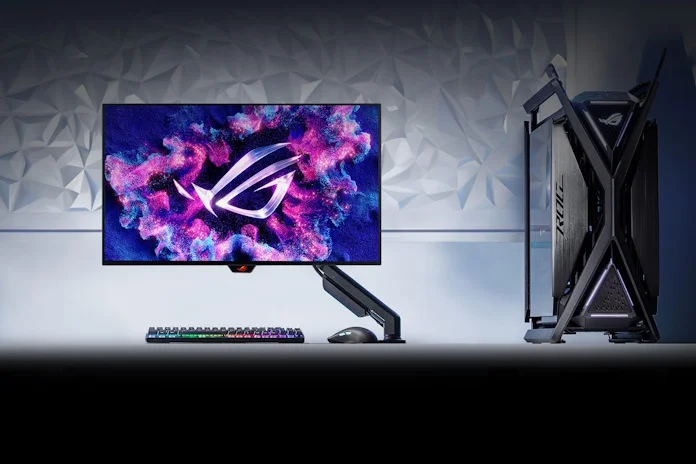
Modern upscaling technologies like NVIDIA DLSS 4 and AMD FSR significantly reduce the hardware demands of 4K gaming, allowing players to enjoy high detail without compromising frame rates. At the same time, 4K monitors remain a strong choice for virtually any other use case – from content creation to everyday browsing. That said, 1440p has its own advantages: a wider range of affordable models and ideal suitability for esports, particularly in titles like Counter-Strike 2. For users who prioritize speed above all else, a 1440p monitor with a high refresh rate is often the most practical choice.
Read also:
- Sony A7C Camera Review: The Smallest and Lightest Full-Frame Camera in the World
- Wi-Fi 8: What We Know About the New Wireless Standard
- Moto Watch Fit Review: A Practical Companion for an Active Lifestyle


都沒在校稿嗎?還是撰文記者不懂電腦?ROG Swift OLED PG27AQDP (Amazon) 可在 480p 模式下以 1440 Hz 運行 – – ,正確應為1440p以480Hz運行。32 吋 4K 顯示器仍然比解析度為 27p 的 1440 吋螢幕提供更高的 PPI。正確應為1440p的27吋螢幕。
不是唷 32吋4K 確實ppi比較高 高達138ppi
27吋2k只有109ppi