




© ROOT-NATION.com - Use of content is permitted with a backlink.
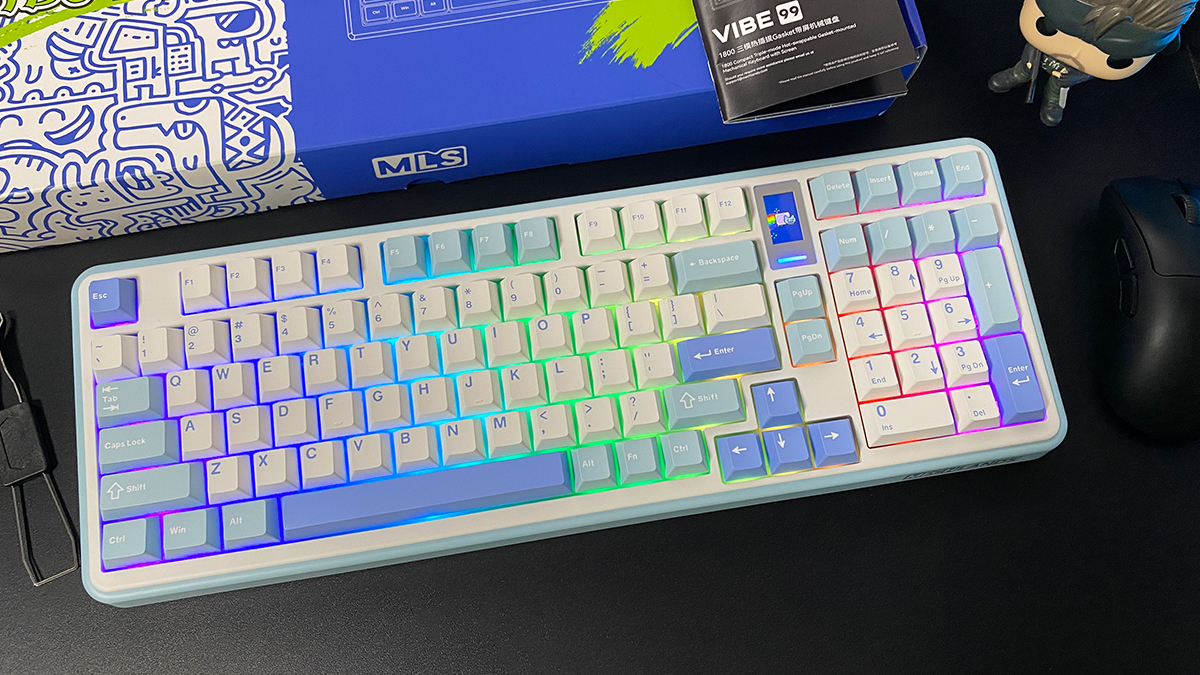
Recently, I had my first experience with the MechLands brand, which produces affordable mechanical keyboards. I’ve already reviewed two of their models: the magnetic MechLands M75 and the wireless MechLands Vibe75 V2. This time, I’ll be taking a closer look at another keyboard from the company – the MechLands Vibe99. At first glance, the Vibe99 might seem like little more than a full-size (98%) version of the Vibe75 V2, and the review could almost end there. However, the keyboard does bring a few noteworthy differences that make it worth a closer examination.
Read also: Gaming Keyboard Reviews
TABLE OF CONTENTS:
MechLands Vibe99 Specifications
To start, the main difference between the Vibe99 and the Vibe75 V2 comes down to one aspect – the layout. Both keyboards belong to the same MechLands Vibe series and differ only in form factor and key count: the Vibe75 uses a 75% layout, while the Vibe99 is a 98% layout. A detailed review of the 75% model can be found in my earlier coverage, so here I’ll focus only on the specifications of the Vibe99.
- Model: MechLands Vibe99
- Format: 98%
- Number of keys: 100 keys
- Connectivity: RF 2.4 GHz, Bluetooth, USB
- Polling rate: 1000 Hz (RF 2.4 GHz), 125 Hz (Bluetooth)
- Switches: MechLands Cream Mint Switch
- Hot swap: 5-pin connectors
- Construction: Gasket Mount
- Anti-Ghosting: Yes
- #KRO: N-KRO
- Keycaps: Double-Shot PBT (Cherry Profile)
- Backlighting: RGB keys (south-facing LEDs), RGB strip under the display
- Multifunctional roller for adjustment: No
- Display: built-in 1.06″ TFT display (display of indicators, date and time, battery charge; backlight and audio control; GIF animation output)
- Proprietary application: MechLands Vibe99 Driver
- Supported platforms: Windows, MAC
- Battery: 4000 mAh
- Cable: detachable USB-C to USB-A, 1.8 m long
- Body materials: ABS plastic
- Dimensions: 418×150×42 mm
- Weight: 1.14 kg
- Available colours: blue, black
- Model features: three connection modes, built-in memory, 98% format with NumPad, pre-lubricated switches/stabilisers, RGB, built-in TFT display, hot swap
- Package contents: keyboard, double puller, 2.4 GHz RF wireless adapter, detachable USB-C to USB-A cable, user manual
Positioning and price
The MechLands Vibe99 is positioned in much the same way as its smaller counterpart. It’s a modern, budget-friendly mechanical keyboard with a solid feature set and a smooth, creamy typing feel. The model is likely to appeal to gamers and mechanical keyboard enthusiasts who prefer a nearly full-size (98%) layout.
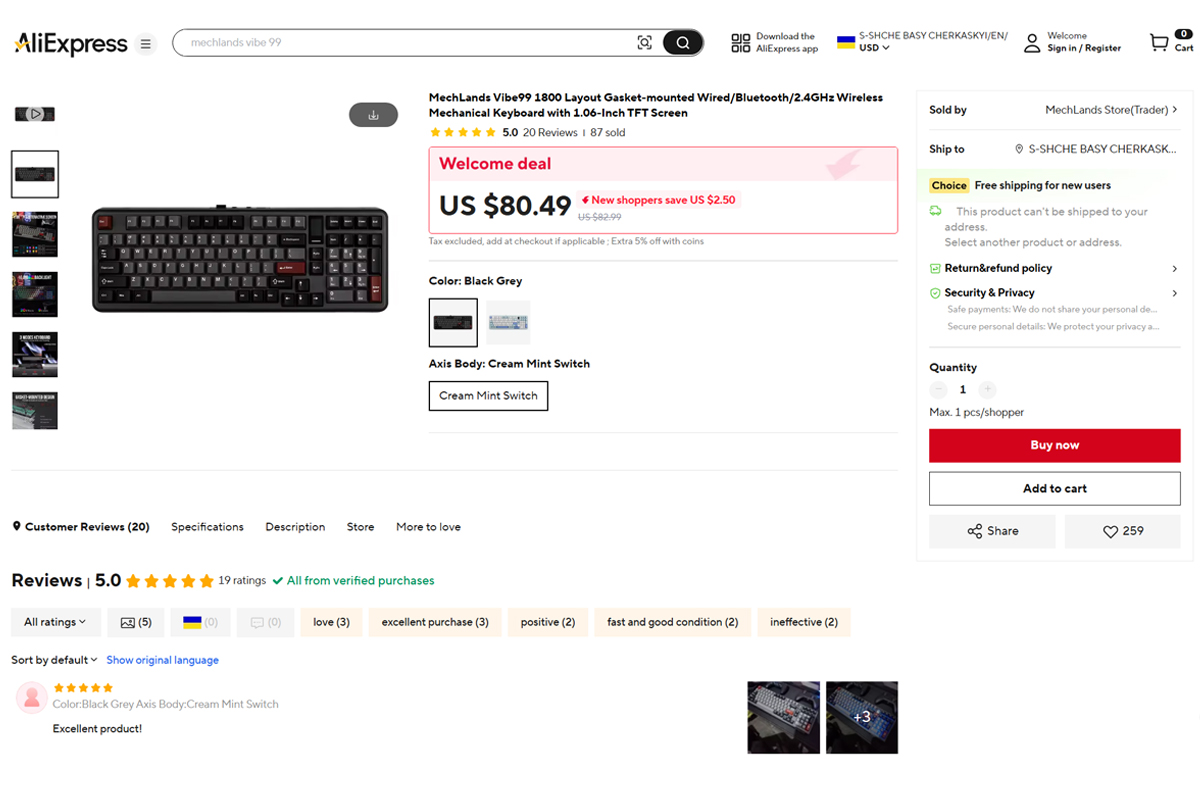
On the official MechLands website, the Vibe99 is priced at $84 / €72 – only slightly more than the 75% version. On AliExpress, it can be found for around $80 / €69. In short, the price is competitive for a keyboard in this category.

Package contents
The Vibe99 comes in the same branded packaging as the Vibe75, just in a larger size. The contents are also nearly identical and kept to a minimum. Alongside the keyboard itself and the 2.4 GHz wireless dongle, the box includes:
- detachable USB-C to USB-A cable (1.8 m long)
- double puller (for keycaps and switches)
- user manual (small booklet)
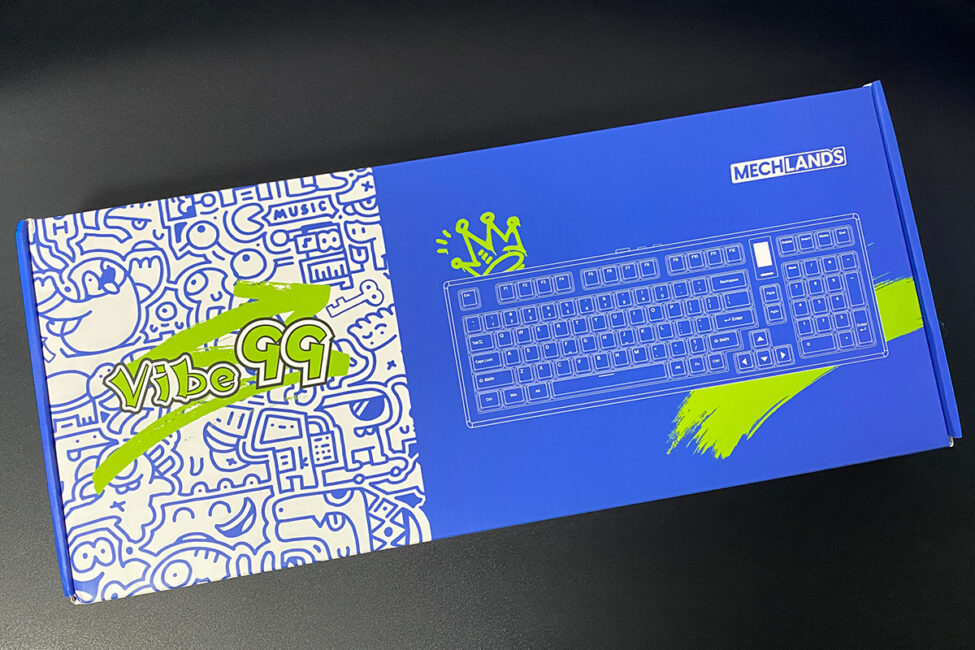
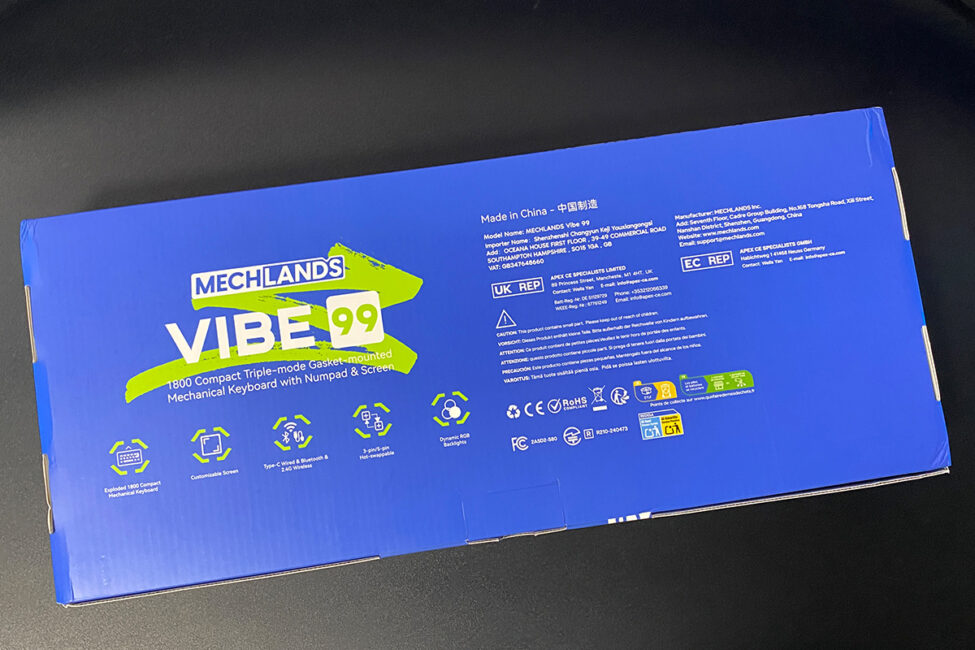
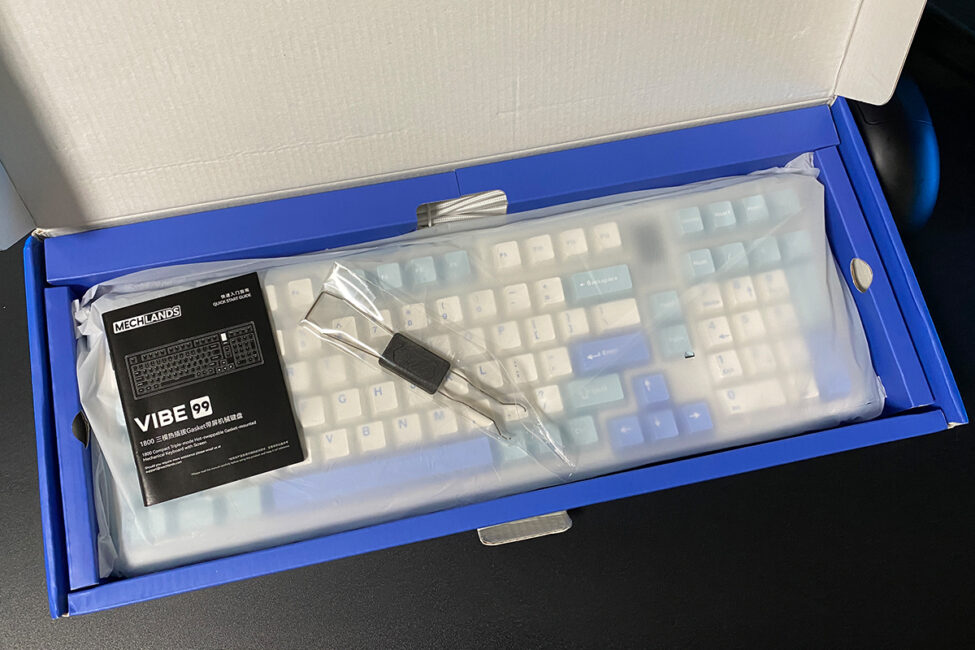
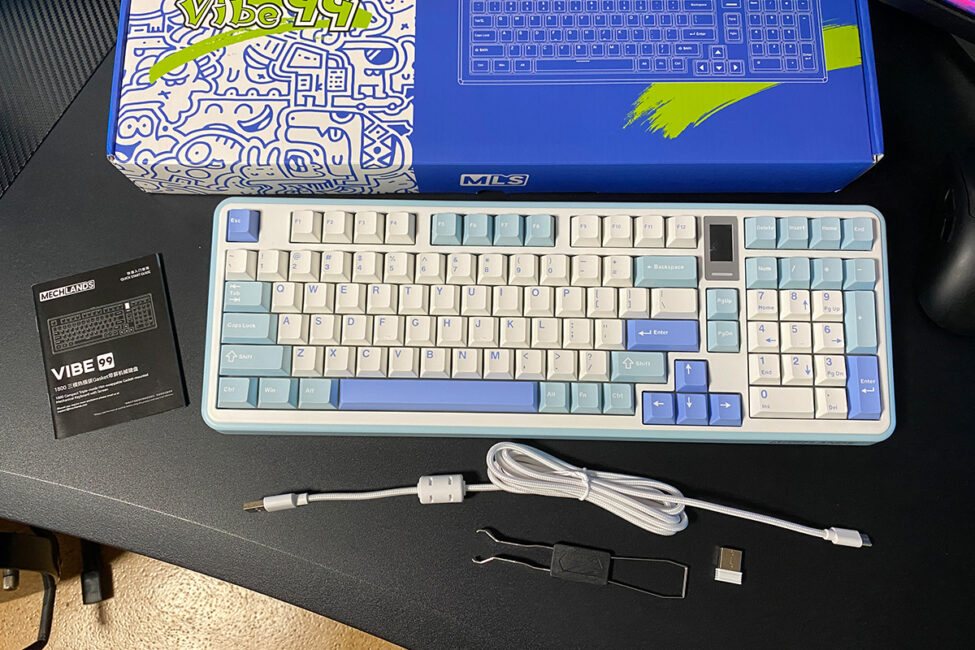
Unlike the Vibe75, the Vibe99 does not come with spare switches. It also lacks the blister-style dust cover that was included with the smaller model. Personally, I find those covers useful, since I often place them over keyboards when they’re not in use. Overall, the accessory set here is even more minimal than with the 75% version. And it’s worth noting that at this \$80 price point, many competing keyboards typically include extras such as spare switches, dust covers, or sometimes even alternate keycaps.
Read also:
- EPOMAKER P65 review: The Gateway Drug to High-End Keyboards
- Razer Joro Review: Ultra-Compact Gaming Keyboard
Design, ergonomics, build quality
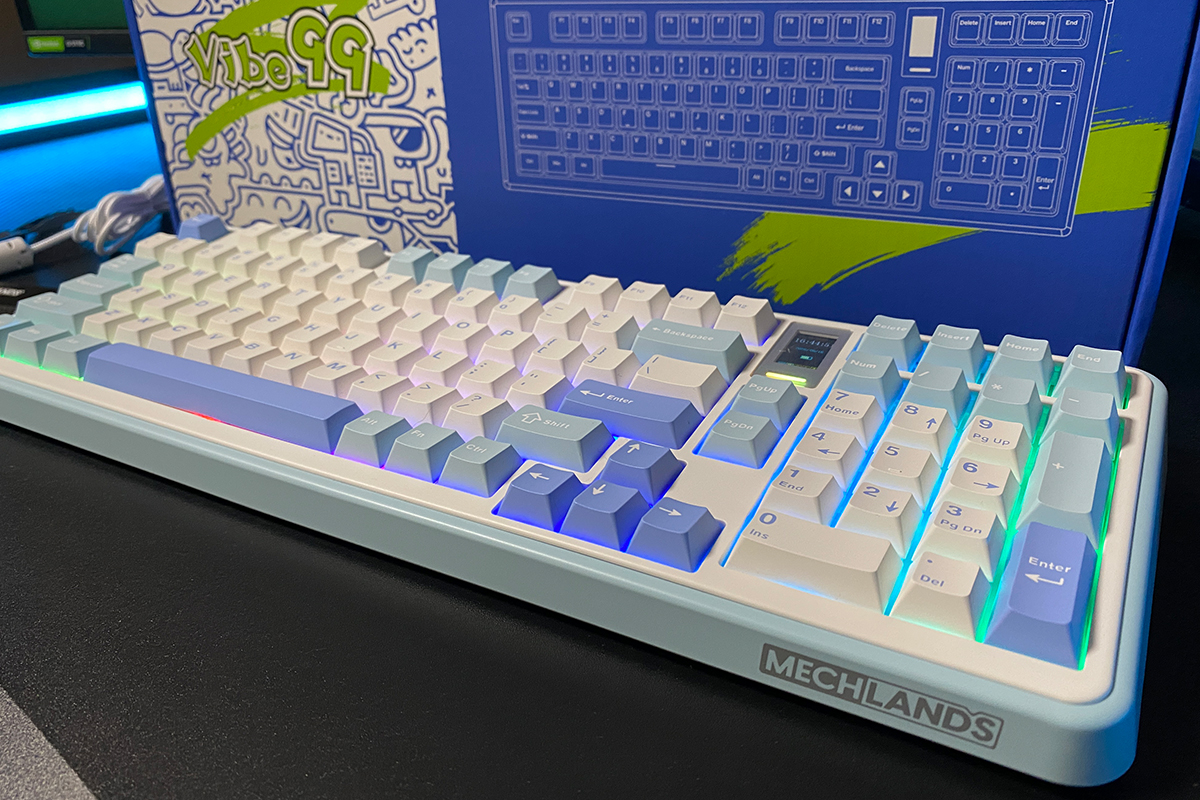
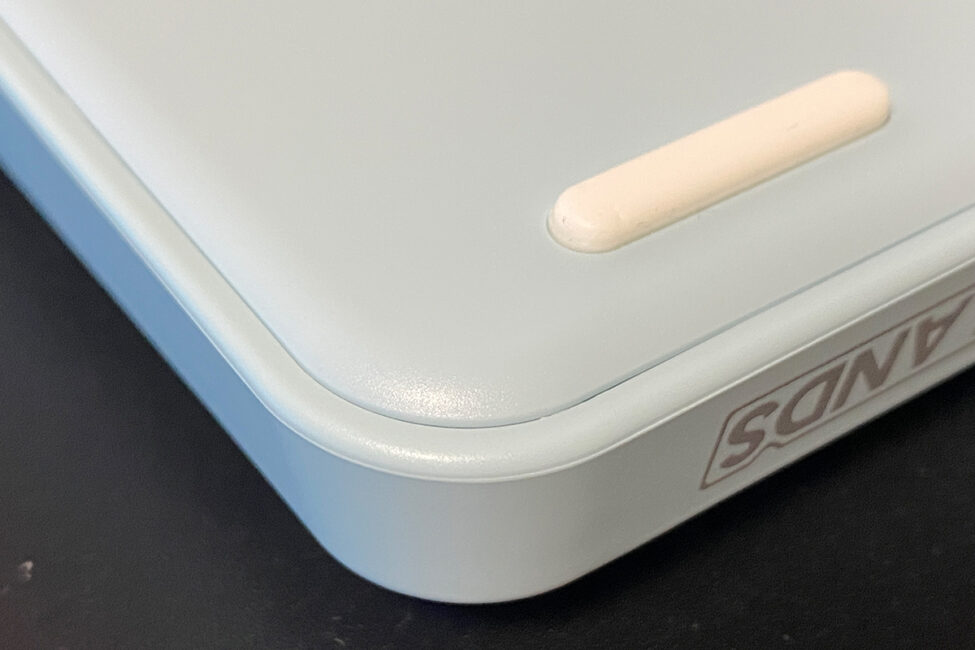
Although MechLands uses standardized cases across its keyboards, the Vibe99 does differ in design from the Vibe75. Here, the look is more traditional. The metal side inserts with cutouts found on the Vibe75 are gone, replaced by clean, smooth surfaces with neatly rounded corners.
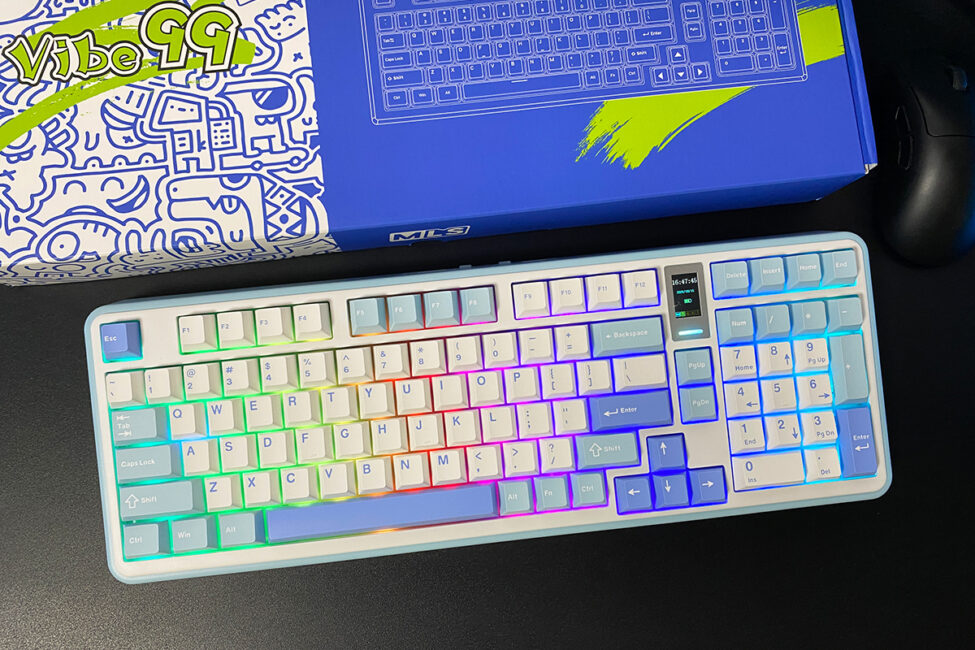
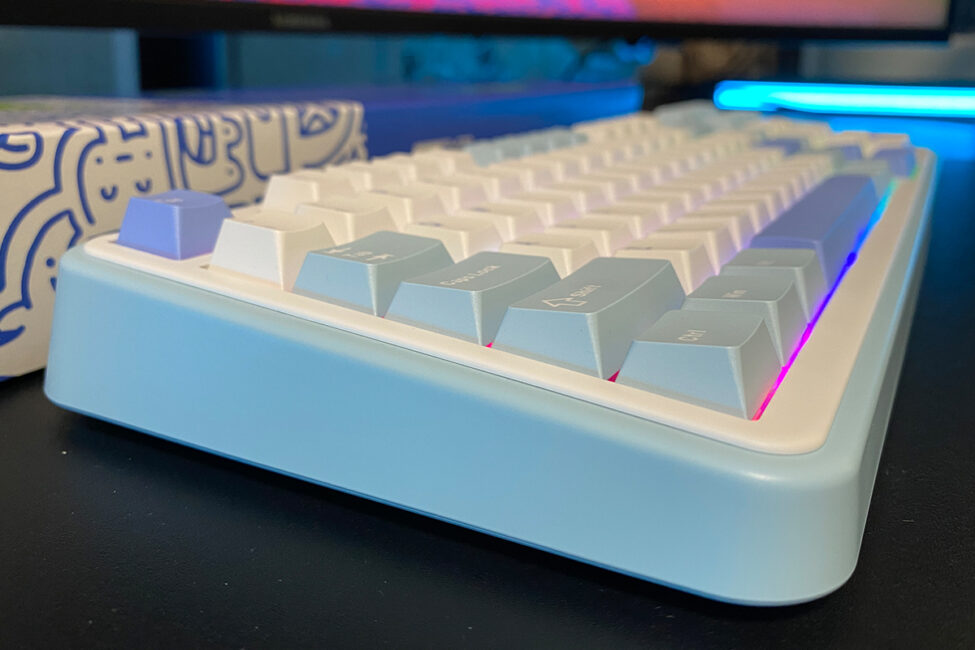
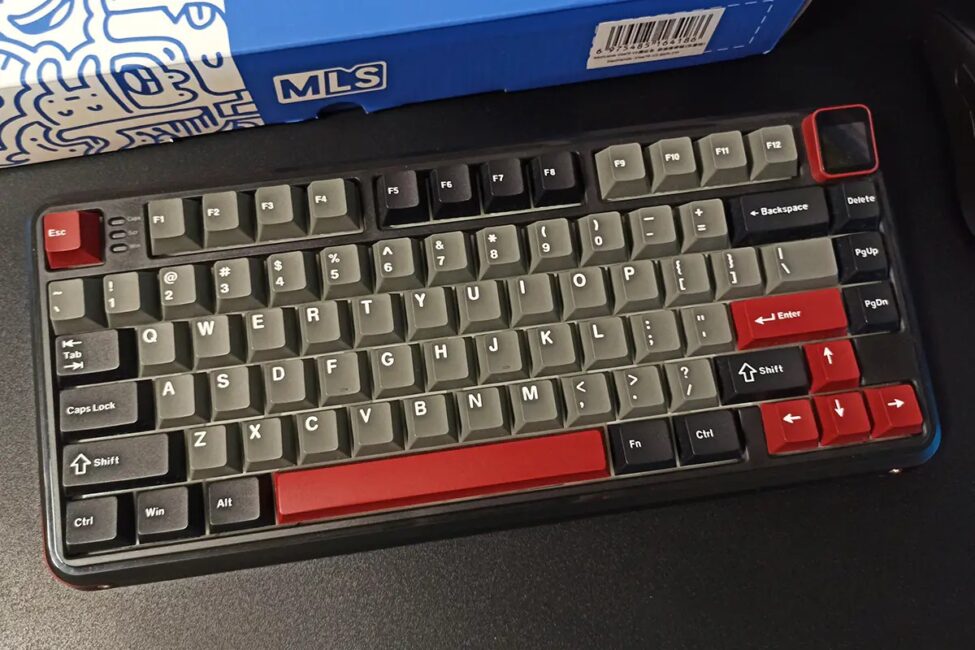
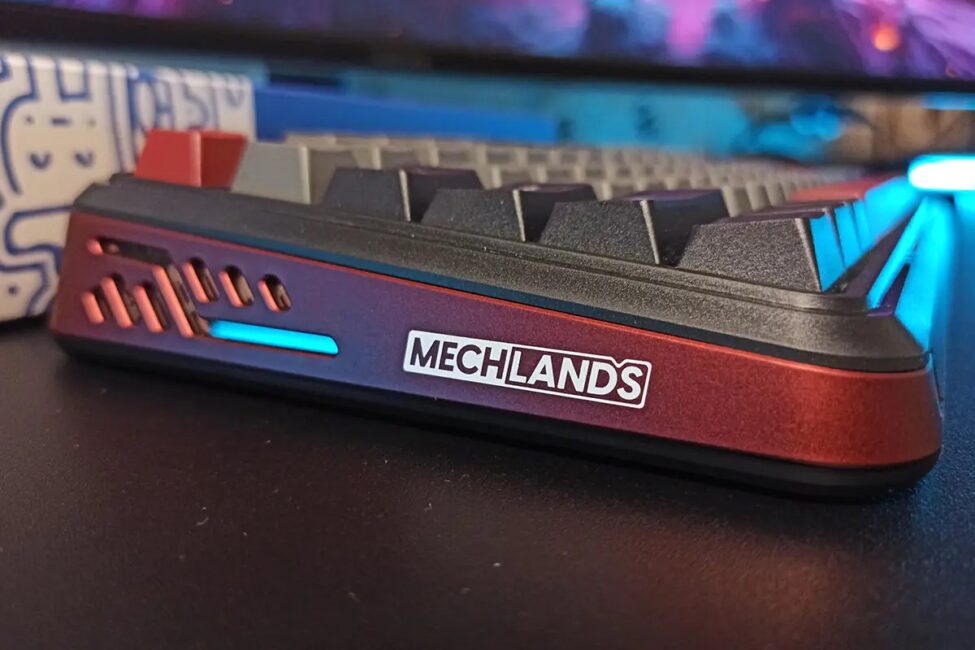
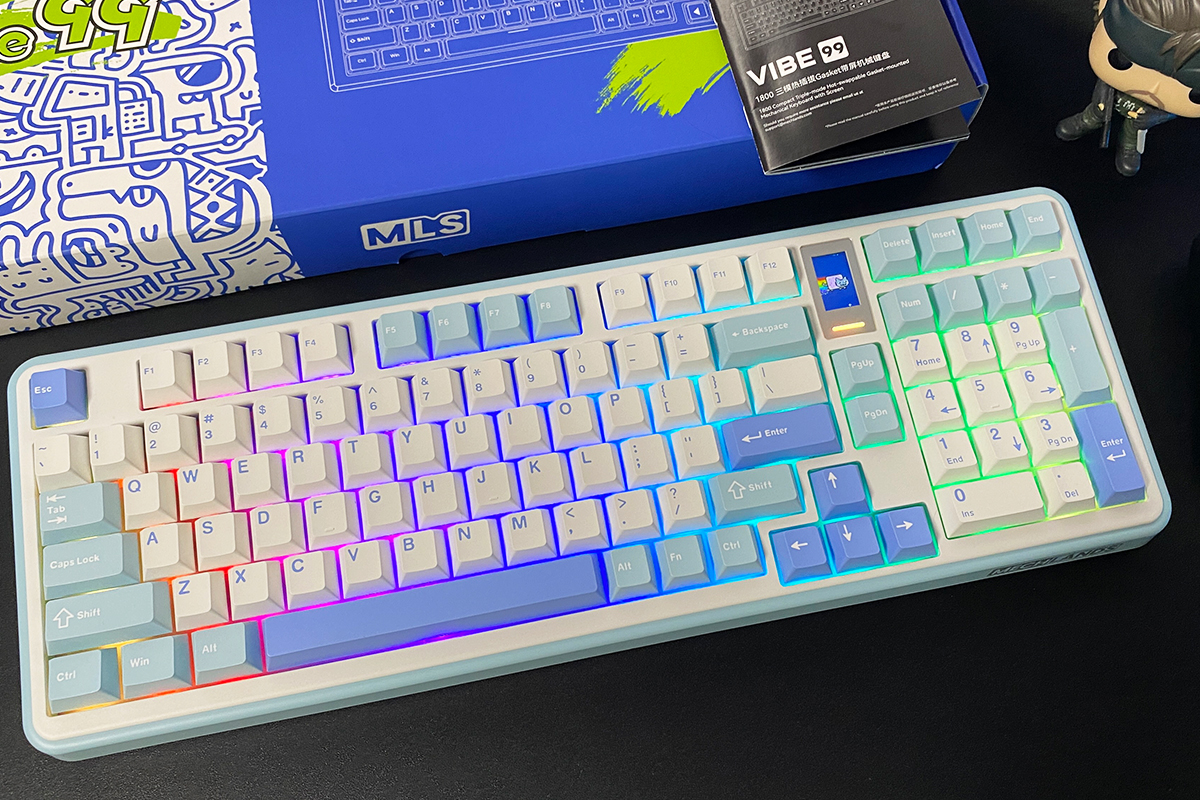
Like the Vibe75, the Vibe99 is available in two color options: blue and black. The unit I tested came in the blue version, which is the one shown in the photos and videos throughout this review. For reference, I’ll also include screenshots of the black model below.

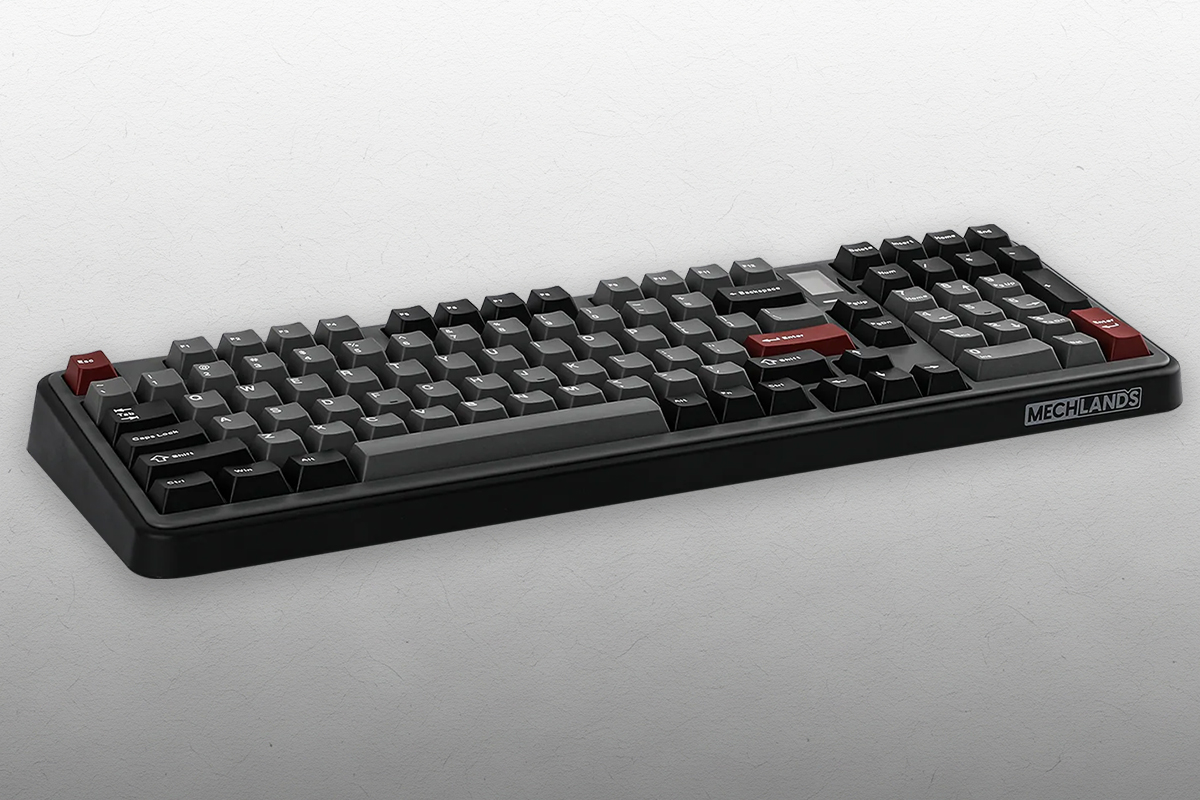
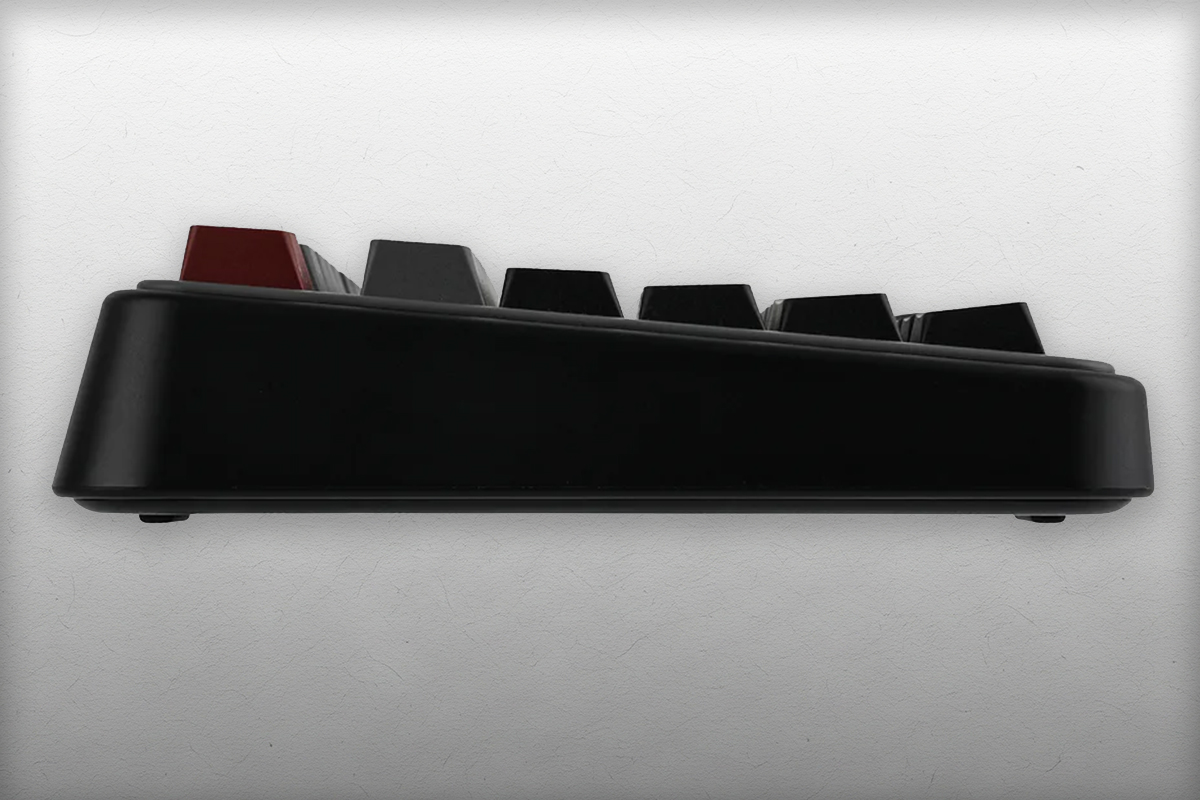
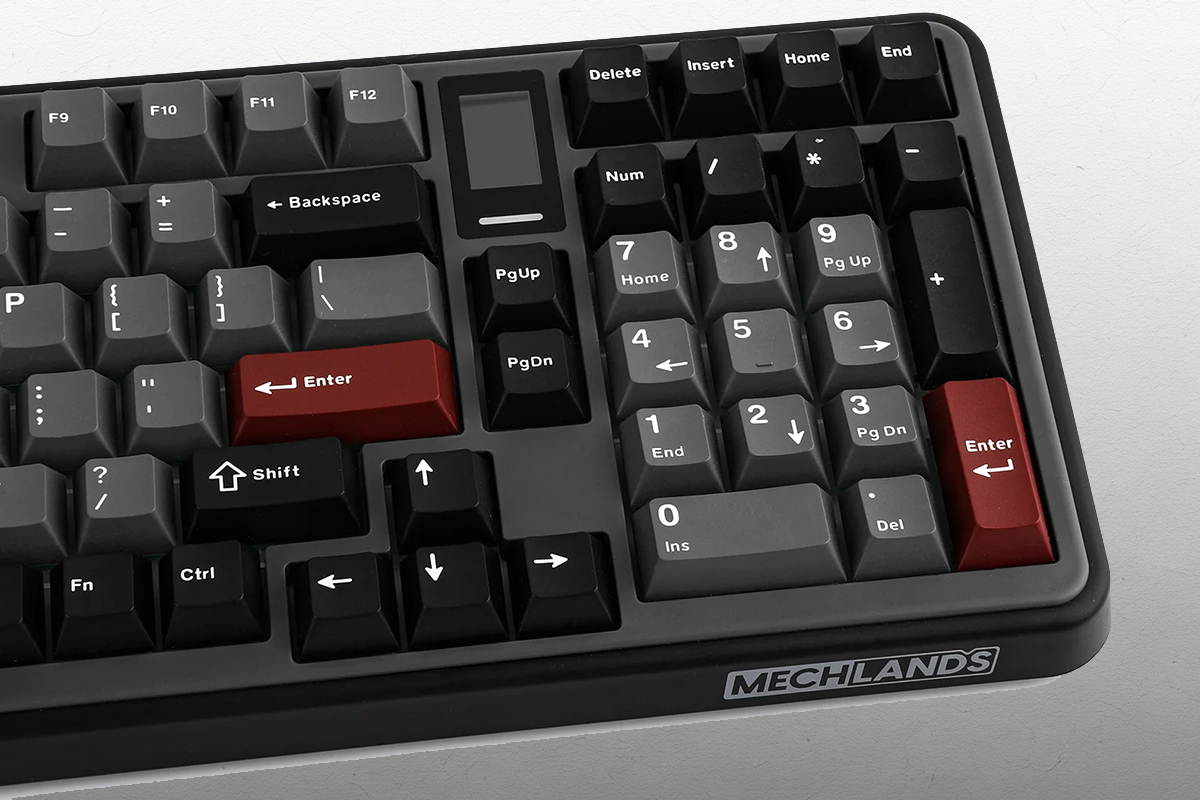
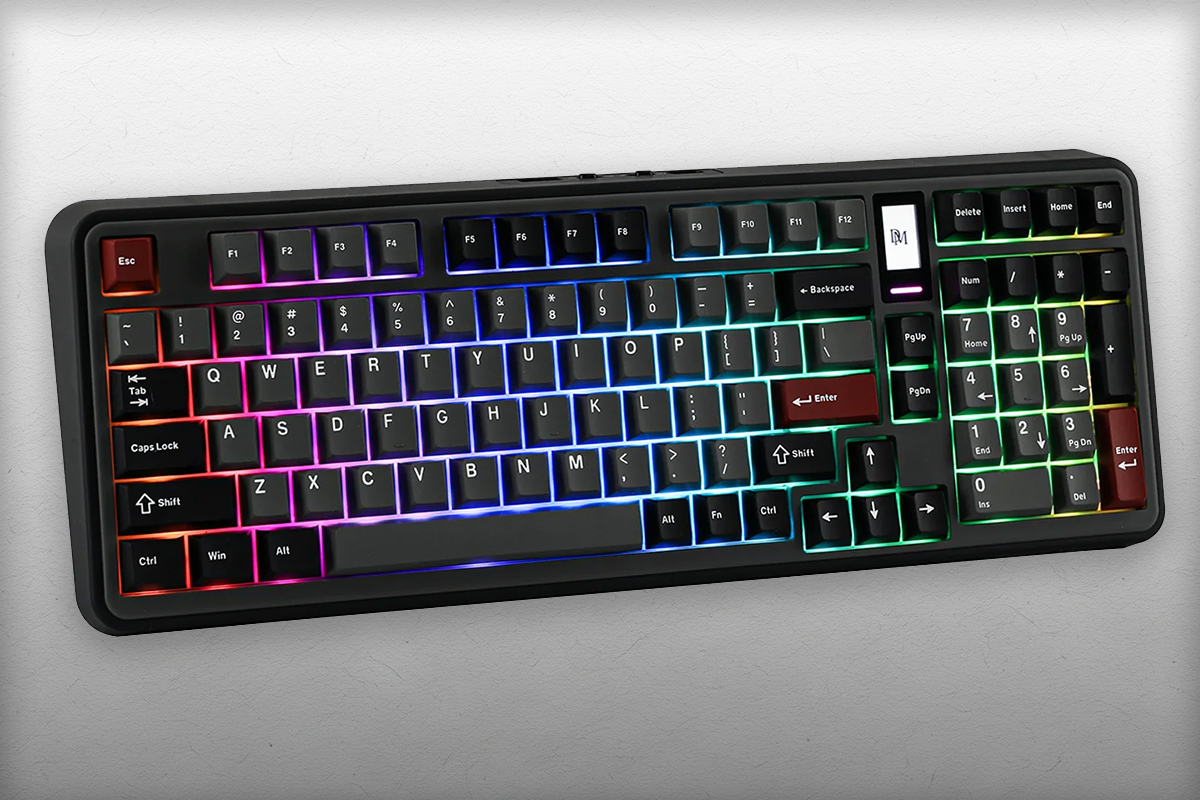
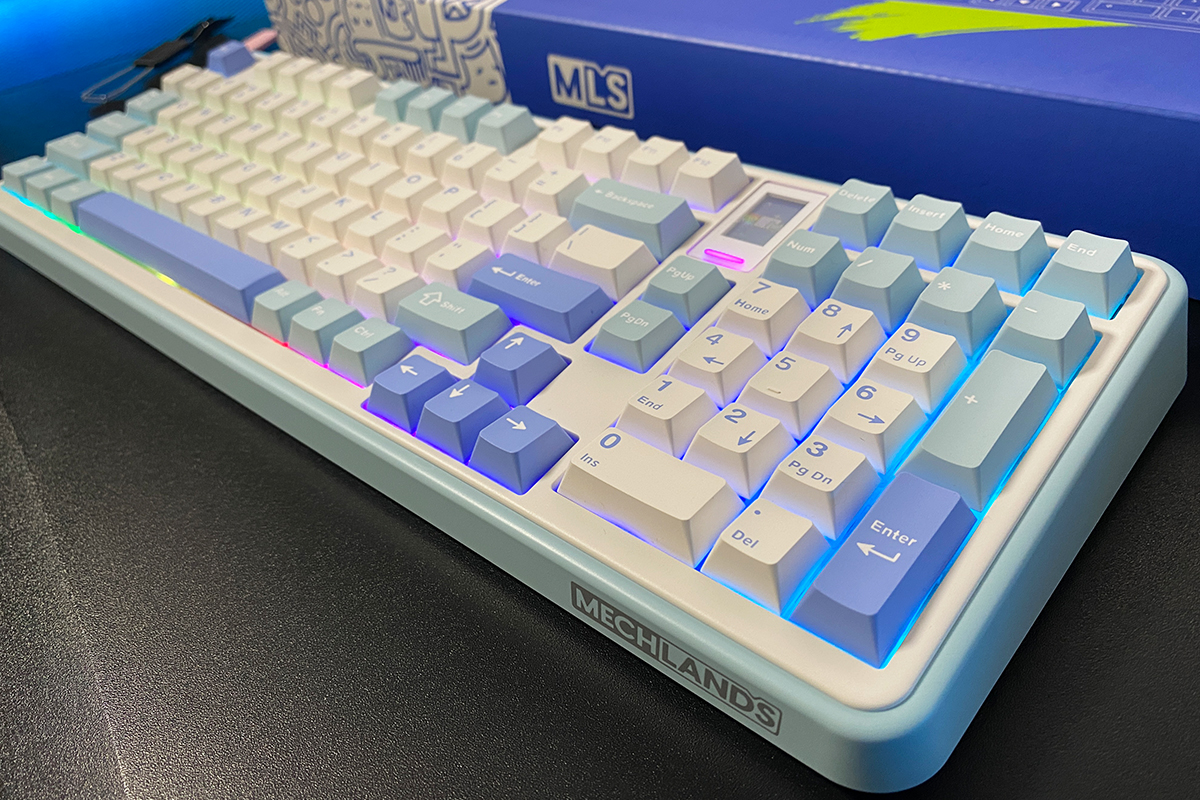
The keyboard uses a 98% layout – essentially a near full-size design that includes a complete NumPad and a few additional function keys. The layout follows the standard ANSI (QWERTY) format.
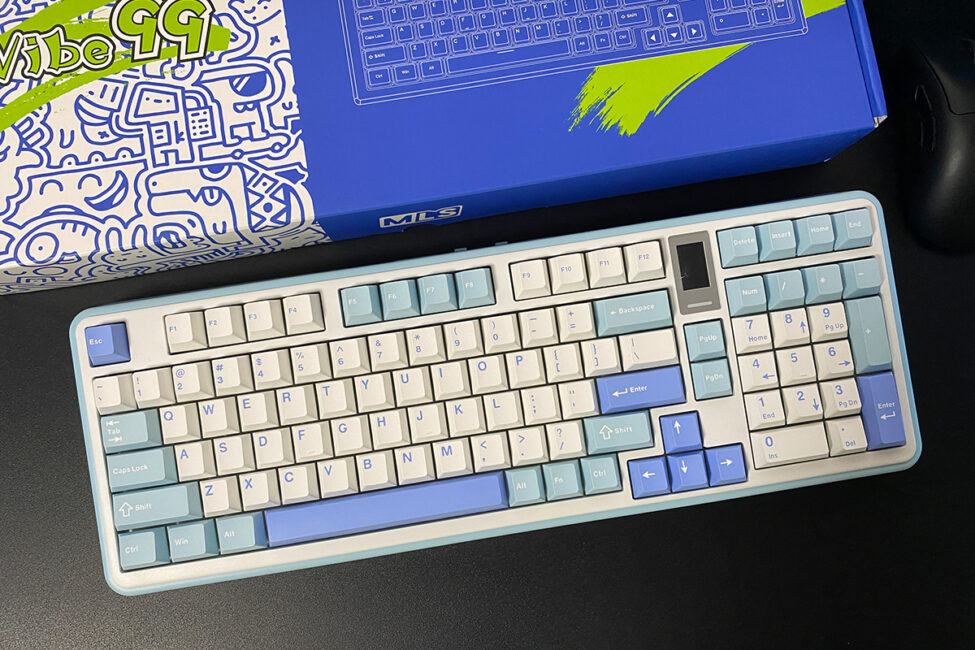
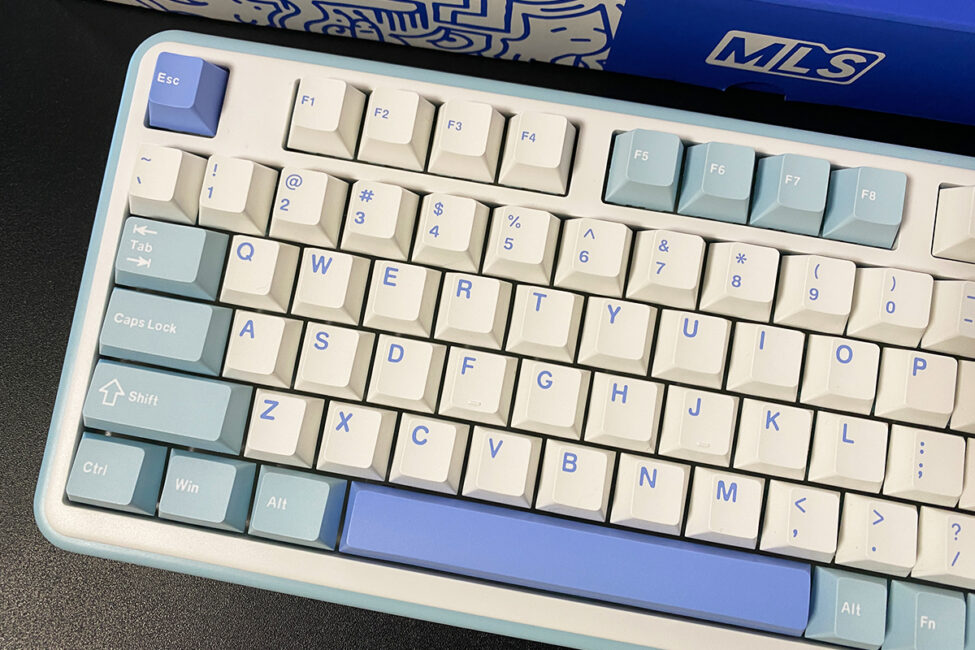
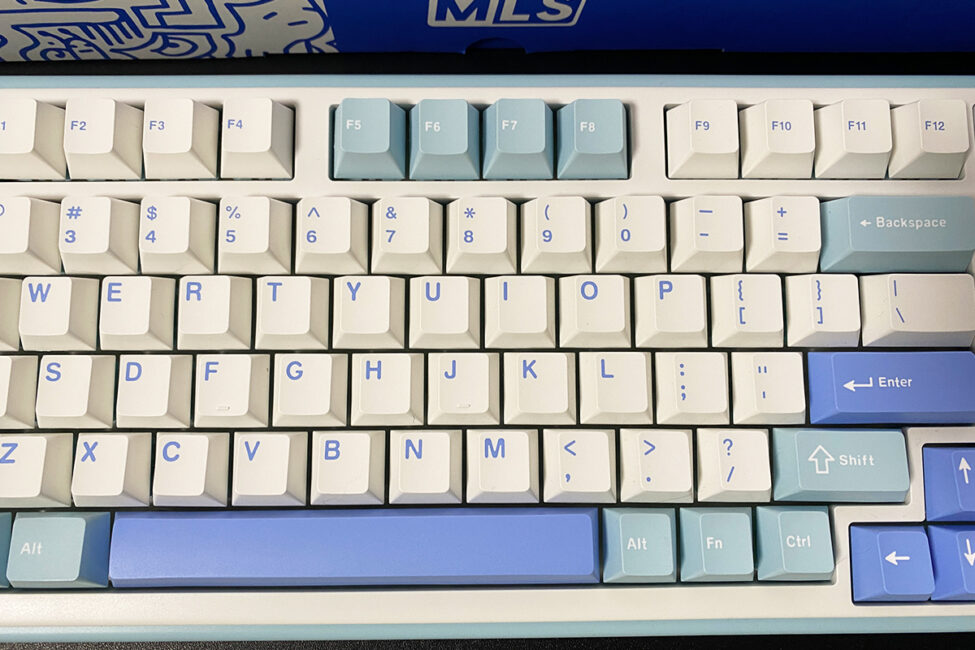
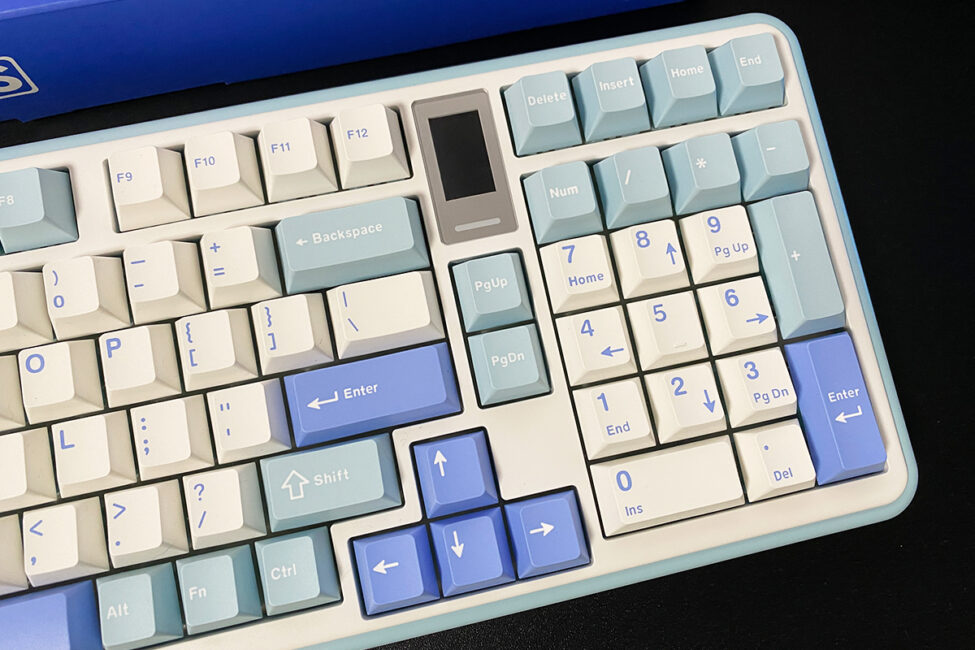
The keyboard measures 418 × 150 × 42 mm and weighs 1.14 kg. Compared to 75% or 65% models, the Vibe99 feels fairly large, and its height is also notable. Despite its size, it remains reasonably comfortable for both typing and gaming.
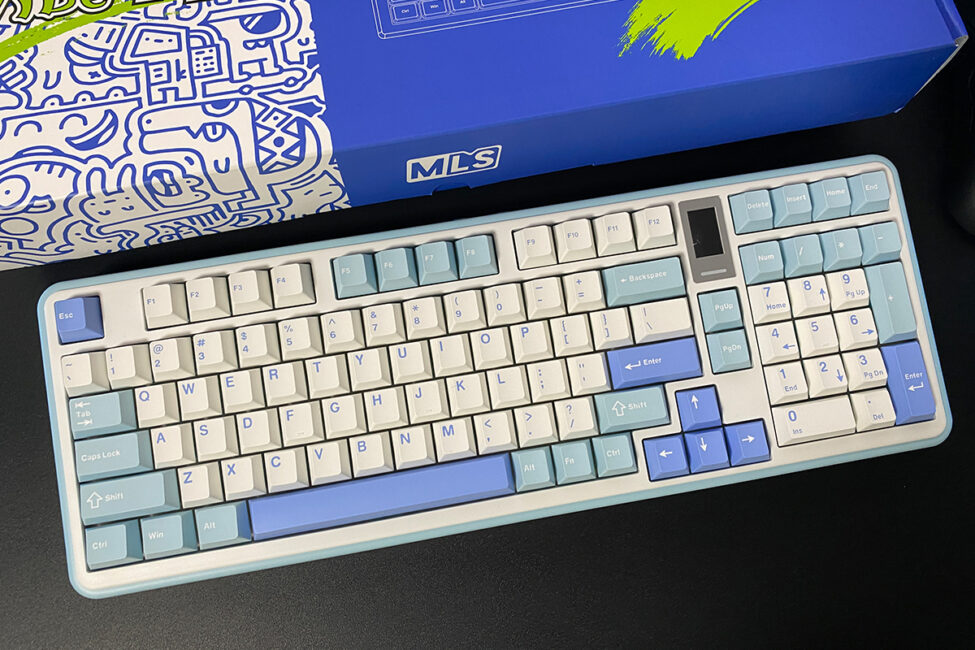
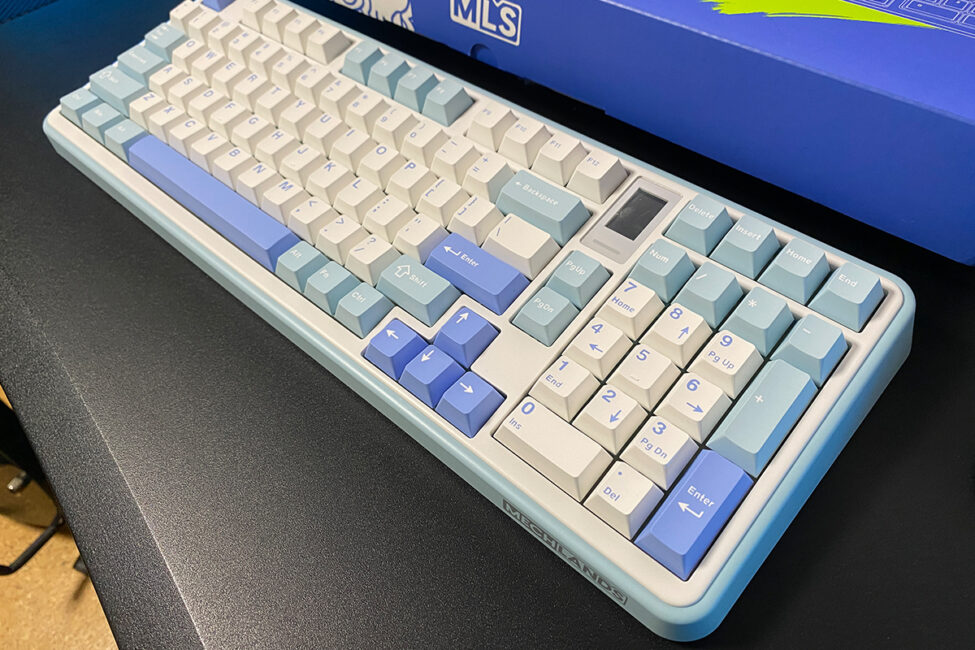
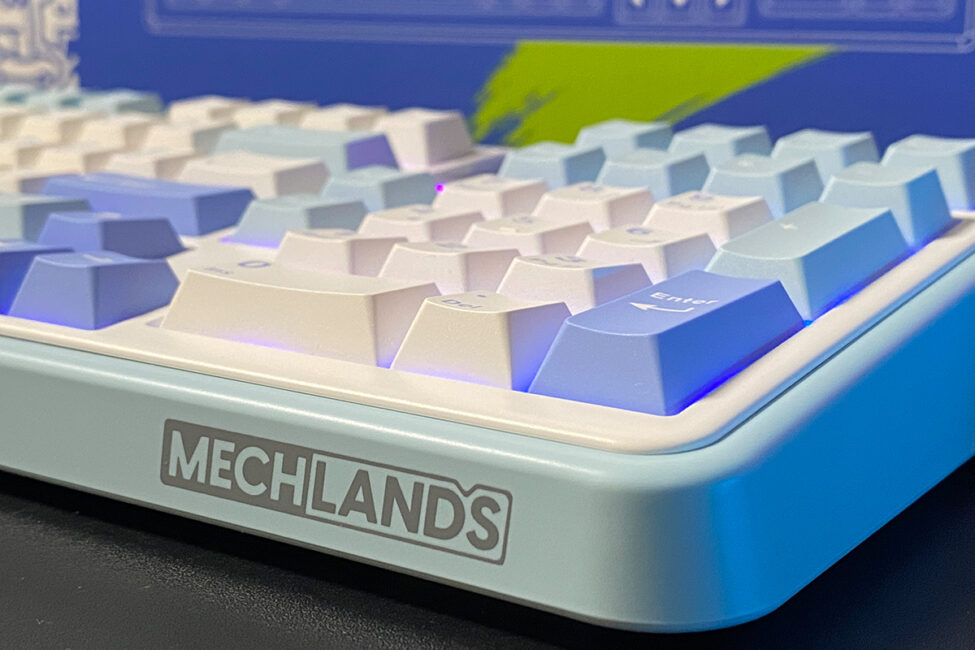
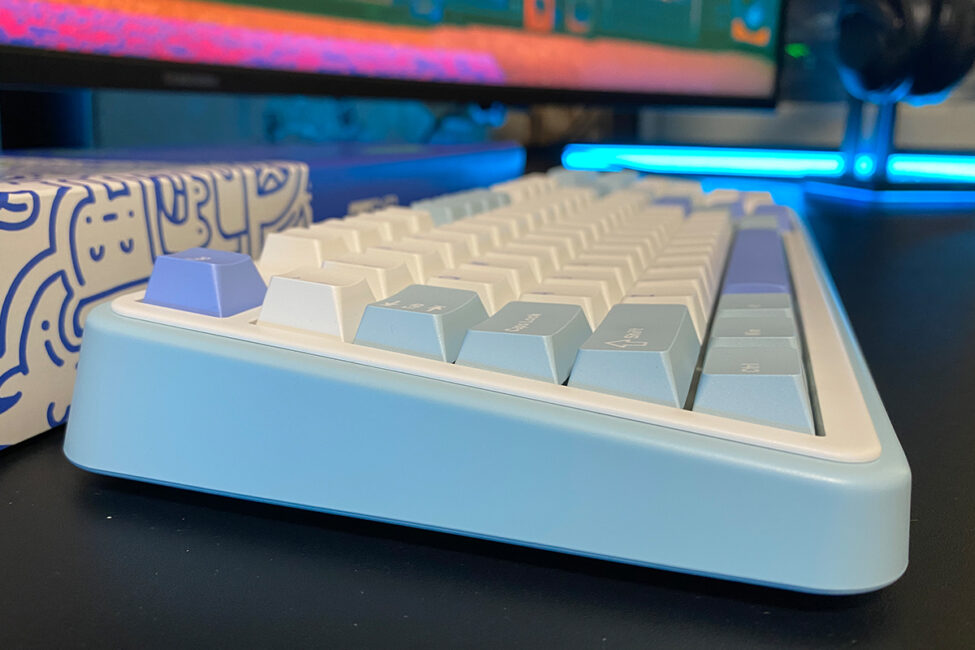
The keyboard’s case is made of high-quality ABS plastic with a smooth, pleasant texture. Unlike the Vibe75, it does not feature any metal decorative inserts.
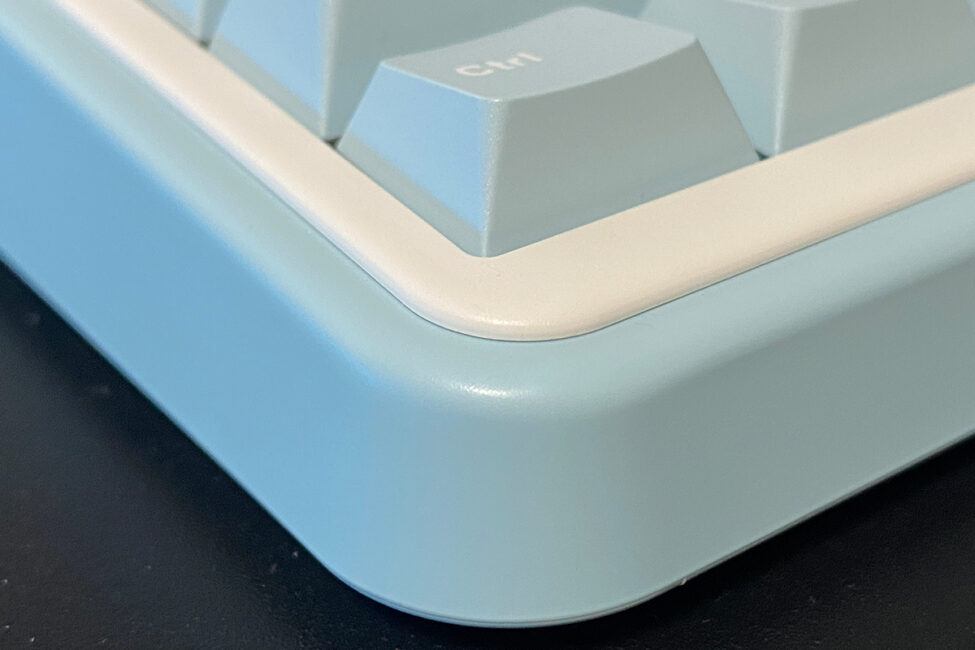
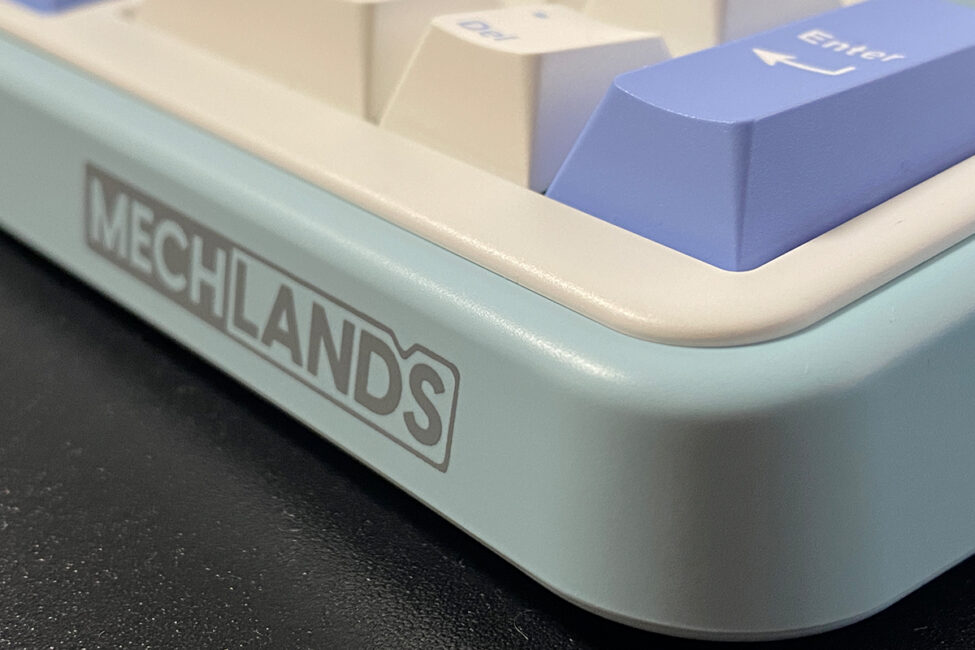
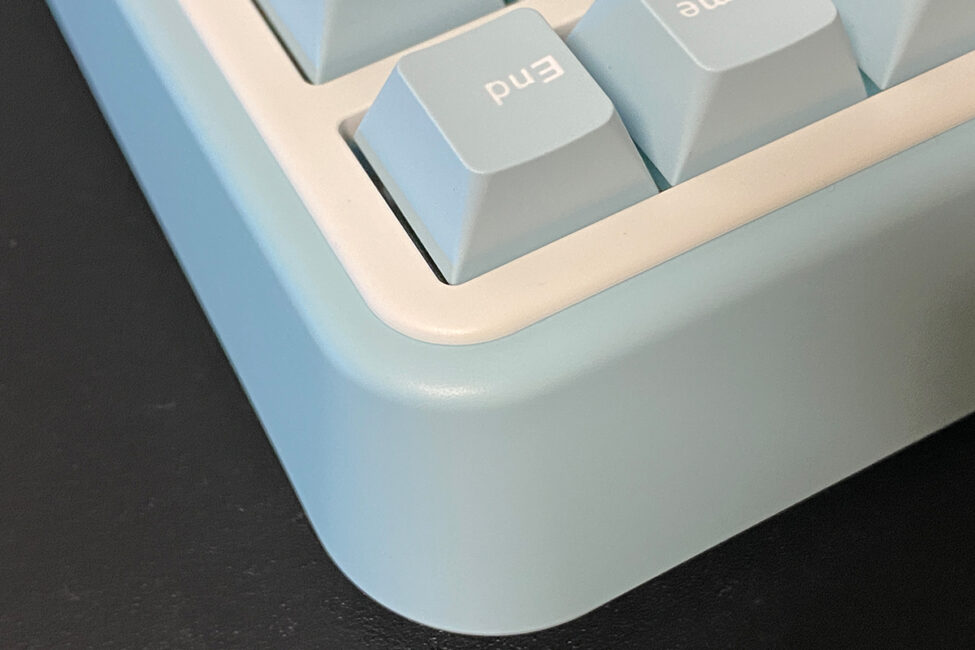
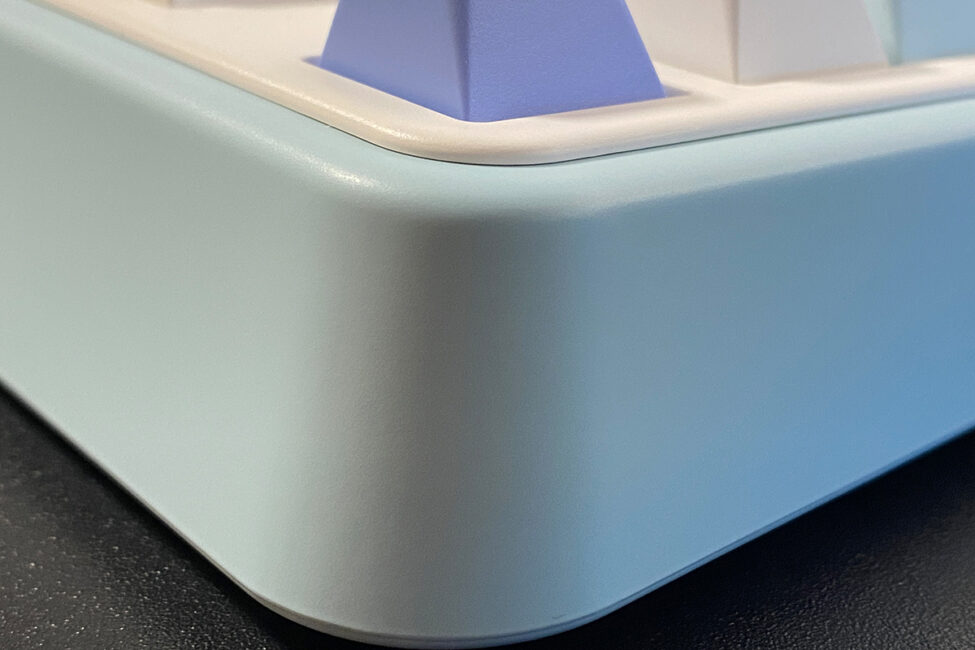
Internally, the Vibe99 shares the same construction as its predecessor – a solid Gasket Mount with a full set of gaskets, sound-dampening materials, foam, and other cushioning layers that enhance the typing experience. Thanks to this design, typing on the Vibe99 feels very satisfying and even manages to impress in some ways. For now, though, let’s continue examining the design and build quality.
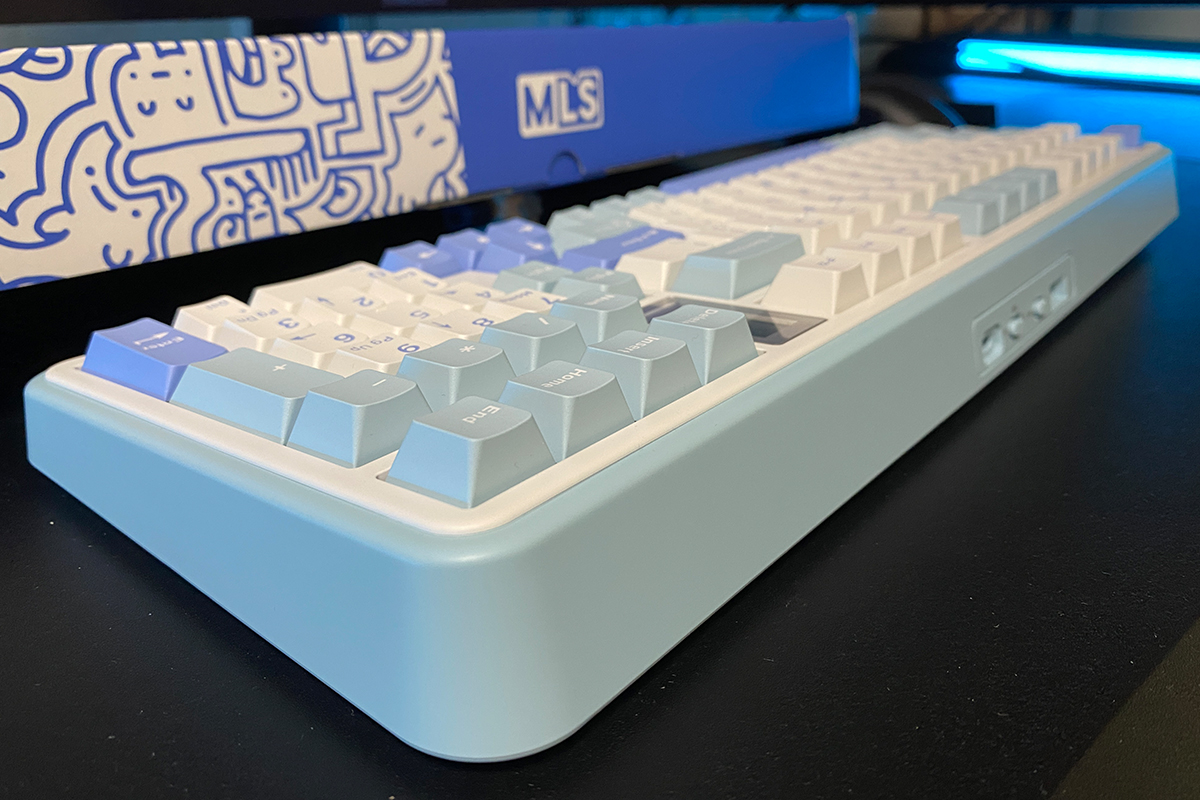
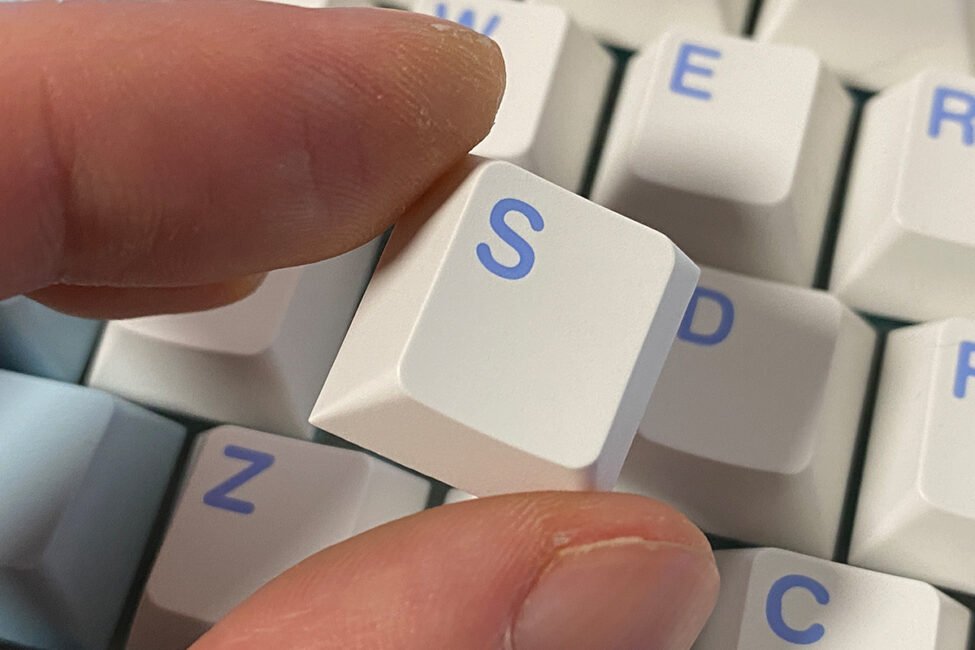
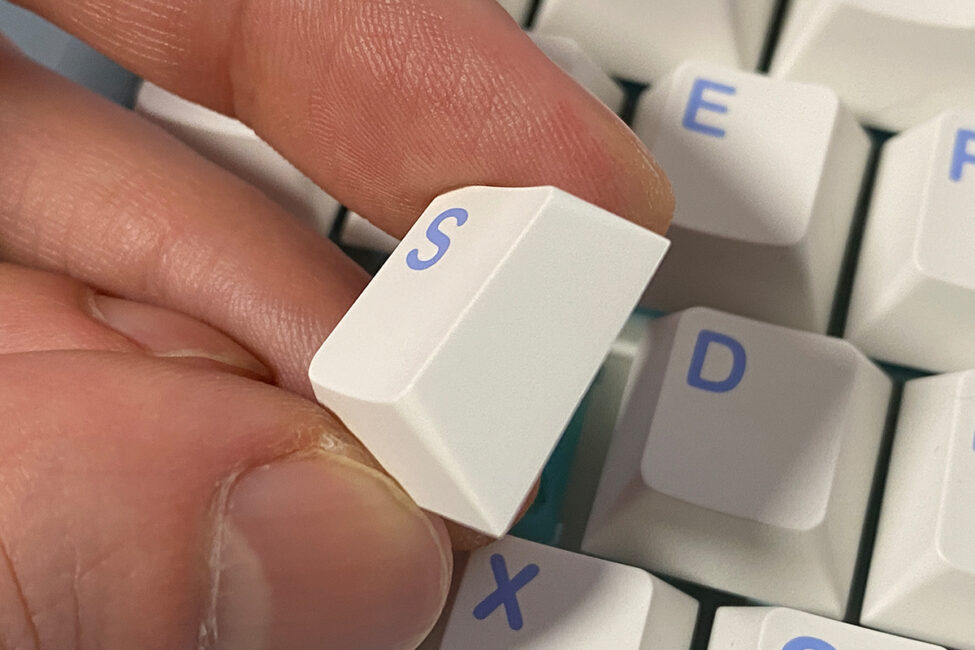
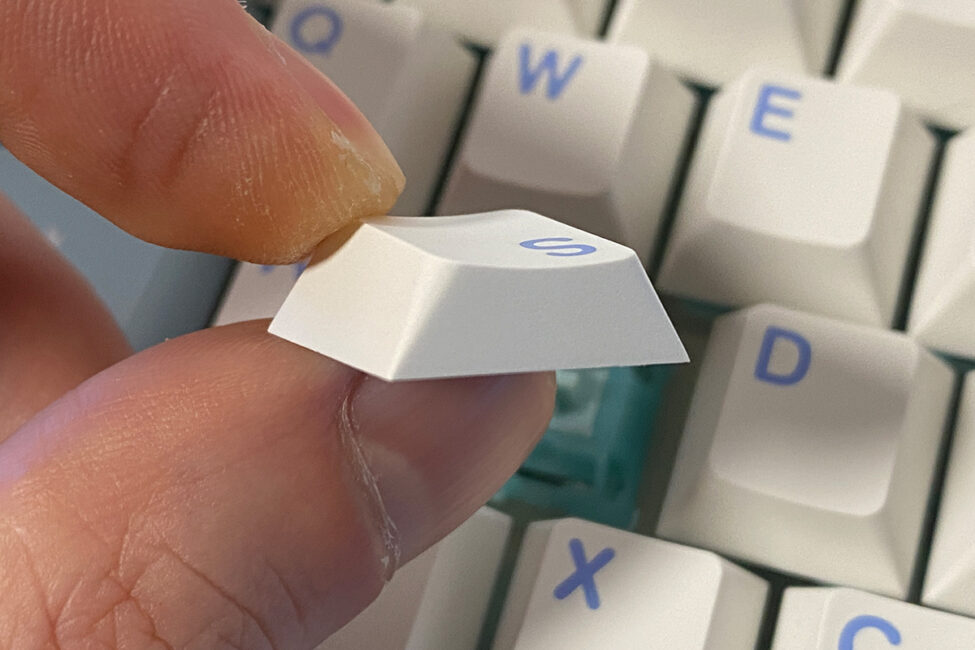
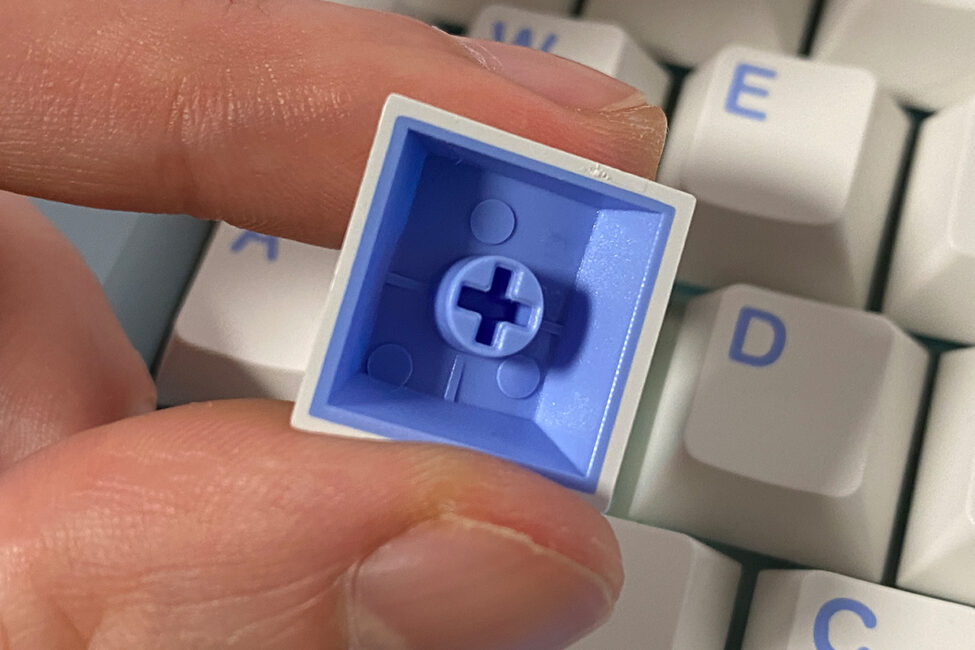
The keycaps are essentially the same as on the previous model – solid double-shot PBT in a Cherry profile. They are well-made, and in short, the keycaps are top quality.
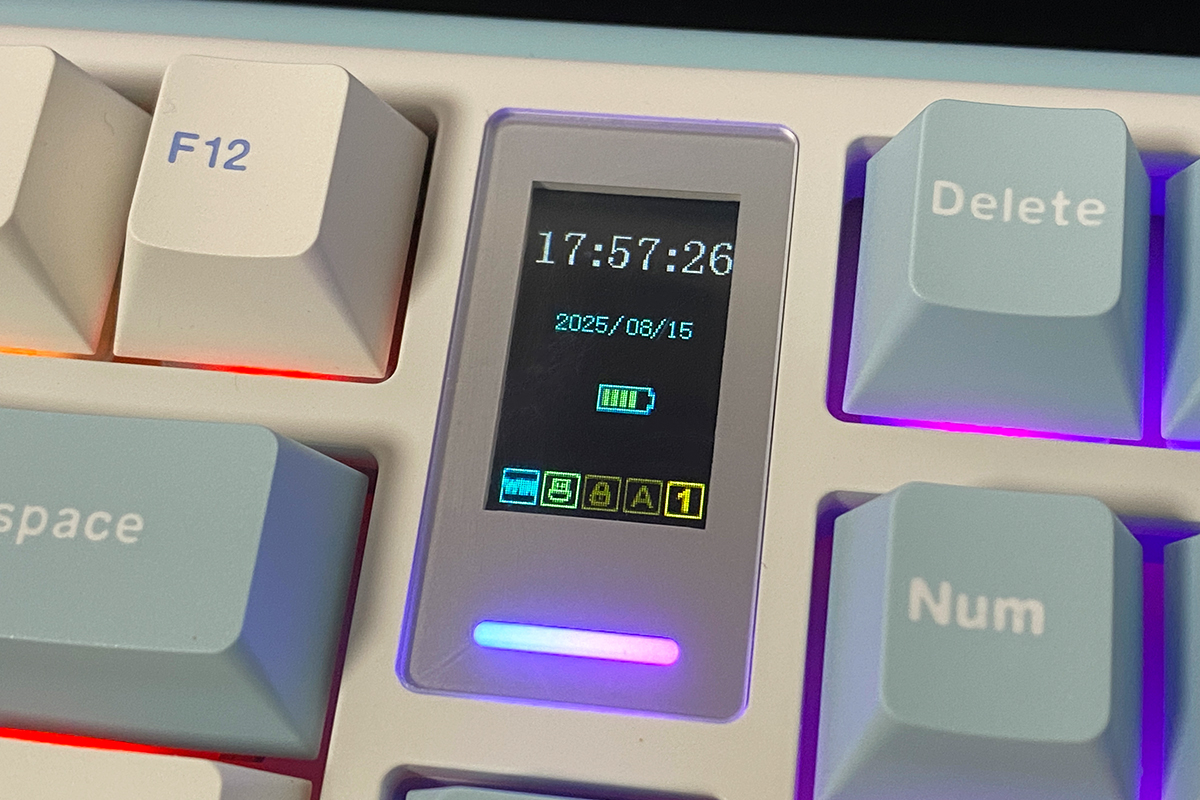
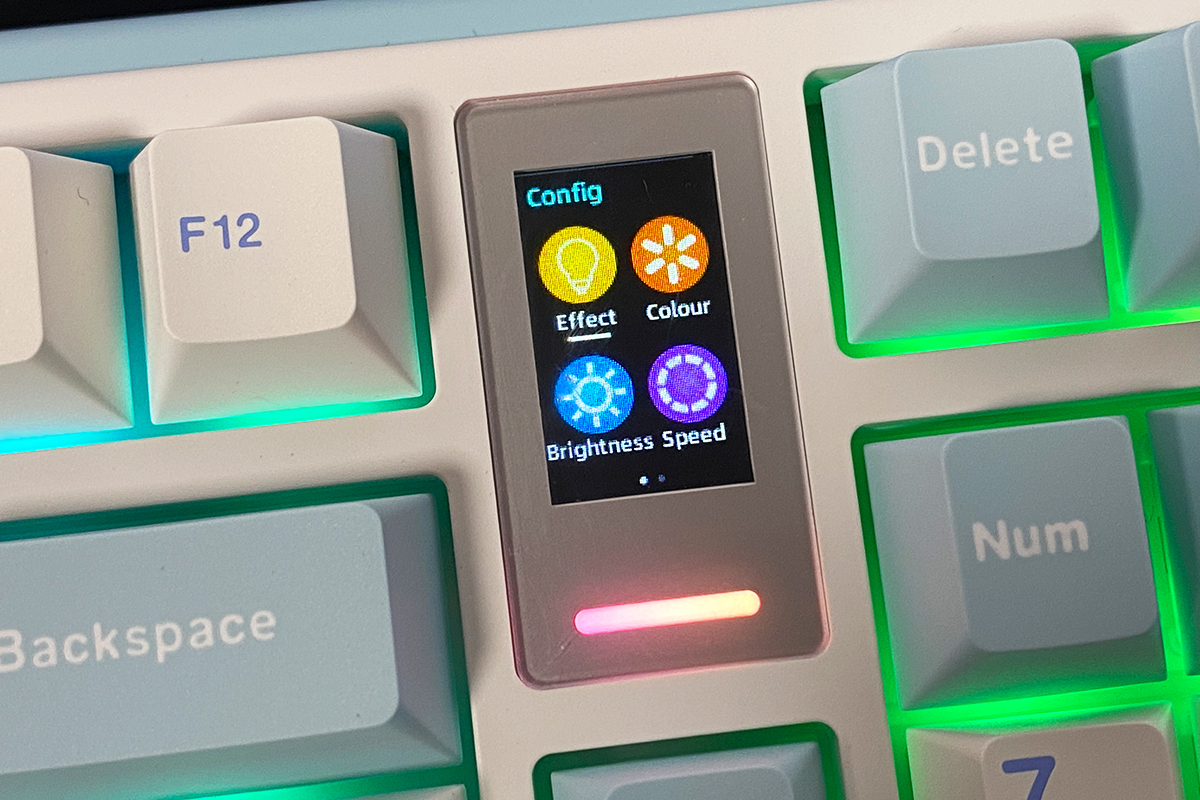
Instead of the multifunctional roller found on the Vibe75, the Vibe99 features a 1.06-inch TFT display that fully replaces it and adds more functionality. The built-in display shows the date, time, connection type, battery level, Caps Lock/Num Lock indicators, and can also display GIF animations. Below the display is a small decorative light strip, which cannot be turned off. I’ll go into more detail about the display in the next section.
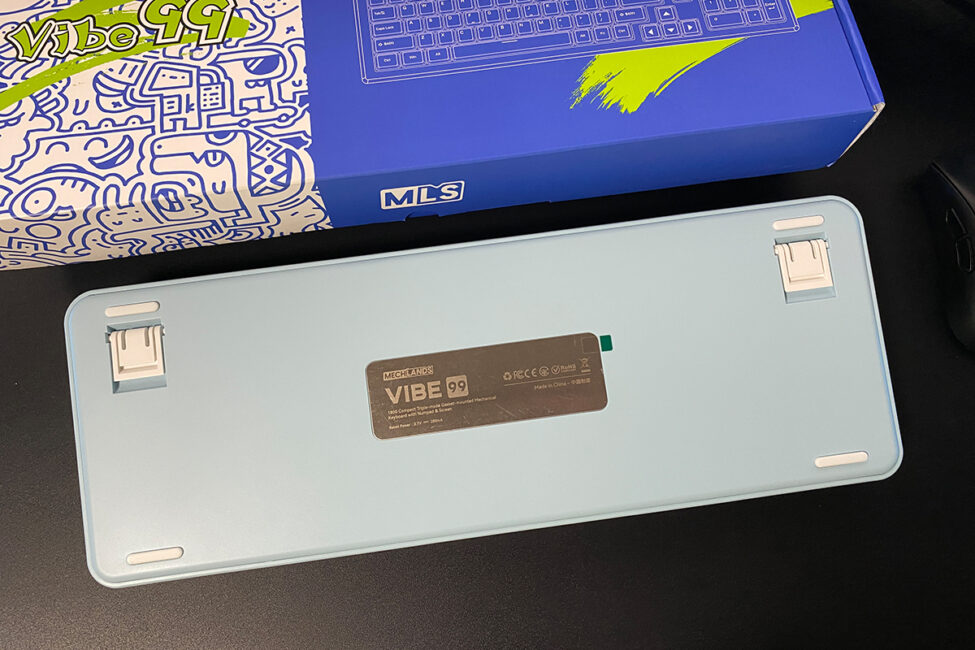
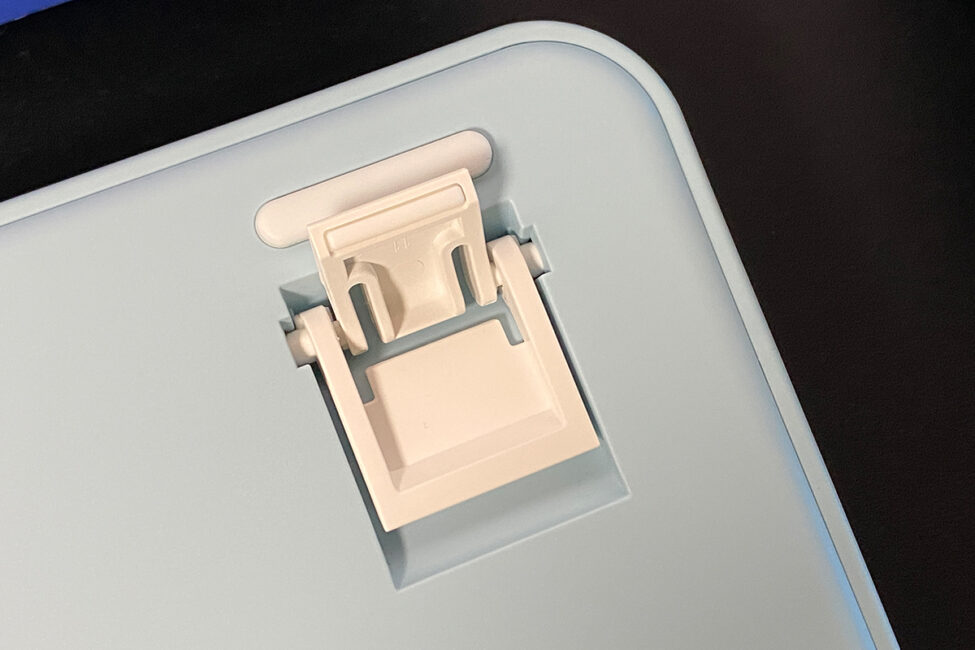
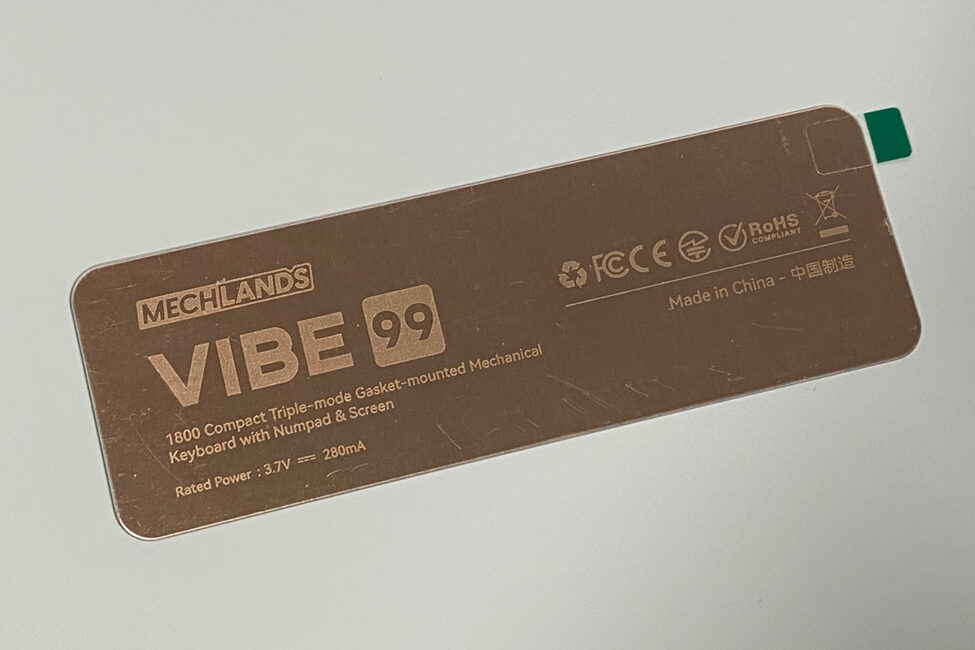
The bottom of the keyboard, like the rest of the case, is made of plastic. Rubber pads along the edges help improve stability. The keyboard features dual feet, just like the Vibe75.
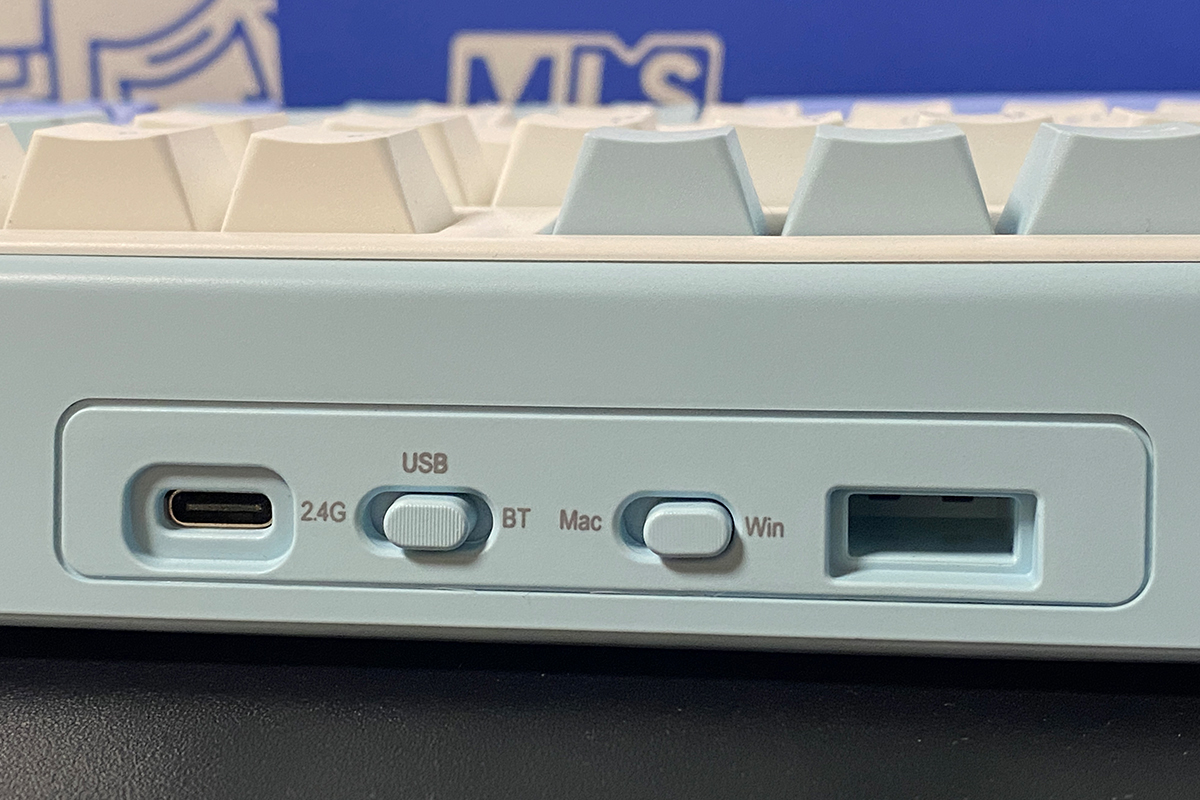
On the top front edge of the keyboard, there’s a standard Type-C port for wired connection, a slot for the wireless dongle, and switches for connection modes and system settings. Like the previous model, the keyboard supports three connection modes (RF, Bluetooth, and USB) and is compatible with macOS.
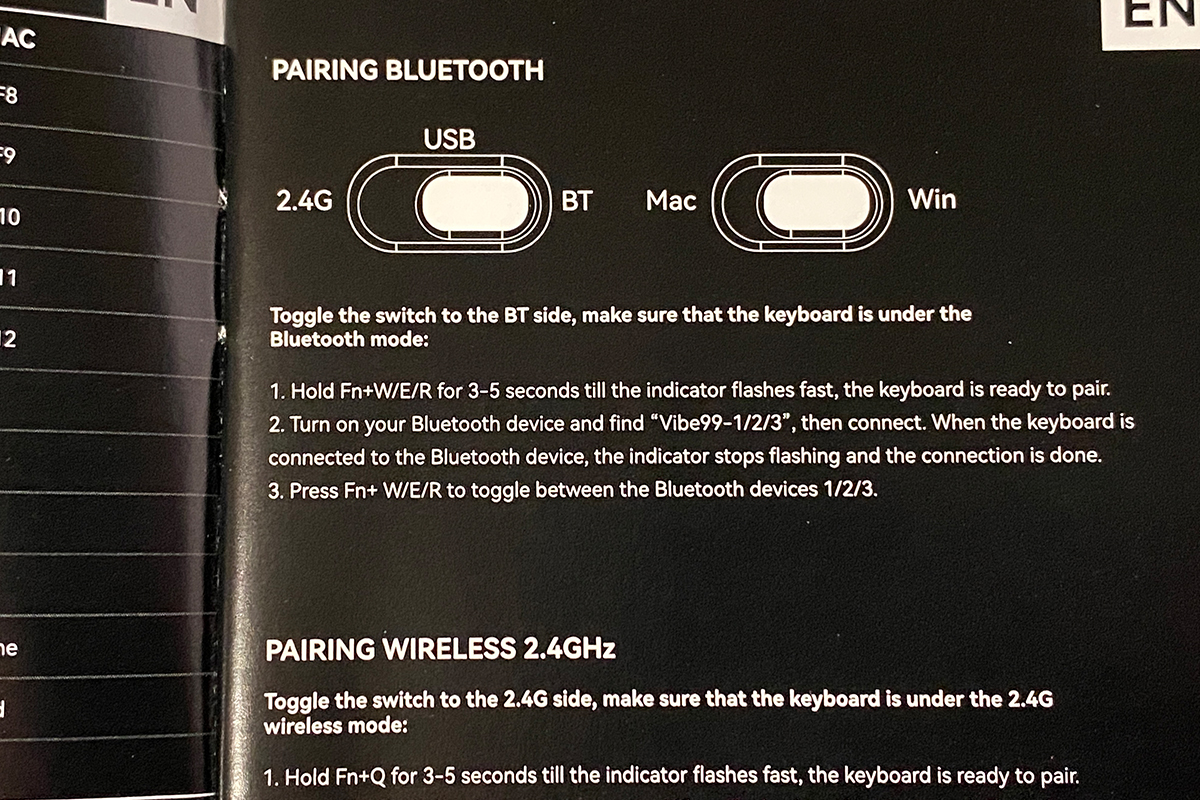
As with the previous model, the Vibe99 allows you to connect up to three devices via Bluetooth simultaneously and switch between them using the FN + W/E/R key combination. In total, the keyboard can handle up to five connected devices: three via Bluetooth, one via 2.4 GHz RF, and one through a USB cable.
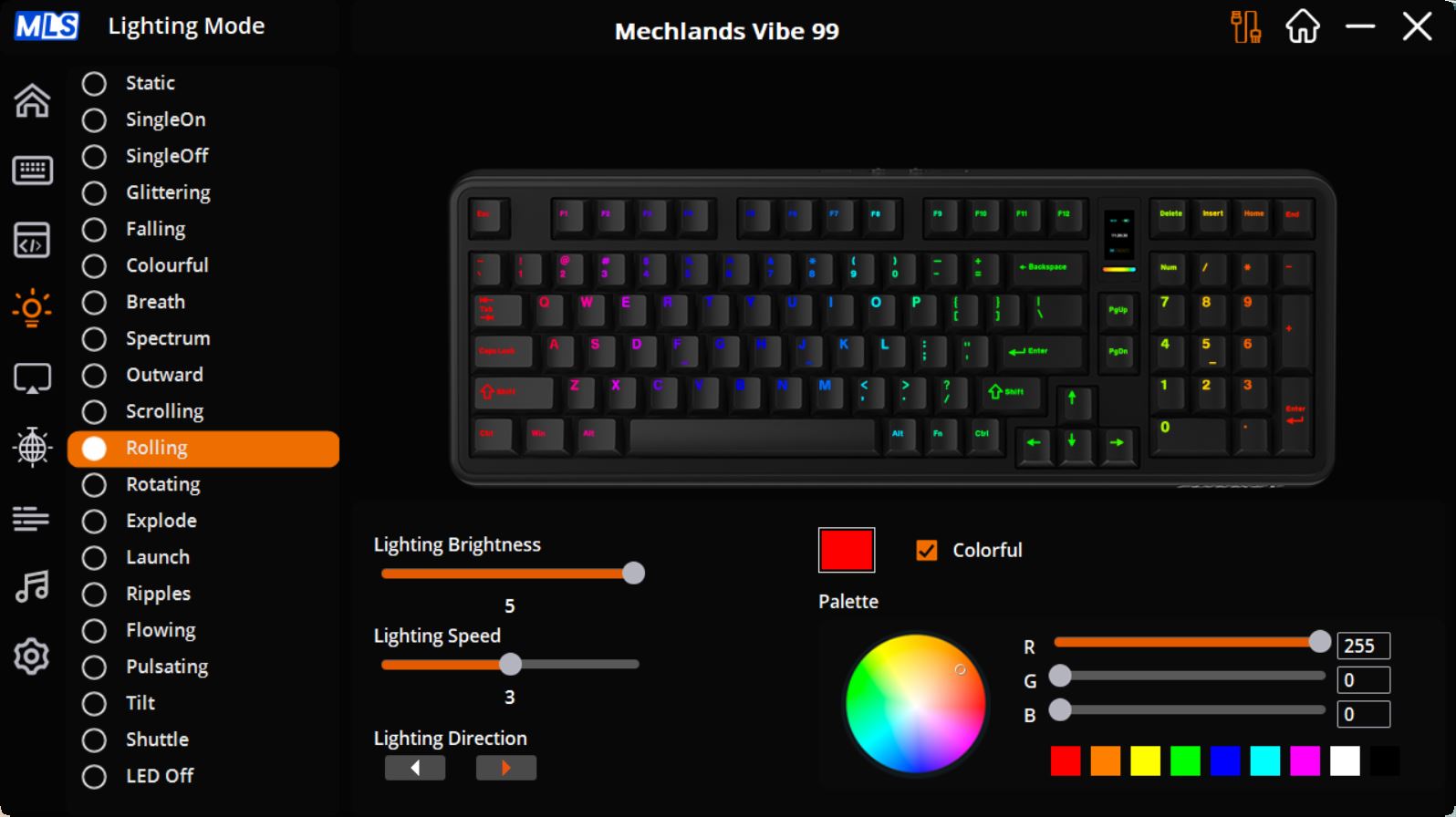
The key backlighting on the Vibe99 works the same way as on the 75% version, using south-facing LEDs and offering 19 different effects. These effects can be switched on the fly and further customized in terms of color, speed, and direction.
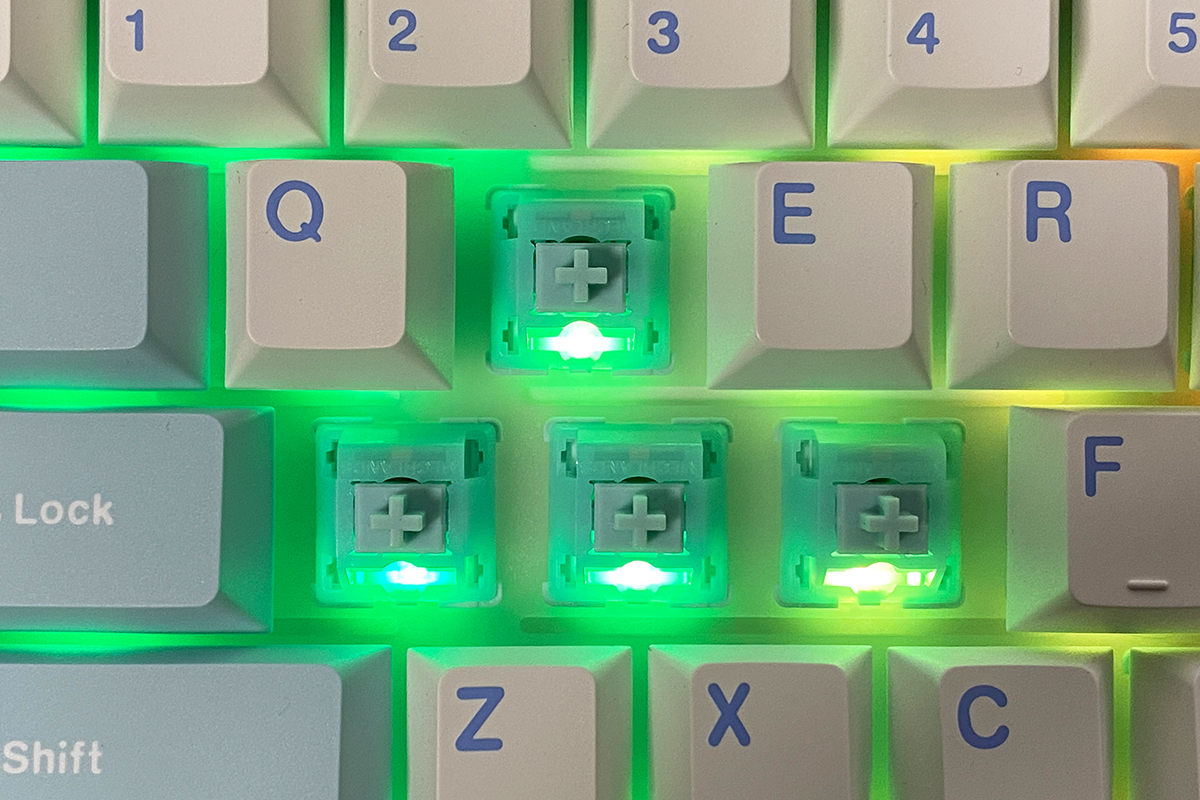
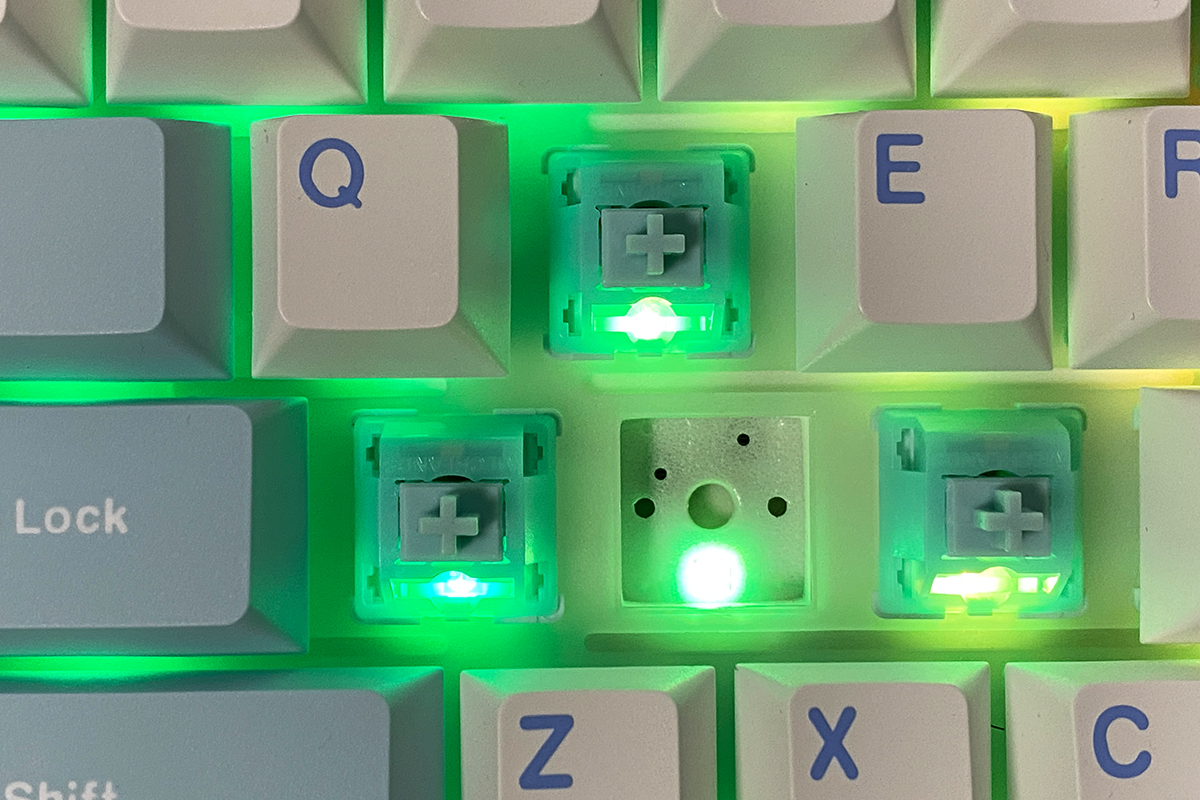
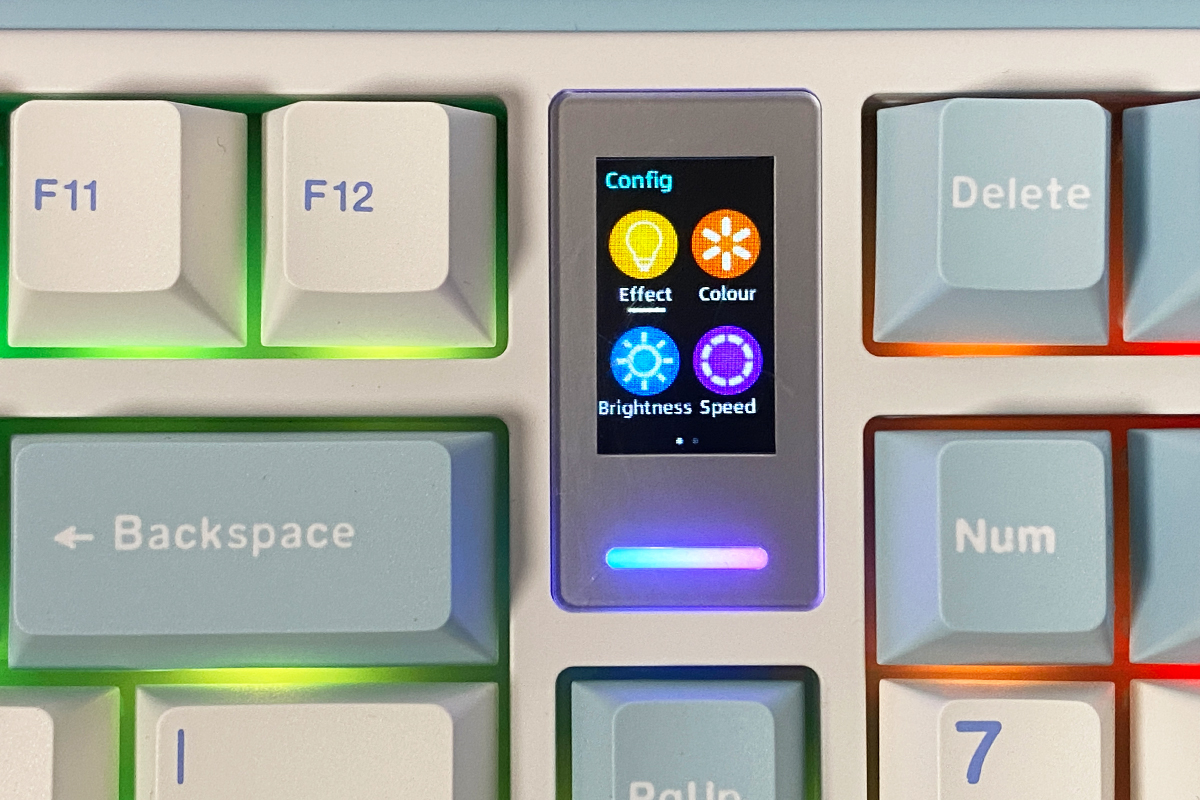
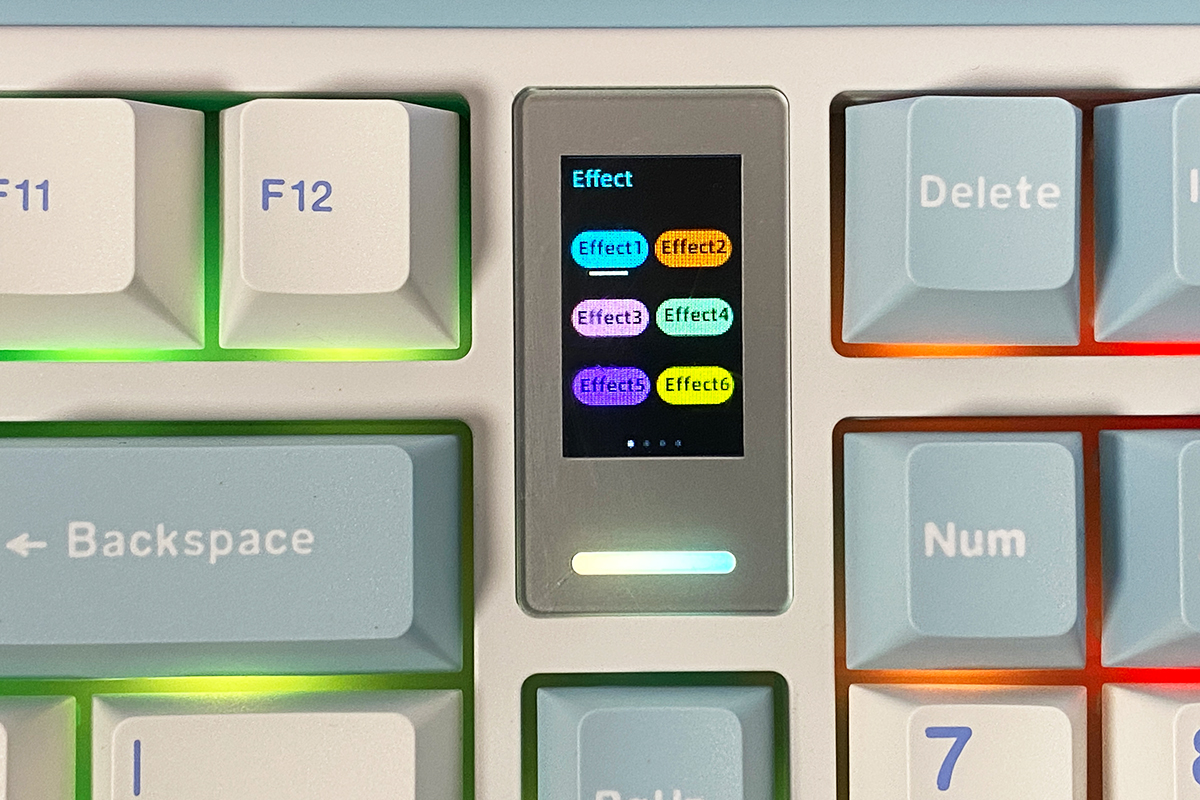
Lighting can be controlled either through the official software or via the menus on the built-in display.
The backlighting quality is solid – vivid, bright, and smooth. I’ve included a short video below to illustrate it. You might notice some flickering in the video, but that’s only visible through a smartphone camera; in real life, the lighting appears completely stable.
The keyboard is well-built, with no noticeable flex, creaks, or wobbling. Ergonomically, it’s comfortable to use. Naturally, a near full-size keyboard isn’t as compact as the 75% version, but that comes down to personal preference. For users who frequently rely on the NumPad, the Vibe99 is a solid choice.
Read also:
- ASUS ROG Azoth X Keyboard Review: Futuristic Design, Hot-Swap Support, and OLED Display
- YUNZII AL66 (V1) Keyboard Review: Metal Build, Creamy Typing Feel, and Affordable Price
MechLands Vibe99 Display
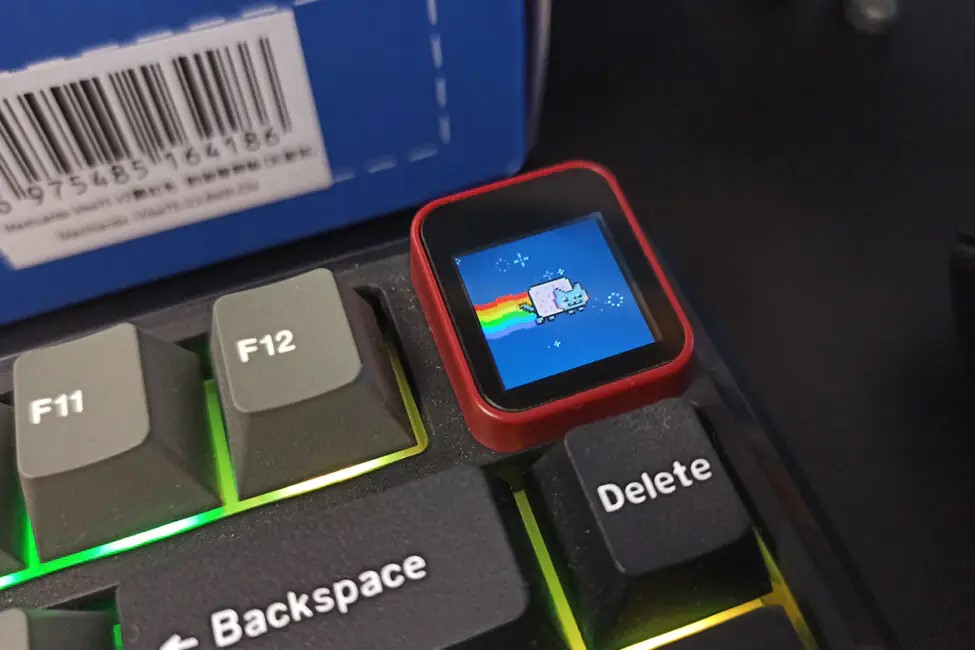
Like the Vibe75, the Vibe99 features a built-in 1.06-inch TFT display. While the screen is noticeably smaller than on the previous model, its functionality remains unchanged. The display can show the date, time, battery level, active connection indicators, standard Win Lock / Caps Lock / Num Lock indicators, and GIF animations.
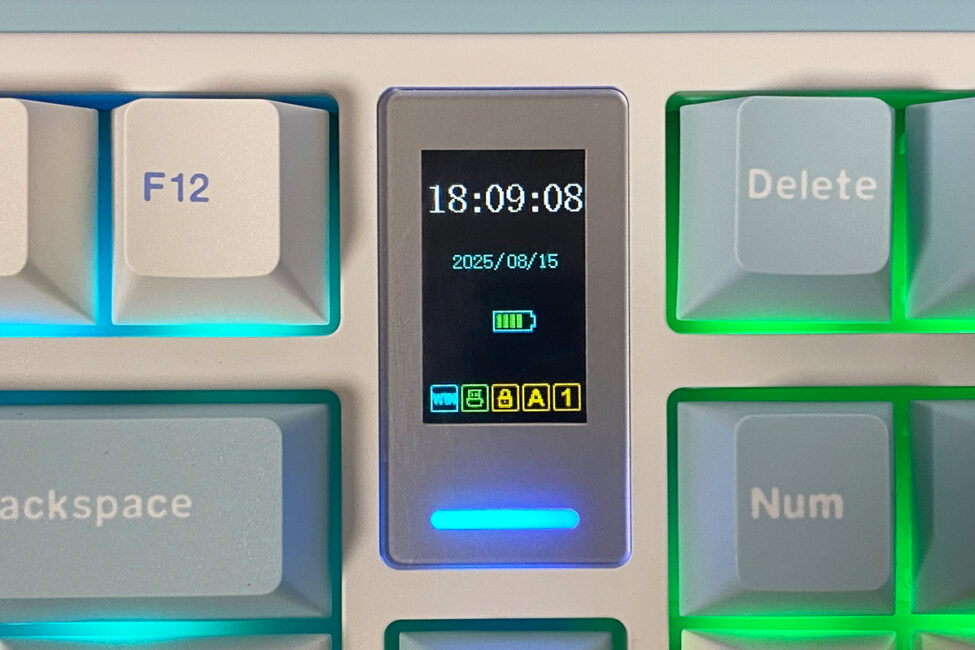
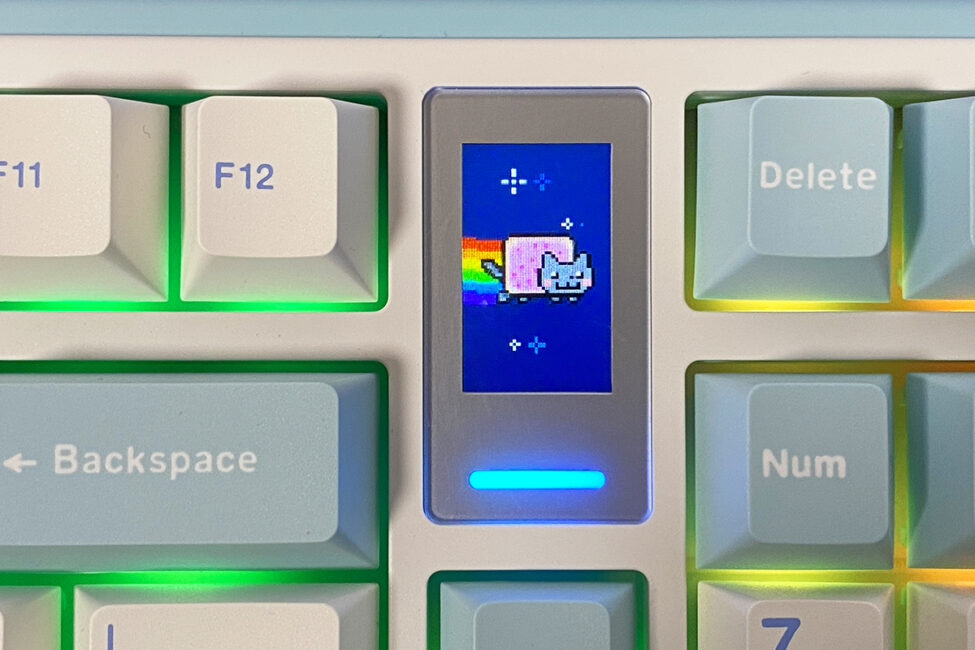
The display can also be used to control the keyboard’s backlighting and the PC’s volume. Navigation through the display menus is done using the FN + arrow keys, while FN + Enter is used to select and confirm settings.
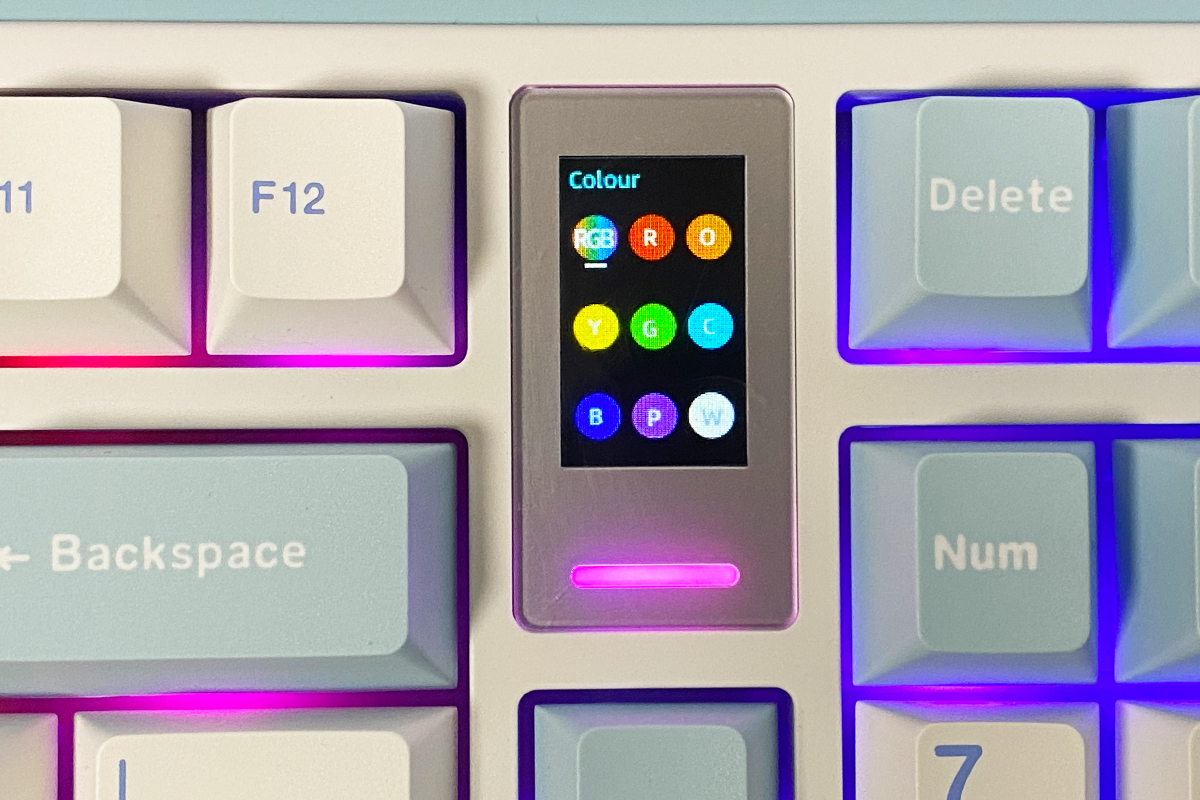
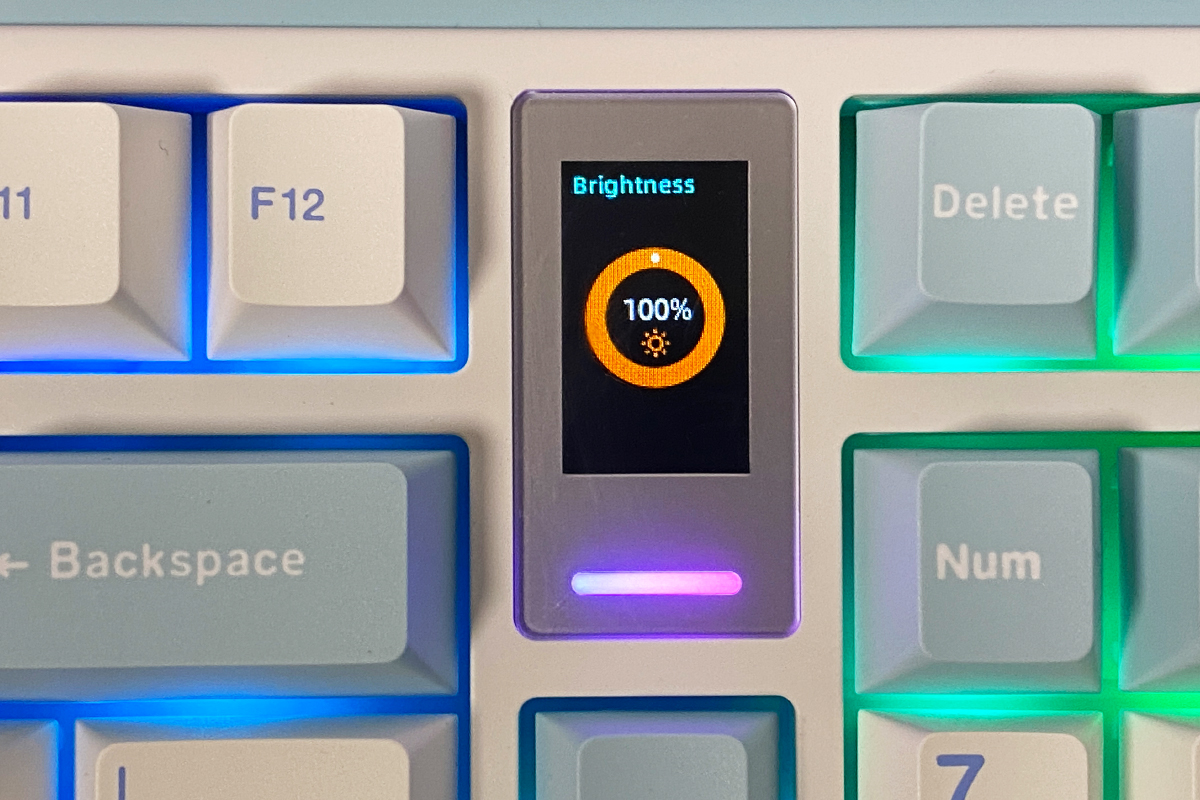
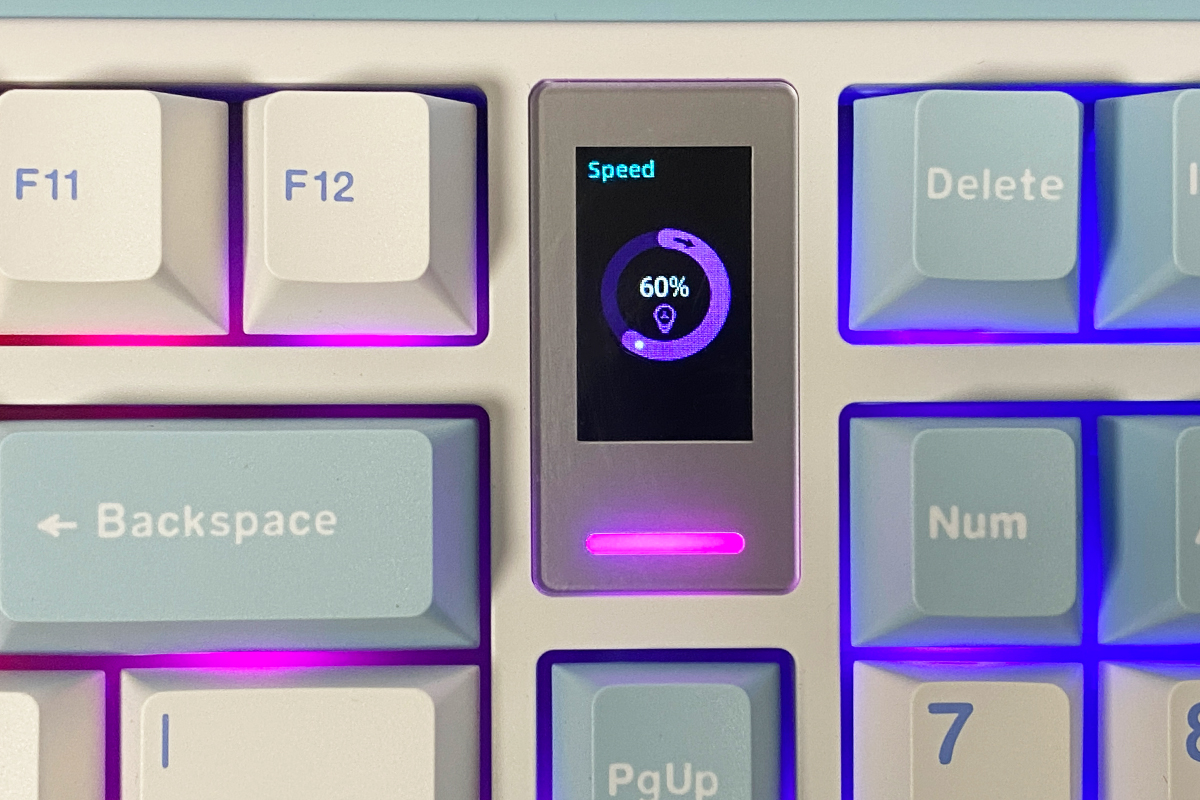
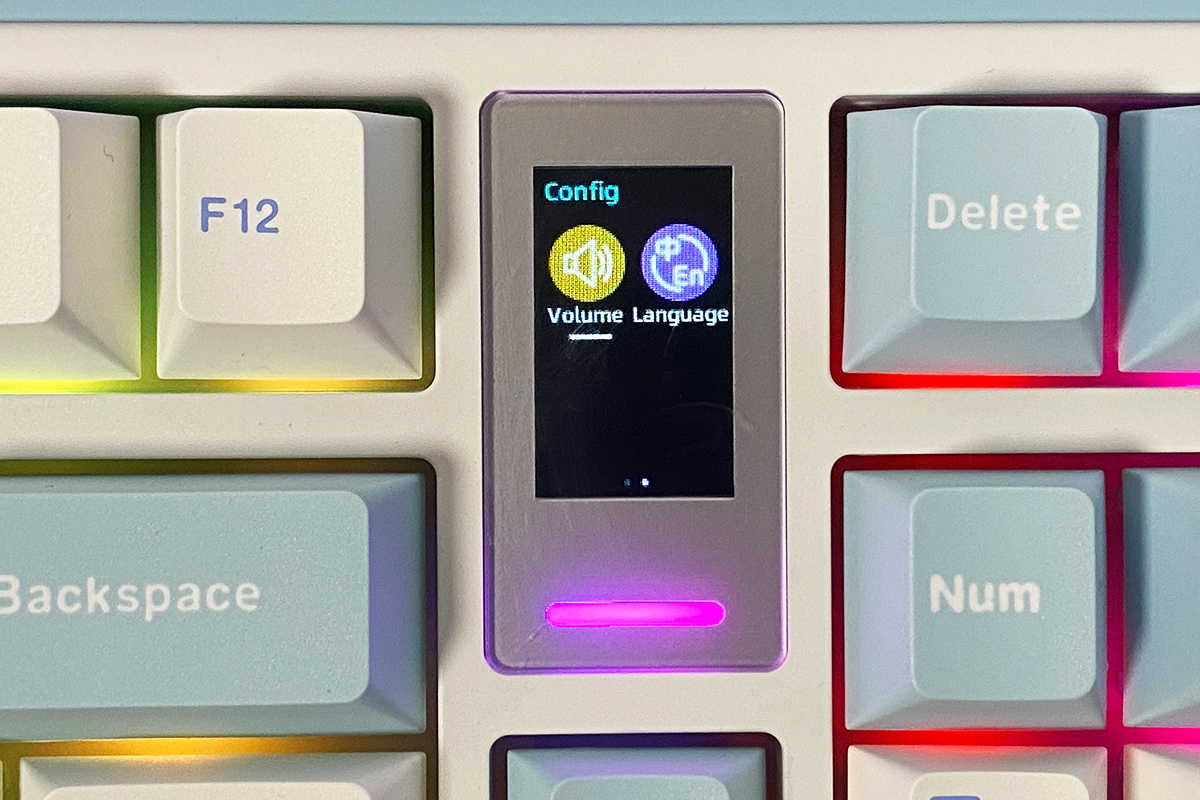
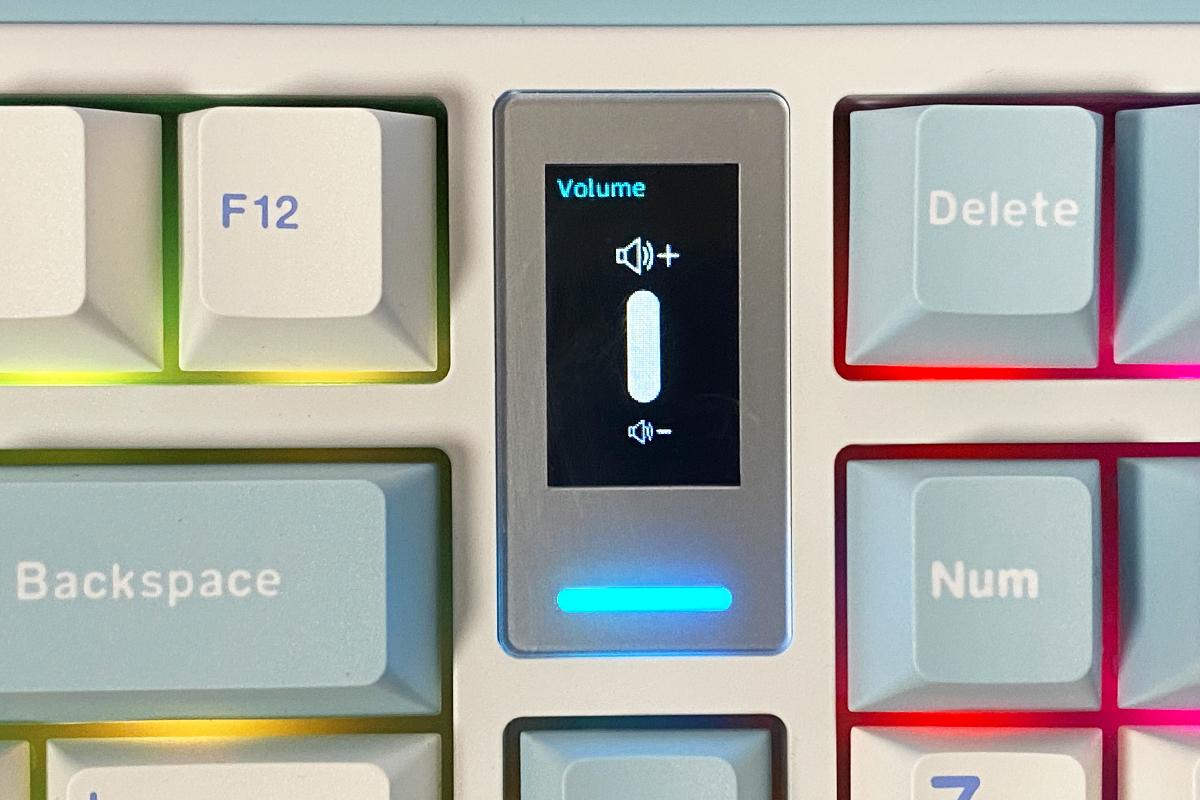
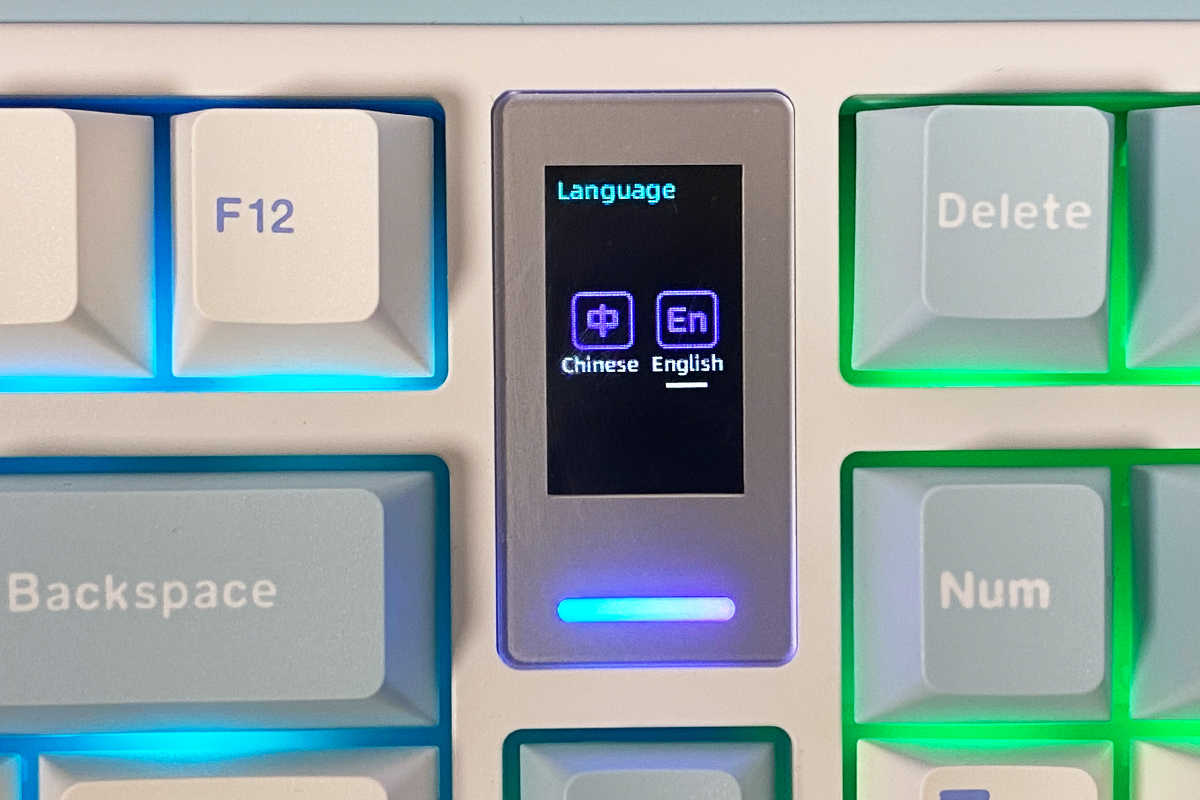
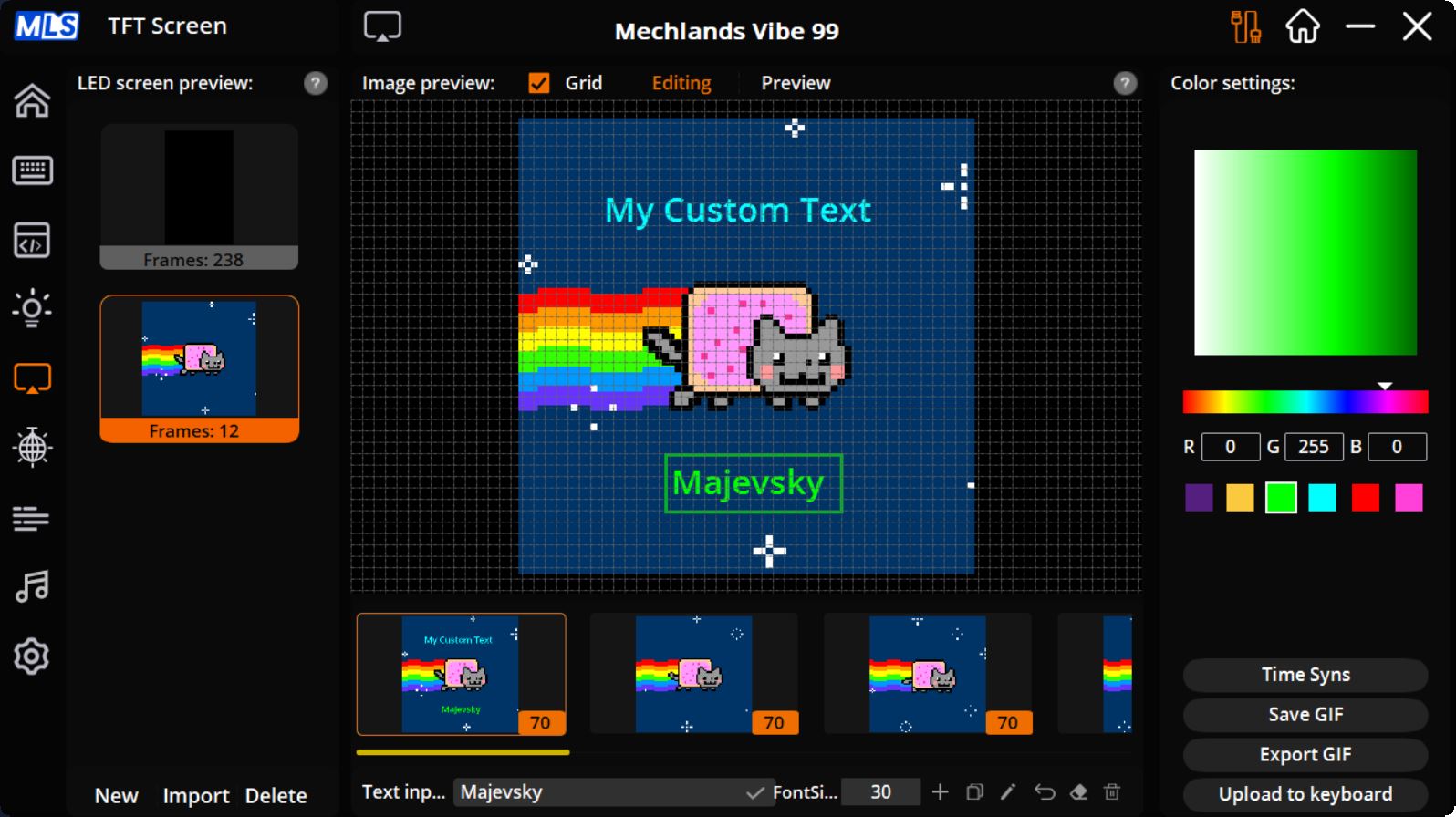
Display customization options are the same as on the Vibe75. You can upload ready-made GIF animations, create animations from JPG or PNG files, and add custom text to them. All of this is managed through the official Mechlands Vibe 99 Driver software.
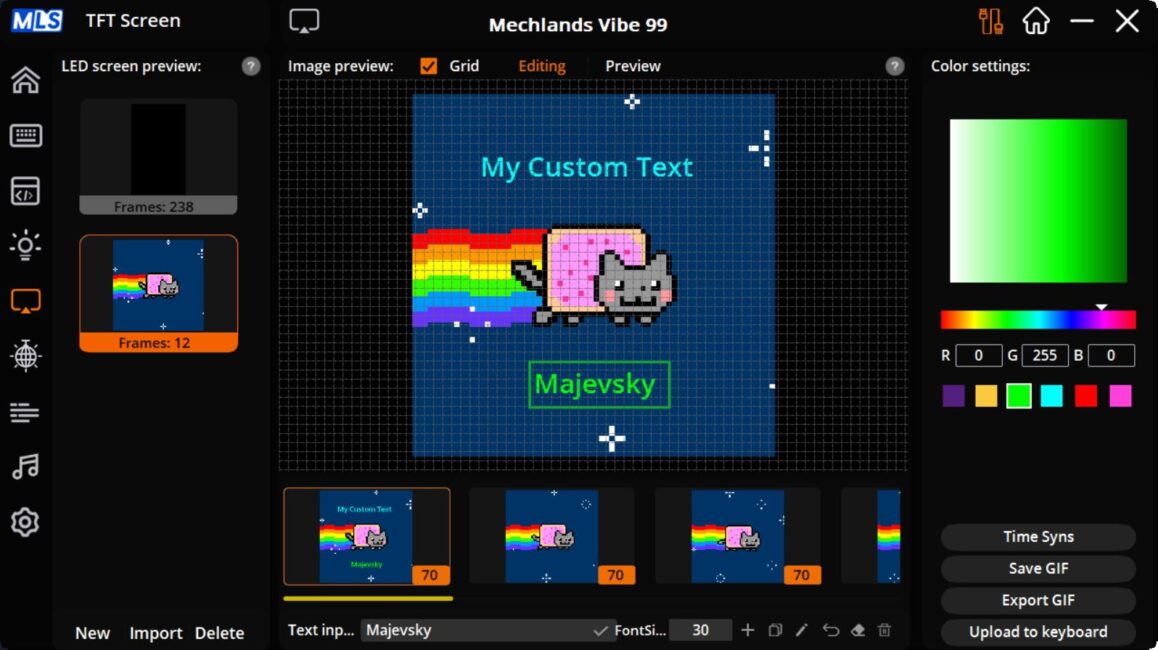
As with the previous model, animations on the display appear smooth, with good brightness and accurate color reproduction. Overall, the display on the MechLands Vibe99 performs very well.
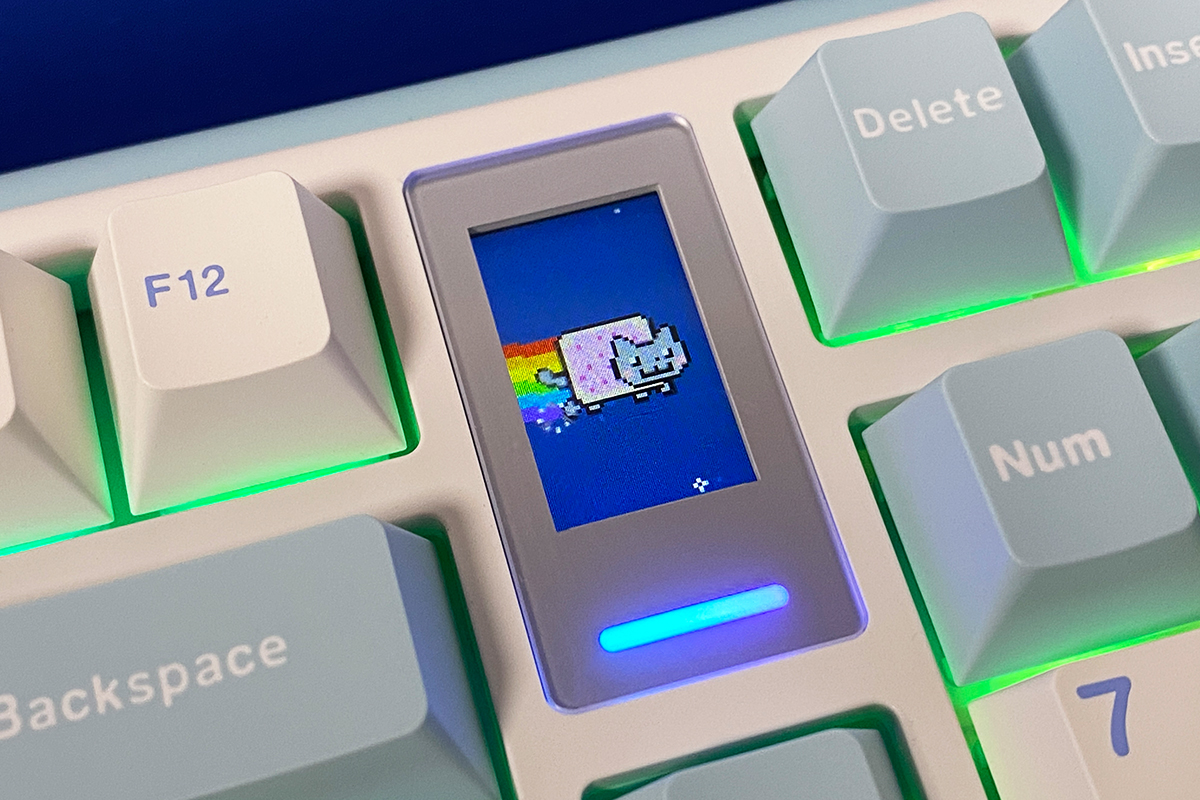
However, compared to the display on the Vibe75, the Vibe99’s screen is slightly less appealing due to its smaller size, aspect ratio, and placement on the keyboard.
Read also:
- Epomaker Galaxy65 review: Say Goodbye to Screws
- YUNZII AL68 Review: Solid, Affordable Keyboard with Aluminum Сase
Proprietary application
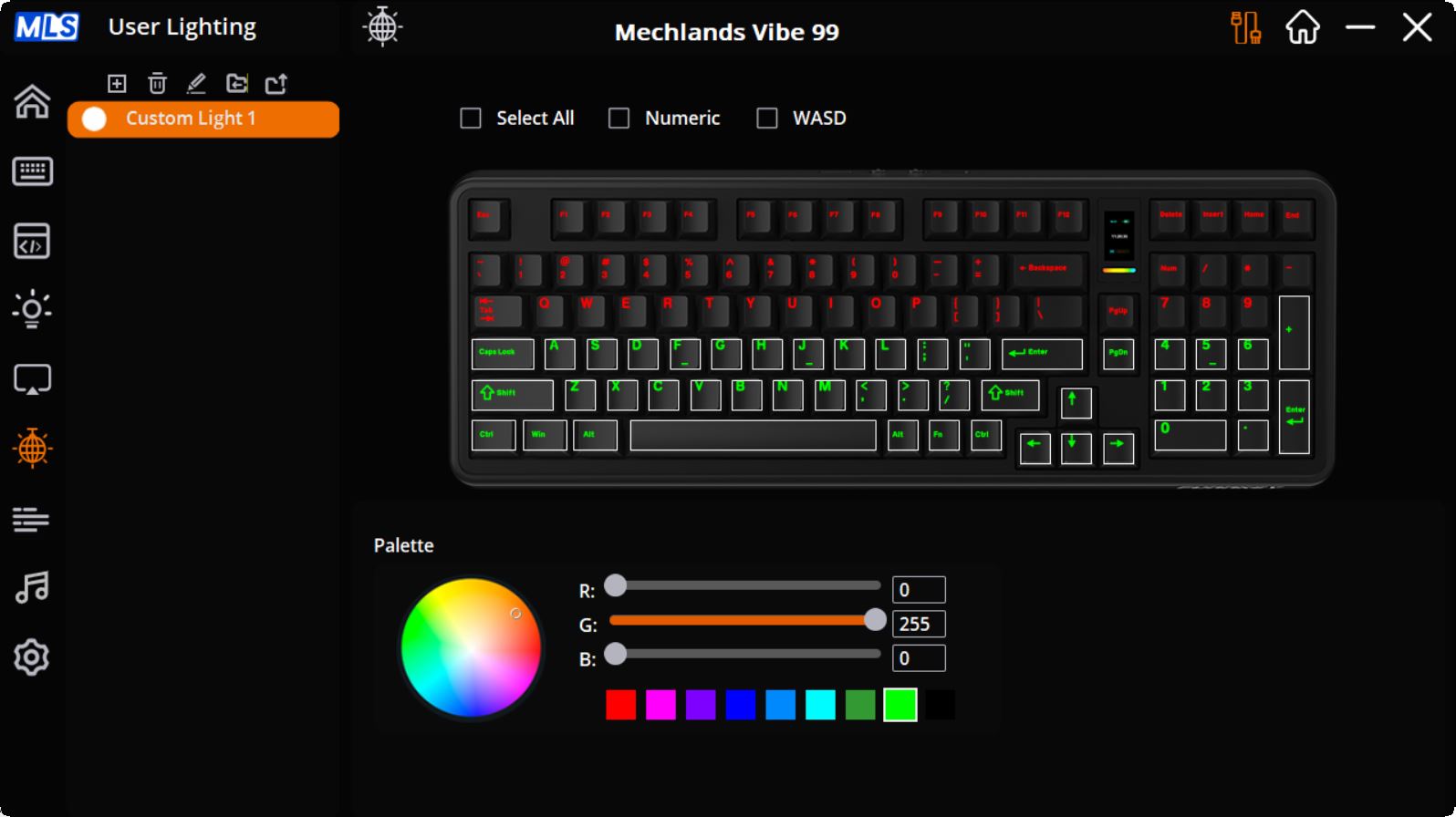
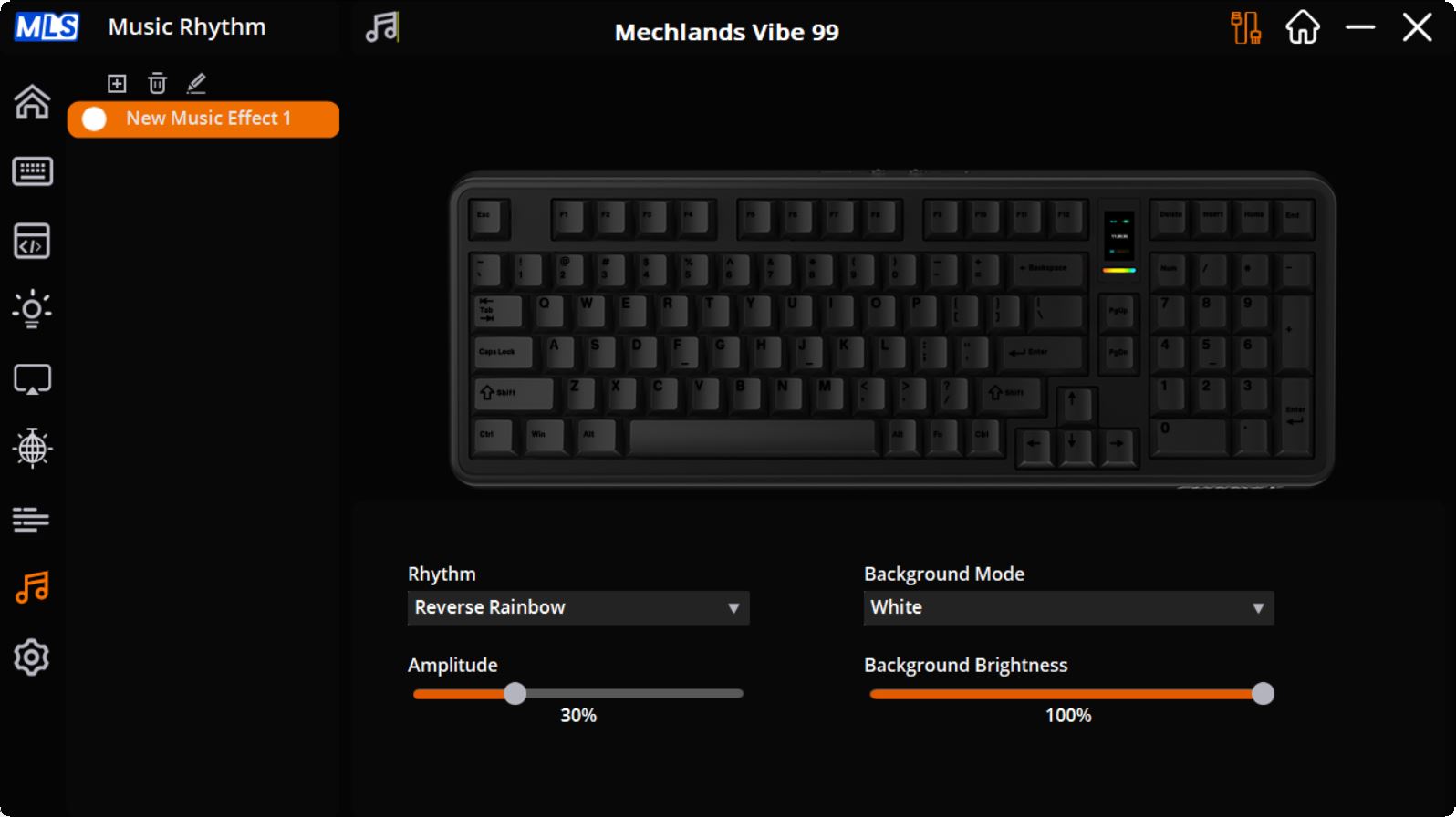
Advanced keyboard settings can be managed through the official Mechlands Vibe 99 Driver software, which is essentially the same application used for the Vibe75. I won’t repeat all the details here; instead, I’ll include screenshots of the app’s settings. For a full breakdown of each menu, you can refer to the detailed review of the previous model. One point to note: like the earlier model, the keyboard needs to be connected via cable and switched to wired mode to configure settings in the software.





Switches, stabilizers, typing
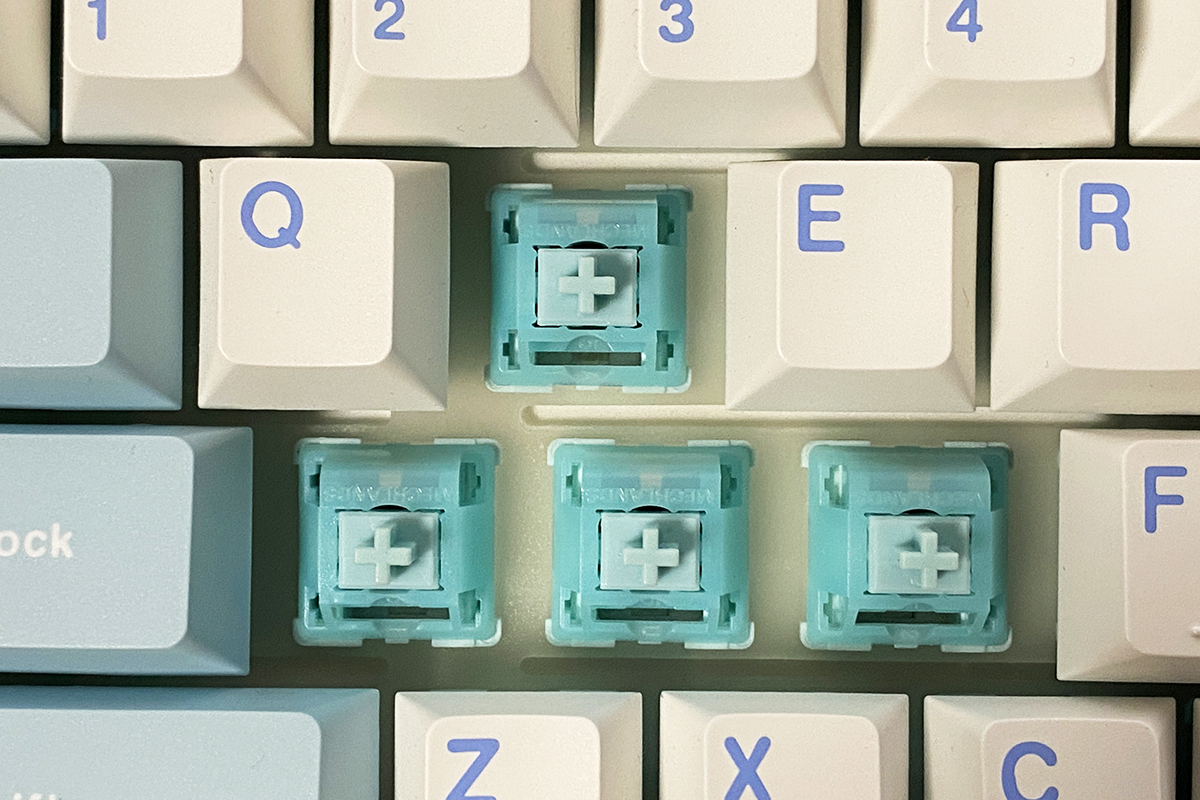
Like the previous model, the keyboard comes with only one type of switch – the proprietary MechLands Cream Mint Switch. These are linear switches that are pre-lubricated and factory-tuned.
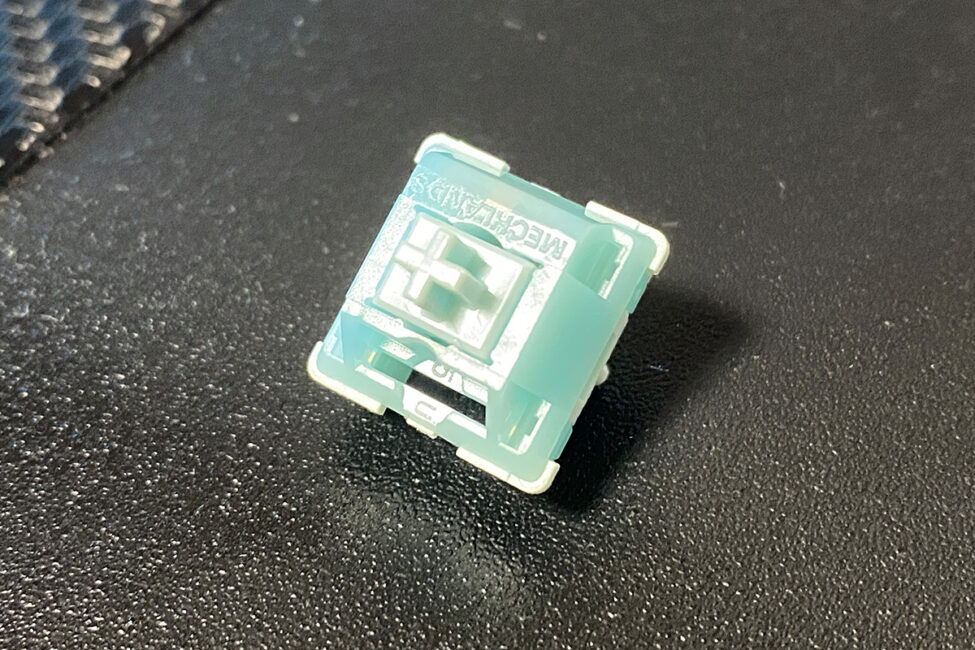
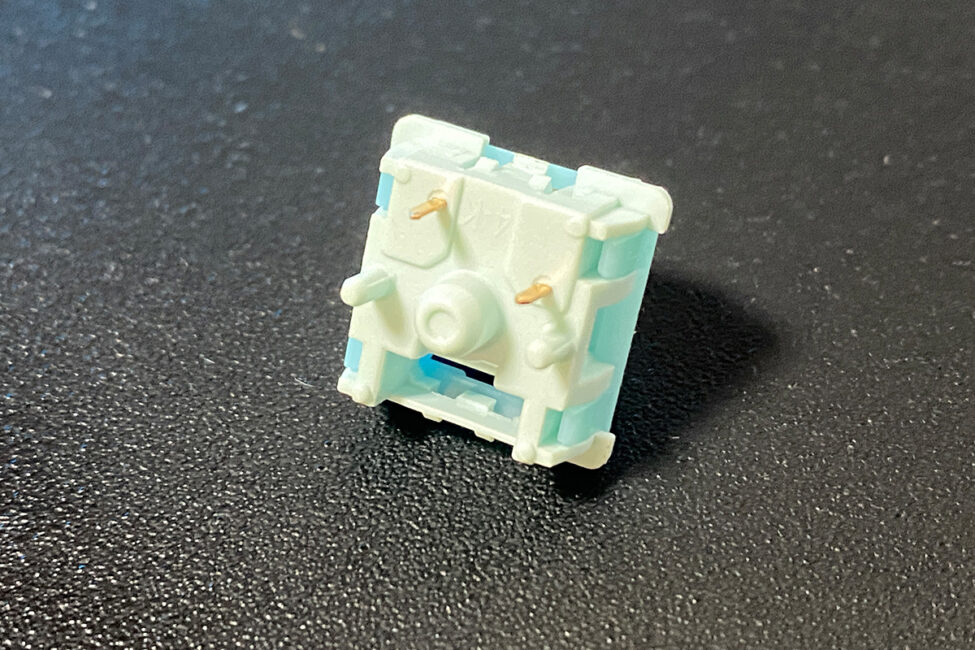
In my previous review, I noted that these switches are excellent – I would gladly use them in other keyboards. They offer a smooth, linear keystroke with a very pleasant tactile feedback in the middle of the press. Combined with the rest of the keyboard’s construction, they feel and sound great. Below are their detailed specifications, taken from the official MechLands website.
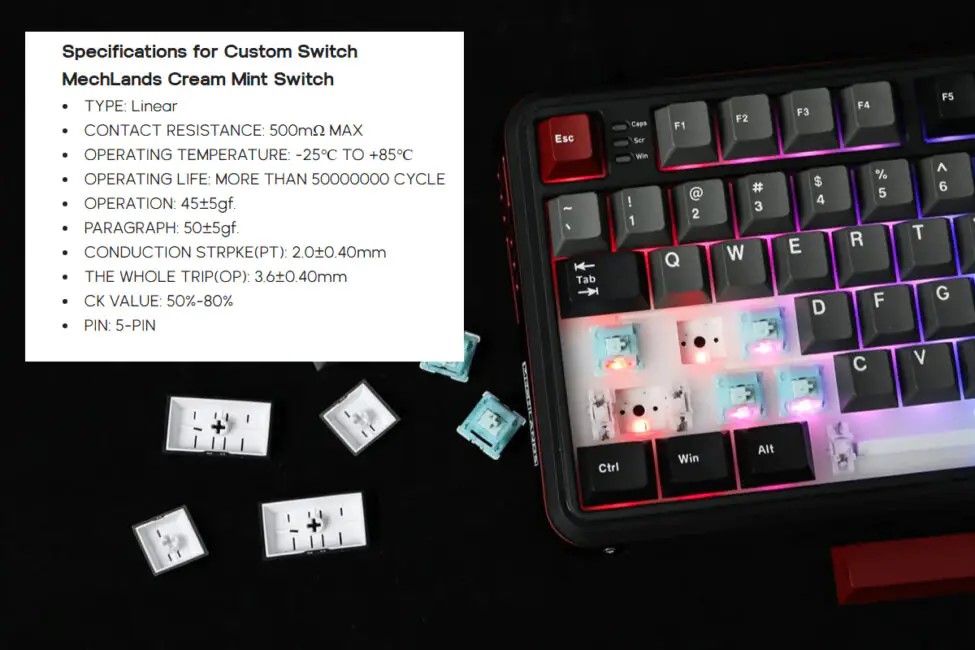
Like the previous model, the keyboard supports hot-swapping, allowing switches to be replaced without soldering. The Vibe99 uses standard 5-pin sockets, compatible with both 5-pin and 3-pin switches.
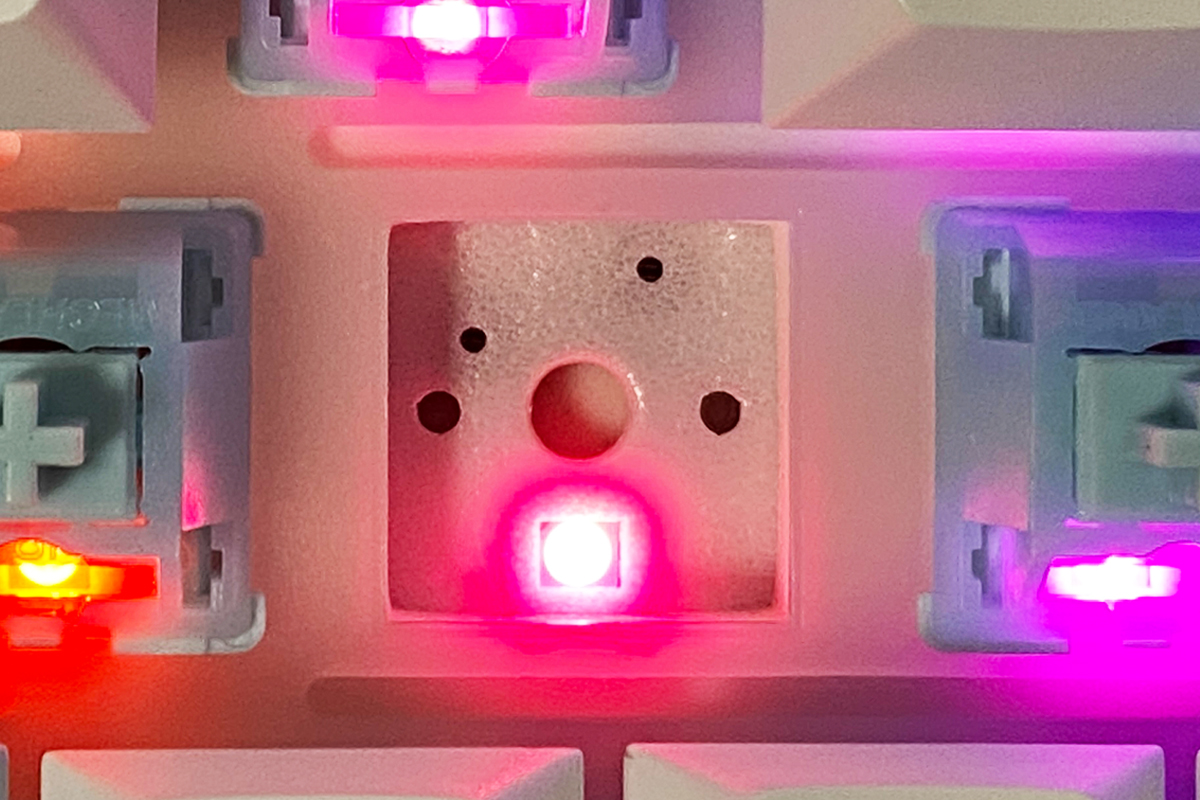
The keyboard uses the same stabilizers as the previous model. They are well-lubricated, properly adjusted, and provide near-perfect stabilization for the larger keys. Overall, the long keys feel and sound very satisfying when pressed.
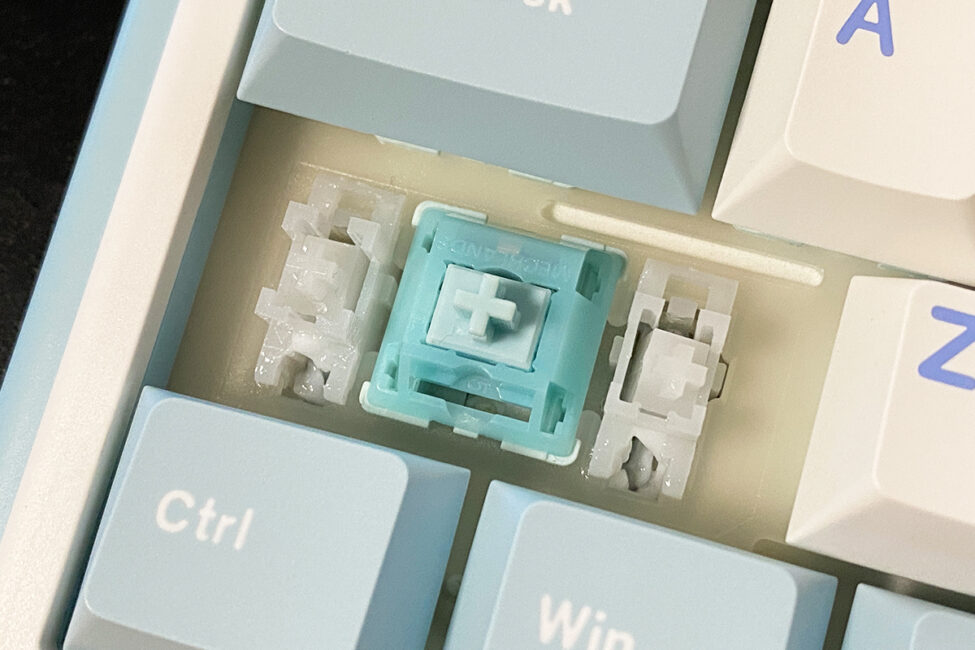
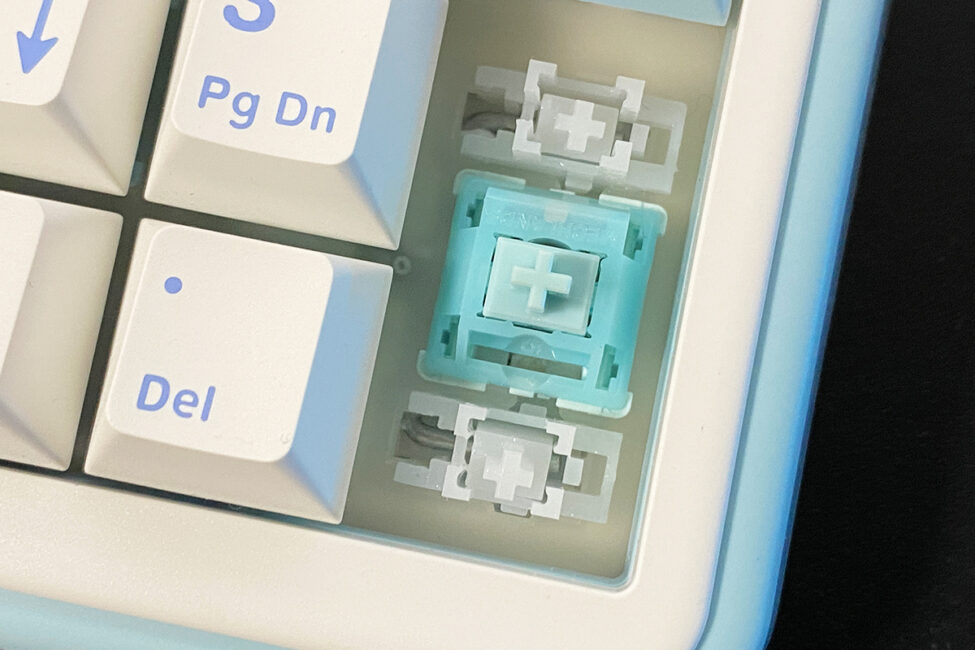
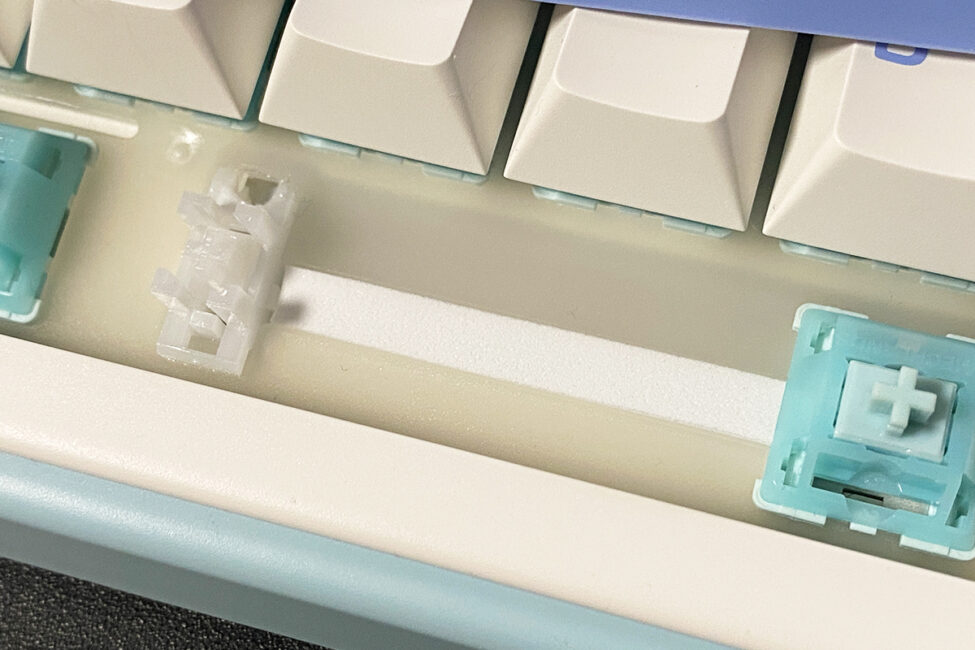
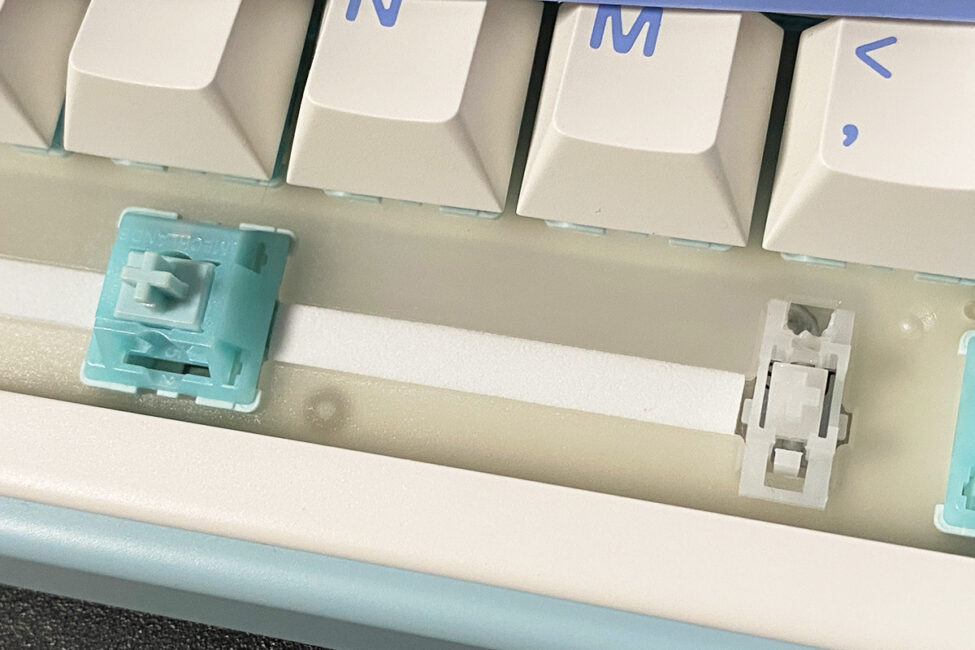
Now for the most important part – typing. This is where the keyboard really impressed and even surprised me a bit. You might expect the typing experience on the Vibe99 to be similar to the 75% Vibe75, since both use the same switches, stabilizers, and internal construction. However, typing on the near full-size Vibe99 felt even smoother, creamier, and more enjoyable. Essentially, it offers the same soft linear keystrokes with slight tactile feedback, but on the Vibe99, it seems just a bit better – possibly due to the more substantial case, though I’m not entirely sure. I’ve included a video comparing the typing of both keyboards so you can hear it for yourself.
MechLands Vibe99
MechLands Vibe75 V2
Battery life
Like the previous model, the keyboard comes with a 4000 mAh battery. During two days of regular use – including work, gaming, and idle time in sleep mode – the charge dropped by just one segment. Based on this, a full charge should last around a week, roughly 4–6 days.
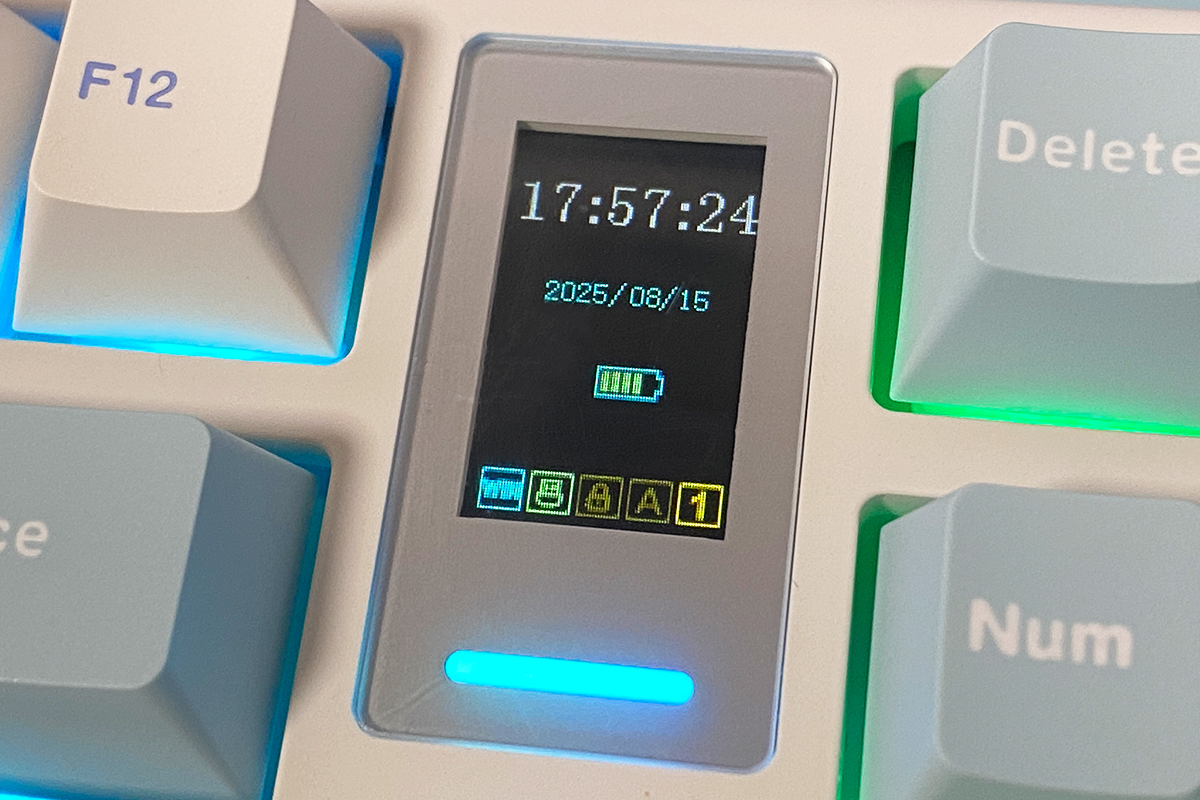
To conserve battery in wireless mode, the keyboard enters sleep mode after 5 minutes of inactivity by default. You can disable this feature entirely or adjust the timeout to 1, 5, or 30 minutes. Waking the keyboard from sleep is instantaneous, regardless of how long it has been idle.
Conclusions
In summary, the MechLands Vibe99 is a solid, budget-friendly keyboard that could be an ideal choice for anyone seeking a quality near full-size layout. Beyond the larger form factor, it offers reliable build quality, wireless connectivity, good battery life, hot-swappable switches, and an excellent typing experience with the proprietary MechLands Cream Mint switches. Additionally, the built-in display effectively replaces the multifunctional roller found on the smaller model.
The only notable drawback is the minimal accessory package. At this price point, most manufacturers include a few spare switches, but MechLands chose not to do so with the Vibe75 V2 and Vibe99. Otherwise, it’s a well-designed keyboard that can be confidently recommended.
Read also:
- Kiwi Ears Ardor Review: Versatile Over-Ear Headphones Focused on Sound Quality
- Using the Nintendo Switch 2: Few Games Available, but It’s Hard to Go Back
- Moto Watch Fit Review: A Practical Companion for an Active Lifestyle
Where to buy MechLands Vibe99


