





© ROOT-NATION.com - Use of content is permitted with a backlink.
Thinking about buying a multimedia projector? Here’s what to pay attention to in order to choose the most suitable option.
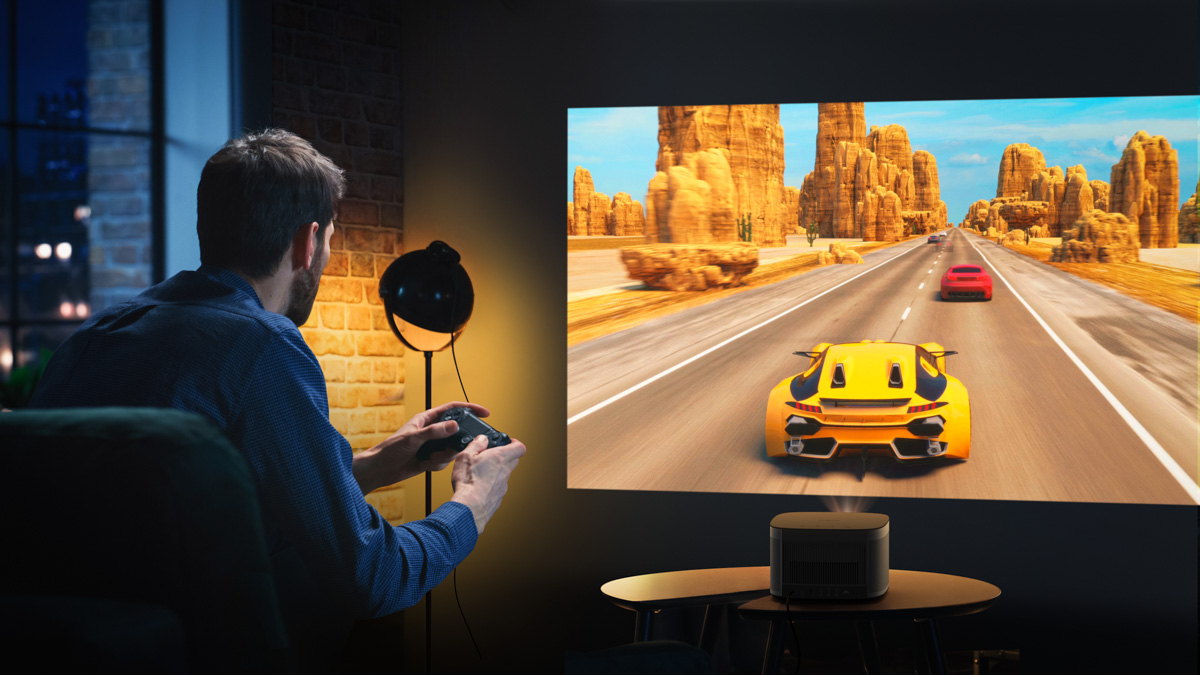
The question “What is a projector?” opens the door to a fascinating journey through technology – from the earliest light-based projections of the 17th century to today’s multimedia systems that combine high image quality with convenience and versatility. Modern projectors have gone far beyond their traditional roles and are now essential tools in business, education, design, advertising, and home entertainment.
This guide will help you dive into the world of projection technology:
- learn what a projector is and how it works
- learn about the main types of modern projectors
- understand where and how best to use these devices
- choose the type of projector that will perfectly suit your needs.
If you’re looking to understand the basics or want to learn how a projector can enhance your presentations, educational events, or movie nights, you’re in the right place. Read on for a clear, straightforward guide to what really matters when it comes to choosing and using a projector.
Read also: Everything You Need to Know About Dolby Atmos FlexConnect Wireless Technology
TABLE OF CONTENTS:
What is a multimedia projector?
A projector is a modern optical device designed to display images or video signals on a large surface – typically a screen or wall. It works by using an internal light source (such as a lamp, LED, or laser) and a system of lenses and mirrors to process and project a digital image at a much larger scale.
During projection, a small image received from a computer, smartphone, or another device is significantly enlarged and becomes viewable by a larger audience. This allows projectors to transform a compact visual signal into a full-scale, vivid visual experience.
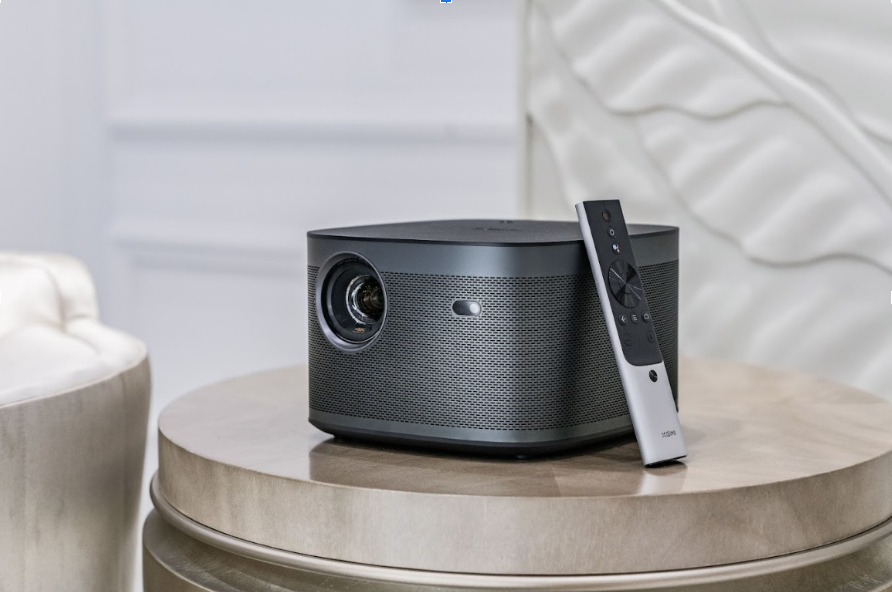
At first glance, projection may seem simple, but in reality, it’s a technologically complex process that makes projectors highly effective tools for a wide range of applications – from professional business presentations and classroom lectures to creating an immersive home theater or providing visual support for events and installations.
A multimedia projector is an electronic device used to display images, videos, or presentations from a computer, laptop, smartphone, or other source onto a large screen or wall. Its core function is to convert a video signal into a visible light projection, making it suitable for viewing by a larger audience.
A multimedia projector is a practical device that can turn your living room into a home theater. To get the most out of it, you’ll need to choose a model with the right resolution, adequate brightness, and a screen size that fits your space and viewing needs.
Read also: Seven Annoying Windows 11 Features – and How to Fix Them
Multimedia projector – what can it be useful for?
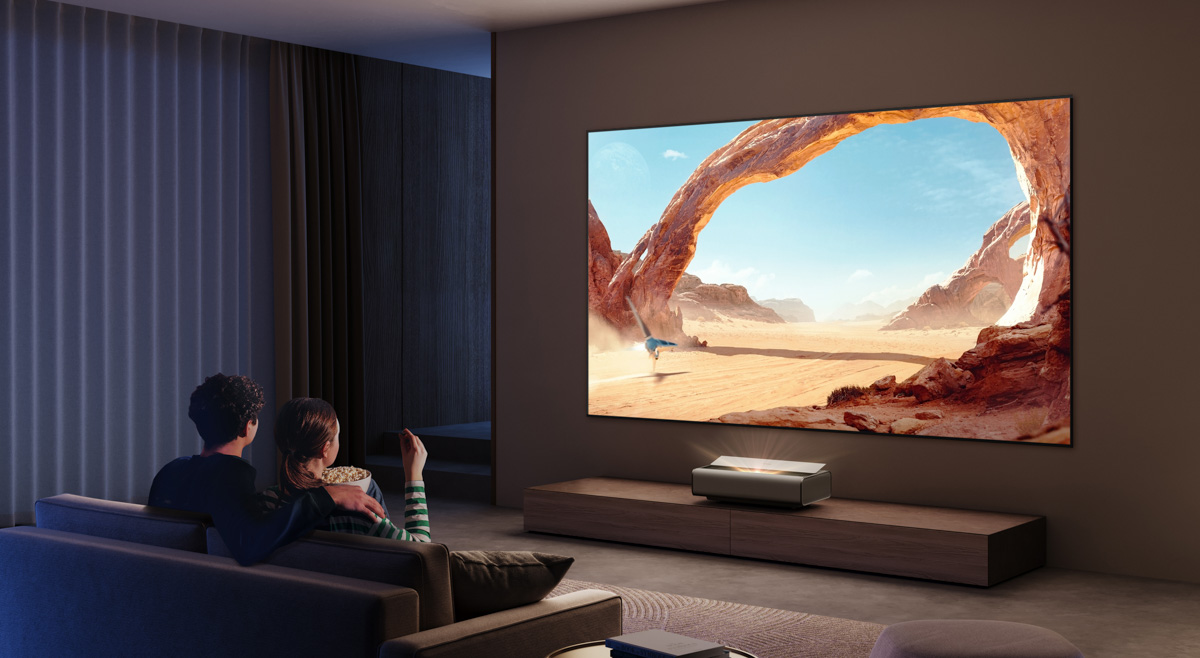
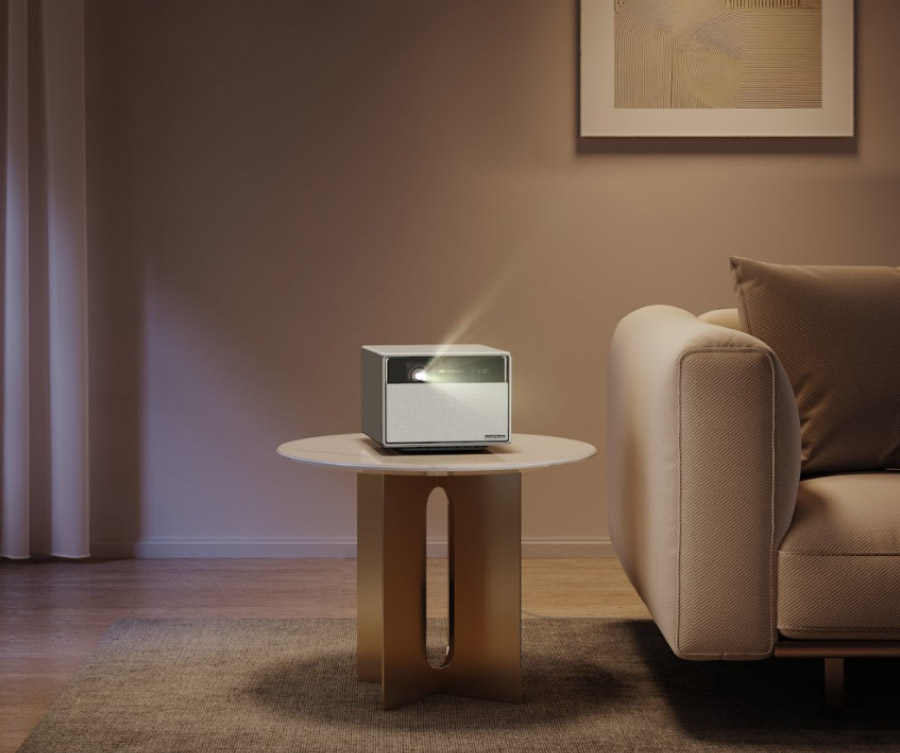
One of the most common – and arguably most enjoyable – uses for a multimedia projector is setting up a home theater. A projector can fully replace a television, delivering an image with a massive diagonal – up to 300 inches, or even 500 in some cases. This creates an immersive, cinema-like viewing experience that’s difficult to match with a traditional TV.
Of course, creating a cinematic experience at home requires the right space. Most projectors are designed for use in medium to large rooms. However, the market now offers ultra-short throw projectors that can produce a large image from less than a meter away – an ideal solution for smaller rooms or apartments. A good example is the ultra-short throw Aura 2 from well-known brand XGIMI.
A projector’s capabilities go beyond just watching movies. It can easily connect to gaming consoles, laptops, or media players, allowing you to enjoy video games or live sports broadcasts on a large screen. This adds a new level of immersion to virtual experiences.
In business and education, projectors are equally indispensable. They enable effective presentations of slides, training materials, charts, videos, and other multimedia content to large audiences. For these purposes, it’s important to choose devices with high brightness – typically 3000 lumens or more – so the image remains clear even in well-lit environments.
Read also: Everything About New Android 16: Changes, Improvements, and More Gemini Integration
How the projector works
When you connect a projector to a video source, such as a computer, laptop, or media player, the device receives the video signal and begins processing it. This processing includes decoding the signal and preparing the image for projection.
Next, the projector uses a light source – this could be a lamp, LED, or laser – to generate a bright beam of light.
The light then passes through an optical system composed of lenses, mirrors, and sometimes color filters or micro-mirrors. Depending on the type of projector (LCD, DLP, LCoS, etc.), the image is formed differently, but the goal remains the same: to produce a sharp, bright, and colorful image.
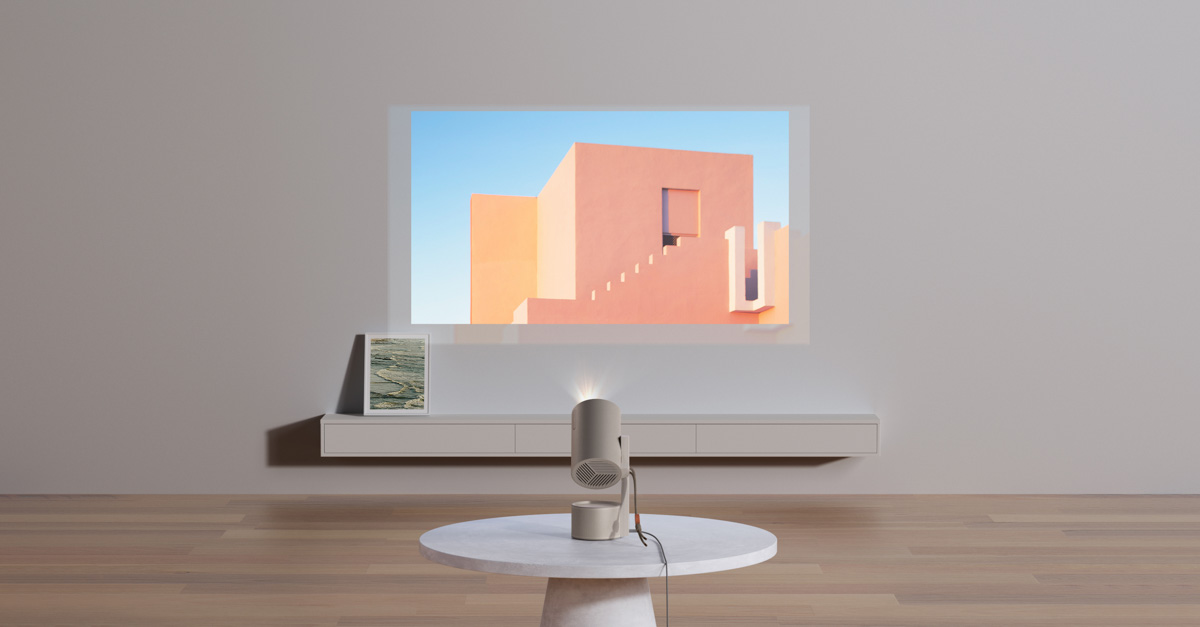
After the processed light beam is focused, the image is projected onto a screen or flat surface. As a result, viewers see an enlarged image that can be used for presentations, movie watching, or educational purposes.
Types of multimedia projectors
There are several popular types of projectors on the market, which differ primarily in how they generate and display images. Let’s take a closer look.
DLP projectors: how they work and what they do
DLP (Digital Light Processing) projectors create images using a specialized DLP chip – a microscopic device equipped with thousands of tiny, movable mirrors. Each mirror corresponds to a single pixel and can tilt to direct light toward the projection lens or away from it, effectively turning that pixel on or off. These mirrors operate at high speeds, enabling the projector to produce sharp and dynamic images.
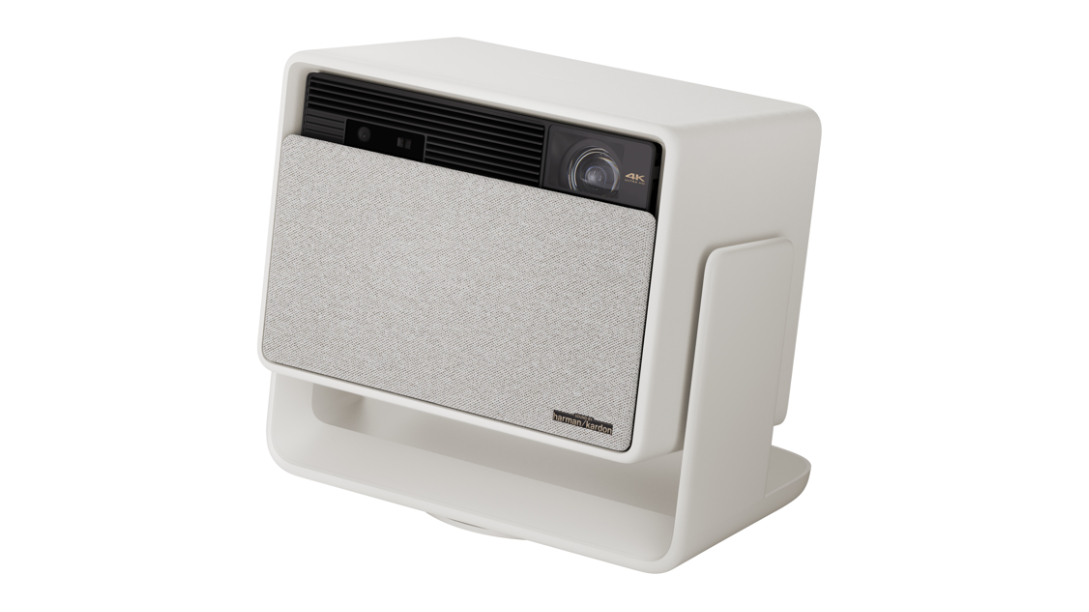
The light from the source, typically a lamp, passes through an RGB color wheel or an optical prism, depending on the projector’s design. This process enables the creation of a full-color image. More advanced models use up to three DLP chips – one for each primary color (red, green, and blue). This approach allows each pixel to be formed more precisely, resulting in brighter and more vivid colors.
Advantages of DLP projectors
High contrast – perfectly captures the depth of dark scenes.
Good black reproduction – ideal for films and videos with darker colours.
Smooth images – Due to their high refresh rate, DLP projectors are well suited for viewing dynamic content such as movies and video games.
Compact and reliable – due to fewer moving parts compared to other types of projectors.
Possible disadvantages
- Cooler color tones – some users may find the image slightly less “vibrant,” especially when viewing natural scenes.
- Limited lamp lifespan – typically between 2,000 and 8,000 hours, after which the light source needs replacement. This can impact the overall cost of ownership.
- “Rainbow effect” – in single-chip models, color flashes may appear during quick eye movements, which can be uncomfortable for some viewers.
DLP projectors are well suited for home theaters, classrooms, and conference rooms – especially if you value sharpness, deep blacks, and smooth image quality.
It’s also worth noting that modern DLP projectors may use LEDs instead of traditional lamps. This eliminates the limitation of the typical 8,000-hour lamp lifespan, as LEDs last significantly longer. An example of a DLP LED projector is the Xgimi Horizon Ultra, which we have already reviewed on our site.
LCD projectors: an affordable solution with good image quality
LCD projectors (Liquid Crystal Display) create images using liquid crystal panels through which intense light from a lamp passes. This light is modulated by the panels to produce a full-color image, which is then projected onto a screen through a lens system.
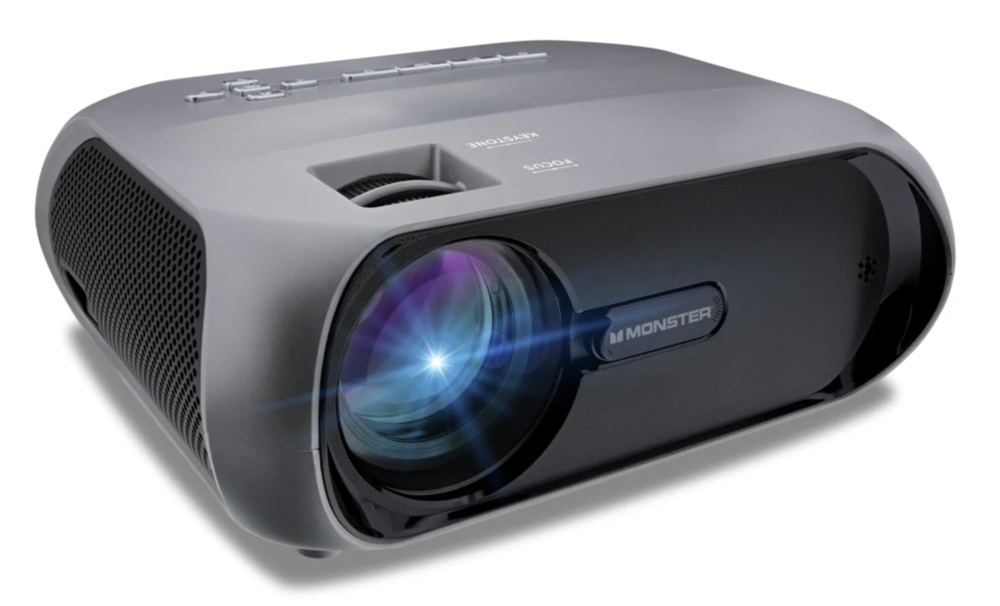
In budget models, a single TFT panel is used, which displays all colors sequentially. These devices typically have limited brightness and contrast. More advanced LCD projectors, using 3LCD technology, employ three separate polysilicon panels – one for each primary color (red, green, and blue). This setup allows for a wider color gamut, greater sharpness, and more natural color reproduction.
Advantages of LCD projectors
- Affordable price – ideal for those looking for a budget solution.
- Vivid and saturated colours – even in basic models, colours look more vibrant than DLP projectors.
- Sharpness in static images – great for presentations, text slides and training materials.
- Less ‘rainbow effect’ – compared to single-chip DLP projectors.
Drawbacks
- Poor black reproduction – dark scenes appear less deep and contrasty.
- Dust may accumulate on the sensors, which degrades image quality over time, especially if not cleaned regularly.
- Larger body size – due to a more complex optical system.
LCD projectors are well suited for educational purposes, office use, and home movie viewing, provided that the highest contrast levels are not a priority. They offer a balanced combination of cost and performance, especially in mid-range models.
LCOS projectors: premium quality for demanding users
LCOS (Liquid Crystal on Silicon) is a hybrid projection technology that combines features of both LCD and DLP systems. Like LCD projectors, it uses liquid crystal panels, but unlike LCD, the light doesn’t pass through the panel – it reflects off a mirrored surface. This approach allows for very precise control of the light and minimizes image quality loss.
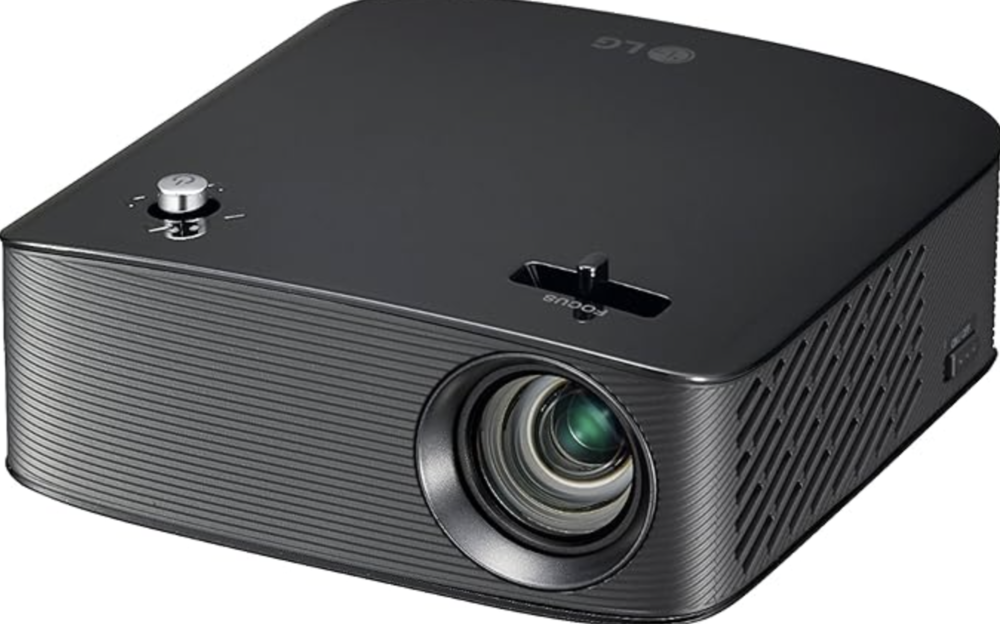
Thanks to this design, LCOS projectors can deliver impressively sharp, detailed, and natural images with rich colors, high resolution, and smooth motion. The technology handles dark scenes well, providing excellent contrast and deep black levels – something often lacking in other types of projectors.
Main advantages of LCOS projectors
- High image quality – exceptional detail, natural colour reproduction, deep shadows.
- High resolution – many models support Full HD, 4K and even higher.
- Smooth motion display – no artefacts or distortion.
- Minimal visual imperfections – no rainbow effect, pixel grating or excessive graininess.
Drawbacks
- High cost – LCOS technology targets the premium segment, making these projectors less accessible to a broad range of users.
- Larger size and complex optics – they often require more space for installation due to bigger bodies and intricate optical systems.
- Less common on the market – the selection is more limited compared to LCD and DLP projectors.
LCOS projectors are well suited for home theaters, high-end offices, professional presentations, and viewing content at the highest quality. If maximum image quality is a priority and you’re willing to invest in premium technology, this is a solid option to consider.
CRT projectors: the first giants of the projection world
CRT projectors (Cathode Ray Tube) represent the first generation of projection technology and are now almost entirely absent from the market. Their operation is based on three cathode ray tubes (CRT tubes), each responsible for one of the primary colors: red, green, or blue. The image is created by combining the three color beams, resulting in very high contrast and rich color saturation.
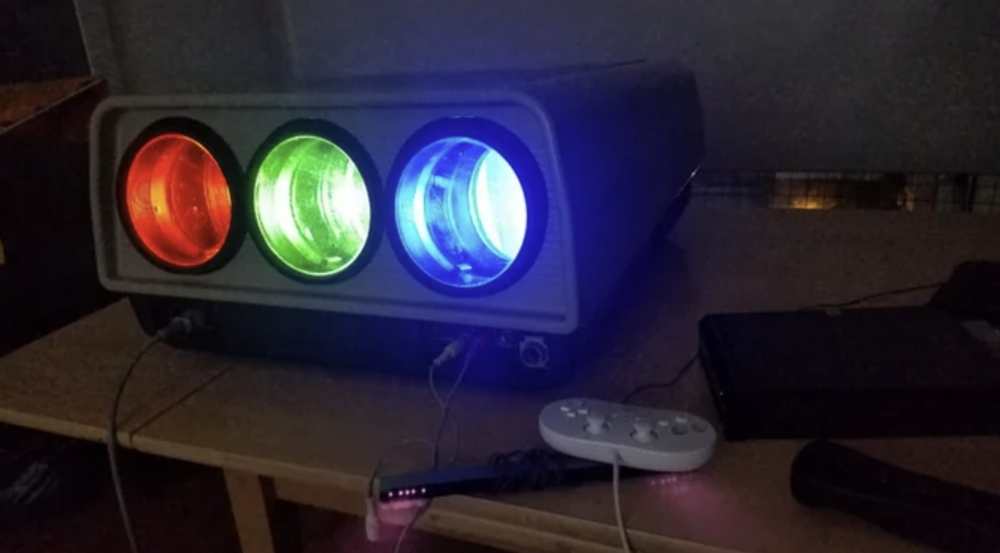
At their peak, these projectors were considered a major breakthrough in visual technology – especially in darkened theaters and large auditoriums. They could produce incredibly smooth images without pixelation, with natural color reproduction.
However, along with its advantages, the technology also had significant disadvantages:
- Giant dimensions and weight – some models weighed up to 70-80 kg, which made it impossible to use them on the go or at home.
- Difficulty in setting up – correct colour calibration required considerable effort and specialised knowledge.
- Limited brightness – the image was excellent in the dark, but almost invisible in daylight.
Outdated light source – the lamps had a limited lifespan and could fail.
Today, CRT projectors are considered both technically and functionally outdated. They are rarely manufactured, and finding a working unit is uncommon. These projectors remain primarily as a part of technological history – once impressive in their time but now largely replaced by modern solutions based on DLP, LCD, and LCOS technologies.
Projectors with light valves: a rare symbiosis of quality and complexity
Light valve projectors are an uncommon and somewhat specialized technology that combines elements of CRT and LCD systems. Instead of a traditional cathode ray tube or liquid crystal panel, these devices use a specialized light module functioning as an optical shutter. This module controls the light flow by modulating it according to the image signal.
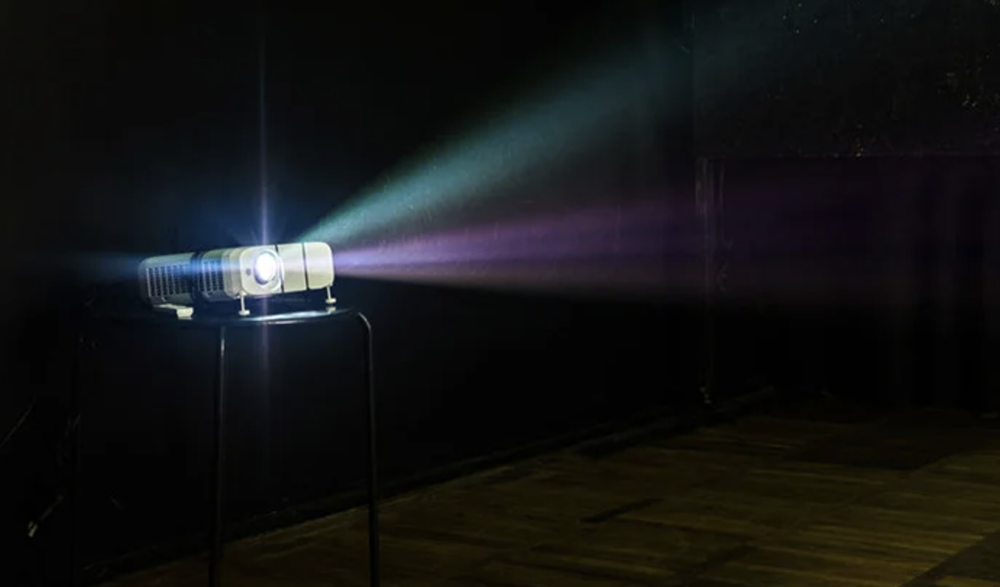
The result is a high-quality image with excellent detail, deep colors, good black levels, and high contrast. These projectors can deliver visuals approaching the quality of professional cinema projectors.
Why didn’t they become widespread?
- Extremely high development and manufacturing costs – the complex design and precision optics significantly increase the device’s price.
- Bulky size and complicated maintenance – these projectors are not suitable for everyday consumer use.
- Limited market availability – they are mostly found in specialized fields such as scientific laboratories, museums, or film studios.
Today, light valve projectors remain a rare technological niche. They are primarily of interest from an engineering perspective and as part of the historical development of projection technologies.
Read also:
- ERNIE Bot: What’s Behind China’s AI Success
- Civilization at Risk: Donald Trump’s Policies Are Undermining the Scientific World
Multimedia projector – the most important parameters
Buying a projector is an investment that requires careful consideration. To avoid disappointment with your choice, it’s important to focus on several key features. These factors influence not only the image quality but also how convenient the projector will be to use in specific settings.
- Resolution
The higher the resolution, the sharper the image. Full HD (1920×1080) is generally the ideal choice, especially for watching movies or gaming. There are still models available with lower resolutions like 1024×768 or 1280×800, which are suitable for basic presentations. For the best image quality, 4K projectors are worth considering, although they currently come at a premium price.
- Brightness (Lumens)
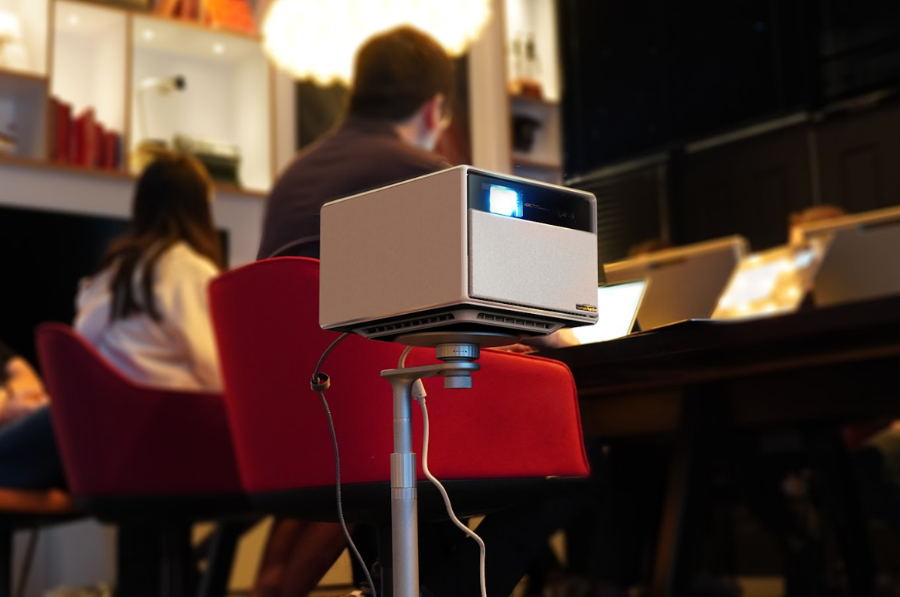
This specification indicates how well the image will be visible in daylight conditions. For darkened rooms, 1000 to 2000 lumens is usually sufficient. For offices or lecture halls, it’s better to aim for 3000 lumens or more. For example, the XGIMI Horizon series includes models that deliver up to 3100 true lumens according to international ISO/ANSI standards. Professional projectors for large venues can reach 10,000 to 12,000 lumens. On the other hand, portable pocket projectors may offer only 100 to 200 lumens, making them suitable only for use in complete darkness. - Contrast Ratio
This measures the difference between the darkest and brightest parts of an image. A higher contrast ratio results in deeper blacks and clearer details, especially in dynamic scenes. The minimum acceptable ratio is generally around 2000:1, but higher values are preferable for better image quality. - Aspect Ratio
For movies and modern content, projectors supporting 16:9 or 16:10 aspect ratios are recommended. If the projector is intended mainly for presentations, a 4:3 ratio can suffice, though it may appear outdated compared to widescreen formats. - Maximum Image Size
The rule here is straightforward: larger is generally better, but the image size should fit the space where you plan to use the projector. Low-resolution projectors typically produce images up to around 100 inches, while Full HD and 4K models can project images ranging from 300 to 500 inches. - Throw Distance
This refers to the distance between the projector and the screen needed to achieve the desired image size. Traditional projectors usually require 2 to 4 meters. However, ultra-short-throw projectors can project a 100-inch image from less than one meter away, making them a practical choice for small rooms. - Lamp Life
All projectors have a limited lifespan for their light source. Standard lamps typically last between 1,000 and 4,000 hours. More expensive models, especially laser projectors, can operate for 20,000 hours or more, which significantly reduces maintenance costs. - Noise Level
Projectors generate heat during operation and require active cooling, which means they include fans. For comfortable movie watching or gaming, it’s important that fan noise stays below 30 decibels. Quieter models are almost unnoticeable in the background.
When choosing a projector, consider where and how you plan to use it. The same device may not be equally practical in a classroom, conference room, or home theater. Taking a thoughtful approach to each of the factors mentioned above is essential for making a well-informed purchase.
Read also: Everything You Need to Know About NVIDIA DLSS 4.0 and Reflex 2: What They Offer and Why They Matter
Important terms to know
MEMC
This technology is a form of image smoothing. Using the processor’s power, it processes footage originally shot at, for example, 24 frames per second, and inserts additional intermediate frames to increase the frame rate, often up to 60 frames per second. A similar principle is behind technologies like DLSS and FSR, although those require significantly more computing power.
Opinions on this technology vary widely. Some viewers, accustomed to social media where 60 frames per second video is almost standard, find MEMC valuable because it makes even films shot at 24 fps appear smoother and softer. Others, however, find the artificial frames as distracting as incorrect brightness or contrast settings.
Xgimi projectors often have MEMC enabled by default, but it can be easily turned off in the “Cinema” color profile under the “Motion Compensation” tab.
X-VUE 2.0
X-VUE 2.0 is an advanced proprietary image processing system that combines artificial intelligence with hardware algorithms to deliver the best possible picture quality. It handles tasks such as sharpening, color enhancement, noise reduction, and overall image improvement under various conditions. MEMC is just one component of this system, with key processes running in real time at the processor level.
Notable features include skin tone correction for natural facial rendering and automatic adjustment of the image based on ambient lighting and projection surface. Thanks to these capabilities, projectors like those from XGIMI consistently produce bright, vivid, and natural-looking images, whether in a dark room or under daylight.
Intelligent Screen Adaption (ISA)
This technology enables the projector to automatically adjust and straighten the image when the device is not perfectly perpendicular to the projection surface, using sensors and cameras.
Xgimi’s implementation includes intelligent screen alignment based on the projection size, basic obstacle avoidance through scaling, and keystone correction with an angle range of ±40°. Additionally, it features high-quality autofocus, though manual focus adjustments are also supported on Xgimi projectors.
Chromecast
This is a well-established wireless data transmission technology that allows devices like smartphones or laptops to connect to compatible screens. It enables near-seamless streaming of movies, gaming, and other content with minimal latency on large displays.
However, for this to work smoothly and be user-friendly, it requires a fresh and well-optimized interface. In the case of Xgimi, this is almost always a clean version of Android TV 11. While Android TV 12 does exist, it is not widely adopted, and Android TV 13 remains largely in prototype stages. Therefore, Xgimi opts for the most stable and tested version available. This approach ensures out-of-the-box convenient access to popular services across all current Xgimi models – from portable devices like the Xgimi MoGo to more powerful Horizon series projectors.
ISO and ANSI
If you’ve ever seen Chinese projectors on AliExpress claiming astronomical brightness levels but priced at a fraction of official branded models, technically, they’re not lying. They simply measure brightness “their own way.” It’s a clever but misleading practice – and unfortunately, it works.
If this seems confusing, consider the difference between ISO and ANSI standards. Both measure brightness in lumens but use different methods. The ISO standard, which is international, measures brightness at 21 points across the image and takes into account color tones and real projector operating conditions. ANSI, an American standard, measures brightness at 9 points on a white screen. Because of these differing approaches, 1000 lumens measured by ISO is not equivalent to 1000 lumens measured by ANSI.
Now imagine a Chinese projector priced at \$50 advertising 3000 lumens. Where does that number come from? It’s simple: brightness is often measured only at the center of the image, in the brightest mode, without considering image uniformity or color accuracy. In reality, those claimed 3000 lumens often translate to just 150–300 ISO or ANSI lumens. That’s why established projector brands, which follow international standards, tend to appear much brighter even when their listed lumen figures are lower.
For comparison, the new XGIMI Horizon S Max delivers an impressive 3,100 true lumens, verified according to international standards. This isn’t just a number printed on the box – it’s the actual brightness level that remains visible even in daylight. The projected image comes alive with vivid, saturated colors, clearly illustrating the difference between genuine and inflated brightness claims at first glance.
What connectors should a modern projector have?
For a projector to be truly versatile and hassle-free during setup, it needs to offer a sufficient number of ports. The availability and types of these connections directly affect which devices you can connect and how convenient the process will be.
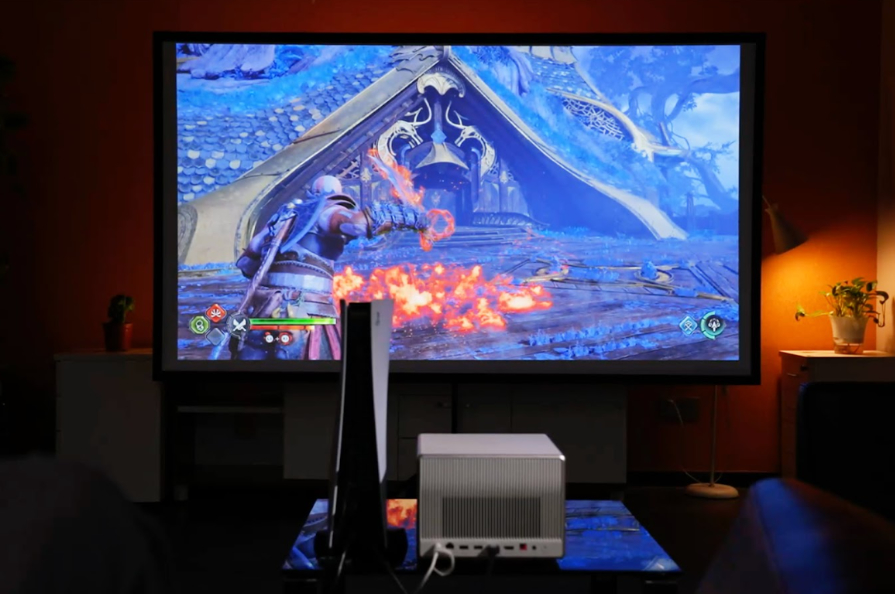
Here are the connectors you should pay attention to in the first place:
HDMI
Today, HDMI is the primary standard for connecting devices. It transmits high-quality video and audio, making it easy to connect laptops, PCs, set-top boxes, DVD players, gaming consoles, or even smartphones (with an adapter). Modern projectors should have at least one HDMI input, though having two is preferable.
D-Sub (VGA)
This analog port was once the standard for connecting computers. It is now rarely used but can still be found on older laptops or projection systems in educational institutions. It supports video transmission but does not carry audio.
DVI
Less common than HDMI but still available on some models, DVI transmits only high-quality video signals without audio. If your PC has only a DVI output, you might need an adapter to connect it to the projector.
USB
This is a useful feature if you want to view presentations, videos, or photos directly from a USB flash drive or external storage without connecting a computer. Some projector models even support playback of common video formats via USB.
SD card reader
Not essential, but a convenient bonus. If your camera or camcorder uses SD cards, you can display content directly from the memory card without needing additional devices.
Also note:
- Audio output (3.5 mm or RCA) – to connect external speakers or a soundbar.
- LAN or Wi-Fi – if you plan to share images over a network or use smart features.
- Bluetooth – for wireless audio connection, for example to headphones or speakers.
The more ports a projector has, the greater its versatility. Even if you only need an HDMI connection now, additional inputs may prove useful down the line. When choosing a projector, take the time to examine the back panel carefully – it often reveals a lot about the device’s overall functionality.
Read also: AI Hallucinations: What They Are and Why They Matter
Useful additional features of the multimedia projector
Modern projectors are no longer just “boxes with a lamp” that display images on a wall. They often include a range of features that enhance usability, especially if you plan to use the device regularly rather than occasionally.
Autofocus
Automatic focus adjustment is a highly convenient feature. It eliminates the need to manually rotate the focus ring for an extended time – the projector fine-tunes the image sharpness within seconds of powering on.
Keystone correction
It’s not always possible to position a projector perfectly perpendicular to the wall or screen. This is where keystone correction becomes invaluable. It adjusts the image to ensure it doesn’t appear distorted or trapezoidal, helping maintain a properly aligned rectangular display.
Built-in speakers
This type of projector is well suited for office or educational use. If you need to quickly deliver a presentation or show a video without extra cables, the built-in speakers are usually sufficient. However, for watching movies, external audio equipment is recommended for better sound quality.
Remote control
It may seem like a small detail, but without it, controlling the projector can become inconvenient. A remote with dedicated buttons for adjusting focus, volume, and switching modes makes the experience much smoother.
Wireless connection: Wi-Fi and Bluetooth
This is a must-have feature for home use. Wi-Fi enables direct streaming from a smartphone, laptop, or tablet without any cables. Bluetooth adds convenience for connecting wireless speakers or headphones. Overall, it makes the setup cleaner and more modern.
Other features worth considering include:
- Smart operating system: Some projectors come with built-in Android-based platforms, offering apps like YouTube, Netflix, and a web browser.
- Automatic image alignment: Certain models can detect their position and adjust the picture accordingly.
- Power-saving mode: Helps extend the lifespan of the lamp.
- Ceiling mount capability: Useful for fixed installations.
The more thoughtful features a projector offers, the easier and more enjoyable it is to use. Autofocus, wireless connectivity, and built-in speakers all contribute to a comfortable experience, whether you’re using the device at home, in the office, or in an educational setting.
Read also: Techno-feudalism – A New Form of World Order
Conclusion: more than just a projection
After exploring the topic of “What is a multimedia projector?”, it becomes clear that this device is much more than just equipment for displaying slides. We covered the basic operating principles and analyzed various technologies – LCD, LED, DLP, LCoS, and others. We identified their differences, strengths, and weaknesses, as well as the situations where each performs best.
We also observed how projectors have firmly established themselves across a wide range of applications – from business meetings and home movie nights to classroom learning and interactive museum presentations. Most importantly, they have become a tool that brings together information, emotion, and people within a shared visual space.

Today, a projector is more than just a “screen on the wall.” It’s a way to make your content larger-than-life, dynamic, and truly engaging. Whether you’re using it in a classroom, office, or living room, it’s about more than just the image – it’s about the experience.
Read also:
- Are Noise-Canceling Headphones Harmful? Insights from Audiologists
- Use It or Lose It: How AI is Changing Human Thinking

