




© ROOT-NATION.com - Use of content is permitted with a backlink.

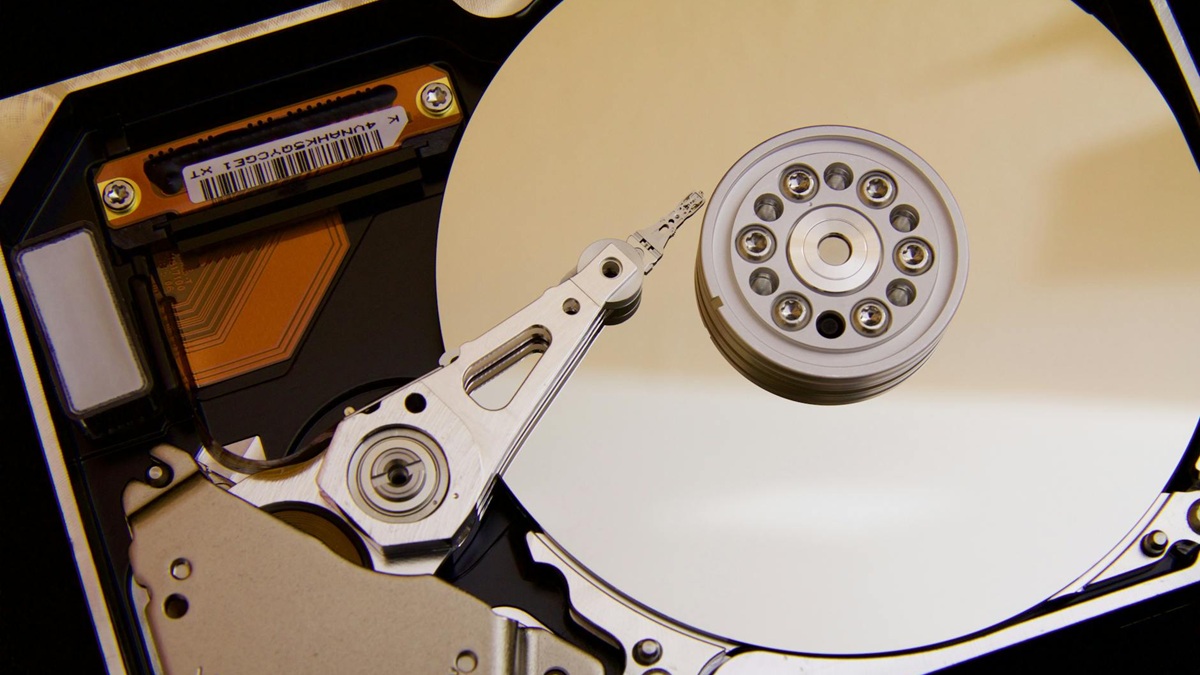
HDD hard drives or Hard Disk Drives (HDD) are electromechanical devices that use magnetic recording to store and retrieve digital data. They are based on one or more rigid, rapidly rotating platters coated with a magnetic layer.
Every day we create and use a huge amount of new data. Logically, the need to store it somewhere reliably is also growing. Even though lightning-fast SSDs have dominated the market in recent years, traditional hard drives (HDDs) are definitely not obsolete. They still hold their firm place on the market for one simple reason: they offer by far the best price-to-storage space ratio.
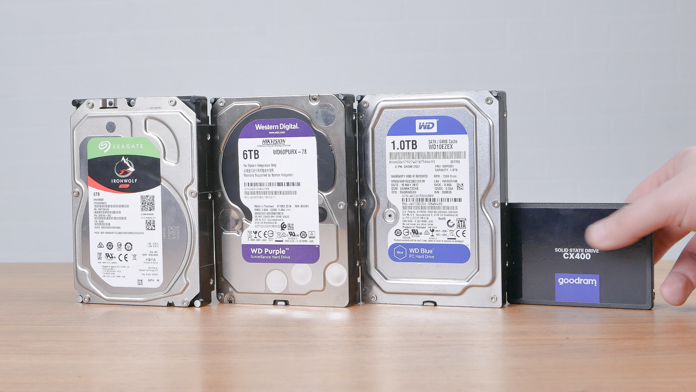
TABLE OF CONTENTS:
How does an HDD work? Technology basics
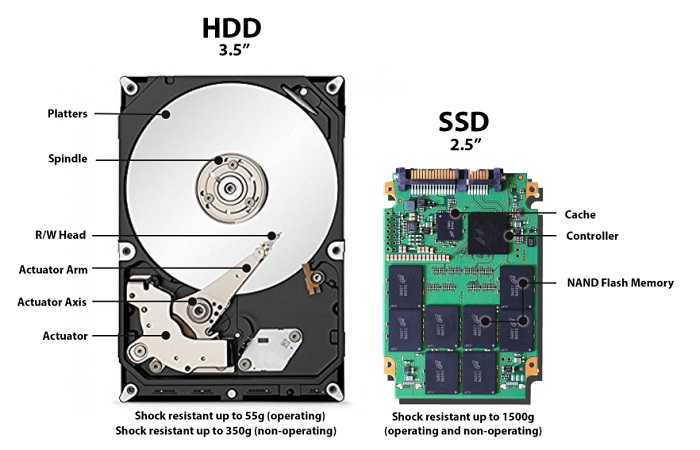
Data is written to and read from these platters using special read/write heads that float on a microscopic air cushion just above the platter surface. This entire precise mechanism is driven by a motor that ensures constant rotation of the platters, typically at a speed of 5,400 or 7,200 revolutions per minute. Thanks to this technology, HDD hard drives can offer huge storage capacities at a fraction of the price of other technologies.
Key parameters when choosing an HDD
To make the selection of a drive as effective as possible, it is necessary to focus on several basic technical specifications. The most important parameter is undoubtedly the capacity, which is given in GB or TB). While 1 TB may be enough for basic office work, for gamers, content creators or for central family storage, capacities of 4 TB, 8 TB and more are the standard today.
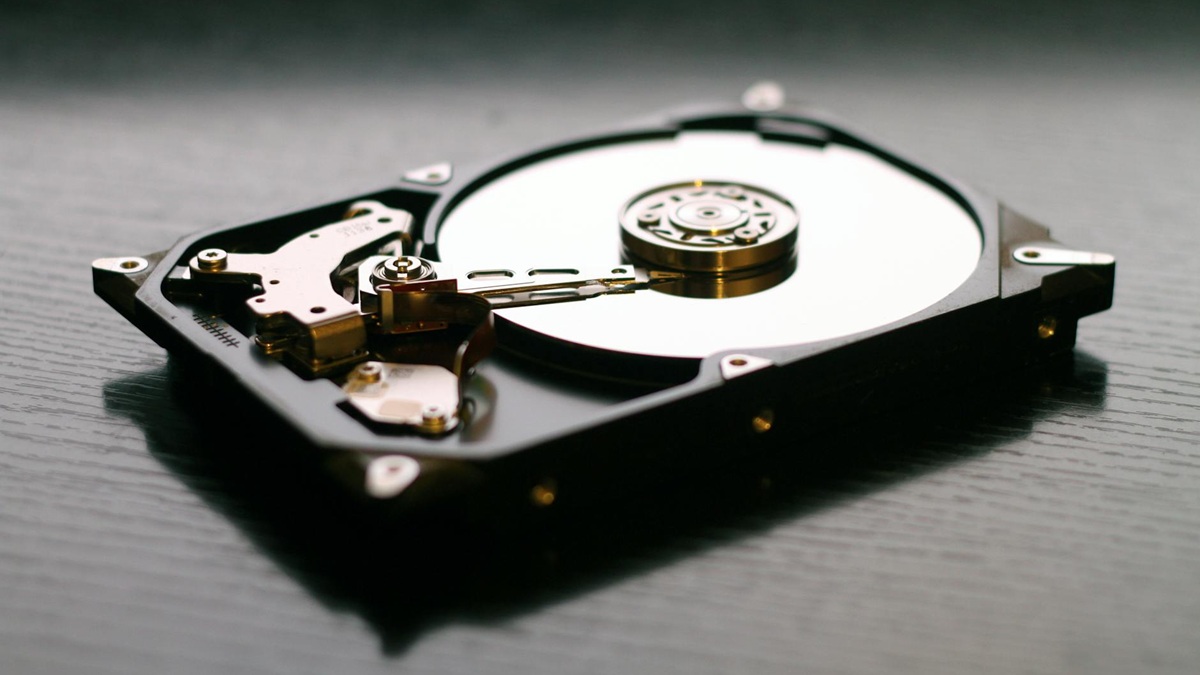
Next in line is the rotational speed (RPM), which directly affects the speed of reading and writing data. 5,400 RPM drives are quieter, have lower power consumption and are ideal for archiving purposes. In contrast, 7,200 RPM variants offer noticeably higher performance and are the preferred choice for desktop computers and gaming rigs.
In addition, it is necessary to consider the drive format. The standard for desktop computers and NAS servers is the 3.5-inch size, which offers the highest available capacities. The smaller, 2.5-inch format was originally intended for laptops and is now mainly found in portable external drives.
Equally important is the cache, which is a small but very fast memory (typically 64 MB to 512 MB) used to temporarily store frequently used data. This effectively speeds up the system response. The dominant standard for connecting internal drives is the SATA III (6 Gb/s) interface, which provides sufficient throughput.
When does an HDD make sense even in the SSD era?
Although the advent of SSD drives has changed the rules of the game thanks to their lightning speed, there are still scenarios where an HDD is not only relevant, but an ideal choice. The main domain of HDDs is primarily the unbeatable price per TB.
If you need to store a huge amount of data, whether it is movies, photos in RAW format, video projects or complete system backups, an HDD offers an incomparably lower price for each TB stored. For data that you don’t need to access every day, but that needs to be stored securely and cheaply, HDDs are the perfect choice.
Another key area where HDDs still dominate is network storage. Home or business NAS servers are almost exclusively equipped with HDDs, as they are designed for continuous operation and their high capacity allows you to efficiently centralize data from multiple devices.
Ultimately, however, for many users, the best solution is an ideal combination of both technologies. The common and recommended practice is to use a fast SSD for the operating system, applications and favorite games, while a large-capacity HDD serves as a bulky and affordable data storage.
Specialized HDD series for specific applications
Manufacturers today offer specialized model series optimized for different types of loads, which increases their reliability. Desktop HDDs are designed for regular operation in desktop computers, balancing performance, capacity and price.
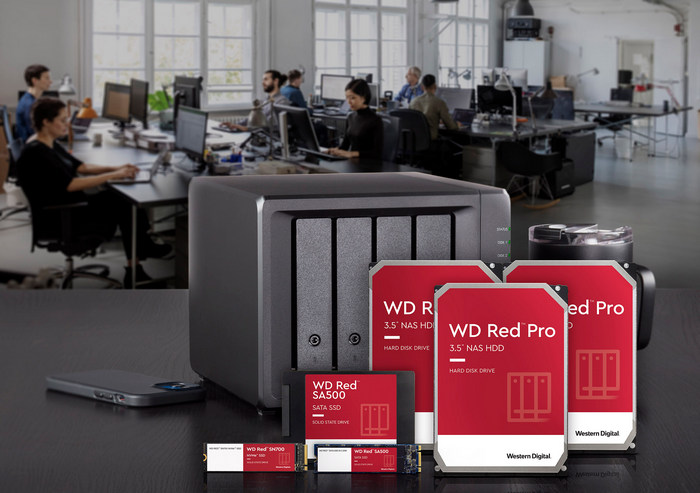
For a completely different scenario, there are NAS HDDs, which are designed for continuous 24/7 operation in network storage and have firmware optimized for work in multi-disk RAID arrays.
A specific category is surveillance HDDs, designed for continuous recording of data from multiple cameras in security systems. At the top are Datacenter HDDs, sometimes also referred to as Enteprise, which are designed for the most demanding corporate environments and servers, where absolute emphasis is placed on performance and maximum reliability.
Despite the popularity of SSDs, hard drives (HDDs) remain a key part of the storage world. Their main strength is their unbeatable capacity in relation to price, which makes them an ideal choice for backup, data archiving and for use in network storage NAS.

 are definitely not obsolete.)