





© ROOT-NATION.com - Use of content is permitted with a backlink.
As an enthusiast, you sometimes find yourself becoming a fan of very niche but genuinely cool brands. That’s how I became a WiiM fan.
I first heard about WiiM through its partnership with Martin Logan, a renowned US audio brand. Their B1 Foundation × WiiM Amp bundle instantly won me over thanks to its ridiculous versatility. I threw every genre possible at it, and it sounded amazing. It also had one of the smoothest app experiences I’ve seen in an audio device: the app recognized multiple users playing music with it, allowed granular control, and somehow remained bug-free. So imagine receiving a message that says: “Hey, it’s WiiM. We’d like you to test our new WiiM Sound Lite speaker.” The fanboy in me screamed. The brand I already liked was taking on speakers like the Sonos Era 100. The critic in me wanted to know whether WiiM could deliver its own sound, not just great software and excellent streaming hardware.
Let’s see if both sides of my identity are satisfied by the end.
Disclosure: WiiM provided the Sound Lite for review. No payment was provided, and all opinions are my own.
More to read: Top 10 Bluetooth Speakers for Summer 2026
TABLE OF CONTENTS:
WiiM Sound Lite Specifications
Just like the speaker it’s competing with, WiiM Sound Lite has a minimalist design and comes in two colors: Black and White. I received the black version for review.


And just like Sonos, with its Era 100 and Era 100 SL, the WiiM speaker also comes in two versions.

There’s WiiM Sound Lite, which is the subject of this review, and WiiM Sound, which adds a 1.8-inch touch screen on the front for on-device control and includes a Voice Remote in the box.

Both models, however, share the same sound system: one 4-inch woofer and two 1-inch tweeters. WiiM Sound and Sound Lite also include a 10/100 Mbps Ethernet port and an Aux in with an RCA adapter for those who still prefer good old record players to music streaming.
That means everything I say about Sound Lite’s sound quality should also apply to its screen-equipped sibling.
| Product name: | WiiM Sound Lite |
| Dimensions: | 5.8” × 5.8” × 7.6” / 146 × 146 × 194 mm |
| Weight: | 5.5 lbs / 2.5 kg |
| Available colors: | Black, White |
| Built-in speakers: | 1× 4” long-throw woofer, 50W 2 × full-range tweeters, 2×25W |
| Peak power: | 100W |
| Frequency response: | 50Hz – 20KHz |
| Audio Quality: | Up to 24-bit/192 kHz, gapless playback. |
| Connectivity & I/O: | Wi-Fi 6E, Bluetooth 5.3, 100 Mbps Ethernet, 3.5 mm Aux in, RCA in through adapter |
| Control: | Touch controls, optional WiiM Voice Remote 2 Lite, Alexa/Google Assistant support, WiiM Home app for iOS and Android |
| Supported streaming platforms: | WiiM Home App, Chromecast Audio, Spotify Connect, TIDAL Connect, DLNA, LMS, Roon Ready |
| Multi-Room Audio: | Yes, through WiiM, Google Cast, or Alexa Multi-Room |
| Additional features: | Stereo pairing, home theater integration, OTA updates, Parametric and Graphic EQ with separate settings for each input, and AI RoomFit |
What’s in the Box, Design, and Feel
WiiM Sound Lite comes with exactly what it needs and nothing extra: the speaker, a power cord, a 3.5 mm-to-RCA adapter, and a Quick Start Guide.

The included adapter and Aux-in are a great addition for analog music lovers. You don’t need special adapters to hook up a record player, and you still get a reliable wired connection.
The same applies to the Ethernet port. The speaker’s Wi-Fi capabilities are worth noting, especially with tri-band Wi-Fi 6E, but it is always good to have a wired backup.

All ports are neatly hidden at the bottom of the speaker, where you’ll also find screw holes for mounting WiiM Sound Lite on a wall or pedestal.

Moving up from the bottom, the design is clean and minimalist: a logo on the front, a mesh surround that slightly evokes HomePod, and a glossy control panel up top that lights up whenever you move your hand above it. The status LED is also located at the top and indicates the connection status: green when searching for a Wi-Fi network, blue when Bluetooth is enabled, and white when Wi-Fi is established.
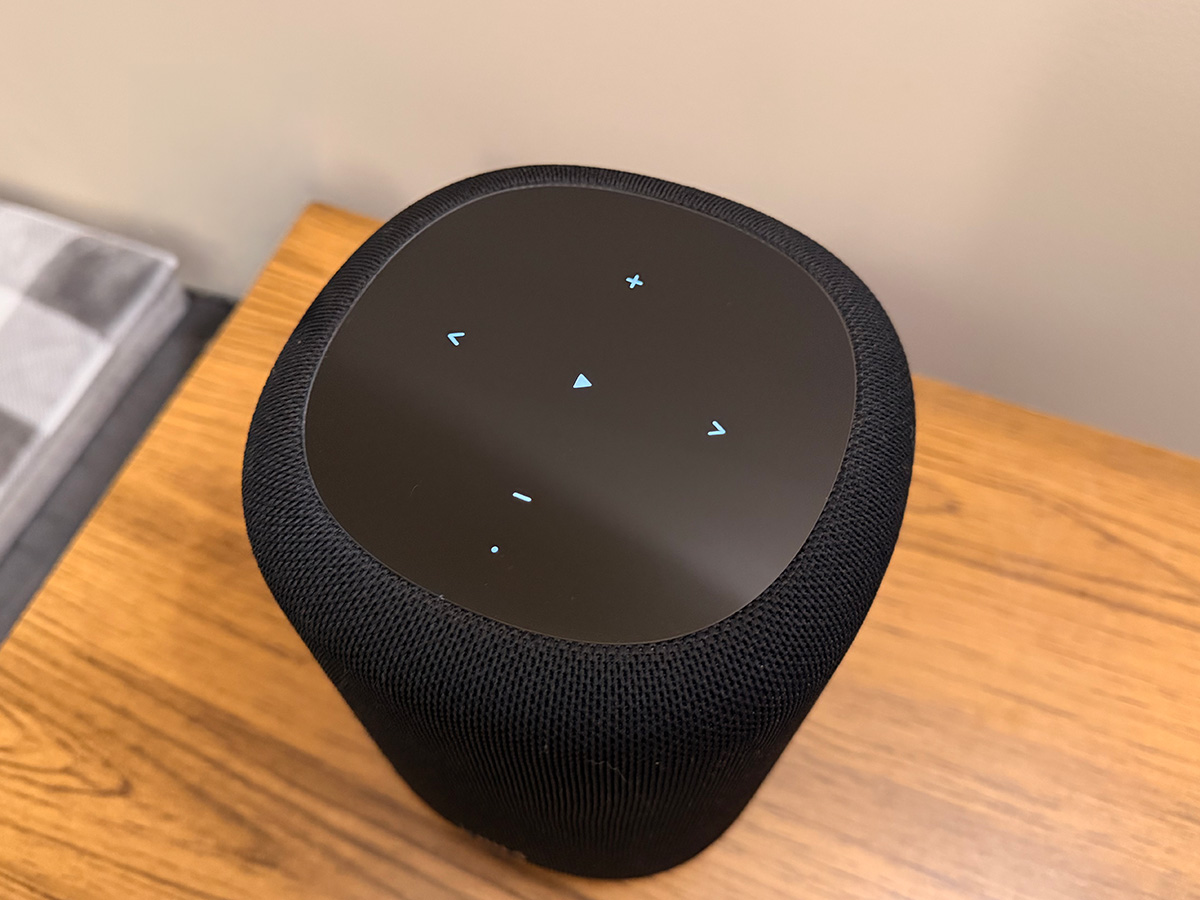
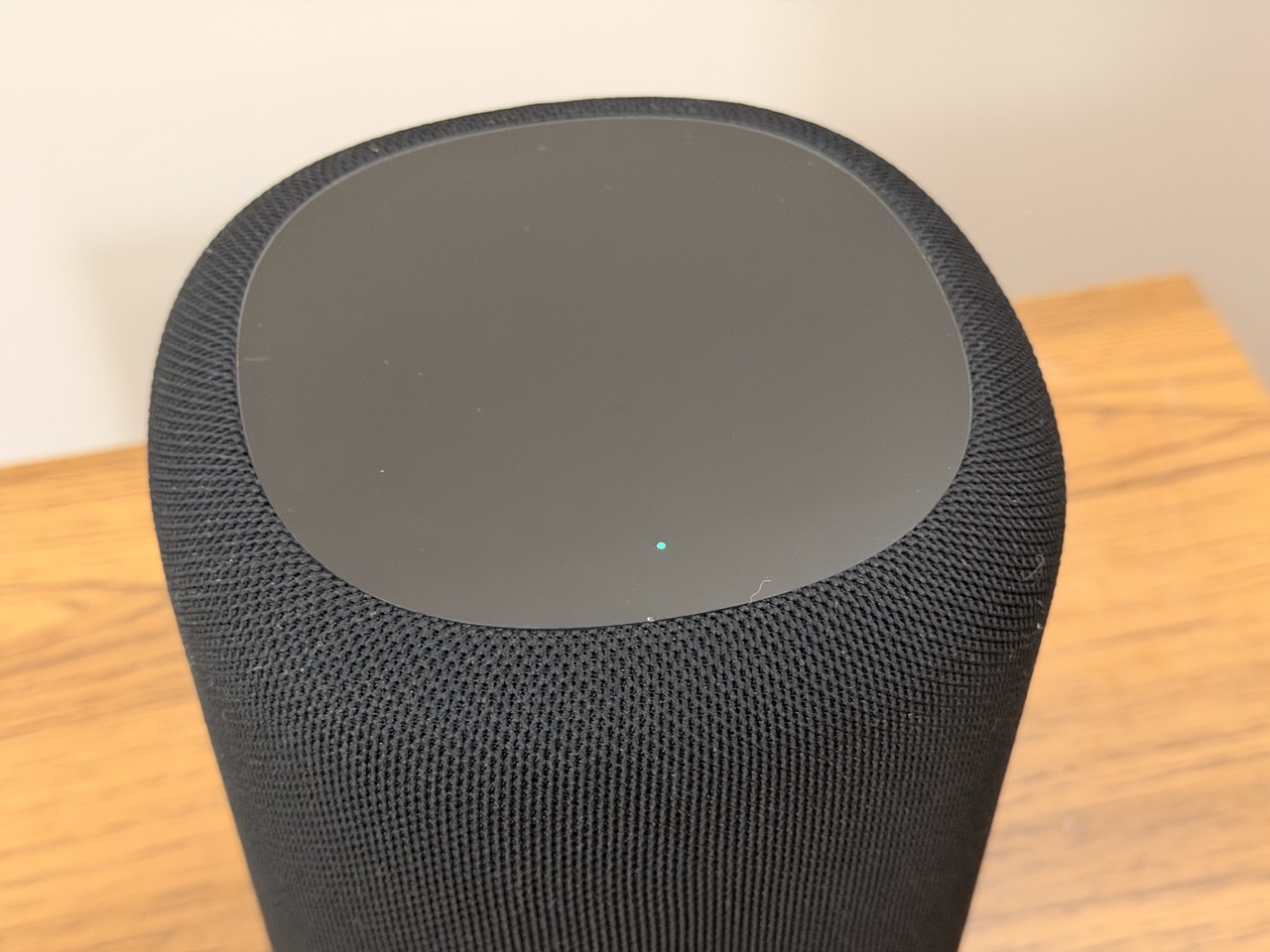
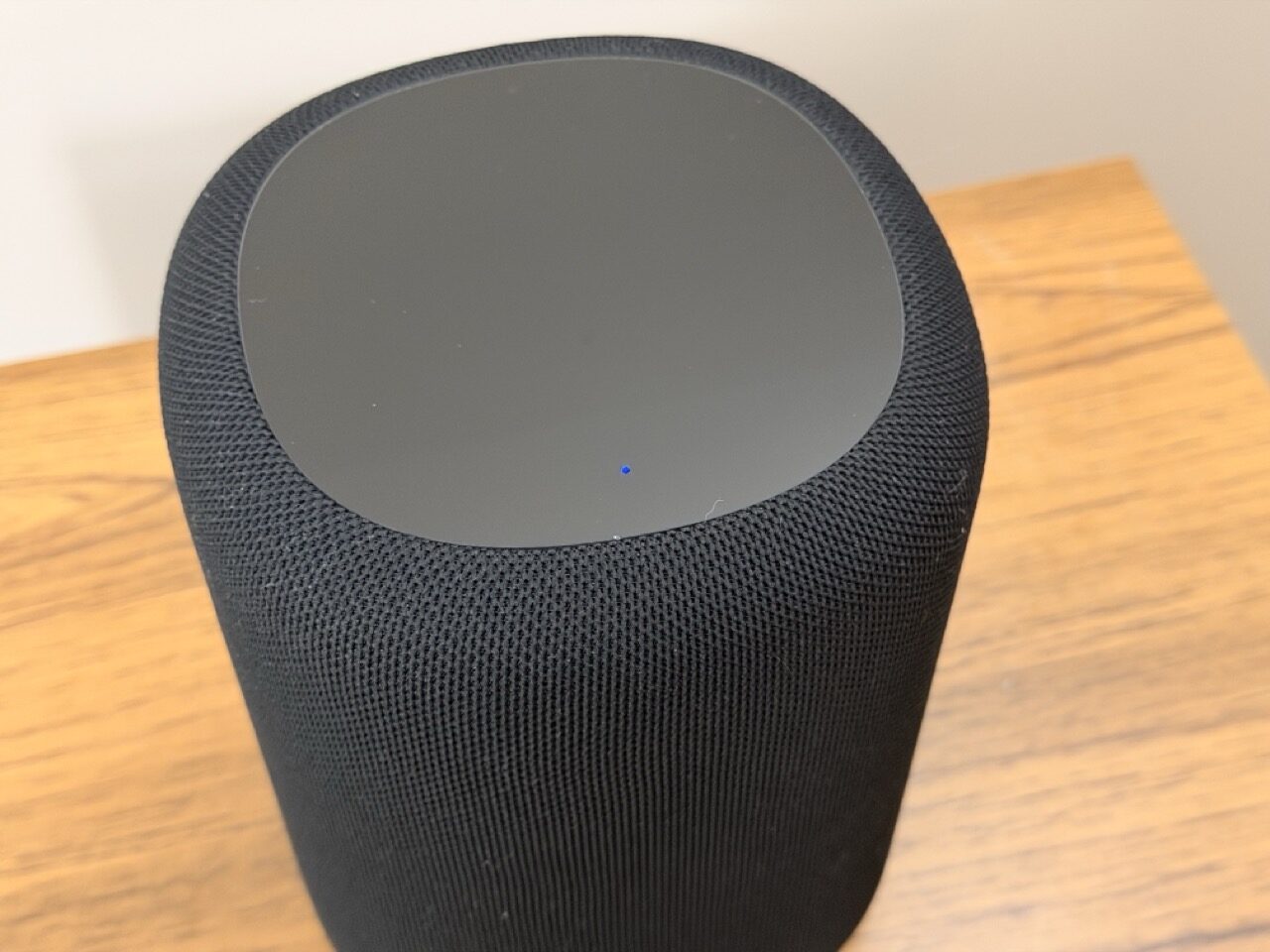
Overall, WiiM Sound Lite borrows some familiar cues from other speakers but still feels distinct. The mesh may remind you of HomePod, but its overall shape is different enough to set it apart from Apple’s speakers. It is rounded, but it doesn’t look like a simple cylinder like the Sonos Era 100.

Most importantly, the black version fits nicely in my living room, matching my black Bose soundbar and the black front of my LG B4 OLED TV.
More to read: Moto Sound Flow Speaker Review
Setup and Connectivity
Speaking of fit, RoomFit is listed as one of the key advantages of WiiM Sound Lite, and I couldn’t wait to try it.
Thankfully, as someone who had already used the WiiM Home app before, I knew the process would be smooth. I opened the app, got a pop-up with the speaker name, connected it to my Wi-Fi network in a couple of clicks, and voilà – the speaker was successfully connected.
After that, you’re presented with the RoomFit setup. It is a relatively short test that allows the speaker to adjust to your specific room. WiiM Sound Lite plays test sounds, the WiiM Home app analyzes them through your smartphone microphone, and then you receive a tweaked sound profile.
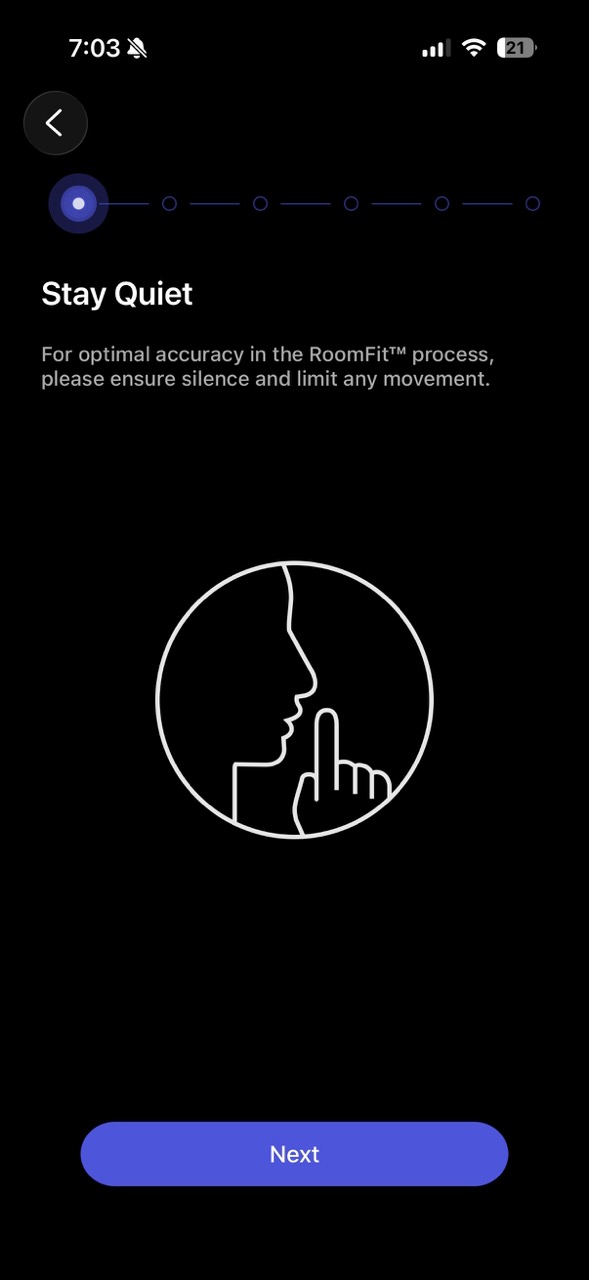
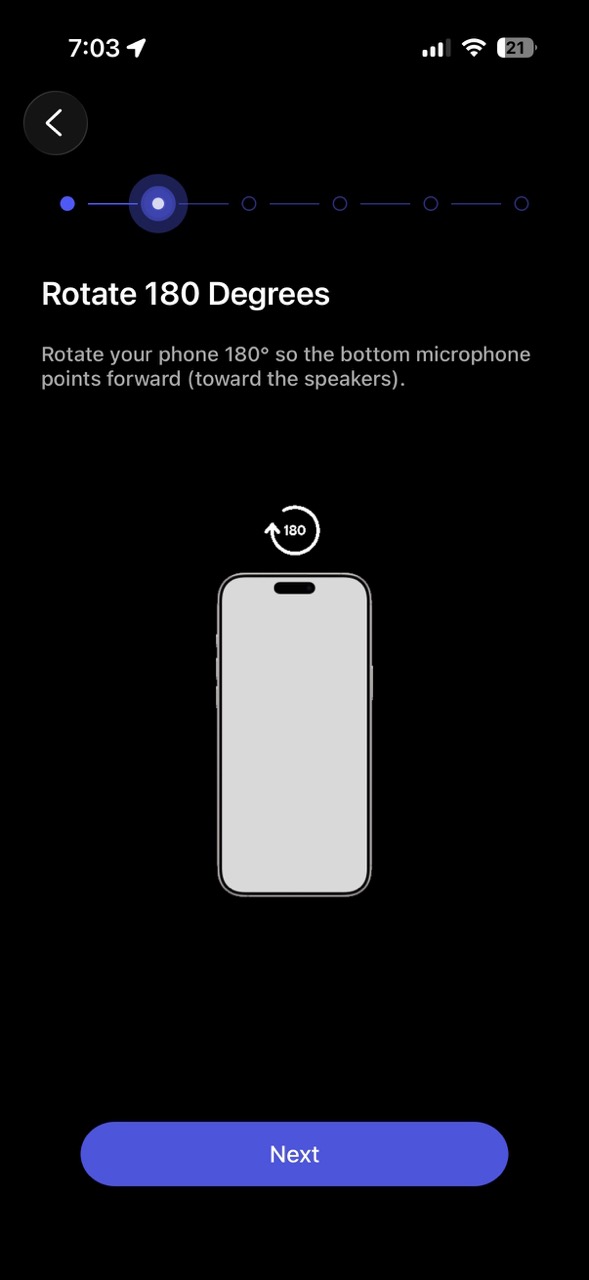
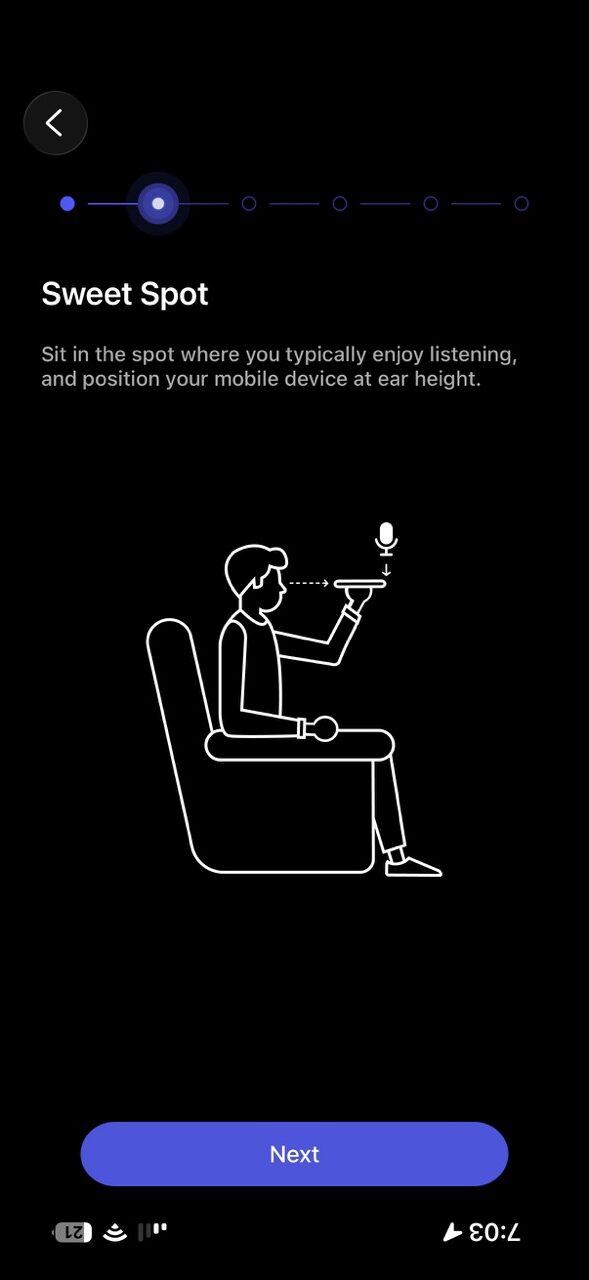
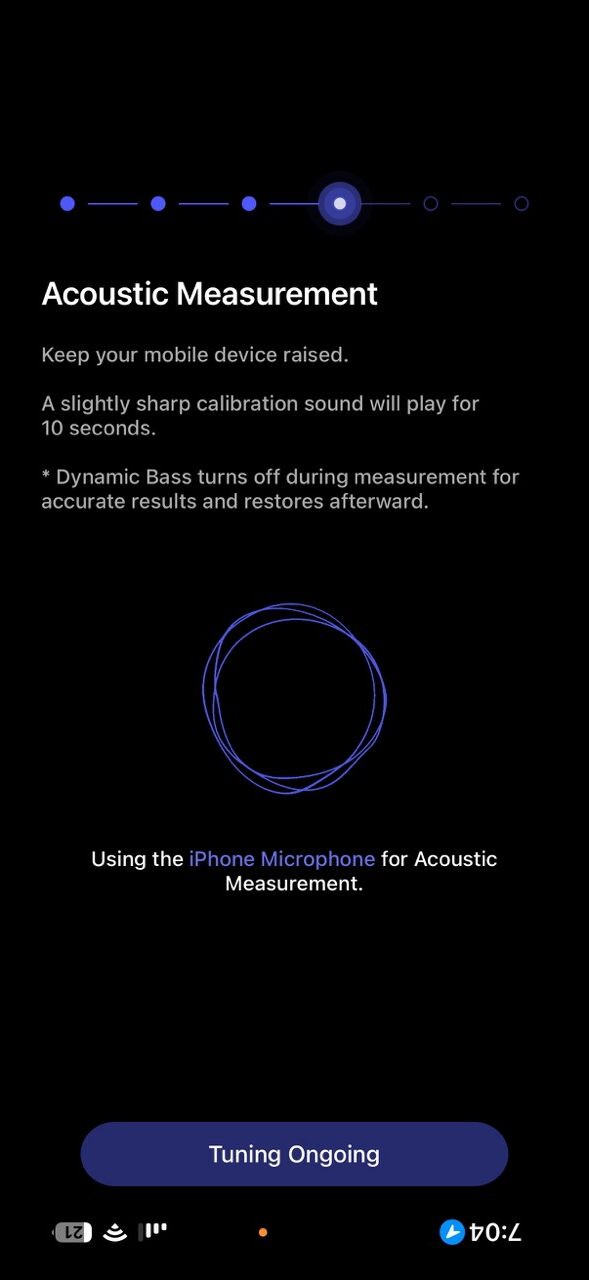
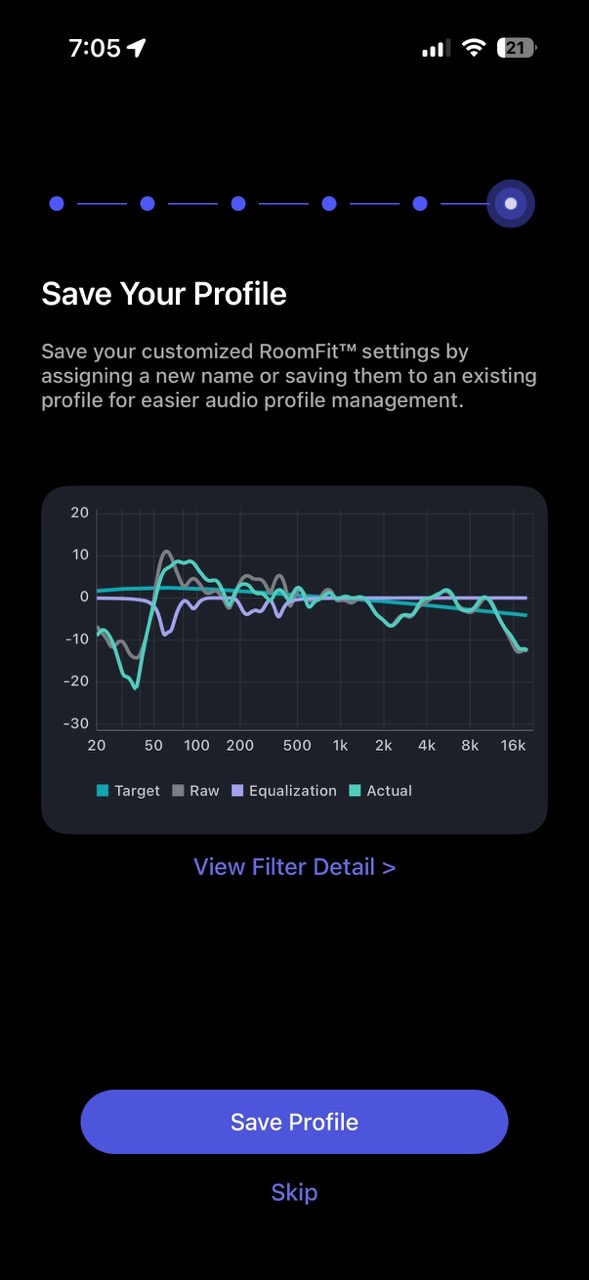
Just don’t forget to keep absolute silence during the process. Even the A/C can affect the result.
It is also worth noting that the speaker’s software updates automatically during the initial setup. Based on my previous experience with WiiM, you can also expect regular updates after that.
You’re also offered an Alexa and Google Home setup. WiiM Sound Lite supports both ecosystems, so if you have a compatible Alexa or Nest device, you can send sound directly to WiiM and control the speaker through Alexa or the Google Home app.


The best part: if you set everything up once, other family members can simply download the WiiM Home app, and all settings, even the “Now Playing” screen, will be shared across devices. No separate setup needed.
Very neat.
Inputs and Supported Services
And while we’re talking about the “Now Playing” screen: how do you even start playing music?


The Browse tab is your main starting point. Here, you can select an input – Wi-Fi, Bluetooth, or Aux – and choose from a long list of sources. There’s also a list of favorites under “My Tracks,” access to on-device music under “My Music,” and even access to a home server under “Home Music Share.”
Then there’s the list of supported streaming services. It is so big that I ended up hiding most of them and leaving only the ones I actually use.
To name a few, WiiM supports direct playback from Spotify, TIDAL, Amazon Music, YouTube Music, SoundCloud, Qobuz, Pandora, TuneIn, and Deezer. The list goes on. Most of these services don’t even require much setup. My TIDAL account was automatically added when I installed the app.
The list truly embodies WiiM’s open concept: you decide on the source, and WiiM handles the rest.
So let me fire up Apple Music… Wait. Apple Music is not on the list. Okay, maybe I’ll just open the Apple Music app and find WiiM Sound Lite as an AirPlay device. But it’s not there either.
So here is the sad news for Apple users: unlike some older WiiM Amps, AirPlay and Apple Music integration are not supported by WiiM Sound Lite. WiiM told me that its latest devices were not licensed by Apple. That means if you’re deep into the Apple ecosystem, you’ll need to switch to Bluetooth to listen to Apple Music.
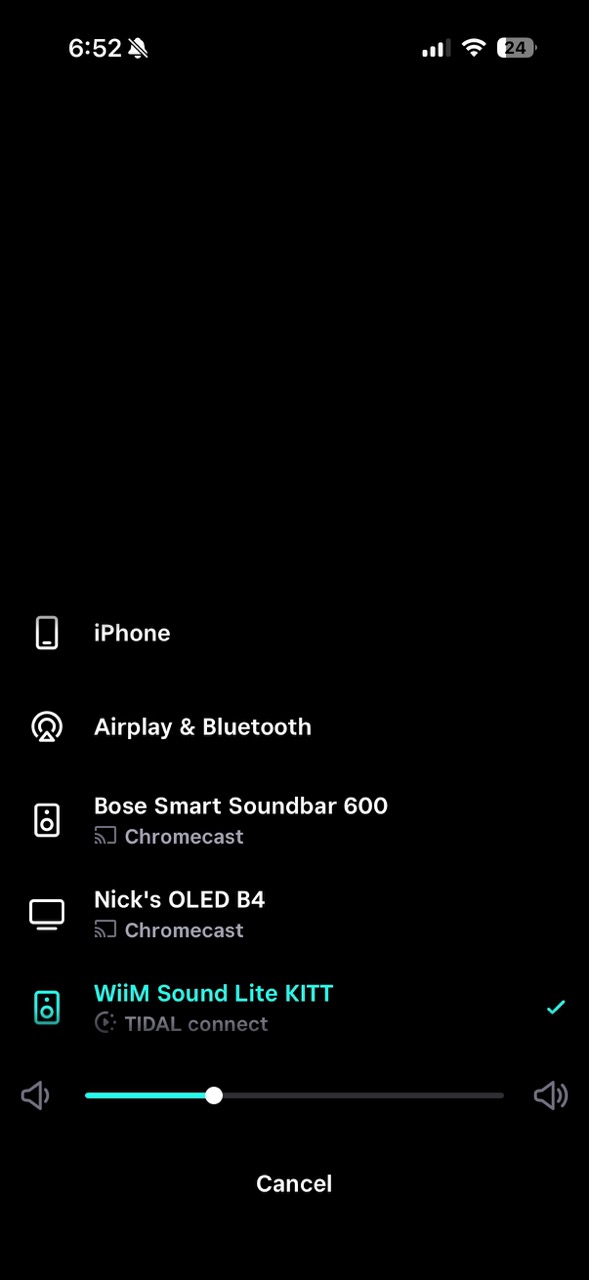
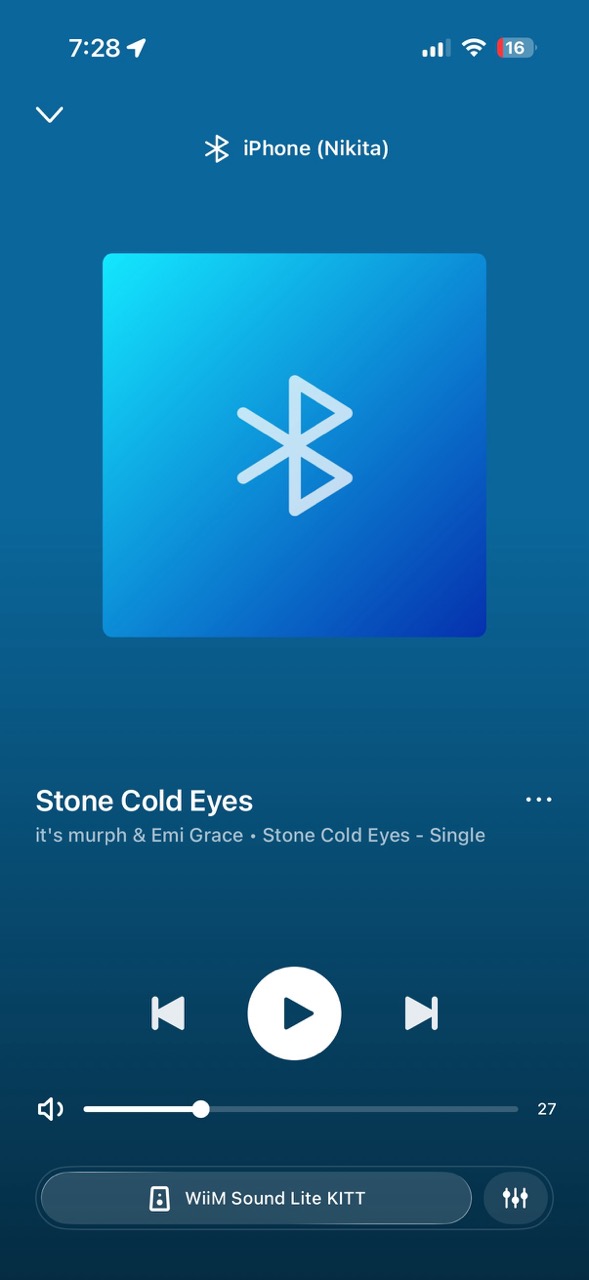
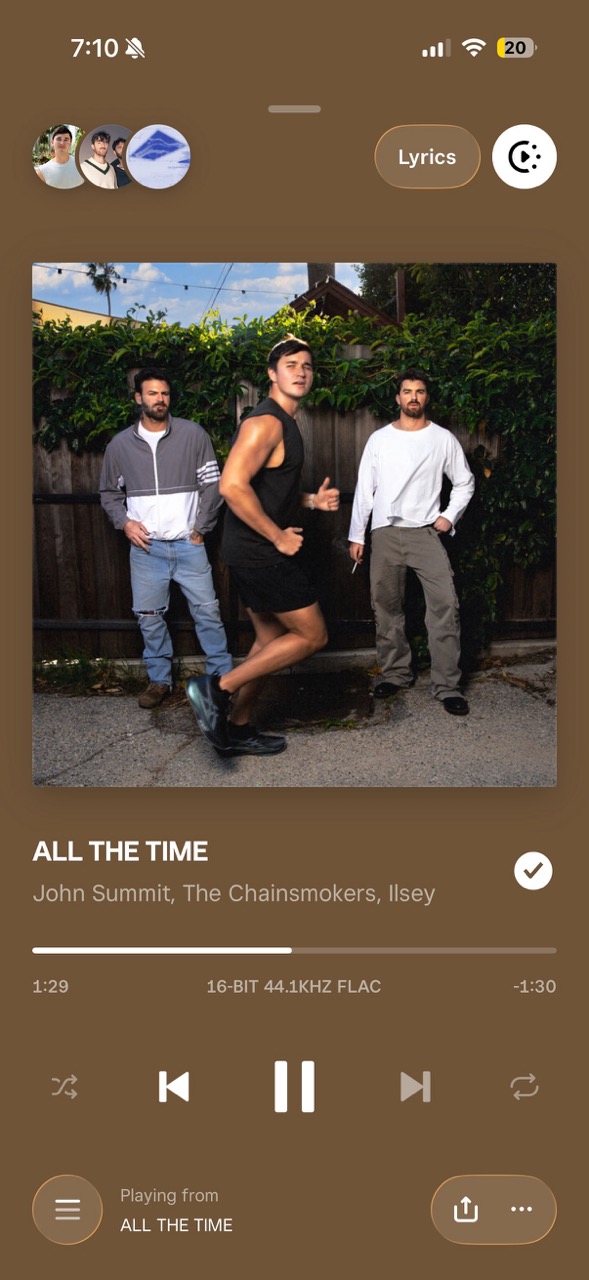
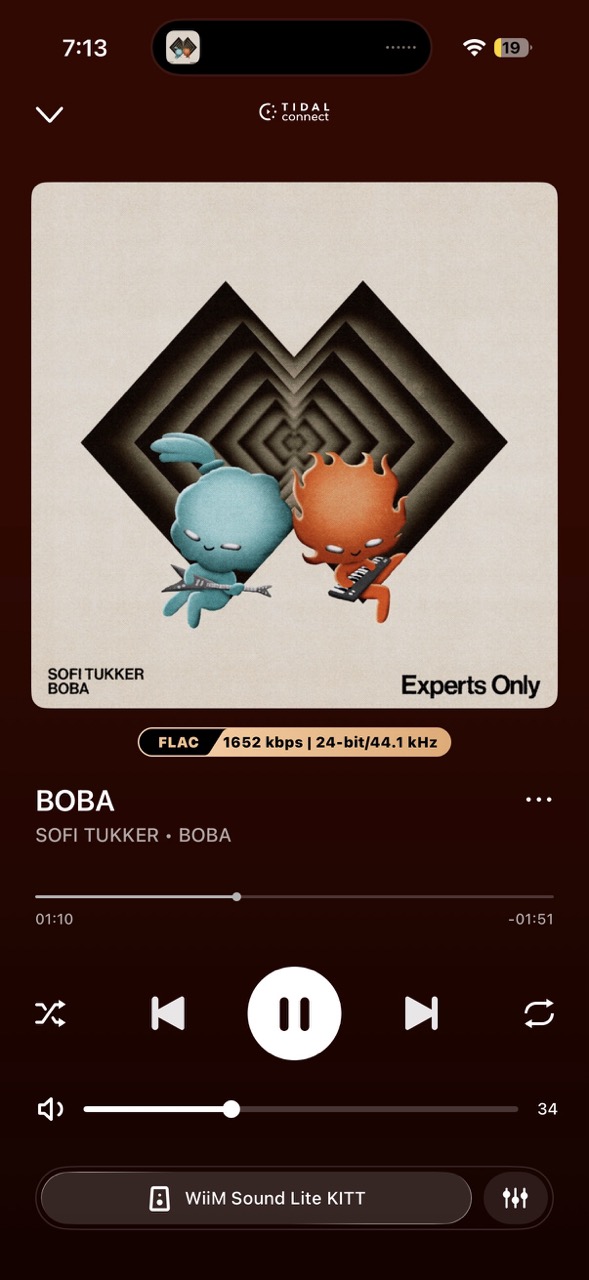
Is it a big loss? Not for my family. My wife had zero issues switching to Bluetooth whenever she wanted to listen to her music. And I was tempted by a student offer for TIDAL anyway, so I ended up using TIDAL Connect for that sweet lossless playback.
But if Bluetooth or alternative streaming services don’t work for you, WiiM Sound Lite might not be the right option.
More to read: Monar Canvas Review
Alternative Use Modes
If AirPlay and Apple Music support are not dealbreakers for you, I have some good news. There’s plenty to like about WiiM Sound Lite, especially if you have multiple speakers or other WiiM devices.
Please note that WiiM provided only one speaker for my test, so for more hands-on experience with multi-speaker setups, I would recommend checking feedback from WiiM users on the official WiiM forum.
For starters, you can create a stereo pair and use two WiiM Sound Lites as bookshelf speaker replacements. With more than two speakers, you can also create a multi-room setup, similar to Sonos.

You can also use Sound Lites as wireless rears for your WiiM Amp. I’ve seen users successfully running WiiM Amp Ultra + 2 × KEF LS50 Meta + 2 × WiiM Sound Lite in a 4.1 setup. So now there’s an alternative for those who want wireless rears but don’t want to buy a Sony receiver and Sony wireless speakers.
Finally, there’s a WiiM Bar in the works. Pair it with the already available WiiM Sub Pro, and WiiM Sound Lite suddenly becomes a stepping stone into a wireless surround sound system à la Sonos.

Just hold your breath until the bar is released, and we can test the whole system.
WiiM Sound Lite Sound Quality
What I can tell you without waiting for the WiiM Bar is how Sound Lite sounds.
Keep in mind that this is a non-audiophile take, and my experience is very subjective. But to give the speaker a fair shot, I tested it both over Wi-Fi using TIDAL Connect and over Bluetooth with Apple Music.
I also visited a local Best Buy to listen to the speaker’s key competitors: Sonos Era 100, Sonos Era 100 SL, and Bose Lifestyle Ultra Wireless Speaker.
Overall Experience
By default, WiiM Sound Lite has a very distinct V-shaped sound, with punchy bass and crisp highs. That makes it a great choice for rock and electronic music.
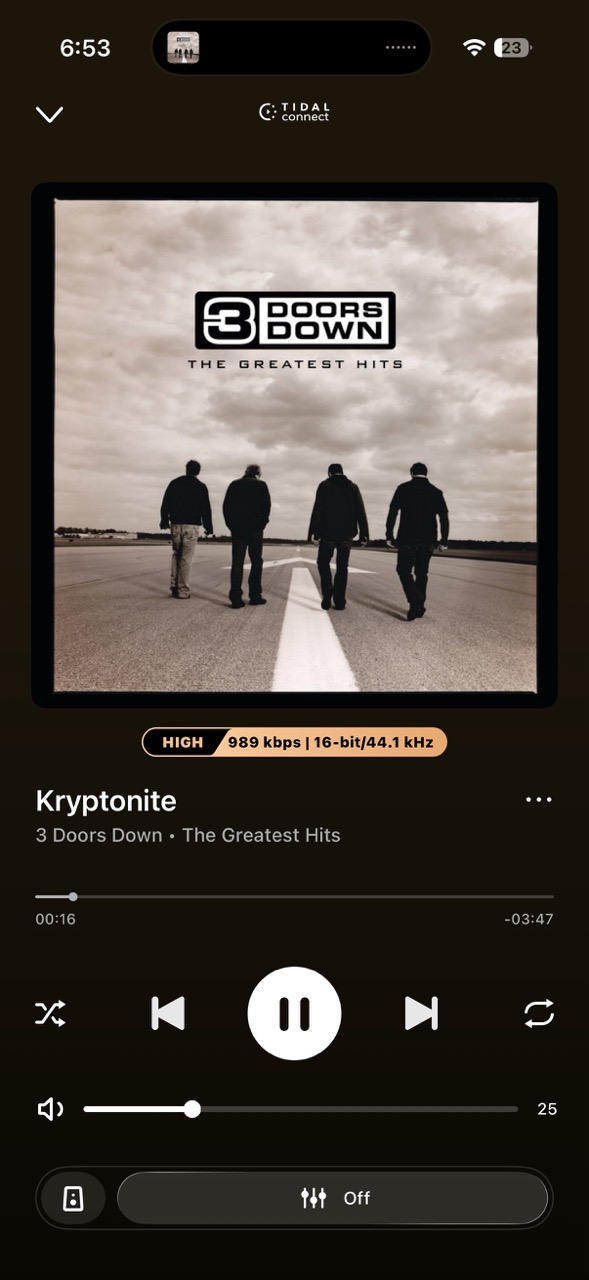
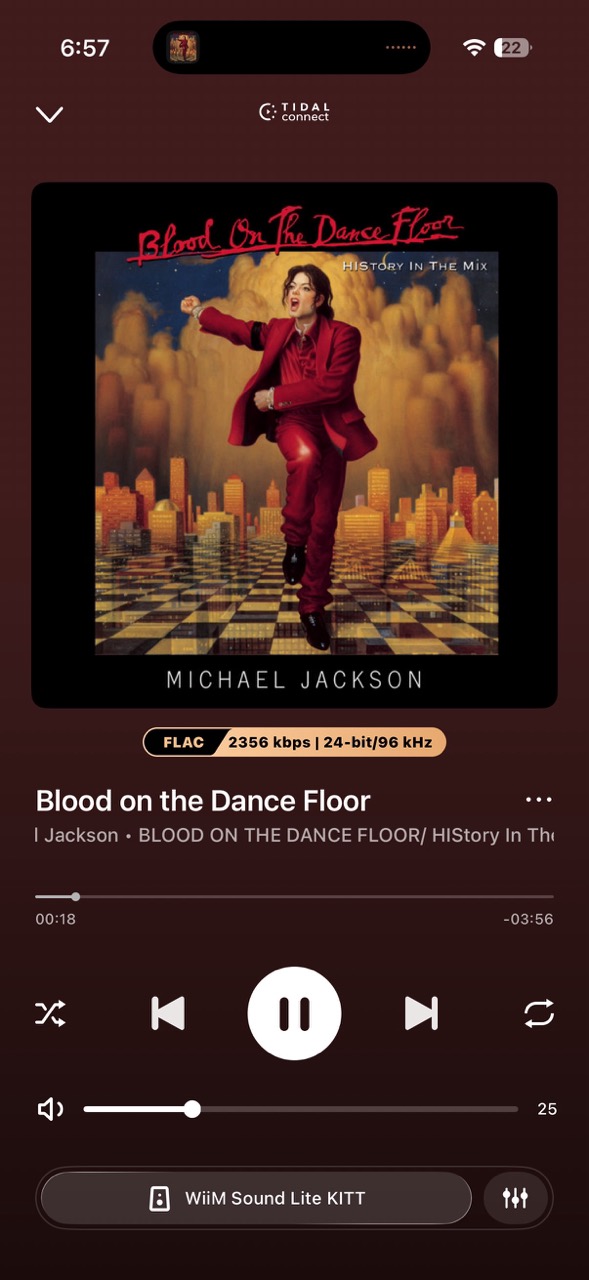
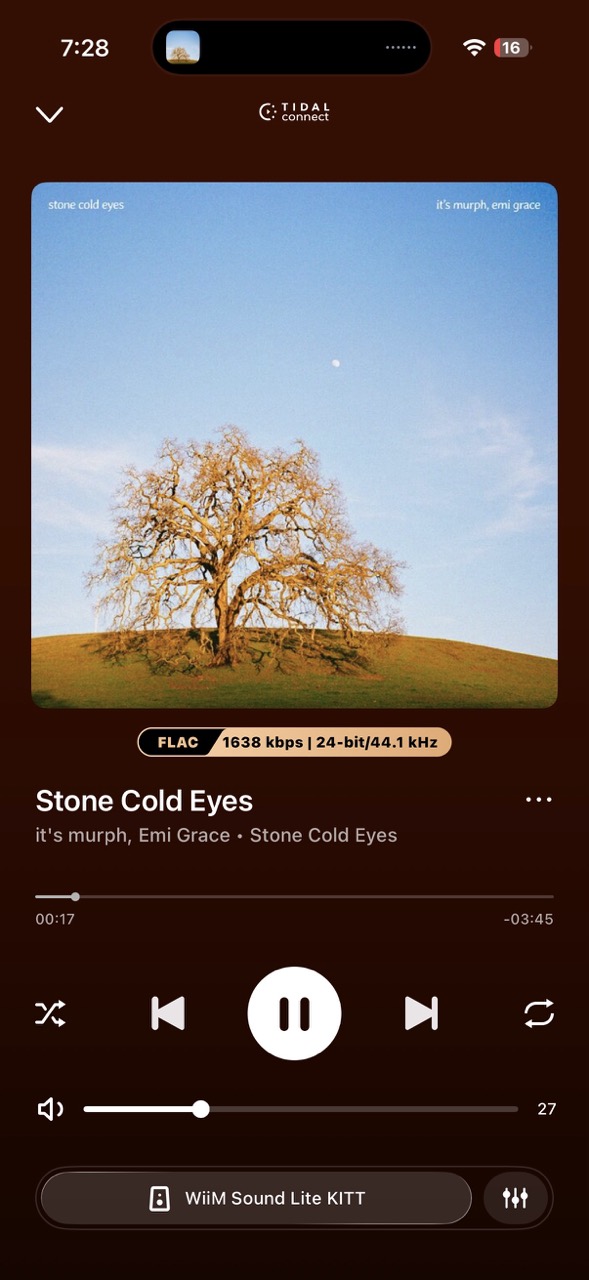
I was extremely pleased listening to 3 Doors Down’s “Kryptonite” and it’s murph’s “Stone Cold Eyes.” The second track sounded phenomenal, both over Bluetooth in lossy mode and over Wi-Fi in lossless mode.
At the same time, I was surprised by the less pronounced mids while listening to R&B tracks like KWAYE’s “Lost in My Boots” or Michael Jackson’s “Blood on the Dance Floor.” That’s when I decided to re-run RoomFit using the moving microphone option and a more distant spot in the kitchen.
The process lasted about three minutes and had me moving my phone in arc shapes across the kitchen, but it was worth it. The mids finally emerged. The sound filled the room much better than before, and everything from R&B to pop ballads suddenly sounded warmer.

That was especially true for Michael Jackson’s “Human Nature.” With proper RoomFit, you can hear more of the subtle nuances in Jackson’s voice and understand why people keep falling in love with this track again and again.
Interestingly, I found that Hi-Res audio sounded better and clearer than regular 16-bit/44.1 kHz recordings. I could hear the single-channel lean and how Roger Daltrey was noticeably late on backing vocals on The Who’s original recording of “Eminence Front.” And that’s on a speaker, not headphones.
Overall, I found WiiM Sound Lite pleasant and worthy of the Hi-Res speaker moniker used in the marketing materials. It just requires some time and proper RoomFit correction.
Compared to Sonos Era 100 / Era 100 SL
While I didn’t have a chance to listen to my whole music collection in the store, I did compare how “Your Direction” by The Goose sounds on both speakers.

To my ears, WiiM Sound Lite had more detail and clarity, especially in bass and vocals. Lossless playback support also gives WiiM an advantage if you care about Hi-Fi music.
Compared to the Bose Lifestyle Ultra Wireless Speaker
As for Bose, the demo song of choice was “Hypnotic Night” by Alissia, Nile Rodgers, and EARTHGANG. And yes, it clearly showcases the deep bass for which Bose speakers are known.

But WiiM Sound Lite is no slacker when it comes to bass either. It also provides clearer vocals, thanks to dual tweeters and strong software control.
That makes WiiM Sound Lite very competitive in terms of sound. It is comparable to, and in some scenarios better than, well-known mainstream brands. But sound quality, while crucial, is still only part of the overall package.
More to read: Tronsmart Mirtune H1 Bluetooth Speaker Review
Pricing and competition
Another important part of that package is price. WiiM Sound Lite has a recommended retail price of $229.00 and has recently been on sale for as low as $185.00. It is currently available on WiiM’s website and on Amazon.
This puts it directly against the Sonos Era 100, Sonos Era 100 SL, Bose Lifestyle Ultra Wireless Speaker, Denon Home 150, and Denon Home 200.
Vs Sonos Era 100/ Era 100 SL
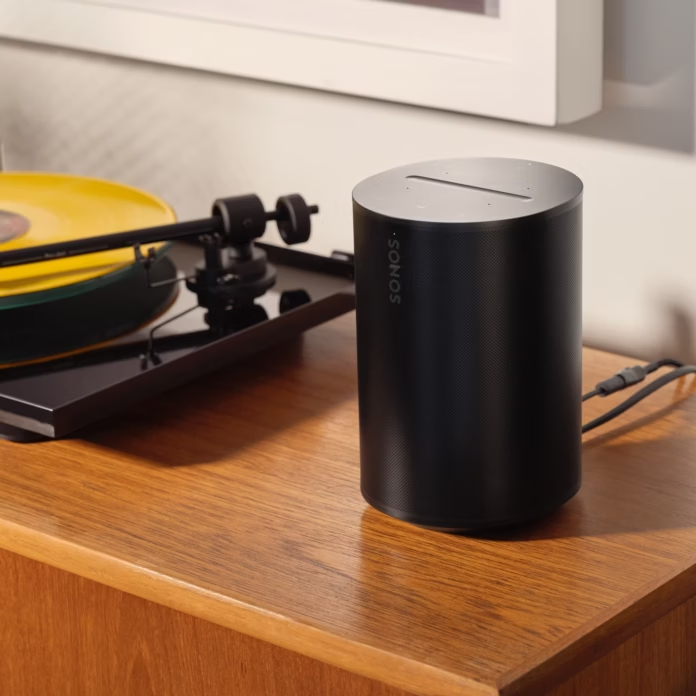
WiiM delivers excellent sound quality, strong detail, and lossless playback support, which might be significant for Hi-Fi music lovers.
On the Sonos side, you get a mature ecosystem, AirPlay support, and a lower price. Era 100 runs for $219, and if you don’t need a built-in voice assistant, Era 100 SL is even cheaper at $189.
So if you’re already invested in Sonos or AirPlay matters to you, Sonos still makes a lot of sense. But if you want more open streaming options and better Hi-Res support, WiiM has a very strong argument.
Vs Bose Lifestyle Ultra Wireless Speaker

WiiM is on par with Bose in the bass department, while the additional tweeter, lossless playback support, and more polished software make it a more compelling choice if you’re looking for sound fidelity.
It’s also worth noting that Bose is reinventing its audio ecosystem again, so if you already have older Bose speakers, the new Bose speaker may not be compatible with everything you own. Funny enough, that makes WiiM feel like the more flexible ecosystem – and that’s without a traditional soundbar already available for sale.
On the Bose side, you get legacy brand reputation and AirPlay support. In many cases, that would be enough. But WiiM also turns out to be cheaper. With an MSRP of $299, or $349 if you want the Driftwood Sand color scheme, the Bose Lifestyle Ultra Wireless Speaker is the more expensive and slightly less capable option for my use case.
Vs Denon Home 150 & Home 200.
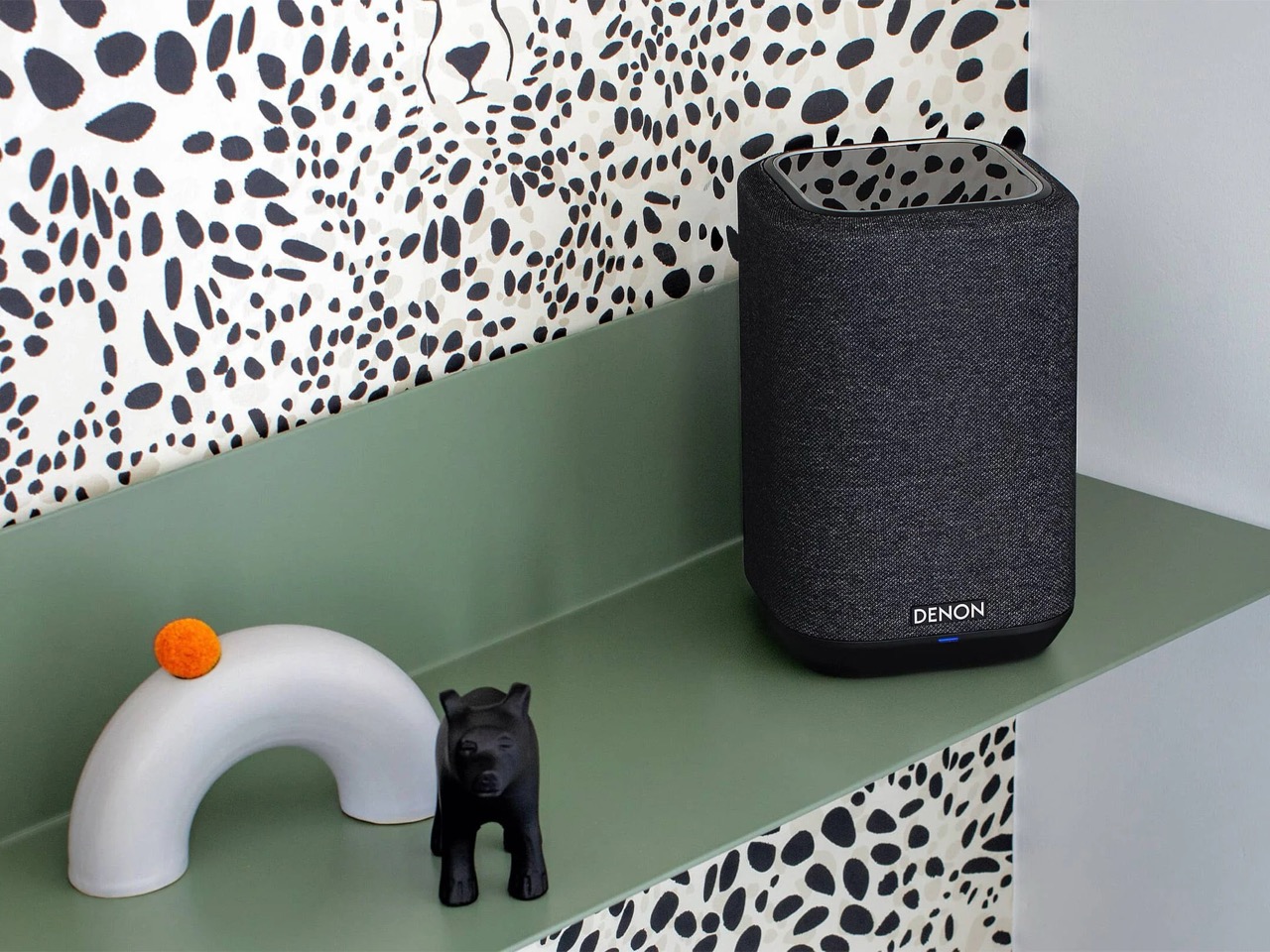
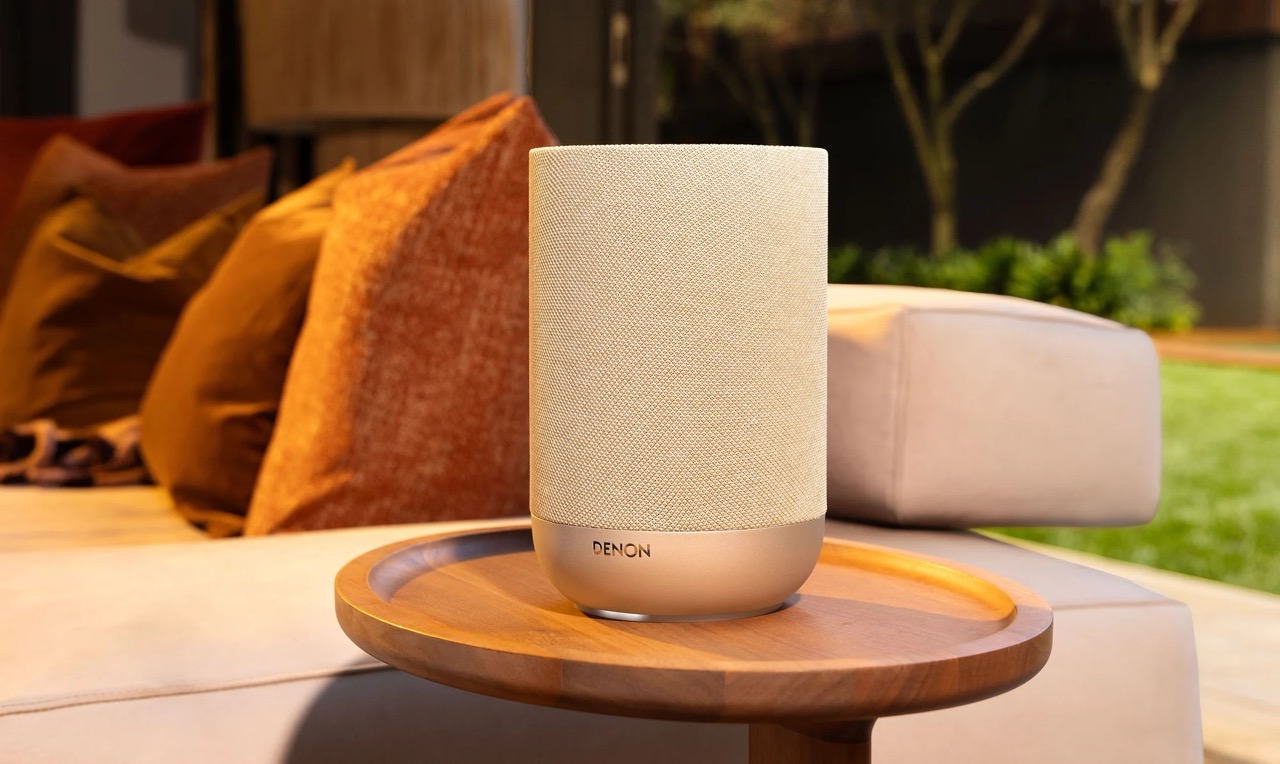
This is where WiiM faces its toughest competition. Denon has both the legacy brand reputation and sound quality to match. It also has its own wireless ecosystem with HEOS, where a multi-room setup with a full-blown receiver creates a real path toward proper Hi-Fi expansion.
If that’s not enough, both Denon speakers support AirPlay and lossless playback.
The trick up WiiM’s sleeve is price. Denon Home 150 retails for $249 and has a smaller driver setup than WiiM Sound Lite. Denon Home 200 is a much more direct competitor, with a similar compact smart speaker format, three-driver array, AirPlay 2, HEOS, Wi-Fi, Bluetooth, and Dolby Atmos Music support – but it also costs significantly more at $399.
Verdict
Overall, WiiM Sound Lite is a surprisingly great-sounding speaker with a distinctive design and easy-to-use software. Its lossless playback capabilities also put it on par with much pricier Hi-Fi wireless speakers.

What holds it back from a broader mainstream appeal is the lack of AirPlay support and reliance on third-party integrations to play nicely with iOS devices.
Is it a dealbreaker? Absolutely not. But it keeps WiiM Sound Lite in its own niche, even though it clearly has the chops to compete with Sonos, Bose, and Denon.

