




© ROOT-NATION.com - Use of content is permitted with a backlink.
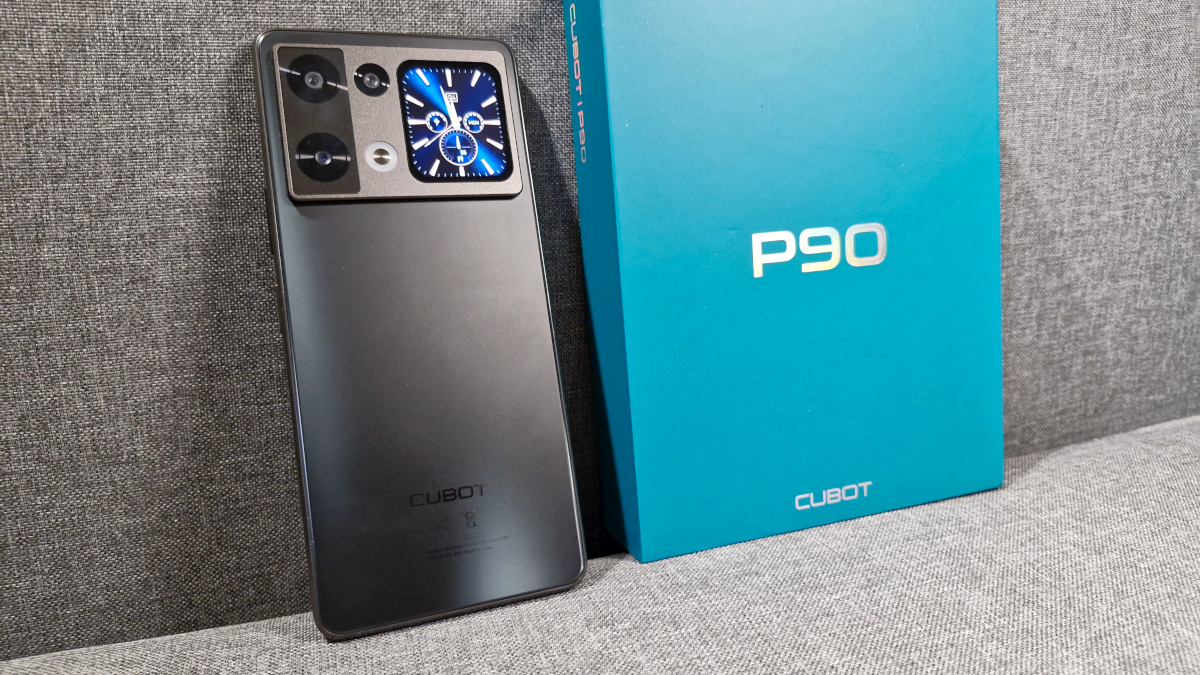
In early summer, CUBOT introduced its latest smartphone, the CUBOT P90. One of the standout features is a secondary display that can handle a variety of tasks. However, this isn’t a brand-new idea – dual-screen setups have already appeared in earlier models like the CUBOT A20 and Hafury V1. Still, the company has brought the feature back in its latest generation.
The P90 also runs on stock Android 15 and comes with 12GB of RAM, which is relatively uncommon in this price segment. That’s not counting the ability to virtually double the memory using storage space. But what else does this device bring to the table, and who might it appeal to?
Read also:
- CUBOT A30 Smartphone Review: Balanced Choice
- Cubot KingKong Power 5 Review: Rugged, Durable, and Budget-Friendly
TABLE OF CONTENTS:
CUBOT P90 Specifications
- Displays: main – 6.88‘, IPS, HD+ (1640×720), 120 Hz, 260 ppi; secondary – 1.72’
- Processor: Helio G100, 8 cores, 6×Cortex-A55 (2.0 GHz) + 2×Cortex-A76 (2.2 GHz), 6 nm
- Graphics processor: Mali-G57 MP2
- Permanent memory: 256 GB
- RAM: 12 GB LPDDR4X (+12 GB virtual)
- Memory card support: TF up to 1 TB
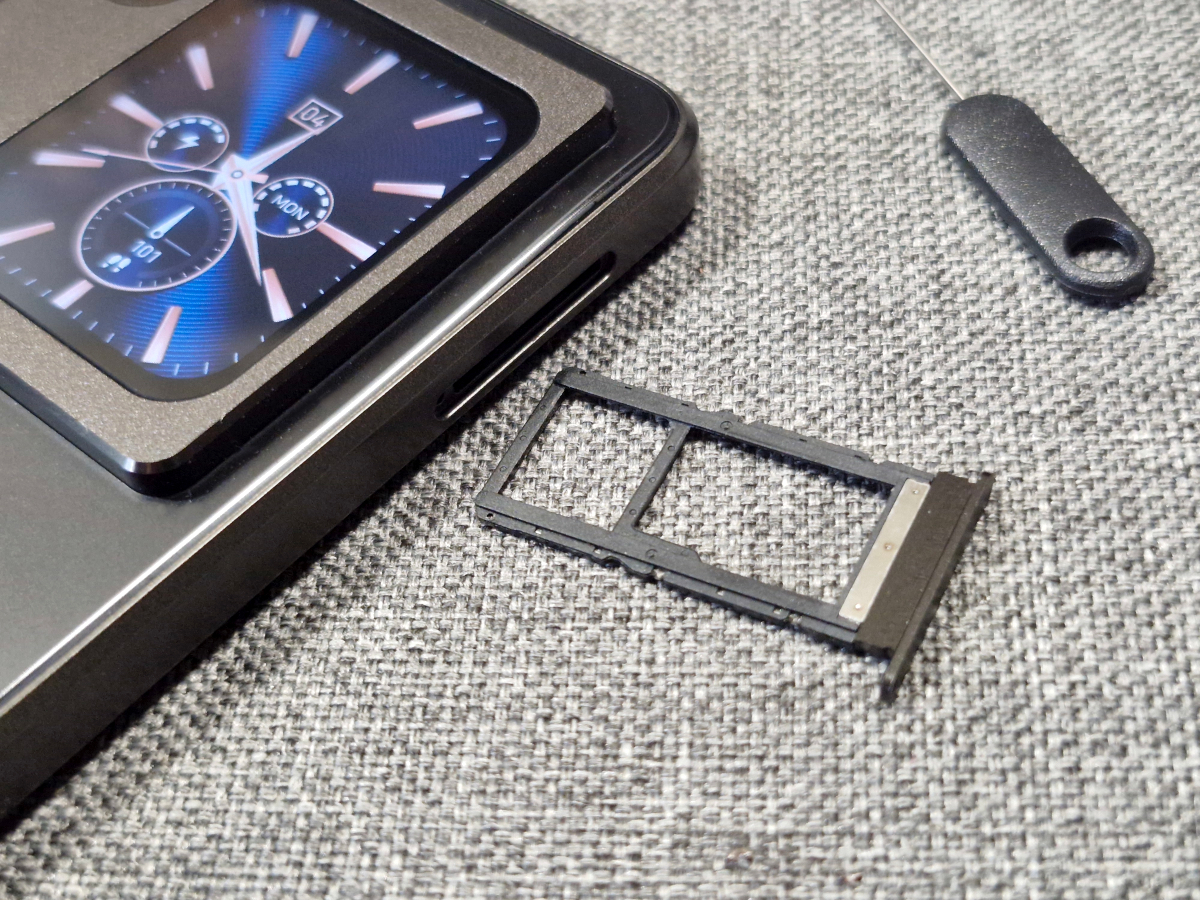
- Slot: combined (2 SIM or SIM + TF)
- Wireless networks: Wi-Fi 5, Bluetooth 5.2, NFC, GPS, GLONASS, Galileo
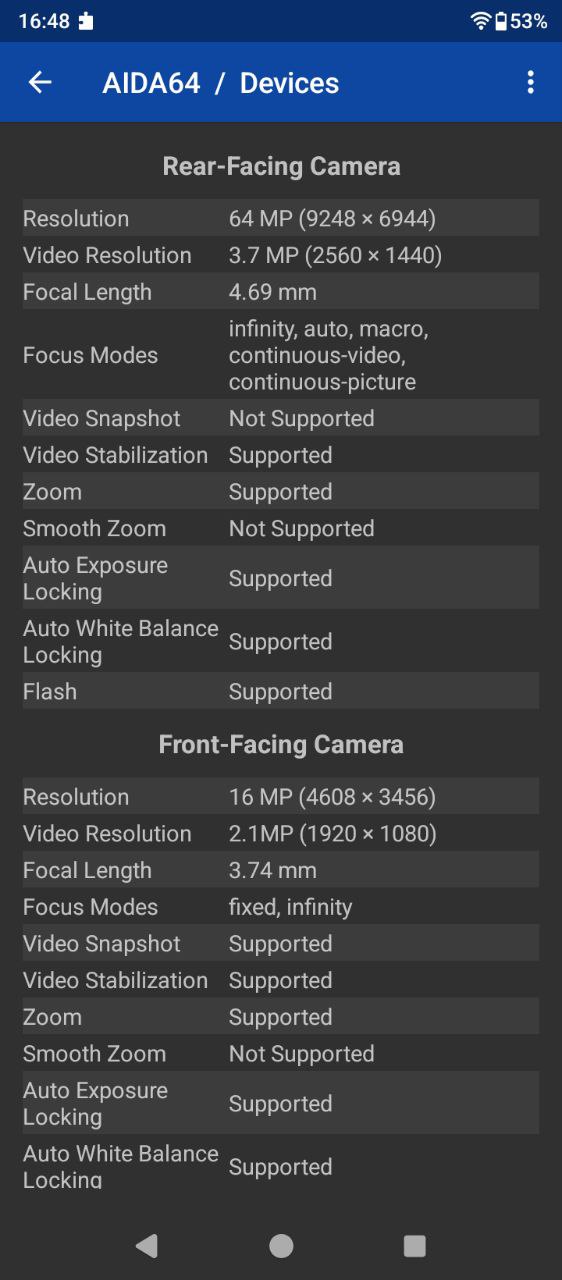
- Main camera: 64 MP + wide-angle 5 MP + auxiliary sensor 0.3 MP
- Front camera: 16 MP
- Battery: 5100 mAh
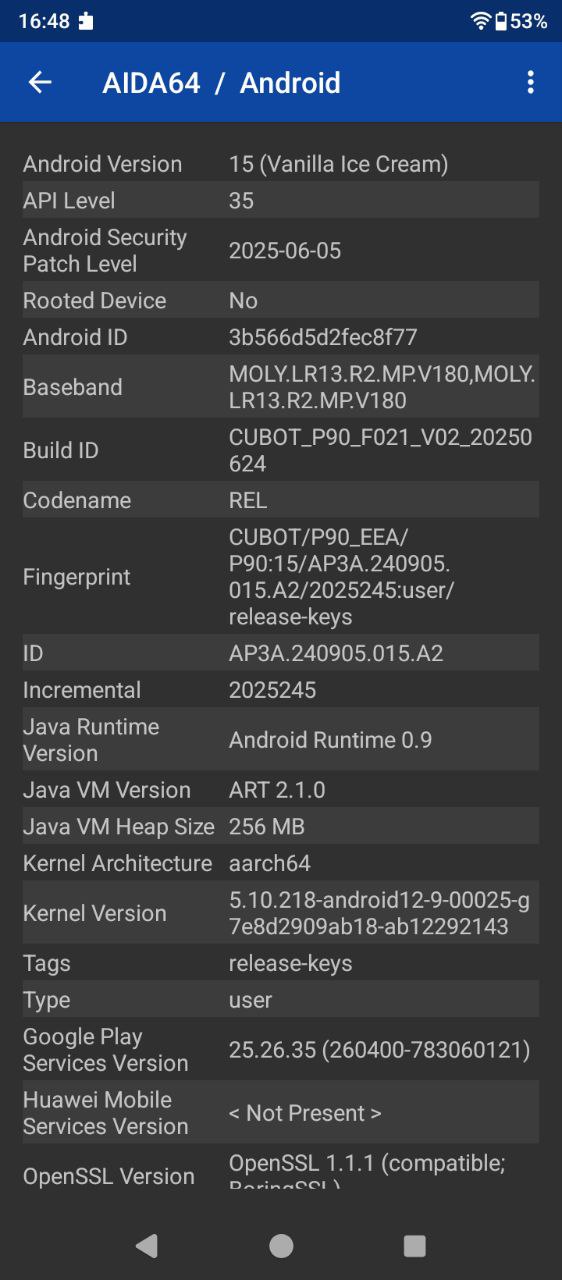
- Operating system: Android 15
- Dimensions: 172.3 × 78.1 × 8.6 mm
- Weight: 209 g
- Additional features: stereo sound, side fingerprint scanner
Price
While the P90 is not yet available in Ukraine, its pricing on CUBOT’s official AliExpress store gives a general idea: $165 or €145.
In other words, the P90 falls squarely into the budget category – one that’s already crowded with competing models. So what advantages, if any, set it apart from the rest?
CUBOT P90 Package contents
The packaging of the CUBOT P90 is minimalistic, both in design and contents. Inside the flat green box, you’ll find the phone itself, a basic plastic bumper case, an 18W charger, a USB cable, a SIM tray tool, and some standard documentation.
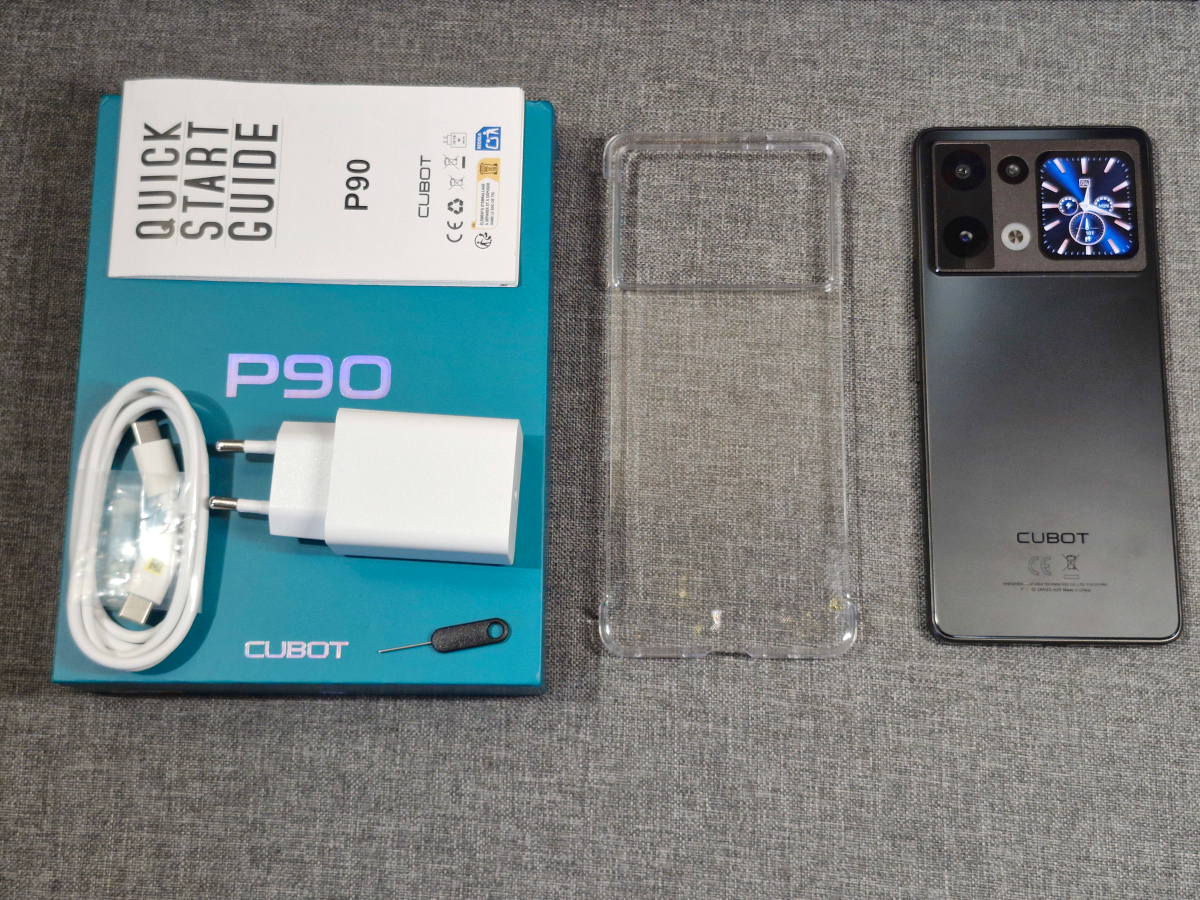
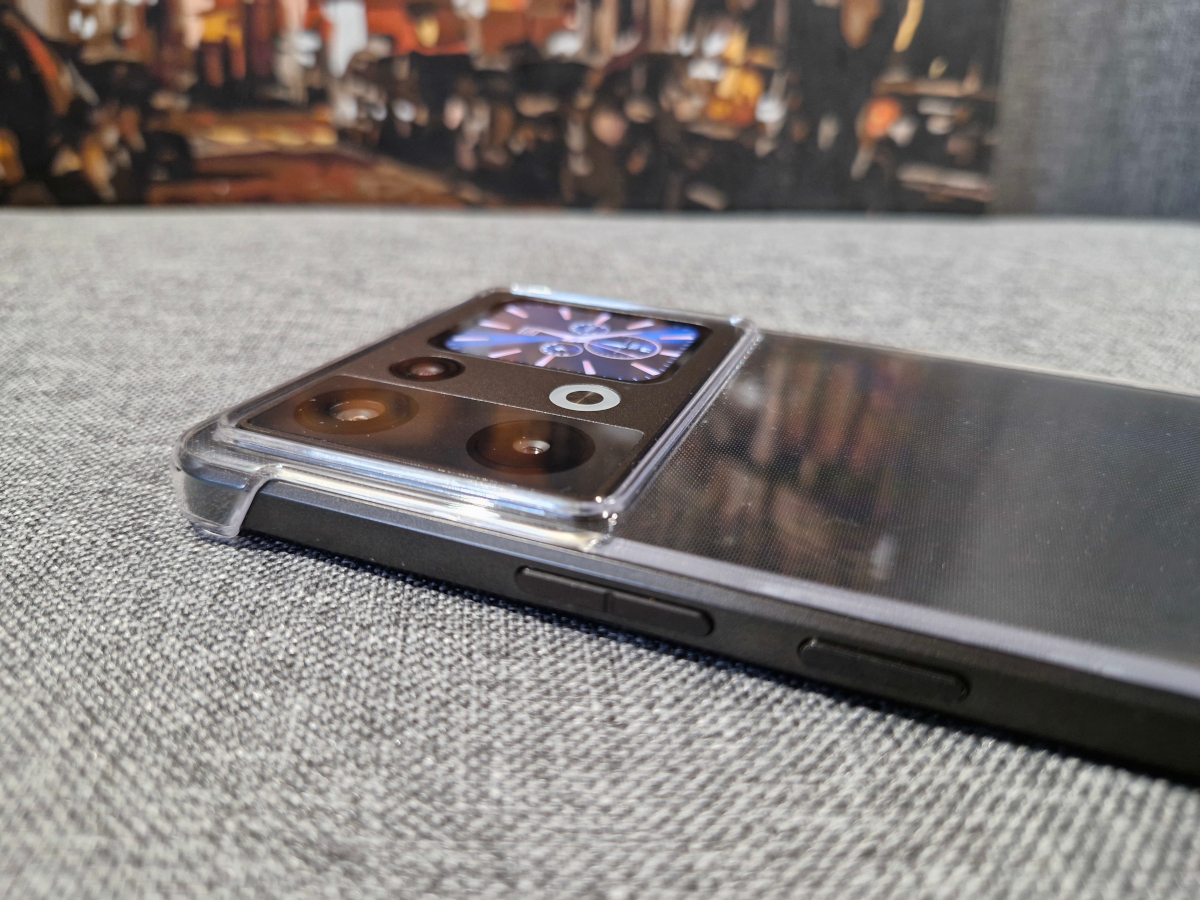
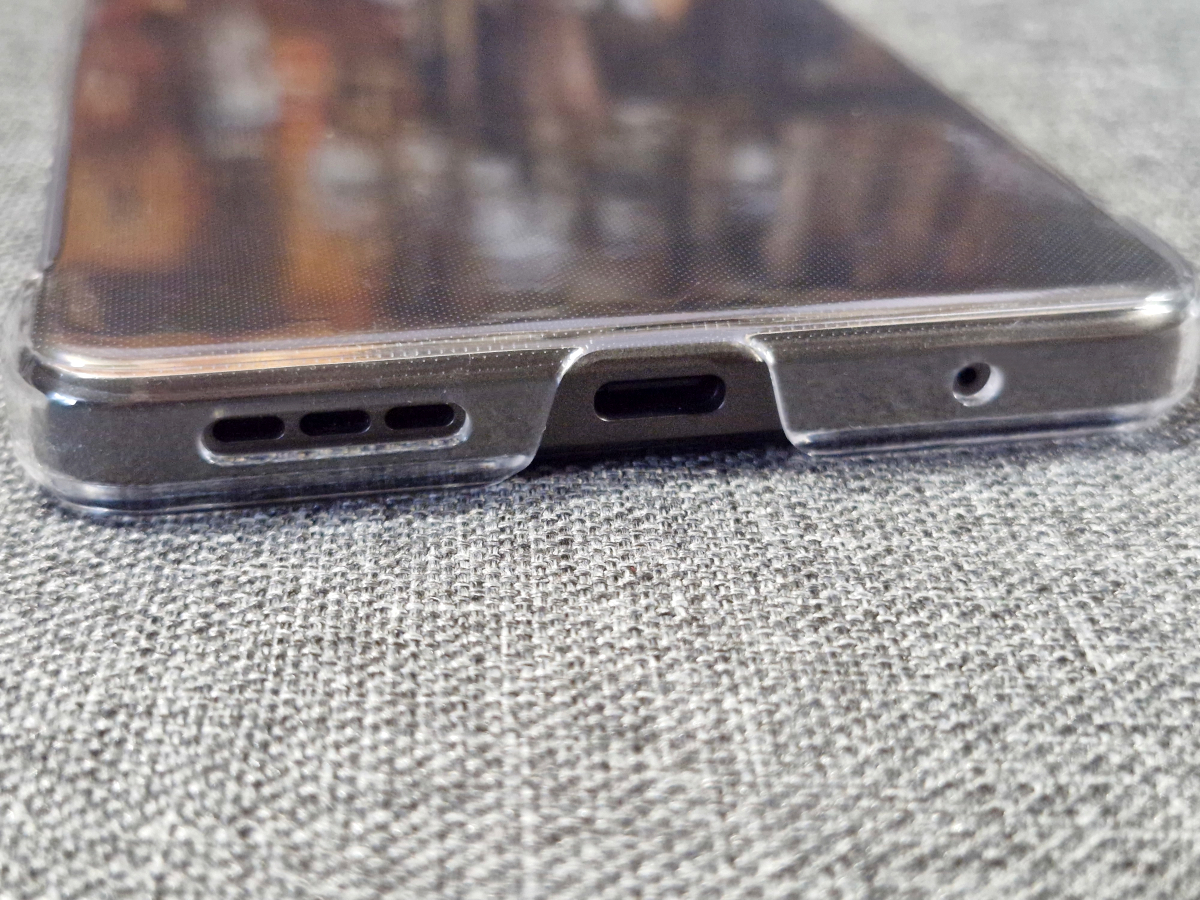
The included bumper case is fairly basic. Made of transparent plastic, its primary role is to protect the camera module and the secondary display, with reinforced edging around that area, as well as coverage on the top and bottom edges. However, the sides are left exposed. Overall, it’s a decent starting point, but the build and feel suggest it may not offer long-term durability. Those planning to use the device daily would likely want to invest in a more robust case.

Read also:
Design, materials and layout of elements
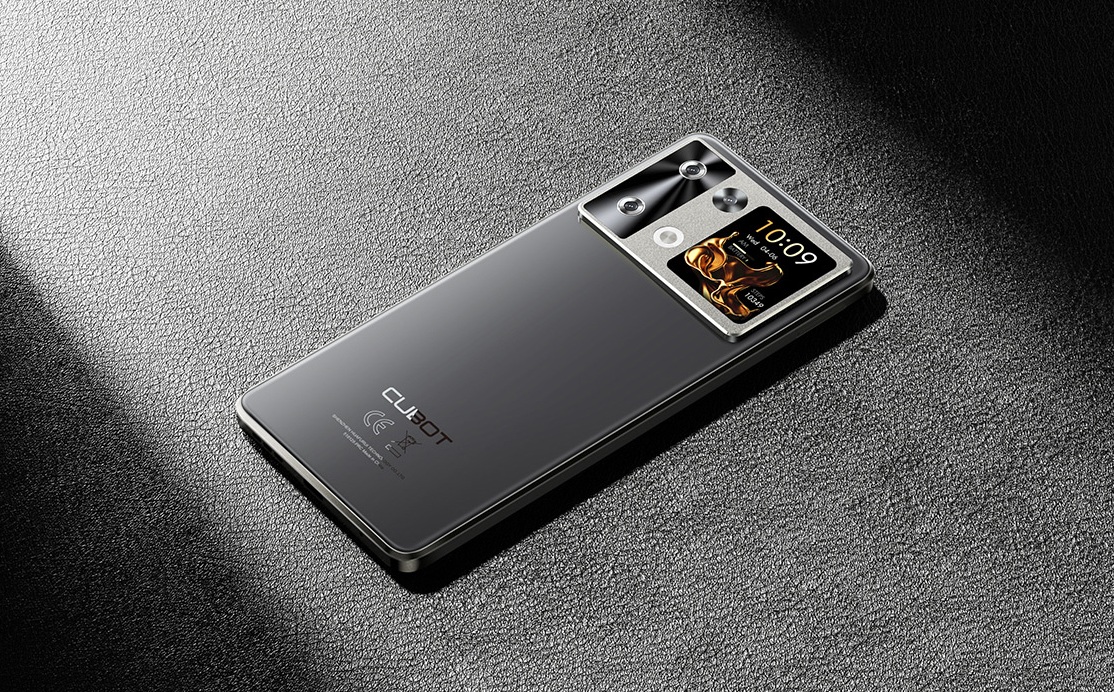
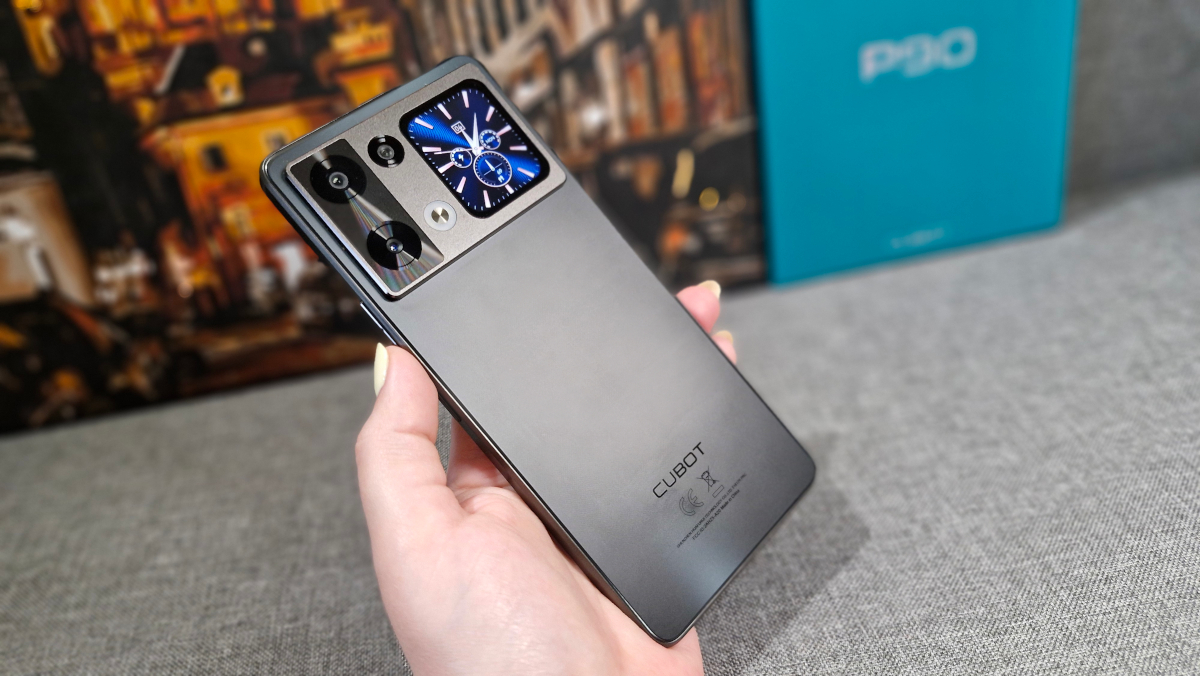
The CUBOT P90 measures 172.3 × 78.1 × 8.6 mm and weighs 209 grams – about average for today’s smartphones. The body is entirely plastic, with a matte black back panel and bronze accents along the edges and around the camera module. Despite the matte finish, the surface still tends to pick up fingerprints and signs of use over time.
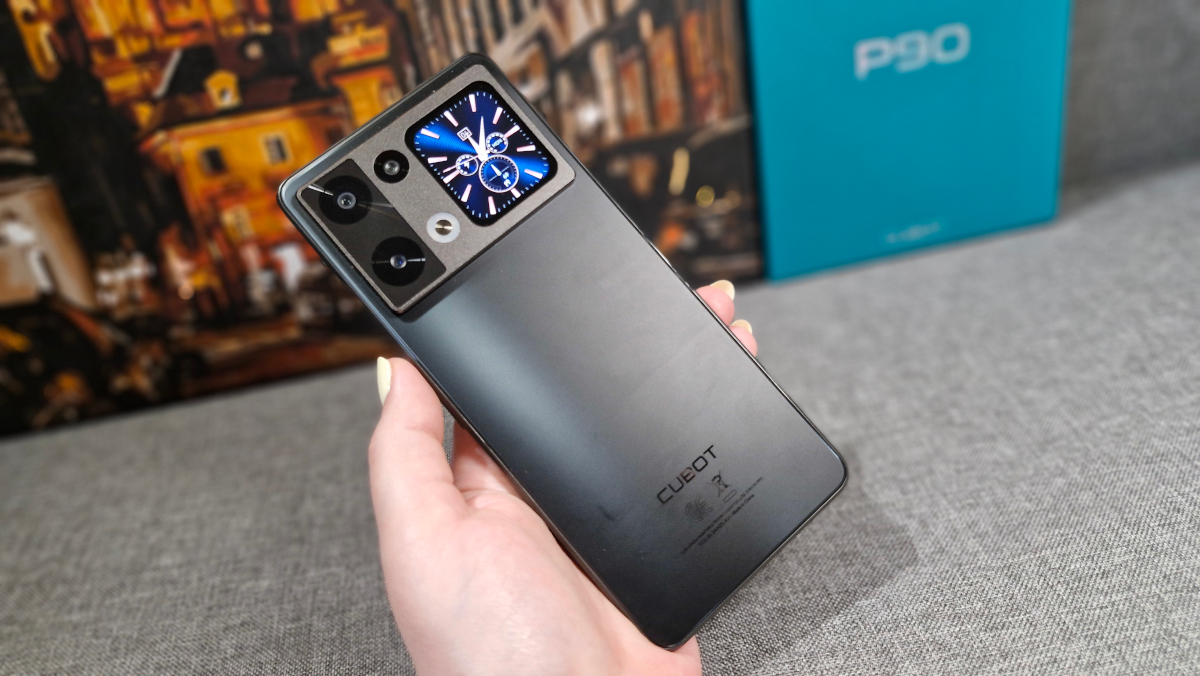
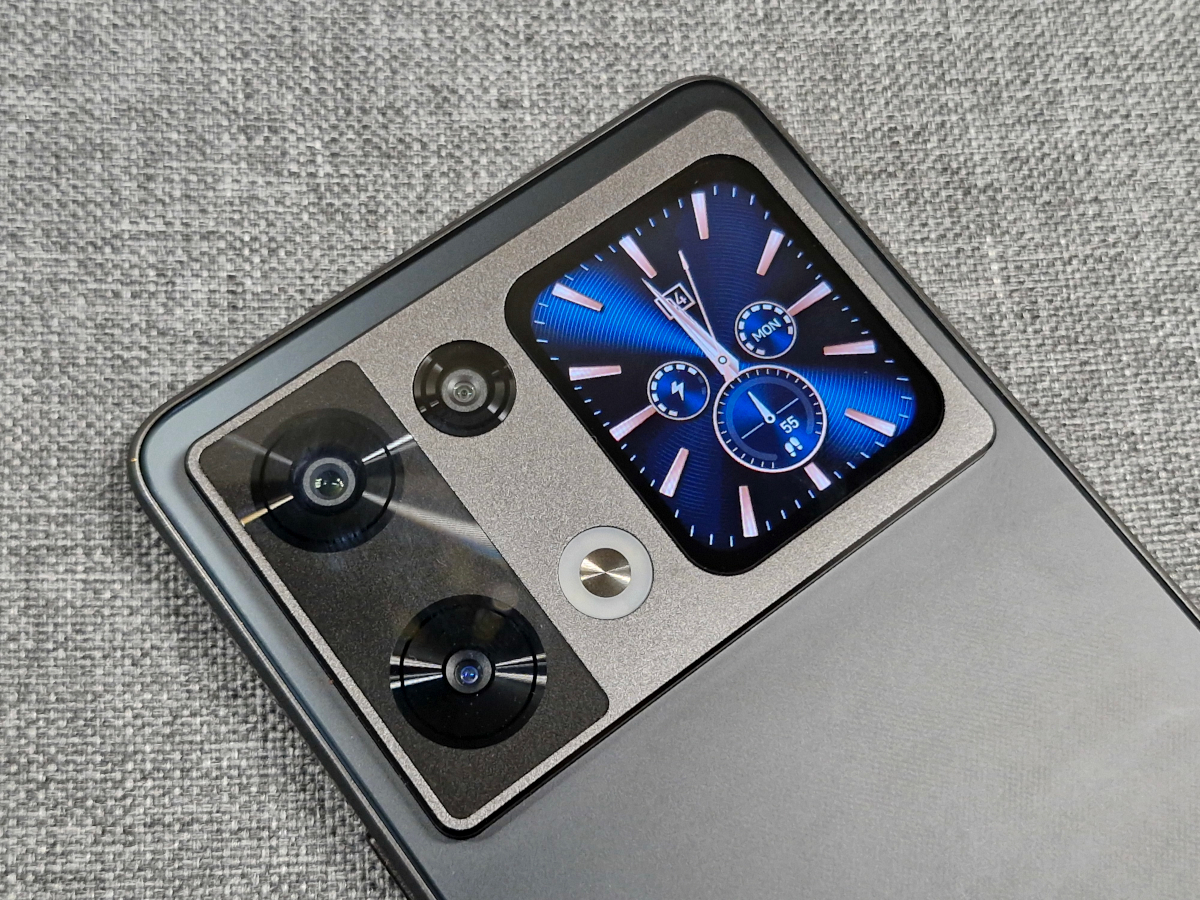
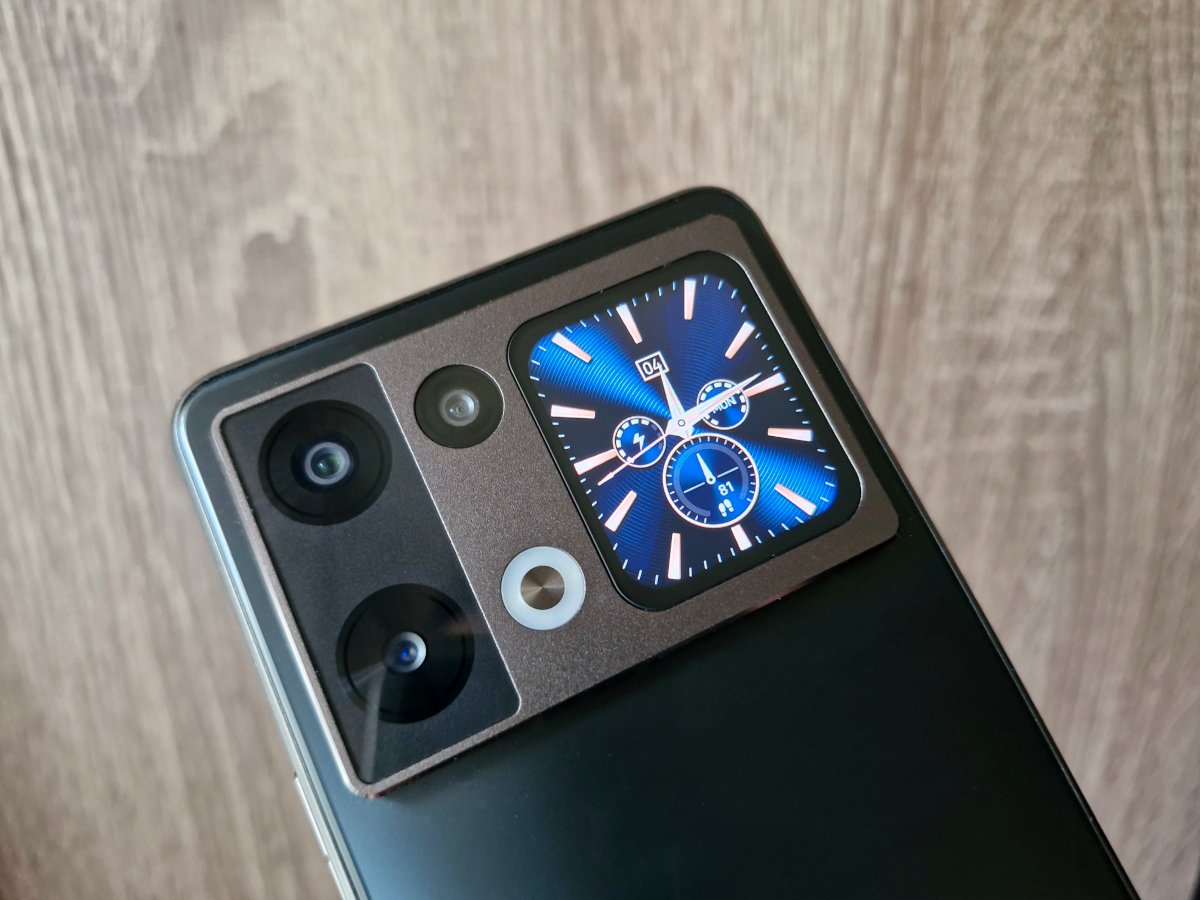
What stands out immediately is the large camera and display platform on the back – it takes up roughly a quarter of the rear panel and protrudes noticeably. On the left side of this module are two main camera lenses; slightly to the right sits an additional sensor, with an LED flash positioned just below it. The secondary display measures 1.72 inches, features rounded corners, and occupies the entire right half of the platform.
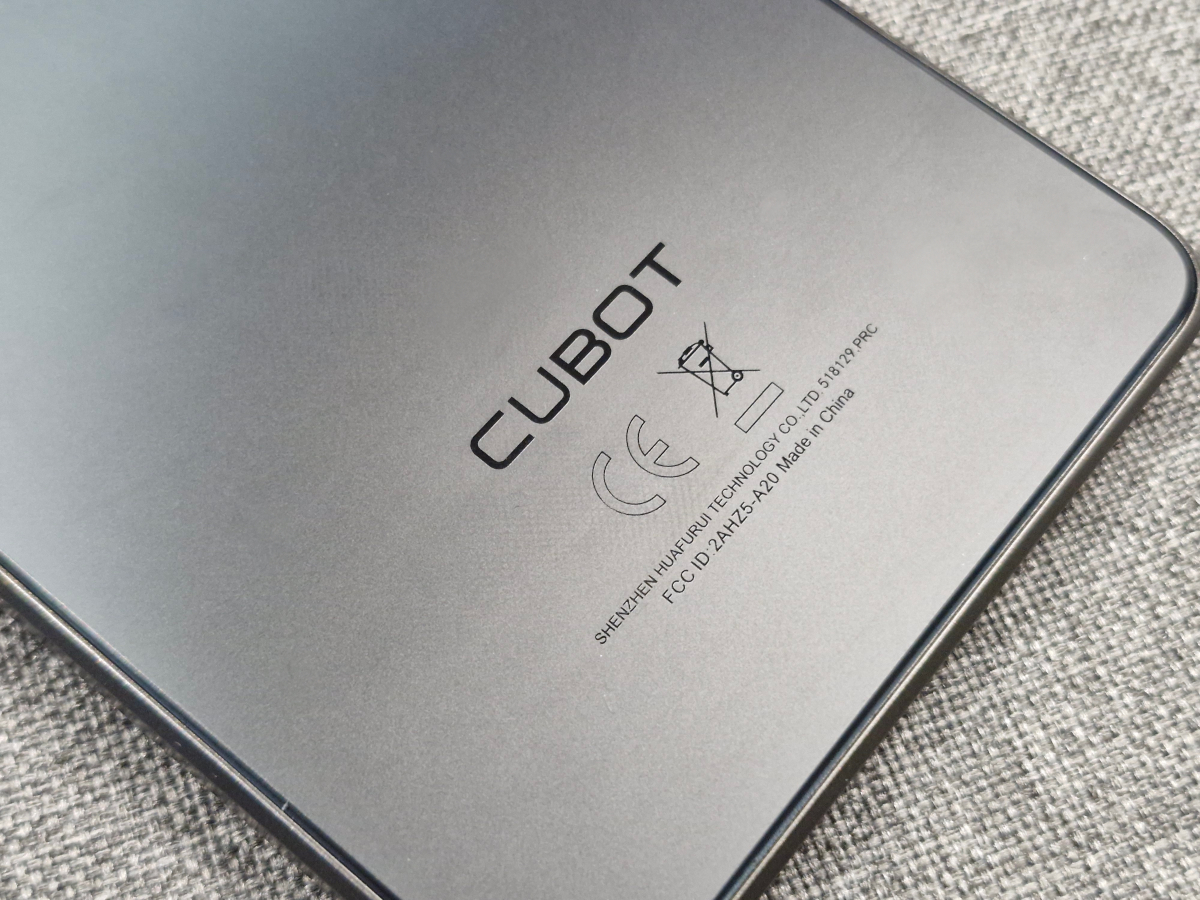
At the bottom of the back panel, there’s a small, neatly placed CUBOT logo along with standard regulatory markings.
Flipping the phone over reveals the main display. The bezels aren’t particularly slim, but they’re not excessively thick either. The top and especially the bottom bezels are the most noticeable. The front-facing camera is housed in a small teardrop notch, and just above it – where the screen meets the top edge – is the earpiece speaker.
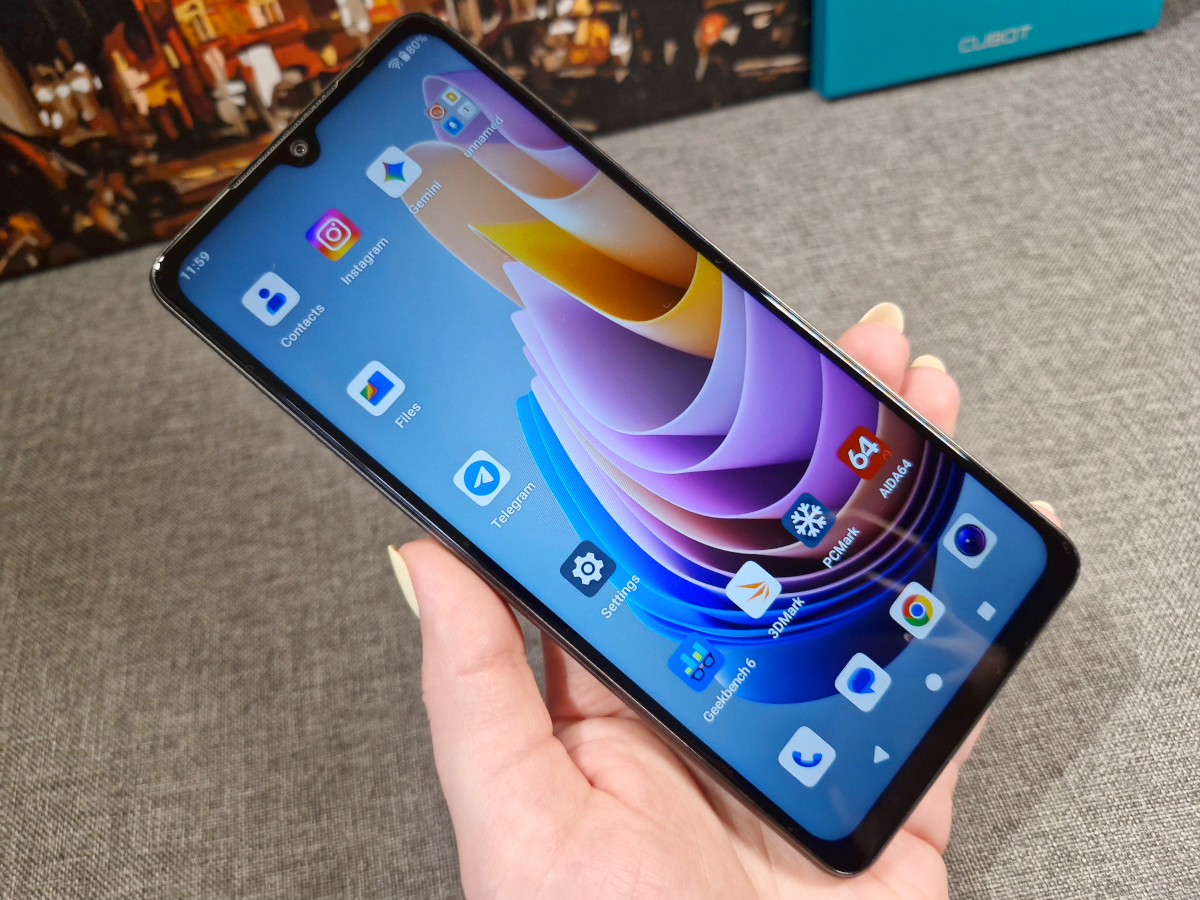
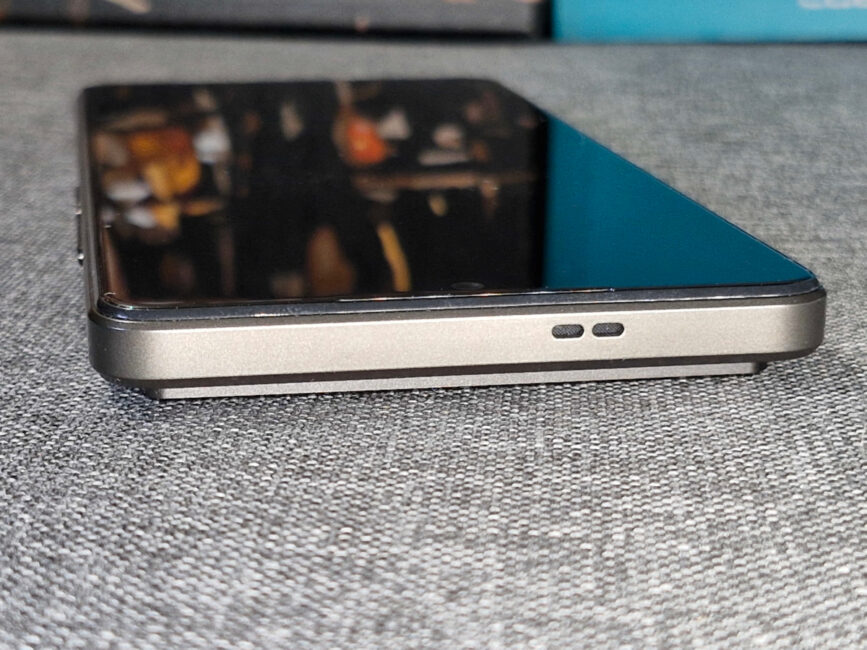
Looking at the edges, they’re flat rather than rounded. On the left side, there’s a hybrid slot that can accommodate either two SIM cards or one SIM and a microSD (TF) card. On the opposite side, you’ll find the volume rocker and the power button, which also houses the fingerprint scanner.
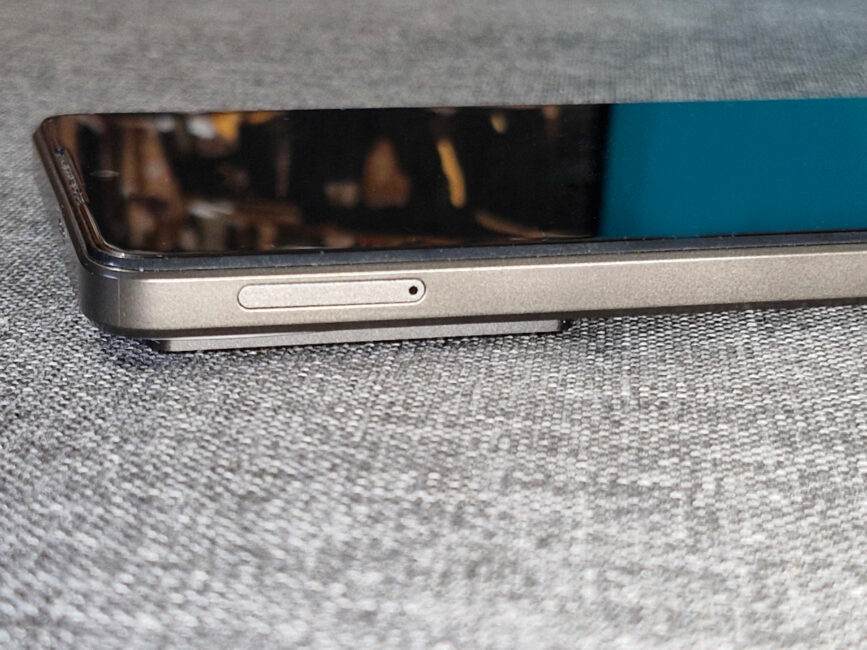
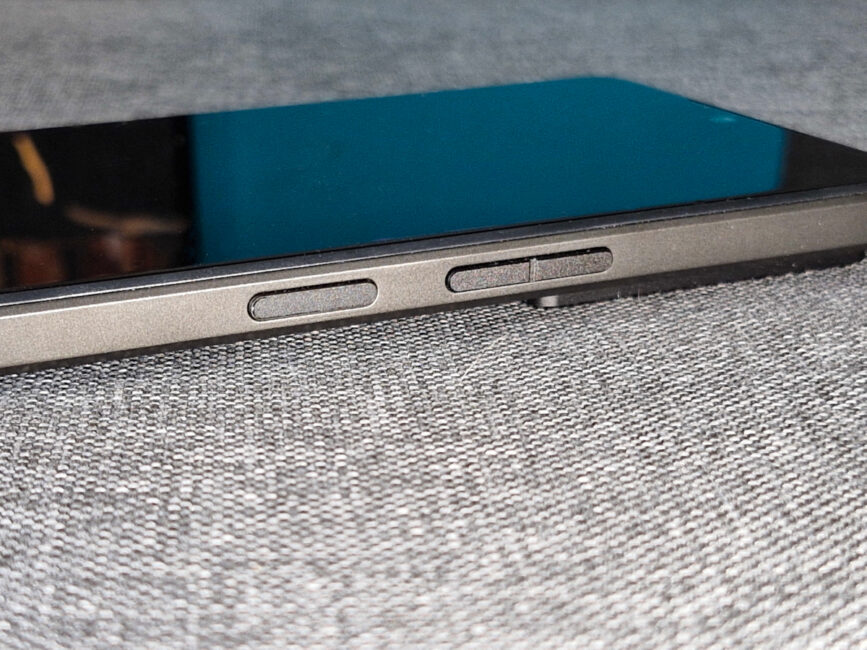
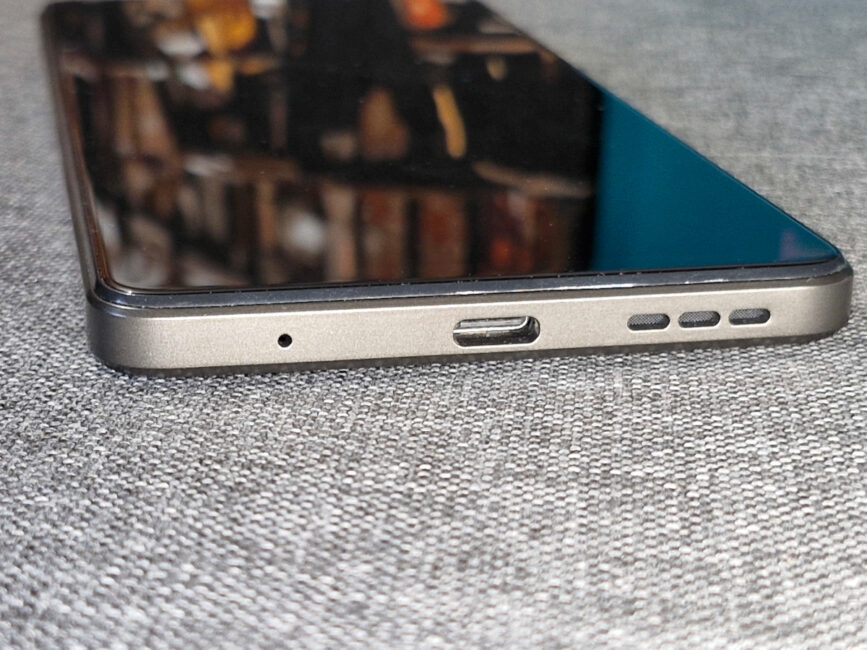
At the bottom edge, there’s a grille for the main speaker, a microphone, and a USB Type-C port. The top edge features a grille for the secondary speaker, confirming that the device offers stereo sound. However, there’s no 3.5mm headphone jack for wired headphones.
Ergonomics
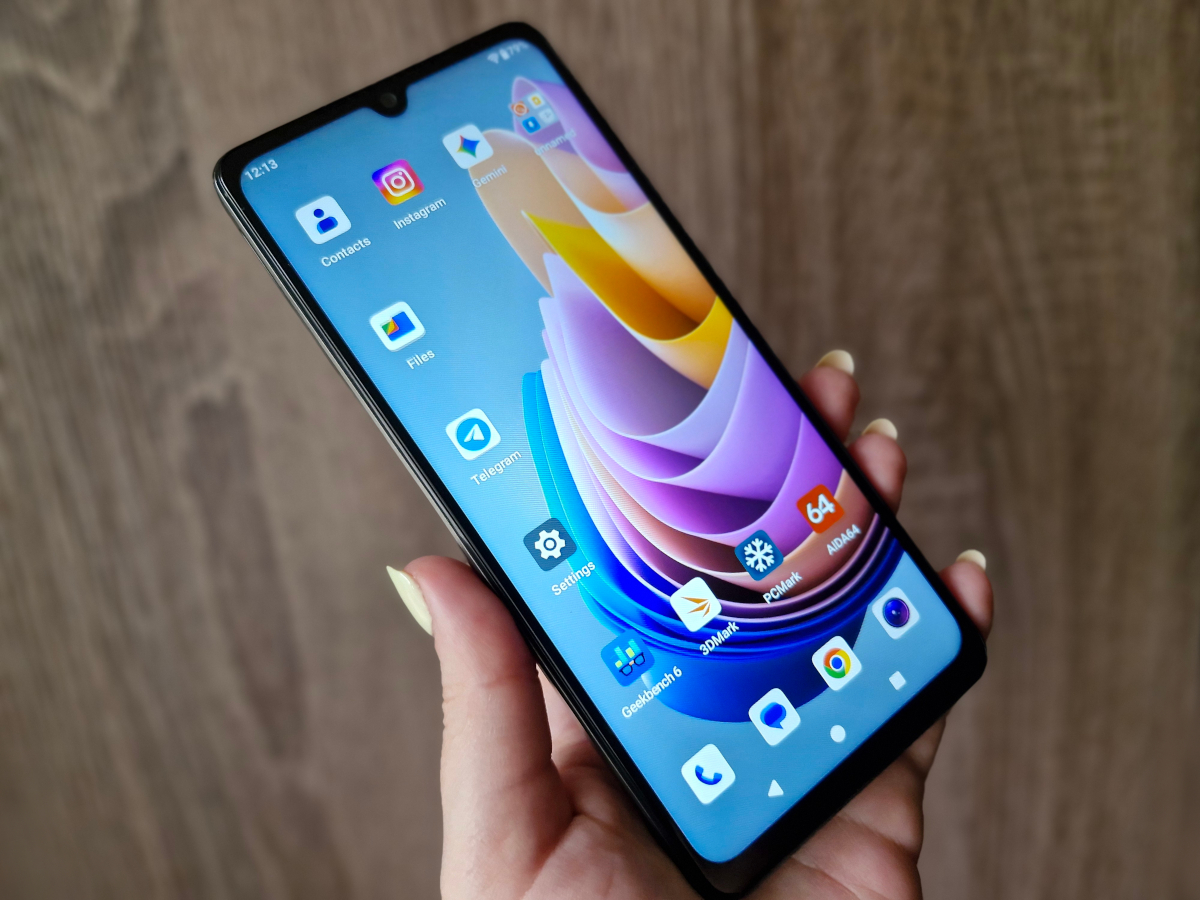
Overall, the CUBOT P90 performs like most smartphones in its class. It feels comfortable in hand and, thanks to its elongated shape and flat edges, offers a reasonably secure grip – though using a silicone case can add extra confidence. The fingerprint scanner integrated into the side power button is well-positioned, easily reachable with the right thumb. With a 6.88-inch display, one-handed use isn’t practical, which is to be expected at this size.
CUBOT P90 Displays
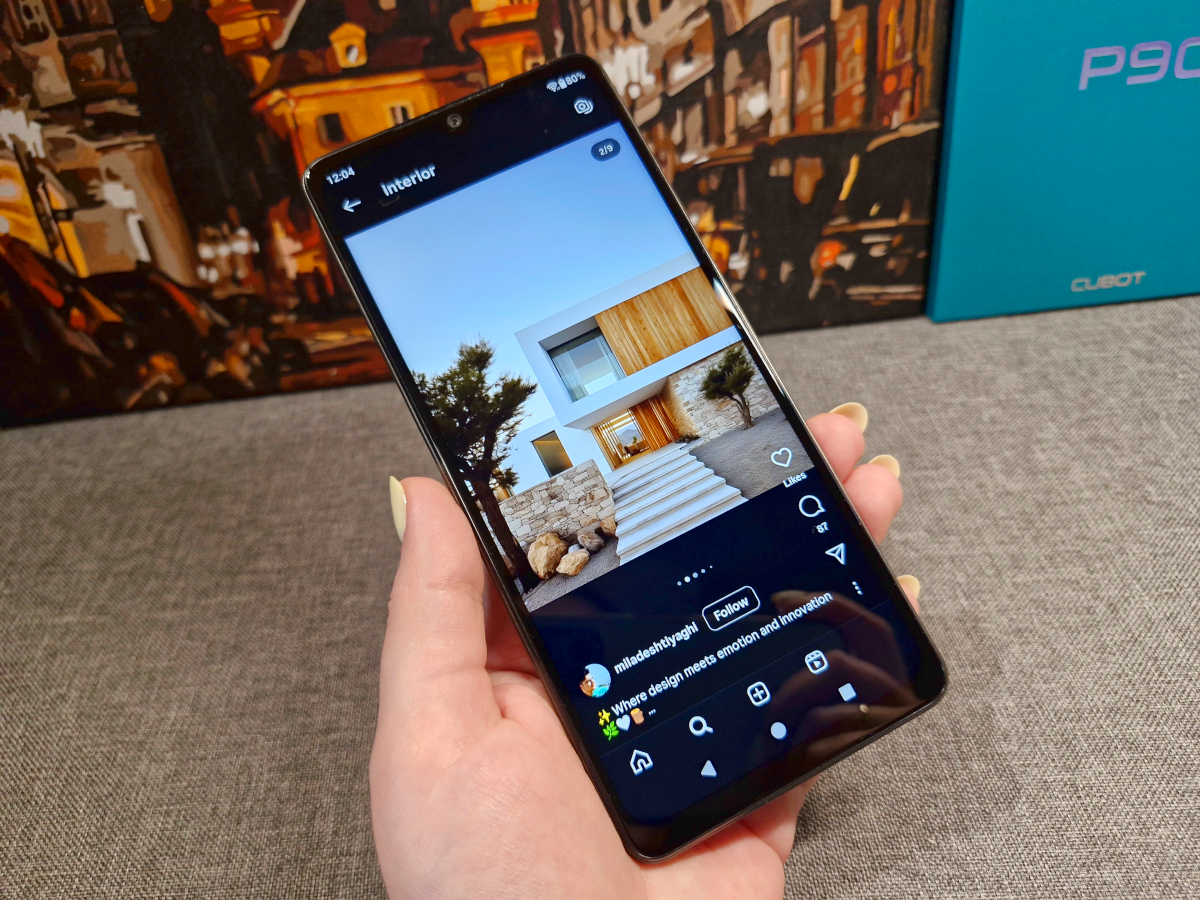
Let’s start with the main display’s specifications. The CUBOT P90 features a 6.88-inch IPS panel with a refresh rate of up to 120 Hz, but the resolution is limited to HD+ (1640×720) with a pixel density of 260 ppi. In 2025, even budget smartphones often offer Full HD screens, and there are options like that available in this segment. Still, it’s hard to fault the P90’s display quality. Text appears clear and free of noticeable graininess, and visuals generally look good. In some cases – such as when scrolling through short videos – if you look closely, you might notice slight softness or “smoothing” artifacts, but these usually don’t stand out during regular use.
So, here’s a preliminary conclusion: Is the CUBOT P90’s display the best in its class? Certainly not. However, it meets the needs of most users today, allowing for comfortable consumption of various types of content and information.
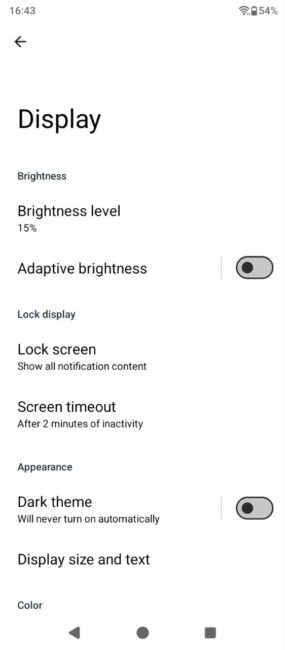
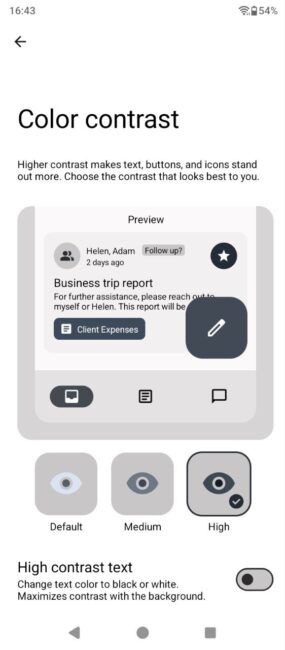
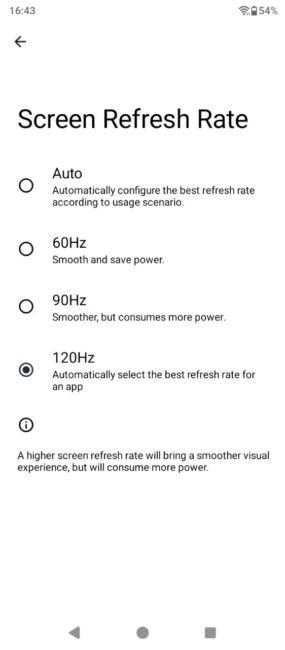
Here’s what you’ll find in the display settings. First, there’s an option to adjust color output – specifically, contrast – with three modes available: standard, medium, and high. There’s also a high-contrast text feature, but it wasn’t particularly appealing. It adds a white outline to letters, which, in my opinion, makes them harder to read rather than easier. Regarding refresh rates, the phone offers four options: 60 Hz, 90 Hz, 120 Hz, and an adaptive mode that automatically selects the optimal refresh rate based on the content being displayed. Other standard features include a dark mode, adaptive brightness, text and icon scaling, and auto-rotation.
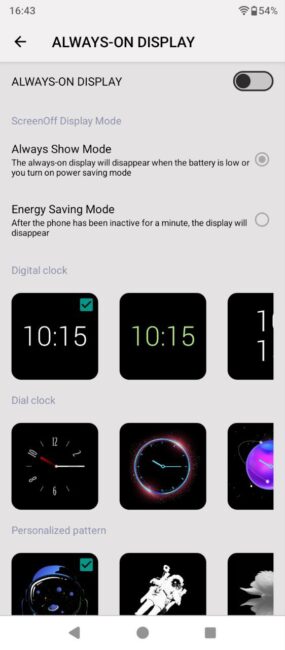
There’s also an interesting feature here – Always-On display. It lets you show screensavers, the clock, notifications, and provides quick access to certain functions. If this were an OLED screen, it would be more energy-efficient, but since the P90 uses an IPS panel, keeping Always-On active will drain the battery faster. That said, you can configure it to stay on for just the first minute after the screen locks. Additionally, the feature automatically disables when the battery is low or when power-saving mode is enabled.
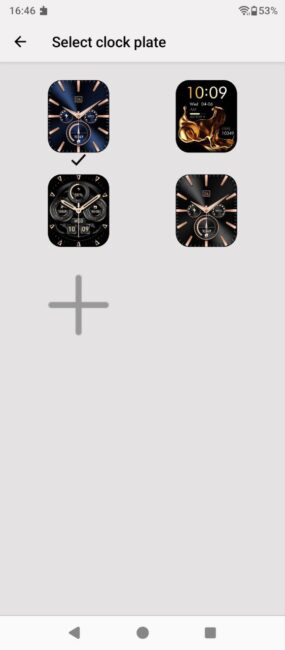
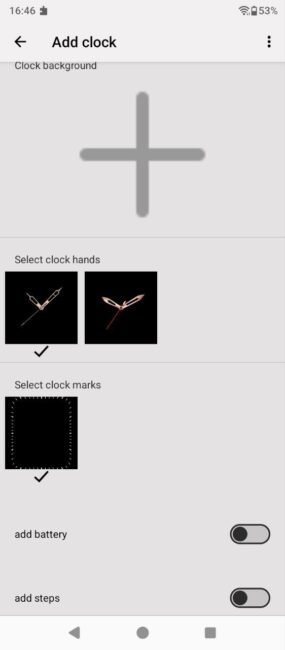
The CUBOT P90 also features a secondary rear display measuring 1.72 inches. Similar to the Hafury V1, interacting with this screen feels a lot like using a fitness tracker or smartwatch. It supports multiple screens that you navigate between with swipes.
The main screen shows the time, and you can choose from preset watch faces or create a custom design, though customization options are limited. Next is a camera viewfinder mode, allowing you to use the secondary display as a preview screen for selfies taken with the main camera – arguably the most useful feature of the secondary display.
Following that is a compass, and the last screen offers music playback controls. However, if you swipe in the opposite direction, the music player becomes the first screen you see. The notification shade lets you check battery life, and swiping up from the bottom reveals notifications.
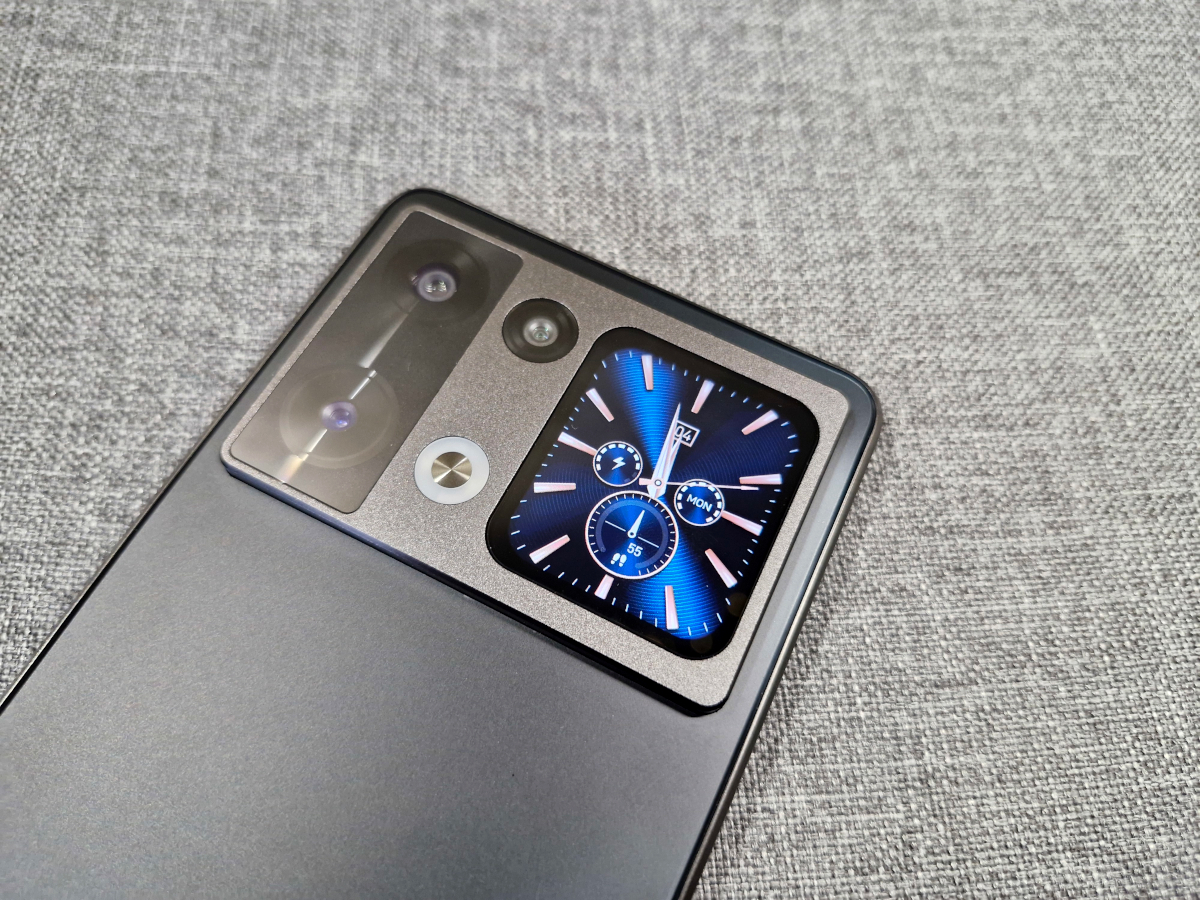
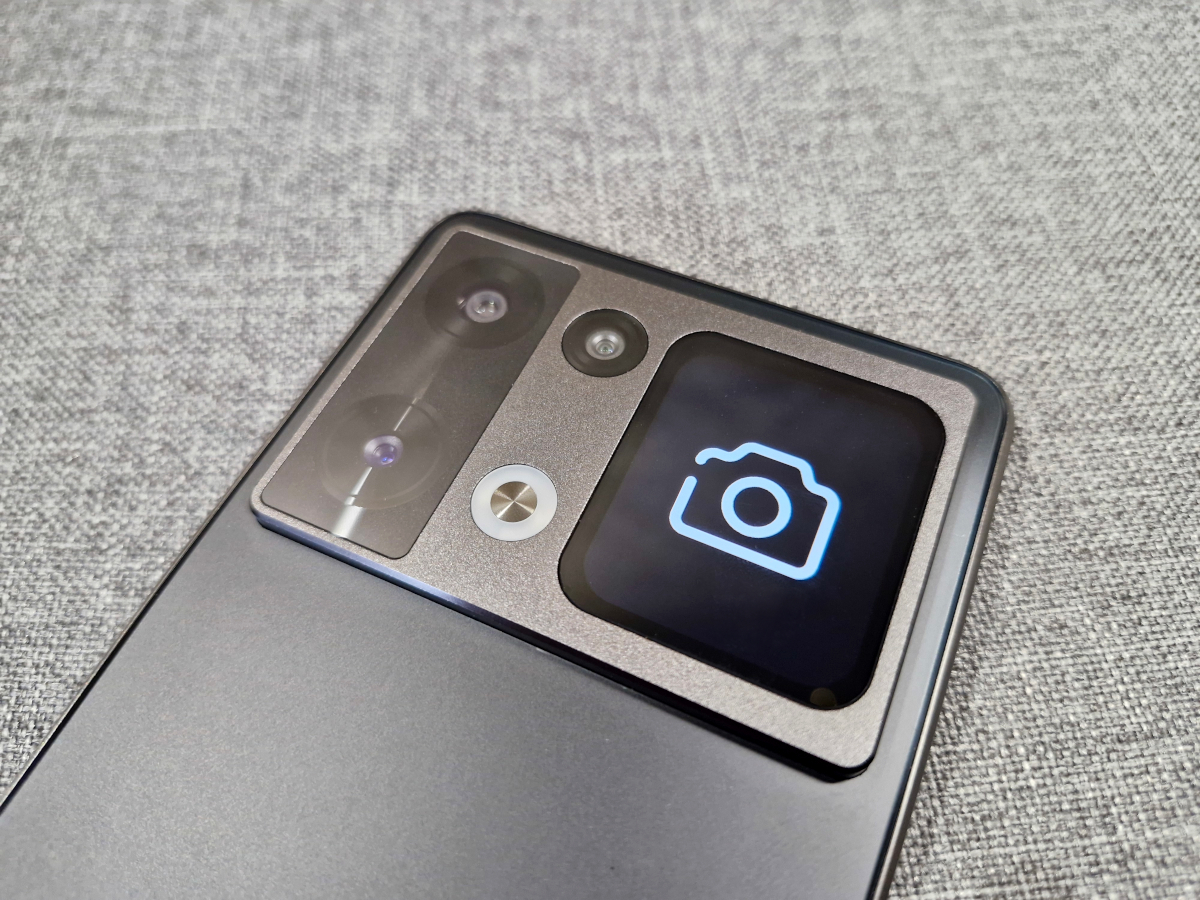

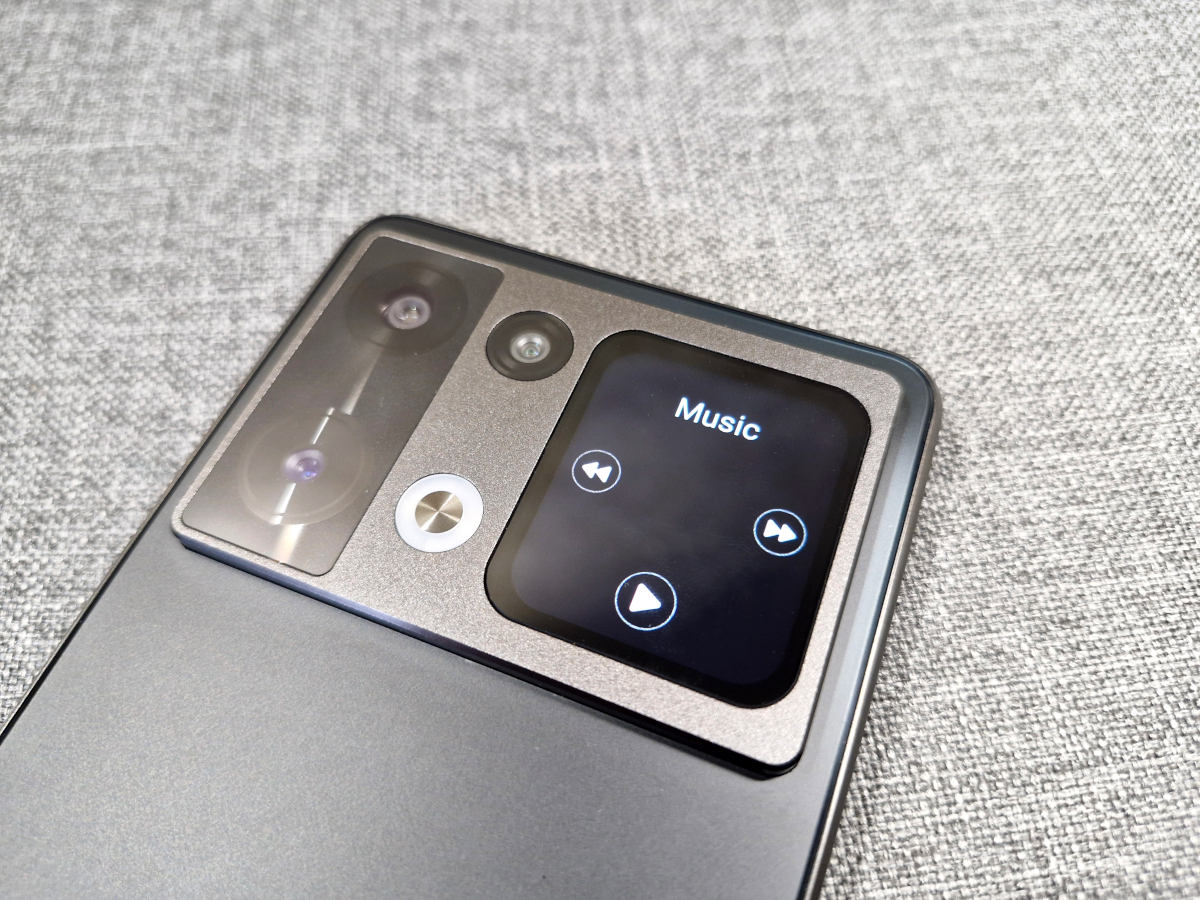
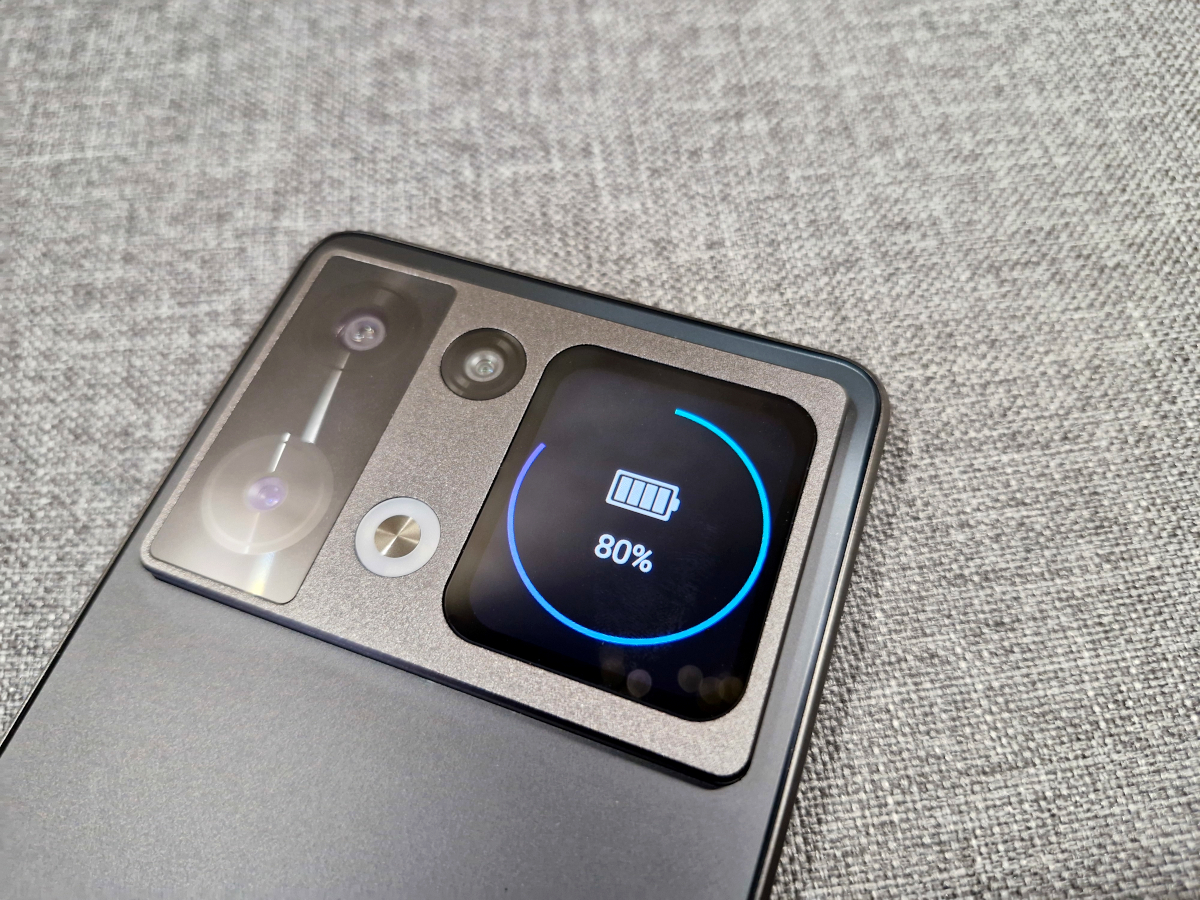
The settings include several additional features: brightness level and eye protection mode, screen timeout options, synchronization with the main display, double-tap to wake, and the ability to select which apps can show notifications on the secondary screen, along with instructions on how to interact with it.
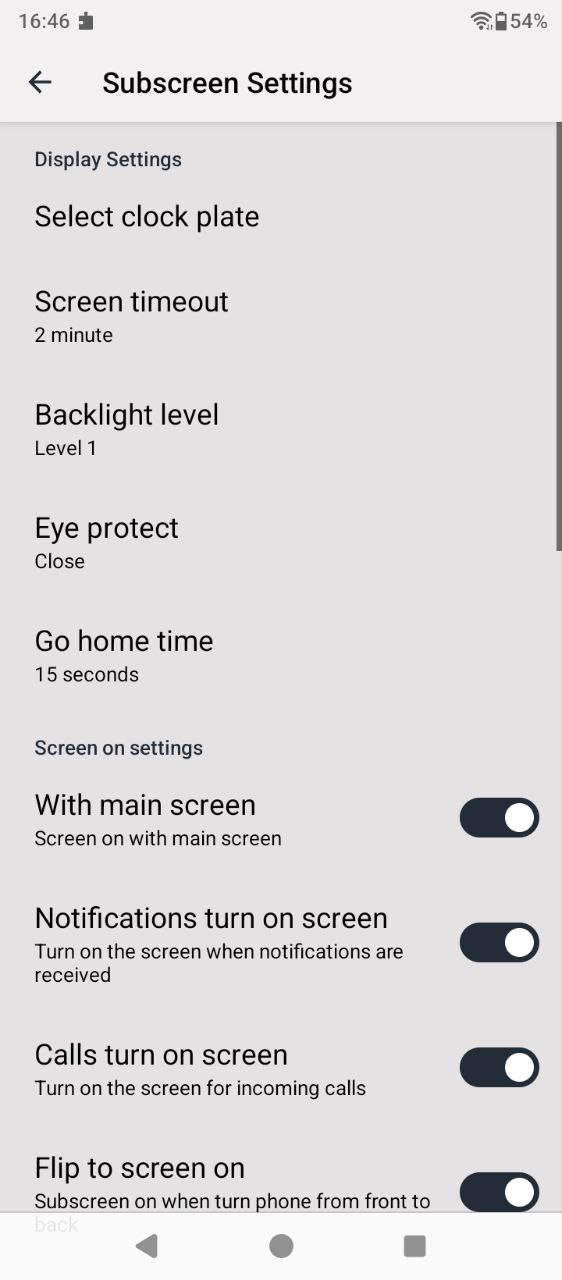
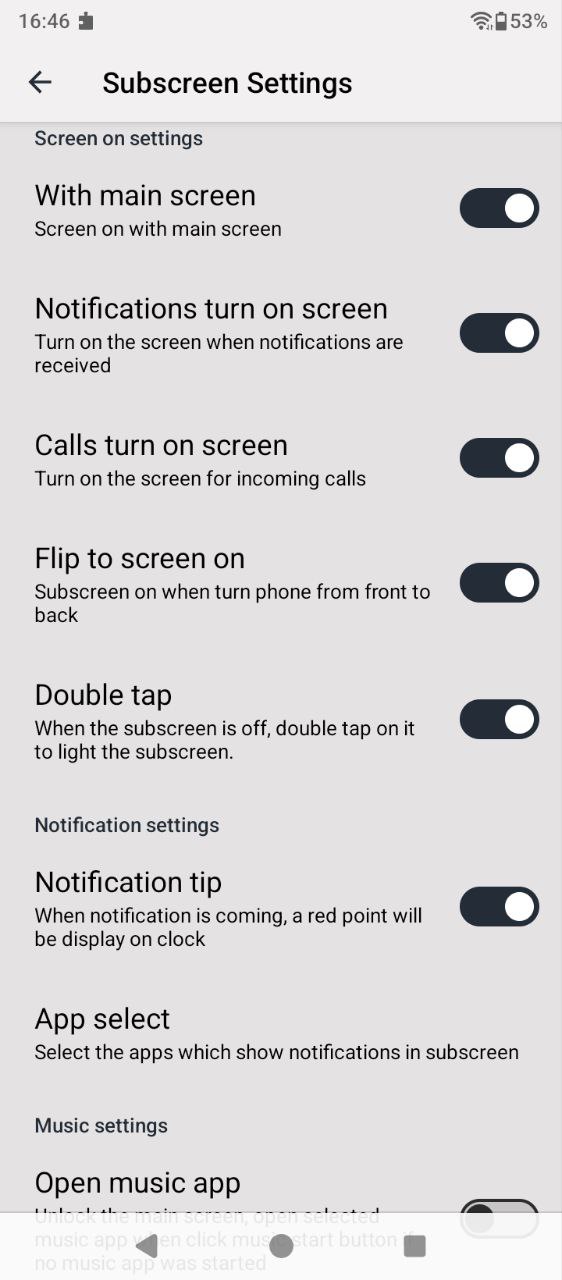
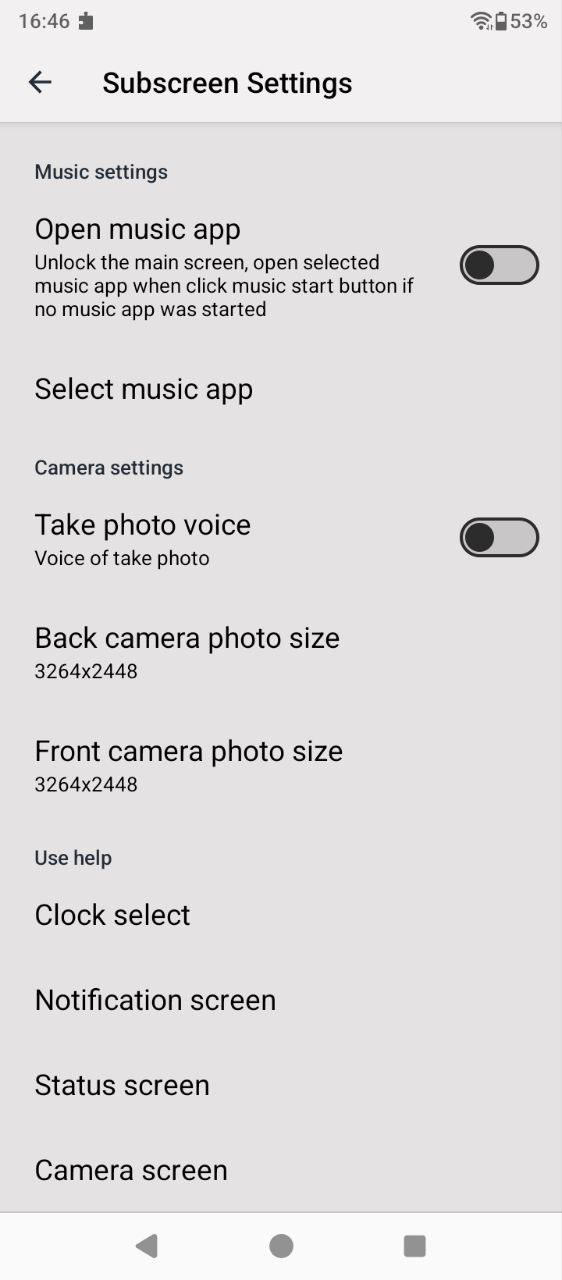
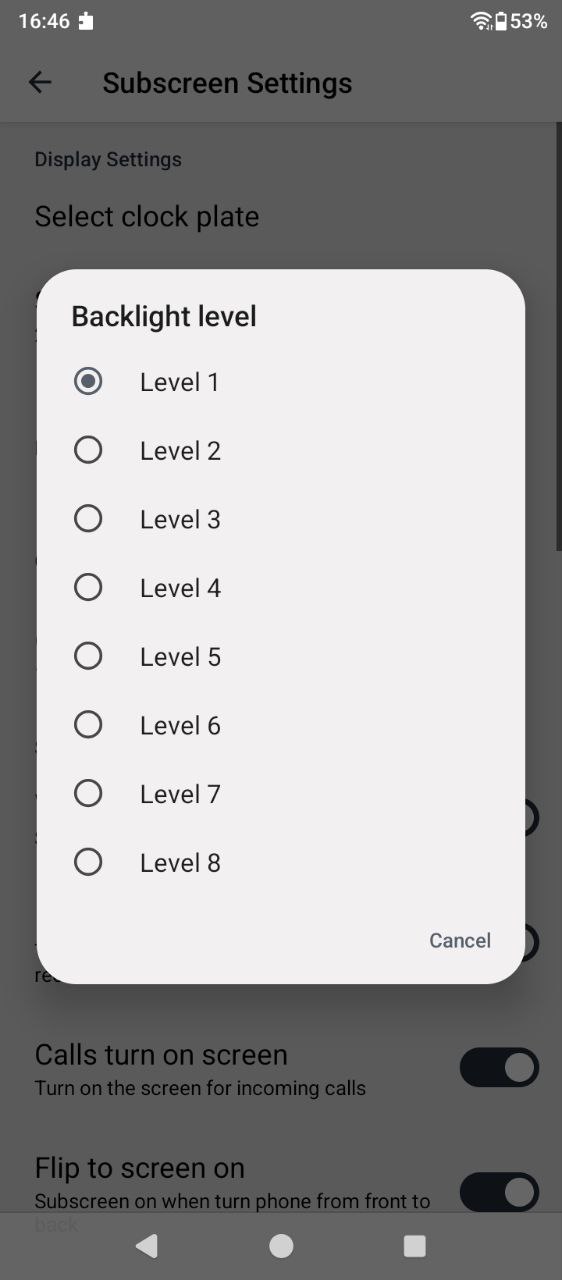
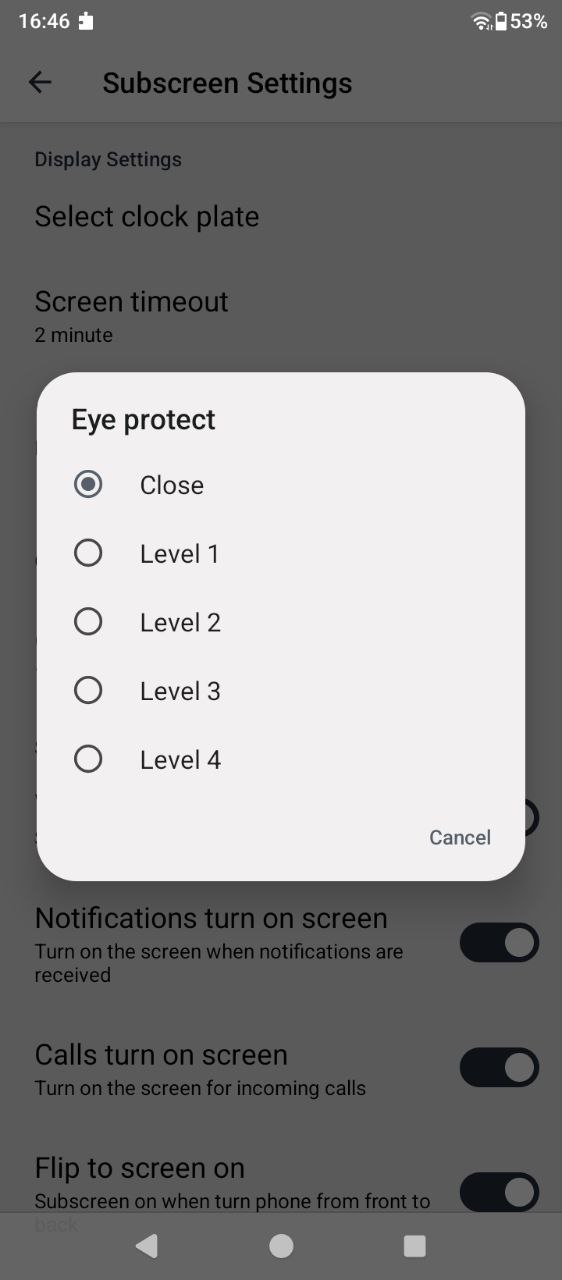
Overall, the secondary display is an interesting addition. It’s not exactly essential for everyday use but definitely practical enough to be useful. However, I did notice an issue with the screen’s touch sensitivity – it doesn’t always accurately recognize vertical and horizontal swipe gestures. When the sensor gets confused, the menu layout becomes jumbled, making it impossible to manually return to the main screen. Fortunately, there’s an option to automatically return to the home screen after 15 seconds, which helps mitigate this problem.
Read also:
- Cubot KingKong Star 2 5G Smartphone Review: Stylish and Rugged
- Cubot KingKong ES Review: Rugged Budget Phone at Reasonable Price
Performance and wireless connectivity
The CUBOT P90 is powered by an octa-core Helio G100 processor, which features six Cortex-A55 cores clocked at 2.0 GHz and two Cortex-A76 cores running up to 2.2 GHz. Graphics are handled by a Mali-G57 MP2 GPU. The phone offers 256GB of internal storage and 12GB of physical RAM (LPDDR4X), along with an additional 12GB of virtual RAM. Notably, there aren’t many budget models that provide 12GB of physical RAM, so this could be an important consideration if memory capacity matters to you.
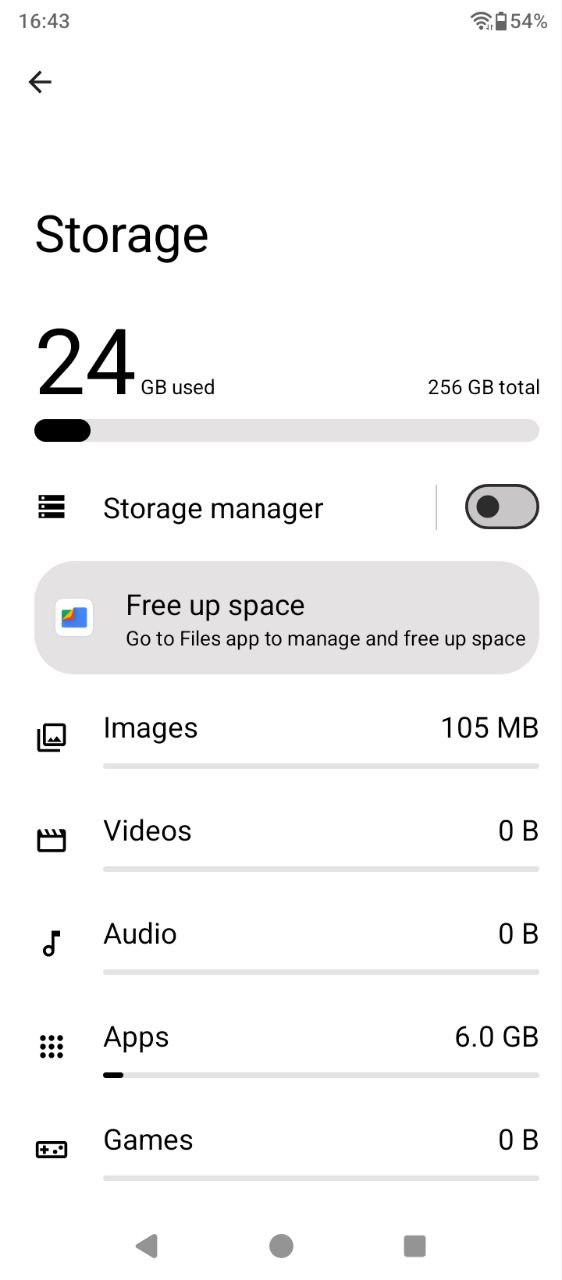
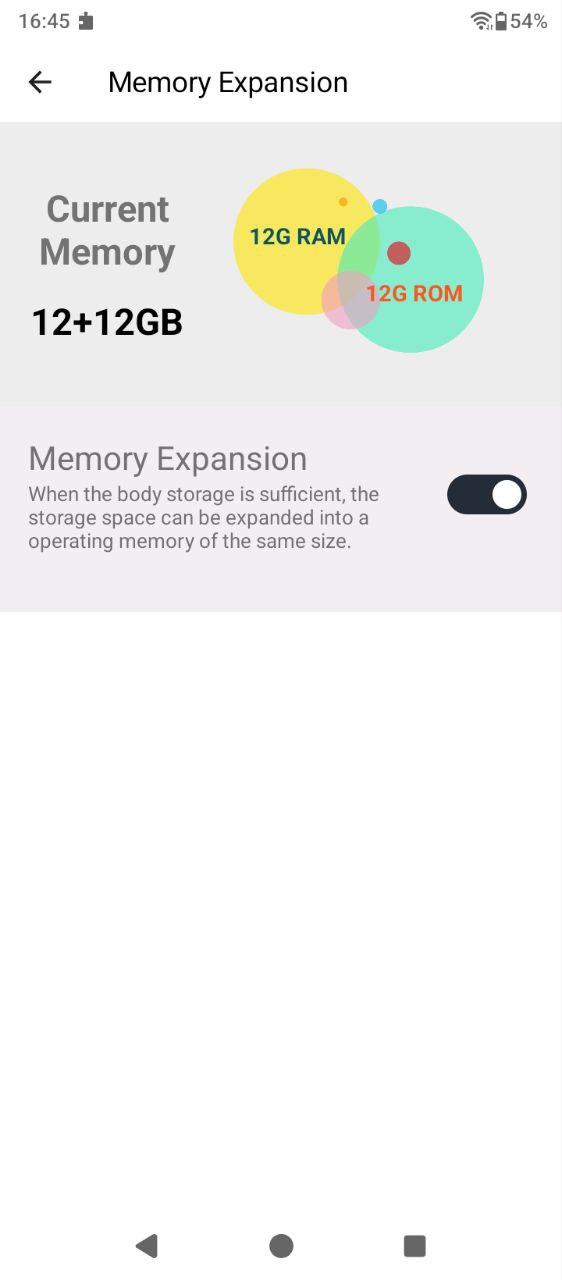
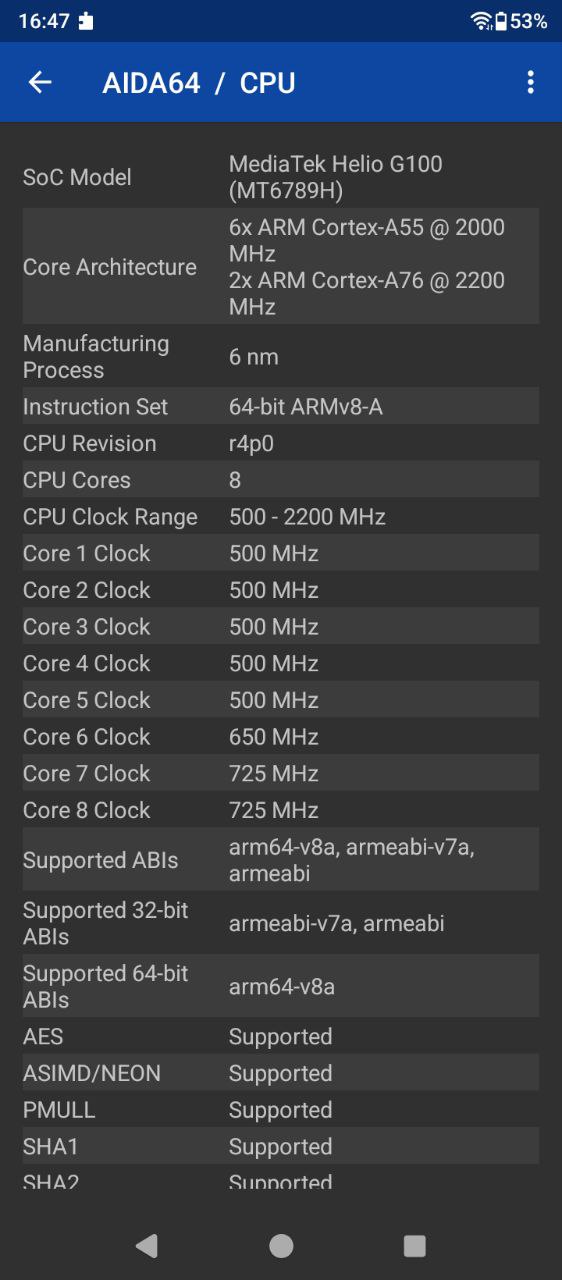
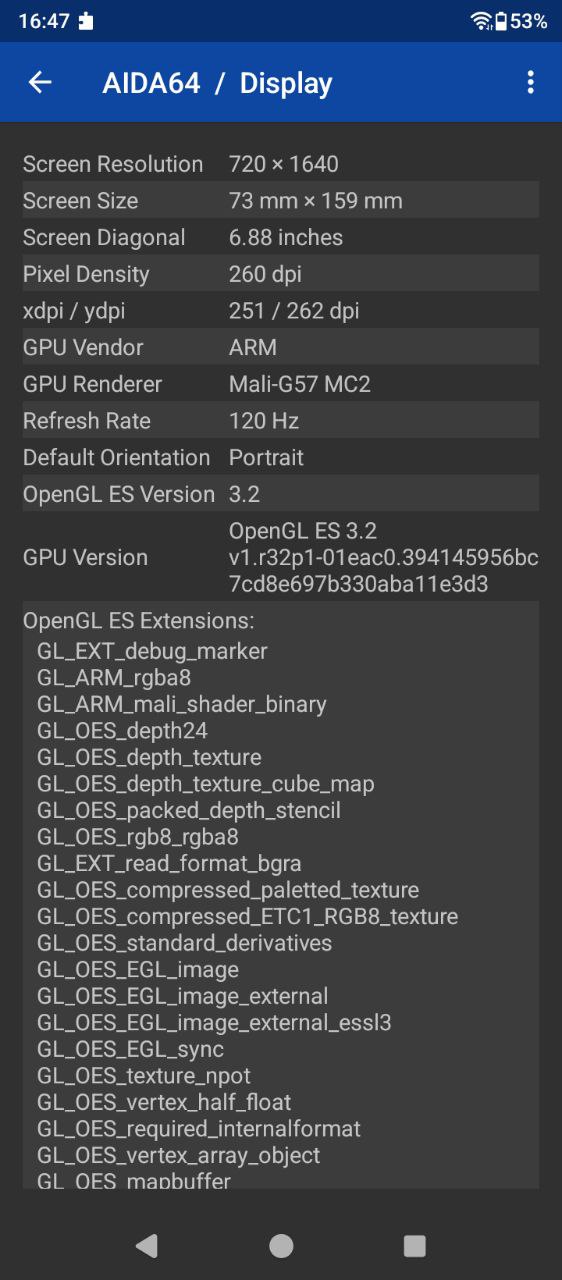
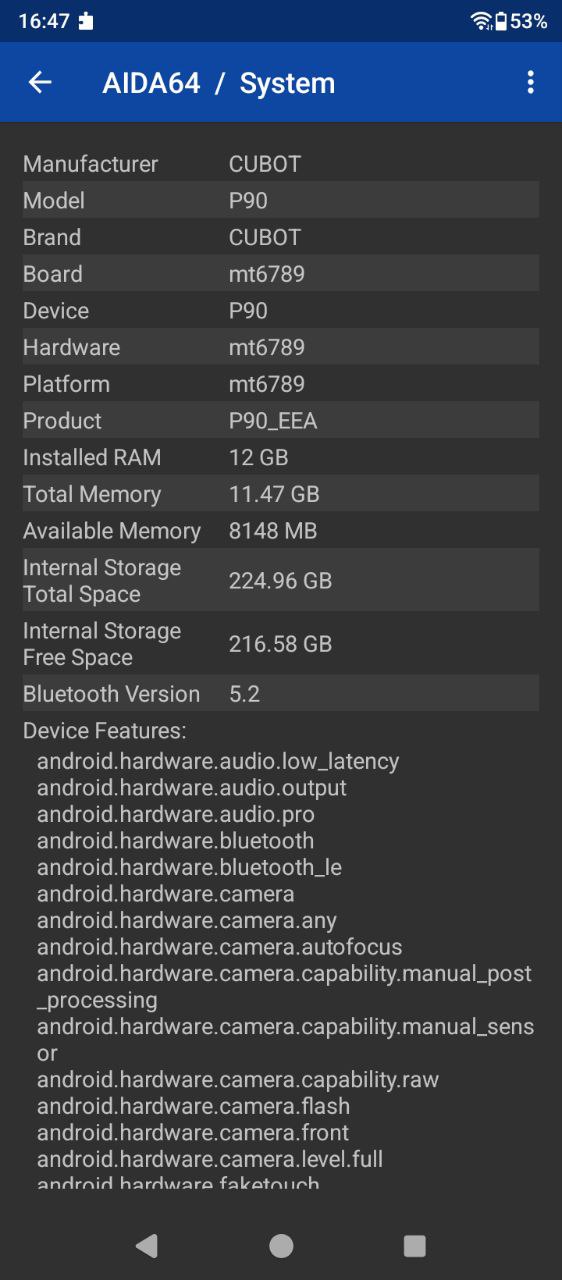
If 256GB of internal storage isn’t enough, you can expand it up to 1TB using a microSD (TF) card. However, the slot is hybrid, so you’ll need to choose between adding a memory card or using a second SIM card.
The phone supports all the essential wireless connectivity options – Wi-Fi 5, Bluetooth 5.2, NFC, and location services.
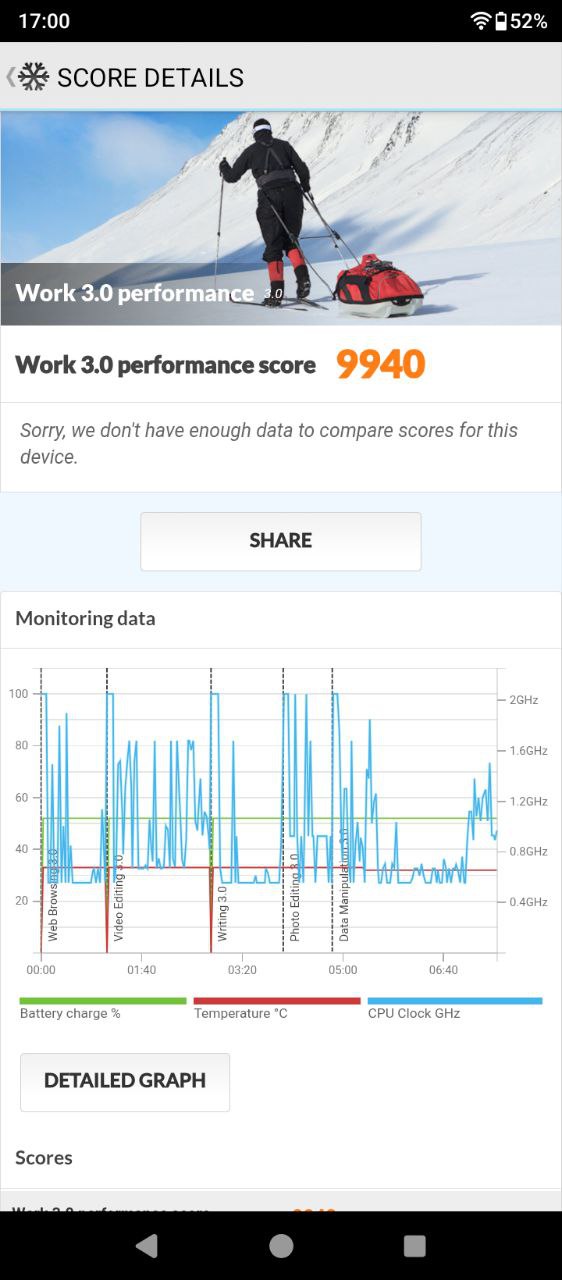
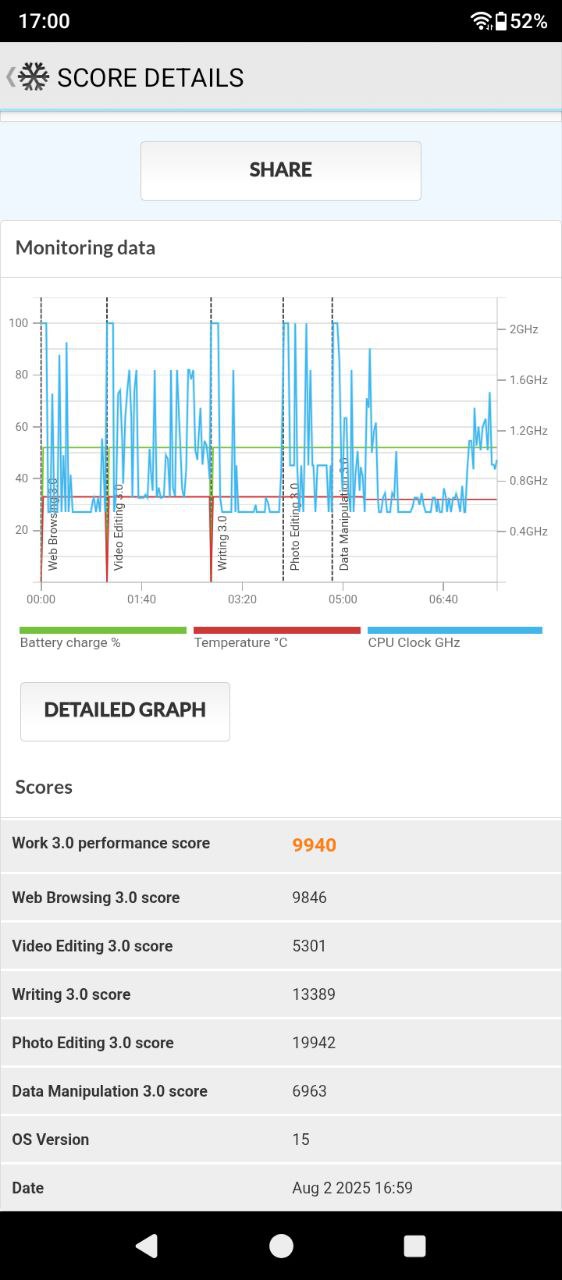
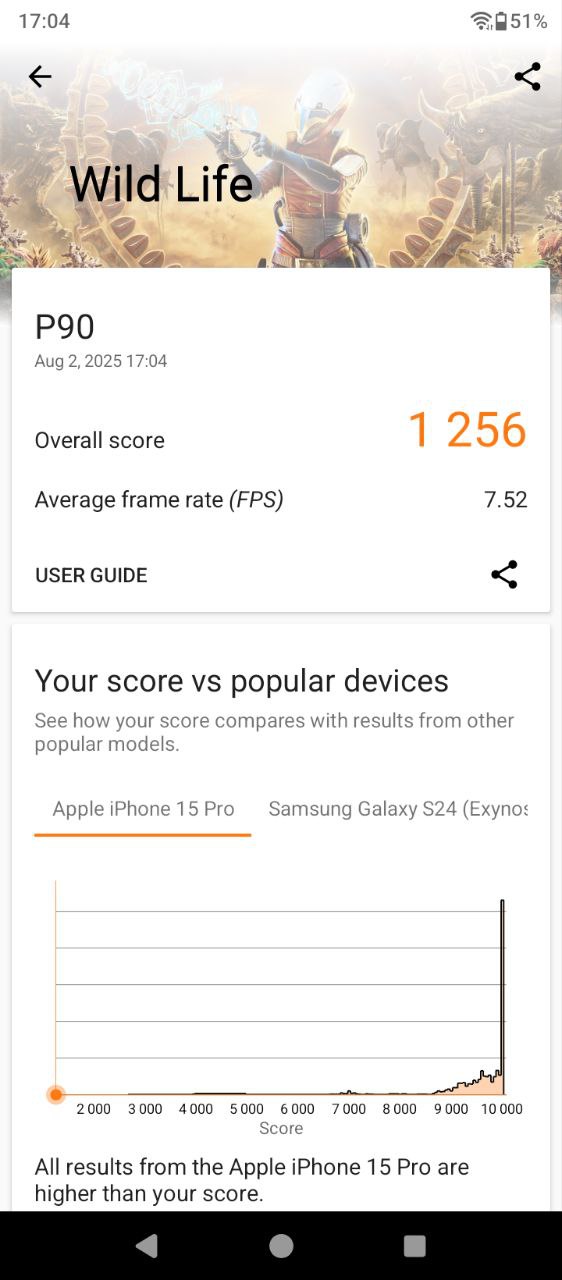
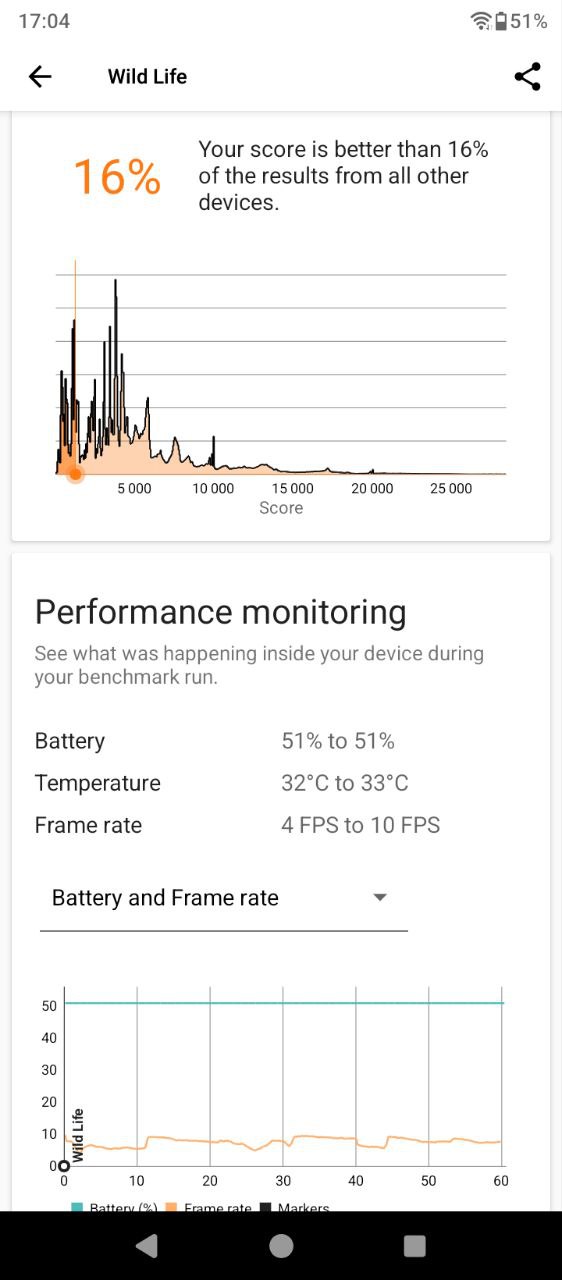
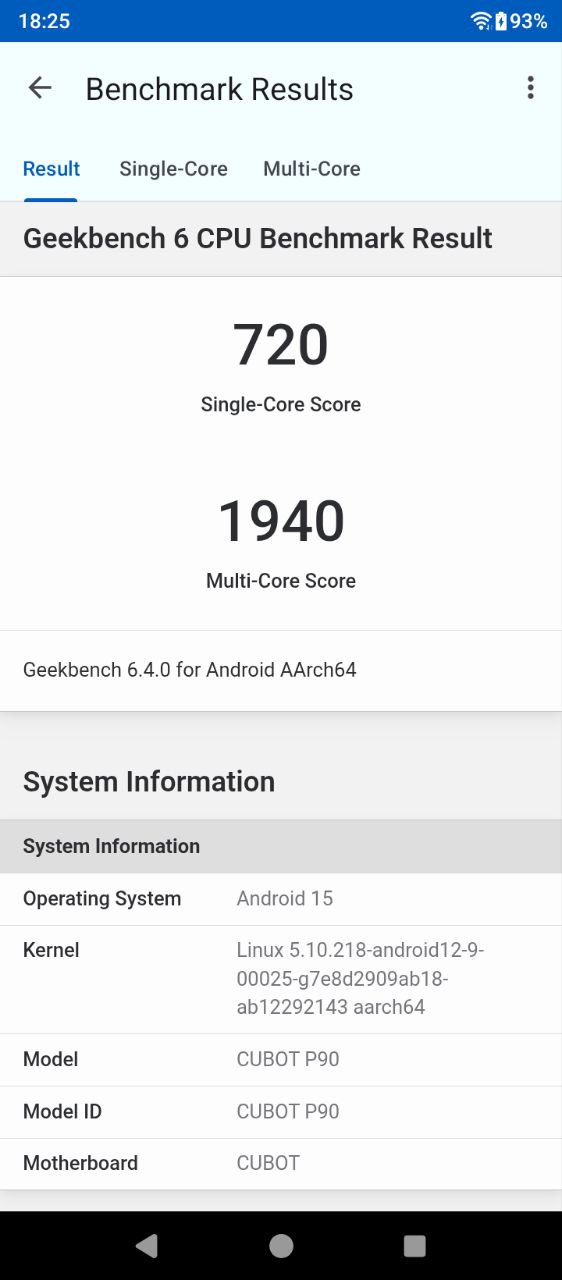
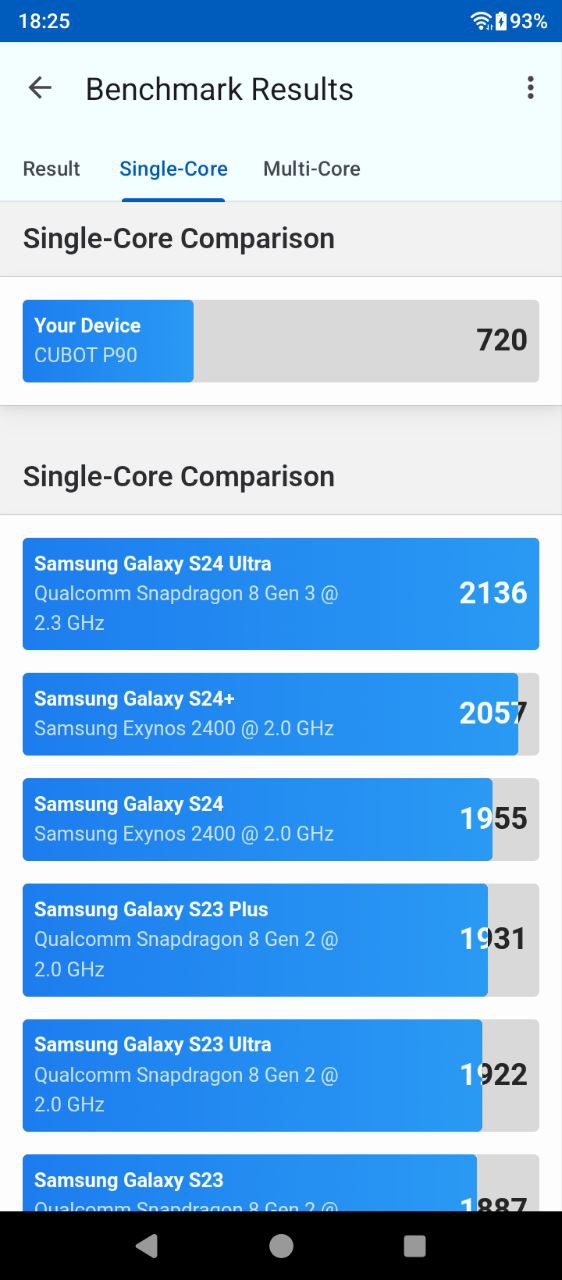
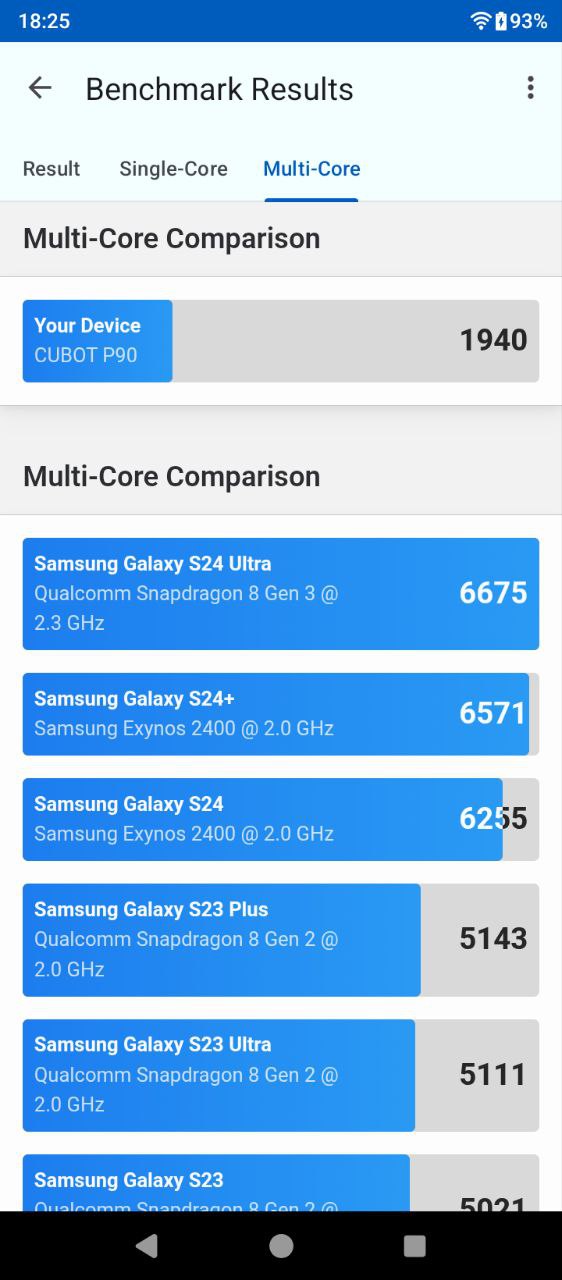
For everyday use, the CUBOT P90 performs well. Web browsing, messaging apps, multimedia, social networks, and popular applications run smoothly, with multitasking handled without issue. Less demanding games also run properly, but the phone’s performance will likely fall short for more graphically intensive titles. Below are the results from some benchmark tests.
Software
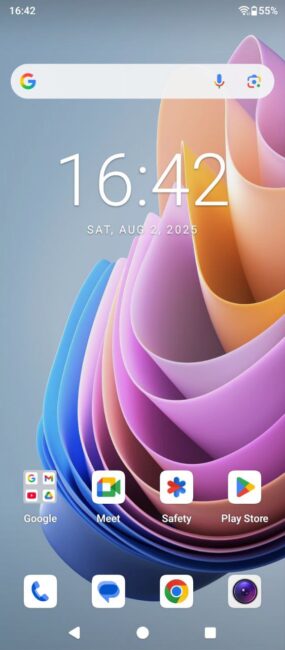
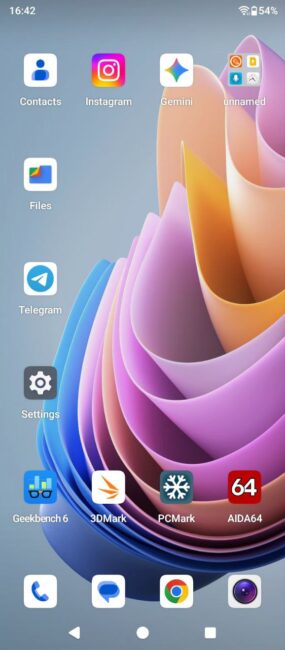
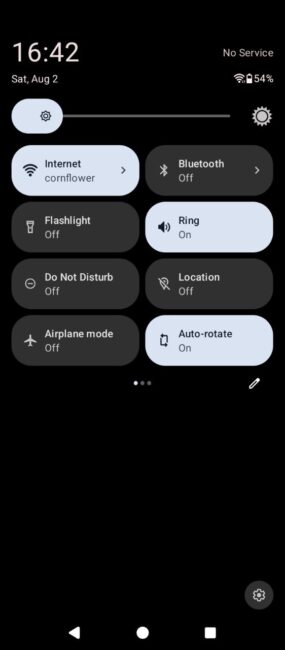
Fans of stock Android will likely appreciate that the P90 comes without any custom manufacturer skins. It runs the latest version – Android 15 – straight from Google. The absence of extra software and overlays contributes to smoother performance. Functionality is fairly basic overall, so there aren’t many standout features, aside from some options related to the secondary display. However, one common issue with budget phones remains here: parts of the interface and menus are either poorly machine-translated or missing translations altogether.
Read also:
Methods of unlocking
The P90 features standard biometric options for unlocking – fingerprint and facial recognition. The capacitive fingerprint sensor performs well, responding quickly and accurately.

However, facial recognition isn’t always reliable. It works fine in daylight or well-lit indoor conditions, but struggles in complete darkness – even with the brightness boost enabled during face unlock. For this reason, the fingerprint sensor remains the more convenient and dependable option.
CUBOT P90 Sound
The CUBOT P90 is advertised with stereo sound, featuring speaker openings both at the top and bottom. However, there’s a noticeable imbalance in volume. The bottom speaker is loud and relatively clear, while the top speaker is almost half as quiet. As a result, the top speaker is barely audible unless you intentionally angle the phone toward yourself. While a single speaker setup might produce worse sound, the stereo effect here doesn’t live up to typical expectations.
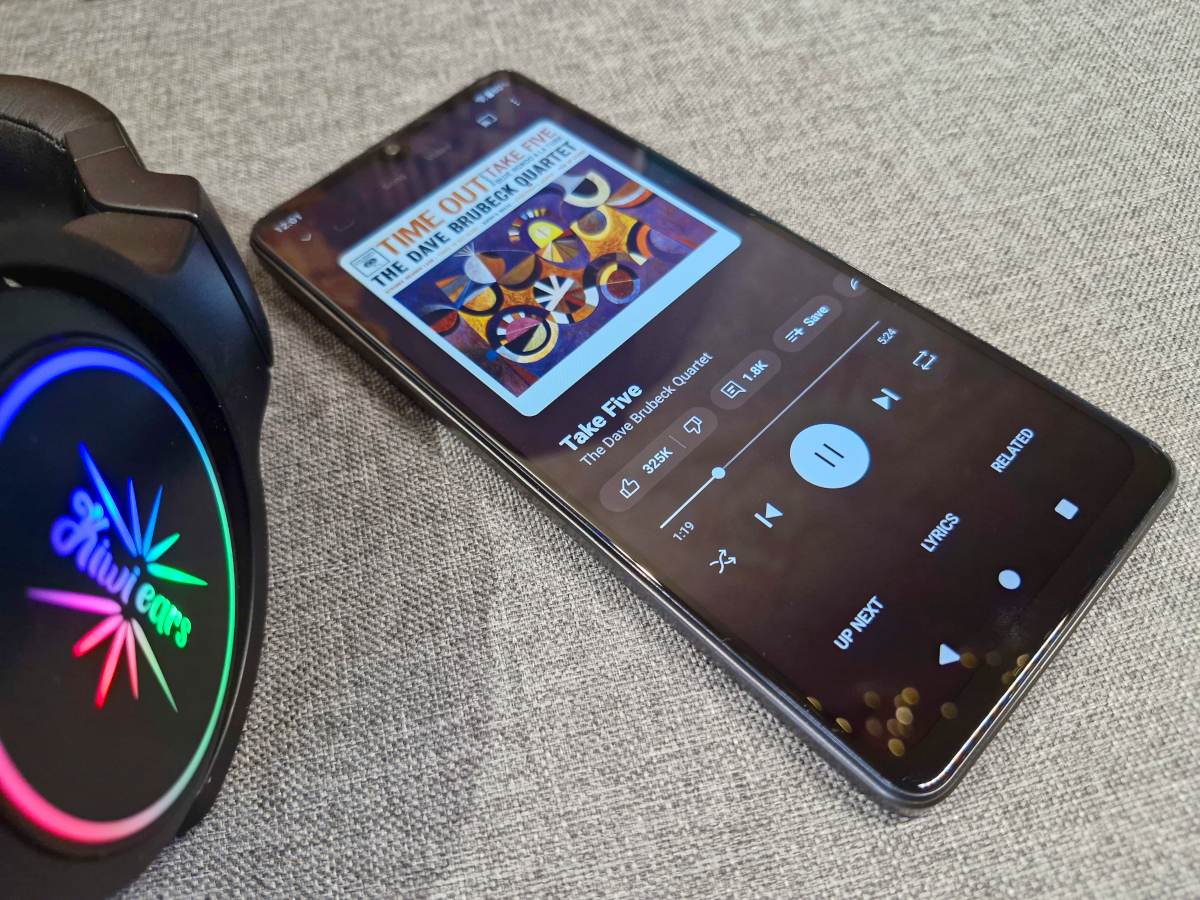
Overall, the sound is more than adequate for watching videos, phone calls, and podcasts. However, for music, I’d recommend using headphones or Bluetooth speakers. It’s worth noting that the phone does not have a 3.5mm headphone jack.
Cameras
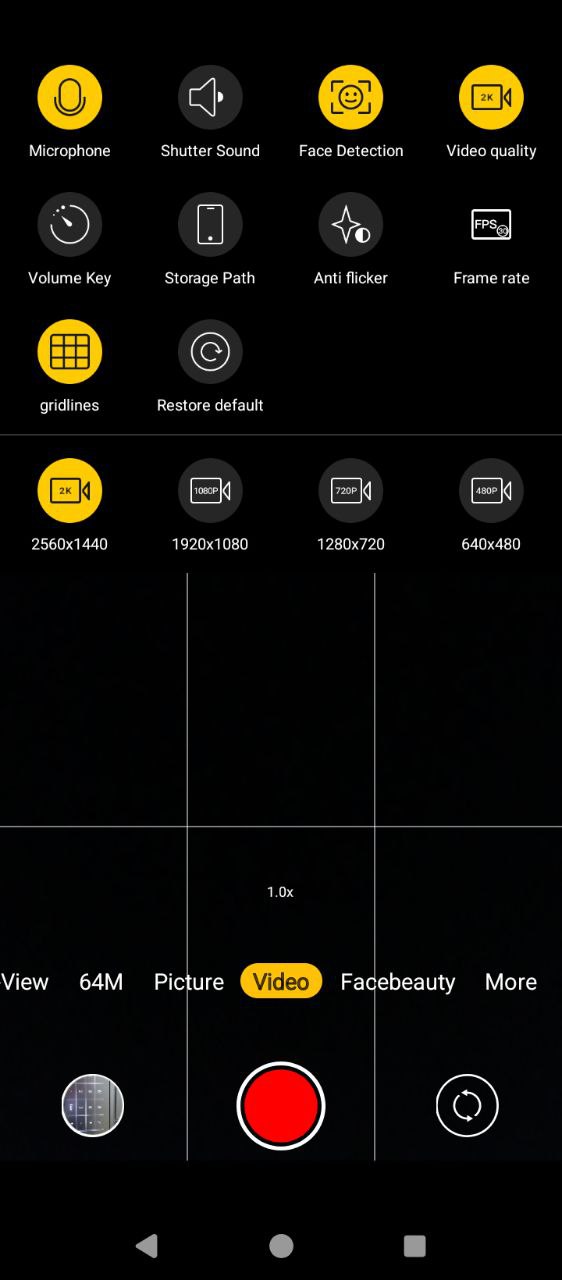
The rear camera setup includes a 64MP main sensor, a 5MP ultra-wide lens, and a 0.3MP auxiliary sensor. Video recording is capped at 2K resolution at 30 fps, but there is no optical image stabilization.
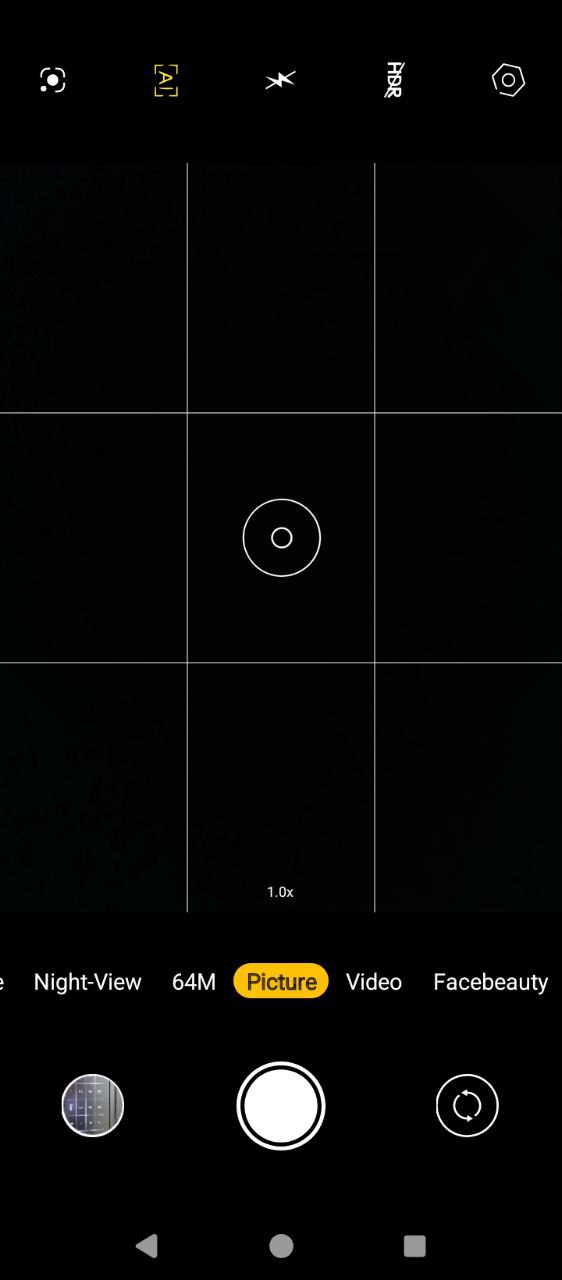
The camera offers standard shooting modes such as Night, Pro, Panorama, and Portrait, along with some specialized options like a GIF creation mode. Features like beauty filters and a QR code scanner are also included.
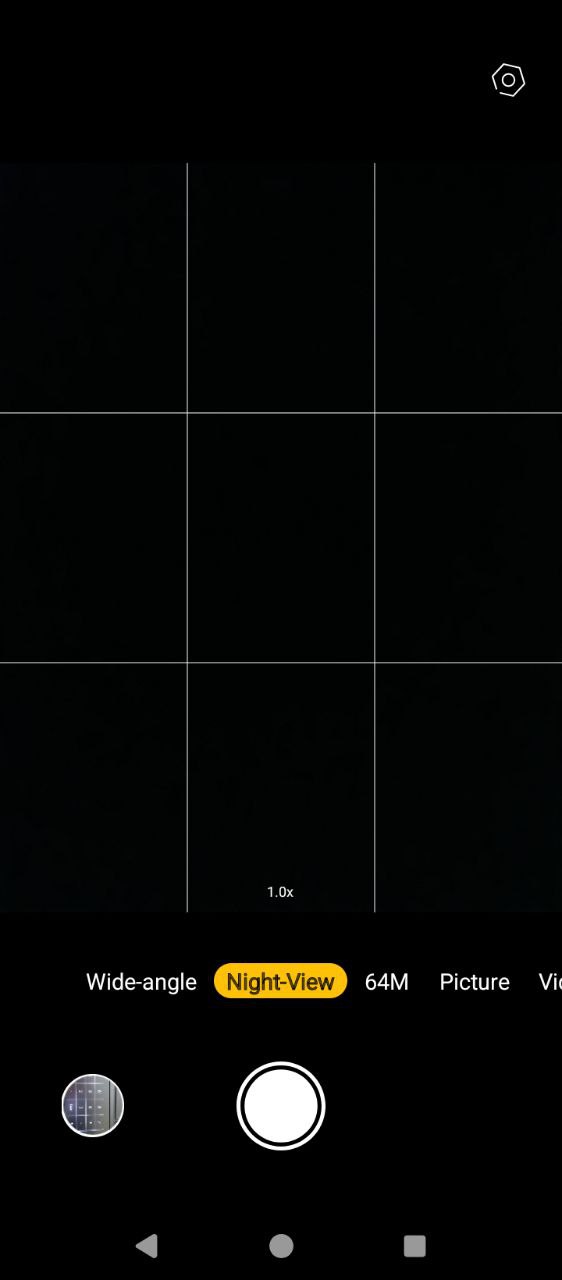

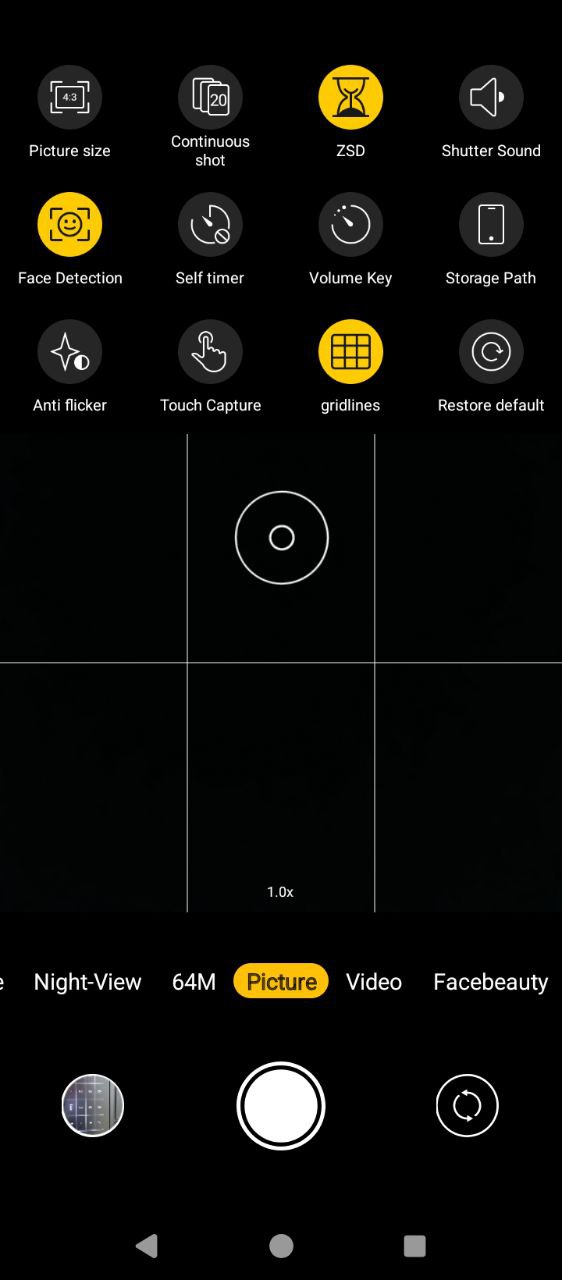
The main camera produces quite decent photos in daylight – detailed, sharp, and with pleasant color reproduction. However, image clarity decreases as dusk falls. The Night mode can help improve photo quality in some situations. It’s not always perfect, as the algorithms sometimes introduce distortions when trying to enhance the image, but there are cases where the results are noticeably better.
Here are a few comparison shots: the left shows a regular photo, while the right displays one taken in Night mode.




And a few more photos of the main module.







In summary, the camera setup is typical for a budget phone and performs adequately for everyday use. The 5MP ultra-wide sensor, however, offers limited value – it really needs ideal daylight conditions, and even then, images can appear blurry. It’s safe to say most users will rely almost exclusively on the main sensor, which delivers much better results. On a side note, it’s hard not to wonder how many people actually use these ultra-wide modules regularly, aside from real estate agents.
For selfies, the P90 is equipped with a 16MP front sensor. This should be more than sufficient for video calls, simple portraits in good lighting, or recording short clips for apps like Telegram. Video recording on the front camera is limited to Full HD at 30 fps.
Read also:
Battery life
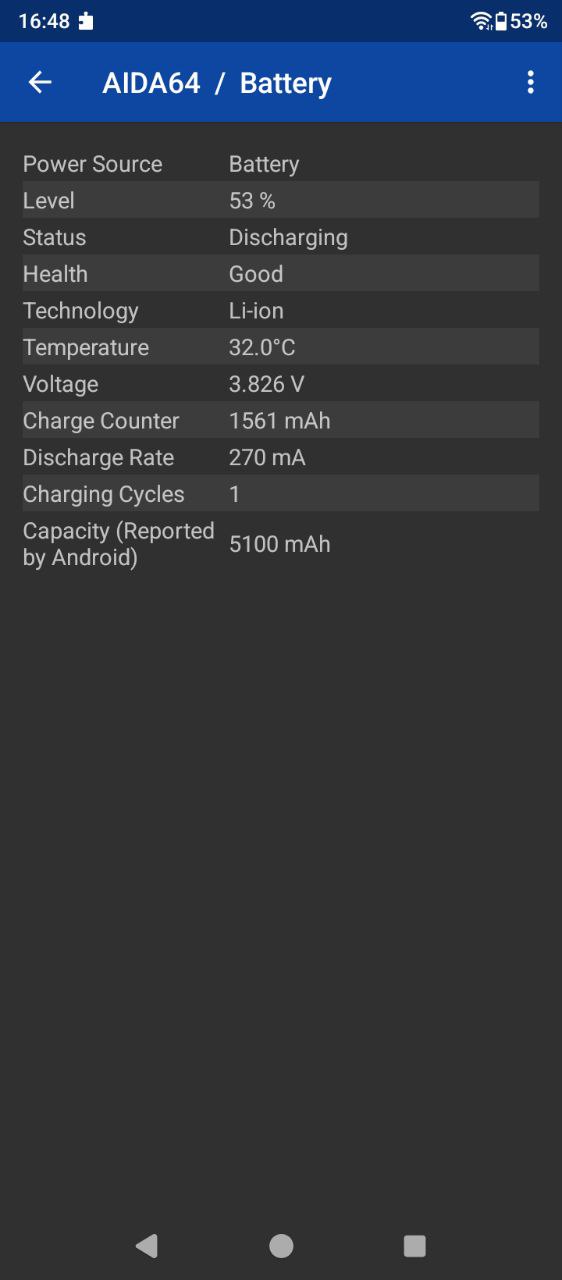
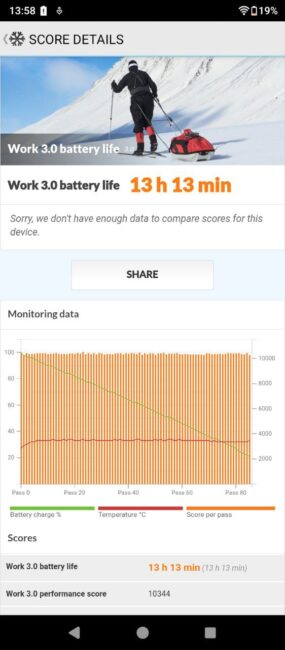
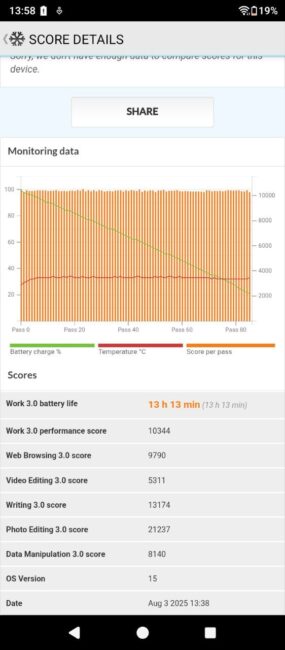
The CUBOT P90 is equipped with a 5100 mAh battery, which is fairly average for today’s smartphones. It supports 18W charging – not considered fast by current standards, but nearly twice as powerful as basic 10W chargers. In PCMark testing, the device achieved over 13 hours of screen-on time at 50-60% brightness, indicating it should comfortably last through a full day of heavy use.
Conclusions and competitors
The CUBOT P90 is a solid option if you’re looking for a basic smartphone on a tight budget. It stands out for its large main display and the added bonus of a secondary screen, respectable performance thanks to 12GB of RAM – which is rare in this segment – stock Android, long battery life, and decent cameras for everyday use. That said, a Full HD screen instead of HD+ would be preferable, the stereo sound feels somewhat unbalanced, and some users may miss the 3.5mm headphone jack.
There are quite a few competitors in this segment. For a similar price, you could get the Redmi Note 14, although only the 8/256GB version is available since it doesn’t offer 12GB of RAM. However, the Redmi Note 14 features a Full HD AMOLED display, a 3.5mm headphone jack, IP54 dust protection, an in-display fingerprint sensor, Dolby Atmos stereo sound, a slightly larger battery, and faster 33W charging.
The Samsung Galaxy A16 is another alternative to consider. It also offers a Full HD Super AMOLED screen, IP54 rating, and 33W charging power, but the fingerprint sensor remains on the side rather than under the display.
Read also:
- Cubot Hafury Meet Review: Stylish Smartphone
- CUBOT X1 Smartwatch Review: Calls, AMOLED, and 100 Days Without Charging


DO NOT buy, no support if things go wrong, had mine 4 months virtually unusable, no response from CUBOT technical support