





© ROOT-NATION.com - Use of content is permitted with a backlink.
In March, Motorola introduced a streamlined version of its flagship Motorola Edge 70 – the Edge 70 Fusion. The new model positions itself as a capable mid-range smartphone with a major focus on battery life, offering a 7000 mAh battery while still maintaining the dimensions of a conventional smartphone and a relatively refined design. The compromises compared to the standard Edge 70 appear fairly limited, while the price is reduced by nearly 30%. On paper, that makes the device particularly interesting within the upper mid-range segment. So let’s take a closer look at the Edge 70 Fusion and examine what it actually offers in everyday use.
Read also: All Motorola smartphone reviews
TABLE OF CONTENTS:
Motorola Edge 70 Fusion Specifications
- Display: AMOLED, 6.78″, 2772×1272, 450 ppi, refresh rate up to 144 Hz, HDR10+, Gorilla Glass 7i, rounded edges
- Processor: Snapdragon 7s Gen 3, 8 cores (1 × Cortex-A720 (2.5 GHz), 3 × Cortex-A720 (2.4 GHz), 4 × Cortex-A520 (1.8 GHz)), 4 nm
- Graphics processor: Adreno 810
- RAM: 12 GB LPDDR5X (+12 GB virtual RAM)
- Storage: 256 GB UFS 4.0
- microSD support: no
- Wireless technologies: Wi-Fi 6E, Bluetooth 6.0, NFC, aGPS, GPS, Galileo
- Operating system: Android 16
- Main camera: primary module – Sony LYTIA 710, 50 MP (f/1.8) with OIS; ultra-wide – 13 MP (f/2.2, 120° field of view, PDAF), auxiliary with ambient light sensor
- Front camera: 32 MP, f/2.2
- Battery: 7000 mAh, 68W Motorola TurboPower fast charging
- Slot: 1 nanoSIM (nanoSIM + e-SIM support)
- Protection: IP68/IP69, MIL-STD-810
- Dimensions: 162.76×75.60×7.99 mm
- Weight: 193 g
- Additional features: in-display fingerprint scanner, stereo sound, Dolby Atmos, Hi-Res Wireless certification, case included
Read also:
- Motorola Edge 70 Review: A Blend of Elegance, Performance, and Endurance
- Motorola Edge Series: Development History, Achievements, and Future Plans
Price and positioning
So, the Motorola Edge 70 Fusion occupies the upper mid-range segment. Compared to the flagship Edge 70, the differences are relatively modest: slightly larger dimensions, a Snapdragon 7s Gen 3 instead of the Snapdragon 7 Gen 4, no wireless charging support, and 4K video recording limited to 30 fps rather than 60 fps. At the same time, the device replaces the 4800 mAh battery of the standard model with a substantially larger 7000 mAh unit, which is likely to be a significant advantage for many users focused on battery endurance.
The Edge 70 Fusion is priced at approximately $450 / €390. The key question is whether the overall package justifies that positioning in the current mid-range market.
What’s in the package?

The Motorola Edge 70 Fusion arrives in relatively compact packaging made from recyclable materials. The box highlights the model name, the brand logo, and one of the smartphone’s main selling points – its 7000 mAh battery. It also notes that Motorola is an official technology sponsor of FIFA 2026. Inside the package, alongside the device itself, Motorola includes the standard accessories: a SIM tray ejector tool, a charging cable, and documentation. A transparent protective case is also included, which remains a practical addition in a segment where bundled accessories are becoming increasingly uncommon.
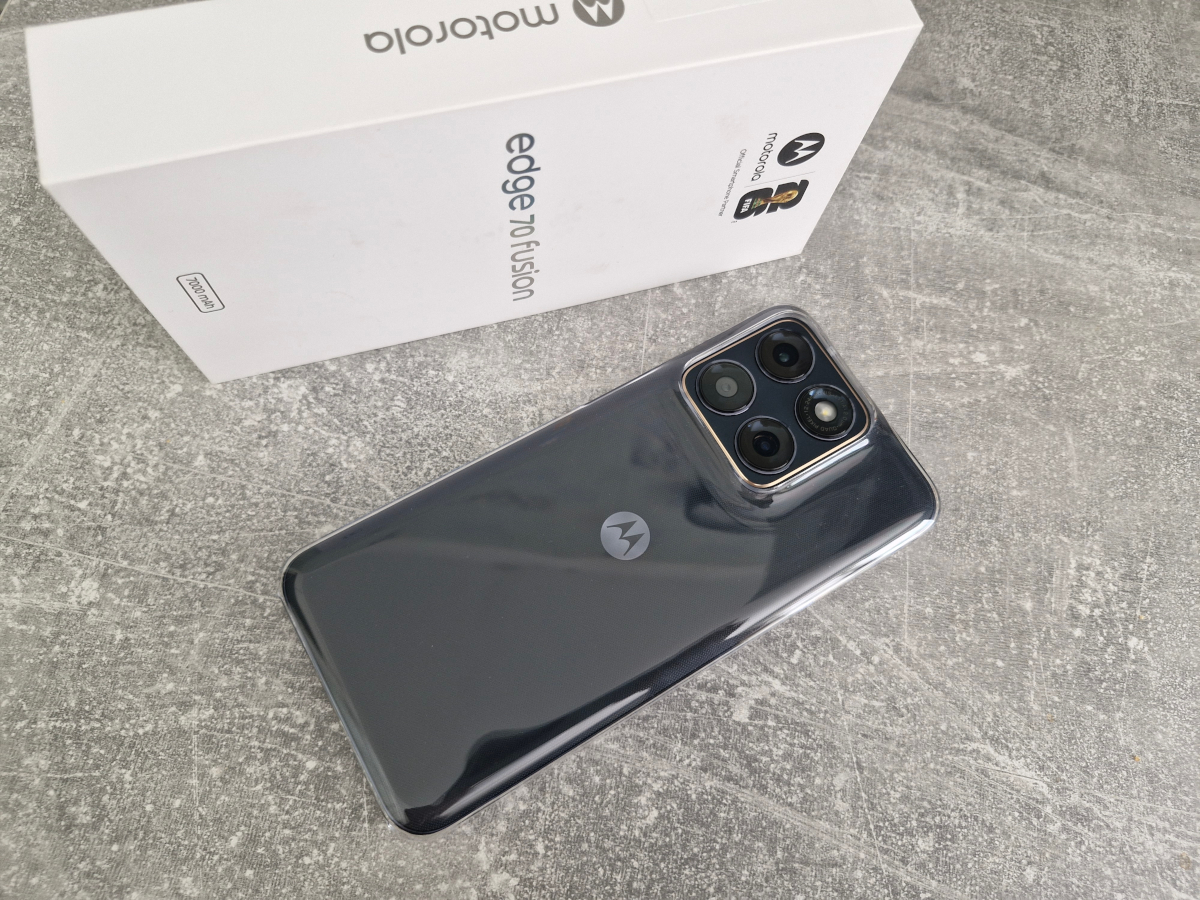
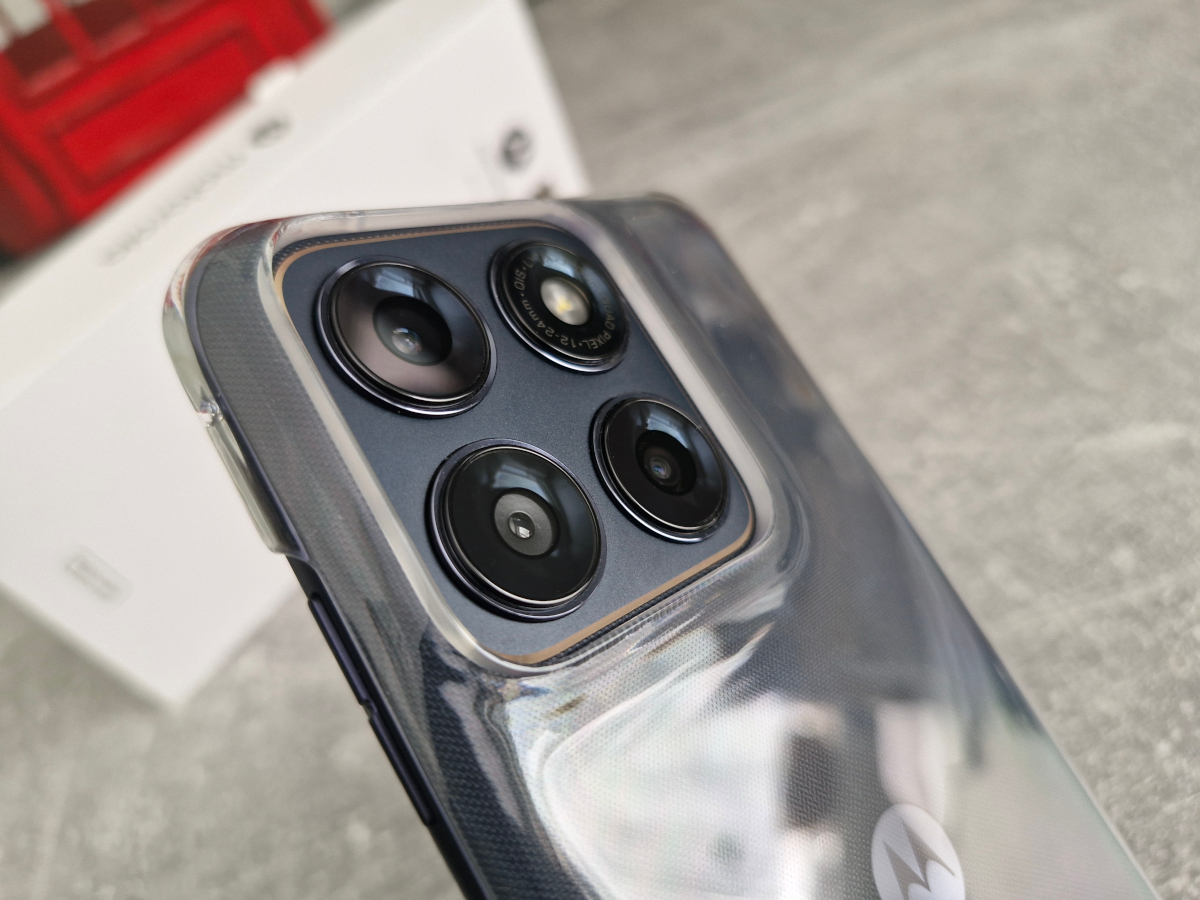
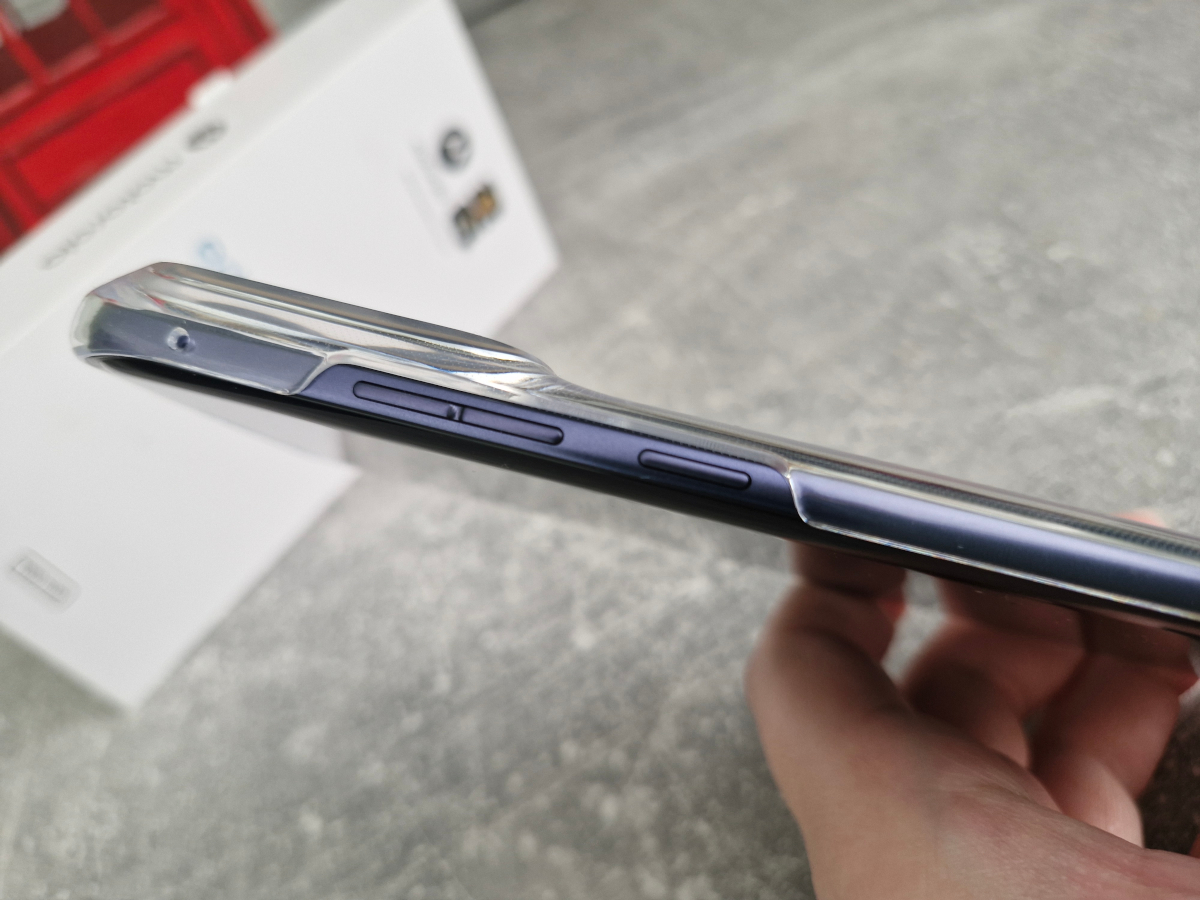
Although it is a fairly basic case, it is still useful that a bumper is included in the box – you can essentially start using the smartphone immediately without additional purchases. However, if you want to take full advantage of the fast charging capabilities, the 68 W Motorola TurboPower charger will need to be purchased separately, as it is not included in the retail package.
Read also: Motorola Signature: The Company’s First True Super-Flagship
Design, materials, and element placement
The first impression when holding the smartphone is how refined it feels in hand. This is especially notable given the battery capacity. With a standard 5000 mAh battery, the design would likely not stand out as much. However, with a 7000 mAh battery, a thickness of just under 8 mm and a weight of 193 g is still relatively impressive. The perception of slimness is further enhanced by the curved edges on both sides, including the display.

The Motorola Edge 70 Fusion continues Motorola’s experimentation with rear panel design. Although the back is made of plastic, the brand has introduced a fabric-like texture that feels more tactile and slightly “warm” to the touch. This is not only an aesthetic choice but also a practical one: the textured surface improves grip, reduces slipperiness, and does not retain fingerprints. The only minor drawback is that it can attract some dust due to its slightly rough finish. The review unit in the Silhouette color variant features a deep navy finish with a decorative gold accent framing the camera module. Overall, it is a fairly cohesive and visually balanced design choice.

The camera module of the Motorola Edge 70 Fusion noticeably protrudes from the body, including both the raised platform and the individual camera elements. Despite this, the device remains relatively stable when placed on a flat surface, and it requires some effort to make it wobble significantly. Using a case further improves stability in everyday use. The rear panel also features the Motorola branding logo.

On the front, the Motorola Edge 70 Fusion features a waterfall-style display with thin and relatively uniform bezels. The display is protected by Corning Gorilla Glass 7i.

At the junction with the top edge, a thin slit for the earpiece speaker is barely noticeable. It also functions as a secondary multimedia speaker together with the main unit, creating a stereo effect. The front-facing camera is implemented as a simple punch-hole cutout in the display. A fingerprint scanner is integrated into the lower portion of the screen. It will be discussed separately later in the review.

Looking at the device’s edges, the left side is clean and does not contain any controls or ports. On the right side, there is a standard trio of physical controls: the volume buttons and the power button.

On the top edge, there is only an opening for an additional microphone. On the bottom edge, as usual, the main functional elements are located: the primary speaker grille, a USB Type-C port, the main microphone for calls, and the SIM card tray.


The tray supports only a single physical Nano-SIM card, while the second SIM is implemented exclusively via eSIM. As expected for this class of device, there is no 3.5 mm audio jack.


Another notable aspect of the device is its durability rating. In addition to the now-common IP68 protection found in many mid-range smartphones, the Motorola Edge 70 Fusion also carries an IP69 rating, indicating resistance to high-temperature, high-pressure water jets. The device is further certified to the MIL-STD-810H standard, suggesting compliance with a set of environmental durability and stress-test conditions.
Motorola Edge 70 Fusion Ergonomics
The main paradox of the Motorola Edge 70 Fusion has already been noted earlier. Despite its large battery capacity, the device remains relatively thin and, arguably, quite elegant in hand. This impression is further reinforced by the curved edges on both sides, which visually and physically reduce the perception of thickness, making the device feel slimmer than its actual dimensions suggest.

However, curved-edge displays remain a divisive design choice. Some users have no issues with them, while others prefer flatter, more angular displays on smartphones. One of the main arguments from the latter group is reduced grip security, along with the possibility of accidental touches along the curved edges when using the device without a case.
In the case of the Motorola Edge 70 Fusion, these concerns are not particularly pronounced in practice. First, the textured back panel provides good grip and improves handling stability in the palm. Second, during testing, there were no noticeable instances of accidental touch input on the curved display edges, even without a protective case. From this perspective, the concerns about usability are largely mitigated.
However, there is a drawback worth noting, and it relates to the fingerprint scanner placement. The sensor is integrated under the display and positioned very close to the bottom edge. This forces the user to support the phone with the little finger and slightly adjust thumb positioning in an unnatural way when unlocking the device. While it is possible to adapt to this placement over time, in everyday use a higher positioning of the sensor would likely offer a more comfortable ergonomic experience.

Read also:
- Motorola Moto G57 Power Review: 7000 mAh Battery and 120 Hz Display
- Motorola Moto G86 Review: Smartphone That Outclasses the Competition
Display
The display on the new Motorola Edge 70 Fusion is positioned as a high-end component. It uses a 6.78-inch AMOLED panel with a resolution of 2772×1272, resulting in a pixel density of 450 ppi. The refresh rate reaches up to 144 Hz in gaming scenarios. However, in the system’s standard refresh rate settings (balanced, smooth, or power-saving at 60 Hz), the UI indicates a maximum of 120 Hz. The full 144 Hz mode appears to be available specifically in gaming contexts. Peak brightness is specified at up to 5200 nits. Additional features include HDR10+ support, full coverage of the DCI-P3 color gamut, and protection provided by Corning Gorilla Glass 7i.

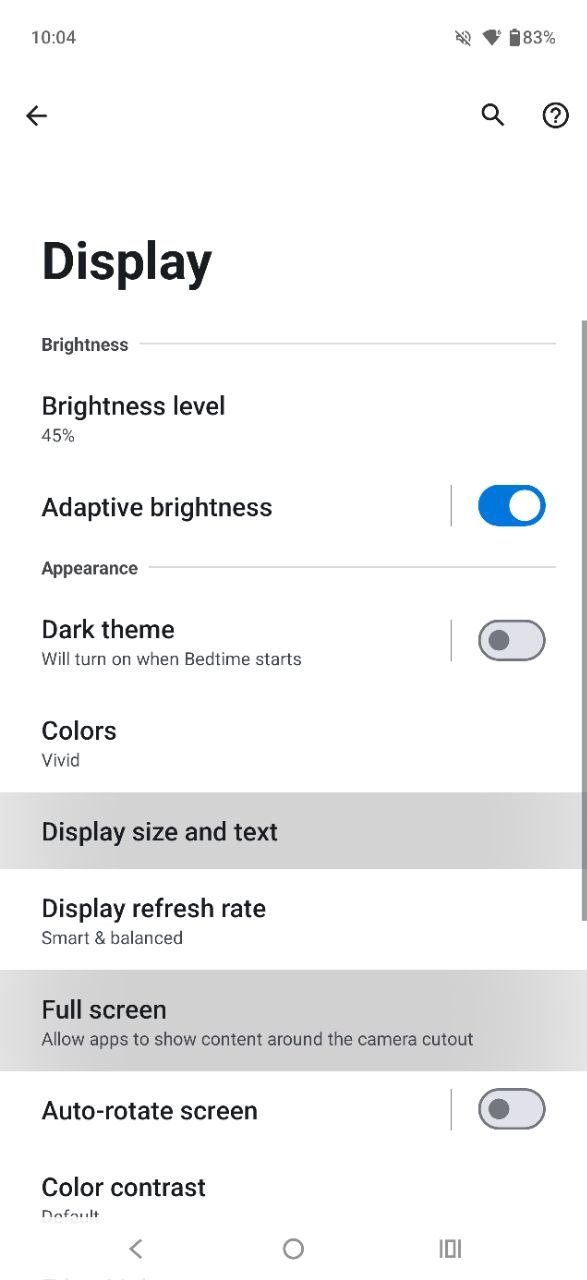
What’s interesting in the settings? Beyond the standard set of options (such as auto brightness, dark mode, night mode, display scaling, and text size), the Motorola Edge 70 Fusion offers more advanced display customization. Users can fine-tune color reproduction with three available profiles – Natural, Vivid, and Saturated – each of which also allows adjustment of color temperature.
The same section includes controls for text and UI contrast, enabling full-screen mode for selected apps, and options to enable edge lighting effects for calls and notifications, as well as screensavers. For convenience, the Display menu also integrates screen recording, gesture controls, and Smart Connect for quick connection to external displays. Overall, this is a well-organized approach, as most screen-related features are grouped in a single location. The only noticeable omission is a dedicated personalization section, which would make the settings suite feel more complete.
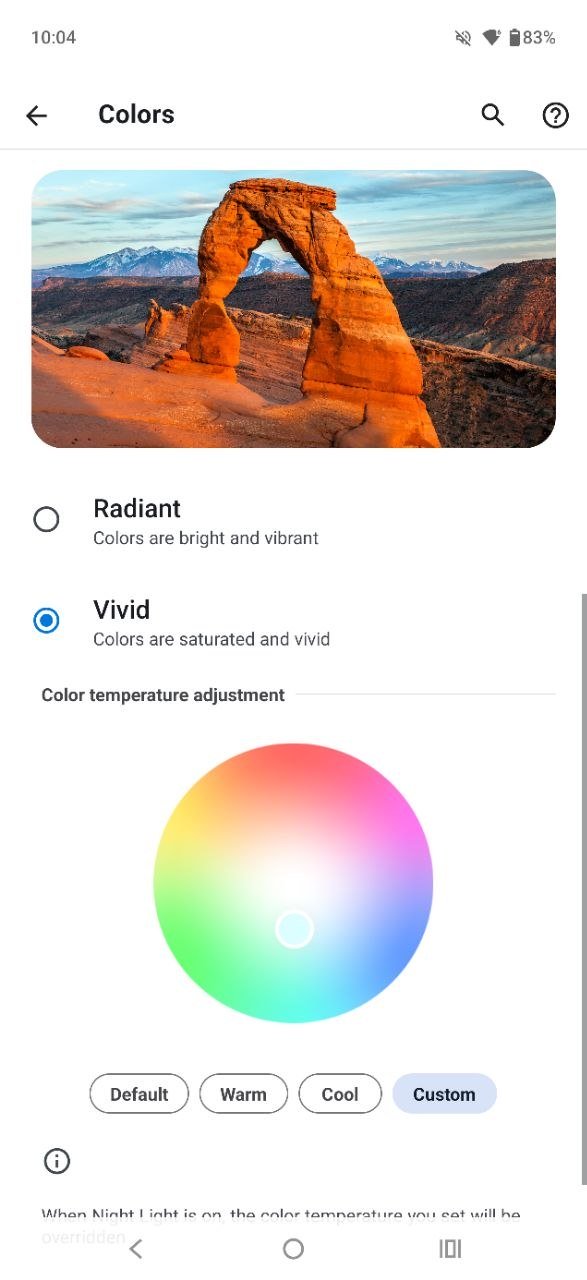
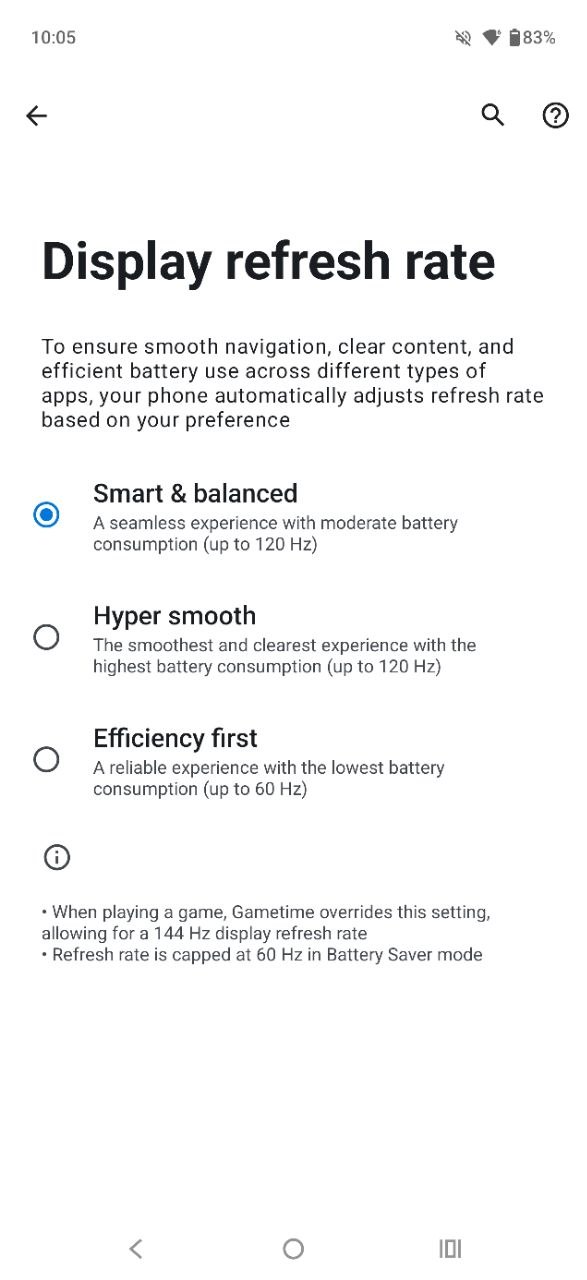
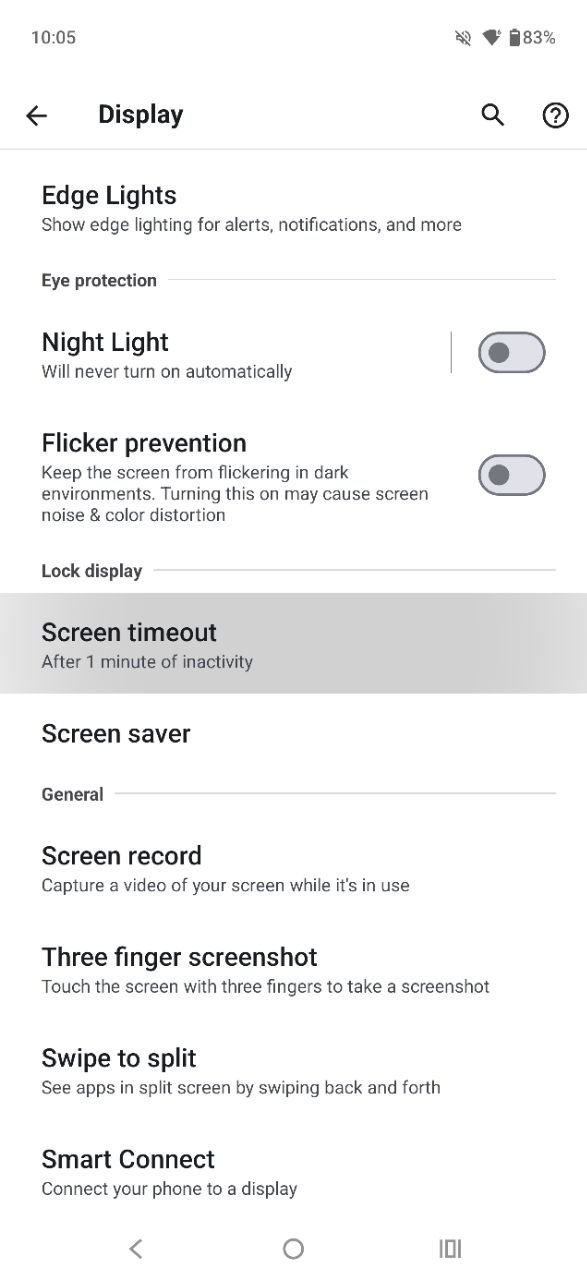
In everyday use, the display of the Motorola Edge 70 Fusion performs very well. It delivers vivid color reproduction and wide viewing angles, along with extensive options for image customization. The interface benefits from smooth animations, and the panel offers a substantial brightness headroom in adaptive mode. This ensures good readability even under direct sunlight. Overall, the display is well-suited for both text-based tasks and multimedia consumption across a wide range of lighting conditions.

Performance and wireless connectivity
Inside the Motorola Edge 70 Fusion is a 4 nm Qualcomm Snapdragon 7s Gen 3 chipset. According to the official specifications, it features an octa-core CPU configuration with a maximum clock speed of up to 2.5 GHz (1× Cortex-A720 at 2.5 GHz, 3× Cortex-A720 at 2.4 GHz, and 4× Cortex-A520 at 1.8 GHz), paired with an Adreno 810 GPU. The review unit comes with the maximum configuration of 12 GB of LPDDR5X RAM, with the option to expand it by up to an additional 12 GB of virtual memory. A lower variant with 8 GB of RAM is also available. Internal storage is fixed at 256 GB UFS 4.0, with no support for microSD expansion. In terms of wireless connectivity, the device includes a full modern set of interfaces: Wi-Fi 6E, Bluetooth 6.0, NFC, and standard positioning services.
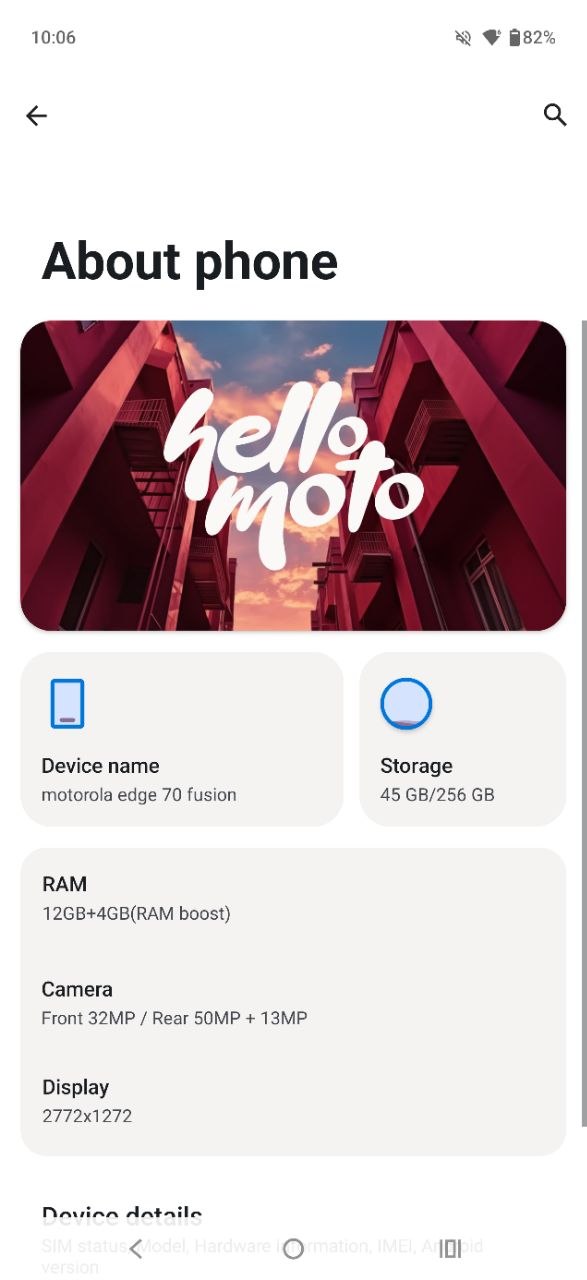
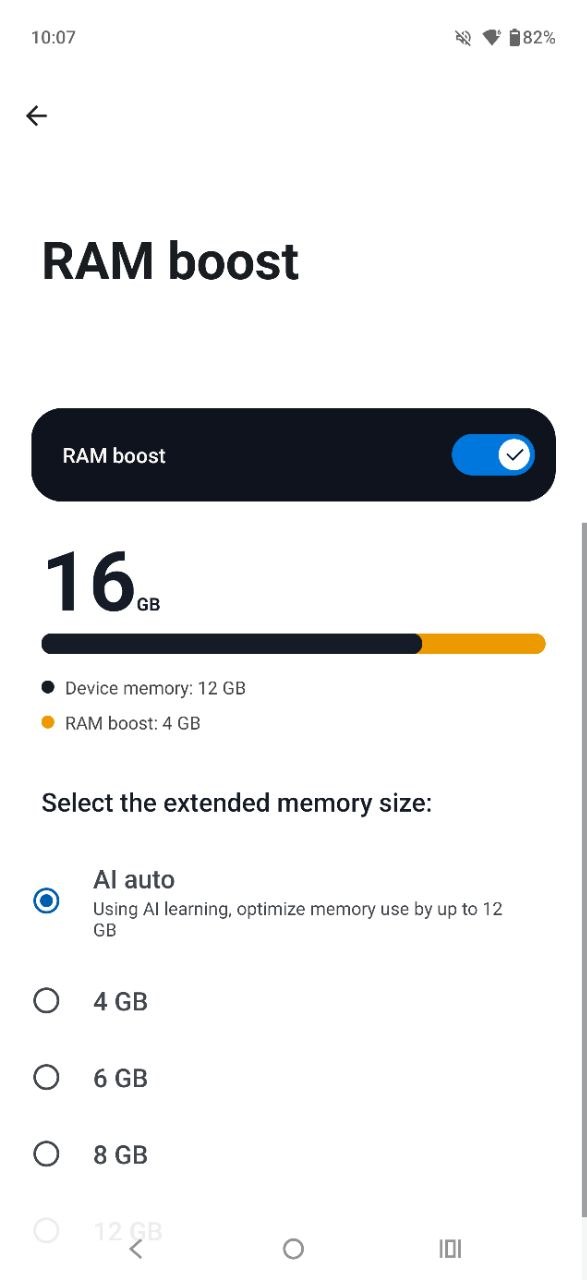
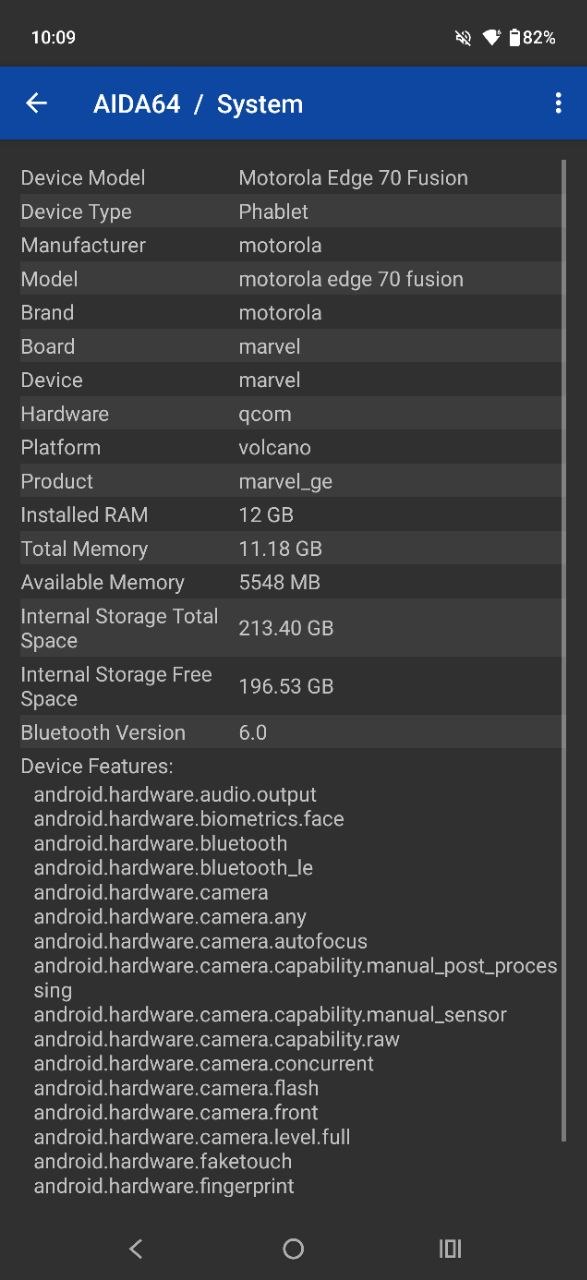
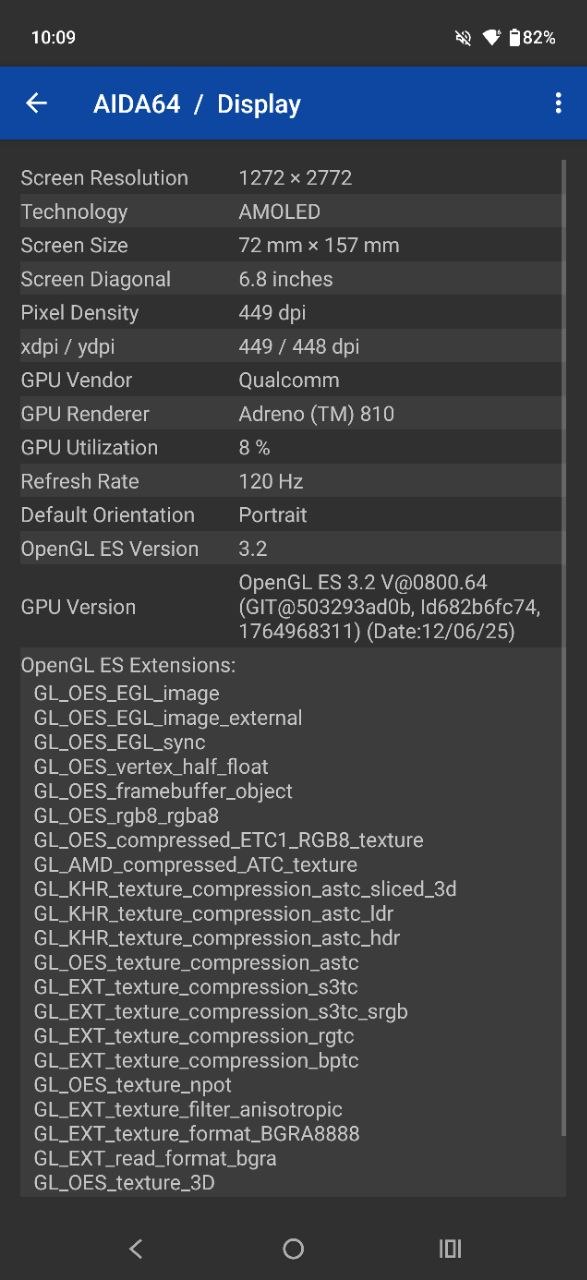
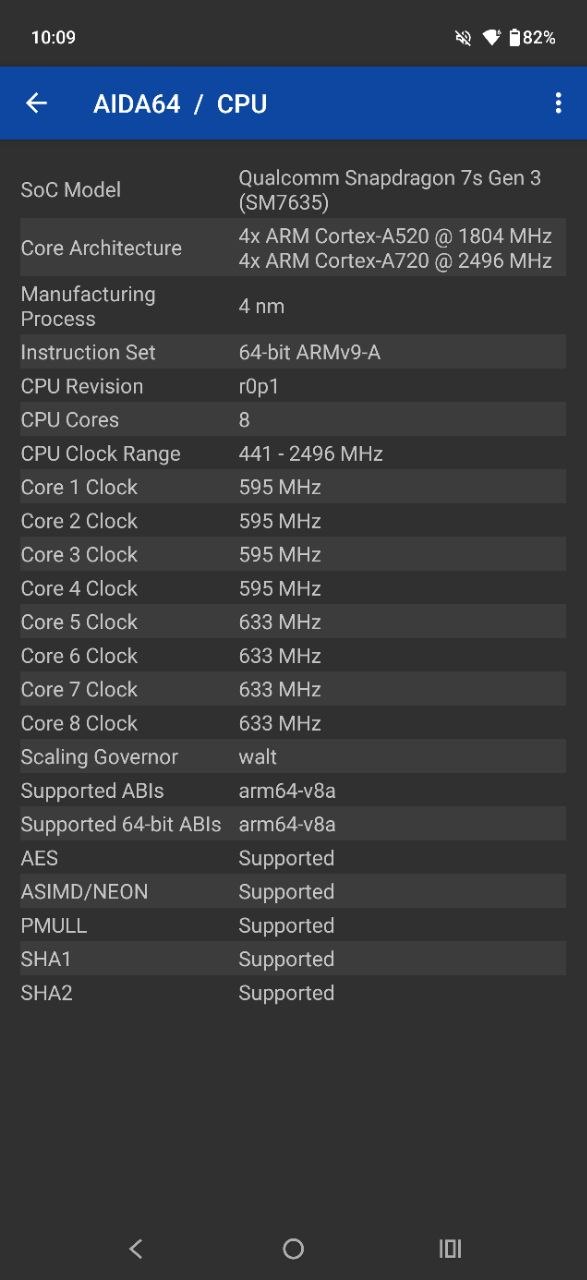
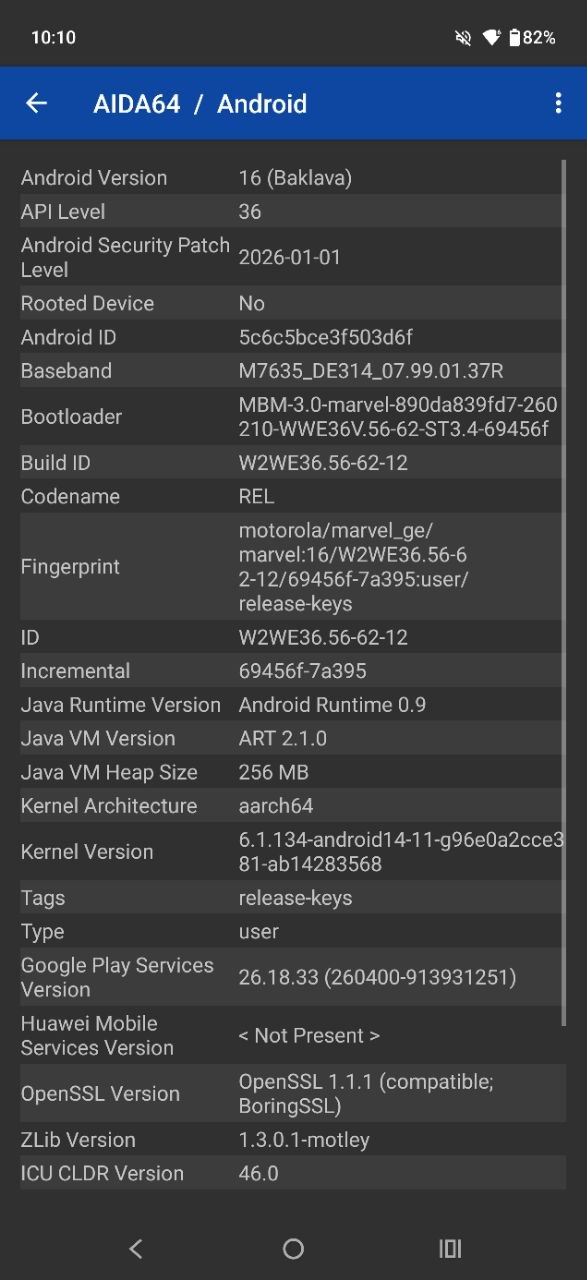
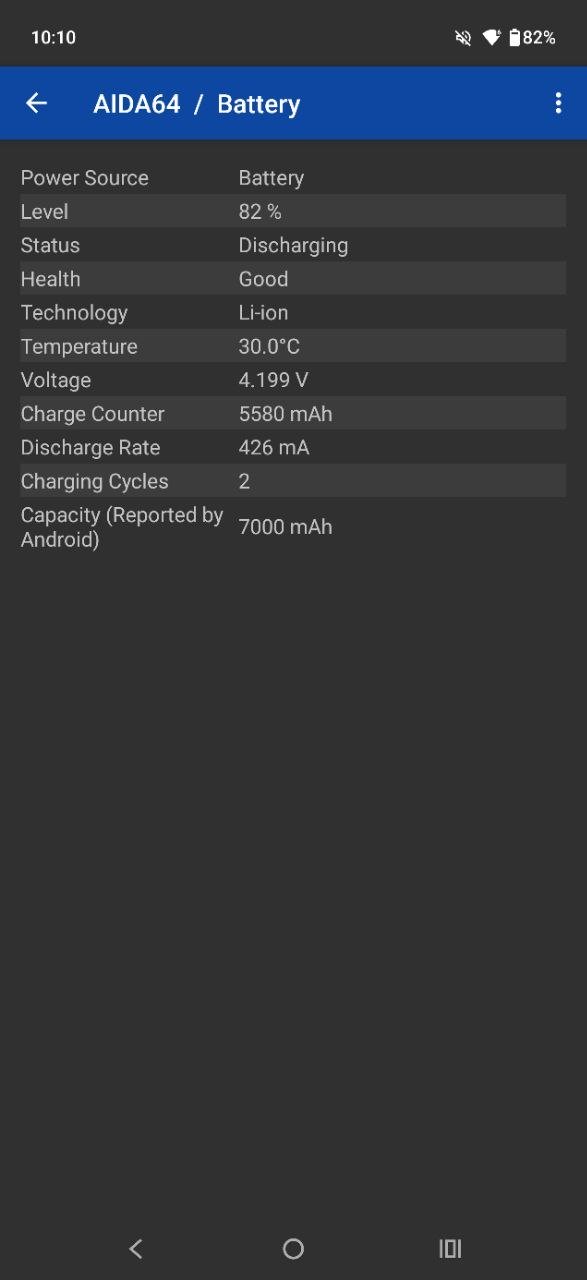
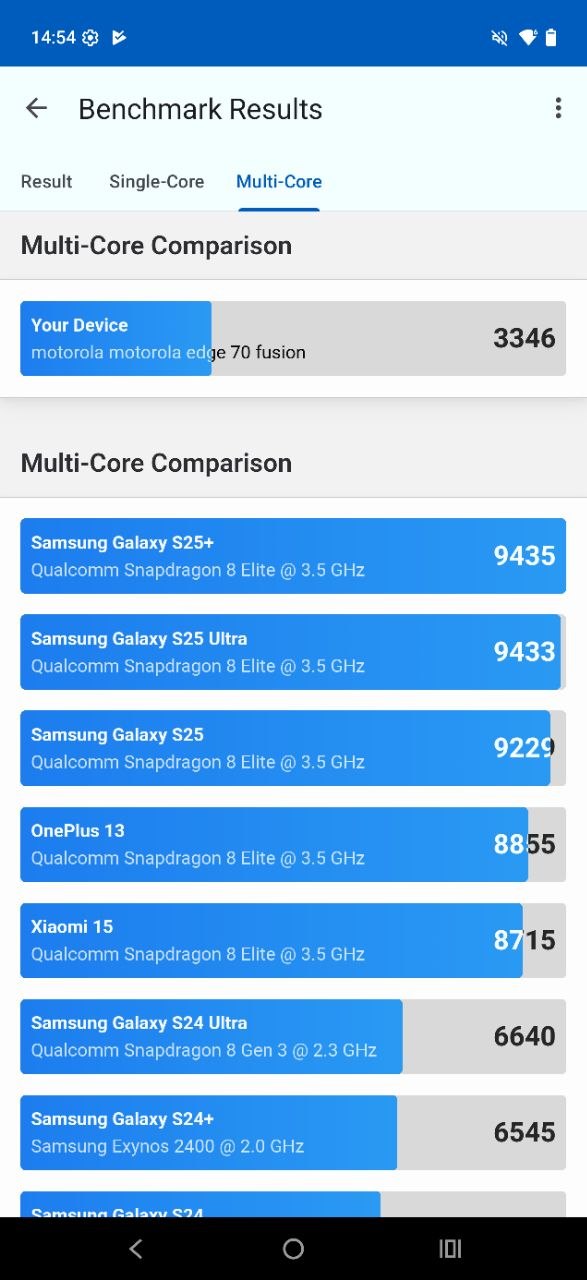
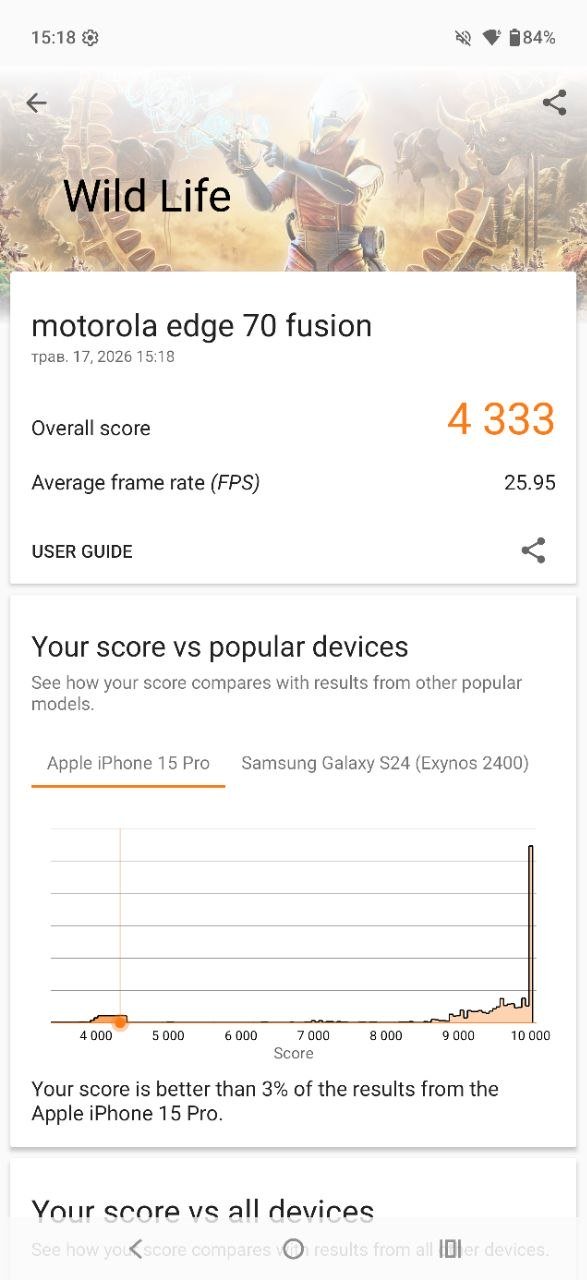
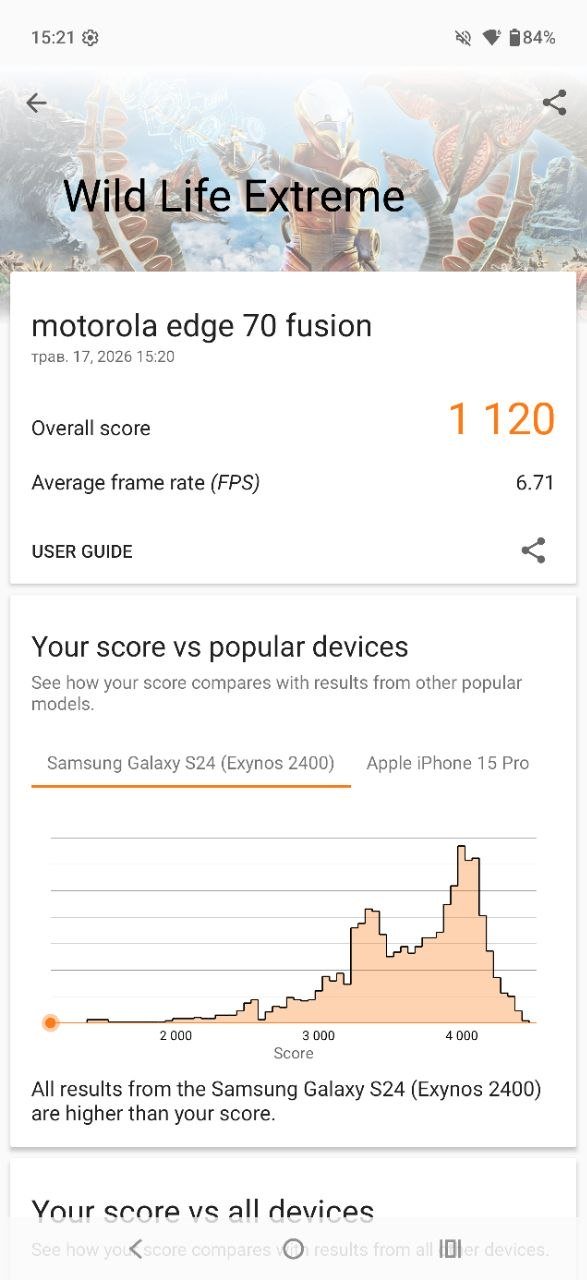
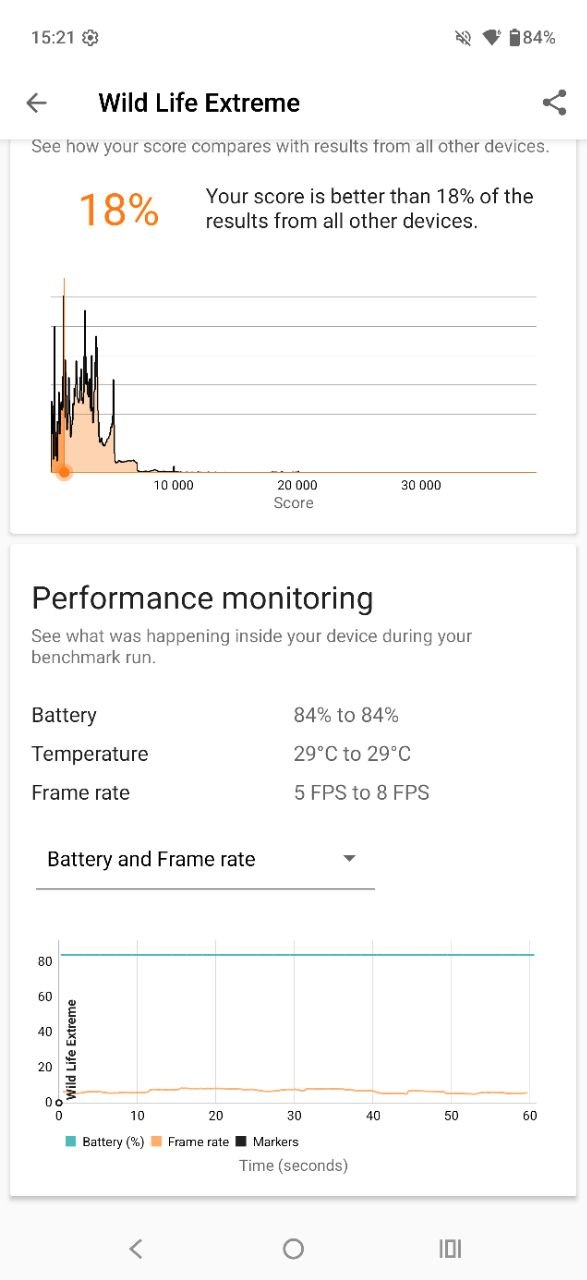
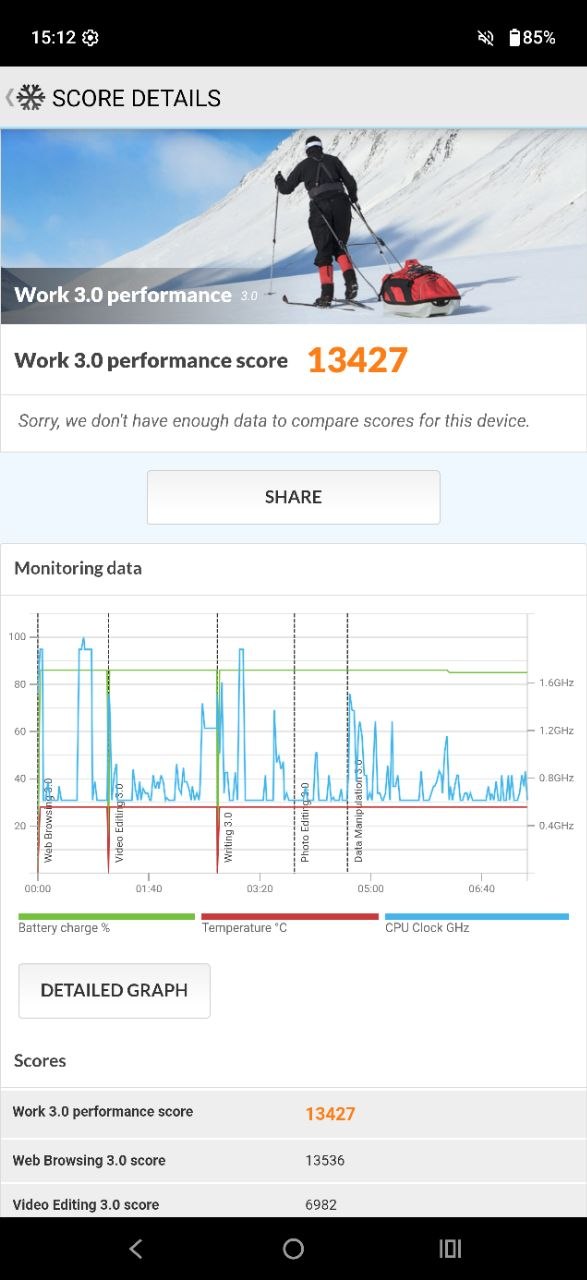
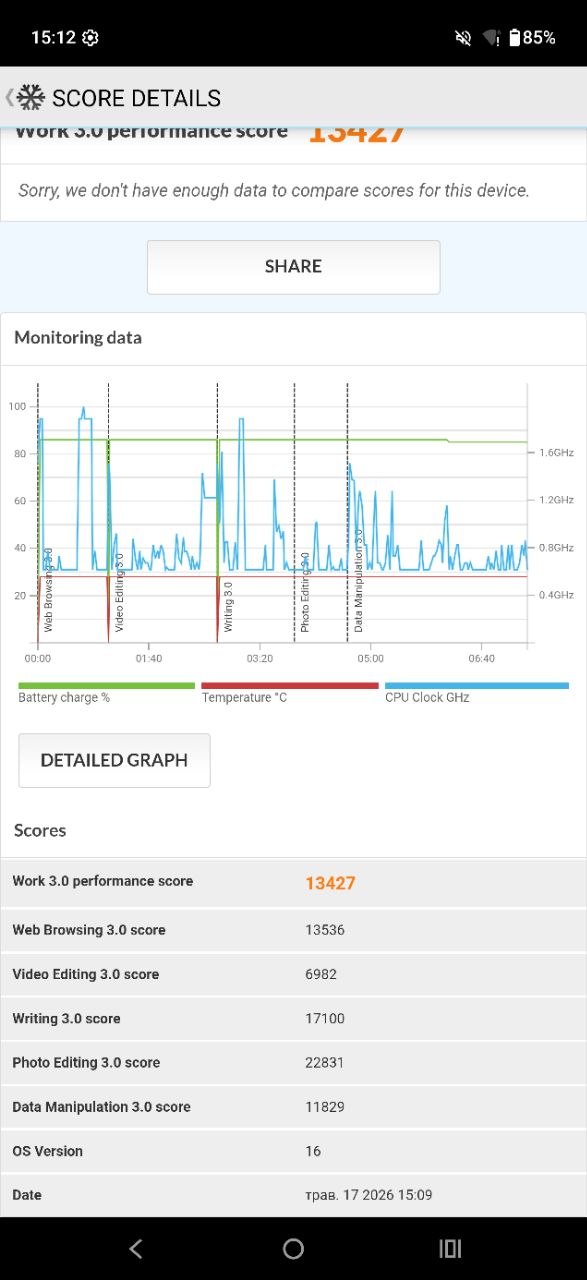
What can be said about the performance of a smartphone with this configuration is that it will satisfy most users. The combination of hardware and relatively clean software provides a stable and responsive experience across nearly all everyday scenarios. In the most demanding games at maximum graphics settings, some frame rate drops are likely to occur. However, in the remaining ~95% of use cases – including multitasking and general app usage – the Motorola Edge 70 Fusion performs reliably.
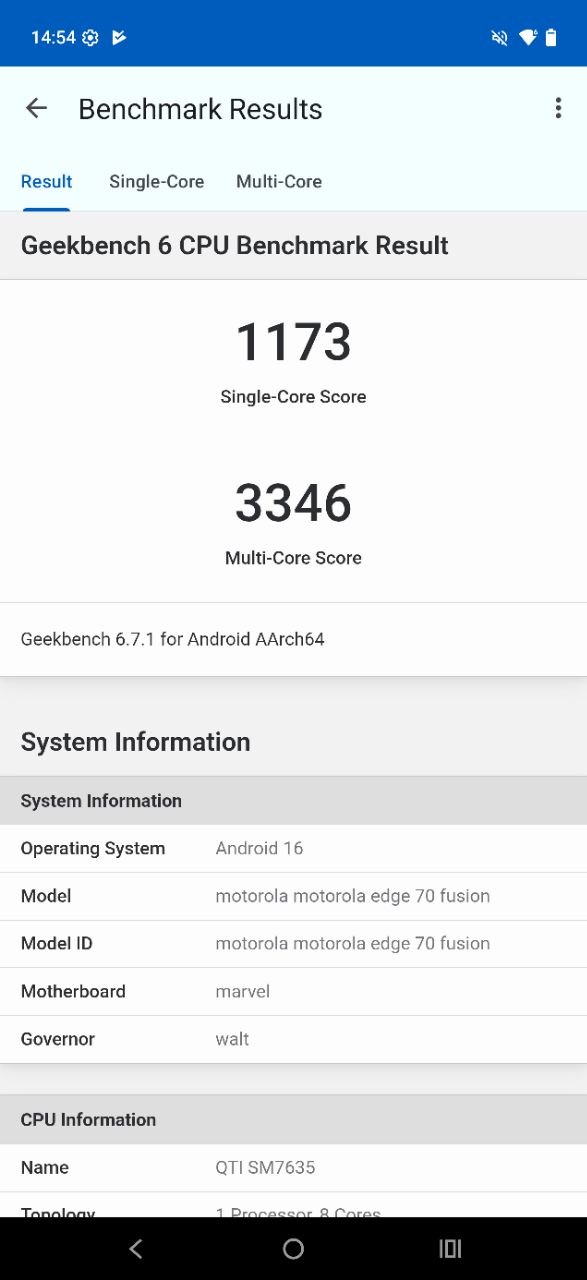
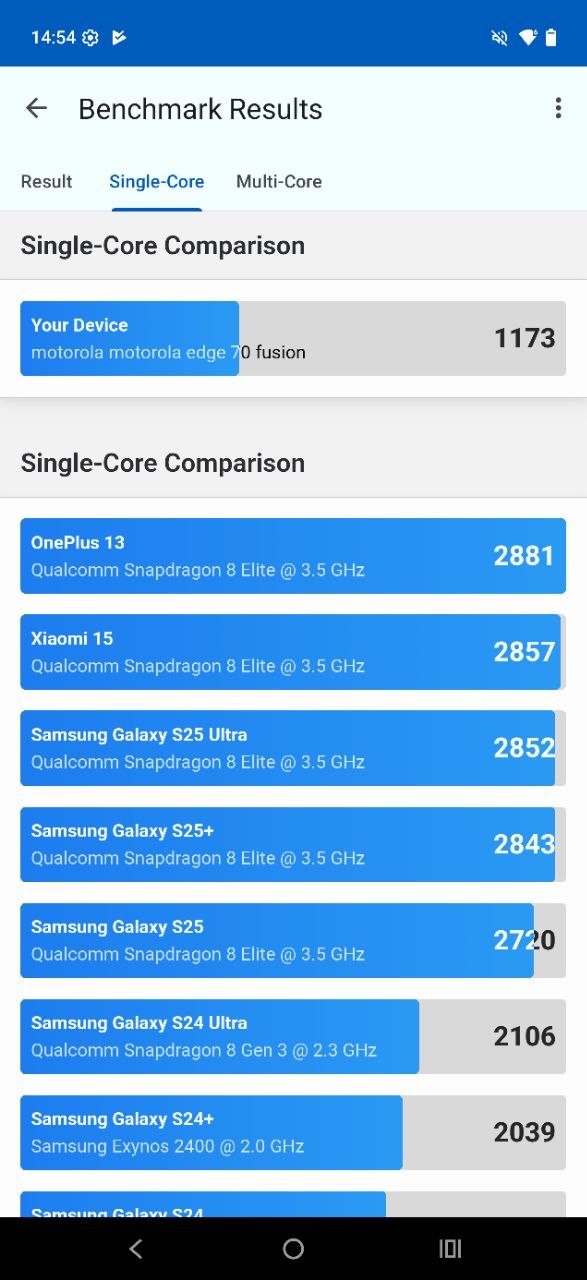
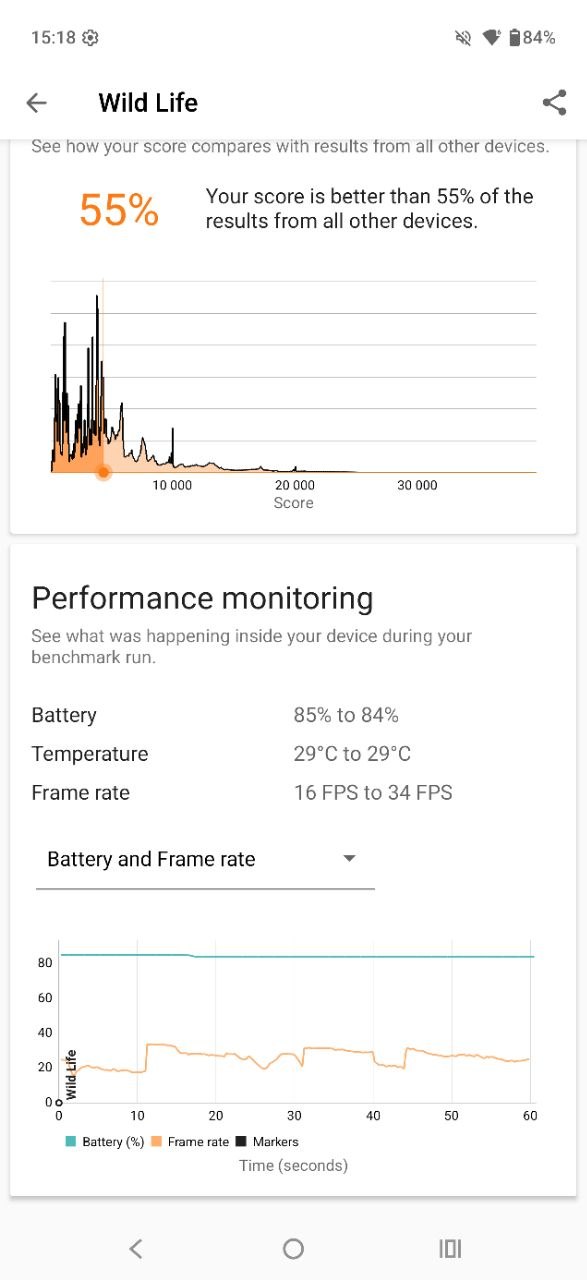
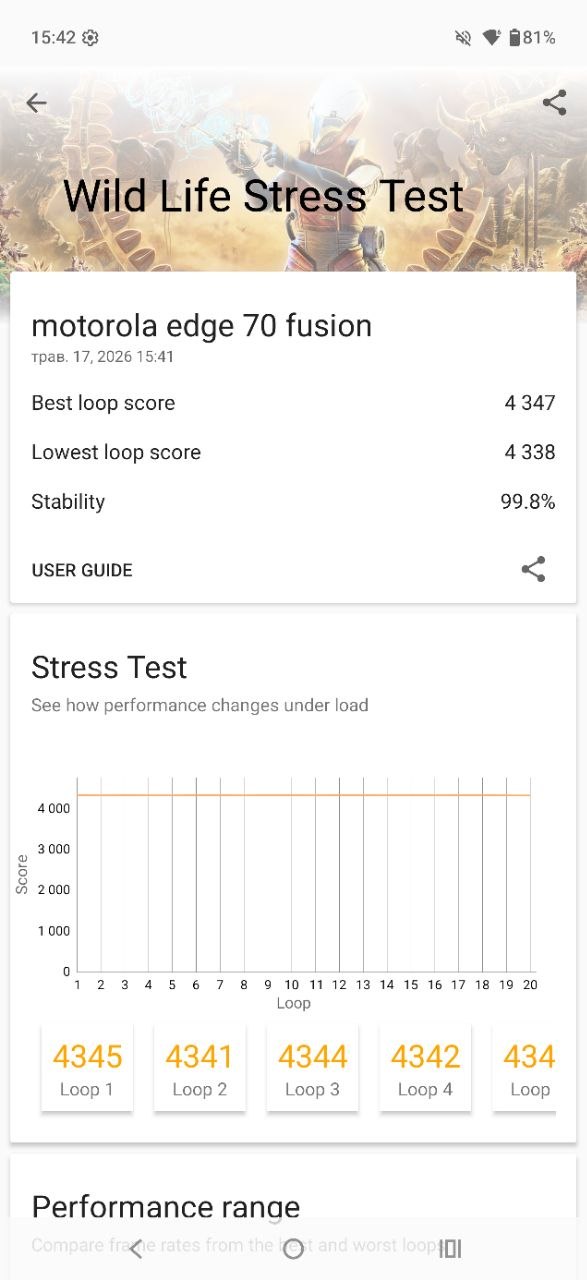
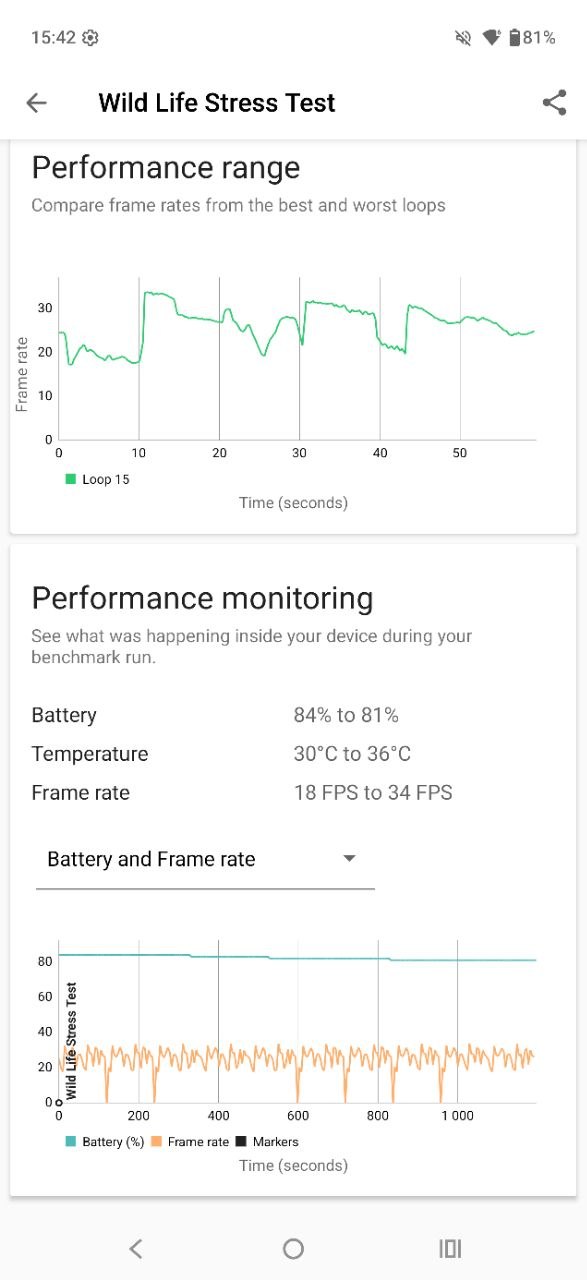
For example, in the Wild Life stress test, the device reaches up to 34 fps with only a minor temperature increase (from 30°C to 36°C), maintaining a stability score of 99.8%. While synthetic benchmarks will not place it at the top of performance charts, the overall level of performance remains solid and well-balanced for its class.
Read also:
- Motorola Edge 60 Pro Review: Two Steps Forward, One Step Back
- Motorola Edge 60 Fusion Review: Moto AI, MIL-STD 810H and Elegant Design
Software
The Motorola Edge 70 Fusion runs a near-stock version of Android 16, supplemented with Motorola’s proprietary Moto services and a set of current AI-based features. In terms of software support, the device is expected to receive three major Android version upgrades (up to Android 19), along with security patch updates for five years, extending through 2031. This provides a relatively long support window for a mid-range device and helps maintain software relevance over time.

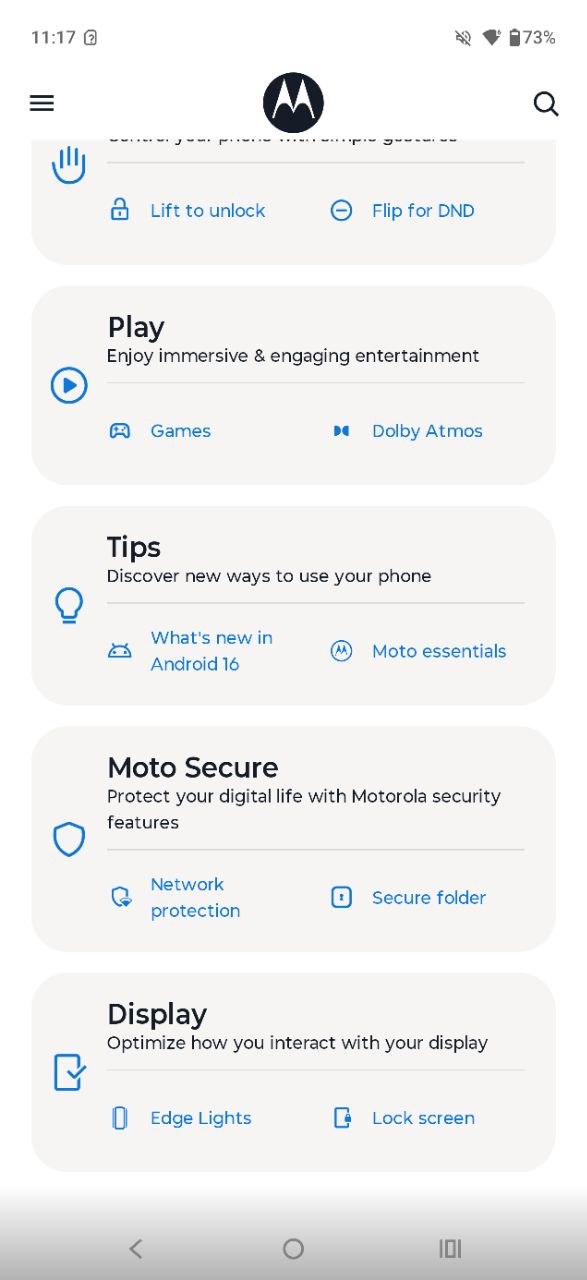
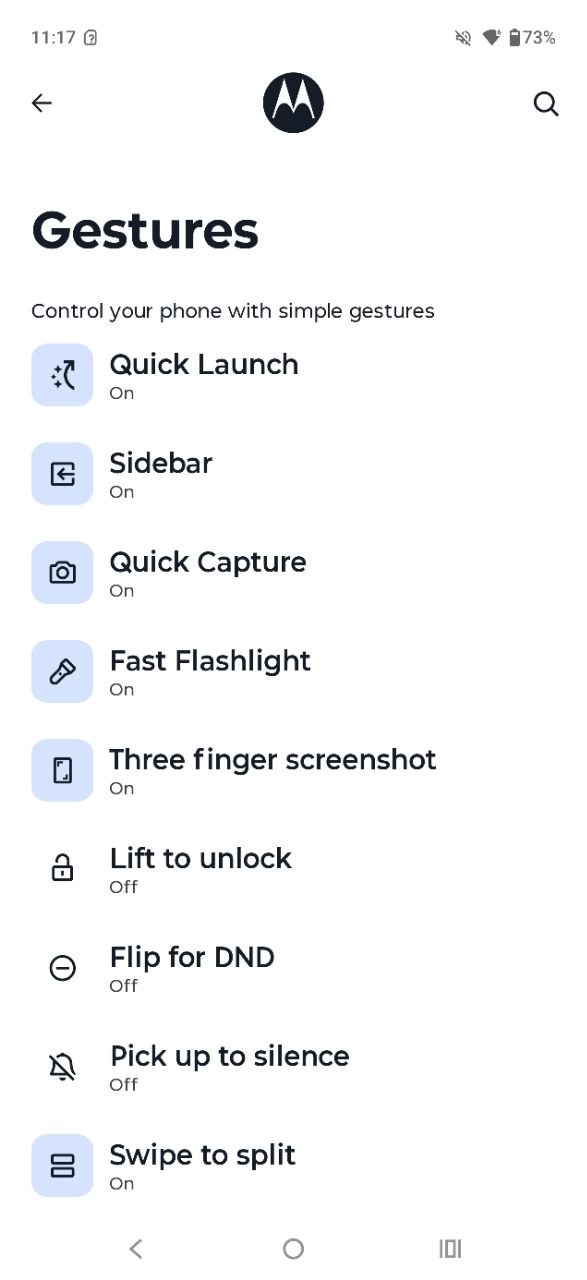
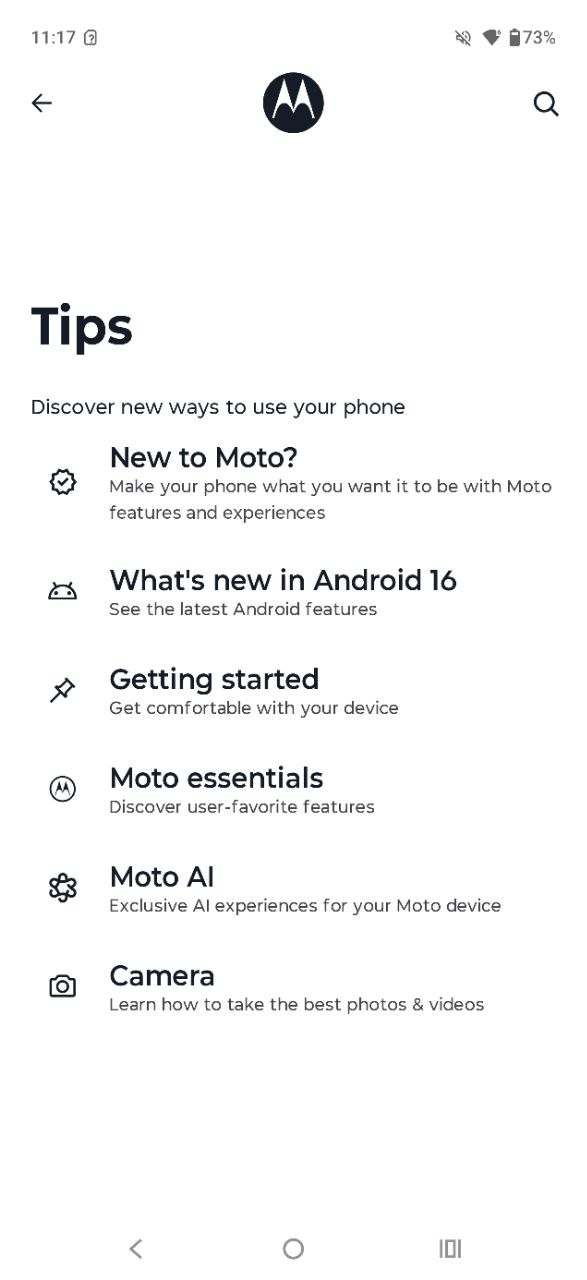
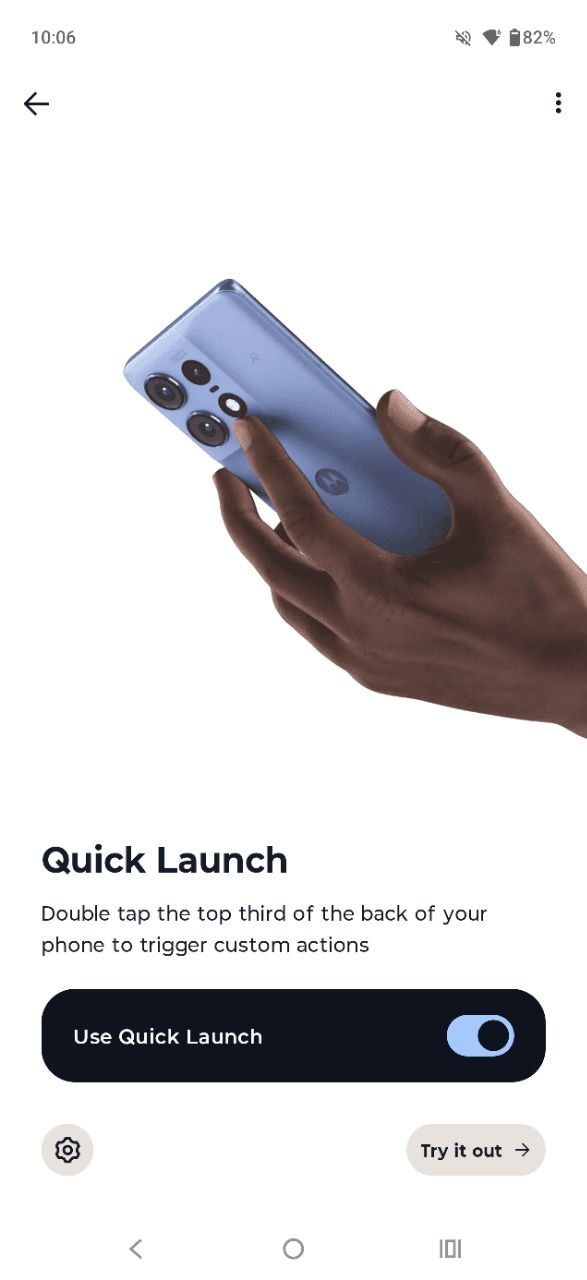
The software experience on the Motorola Edge 70 Fusion is based on core Google services, with Motorola’s proprietary features grouped into a dedicated folder. Users familiar with Motorola devices will recognize the Moto app, which consolidates gesture controls, personalization options, and various usability features, along with contextual tips and guidance. Additional standalone applications include Moto Secure for security settings, Family Space for controlled usage environments, Smart Connect for fast pairing with other devices, and Moto Unplugged for digital wellbeing and reduced-distraction modes.
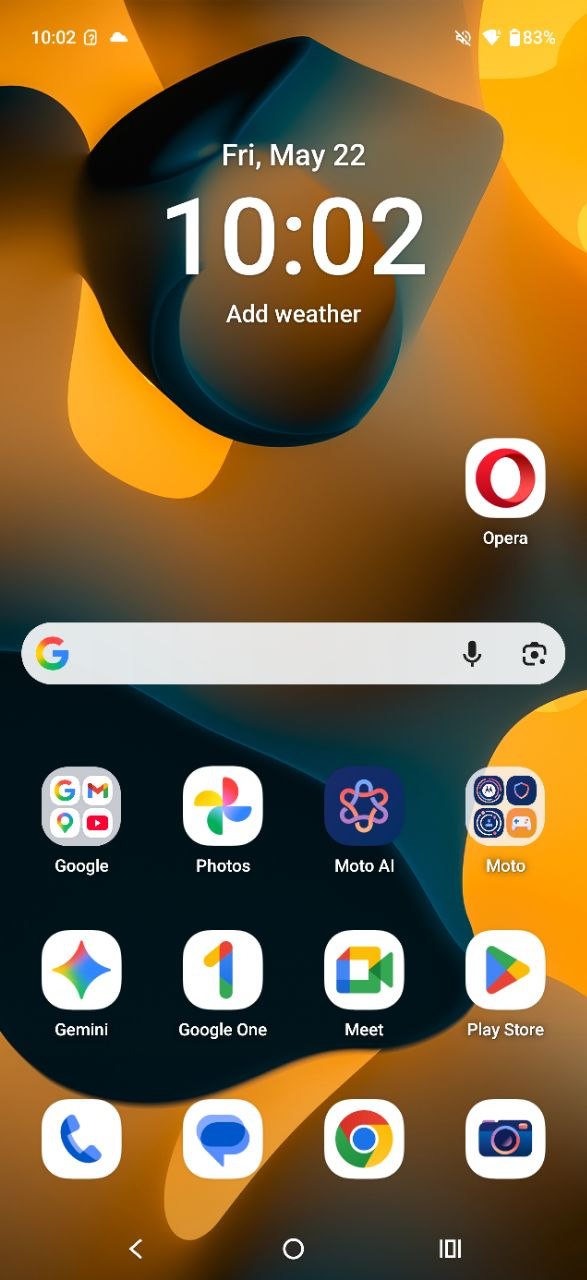
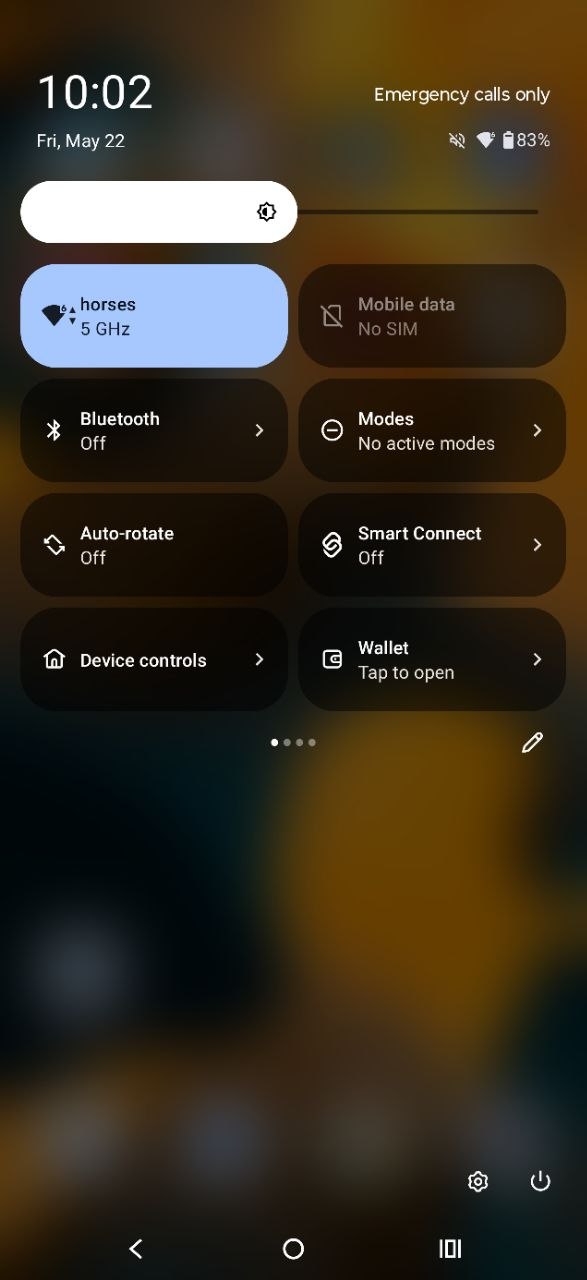
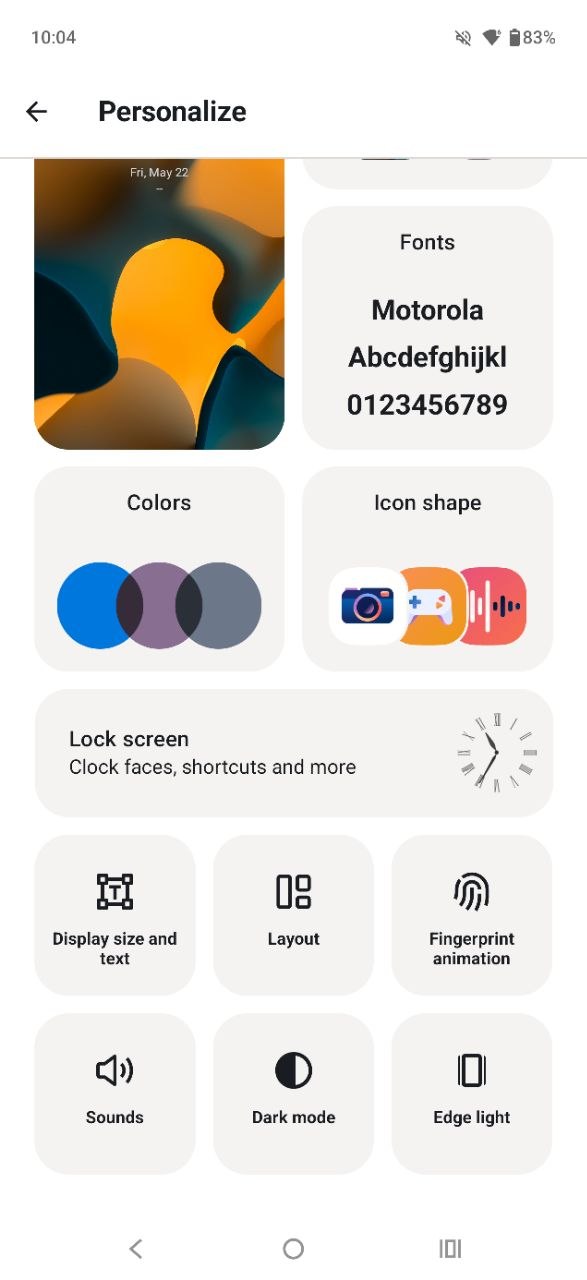
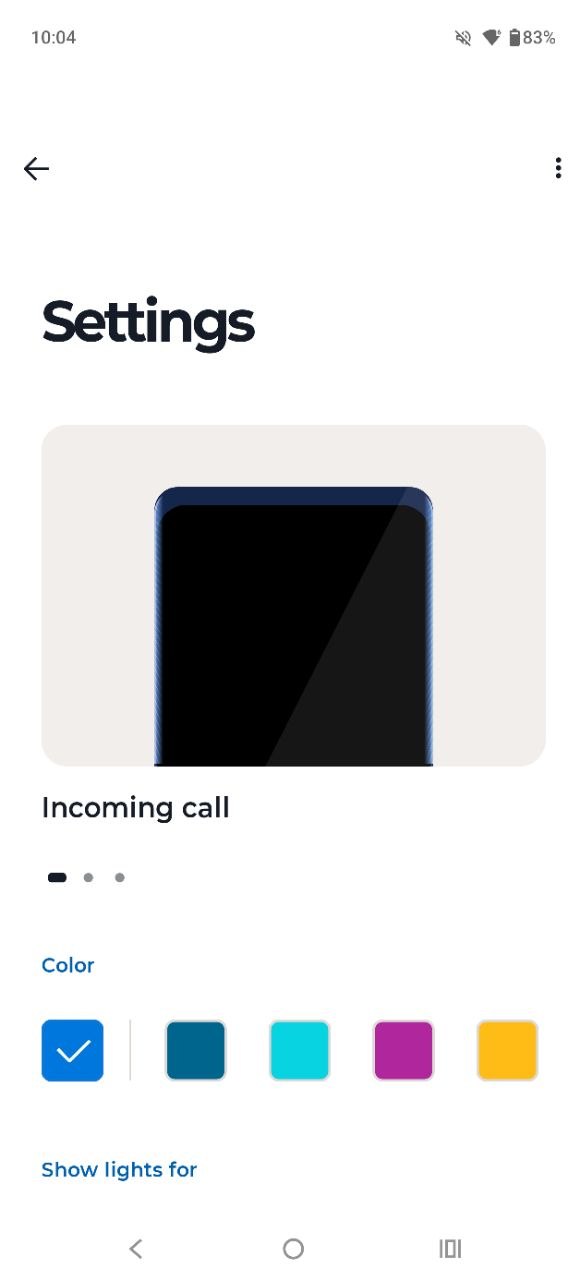
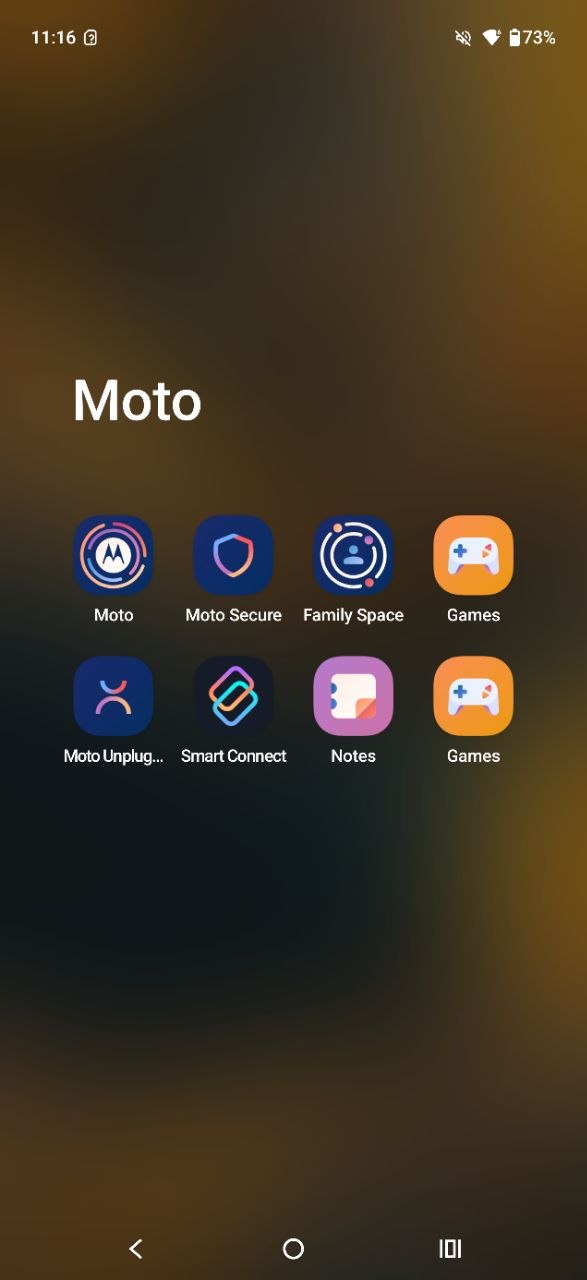
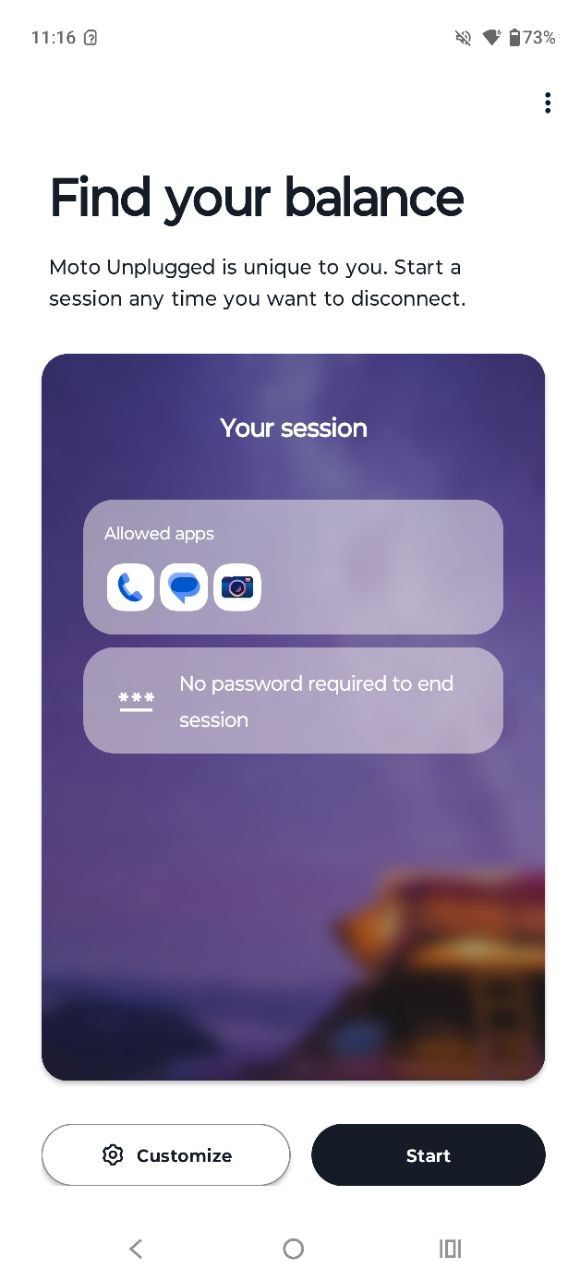
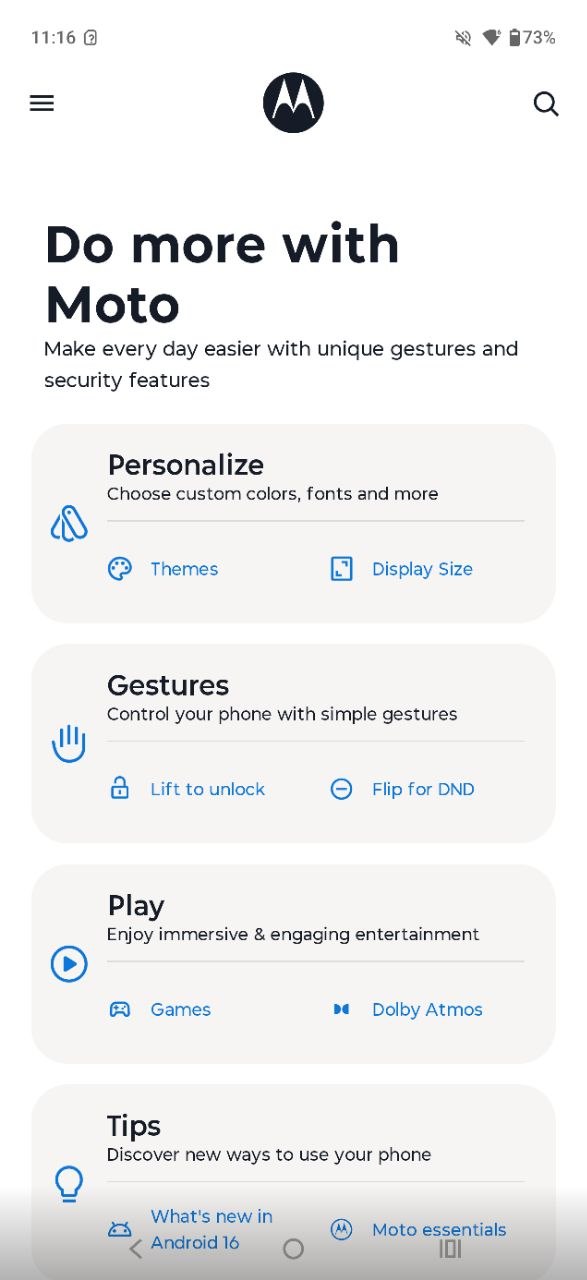
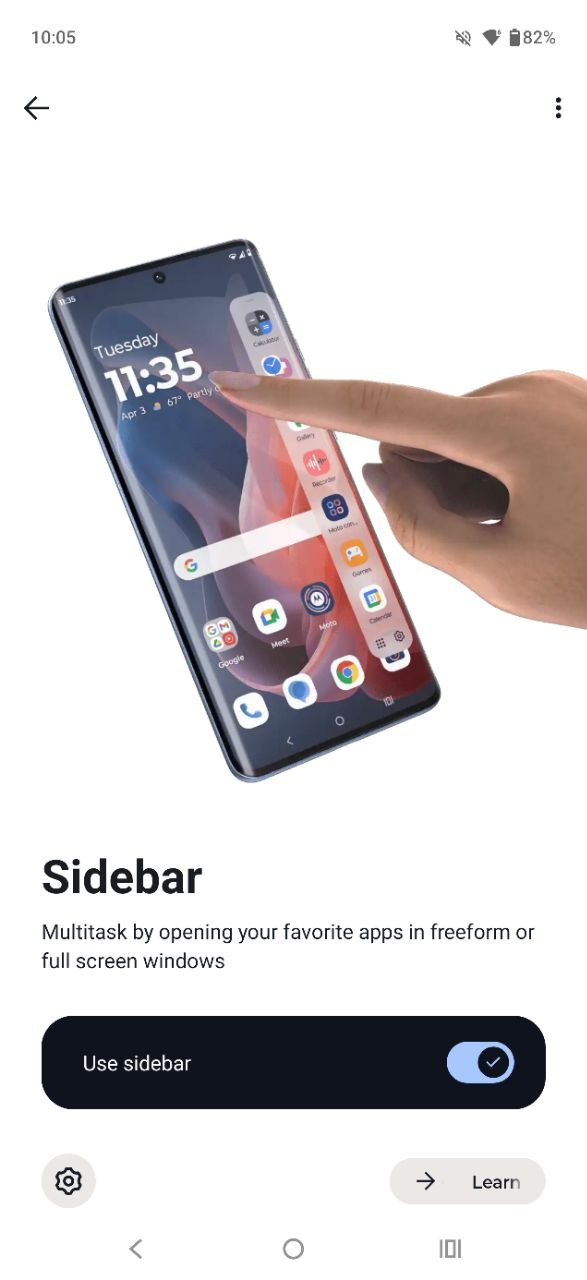
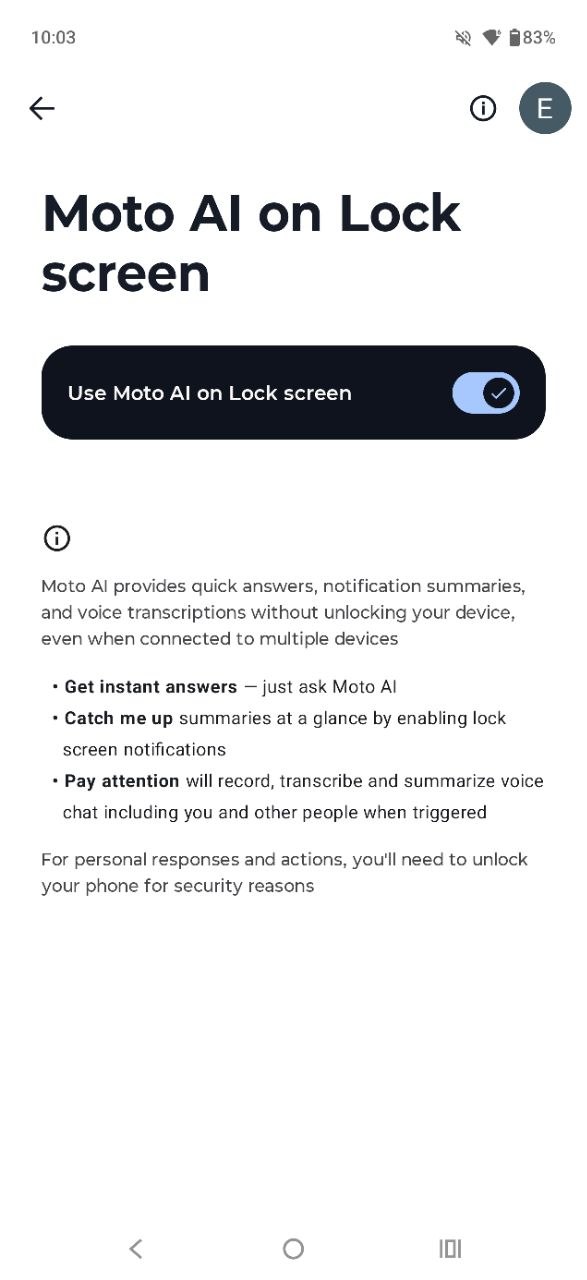
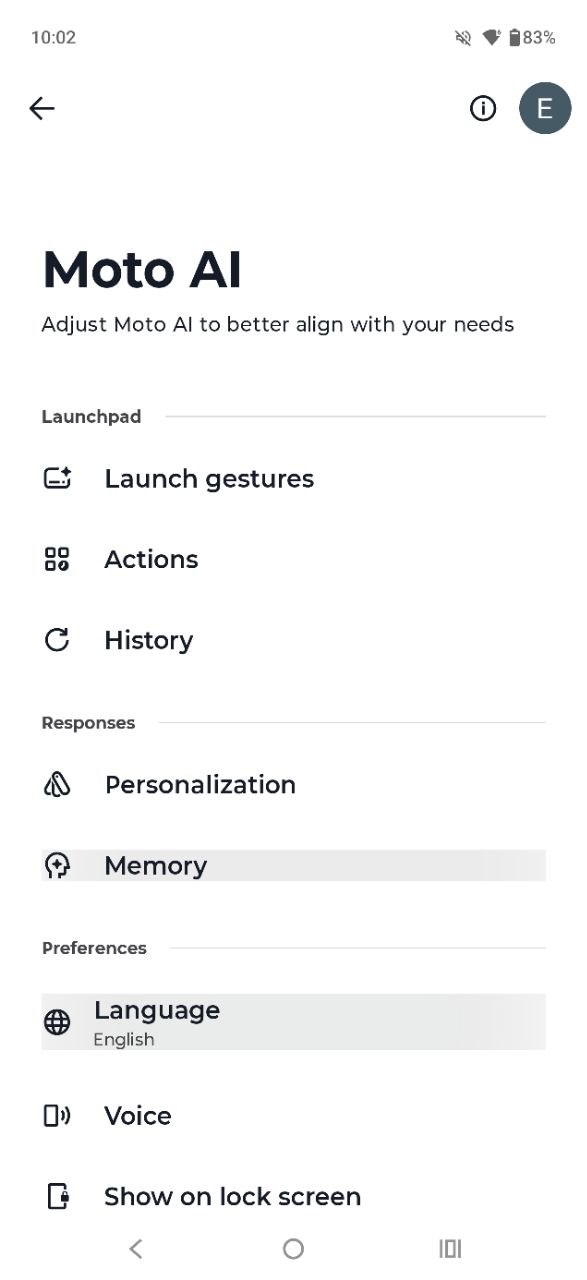
The Moto AI suite on the Motorola Edge 70 Fusion groups together a set of artificial intelligence-based tools for different tasks. These include image generation (with a limited number of free generations per day), transcription of audio recordings, memory-style content creation, AI-assisted search, and summarization of notifications.






Unlocking methods
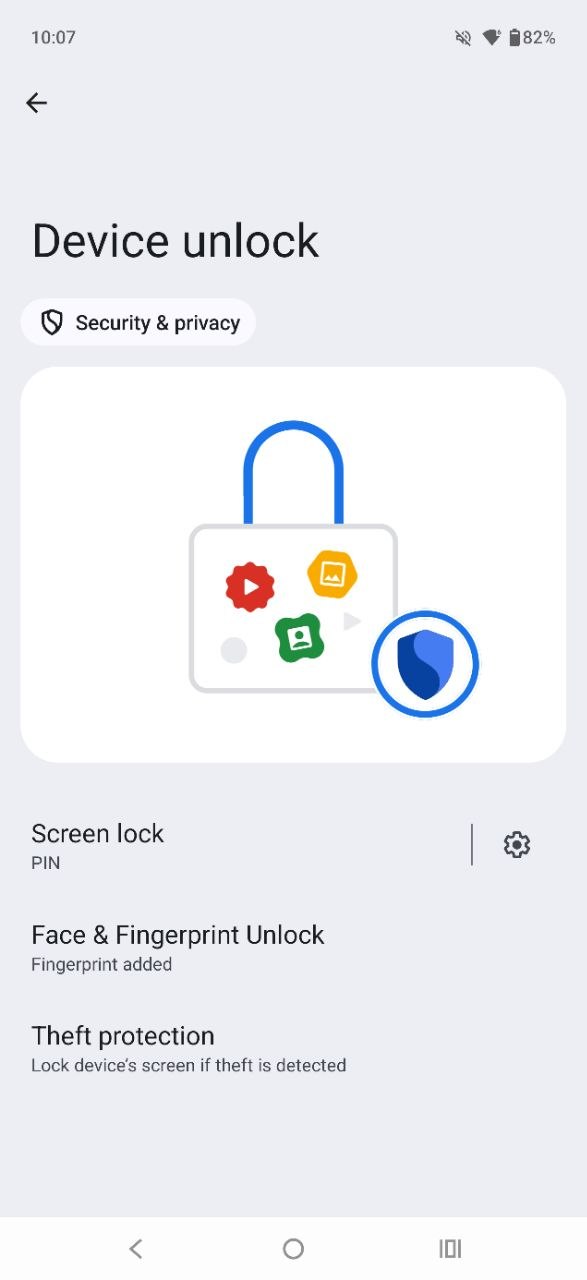
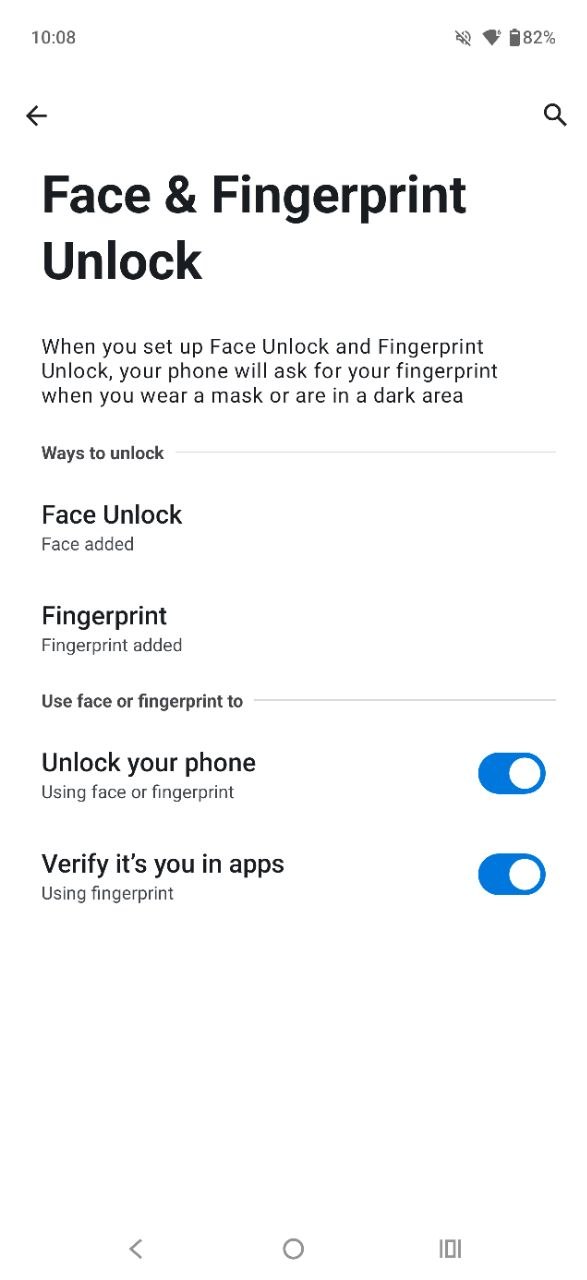
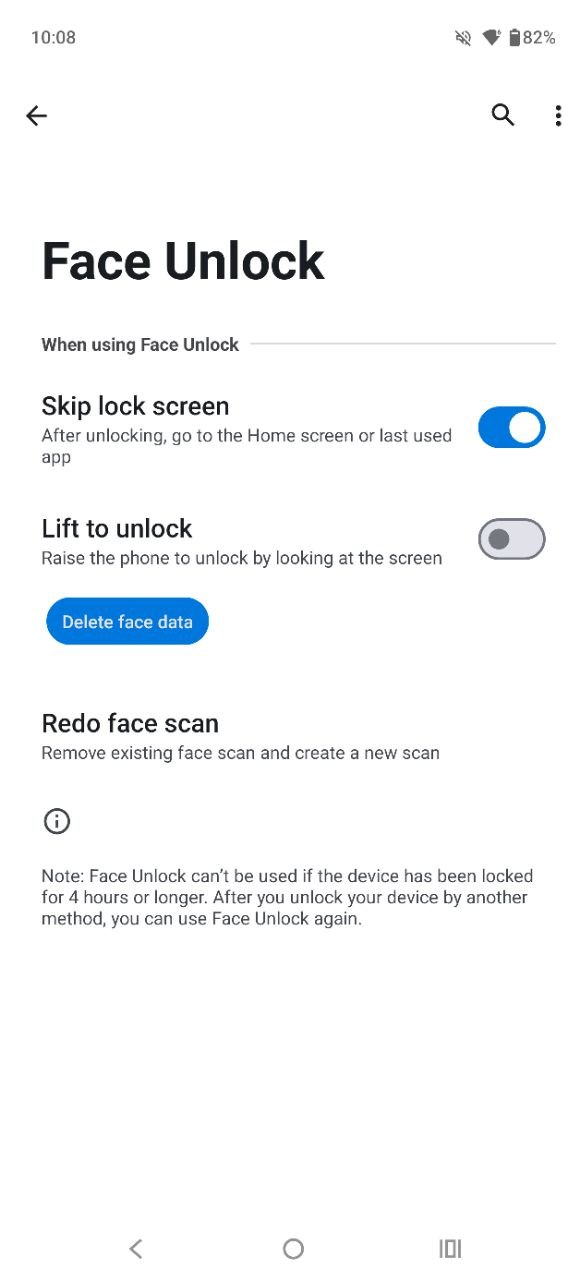
Access to the Motorola Edge 70 Fusion is provided through a combination of a fingerprint scanner and face recognition. Both methods perform reliably, with fast response times and consistent accuracy. During testing, all unlocking attempts were successful on the first try. The in-display fingerprint sensor is particularly fast, even when the screen is off. The only notable drawback is its placement, which may feel less ergonomic. Otherwise, the implementation works as expected.

The face unlock system on the Motorola Edge 70 Fusion is notably well implemented. First, it operates with a speed comparable to the fingerprint sensor. Second, it reliably performs facial recognition even in complete darkness with minimal display brightness. In other words, it does not require increasing screen brightness to illuminate the face during authentication. This is a meaningful advantage compared to many smartphones that either temporarily raise display brightness – often causing discomfort in low-light conditions – or fail to recognize the user and fall back to alternative unlock methods. Overall, the implementation is highly effective and stands out as one of the stronger aspects of the device.
Read also:
- Motorola Razr 60 Ultra Review: True Flagship Foldable Phone
- Motorola Moto Buds+ TWS Review: High-Quality Hi-Res Audio and “Sound by Bose”
Motorola Edge 70 Fusion Cameras

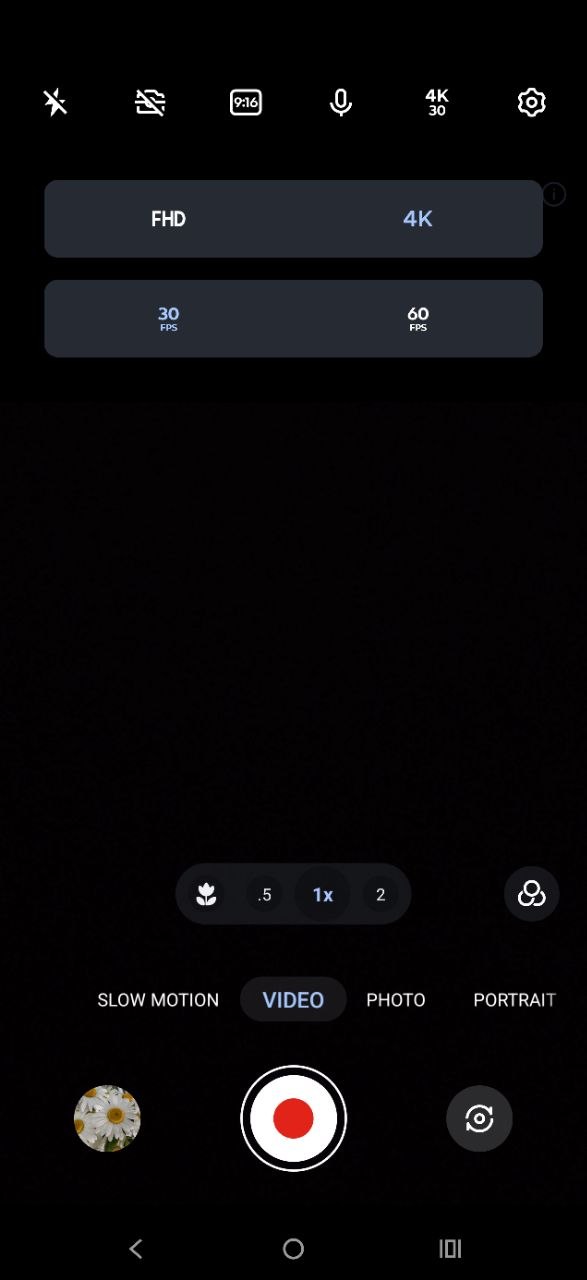
The rear camera system of the Motorola Edge 70 Fusion consists of three modules: a main 50 MP Sony LYTIA 710 sensor (f/1.8) with OIS, a 13 MP ultra-wide camera with an f/2.2 aperture and a 120° field of view, and an auxiliary light sensor. Video recording capabilities include 4K at 30 fps, while Full HD recording is available at up to 60 fps.
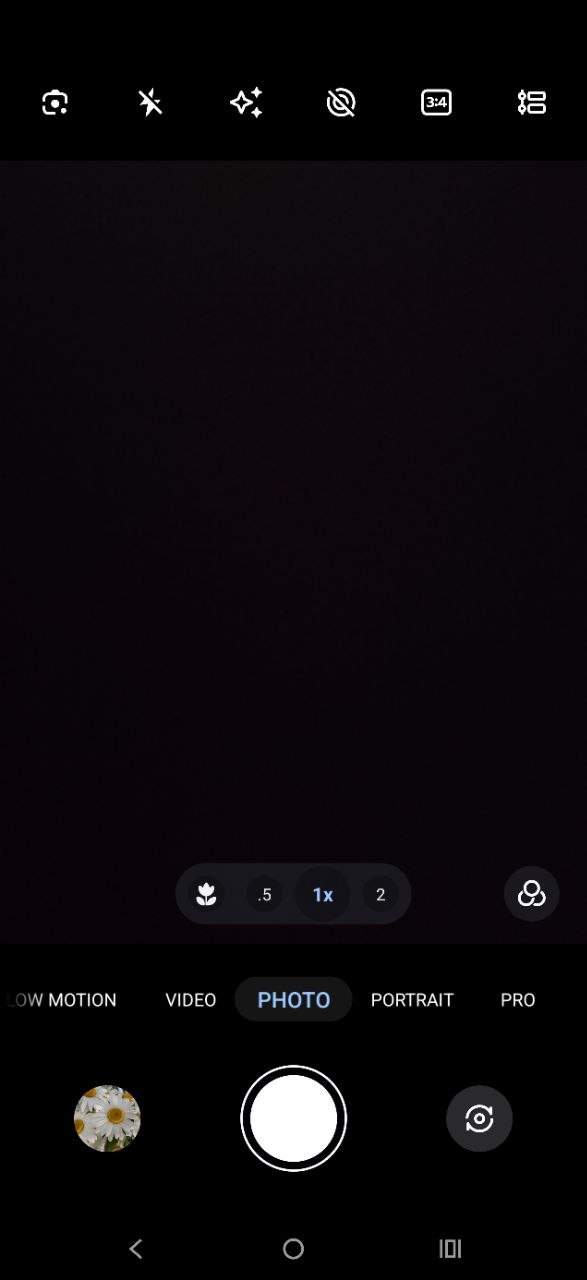
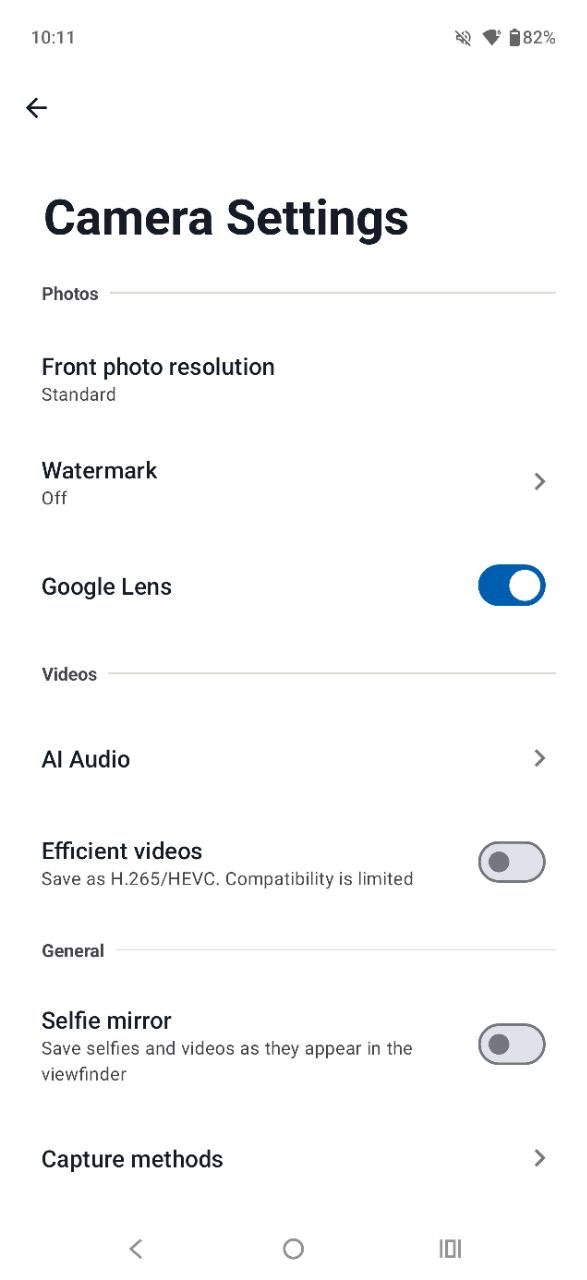
The camera application provides a solid set of shooting modes, including standard photo and video, portrait, panorama, timelapse, and simultaneous front-and-rear recording. It also includes additional features such as a built-in QR code scanner, beautification tools, and a Photo Booth mode that simulates a photo booth experience by combining a series of shots into a single collage.

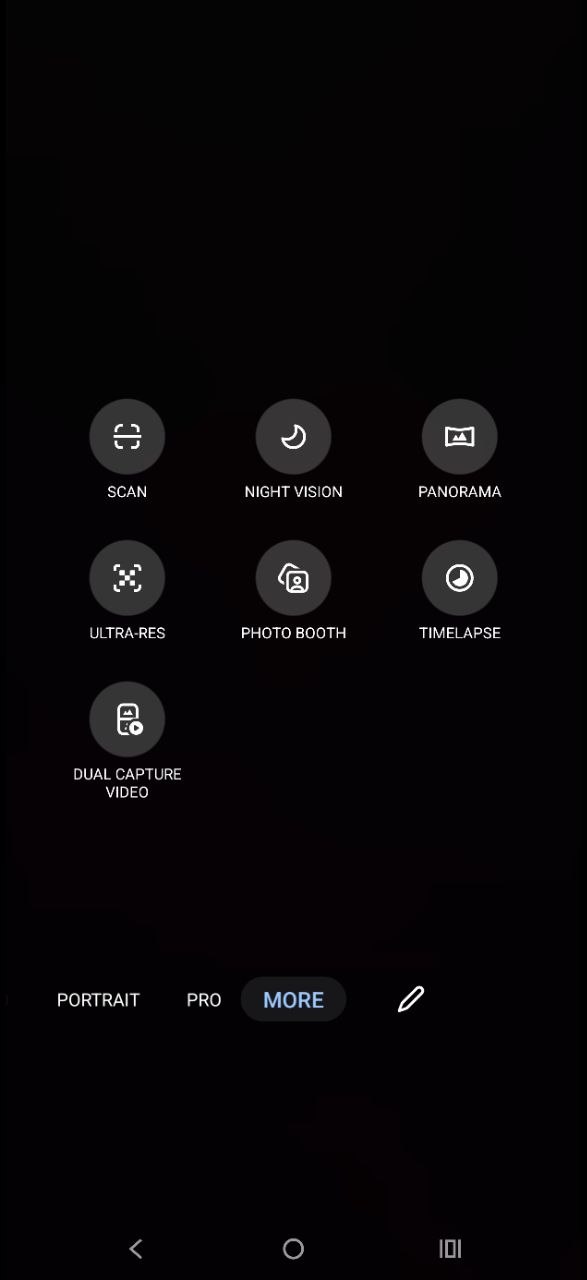
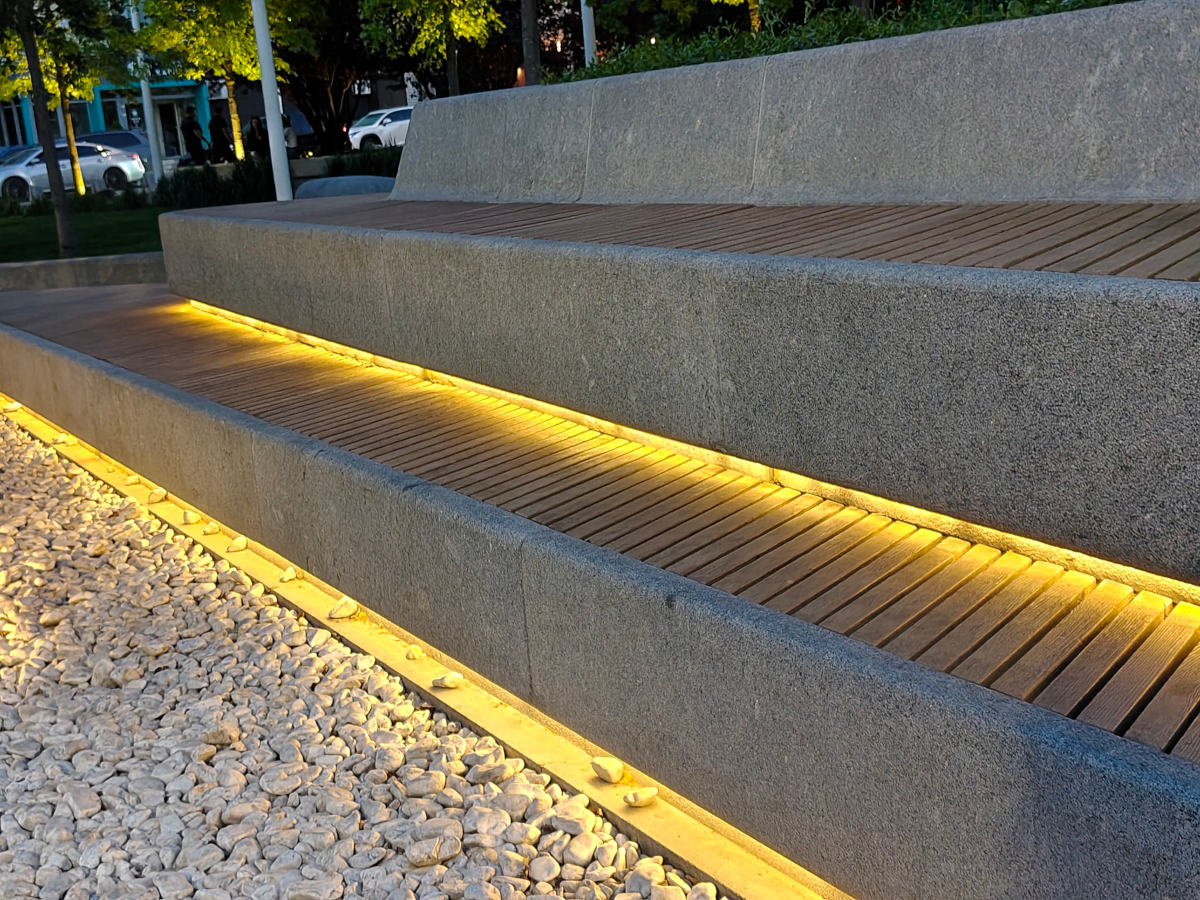
The photo quality of the Motorola Edge 70 Fusion should satisfy most users. The main camera performs well in both daytime and nighttime conditions, including shots taken at 2× zoom. It delivers accurate color reproduction, sufficient detail, and maintains image stability even in low-light scenarios.
This is partly supported by software processing, but in combination with solid hardware it results in generally pleasing images. The ultra-wide camera, while useful for capturing a broader field of view, shows limited detail even in good lighting conditions. In low light, the loss of detail becomes even more noticeable. However, this is a common limitation for ultra-wide sensors in most mid-range smartphones.
To illustrate scene comparison, several samples taken at dusk and in the evening can be observed below: from left to right – standard mode, 2× zoom, and ultra-wide.


And here are a few more examples of photos taken in different modes and with different lenses. Let’s start with the basics:


















2x digital zoom:











And a wide-angle shot:









The Motorola Edge 70 Fusion also includes a macro mode for close-up photography, suitable for capturing plants, textures, and small details. Overall, it is a usable feature, although it relies primarily on software processing rather than dedicated macro hardware.


ALL PHOTOS IN THEIR ORIGINAL RESOLUTION
The front-facing camera on the Motorola Edge 70 Fusion has a 32 MP sensor with an f/2.2 aperture. It produces clear and well-saturated images under sufficient lighting conditions, both in daylight and in artificial indoor light. Video recording is supported at Full HD resolution at 30 fps. Image quality is generally solid for social media use. However, for more demanding scenarios such as professional-level vlogging, a more advanced device would likely be required. Overall, it is a capable solution for everyday personal use.
Sound
The Motorola Edge 70 Fusion is advertised with stereo audio output, achieved through the earpiece speaker and the main loudspeaker. In practice, true stereo separation is indeed present. The effect is noticeable in both landscape and portrait orientations. The sound is well balanced, with no obvious bias toward the bottom-firing speaker. Audio quality is generally clean and relatively spacious, making video playback and other media consumption comfortable and enjoyable.

The Motorola Edge 70 Fusion also supports Dolby Atmos, with all related features accessible through a dedicated application. Within this app, users can enable spatial audio (when supported by headphones) and select from several presets designed to adapt sound to different content types: intelligent content detection, Movies, Music, Podcasts, and a custom mode. The device also supports a wide range of common audio codecs, including LDAC, which contributes to strong wireless audio performance when paired with compatible headphones. As expected, there is no 3.5 mm headphone jack, so audio output is intended to be used exclusively via wireless solutions.
Read also: Samsung Galaxy A57 vs Galaxy A37 Review: Updated Bestsellers
Battery life
One of the key highlights of the Motorola Edge 70 Fusion is its battery capacity. The device is equipped with a 7000 mAh battery, while still maintaining a relatively slim profile rather than feeling overly bulky. There is also a 5000 mAh variant available, but the larger battery version offers a significantly better endurance profile with only a modest increase in weight. The 5000 mAh model weighs 177 g, while the 7000 mAh version comes in at 193 g. In practical terms, this small difference in weight is offset by a substantial improvement in battery life – nearly one and a half times higher capacity.

In the PCMark battery test, the Motorola Edge 70 Fusion took over 26 hours to drop from 100% to 20% with adaptive brightness enabled. Under typical usage patterns, this translates into more than a full day of active screen time, and in practice up to around two days of operation on a single charge. Naturally, this depends on usage intensity. Heavy gaming or frequent video recording will reduce battery life more quickly, but for standard mixed use the endurance remains strong.


The fast charging system on the Motorola Edge 70 Fusion supports up to 68 W via Motorola TurboPower. However, to achieve the maximum charging speed, a compatible charger is required, and it is not included in the retail box. In testing, when using a 25 W charger (originally intended for the Samsung Galaxy S23 FE), a full charge took a little over an hour. With a native 68 W charger, charging times would be expected to be noticeably shorter.
Summary and competitors
For users looking for a modern, capable, and long-lasting device that does not feel like a bulky “brick,” the Motorola Edge 70 Fusion is a strong option. One of its main advantages is that, despite housing a 7000 mAh battery, it maintains a slim, stylish design and good ergonomics. It also offers a high-quality OLED display with up to 144 Hz refresh rate, solid performance hardware, a near-stock Android 16 experience with long-term updates and AI features, capable stereo speakers, and cameras that are competitive within its segment.
There are few objective drawbacks worth highlighting. The absence of a bundled charger, as is increasingly common in modern smartphones, and the relatively low placement of the fingerprint scanner are minor usability compromises rather than serious issues. Overall, in the mid-range smartphone market, the Edge 70 Fusion stands out as an attractive daily driver with a reasonable price-to-performance balance.

Who can compete with the new Motorola Edge 70 Fusion? If we focus on competitors running a near-stock Android experience, the Google Pixel 9a is a natural comparison point. It offers 4K video recording at 60 fps, which is a clear advantage in video capabilities. However, it also comes with several trade-offs: a smaller 6.3-inch display, lower base memory configuration (8/128 GB for the same price range), and a 5100 mAh battery.
For users preferring Samsung devices, the Samsung Galaxy A57 can be considered a similar alternative. It is slightly more expensive at comparable memory configurations (8/128 GB) and features a somewhat more powerful processor clocked up to 2.9 GHz. However, it also follows a similar pattern in battery limitations seen in the Pixel 9a, with a 5000 mAh capacity and slower 45 W charging compared to 68 W.
Overall, if battery endurance is a priority in the mid-range segment, the Edge 70 Fusion presents a notably strong position and is unlikely to disappoint in everyday use.
Read also:
- NVIDIA N1 and N1X: The Moment Windows Has Been Waiting for for Twenty Years
- Weapons of Ukraine’s Victory: Meteor Air-to-air Missile
- Five AI Cities: Inside the Emergence AI Experiment – Order, Chaos, and Survival
- Top 10 Bluetooth Speakers


Kupio ga preko A1 super je ali niste mi dali nogometnu loptu šta ide uz mobitel
Morate kontaktirati prodavača.