




© ROOT-NATION.com - Use of content is permitted with a backlink.
When I was working on a piece about the benefits and gradation of artificial intelligence, I mentioned that the implementation of the “revolutionary” functions of this very intelligence requires support through the latest hardware platforms. In other words, you can’t work miracles with old hardware. And once again, I find confirmation of this, because today I will be reviewing the cool CZUR StarryHub Q1 Pro office projector.

TABLE OF CONTENTS:
Technical specifications of CZUR StarryHub Q1 Pro
- Light source: LED
- Display technology: DLP
- Chipset: 0.47″ DMD FHD
- Projection screen size: 30-150 inch
- Luminance: 2200 Lm ANSI
- Keystone correction type: Auto (Perpendicular ± 45°)
- CPU 6-core: up to 1.8 GHz
- GPU: Mali-T860MP4
- RAM: 4GB LPDDR3
- ROM:32GB eMMC
- OS: StarryOS (Based on Android)
- Wi-Fi: 5
- Bluetooth: present
- Interface: USB-A 2.0, USB-A 3.0, HDMI 1.4, LAN
CZUR StarryHub Q1 Pro video review
Don’t want to read the text? Watch the video:
Positioning on the market
What is the CZUR StarryHub Q1 Pro? It is a hyper-cool combination of a projector and a media device for conferences. This, it would seem, should not be very interesting for the consumer market. But I would like to remind you that remote work is now more important than ever for many people. And such a projector can be installed and used either in an office or in a basement shelter. That’s why I became curious about what such a device is capable of.
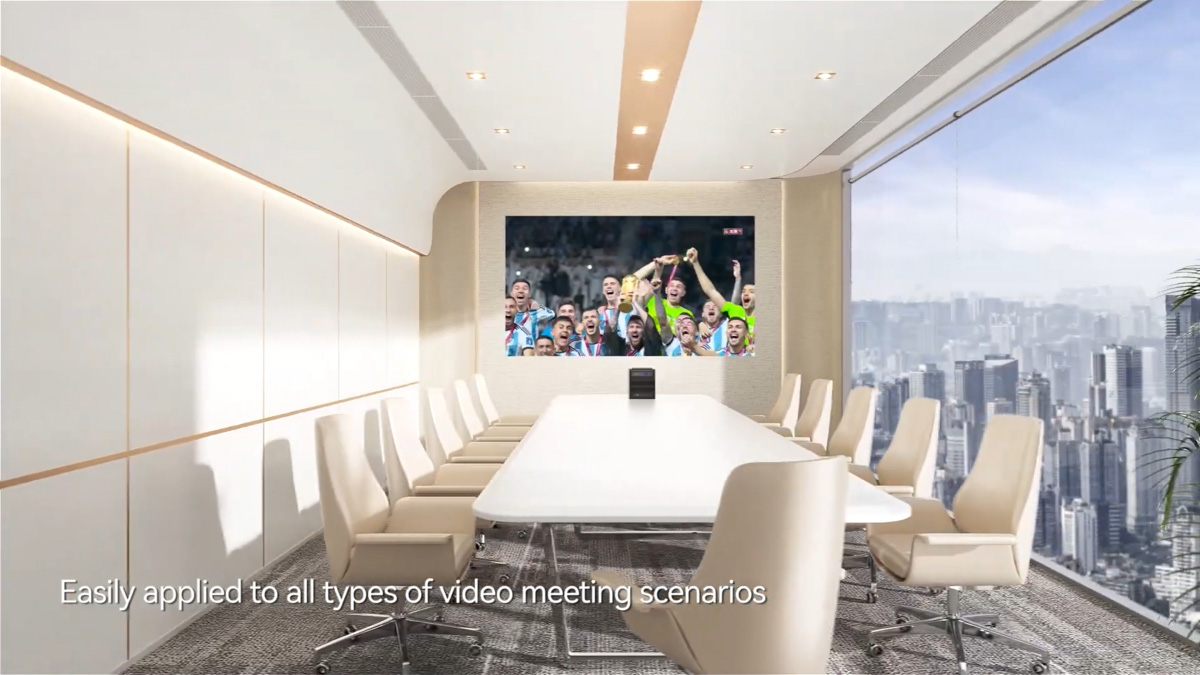
Because it should be capable of many things. The CZUR StarryHub Q1 Pro costs between $1,000 and $1,300. Of course, it’s not the most expensive projector I’ve reviewed this year. And I’ll say right away that its specs aren’t record-breaking. But it does break records in other areas.

There also exists a CZUR StarryHub Q1S Pro. As far as I know – it has better picture quality, 4K instead of FHD, and the price is almost 50% more. But it is absent from the official site, so I can barely explain it’s features.
Read also: ASUS RT-AX52 Pro Review: Solid Wi-Fi 6 Router Under $65
What’s in the box?
For example, in the configuration. For logistical reasons, the projector arrived in improvised packaging, so I can’t show you the original box. But I can show you the maximum configuration, which includes the projector itself, a power supply, a ClickDrop module with a Type-A adapter, and a TouchBoard wireless keyboard.
And each item, except for the charger, deserves at least a separate paragraph. ClickDrop, for example, is a hardware module for ultra-fast video signal transmission and wireless broadcasting via Miracast, Airplay, Chromecast, and DLNA protocols.
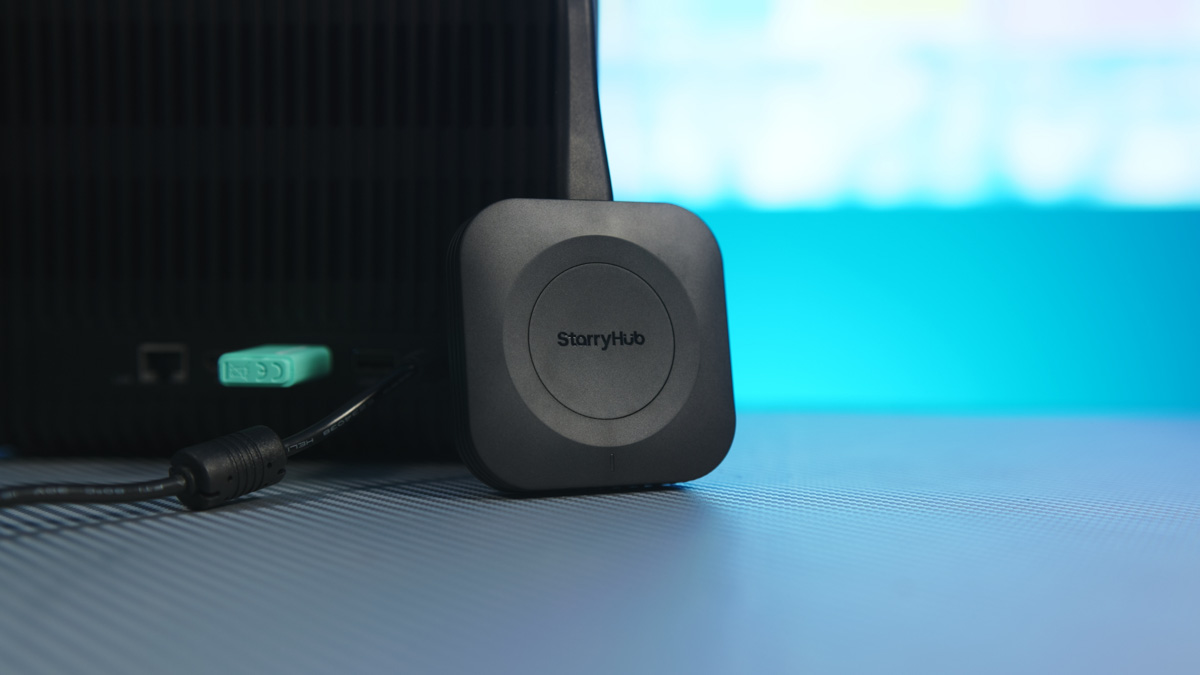
You connect it to a projector, create a pair, then connect it to a laptop, PC, or smartphone, press the button on the unit itself, and voilà – your laptop, PC, or smartphone starts streaming the image from the screen to StarryHub. The laptop, PC, or smartphone must support DisplayPort on the Type-C port, but otherwise, the device is hyper-versatile.
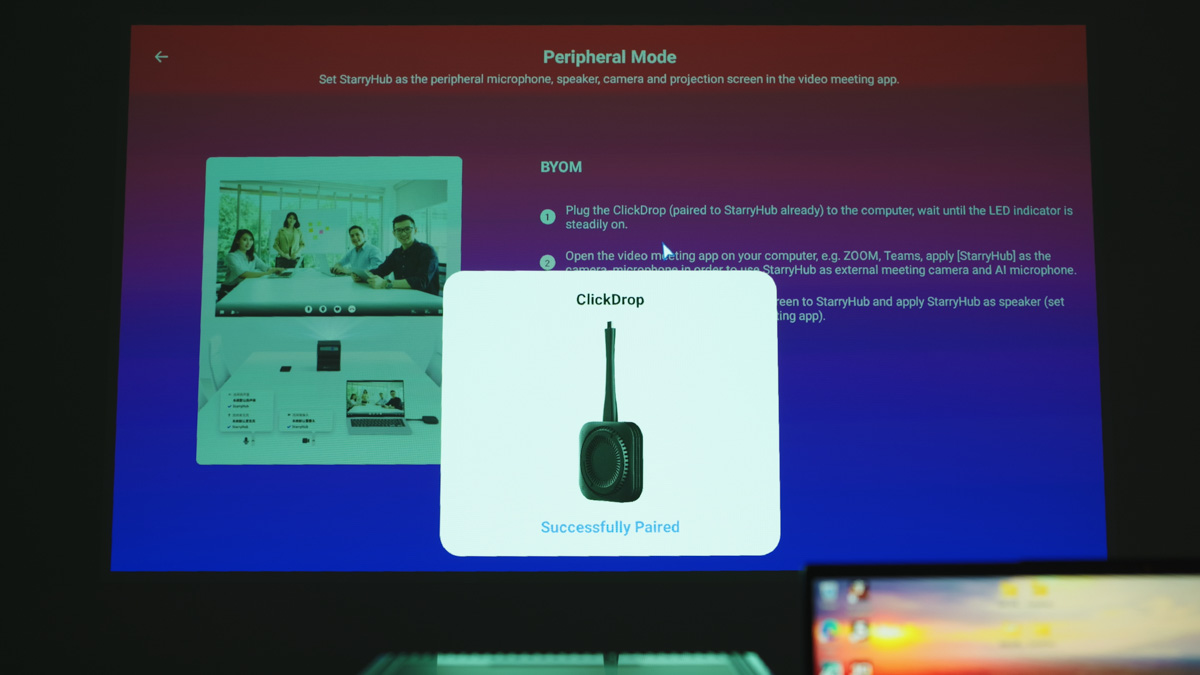
The main problem with ClickDrop lies in the latency. In games – and I’ve tested S.T.A.L.K.E.R. Shadow of Chornobyl on a gaming laptop – the latency was measuring in SECONDS, not miliseconds. And ClickDrop was laying in 5 sm away from the Q1 Pro, so it was pretty much the best case situation. For presentations and such – that’s perfectly fine. But if you want to game on Q1 Pro, you would need an HDMI connection.
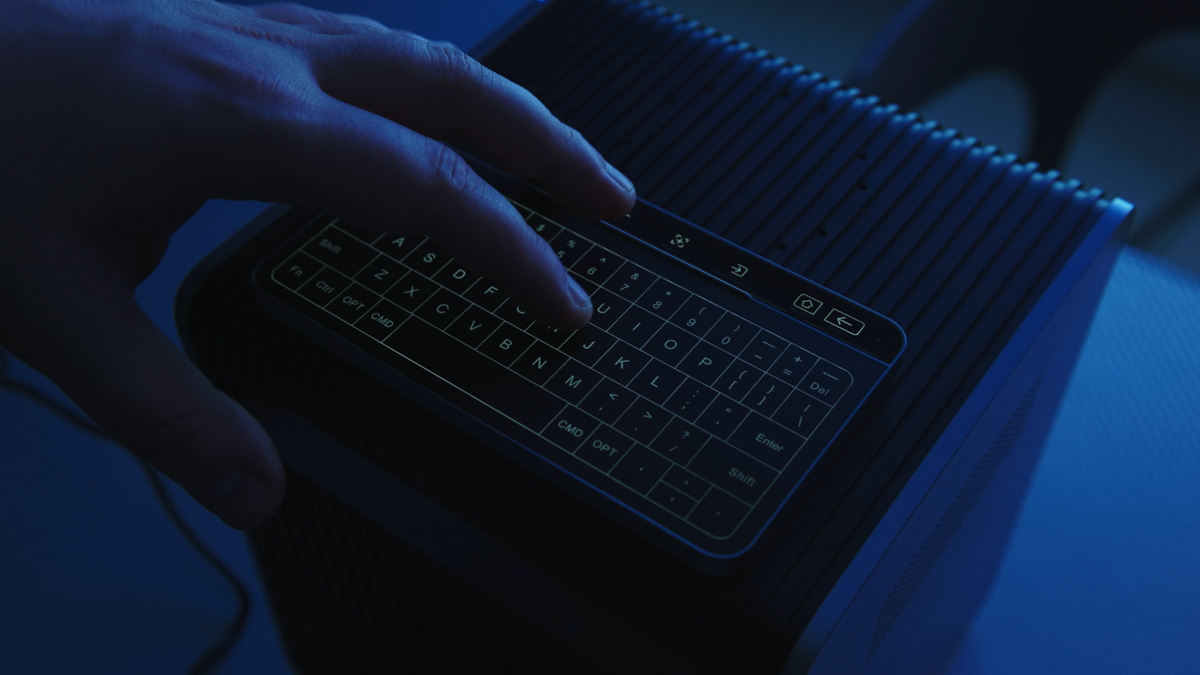
TouchBoard is a wireless hybrid mouse and keyboard, similar to Prestigio Click & Touch. But it is completely touch-sensitive, with wireless connection and synchronization with StarryHub, as well as magnetic mounting and a built-in battery.
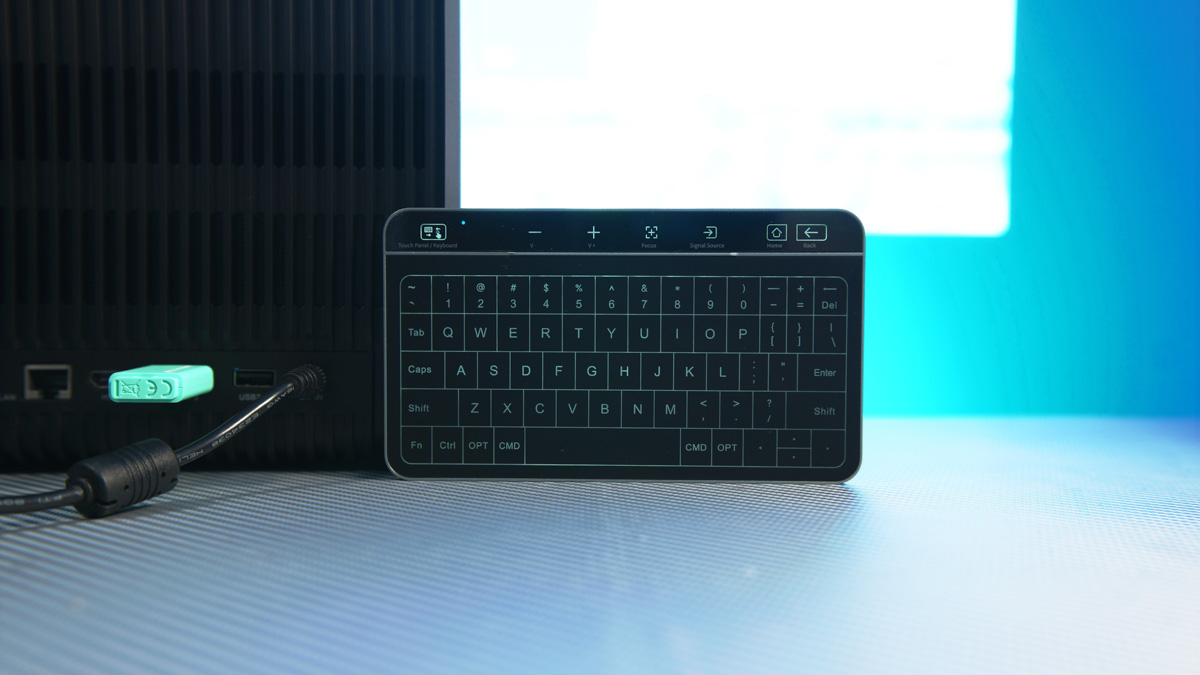
The keyboard does not have a Type-C port, but it does have an operation switch, and charging is done via pins at the bottom of the case. And since the pins are symmetrically located, the keyboard can be rotated 180 degrees when installed.
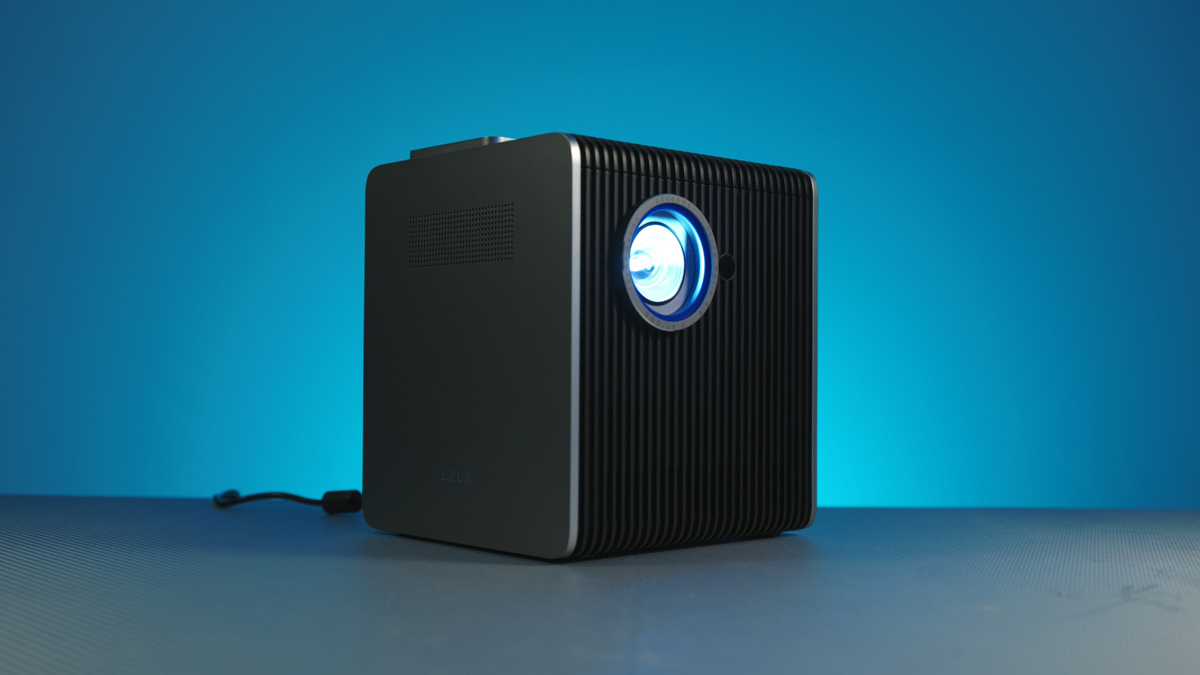
And then there’s the CZUR StarryHub Q1 Pro itself. A beautiful plastic and metal cube measuring 38x26x31 cm, with 5.3 kg of weight, available in black and gray. Almost every side of the case has something interesting.
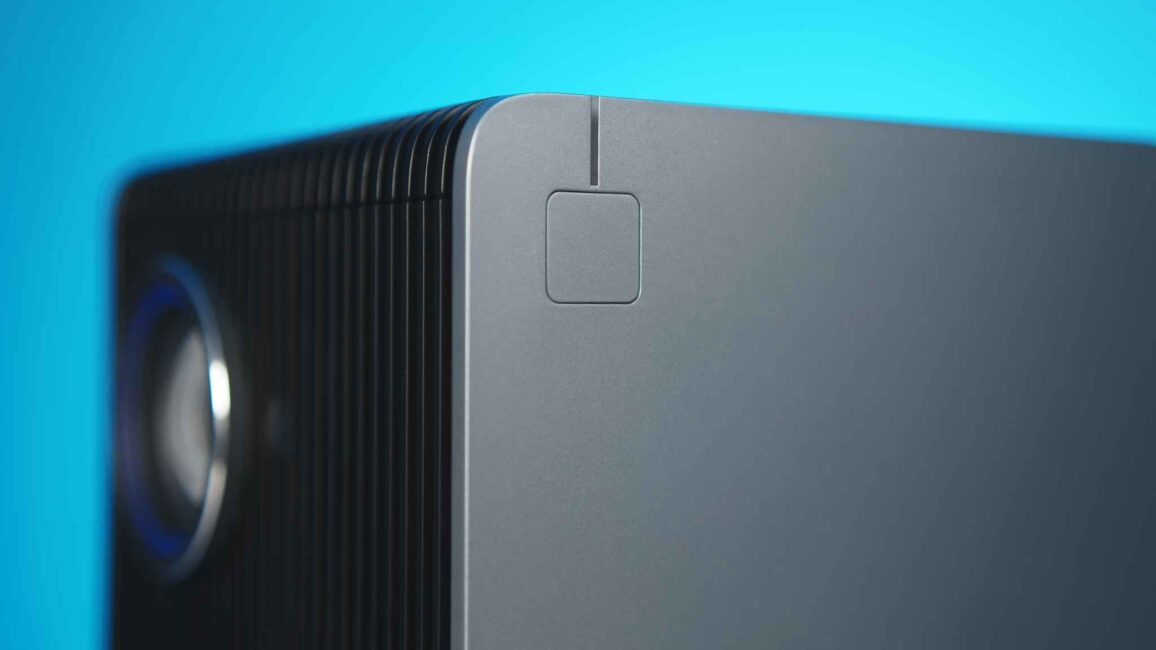
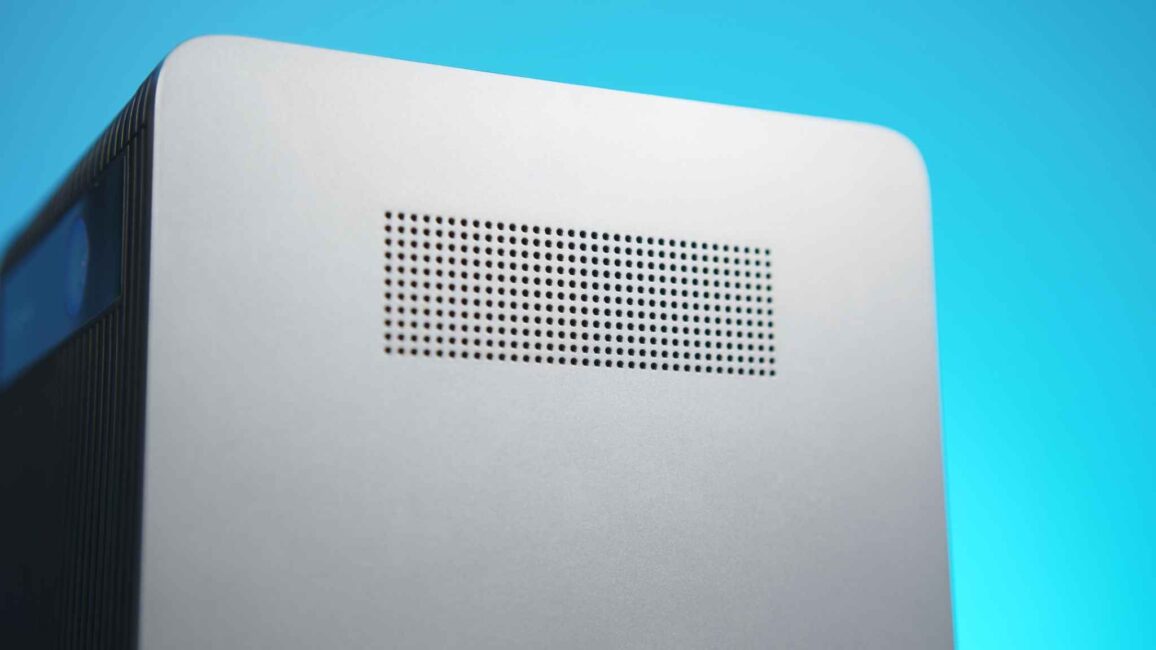
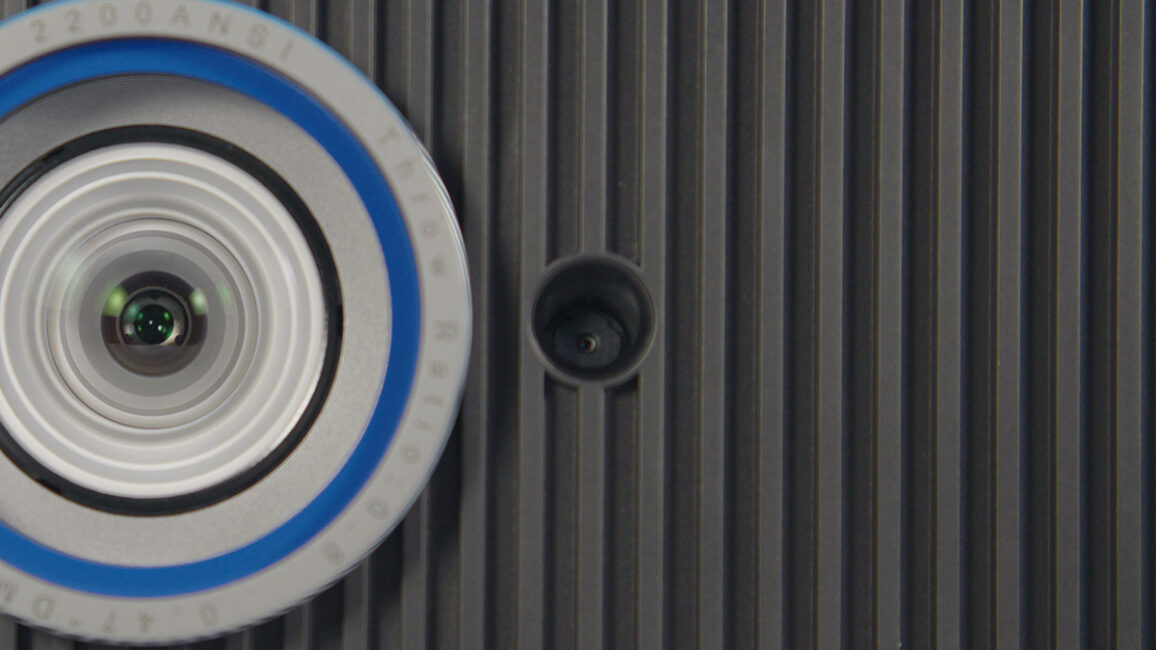
Such as a huge lens and a small autofocus camera on the front, or a power button on the left, or a ventilation hole on the right.
Read also: EcoFlow River 3 Max Review: A Portable Power Station with Modern Features
Peripherals, equipment and ports
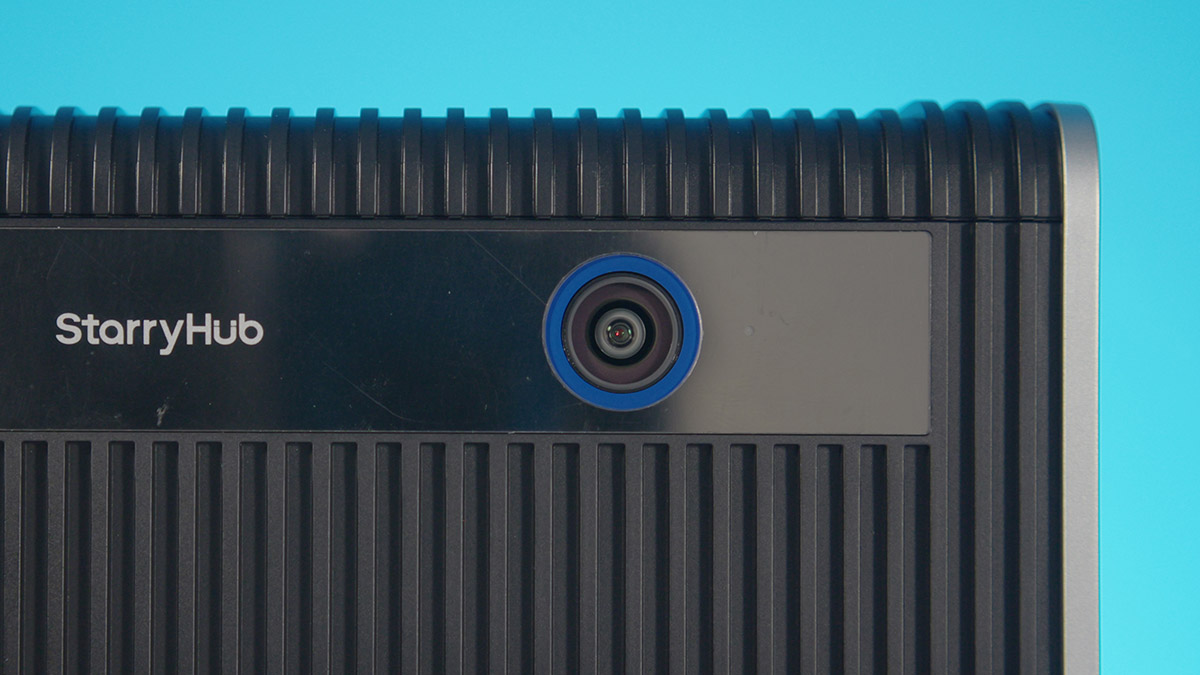
At the top are contacts for the TouchBoard and 6 microphones. At the top rear, there is a video conference FHD camera with a 120-degree viewing angle.
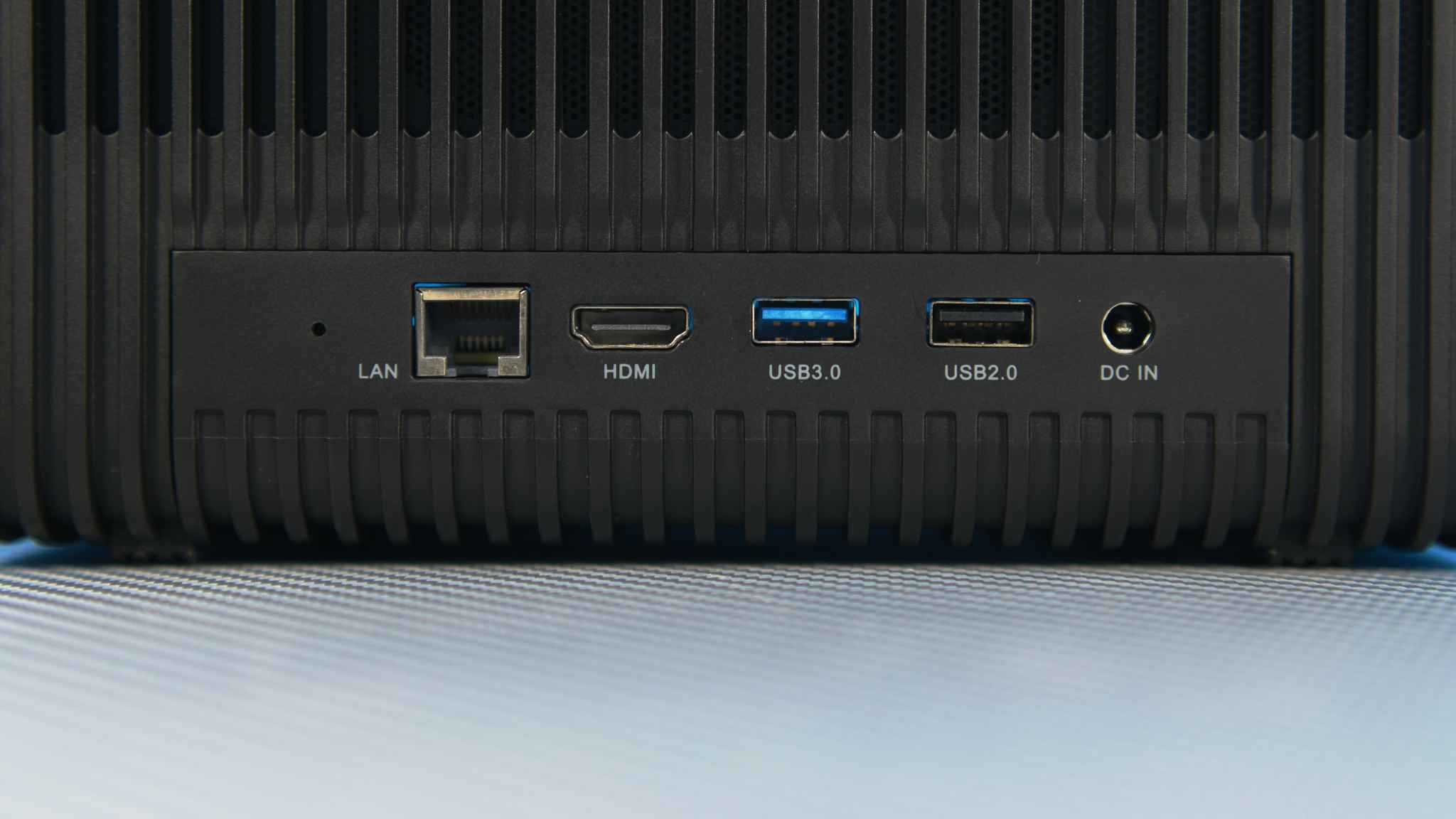
At the bottom, there is a set of peripheral connectors, which includes DC power, one USB-A 2.0, one USB-A 3.0, one HDMI, and a LAN port. The specifications of the latter are not specified, but it is most likely gigabit. Any more would be unnecessary, any less would be a bit embarrassing.
The bottom of the CZUR StarryHub Q1 Pro is mainly occupied by legs. There are two sets of retractable legs that raise the projector by about 4 and 8 degrees. They are rubberized and surprisingly easy to reach.
Read also: ASUS NUC 14 Essential Review: Affordable and Productive Mini PC
Details on specs
The projector itself is based on DLP technology, has LED backlighting, a 0.47″ DMD chip, and a projection ratio of 0.8:1, which means that at a distance of 180 cm, it produces an image with a diagonal of 100 inches. The maximum diagonal is 150 inches, which at Full HD resolution will not give as clear a picture as one would like. It is recommended to set no more than 100 inches, as this is more than enough.
The projection brightness is up to 2200 ANSI lumens. We have already published an article about the differences between ANSI and ISO, which you can find here. Color reproduction is 82% NTSC. There is autofocus and keystone correction up to 45 degrees. In other words, the specifications are not perfect, but they are very good.
The projector has a 6-core processor with a frequency of 1.8 GHz. The model is not specified on the official website, but that’s okay, because such unusual core configurations are usually only found in processors specialized for projectors and smart TVs.
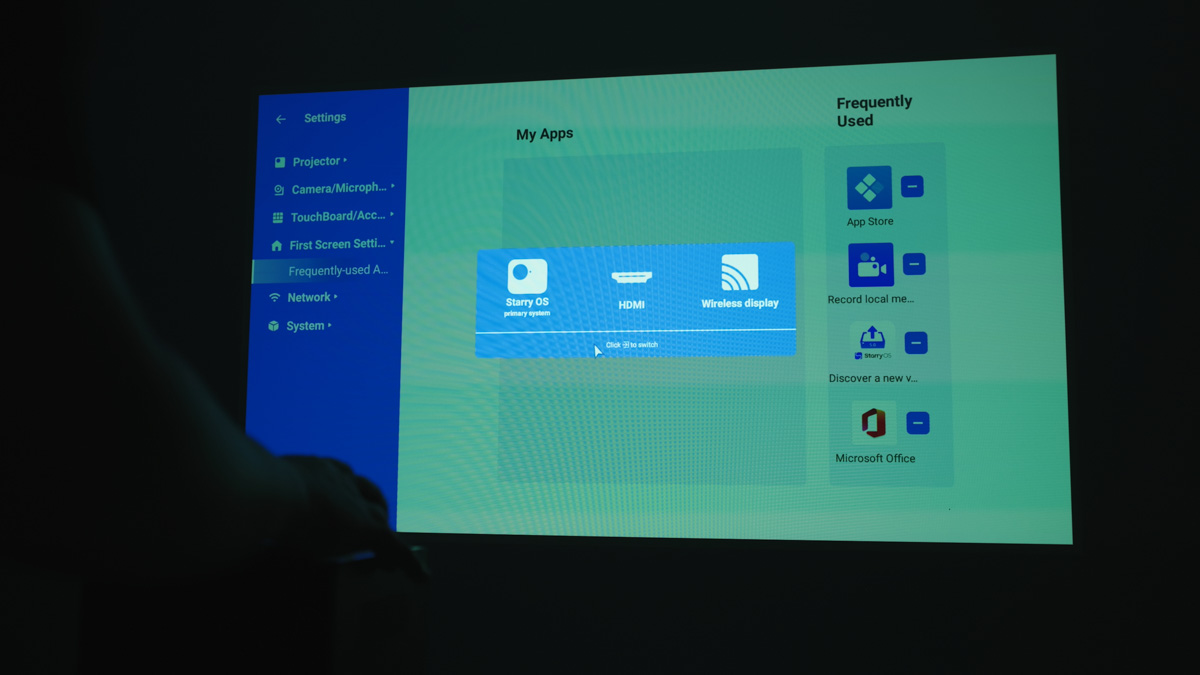
The iGPU here is Mali-T860MP4, RAM is 4 GB, and storage is 32 GB eMMC without the possibility of expansion. That is, you won’t be able to play heavy games on the projector, but you don’t need to – it’s an office business hero.
StarryOS Software
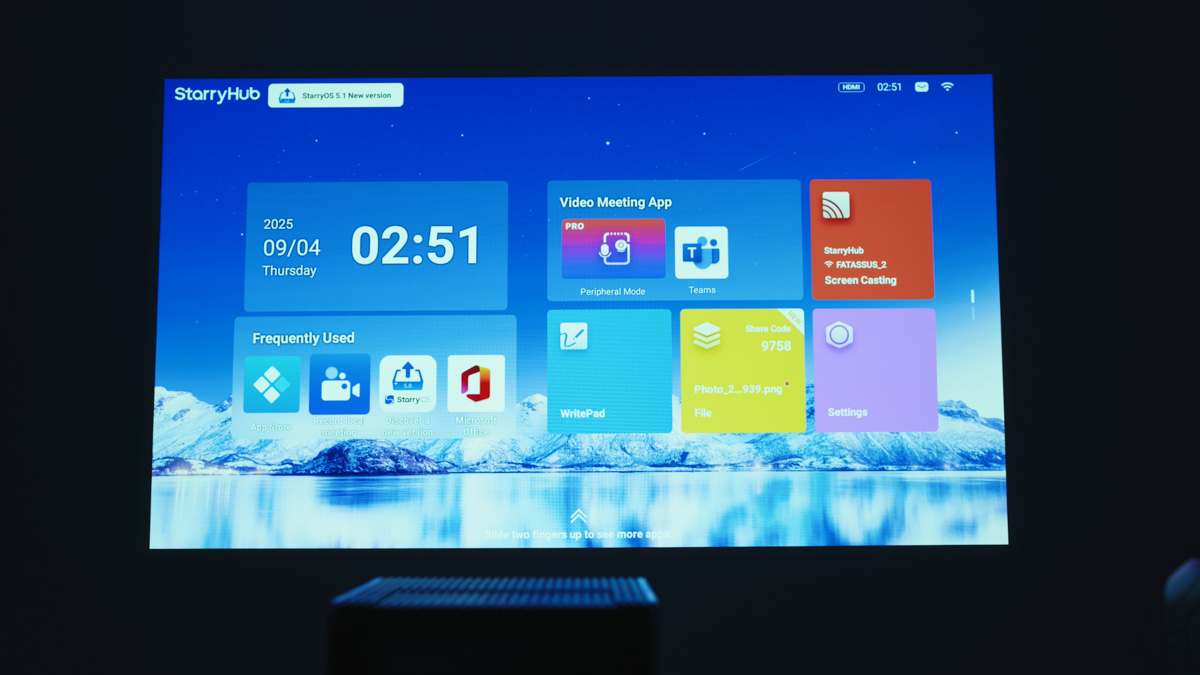
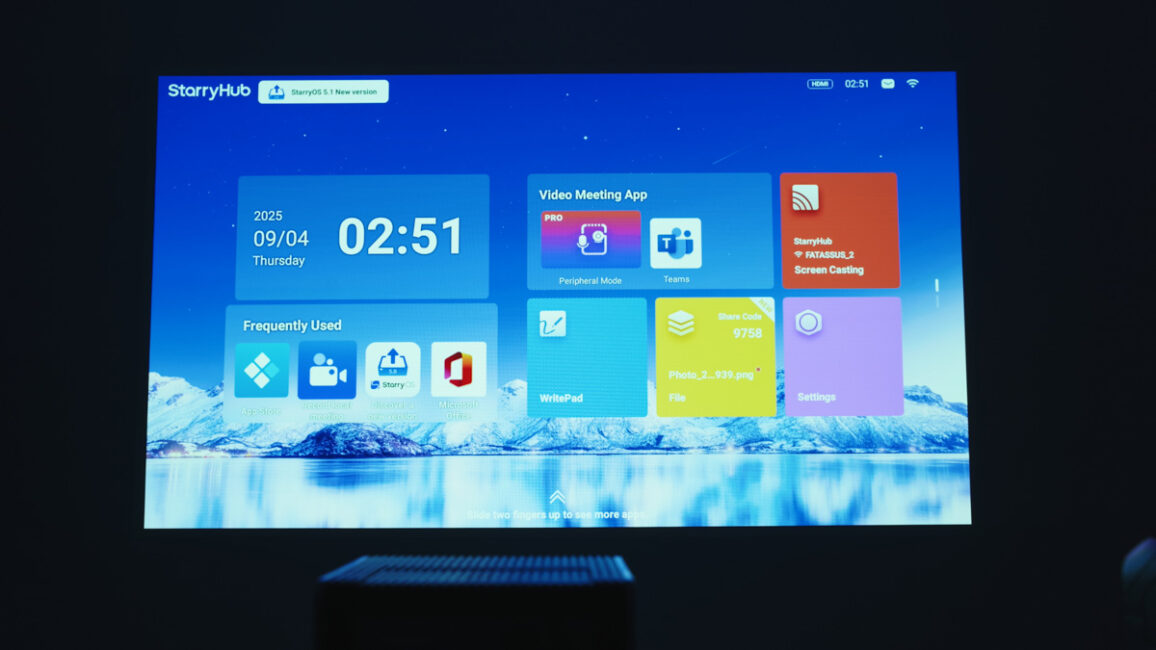
Firstly, because the CZUR StarryHub Q1 Pro accepts 60 Hz images from any source, from smartphones via wireless to laptops via cable. Even without taking into account the included ClickDrop. And secondly, the StarryHub’s shell is interesting. It’s called StarryOS and, oddly enough, is quite similar to QTS from QNAP.
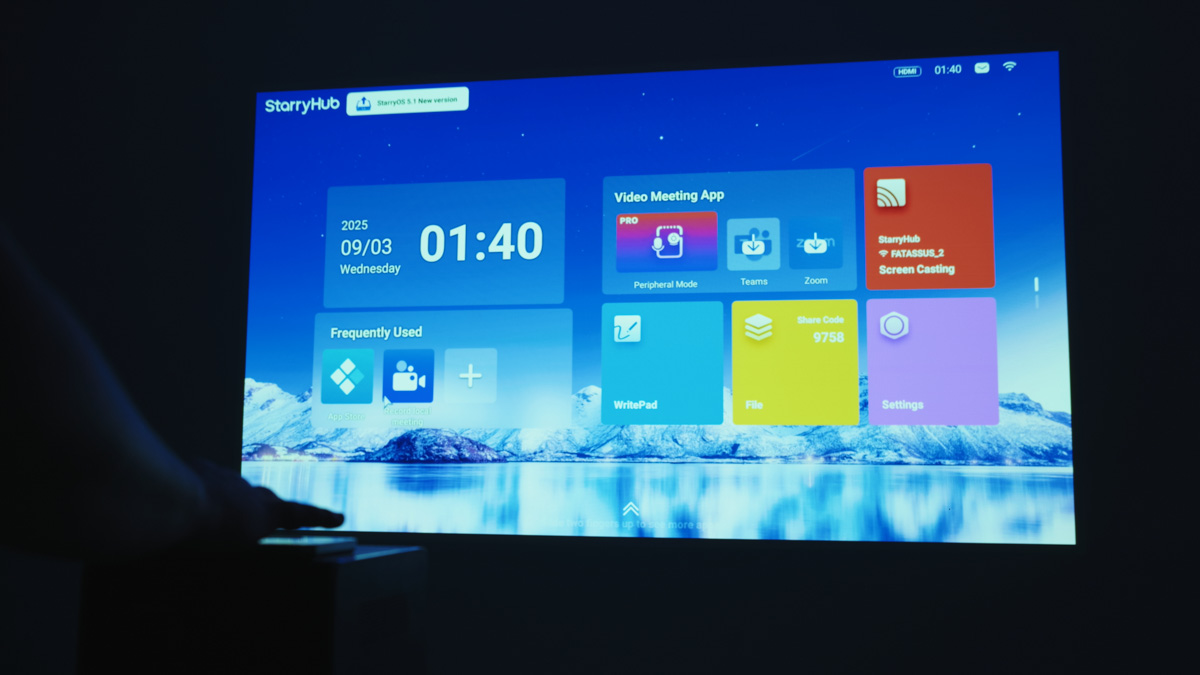
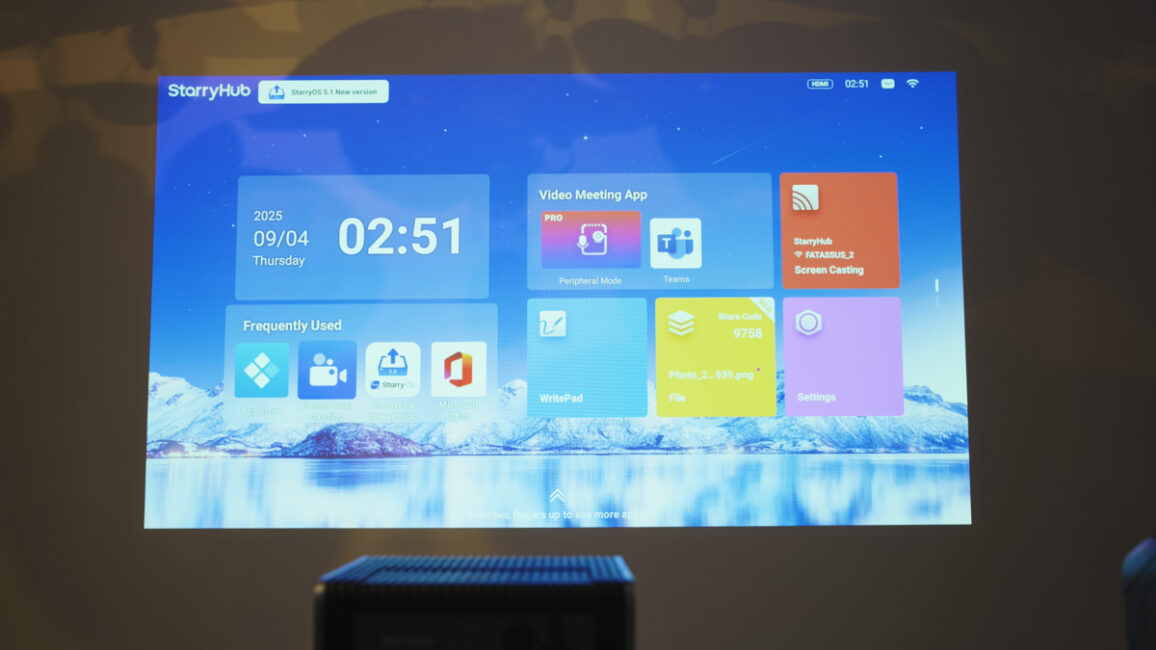
Based on Android, it is optimized for control from a projector, i.e., from a touch keyboard, looks stylish and sterile enough to evoke pleasant associations in business people, and has comprehensive functionality. It also supports a bunch of apps, from Chrome and YouTube Music to Teams and TikTok. Don’t get me wrong – there is about 15 of them, CZUR has no full-functioning app store, but it has enough to work.
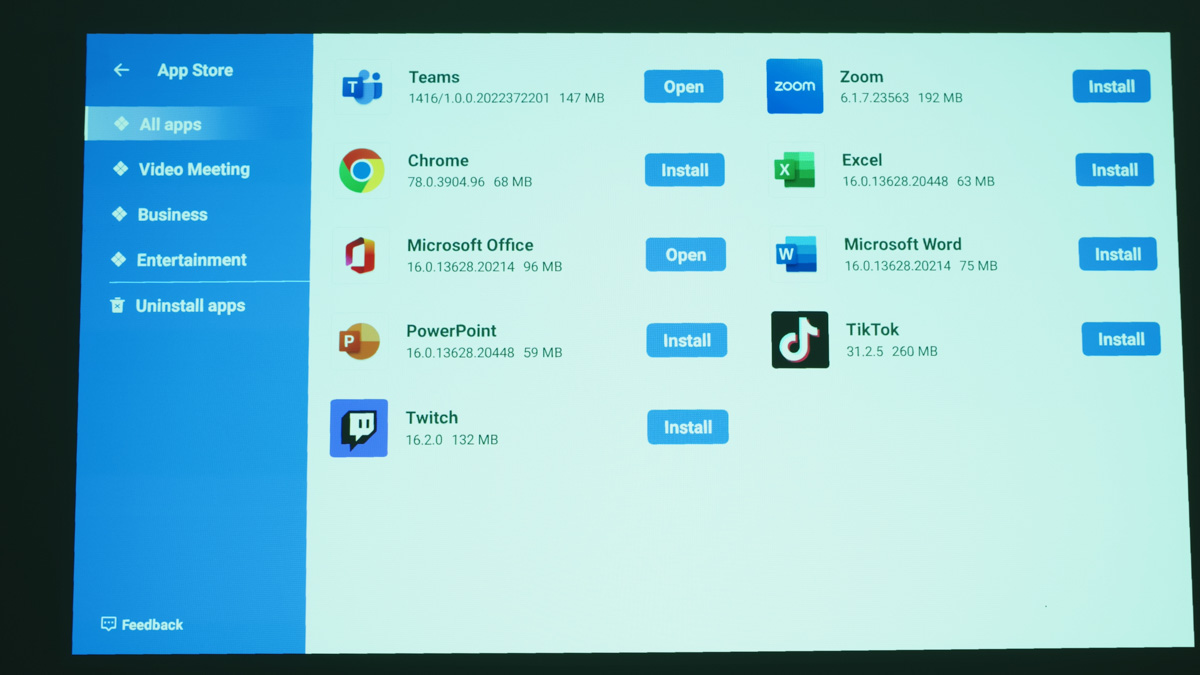
Additional features include Wi-Fi 5 support and broad support for external drives. This means that situations like those encountered with some smart TVs (where you can’t even watch a movie from an HDD) will not occur here, as USB works normally. There is also Bluetooth support, but it is not mentioned on the official website, the Bluetooth version is unknown, and some reviewers note poor quality wireless audio transmission. Although I did not have these problems.
Read also: ASUS Zenbook A14 (UX3407) Review: Ultrabook on ARM Сhip
AI features
Now, what does the CZUR StarryHub Q1 Pro have that is enhanced with artificial intelligence? Well, for example, webcam image optimization, cleaning and stabilizing sound quality from a bunch of microphones. Which is actually realistic – because I myself use AI sound cleaning every day through DaVinci Resolve, and the sound quality itself does not have to be studio quality.
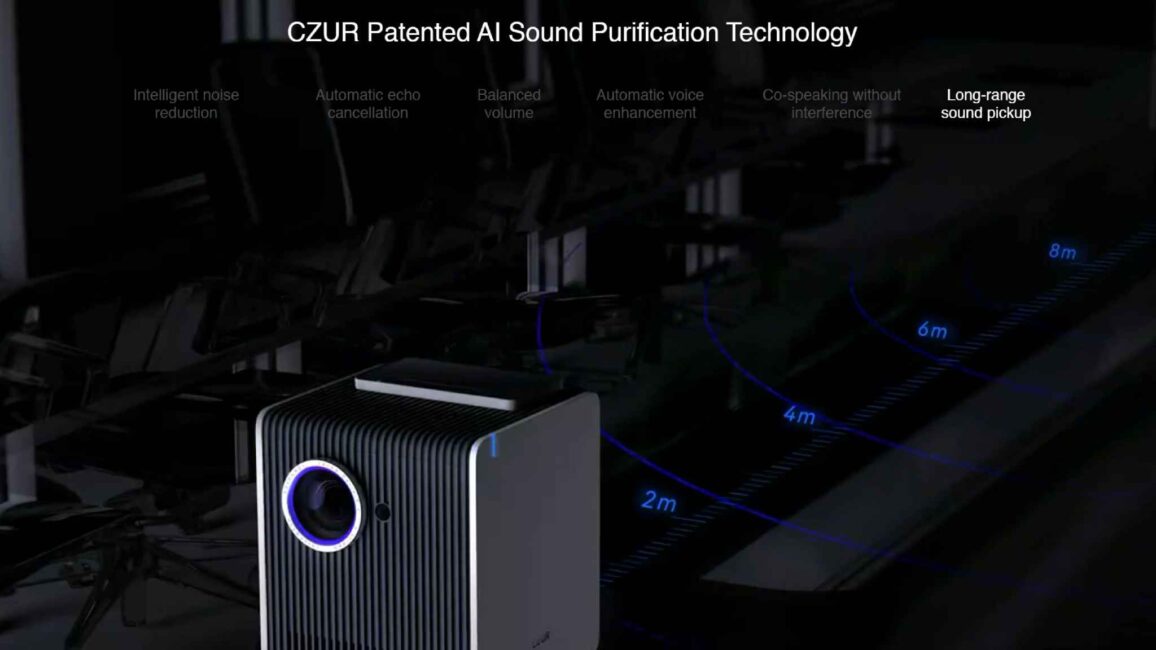
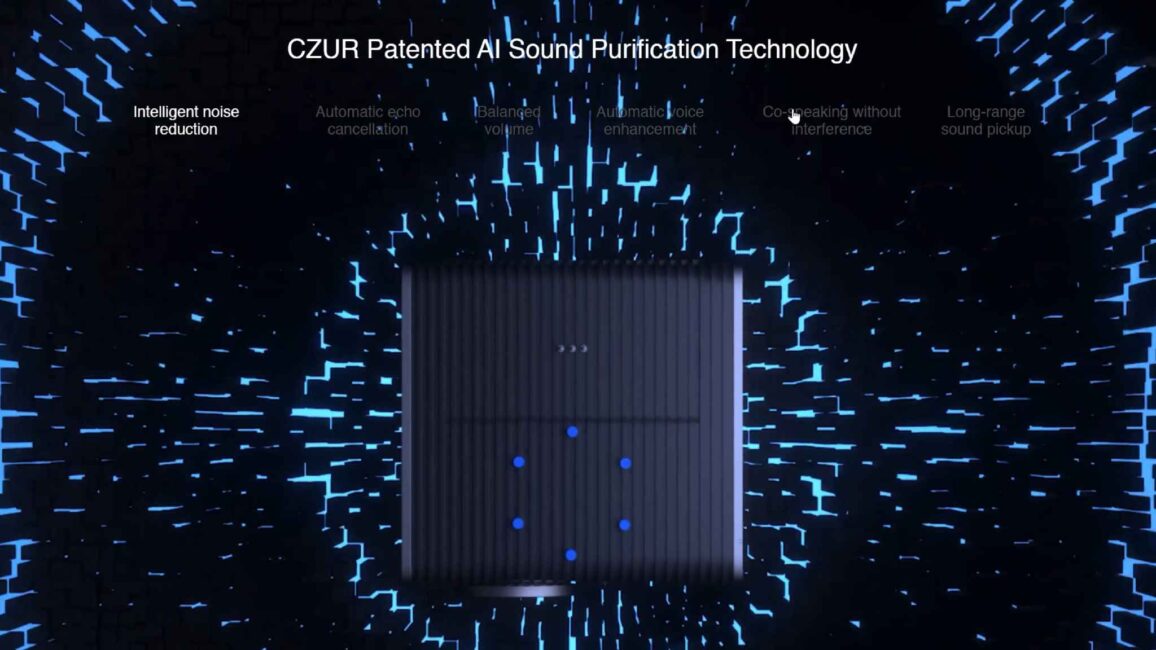
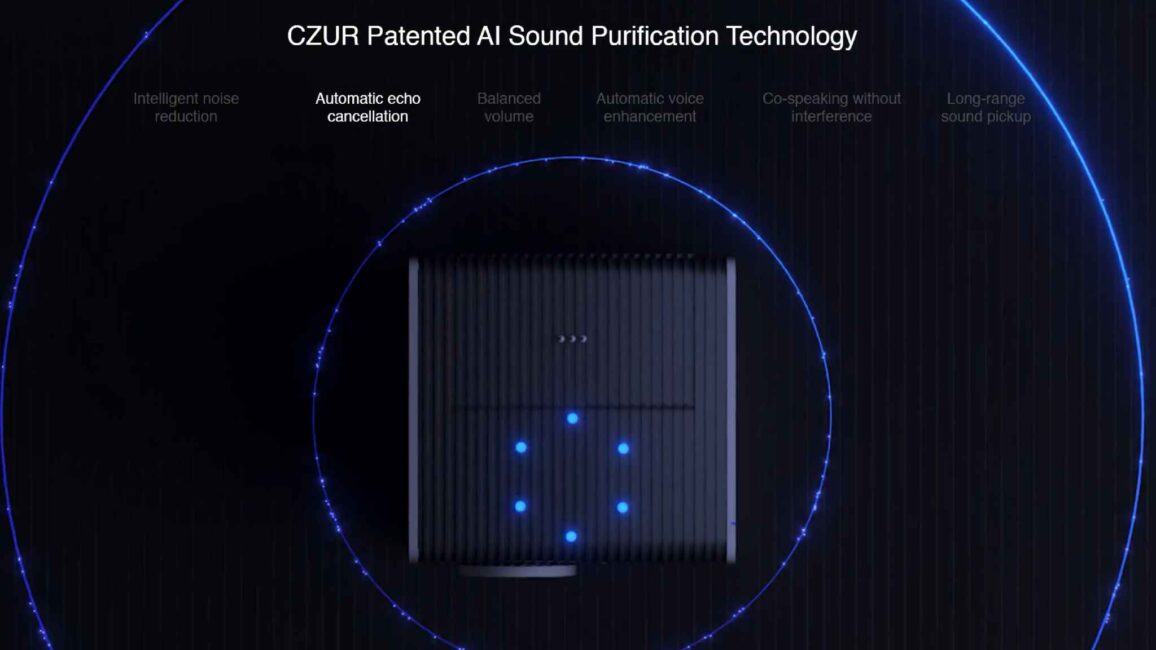
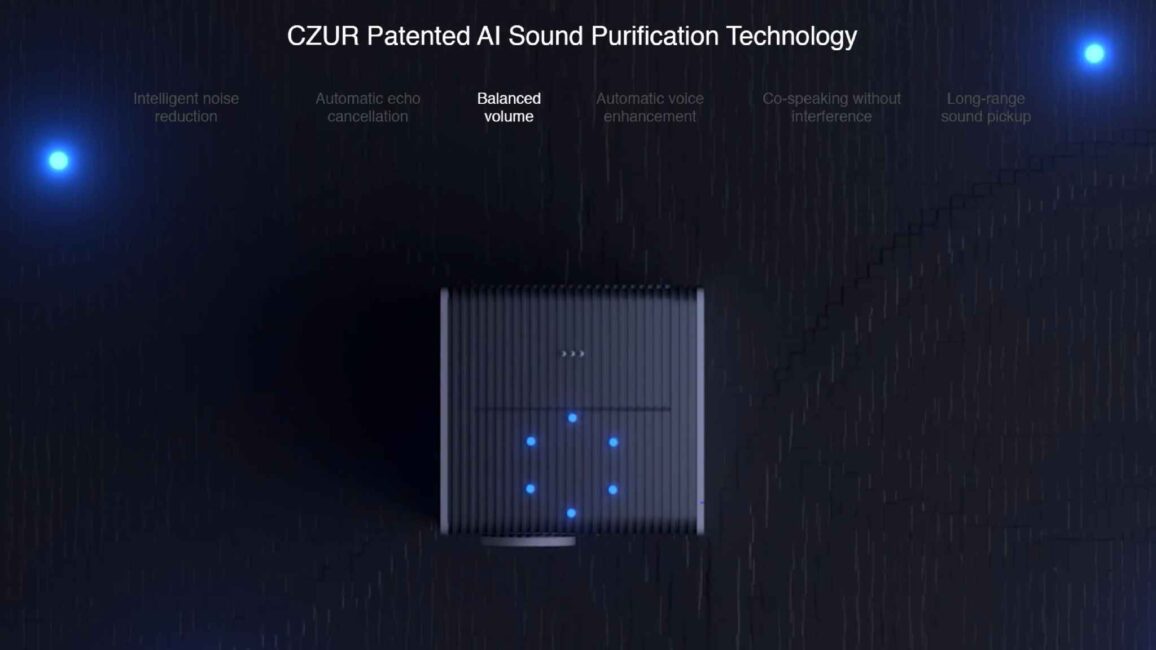
Your voice will not be heard with a luxurious timbre and warm tones, but you will be heard clearly and distinctly, even against background noise or at a relatively large distance from the projector. Because here, in addition to noise reduction, there is echo suppression, volume balancing, and the combination of several speakers at the same time. Plus, the StarryHub Q1 Pro has a built-in 10-watt speaker that does not interfere with the microphones.

And the 10-watt speaker is not interfered with by the built-in fan, which, according to the manufacturer, has a volume of no more than 24 dBA. And the power supply, by the way, has a power of almost 150 W, so forget about Type-C power via an adapter.
Usage experience of CZUR StarryHub Q1 Pro
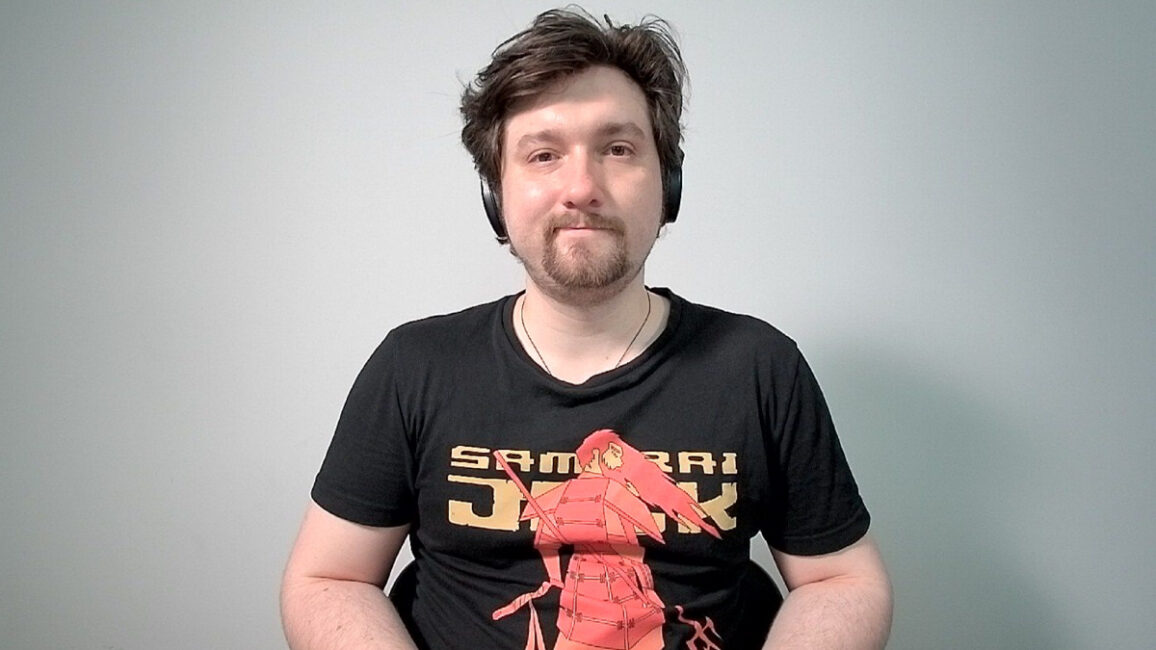
As for the user experience, I will say a few things. First, the better the projector works, the more difficult it will be for the webcam behind it. Even the best cameras struggle in the dark if they don’t have infrared illumination. And the projector produces a better image the darker it is around it. In other words, one interferes with the other.
Ideally, this could be remedied by, say, a ring lamp directed at the speaker’s face if they are sitting directly in front of the projector. But there are no additional threads on the StarryHub Q1 Pro body, neither 3/4 inch nor 5/8 inch. You can’t mount it on a tripod. Only on a table.

Next, the quality of the speaker is… interesting. Speaker is VERY loud and has a lot of base, but has almost zero mid range frequency, so the vocals are actually somewhat distorted. Which is weird, because for a conference-oriented device, you actually need the opposite situation.
Next – the webcam is EXTREMELY wide-angle. It was made for AI to play with reframing. But this very reframing needs to be turned on in the options menu. And by default – camera captures almost too much living/work space around you.

StarryOS too has some quirks. It has build-in network speed tester and Bluetooth device manager, but I failed to find any way to lower the brightness, and Q1 Pro intensively refused to search any Wi-Fi 5 networks, showing only Wi-Fi 4 ones.
If we’re talking about directly video conference experience – don’t forget, you are pretty much limited by two apps, Microsoft Teams and Zoom. But the overall quality of picture and sound is absolutely sufficient, and is equal/better than any laptop webcam. Which is very important, since you can do a video conference WITHOUT any laptop or phone connected.
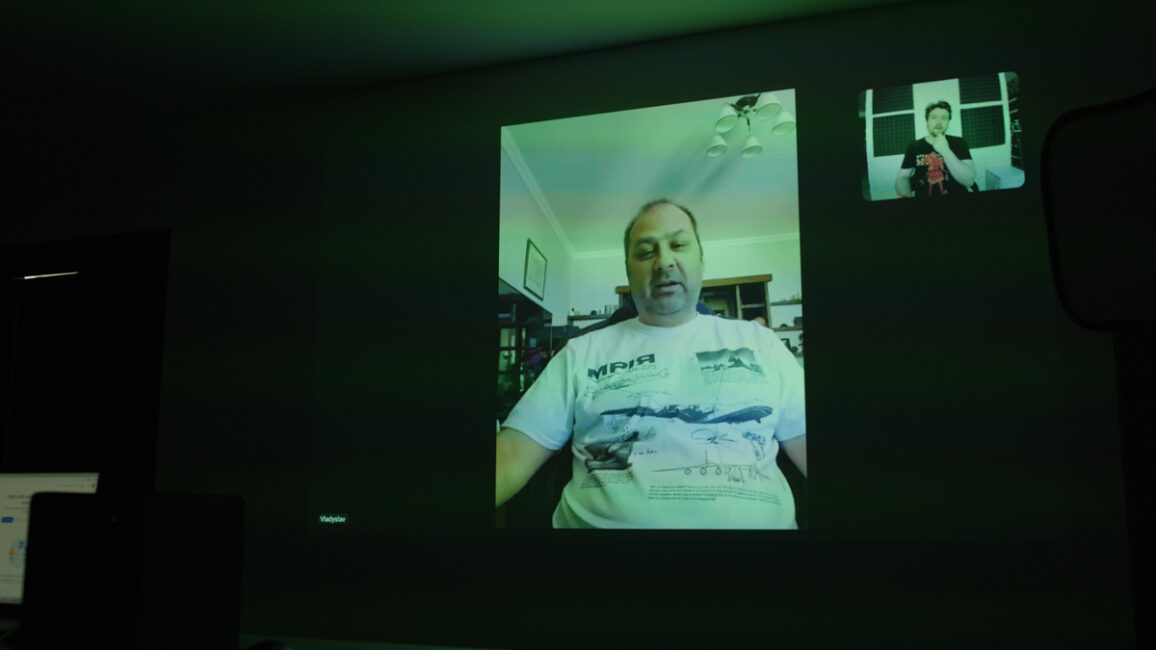
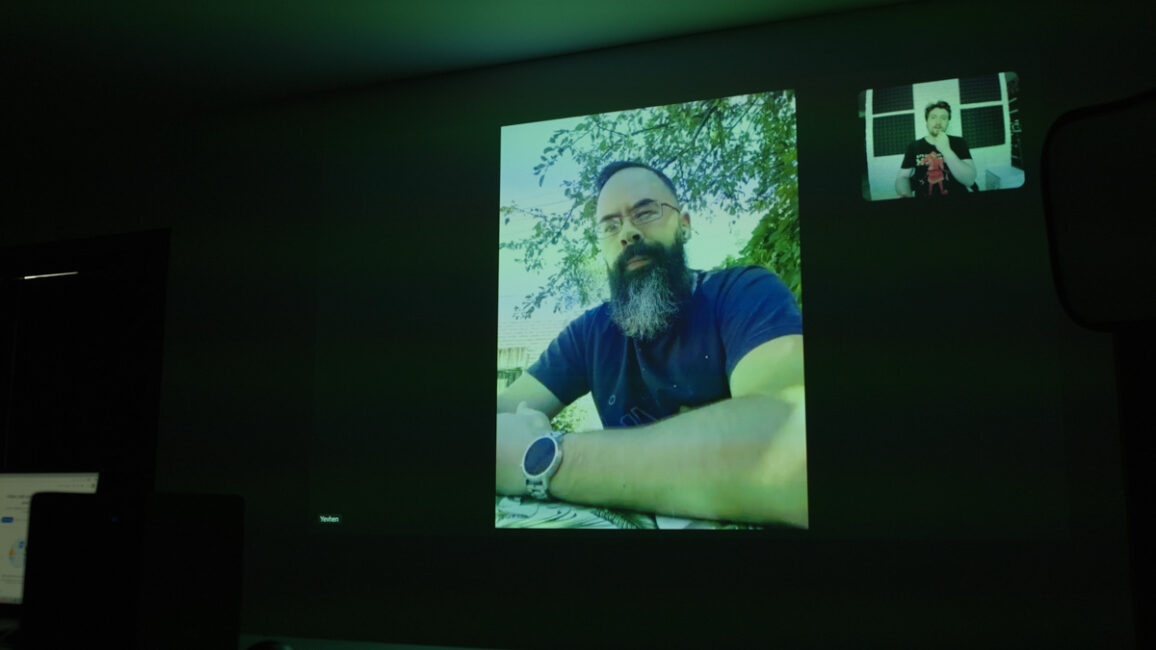
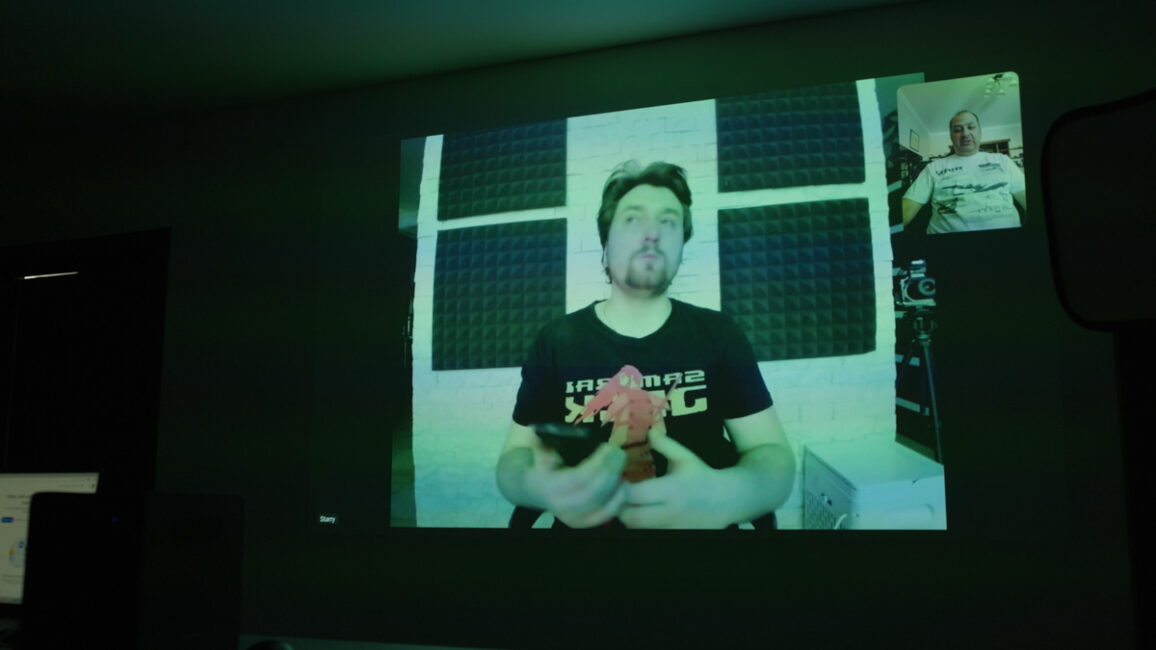
Still, CZUR StarryHub Q1 Pro is not positioning itself as a fully self-sufficient device. It has no build-in or downloadable games. So it’s less of a Android projector with it’s own full-scale Android-based OS (and full-fledged app store), and more like a VERY smart monitor, that can do video conference.
Read also: Acer Chromebook 314 CB314-3HT Review
Final thoughts on CZUR StarryHub Q1 Pro
The bottom line is this. The CZUR StarryHub Q1 Pro is a surprisingly versatile device for modern business. Yes, all of its capabilities can only be fully realized in certain business sectors, but it will also be useful for teaching, for gamer streamers, and even at home if you communicate a lot with relatives.
The projector does have some issues, such as the lack of a thread for tripods, the quality of a speaker and some OS quirks. But this is not a big deal, considering the office format. So, overall, I recommend it without any problem.
Where to buy CZUR StarryHub Q1 Pro


