




© ROOT-NATION.com - Use of content is permitted with a backlink.
This review will be divided into several key sections. Since the last time I conducted an in-depth test of microphones similar to the Fifine AM9, I’ve gained considerable experience with boom-arm stands. For me, that makes this review somewhat personal, as it ties into resolving a long-standing issue – and that’s largely thanks to the Fifine BM88.
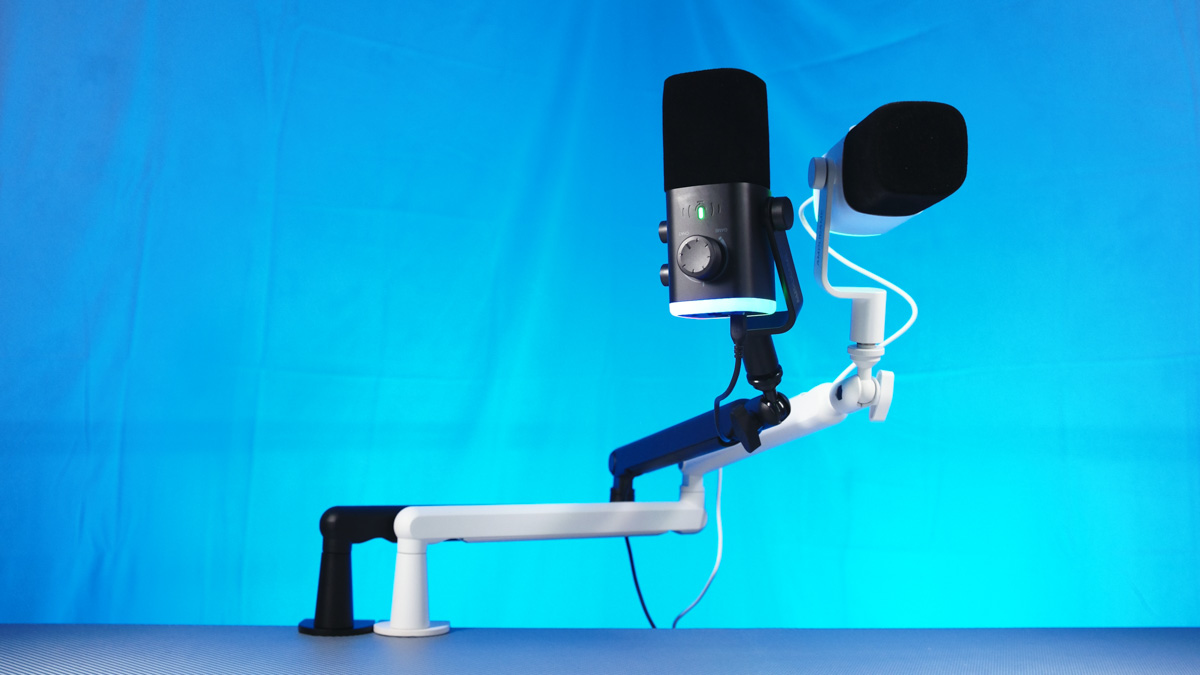
TABLE OF CONTENTS:
Video review of Fifine AM9 and Fifine BM88
Positioning and Pricing
I’ll be talking about the microphone almost as much as about the boom arm – and for a reason. Both the Fifine AM9 and the Fifine BM88 cost the same: $78 without discounts. In the case of the microphone, you’re paying primarily for its versatility; for the boom arm, the price reflects its durability.
AM9 Microphone
I’ll start with the microphone, since it can be used on its own, while a boom arm can’t function without a microphone – no matter how much you might want it to. Why so? Because the AM9 already includes a rigid desk stand with a rubberized base. The package also comes with a 3/8″ to 1/4″ adapter, a universal USB cable, and a detailed user manual.

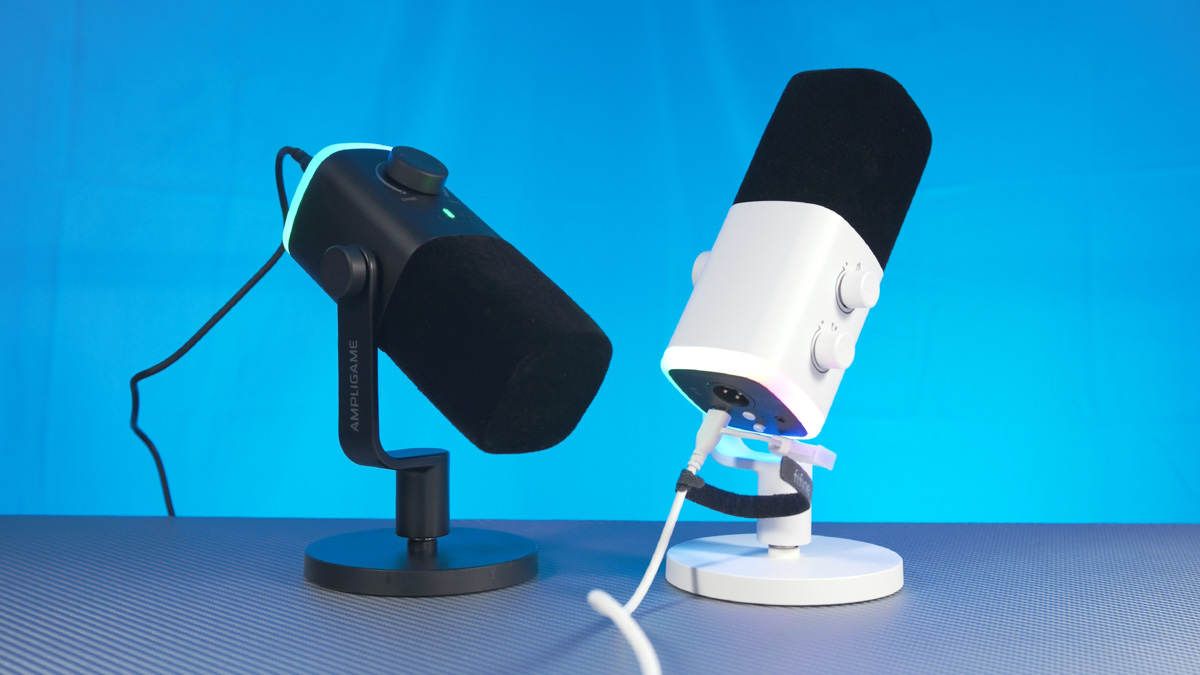
The microphone’s design is modern and – I wouldn’t hesitate to say – refined. As usual, I prefer the white version, but the black one has its own advantage: it draws far less attention. The white model almost makes you want to turn on the RGB lighting – which is indeed available – while the black version stays visually unobtrusive. It won’t pull focus away from the streamer’s face, yet it still looks clean and professional on camera.
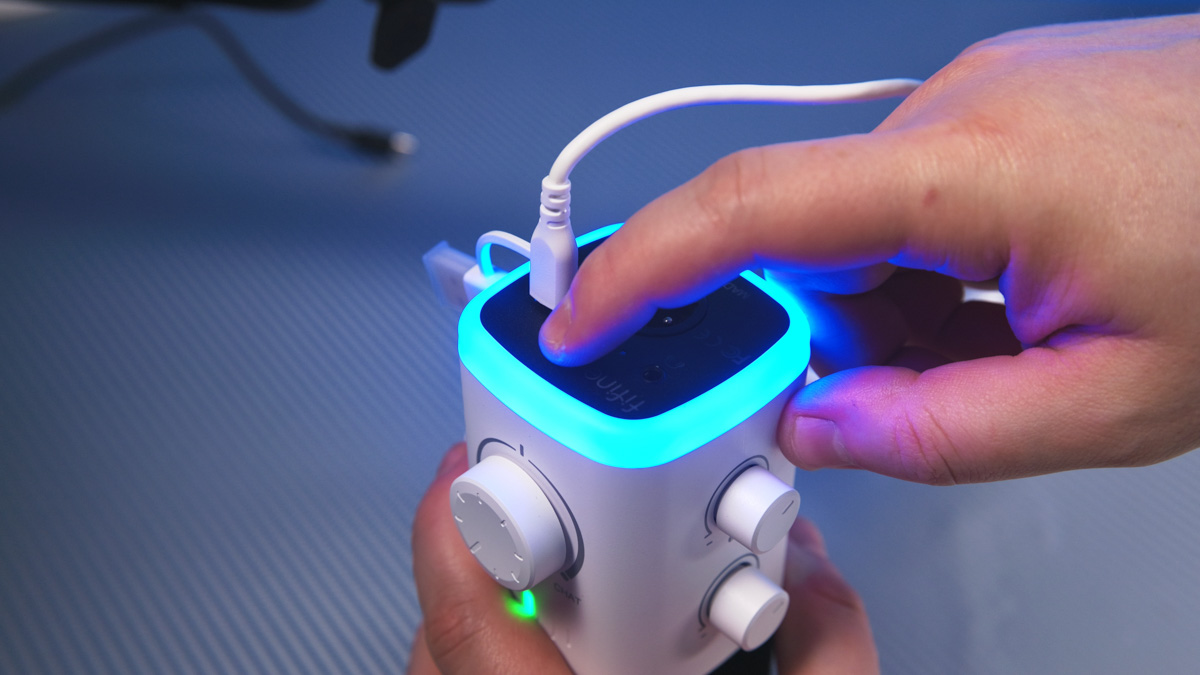
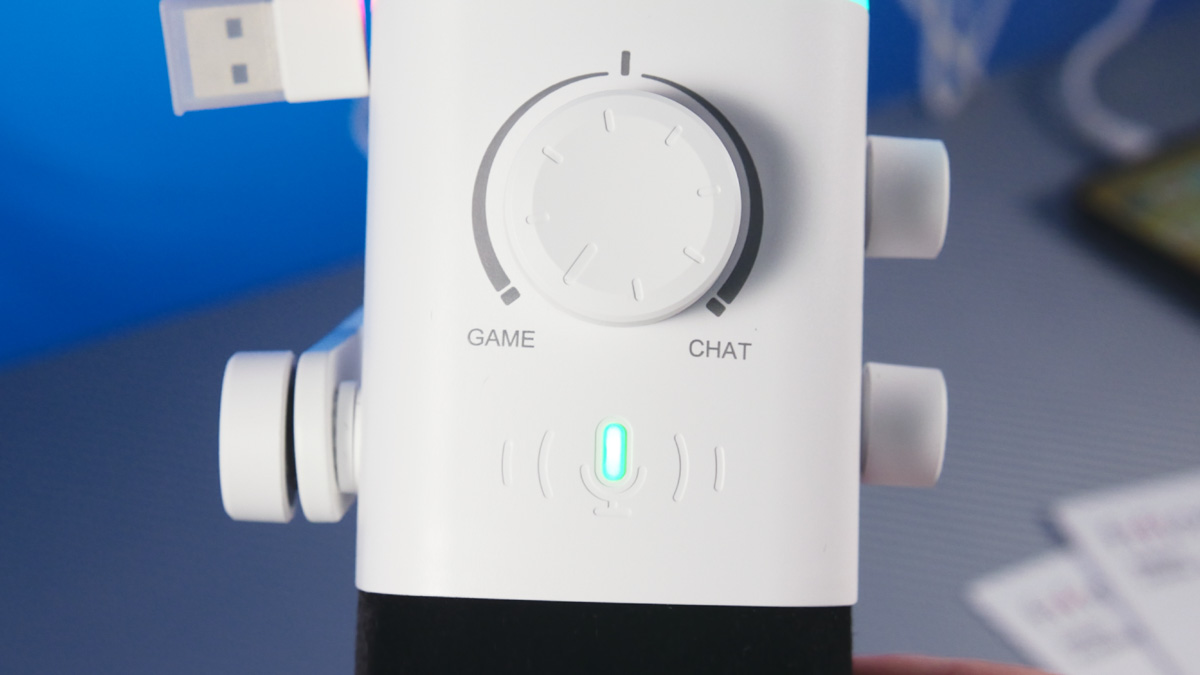
And that choice is deliberate. For example, the labels on the body are rotated 180 degrees. Why? So they’re easier to read when you’re looking at the microphone from above. This is a subtle hint that the Fifine AM9 is meant to be used with a boom arm.
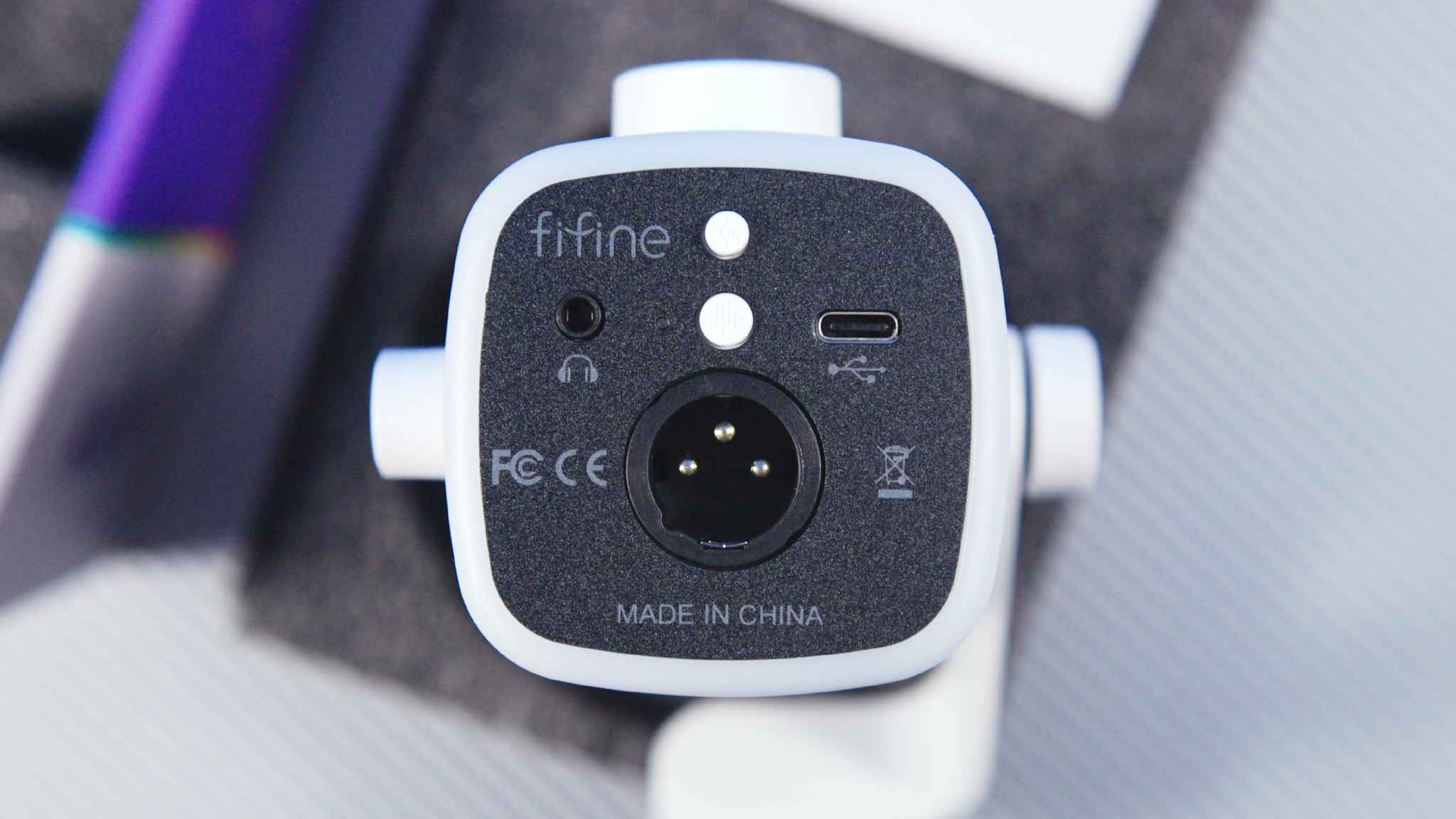
Its connectivity is also well thought out. You get a mini-jack for monitoring, a USB-C port, and a balanced XLR output that doesn’t require phantom power, since this is a dynamic microphone. There are two buttons: one controls the noise-reduction function – holding it resets the settings – and the other toggles the RGB lighting. The RGB isn’t synchronized with anything like PC fans, but it offers 11 lighting modes, and you can turn it off entirely by holding the button.
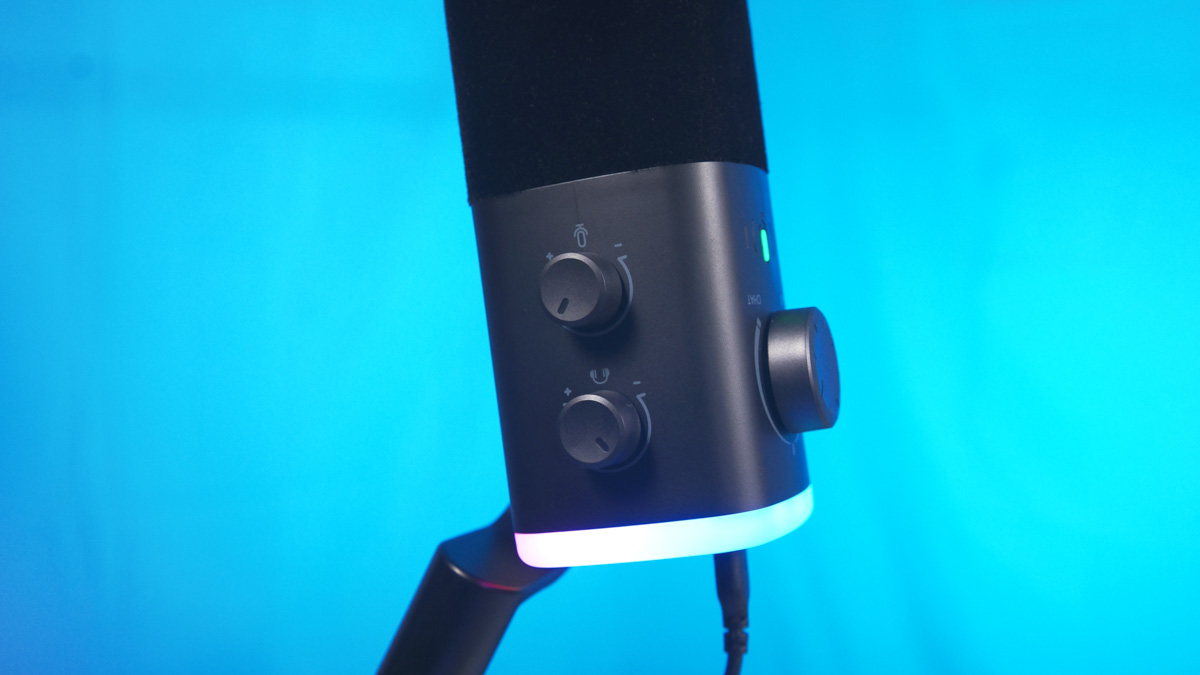
Another notable detail is the presence of three rotary controls. Two of them are on the side – one for monitoring volume and one for microphone gain. The third, positioned on the front, is more nuanced: it adjusts the balance between game audio and voice chat. This allows you to quickly lower either your own voice or the game sound on the fly. There’s also a touch-sensitive mute indicator located nearby.
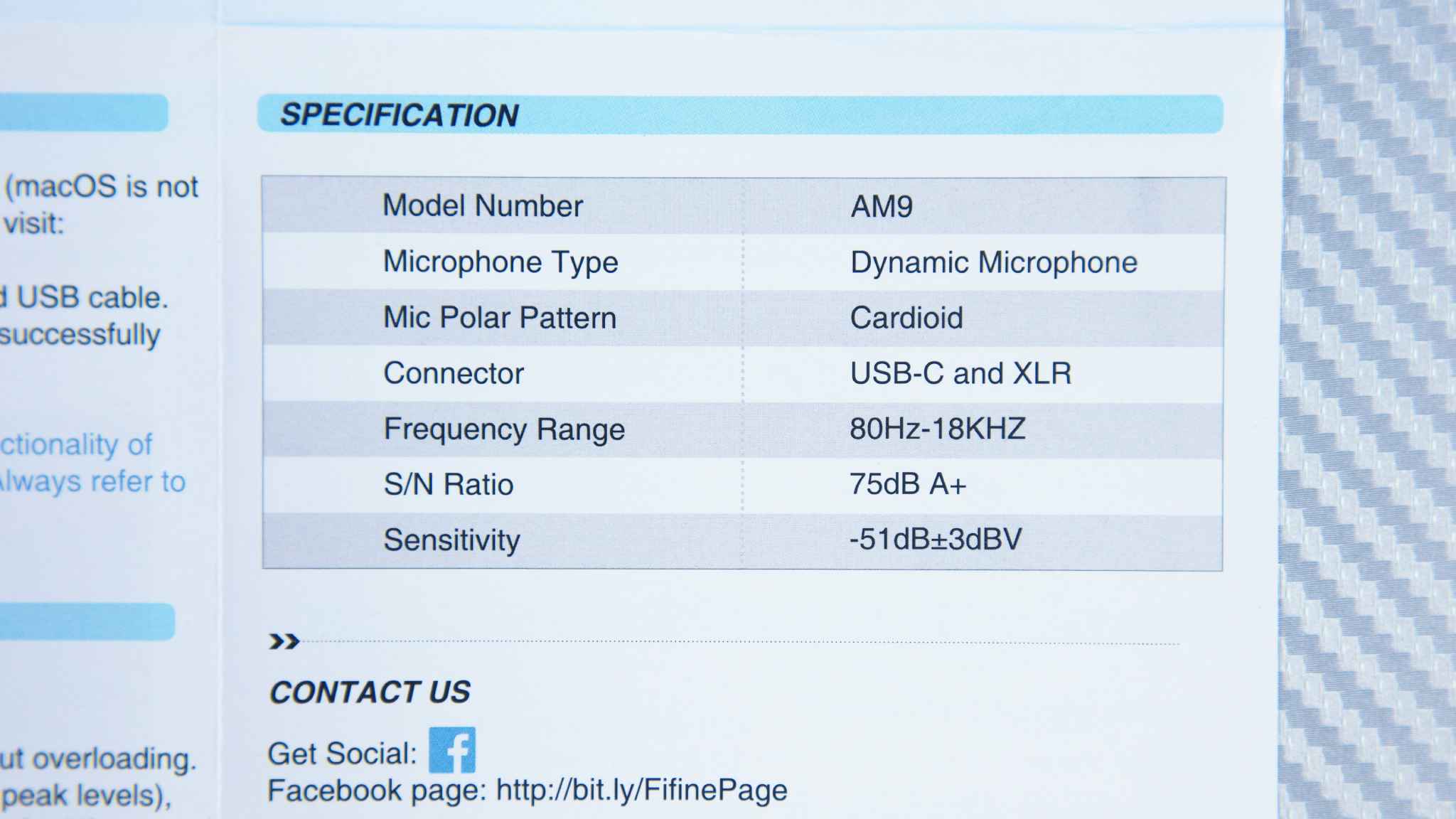
The technical specifications of the AM9 are as follows: it features a cardioid pickup pattern, a frequency response of 80 Hz to 18 kHz, a signal-to-noise ratio of 75 dBA, and a sensitivity of -51 dB ±3 dB.
It’s also worth noting that the microphone is compatible with Fifine’s proprietary software, Fifine Genie, which allows you to adjust the equalizer and toggle certain features, such as noise reduction, lighting, and real-time monitoring. The software has a modern and polished appearance, but there are two caveats.
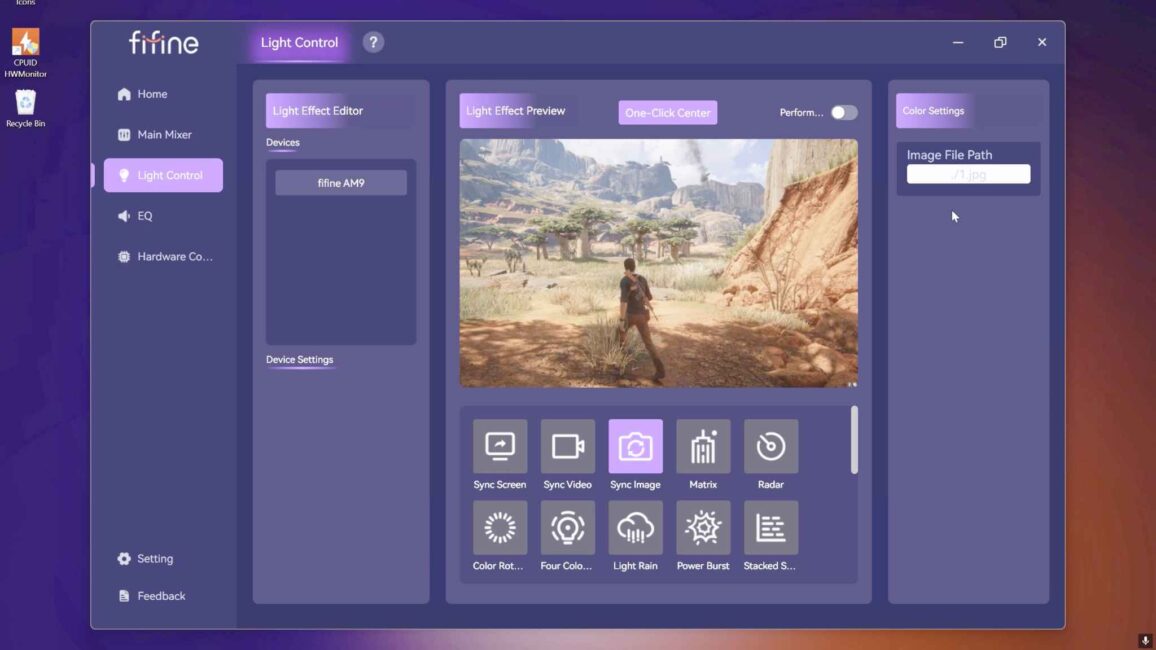
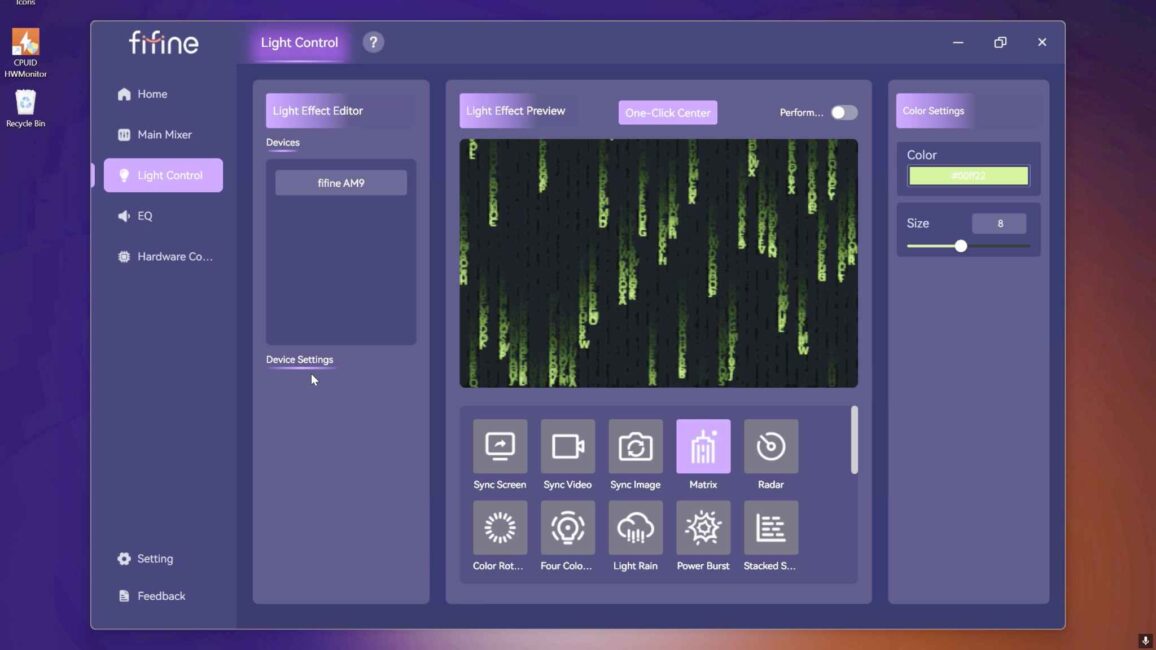
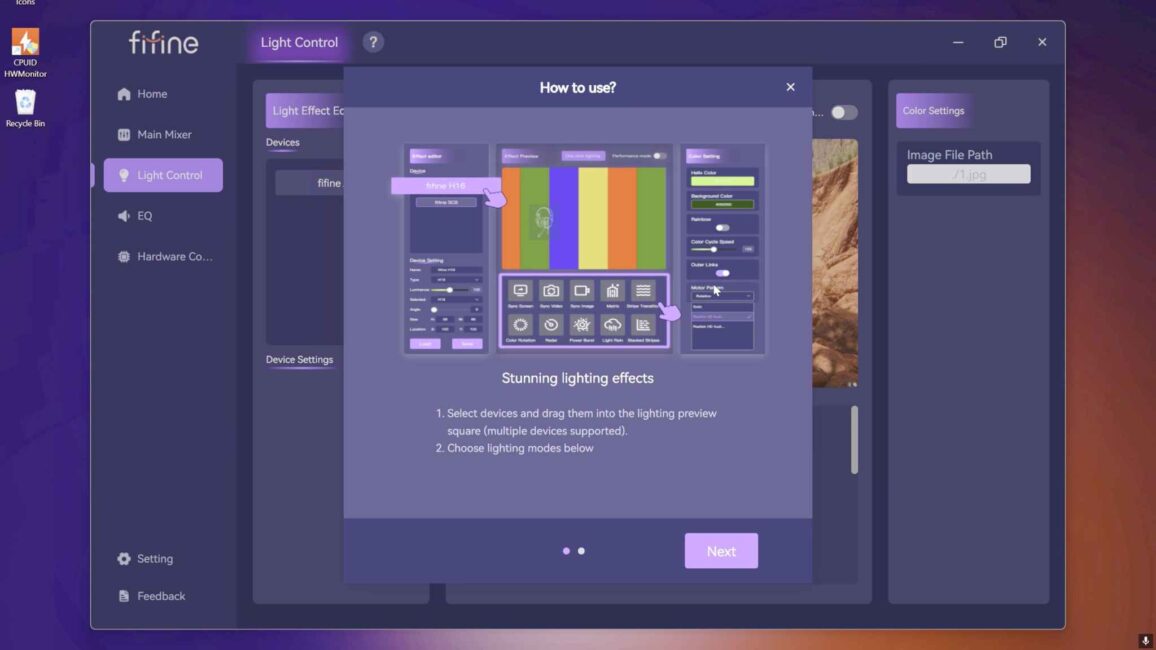
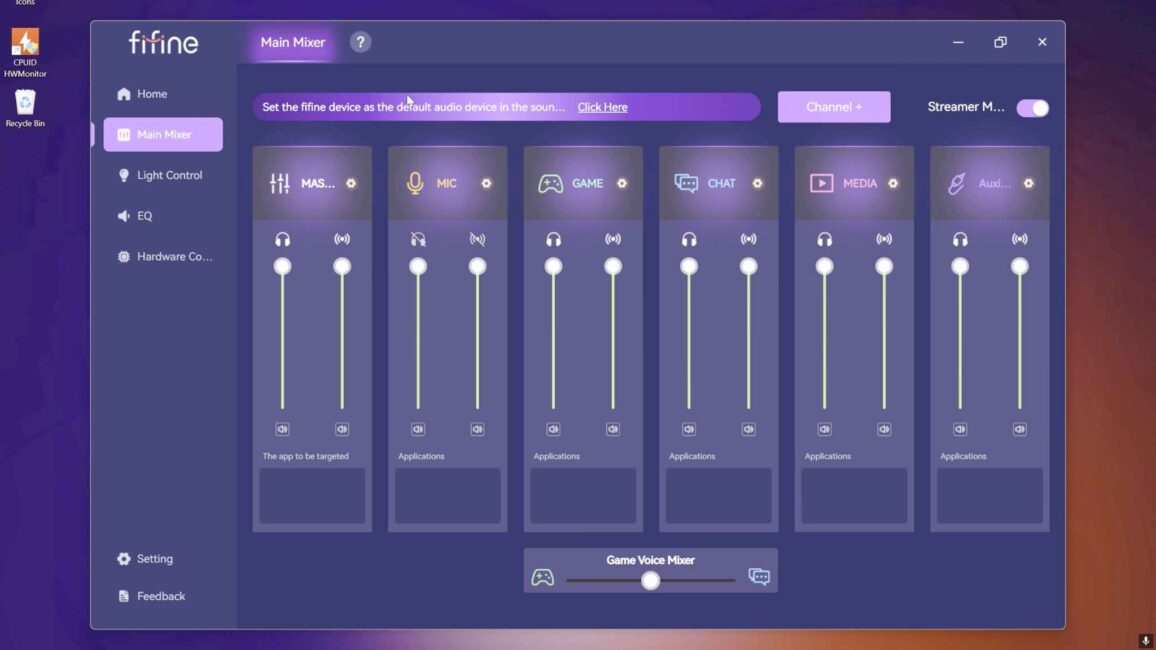
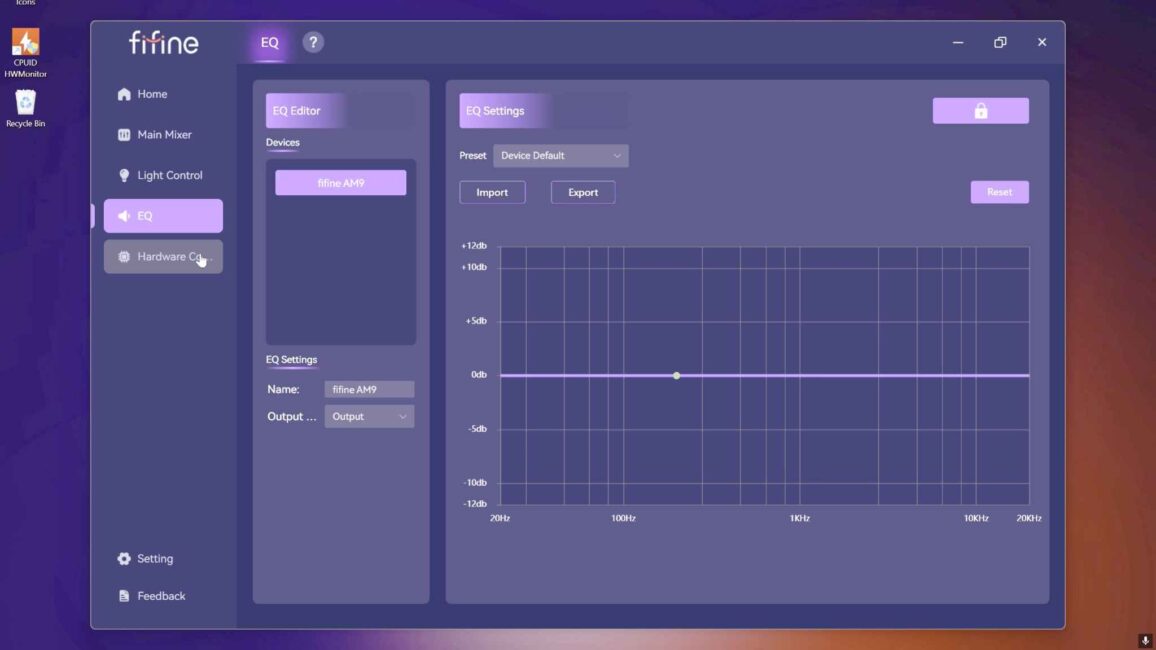
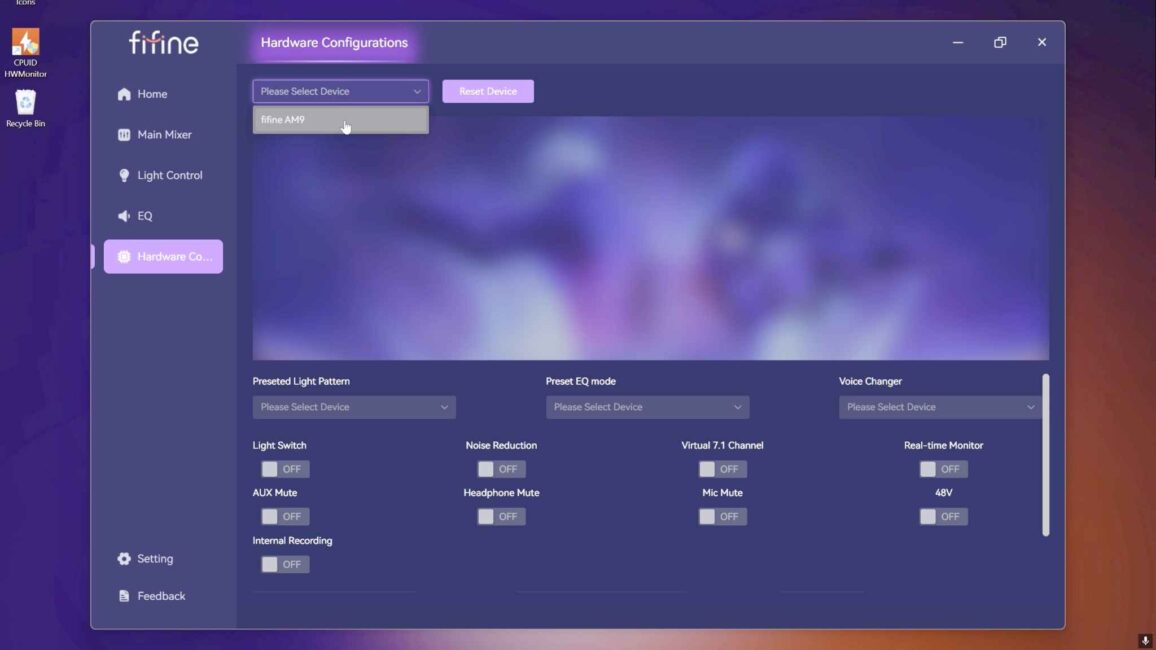
First, the software is universal, and some options don’t actually apply to this microphone – for example, the Light Control feature seems intended for the Fifine D6, which is similar to a Stream Deck. The AM9 can still be selected in the software, which can be confusing. Additionally, when connected to a PC or laptop via USB, the AM9 creates up to six (or more) virtual audio devices.
It’s not exactly difficult to manage, but in my case, I had three sources, and seeing nine listed was somewhat surprising.
Read also: Fifine AmpliGame AM8 Streamer Microphone Review
BM88 Boom Arm
It’s worth noting that even the manual specifies the recommended placement of the Fifine AM9 – on the boom arm rather than the desk stand. Why? Simply put, the higher the quality and price of the microphone, the less you want it to be at risk of accidental damage. A microphone sitting on a desk can easily be knocked over – whether by reaching for something, scratching your nose, or quickly moving during a sudden alert.
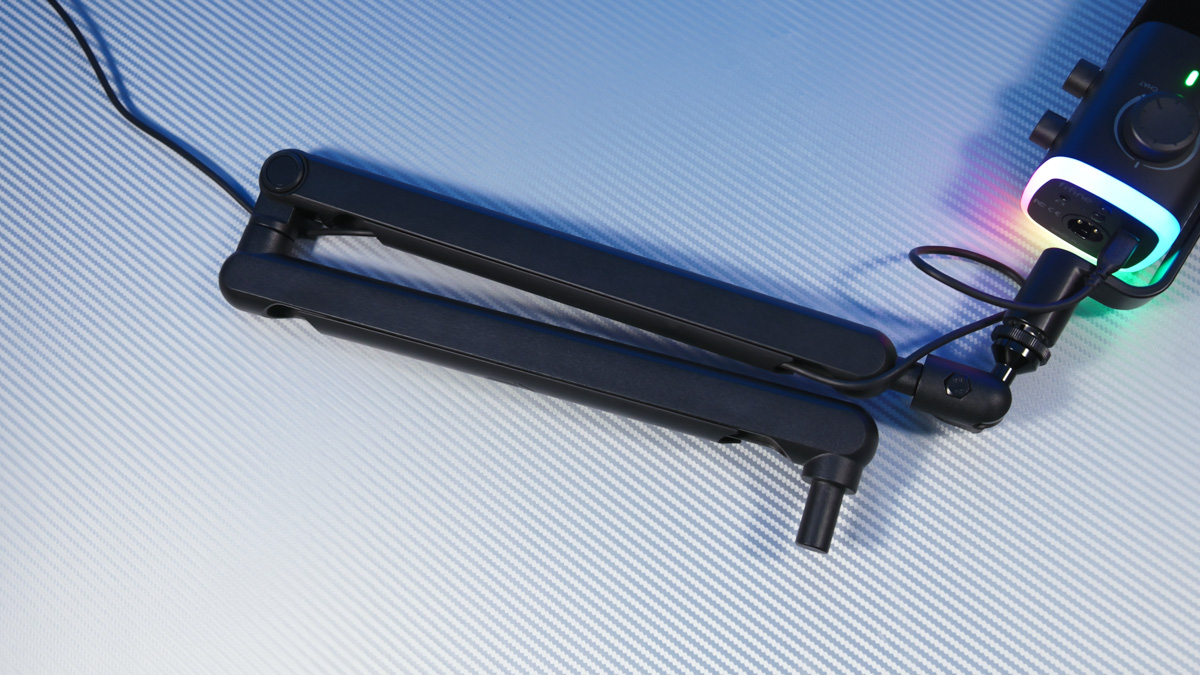
Additionally, the boom arm positions the microphone optimally in front of the mouth, maximizing voice capture, as illustrated in the manual. A well-designed boom arm, such as the BM88, allows adjustment both along and perpendicular to the vocal axis, which is useful because different microphones have different pickup patterns.
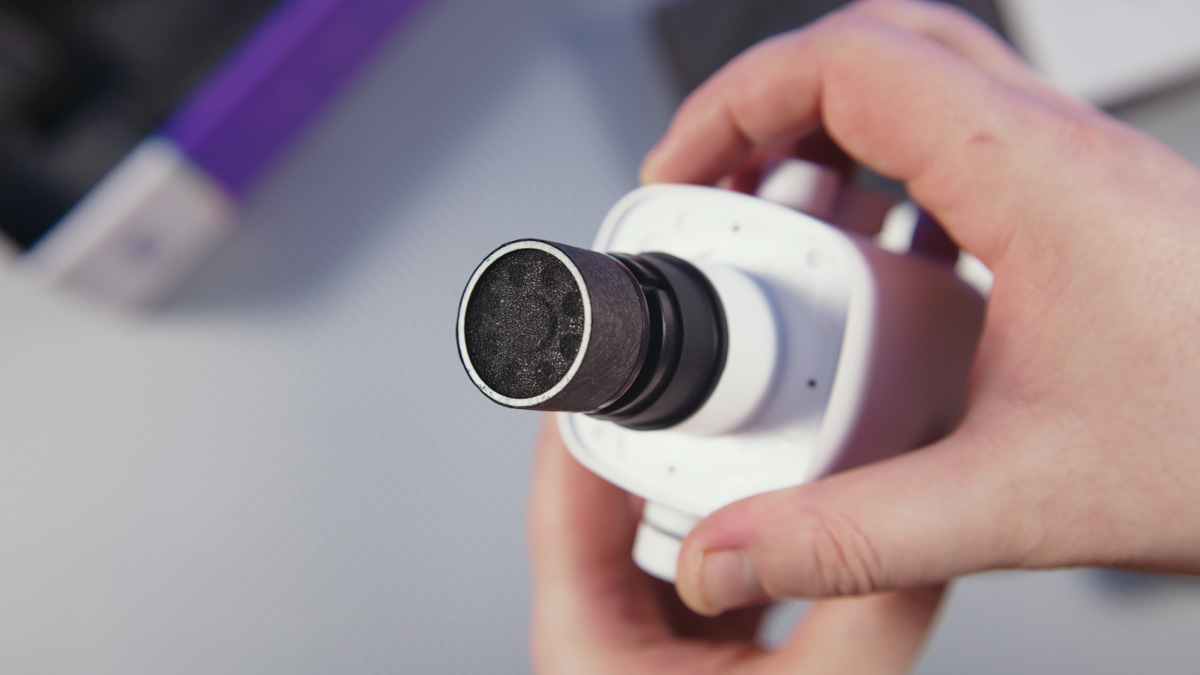
Low-quality or insufficiently robust boom arms simply can’t handle the load. I even recorded a video showing how my previous podcast setup, using an OfficePro arm, disrupted volunteer projects because it was limited in versatility and couldn’t maintain position on angled surfaces.

And seeing the microphone drift away from the speaker in the middle of a conversation was genuinely frustrating, believe me. What made it even more ironic was that…
 I specifically requested the Fifine BM88 to replace the OfficePro. The more expensive the boom arm, the fewer stability issues it has, the better it looks, and the more reliable it is in use. In terms of build and performance, the BM88 clearly belongs to a higher category.
Read also: Fifine K658 studio microphone review: The flagship in all its glory!
Although the clamping mechanism for the desk is similar to my previous model, the screws on the BM88 are not soft and don’t strip when using the included hex key.
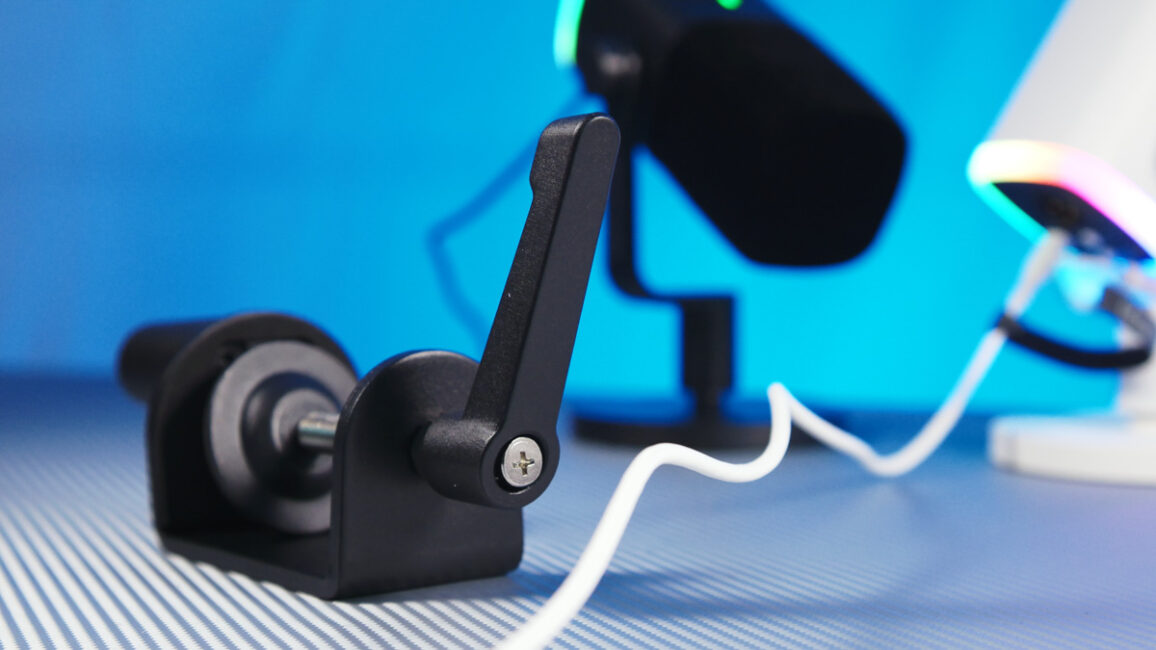
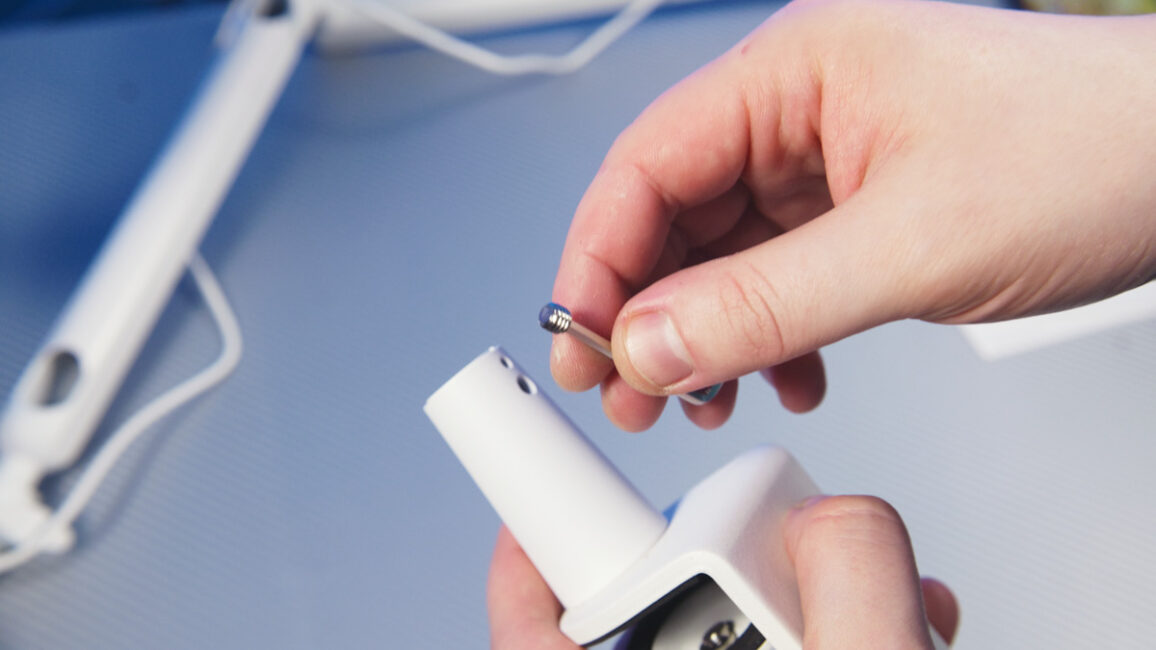
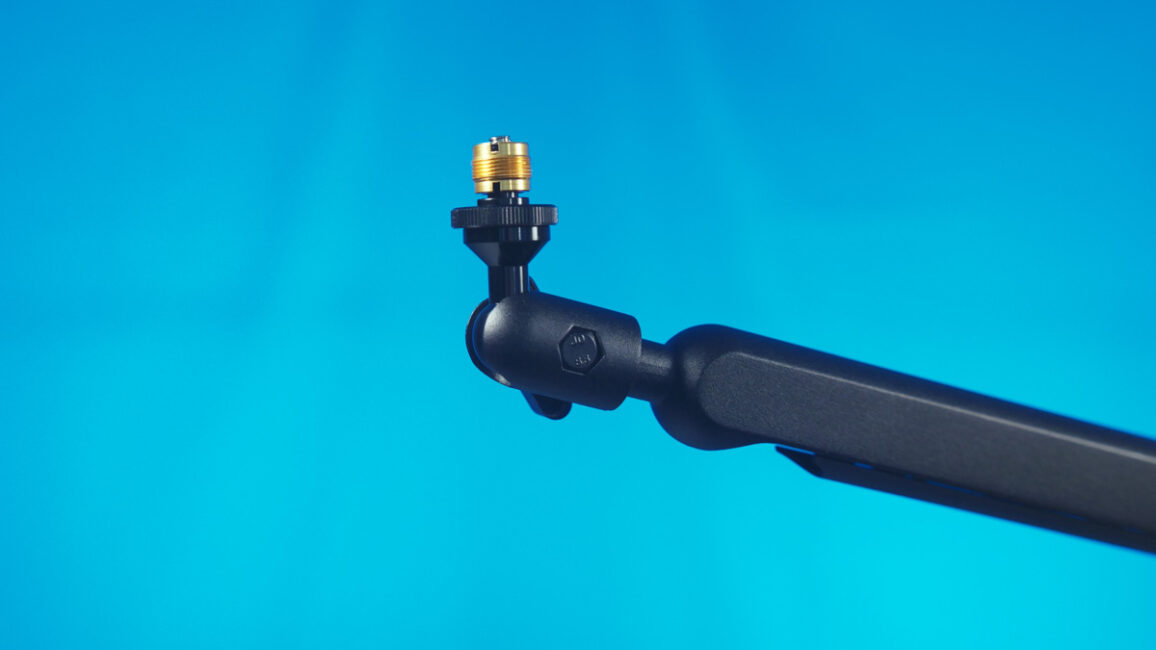
Here’s what the Fifine AM9 and BM88 set looks like in both black and white combinations. If you find it appealing, then the aesthetics of this combo should suit you. It’s also well-suited for two-person podcasts.
Conclusion
The combination of the Fifine AM9 and BM88 is designed with gamers and streamers in mind. It offers a visually clean setup, reliable performance, and functional versatility. The microphone provides a comprehensive set of features for its price, while the boom arm delivers maximum stability within its design limits. Considering the cost, I have no particular concerns regarding either component.
Read also:
- Studio Microphone Reviews
- ASUS ROG Carnyx Gaming Microphone Review
- Hator Dreamcast RGB Microphone Review
Where to buy


