




© ROOT-NATION.com - Use of content is permitted with a backlink.
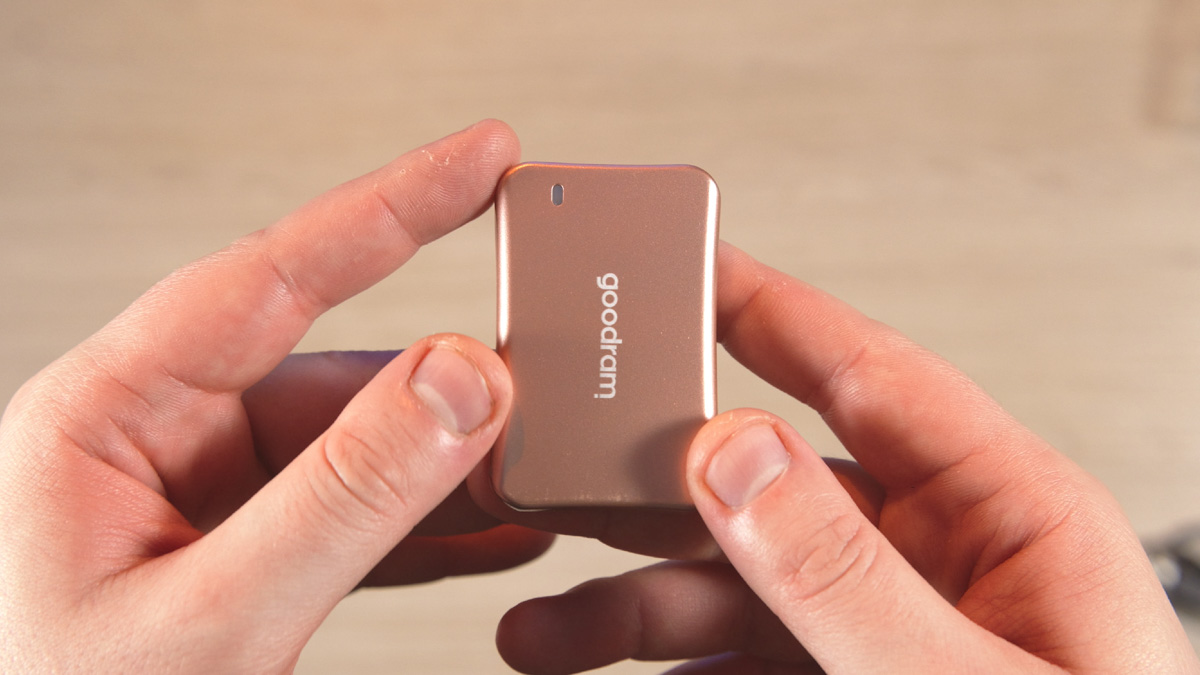
I’ll start by mentioning that I specifically requested the Goodram HX200 2TB in pink, opting out of the standard gray. There’s a reason for this choice: the HX200, like its predecessor the HL200, will serve as the primary storage for my Panasonic Lumix S5 IIX camera, mounted in a MagicRig pocket attachment.
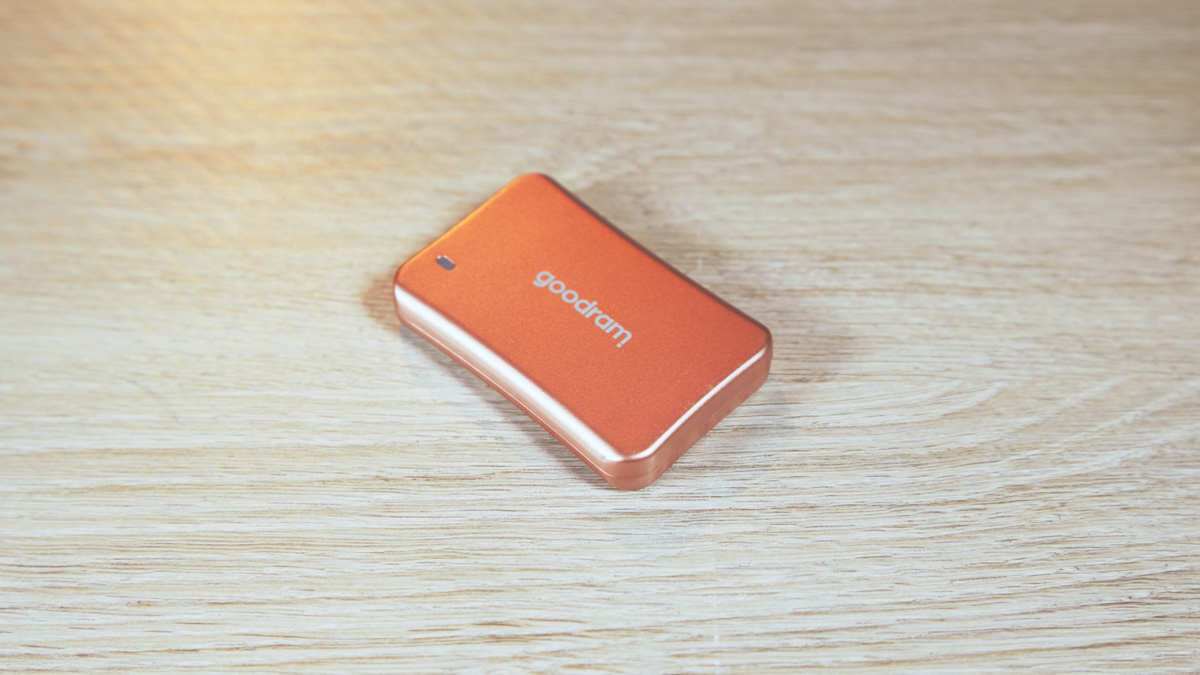
For this purpose, the pink color suits better than gray, black, or any other dark shade. I’ll explain why at the end.
TABLE OF CONTENTS:
Goodram HX200 2TB video review
Technical characteristics
- Standard: USB Type-C 3.2 Gen 2×2
- Speed: 20 Gbps
- Dimensions: 65×43×11 mm
- Weight: 67 g
- Operating temperature: 0°C to 70°C
- Storage temperatures: -40°C to 80°C
Price and package contents
The price of the new 2TB model is around $180 or €175. This is higher than many older USB SSDs. However, there are cheaper versions available, starting at 500GB for about $65. Compared to the 500GB HL200 version priced at $58, this isn’t significantly more expensive.
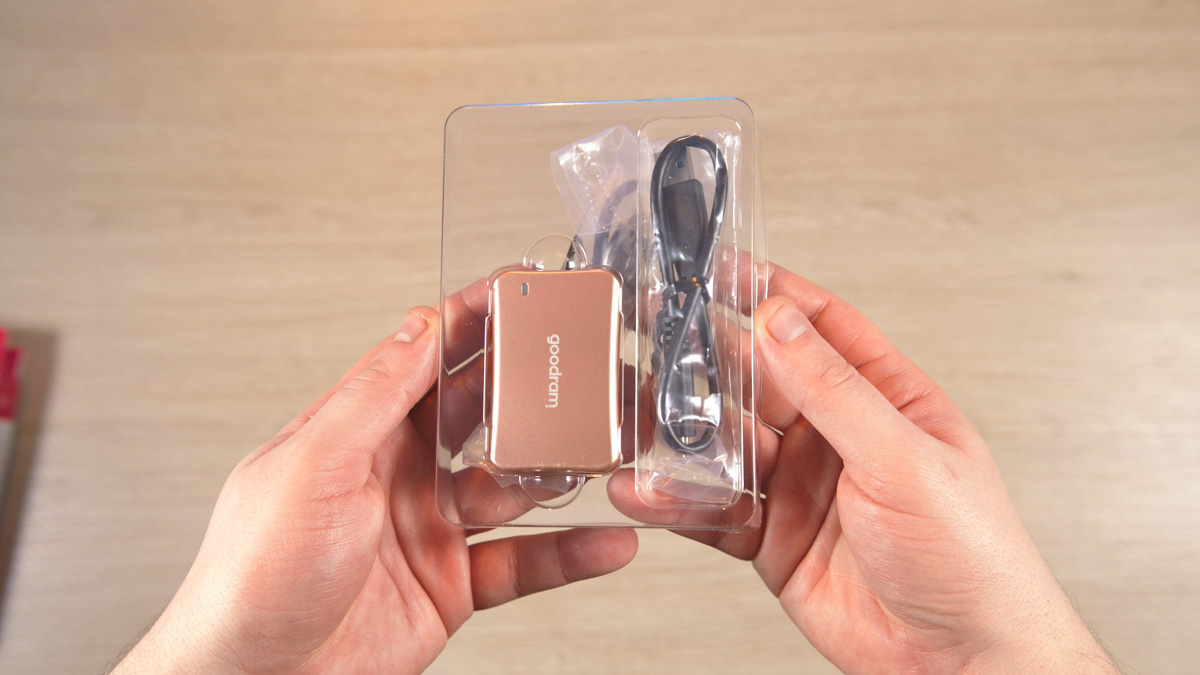
Moving on, the Goodram HX200 2TB comes with a similar package to its predecessor: the drive itself plus two cables – one Type-C to Type-A and one Type-C to Type-C.
Goodram HX200 2TB design
Aside from the unconventional color, the HX200’s design is similar to the HL200, including the placement of the activity indicator and USB-C port. The dimensions remain the same at 65×43×11 mm, with a weight of 67 g. This means I can easily mount the HX200 in the MagicRig cage on my camera without any issues.

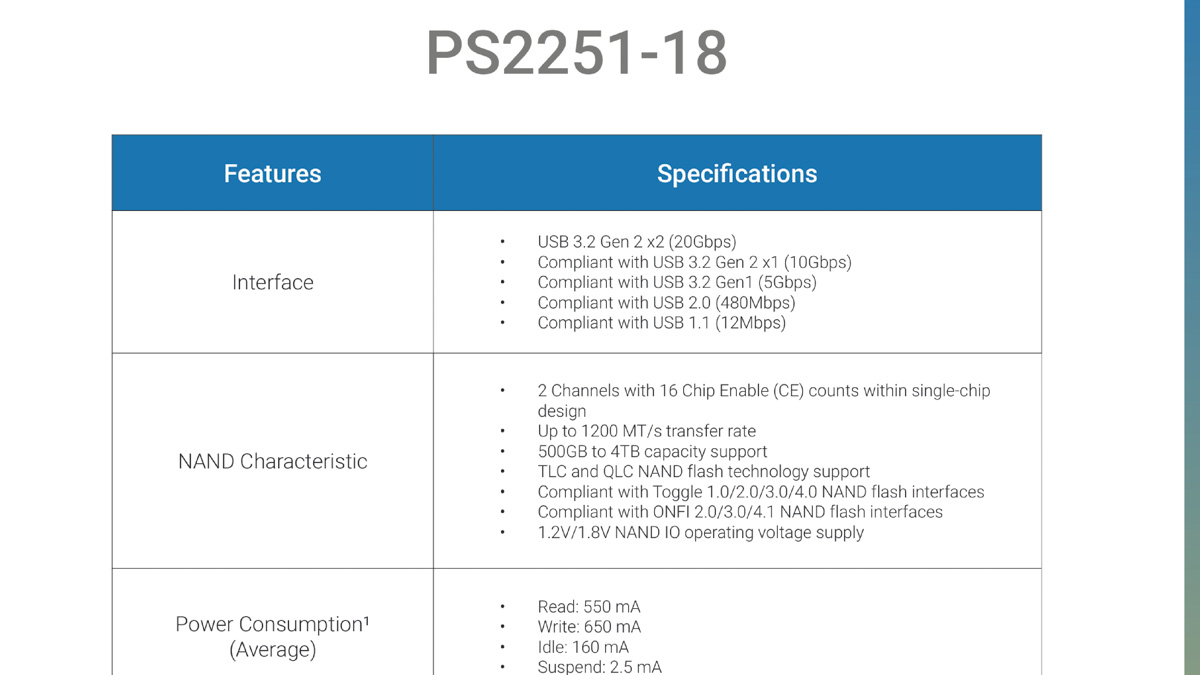
Opening the case reveals a single memory chip and, quite surprisingly, one of the most unusual controllers I’ve seen in years: the Phison PS2251-18-43. Searching this model number online yields almost no results. I couldn’t find detailed specs using that exact name because its official designation is Phison U18.
Specifications
According to the specifications, the manufacturer claims read speeds of up to 1600 MB/s and write speeds up to 1500 MB/s. Performance varies by capacity; for example, the 500GB version supports only 900 MB/s write speed, which is clearly noted. The operating temperature range is from 0 to 70°C.
Interestingly, the drive comes with a three-year warranty that’s limited by TBW (terabytes written), meaning the amount of data that can be written before failure. However, Goodram doesn’t specify the exact TBW value anywhere, even though it states that this limit affects the warranty.
Goodram HX200 2TB testing
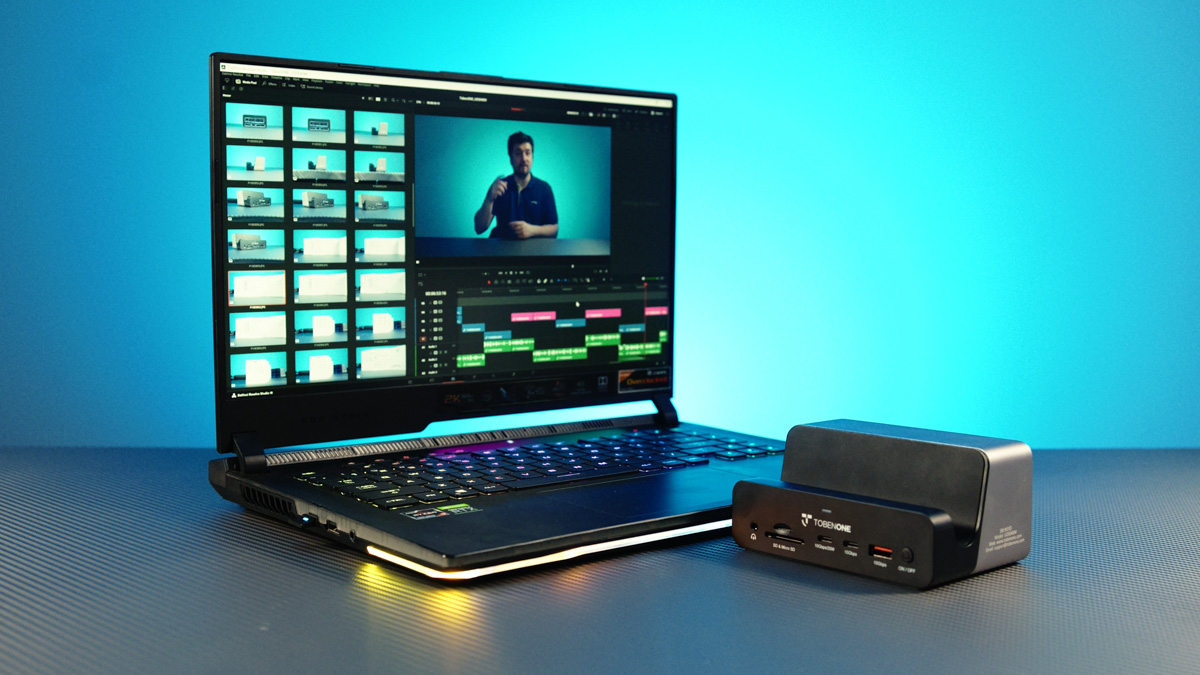
During testing, I encountered an issue common to anyone using a high-speed SSD or USB drive aiming to fully utilize a 20 Gbps port. Neither my ASUS ROG Scar 15 G533QS laptop nor the test PC from ArtLine with an AMD Ryzen 5 9600X had 20 Gbps or even 10 Gbps ports, while the HX200 supports USB-C 2×2, meaning 20 Gbps. Because of this, I reverted to my classic test setup.
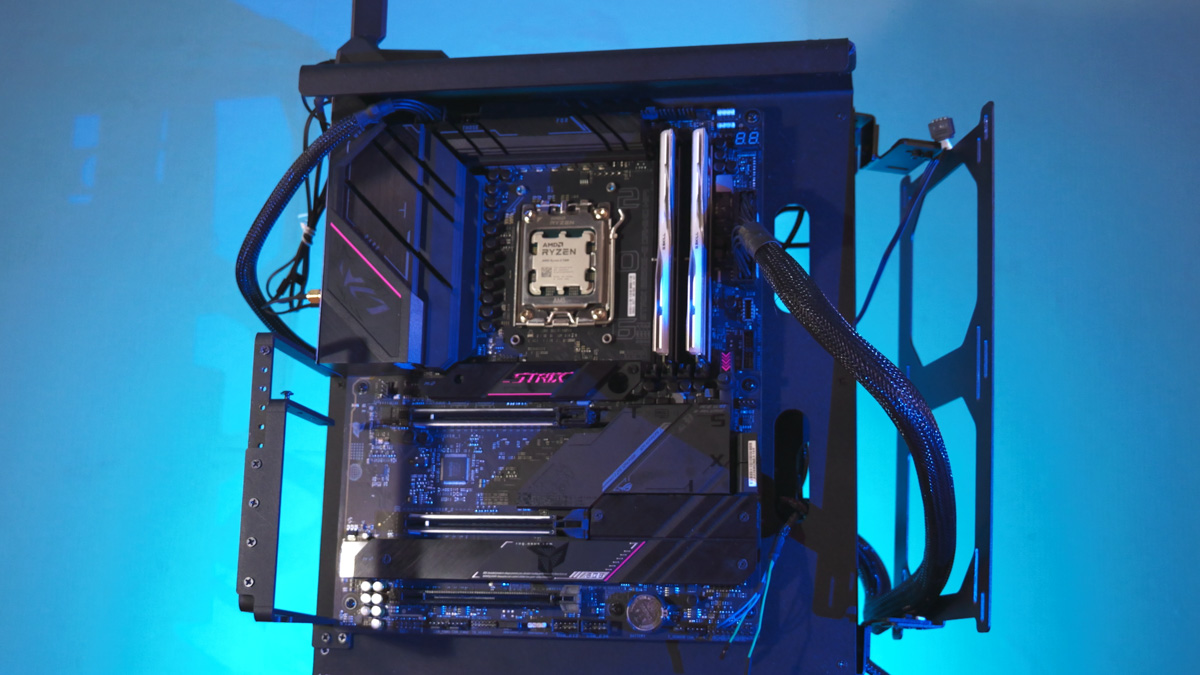
Specifically, I used a system based on an AMD Ryzen 5 7600 processor with G.Skill TridentZ 5 RGB 2×16 GB 6000 MT/s RAM, provided by the retailer ArtLine. The motherboard was an ASUS ROG STRIX B650E-E Gaming WiFi, cooled by the stock cooler. Power came from a be quiet! Straight Power 12 1200W PSU, all housed in a custom-made case from the Ukrainian company Gorilla Custom X.
The motherboard has only one USB-C 20 Gbps port, which I used to connect the drive. I monitored temperatures separately and verified them physically. At speeds approaching 1600 MB/s, the drive barely warmed up, reaching about 46°C. This is similar to the HL200 running on SATA III. Why is that? Because the newer high-speed controllers are more energy-efficient.
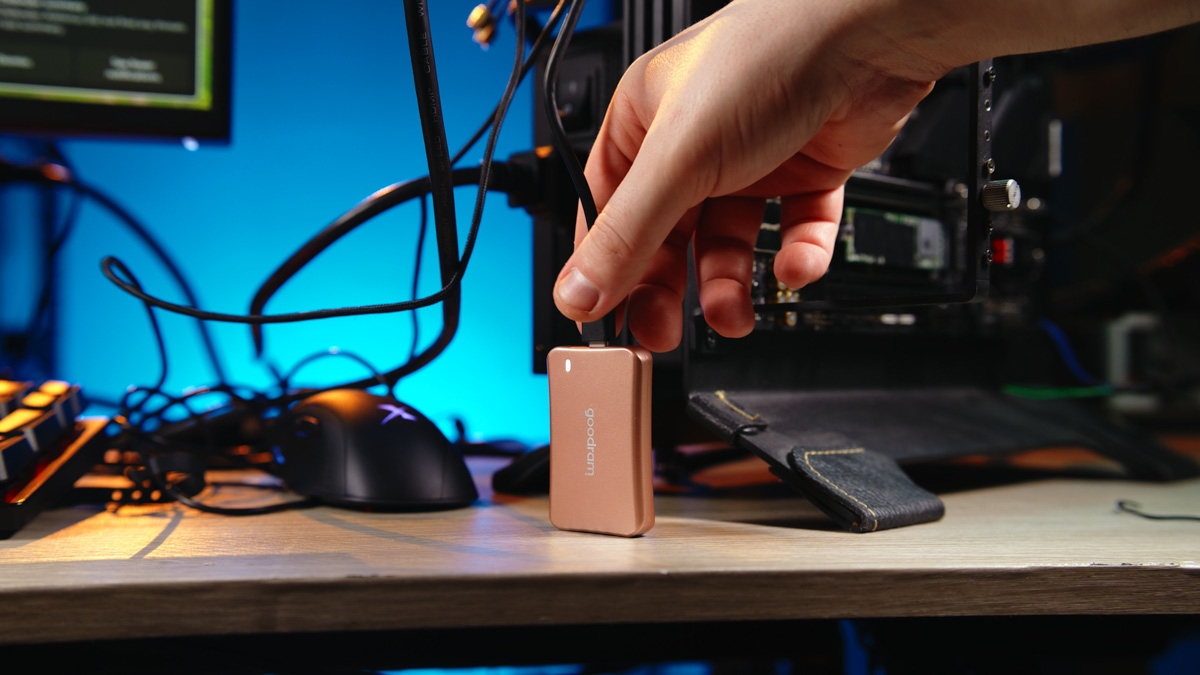
After testing, I connected the drive to a 5 Gbps port on my laptop. Why not a 10 Gbps port? First, because my 10 Gbps port was already in use. Second, if the transfer happens too quickly, I risk forgetting that I even started copying files and might accidentally start the process again. Also, I’m less concerned about heat since running the SSD at 5 Gbps – well below its 20 Gbps capability – doesn’t cause any issues.
For cameras
Now, as promised, here’s why the pink casing of the Goodram HX200 2TB matters so much. The color stands out immediately, which is important to me because I prefer bright colors for my essential gear and accessories. My favorite color is orange – a very vivid, almost unnatural shade – making it hard to lose.
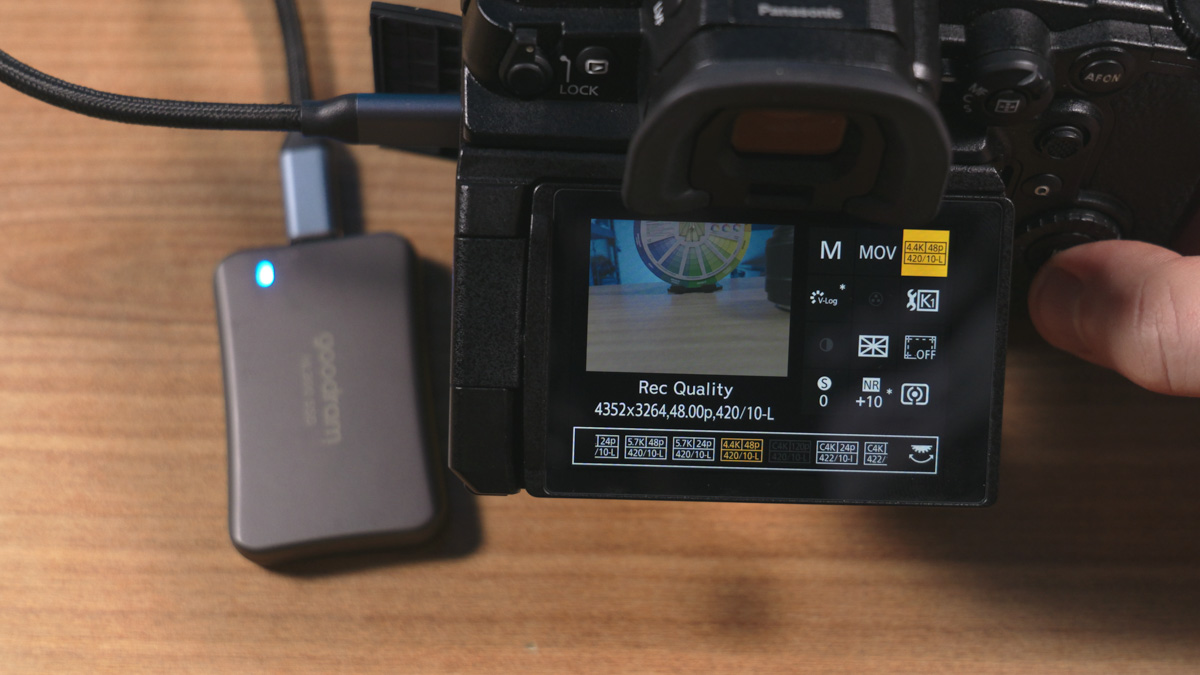
That’s why my USB arc lighter is orange, I use orange paracord, and I even painted my SD card case orange myself. Pink is similar to orange in that it really stands out, but it’s even more eye-catching. Because of this, it’ll be even harder for me to lose the Goodram HX200.
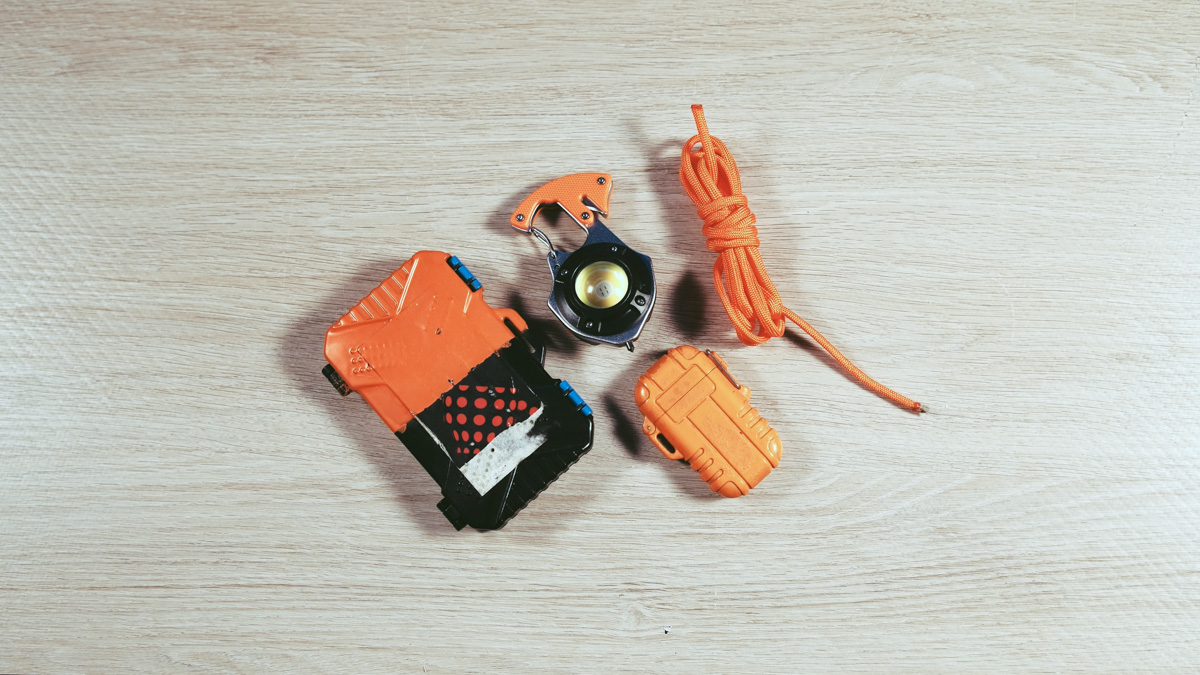
And losing it is definitely not something I want to risk. The 2TB capacity allows me to follow the 3-2-1 backup strategy: three separate storage locations – the laptop’s internal SSD, the external USB SSD, and a QNAP TS-231P3-4G NAS with multiple HDDs. Plus, two different types of storage media – SSD and HDD.

One important rule of the 3-2-1 backup strategy is that one copy should be stored off-site. This term typically means keeping data somewhere physically separate – like a cloud service such as Google Drive. While this is more relevant for website backups than video files, the principle still applies. In my case, the QNAP TS-231P3-4G is located in a relatively secure, separate location, so I’m following this rule as closely as possible.
Conclusions
The release of the Goodram HX200 2TB in Rose Gold not only appeals to a broader, more female-oriented audience – especially around holidays – but also offers practical benefits for camera operators. In fact, my recommendation to Goodram would be this:
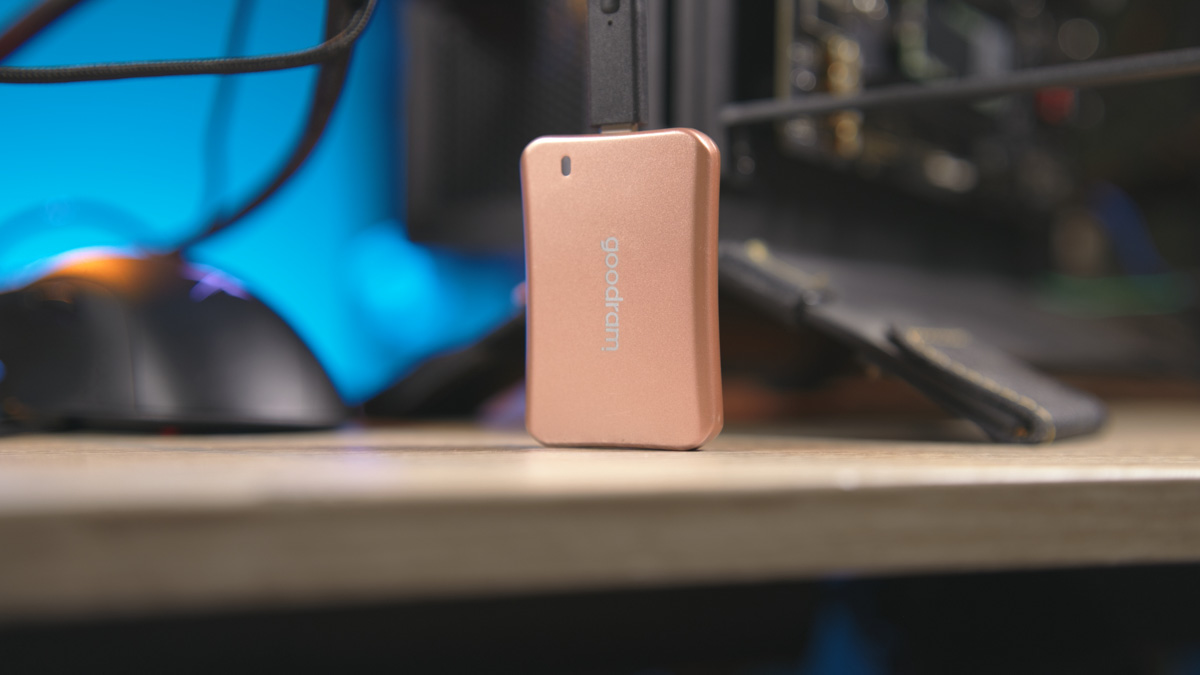
Create a variant – let’s say the HC200 – with perhaps some added water resistance, but most importantly, adjust the casing dimensions to better match the Samsung T5, at least in profile and thickness. Don’t change anything else. Just reach out to camera accessory manufacturers so they can update their promotional materials accordingly. That alone would open up a new market segment for you. As for the current Goodram HX200 2TB, I can already recommend it without hesitation.
Read also:
- Kingston Renegade G5 1TB SSD Review – Fast and Cool Performer
- THREE Reasons Why the IRDM Black DDR5 6400 MHz 64GB is RAM for Work
- Prologix DDR5 6000MHz 32GB RAM Review

