





© ROOT-NATION.com - Use of content is permitted with a backlink.
The further we move into a multi-device world, the less the computer remains a user’s only computing device. A work laptop, a home PC, a tablet, sometimes a second notebook, or even a smart TV – all of these gradually become part of a personal ecosystem that requires constant switching between devices. Where peripherals were once typically paired with a single computer and left there indefinitely, today the more valuable accessories are those that can seamlessly move between multiple devices and adapt to everyday workflows without added complexity.

The Logitech Signature Comfort Plus M850 L is built around exactly this idea. It is a wireless mouse designed for work and everyday use, with a clear focus on comfort. Its key features include a large ergonomic shape, quiet buttons, support for connecting to up to three devices simultaneously with quick switching between them, and battery life measured not in days or weeks, but in years. The mouse also incorporates several less common features, such as direct file transfer between connected devices, further emphasizing its focus on multi-device workflows and productivity-oriented use cases.
TABLE OF CONTENTS:
Logitech Signature Comfort Plus M850 L Specifications
- Length: 121.3 mm, Height: 74.3 mm, Width: 44.2 mm
- Weight: 102.9 g
- Sensor technology: optical tracking
- Rated value: 1000 DPI
- Minimum and maximum values: 400–4000
- Number of buttons: 6 (left, right, middle button on the scroll wheel, ‘Back’, ‘Forward’, DPI button)
- Scroll wheel: precise step-by-step and hyper-fast scrolling
- Connection type: Bluetooth
- Easy-Switch: connect to up to three devices and switch between them easily
- Battery type: 1 AA rechargeable battery
- Battery life: up to 2 years
- Configuration software: Logi Options+ (Windows/macOS)
- Wireless range: Up to 10 m
- Recycled plastic content: at least 63% in black and graphite colours and 49% in white
Read also: All gaming mouse reviews
Positioning and price
The Logitech Signature Comfort Plus M850 L is positioned as a versatile wireless mouse for office work, studying, and everyday use. It is aimed primarily at users who spend long hours at a computer and value ergonomic design, quiet button operation, and long battery life.
Within Logitech’s lineup, the M850 L sits above the entry-level M Series office models but below professional productivity-focused devices such as the MX Master family. As a result, it occupies the upper mid-range segment, targeting users who need more comfort and flexibility than a basic office mouse can offer, without stepping into the premium price category.

At the time of writing, the Logitech Signature Comfort Plus M850 L is available in the Ukrainian retail market for approximately UAH 2,600 (around USD 48), depending on the bundle configuration and retailer. Its main competitors include the Logitech M720 Triathlon, Logitech Lift, as well as selected wireless mouse models from HP, Dell, and Microsoft within a similar price range.
Read also: Logitech MX Master 4 Review: An update to the best professional computer mouse!
Package Contents
The Logitech M850 L comes with a minimal set of accessories. The box contains the mouse itself, a pre-installed AA battery, and basic documentation. No additional accessories are included, which is reasonable given the device’s design. The mouse connects exclusively via Bluetooth and is powered by a standard AA battery, eliminating the need for a dedicated wireless receiver or a charging cable.


The packaging is neatly organized. The mouse itself is placed inside a paper sleeve, which is typical of Logitech’s recent packaging design. The box feels reasonably sturdy, and the overall presentation is well executed. While the unboxing experience is fairly straightforward and does not emphasize premium presentation, the packaging does not feel inexpensive or poorly made.
Read also: Logitech Pro X2 Superstrike Review: Esports Mouse with Magnetic Switches
Design and Materials
The review unit was the white version of the Logitech M850 L. Overall, the mouse has a clean and contemporary appearance. The combination of white and two shades of gray creates a restrained look without relying on decorative or visually aggressive design elements, while the curved shape and textured side panels add some visual distinction. The design is particularly well suited to light-colored or minimalist desk setups, where it blends into the workspace rather than drawing attention to itself.
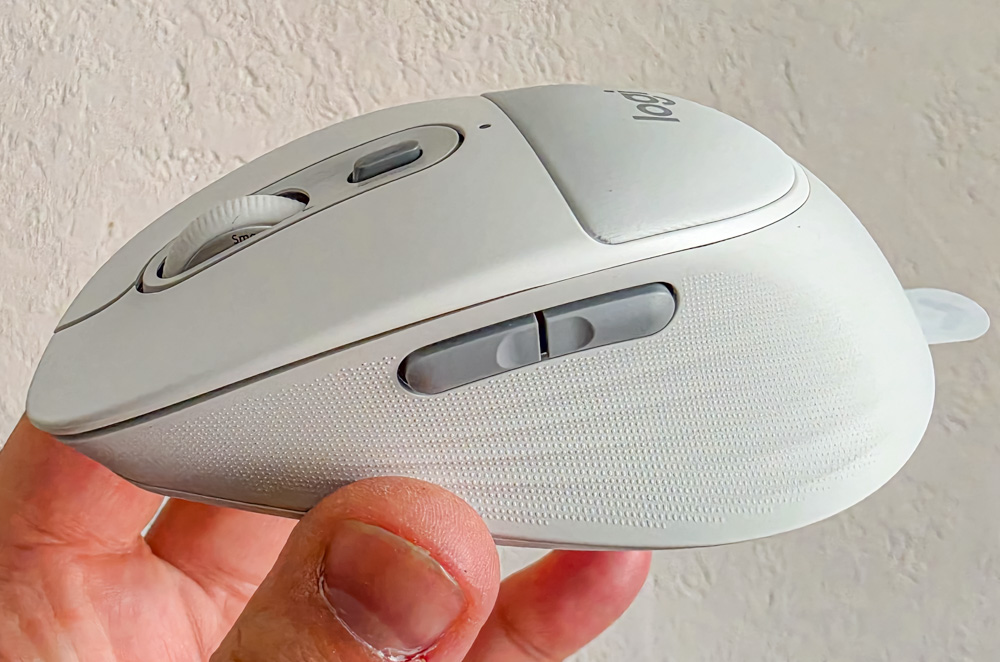
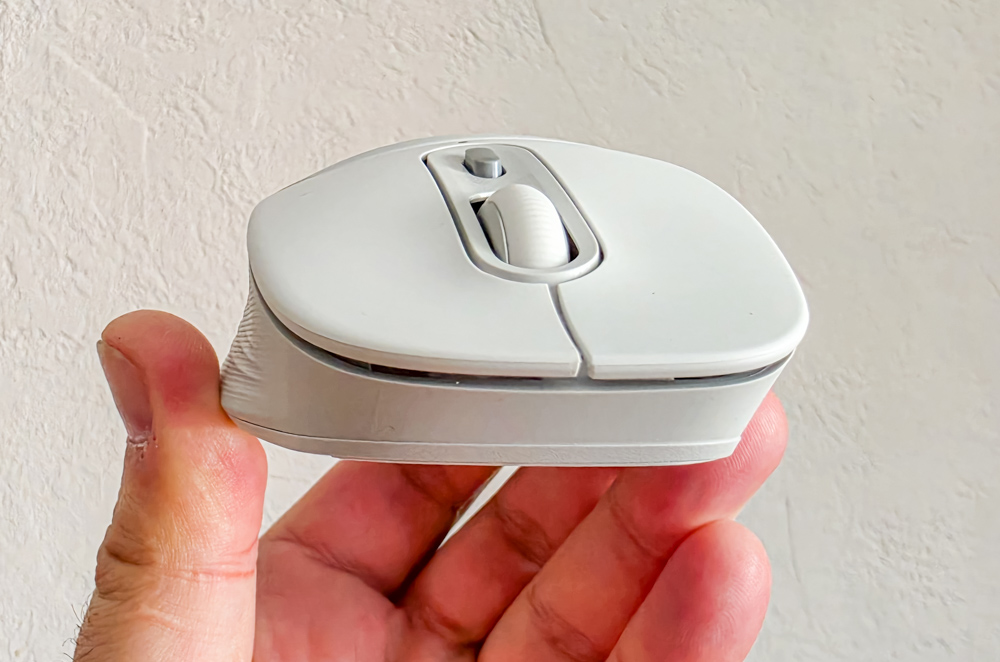
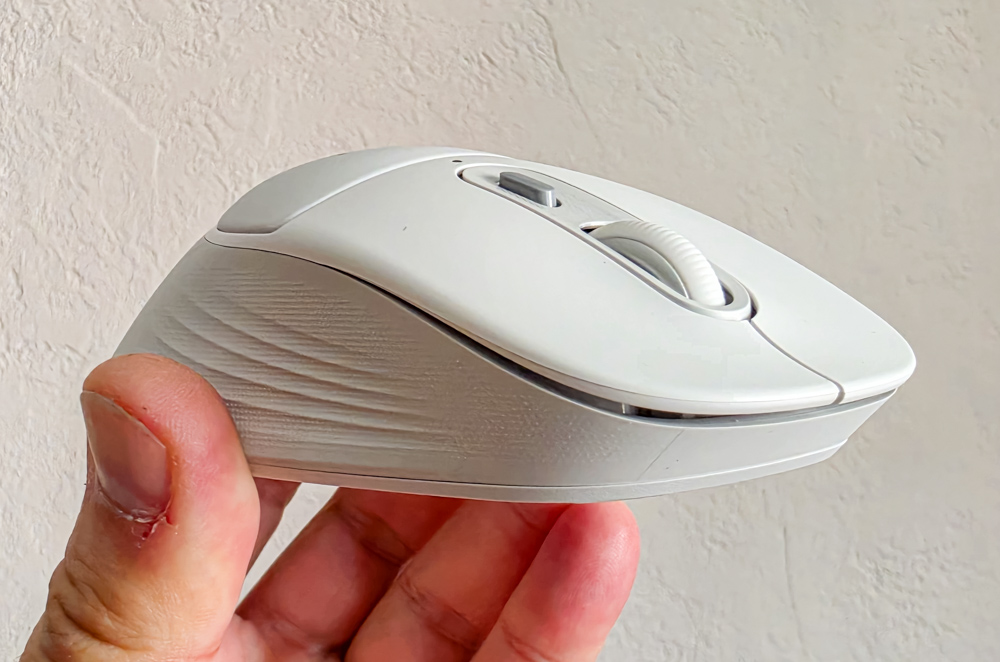
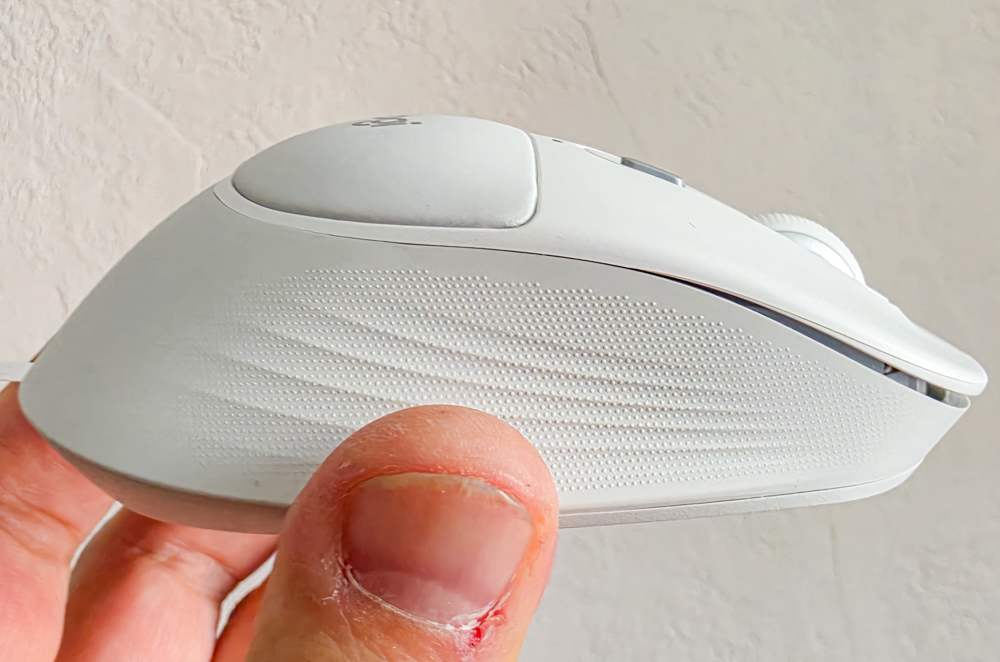
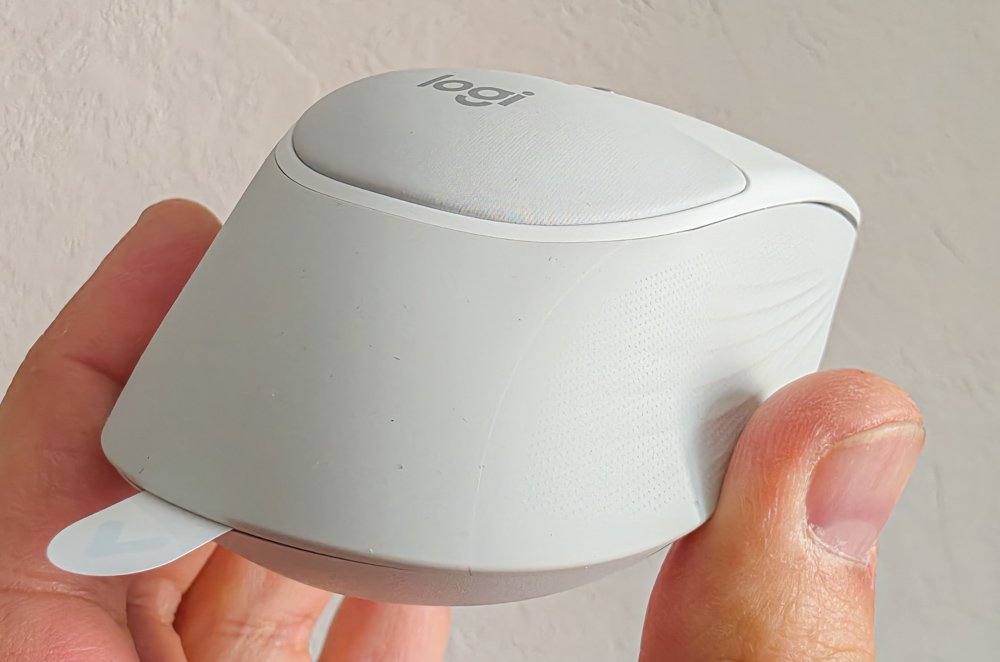
The chassis combines several materials. Most of the body is made from a rubberized plastic, while the top shell uses a matte finish. The palm contact area features a soft foam insert with the company logo. The sides incorporate textured surfaces and dedicated contours for the thumb on one side and the ring and little fingers on the other. These design elements contribute to grip stability and help maintain consistent control during use.
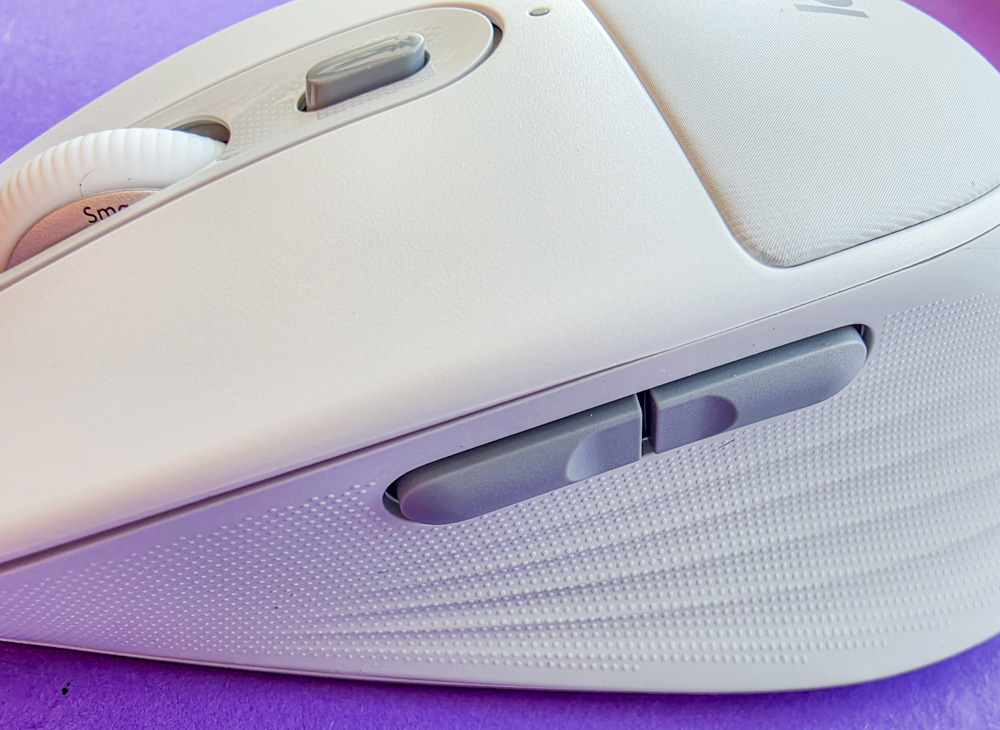
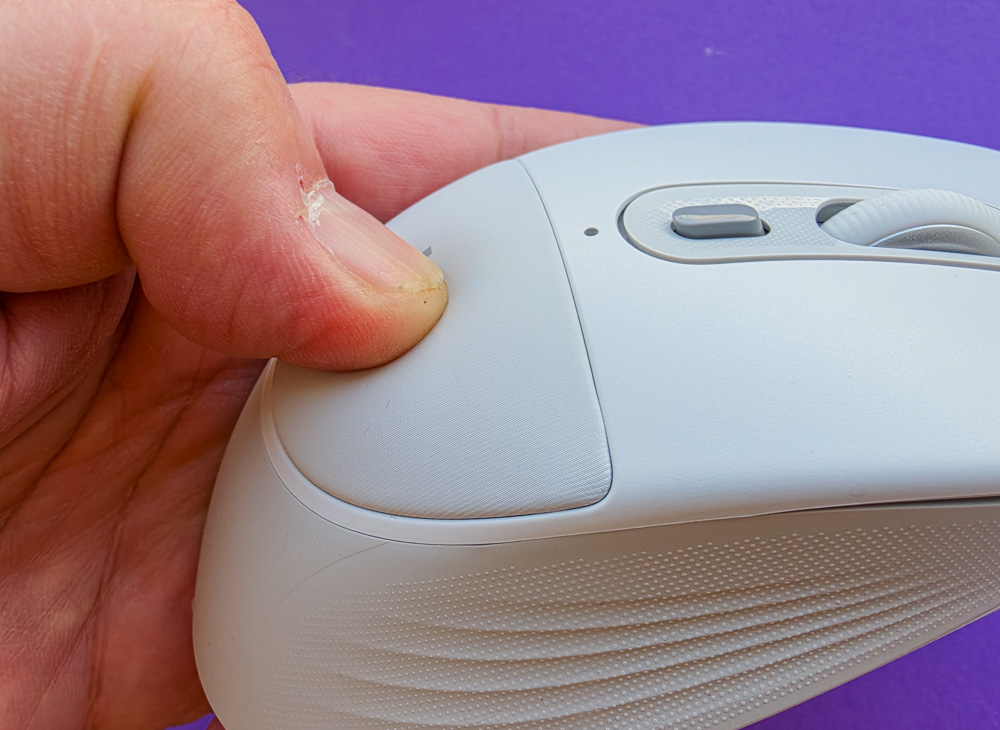
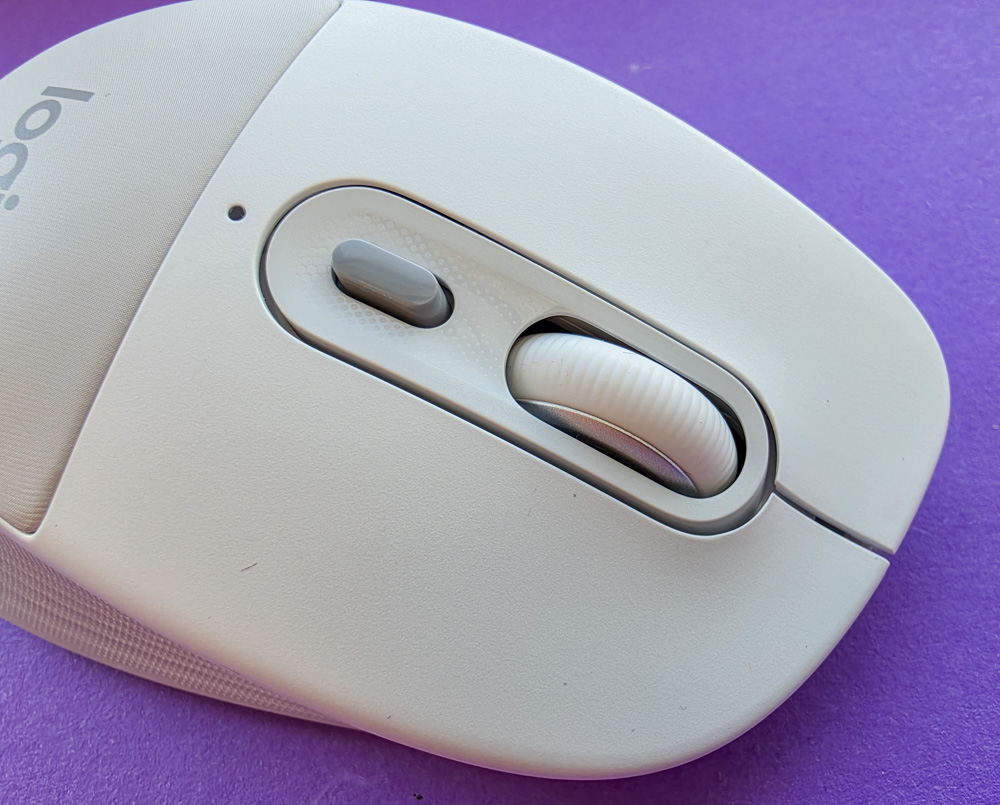
The design is fully asymmetric and intended exclusively for right-hand use. Two additional side buttons are positioned under the thumb, with a third button located beneath the scroll wheel. On the underside, the mouse includes a battery compartment cover, a power switch, a button for switching between active devices, and three connection status indicators. A notable detail is that the indicator LEDs are activated only when the sensor detects that the mouse has been lifted from the surface.

Build quality is solid. The chassis does not creak, flex, or exhibit noticeable play. The materials also do not accumulate fingerprints or dirt as readily as is often observed with matte light-colored mice. The buttons and scroll wheel provide consistent tactile feedback, with overall execution meeting typical expectations for this class of device.

The mouse feet provide very smooth glide performance across most tested surfaces, including a mouse pad, a desk, and even a sofa. The sensor also remains stable on uneven surfaces, where many mice typically exhibit tracking inconsistencies or occasional loss of precision.

The Logitech Signature Comfort Plus M850 L cannot be described as a lightweight mouse. A significant portion of the perceived weight appears to come from the AA battery, which accounts for roughly half of the total mass. However, due to the overall shape, rubberized side surfaces, and ergonomic design, this weight does not result in a sense of awkward handling or excessive bulk during use.
Read also: Logitech G325 LIGHTSPEED Review: Balanced Headset for Gaming and Work
Ergonomics is the main strength of the Logitech M850 L in this review. The unit was used primarily with a claw grip, which matches the reviewer’s larger hand size, but the overall shape appears sufficiently versatile. The mouse is relatively large, fills the palm well, and in general should accommodate most grip styles. For users with smaller hands, a palm grip may be more comfortable due to the device’s overall dimensions.

The mouse does not cause noticeable hand fatigue during extended use. Even after eight to ten hours of continuous work, no discomfort was observed. The rubberized side panels and textured inserts contribute to a stable and secure grip. Despite the relatively high weight, lifting the mouse off the surface remains straightforward, largely due to the effective grip provided by the chassis and surface materials.

The side buttons are positioned appropriately. They are easy to distinguish by touch, can be reliably reached with the thumb, and do not feel prone to misidentification. The middle button under the scroll wheel is also placed in a logical position and does not lead to accidental activations during normal use.
Click noise is a notable characteristic of the device. The main buttons operate at a relatively low sound level, to the point where surface noise from mouse movement can occasionally be more audible than the clicks themselves. However, the switches are not silent; tactile feedback is still present, although the softness of the actuation may initially feel unusual. Adaptation typically occurs quickly. The auxiliary buttons and scroll-wheel click are noticeably louder, but they are used less frequently, so they have limited impact on the overall perception of operating noise.
Read also: Logitech Signature Slim Solar+ K980 Review – a wireless keyboard that never needs charging!
Software
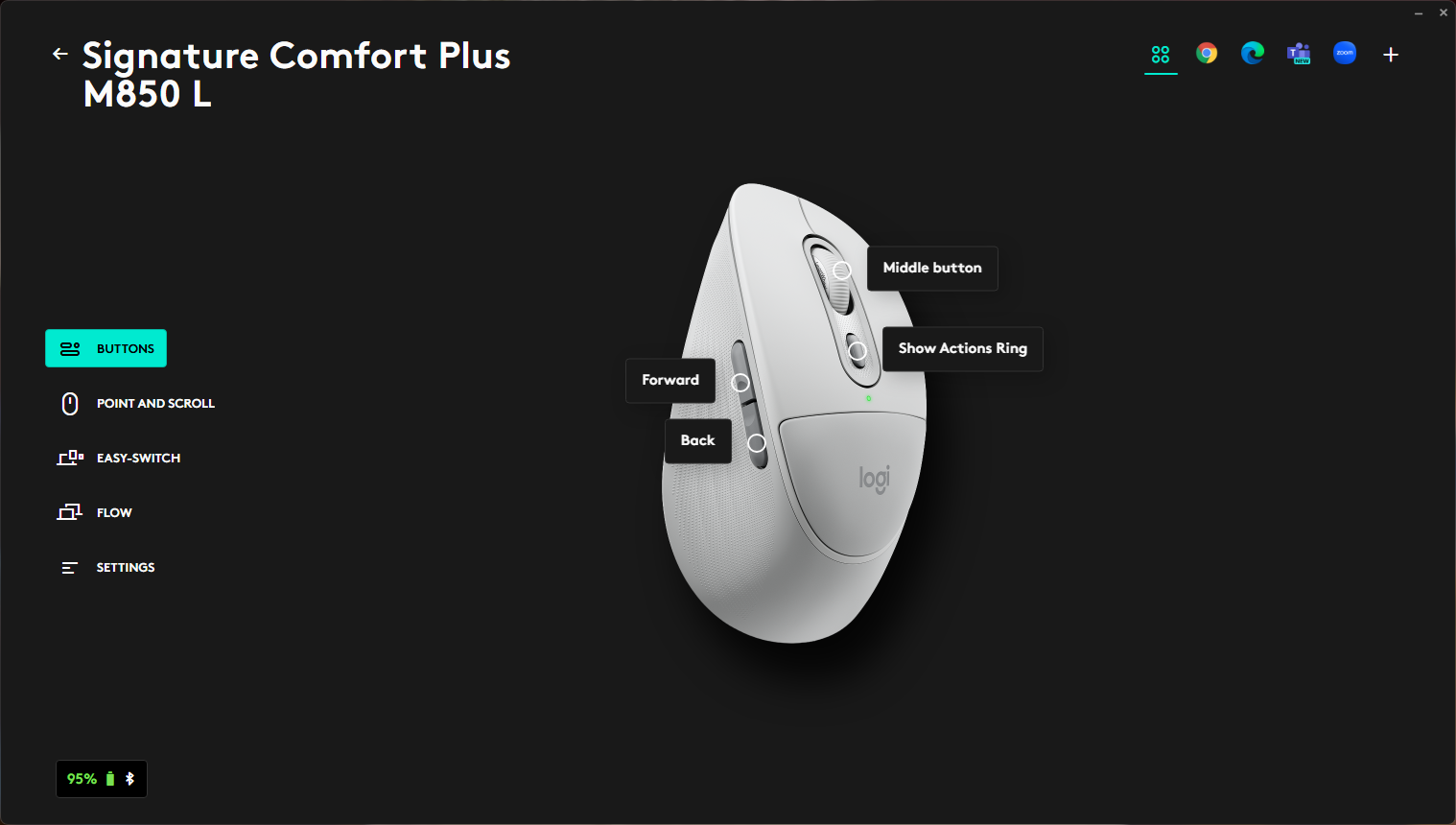
Like most of Logitech’s business-oriented models, the Logitech M850 L is supported by the Logi Options+ software. The application allows for a relatively detailed level of customization of the device. Although this is not a flagship gaming model with extensive button mapping options or complex configuration pages, the available functionality is sufficient for most productivity-oriented use cases.
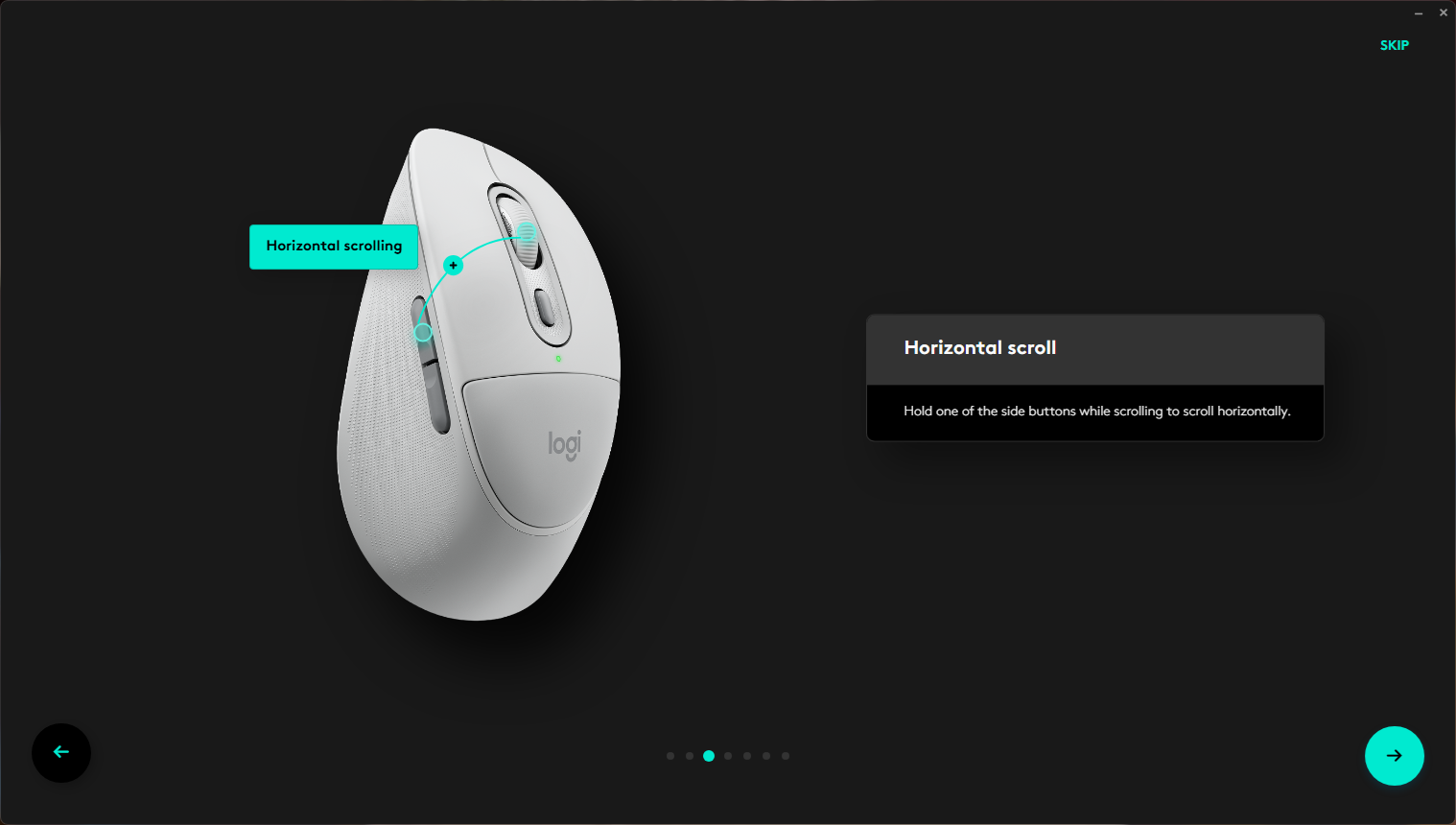
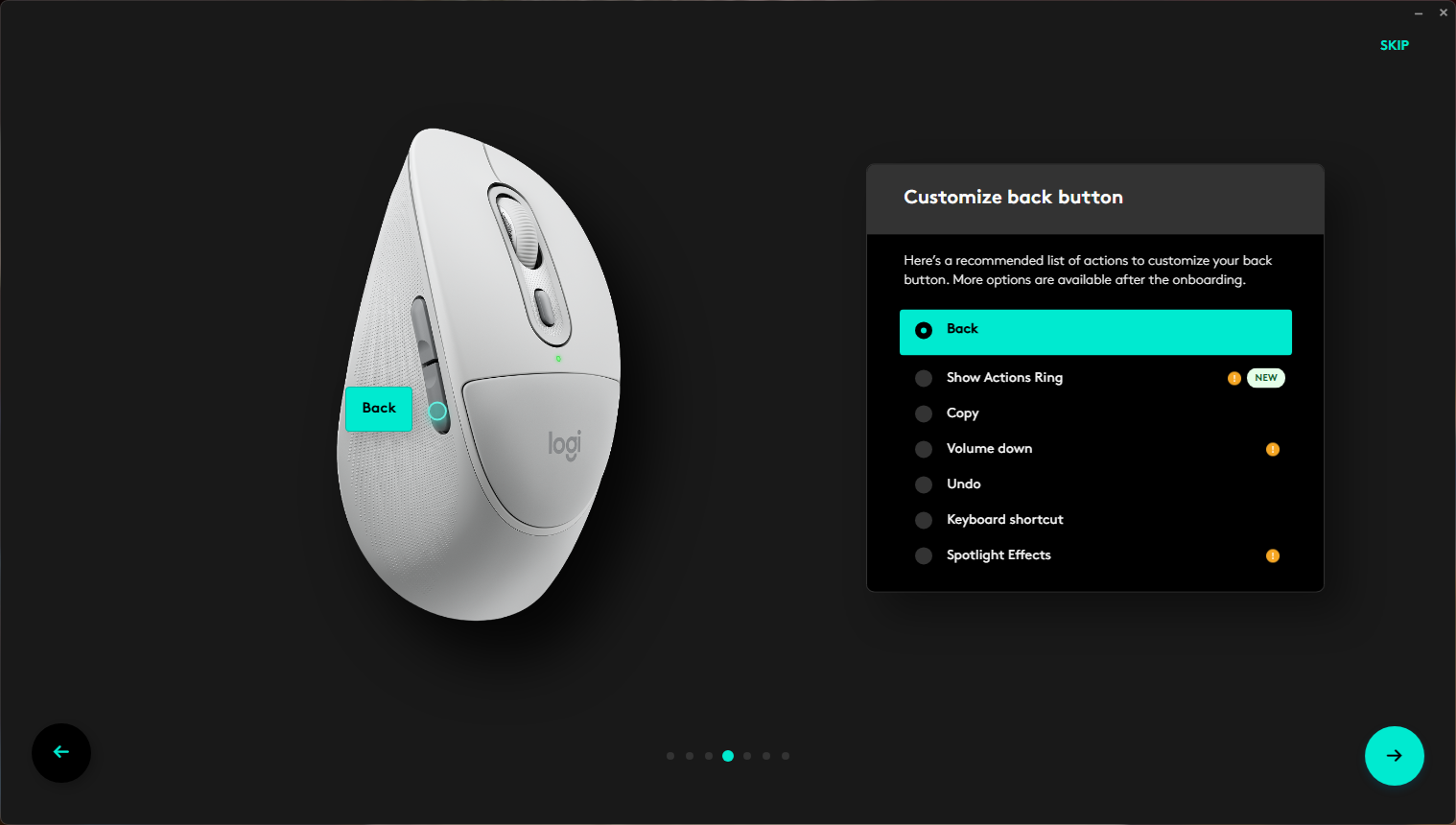
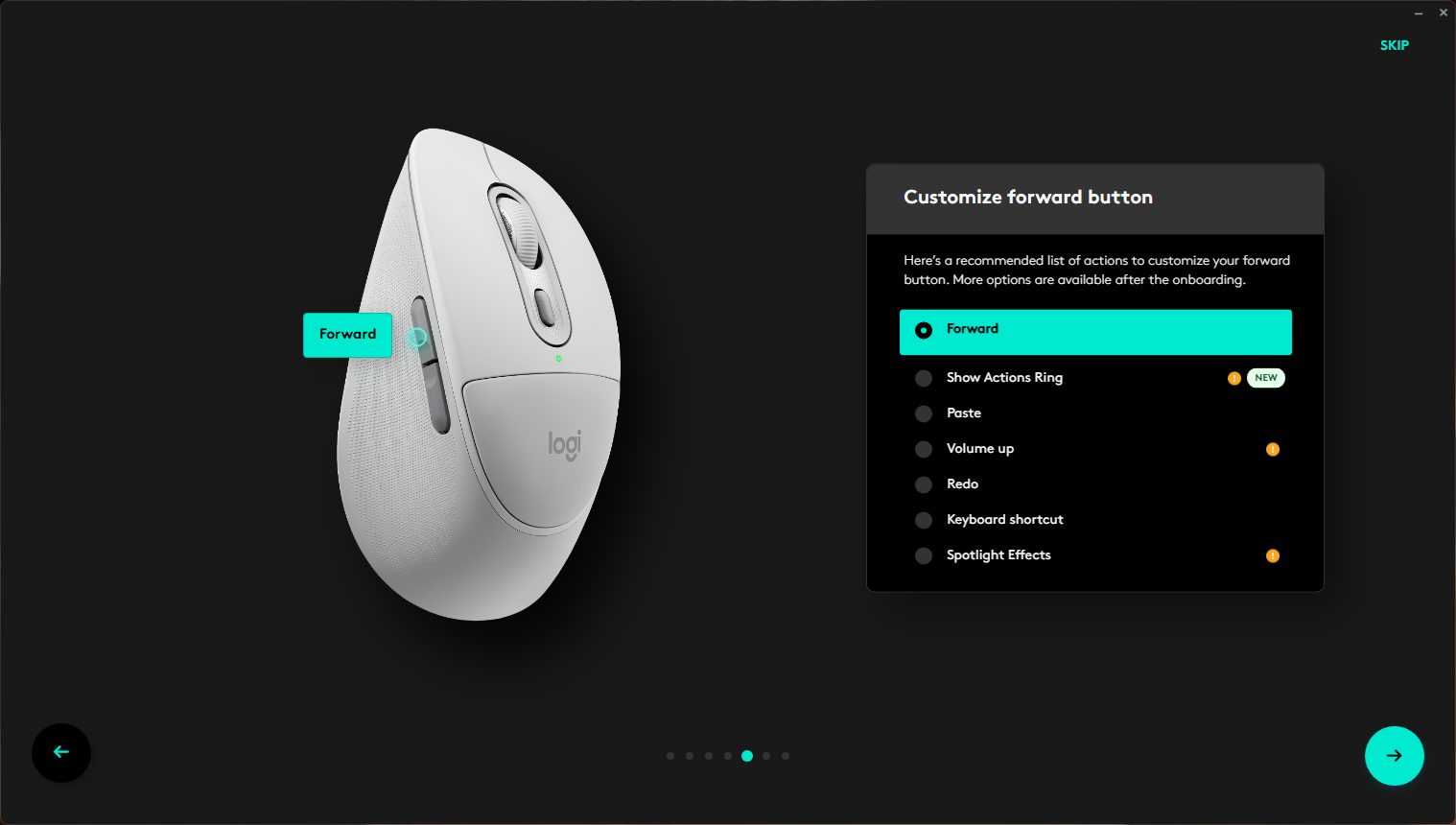
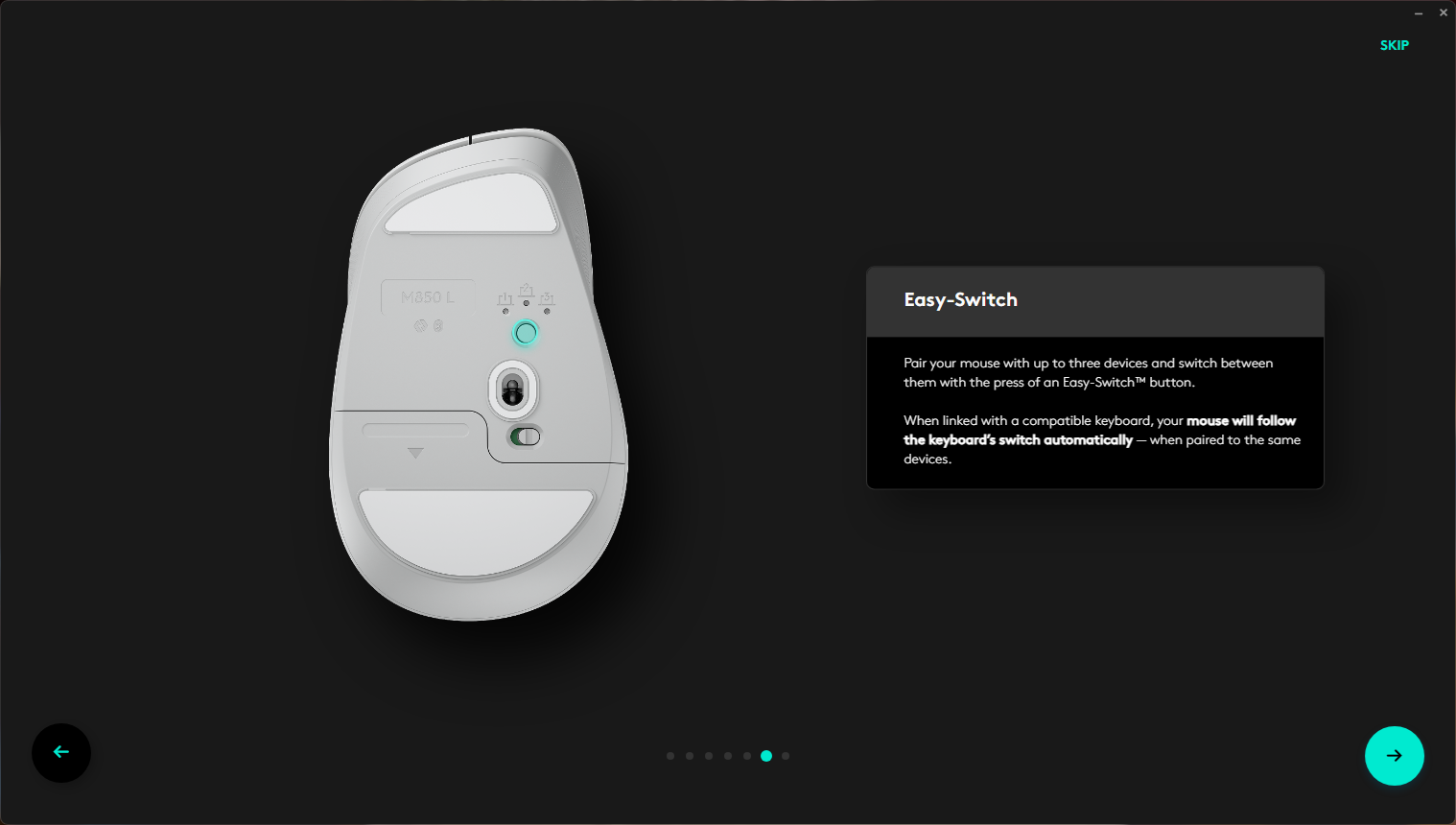
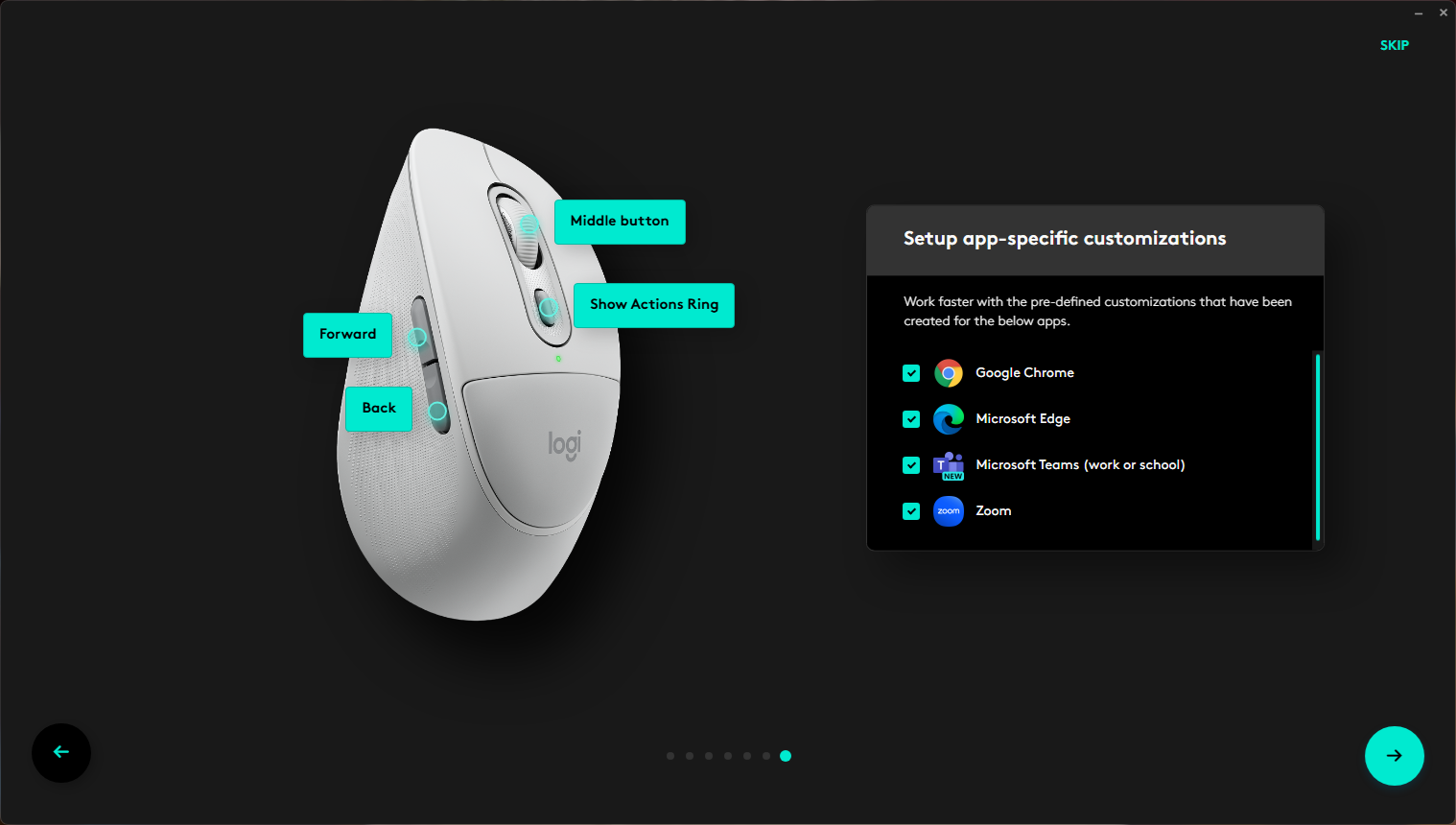
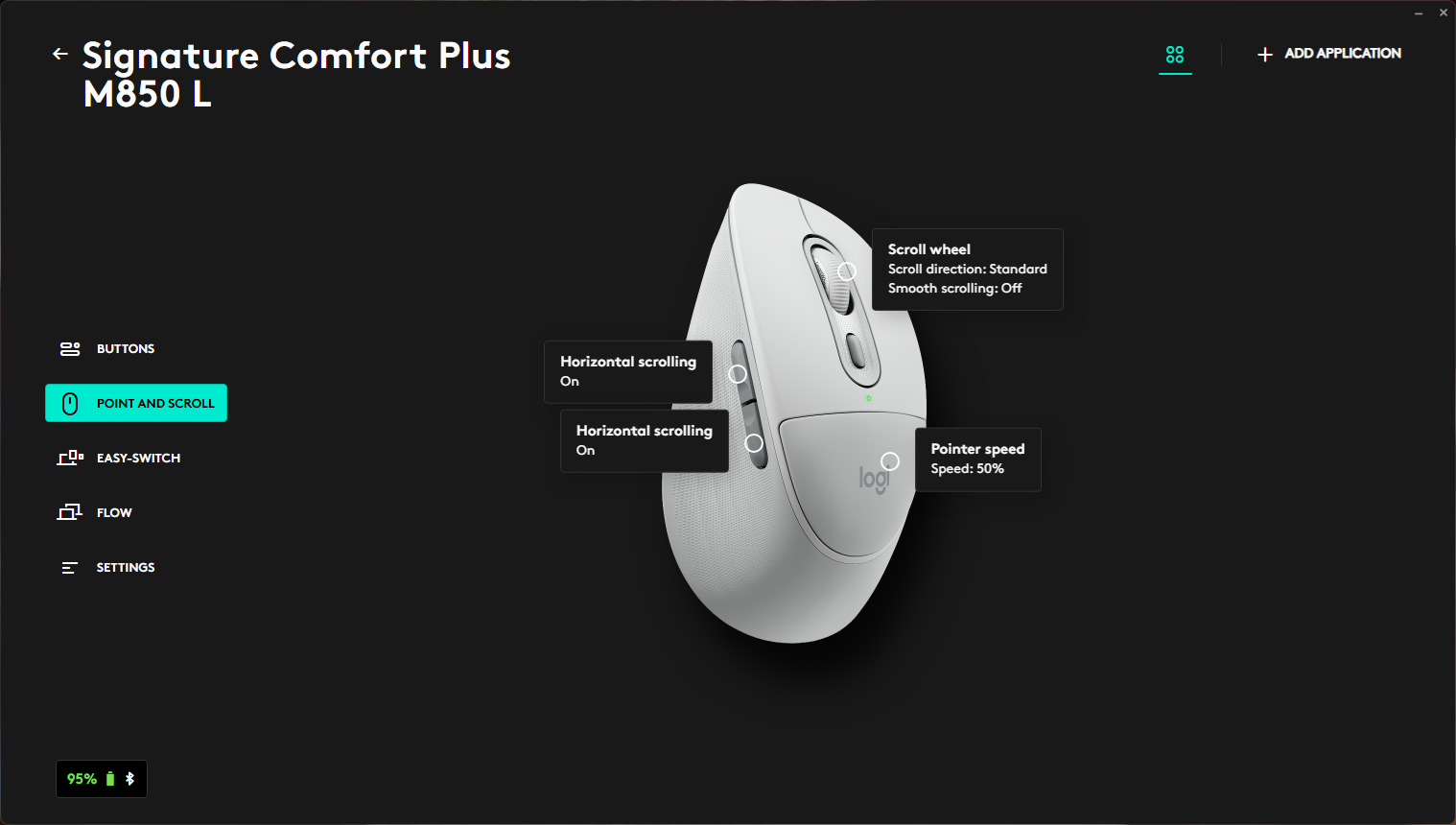
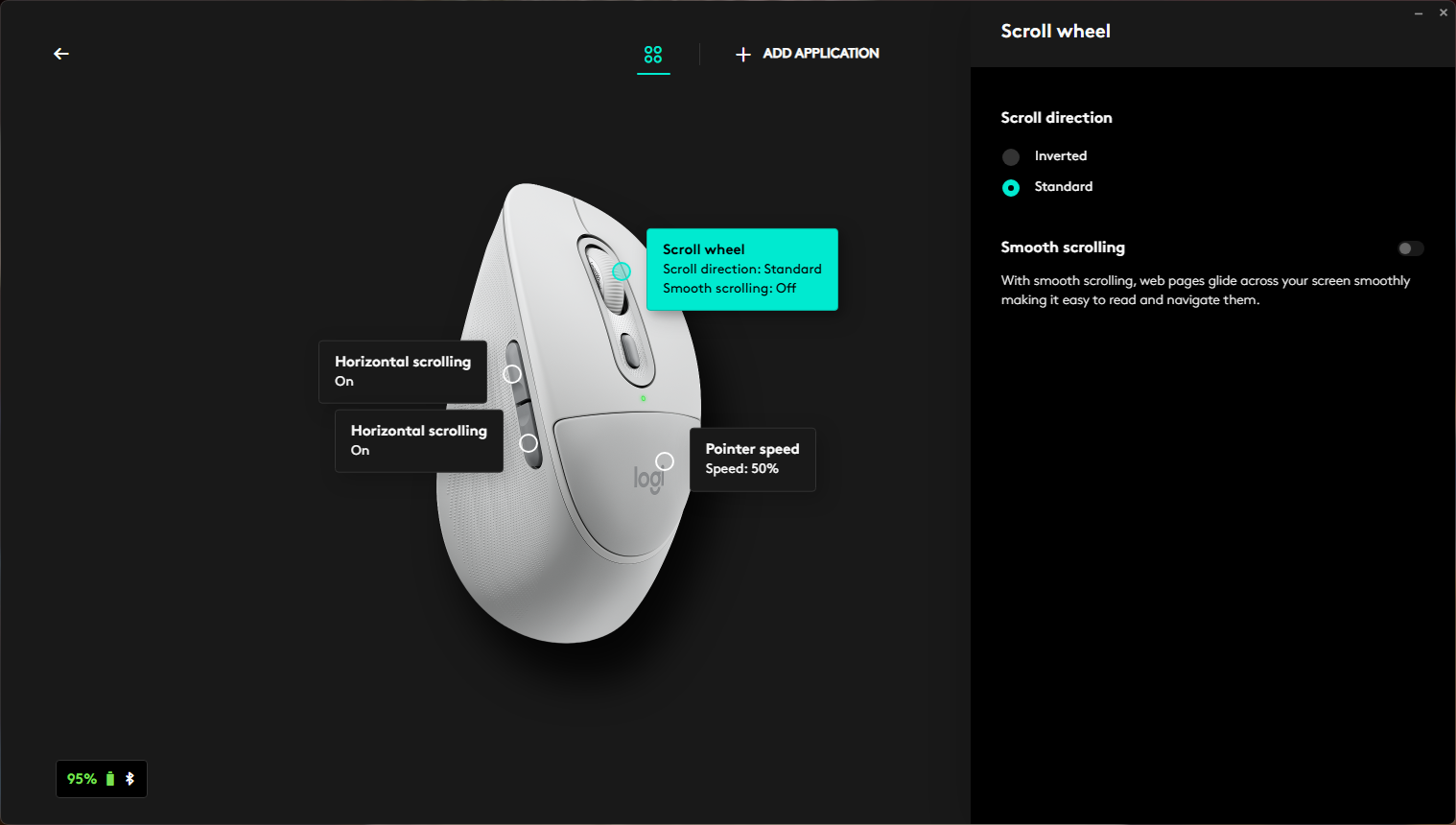
Through the software, all mouse buttons can be configured, including assignment of actions, system commands, or keyboard shortcuts. The software also includes settings for horizontal scrolling, which by default is triggered by holding a side button while scrolling the wheel. This feature is enabled out of the box, but can be disabled if needed.
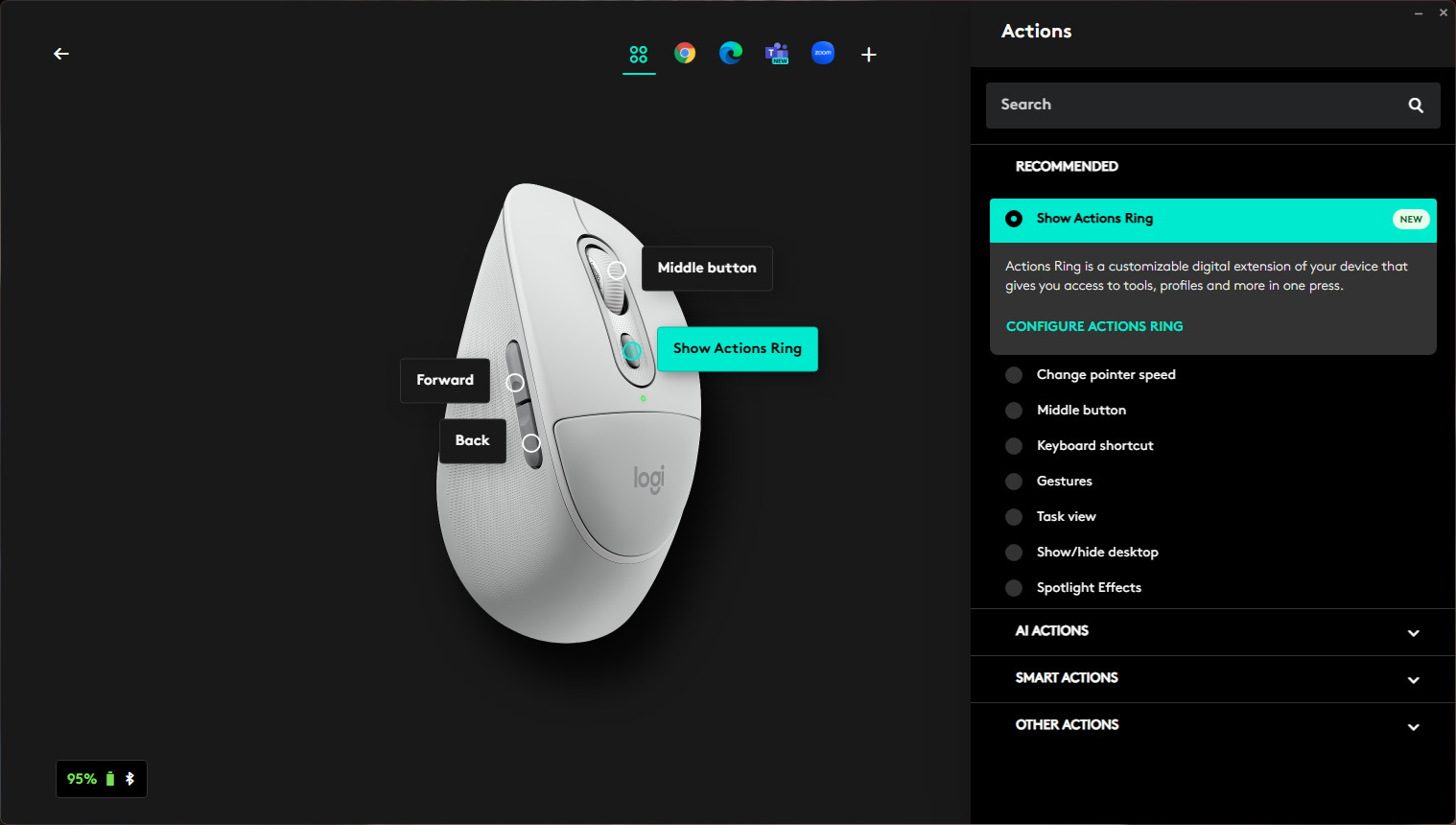
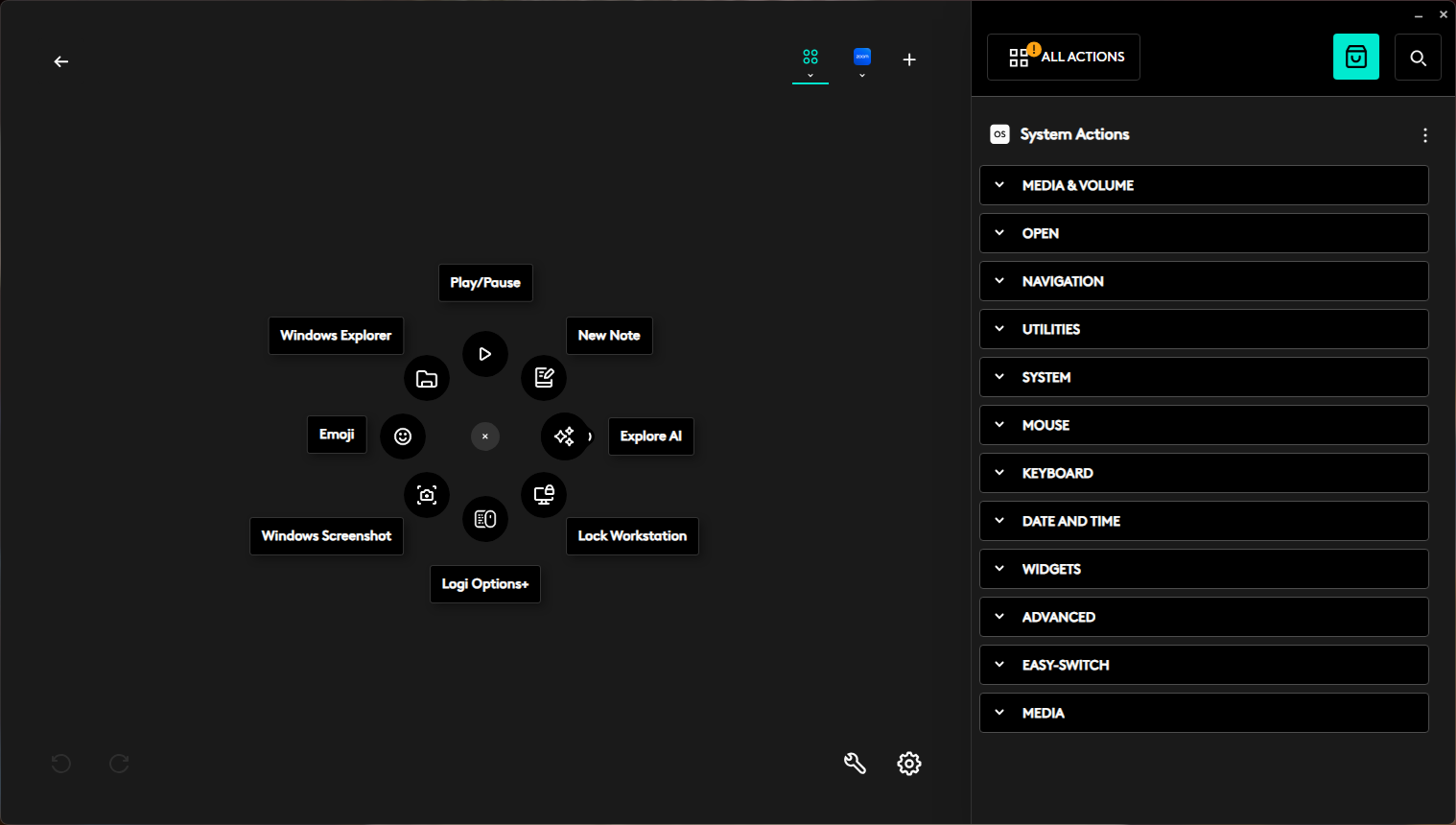
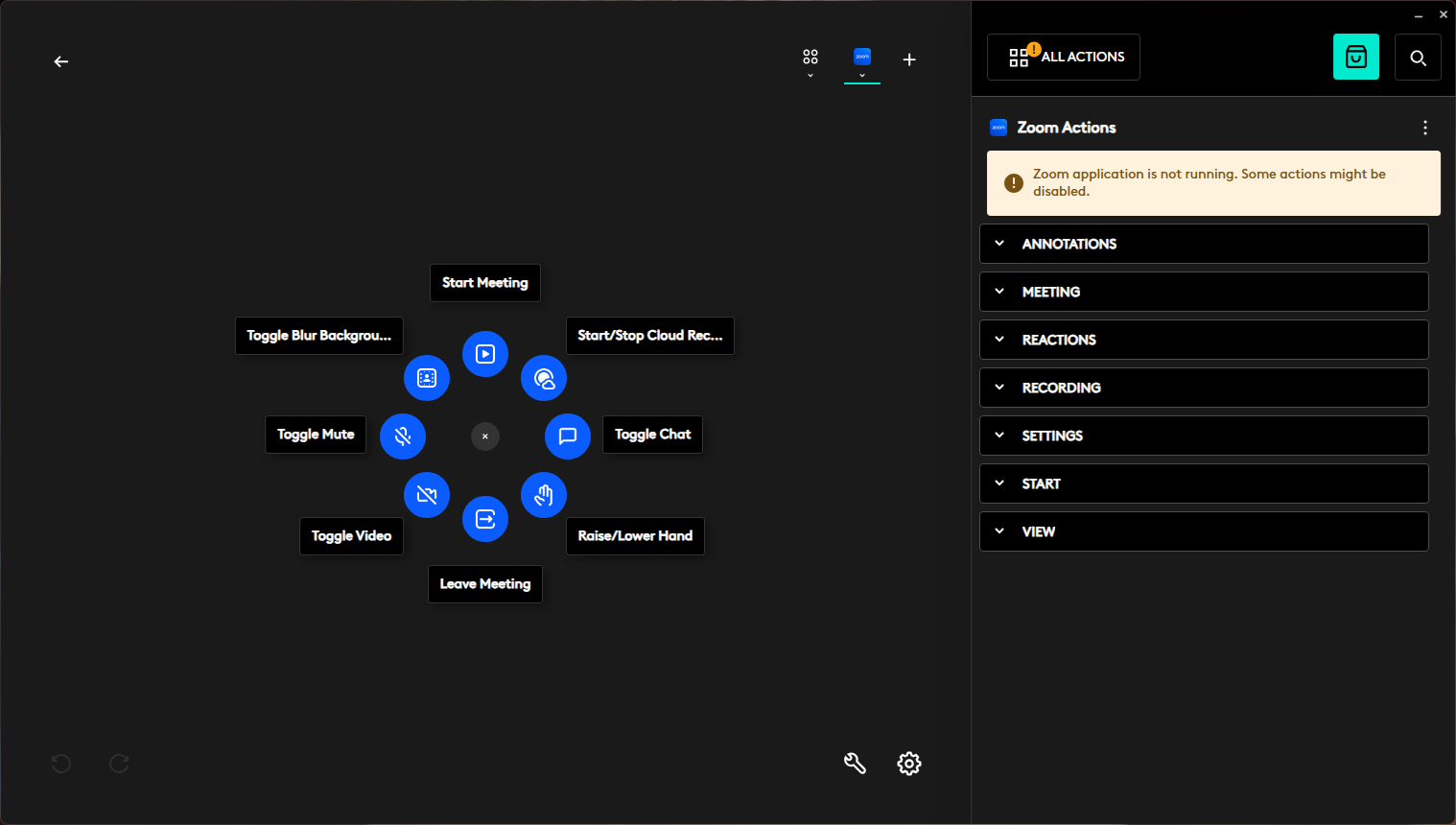
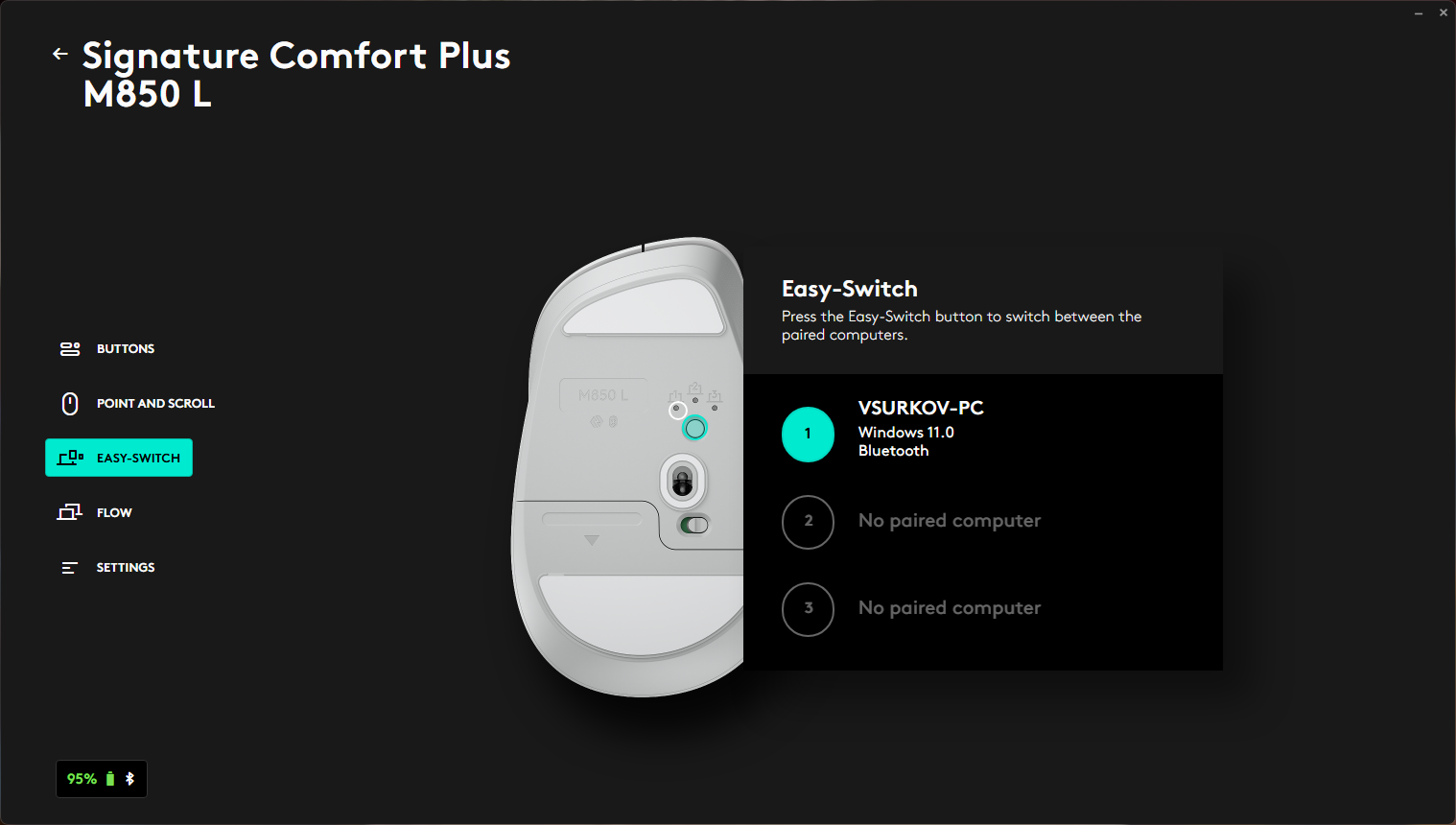
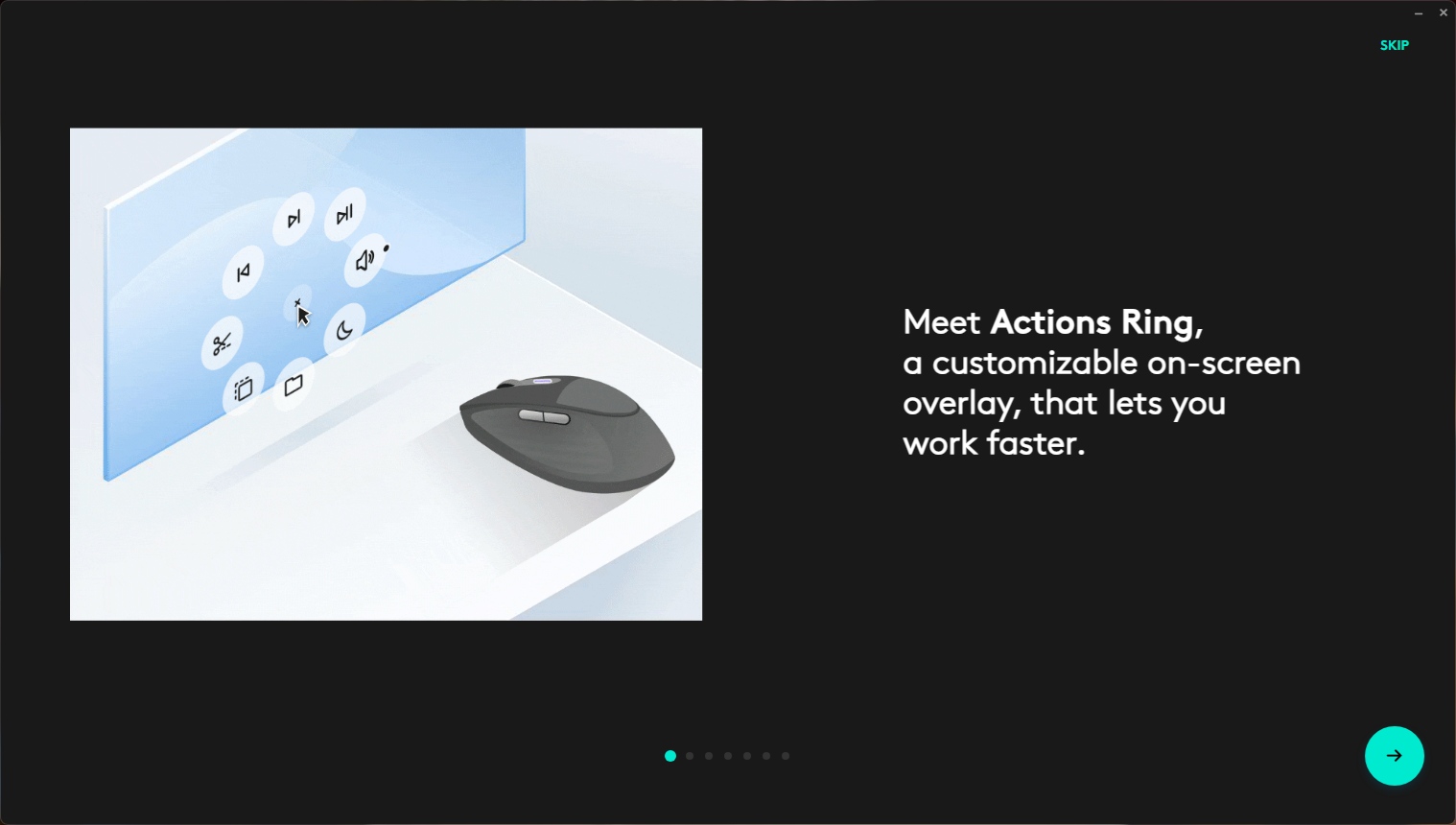
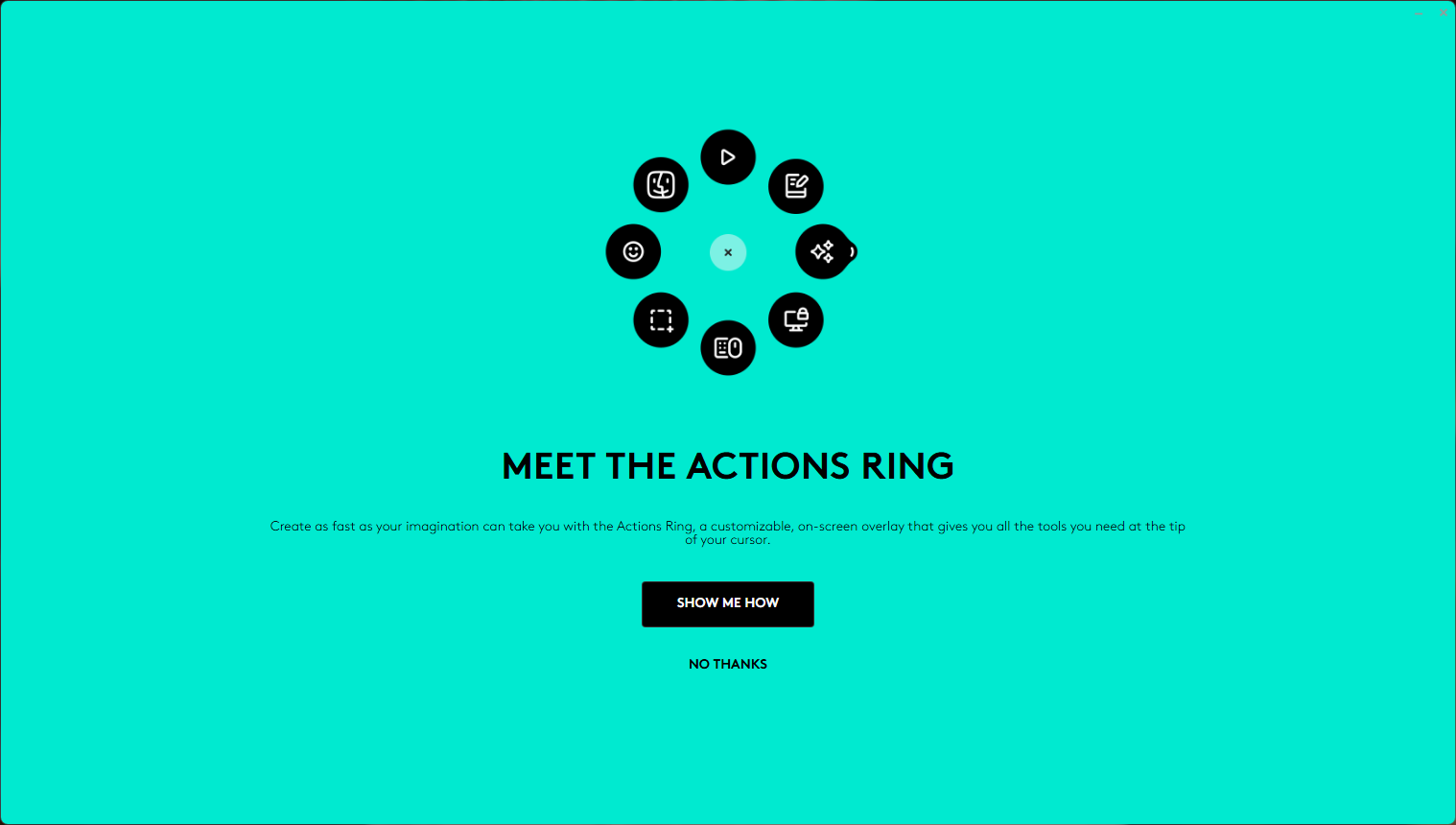
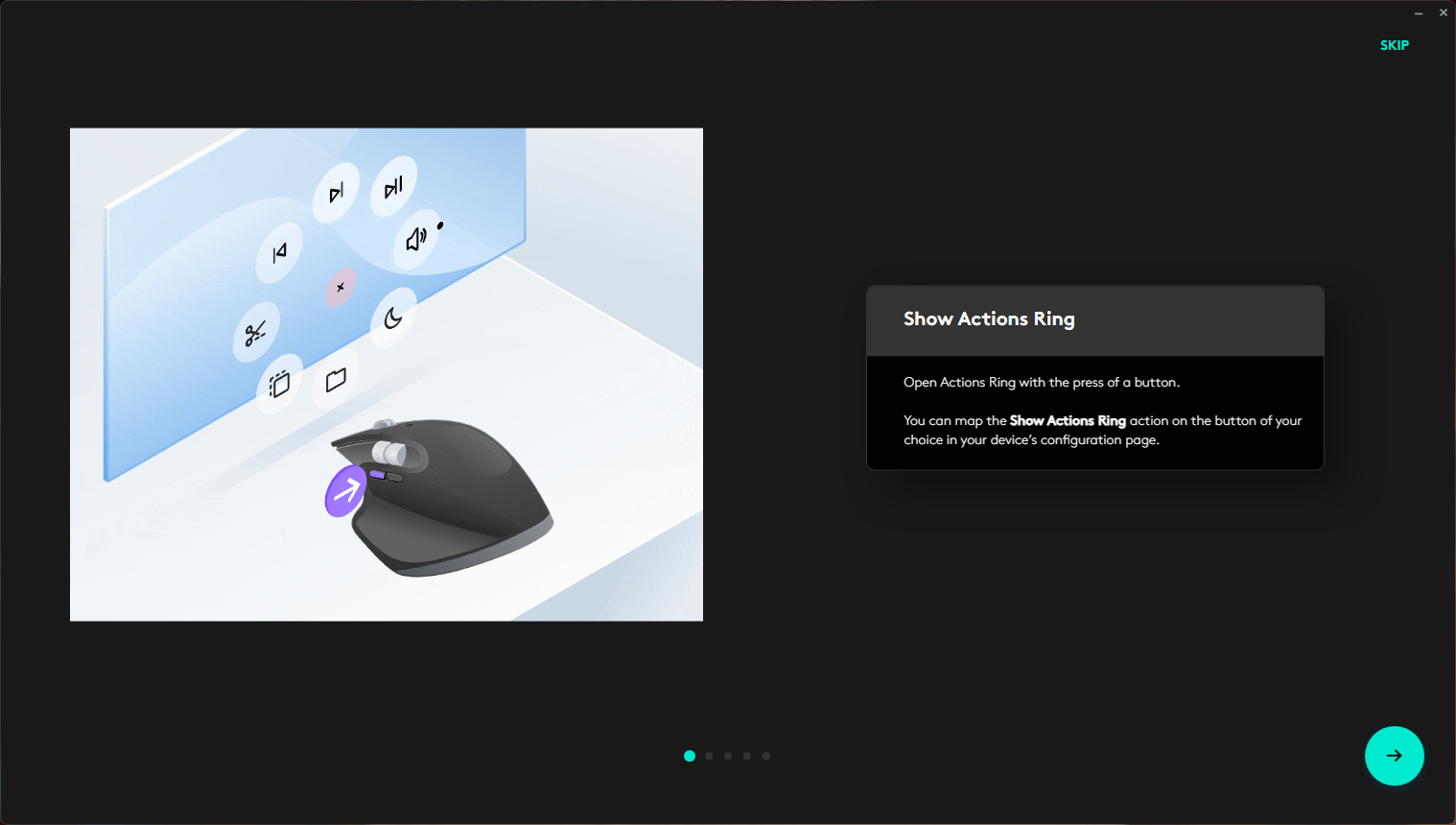
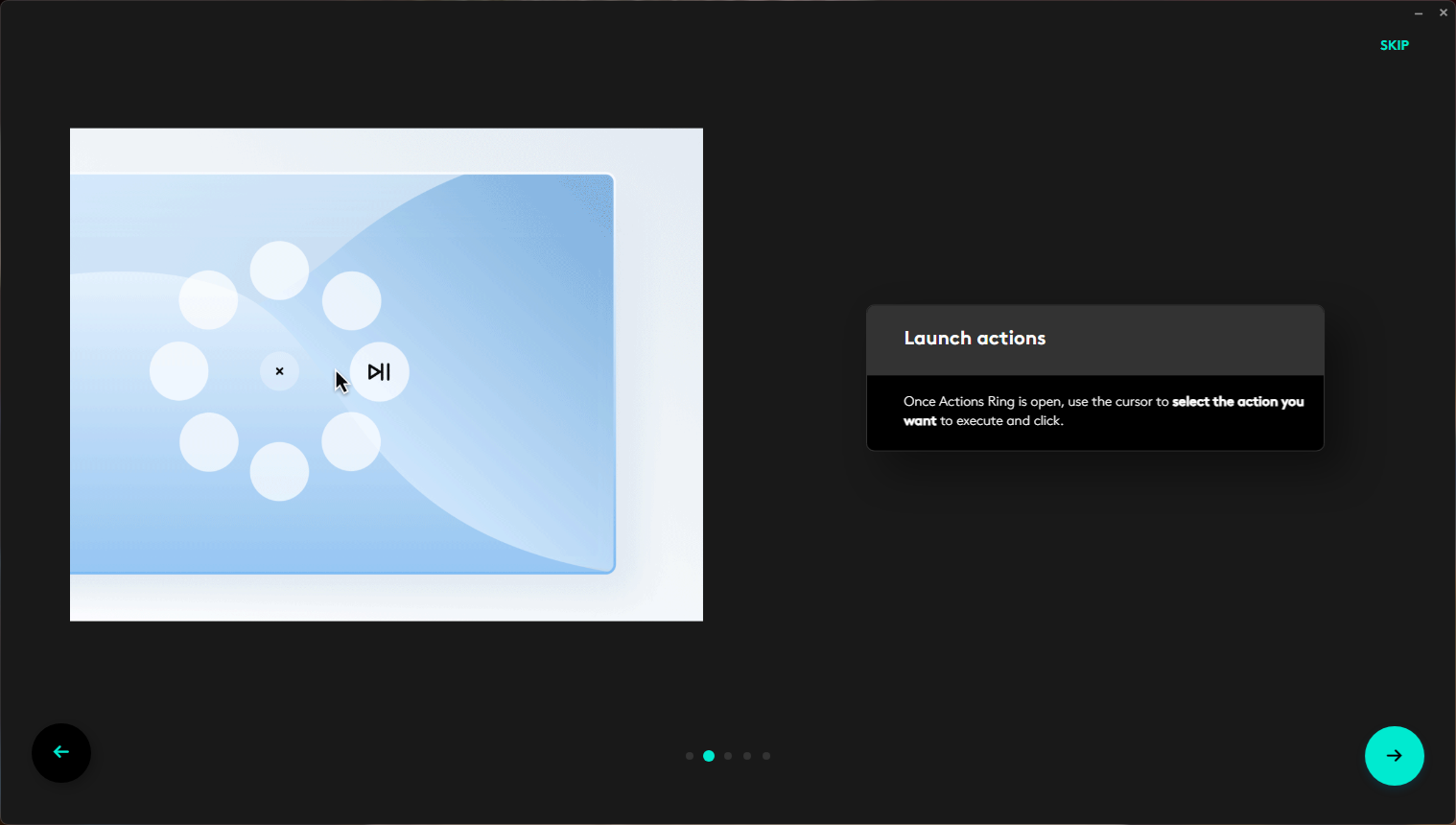
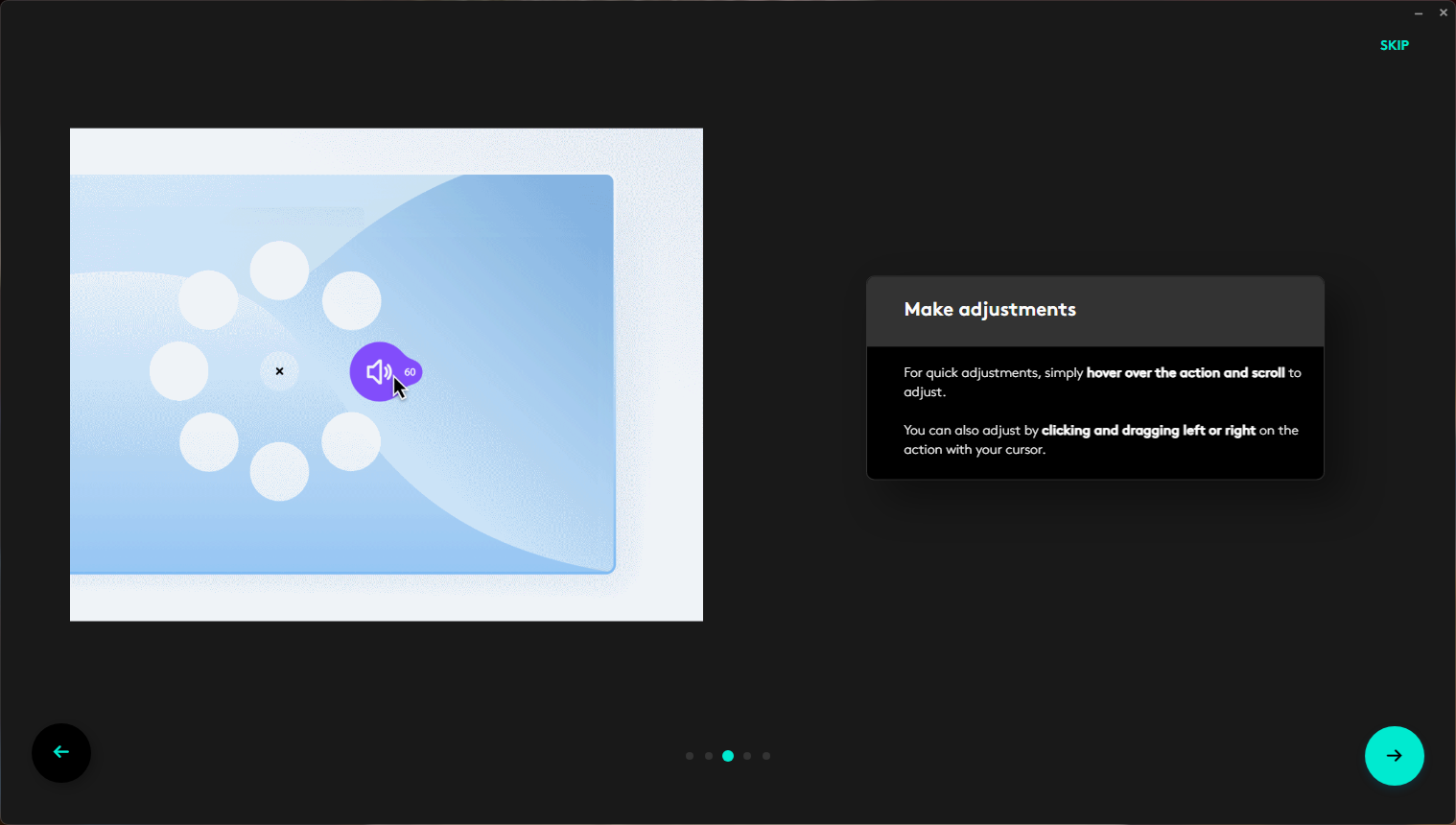
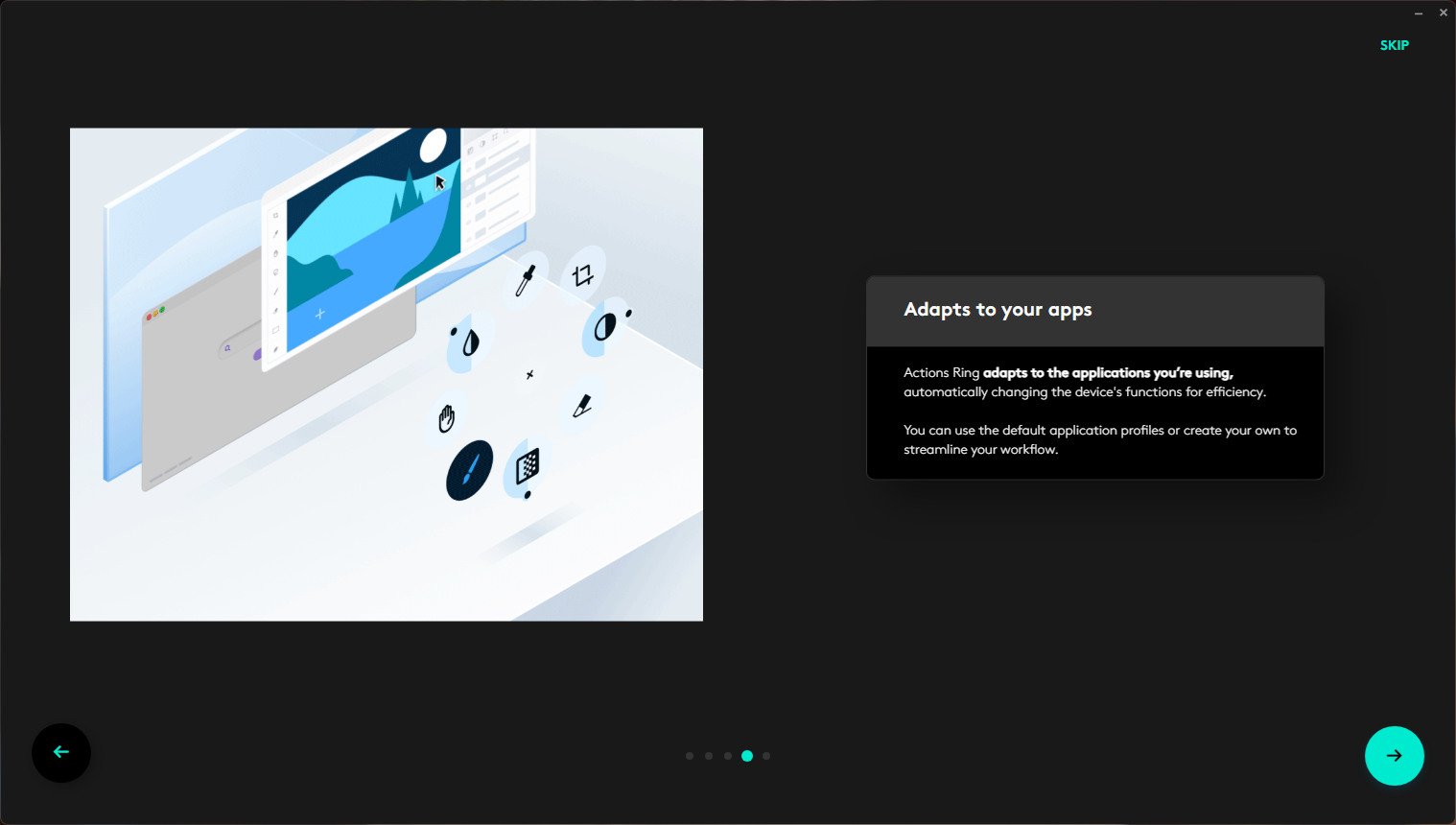
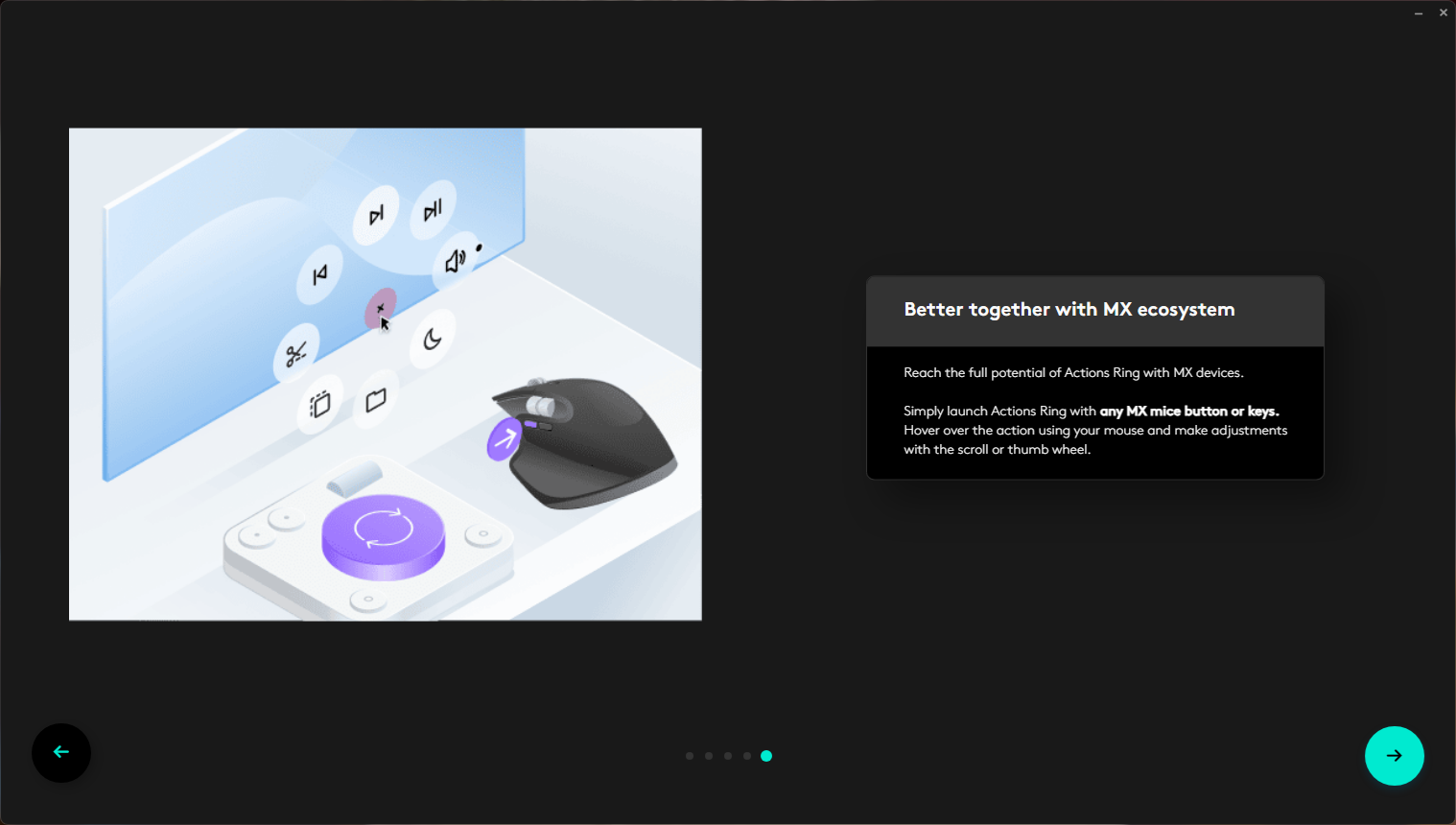
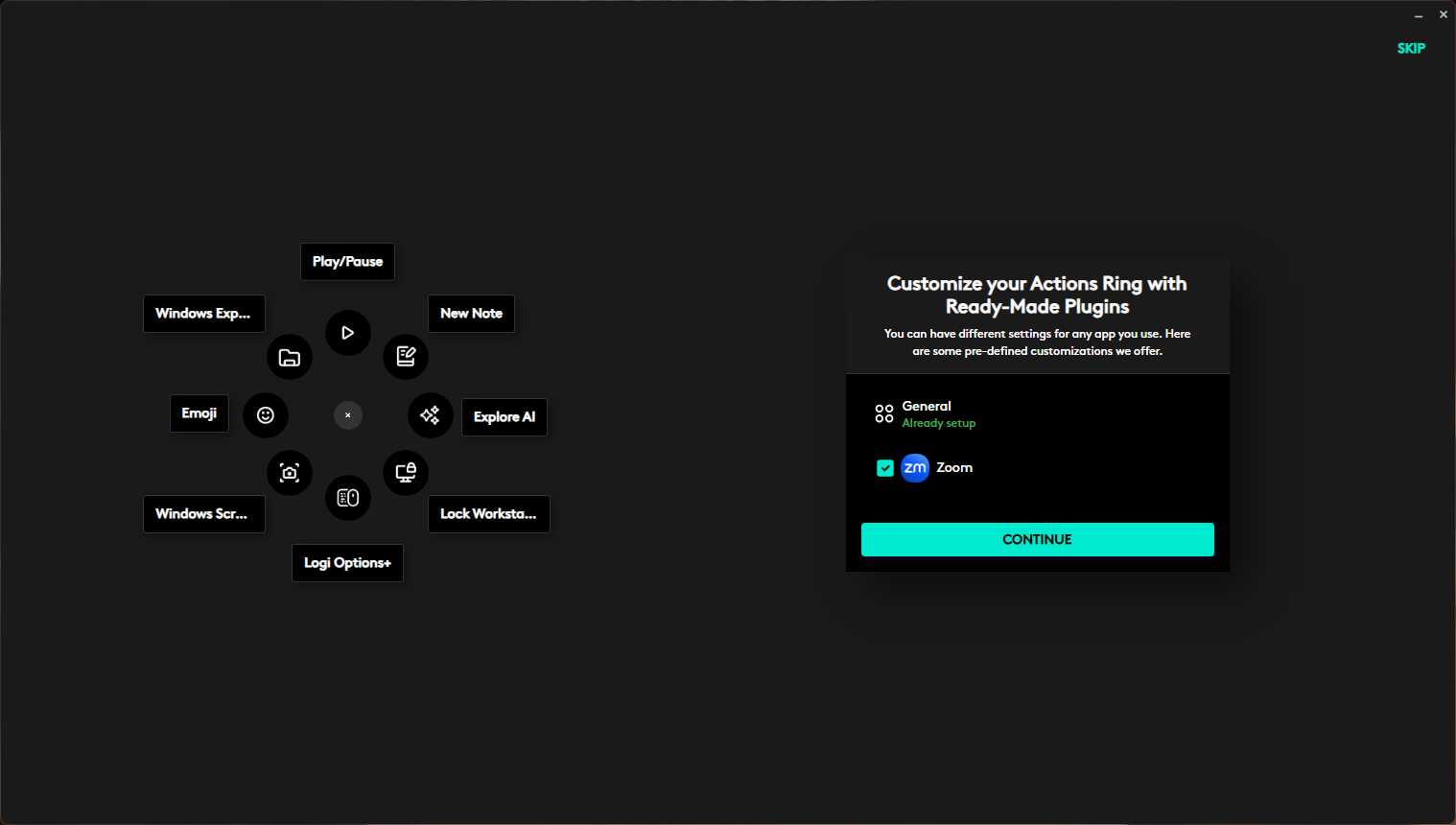
A separate feature worth noting is the so-called “Action Wheel”. In essence, this is a radial quick-access menu that can be triggered directly from the mouse. The implementation supports both global and application-specific configurations. Users can define a universal wheel for system-wide use, as well as separate sets of actions for individual applications. For example, in Zoom or Slack it is possible to assign functions such as microphone mute, volume control, or other frequently used commands that become available only within those specific applications. This approach may be relevant for users who frequently switch between different applications during the workday.
At the same time, some commonly expected settings are not available. In particular, Logi Options+ does not provide options to adjust sensor DPI or scroll wheel sensitivity. This is unlikely to be a significant limitation for the target audience of this model. The Logitech M850 L is not positioned as a gaming device, and for office or general use the available configuration options are generally sufficient.
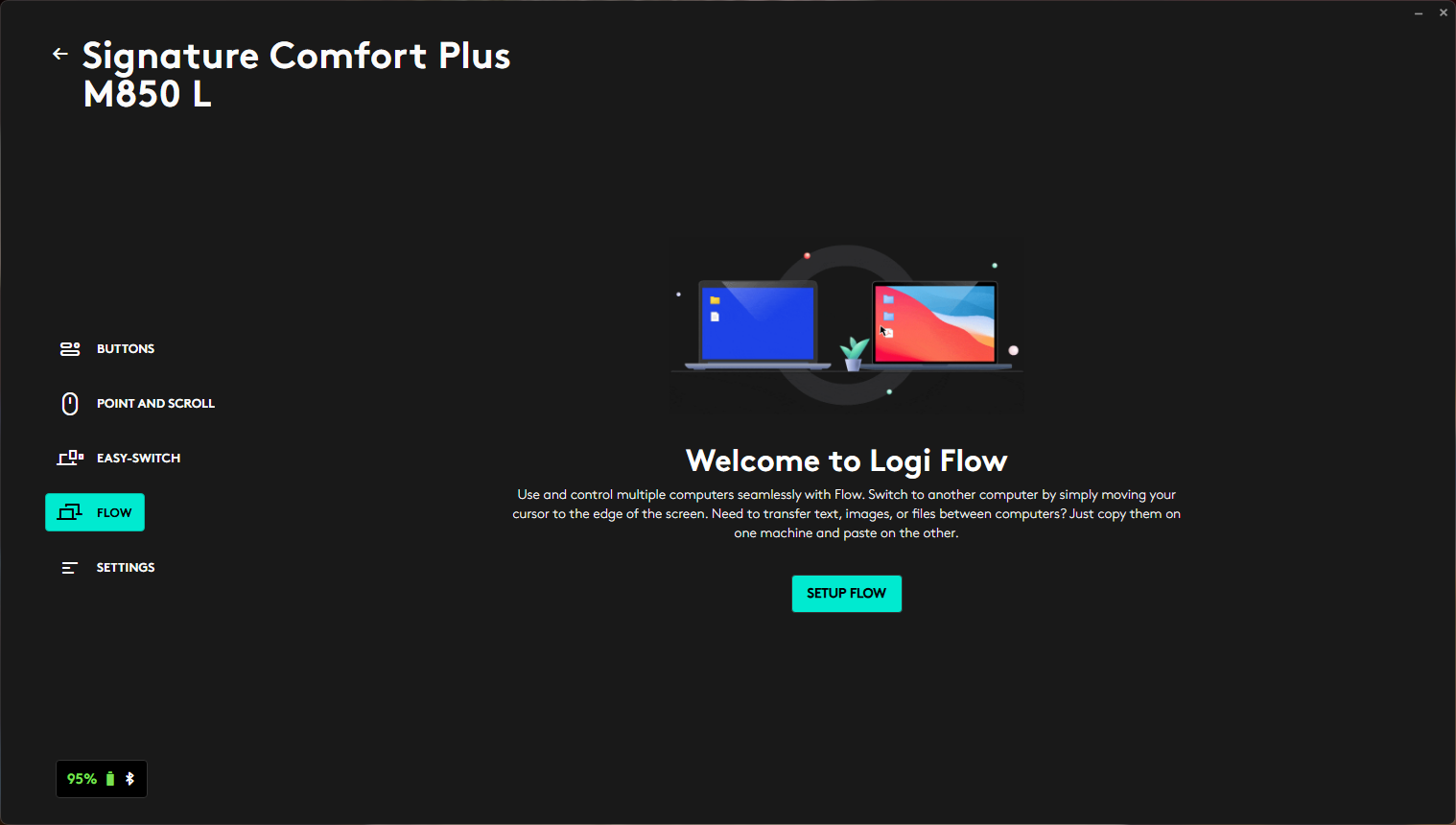
Logi Options+ also provides access to Flow, a feature for transferring files, text, and other data between devices connected to the mouse. This feature was not tested in this review, so its practical usability is not evaluated here. In theory, it is intended to complement multi-device pairing, which allows the mouse to be used across multiple computers. If implemented as designed, it may be relevant for users who regularly switch between a work laptop, a home PC, or other systems.
Battery Life
Battery life is one of the key characteristics of the Logitech M850 L. The manufacturer claims up to 24 months of operation on a single AA battery, although this is difficult to verify in short-term testing. After approximately one week of daily use with the mouse left powered on continuously, the software reported a charge level of 95%, which corresponds to a consumption rate of slightly under 1% per day. If the mouse is switched off overnight, the two-year figure may be difficult to achieve in practice, but more than one year of operation appears realistic. Actual battery life will also depend on the quality of the installed AA battery.
Read also: Logitech G321 Review: Entry-Level Wireless Gaming Headset
Gaming Use
Despite its productivity-oriented positioning, the Logitech M850 L can be considered sufficiently versatile for casual gaming. It should not be expected to deliver esports-level precision or minimal latency, as it is not designed as an FPS-focused device. However, it is generally adequate for occasional gameplay in titles such as Counter-Strike or Valorant. For less input-sensitive games, its capabilities are typically more than sufficient.
Read also: Logitech Alto Keys K98M review: The Mechanical Keyboard for the Rest of Us
Conclusion
The Logitech Signature Comfort Plus M850 L leaves a coherent overall impression. It is not a device designed around a single standout feature or unconventional design element. Instead, it focuses on a combination of comfort, ergonomic design, quiet operation, software support, and long battery life that requires minimal user attention over extended periods.

The most notable aspect is that the device’s stated features largely translate into practical use. Multi-device connectivity is indeed convenient, the chassis shape supports comfortable long-term use, and the quiet button operation quickly becomes a familiar characteristic that is noticeable when absent on other devices.
At the same time, the Logitech M850 L involves several trade-offs. It is relatively heavy due to the use of a single AA battery, it does not provide advanced sensor configuration options, and it is not intended for competitive gaming use. However, these limitations are consistent with its target audience.
For users looking for a general-purpose mouse for work, study, or everyday tasks – especially in multi-device environments – the Logitech M850 L represents a well-balanced option. It does not attempt to cover all use cases, but it performs its intended functions reliably.
Read also: Logitech G515 RAPID TKL Review: Gaming Mechanical Keyboard with Magnetic Switches

