





© ROOT-NATION.com - Use of content is permitted with a backlink.
Just a few years ago, wireless peripherals were often met with skepticism among gamers. Today, however, they have largely become the norm, with no meaningful compromises in speed, stability, or battery life. As latency concerns have largely been resolved, attention has shifted to other aspects – most notably input precision and the ability to adapt devices to an individual play style. This shift marks a new stage in the evolution of gaming peripherals. Magnetic switches introduce a level of control that was previously difficult to achieve: fine adjustment of actuation, immediate response, and consistent click behavior. The question is how effectively the new esports mouse, Logitech Pro X2 Superstrike, implements this concept. The following sections examine this in more detail.
TABLE OF CONTENTS:
Logitech Pro X2 Superstrike Specifications
- Connectivity: wireless (LIGHTSPEED 2.4 GHz), wired (USB-C to USB-A)
- Sensor: HERO 2
- Maximum sensor resolution: 44,000 DPI
- Maximum speed: 888 IPS
- Maximum acceleration: 88G
- Polling rate (wired): 1000 Hz
- Polling rate (LIGHTSPEED): 8000 Hz
- Battery life: up to 90 hours
- Switches: Haptic Inductive Trigger System (HITS)
- Onboard memory: up to 5 user profiles
- Number of buttons: 5
- Software: Logitech G Hub
- Dimensions: 125 mm × 63.5 mm × 40 mm
- Weight: 61 g
- Page on the official website
Read also: Gaming mouse reviews

Positioning and Price
The official price of the Logitech Pro X2 Superstrike is €179,99 placing it in the flagship segment of semi-professional and professional devices. Its specifications and internal components – magnetic switches, a high-end sensor, low weight, a high-capacity battery, and wireless connectivity with a polling rate of up to 8000 Hz – help explain this pricing. The feature set is aimed not merely at comfort, but at achieving a high level of precision and stability in competitive gaming.
Package Contents
The Logitech Pro X2 Superstrike is delivered in a cardboard box featuring Logitech’s characteristic restrained design. Inside the package, the device itself is secured in a cardboard holder.


Beneath the mouse, the LIGHTSPEED dongle is stored, along with a small additional box containing the rest of the accessories: a cable used either for charging or as an extension for the adapter, a USB adapter, and an envelope with documentation, a cleaning cloth, and grip stickers intended to improve handling. The package also includes an additional cover for the bottom compartment with a smooth glide surface, effectively functioning as an extra large central mouse foot.

Despite the absence of spare mouse feet, the package is fairly comprehensive and generally covers most typical user needs. During the testing period, there were no situations where any essential accessory felt missing. One possible addition could be interchangeable magnetic covers with different weights to increase the mouse’s mass for users who prefer a heavier device.
Read also: Logitech G325 LIGHTSPEED Review: Balanced Headset for Gaming and Work
Design, Ergonomics, and Build Quality
The chassis of the Logitech Pro X2 Superstrike is made of white plastic, while the main buttons and the lower portion of the mouse are finished in black, creating a contrasting and visually distinct design. The scroll wheel is made of white plastic with a black rubber insert. At the top center of the device there is an LED indicator, with a black engraved manufacturer logo positioned slightly below it.

Two programmable side buttons are located on the left side, providing quick access to additional commands. The side panels feature black engravings labeled “X2” and “SUPERSTRIKE.” The main buttons include white engravings reading “PRO X2” along with a “+” symbol, emphasizing the model’s placement within the premium lineup. At the front of the device there is a USB-C port used for connecting to a computer or charging the battery.


On the underside of the mouse, in addition to the HERO 2 sensor and glide feet made of ultra-high-molecular-weight polyethylene, there is a power switch and a POWERPLAY slot covered by a magnetic lid. The lid opens with a light press on its lower edge, revealing a small compartment for storing the dongle – convenient when transporting the mouse.


However, this cover serves more than just a storage function. When used with a POWERPLAY mouse pad that supports wireless charging, it can be replaced with the appropriate module, allowing the mouse to charge during use without cables or the need to monitor the battery level.

The mouse feels reasonably comfortable in hand, although users with very large palms may need to adopt a claw grip. Personally, I was able to rest my entire palm on the mouse despite having a fairly large hand, though this may not be ideal for everyone.
Overall, the device’s design evokes associations with sports cars, likely due to its aerodynamic shape and the contrasting color scheme, which conveys a sense of speed and dynamism. The engravings add further character, resembling sponsor decals on racing vehicles and reinforcing the competitive, esports-oriented aesthetic. The materials and build quality leave no impression of compromise – this is clearly a high-end esports device.


Sensor and Switch Performance
The Logitech Pro X2 Superstrike is equipped with Logitech’s flagship HERO 2 sensor. It supports resolutions up to 44,000 DPI, can track movements at speeds exceeding 888 IPS, and withstands accelerations over 88 G – well beyond what the human hand can generate during gameplay. The sensor operates without smoothing, acceleration, or filtering, delivering highly accurate cursor movement.
With this level of precision and stable tracking, the HERO 2 is well suited for fast-paced shooters and other competitive games where immediate response and control are critical. While I primarily play MOBAs, where pixel-precise aiming is less central than in shooters, the sensor’s responsiveness still provides a noticeable improvement in overall control and hand-to-cursor feedback.

The switches are particularly interesting. When I first picked up the Logitech Pro X2 Superstrike and tried clicking the primary buttons – left and right – I was initially a bit puzzled by the lack of tactile feedback. It turns out that the HITS (Haptic Inductive Trigger System) magnetic switches only activate once the mouse is powered on. These switches detect how far a button has been pressed and provide haptic feedback at a specific actuation point. The click itself feels somewhat unusual at first, since it is not produced by a conventional microswitch but by a vibration motor inside the HITS system. However, I adapted fairly quickly, especially after adjusting both the actuation threshold and vibration intensity to my preference.

The Logitech Pro X2 Superstrike also supports Rapid Trigger Mode, in which the mouse responds not to a full press and release, but to the initial movement toward that state. This reduces the device’s reaction time to the user’s input. I did not notice a significant difference between the two modes, though this may be due to my own reaction speed. Rapid Trigger Mode is designed to maximize response for high-level competitive play, whereas I am a relatively casual player.
Read also: Logitech G515 RAPID TKL Review: Gaming Mechanical Keyboard with Magnetic Switches
Software
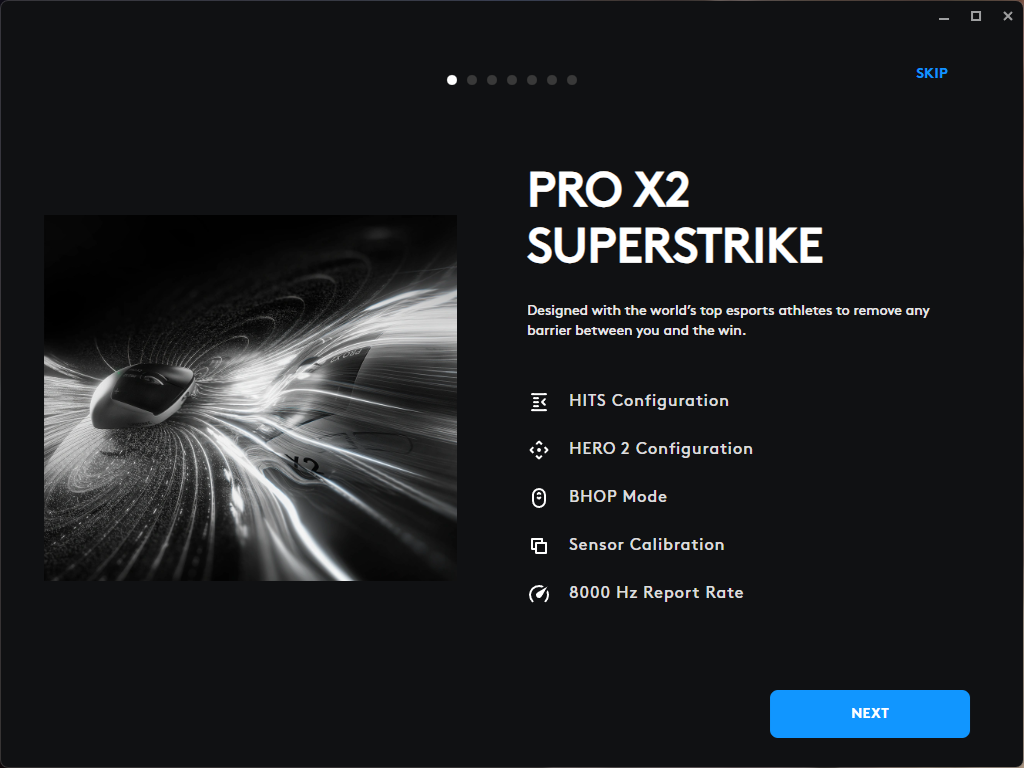
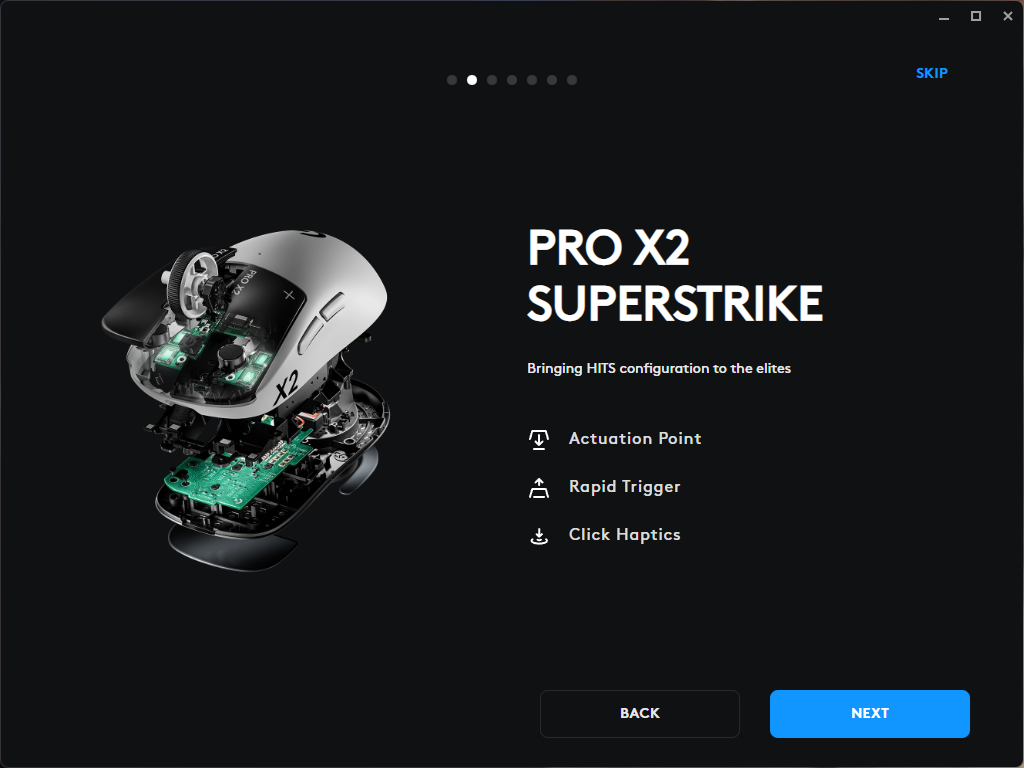
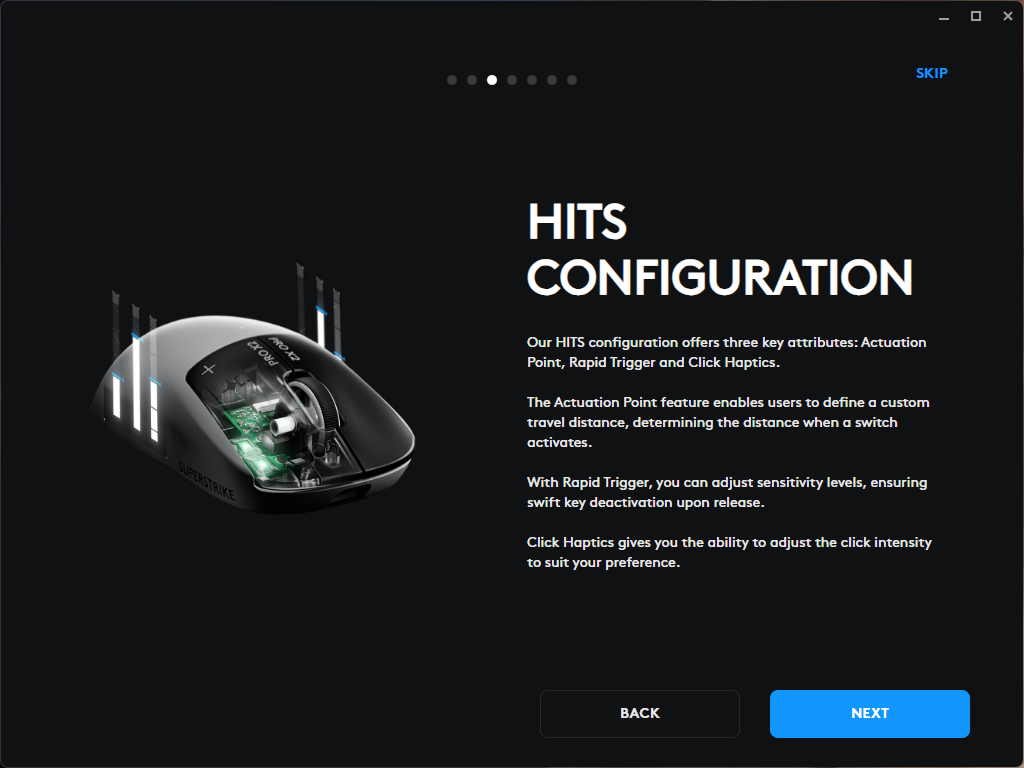
Like most Logitech gaming peripherals, the Pro X2 Superstrike is supported by the company’s proprietary G Hub software. Upon launching, the software presents a brief overview of the mouse, highlighting its key features, and then directs the user to the main settings menu for configuration.
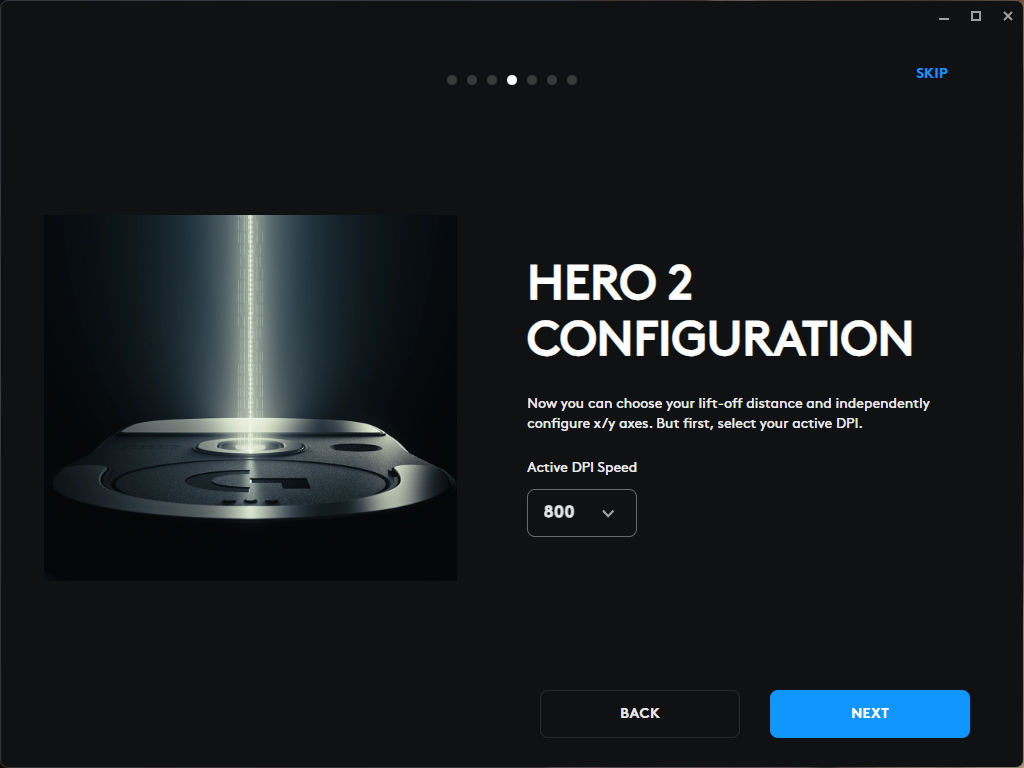
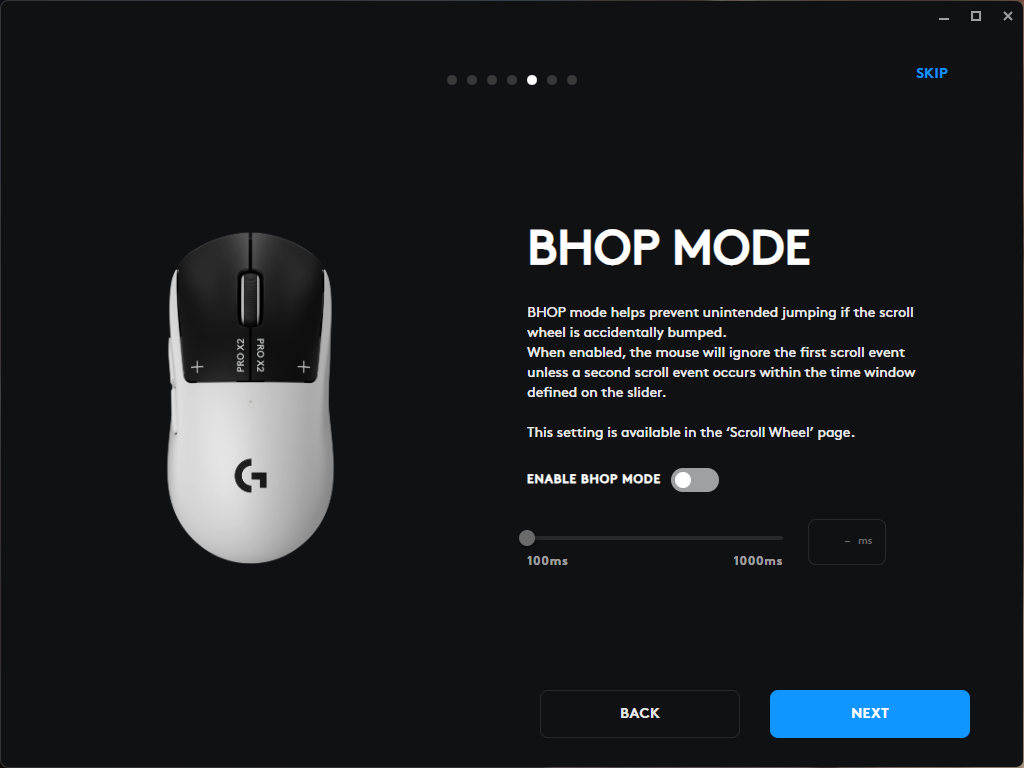
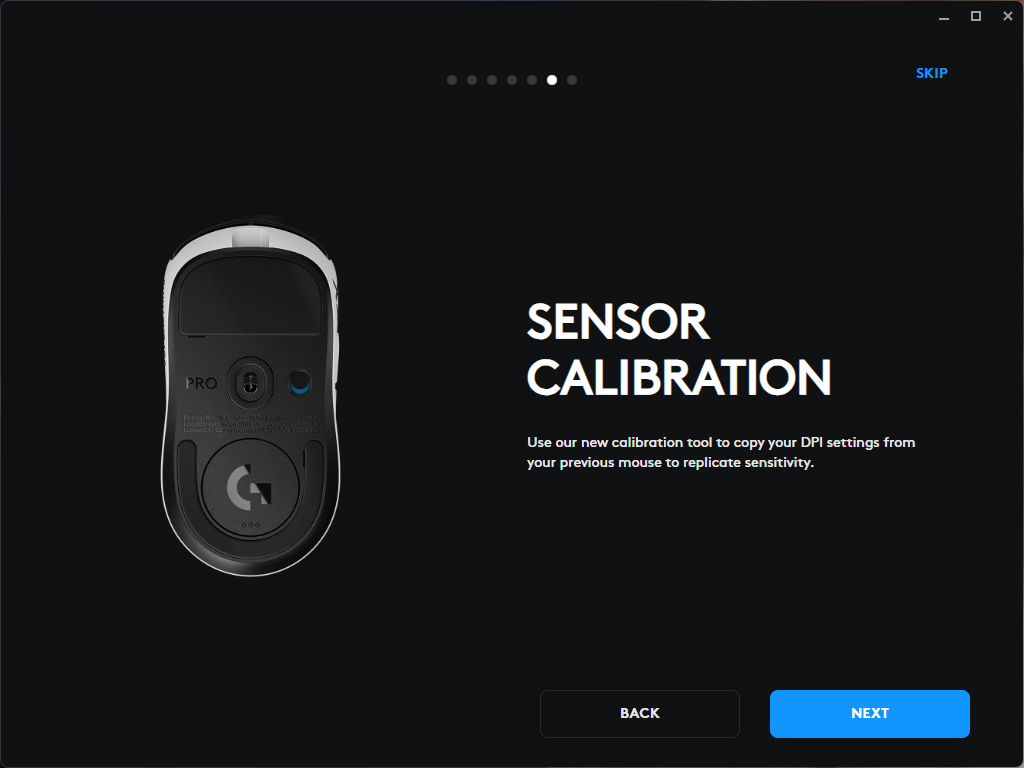
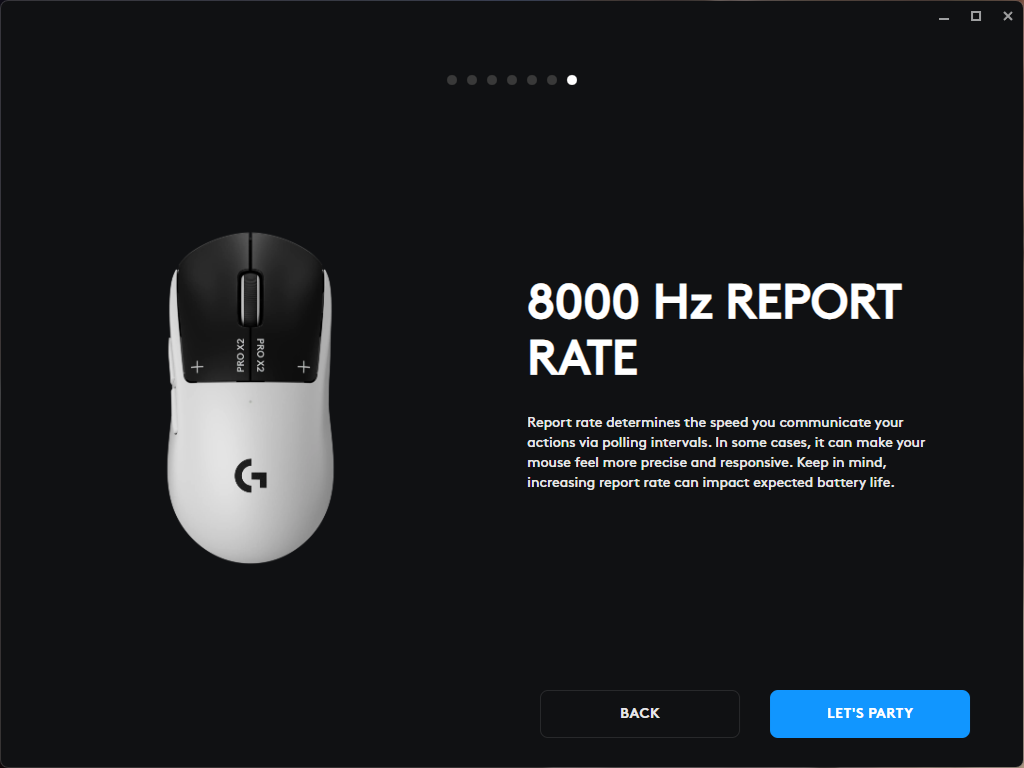
In the Sensitivity tab, users can configure up to five saved DPI settings and switch between them. The tab also allows selection of the mouse polling rate and the use of preset configurations, either the default ones provided with the software or community-shared profiles.

The Assignment tab manages the configuration of the additional side buttons, allowing users to assign macros, commands, and other custom functions.

The third tab, Mouse Wheel, allows enabling BHOP mode, which prevents accidental scroll inputs. Essentially, the system waits for at least two scroll “steps” within a configurable time window; any single input outside this window is ignored as unintentional.

The HITS Configuration tab allows users to adjust parameters specific to the HITS system, including the actuation threshold and vibration intensity, with separate settings for each primary button. It also provides the option to enable or disable Rapid Trigger Mode.

In addition to the functionality mentioned above, G Hub also allows transferring settings, such as sensitivity, from other devices. However, it should be noted that this feature may not work with all peripherals, particularly those without onboard memory.
Read also: Logitech G Astro A20 X Review: Gaming Headset with Simultaneous PC and Console Connectivity
Battery
The Logitech Pro X2 Superstrike is rated for up to 90 hours of use on a single charge. In my experience, the mouse operated for approximately 60 hours on one charge, including fairly active use in gaming. It’s important to note that battery life is primarily affected by the intensity of the haptic feedback. When high settings are applied, G Hub even provides a warning that such configurations can significantly impact battery consumption.

Read also: Logitech MX Master 4 Review: An update to the best professional computer mouse!
Conclusions
The Logitech Pro X2 Superstrike is designed not only to meet current gaming peripheral standards but to push them further. Its flagship HERO 2 sensor delivers stable and highly precise tracking, while the low weight and high-speed LIGHTSPEED wireless connection, with a polling rate of up to 8000 Hz, make the mouse suitable for even the most fast-paced games. The standout feature of the model is its HITS magnetic switches, which provide a new level of customization and control over button clicks, although users may need some time to adapt to their unique feel.

High build quality, thoughtful ergonomics, strong battery life, and extensive customization options via G Hub contribute to the sense of a complete flagship product. The price of €179,99 positions the mouse primarily for enthusiasts or players seeking to maximize the technology in their peripherals. However, for those intrigued by the concept of magnetic switches and adjustable click response, the Pro X2 Superstrike represents a compelling option.
Where to buy


