




© ROOT-NATION.com - Use of content is permitted with a backlink.
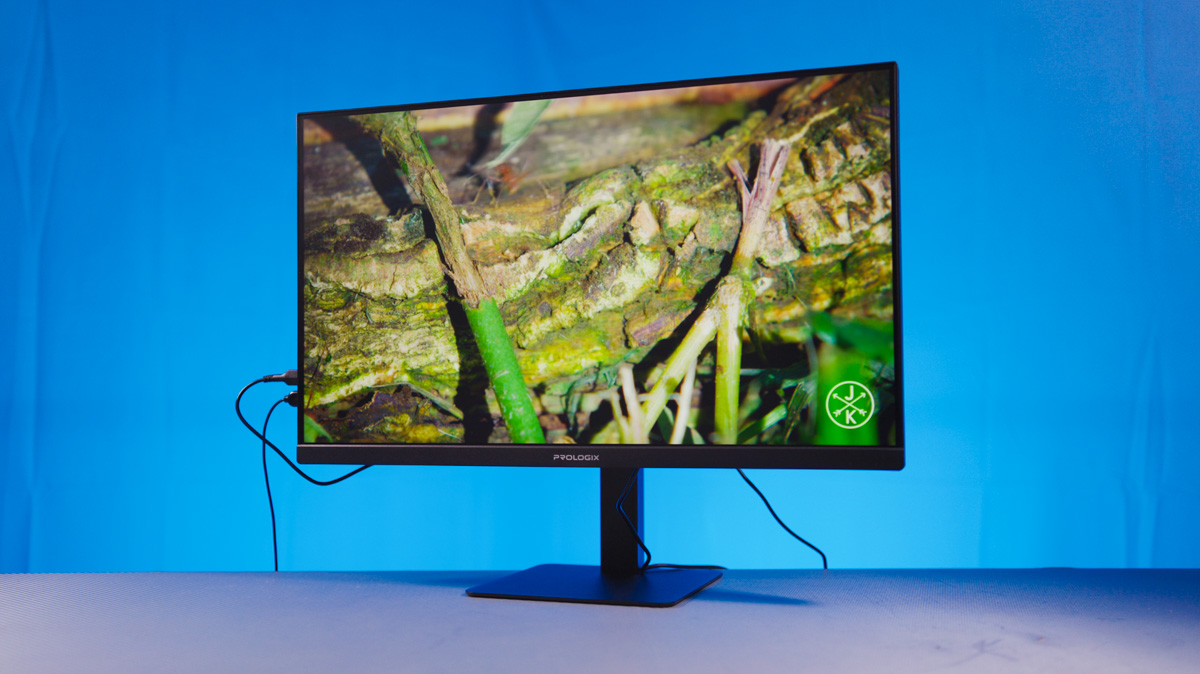
My attitude toward all-in-one PCs has always been somewhat mixed – part caution, part curiosity. The Prologix Optima PLC24TD perfectly illustrates how this format tries to balance between two worlds. On one hand, it’s clearly designed as an office-oriented solution for document work – compact, energy-efficient, and tidy.
Read also: All reviews of all-in-ones and PCs
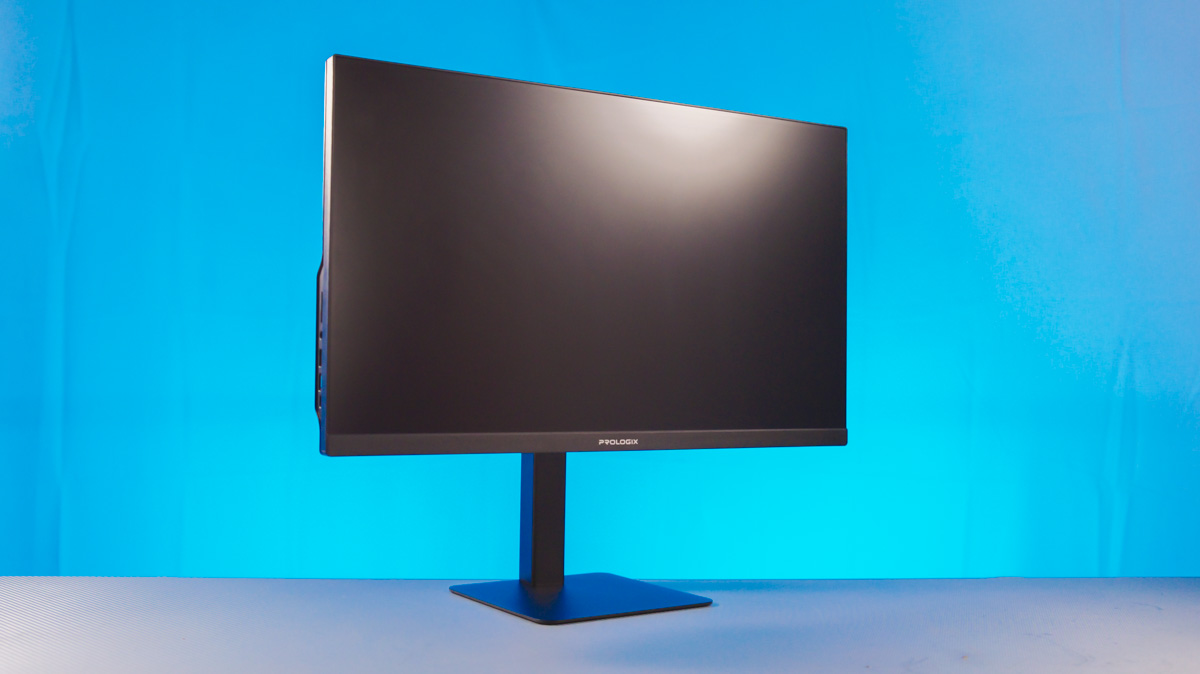
TABLE OF CONTENTS:
Positioning
On the other hand, this model also targets an audience that values interior design. Here’s a little secret – the PLC24 comes in two versions: black and white. The one I’m reviewing now is the black model, the PLC24TD. Interestingly, compared to the white version, the PLC24A, we lose a bit of that sleek, minimalist aesthetic but gain a lot more functionality in the stand.
At the same time, the computer is still housed inside the monitor – that’s what makes it an all-in-one. So this review aims to answer just one question: how well does the Prologix Optima PLC24A manage to balance these two goals, and where does it fail to maintain that balance?
Prologix Optima PLC24TD Specifications
- Data transfer: Bluetooth 5.2 + Wi-Fi 6
- Processor: Intel Core i5-12400, 2.5-4.4 GHz
- Video core: Intel UHD Graphics 730
- RAM: 16 GB DDR4 3200 MT/s
- SSD: 512 GB PCIe 3.0 x4
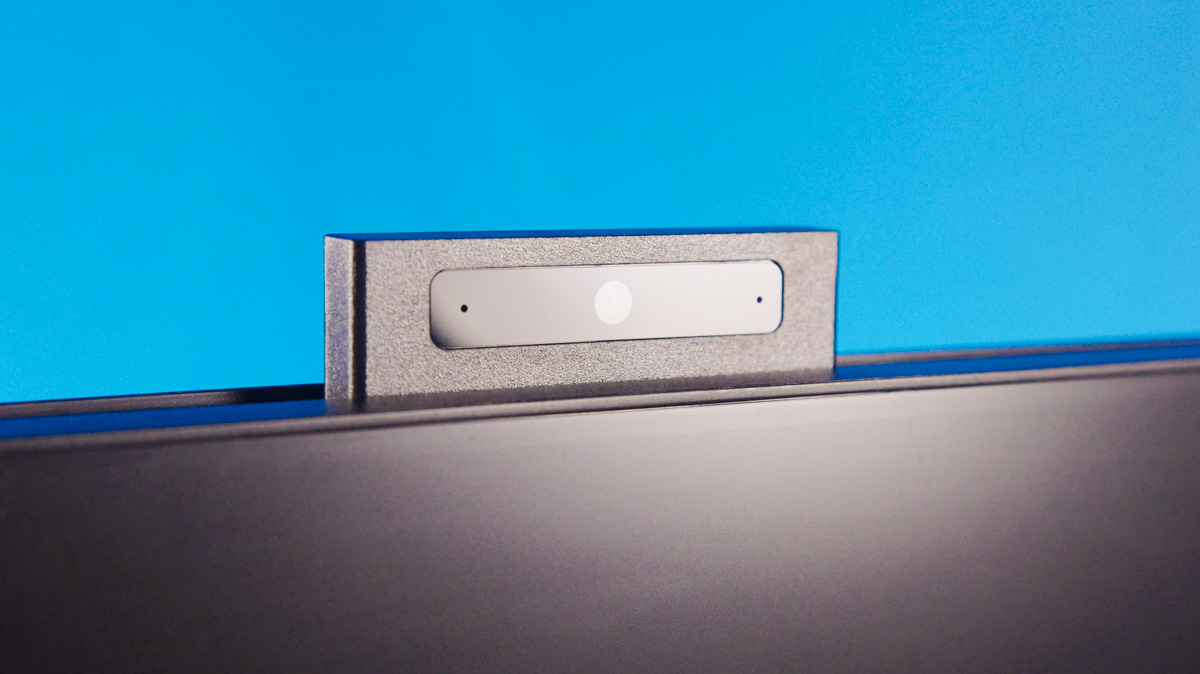
- Webcam: 5 MP
- Weight: 5.6 kg
- Dimensions: 540×323×64 mm
- Display: 23.8″, FHD IPS, 120 Hz
- Power supply: 120 W
Office landmark
Let’s start with its advantages for office use – and not just offices, but also for small and medium-sized businesses in general. The thing is, under the name Prologix Optima PLC24 hides an entire lineup of devices that can be customized to meet the client’s specific needs.
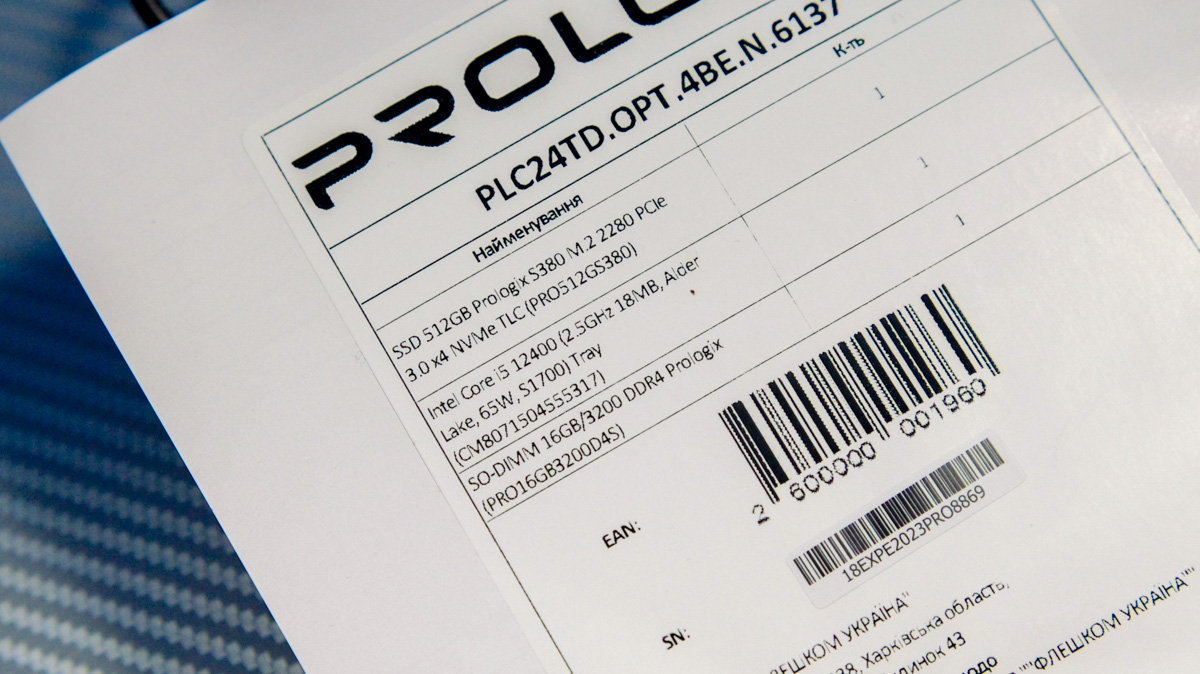
For example, our version – PLC24TD.OPT.4BE.N.6137 – costs around €550 or $650. For that price, you get an Intel Core i5-12400 processor, 16 GB of DDR4 SO-DIMM RAM, and a 512 GB Prologix SSD. These components can be easily replaced at the factory level – you can increase the RAM, swap the storage drive, or even add two more drives, though those will use the SATA3 interface instead of PCIe.
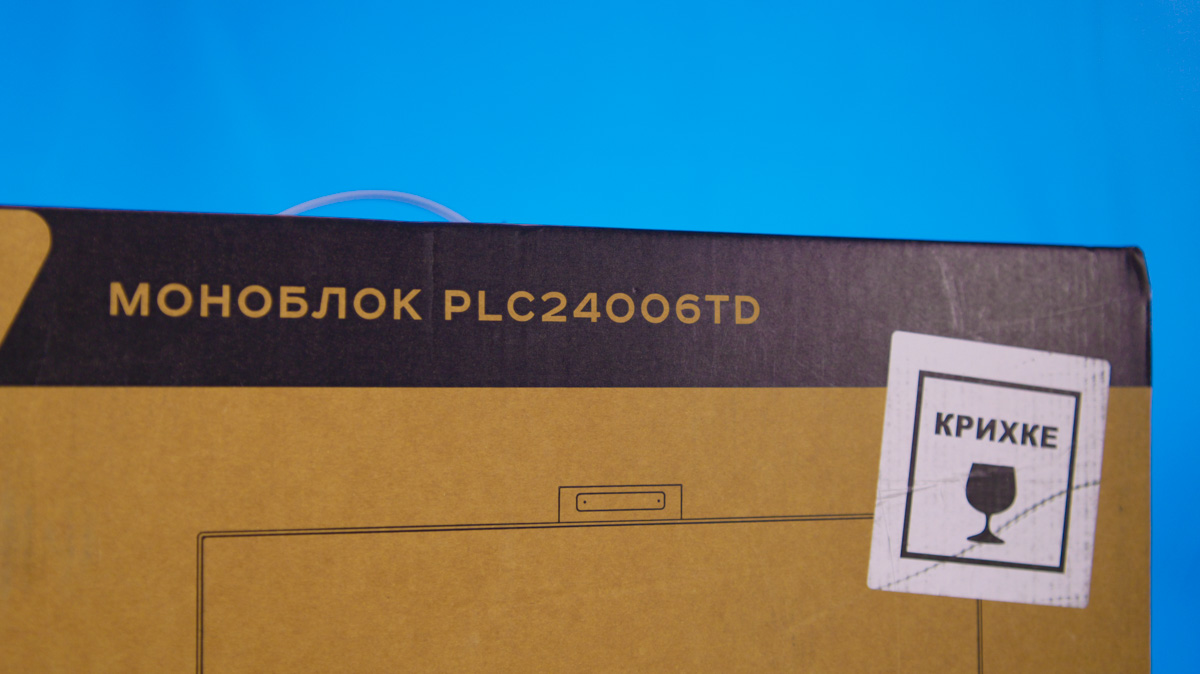
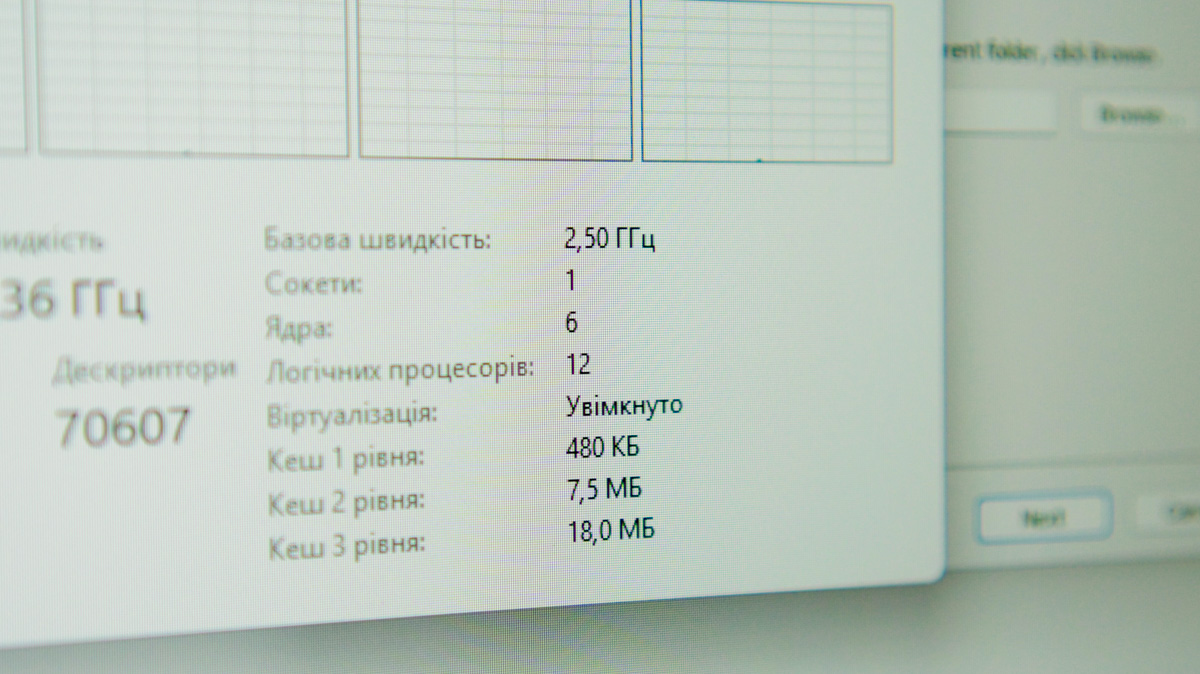
Why? Because the chipset here is Intel H610 – a standard, reliable option compatible with Intel Core processors from the 12th to the 14th generation. In theory, nothing stops you from ordering a configuration with a Core i7-14700. In that case, instead of the 6 cores and 12 threads in the Intel Core i5-12400, you’d get 20 cores and 28 threads. However, both the price and heat output would naturally increase as well.
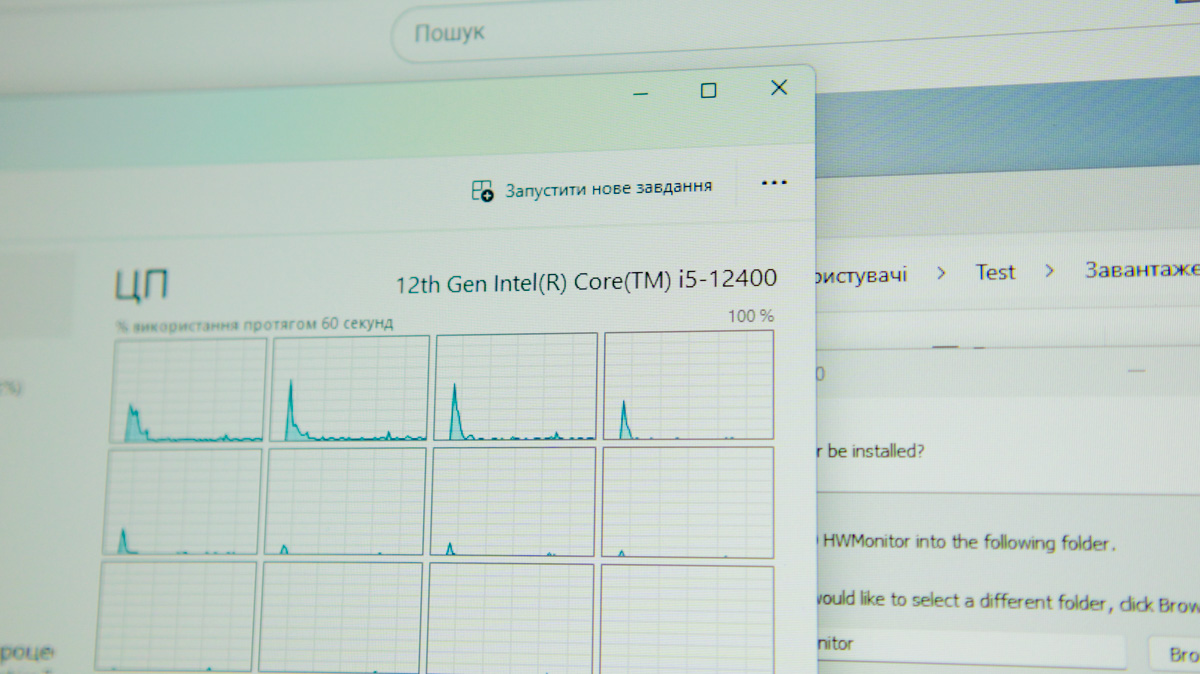
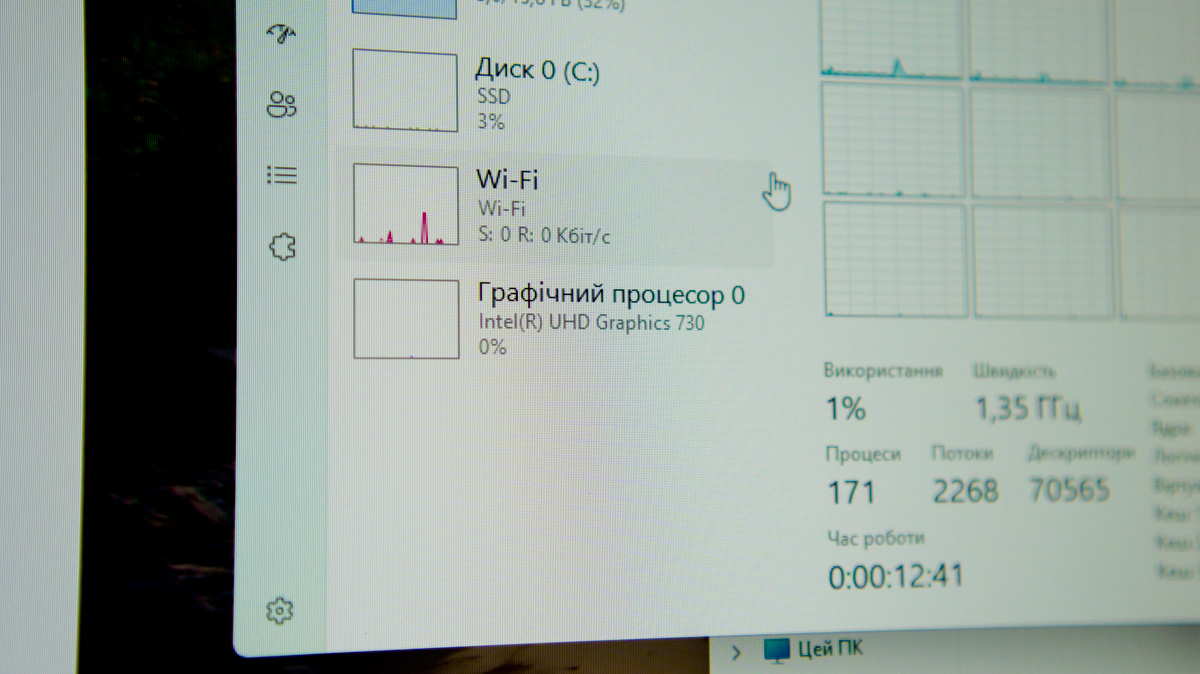
As for the i5-12400, it’s perfectly suited for both basic office tasks and media-related workloads, since the integrated Intel UHD Graphics 730 supports QuickSync and even allows for basic video editing.
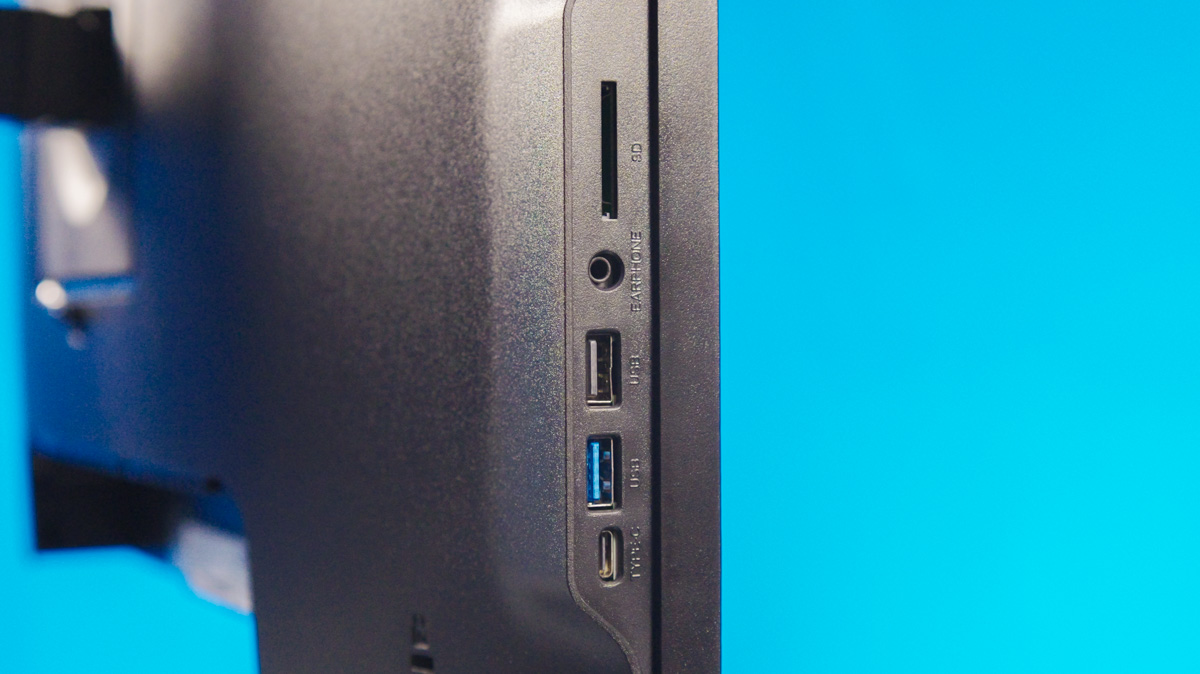
Comprehensive connectivity also contributes to smooth office work. On the left side panel, there’s a full-size SD slot, two USB-A ports (one of them 5 Gbps), and a USB-C port below them.
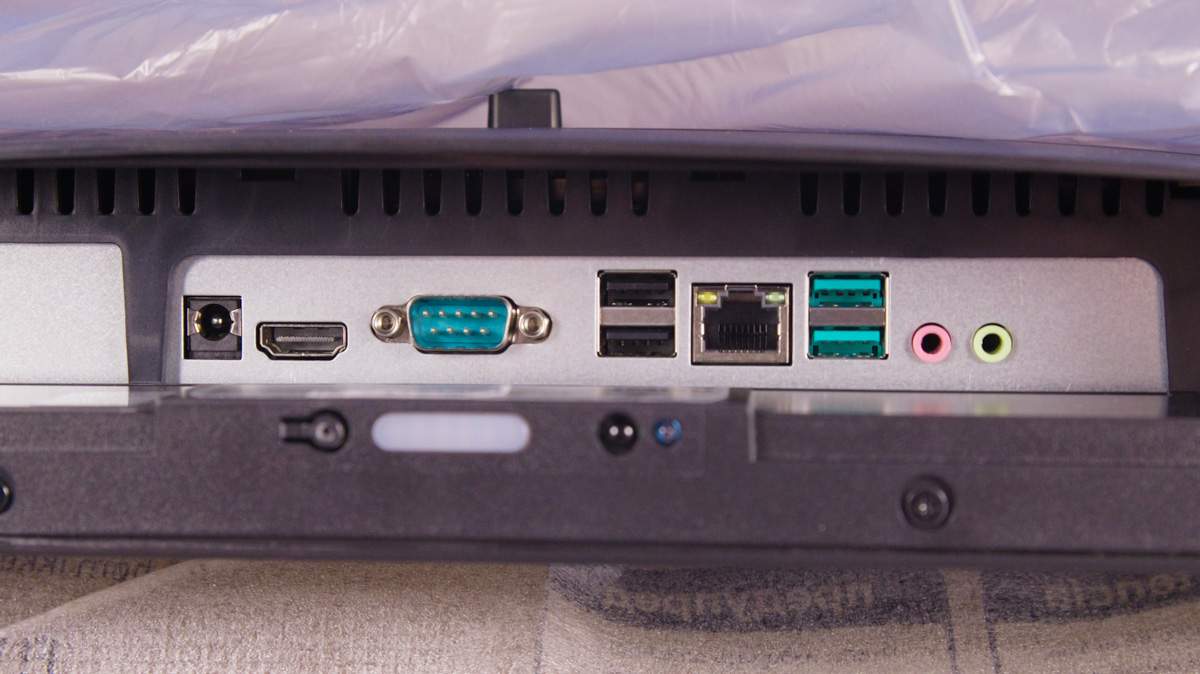
In the center on the back, hidden under a removable plastic cover, you’ll find the power connector, HDMI, VGA, a pair of USB-A 2.0 ports, RJ-45, another pair of USB-A 5 Gbps ports, and separate audio jacks for input and output.
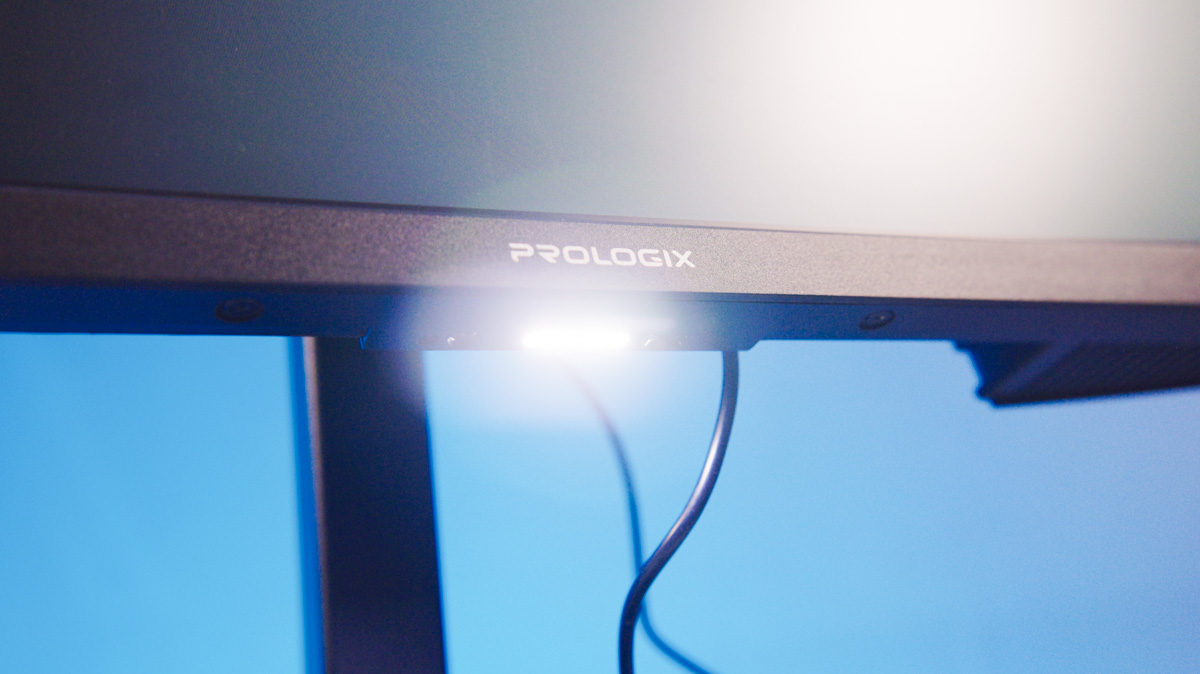
There is also a power button on the side, a 100×100 VESA mount, a set of buttons for screen control, and – a backlit keyboard. The backlight is equipped with an accelerometer switch that controls the LED operation.
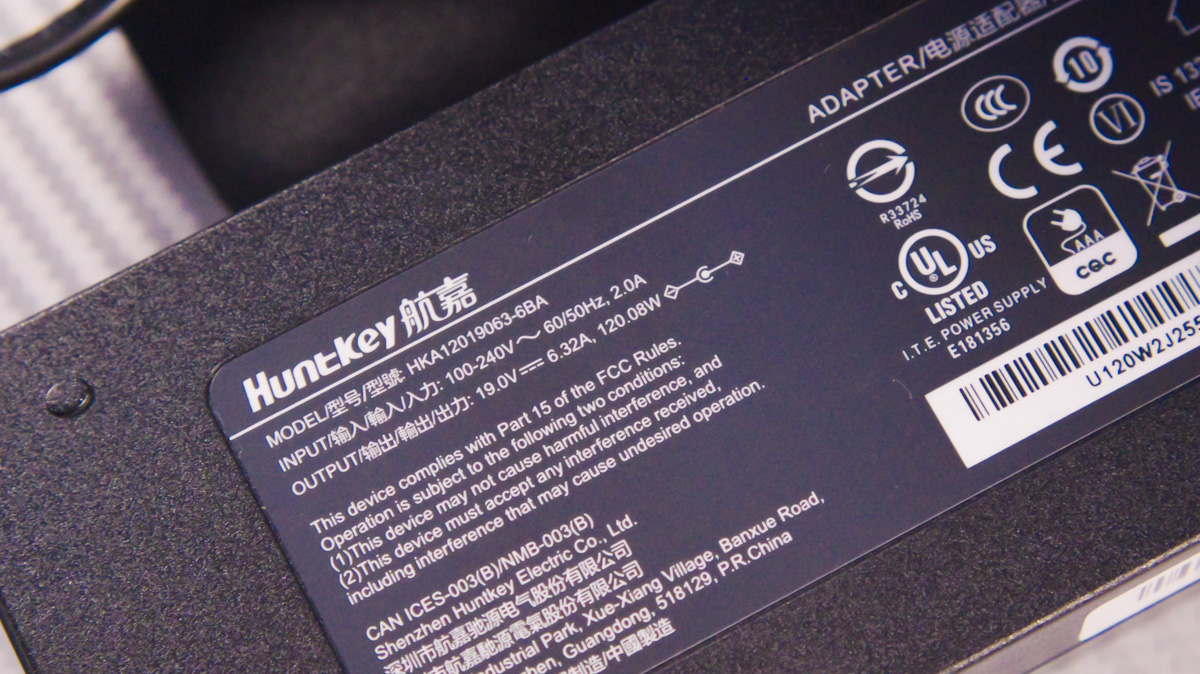
Power efficiency is handled by a single 120 W power supply. It closely resembles a laptop charger, which is suggested by both the DC power connector and the use of mobile-format RAM.
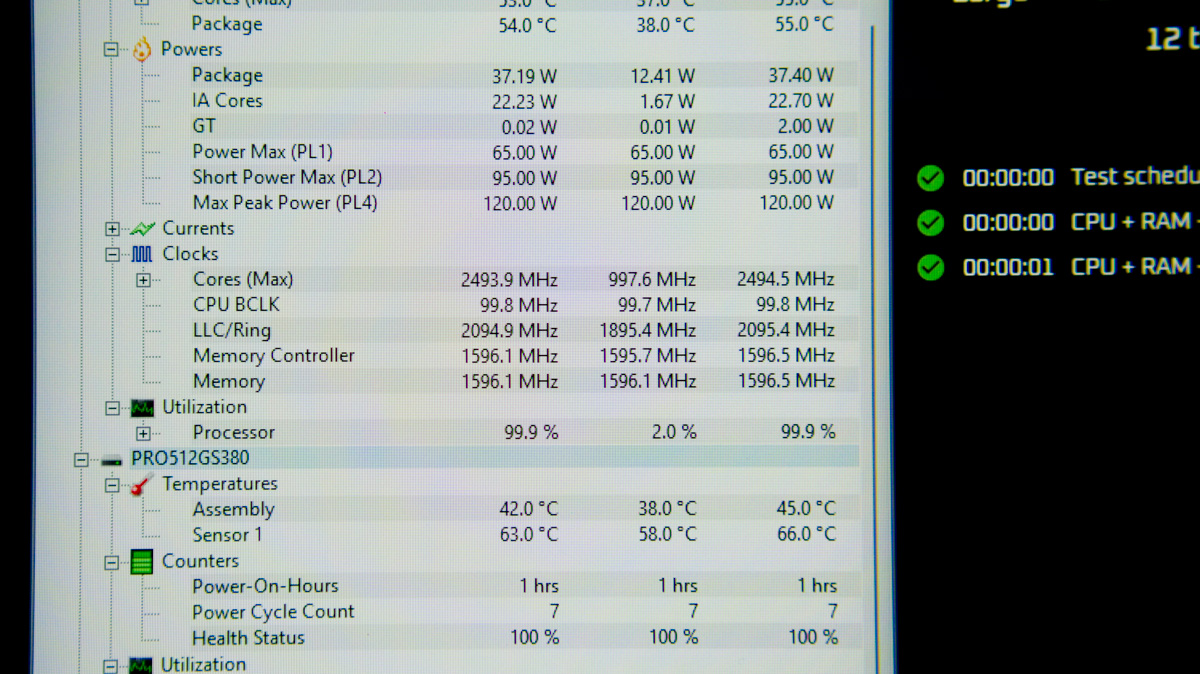
The only issue I noticed in terms of office use is the absence of a reset button. Additionally, according to Intel’s specifications, the Core i5-12400 has a 65 W TDP, but in the Prologix Optima PLC24TD it is configured to run at a maximum of 35 W, which limits its operating frequency. This could pose a problem for office workloads, especially when handling large documents.
However, this configuration also results in excellent cooling efficiency and low power consumption. During an OCCT stress test, the system drew 38 W, with the CPU temperature reaching 55 °C at a fan speed of 2200 RPM. This makes the all-in-one system relatively quiet and cool in operation.
A guide for home use
Now, how does the Prologix Optima PLC24A perform for a home user who values design and minimalism? The device is available in two color options – white and black. The white version features a solid, minimalist stand that complements the all-in-one body. The stand provides only a single degree of adjustment – tilt forward and backward.
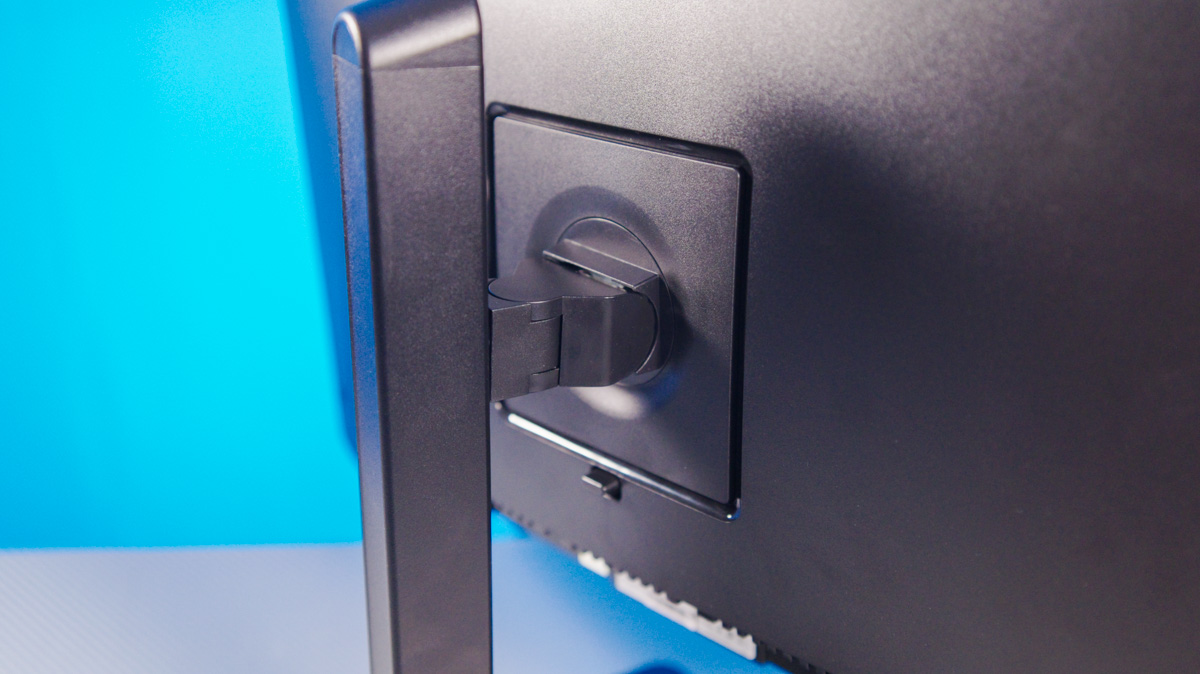
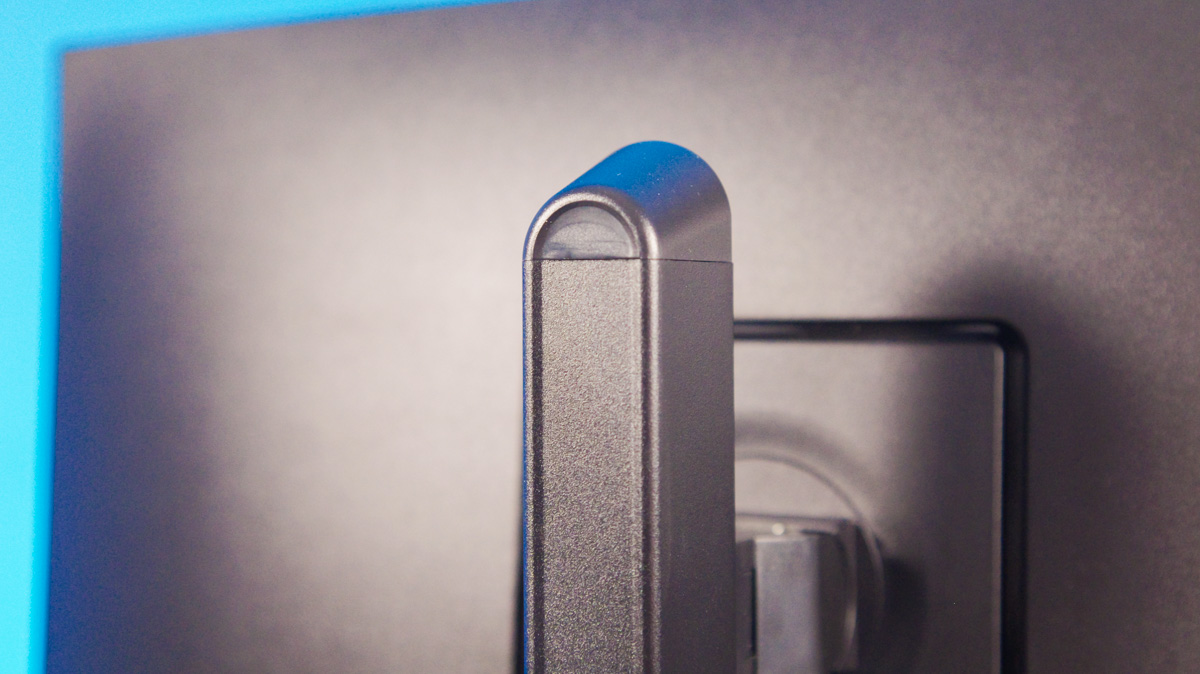
The black version, on the other hand, has a more grounded appearance but comes with a fully adjustable stand offering three degrees of movement. As a result, using a VESA mount is not strictly necessary.
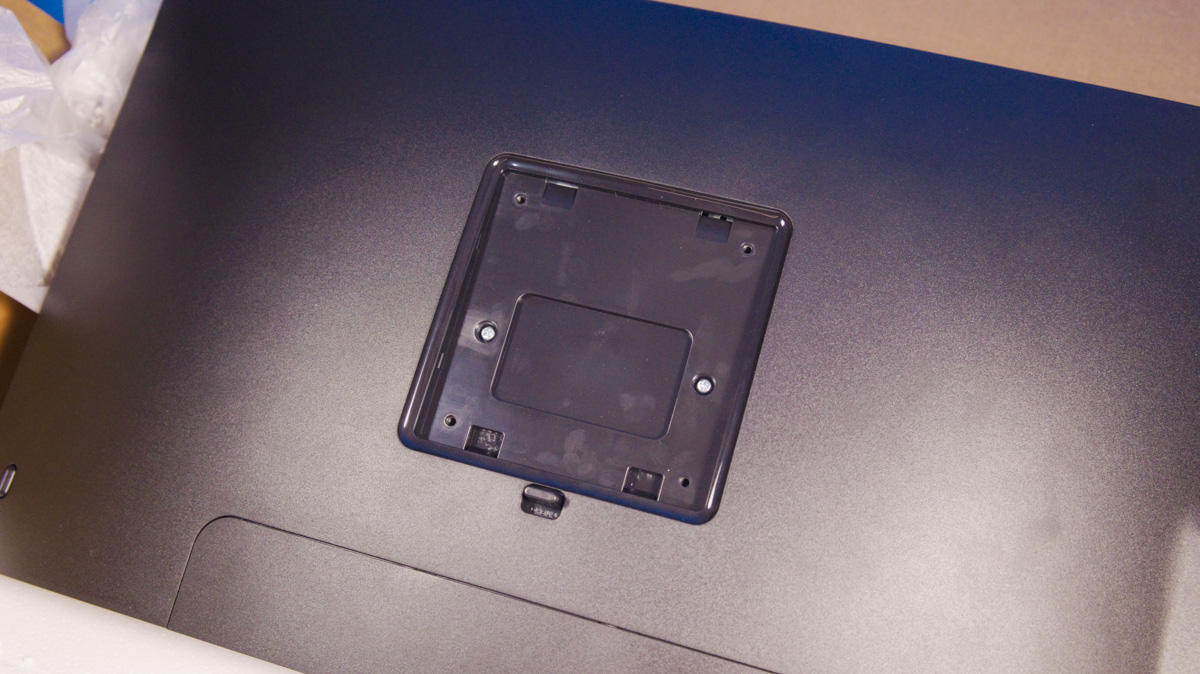
Both models use a metal stand that feels solid and stable. The 24-inch FHD IPS display supports a 120 Hz refresh rate. In my view, this is not a critical feature for office tasks, but it may appeal to users who value a smoother and more refined visual experience.
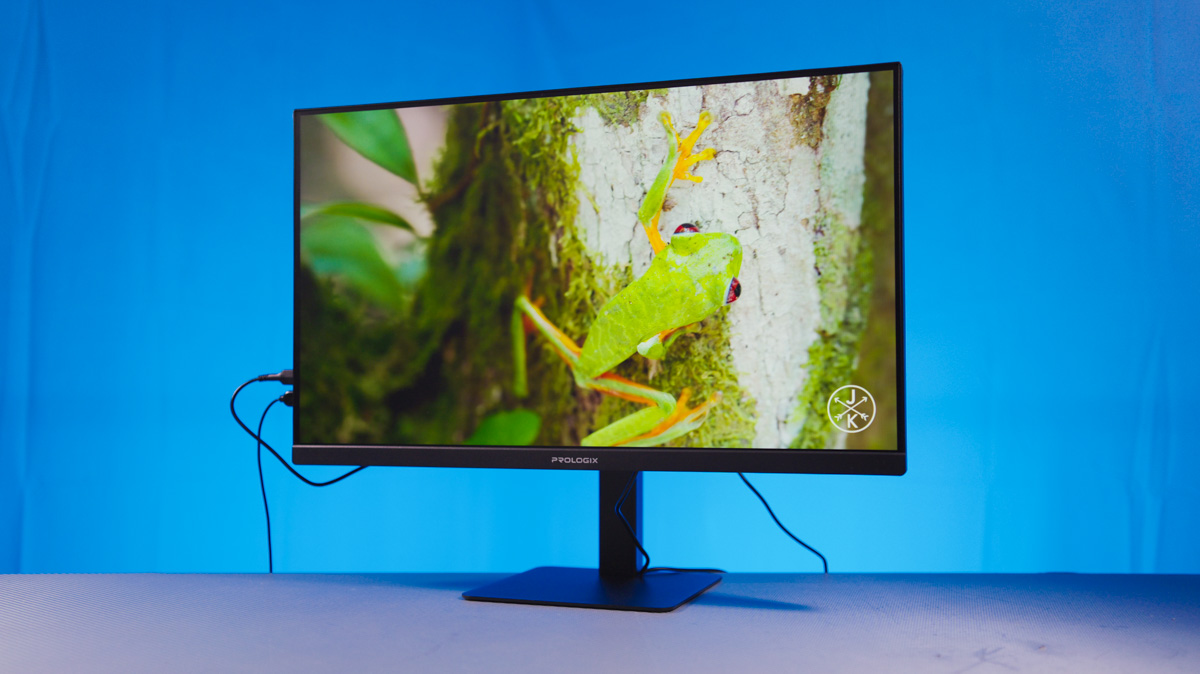
In this regard, the Prologix Optima PLC24 stands out – very few all-in-one systems, especially in this price range, offer a display with such smooth performance.
Conclusions
You may disagree, but in my opinion, the Prologix Optima PLC24TD is one of the few examples of a product that fits almost perfectly into two distinct categories – office users and those who prioritize design over raw performance.
The PLC24A is an all-in-one system focused on style and elegance, while the PLC24TD is more practical and functional out of the box. Both models handle office workloads and even light gaming without issue, maintain low power consumption – an increasingly important factor – and offer efficient cooling. Overall, both configurations perform well enough to earn a confident recommendation.
Read also:
- Impressions of the Artline Gaming Desk PC 1200 Black: A Concentrated “Wow”
- Review of the Prologix PLP61024 Office All-in-One: A Business Machine
- ASUS NUC 14 Essential Review: Affordable and Productive Mini PC


