




© ROOT-NATION.com - Use of content is permitted with a backlink.
With another move coming up, I decided it was finally time to get a proper rugged SSD enclosure. I chose the ASUS TUF A2, and in this piece, I’ll explain why someone as far removed from an “active lifestyle” as I am might actually need one. I’ll also walk through how I’m setting it up as part of my work pipeline – and how the IRDM Pro Nano 1TB and Goodram HX200 2TB fit into that setup.
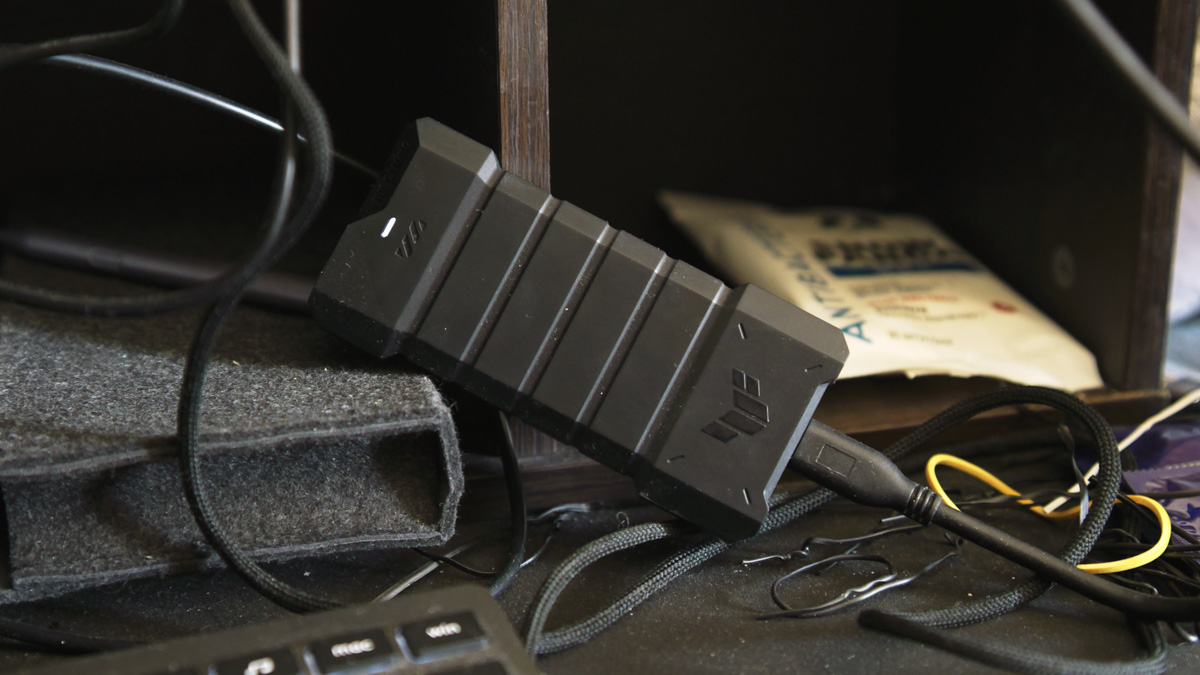
TABLE OF CONTENTS:
Video about ASUS TUF A2
Caching
First of all – yes, I’ve gone back to using SSDs for cache files in DaVinci Resolve. I mentioned the need for this quite a while ago, about a year back. In short, when a project in DaVinci includes particularly demanding clips, I can generate a cache for them. This not only allows smooth playback but also makes the final render significantly faster.
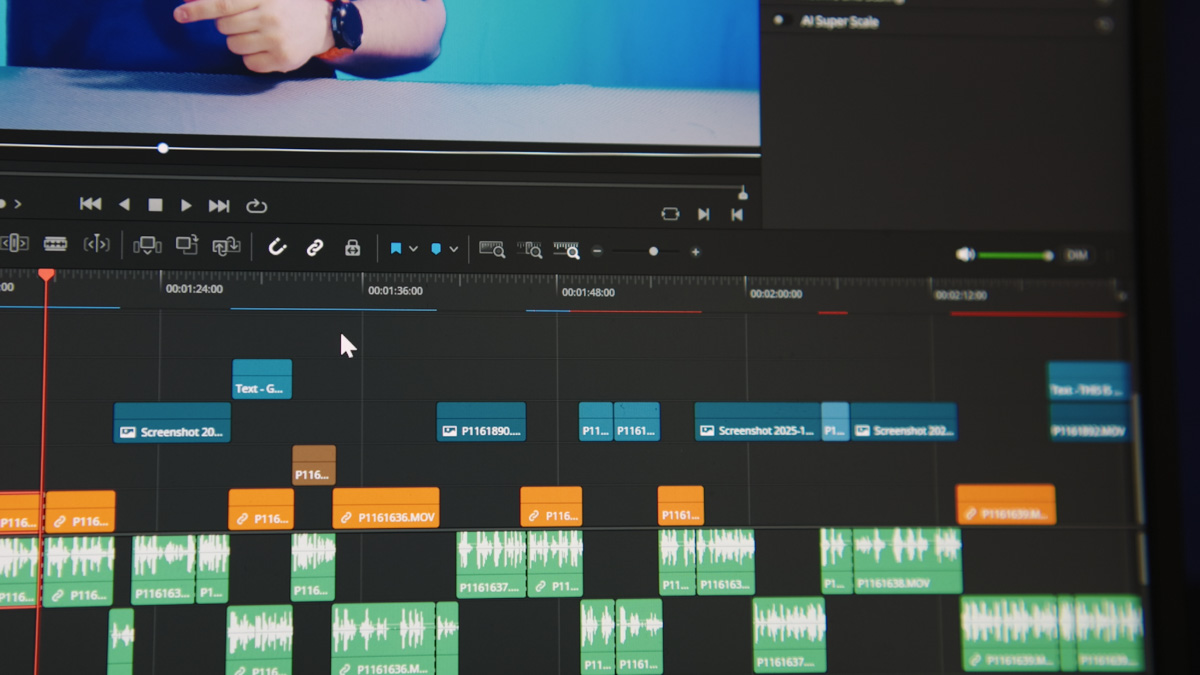
I stopped doing that after switching cameras, because caching BRAW footage from the Blackmagic Pocket Cinema Camera 4K was extremely resource-intensive. The MFT sensor produced noticeable noise, so I always had to apply noise reduction – and when combined with deflicker, masks, and other plugins, it made video rendering ten, twenty, or even fifty times slower. And that’s without having to rework the footage afterward.
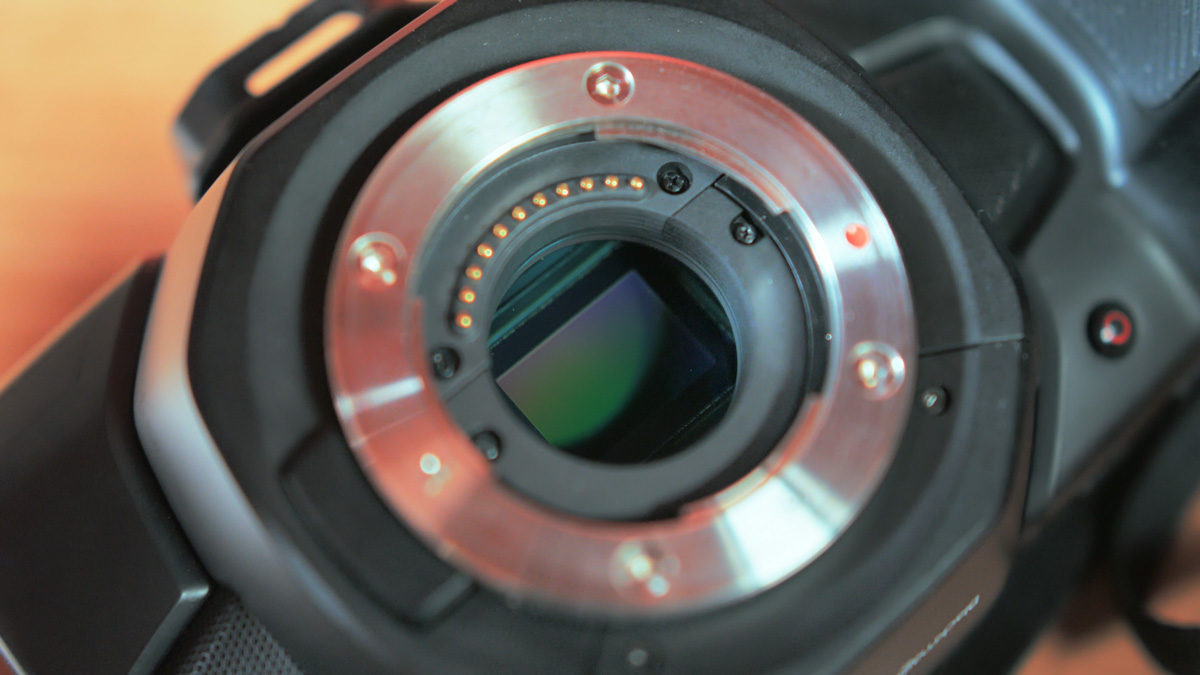
After switching to the Panasonic Lumix S5 IIX, the footage became much easier to process, and the full-frame sensor produces significantly less image noise.
Considerably less – but still noticeable. And when that noise appears against otherwise clean footage, it stands out even more. So noise reduction is still necessary, along with deflicker.
Choosing an SSD
Since my video workload has nearly tripled, caching has once again become relevant. And for that, I needed a dedicated “sacrificial” SSD – something I’ve talked about before. My personal Goodram HX200 2TB worked reasonably well, but as long as it’s being used for caching, I can’t record new footage, because the SSD has to stay connected to the laptop.
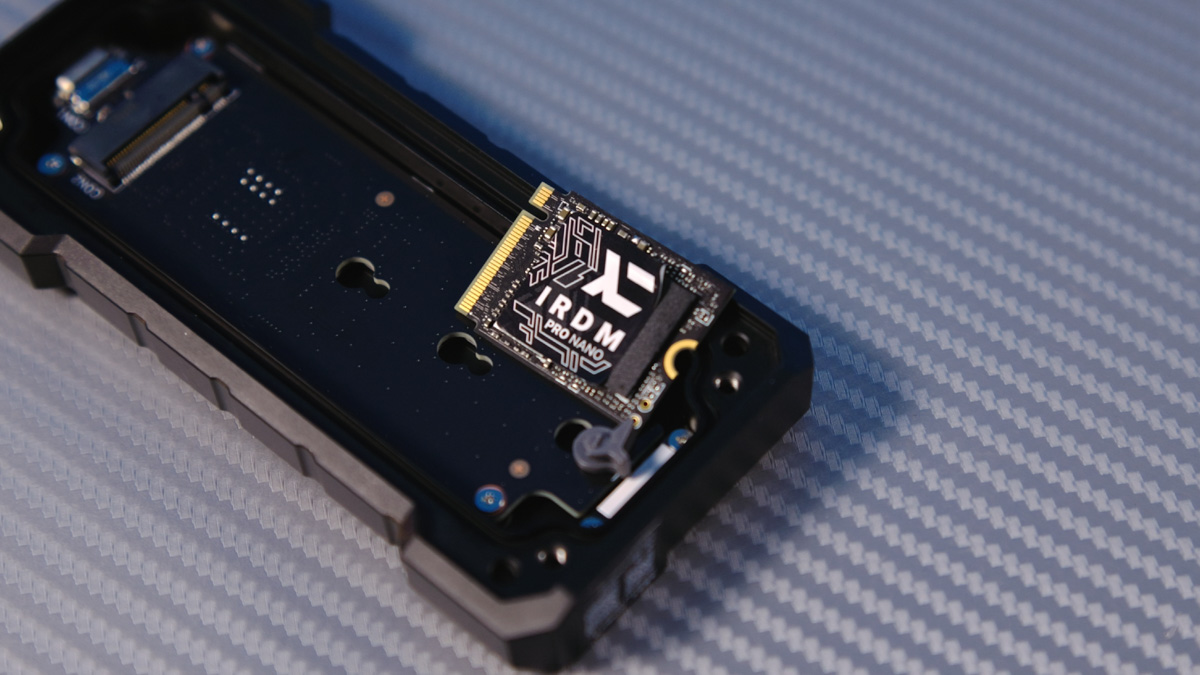
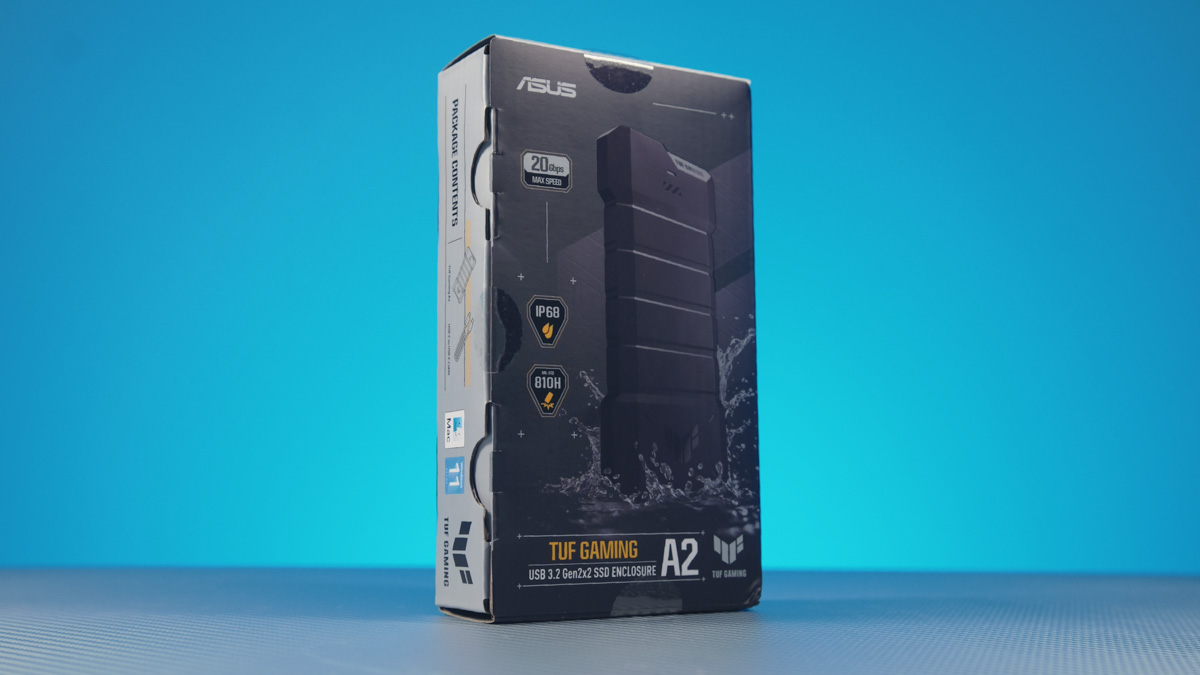
So I needed a separate “sacrificial” drive – something independent from the HX200. For that role, I used the IRDM Pro Nano 1TB, and for the enclosure, I chose the ASUS TUF A2. Why this one? Because the mix of things I like and dislike about it makes it the most practical option for my specific workflow.
Specifications
I’ve already reviewed it separately, so here’s just a quick reminder. It features a 20 Gbps Type-C interface, weighs 150 grams, and uses the Q-Latch mounting system compatible with 2280, 2260, and 2242 drive sizes. The enclosure also provides full IP68 sealing and MIL-STD-810H protection. Yes, they are different things. Why exactly? The explanation is here.
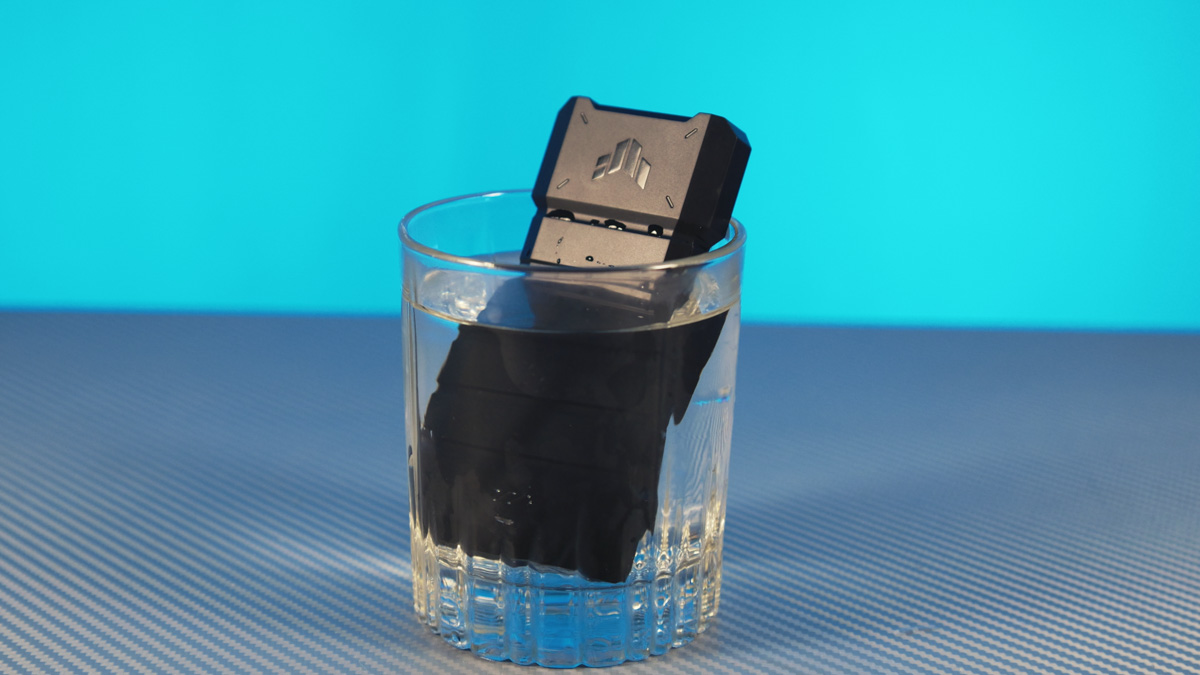
In short, MIL-STD-810H certification protects the enclosure from drops of up to 1.2 meters, while IP68 sealing allows it to withstand immersion in water up to 1.5 meters for 30 minutes. In practice, that means rain isn’t a problem, an accidental dip in a pool shouldn’t cause damage, and – at least theoretically – it might even survive a washing cycle. Though that last part is not something I’d recommend testing.
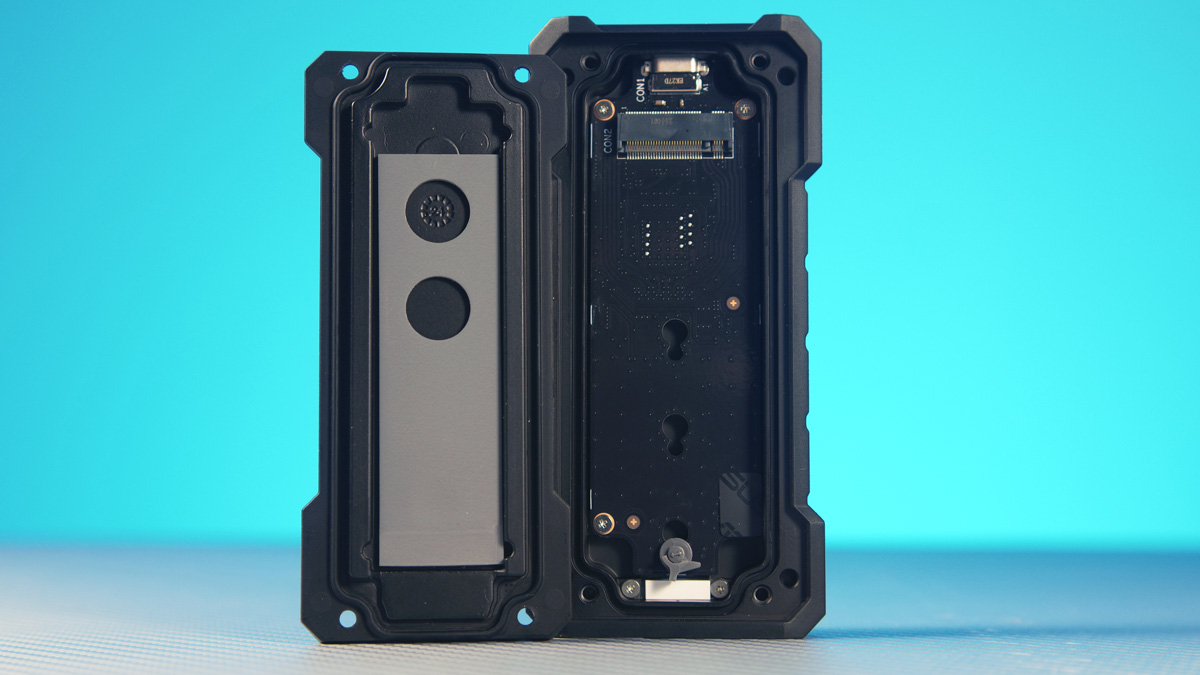
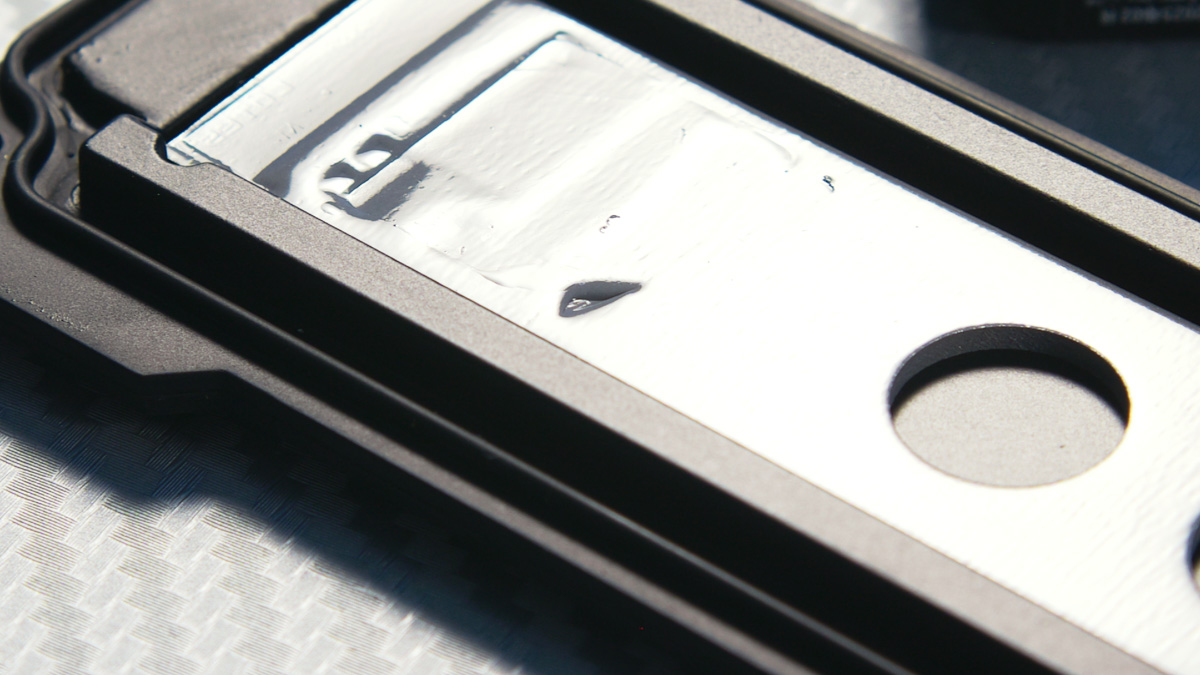
It’s worth noting that this enclosure isn’t perfect. The screws are unusually sized hexagons, requiring a very specific tool. That said, it’s not a major issue, since you’re unlikely to swap SSDs as often as you might think. My IRDM Pro Nano is a 2230 form factor, so the Q-Latch system doesn’t fit it, but it still works fine and even makes contact with the thermal pad.
Workflow
How did the ASUS TUF A2 become part of my workflow? For starters, I wanted to paint it orange. One thing that constantly frustrates me is hunting for black drives on a black desk, surrounded by black cables and peripherals. That’s one reason I like the HX200 in rose gold – it’s impossible to miss.
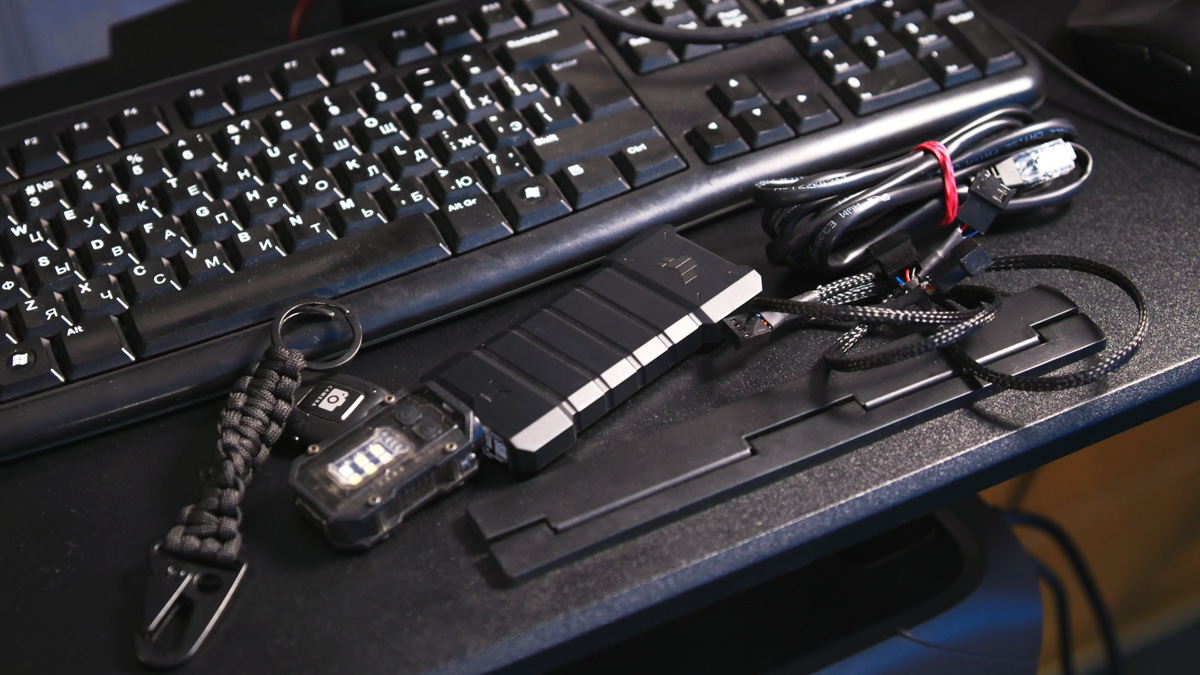
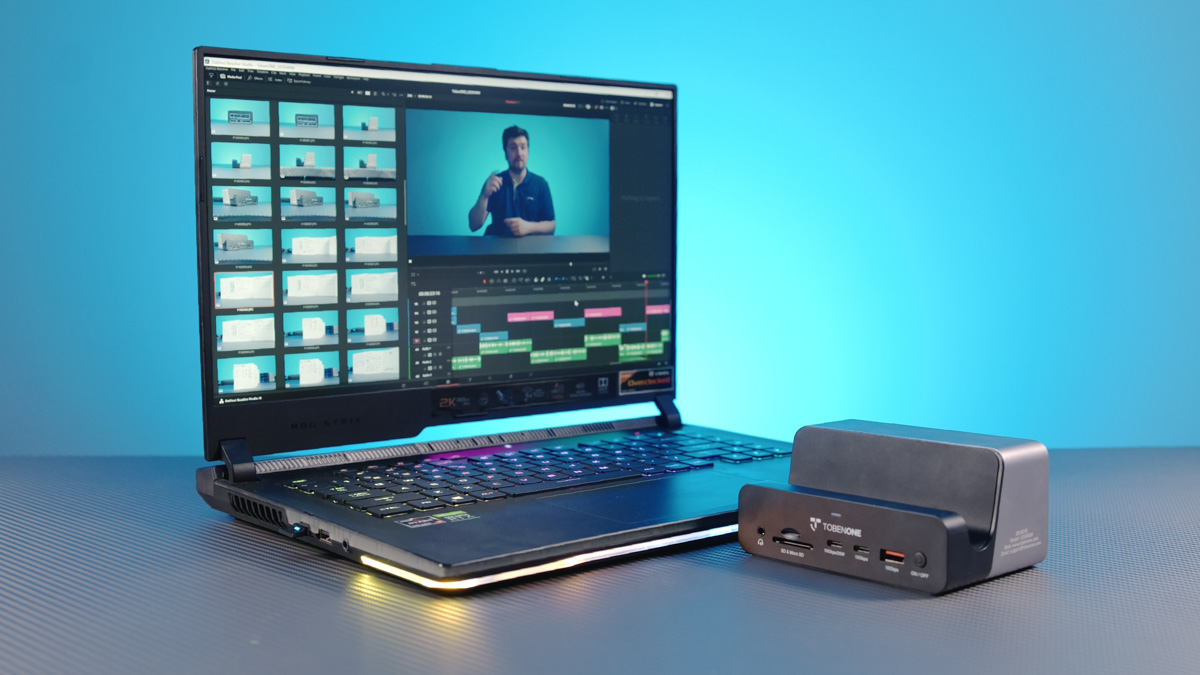
Anyway, that was the plan. It turned out that spray paint doesn’t stick to the rubber, so I settled for stickers in a similarly high‑contrast color. Next, I connect the enclosure to my laptop through a TobenOne UDS040M hub – USB 5 Gbps is enough – and dump the DaVinci cache files onto it.
If I can’t see where I placed the enclosure in the dark and accidentally knock it onto the tile, I know the drive inside will be fine. The TUF A2 has a rubberized body, while the HX200 itself is metal, which helps absorb and distribute the impact to protect the internal components.
Conclusions
Finally, as a summary – I could certainly have chosen a cheaper enclosure with less protection. The issue is that these components are exactly what I want to protect the most. The ASUS TUF A2 lets you effectively create a highly durable, high‑speed USB drive that can be used for backing up files on location, storing cache, or simply keeping important data safe. What’s inside is less critical than how well it’s protected.
Read also:
- IRDM Pro Slim 4TB Review: 4TB SSD Option
- Kingston Renegade G5 1TB SSD Review – Fast and Cool Performer
- What Makes Enterprise SSDs Stand Out: Look at the Samsung PM963 and Artline Prebuilt Systems

