




© ROOT-NATION.com - Use of content is permitted with a backlink.
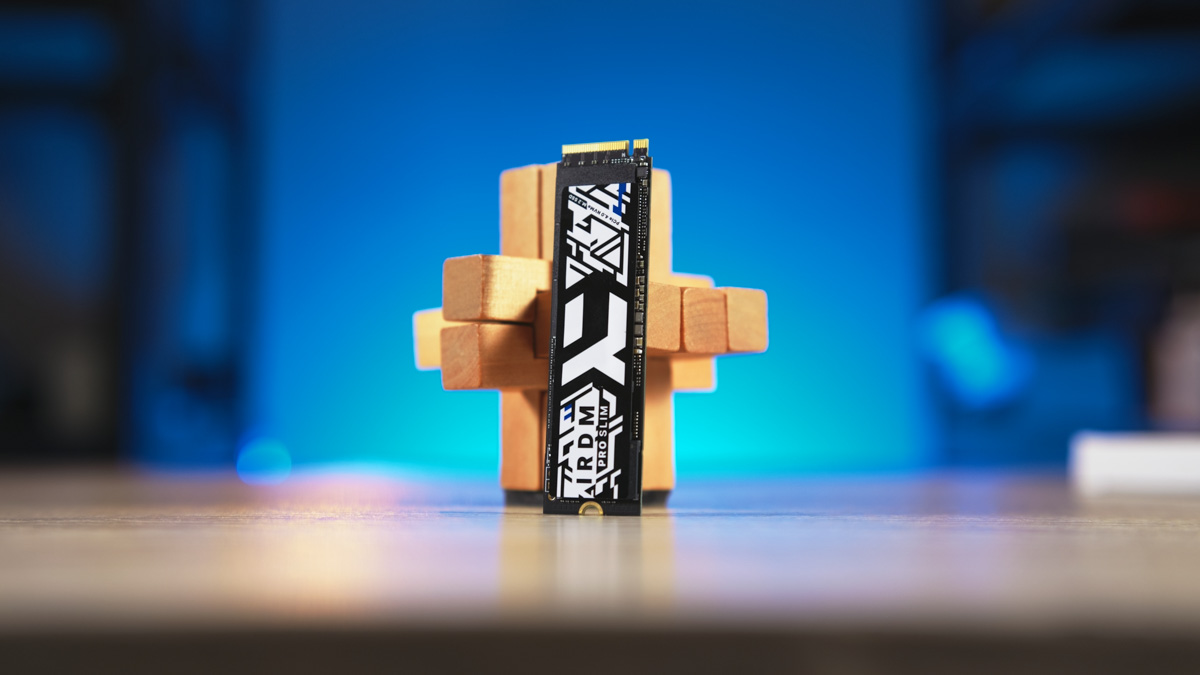
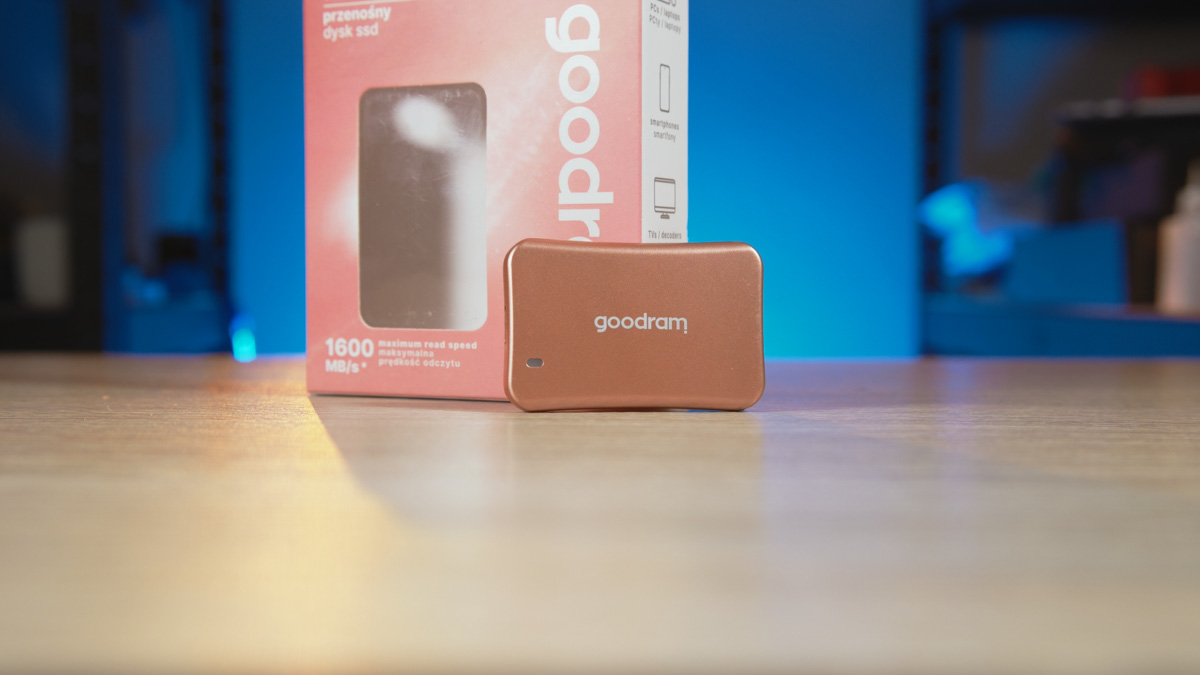
I’d been hoping to get my hands on a 4TB SSD for nearly a year. I tried reaching out to Kingston – no luck. Got an official rejection from Sabrent. It was only Goodram that eventually came through, which, to be fair, isn’t a total surprise given how much I’ve worked with them in the past. The result? I finally got the IRDM Pro Slim 4TB. And honestly, it showed up just in time – it saved me from a complete storage meltdown.
I’ll be upfront – this is going to be a rather unusual review. I’m not even sure if it counts as a traditional review at all. Instead, I’ll talk about how I integrated these two drives into my workflow – I’m a full-cycle YouTube producer, in case you didn’t know. I’ll also explain how adding these drives made my previous videos almost obsolete.
TABLE OF CONTENTS:
Specifications
- Capacity: 1/2/4 TB
- Interface: M.2 PCIe NVMe Gen4 x4 (M key)
- Format: M.2 2280
- Memory: 3D TLC NAND
- Controller: PS5018-E18
- MTBF: 2000000 hours
- Operating temperature: 0-70°C
- Storage temperature: -40°C – 85°C
- Warranty: 5 years, limited by TBW, with free technical support
IRDM Pro Slim 4TB video review
SSD features
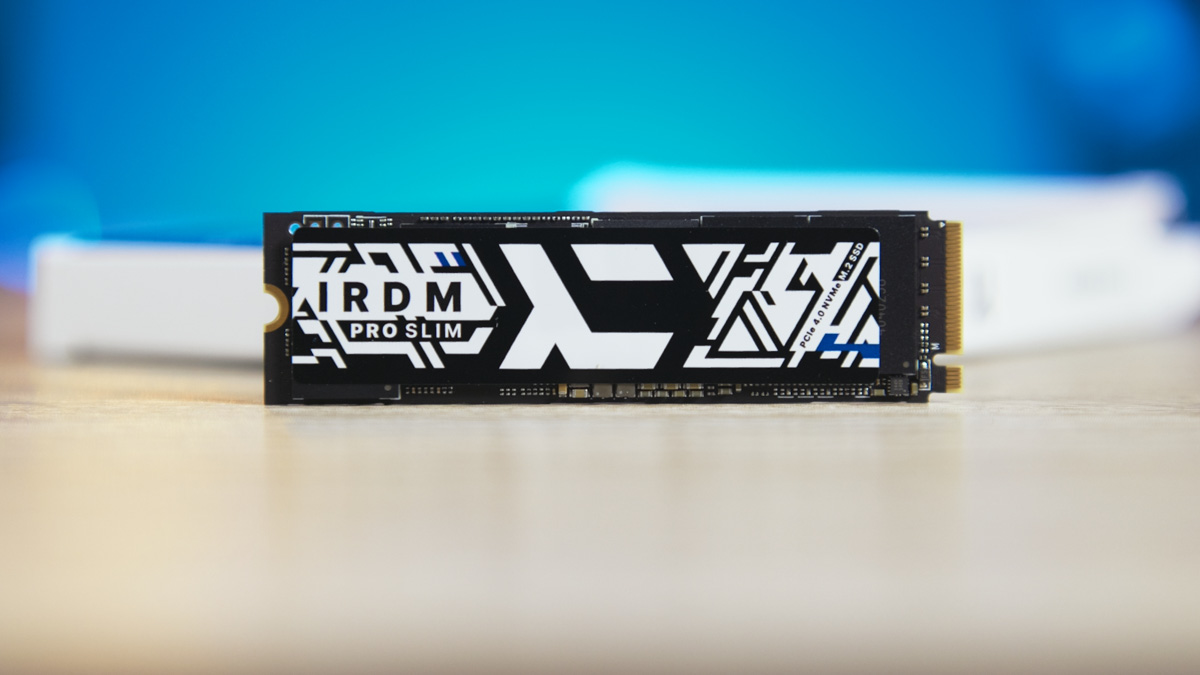
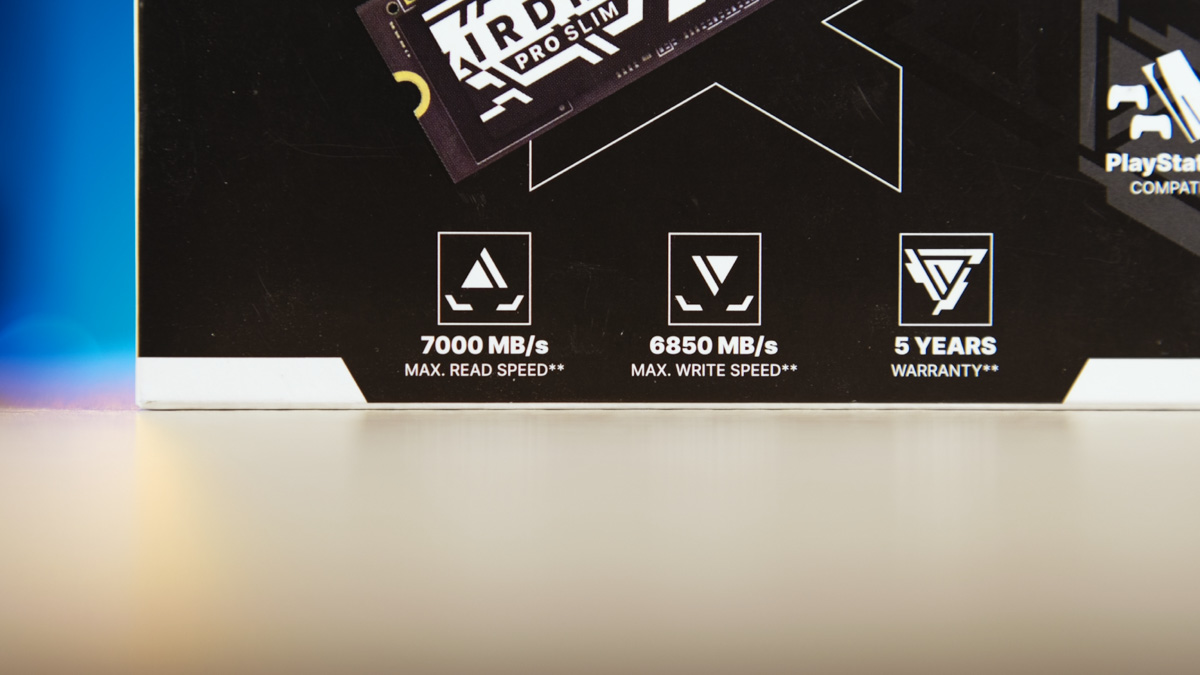
This is one of the few SSDs available on our market with a 4TB capacity. It costs around $300 or €290 – making it objectively expensive. The drive uses the 2280 form factor and offers peak sequential speeds of up to 7 GB/s, thanks to its PCIe 4.0 interface.
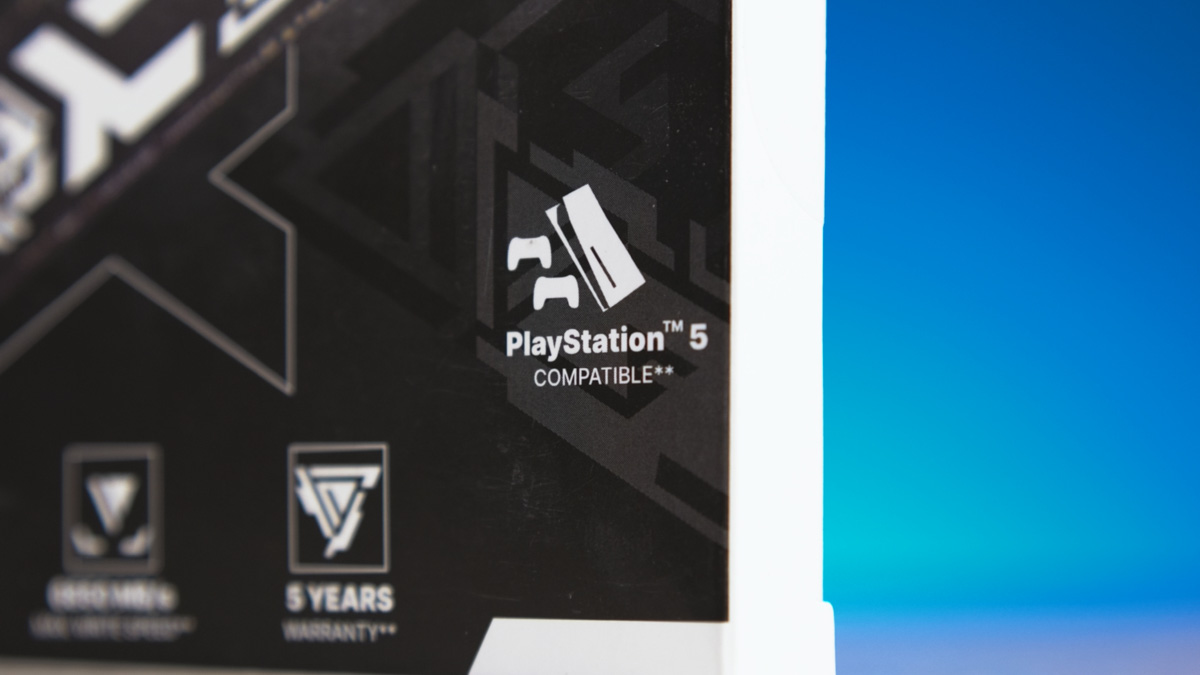
I should mention that the drive’s name reflects its gaming focus. How gaming-oriented is it? It’s designed to be compatible with consoles – specifically the PlayStation 5. The “Slim” part refers to its thin profile despite its large capacity – that’s basically it.
The drive also features the Phison E18, a fairly power-hungry 8-channel controller with a DRAM buffer. That’s not an issue for consoles, which have active cooling, nor for PCs that typically include heatsinks. You might think it wouldn’t be a problem for my laptop either, since it supports PCIe 3 rather than PCIe 4.
Heating in a laptop
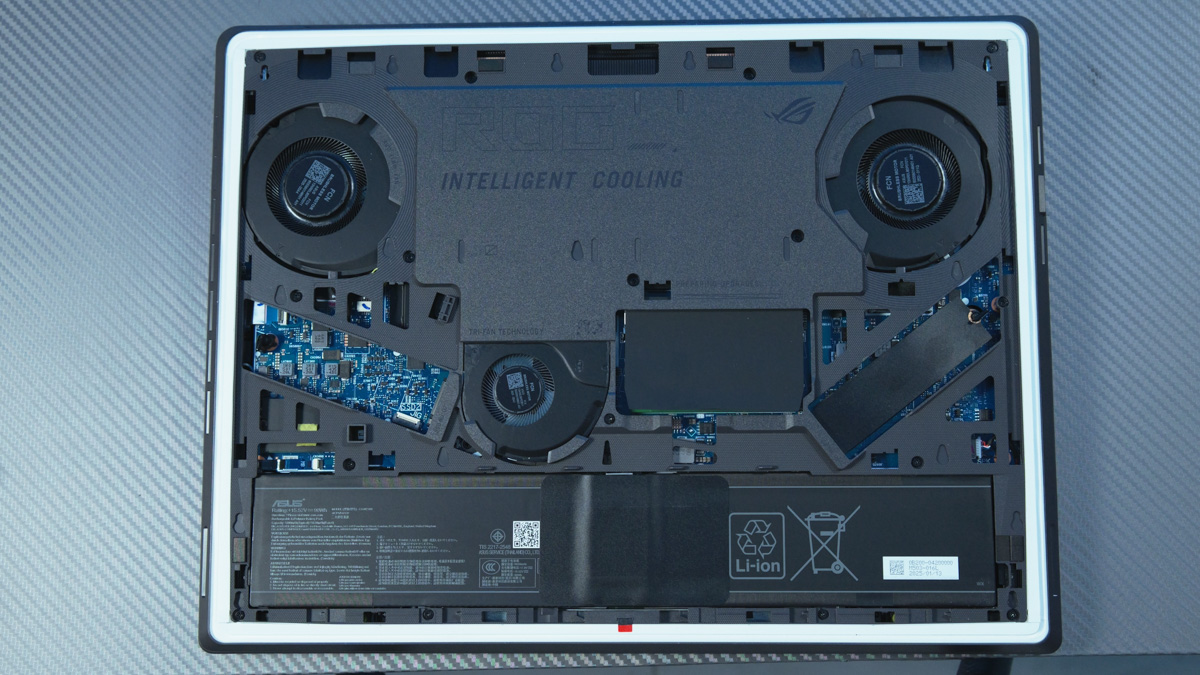
So, I installed the drive in my ASUS ROG Scar 15 G533QS laptop. Now, I have a 2TB system drive for test games, programs, and occasionally cache – though I hardly use caching anymore. And I added a second 4TB drive dedicated to files from my Panasonic Lumix S5 IIX camera. I first record footage on a Goodram HX200 2TB, then transfer it over USB 10Gbps to the Goodram 4TB.
Now, a quick reminder of an older video where I mentioned that using PCIe 4.0 drives in a PCIe 3.0 slot can be beneficial because speeds are still more than enough, and the drive runs cooler. Well, I put that theory to the test. I limited the brand-new IRDM Pro Slim 4TB to the PCIe 3.0 slot on my ROG Scar 15 – since the laptop doesn’t support PCIe 4 – and saw how it performed under those conditions.
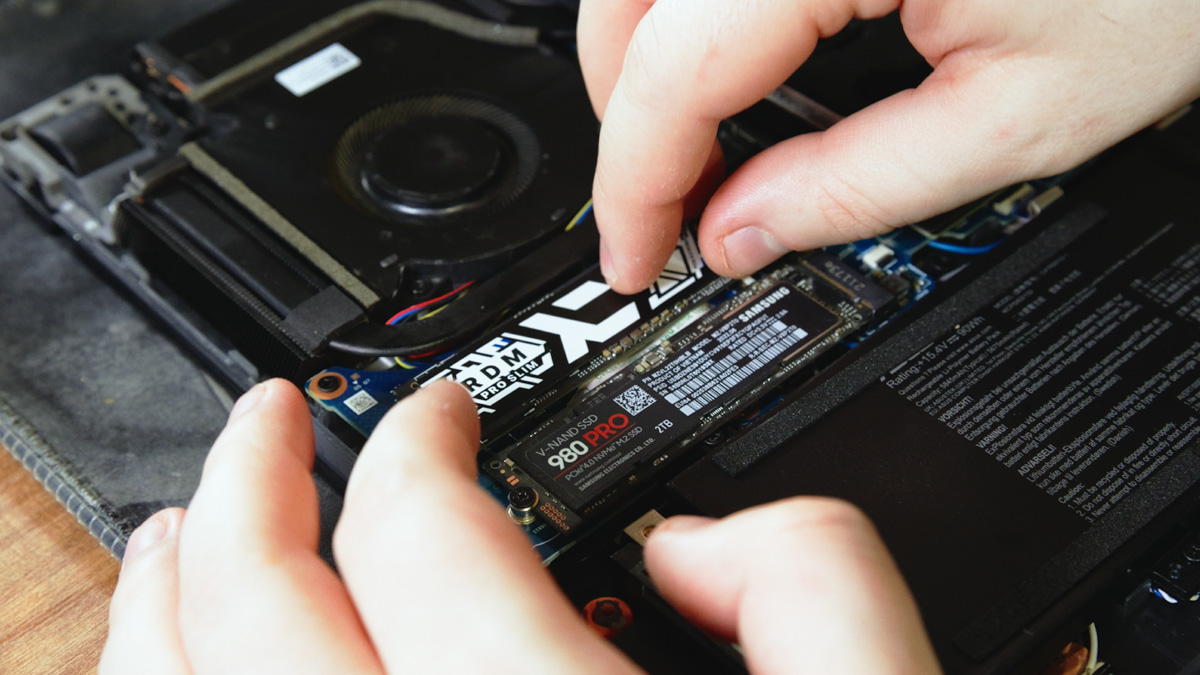
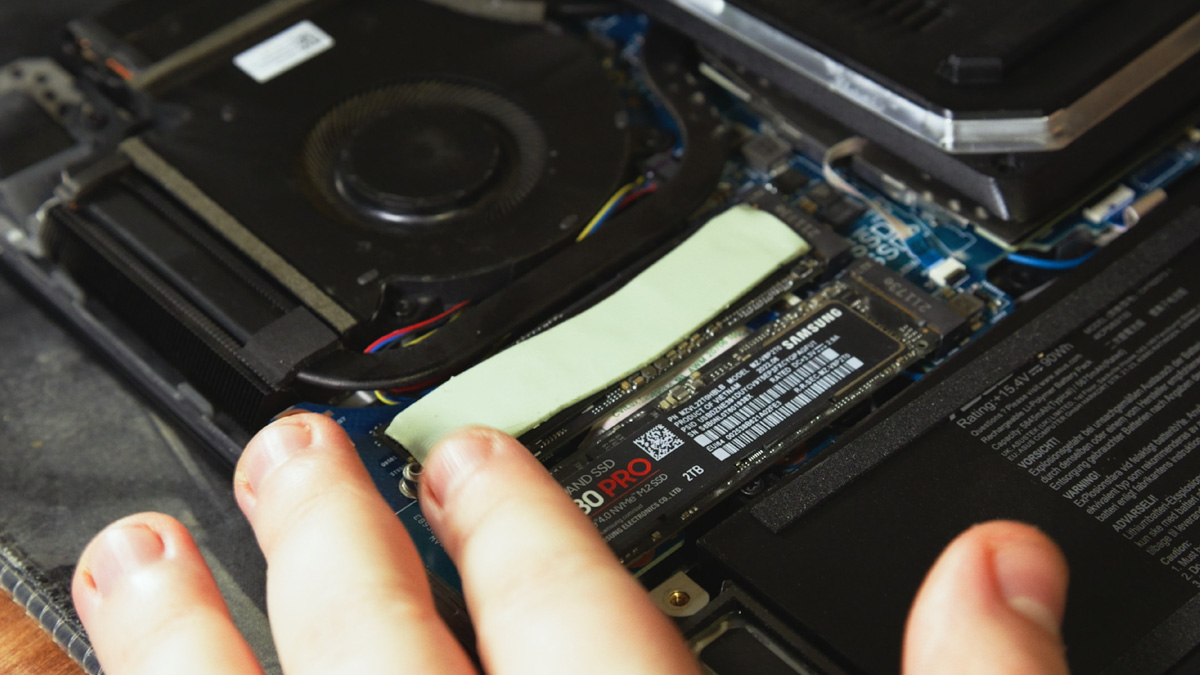
I was also transferring files from the Goodram HX200 2TB at around 500 MB/s and tested a real-world scenario by moving 200GB of footage – a mix of photos and videos. The drive heated up to 81°C… twice. This was after I took the laptop apart and added a thermal pad. So, 81°C with the pad installed, running on PCIe 3, and transferring data at 500 MB/s.
I asked Goodram what was going on, and their response was interesting: heat buildup isn’t just about speed – it’s also related to capacity. And they’re right. The larger the SSD’s capacity, the more it has to monitor and manage internally, which generates more heat.
Imagine you have a cornfield, and you need to run through it checking every stalk. The bigger the field, the slower you have to run to avoid overheating. But if you’re forced to run twice as fast through a gigantic field, you’ll overheat in seconds.
That’s basically what’s happening with the Phison E18 controller. Even though it’s running in a PCIe 3 slot and its peak speed is effectively cut in half, it still has to do significantly more work internally. This extra workload causes the drive to hit 81°C in my laptop – even with a thermal pad installed – while transferring 200GB of data.
On top of that, the controller itself runs hot. Controllers vary a lot, and generally, newer models tend to run cooler. For example, some PCIe 5 SSDs deliver speeds up to ten times higher while maintaining better temperatures.
Problem solution
So, what’s the solution to prevent the SSD from overheating? It’s actually quite simple. I switched to using a 5 Gbps USB cable, which dropped the peak temperature from 81°C to around 72°C, with a steady average near 69°C. Sure, the transfer speed dropped from 500 MB/s to about 350 MB/s. Does that worry me? Not at all – I’m perfectly fine with that trade-off.
Personal benefit
I want to start my experience with this SSD by mentioning that I had to relocate my studio – not just once, but multiple times. For the move, I needed to produce a massive amount of content. To put it simply, I had to complete 15 videos from start to finish in 15 days, on top of additional work for volunteers. Even before the war, when I was in much better health, producing 15 videos in 15 days was an intense workload.
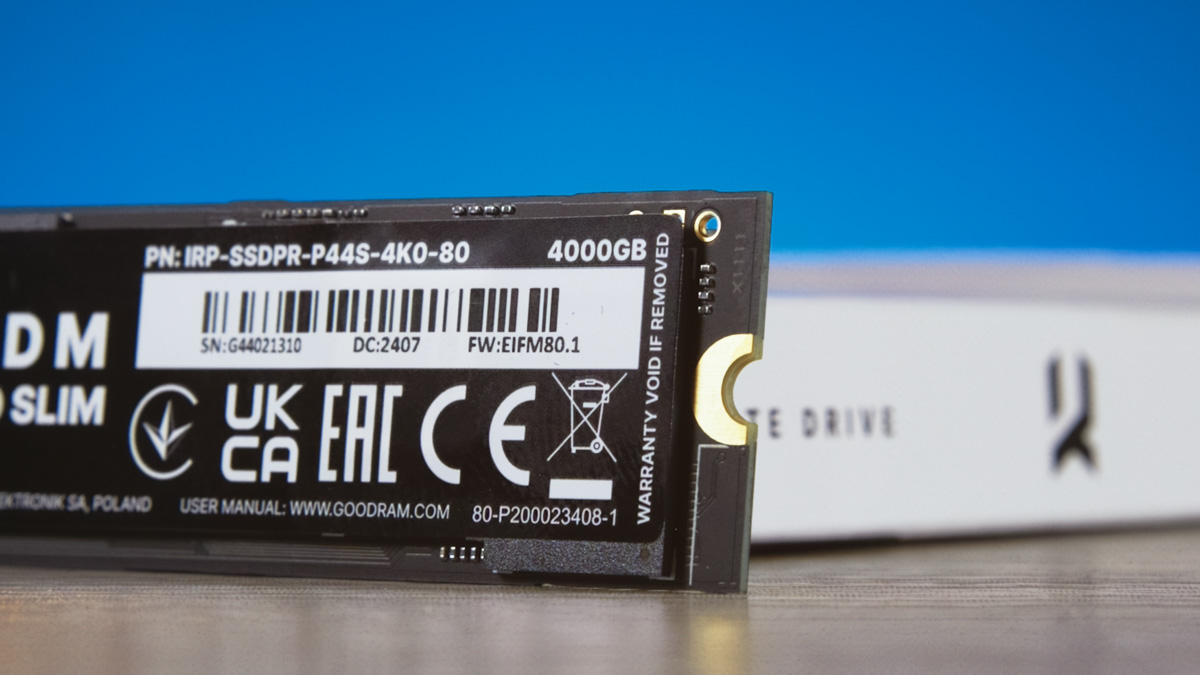
Right now\… I was only able to pull this off because I had the IRDM Pro Slim 4TB and Goodram HX200 2TB drives. I could record A-rolls for 4-5 scripts at once without having to delete any previous footage I hadn’t edited yet.
My old drive was already completely full when this “15 videos in 15 days” challenge started, and I still needed to shoot and process at least a terabyte of footage.
I still have unfinished projects that I haven’t been able to edit for two months now. I can’t delete the files for these projects because, first, they represent about a full day of work each, and second, many of the samples I simply won’t be able to re-shoot – they’re gone.
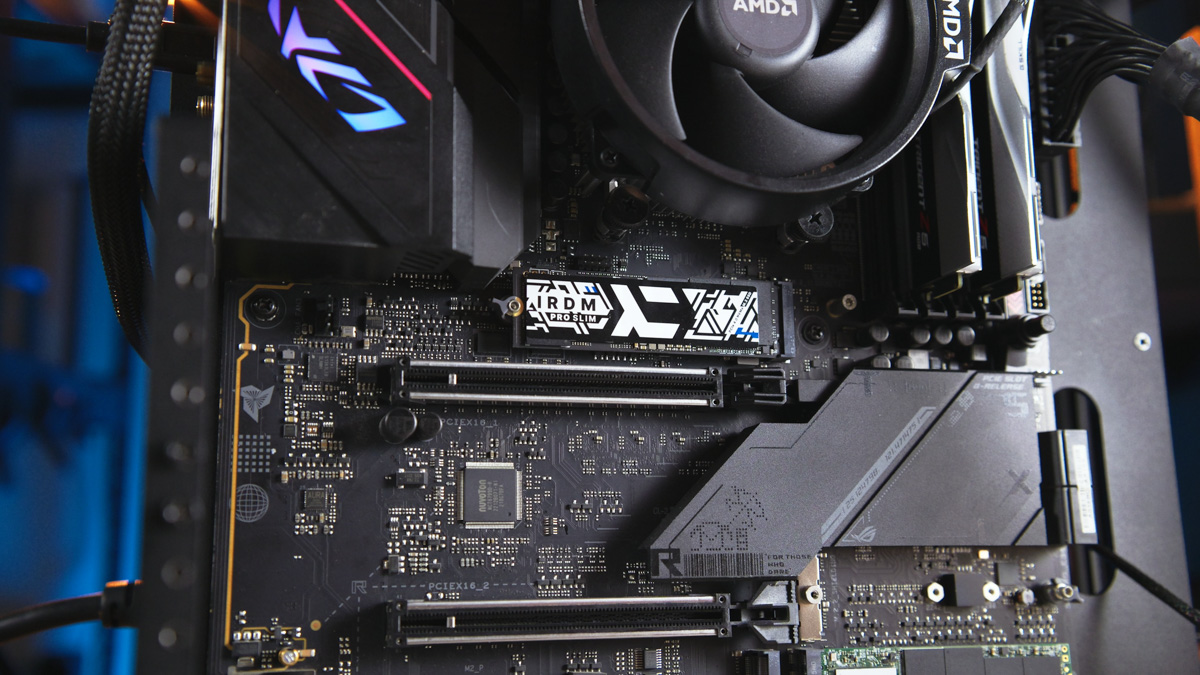
Every day there’s a chance I’ll get a message on Telegram saying that some random project – filmed but not edited – needs to be worked on right now. Like, it was due yesterday. Deadlines get dropped on me last minute, often for projects I was about to delete but held back on.
I mention this because if anyone ever tells me I have too many drives, I’ll just laugh in their face. If you work in my field, you simply can’t have too much free storage. It’s non-negotiable. And that’s not even considering the fact that you should always keep about 10% free space on your SSD for better longevity.
Conclusions
How long will my setup with the IRDM Pro Slim 4TB and Goodram HX200 2TB last? I’d say about two years, given my current workload. I’m definitely planning to upgrade my laptop next year to something with a more modern graphics card. That new machine will almost certainly have an M.2 slot with proper cooling, where the IRDM Pro Slim 4TB will run much more comfortably.
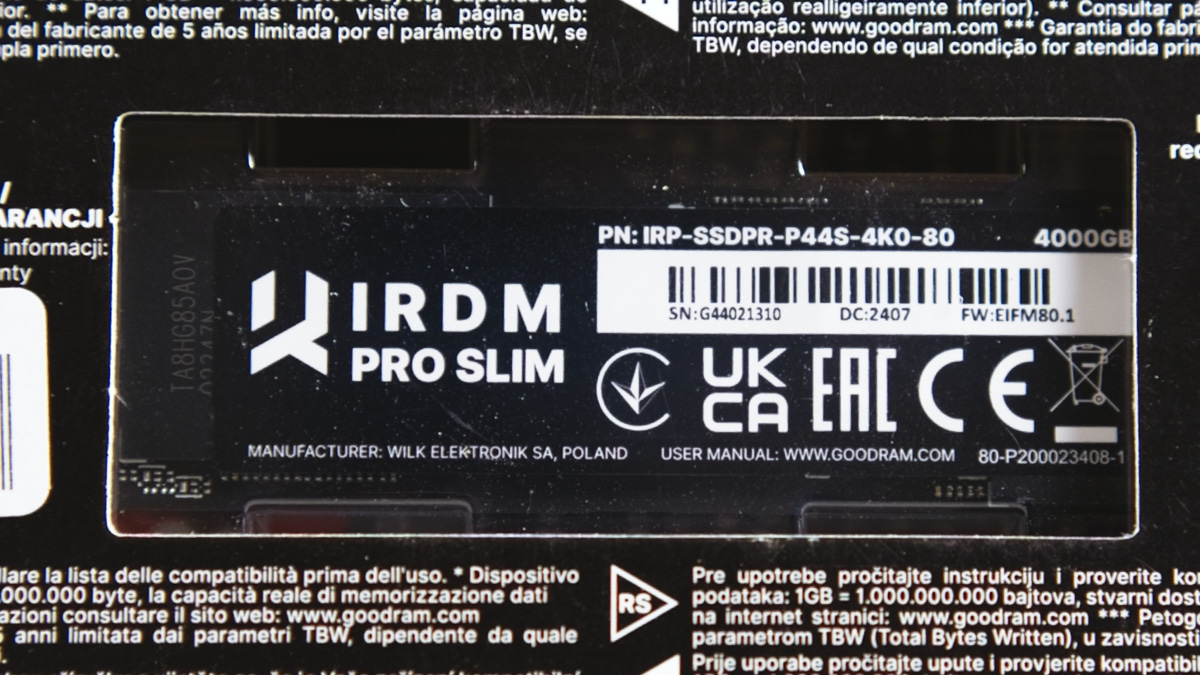
I still recommend this SSD – both for its capacity and build quality. When things get intense, better the SSD heats up than your nerves.
Read also:
- Prologix Axon and Prologix Lumi/Lumi Mesh PC Cases Review
- Sony ZV-E10 II Review: Compact Camera with Strong Personality
- Škoda Karoq Sportline Test Drive: Just a Visual Refresh?


