




© ROOT-NATION.com - Use of content is permitted with a backlink.
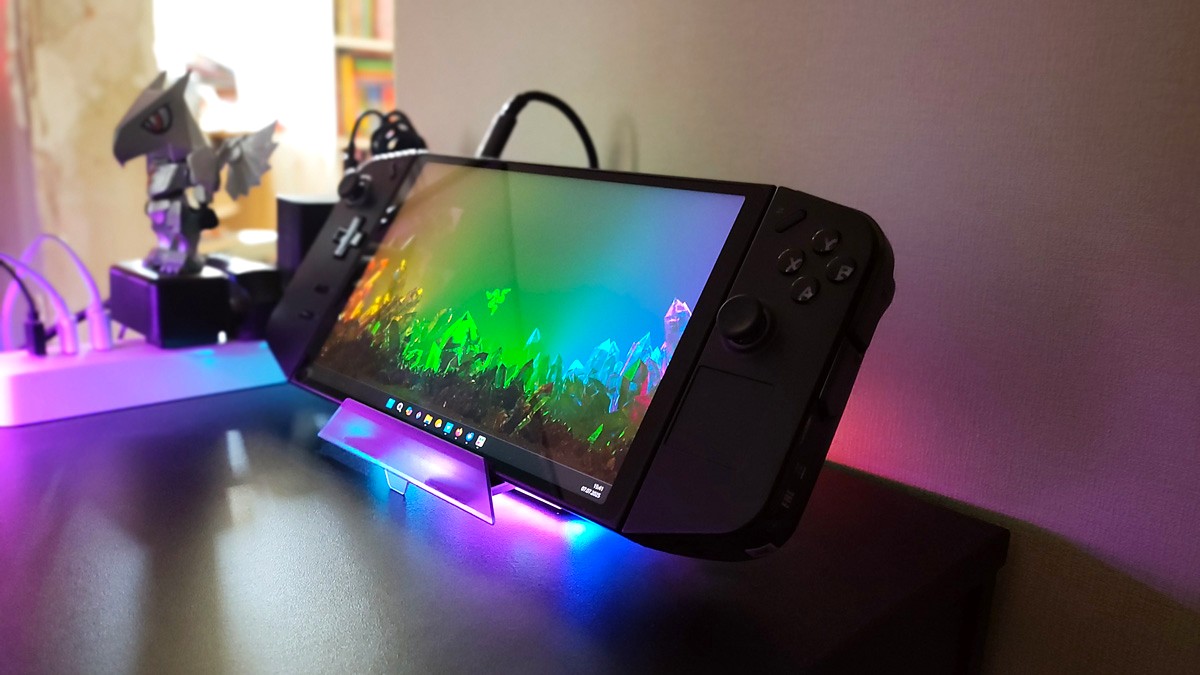
Not long ago, I became the owner of a Lenovo Legion Go portable console. It’s an impressive device that I’m genuinely happy with. A large display, solid performance, and decent battery life make it a great option for enjoyable gaming on the go. But I also wanted to use the console for more than just gaming – specifically, for work tasks. That’s when I realized I needed a good docking station to connect a monitor, mouse, keyboard, and other peripherals. On top of that, using a dock helps eliminate the clutter of cables, which can quickly become a tangled mess. I’m sure many will relate – because cable chaos is a real headache.
Besides that, such a solution helps avoid the mess of tangled cables, which can get really confusing. I’m sure many can relate to that pain.
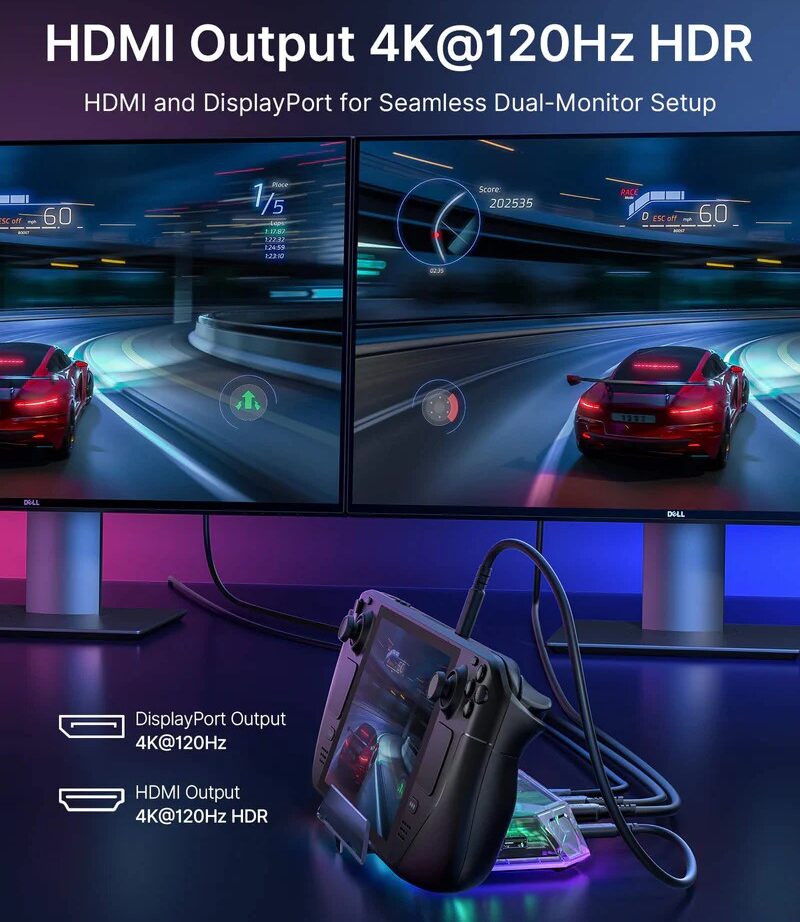
The main requirement for the dock was an HDMI port that supports 120 Hz. As you might guess, I have a monitor with that refresh rate, and honestly, going back to 60 Hz after using 120 Hz is a real strain on the eyes. It turned out that finding a device with the right specs wasn’t easy. But where there’s a will, there’s a way.
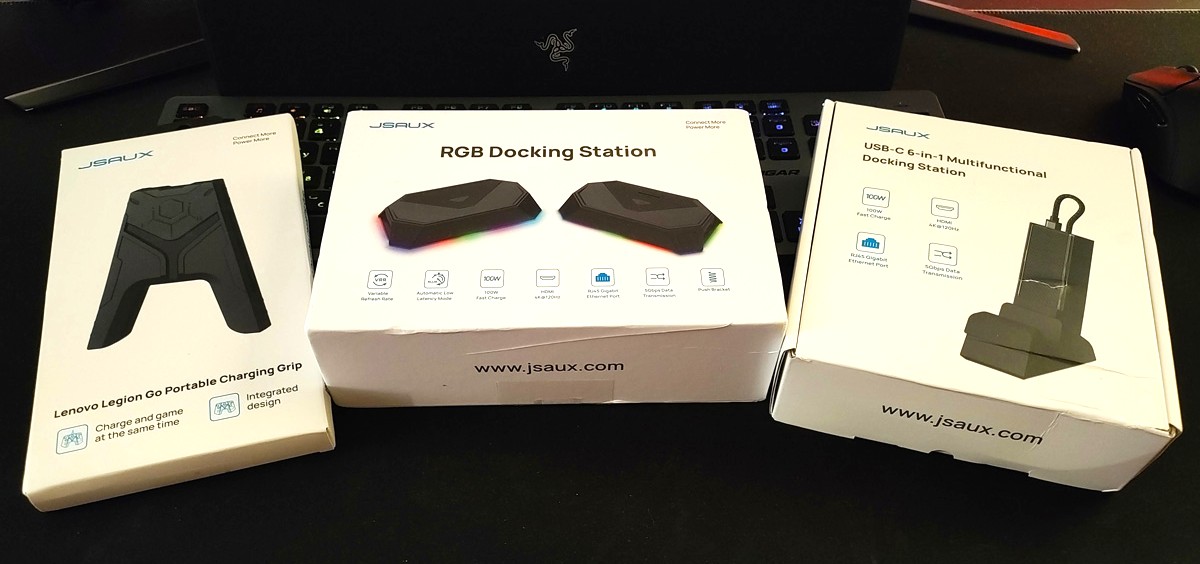
In response to my search, the company JSAUX sent me three interesting devices that we’ll be discussing here.
Read also:
TABLE OF CONTENTS:
RGB Docking Station
Let’s start with what I was primarily looking for – the RGB Docking Station, model HB1201.
Spoiler alert: it’s definitely worth considering as a must-have device for gamers and anyone wanting to expand the number of available ports at their workspace. This little unit pleasantly surprised me with its 12 functional ports, compact size, RGB lighting, and support for the needed 120 Hz output to the monitor. Overall, it ticks all the boxes you’d expect from a well-thought-out dock.
Specifications
- Dimensions: 150.0×92.0×28.2 mm
- Weight: 170 g
- Material: plastic
- Ports: 1xHDMI, 2xUSB-A 3.2, 1xUSB-A 2.0, 1xGbps, 1xUSB-C PD, 3.5 mm jack, TF slot, 1 SD card slot, 1xUSB-C, 1xDisplayPort, 1xDisplayPort
- Compatibility: Steam Deck, ROG Ally, ONE PLAYER, AYN Odin, AYANEO, Razer Edge, Logitech G Cloud, iPad, iPad Pro, smartphone
- Additional options: retractable stand.
Package contents
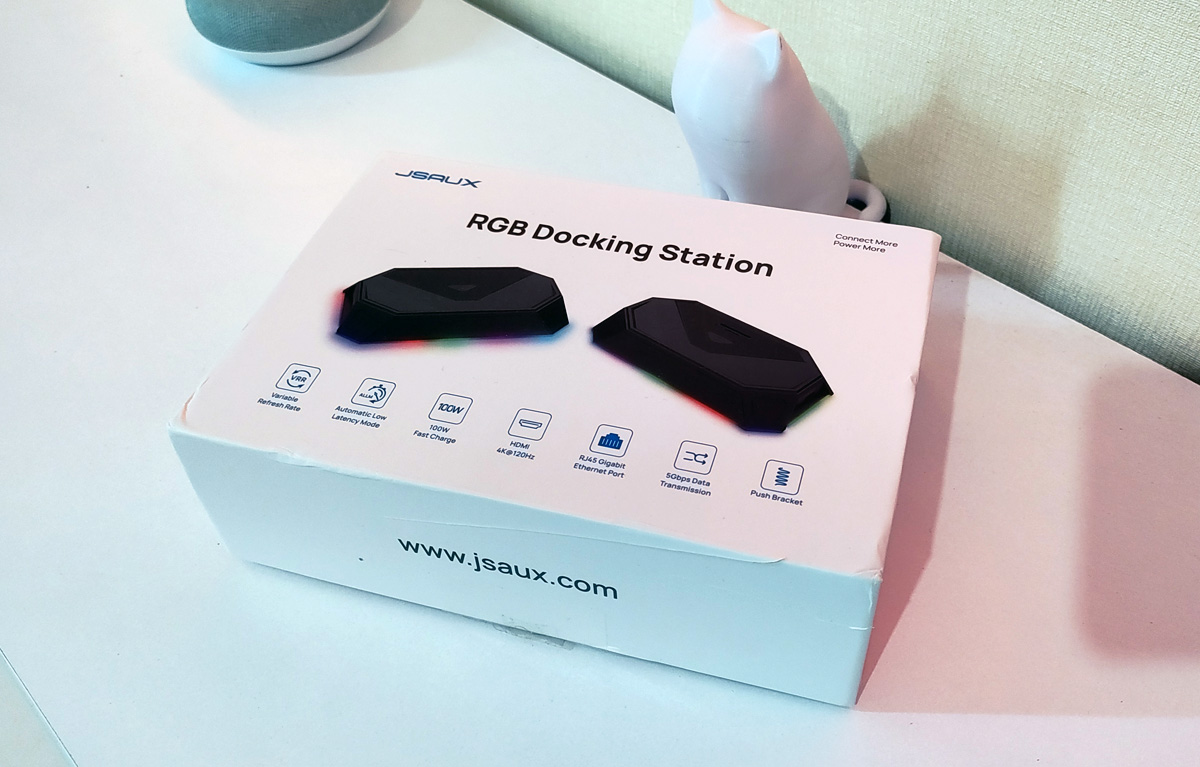
The device comes in a minimalist white box that features an image of the dock along with its key specifications.

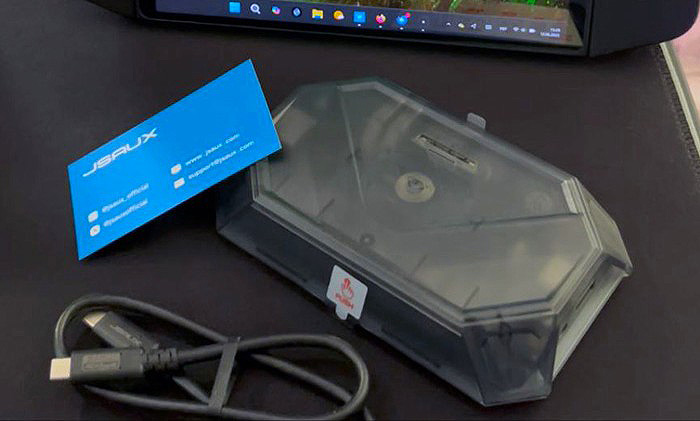
Inside, you’ll find the dock itself, a few decorative stickers (in case you want to add a bit of personality to the look), a user manual, and a USB-C cable.
External appearance
Ports for connecting peripherals are located on the sides, while the top features slots for microSD and SD cards. Next to them is a button to turn the RGB lighting on or off – a nice touch, especially when using the setup in low light.
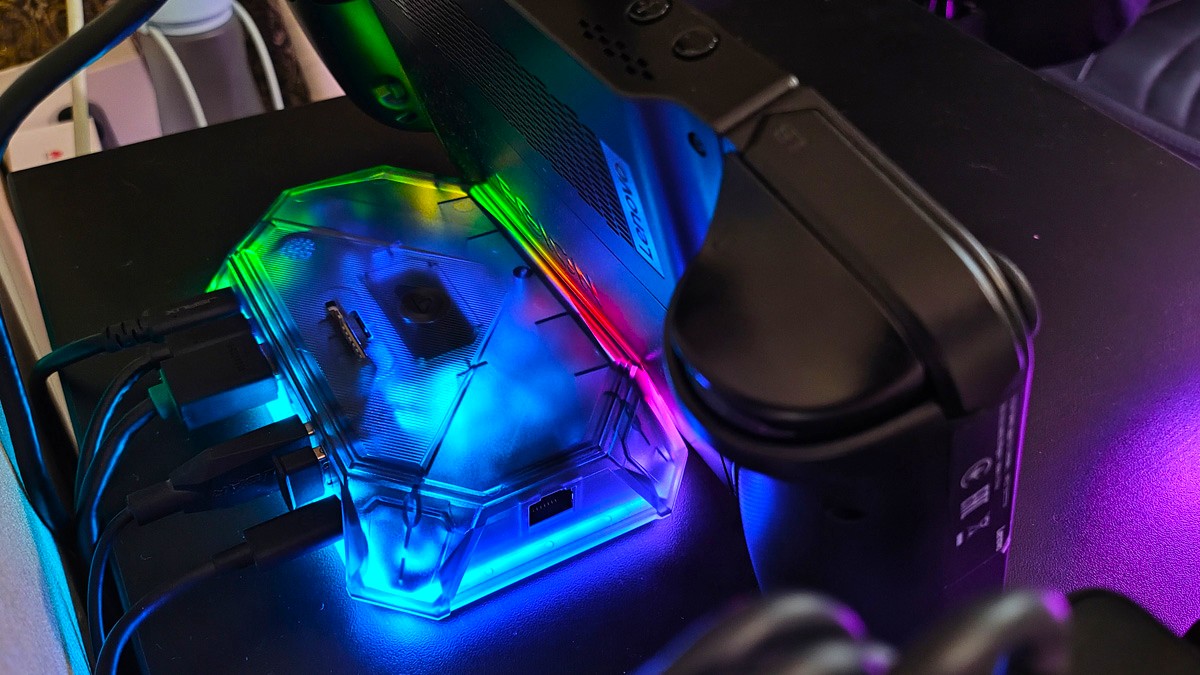
On the front, there’s a built-in stand for holding a console. It’s a small addition, but a genuinely useful one.
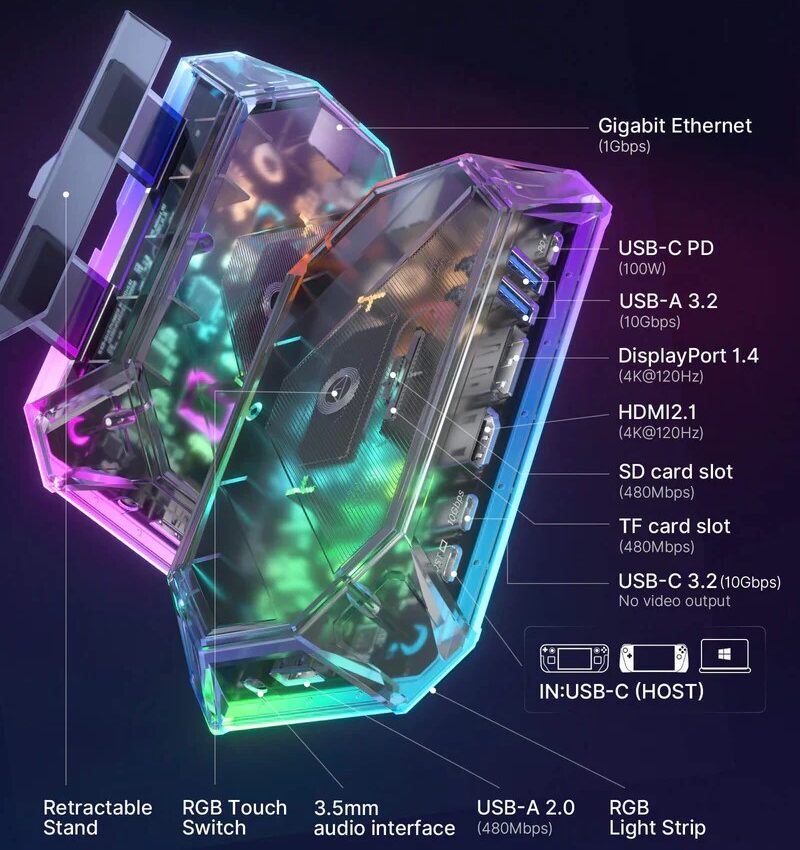
Overall, there’s really nothing to complain about here. It has more than enough ports for most use cases, and the design is well thought out.
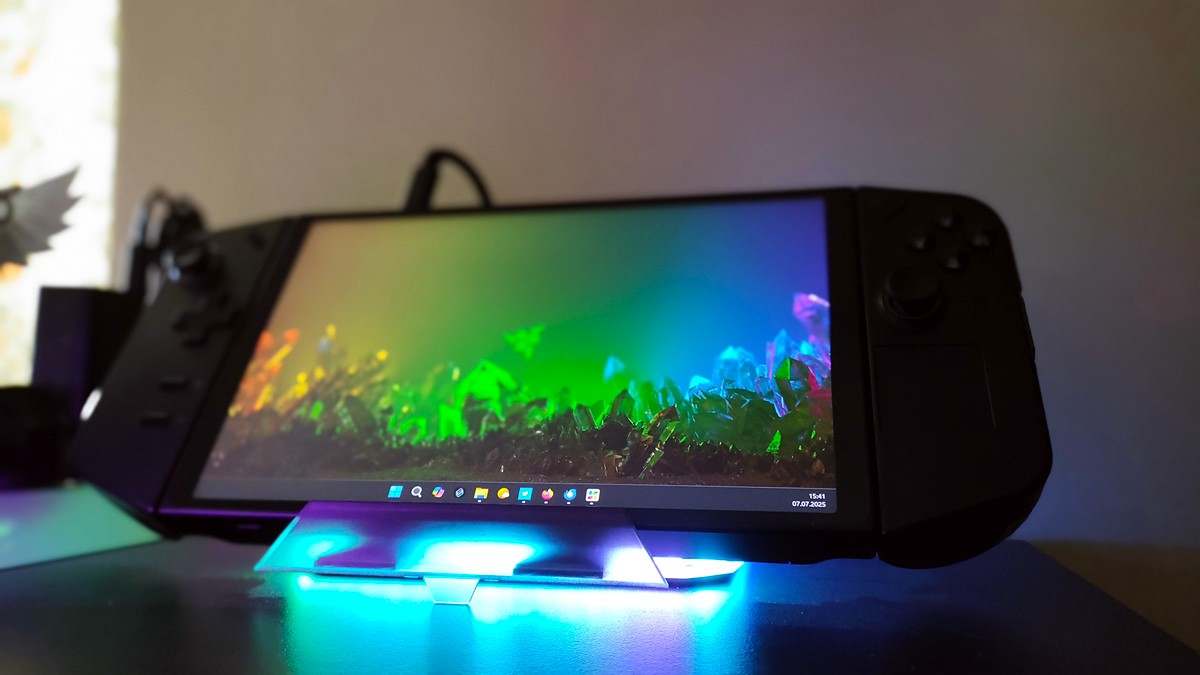
At $83 (at the time of writing), it offers solid value. A strong 5/5 from a practical standpoint.
Read also: Why Motorola makes the most romantic smartphones
6-in-1 Multifunctional Docking Station
Let’s move on. The next device I set up near a small bedroom TV is the 6-in-1 Multifunctional Docking Station – a compact and versatile USB hub. I hook up the Legion Go to it, grab a gamepad, and I’m all set for a Darksiders session. It keeps cable clutter to a minimum and makes gaming feel much more seamless.
Let’s quickly go over the specs, design, and a few other details.
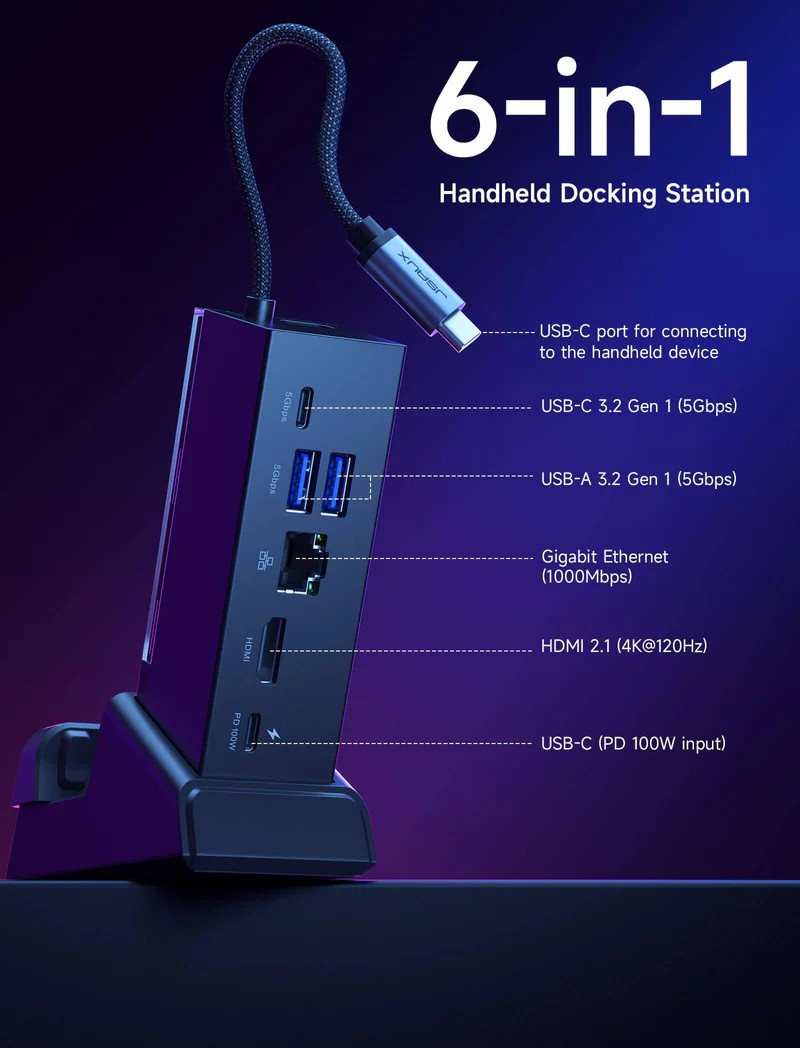
Specifications
- Dimensions: docking station without stand 108x33x31 mm, with stand 125x85x49 mm
- Weight: 179 g
- Material: acrylonitrile butadiene styrene (ABS), polycarbonate (PC) and thermoplastic elastomer (TPE)
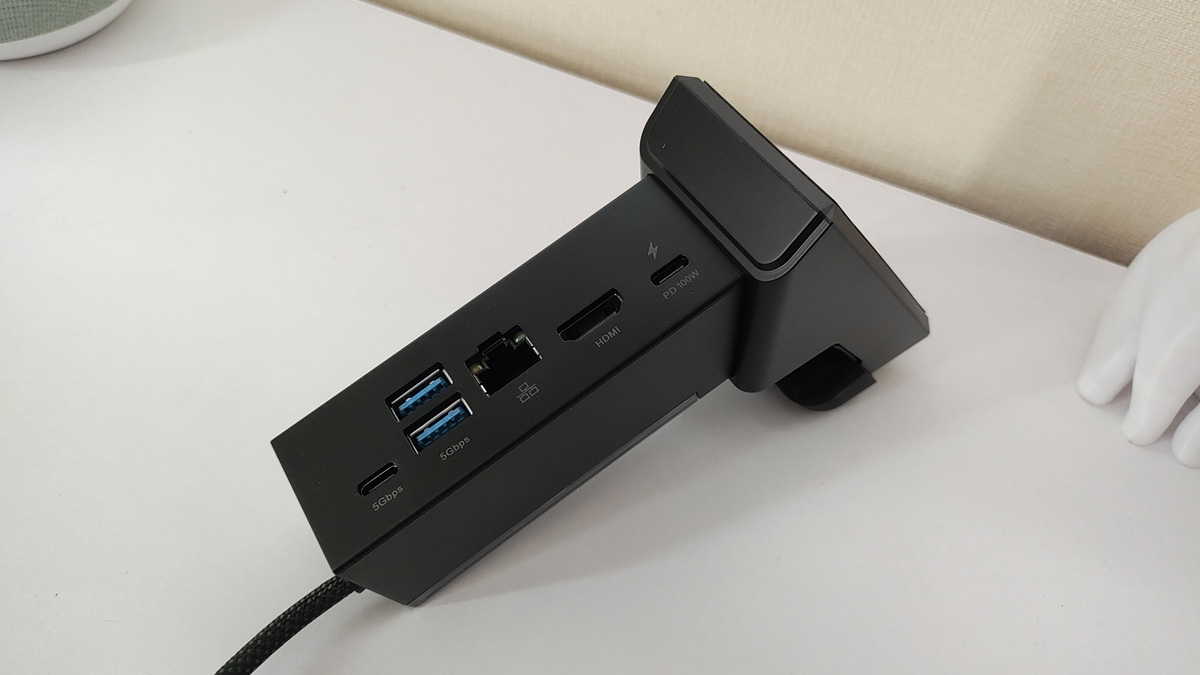
- Ports: HDMI 4K at 120Hz, Gigabit LAN Ethernet, 1xUSB-C PD, 1xUSB-C 3.2 Gen, 2xUSB-A 3.2 Gen 1
- Compatibility: ROG Ally X, ROG Ally, Steam Deck, Legion Go and similar
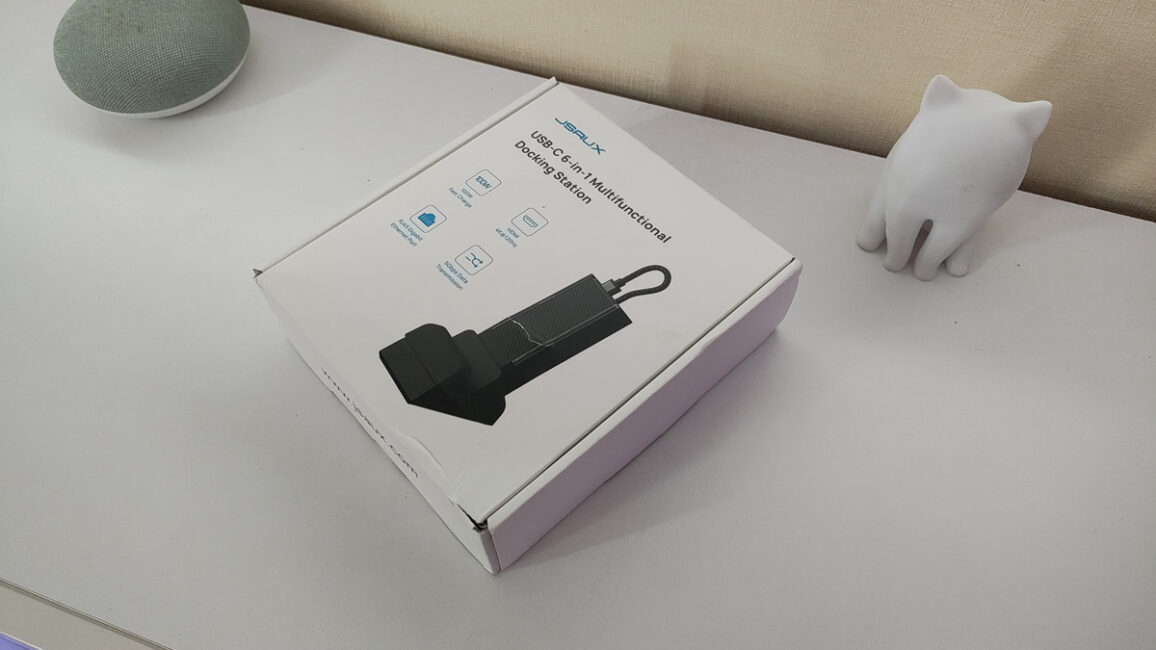
Since all the devices come from the same manufacturer, the packaging is fairly consistent. It’s a compact white box featuring an image of the product and its key specifications – nothing out of the ordinary.
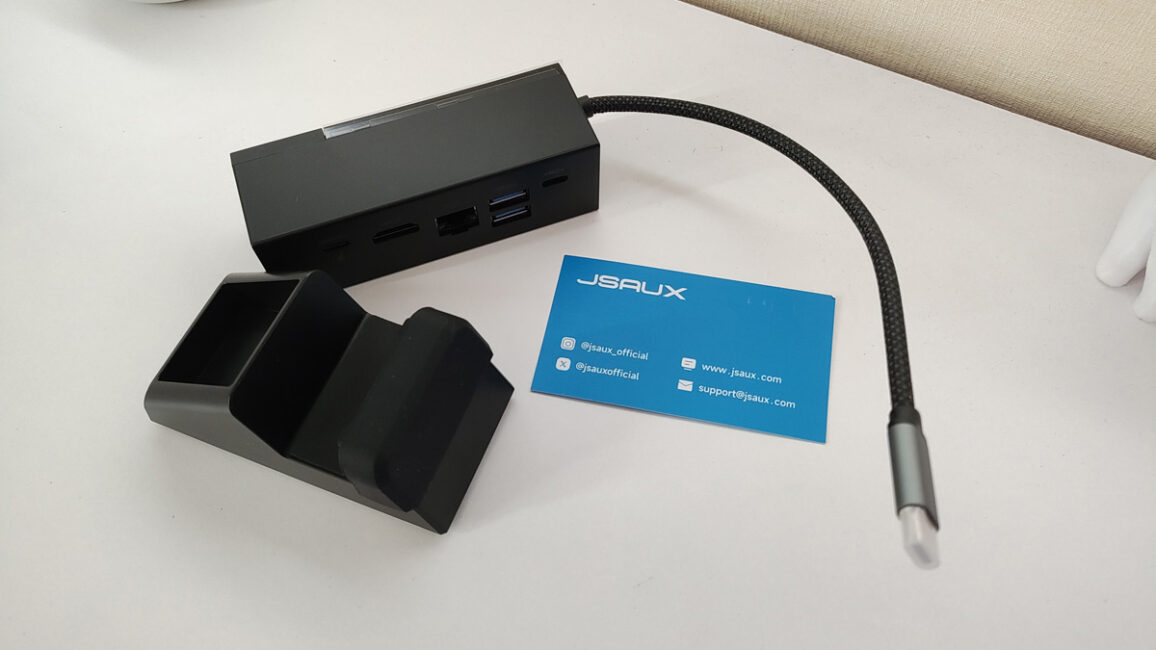
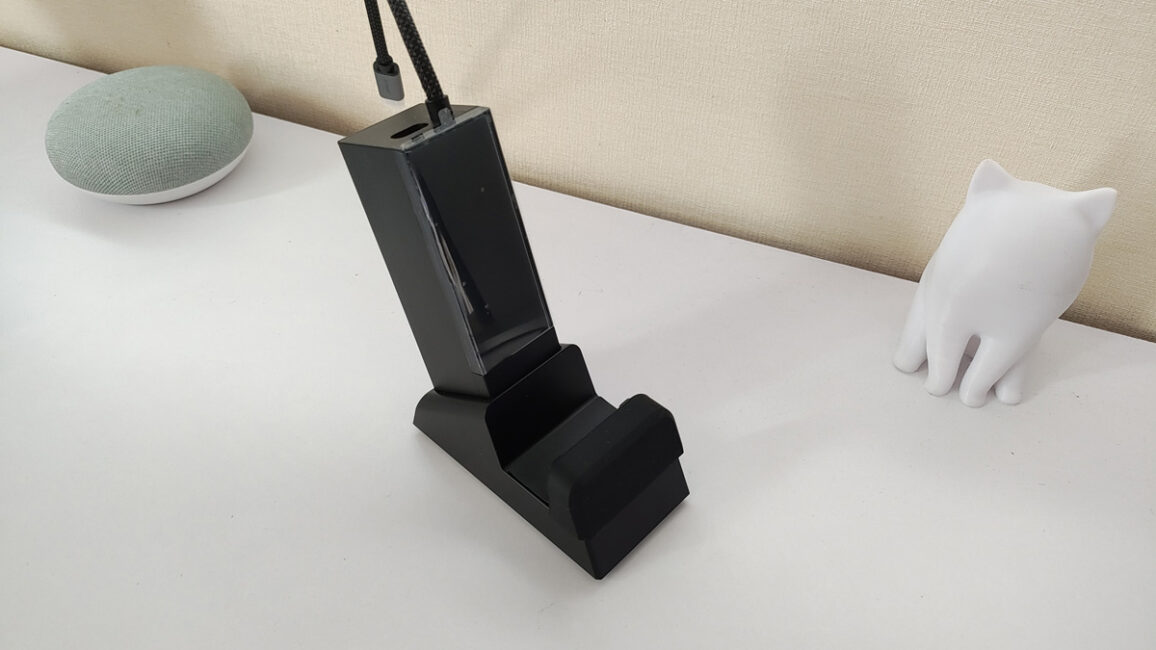
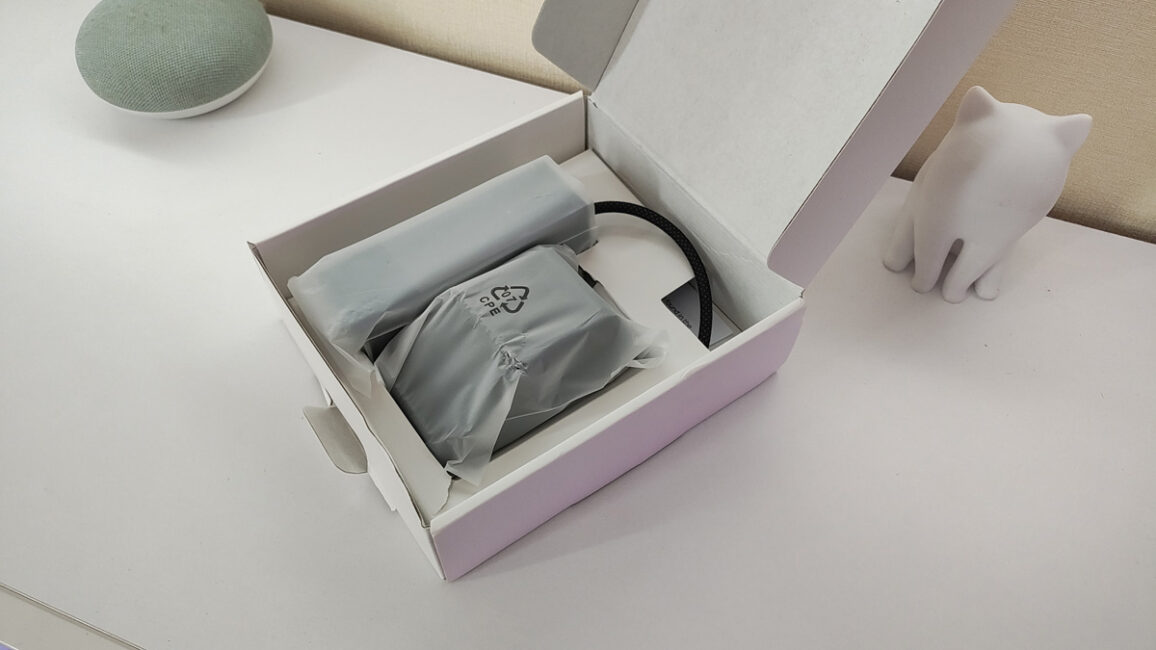
Inside, you’ll find the docking station itself, a stand, a USB-C cable, and, of course, the user manual.
Design
The device is built from durable, high-quality black plastic. It can be used with or without the included stand, which provides a more convenient setup for your console. All the ports are located on the back, while the front features a removable transparent cover. Underneath, there’s a space where you can insert custom cards – whether it’s game characters, superheroes, abstract art, or anything else you like.
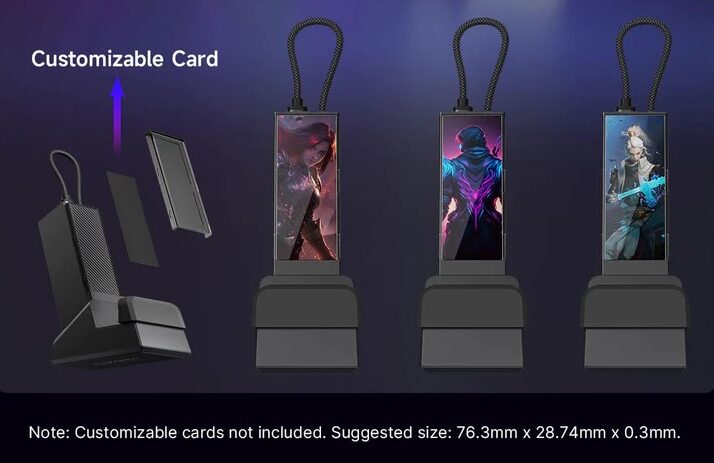
As for day-to-day use, the 6-in-1 Multifunctional Docking Station performs its core functions reliably. It’s simple, efficient, and gets the job done. Based on my experience, I’d have no hesitation recommending it to others.
Читайте також:
- Огляд HATOR Hypergang 3 Wireless: геймерська Hi-Res-гарнітура з ANC
- Огляд ASUS VA259HGA: доступний ігровий Full HD-монітор зі 120 Гц та Eye Care+
Charging Connector for Legion Go Controller
And finally, here’s the standout accessory – the Charging Connector for Legion Go Controller. I saved the best for last, and I think many users will appreciate this one.
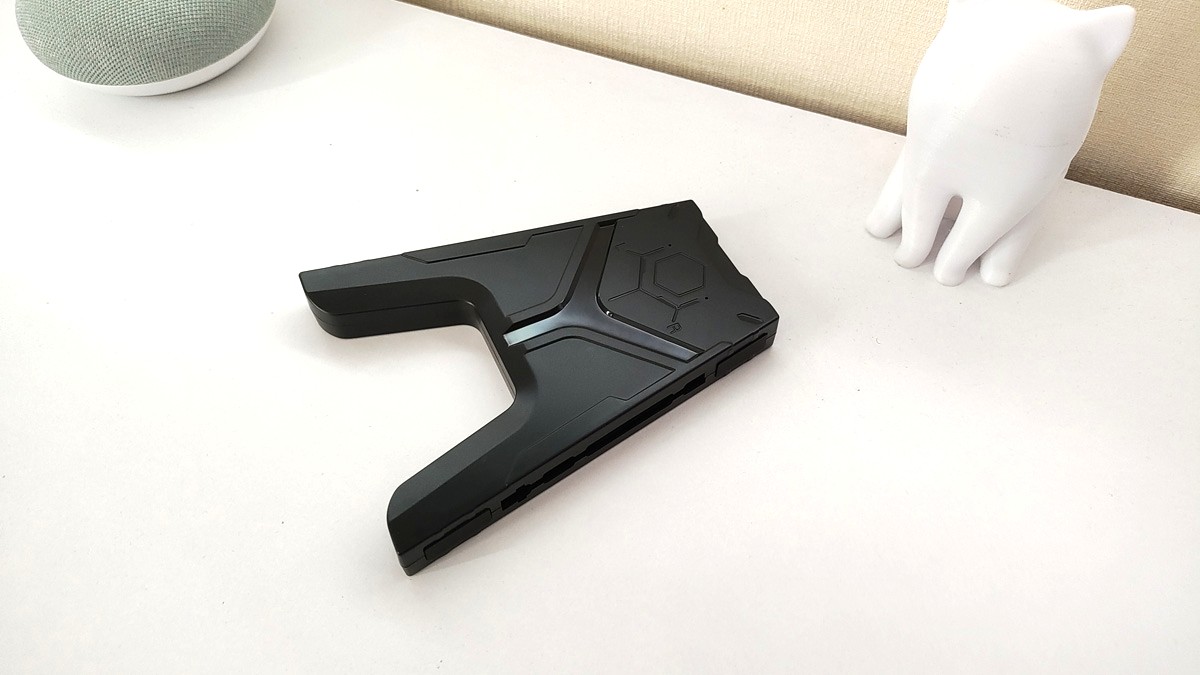
This accessory is designed specifically for Lenovo Legion Go controllers and provides a convenient, no-fuss solution. It allows you to combine the two controllers into a single gamepad while also making charging easier.
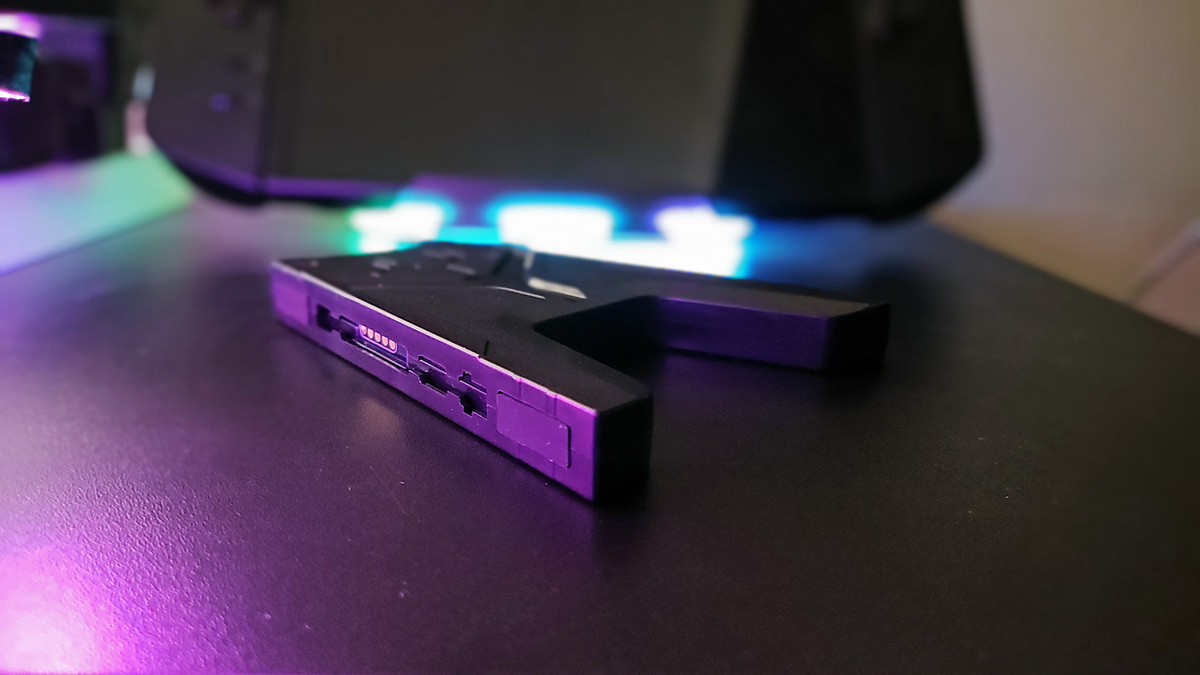
The key advantage is that it charges the controllers directly – no need to connect them to the console. It’s a compact and mobile option that enhances both usability and autonomy.
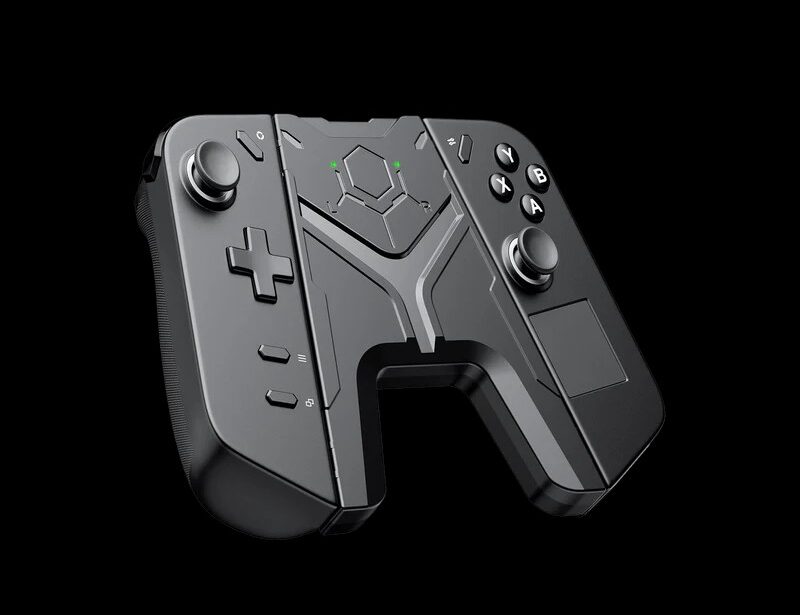
What are the features of the device:
- компактний розмір і невелика вага, завдяки чому зарядний коннектор можна брати з собою куди завгодно
- ідеальна сумісність з консоллю Legion Go (не підійде до інших пристроїв)
- живлення подається через стандартний USB-C (можна підключати до зарядного пристрою для телефону, павербанку тощо).
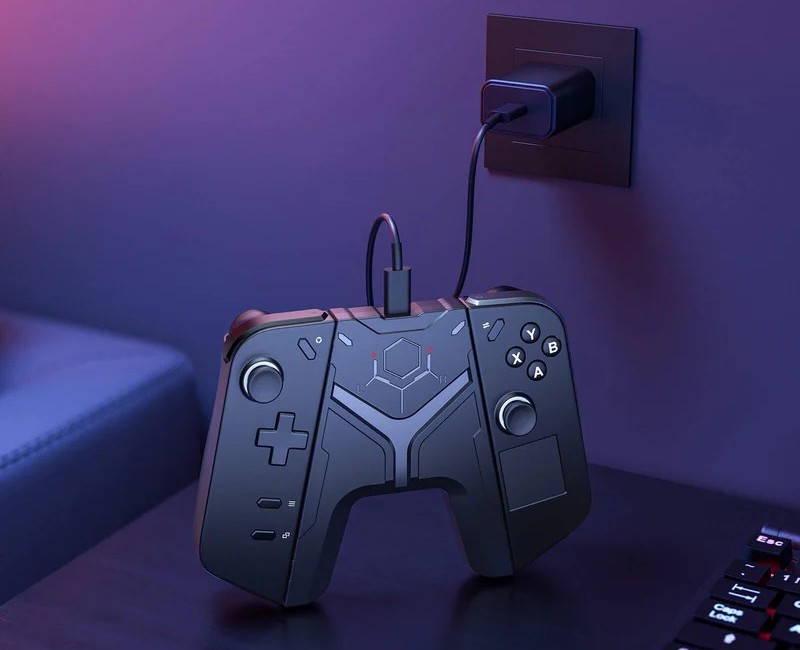
Now that I’m actively using the Charging Connector, I keep catching myself thinking: why didn’t I get this sooner?
Let’s take a look at the characteristics
- Dimensions: 130×105×16 mm
- Weight: 50 g
- Material: plastic
- Ports: USB Type-C
- Compatibility: Lenovo Legion Go.
Package contents
A small white box with a minimalist design and an image of the device instantly gives away that this accessory comes from JSAUX.
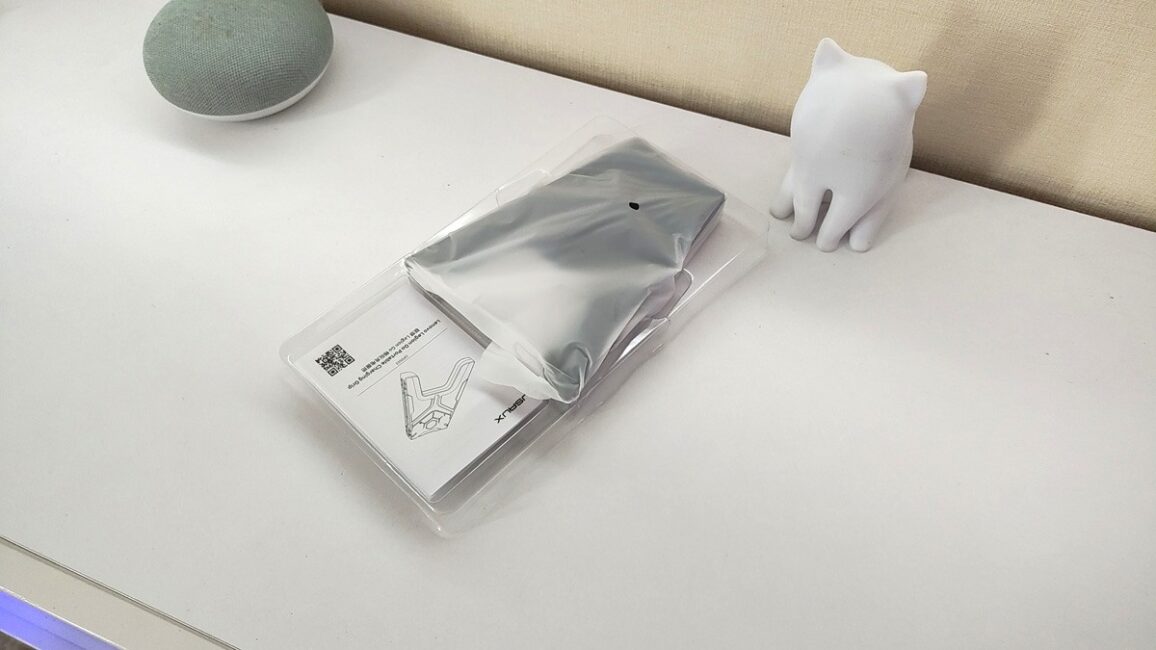
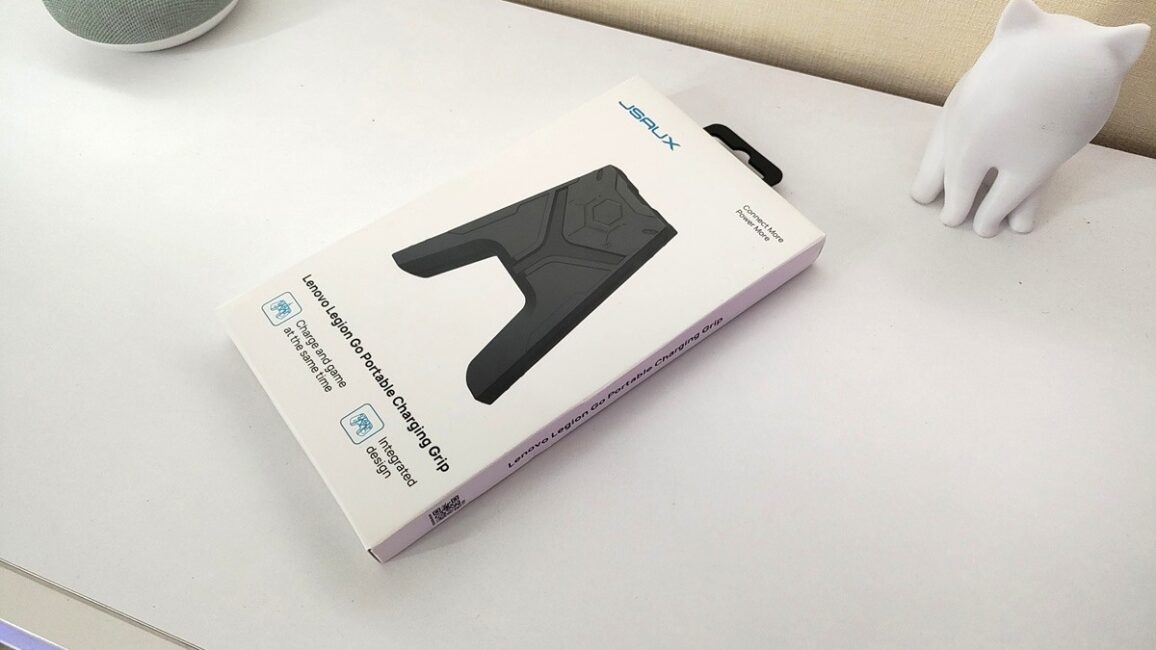
Inside, you’ll find just the device and a quick start guide – nothing more included in the package.
External appearance
The accessory is made of matte plastic and shaped somewhat like the letter “A.” On the front, there are LED indicators that show the charging status:
- a green light means the controller is fully charged and ready to go
- while a red light signals that it’s time to plug in.
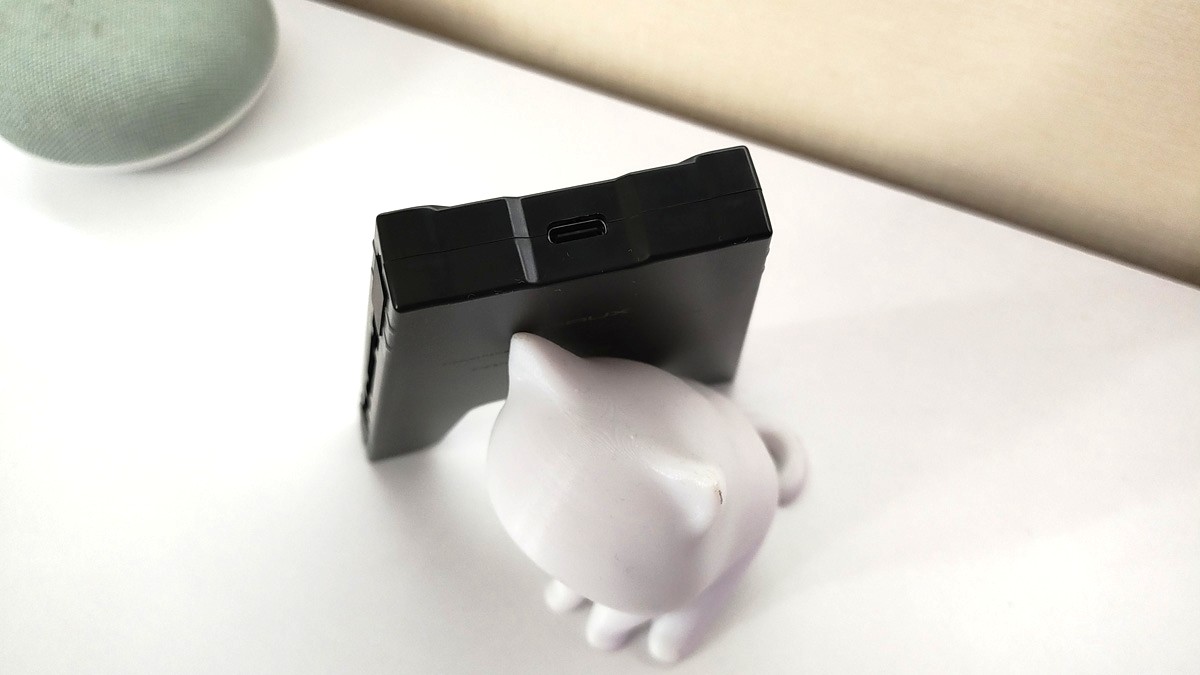
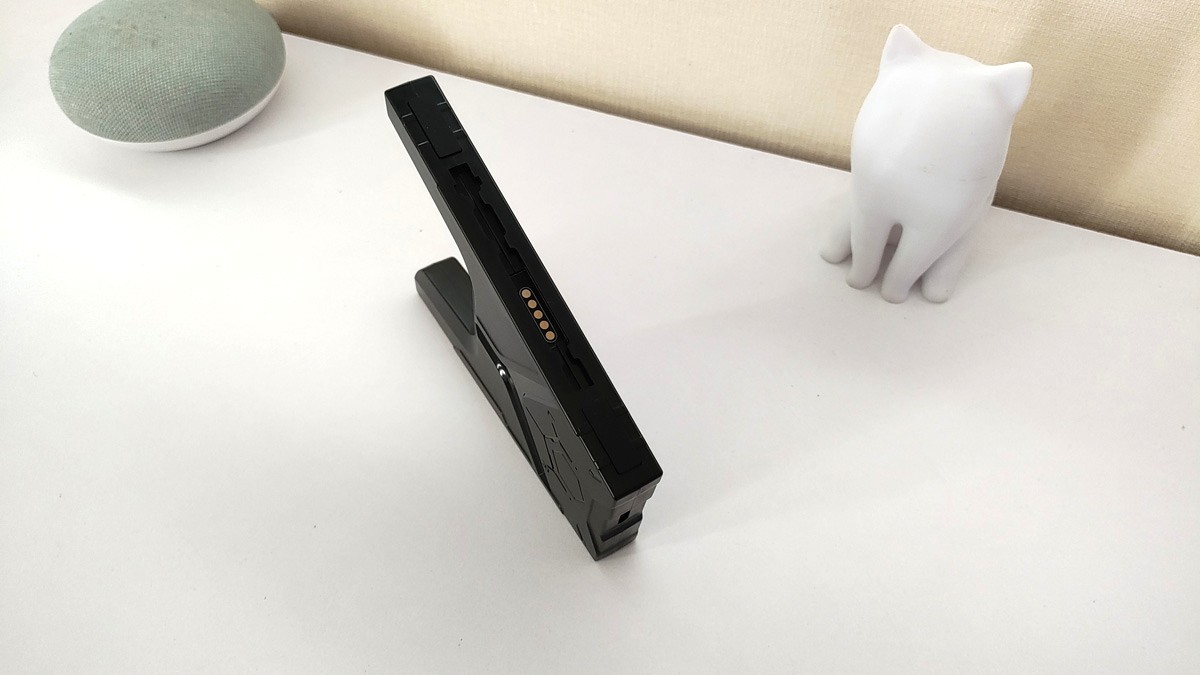

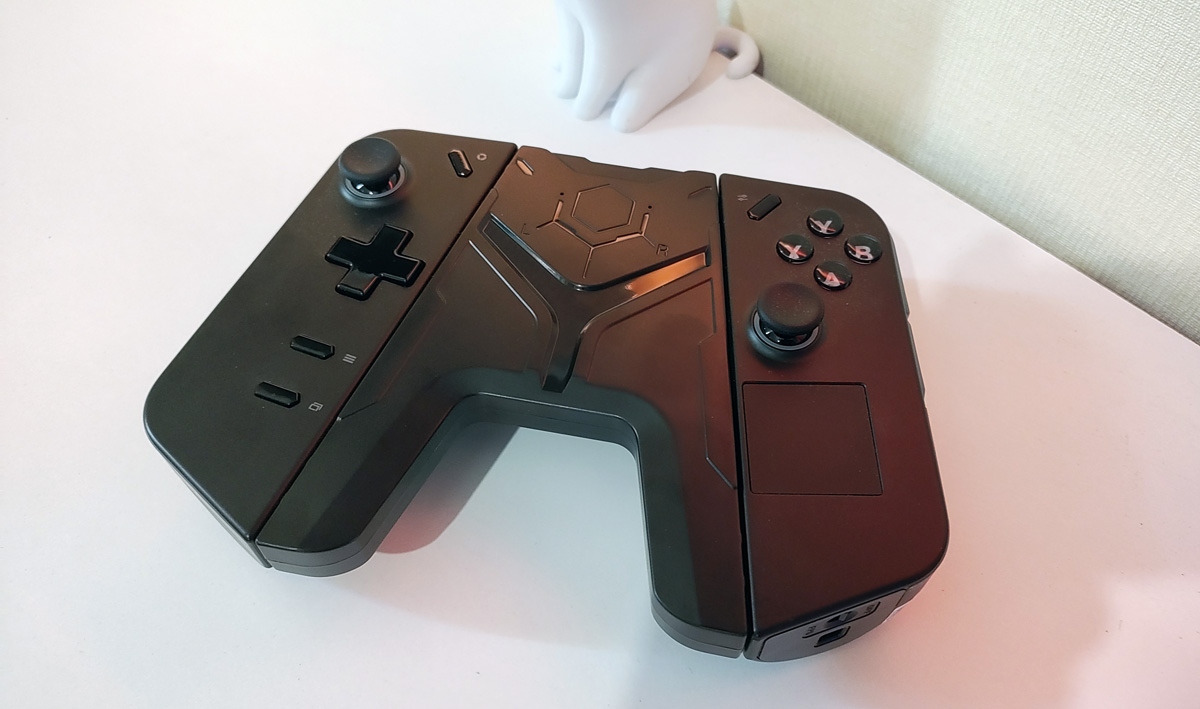

Flip the Charging Connector over and you’ll find a USB port on the top for charging. On the sides, there are connectors for attaching the Legion Go controllers. The controllers slot in easily and securely – everything fits as it should, with no hassle.
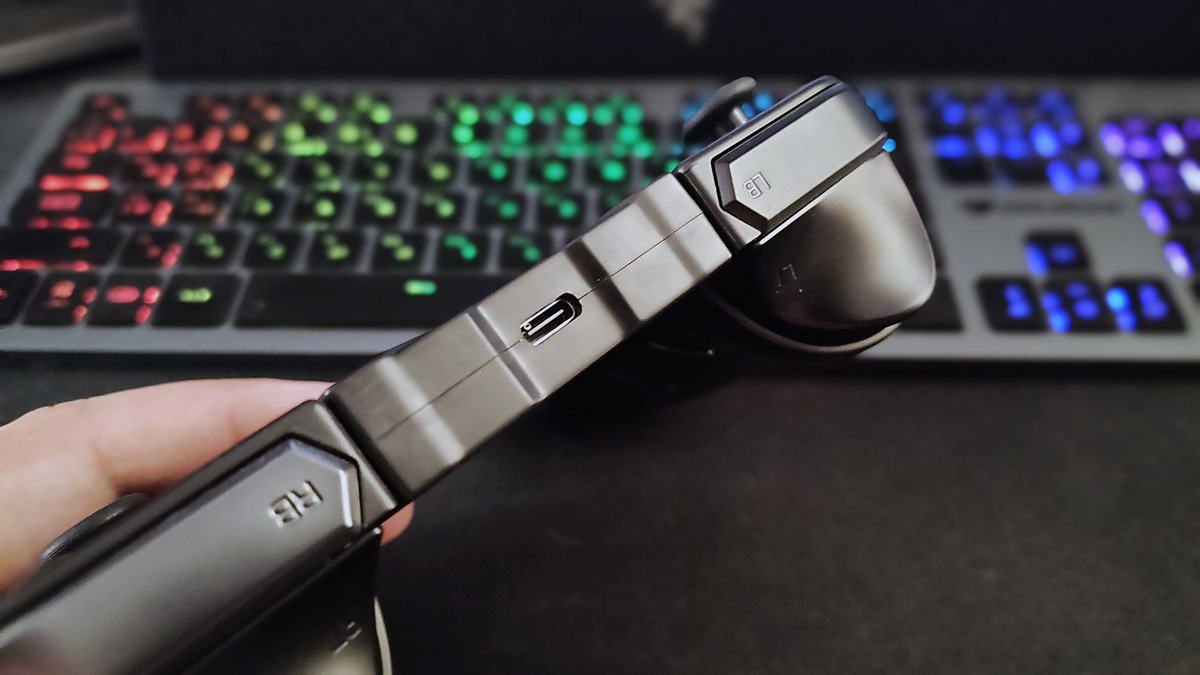
Overall, my verdict on these accessories is clear – they’re worth getting. The brand delivered, and I haven’t once regretted choosing these devices.
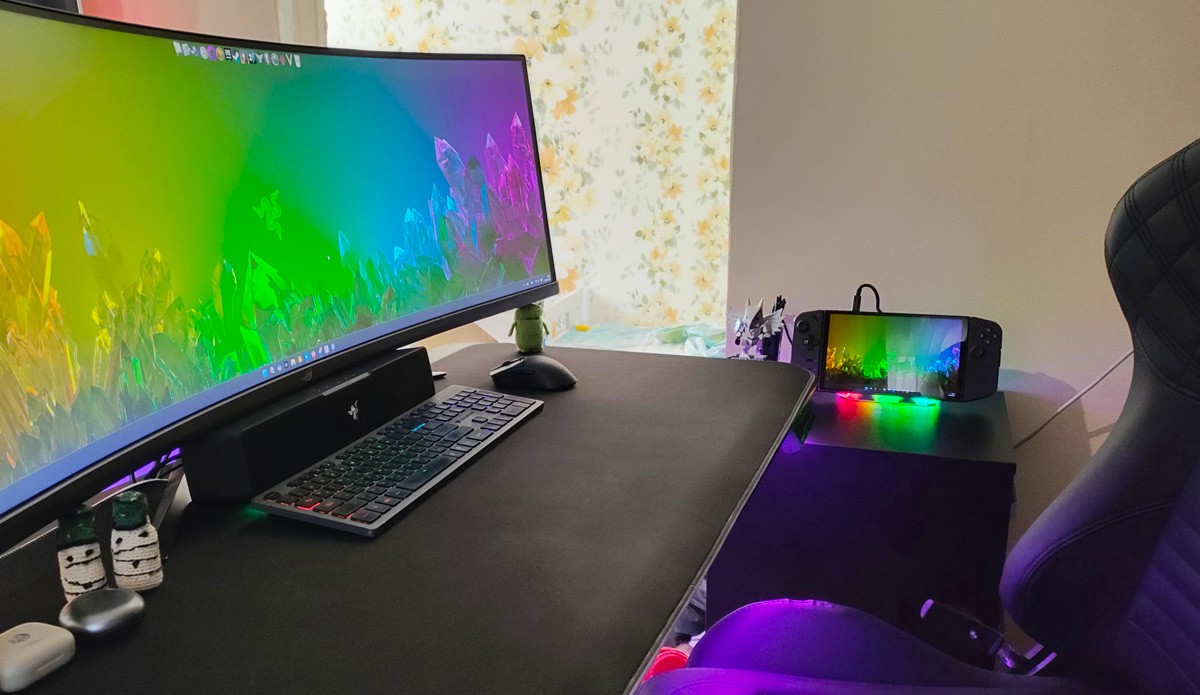
I’m already making full use of them: the RGB Docking Station is set up on my desk, while the 6-in-1 Multifunctional Docking Station and Charging Connector sit next to the TV, ready for gaming sessions. These accessories are a solid, even essential, addition to a portable console. If you’re looking for something like this, I’d recommend them – you likely won’t be disappointed.
Read also:
- How useful the RTX 5070 Ti REALLY is?
- DLSS vs FSR: It’s Actually Quite Simple
- Online Safety: How to Protect Your Data – Even When You Let Your Guard Down
Where to buy
- RGB Docking Station
- 6-in-1 Multifunctional Docking Station
- Charging Connector for Legion Go Controller

