© ROOT-NATION.com - Use of content is permitted with a backlink.
This year, Samsung decided to split its flagship foldable lineup and introduced two different models. Vladyslav Surkov recently shared his thoughts on the compact Galaxy Fold8, while I’m ready to share my impressions of the Fold8 Ultra, which is a logical continuation of last year’s Fold7. The new model is even more refined, shaving 0.1 mm off the body thickness, while also getting upgraded hardware and software. The battery capacity has increased to 5,000 mAh, and the ultrawide camera has been upgraded from 12 MP to 50 MP. The price, however, has gone up as well. Overall, there is not much point in comparing the two generations, as there are not that many differences between them. But the Galaxy Fold8 Ultra is the first “Fold” to land in my hands for review, so I’ll be sharing my overall impressions and discussing the nuances I encountered after using it for several weeks.
Read also: Foldable smartphone reviews
TABLE OF CONTENTS:
Samsung Galaxy Fold8 Ultra Specifications
- Form factor: foldable, book-style smartphone
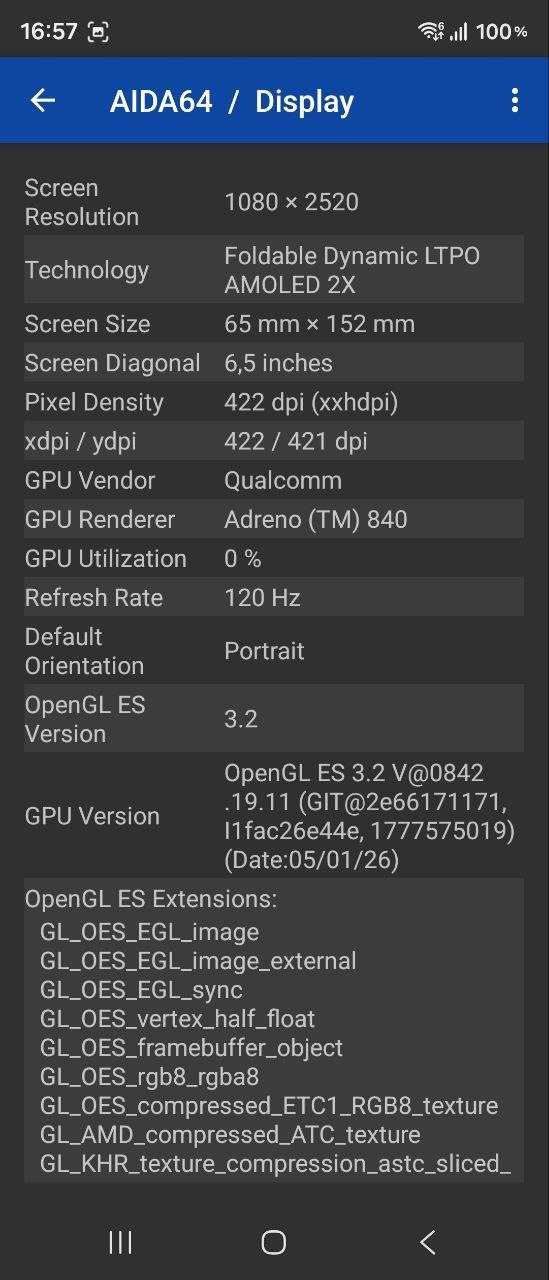
- Displays: main (inner) – Dynamic AMOLED 2X, 8″, QXGA+ (2504×2256), 421 ppi, refresh rate up to 120 Hz, HDR10+, Gorilla Glass Victus 2; secondary (outer) – Dynamic AMOLED 2X, 6.5″, FHD+ (2520×1080), 421 ppi, refresh rate up to 120 Hz, Gorilla Glass Ceramic 3
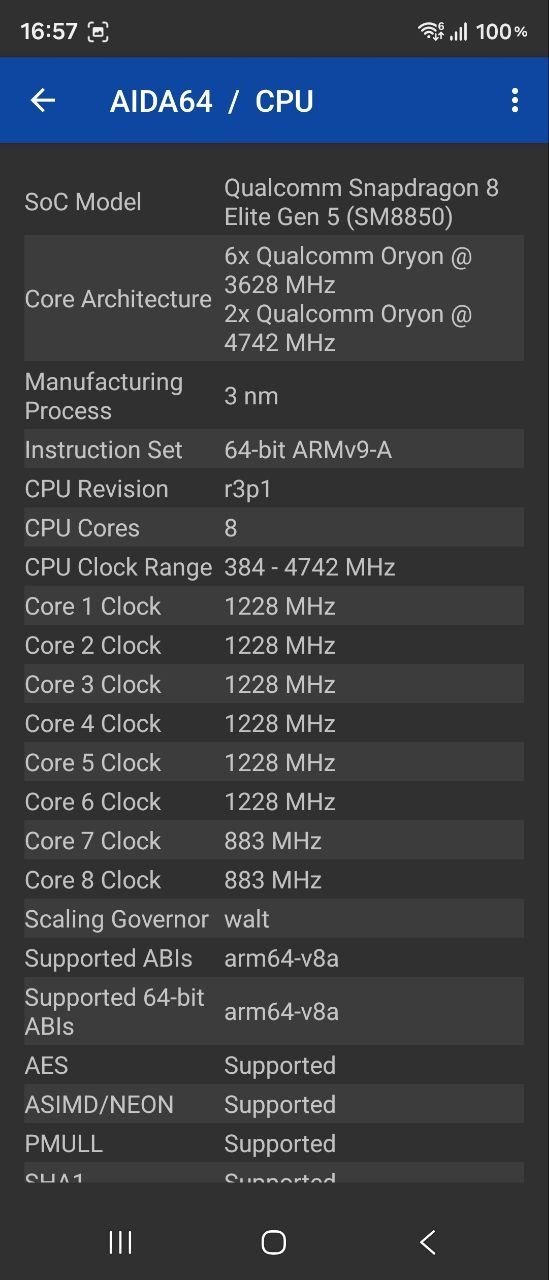
- Processor: Snapdragon 8 Elite Gen 5, 8 cores (2× Oryon Phoenix L at 4.7 GHz + 6× Oryon Phoenix M at 3.6 GHz), 3 nm
- GPU: Adreno 840
- RAM: 12 GB, LPDDR5X
- Storage: 256 GB, UFS 4.0
- Memory card support: none
- SIM slot: single, nano-SIM (eSIM supported)
- Wireless technologies: Wi-Fi 7, Bluetooth 6.0, NFC, GPS, BeiDou, Galileo, QZSS, 5G
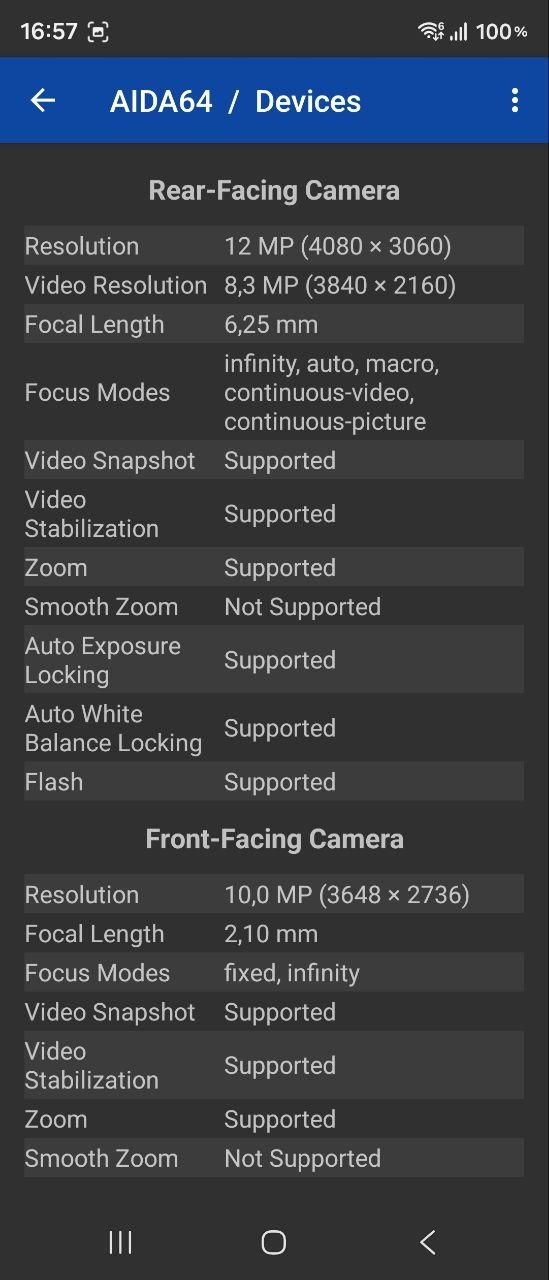
- Main camera: wide-angle – 200 MP, f/1.7; ultrawide – 50 MP, f/1.9, 123°; telephoto – 10 MP, f/2.4
- Front cameras: 2 modules (outer and inner), 10 MP each, f/2.2, 100°
- Battery: 5,000 mAh, Samsung Super Fast Charging 45 W, Qi2 wireless charging 20 W, 4.5 W reverse wireless charging
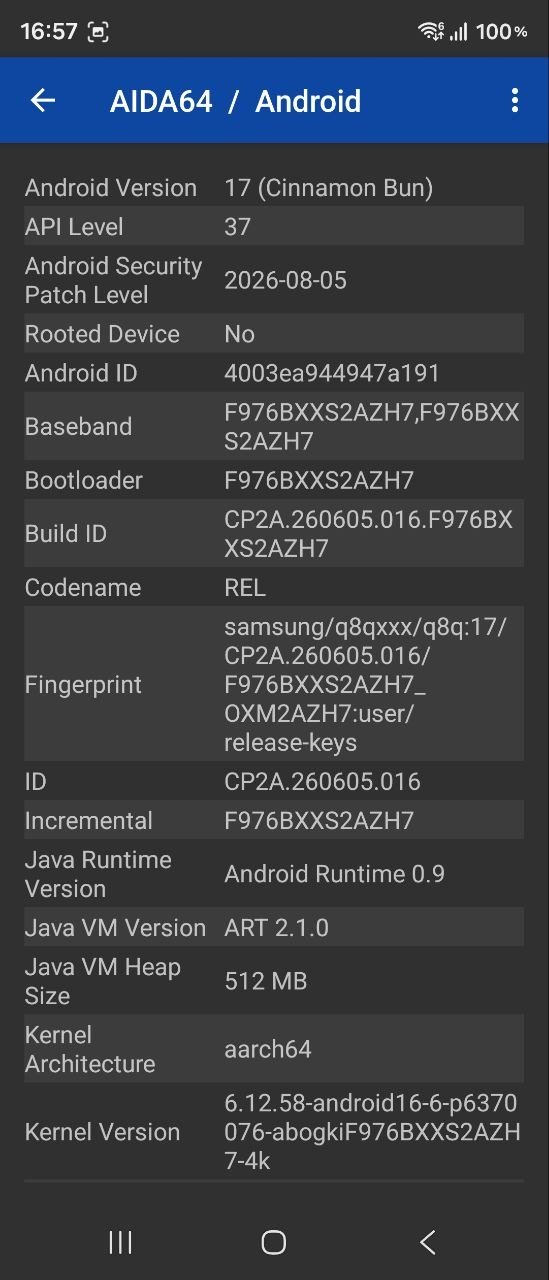
- Operating system: Android 17 with One UI 9
- SIM: 1 nano-SIM + eSIM support
- Body materials: Armor Aluminum, Gorilla Glass
- Protection: IP48
- Dimensions: unfolded – 158.4×143.2×4.1 mm; folded – 158.4×72.8×8.9 mm
- Weight: 215 g
- Additional features: updated hinge mechanism, side-mounted fingerprint scanner, stereo speakers, new AI features
Price and Positioning

The Samsung Galaxy Fold8 Ultra is effectively the South Korean company’s most expensive device and one of the priciest smartphones on the market. The entry-level version (12/256 GB) currently costs $2,035 or €1,755 – the same price as the Galaxy Fold7 in its top-end 16 GB/1 TB configuration at launch. So the price increase is obvious, and it could influence some potential buyers’ decision to upgrade to Samsung’s latest foldable. What exactly do we get for that kind of money?
Design, Materials, and Layout
We are dealing with a foldable flagship that, broadly speaking, offers two modes of interaction: like a fairly conventional smartphone when folded and like a tablet when unfolded. In its compact form, the device measures 158.4×72.8×8.9 mm and features a 6.5-inch display with a 21:9 aspect ratio. Unfolded, it measures 158.4×143.2×4.1 mm and has an 8-inch display with an almost square 10:9 aspect ratio.


The Fold8 Ultra weighs 215 g, which is not much more than the average smartphone. Yet for some reason, everyone online seems to say that this is a lot and that the “feel just isn’t the same.” I don’t agree with that assessment. For example, my S23 FE weighs 209 g, and I can barely tell the difference. By the way, the review unit comes in a deep graphite-purple color – it looks elegant and beautiful. For those who prefer more classic options, there are also dark gray and milky white versions.

The body combines Armor Aluminum with Gorilla Glass for protection – the inner display uses Victus 2, while the outer display is protected by Ceramic 3. Samsung also notes that a dual layer of titanium reinforcement is built into the device to strengthen the structure and display. This is intended to give users greater confidence when using the phone unfolded. But honestly, at the beginning of testing, I was a little nervous about holding the phone unfolded because it is incredibly thin. And it costs a lot. =)
As for dust and water resistance, the device is rated IP48. In other words, it offers practically the highest level of protection against moisture, while dust protection is more basic due to the nature of the design. Perhaps in future generations, Samsung will find a way to give its foldables maximum protection against both water and dust.

So, shall we take a look at the Galaxy Fold8 Ultra from all angles? Let’s start with the “front.” The front panel is dominated by a display with almost square corners, with only minimal rounding compared with many modern smartphones. The bezels are thin (literally just a few millimeters, to the naked eye) and uniform. The front-facing camera is housed in a punch-hole cutout, while a barely noticeable opening for the earpiece speaker is tucked into the seam between the display and the body at the top.

The back is otherwise completely clean, with only the main camera module mounted on a raised “pedestal,” with the flash positioned beside it. It has Samsung’s familiar three-in-a-row layout, but the module is quite substantial and protrudes well above the body, as the 4.1 mm thickness simply does not leave enough room to recess the cameras any deeper. As a result, the phone rests at an angle on a flat surface and wobbles. A case will probably help offset this.

On the left side, when folded, we can see the outer part of the updated Armor FlexHinge with a neat logo. On the right, along the lower section (so they remain easily accessible in both folded and unfolded modes), are the volume controls and the power button with an integrated fingerprint scanner.


On top, there is the SIM slot, one of the main speakers, and several microphone openings. At the bottom, we find another multimedia speaker, a USB Type-C port, and additional microphone openings. By the way, you can see that the two halves of the phone fit together quite tightly and evenly, with virtually no gap between them.


We unfold our Fold8 Ultra and see a large display with uniform bezels and minimal rounding at the corners. An additional front-facing camera sits in a punch-hole cutout in the upper-right corner, while the hinge components are visible along the top and bottom. Is there a crease in the middle? Yes, there is. But it is only noticeable when the display is turned off or barely perceptible to the touch during active swiping. In everyday use, it does not get in the way at all, whether you are reading text or watching videos.

Samsung Galaxy Fold8 Ultra Ergonomics
When folded, you are unlikely to notice much difference in the way you interact with the Fold8 Ultra if you have always used conventional slab smartphones. In most cases, the lower third of the outer display is within easy reach for one-handed use, which is more than enough for tasks such as navigating through various menus or typing quick replies in messengers. The fingerprint scanner is also positioned well, right in the middle of the smartphone, so you do not need to shift your grip to use it.

But in all other situations, from opening the “foldable” to using it to its full potential, you need both hands. Let’s start with the basics – unfolding the device. I don’t know how this process worked in previous generations, but with the Galaxy Fold8 Ultra, we get a fairly smooth yet springy mechanism that makes it easy to unfold the smartphone and lock it at almost any angle you need.

Once you unfold it, you get an ultra-thin 8-inch tablet that can fit a huge amount of information on the screen. This could mean working with several apps at once, reading articles or books, watching videos, or pretty much anything else. But at first, if, like me, you are using a Fold-series device for the first time, holding it can feel a little intimidating. For one thing, it is quite large, and for another, it is very, very thin – so thin that it takes some time to get used to the idea that a device with top-tier specifications can fit into such an elegant body. You also need to find the optimal grip when you first start using it, so that you do not block anything with your hands or touch the outer display too much and leave “fingerprints” on it. I think using a case would give you a greater sense of confidence and make it easier to find a secure grip. But eventually, you get used to the smartphone even without a case, and you can confidently unfold the Fold8 Ultra and hold it comfortably in your hands.
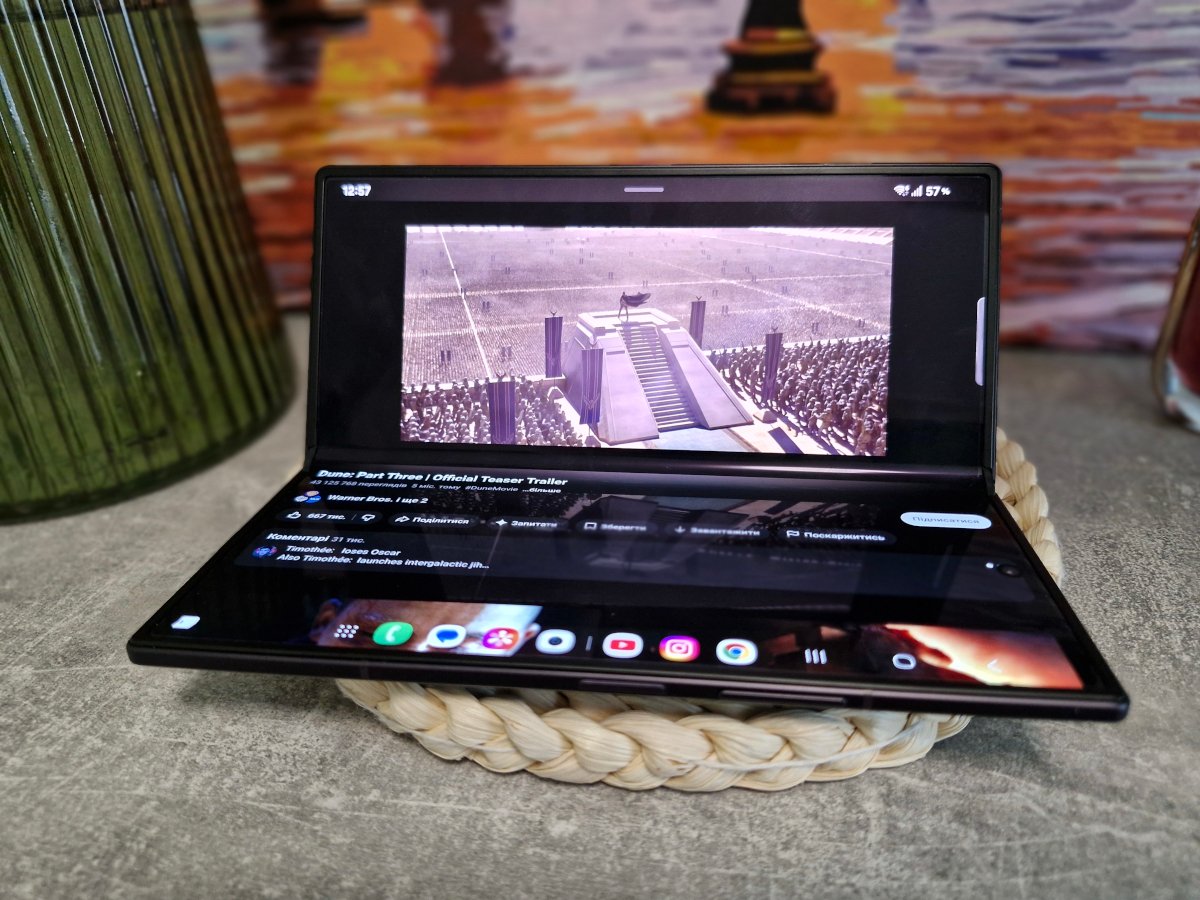
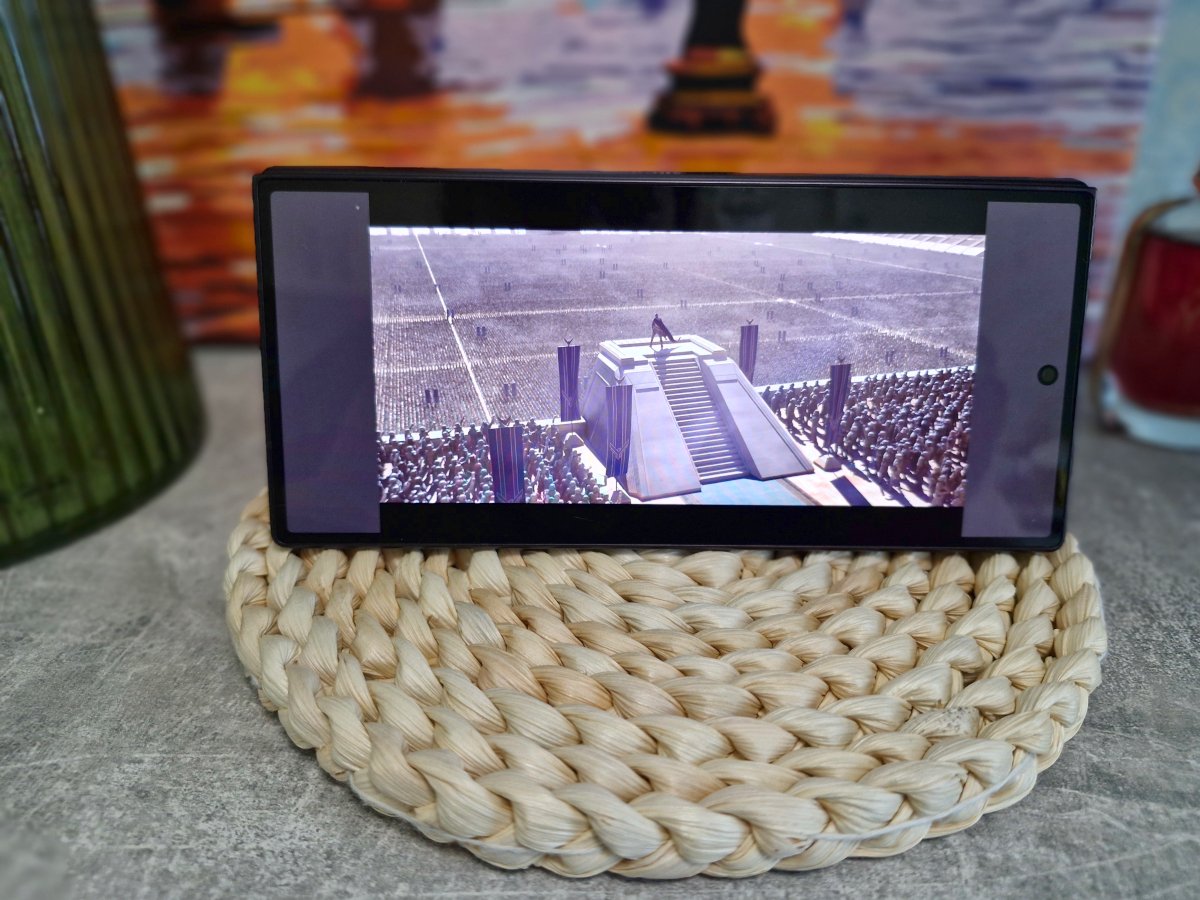
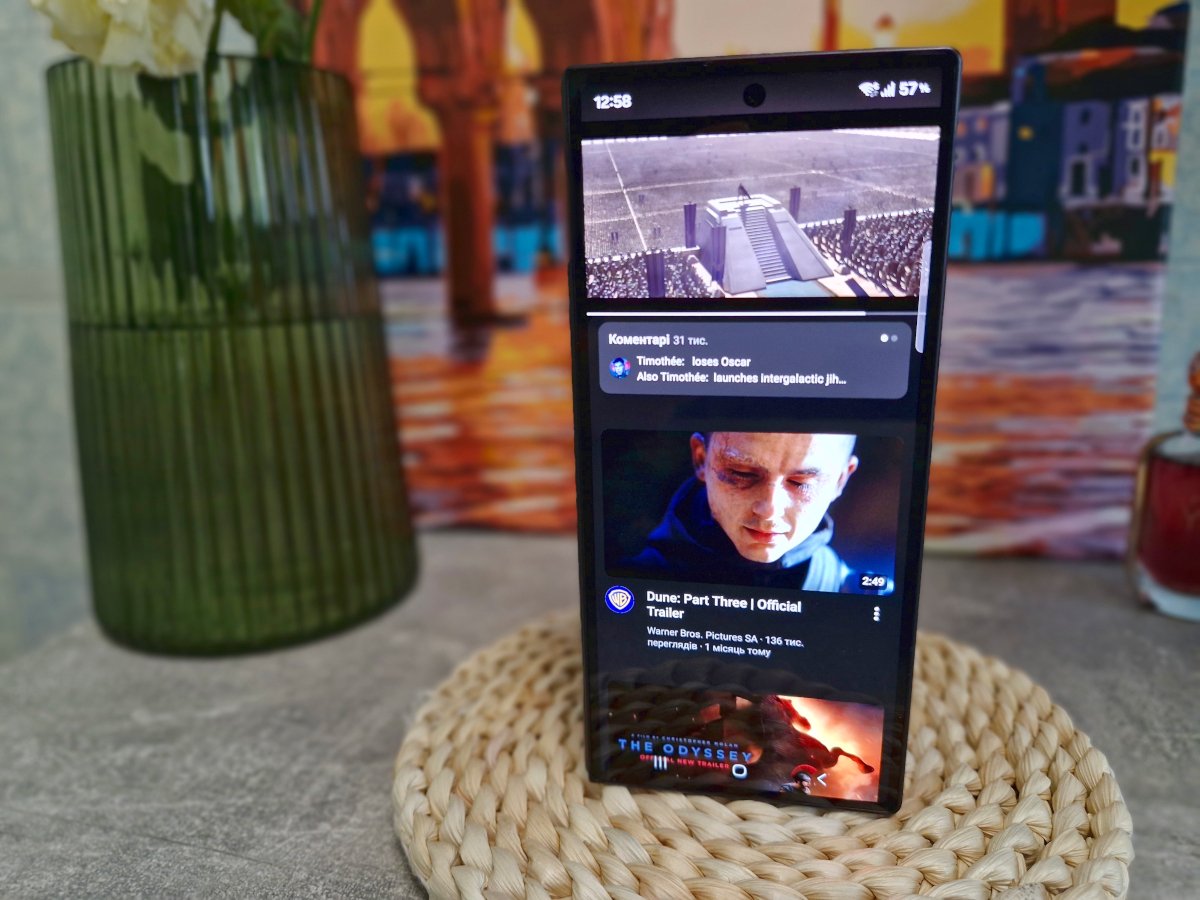
The foldable form factor opens up additional possibilities for using the smartphone. For example, there are at least several ways to prop the device up on, say, a table without using a stand. You can fold it like a “laptop” if you want to play a video in the background without having to hold it in your hands. Or you can set it up in a “tent” position to use the outer display in landscape orientation. There is also a vertical setup – for example, you can position it this way for taking photos (essentially turning it into a tripod, albeit with only one viewing angle) or for keeping an eye on important notifications on the active outer display while you work.
And, of course, we should not forget about Samsung DeX support – the Galaxy Fold8 Ultra can easily connect to an external monitor and peripherals, allowing you to use the smartphone’s processing power much like a PC. What you do not get here, however, is support for the S Pen stylus, just as with the previous Fold7. This will probably be a disappointing decision for some users, but creating a device this thin inevitably requires some compromises.

Displays
In both cases – that is, on the outer and inner displays – we get top-tier Dynamic AMOLED 2X panels with a pixel density of 421 ppi and a dynamic refresh rate of up to 120 Hz. The main differences are essentially the size (and, accordingly, the resolution) and the protective glass: the inner display is 8 inches with Gorilla Glass Victus 2 and an anti-reflective coating, while the outer display measures 6.5 inches and uses Gorilla Glass Ceramic 3.

I see little point in talking about viewing angles, depth, or contrast with “true blacks” – we are dealing with some of the best panels on the market, so there is no need to go deep into the display’s settings and features. Naturally, everything you could possibly want is supported here, along with plenty of options for customizing the image. I’ll focus more on the overall experience. And, to get ahead of myself, I’ll say that my impressions are entirely positive.
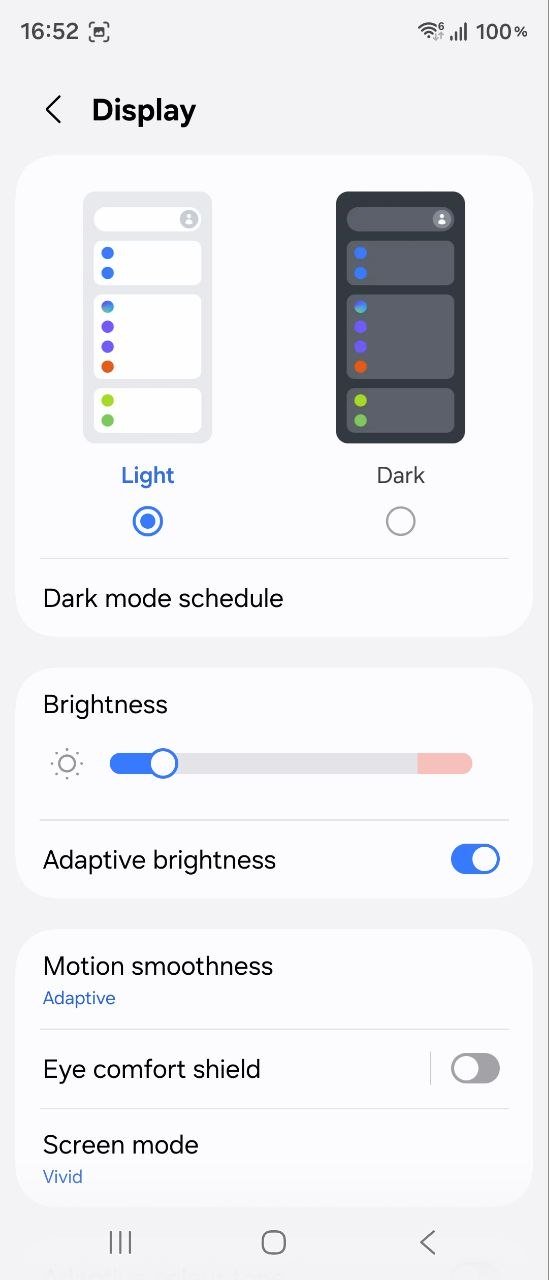
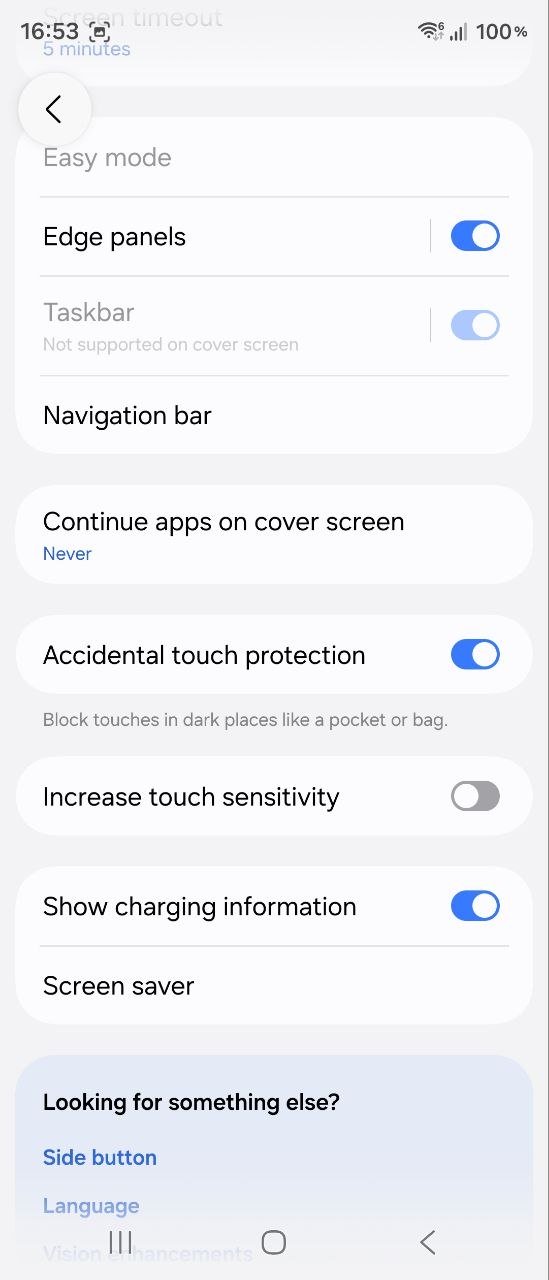
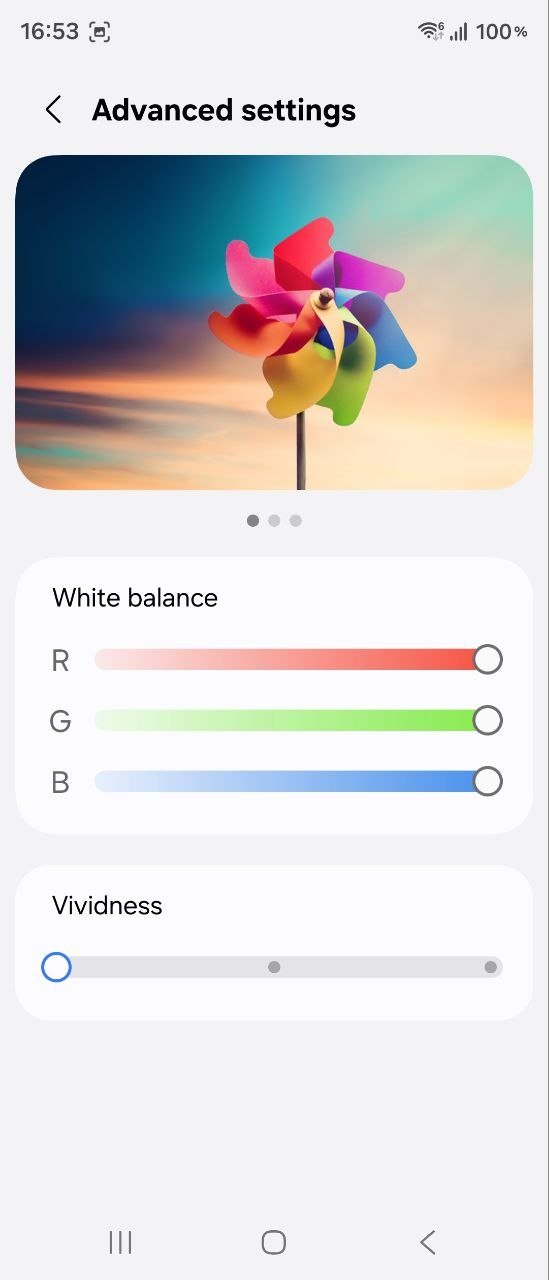
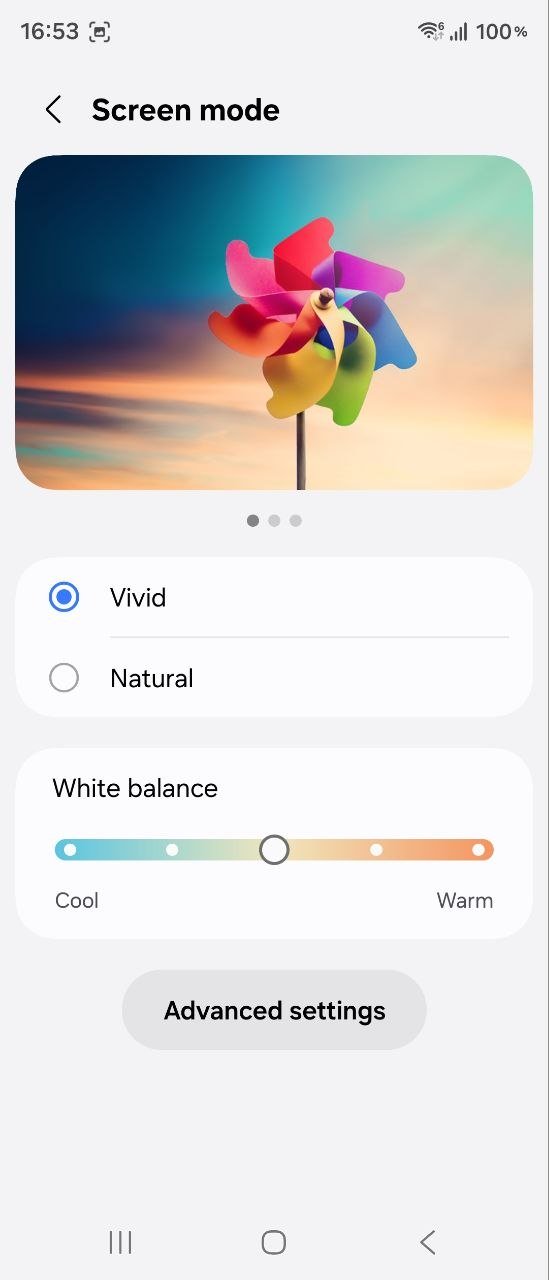
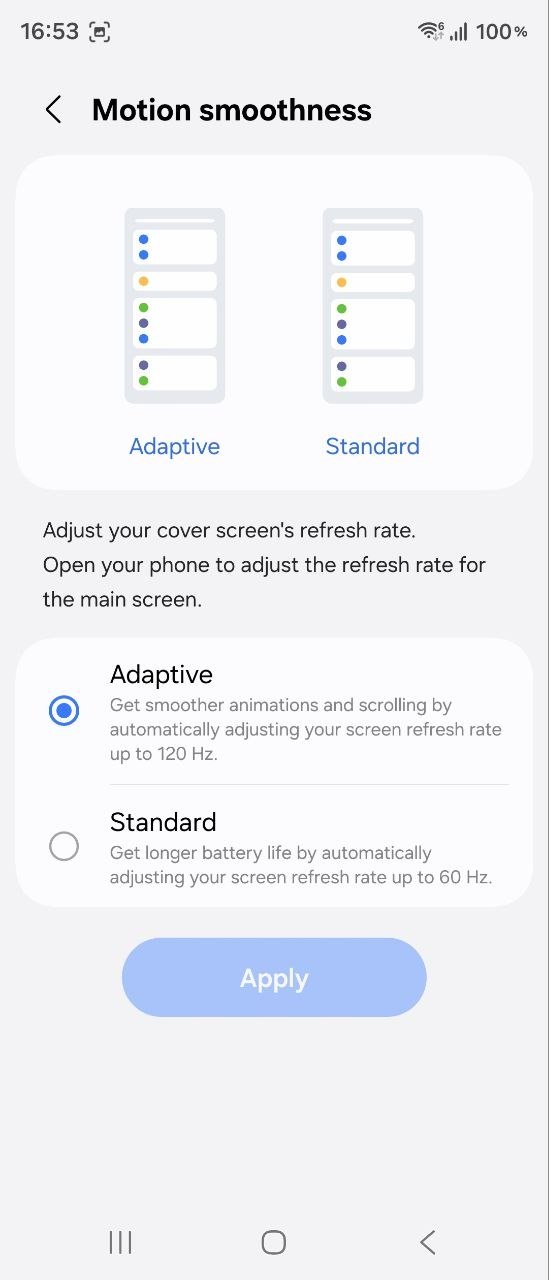
I haven’t encountered any situations where something about the displays didn’t meet my expectations – both screens handle all types of content exceptionally well. The adaptive refresh rate smoothly adjusts the display’s fluidity depending on what you are viewing or doing at the time. Text remains readable in any conditions thanks to the high peak brightness of 3,000 nits, while multimedia content looks great on both displays – for example, the Instagram feed on the outer screen and videos or games on the inner one.

The only thing that occasionally gets in the way is the inner display’s selfie camera cutout on the right side, particularly in multi-window mode or when watching videos. Some apps allow you to “hide” the cutout, but of course, that is a rather questionable compromise. Personally, as someone who rarely uses video calls, I would gladly sacrifice the inner selfie camera to get rid of the “hole” in the display. In any case, there is always a front-facing camera on the outer display, and you can also use the main camera when the device is unfolded. So, personally, I don’t think this is the best solution for everyday use.


Read also: Samsung Galaxy Buds4 Pro Review: Capable Flagship Earbuds, but Not for Everyone?
Performance and wireless connectivity

The Galaxy Fold8 Ultra is powered by the flagship 8-core Snapdragon 8 Elite Gen 5, built around two high-performance Oryon Phoenix L cores clocked at up to 4.7 GHz and six Oryon Phoenix M cores reaching up to 3.6 GHz. Graphics are handled by the Adreno 840 GPU. My review unit is the entry-level 12/256 GB version, but there are also configurations with 12/512 GB and 16 GB/1 TB. It is better to choose the right configuration “up front,” since, as is usually the case with flagships, there is no support for memory cards.
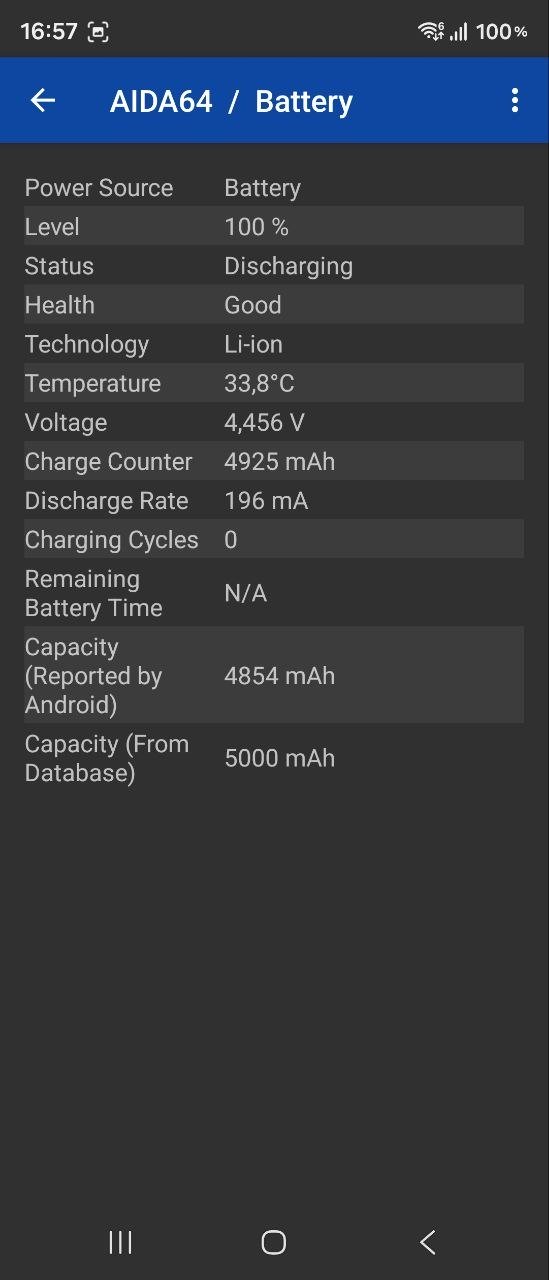
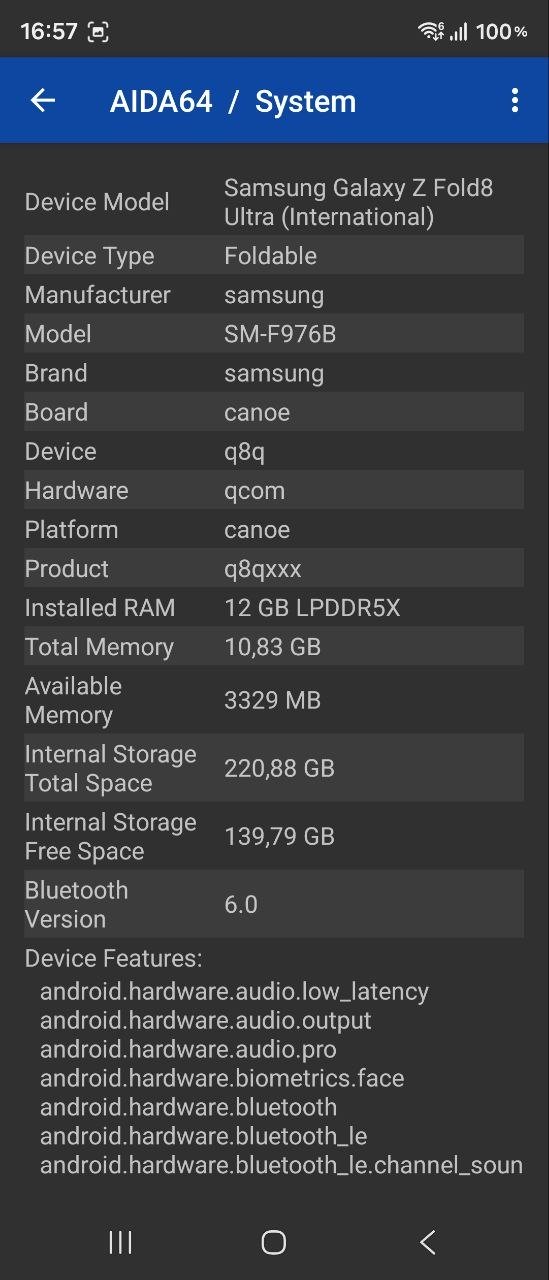
The wireless connectivity package is fully up to date: we get Wi-Fi 7, Bluetooth 6.0, NFC, 5G, and a full range of positioning services (GPS, BeiDou, Galileo, and QZSS). The review unit, by the way, has a single nano-SIM slot and supports eSIM, although some markets also offer versions with two physical nano-SIM slots.

Top-tier hardware, fast memory, and a generous amount of RAM mean you really do not have to worry about performance at all. There are virtually no limitations for the user – any task and even demanding games are well within the phone’s capabilities. With the latter, there is only one potential obstacle: heat management during extended gaming sessions, as it is impossible to fit a serious cooling system into such a thin body. Although I’m pretty sure that foldable smartphones costing over $2000 are hardly being bought specifically for gaming.
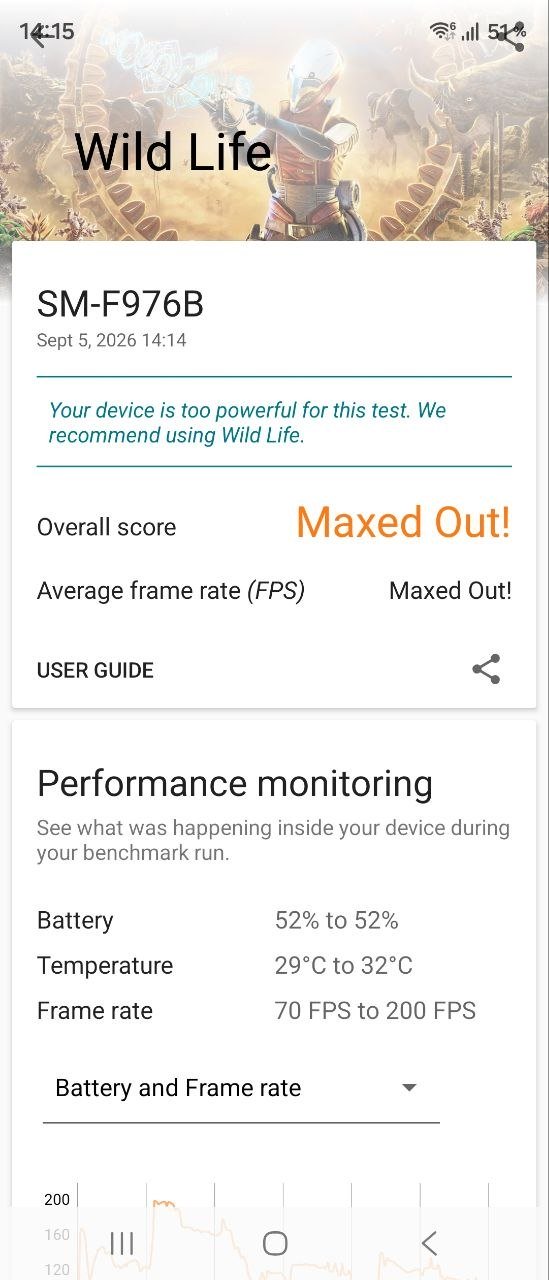
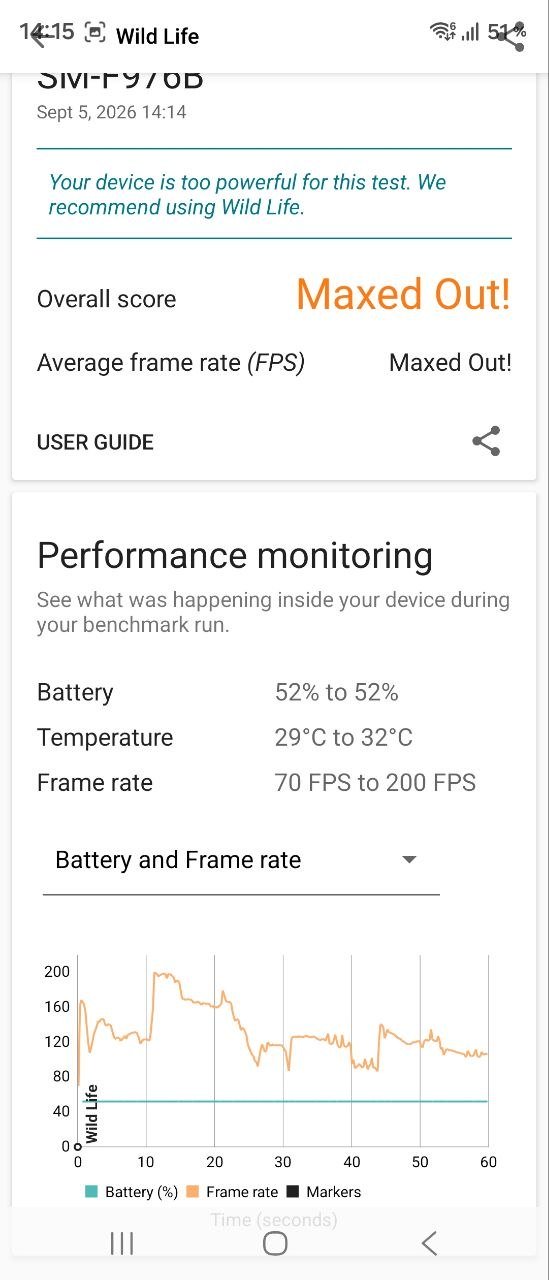
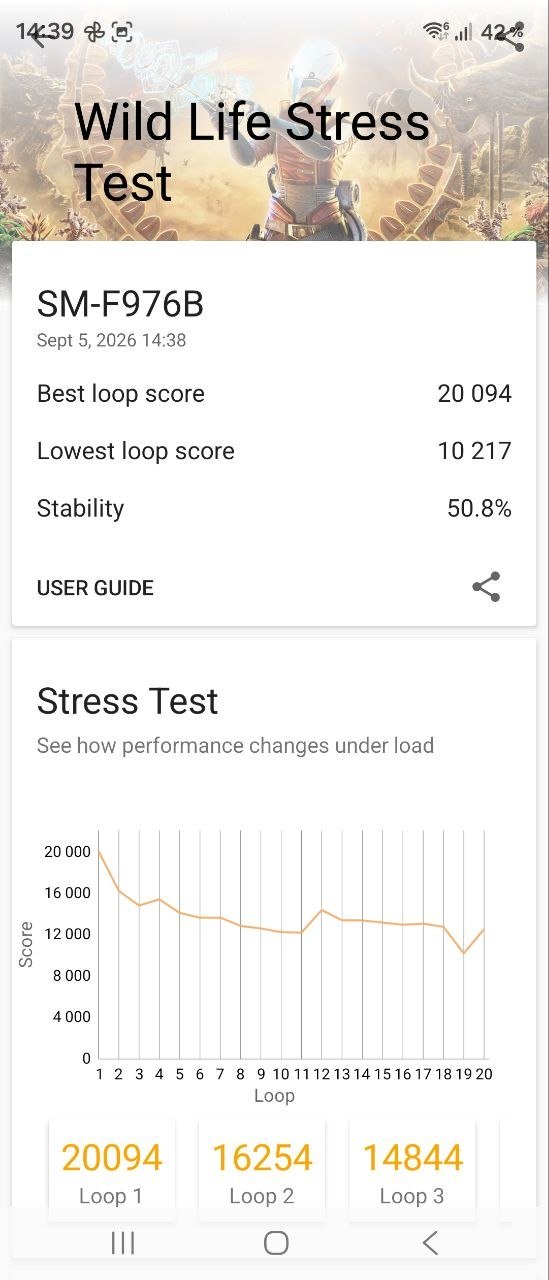
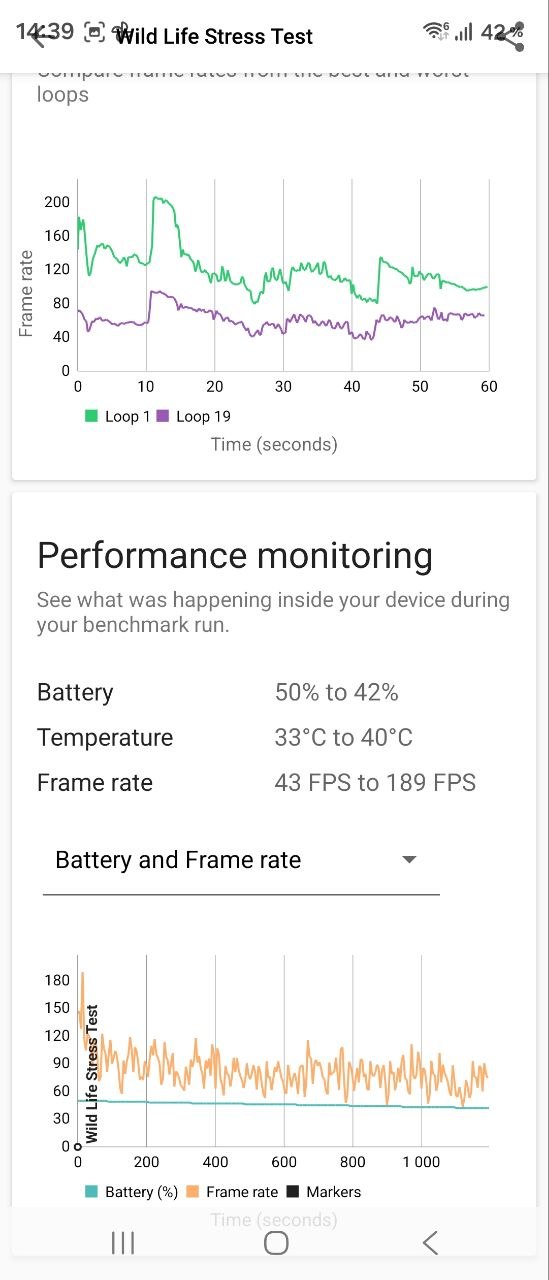
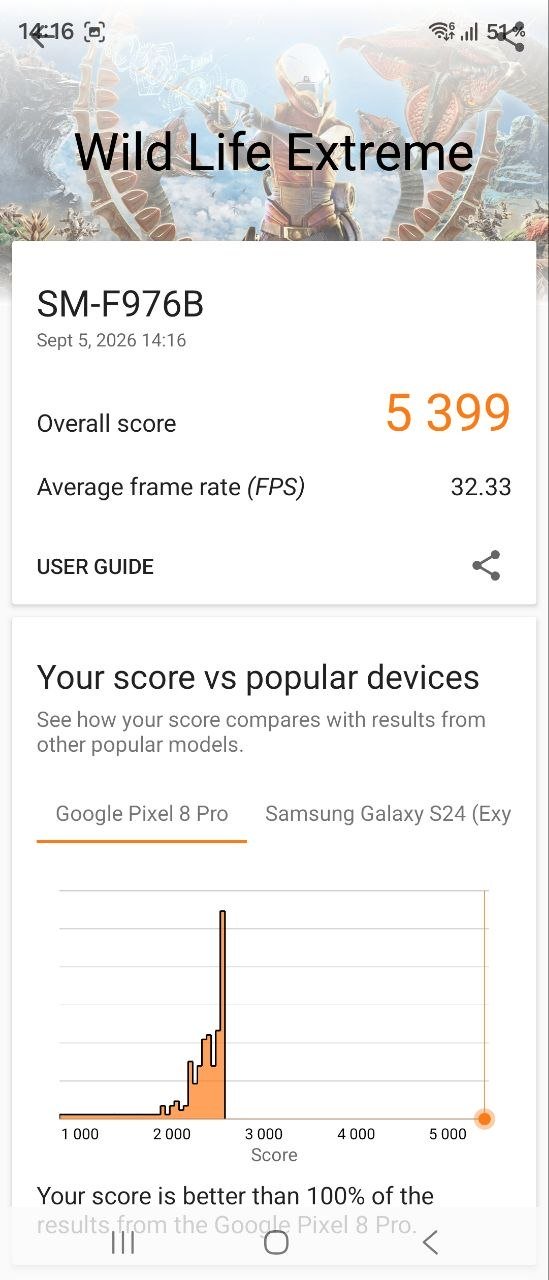
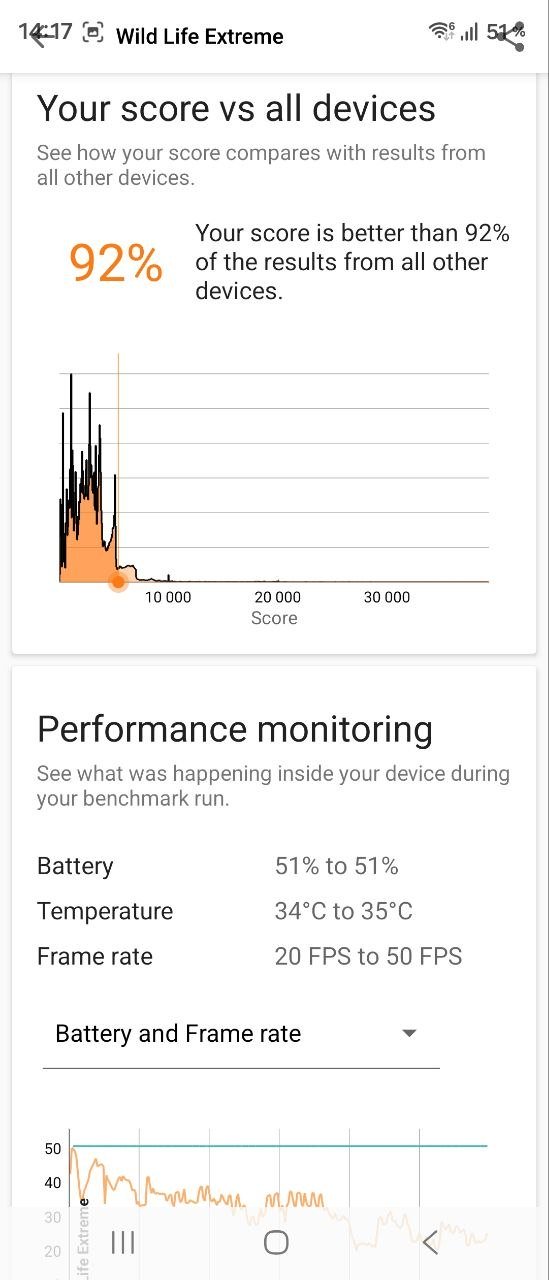
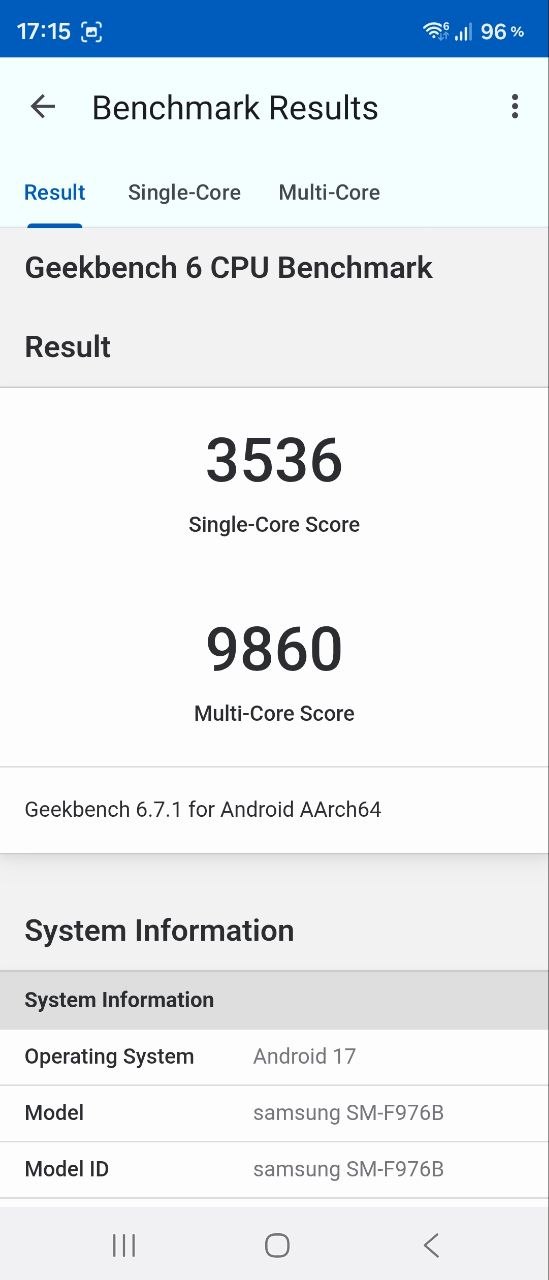
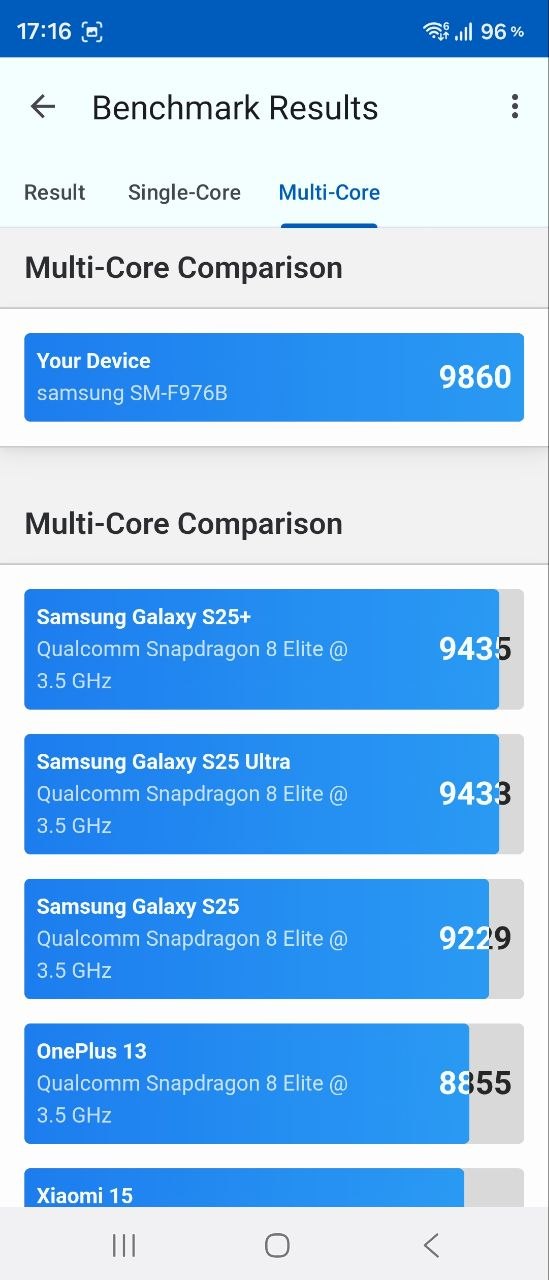
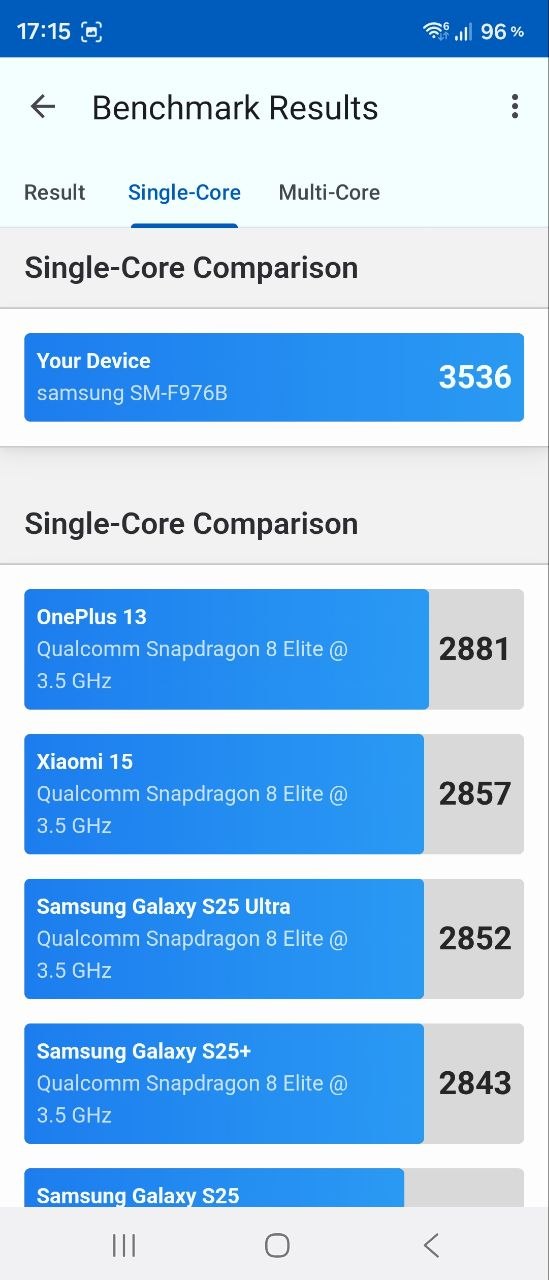
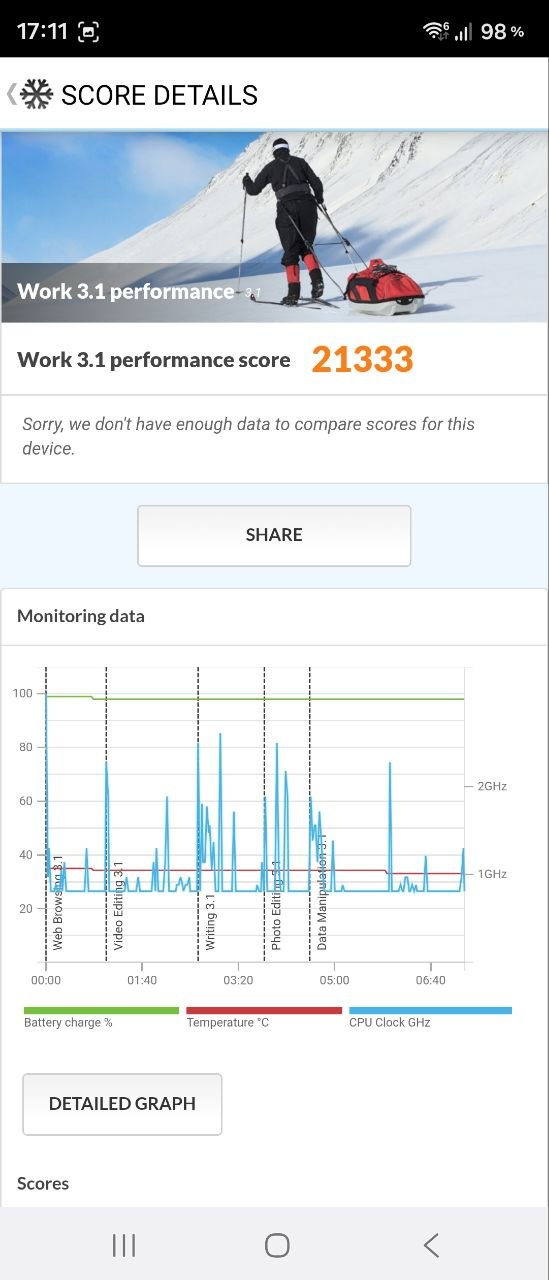
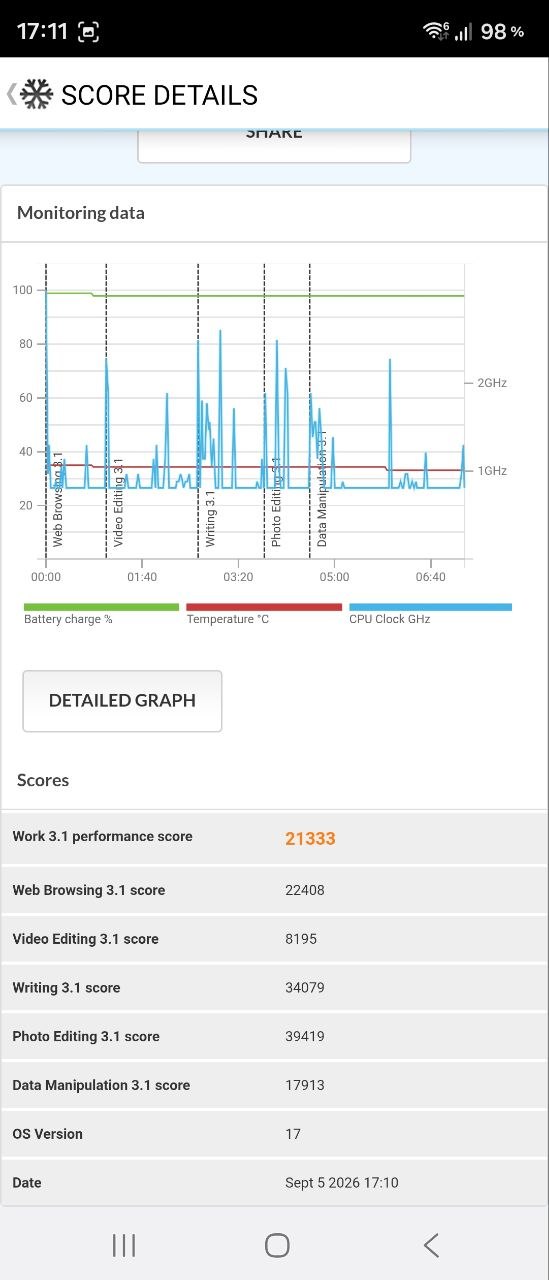
Everything else is unlikely to raise any concerns. Just to be safe, I ran the Galaxy Fold8 Ultra through several synthetic benchmarks, and for the first time I saw a Wild Life test in 3DMark showing an FPS range of 50 to 200, while the overall result was simply “Maxed Out.”
Samsung Galaxy Fold8 Ultra Software
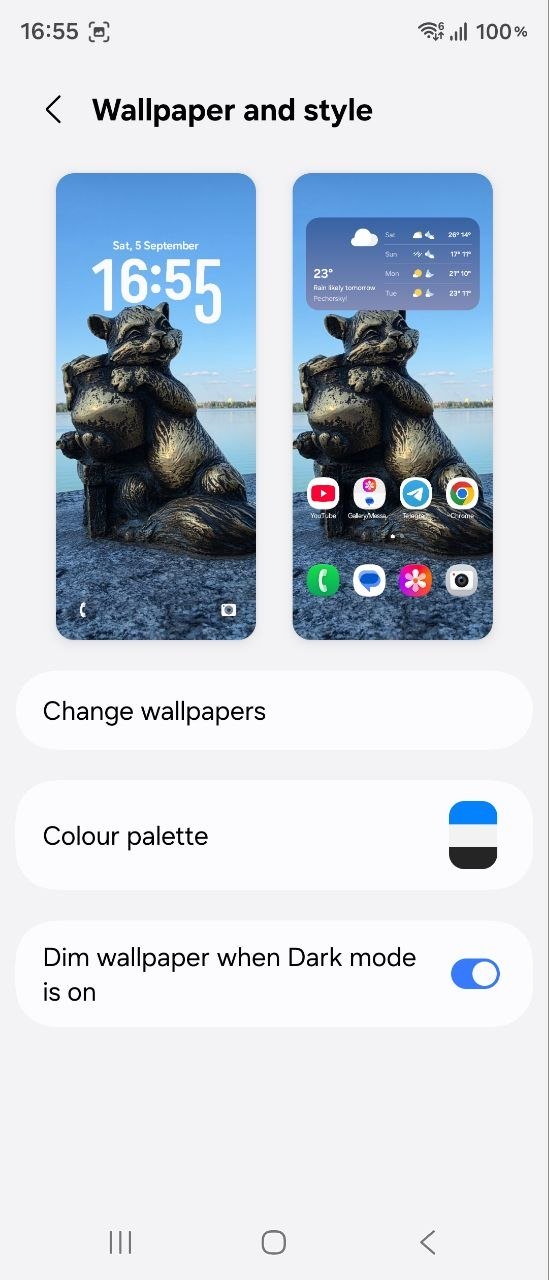
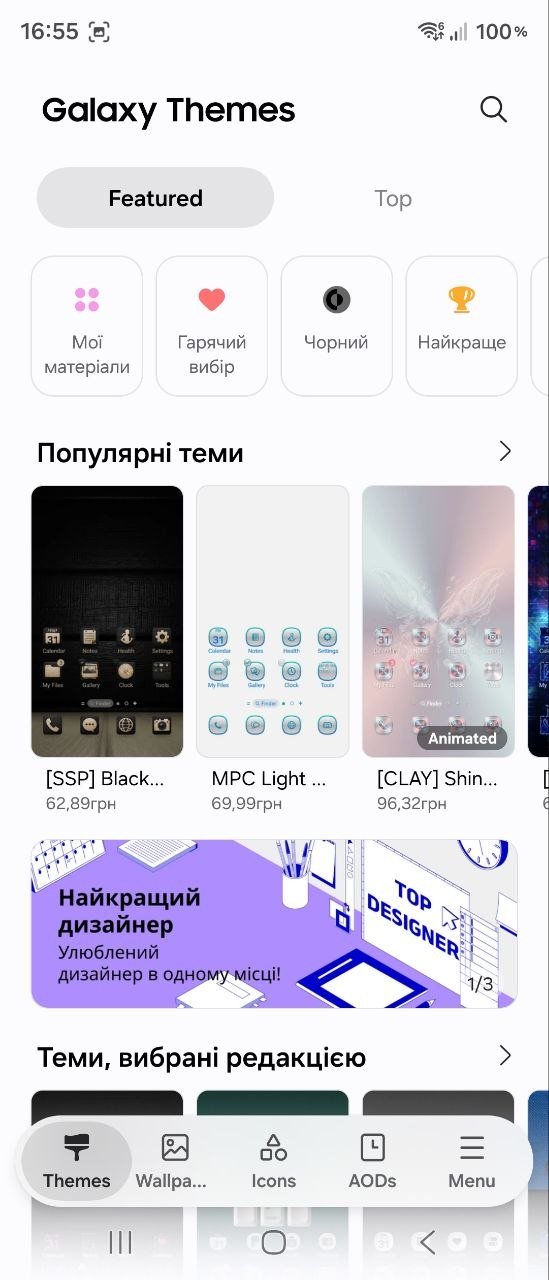
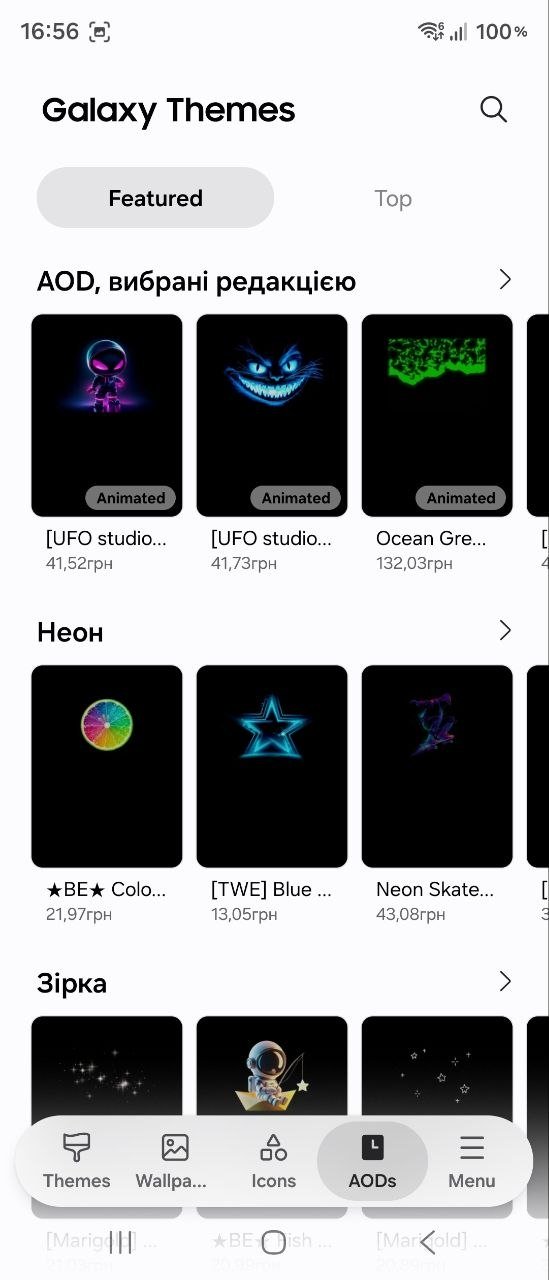
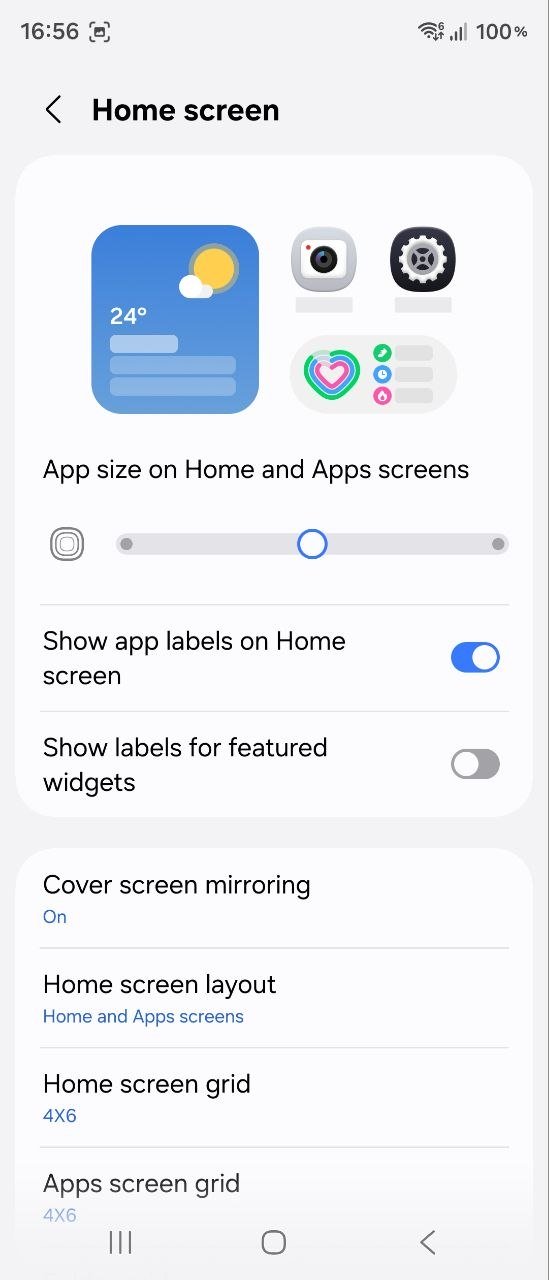
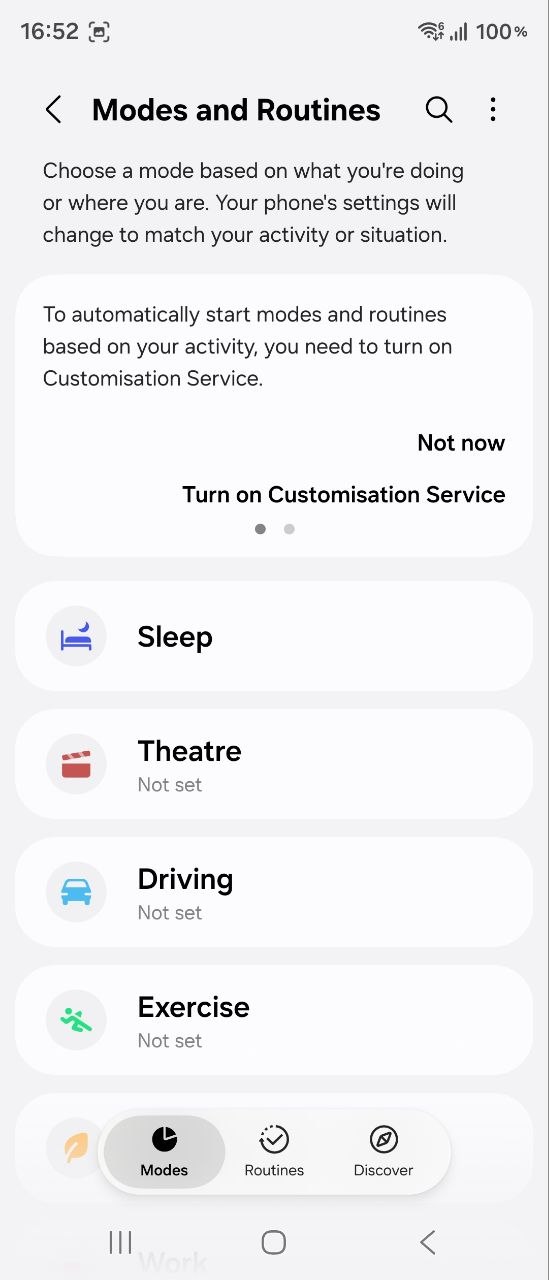
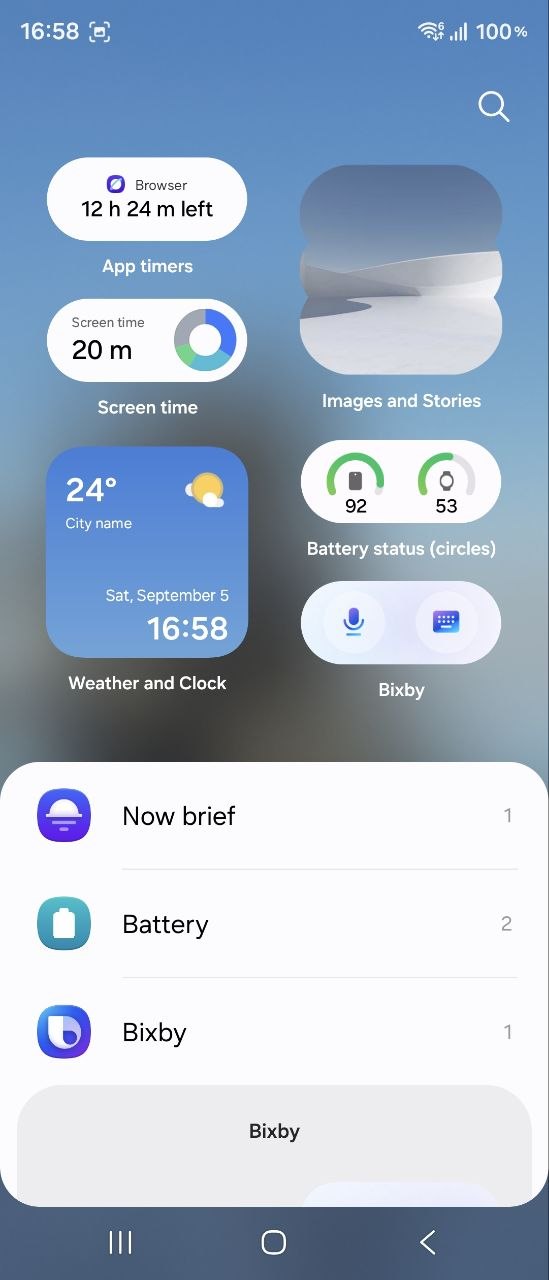
The software side of the Fold8 Ultra is built around Android 17 with Samsung’s One UI 9 skin, which I personally consider the best Android interface on the market. After many years of using various “Chinese” smartphones, from mid-range models to flagships, I have spent the past few years using a Samsung device that, while not a top-of-the-line model, is close enough to one for meaningful comparison. So I have plenty to compare it with. Over that time, I have grown to love One UI for its stability, genuinely useful and well-implemented AI features, and the sheer number of customization options available for almost everything. And, of course, the Galaxy Fold8 Ultra has all of this and more, as it incorporates Samsung’s most advanced software solutions.

I was curious to see how One UI performs specifically on a foldable device, since the functionality is much broader here and implementing the software is more challenging than on standard slab smartphones. But everything works flawlessly – the apps, from benchmarks and games to online banking, adapt perfectly to both displays, and the multi-window mode works without a hitch. There is simply nothing to complain about. Still, I would like to take a closer look at some of the features that have been introduced or improved in the Fold8 Ultra and are being actively promoted by the company.
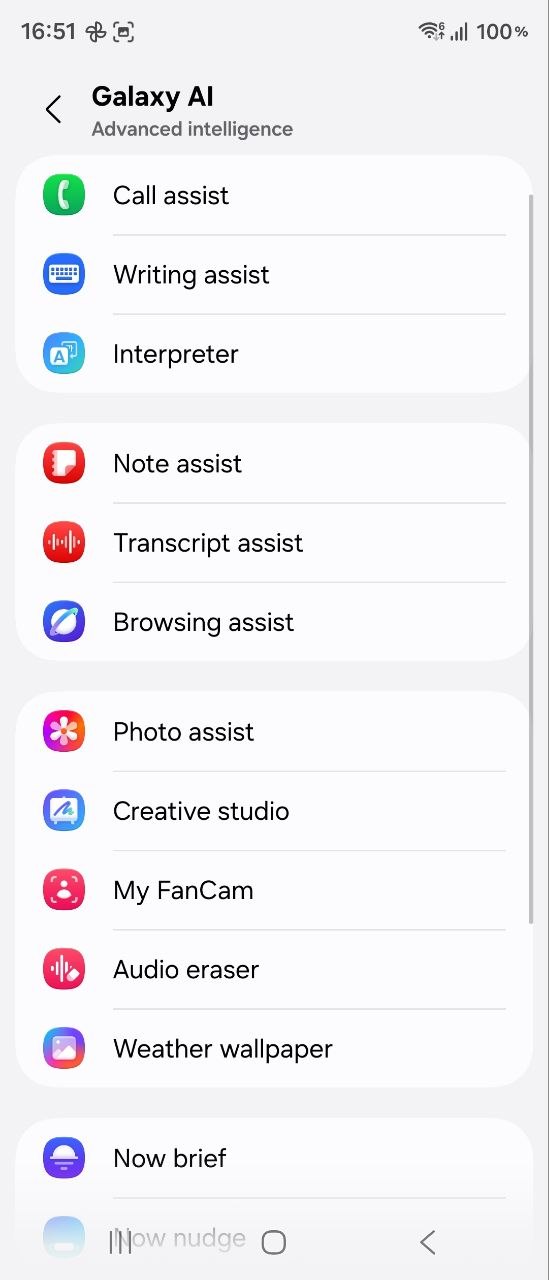
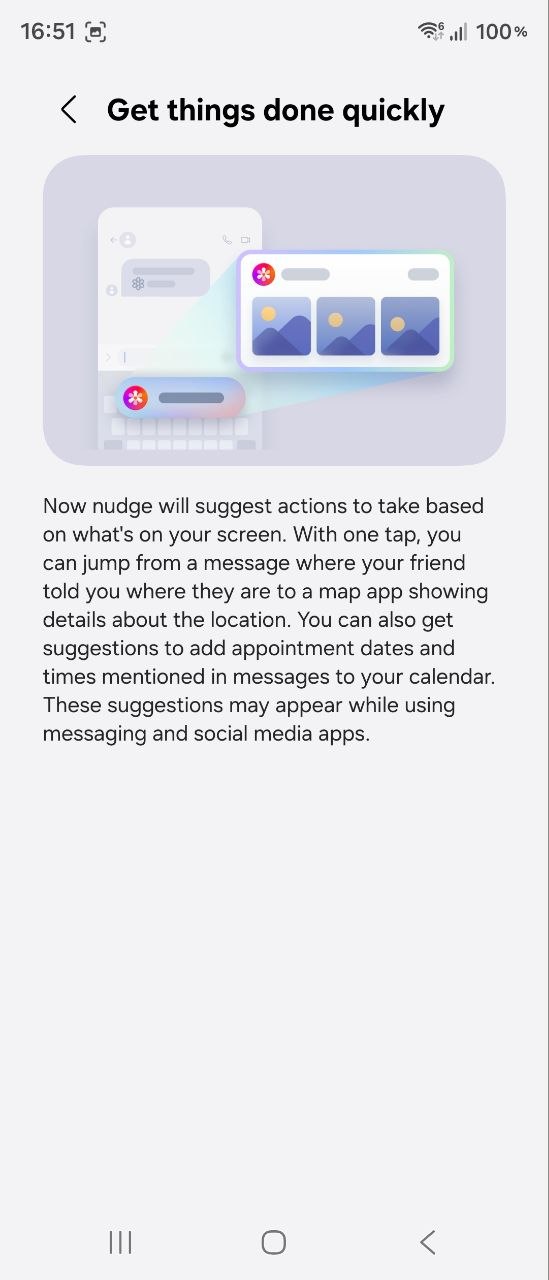
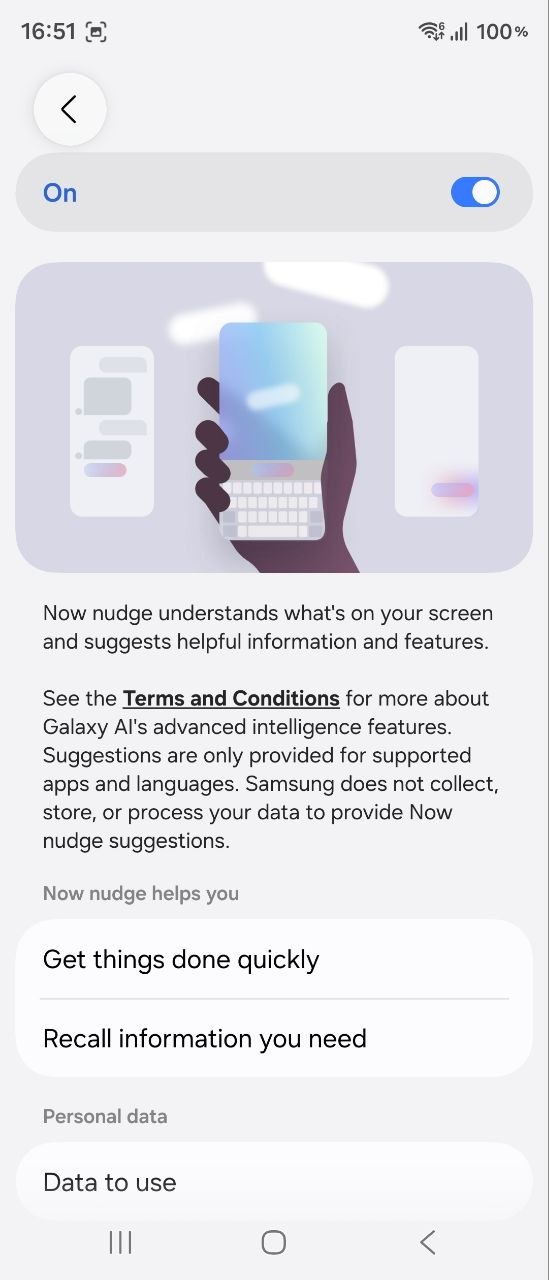
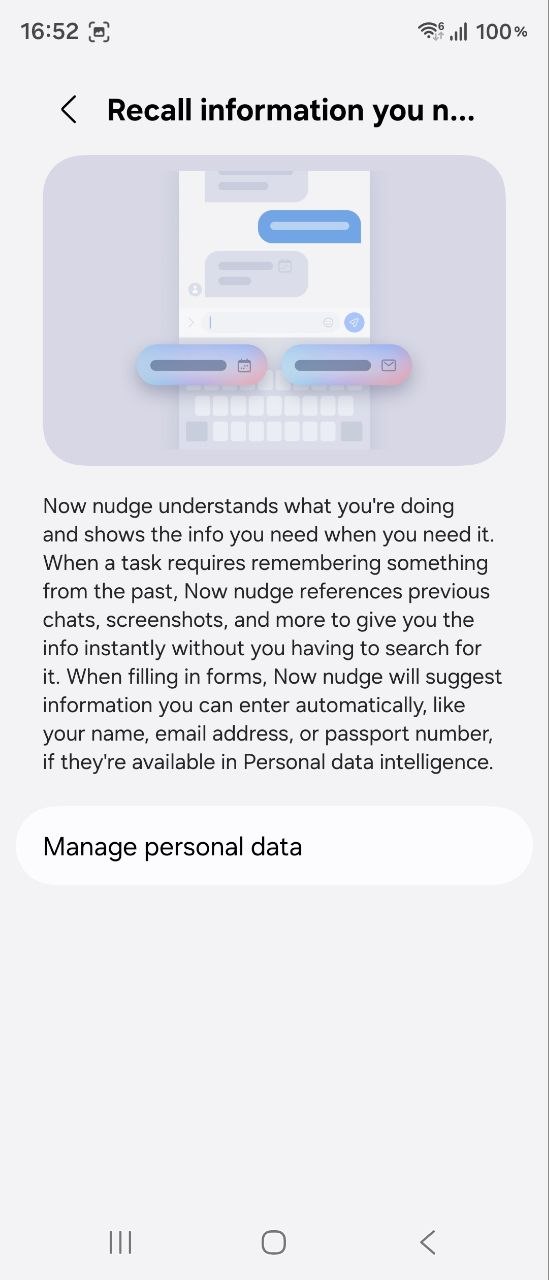
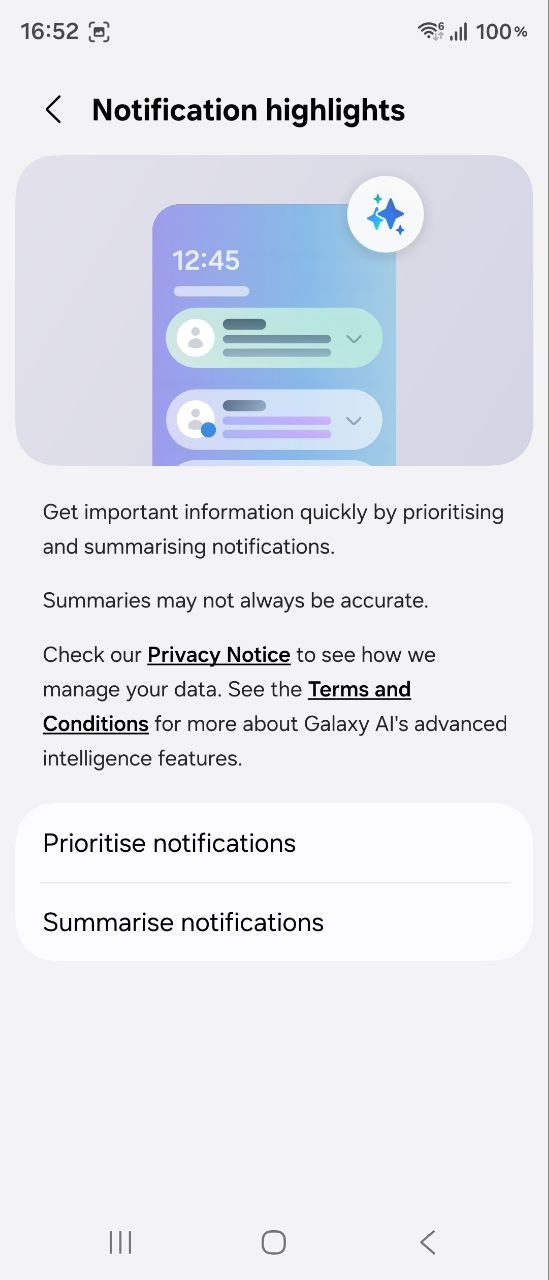
Among the many AI features available on the Galaxy Fold8 Ultra, Samsung puts particular emphasis on Now Nudge – an assistant that offers suggestions for next steps and upcoming events, which can be useful for both work and everyday life. There are also My FanCam tools for keeping a selected object or subject in focus in recorded videos, Photo Assist for editing existing content, and Creative Studio, which uses AI to create stickers, postcards, invitations, wallpapers, and other images. From time to time, the device also “throws” random photos from the Gallery at the user that it has “enhanced” with AI – and some of the suggestions can be quite interesting.
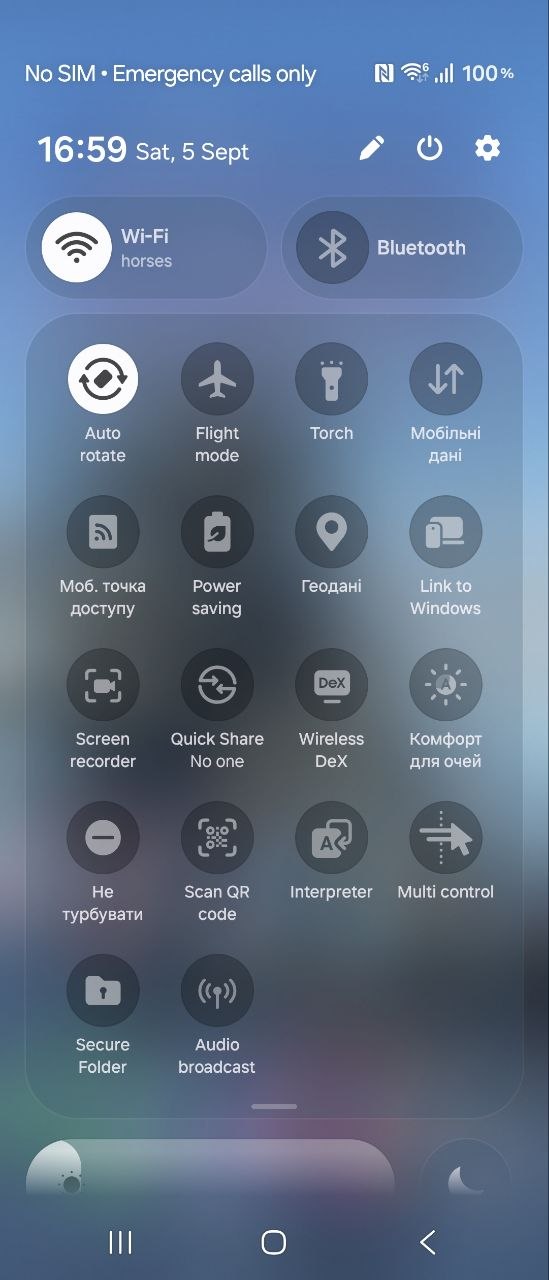
By the way, Samsung’s AI image processing is very impressive. Even on my own device, I occasionally use the object removal feature to get rid of unwanted elements in photos, and the generative processing consistently does an excellent job. I should also mention that the feature for converting voice messages and audio recordings into text works quite well too – it is not quite perfect, but the context is clear enough to be useful for various tasks.
It is also worth noting that the Galaxy Fold8 Ultra will receive at least several full Android version upgrades, as well as security updates through 2033. That means the smartphone should remain relevant for at least the next six years.
Read also: Samsung Galaxy S26 Ultra Review: Reference Flagship Without Major Changes
Unlocking Methods
The Galaxy Fold8 Ultra uses a combination of facial recognition and a fingerprint scanner built into the side-mounted power button. Both methods work exactly as they should on a flagship device. With face recognition, you can enable or disable the option that boosts screen brightness in low-light conditions, which is very convenient, especially for those with light-sensitive eyes. The fingerprint sensor is fast and accurate, and I also appreciate its placement – almost exactly in the center of the side panel, so you do not have to stretch your thumb to reach it.
Samsung Galaxy Fold8 Ultra Cameras

Unlike the smaller Galaxy Fold8, the Ultra version gets a full-fledged triple-camera system with “grown-up” specifications. It features a 200 MP main camera with an f/1.7 aperture, a 50 MP ultrawide camera with an f/1.9 aperture and a 123° field of view, and a 10 MP telephoto lens (f/2.4). OIS, 2x and 3x optical zoom, 30x digital zoom, and 8K/30 fps video recording (4K and Full HD at 60 fps) are all here. Not to mention the built-in QR code scanner, beautification, filters, animated photos, and the option to take selfies using the main camera. There are plenty of tools to play with, and what I particularly like is that the camera app’s interface is convenient and well thought out.
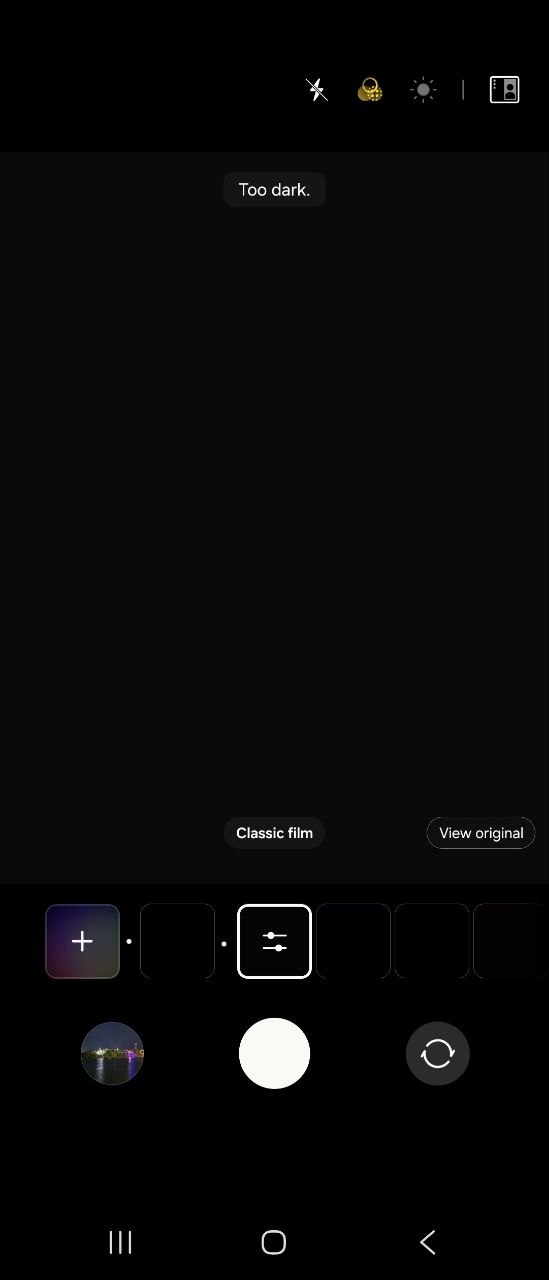
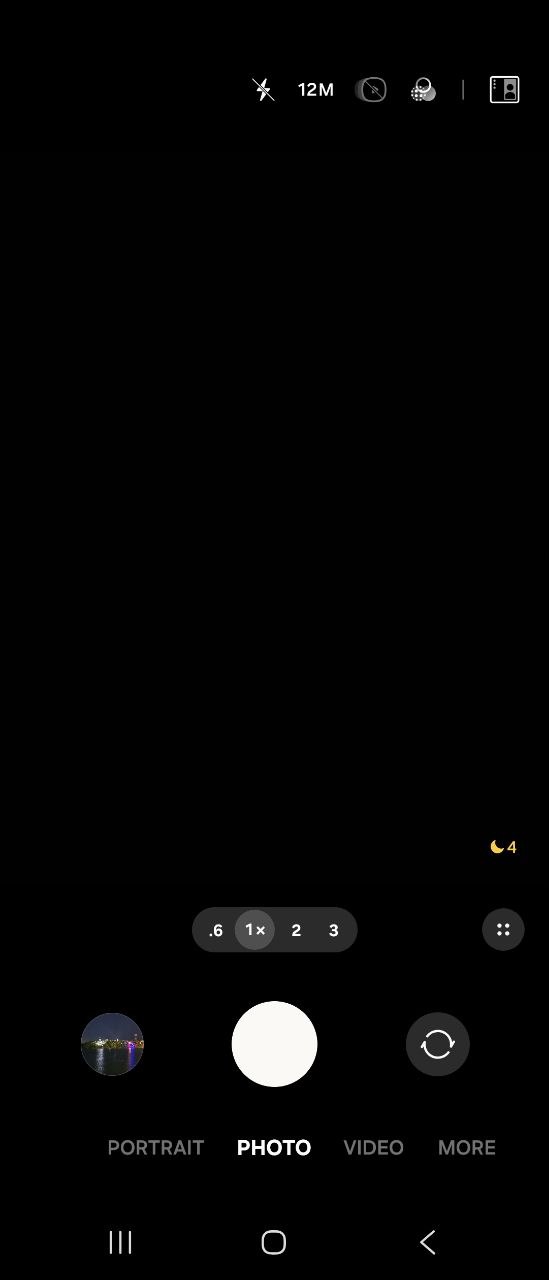
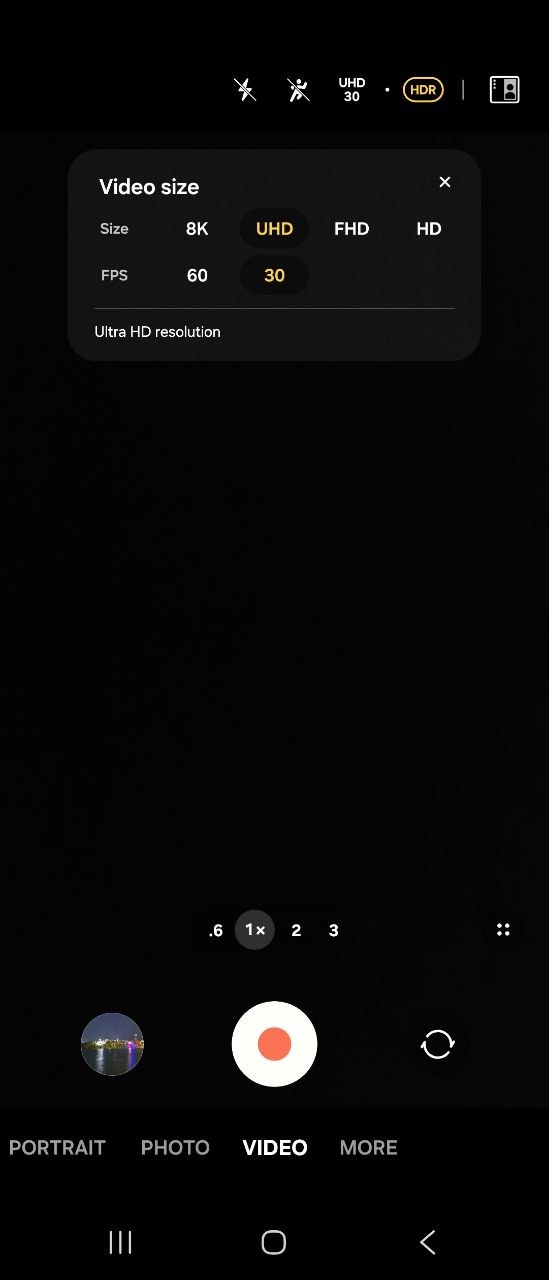
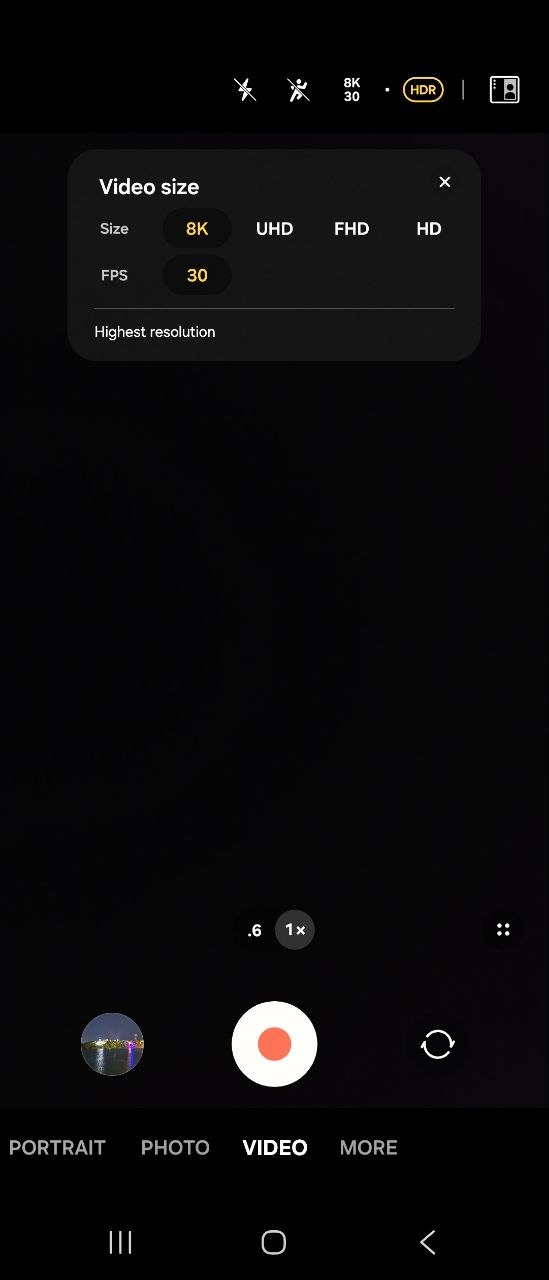
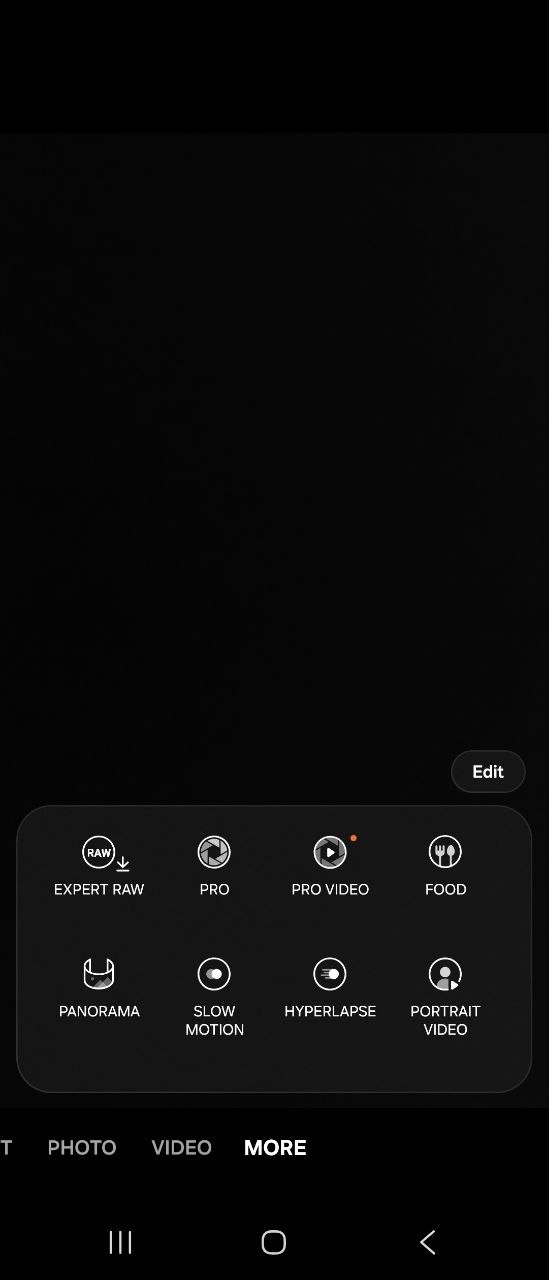
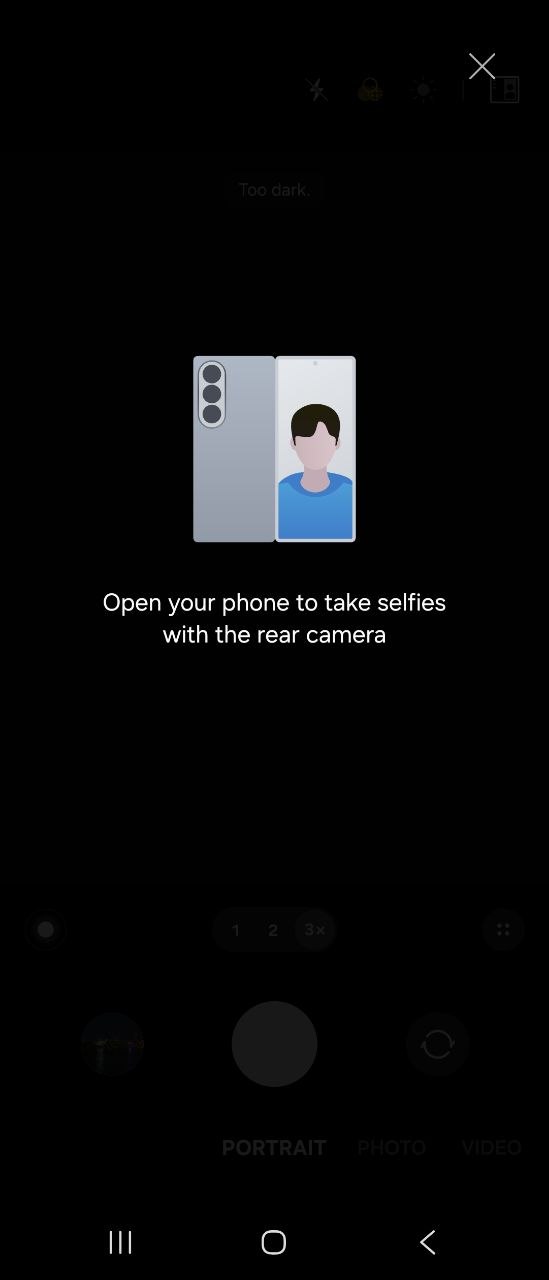
With the Galaxy Fold8 Ultra, you get genuinely high-quality, vivid, and detailed photos, both during the day and at night, especially when using Night mode. In some cases, the image processing can look a little “overdone,” but this is not the norm, and you can disable all of the enhancements in the app if you prefer. I generally like the results, and given that each shot is captured in several versions, you can always find an optimal photo for virtually any conditions. Ultimately, I can say that the Galaxy Fold8 Ultra’s cameras are a tool you can confidently use for active social media content or your own blog.
Let’s take a look at some examples. To start, I want to show the field of view available in the different modes. I highlighted four main options: standard, 2x zoom, 3x zoom, and ultrawide. I’m not entirely sure about the last one, since few people actively use it in everyday life (myself included), but I added it for comparison.
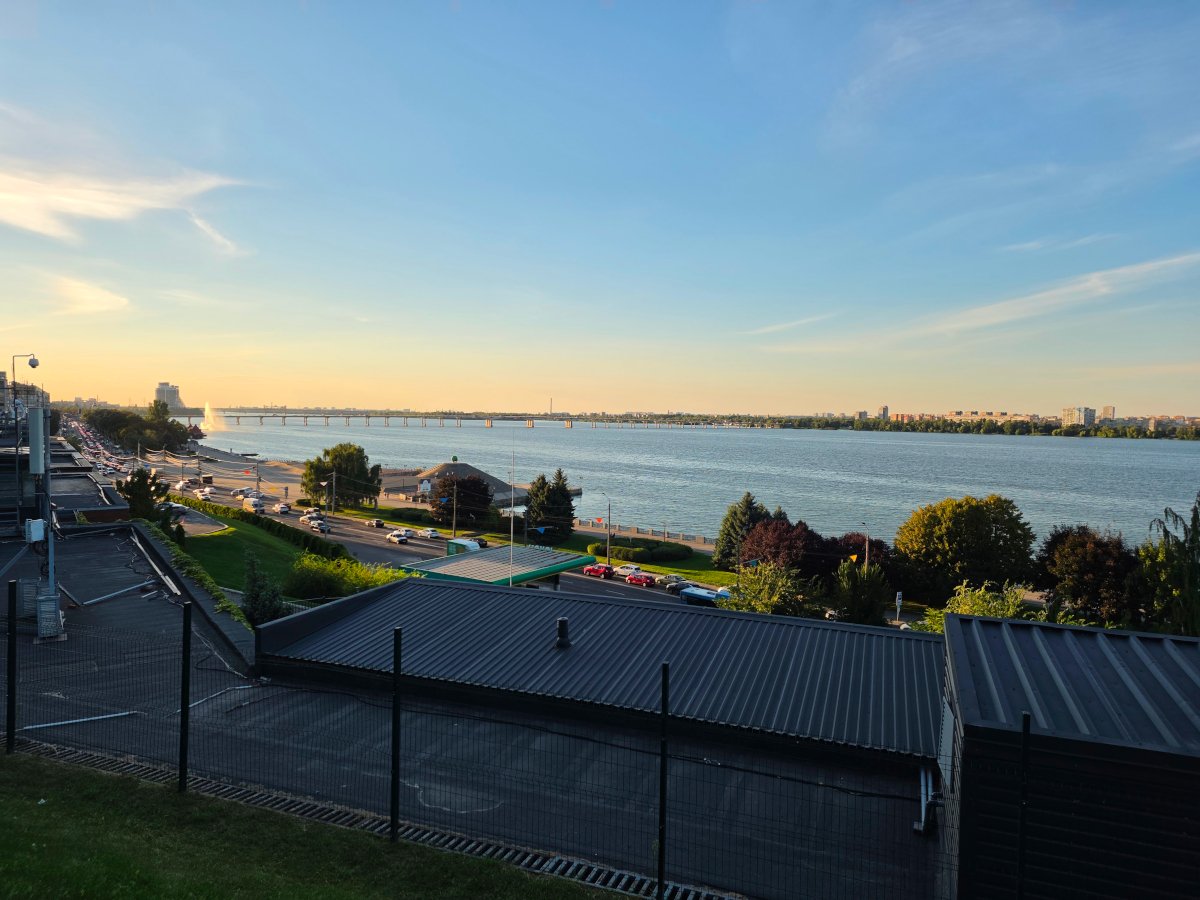


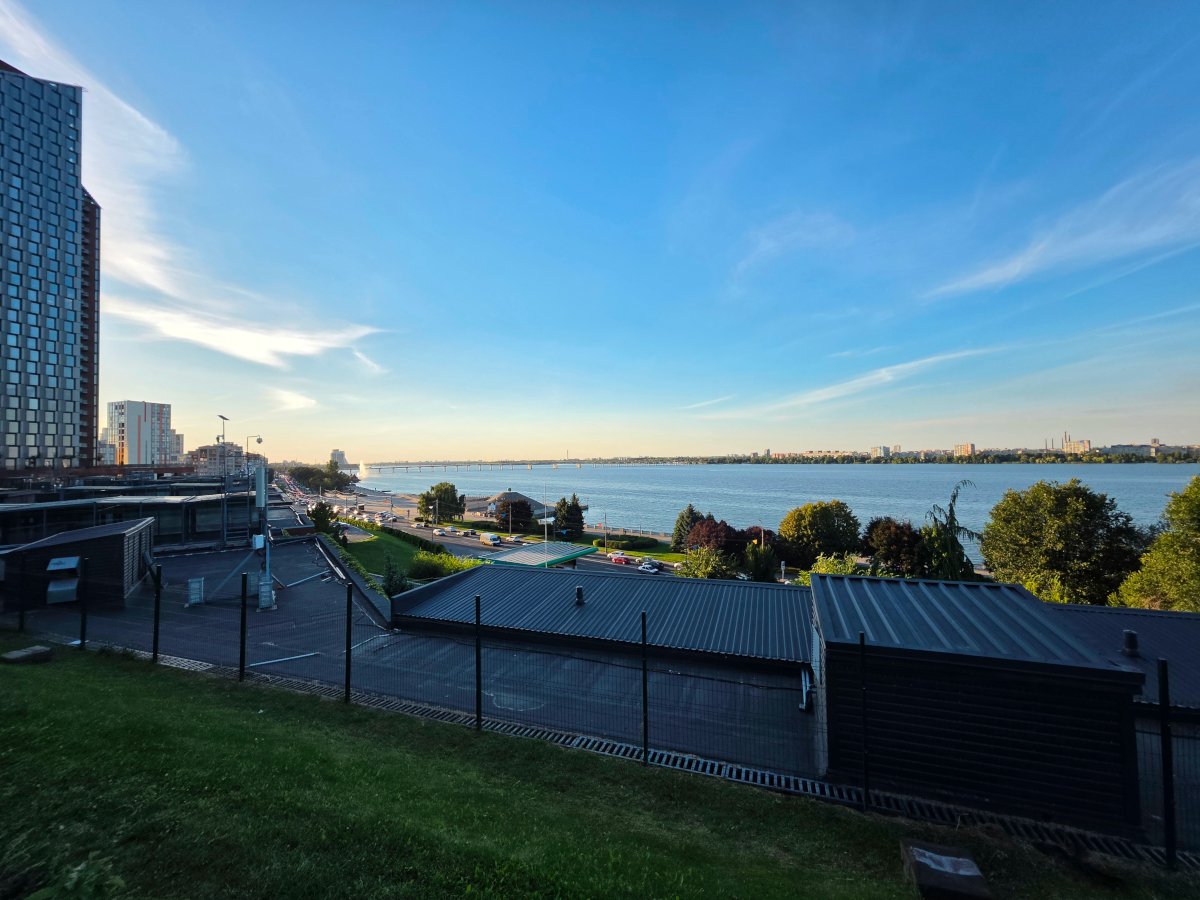
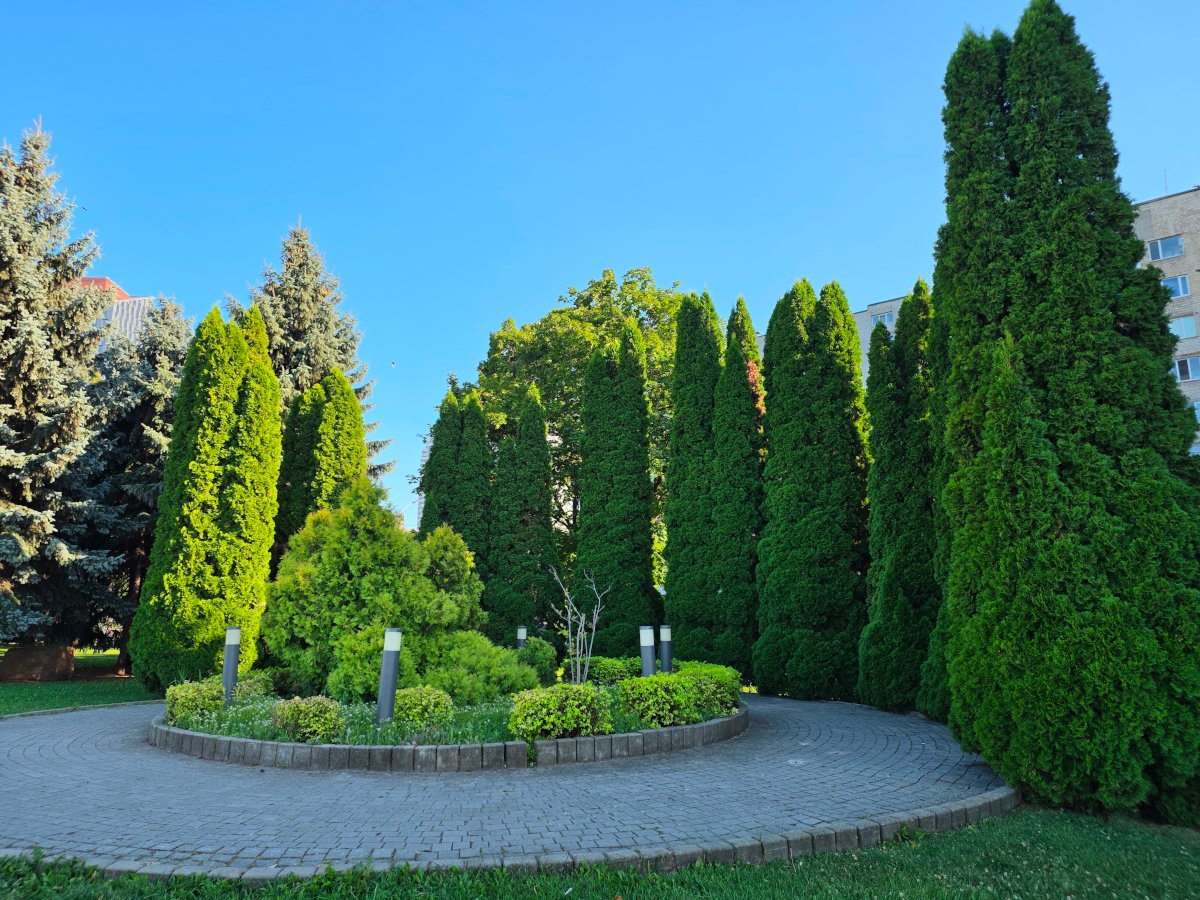
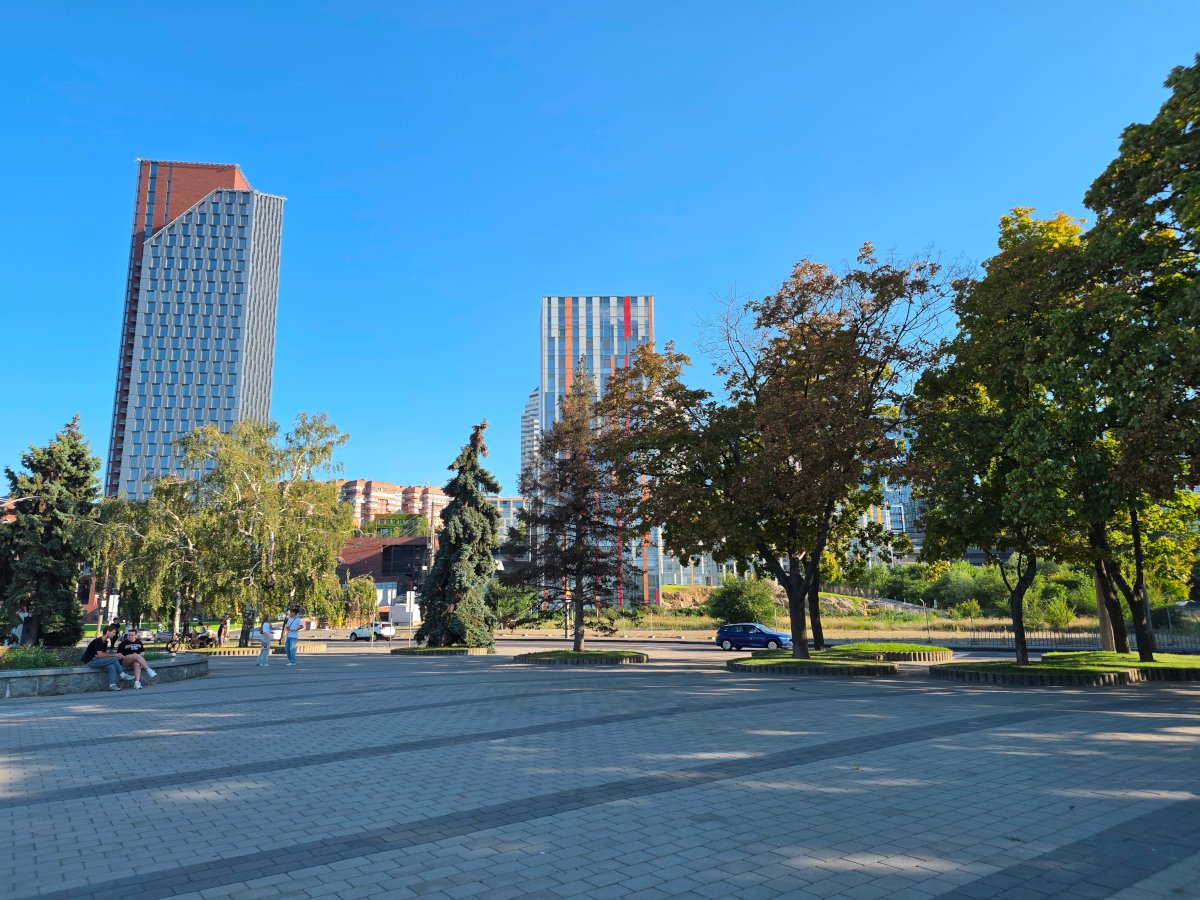
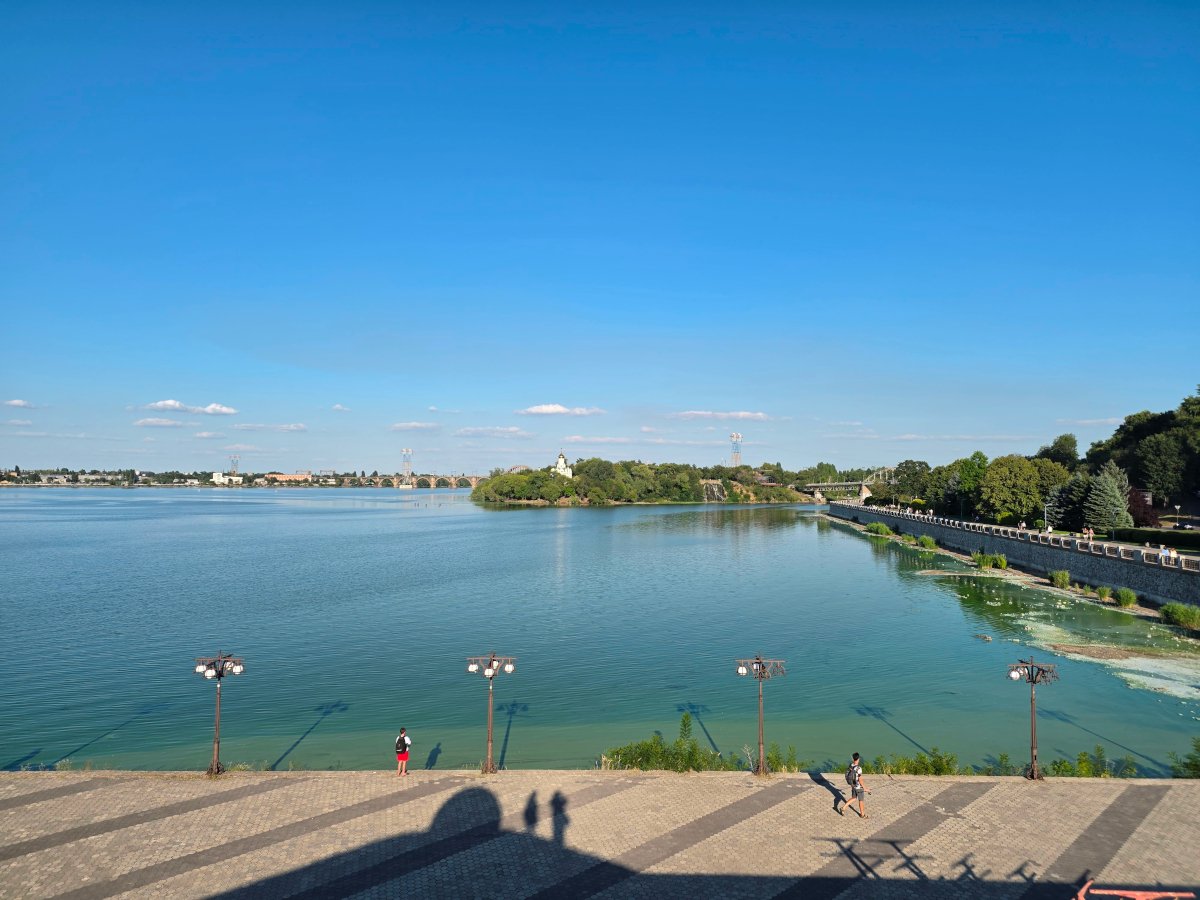
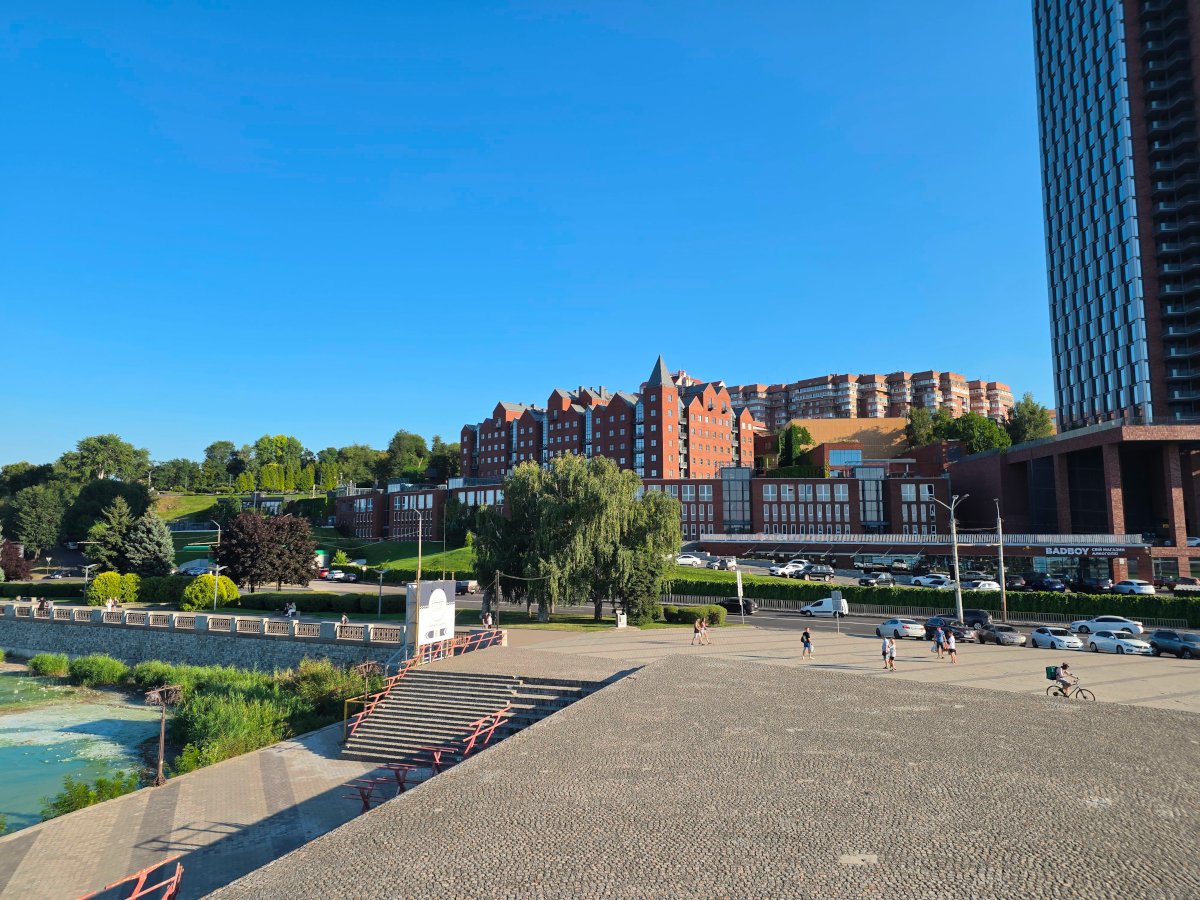
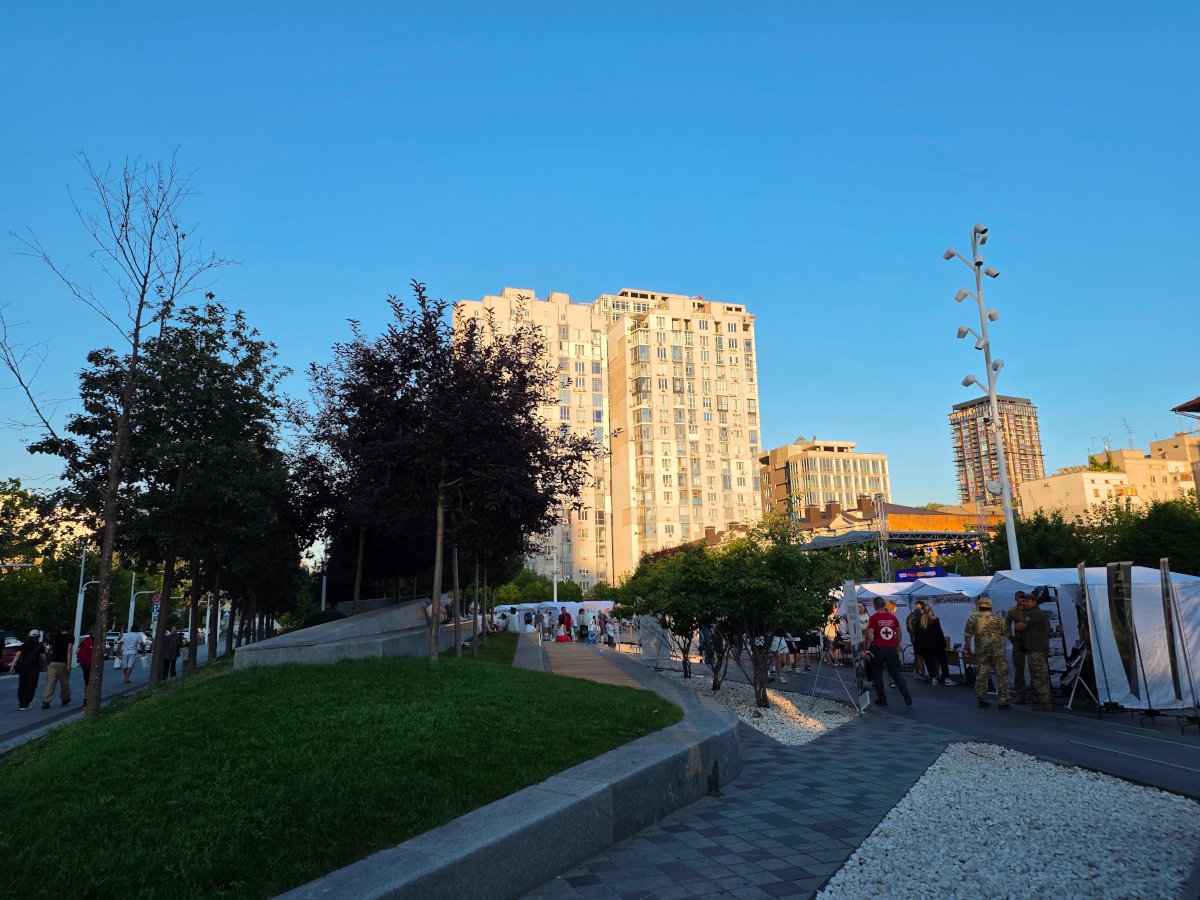
Next, you can see photos taken in different conditions using all of these modes. I use the standard mode most often (and I imagine I’m not the only one), so there will be more examples of it than of the others.




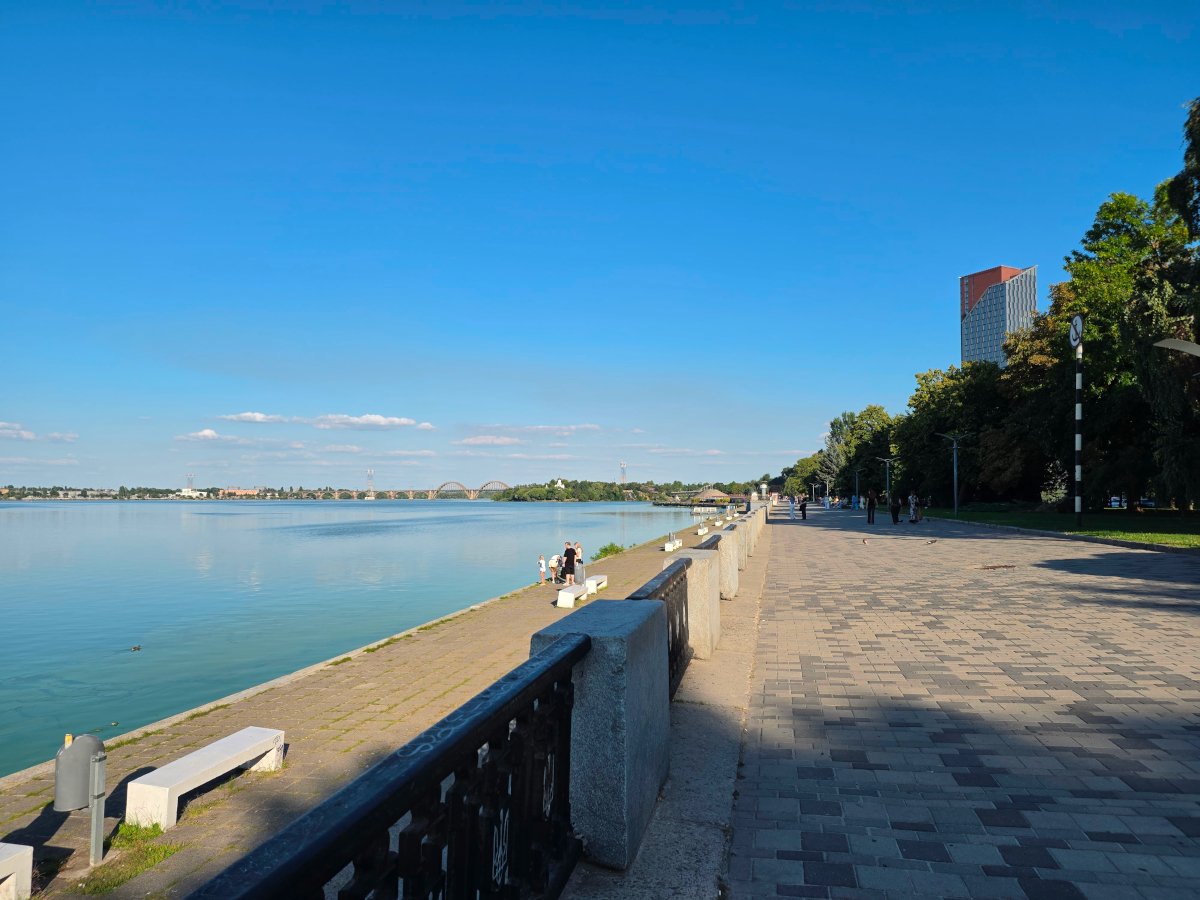








I want to highlight this particular photo, which pleasantly surprised me. Just imagine: the center of a brightly lit metropolis, glowing like a Christmas tree, yet the camera managed to “catch” the Big Dipper amid all that visual noise. And it did so using the regular Night mode, without any “magic tricks.” The shot was completely accidental, but I really like how it turned out. If you cannot see it in the compressed version attached to the article, you can check it out in the folder with all the original-resolution photos (the link is below).

Both 2x and 3x zoom work beautifully, as they are optical and deliver good detail and color reproduction. I also use this mode quite often on my S23 FE – it can help you find interesting perspectives on ordinary things.




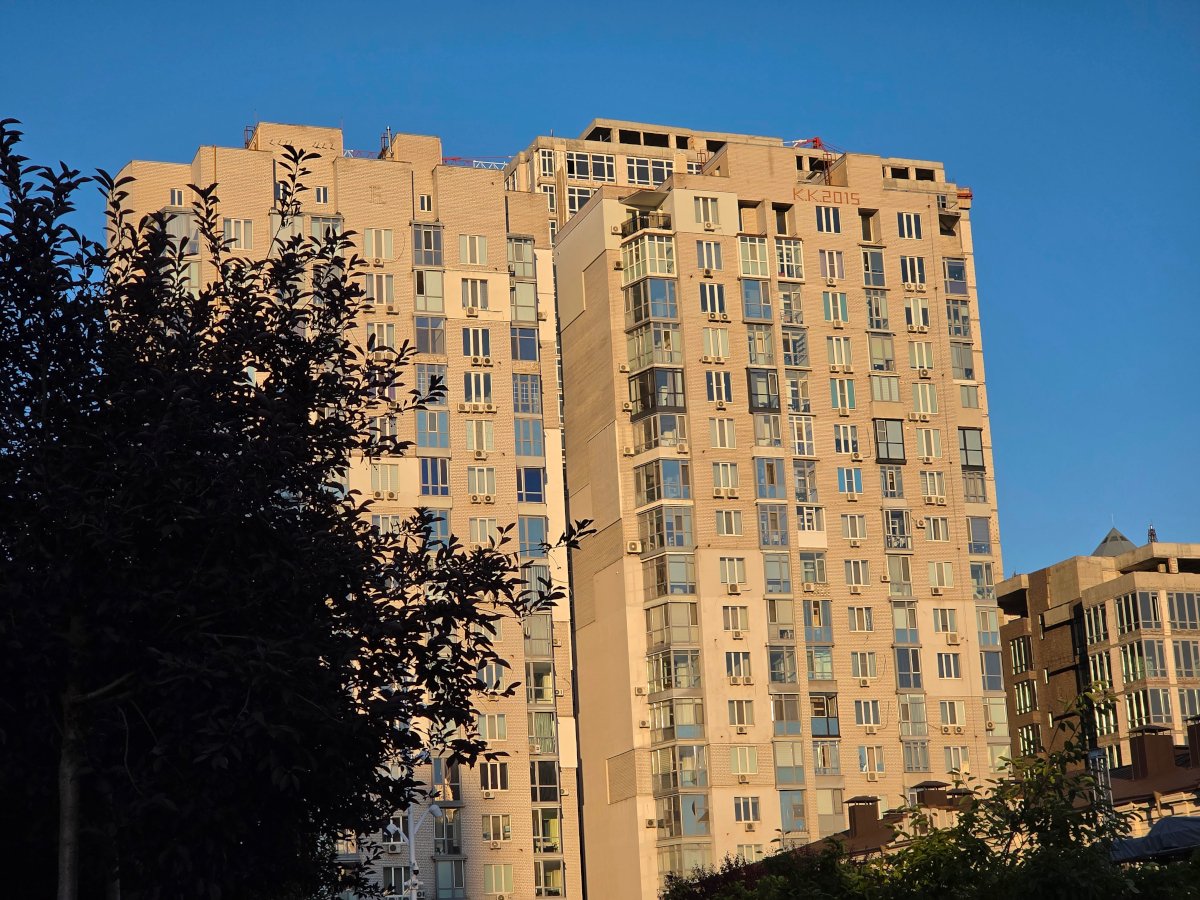





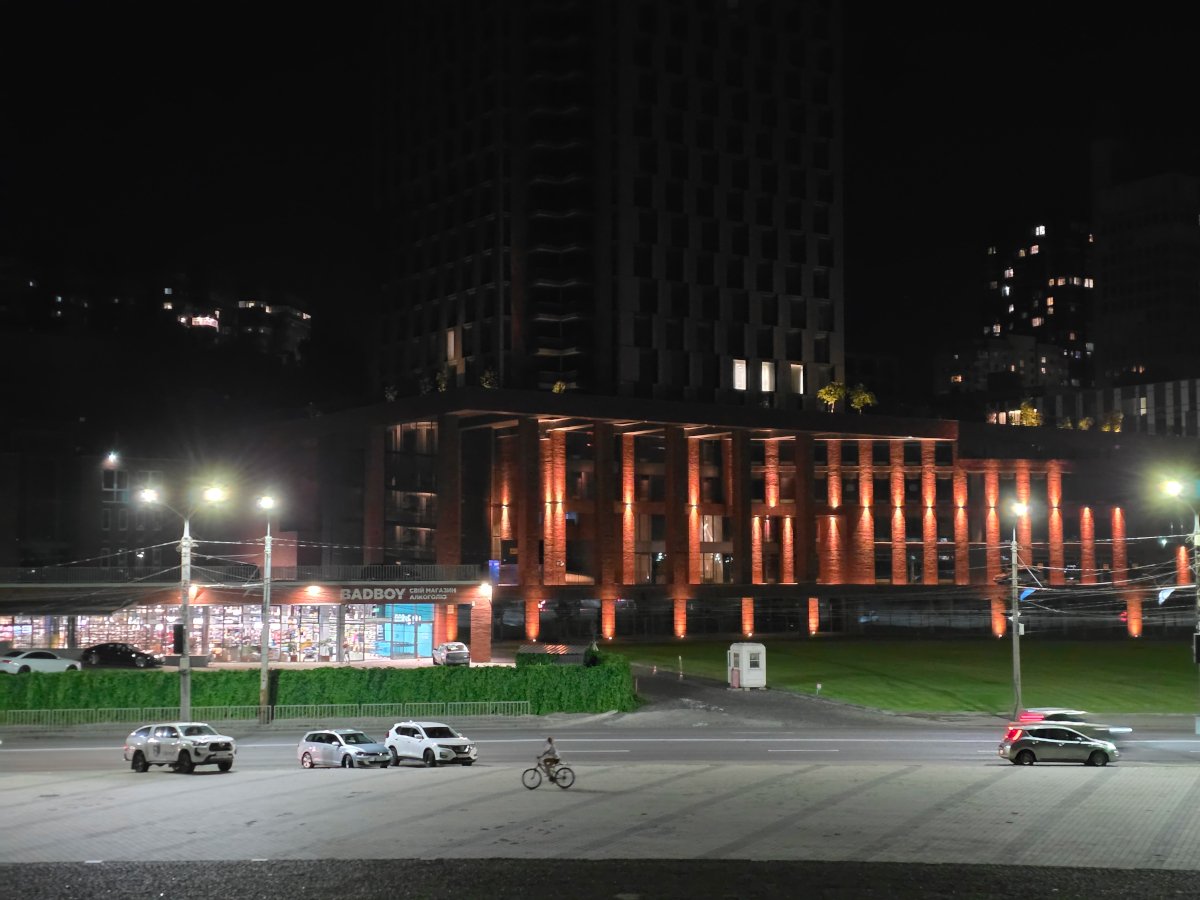
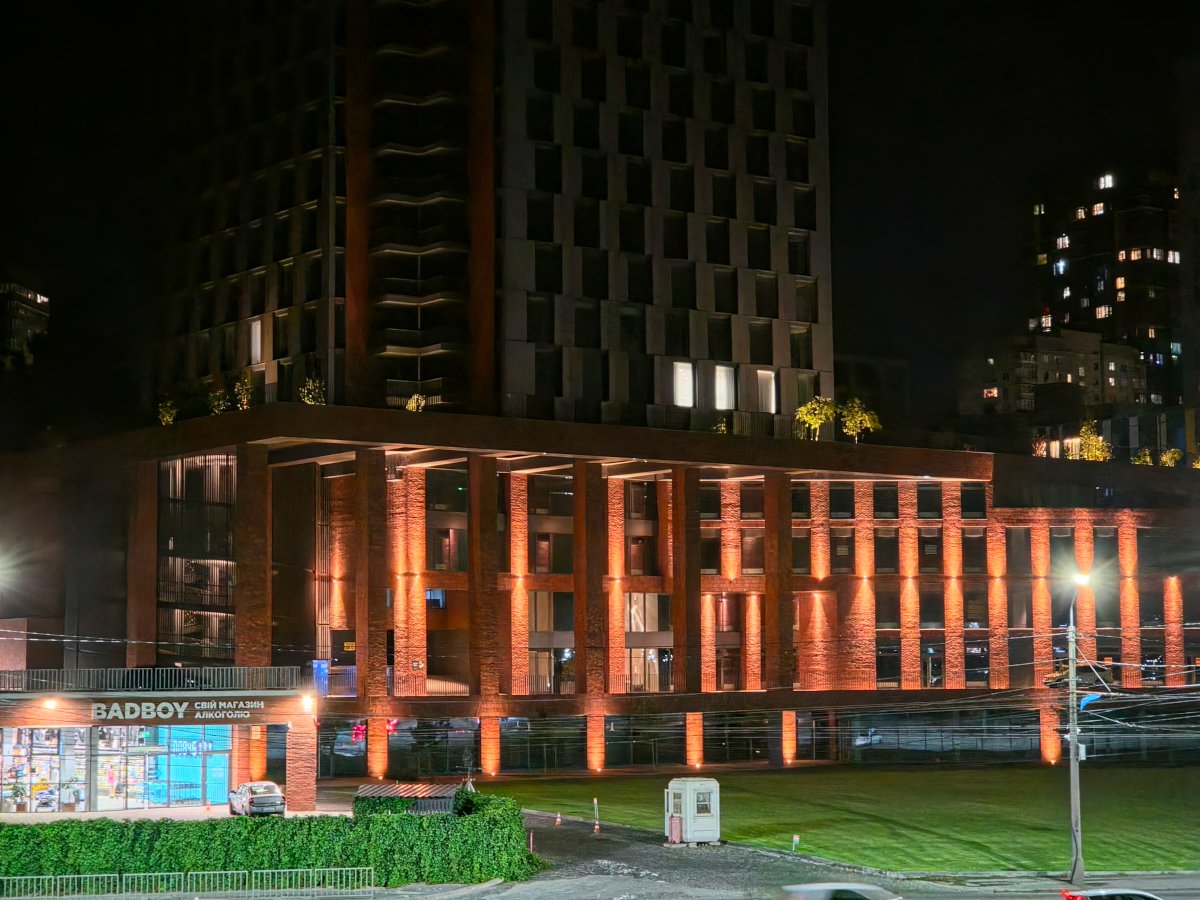






And a few examples using the wide-angle module.
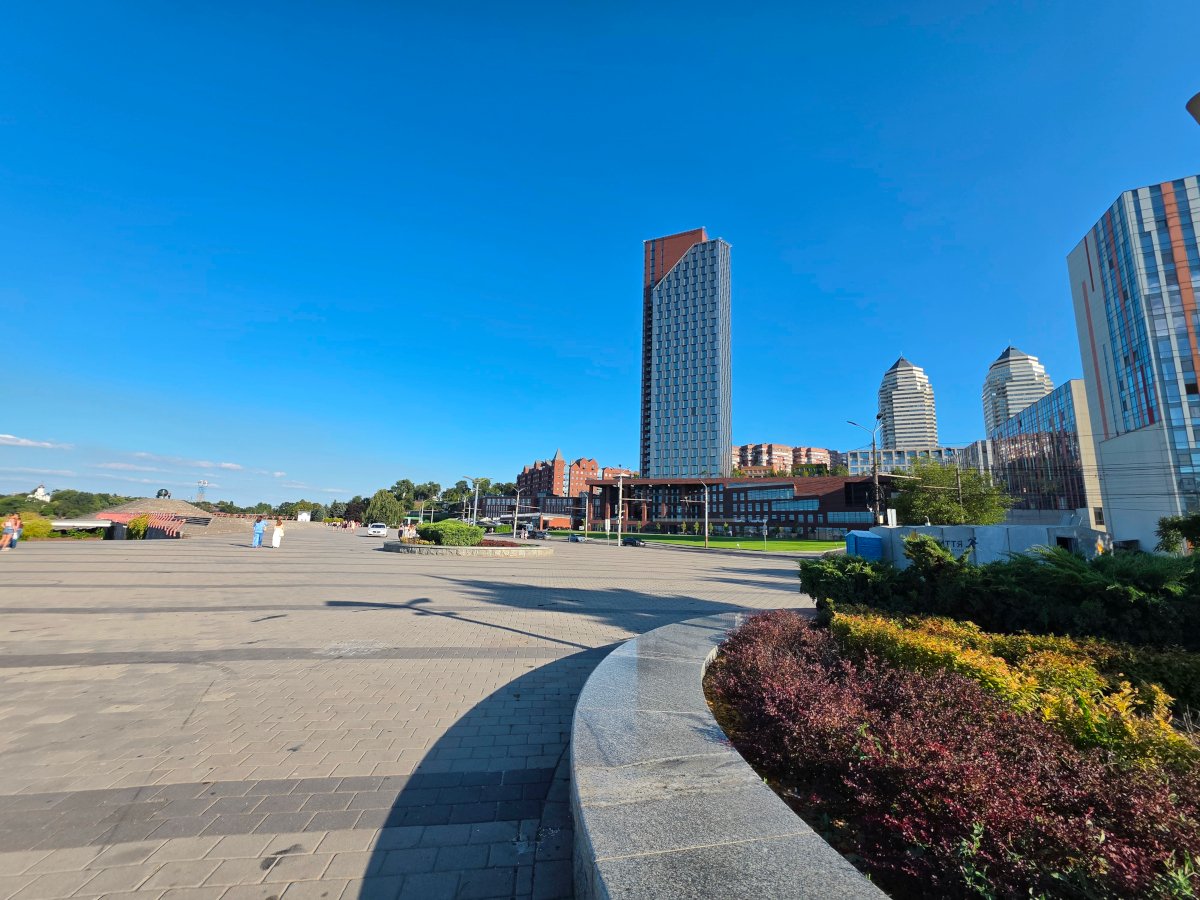
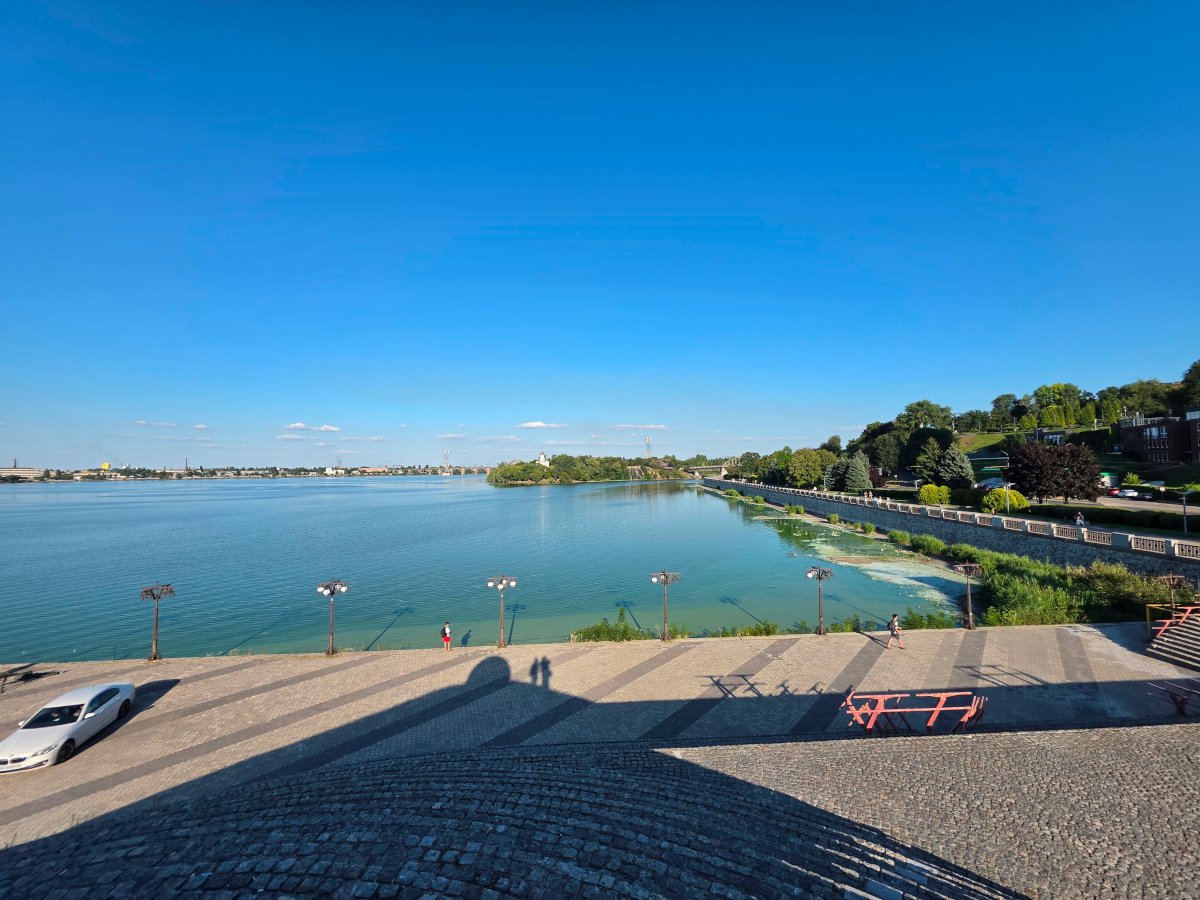
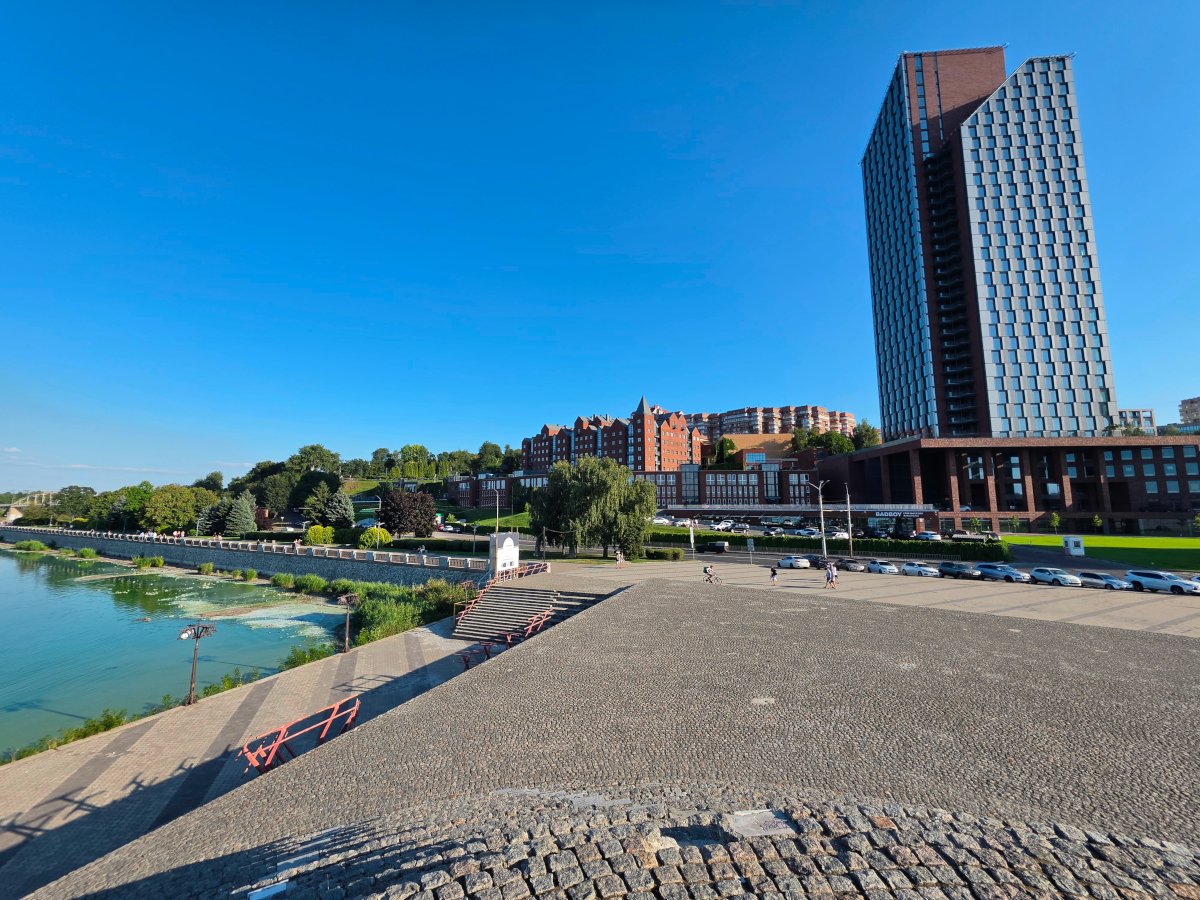


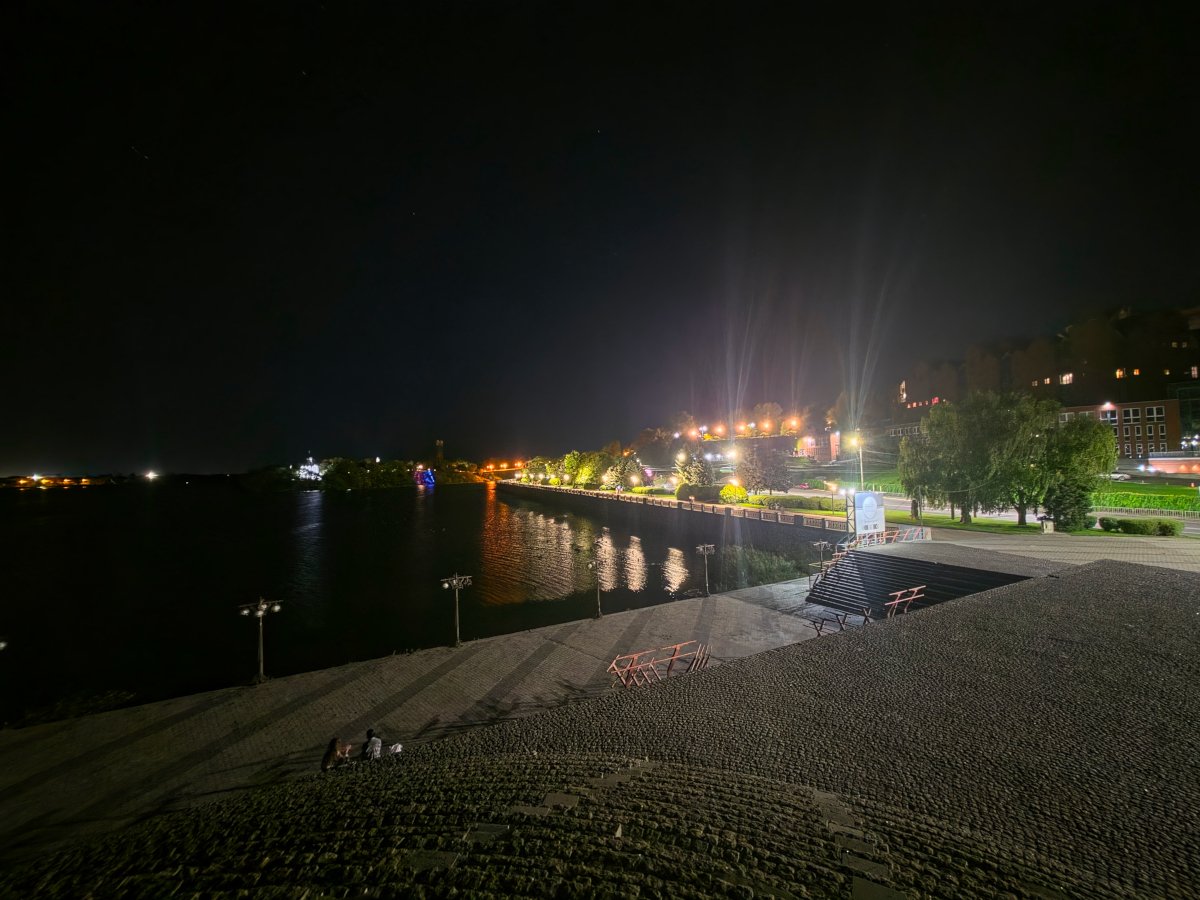

And here’s another short video as an example:
EXAMPLES OF PHOTOS AND VIDEOS IN ORIGINAL QUALITY
There are two front-facing cameras here – one on the outer display and one on the inner display. Both modules are 10 MP with an f/2.2 aperture, while the inner camera has a 100° field of view. They are well suited to quick selfies and video calls, delivering good detail. However, I think most users will opt for the main camera when they want higher-quality photos and videos, and there is a dedicated mode for exactly that. Simply flip the smartphone around to access the rear camera, while the outer display turns into a viewfinder.
Read also: Samsung Galaxy S26 Review: Most Compact Flagship with Minimal Changes
Sound

There are two multimedia speakers here, and both are equally capable, so you get clear sound and decent stereo separation when using the phone horizontally. However, getting the best stereo effect when the device is unfolded takes some getting used to. The optimal option is to rotate the screen 90 degrees to the right after unfolding it, so that the two speakers are positioned at the top, on the left and right, respectively.
If you hold the unfolded Fold8 Ultra in its standard orientation, the speakers will remain at the top and bottom, so you will not get a proper stereo effect. And if the speakers are positioned at the bottom, they can easily be covered by your palms. So, rotating the smartphone to the right is the best way to enjoy pleasant, spacious sound when watching videos or playing games.
Battery life

The Galaxy Fold8 Ultra is equipped with a 5,000 mAh battery, which is 600 mAh more than the previous generation and 200 mAh more than the compact Galaxy Fold8. It also supports Samsung Super Fast Charging at 45 W (although, of course, you will have to purchase a compatible charger separately – it is not included in the box), Qi2 wireless charging at 20 W, and 4.5 W reverse wireless charging for powering smartwatches or TWS earbuds.
Overall, 5,000 mAh is a fairly standard capacity for a modern smartphone and should be enough for a full day of fairly active use. Still, it is impressive that Samsung managed to fit the same capacity into a smartphone that is just 4.1 mm thick when unfolded. The manufacturer claims that 5,000 mAh provides up to 27 hours of video playback, but I was more interested in seeing how it performs specifically when the device is unfolded – that is, with the main display in use. The result turned out to be quite good: the test showed just over 15 hours of active screen time without power-saving mode enabled. I think that is a solid result for an 8-inch device, and it can be extended further by using the available power-saving modes.


User Experience
The flagship foldable Galaxy Fold8 Ultra really does offer a completely different way of interacting with a smartphone. At the same time, you can still use it in the familiar “slab” format, which makes it much easier to adapt to the new form factor if you are used to conventional smartphones.

Typically, the inner display on a Fold is considered the primary one, while the outer display is secondary. However, even after getting used to having a large screen available, I found myself using them the other way around most of the time. For example, when searching for information, chatting in messengers, or even taking photos, I found the outer display more convenient.
I preferred the inner display for what it is actually designed for: working with multiple apps at once, consuming multimedia or text content, and navigating settings. In this mode, you get a “catalog-style” interface, similar to the way Windows Settings is laid out. It is very convenient to have the main menu on the left and the specific options on the right. This makes it much faster and more comfortable to configure the device, especially when you first start using it and are still adapting it to your needs.

However, it took me some time to practice unfolding the smartphone with one smooth, deliberate motion that actually looks effortless. But after just a few days, you can easily use the device in any configuration, quickly flip it into the angle you need, and generally feel much more confident handling it. Overall, my experience with the Galaxy Fold8 Ultra has been quite unusual, but overwhelmingly positive. At first, you train yourself to remember that you have a large display inside and that some things are much more convenient to do on it. Then you switch back to your regular slab phone and, out of habit, find yourself wanting to unfold it so you can read an article, watch a video, or use a proper multi-window setup…

And, of course, we cannot overlook the wow factor this device creates. Walking around the city and unfolding it for different tasks, I noticed the impression, surprise, and excitement it sparked among passersby. I don’t think any conventional slab smartphone can quite have the same effect, even a flagship – whether it is the latest iPhone or a member of the Galaxy S series. So, if you choose the Fold, be prepared for it to attract attention and become – oh, I really don’t like this phrase from somewhere in the 2000s, but it fits here – a genuine status accessory.
Read also: Samsung Galaxy S26 Plus Review: Is It Worth the Price?
Conclusions and Competitors

Without a doubt, the Samsung Galaxy Fold8 Ultra can be called one of the most successful foldables on the market today, even though there are not that many changes compared with the previous generation. Yes, you get flagship-level performance, a wealth of AI features and excellent software that works flawlessly in any configuration, an even more refined design, flagship-grade cameras, fairly impressive battery life, and, of course, two excellent displays, one of which effectively turns the smartphone into an 8-inch tablet.
But there are a few caveats as well. The even thinner body may be less comfortable for some users, the front-facing camera on the inner display can get in the way in certain situations, there is no S Pen support, and the price has increased even further compared with its predecessor. Of course, the Galaxy Fold8 Ultra is not a device for everyone. But if you work with large amounts of information and different types of content (or create it yourself), are looking for a no-compromise performance flagship, or simply want a foldable smartphone that also serves as a statement piece – and your budget is not particularly limited – it is unlikely to disappoint.
However, if you want to save some money, there are alternative options. First, you can take a look at the more compact Galaxy Fold8. It is smaller and does not have a telephoto camera, but otherwise offers virtually everything you get with the “big” Fold8 Ultra.
Second, you can look at the competition. For example, there is the Motorola Razr Fold (you can read its review here). Yes, it has somewhat less powerful hardware and a simpler main camera, and it is also heavier (243 g), but all of its camera modules have the same resolution (50 MP each, while the front-facing cameras are 20 MP and 32 MP). It also has a 6,000 mAh battery and 80 W charging.
And the Honor Magic V5 costs almost a third less. It comes in a 16/512 GB configuration, features a 50 MP + 50 MP + 64 MP camera setup and two 20 MP front-facing cameras, a 5,820 mAh battery, 66 W charging, and an IP59-rated body.
Where to buy Samsung Galaxy Fold8 Ultra