© ROOT-NATION.com - Use of content is permitted with a backlink.
Today, the demands placed on gaming headsets are as high as those for monitors or other peripherals. This is hardly surprising, as a headset is an important tool that influences how a game is perceived and how fully a player can immerse themselves in gameplay. There are many strong manufacturers on the market offering genuinely high-quality headphones, but models from Razer tend to be especially popular. Each new release from the brand attracts significant attention within the gaming community, and Razer BlackShark V3 is no exception. The new model has already generated considerable discussion and, based on early impressions, appears set to continue the popularity of its predecessors. Whether it lives up to the claims will be covered in this review. Let’s begin.
Read also: All reviews of gaming headphones and headsets

TABLE OF CONTENTS:
Razer Blackshark V3 Specifications
- Type: full-size on-ear
- Dimensions: 23.5×19.0×11.5 cm
- Weight: 270 g
- Frequency response: 12–28,000 Hz
- Impedance: 32 Ω
- Microphone: unidirectional, detachable
- Microphone frequency range: 60–16,000 Hz
- Microphone sensitivity: 42 dB
- Connection type: combo jack
- Bluetooth version: 5.3
- Wireless range: up to 10 m
- Battery life: up to 70 hours
- Compatibility: PC, smartphone.

Market positioning and pricing
Razer BlackShark V3 is not positioned as a budget gaming headset. It occupies a segment between mid-range and flagship-class devices, targeting users who expect a higher level of build quality and functionality than entry-level models typically offer. At the time of writing, the headset is available in the $170–210 price range.
Read also:
- How to assemble a relatively low-cost eye-tracking setup for Truck Simulator and similar applications
- Review of HATOR Darkside 3 Pro Fabric Gaming Chair: Perfect Balance of Price and Quality… and Cat Approves
In this segment, competition is strong and comes from multiple established manufacturers, including Logitech, SteelSeries, and HyperX, among others. As a result, Razer BlackShark V3 has to compete not only with earlier generations within Razer’s own lineup, but also with well-established alternatives from other major brands, all of which offer similarly positioned gaming headsets aimed at the same target audience.
Where to buy Razer BlackShark V3
Package contents
If you have previously owned a Razer headset, you will likely notice the manufacturer’s consistent effort to create a strong first impression through packaging design. The headset arrives in a branded box with the recognizable black-and-green color scheme. It functions as a kind of visual signature of the brand – one that is hard to confuse with products from other manufacturers.
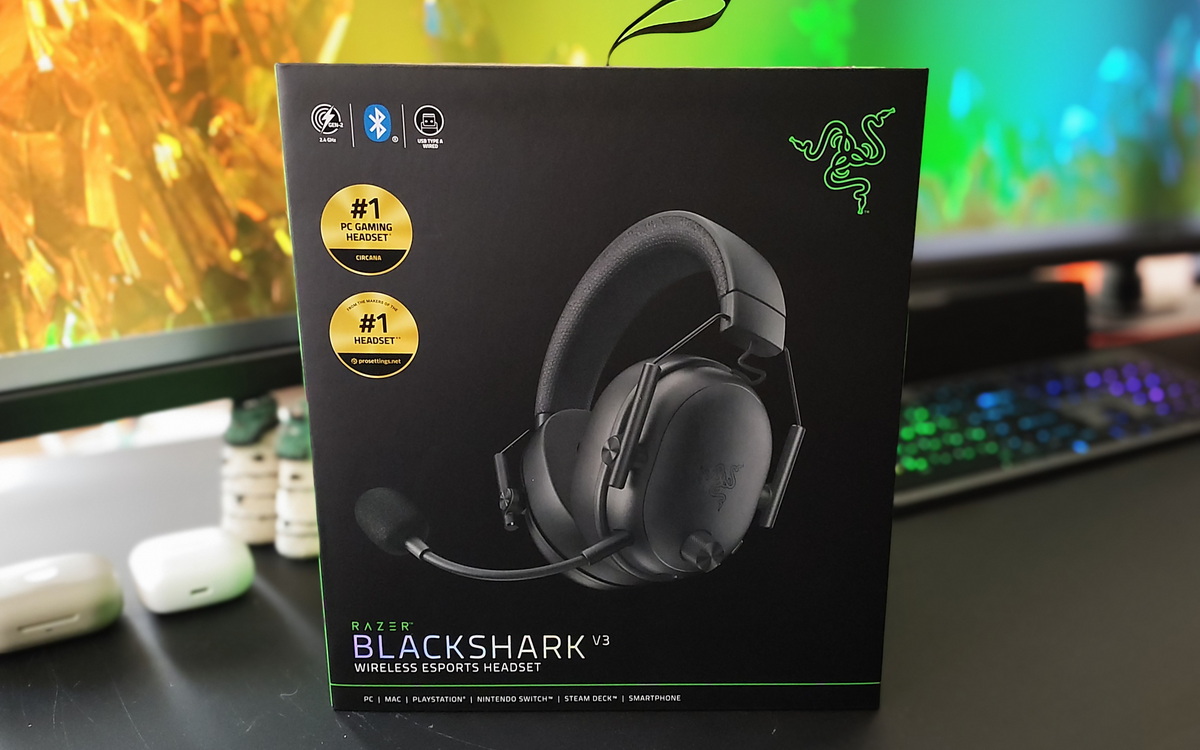
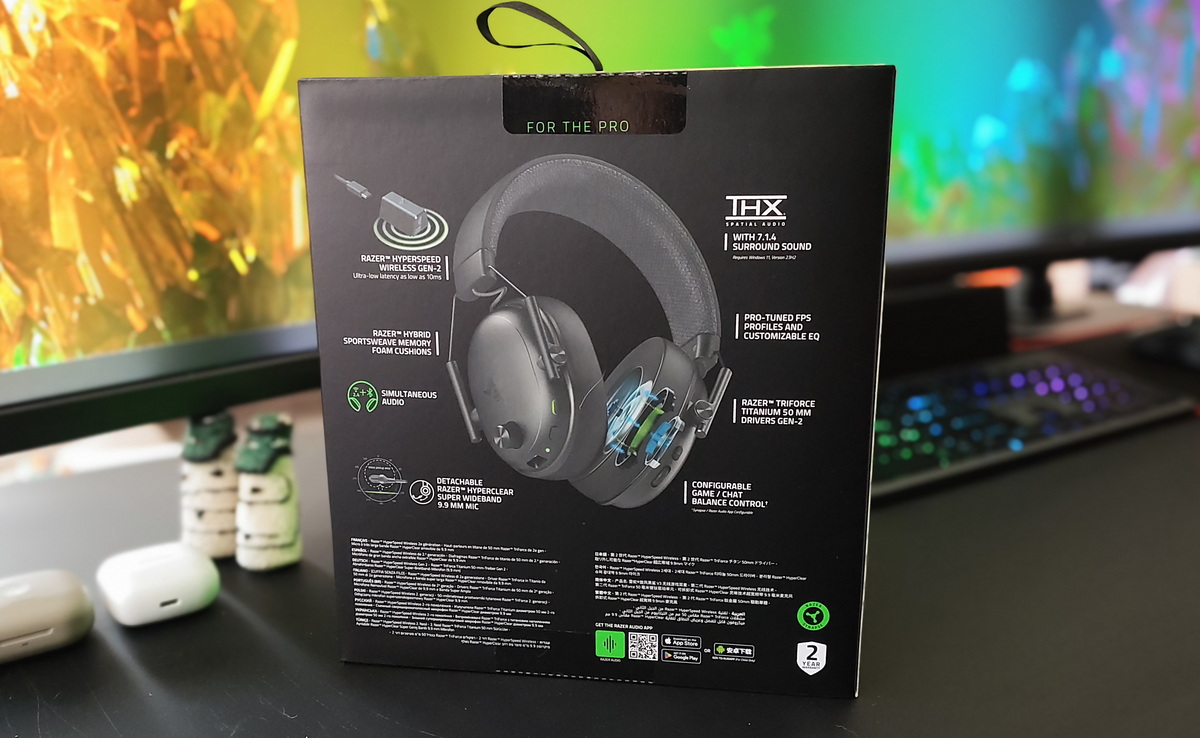
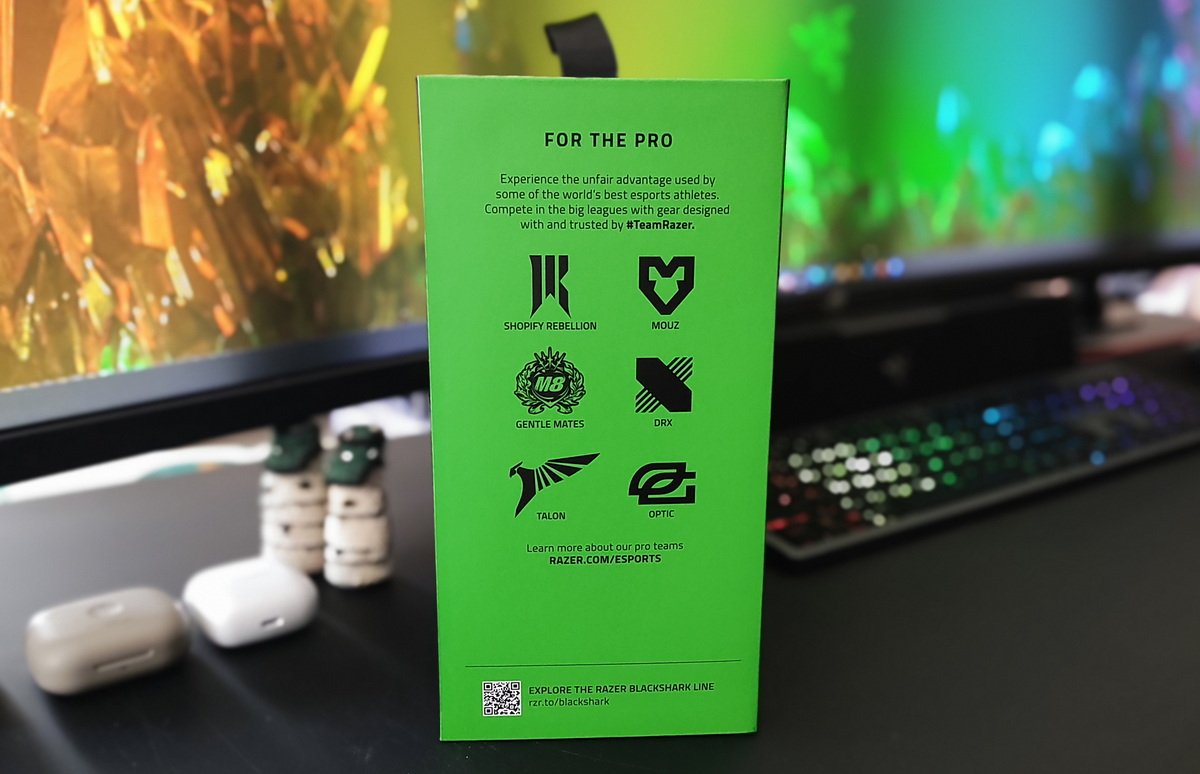
Inside the box:
- the headset itself
- a detachable microphone
- a USB-A to USB-C cable for charging and wired connection
- a wireless USB adapter (dongle)
- a warranty card, stickers (as expected), and a user manual


Basic specification, nothing superfluous.
Design of the Razer BlackShark V3 headphones
Razer BlackShark V3 will likely appeal to users who prefer classic, minimalist, and restrained design. The headset does not try to emphasize its gaming identity through visual elements (there is no bright RGB lighting, aggressive futuristic lines, etc.). Instead, it features a black, clean, and understated aesthetic. Overall, it is a fairly neutral-looking headset, which may be a practical choice for users who prefer less visually “gaming-oriented” hardware.

The headset features relatively large, oval-shaped earcups made of matte plastic with a minimal number of decorative elements. The coating does not attract fingerprints or dirt easily, which helps the headset maintain a clean appearance over time.


On the left earcup, there is a volume control wheel, a power switch (which also functions as a play/pause button), and a microphone mute button. On the right earcup, there is a separate control wheel for balancing chat, game audio, or even in-game footsteps (a notable feature I had not encountered before). Next to it is a button for switching sound presets and connection modes.

The ear cushions are very comfortable, made of soft memory foam material. The sides are covered with synthetic leather, while the areas that come into direct contact with the head use velvet fabric inserts. This is a particularly well-considered design choice. No matter how durable synthetic leather is, it tends to crack and degrade over time in high-contact areas. The fabric inserts help extend the lifespan of the ear cushions and also prevent the unpleasant sticky feeling that can occur when the skin around the ears gets warm or sweaty.


The earcup mounting mechanism is well made. All adjustments are smooth and continuous, without fixed step positions, which allows for a more precise and comfortable fit on the head.


The headband is covered on the outside with synthetic leather, featuring an embossed Razer logo. Inside, there is a soft foam padding layer covered with breathable fabric, which improves overall comfort during extended use of the headset.
Read also:
- Razer Joro Review: Ultra-Compact Gaming Keyboard
- Canyon HKB-W11 Wireless Keyboard Review: Worth a Closer Look
Ergonomics
I will state this upfront: comfort is one of the strengths of Razer BlackShark V3. After several hours of use, the headset does not cause noticeable fatigue. I do not make such statements lightly, as I have tested a wide range of models. For example, I am not able to wear Marshall Major for extended periods. The BlackShark V3 is lightweight (270 g) and comfortable, making it suitable for long gaming sessions without a strong urge to take the headset off and take breaks.

The earcups are relatively large and slightly shallow, but they still sit well on the head and do not create excessive pressure. The control buttons on the earcups are well positioned. After a day of use, you become accustomed to their layout to the point where you can find each control instinctively without looking. Even if I tried, it would be difficult to find any real drawbacks here. From an ergonomics standpoint, I would rate these headphones a solid 10/10.
Connectivity
Razer BlackShark V3 supports three connection modes: Bluetooth, USB, and Razer’s proprietary HyperSpeed Wireless Gen-2 technology. The latter is designed to provide lower latency and a more stable connection during gaming sessions. In fast-paced shooters, the difference between a standard Bluetooth connection and a dedicated low-latency wireless mode is noticeable, particularly in terms of responsiveness and consistency of audio timing.
Read also:
- A Look at JSAUX Accessories for Switch 2
- JSAUX accessories for portable consoles review, part 2: Backpack, docking station with M.2 SSD and adapters
Sound quality of Razer BlackShark V3
The headset uses 50 mm Razer TriForce Titanium Gen-2 drivers with a titanium coating and a frequency response range of 12 Hz–28 kHz. Sound detail is generally solid. The headset does not try to emphasize bass excessively; instead, the tuning feels relatively balanced and controlled.
It also includes THX Spatial Audio, which is intended to provide a more layered and three-dimensional soundstage. In practice, this is particularly noticeable in shooters, where the headset handles positional cues effectively – footsteps, reload sounds, and directional audio sources are easier to distinguish. For competitive gaming, this is a meaningful advantage.
When it comes to music playback, Razer BlackShark V3 also performs unexpectedly well. The bass is dense but not overpowering. Midrange frequencies sound clean and well-defined, while the high end remains fairly detailed without harshness. The equalizer also allows for further sound tuning depending on user preferences, which will be discussed later in the review.
At the same time, it is worth noting a common user approach on PC: some users install Dolby Access for Windows and mobile devices and select music-oriented profiles such as “Music → Balanced” or “Detailed,” then enable spatial audio (for example, “Dolby Atmos for Headphones”) in system sound settings while disabling built-in headset sound profiles. This is a configuration preference rather than a requirement, but it is sometimes used to achieve a more consistent spatial processing setup across different headsets.

Microphone
I have noticed a clear trend: the quality of microphones in gaming headsets has improved significantly in recent years. Razer BlackShark V3 is no exception. This model features a detachable next-generation HyperClear Super Wideband microphone. It covers a wider frequency range and is designed to deliver higher-fidelity voice capture. In practice, the voice sounds noticeably cleaner and more natural compared to many competing headsets in the same price segment.

An additional advantage is effective suppression of background noise and the flexibility of the microphone itself. Yes, you can adjust its angle to suit your needs or remove it entirely so it does not get in the way when it is not in use.
Read also:
- Everything You Need to Know Before Installing Solar Panels: A Look Into the World of Energy Generation and Storage Systems
- Maxxter YG5-3.5KW Backup Power System Review
Software
The headset is configured using Razer Audio, the manufacturer’s proprietary software:





You get access to an equalizer, spatial audio settings, microphone control, and other parameters.
The software also displays connection status, allows notification customization, and includes a power-saving mode.


The equalizer can be used to adjust the sound for different headset usage scenarios. There are also pre-configured presets (including gaming profiles), which can be used without manual tuning of individual sliders. This section also includes spatial audio settings, allowing users to take full advantage of the headset’s audio capabilities.

It’s not just about sound, as the saying goes. There is a wide range of separate microphone settings, which is a clear advantage. These include volume control, voice enhancement features, and related adjustments. You can also fully customize the on-headset control buttons. This allows users to assign the required functions and fine-tune the headset’s behavior for more convenient everyday use.

Overall, the interface is intuitive, and even beginners will be able to understand the software right away. There should be no issues in this regard.
Read also:
- HATOR Darkside 2 Pro Gaming Chair Review
- Lenovo Legion Go 2 Review: More Powerful, More Comfortable, and Finally Featuring OLED
Battery life
The manufacturer claims up to 70 hours of battery life for Razer BlackShark V3. This figure is typically based on basic (or even minimal) settings. In practice, real-world battery life depends heavily on volume level, connection mode, and enabled features. With that in mind, in my usage scenario, the headset lasted several days of active use on a single charge.
Conclusions
To conclude, I can say one thing: Razer BlackShark V3 pleasantly surprised me.

First, the restrained design immediately stood out. I generally prefer a classic aesthetic, and that preference is unlikely to change.Second, the comfortable fit, solid sound and microphone quality, battery life, and flexible customization options may seem like basic requirements, but not every headset manages to deliver them consistently. In Razer BlackShark V3, these aspects are implemented at a fairly high level.
The only drawback I would point out is the somewhat high price, although in this case it is largely justified. Overall, the headset leaves a very positive impression. If you are looking for a capable gaming headset, it is worth considering the Razer BlackShark V3 Wireless.
Also, for music listening I use wired planar Kiwi Ears x Z-Reviews Serene headphones Kiwi Ears x Z-Reviews Serene. During the process of writing this review, I noticed that I started using them noticeably less. The slightly better sound quality of the Serene is largely offset, in my case, by the inconvenience of the cable. When there are children moving around, extra wires quickly become a practical limitation rather than a minor detail. In other words, the Razer BlackShark V3 is more than sufficient for music in my day-to-day use at the PC. As a result, they have effectively replaced my previous setup on the ROG Throne.
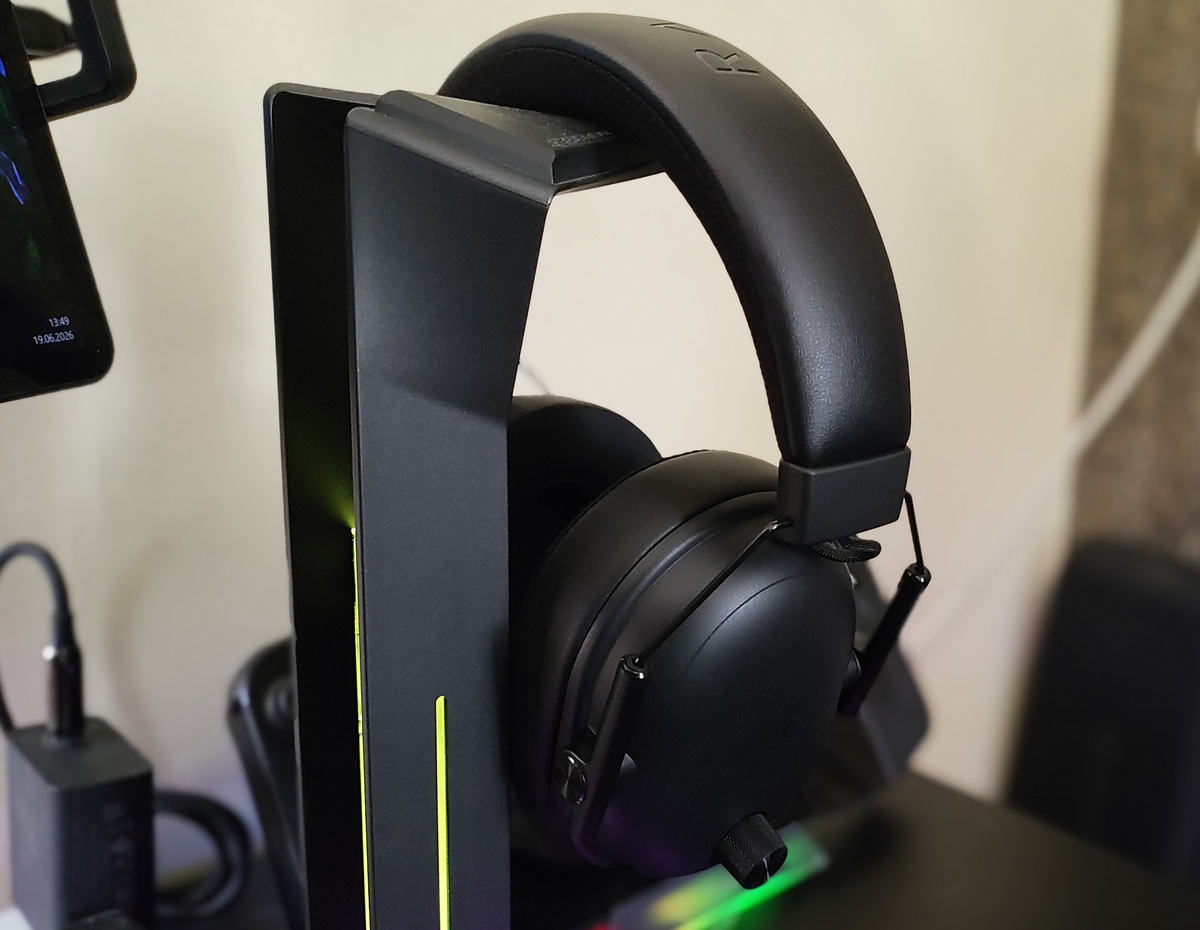
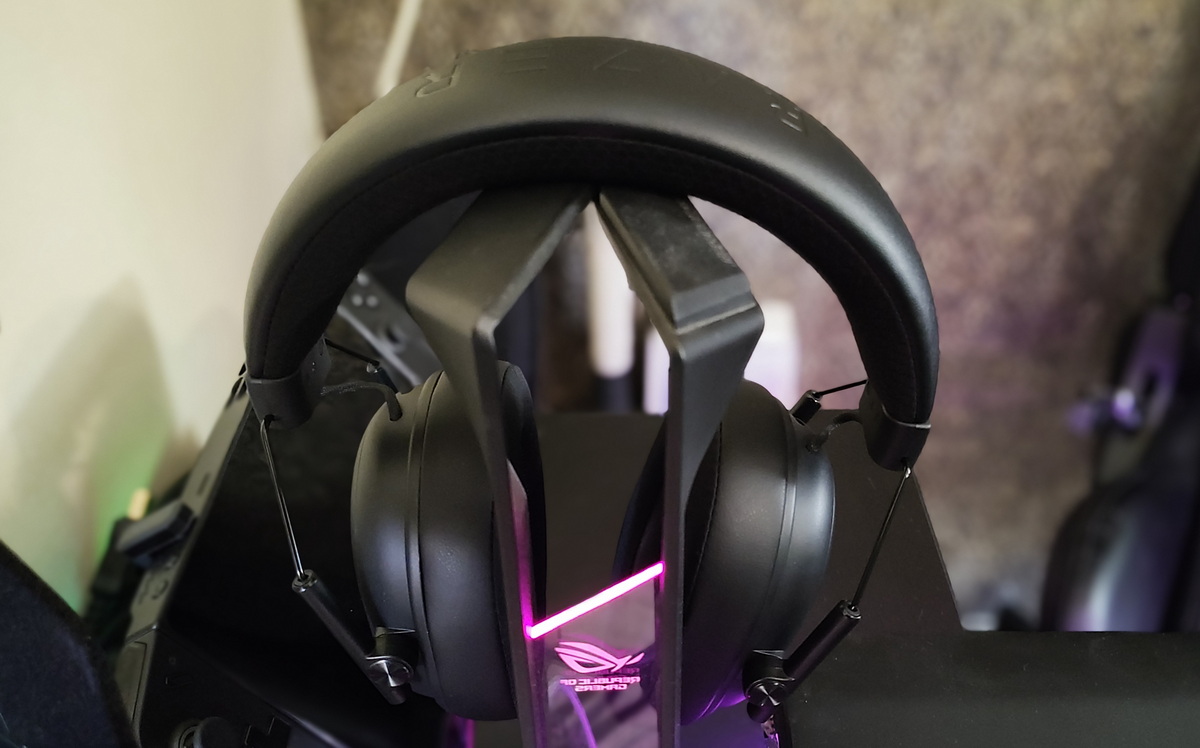
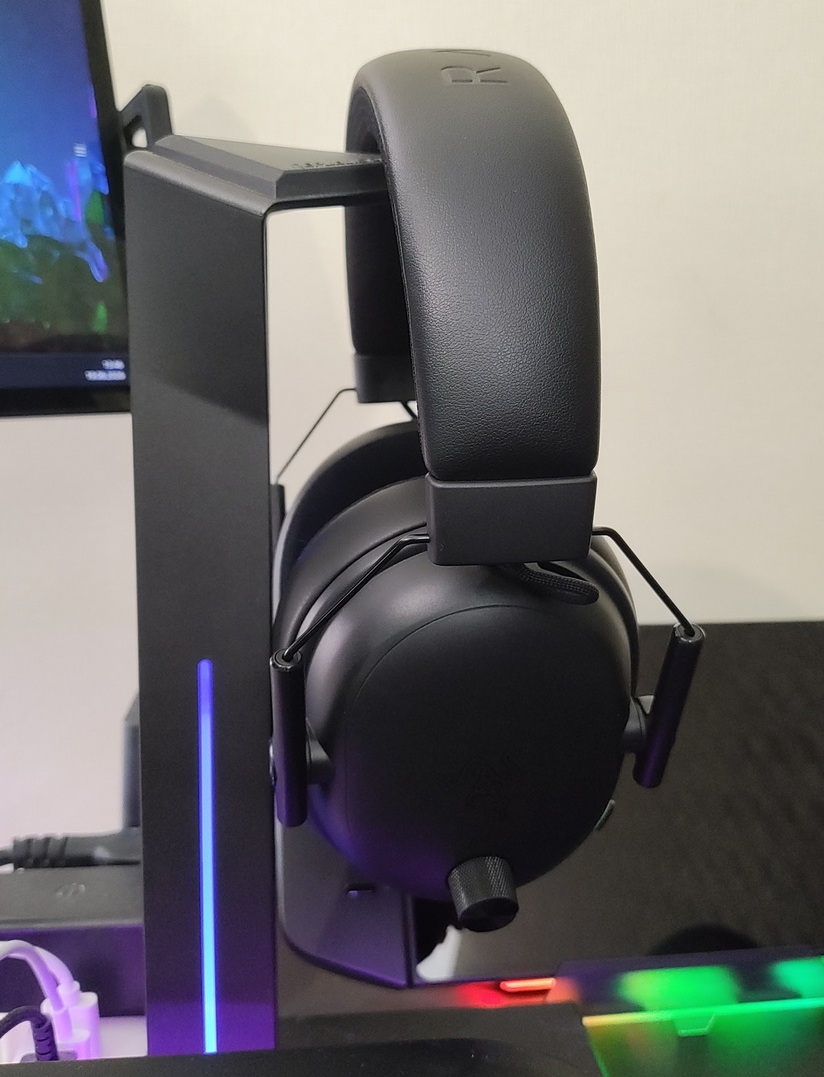
And when I want something more immersive, I move my chair/sofa, settle into a semi-reclined position, turn on the player… and at that point, headphones are no longer needed.

Read also:
- Top 10 Mechanical Gaming Keyboards
- Your router is not only for Wi-Fi – here’s what else it can do
- Everything About NVIDIA RTX Spark: The Superchip Redefining Personal Computing
- Weapons of Ukraine’s Victory: “Vyrivniuvach” Guided Glide Bomb
Where to buy the Razer BlackShark V3
Where to buy Razer BlackShark V3