




© ROOT-NATION.com - Use of content is permitted with a backlink.
The answer to which is better is straightforward – it depends on the situation. If your game doesn’t support DLSS 4, then it doesn’t really matter whether DLSS is technically better than FSR. If your graphics card only supports Intel XeSS, then choosing between that and FSR is also a non-issue. To simplify: if both your game and GPU support DLSS 4 – for example, with an ASUS TUF RTX 5080 16GB OC – then DLSS is the preferable option. If DLSS isn’t available, FSR is a solid choice, such as with the ASUS TUF RX 9070 XT OC. It’s worth noting that DLSS no longer overwhelmingly outperforms FSR as it did with earlier generations. Intel XeSS is also a decent option, though it tends to be less stable.
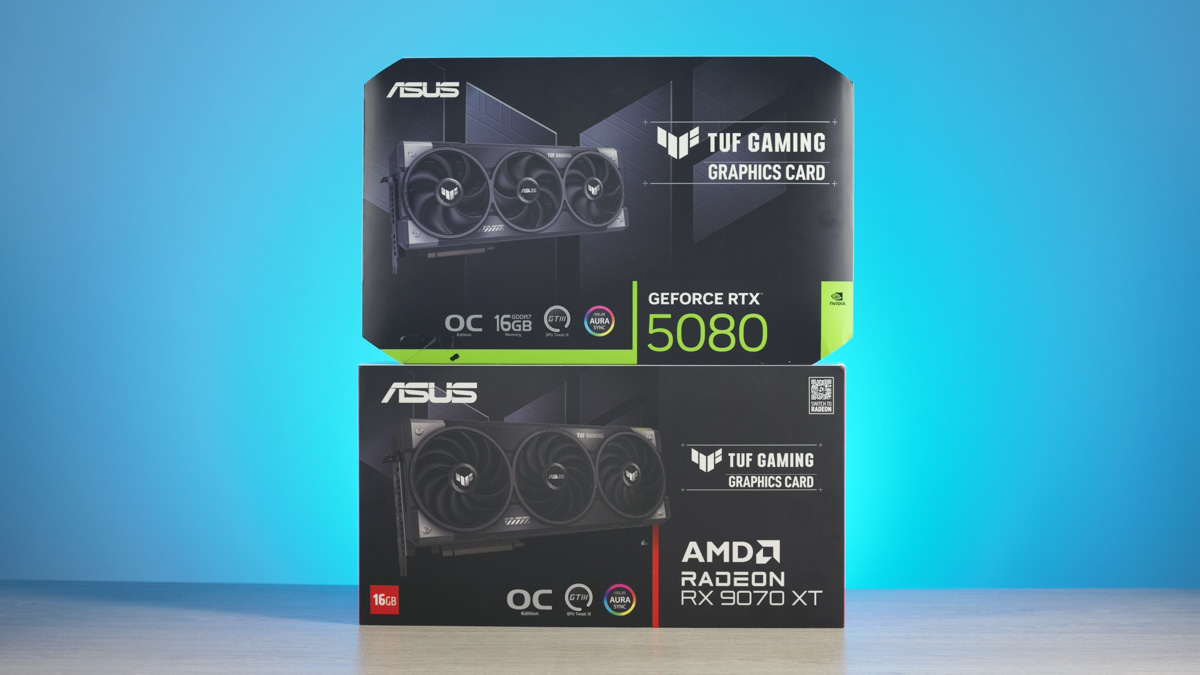
TABLE OF CONTENTS:
DLSS vs FSR Video
Quality
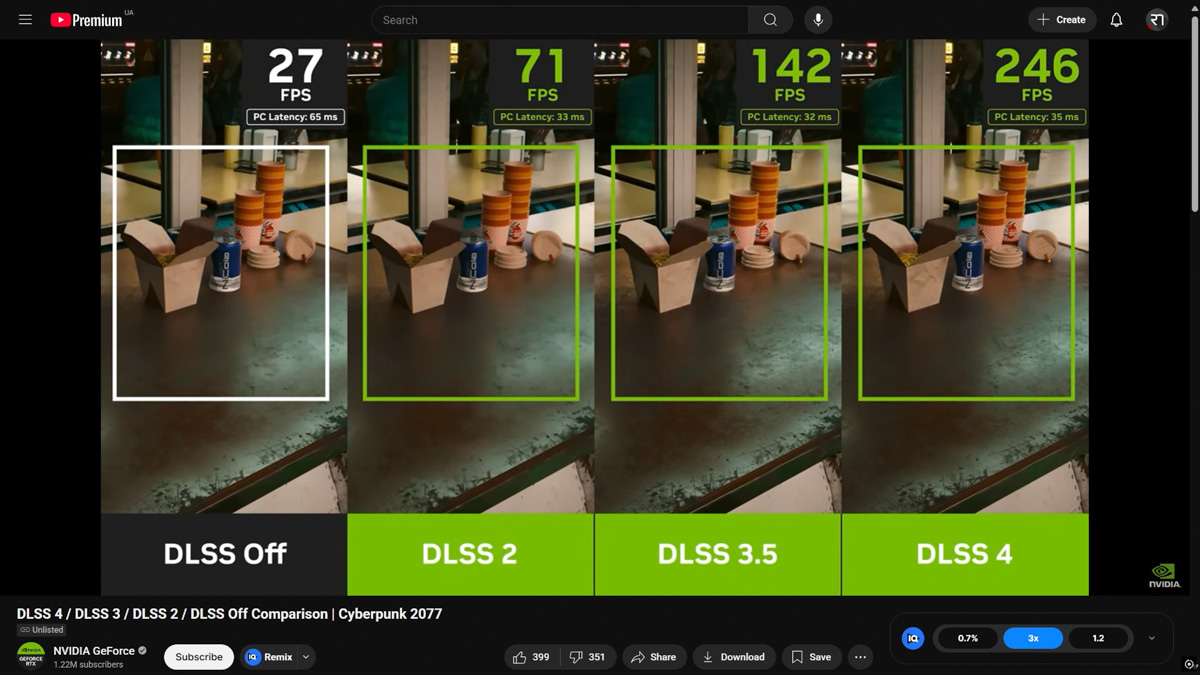
Fortunately, by the time we’ve reached essentially the fourth iteration of AI-powered frame generation methods, their quality is very similar. So much so that you probably wouldn’t be able to tell the difference between three images if I removed the labels. And if you can, then this article is NOT for you.
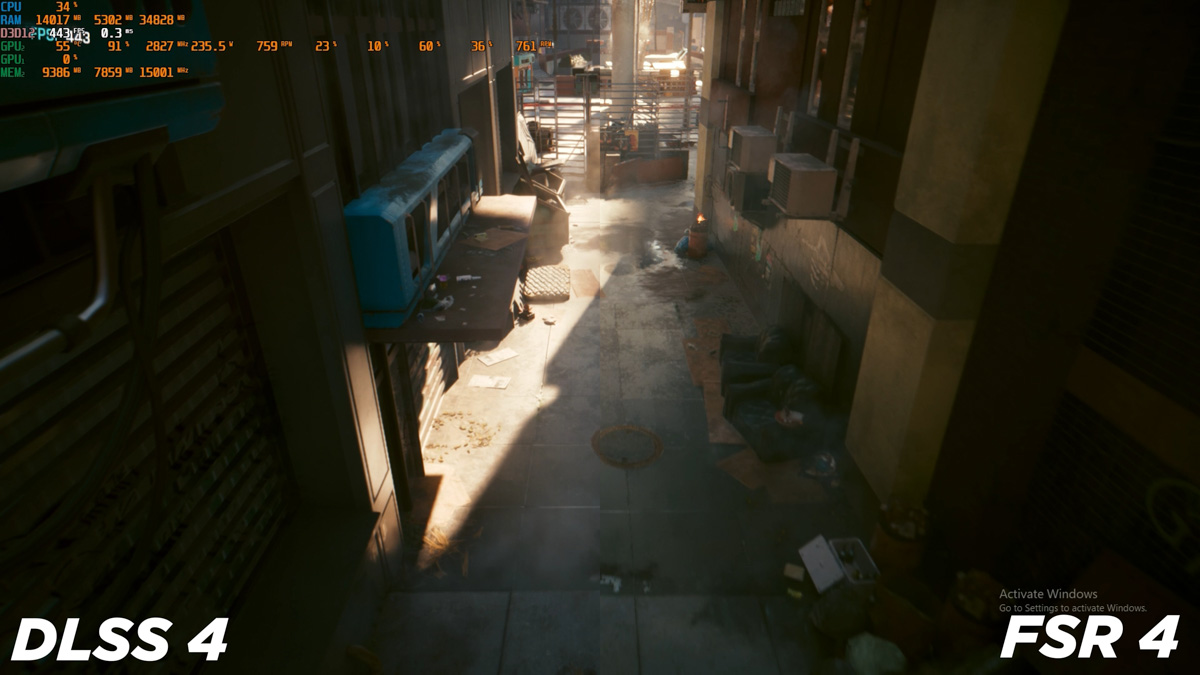
But okay. If the verdict is in, the winners have been announced, and the audience is already full of popcorn and ready for a bathroom break – why is the video still running? And why does it have so much left? It’s because there are two ways to look at DLSS, FSR, and XeSS.
Approaches to technology
You’re either a casual gamer – like me, since I’m not an esports pro and just relax with games on the 16-inch ASUS laptop screen between work sessions – or you’re the complete opposite. A picky, demanding aesthete who, for various reasons, is either fundamentally against AI-generated frames, hates artifacts, or is simply a fanboy frustrated that a game supports DLSS but not FSR, even though FSR is just as good.
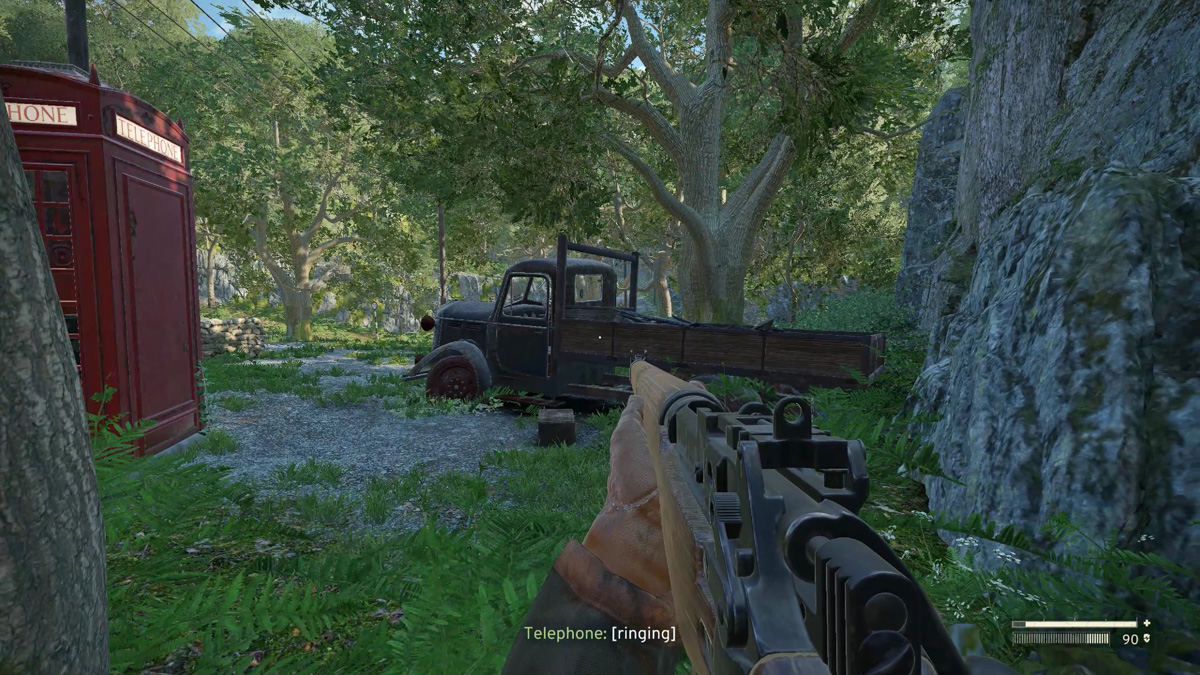
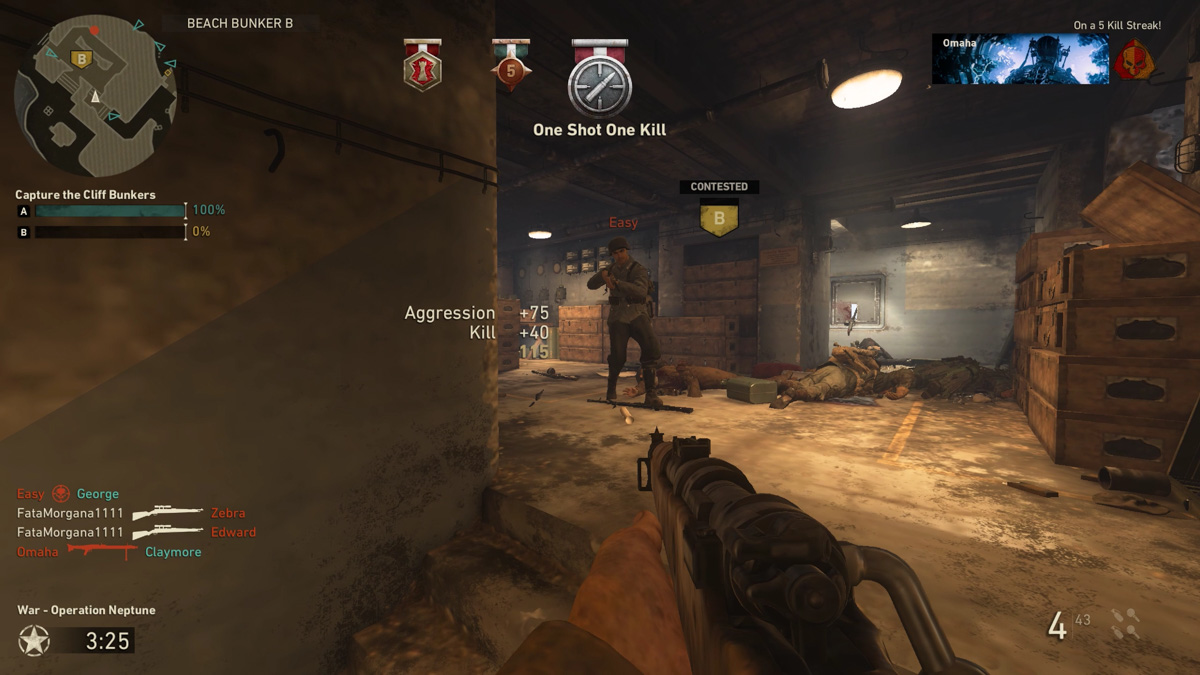
If you’re a casual gamer, you simply turn on frame generation and the game feels smoother. You don’t really think about how much. Artifacts don’t bother you. When I play Call of Duty, do you think I care about minor motion blur or slight mesh distortion in the background? No – what matters to me is the FPS.
Of course, there are limits. For example, in S.T.A.L.K.E.R. 2, improperly configured DLSS can make optical scopes nearly unusable. But generally, casual gamers are casual gamers – no offense meant, just a different play style. I’m a casual myself. At this point, whether you have an ASUS TUF RTX 5080 16GB OC or an ASUS RX 9070 XT, you’re just sitting back, enjoying the game, and playing.
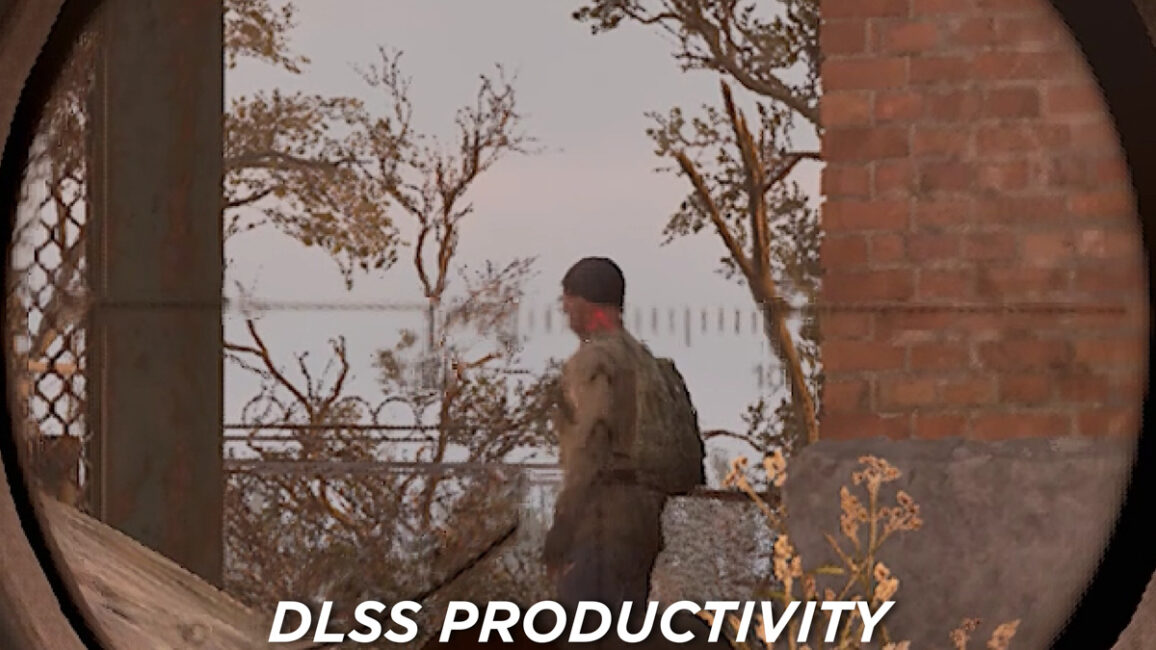
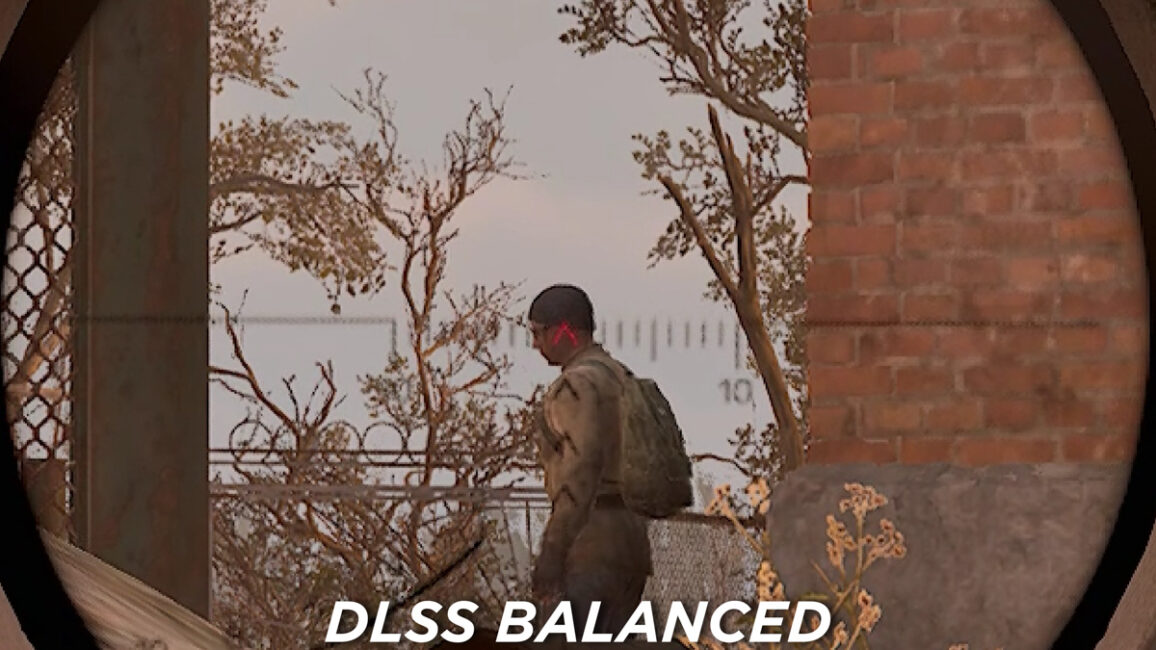
If you’re not a casual player – maybe even a hardcore purist – you pay attention to where DLSS falls short, where its flaws and hidden issues lie. And it’s not just DLSS… For example, Intel XeSS is far less widespread than its counterparts, mainly because Intel has less training data, fewer graphics cards in use, and less stable drivers. That said, these drivers are now significantly more stable than before and are approaching an ideal state, plus the new budget GPUs are surprisingly capable. Still, XeSS has its weaknesses.
But don’t forget to mention in the comments that older versions of FSR also work on Intel GPUs – so I can reply there that hardware-accelerated versions are almost always more stable and perform better than software-based ones.
Input delay
If you think I’m done talking about DLSS and FSR, think again. We still need to discuss input lag. For those who aren’t familiar, input lag is the delay between pressing a button and the character in the game responding. The longer that time, the greater the input lag.

The issue with frame generators is that while they increase FPS, they also tend to worsen input lag. This is actually more obvious than you might think. The system needs time to render each new frame and to respond to fresh input from the mouse, keyboard, or gamepad.

In other words, to display 60 FPS, your setup needs to show a new image every 16 milliseconds. Exactly how quickly that image responds to a mouse click is uncertain – it depends on the mouse itself, the system, the monitor, the game, and even the USB quality. Plus, even if the input happens in an unrealistically fast 1 millisecond, the system still can’t react any sooner than 16 milliseconds after the previous frame.

This topic is actually quite deep and complex. The key point is that the better the game’s response timing to your input, the smoother the gameplay feels – not just looks. And the opposite is true as well. Now, DLSS, FSR, and XeSS don’t just fail to reduce input lag – they actually add to it. That’s because they need time to insert synthetic frames between the rendered ones. This extra processing time is known as overhead.
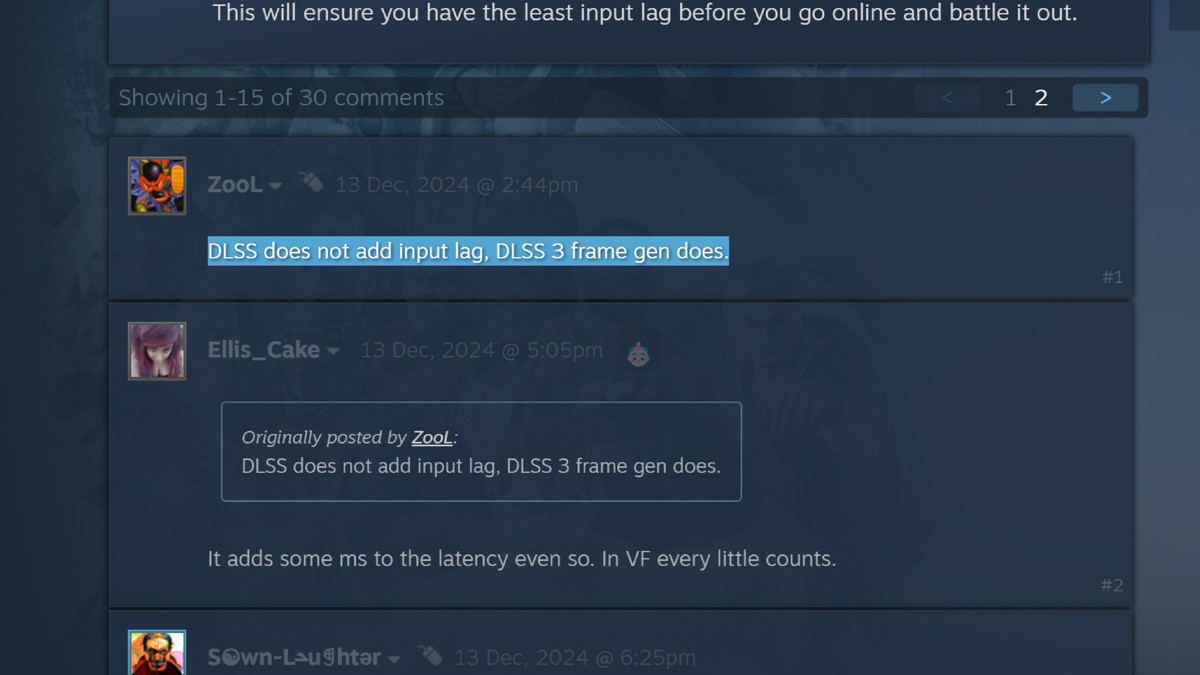
BUT here’s a question: how important is having the absolute lowest input lag if your physical reaction time can’t keep up? Even with FPS, the higher it gets, the harder it is to notice the difference. The jump from 60 to 165 FPS is huge, but between 165 and 240 FPS, the difference is almost negligible.
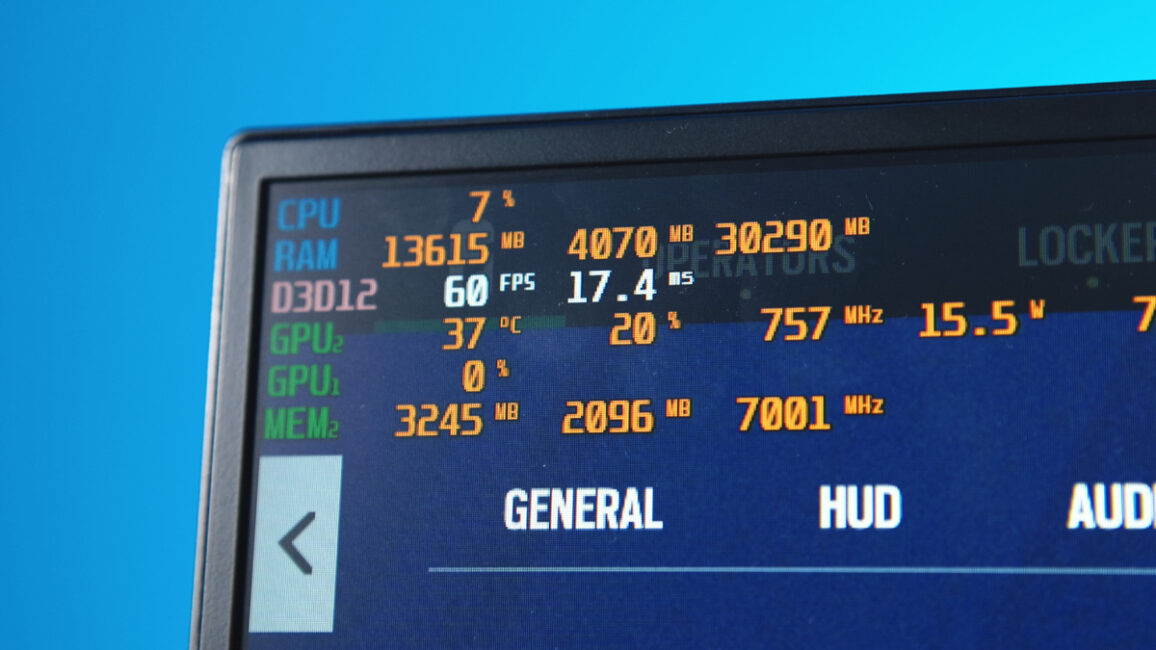
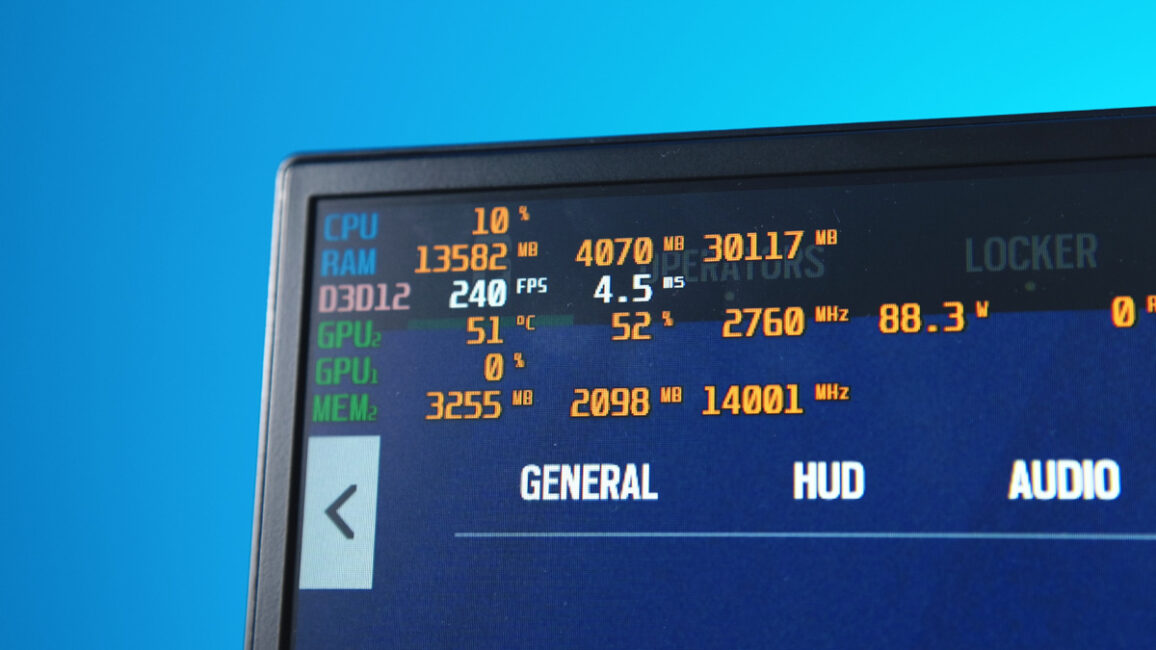
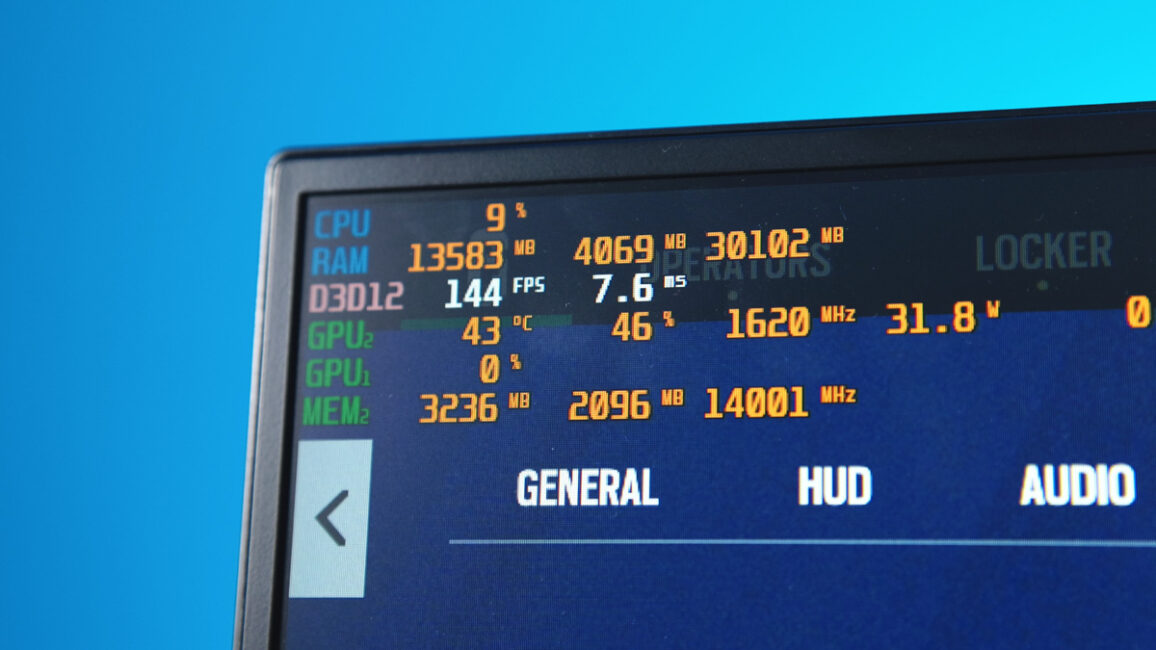
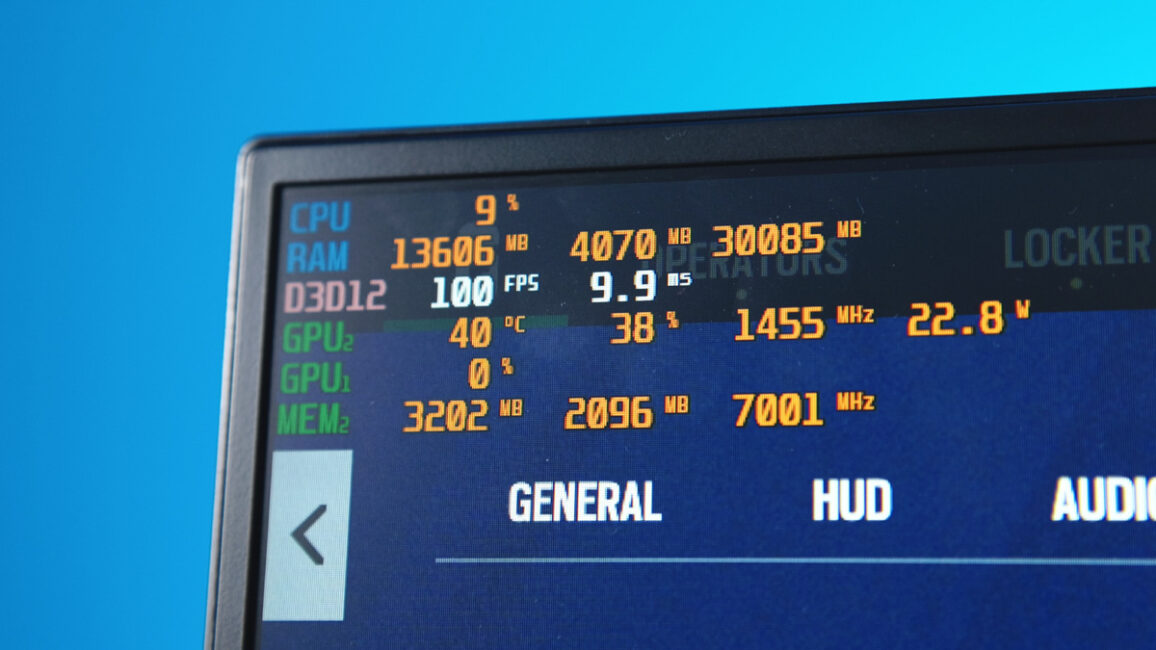
Input lag can behave similarly. Just as it’s frustrating to play a game with fewer than 30 frames per second or with stutters and drops, too much or unstable input lag can kill the experience. But beyond a certain point, input lag becomes almost unnoticeable, and drops in input lag are much harder to detect than drops in FPS.
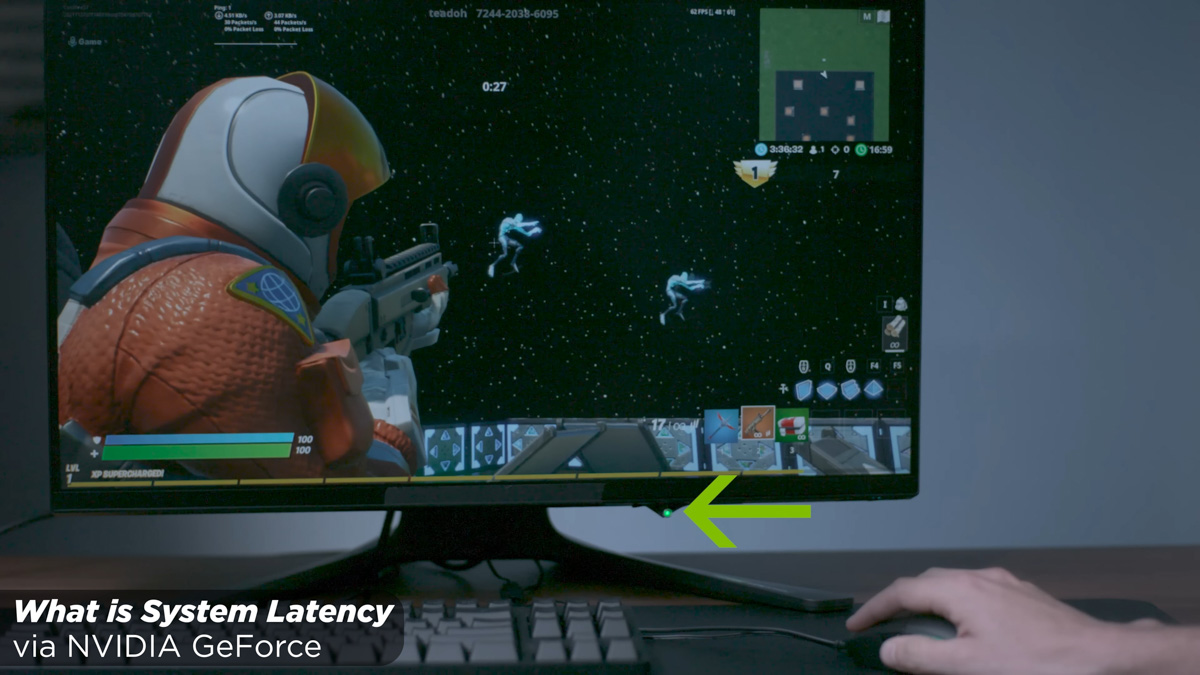
In practice, even if DLSS increases input lag, that increase may be far less noticeable than the improvement in FPS. In other words, a small, barely noticeable downside might be outweighed by a significant upside since higher frame rates are easier for the eyes to track. Additionally, DLSS’s impact on input lag is partially offset by NVIDIA Reflex, and for FSR – take S.T.A.L.K.E.R. 2 as an example – there are mods that optimize this issue. And they actually work.
Conclusions
Now, what I haven’t covered in this piece are the specifics and potential pitfalls of these technologies as implemented in the ASUS TUF RTX 5080 16GB OC and ASUS TUF RX 9070 XT OC. I also didn’t talk about the additional hardware frame generators included with DLSS 4 and FSR 4, or how frame generation affects video memory usage and overall system power consumption. If you’re interested in these details, leave a comment below – and if there’s enough interest, I’ll put together a second part.
I can also share which technology I personally root for. I’m backing Intel XeSS because I want Intel to capture a larger share of the graphics card market and become a true competitor to AMD and NVIDIA. More competition is always better for users. But feel free to share your own preferences – don’t hesitate to speak up.
Read also:
- ChatGPT Destroys the Competition: Era of Super Apps Has Arrived
- Gabe Newell’s Starfish Neuroscience Сhallenges Neuralink
- Everything About New Android 16: Changes, Improvements, and More Gemini Integration

